


Dash cams are becoming increasingly popular – and can certainly be helpful in borderline legal situations. 70mai has been around since 2016 and is accordingly experienced in the field, bringing more and more technology to its cameras. This is also the case with the new edition of the 70mai Dash Cam 4K Omni from this test, which in this new edition no longer relies on integrated memory but on microSD cards. In addition to the rotatable front camera, there is also a simpler rear camera and a number of optional accessories are available. In the 70mai Dash Cam 4K Omni test, we check what this camera set can do and how easy it is to use in everyday life.
Specifications
| Front sensor | Sony Starvis 2 IMX678, 3840 x 2160, 1/1.8″ |
| Rear sensor | Sony Starvis 2 IMX662, 1920 x 1080, 1/2.8″ |
| Front lens | Aperture 1.7, viewing angle 146° |
| Rear lens | 130° angle of view |
| Memory | MicroSD |
| Rotatability | 360° |
| Cable length | 3.5 m for front camera, 6 m for rear camera |
| GPS | yes, documentation of position and speed |
| price | € 359.99 * |
Legal information on the use of dash cams
- For data protection reasons, dash cams may only record for a limited time
- Dash cam recordings are permitted in the event of an accident
- Very different regulations must be observed in different countries
First of all: If you want to use dash cams, you should know what the legal situation is in this area. For a long time, this was quite complicated in Germany, but since the landmark ruling by the Federal Court of Justice (BGH) on May 15, 2018(case no. VI ZR 233/17), the legal situation for dash cams in Germany has become clearer. The permanent, unprovoked recording of traffic events remains a violation of the General Data Protection Regulation (GDPR), as it violates the right to informational self-determination of other road users.
However, the decisive decision of the BGH was that such recordings can still be used as evidence in civil accident proceedings. There is no automatic inadmissibility (ban on the use of evidence). Instead, the court must weigh up the interests in each individual case. The interest in clarifying an accident and asserting claims for damages often outweighs the filming party’s breach of data protection.
The use of dash cams with a “loop function” is recommended in order to comply with data protection regulations. These devices record in short loops and permanently overwrite the data. This function is available on the 70mai Dash Cam Omni; here, the last 4 hours of the journey are saved and then deleted. The recording should only be saved permanently if an event occurs. This event-related storage is considered permissible. The publication of recordings in which persons or license plates are identifiable is still strictly prohibited without explicit consent. I also follow this rule in the 70mai Dash Cam 4K Omni test and edit the corresponding images and videos.
It is also interesting to know what the situation is like in neighboring countries. The ADAC has compiled a useful list that shows whether you are allowed to use a dash cam or not.
Packaging and scope of delivery
- Robust packaging
- Cables are packed in inner side boxes
- A bottom box contains instructions and mounting accessories and spares
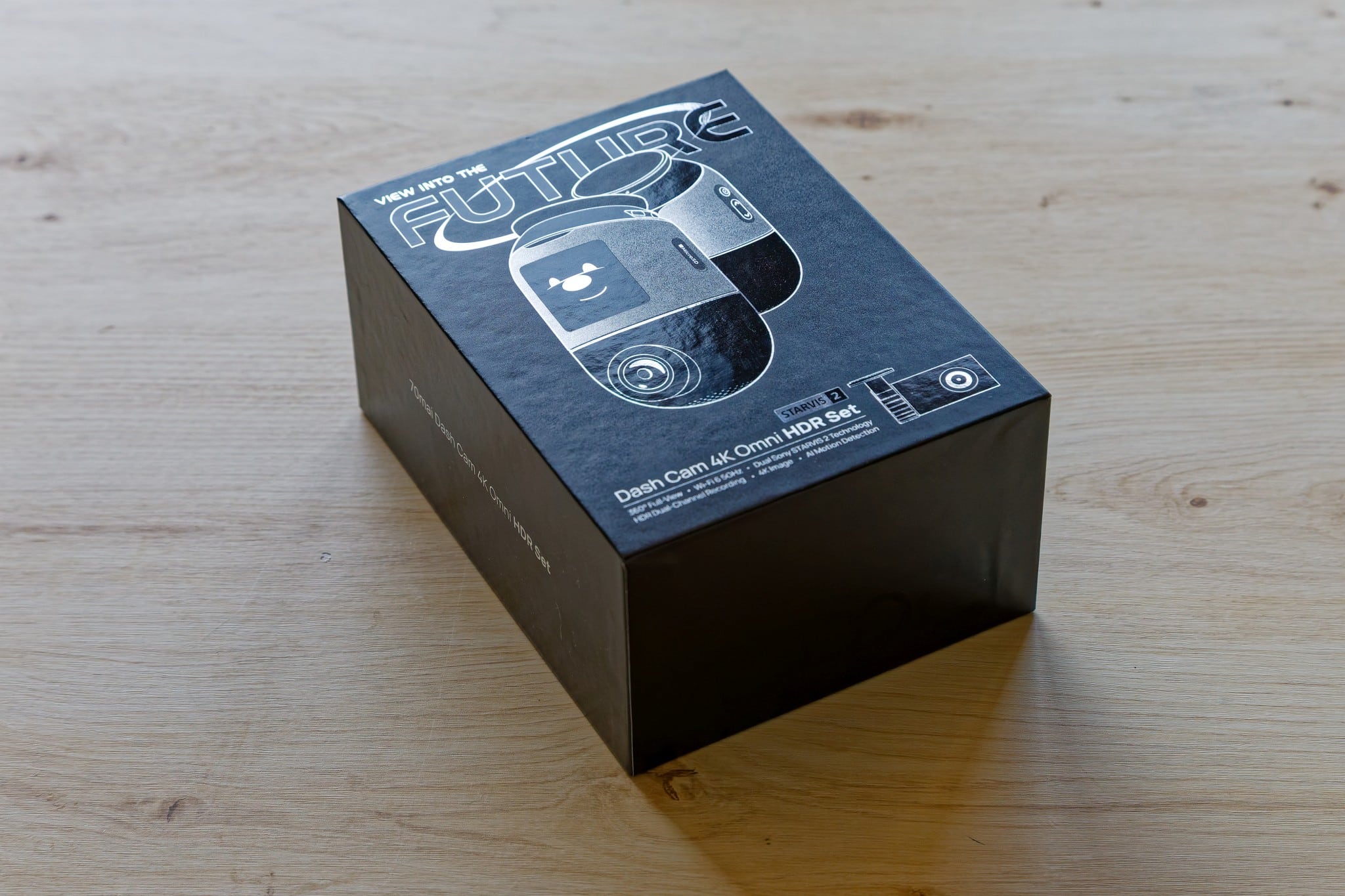
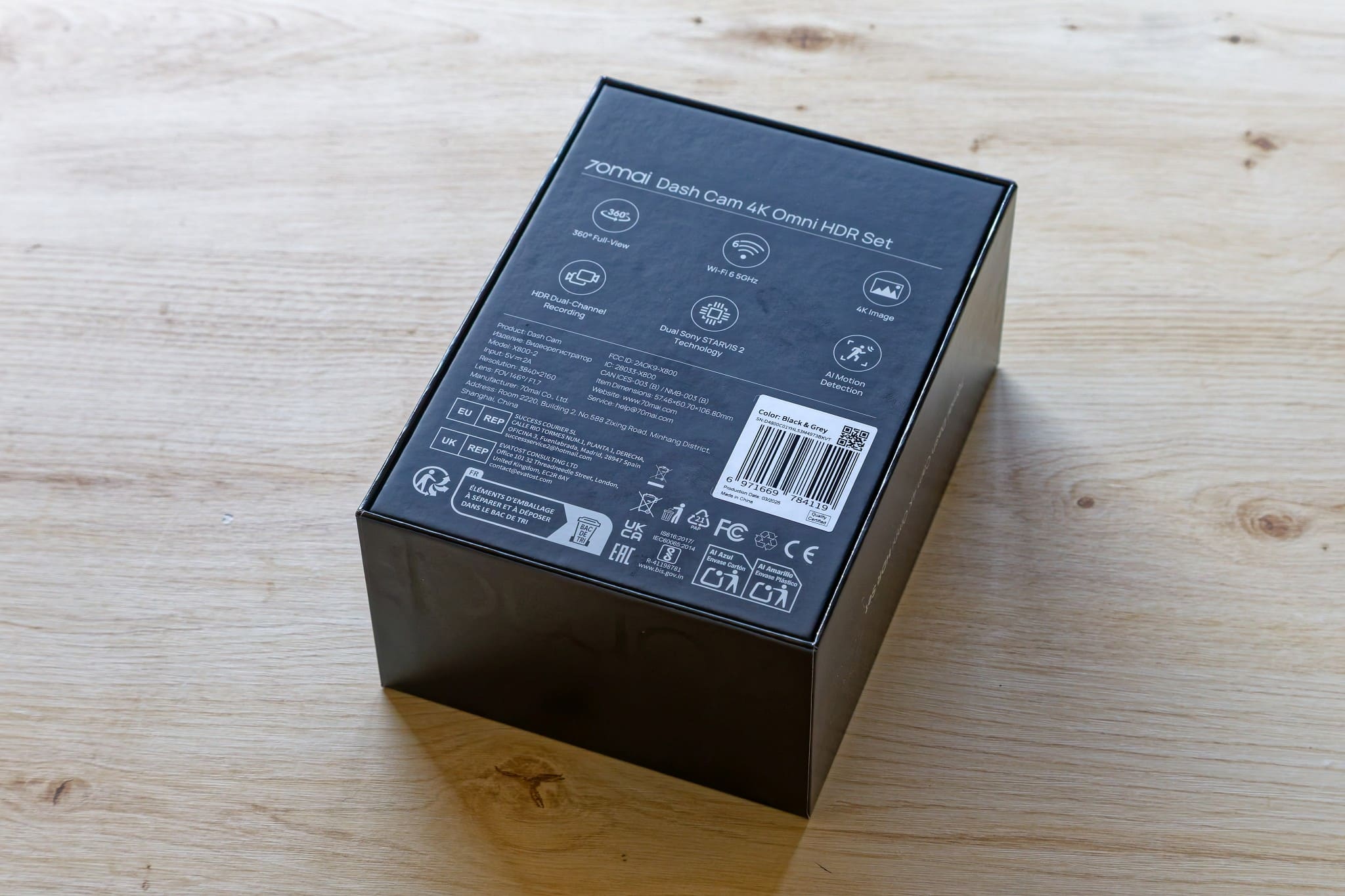
The packaging of the 70mai Dash Cam 4K Omni from this test is quite attractive and robust. The package is shrink-wrapped in a plastic film, under which the solid cardboard is located, which provides good protection. If you remove the top, you can see the two cameras – the large one for the front and the small one for the rear.
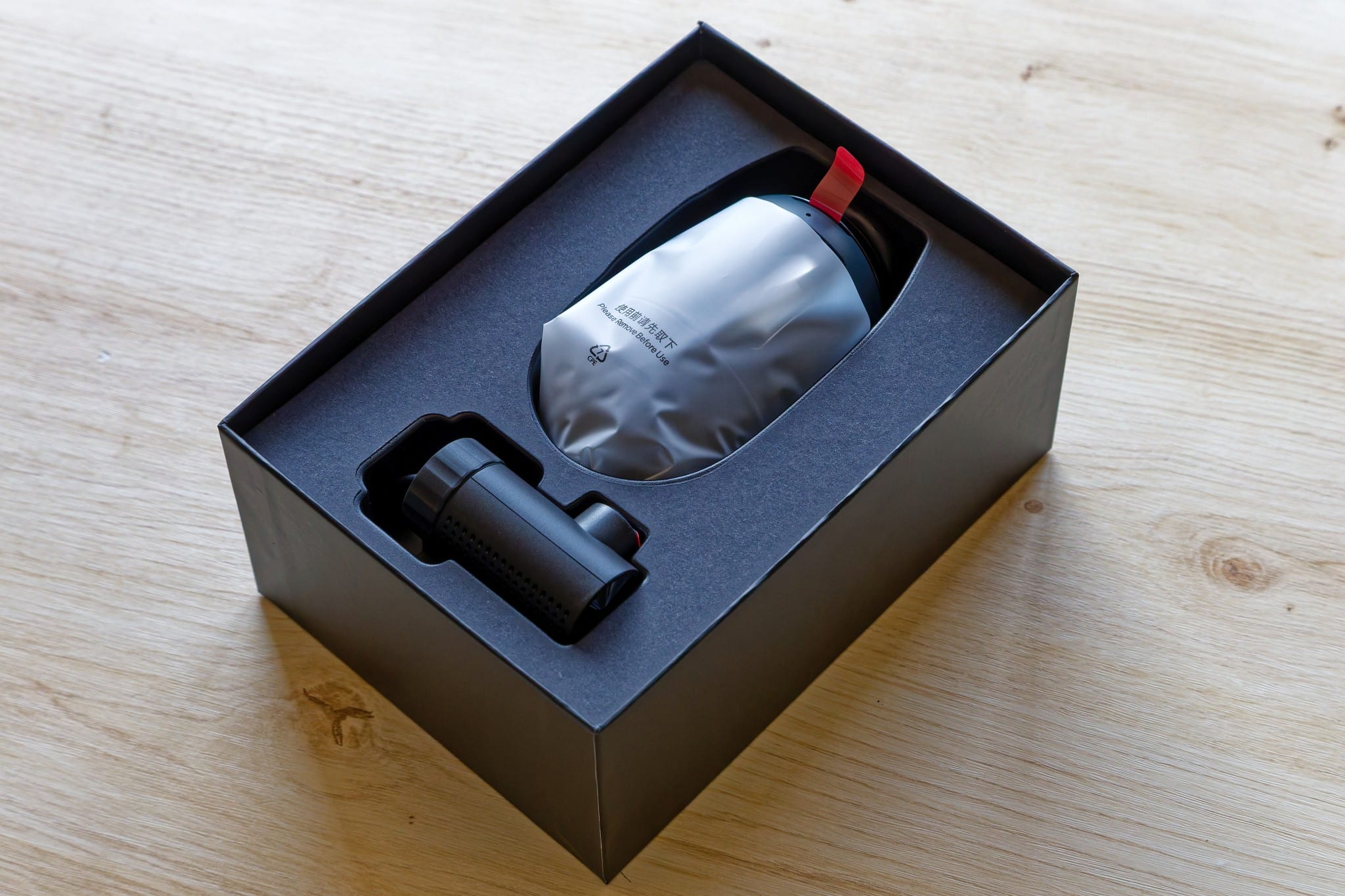
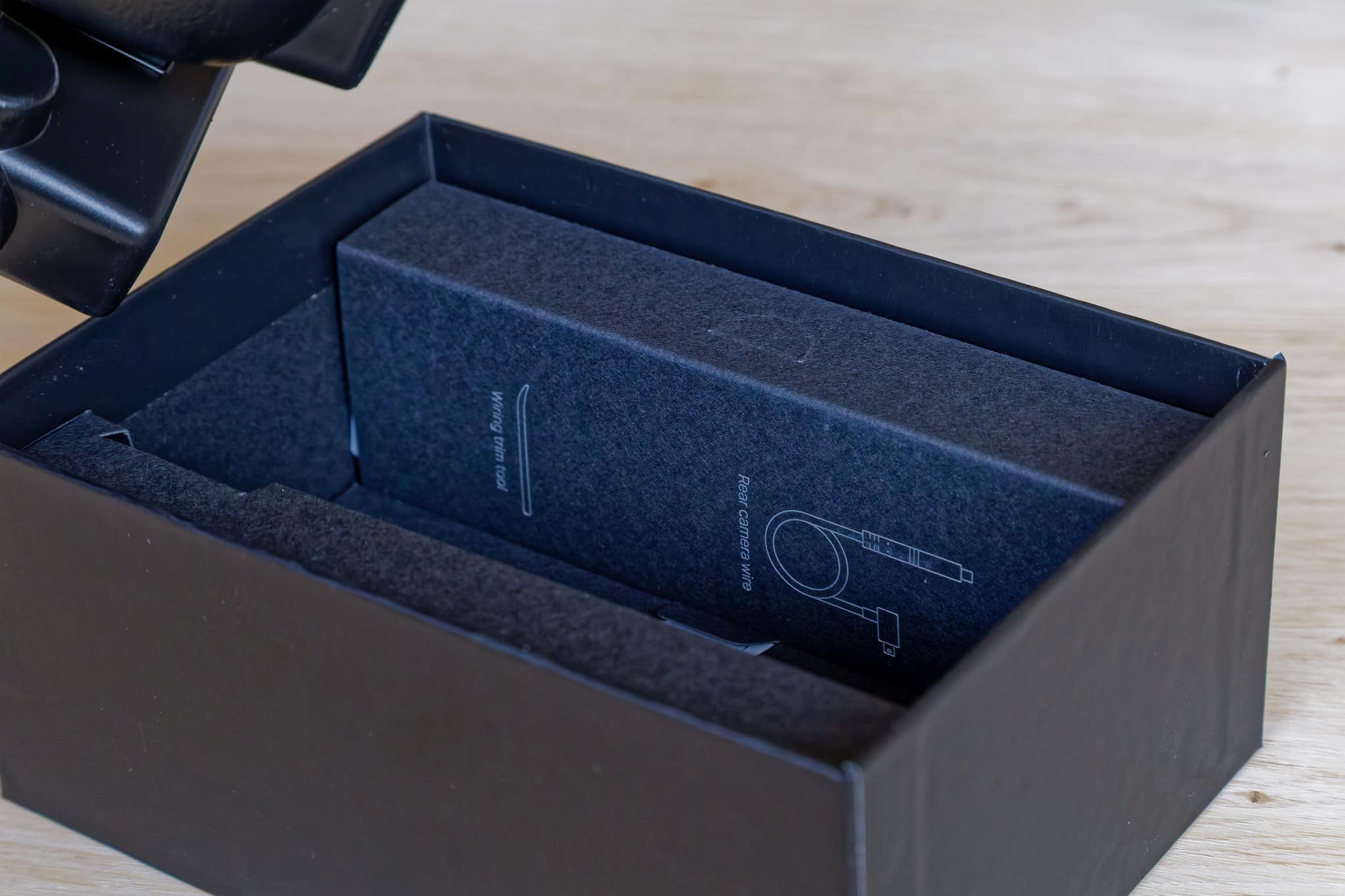
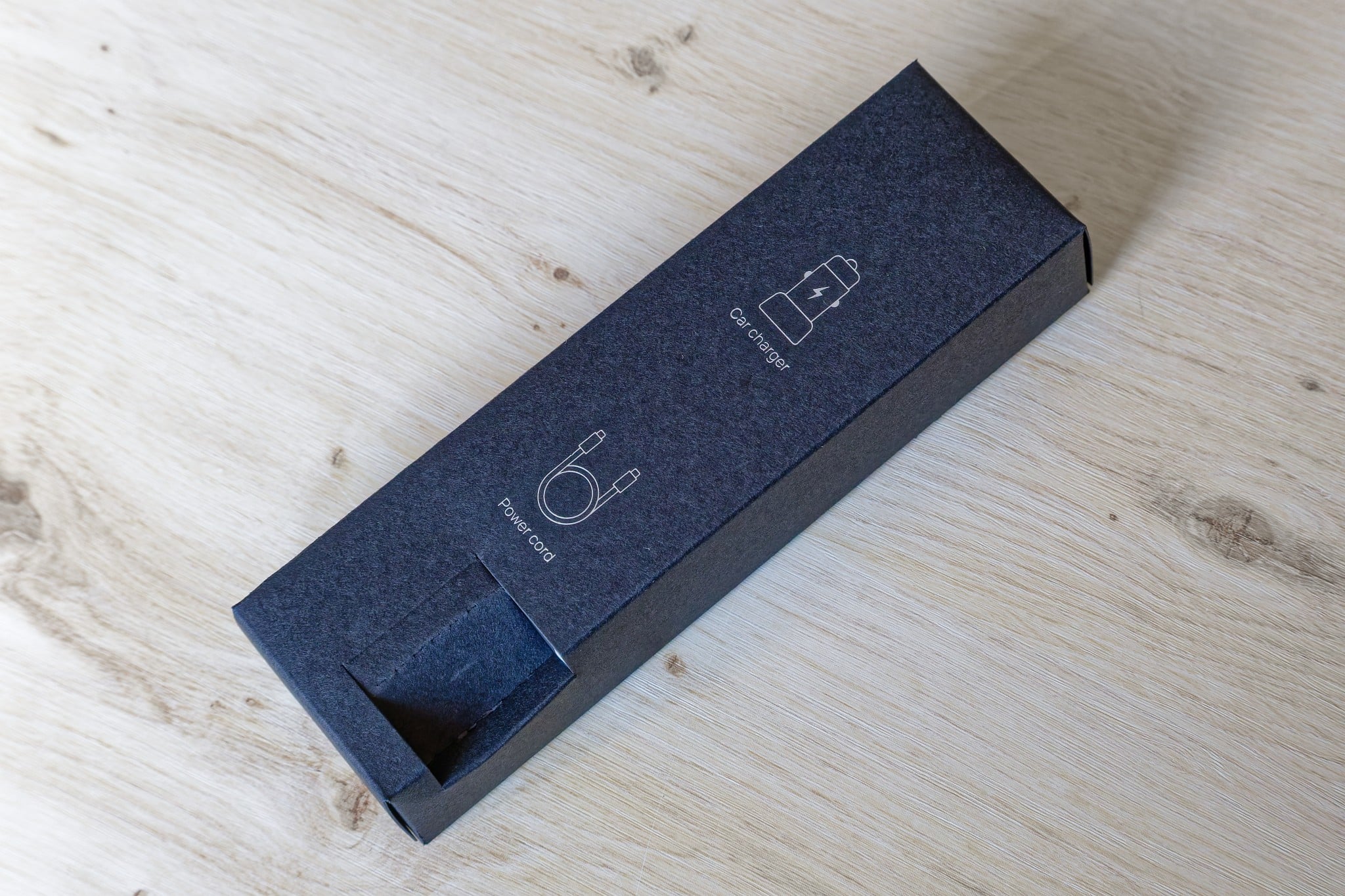
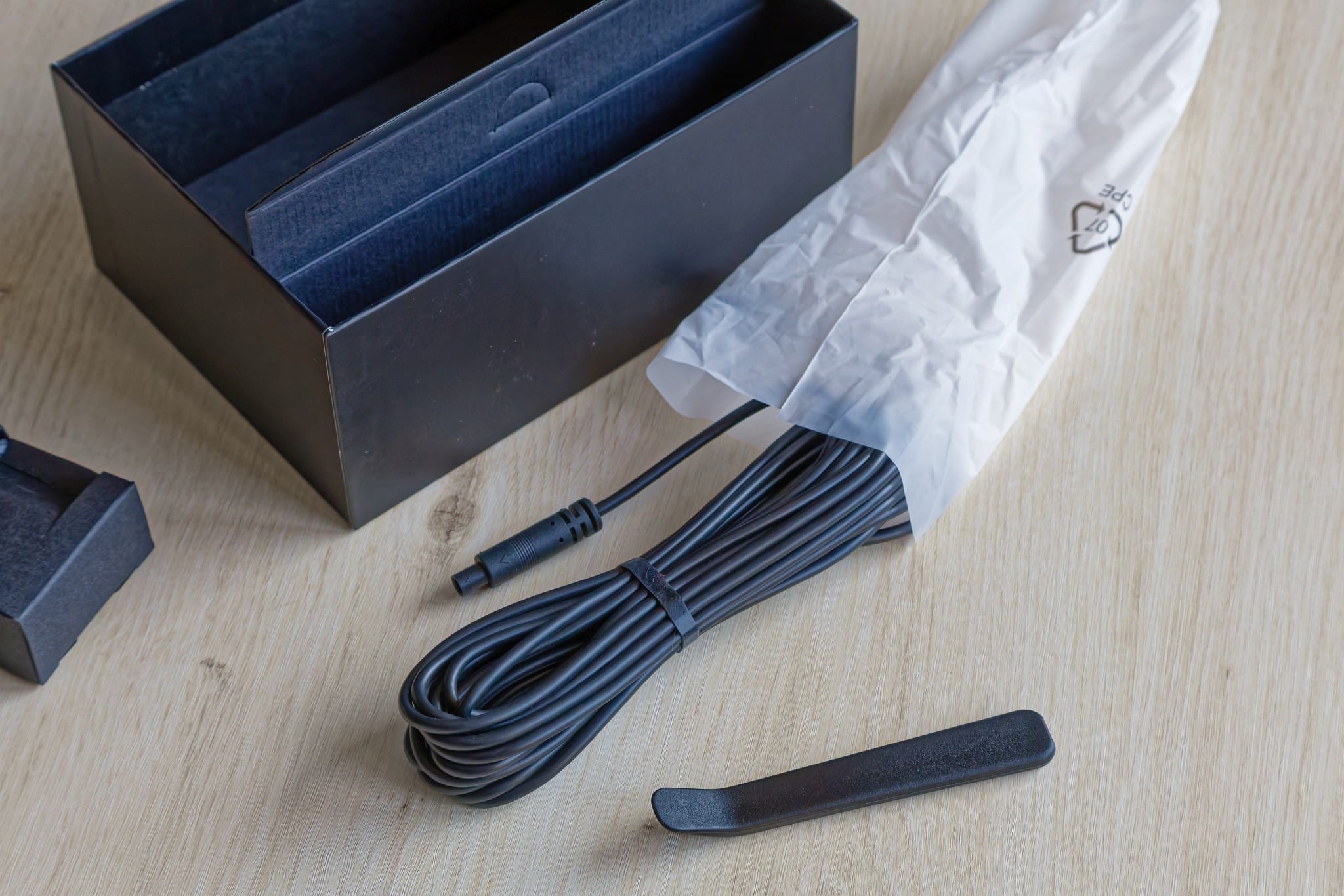
The tray in which the two cameras sit can be removed to reveal the accessory boxes underneath. One contains the 3.5 m long USB-A to USB-C cable for the power supply together with the corresponding connection for the 12 V plug for the cigarette lighter. The other box contains the 6 m cable for connecting the rear camera and a tool for lifting the car panel so that the cables can be laid neatly and safely.
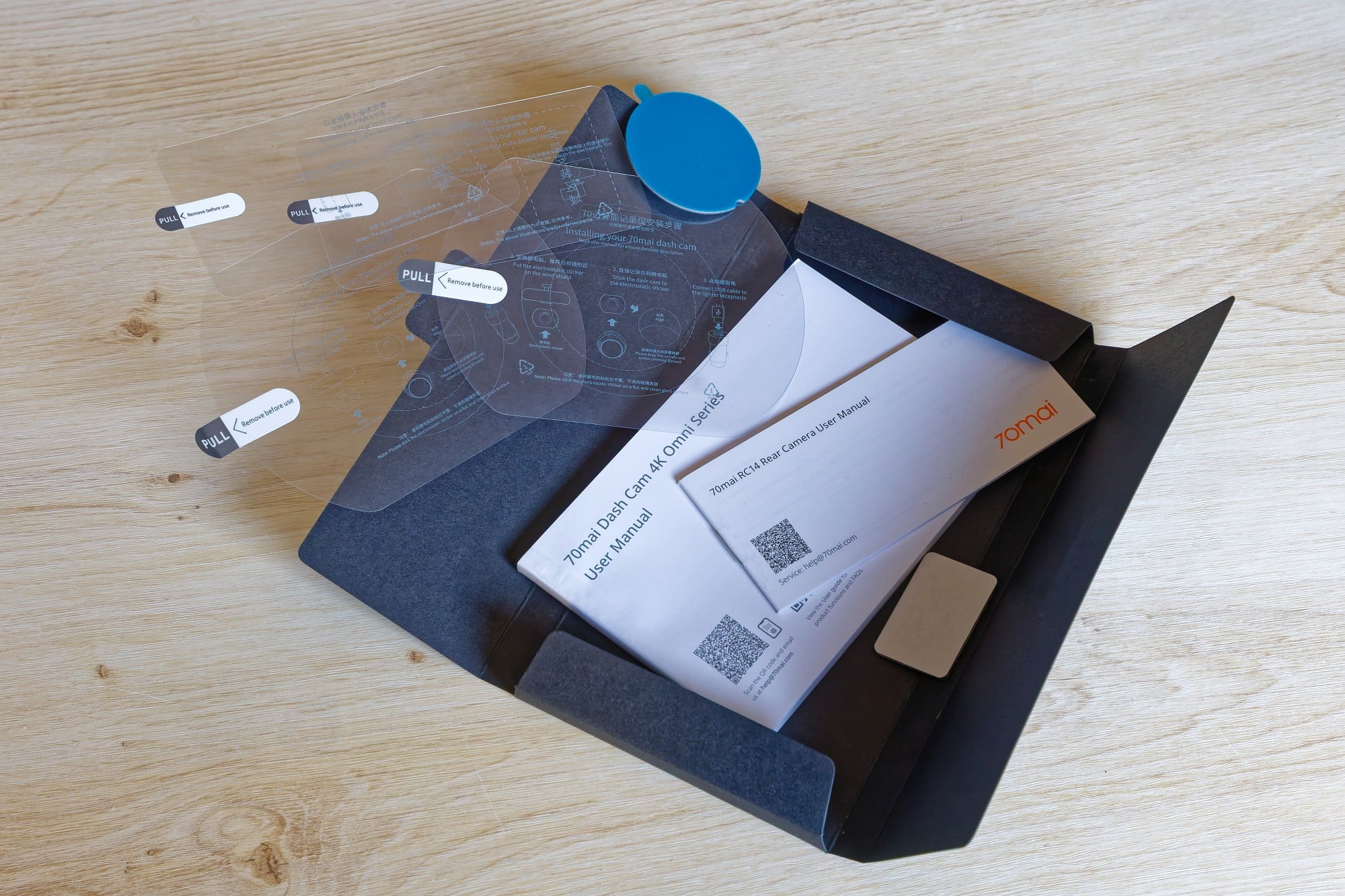
At the bottom is another flat box. This contains the instructions for the front camera in a total of 16 languages and separate instructions for the rear camera in five languages. However, German and English are always included and are also easy to read and understand. It also contains the adhesive surfaces for mounting the cameras.
Installation
- A plastic film ensures that the camera is not stuck directly to the car windshield
- Angle can be adjusted to fit the windshield
- MicroSD must be inserted
- Cables have a generous length
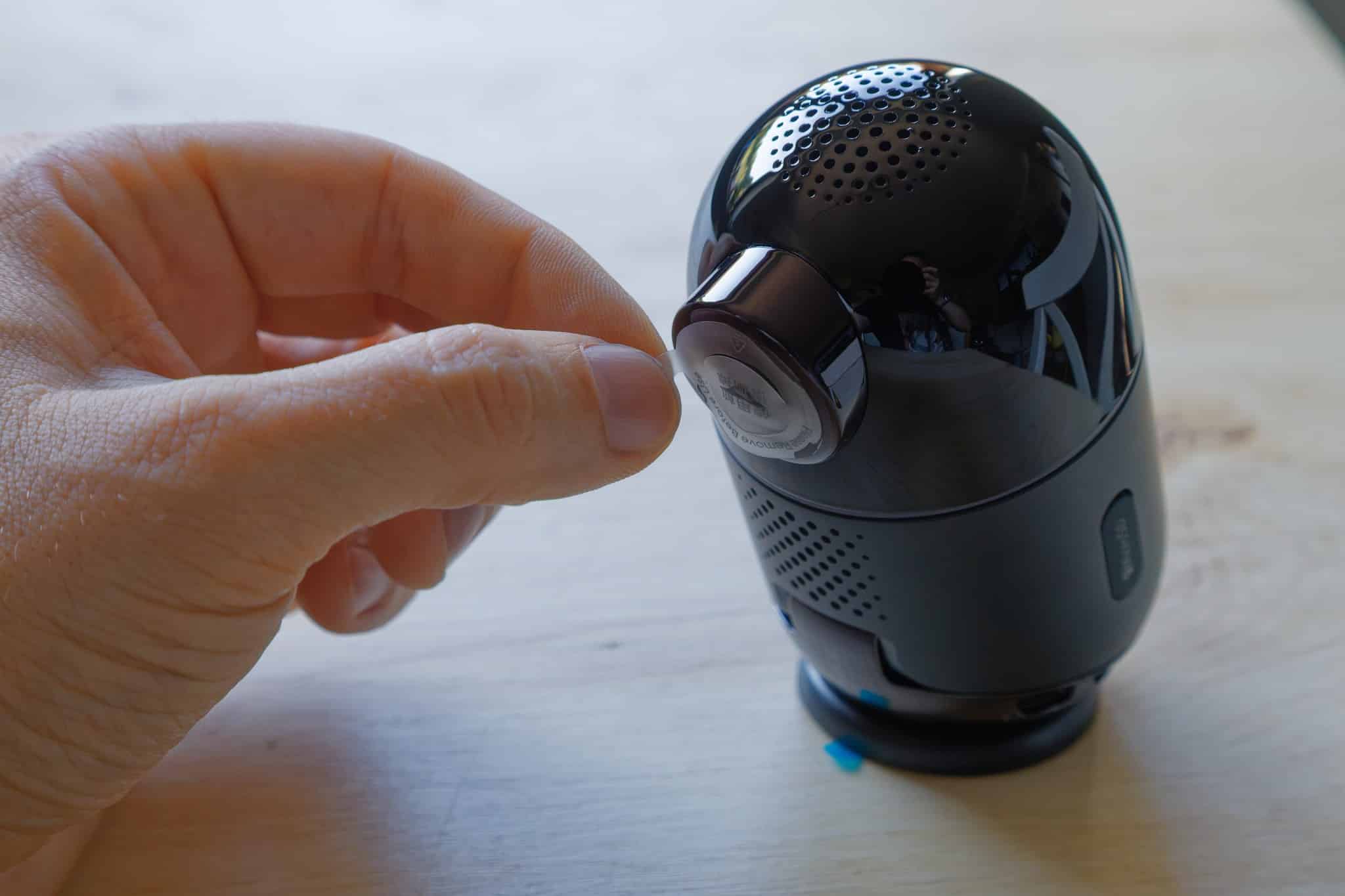
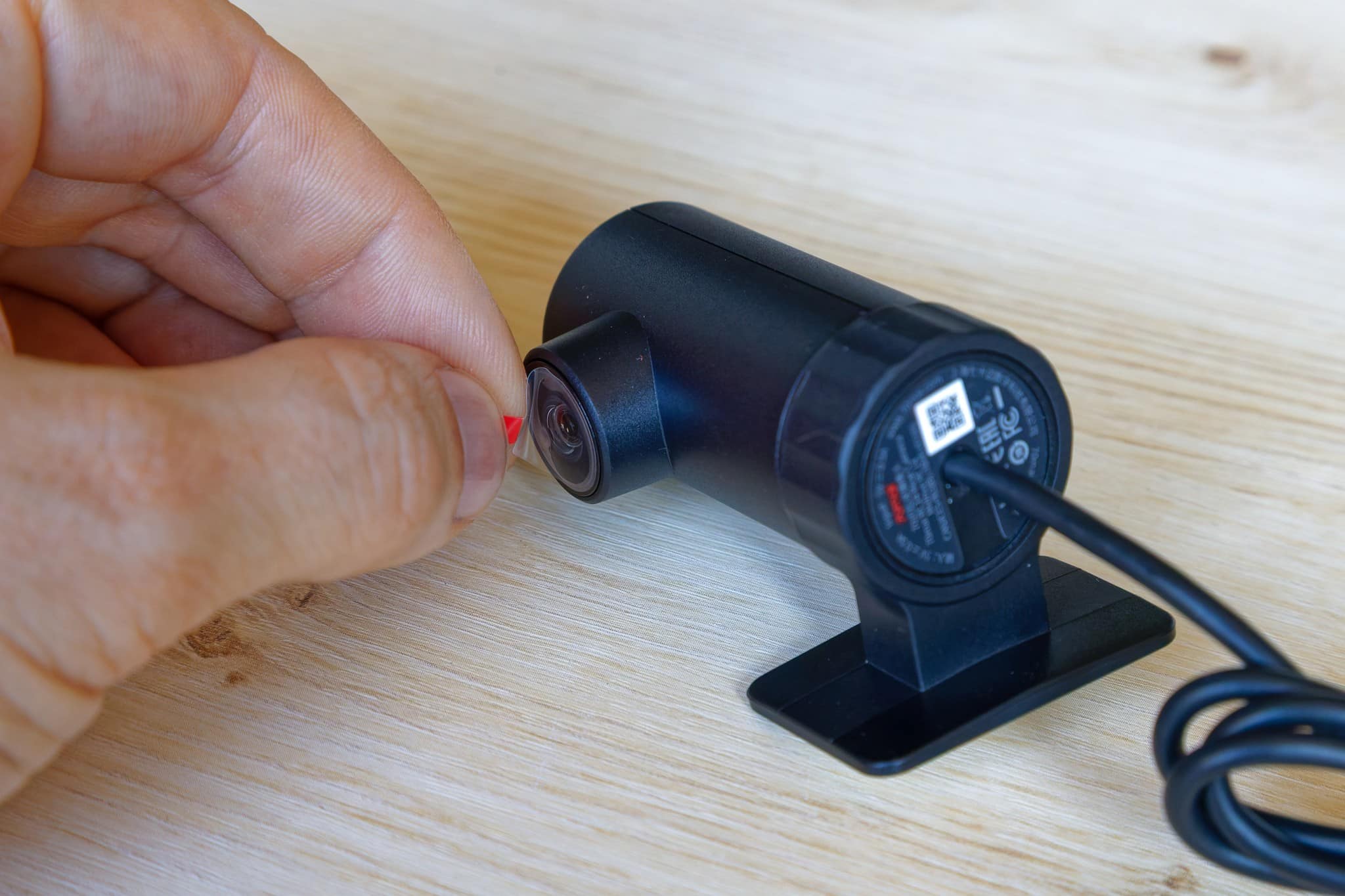
The first step is to mount the 70mai Dash Cam 4K Omni. To avoid sticking the cameras directly to the windshield, the aforementioned “plastic stickers” are supplied, which are first attached to the windshield. The cameras are then stuck to these, and there are enough replacements included in the scope of delivery to carry out the installation several times. For example, if the cameras are to be installed in a different car at some point.

.
Here you should ensure that the front camera does not restrict the driver’s view. The ideal position is usually either above the passenger side or under the rear-view mirror in the middle. I mounted the camera in the latter position in our 70mai Dash Cam 4K Omni test, whereby the car used is a Fiat Ducato and has no rear-view mirror in the corresponding position.
Now, different cars have very different windshield angles and so there is also the option of adjusting the angle accordingly so that you can film well to the front and not into the sky.

.
Then connect the cables. The front cable is 3.5 m long, the cable to the rear camera is 6 m long. This is enough to lay the cables sensibly in most cars and also to hide them under the trim. In the Ducato, the cable to the rear was too short to prevent it from dangling through the middle of the room – but not everyone has a camper van like this.
First start and cell phone app
- Power supply when the ignition is switched on
- Setup is done via app with mandatory account
- Control either by voice or via app
Once the USB cable for the power supply is plugged in and, ideally, the rear camera is also connected, you’re ready to go. Activating the ignition supplies the dash cam with power and the camera starts.

.
In addition to voice control, you can also use a smartphone app to control and download videos and images if you don’t want to remove the memory card directly from the 70mai Dash Cam 4K Omni and insert it into a computer. This app is available for Android and iOS. However, you have to create an account with a stored email address, which is also used to send a code for verification.
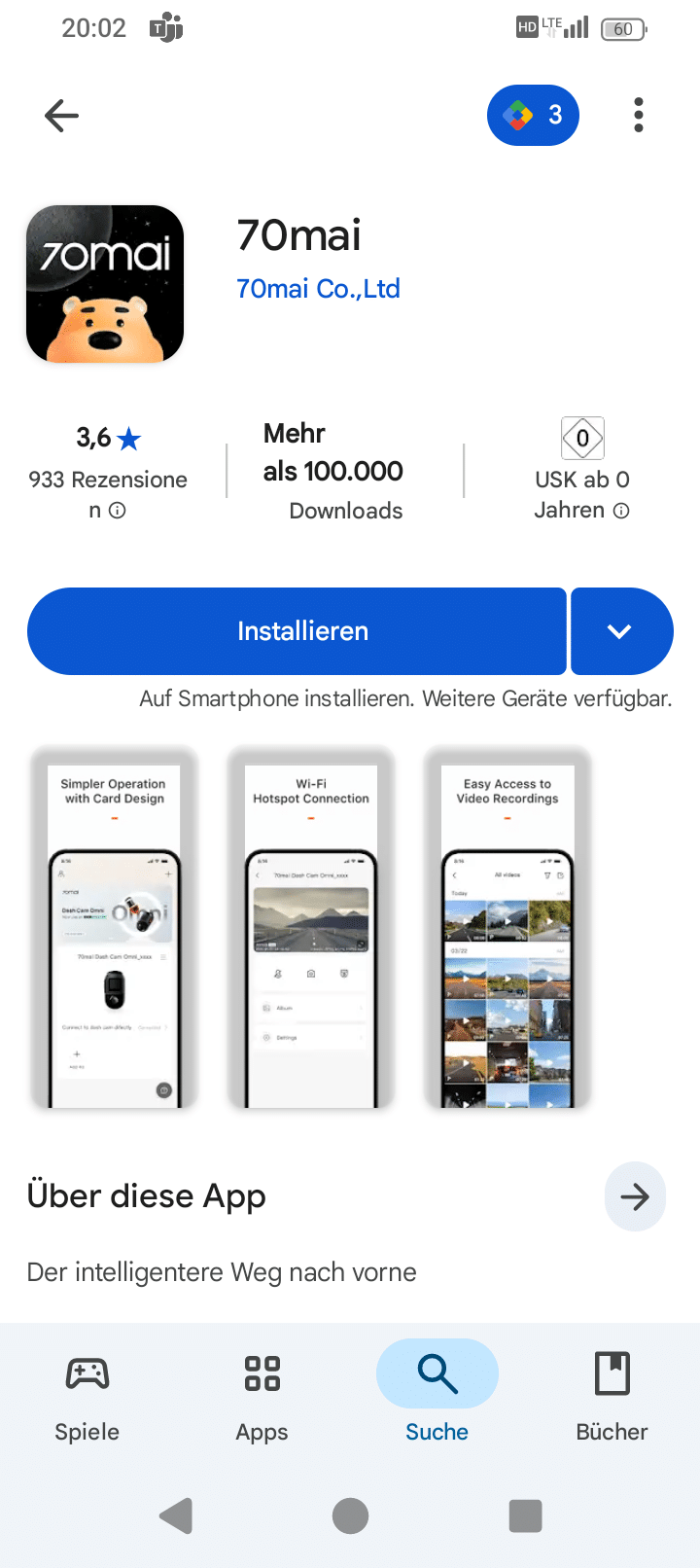
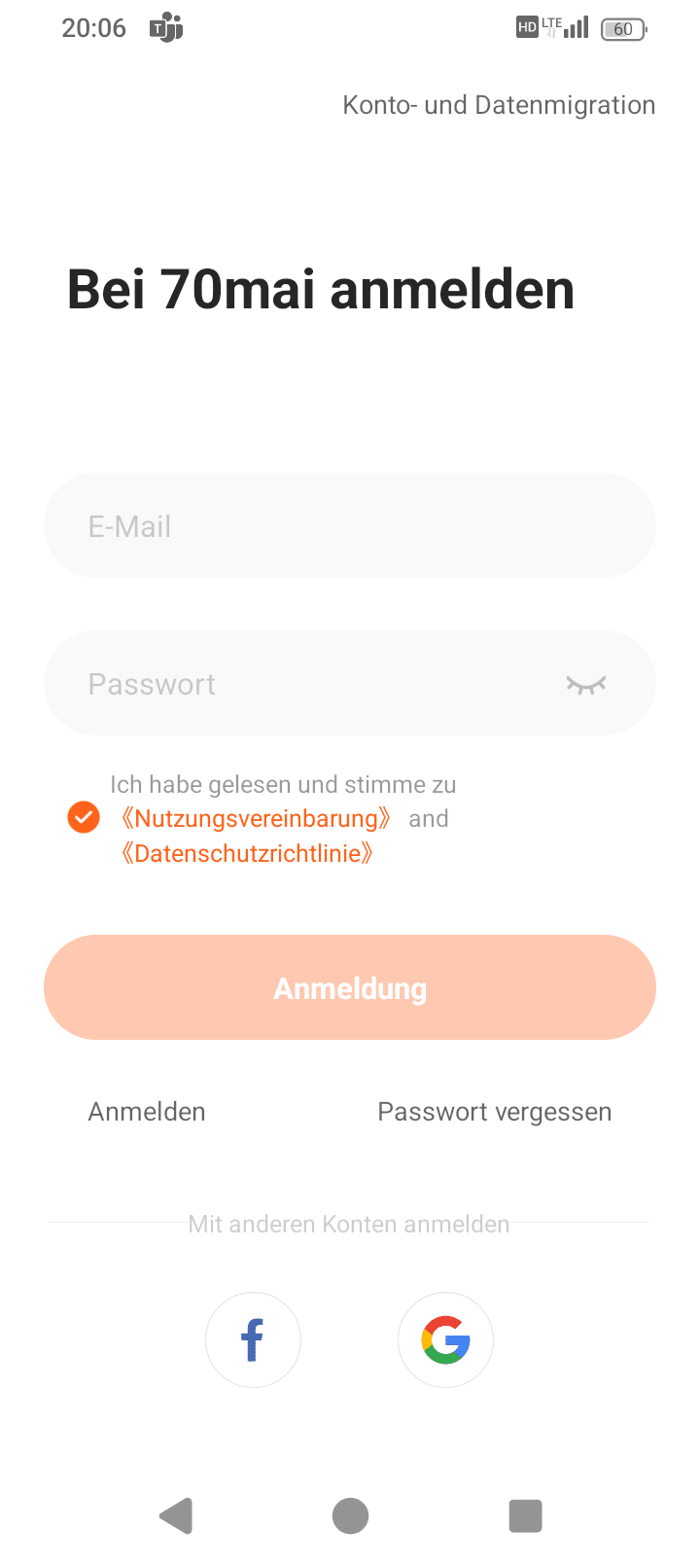
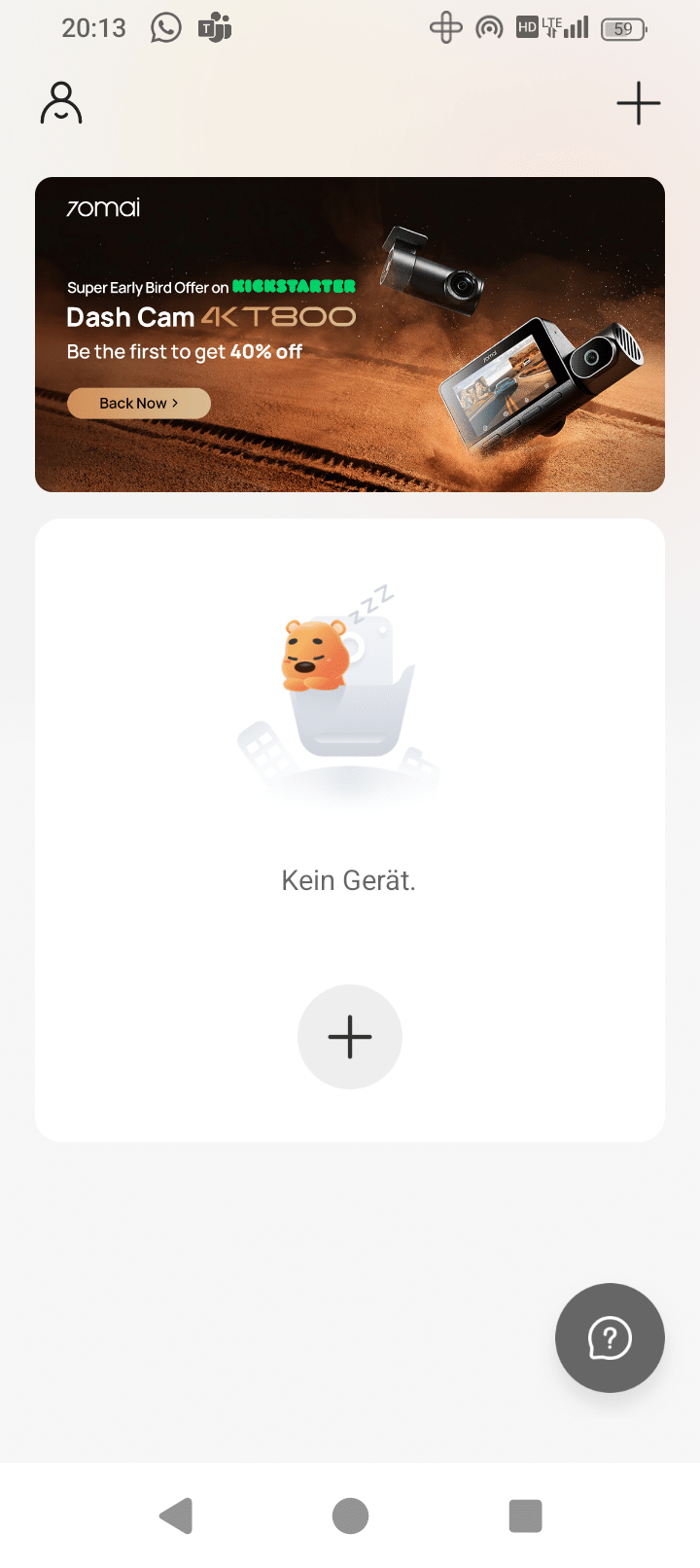
Once you have established the connection, you can make settings via your smartphone, such as rotating the camera.
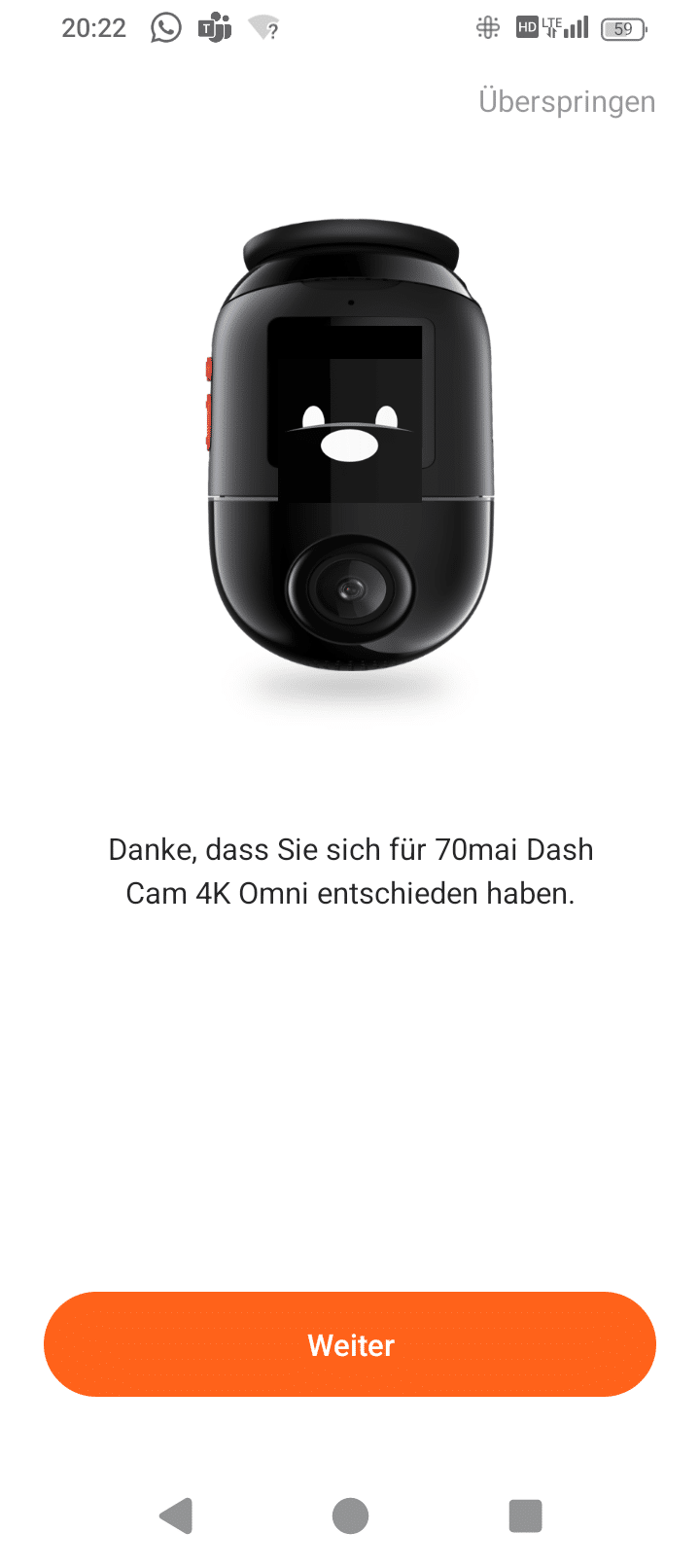
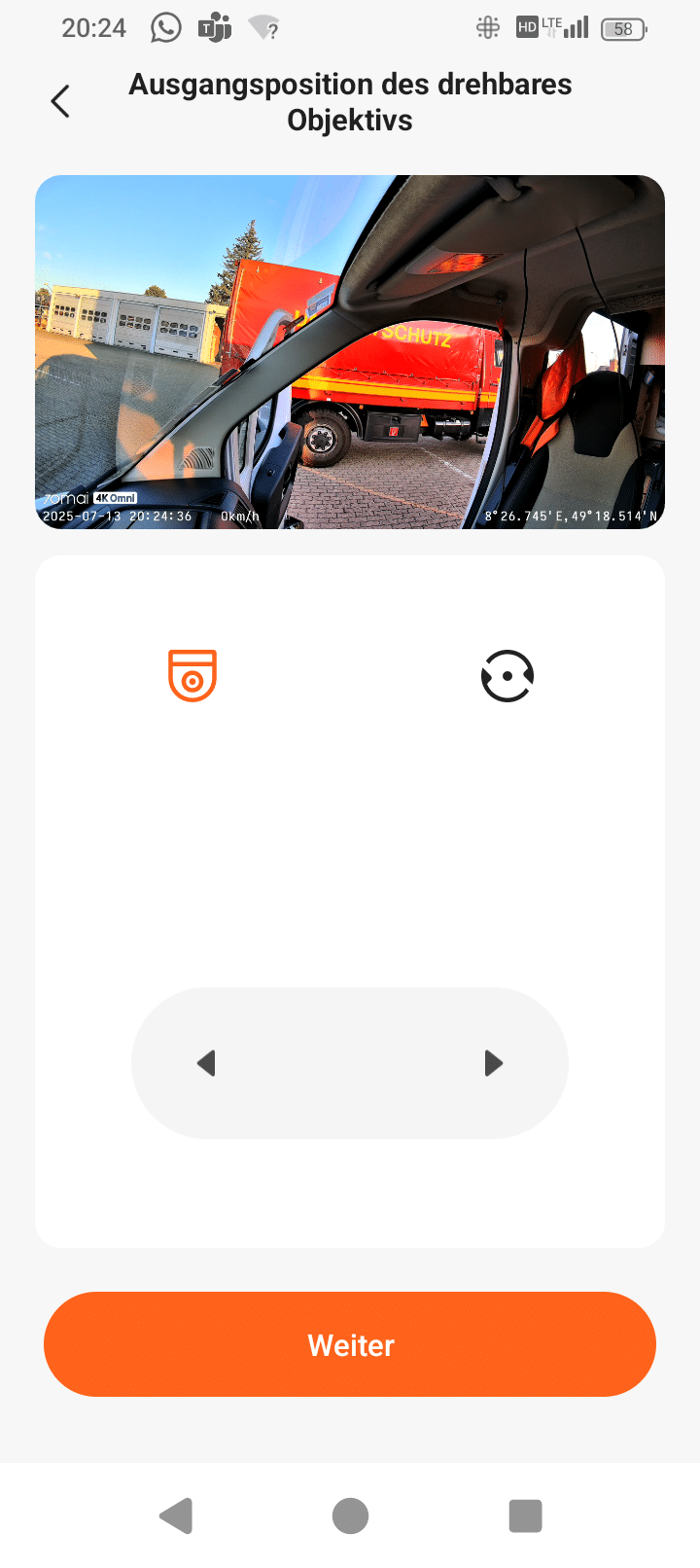
When you exit, you are greeted by a waving smiley face.

.
Updates
- Automatic notification of new version in the app
- Simple installation with just a few clicks
As you would expect, there are also occasional updates for Dash Cams. These mainly concern bug fixes. In the case of 70mai, these updates are displayed in the app as soon as you start it. The process is quite simple: the connection to the camera must be established, then you can download the new firmware and send it to the camera.
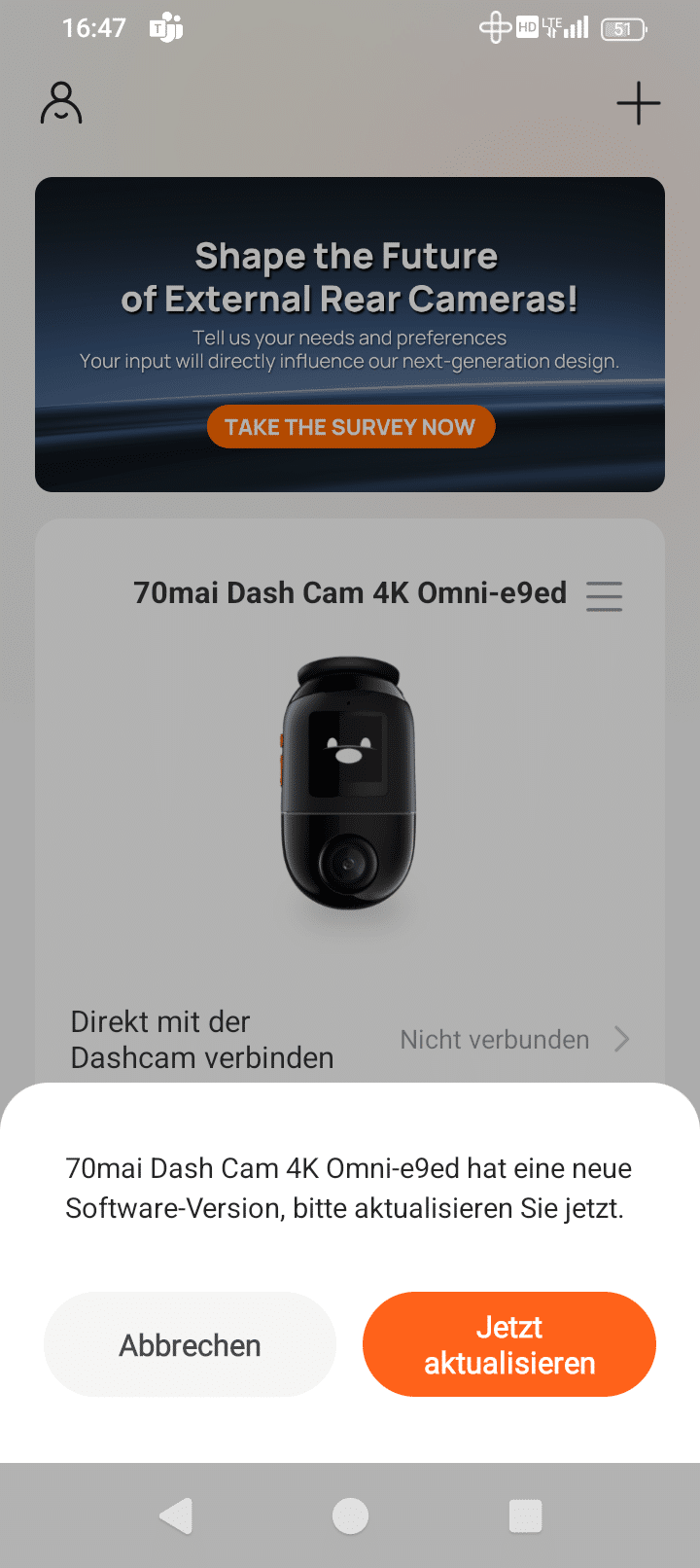
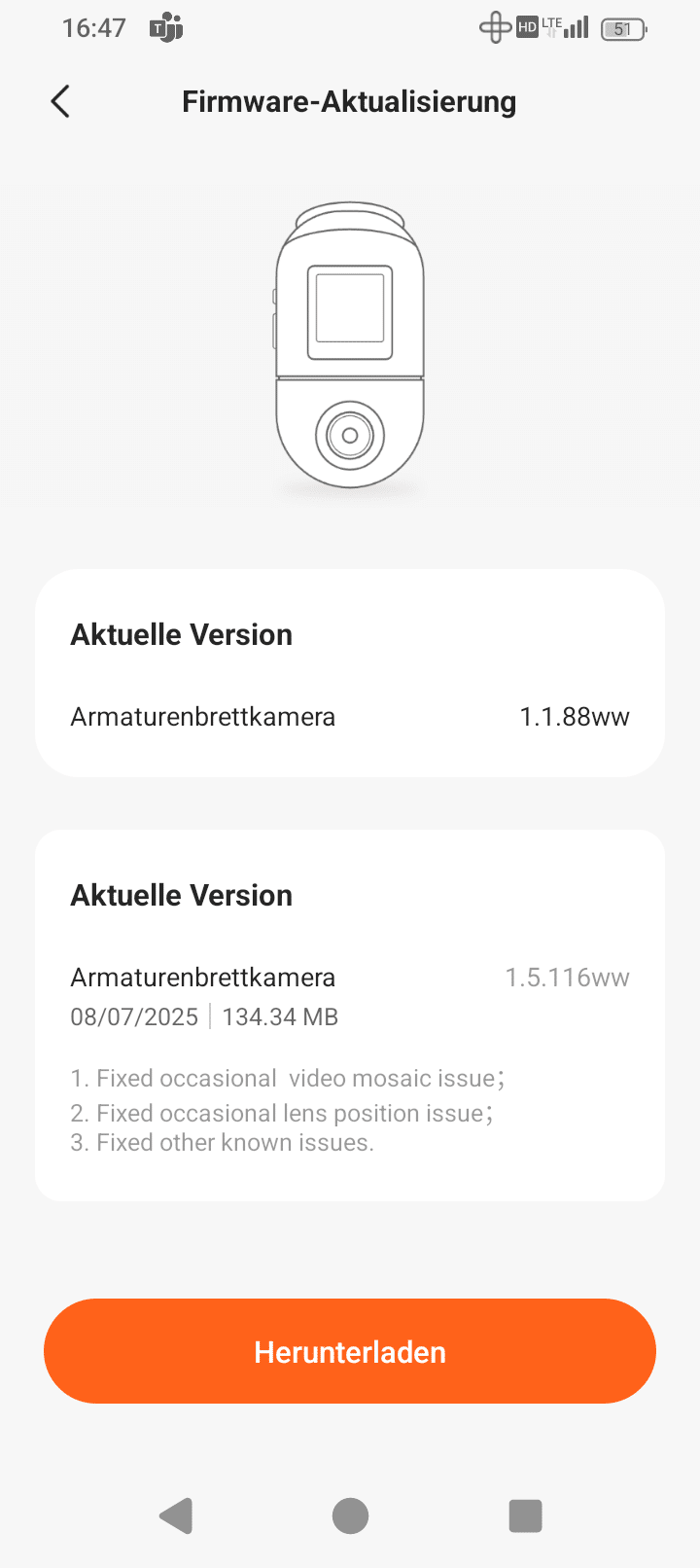
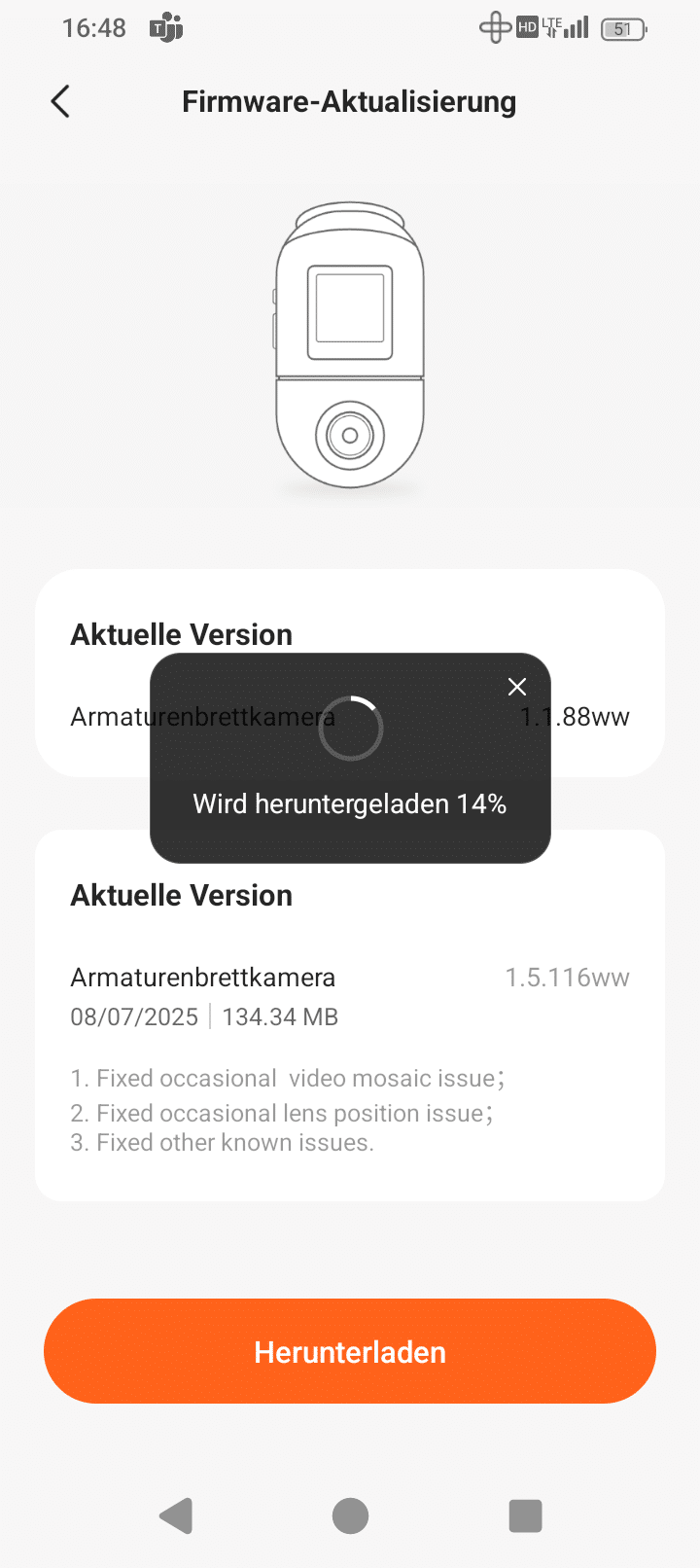
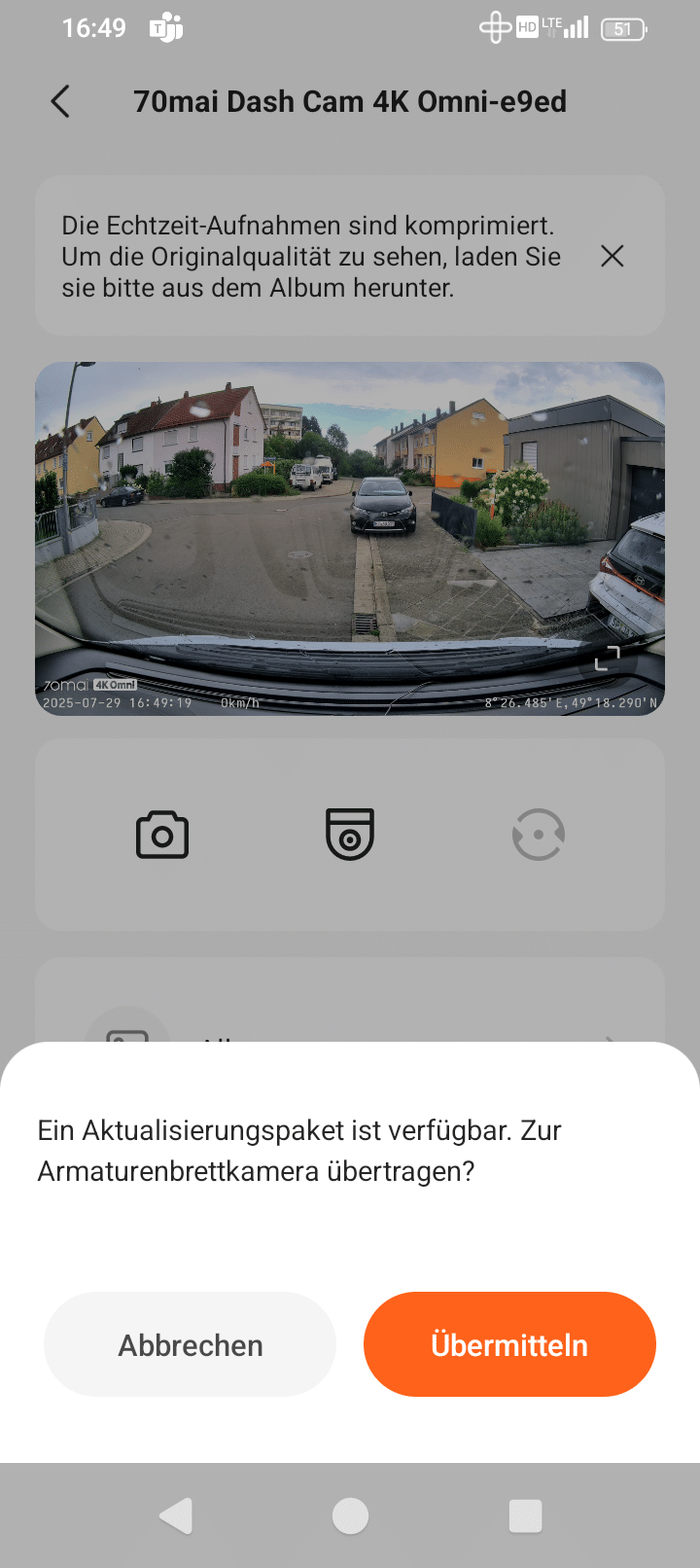
This now disconnects the connection, stops the recording and starts the update. Now you should of course make sure that the power supply is not disconnected.
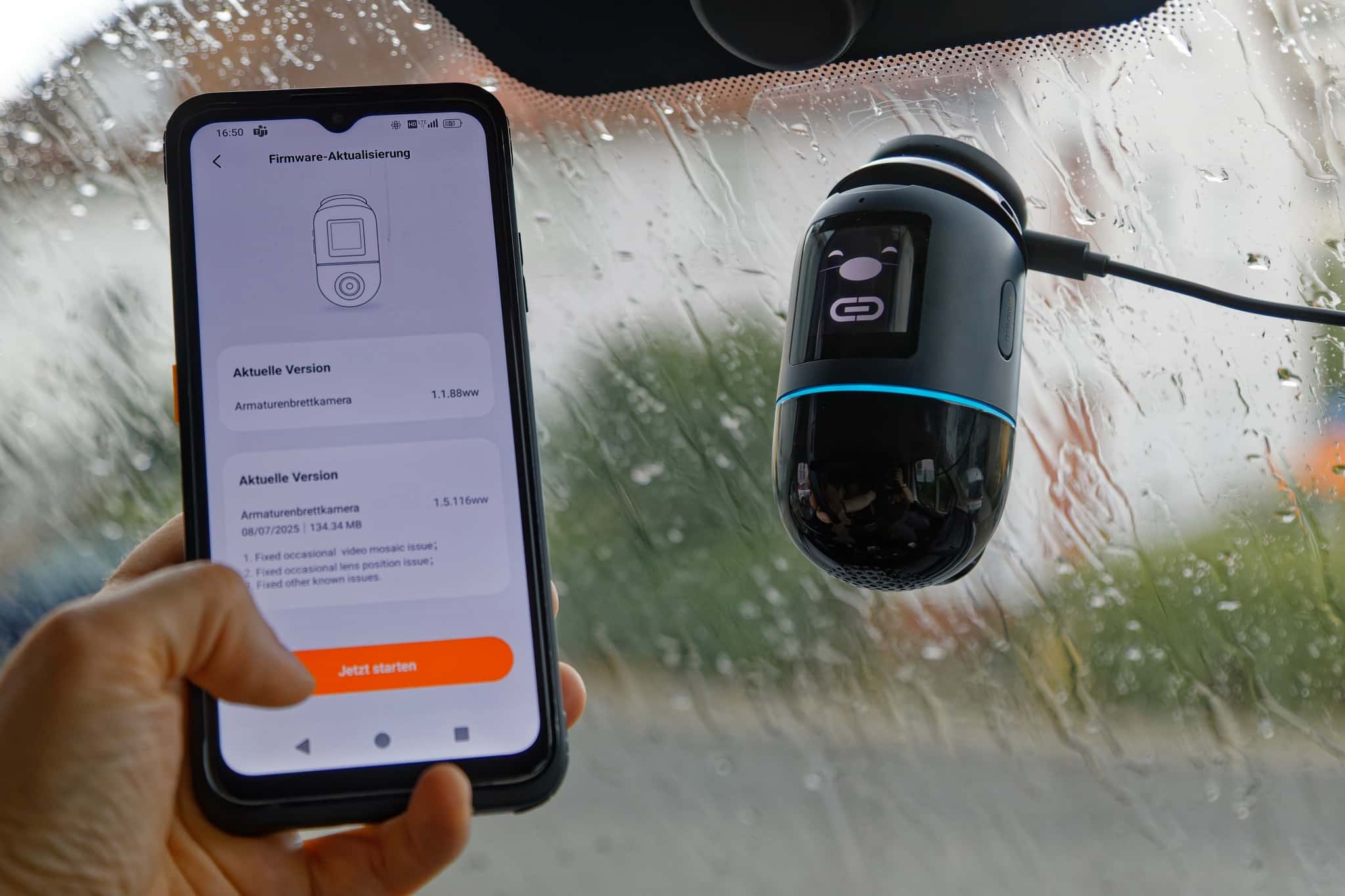
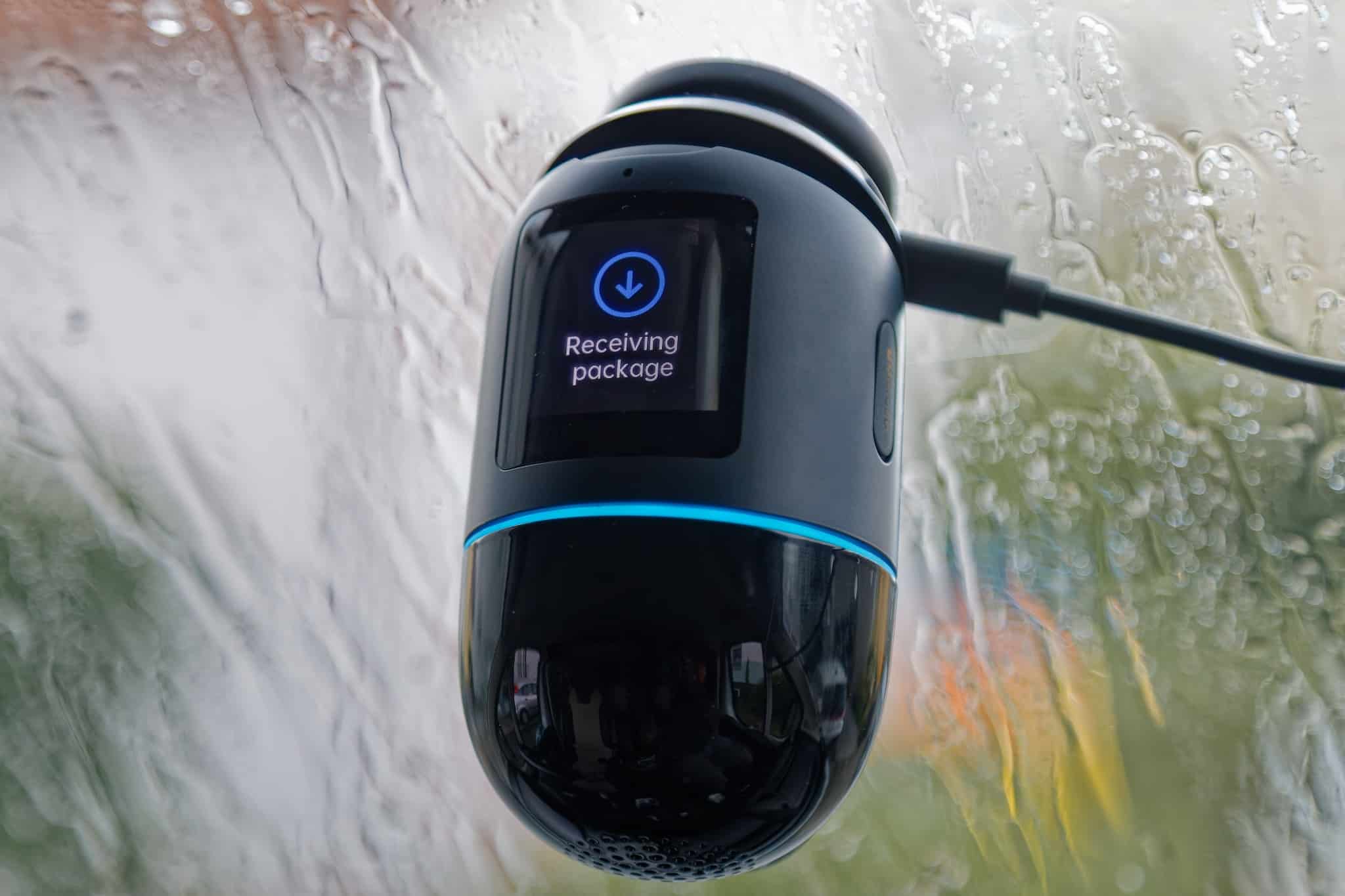
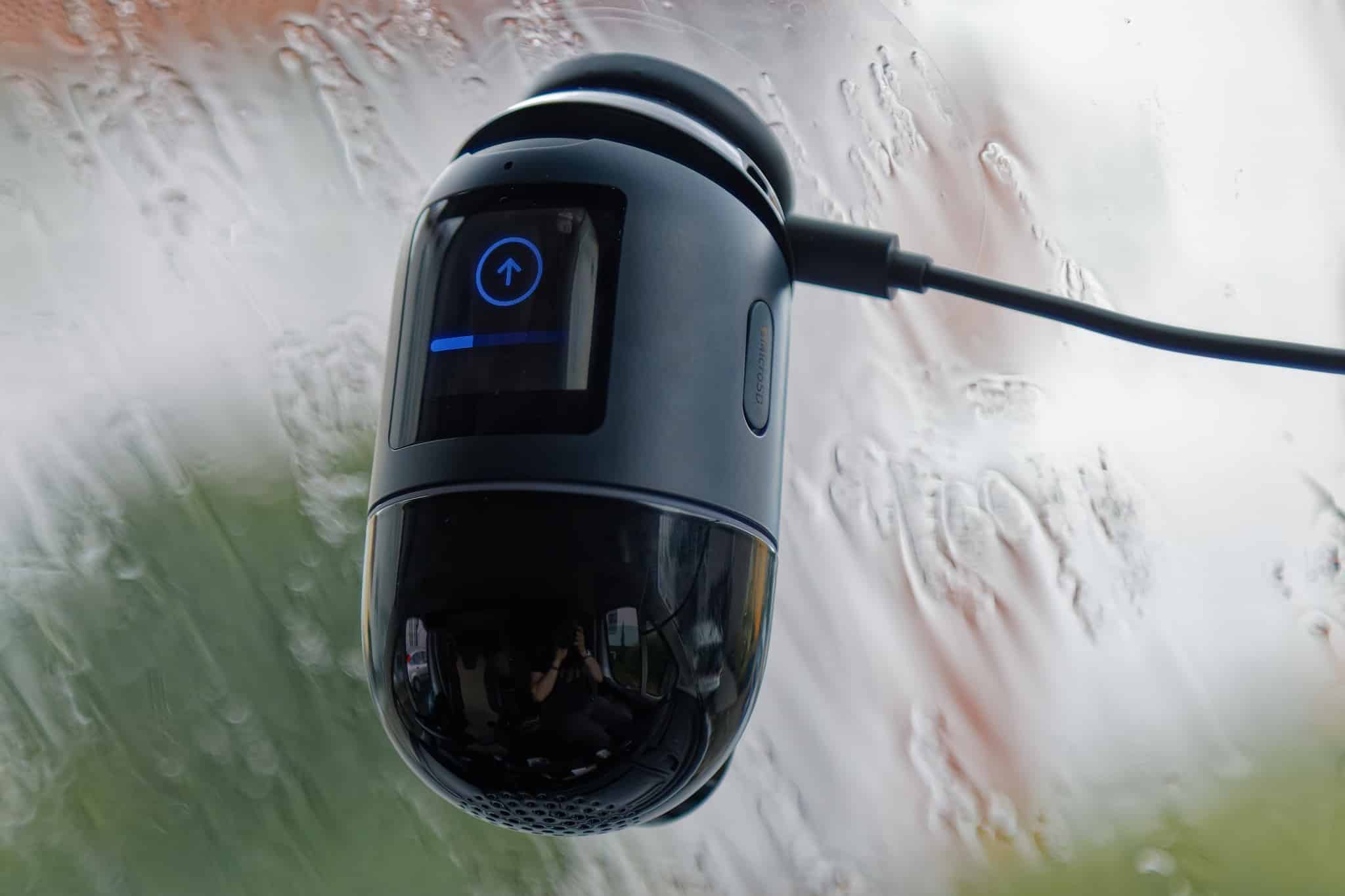
In the 70mai Dash Cam 4K Omni test, I did not notice any differences in practice despite the rather large version jump. In short: bugs have been fixed that I didn’t encounter. But good – then they won’t occur in the future either, I guess.
Overall, the update process was relatively simple and was completed in about 5 minutes.
App usage
- Some settings possible, but hardly necessary
- Full view of the camera image on the smartphone – even when switching to the rear camera
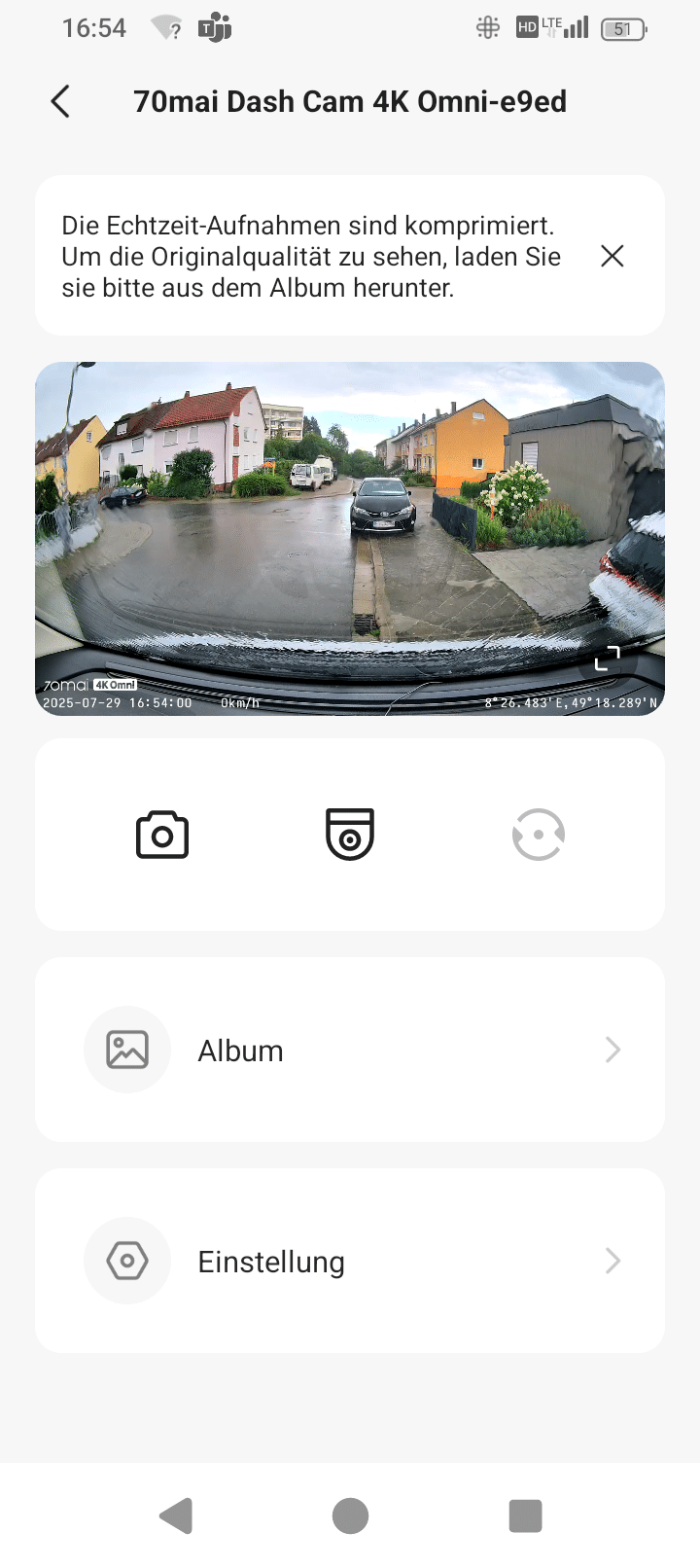
When you open the app and connect to the 70mai Dash Cam 4K Omni, the camera is displayed, including the controls for photos, camera orientation and rear camera selection. You can also access the album and the settings. In the album, you can choose between the individual folders (“Categories”) or the “Timeline”. As the preview in the folders often looks similar, the timeline is good for finding specific shots or events if you know when they took place.
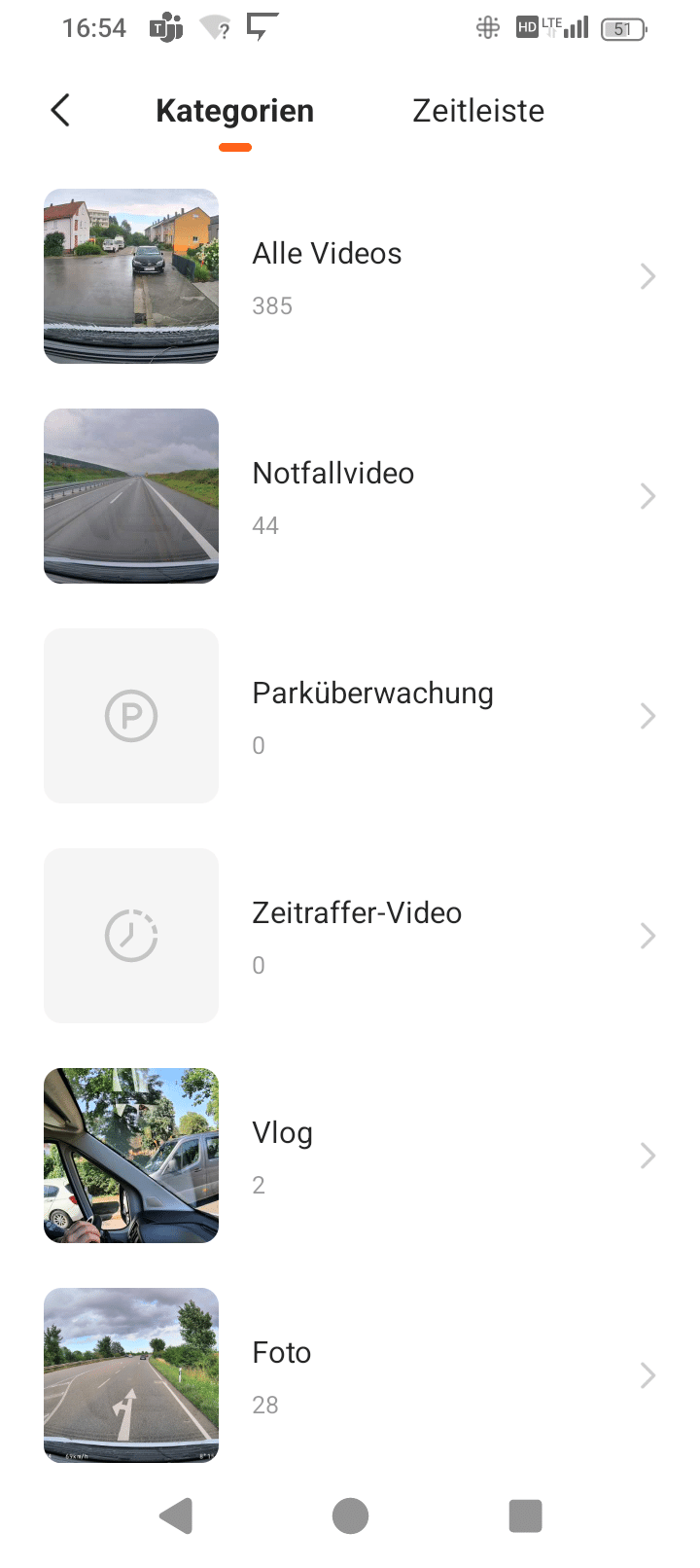
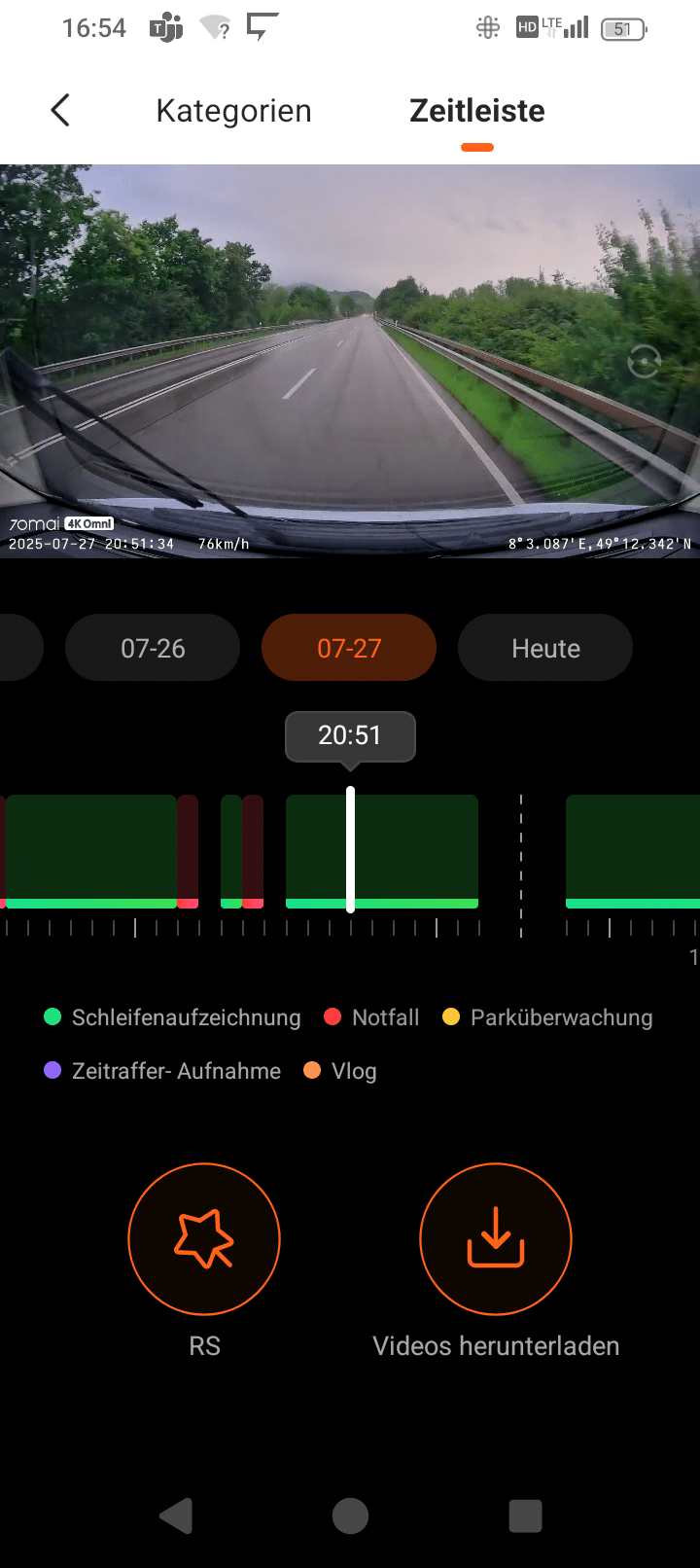
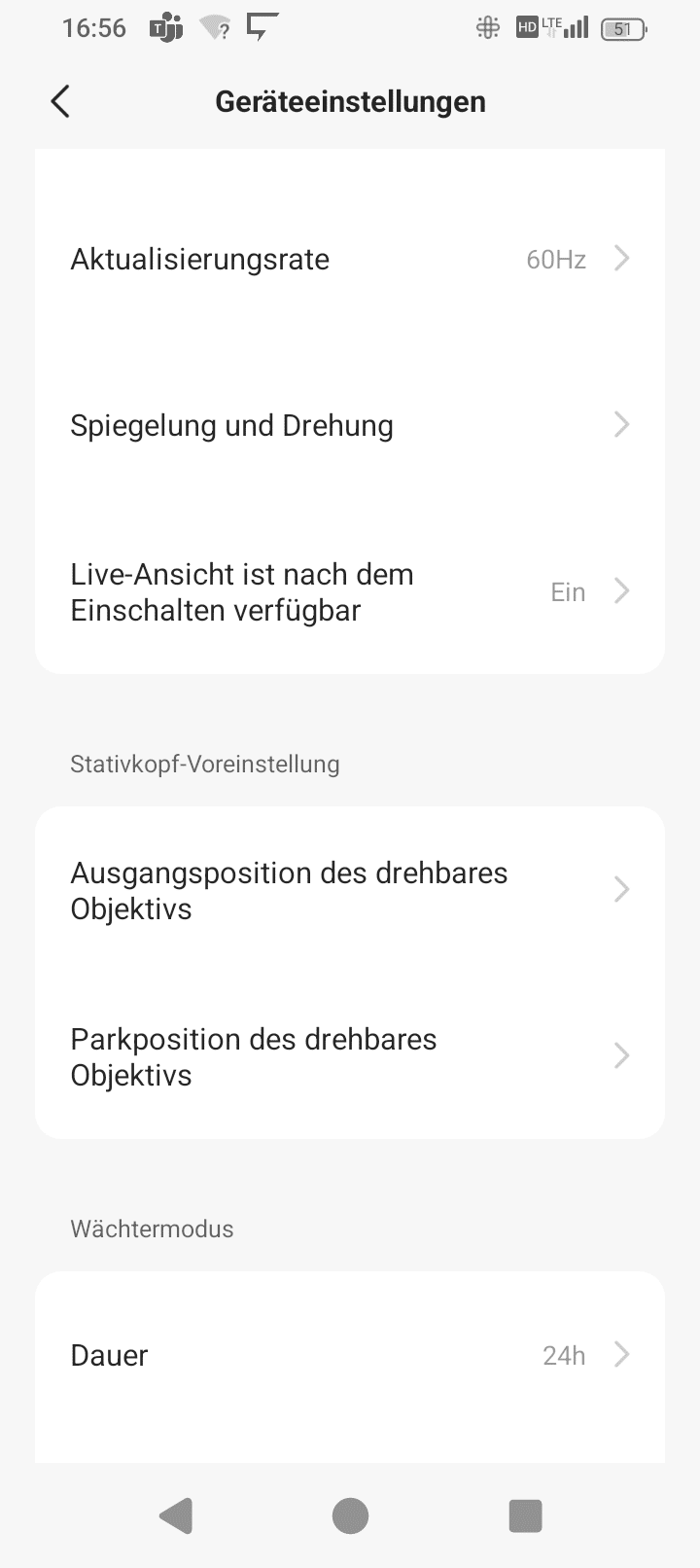
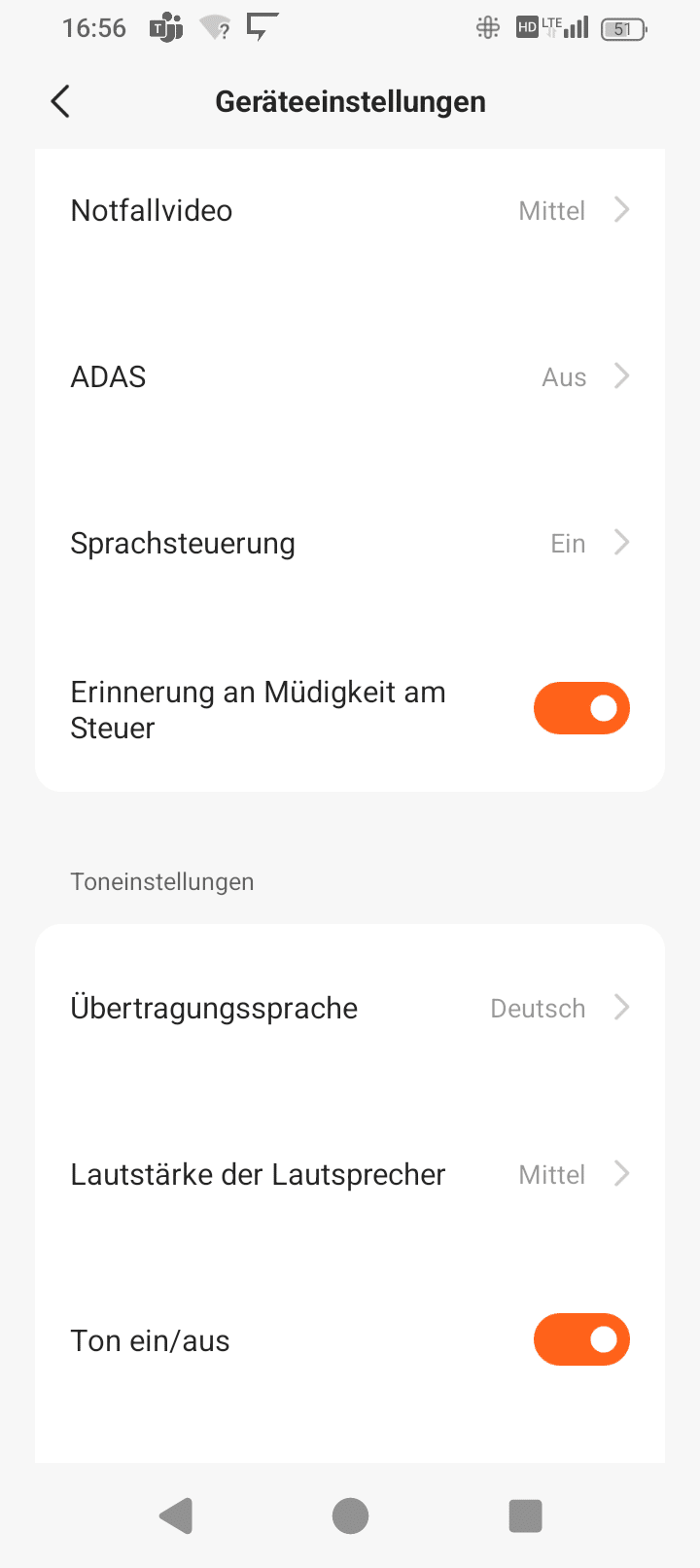
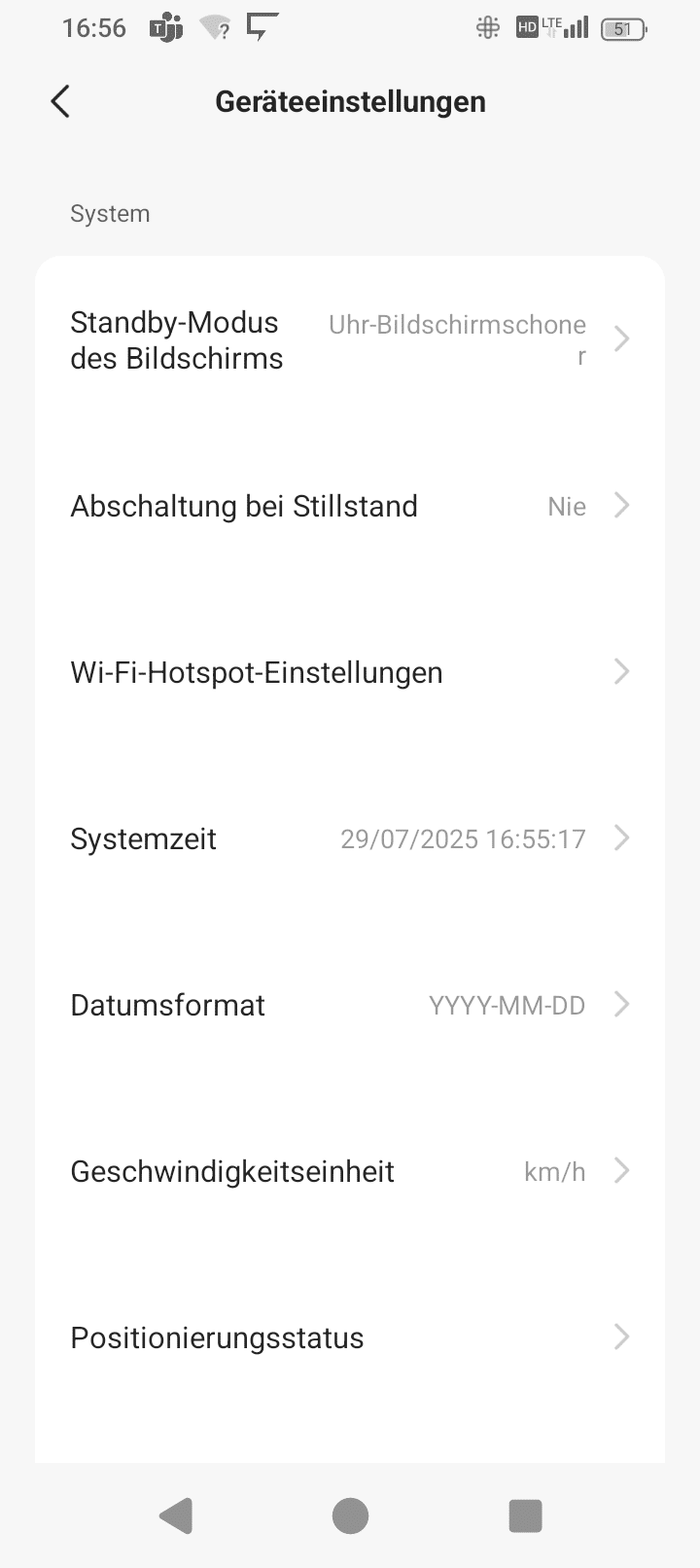
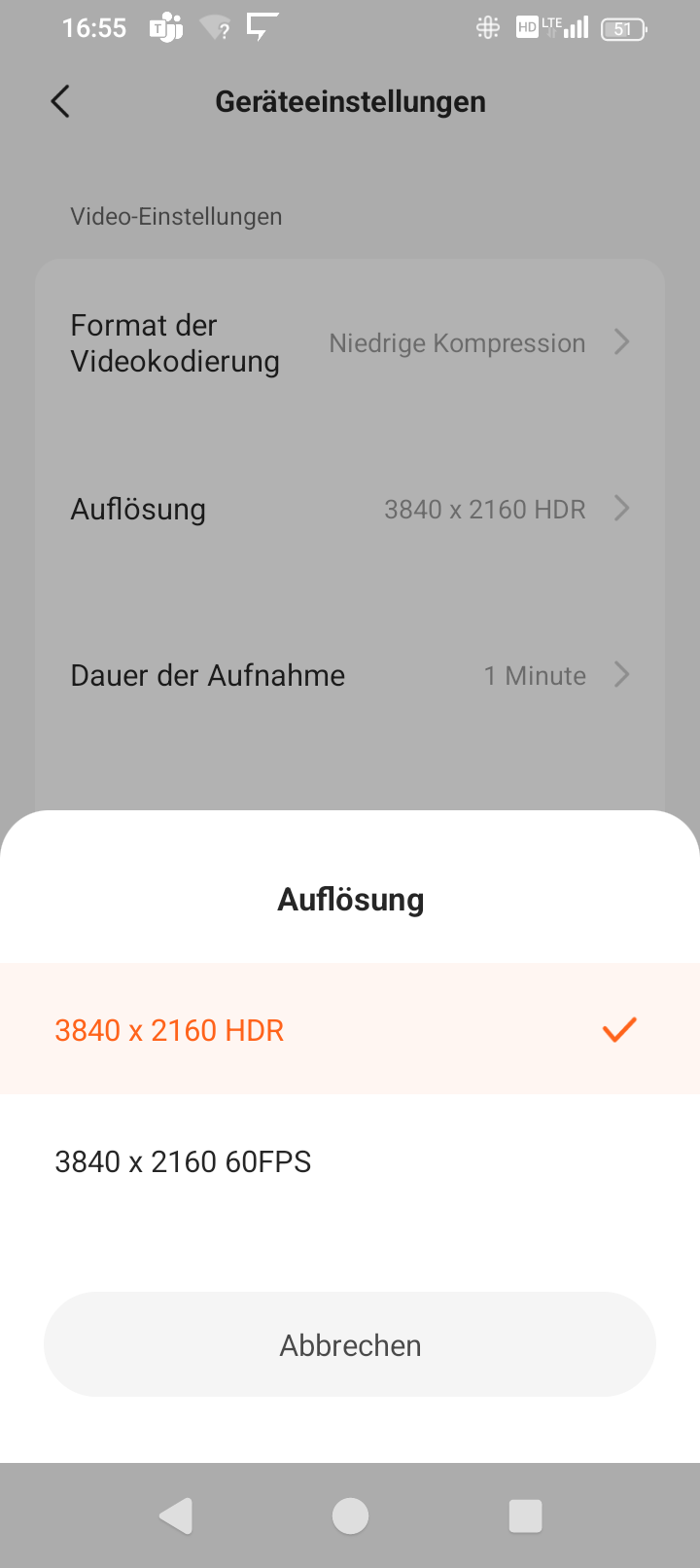
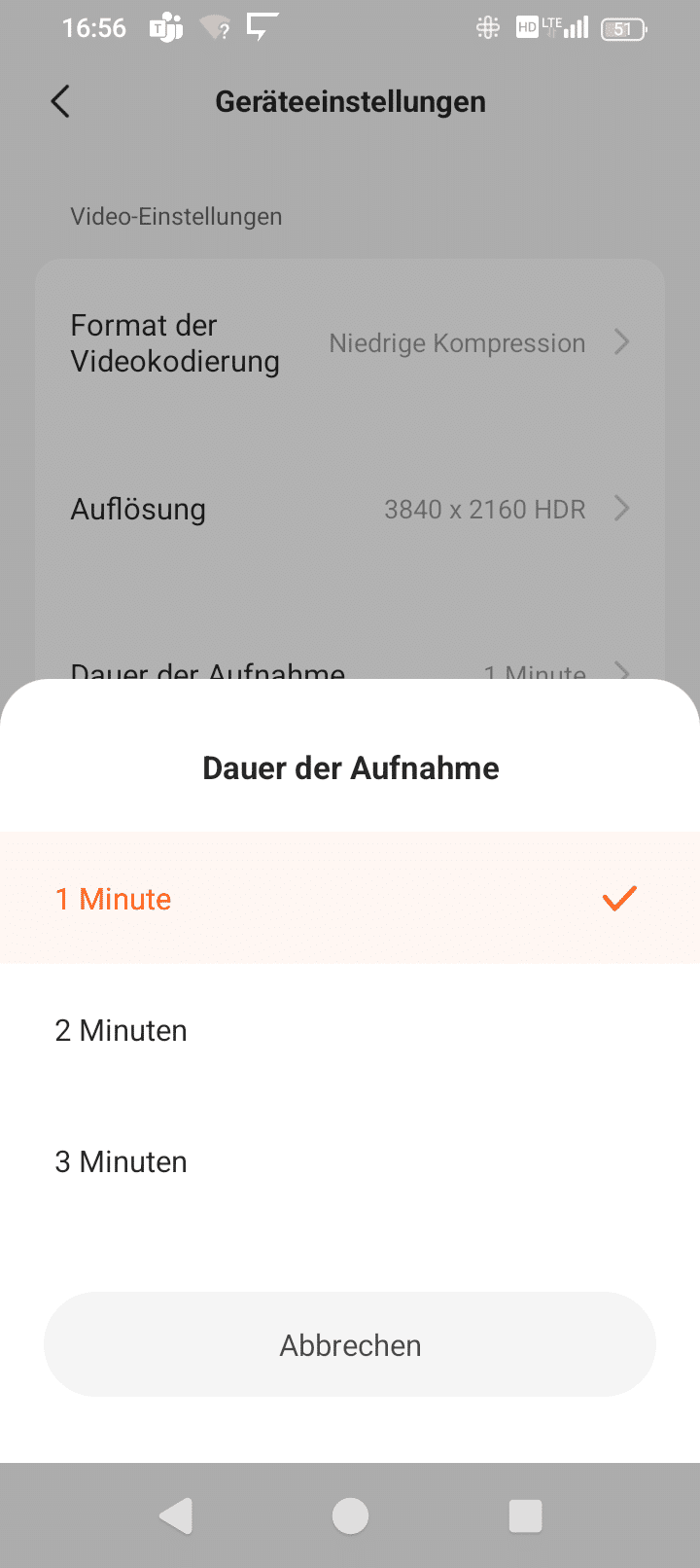
In the settings you can then change a lot of small things – from things that are displayed to the default orientation of the lens, settings for rotation and mirroring and more.
All in all, you can scroll quite far into the menu, but to be honest: I don’t really have the feeling that you should adjust much in there.
When connected to the Dash Cam, the view on the camera also changes to the connection icon in smiley format with a glowing turquoise ring – and now control is completely via the app.

.
When you are on the start page, the camera view is displayed in small, but there is also an icon for enlarging it. Now you get the full view of the camera image in widescreen – much better than on the mini screen of the dash cam, and also in a decent size and permanently, whereas the 70mai 4K Omni changes the live view to the time relatively quickly.

.
After a short tap on the smartphone display, you get a selection that includes the rotation of the front camera as well as the option to switch to the rear camera or leave full screen mode again.
Sensor and lens
- Good CMOS sensors from Sony
- Lenses are extremely wide-angle and quite fast
The front camera from the 70mai Dash Cam 4K Omni set is equipped with a fast lens with an aperture of 1.7 and comes with a relatively large 1/1.8″ sensor. This sensor size is typical for compact cameras. The rear lens comes with a smaller 1/2.8″ sensor, which is the typical size for cell phone cameras. Both sensors are based on CMOS technology and are Starvis 2 models from Sony, one of the largest manufacturers of sensors, which is definitely a sign of quality.
The front camera lens provides a very extreme wide-angle view of 146°, while the rear camera is still very wide at 130°, but not as extreme. These strong wide angles ensure that the image is somewhat distorted, i.e. that things appear somewhat wide towards the edge of the image. Straight lines are also curved.

.
Overall, this equipment is therefore quite solid. A polarizing filter is optionally available for the front camera. This is good if you drive a lot in daylight and want to reduce reflections from the windshield for a clearer view outside. However, it also reduces the incident light a little overall, which is why using it in low light, i.e. at night or in cloudy conditions, is counterproductive.
Screen
- Small, square screen on the back
- Brightness cannot be reduced if the clock display dazzles at night
- View from the side partially restricted
There is a small square screen on the back of the 70mai Dash Cam 4K Omni.

.
In practice, the screen is not overly detailed and the edges of the image are cut off by the format. However, the recording is only displayed for a few seconds before the display switches to the time. But that’s fine; after all, as a driver, you have a live view of the road anyway. But there are still two problems with the screen:

.
On the one hand, depending on the viewing angle, the view of the screen with the time is not so good. On the other hand, I have not found a way to adjust the brightness. This can be a little annoying, especially when driving in the dark.
Ultimately, the screen is not impressive, but from a practical point of view it is not that important, as you primarily need it for the setup and the current status (“Is the recording running?” / “Is my voice command being carried out?”).
Handling
- The cables can be hidden under the paneling of the car
- The camera has a bayonet connection and can be removed
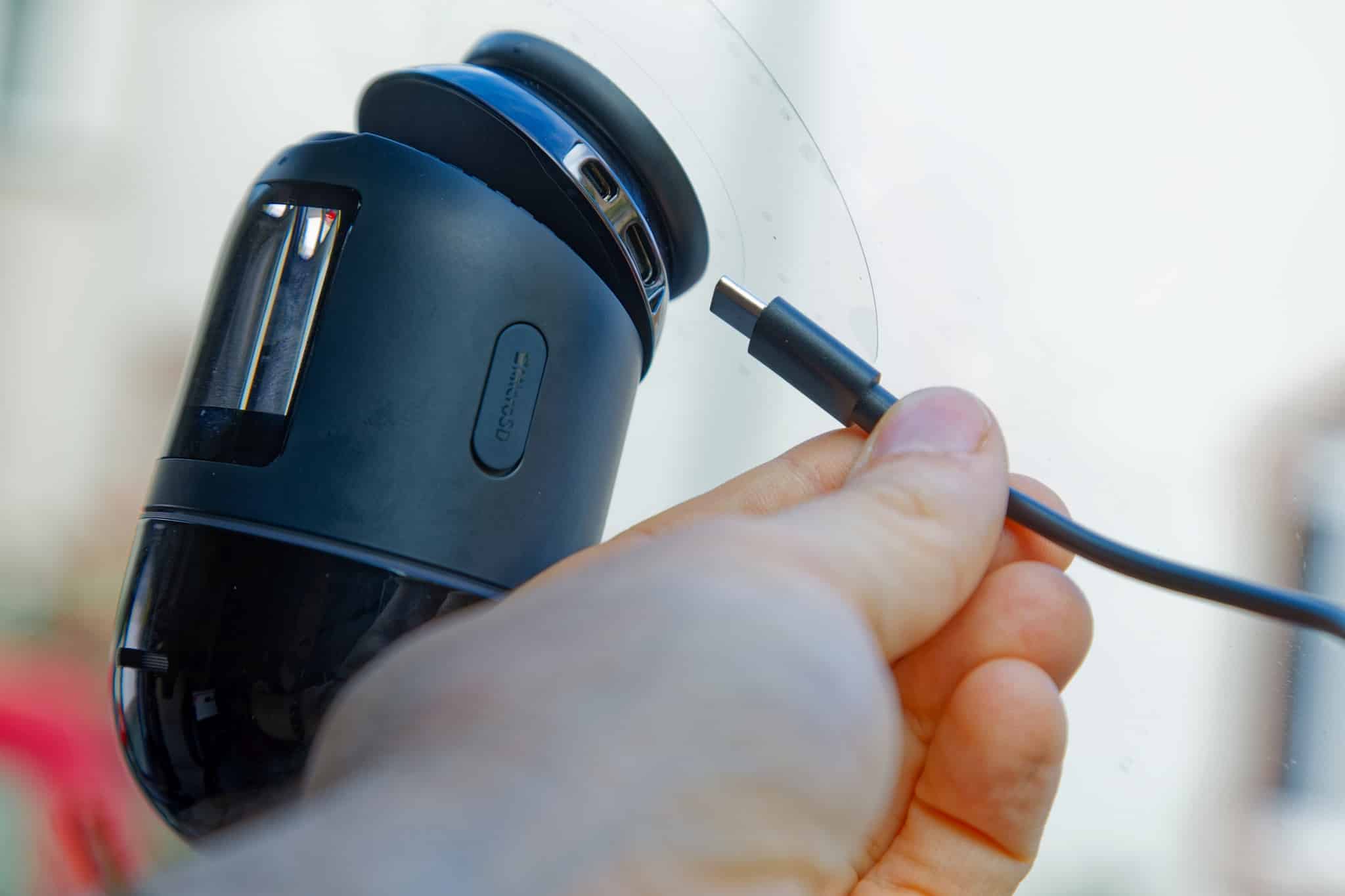
It is not always an advantage to have a camera visible in the windshield – as long as the camera is not hard-wired with the surveillance camera function. And you don’t want to remove the adhesive connection either. It is therefore a good thing that the camera has a bayonet catch – a quick twist and you have the camera in your hand and can detach the cable. Now you can take the camera with you or lock it in the glove compartment.

.
However, the cables – one for the power supply of the main camera and one for the connection of the rear camera – can be hidden behind the trim panel so that only the end of the cables can be seen in the direction of the connection.
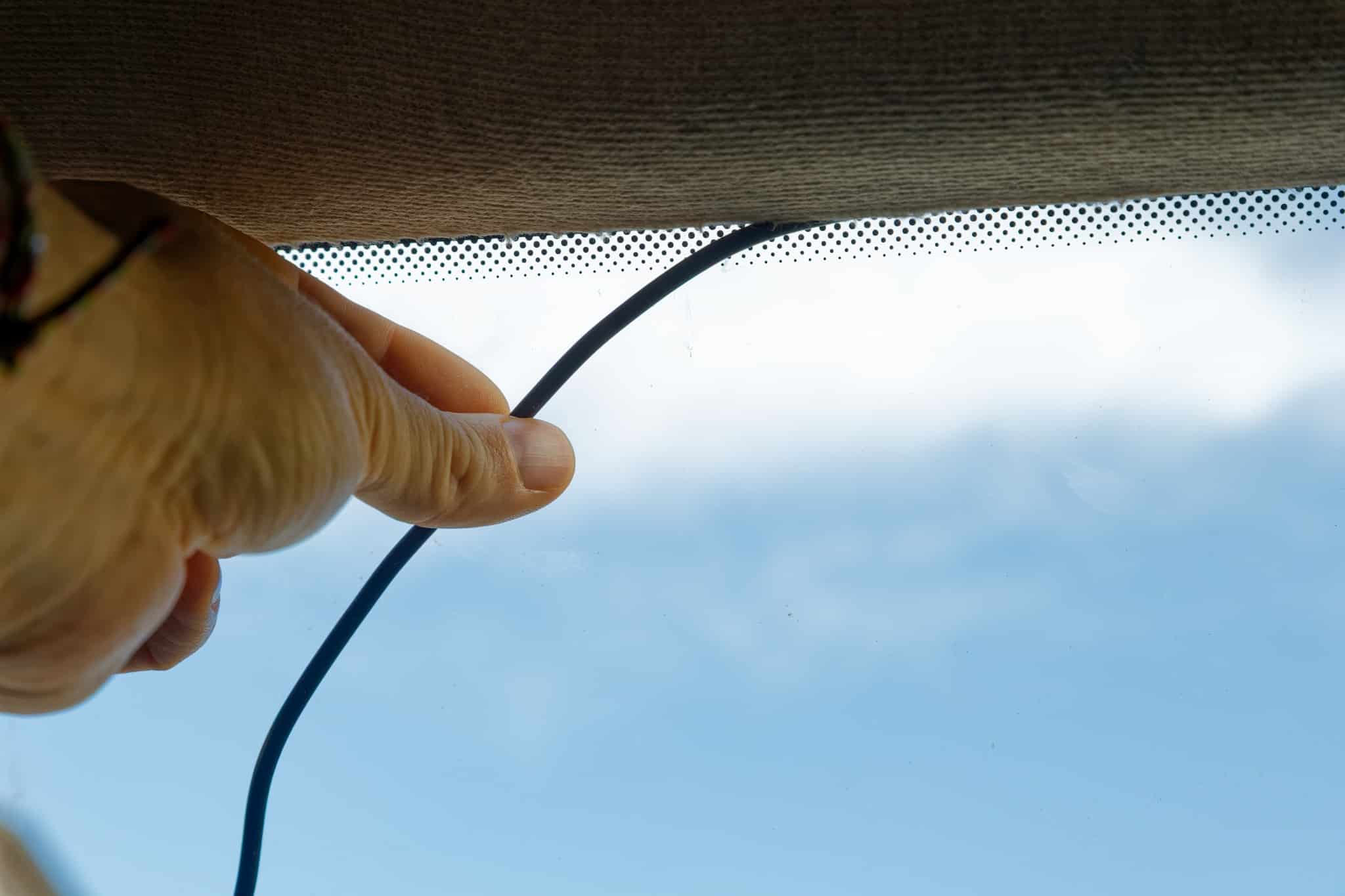
This is not so easy with the rear camera, but it is more inconspicuous anyway due to its more compact design.
How does the storage work?
- Around four hours of footage is recorded retrospectively and then overwritten again
- This means there is always enough storage space and Dash Cam requirements are met
- Separately started recordings remain permanently stored in their own folders
- Video format: MP4 in H.265
Formatting the memory card creates a few folders on the memory card in which different things are saved. On the one hand, “Normal” for standard recordings that run permanently and, on the other hand, folders for photos, for dedicated video recordings and for “Vlogs”. The camera records videos continuously and saves a file every minute – but with around 240 MB per minute for the front camera and a good 60 MB per minute, the 128 GB of the memory card is of course only sufficient for just under five hours. The new file per minute makes searching easier if you are looking for an event at a specific time – you can simply view the storage time of the file.
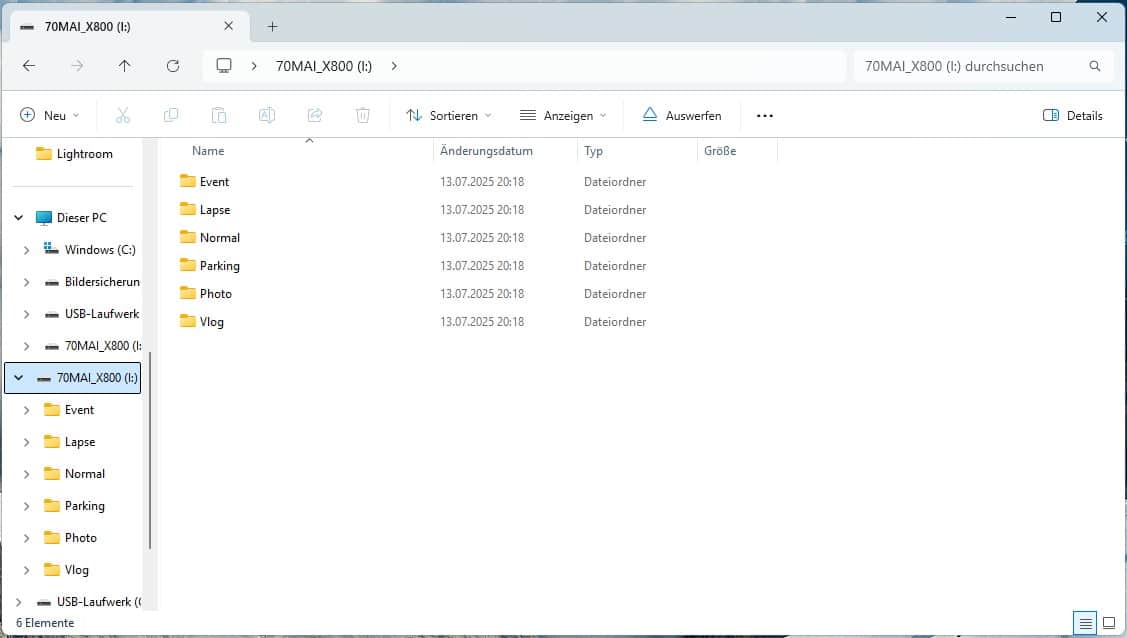
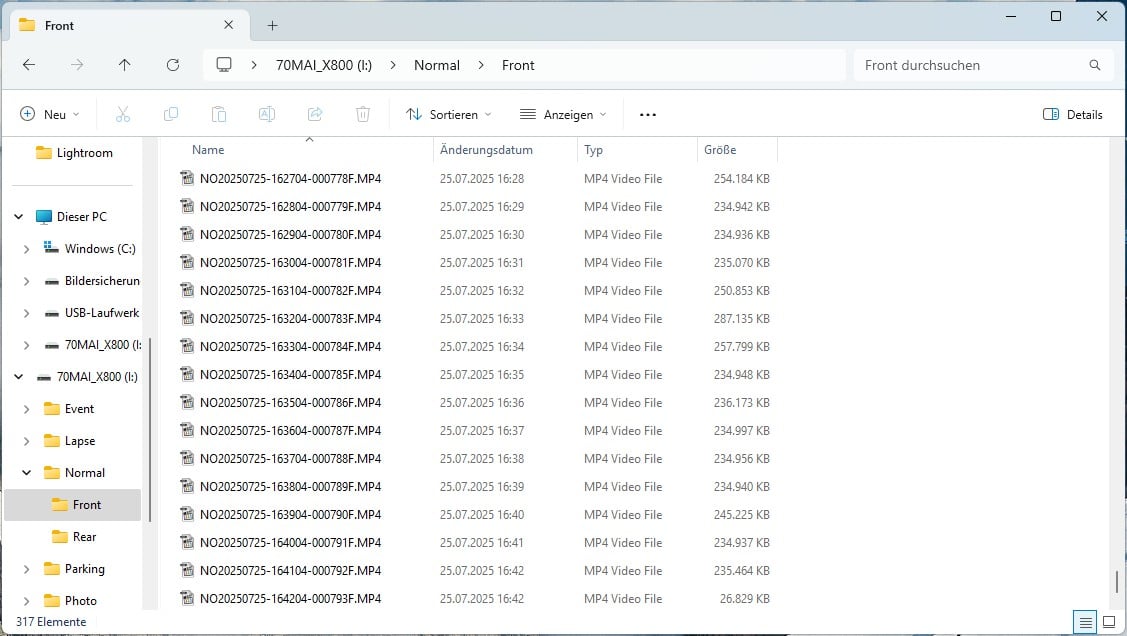
However, if the “Normal” folder, in which the continuous recording is saved, is filled with almost 100 GB, the oldest files are deleted and replaced by newer recordings. The remaining storage space is free for separately triggered recordings that are not deleted. This is enough for quite a while. On the one hand, this ensures that the recordings can run in a loop and, on the other hand, it ensures that the memory card does not fill up at some point. This means that the recordings from the front and rear cameras are saved for a total of around four hours retrospectively.
Speaking of storage: the video files are saved in H.265 as .mp4, which is a better, newer compression than the more common H.264, but there are programs and end devices that have problems with this codec.

.
If you have set the low compression, the app will remind you every time you start it if your smartphone also supports high compression, but videos will then be saved with the more common H.264 codec. For example, my video editing program, Blackmagic DaVinci Resolve, can handle this natively, while the files with the factory-set “high compression” must first be converted.
Voice commands and recording modes
- Images and videos can be started
- Rotation of the movable front camera possible via voice commands
- All voice commands in English
In addition to the standard recordings that are always running, you can also make separate recordings that are saved in other folders. However, the voice commands are not available in German; English must be used here. This is actually quite all right, as you are less likely to use them in normal conversations.
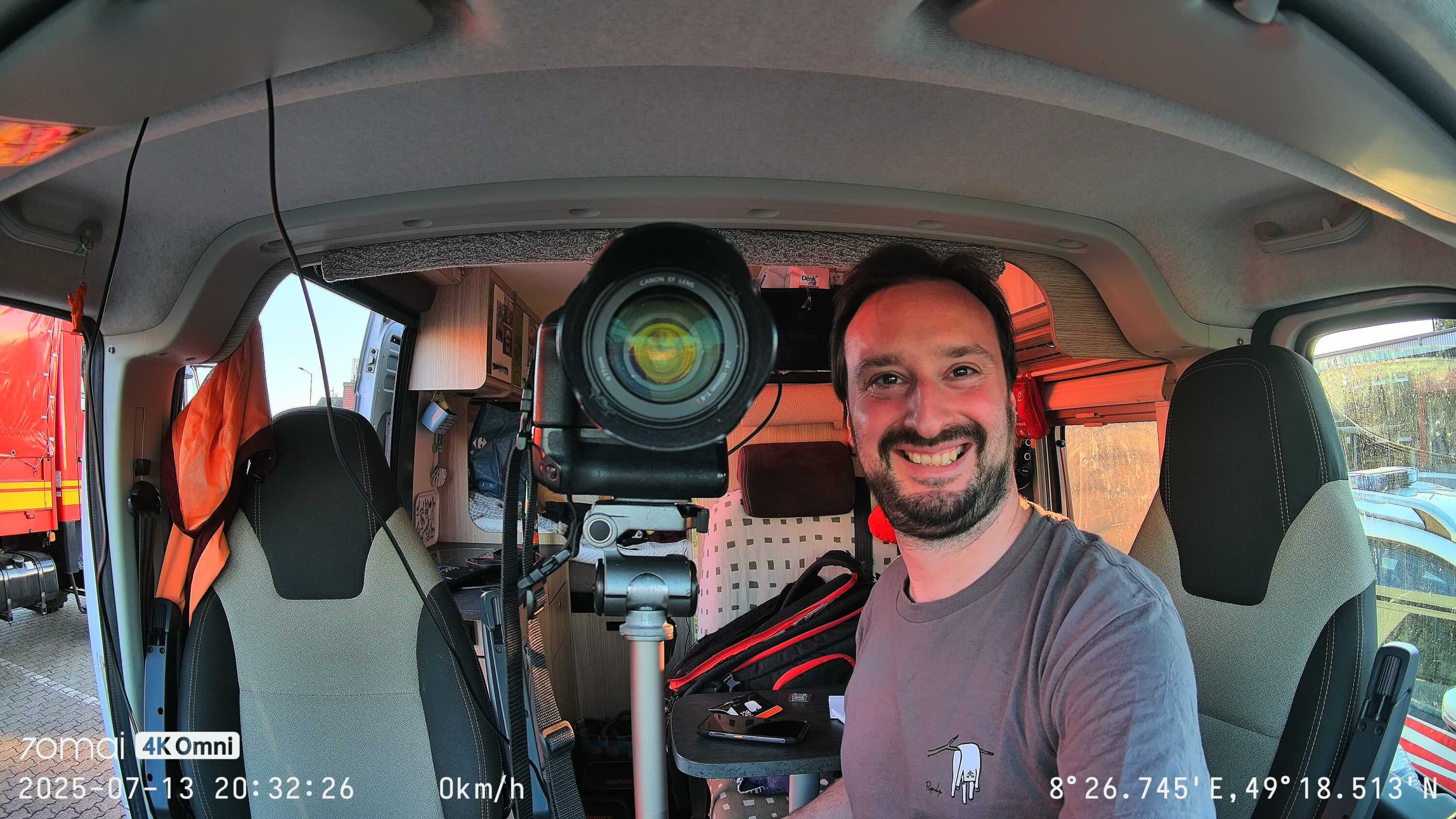
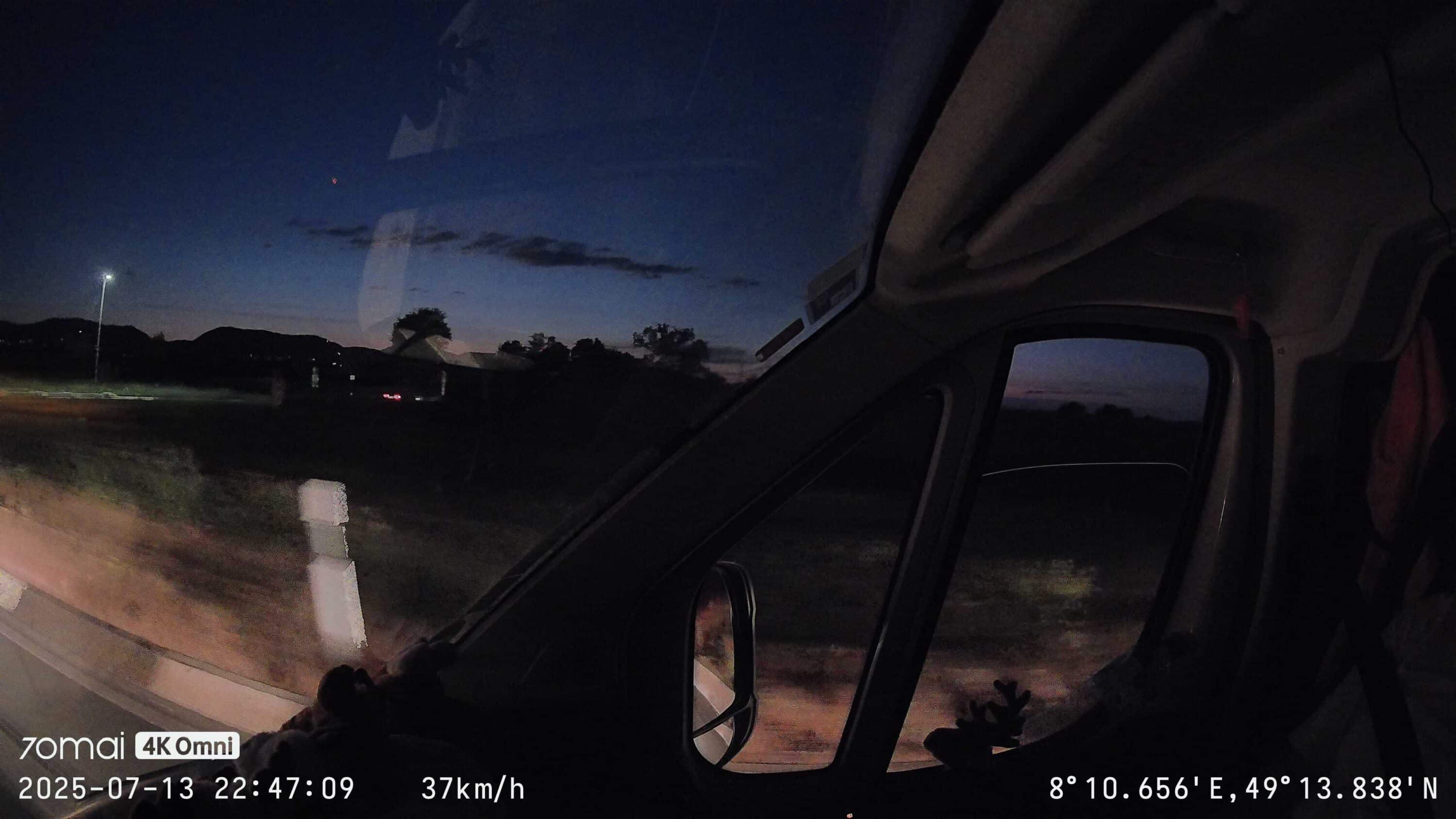
The typical commands are “Record Video” – this records a video of around half a minute in length, saving the last 20 seconds and a further 10 seconds after the voice command. “Take Photo” saves a simple frame from the video – also including information such as GPS position and speed. “Take Selfie” turns the camera towards the car interior and takes a photo with a 3-second timer. The camera then turns back to the front. “Shoot Vlog” records a short video in which the camera rotates from right to left like a panorama and then films directly into the interior of the car. By the way: “Take Photo” is also very cool in that the information is also saved on the image, such as GPS data. This means that you can simply take a picture at places that you want to remember and find them again using the data.
There are also a few commands that can be used to control the cameras. “Switch Rear View” shows the rear camera on the small screen, “Switch Front View” switches to the front camera. “Turn Left” and “Turn Right” rotate the camera to the side to possibly record through the side windows. “Camera Reset” ensures that the camera turns to the front again.
Analyzing the image quality
- Very good image impression
- Wide-angle distortion
- Quality drops sharply at night, which reduces the legibility of details
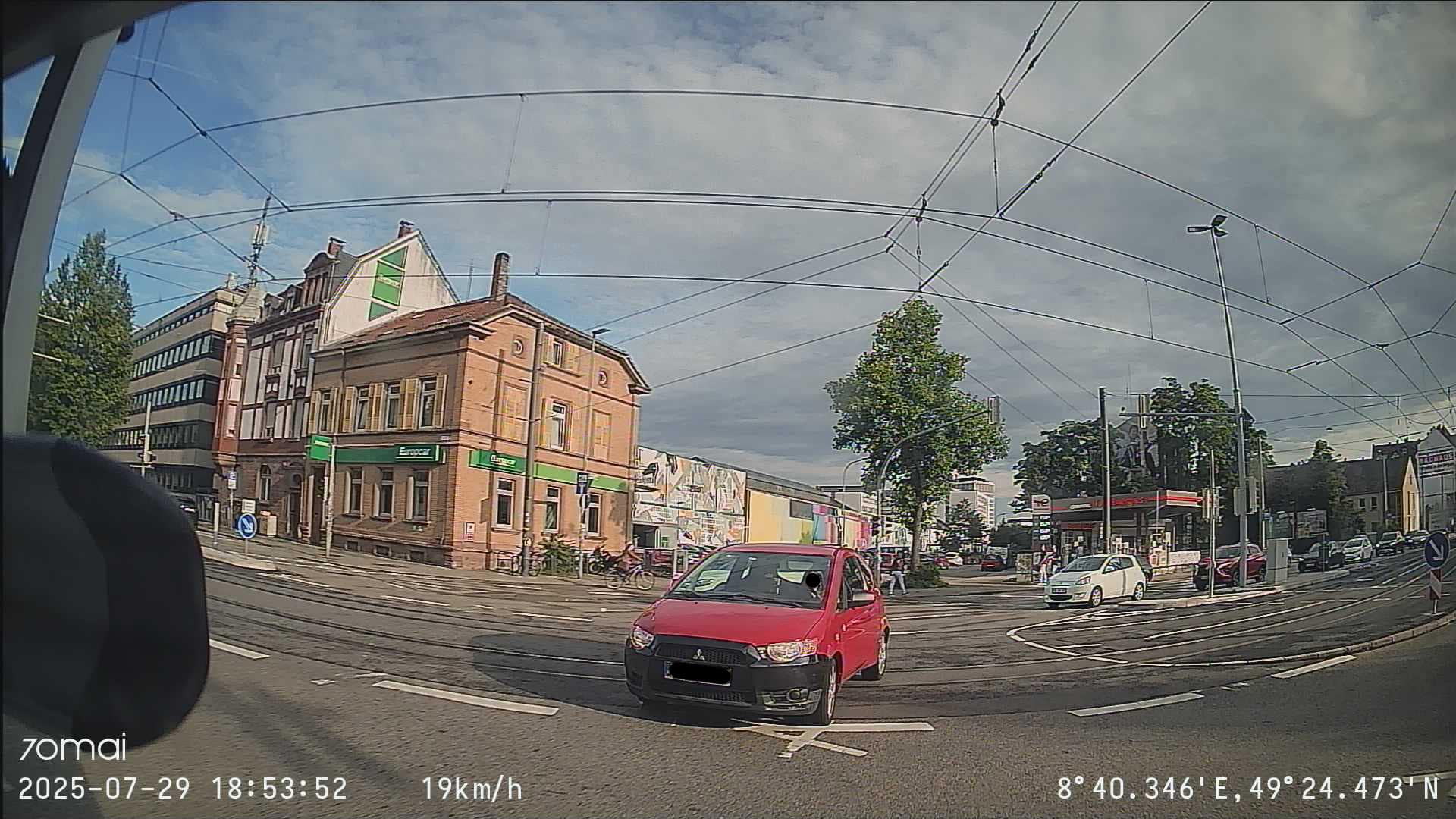
The technical basis with the good sensors and the fast lens offers good prerequisites and the images are also processed inten with an AI. This actually ensures a good image impression, little image noise and clear colors. However, I have a slight quarrel with the extreme wide angle. On the one hand, it is good to have as much as possible in the picture, but lettering – as well as license plates – are of course displayed smaller, which can be a little difficult to read.
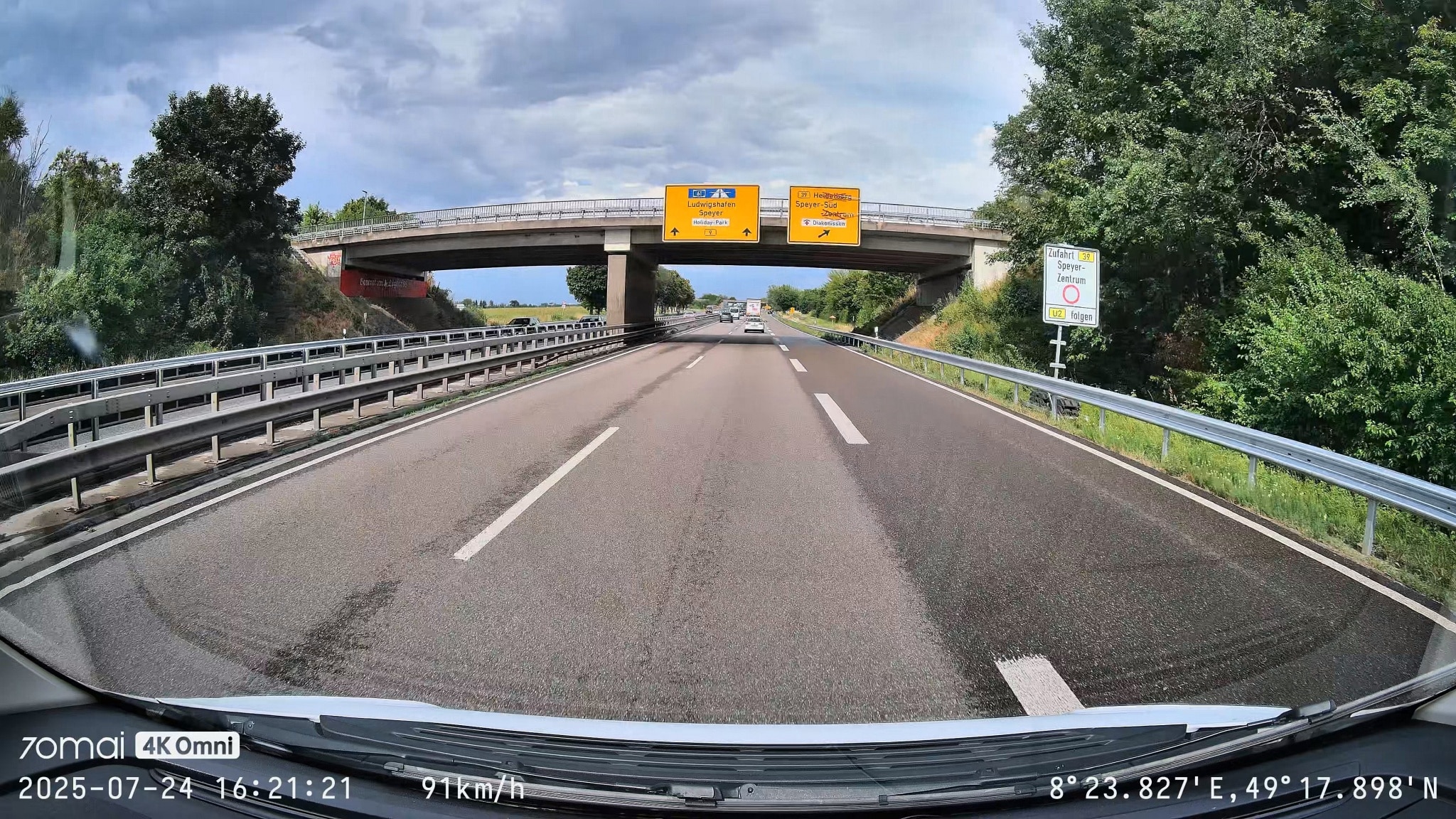
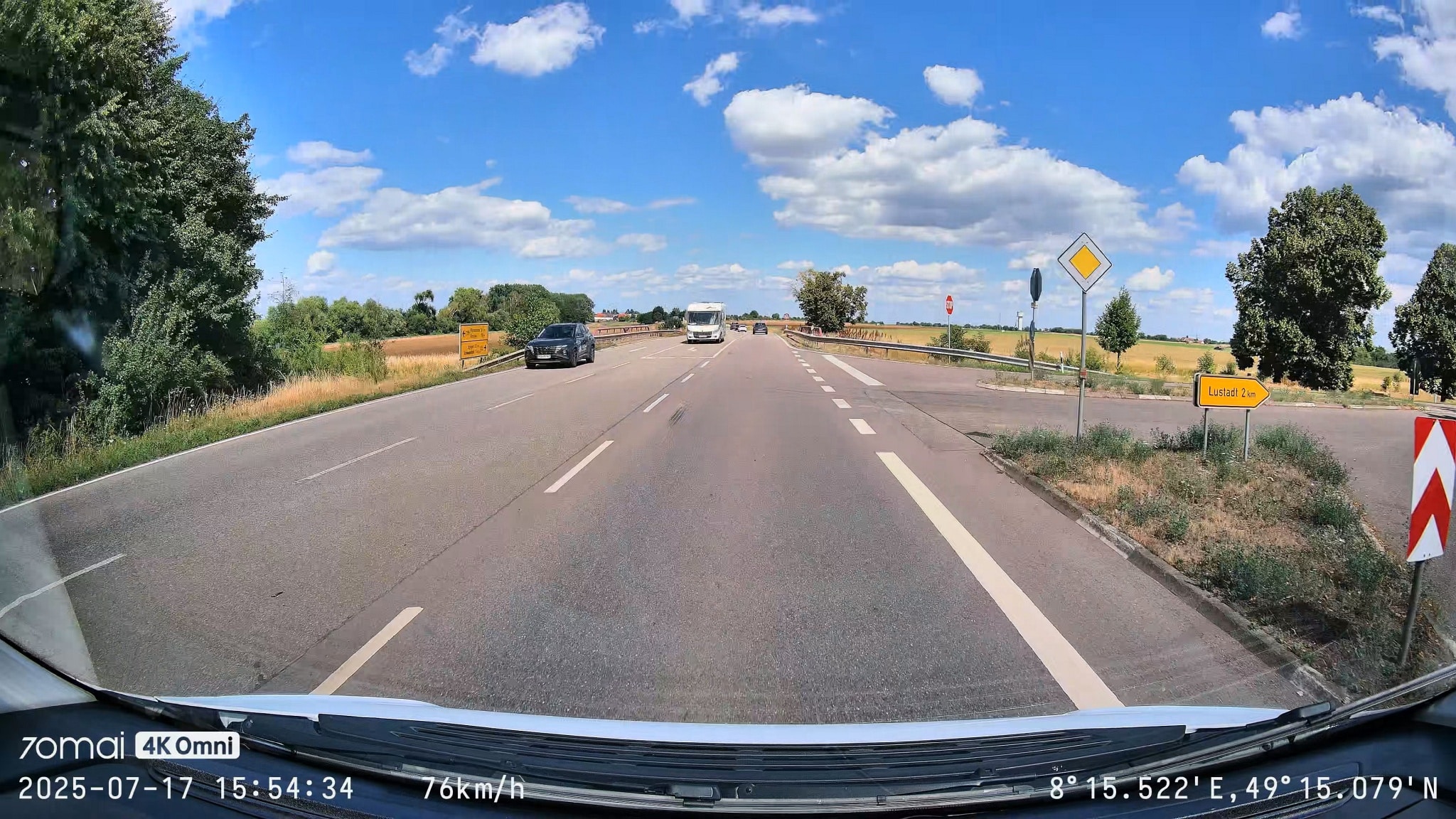
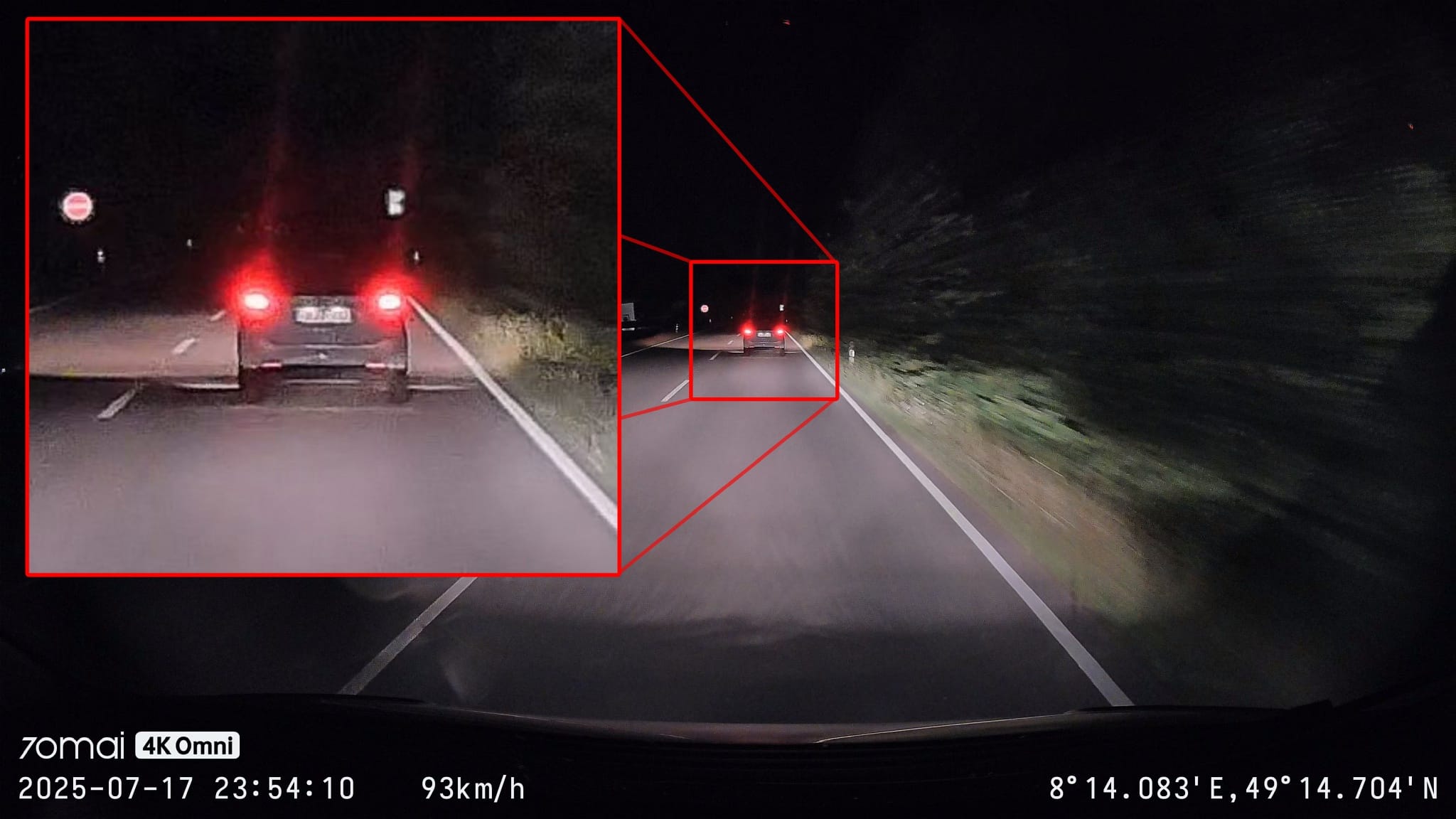
Personally, I would have preferred a slightly larger focal length, which would have cut away the barely usable border in favor of a larger display of the remaining image area. Because even if the lettering and license plates are more legible towards the middle, they are often so small with the extreme wide angle despite the 4K resolution that you have to be quite close to the car to be able to see anything accurately. License plates of cars in oncoming traffic are usually unrecognizable when driving, especially at night.
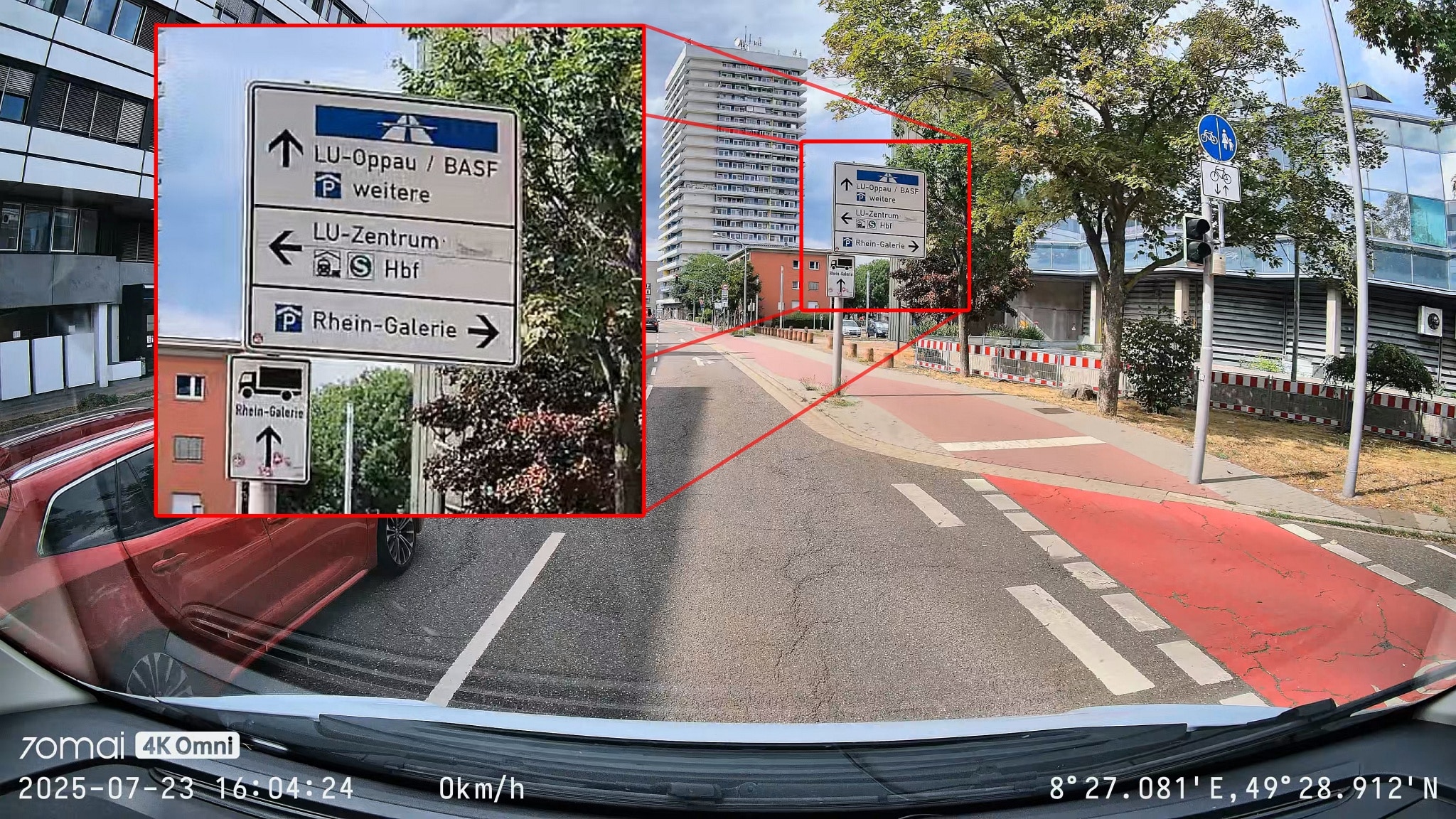
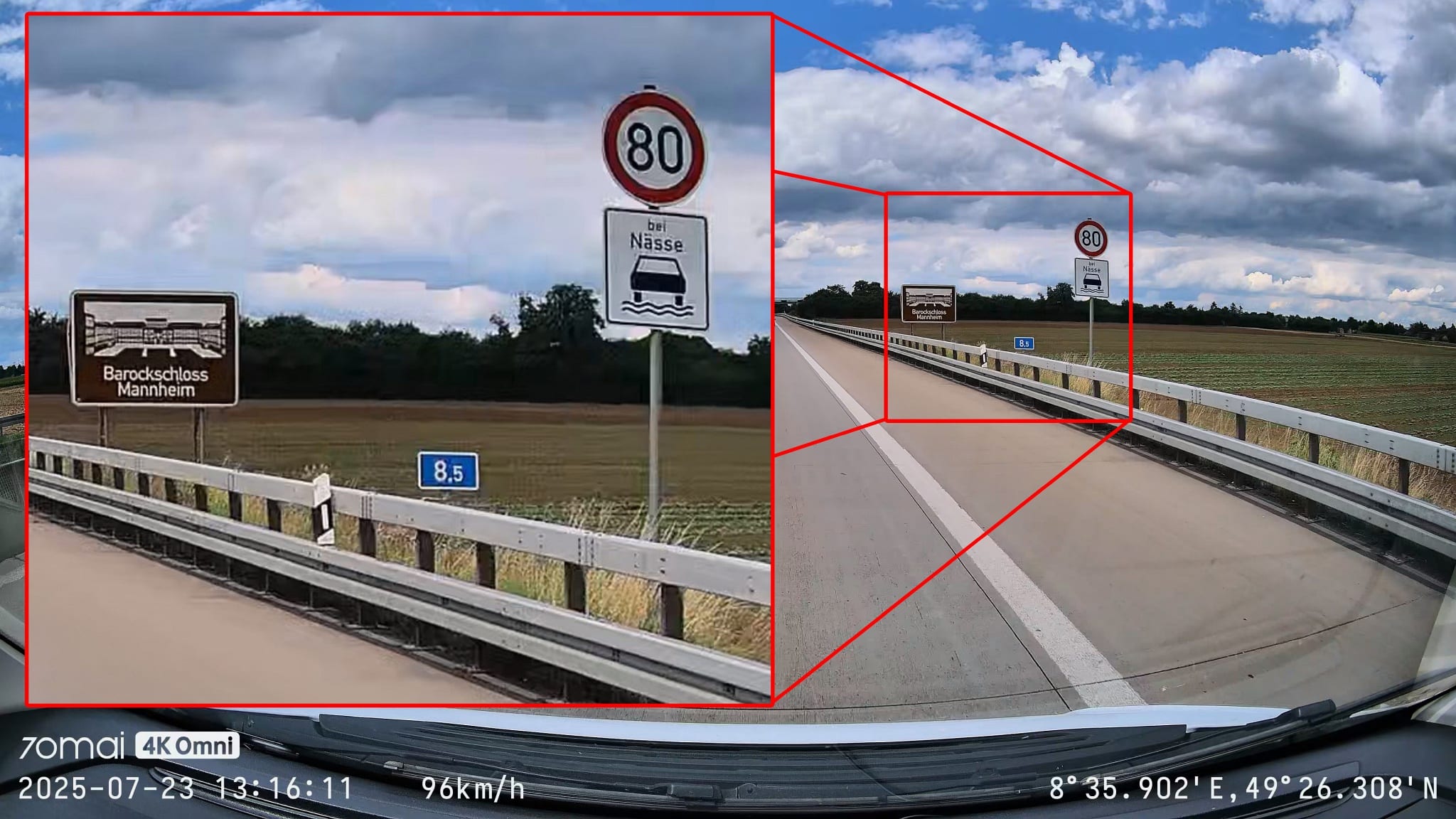
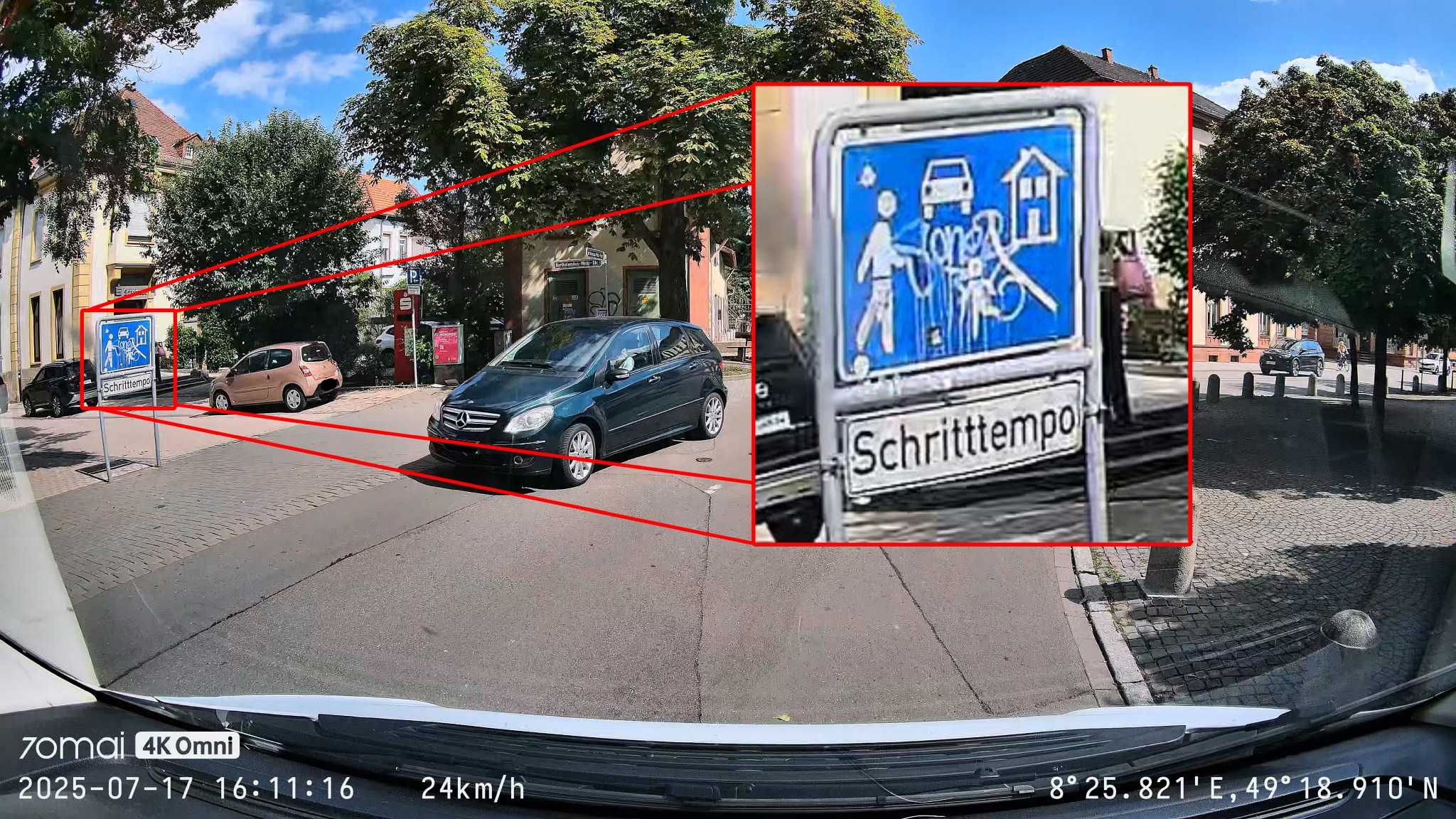
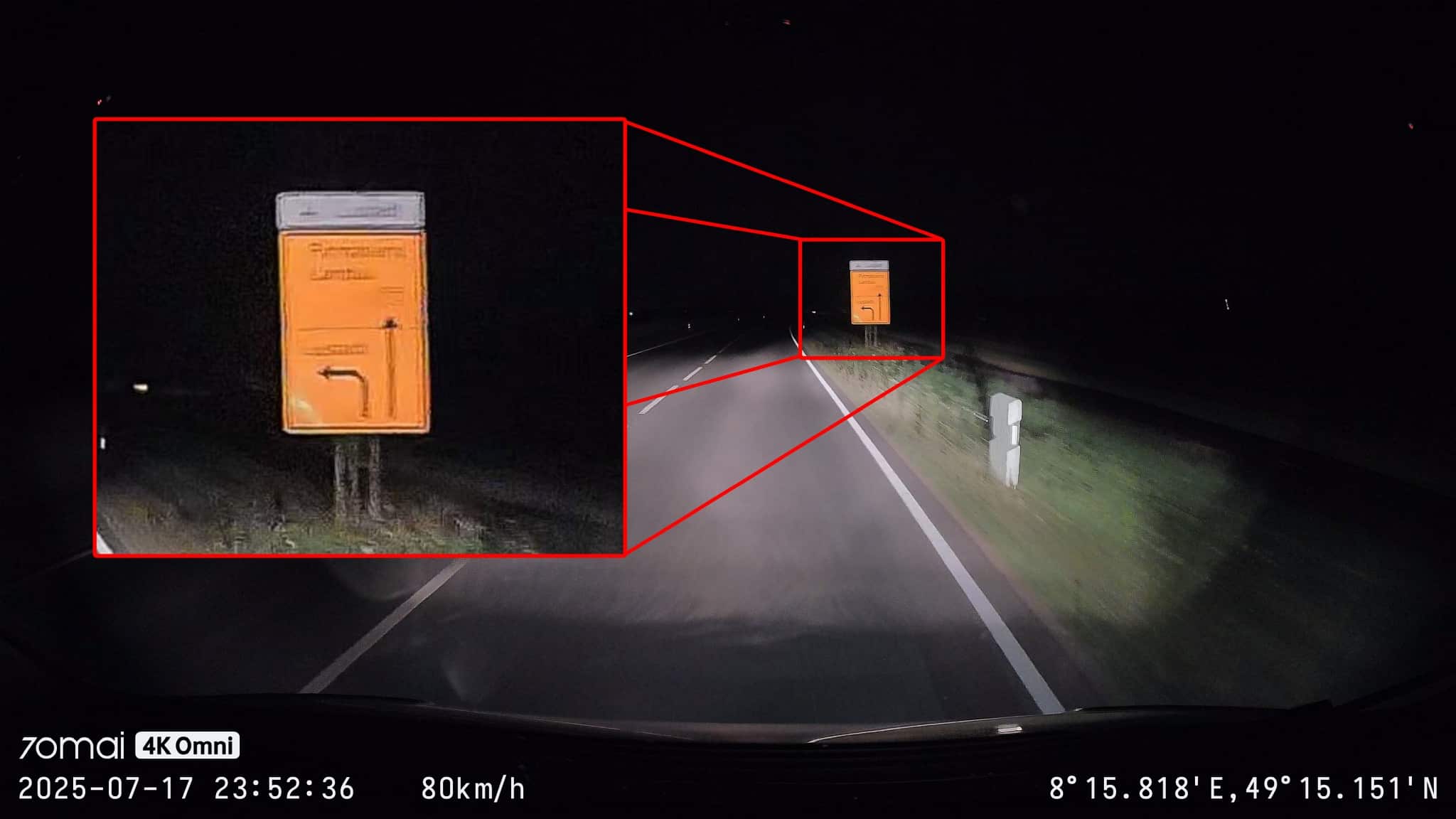
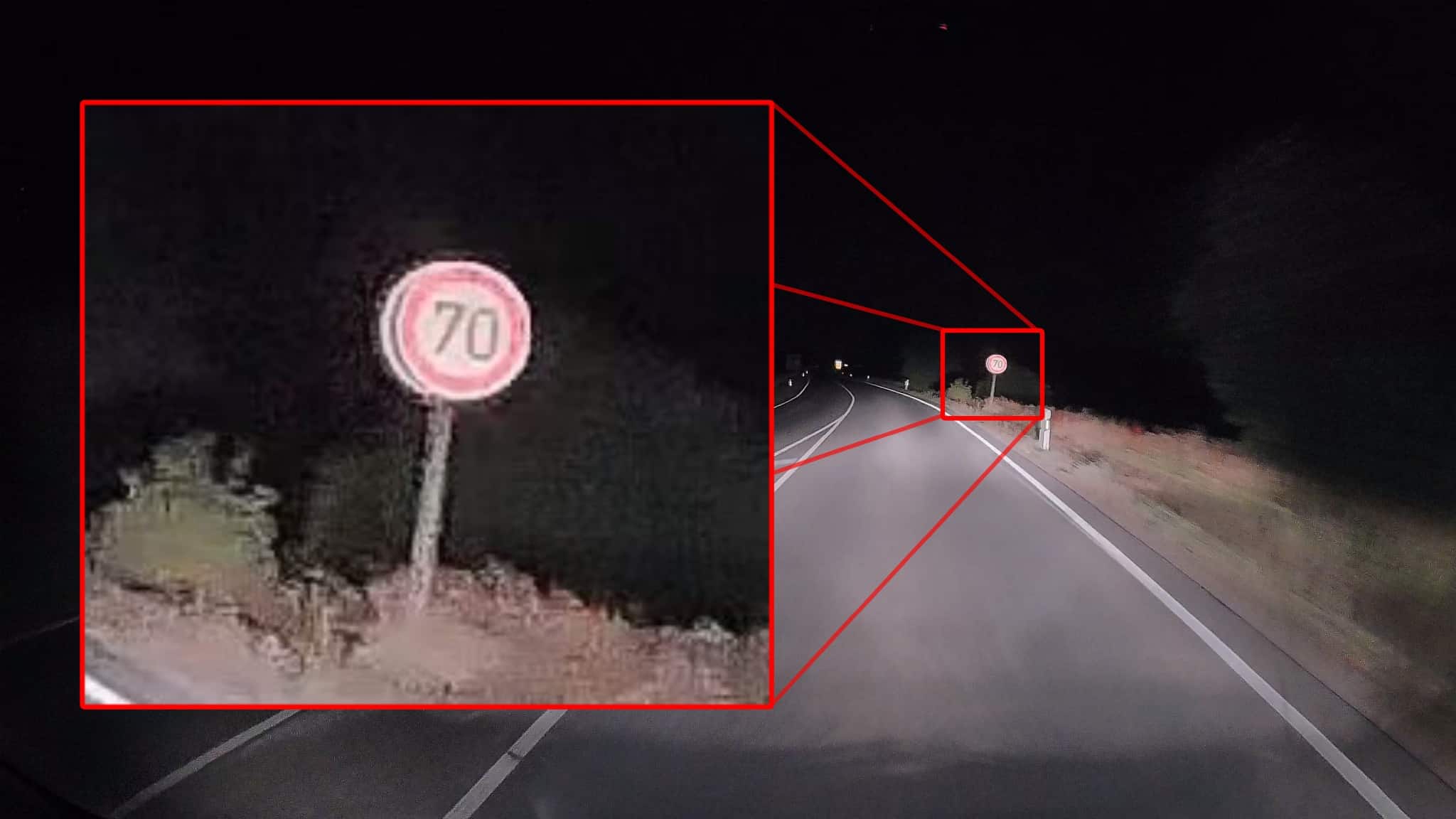
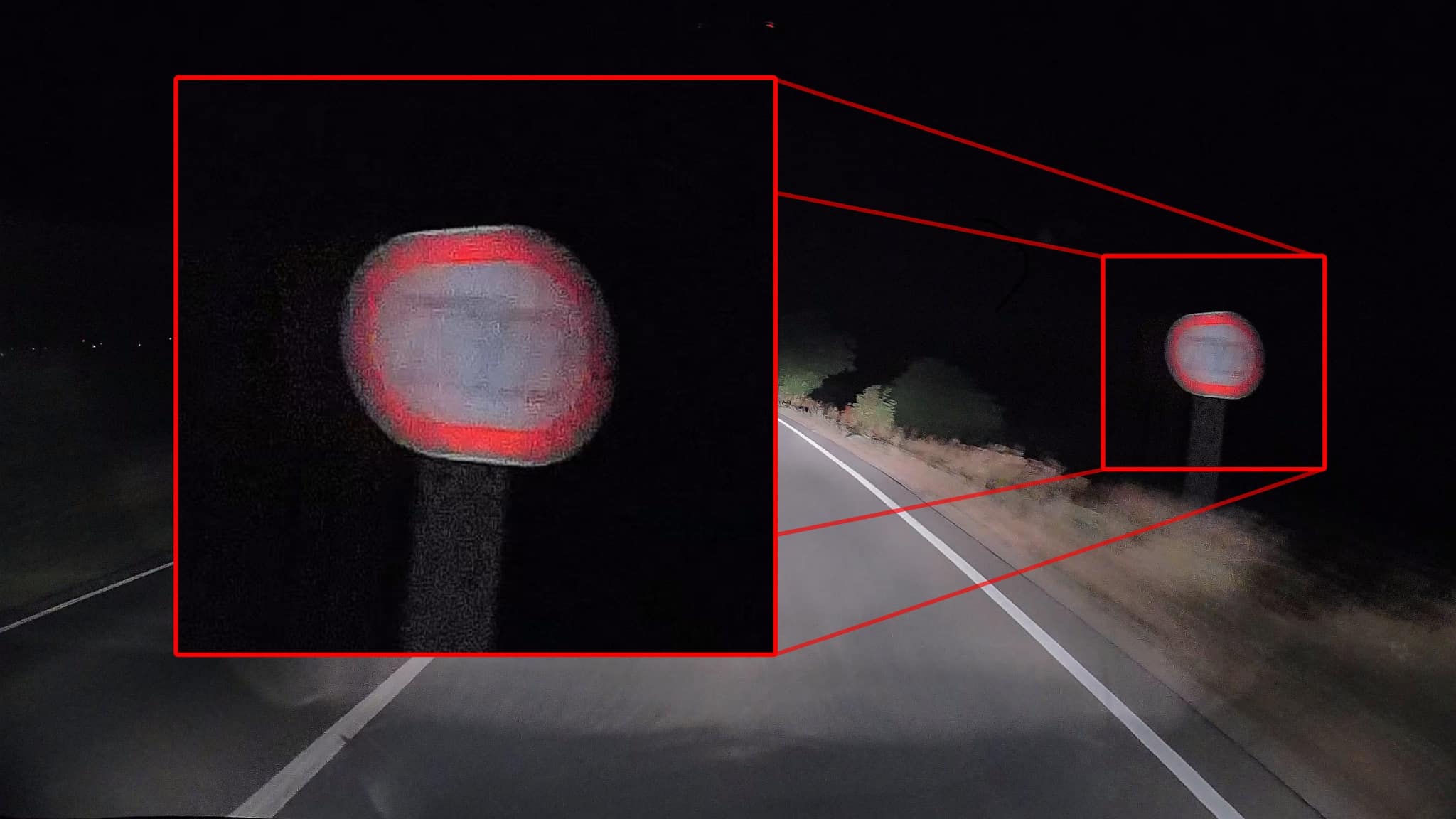
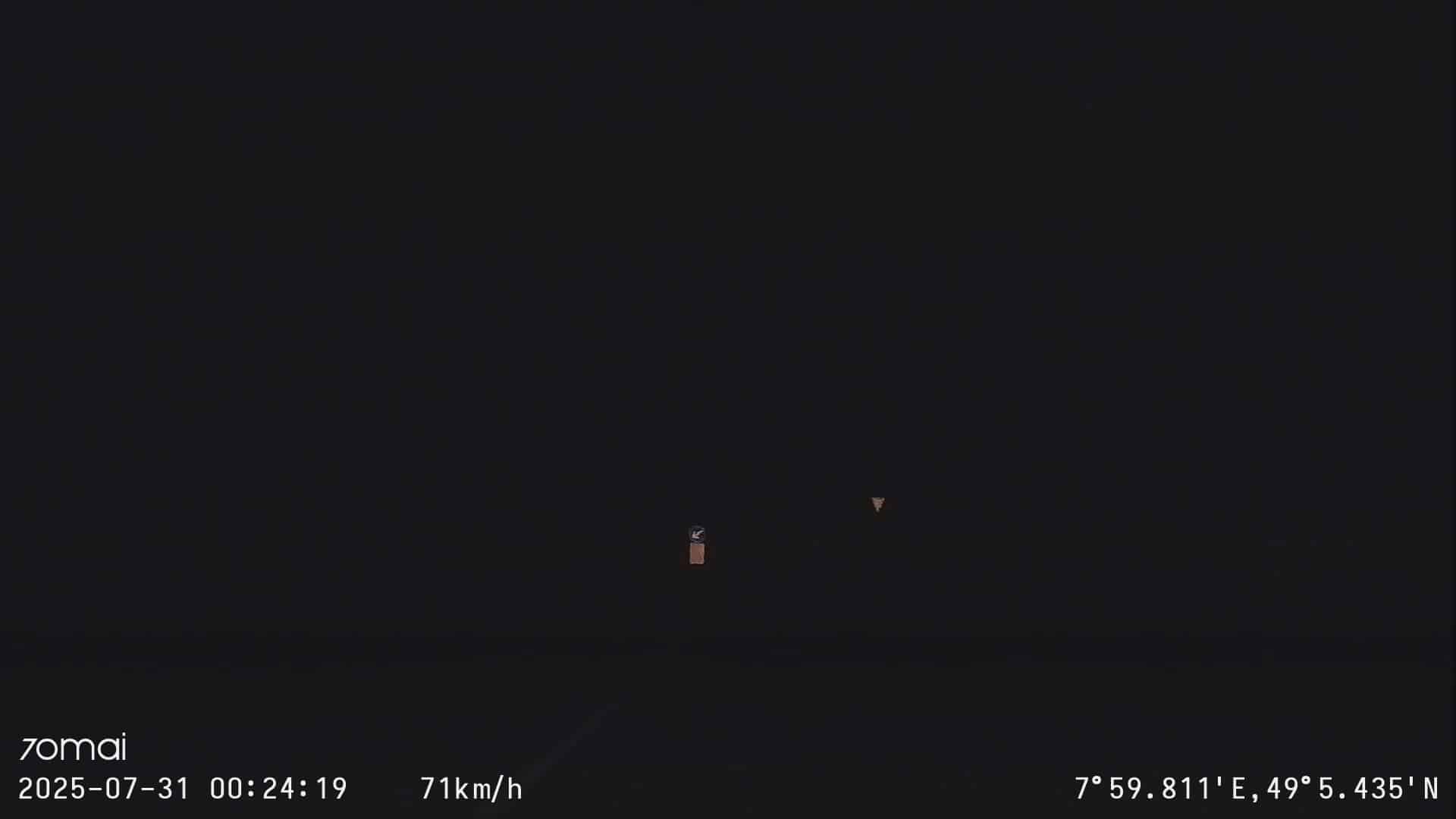
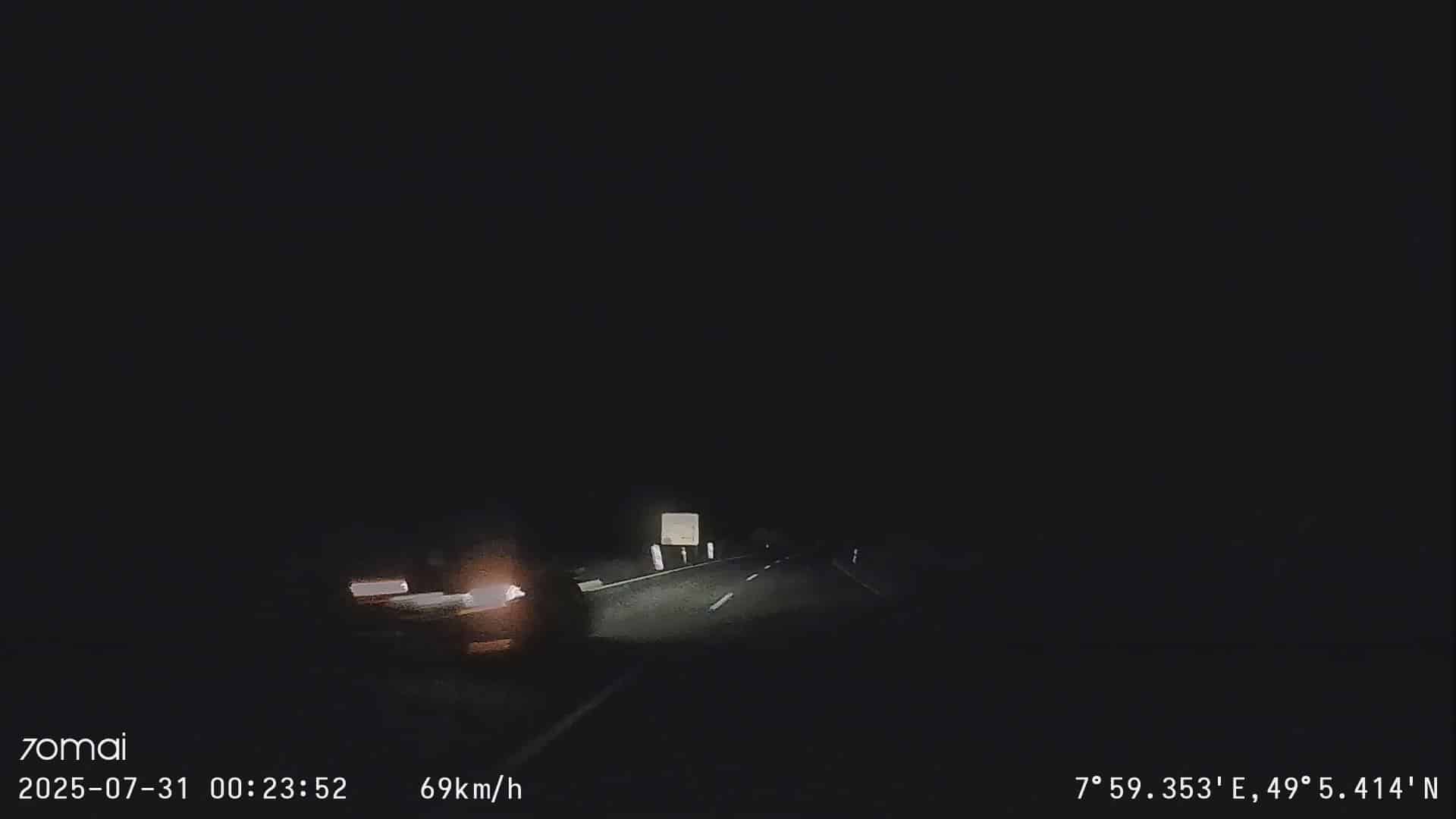
At night, the visibility of details is generally quite limited, so lettering, license plates and signs are difficult or impossible to read. During the day, on the other hand, this is not a problem: there is no need for so much noise reduction, which could smear the details. The license plates are easier to read here, both in the center of the picture and at the edge, and occasionally license plates in oncoming traffic are also legible. Of course, you have to pause and look at still images for this – in motion, this happens too quickly to be recognizable. That doesn’t help at night either.
The picture itself looks very clean and the movement is smooth. Even when driving over bumpy sections, such as level crossings, the picture doesn’t wobble as you would expect.
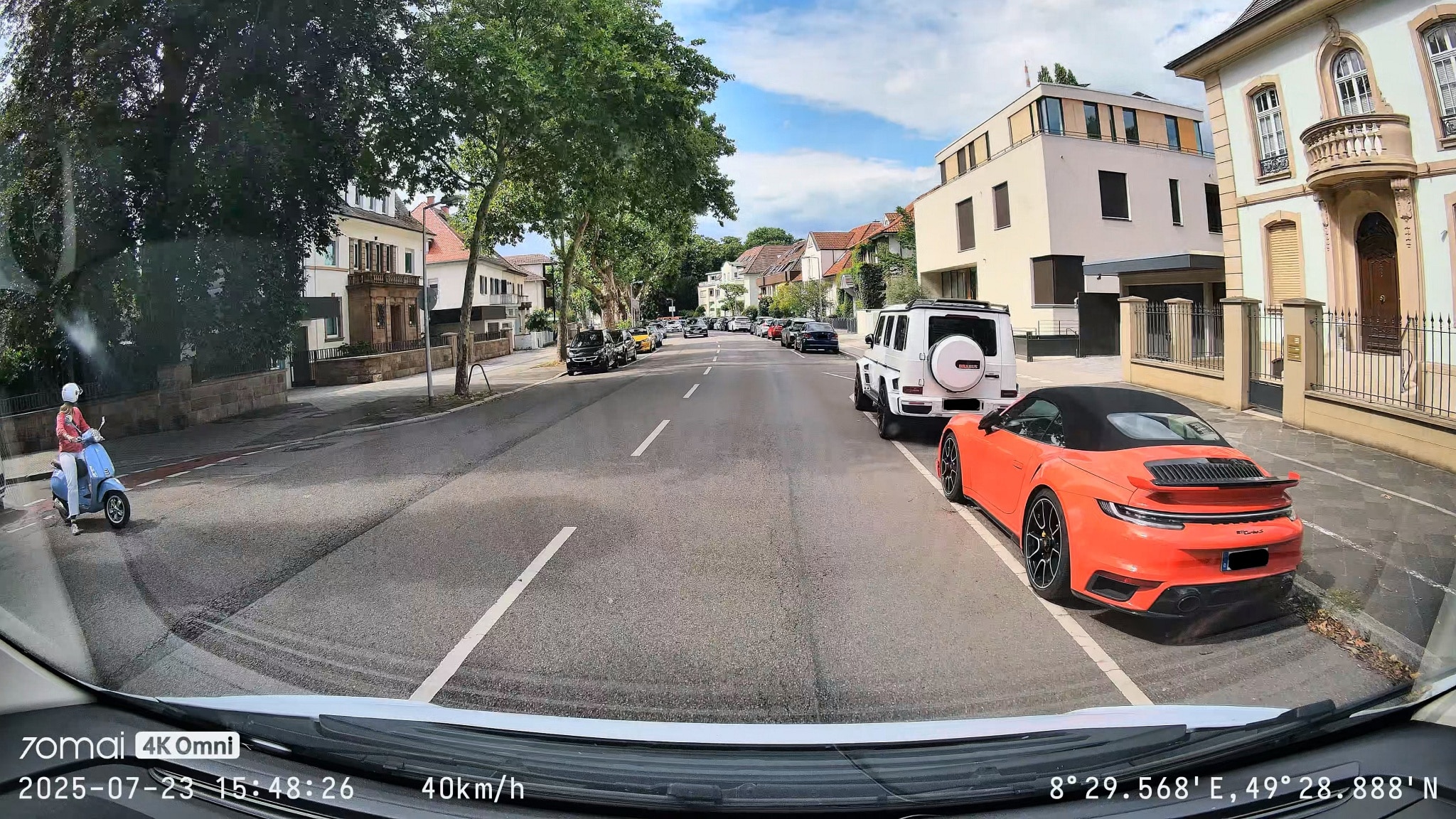
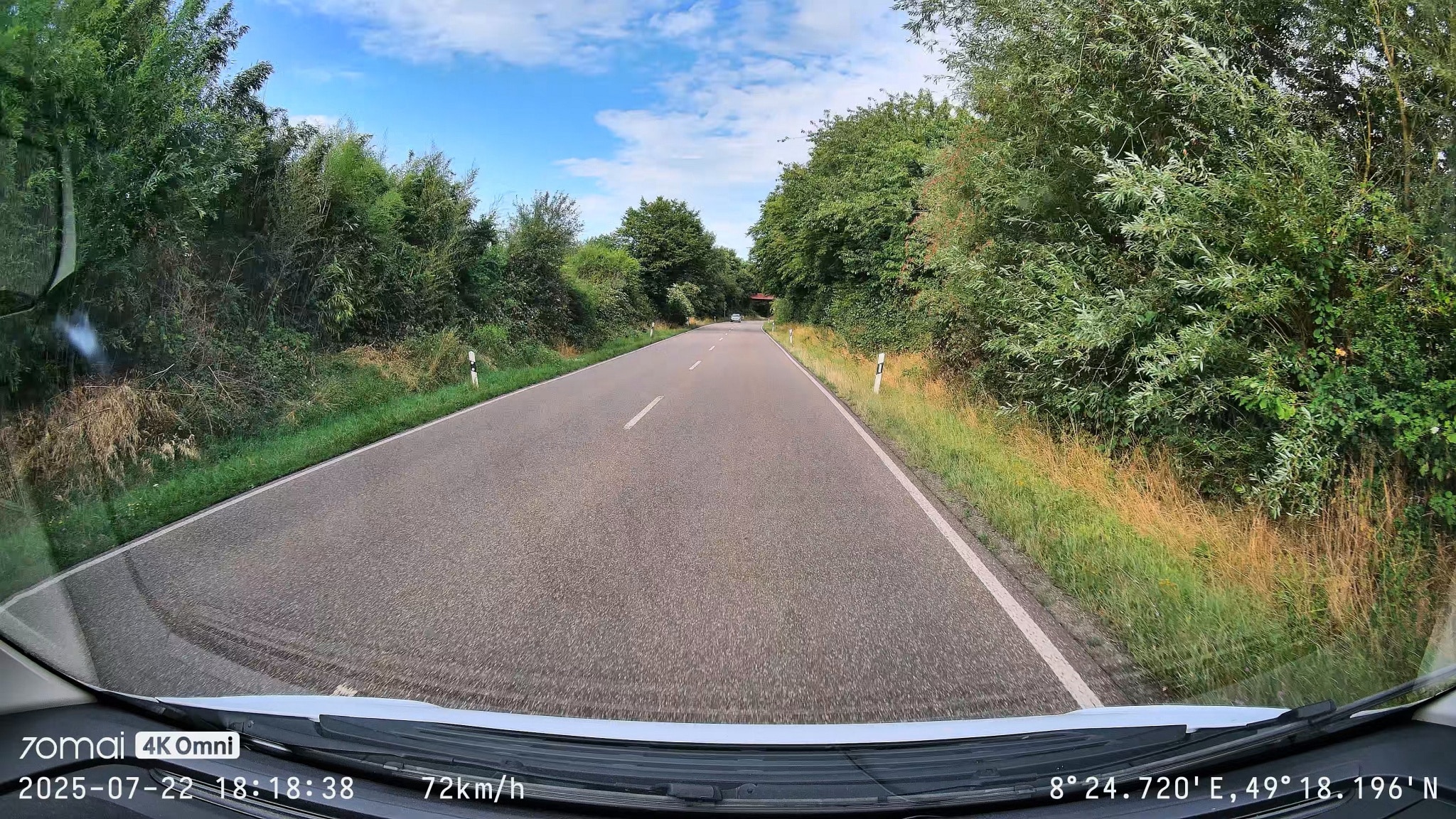
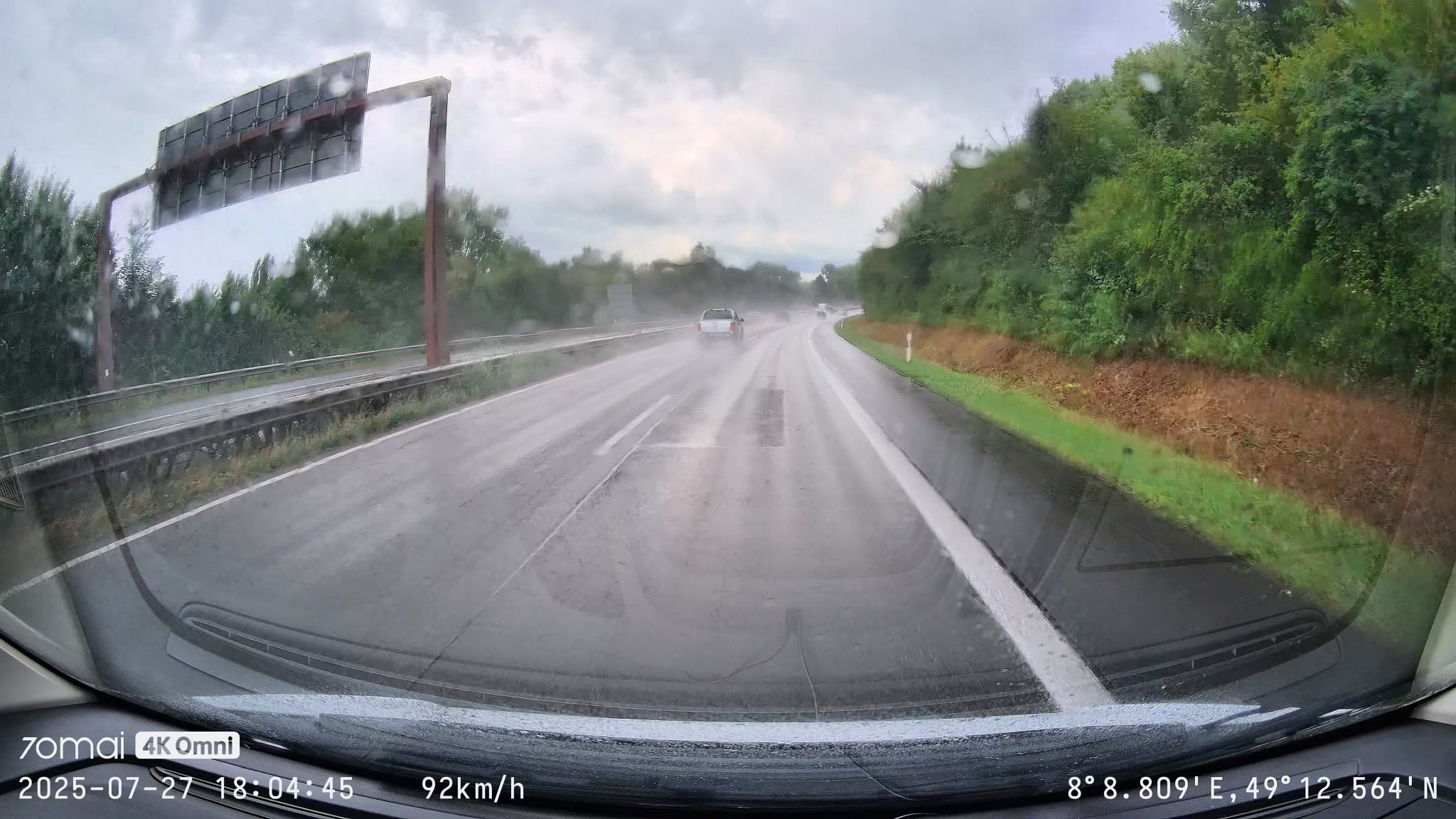
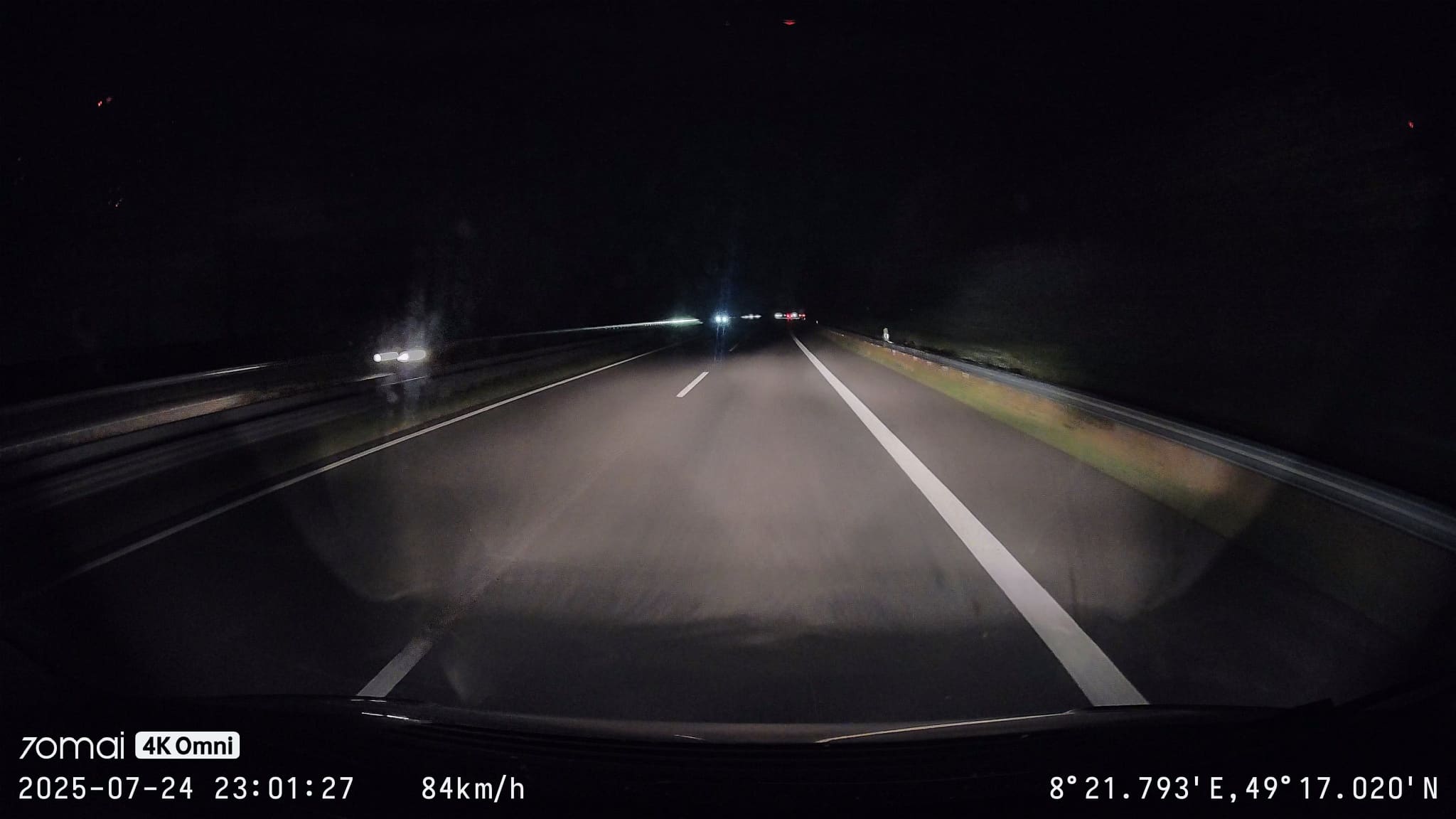
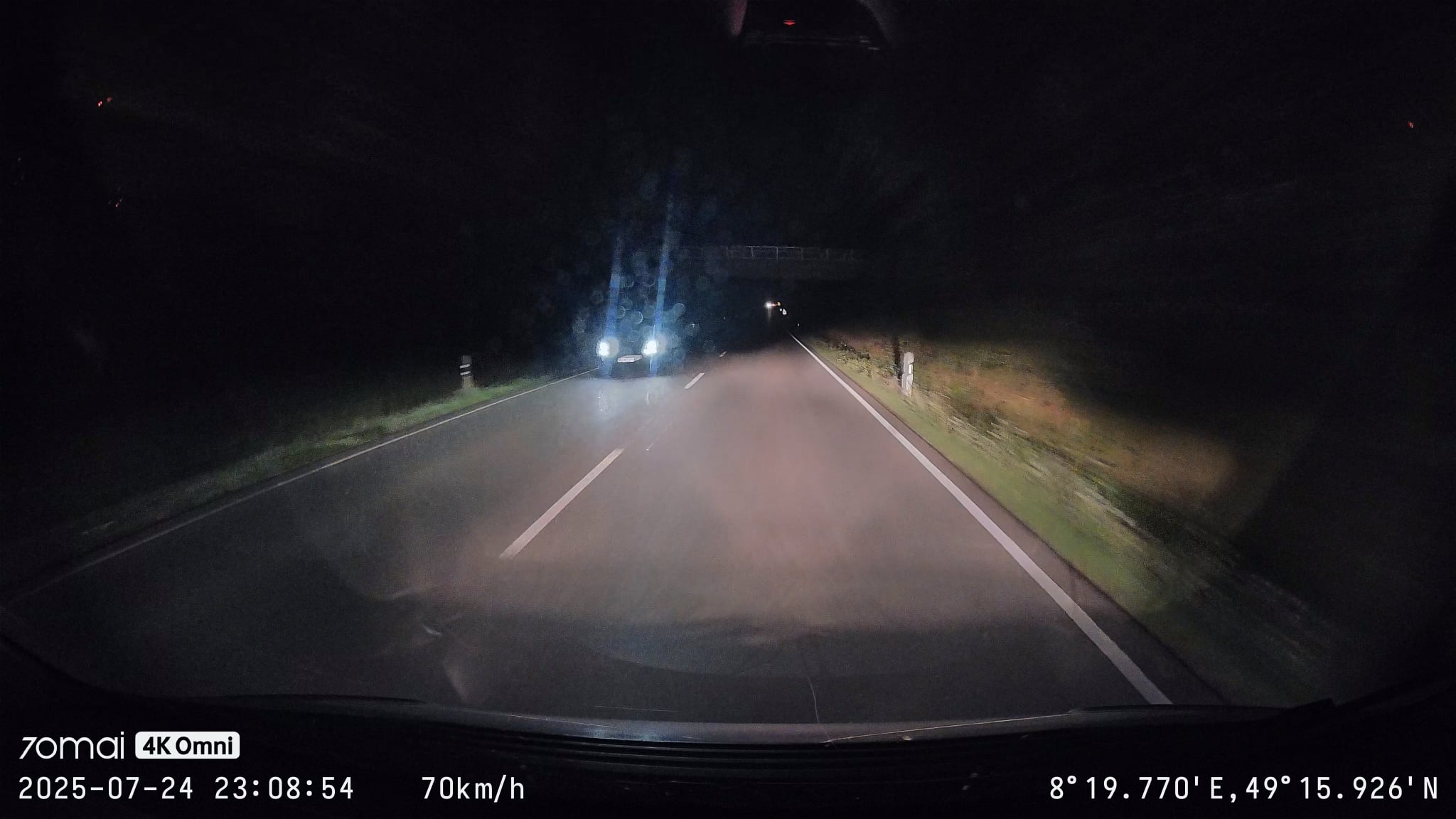
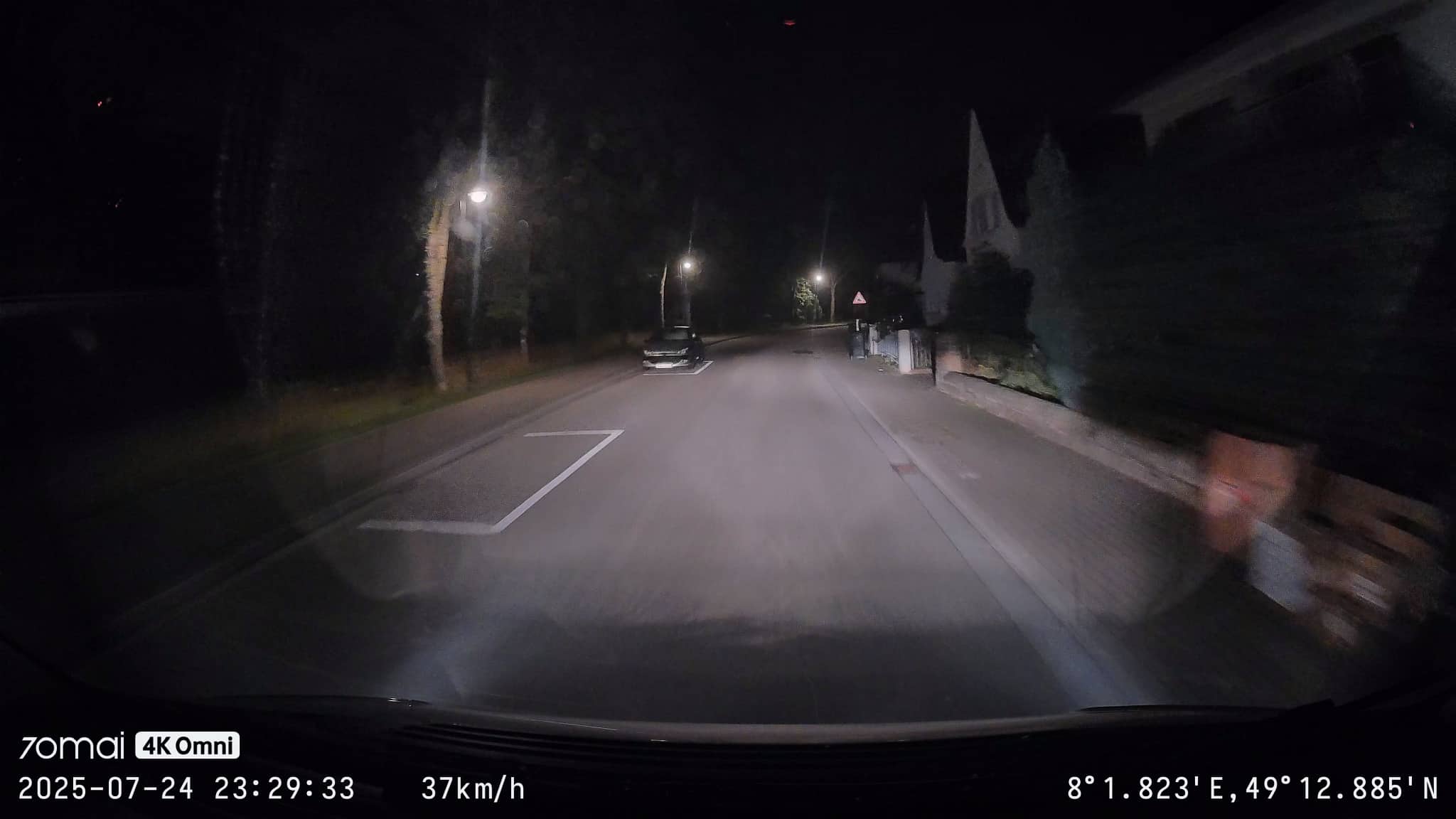
The image looks very good, sharp, colorful, soft and fun to look at. But if you actually need the images as evidence (be it as a witness to an accident, a hit-and-run or if you are involved in an accident yourself) and need to be able to read license plates, I see certain limitations, at least at night.
A quick look at the rear camera
- Also strong wide-angle distortion
- FHD resolution with less detail
- Helpful for documenting what is happening behind the car
The rear camera also distorts the image considerably due to the wide angle. Overall, the image impression is also okay, but many details are lost due to the resolution being reduced to 1/4. And what is problematic in our 70mai Dash Cam 4K Omni test is the rear window of my car, which is tinted and low-contrast. This is much more to blame for the not-so-great impression than the camera itself. The dark bar on the left of the picture is my car’s bicycle suspension.
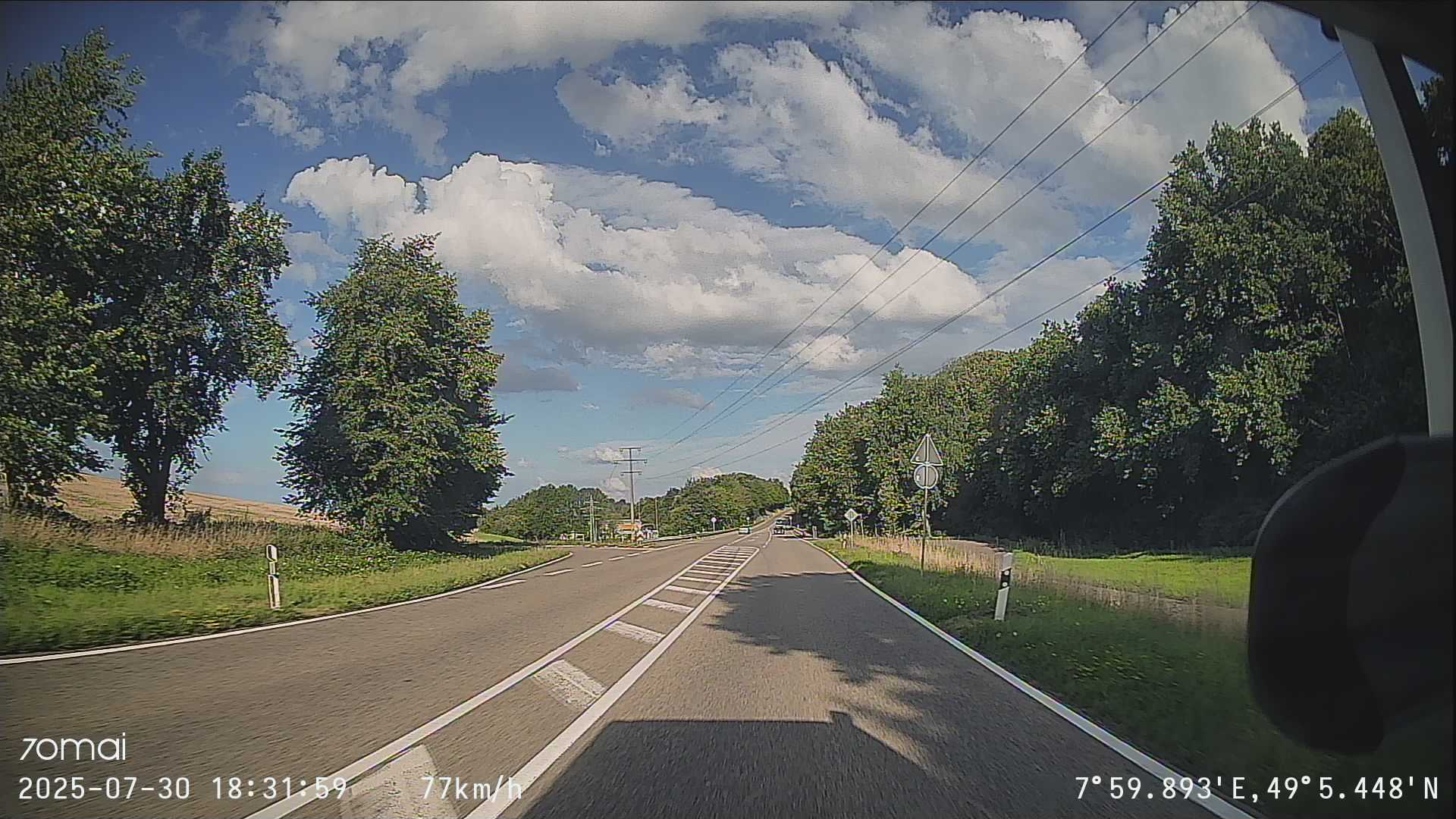

The front camera is already the more important part of the set, but the rear camera still makes it possible to record what is happening behind. This often reveals tailgaters or documents when cars approach at excessive speed or have a strange driving style.
Analysis of the sound quality
- Very low recording quality, also mono
- Efficient noise reduction
- Disabled by default
In the 70mai Dash Cam 4K Omni test, the sound recording on the device was deactivated by default. However, the setting can be adjusted quickly and easily in the menu. Of course, audio recording is not necessarily the most important feature of a dash cam, but it can be useful from time to time. For example, if you dictate license plates because you are not sure whether they are recognizable on the camera.
But it’s nothing more than a makeshift tool. Background noises, such as the noise of the wind and the running engine, are effectively blocked out, but noise removal artifacts are quite clear. As a result, you can understand what was said, but it’s not like you’d want to use the audio track in a podcast. What you can hear is the “whoosh” sound of passing (or oncoming) vehicles.
Here is an excerpt from a conversation about where dash cams may be used and where they must be removed:
No dedicated audio files can be recorded, but this recording was taken from a video. The audio track of the videos is saved with the AAC codec as a mono track at around 64 kb/s with a fairly narrow dynamic range of 16,000 Hz. This is already very close to the minimum – the audio track has a correspondingly small effect on the file size. This is only around 0.3% more storage space that is required by activating the audio track. So you don’t need to worry about that.
Optional accessories
- A polarizing filter helps with dazzling windows in sunlight
- A hardwire kit is available for permanent installation in the car with a fixed power supply
- The hardwire kit adds a surveillance camera function to the range of functions
- Remote access via app and GPS tracking are possible with the hardwire kit
As already mentioned, there is a very solid selection of accessories for the 70mai Dash Cam 4K Omni. These include the aforementioned polarizing filter, which reduces reflections in the windscreen when the sun is shining.

.
There is also a set for hardwiring the dash cam, which also makes it possible to insert a SIM card and thus establish a connection when stationary, for example as a surveillance camera.
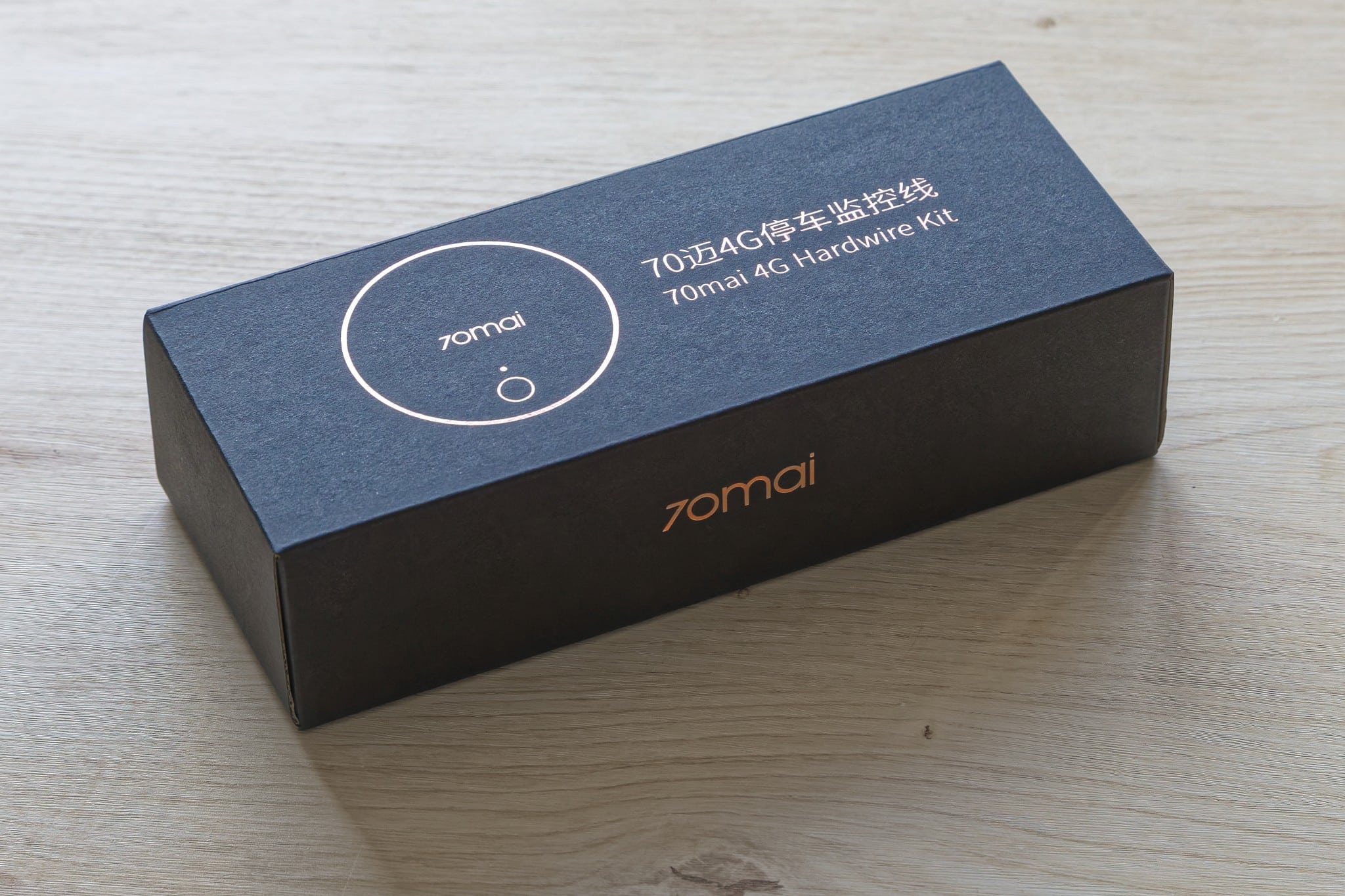
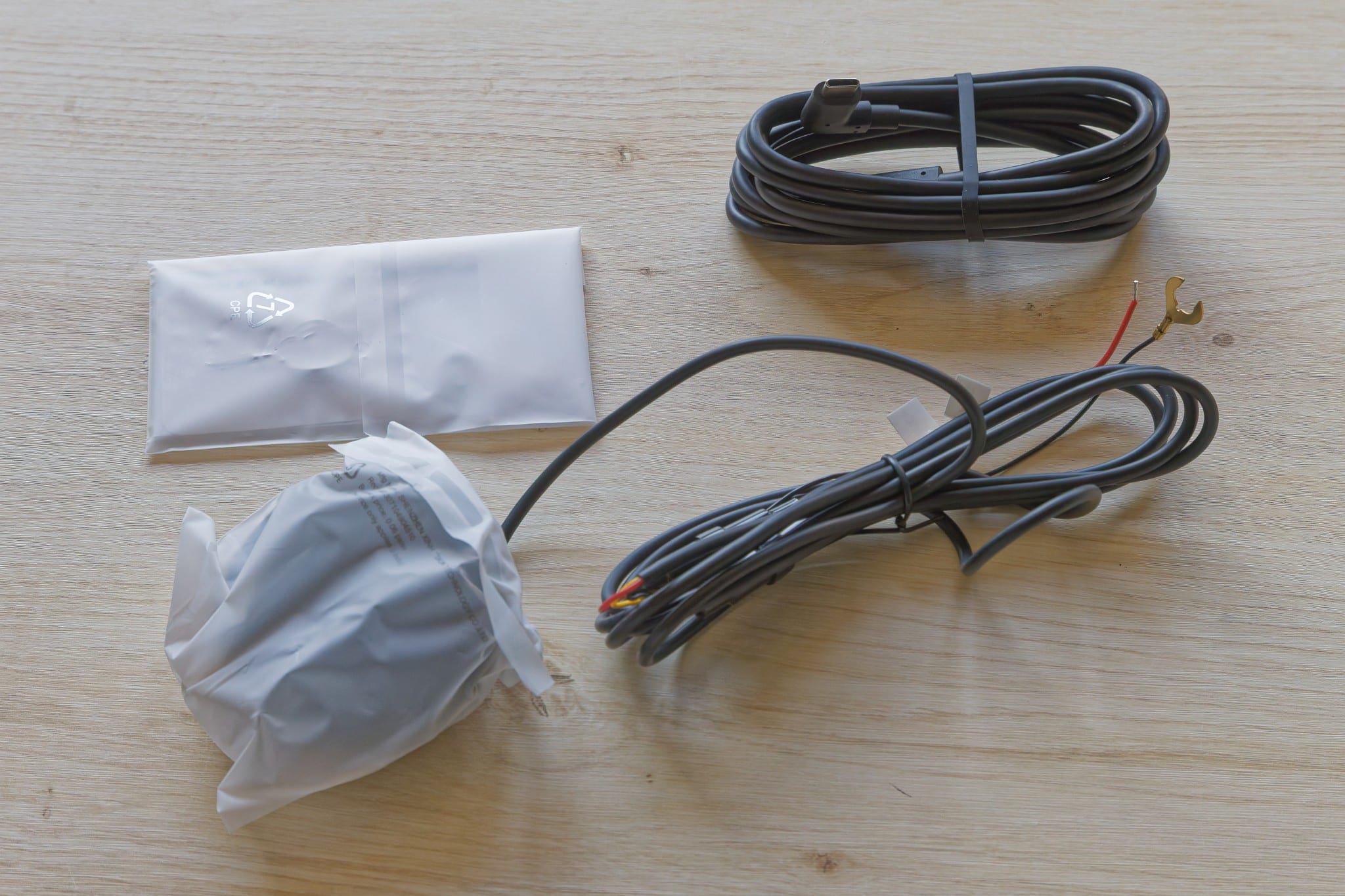
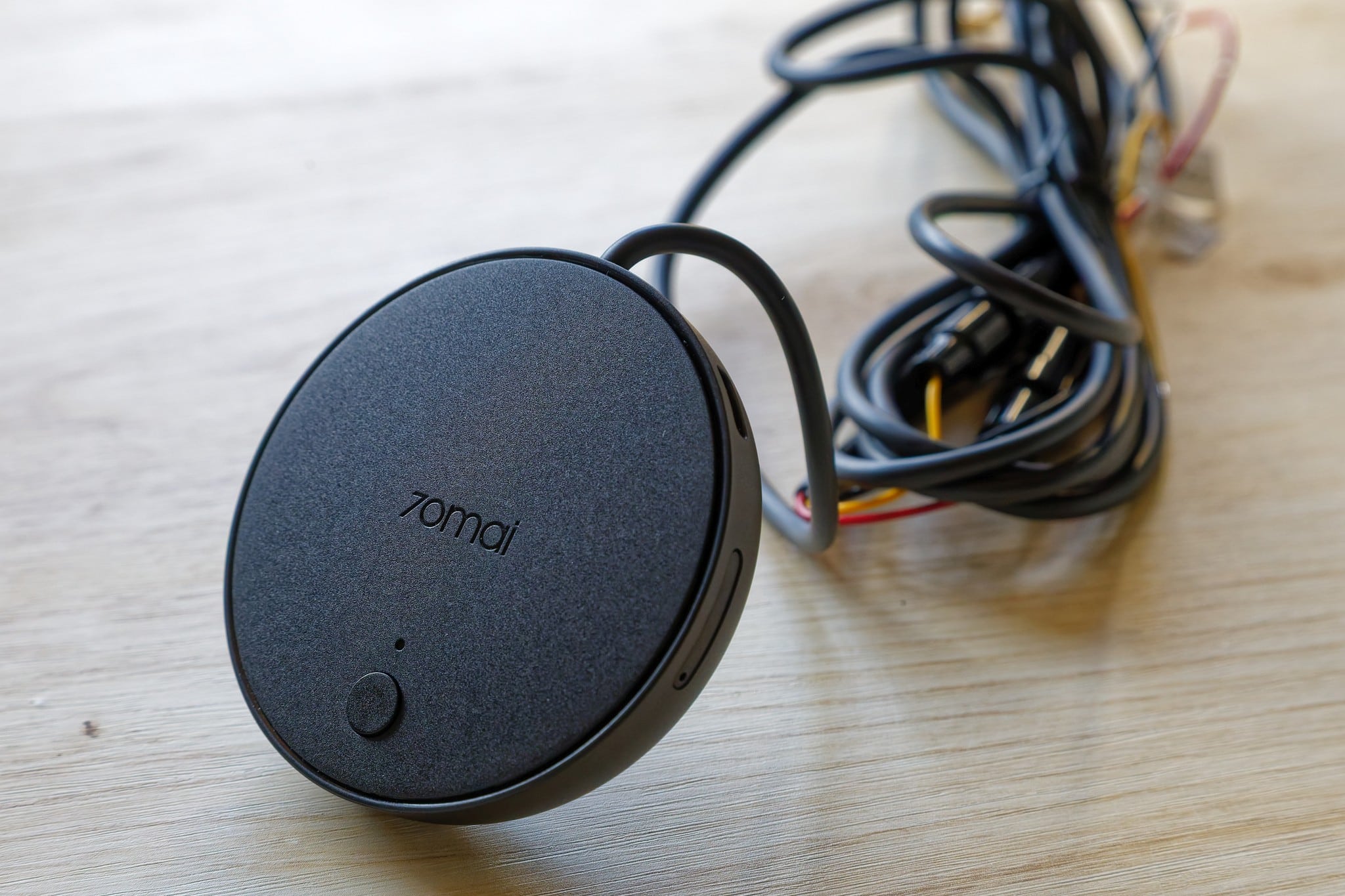
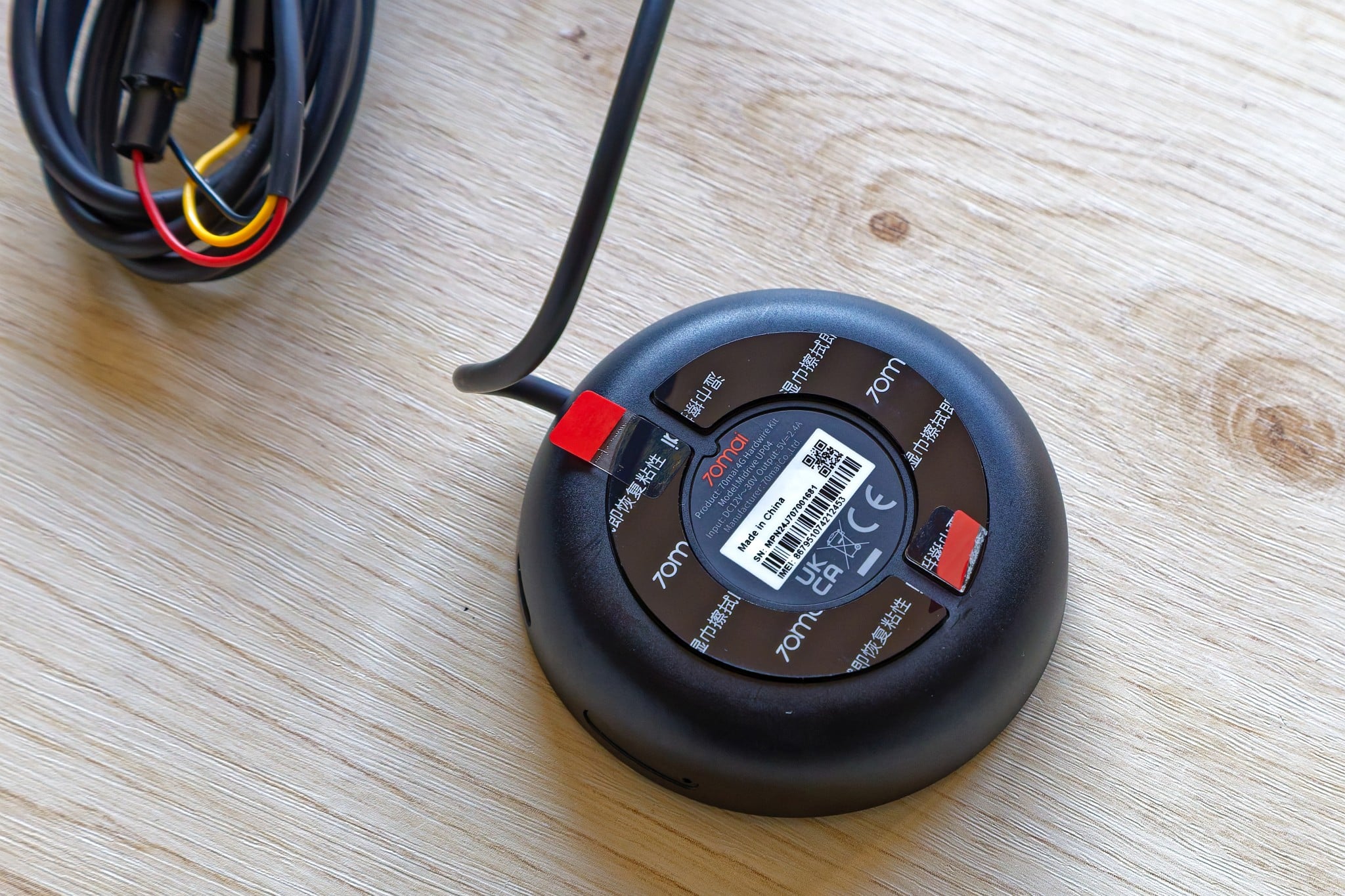
This significantly increases the range of functions of the 70mai Dash Cam 4K Omni. In addition to the function as a surveillance camera to protect the vehicle with push messages to the cell phone in the event of suspicious activities, you can also use GPS tracking. This is particularly helpful if you have to park a little further away or in unfamiliar surroundings. Sure – the car battery is tapped here. There are just two catches: firstly, you need another SIM card for this, which incurs additional monthly costs. Secondly, daily access is limited to a few minutes. This will be enough in most cases, but there are borderline cases where this could be problematic.
Conclusion
Overall, I think the 70mai Dash Cam 4K Omni is very cool. It’s not too difficult to set up and the image quality is good – although a little too wide-angle for my personal taste. If you compare the quality with that of various dash cam YouTube channels, you have to say that the 70mai model is right up there when it comes to image quality – both during the day and at night.
Nobody is perfect – the screen is not outstanding, so if you were hoping to use the dash cam as a reversing camera: Nope, it’s not. But overall, this model offers a very solid basis and I think it is definitely worth recommending, especially as the video quality is also quite appealing.

VORTEILE
- Good image impression
- Storage on MicroSD
- Movable camera
- Good response to voice commands
- Instructions in many languages understandable for beginners
- Simple setup with generous cables
- Many modes for pictures and videos
NACHTEILE
- Extreme wide angle is partly at the expense of details
- Depending on the angle, the built-in screen is difficult to see
- A smartphone with an account is required for setup
- Sound quality is low
Fazit
The 70mai Dash Cam 4K Omni offers a very attractive, high-resolution image, pleasant handling and a very wide viewing angle.


