Anycubic is one of the most popular manufacturers of 3D printers. With the Kobra S1 Combo, the manufacturer has now launched a self-contained model which, thanks to its high level of user-friendliness, is designed to help not only 3D printer experts but also beginners achieve great printing results. As a complete beginner, I took this as an opportunity to take a closer look at the newcomer in the Anycubic Kobra S1 Combo test.
Technical data
| Model | Anycubic Kobra S1 Combo |
| Dimensions | 400 x 410 x 490 mm |
| weight | 20,2 kg |
| Printing process | FDM (Fused Deposition Modeling) |
| Max. installation space | 250 x 250 x 250 mm |
| Max. Temperature of print nozzle | 320° C |
| Max. max. temperature | 120°C |
| Printing speed | – Manufacturer’s recommendation: 300 mm/s – Maximum: 600 mm/s |
| Acceleration | – Manufacturer’s recommendation: 10,000 mm/s – Maximum: 20,000 mm/s |
| Compatible filaments | PLA, PETG, TPU, ABS, ASA |
| Leveling | Fully automatic leveling |
| Features | – 4.3-inch capacitive touchscreen – 3D prints with up to 8 colors – Integrated filament drying – Detection of errors with the help of AI |
| price | € 599.00 * |
Scope of delivery

- Kobra S1 3D printer
- Anycubic ColorEngine Pro (ACE Pro)
- Coil holder
- signal cable
- 4x filament tubes
- 2x power cable
- Filament module
- Screws + tool
- USB stick
- Filament sample (blue, 10 meters)
- Cleaning sticks
- Activated carbon filter pad for fan
- Lubricant
Anycubic Kobra S1 Combo Test: Design and workmanship
Given the compact design, you don’t have to plan much time for unpacking the S1 Combi. After a short time, the packaging has been freed from its contents and the 3D printer stands before you in all its glory. That’s right: you don’t have to screw the Anycubic together first.

Instead, the S1 Combo arrives pre-assembled. This should be of particular interest to newcomers and people with little manual skill. After all, the assembly is not too time-consuming. Once the device is in its full glory, it’s not just the modern and stylish design that stands out.

The workmanship is also of a high standard. The only thing I would have liked to see was a little more of a premium feel in the choice of materials. Anycubic uses plastic for both the transparent door and the top. Glass or something similar would probably have been a better choice here, as it would ensure greater robustness and therefore also longevity.
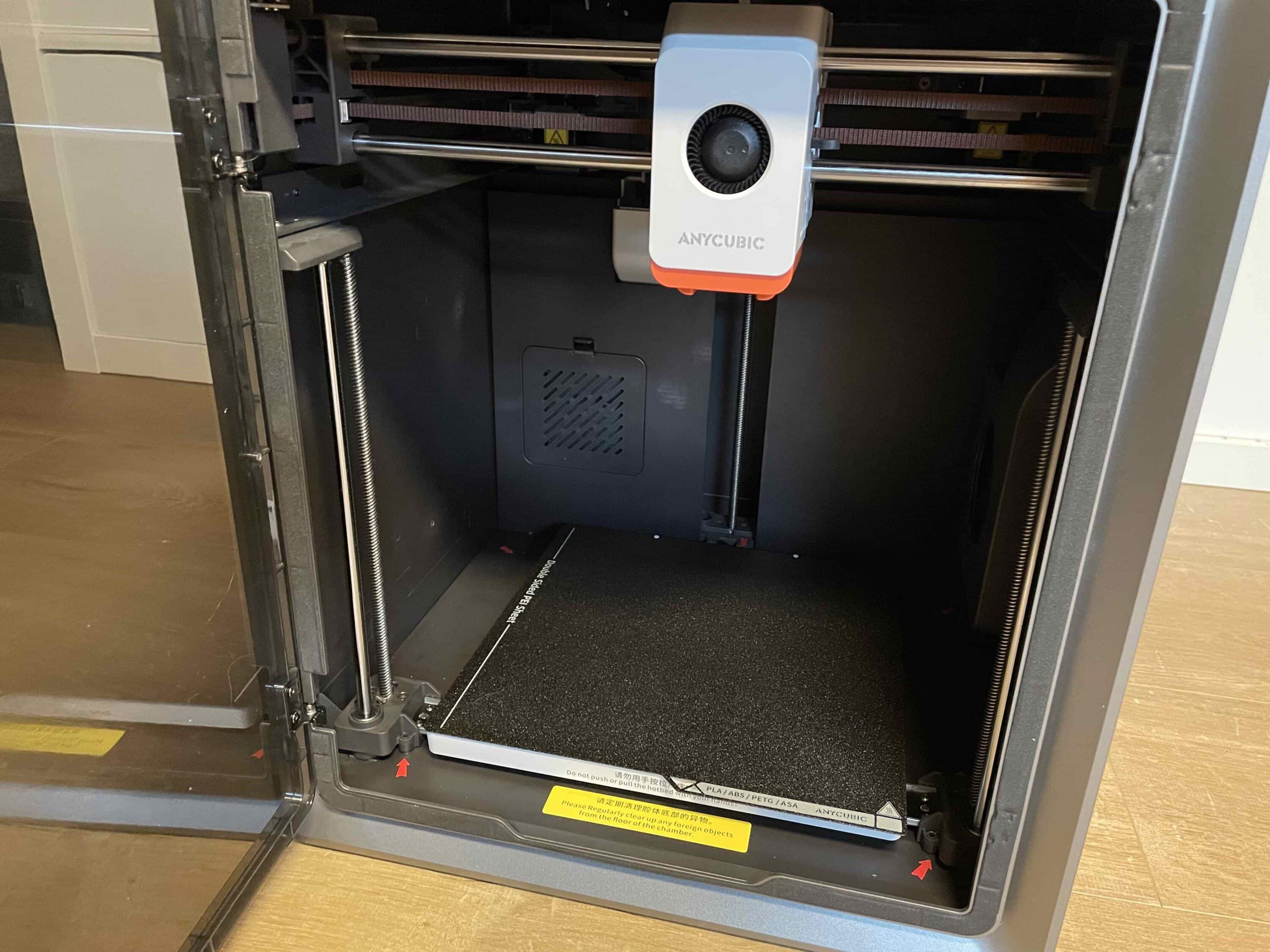
However, this would certainly have resulted in a higher price. The Kobra S1 Combo is the first core XY 3D printer from Anycubic. This design has several advantages. Probably the most important advantage is the high printing speed. On top of this, such models promise greater printing precision.

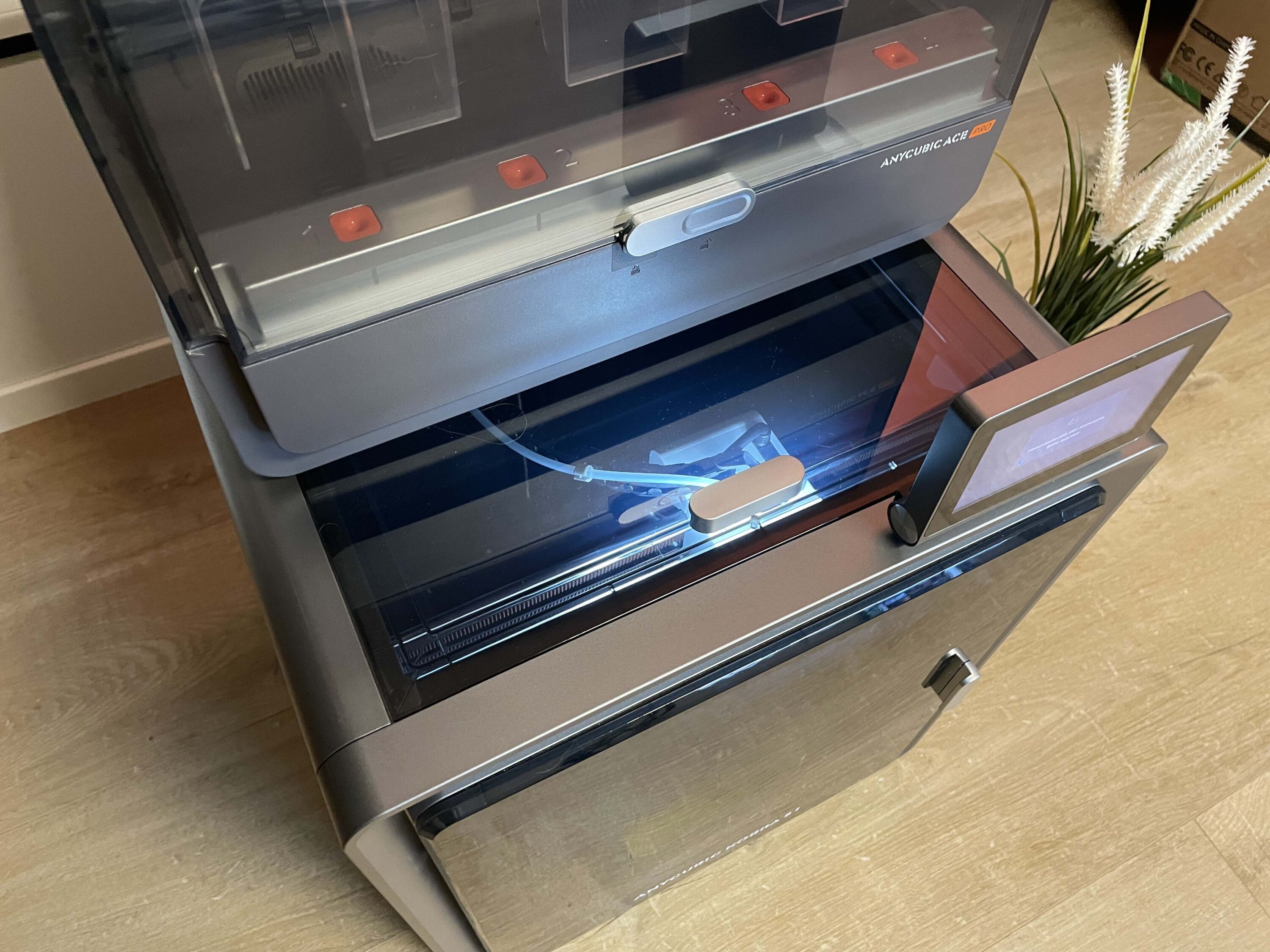
The housing of the S1 Combo also ensures that several filaments can be used at the same time. The ACE Pro is used here, which offers space for four different filament spools. One ACE Pro is used in the basic version of the S1 Combo. If four different filaments are not enough for you, you can use up to eight with a second ACE Pro.
Anycubic Kobra S1 Combo test: setup and installation
As already mentioned, the Anycubic arrives pre-assembled. However, there are still a few things to do before the 3D printer can go into operation. First, you should open the door of the S1 Combo. There are numerous fuses here to protect the hardware inside from damage during transportation. The ACE Pro in particular, which offers integrated filament drying, is the focus here.

To do this, you must first remove the cover of the ACE Pro, which is attached with a pair of screws. The compartment for the accessories can then be removed. After loosening additional screws in the 3D printer, you can easily remove the pads for the hardware protection. Anycubic includes illustrated instructions for the process, which makes the whole thing much easier.
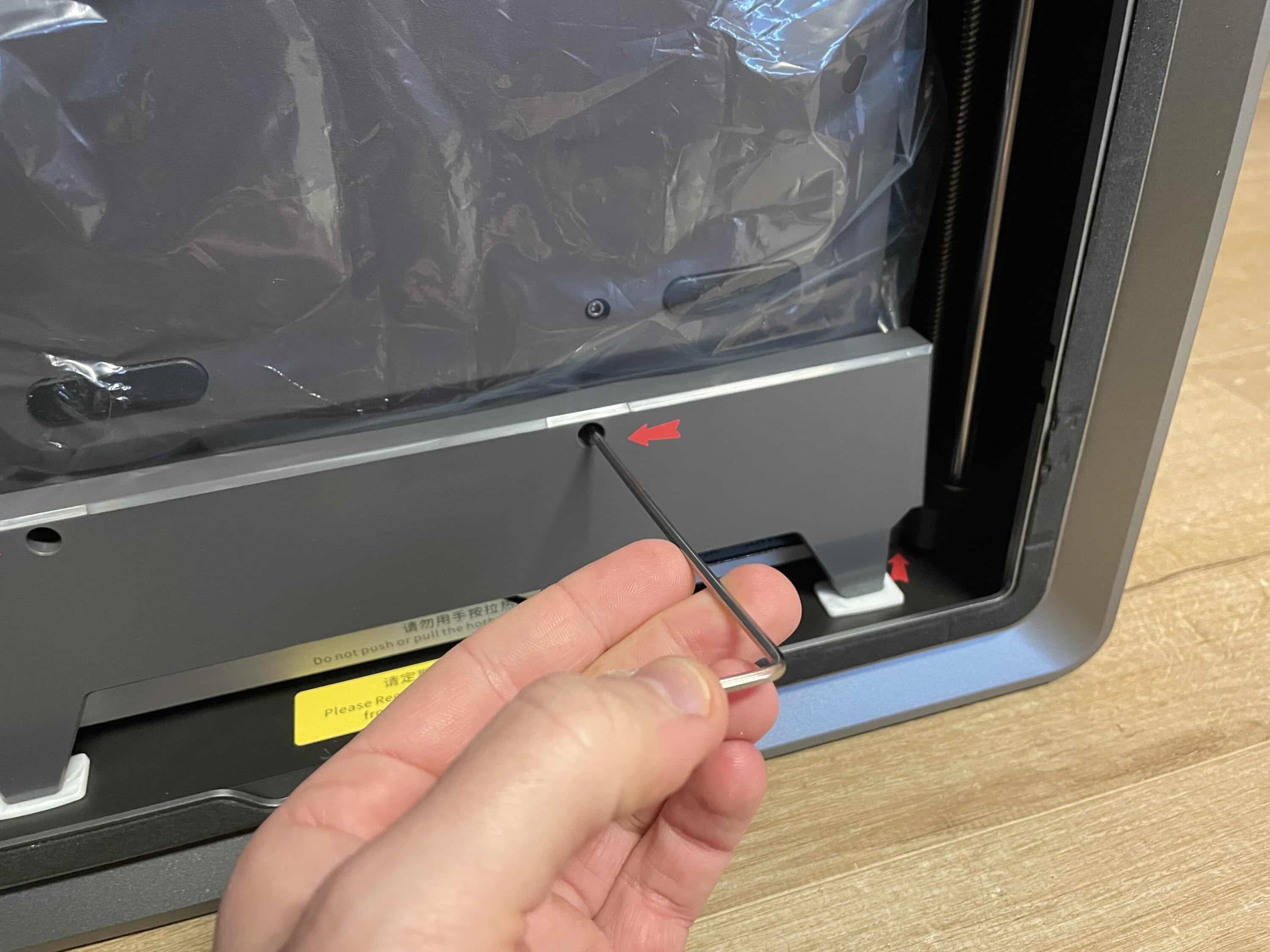
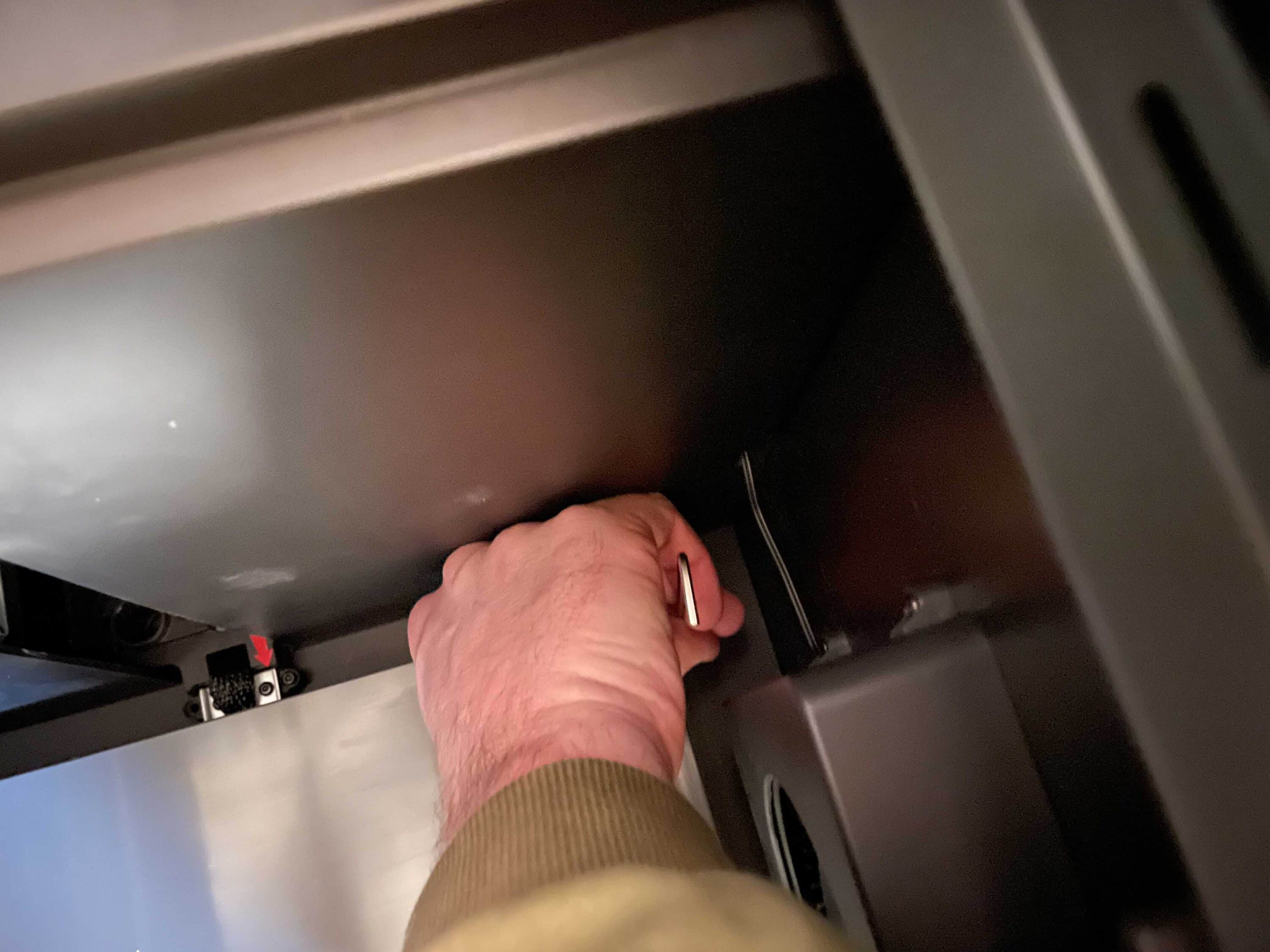
Once the protective pads have been removed, it’s time for the actual commissioning. Before you start, you should first place the Kobra S1 Combo on a solid surface that does not wobble. Now you have to put on the ACE Pro and connect it. Once this is done, it gets a bit fiddly again.
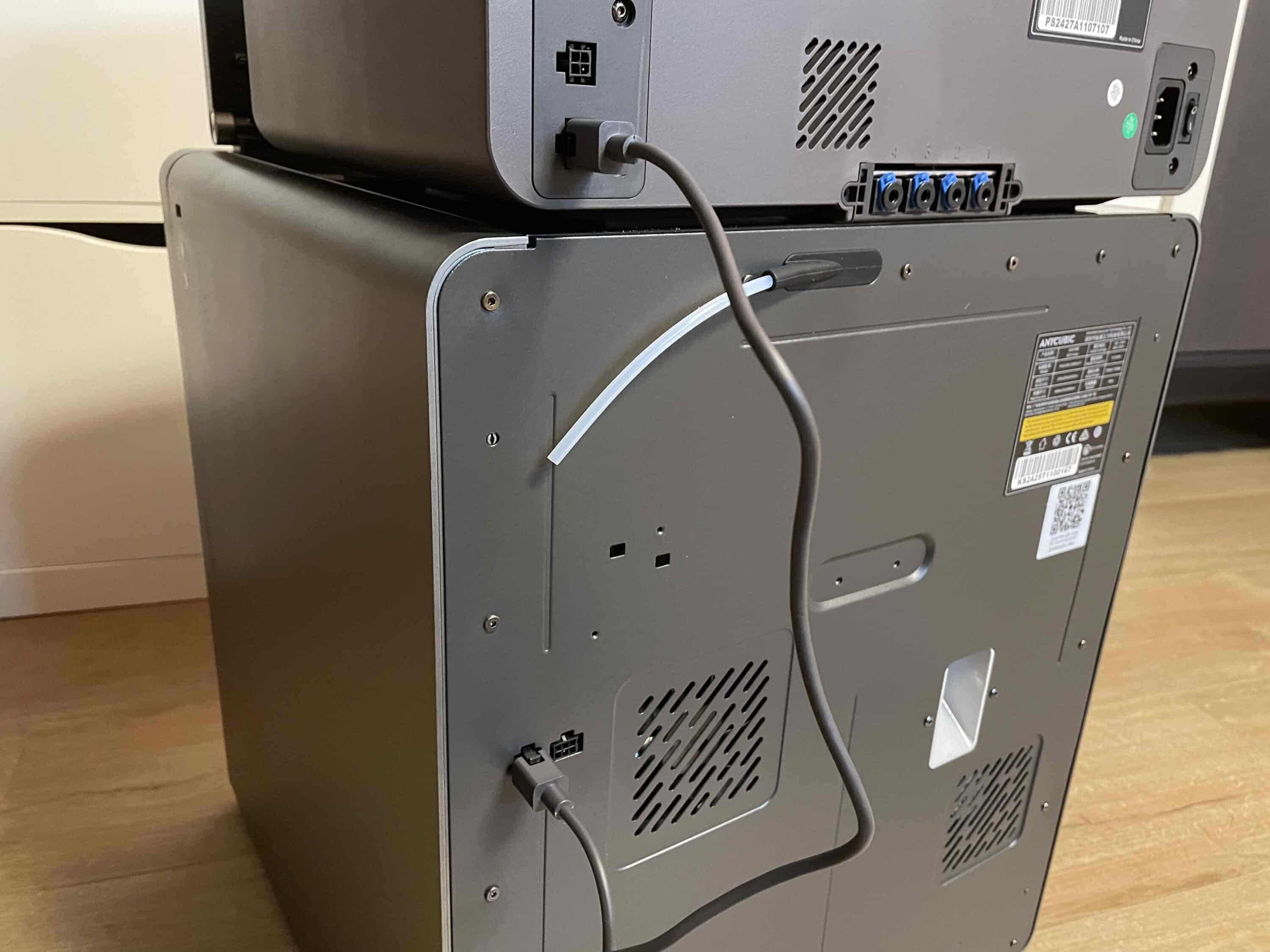
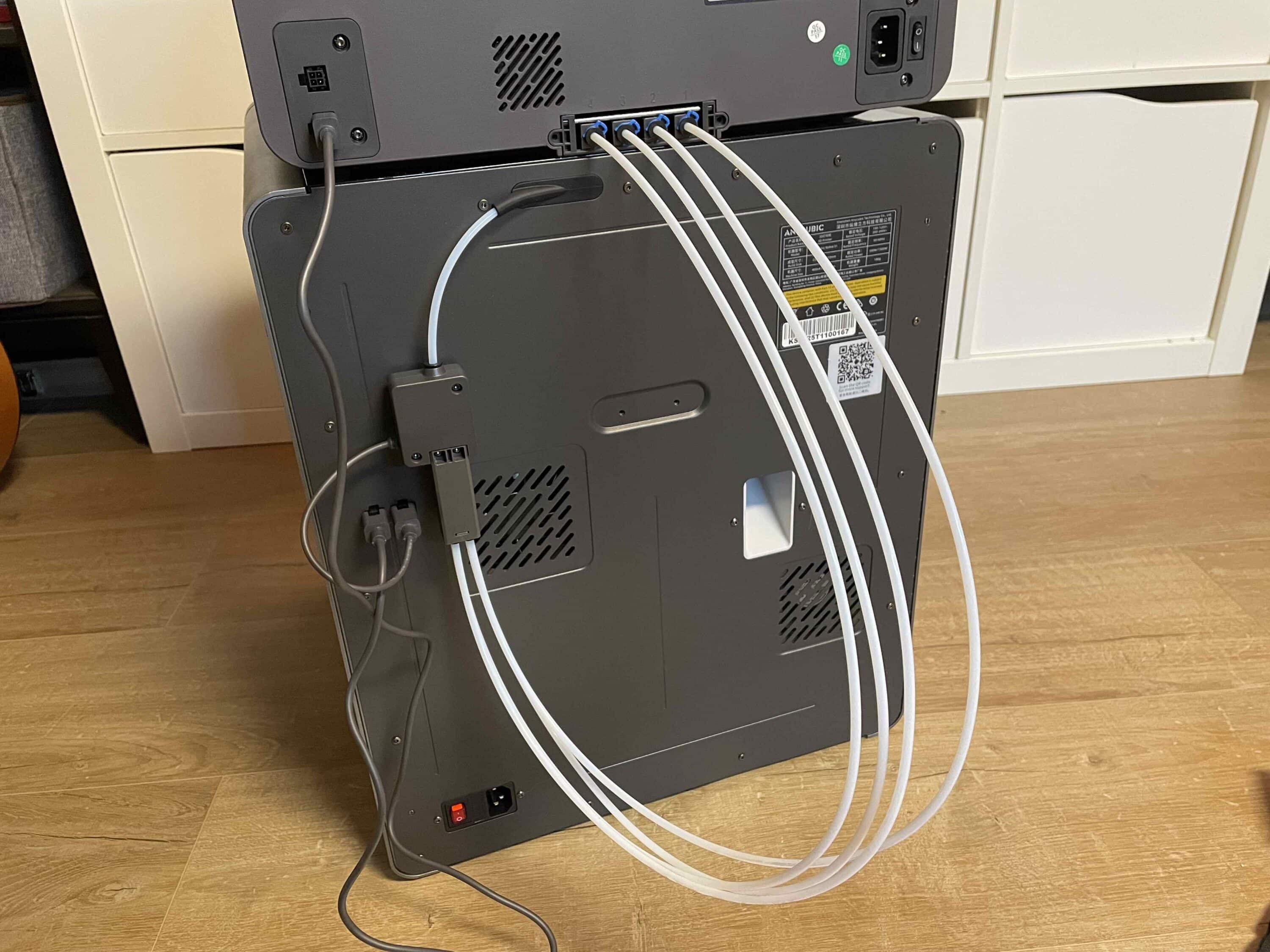
As described in the illustrated assembly instructions, connect the data cables and hoses to the corresponding connections. Once everything has been connected according to the quick start guide, you can switch on the 3D printer for the first time. After switching on for the first time, the Anycubic takes care of itself.

This involves calibrating your own system, which you start via the display. Once this is also done, the Kobra S1 Combo is ready for use. All in all, the assembly was not too complicated. Only some screws were quite difficult to reach, which made unscrewing them unnecessarily long. It took me a good 90 minutes to unpack, assemble and set up. As I have no prior knowledge of 3D printers, I don’t find this too time-consuming.
Anycubic Kobra S1 Combo Test: Operation with Anycubic Slicer Next
For the execution of projects and advanced settings, you use the in-house software Anycubic Slicer Next. Here, too, I can say on behalf of newcomers that the whole thing is designed to be user-friendly. This is due in particular to the clear design. However, if you use a Mac like I do, you’ll have to bite into an apple when it comes to using it, and it’s a very sour one.

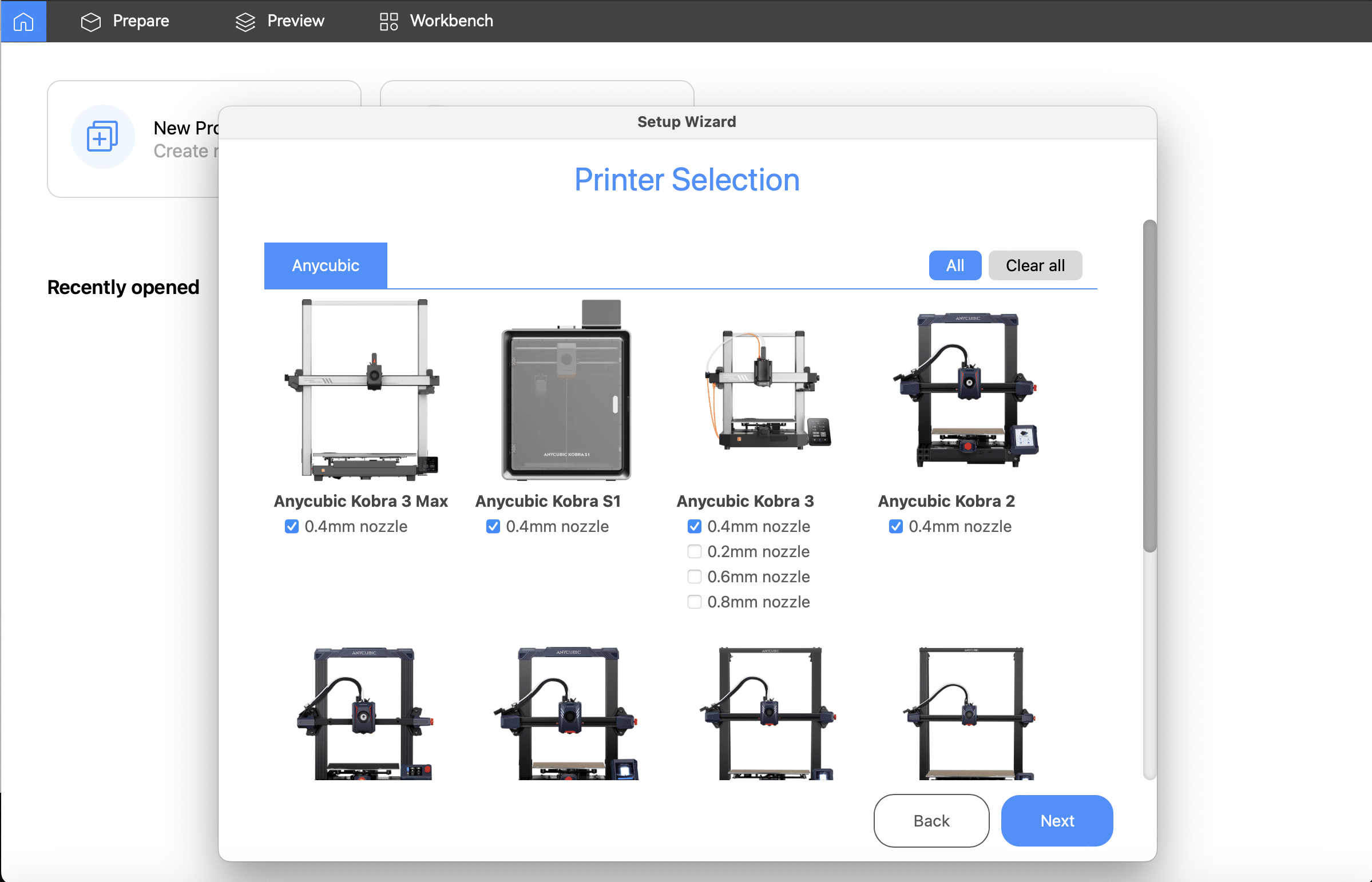
After all, unlike Windows PCs, it is not (yet) possible to establish a wireless connection between the computer and the 3D printer. Hopefully Anycubic will release a suitable software update in this regard. For the sake of convenience, I decided to use a combination of the Anycubic app and the Kobra S1’s integrated display.

And it worked really well in practice. In the Anycubic app, you can find a wide range of different projects. For the test, however, I accessed the projects that are already saved on the 3D printer. You can access them easily via the display. After starting a project via the display, I was able to monitor the print easily while on the move.
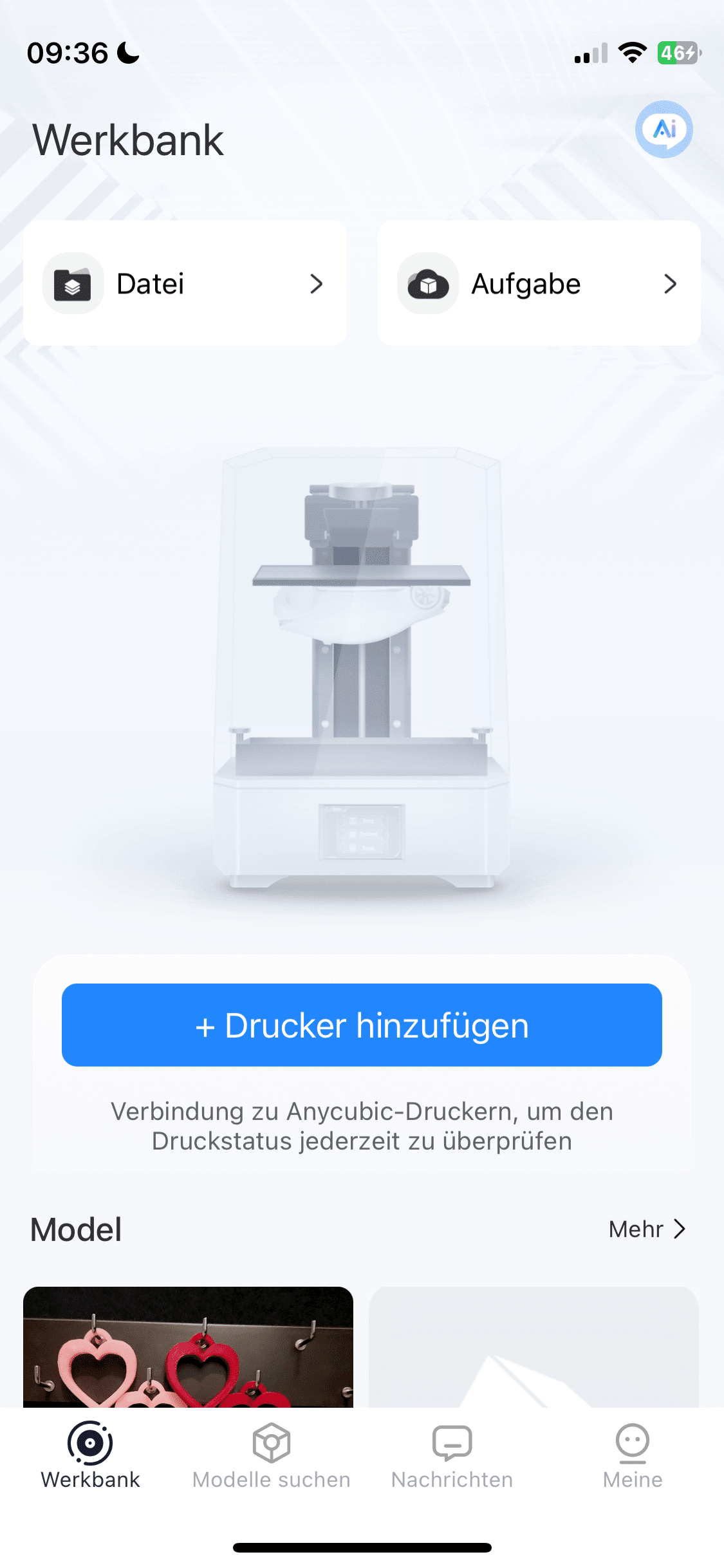
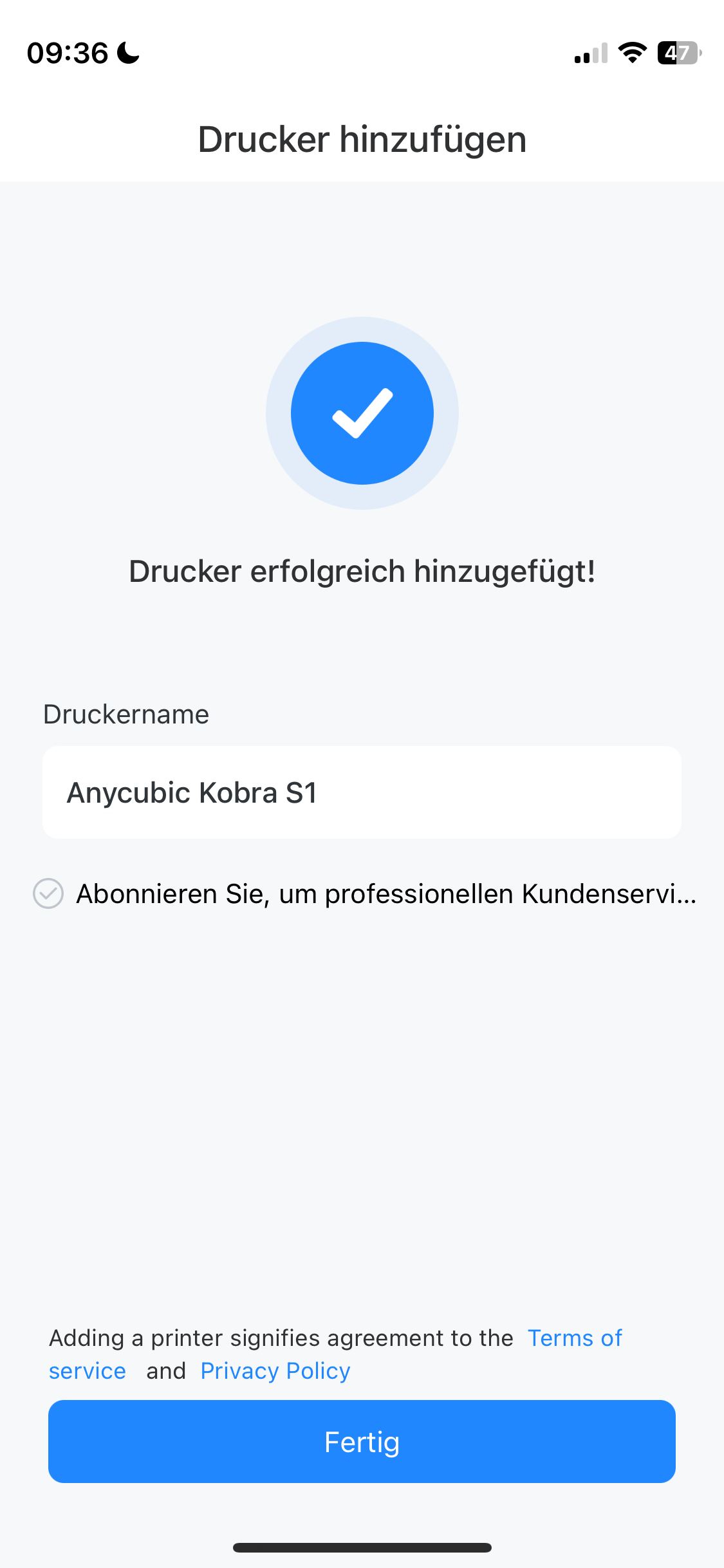
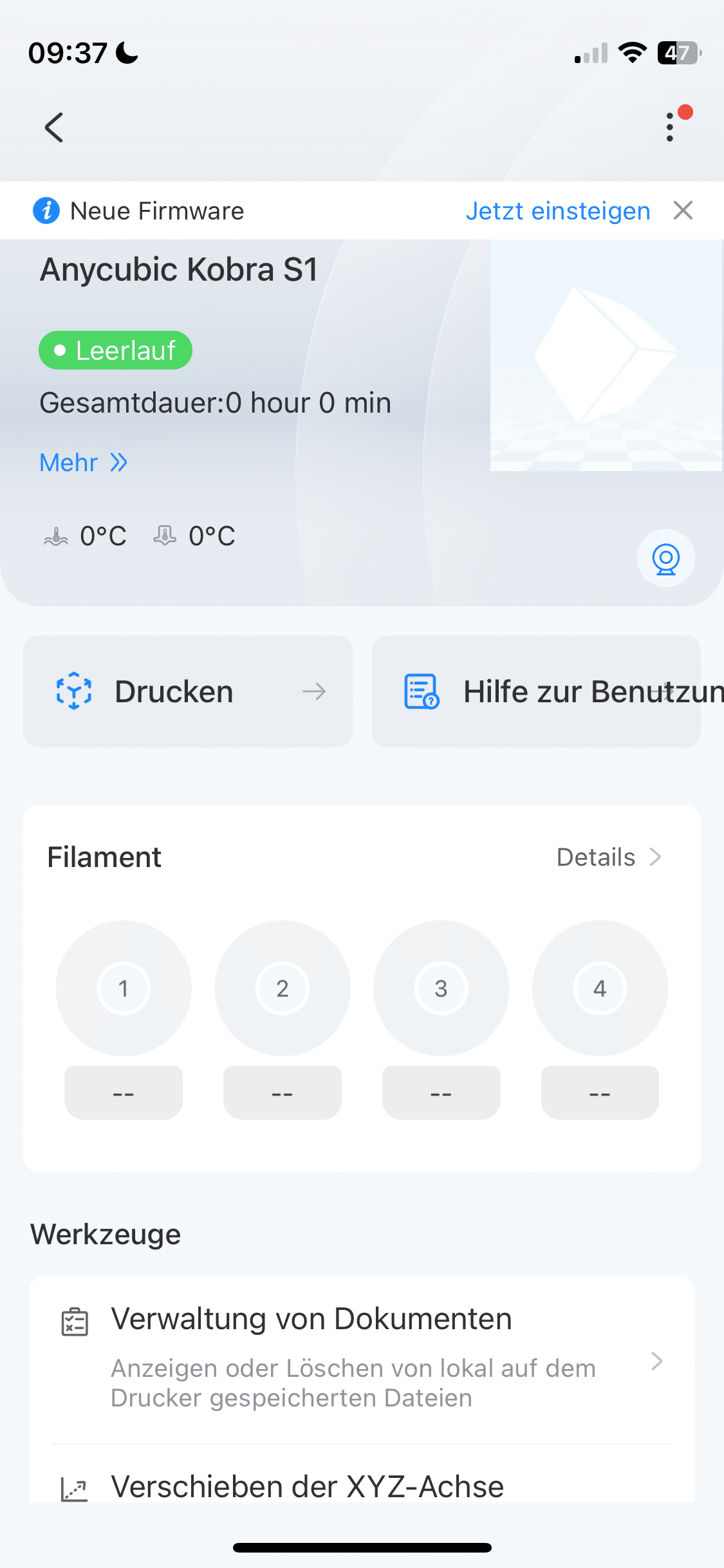
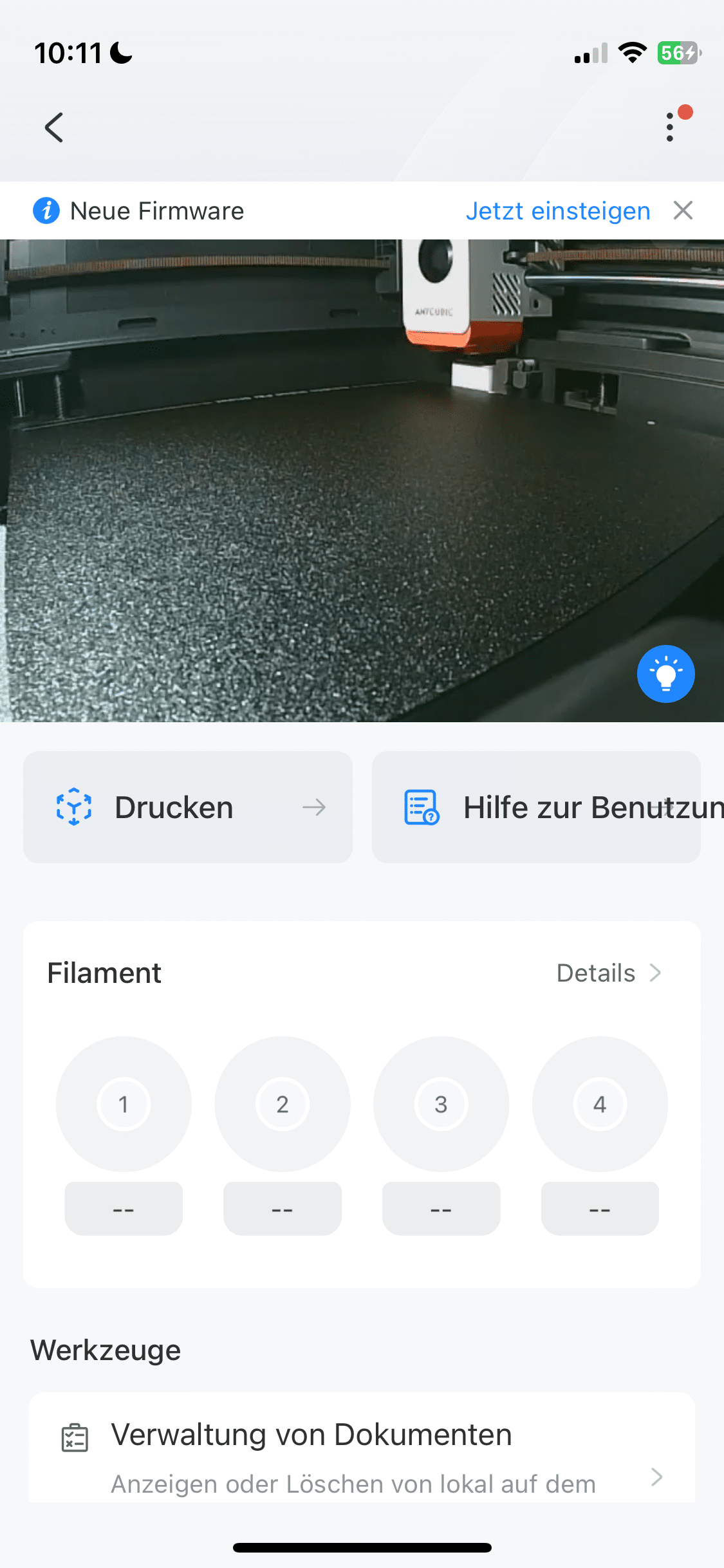
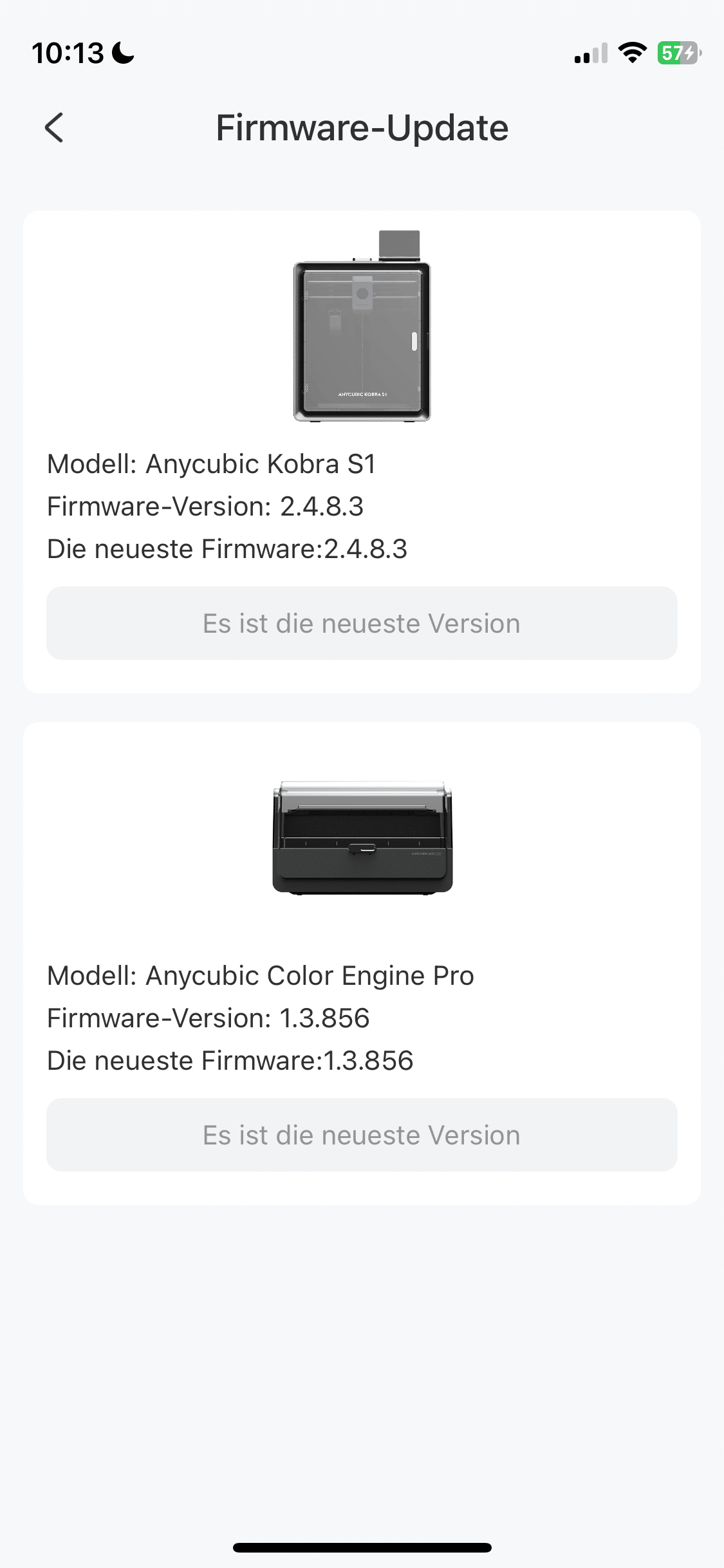
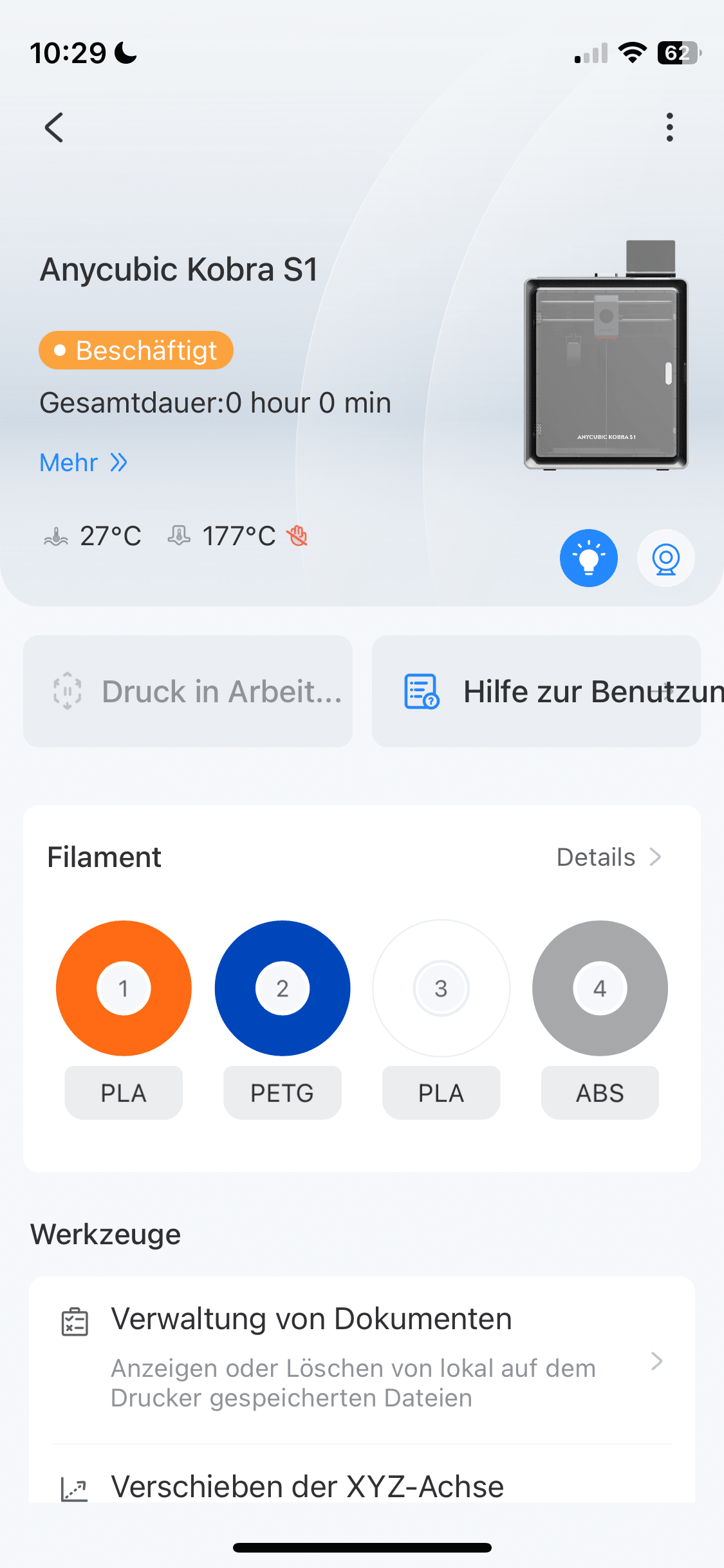
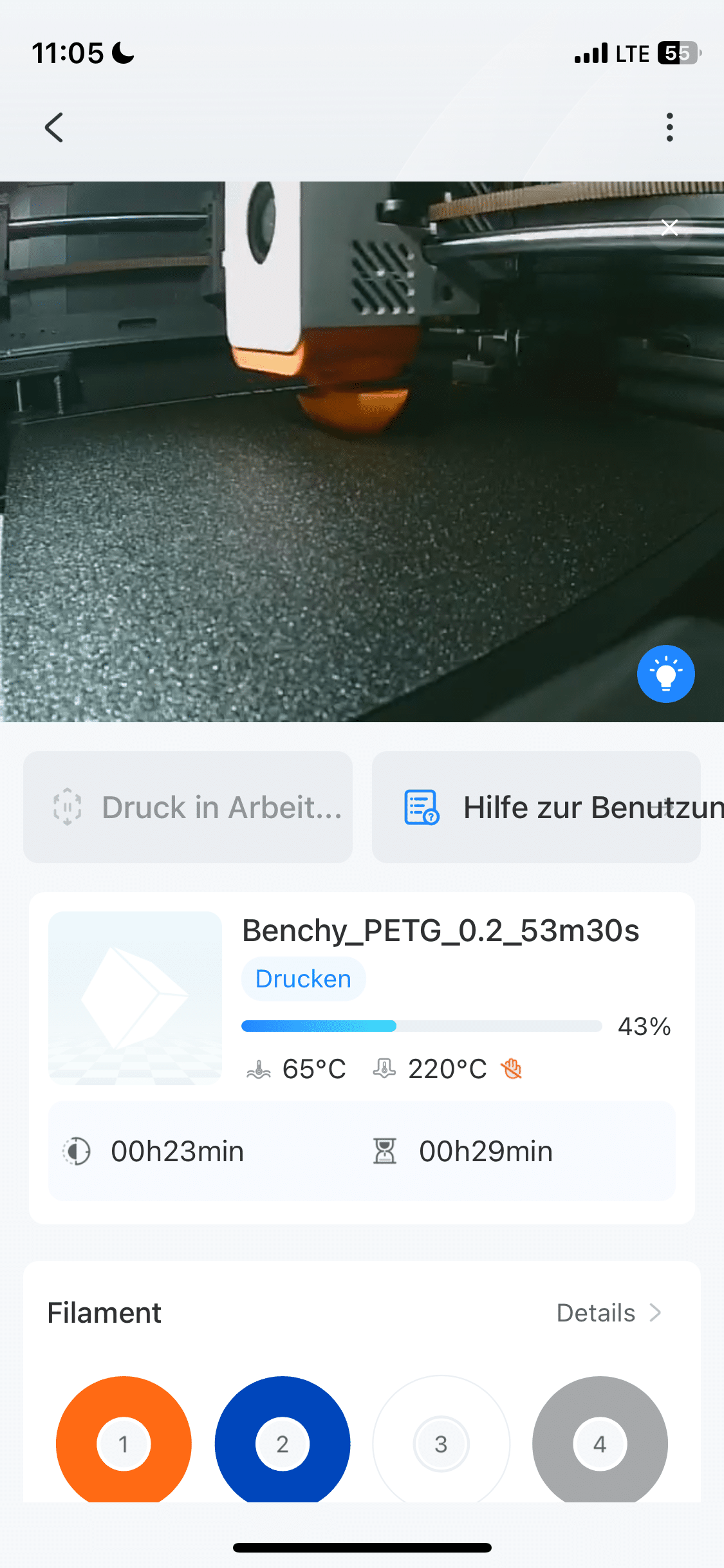
The Kobra S1 Combo has an integrated camera that can be accessed via an app. While I was walking my dog in the woods, for example, I was able to easily monitor how far the printing of my mini boat in the color orange had progressed. However, if you want to get the most out of the printer, you should probably use the software for Windows and Mac.
Anycubic Kobra S1 Combo Test: Practical test
The Anycubic Kobra S1 Combo stands on the table in all its glory. The app is set up and linked to the 3D printer. Now it’s time for the first project. And this is where the Anycubic really impressed me. The final results are bursting with detail. The Kobra S1 Combo not only works out the smallest details. The printer also works pleasingly fast.
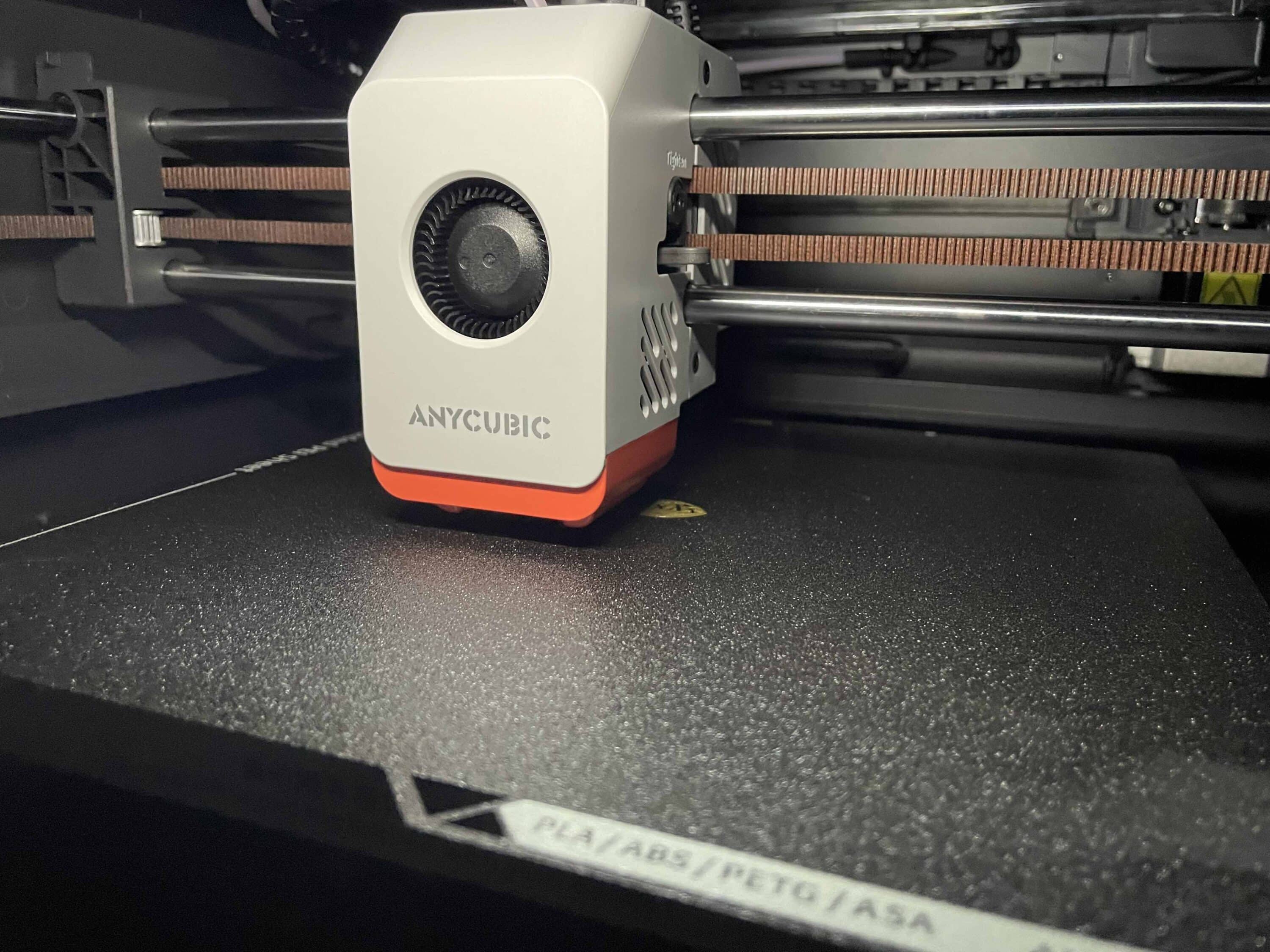
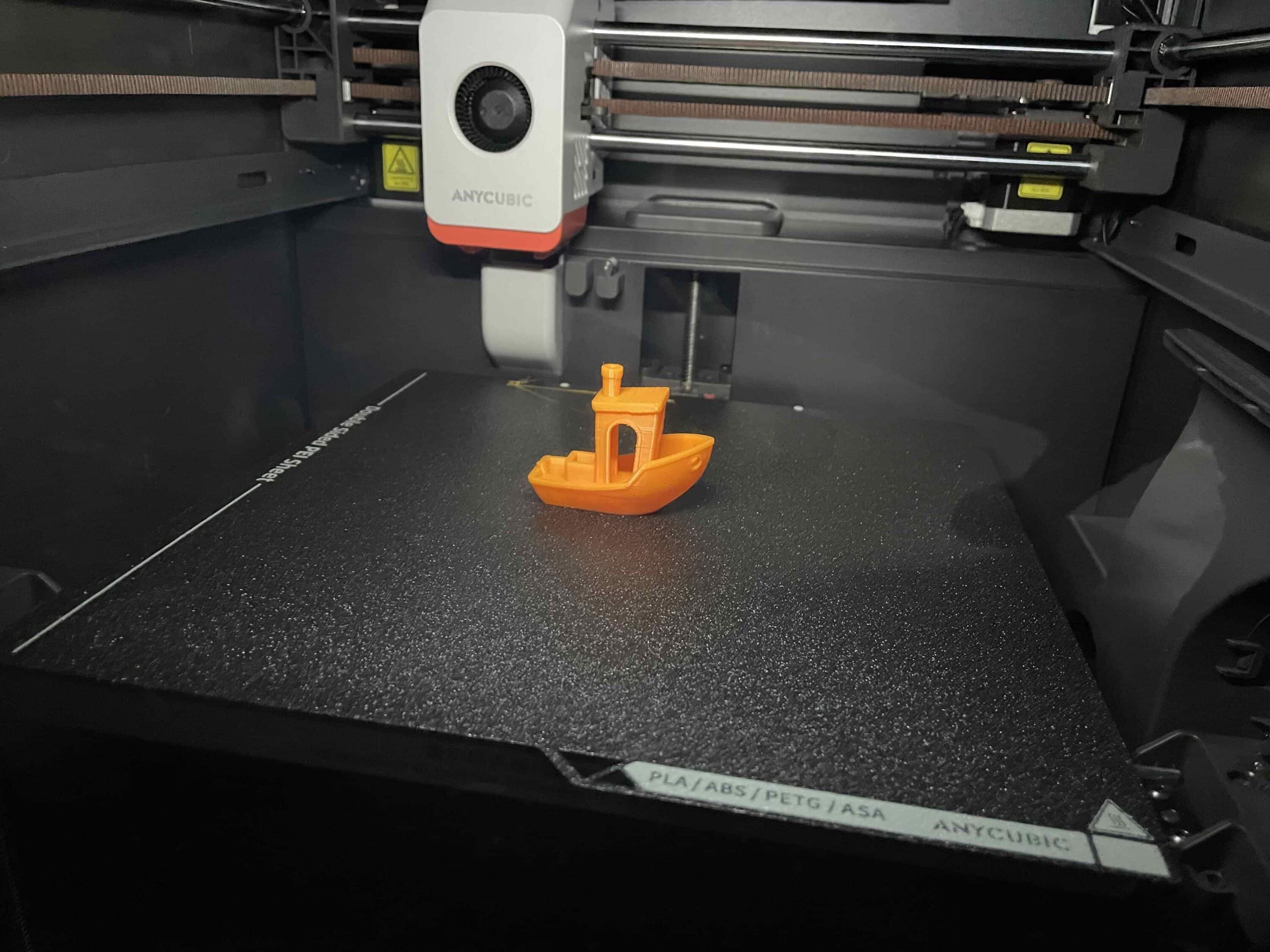
After just under an hour, I held the first final result in my hands and was delighted – a mini boat in the color orange, which was pleasingly detailed. I also really like the subsequent bottle opener in the shape of a shark. The printer only needed about 35 minutes for this one. As I’ve already mentioned, I’m a newcomer to this field, so I was pleasantly surprised by this start.

Anycubic’s Kobra S1 Combo ACE Pro is a major selling point. The system enables 3D printing with up to 8 different colors. ACE Pro not only offers a helpful and user-friendly automatic color change function. ACE Pro also ensures that the filament is dried during the printing process.

In this way, Anycubic eliminates annoying problems with residual moisture during printing in advance. The use of AI support also pays off in practice. This automatically detects printing errors. If this is the case, the printer automatically stops printing. This is intended to prevent the senseless waste of filament.
Anycubic Kobra S1 Combo test: Extensive range of accessories
If you are not satisfied with the basic package of the Anycubic Kobra S1 Combo, you can purchase additional accessories. For example, an additional ACE Pro unit can be purchased. This allows you to create 3D prints with up to 8 colors. We can only warmly recommend the ACE Pro. After all, it not only enables multi-colored prints, but also ensures strong and reliable drying.

.
You can also buy spare parts such as nozzles or accessories such as suitable filament directly from the manufacturer. Alternatively, you can of course also buy printing material from other manufacturers. The Anycubic Kobra S1 Combo is compatible with the filament types PLA, PETG, TPU, ABS and ASA. So if you want to save money, you can easily buy filament elsewhere.
Conclusion
The Anycubic Kobra S1 Combo proves to be a powerful and user-friendly 3D printer in the test, which should convince both beginners and experienced users. The pre-assembled design is particularly positive, enabling comparatively quick and uncomplicated commissioning. The intuitive operation via Anycubic Slicer Next, app or display ensures a pleasant user experience, although the lack of a wireless Mac connection remains a downer. The print quality is impressive, even intricate details are produced with precision.

Thanks to the Core-XY design, the printer offers high speed and accuracy. The ACE Pro system also enables printing with up to eight colors and ensures improved print quality thanks to filament drying. AI-supported error detection also helps to avoid misprints and material waste. There are drawbacks in the choice of materials, as plastic dominates, which somewhat diminishes the premium feel. Nevertheless, the Kobra S1 Combo impresses with a strong overall package and is an excellent choice for ambitious 3D printing projects.

VORTEILE
- High ease of use
- Multi-color printing possible
- Also suitable for beginners
- Fast print results
- Operation with app, display or software possible
NACHTEILE
- High price
- Choice of materials could be of higher quality
Fazit
The Anycubic Kobra S1 Combo is an exciting 3D printer that is suitable for both newcomers and experienced printer fans. However, it is also quite expensive.