Interoperability between different smart home ecosystems is becoming increasingly important. After all, very few consumers want to commit to a specific manufacturer. Modern smart home hubs with Matter support make this possible. However, it can sometimes be a pain to find a suitable location for such a hub. That’s probably what Aqara thought when it quickly equipped a surveillance camera with such a hub in the form of the Camera Hub G5 Pro (Review | € 169.99 *). And the smart home expert has now done the same with a video doorbell. In the Aqara Doorbell Camera Hub G410 test, we took a closer look at the whole thing.
Technical data
| Model | Aqara Doorbell Camera Hub G410 |
| Video memory | – microSD with up to 512 GB – NAS – cloud |
| Power supply | – Hard wiring – Battery operation (6x AA) |
| Connectivity | – Zigbee / Thread IEEE 802.15.4 (works as a mesh amplifier) – Wi-Fi IEEE 802.11 b/g/n/a/ac 2.4/5 GHz – Bluetooth |
| Compatibility | Aqara, Apple Home, Google Home, Amazon Alexa, Samsung SmartThings |
| Dimensions and weight | 141.5 x 65 x 30.4 mm and 538 g |
| Price | € 129.99 * |
Scope of delivery

- Doorbell camera hub G410 × 1
- Doorbell amplifier × 1
- User manual × 2
- USB-C to USB-A cable × 1
- AA battery × 6
- Screwdriver × 1
- Wall mounting and wall plug set × 1
- Wedge screw set × 1
- 20° wedge mount × 1
Aqara G410 test: design and workmanship
The Aqara G410 is not the first smart video doorbell from the manufacturer that we have put through its paces. Almost two years ago, we already put the Aqara G4 (Review | € 119.99 *) to the test. The relationship cannot be overlooked. After all, the successor speaks pretty much the same design language.

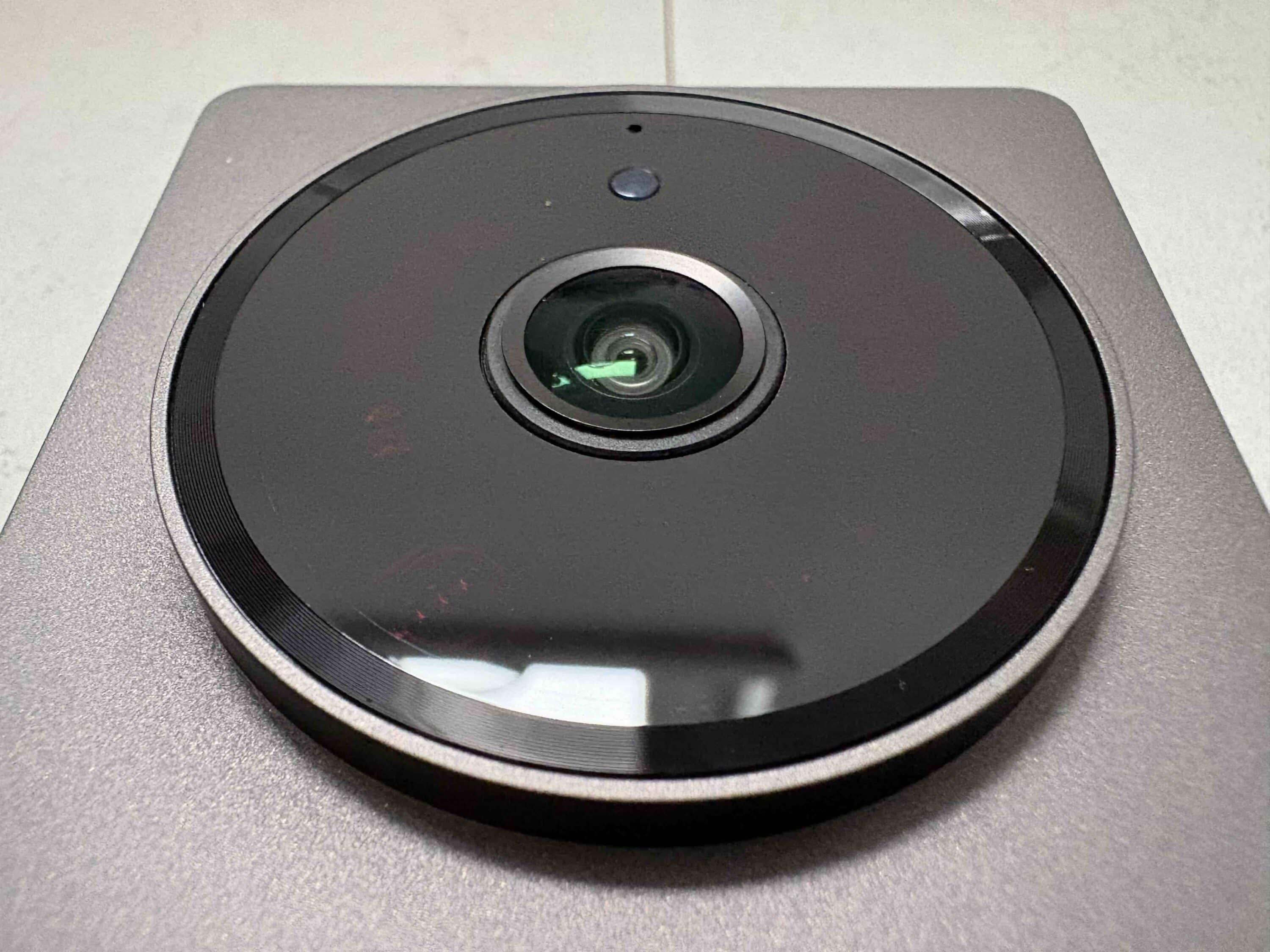
Aqara has once again opted for an elegant dark gray housing, which is not exactly small with dimensions of 141.5 x 65 x 30.4 mm and a weight of 538 g. There are two circles of equal size on the top. The upper circle houses the camera technology of the video doorbell. This houses not only the camera itself, but also the IR and motion sensor.
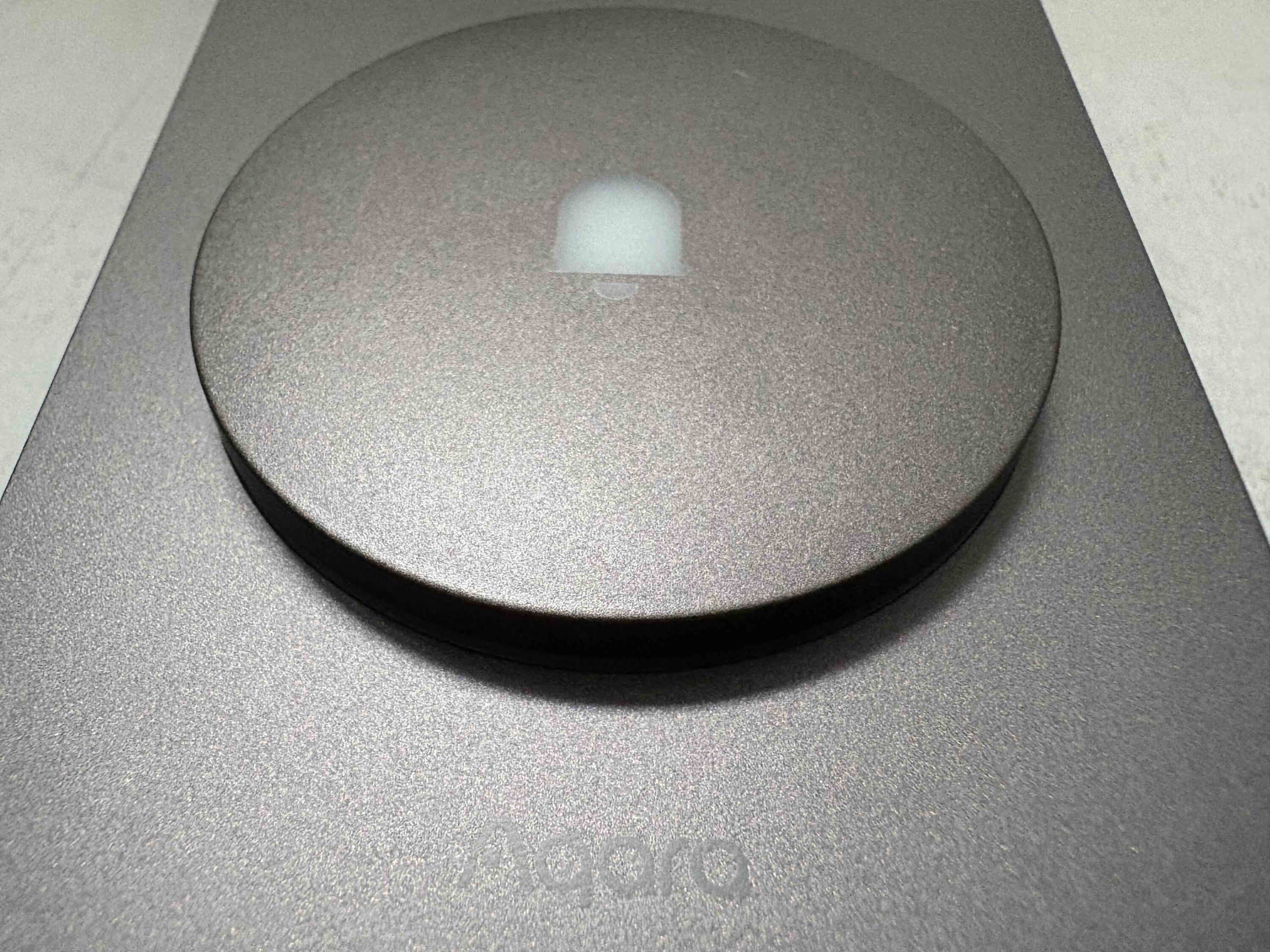
The second circle not only serves as a bell button. Aqara also installs a practical LED light here, which not only lights up when the button is pressed. If the doorbell recognizes a person, the button also lights up automatically. This is of course particularly practical at night, as it makes it easier to find the doorbell button.
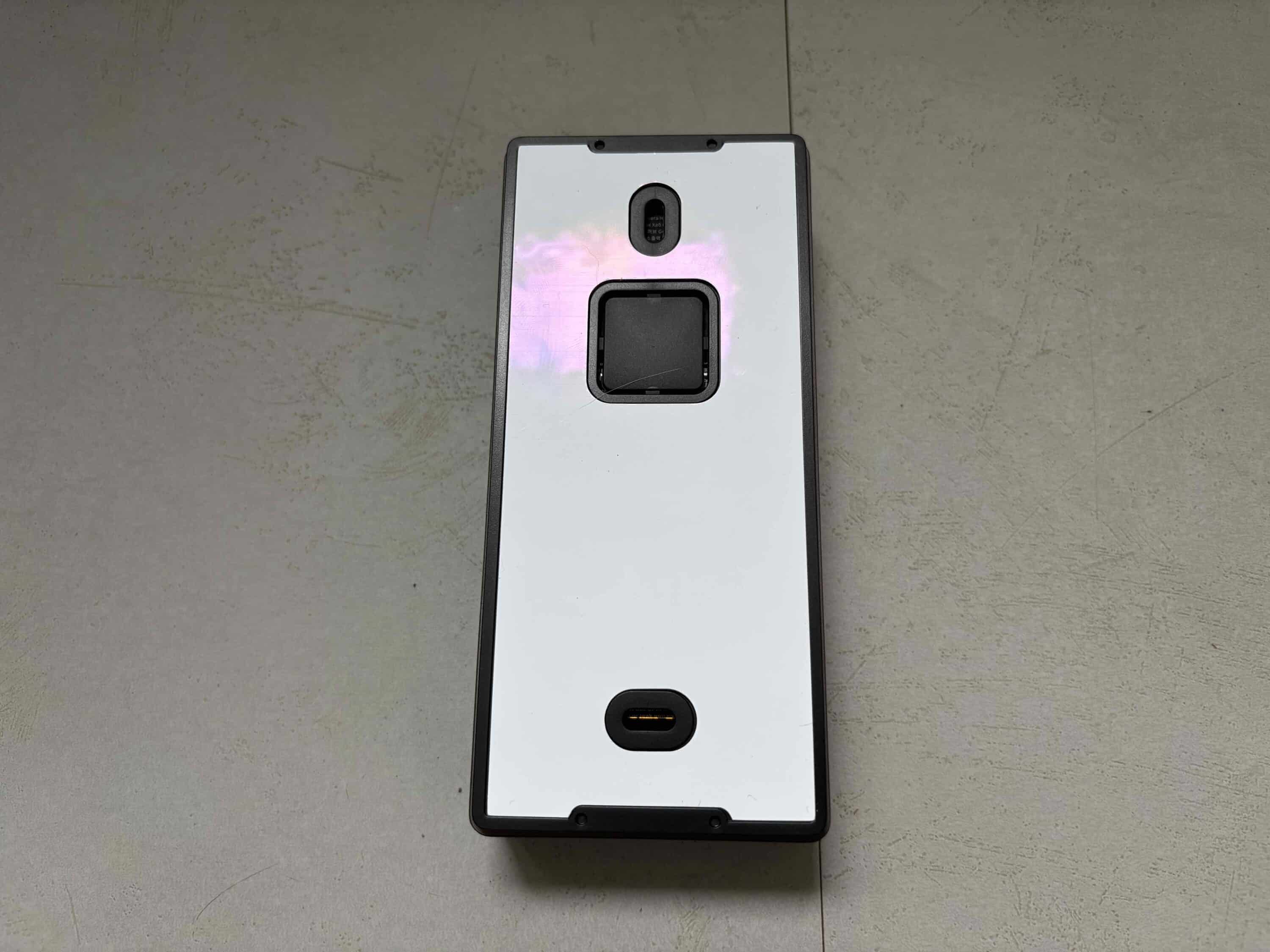
Although the appearance of the video doorbell is particularly important as a visible external device, the chime should also make an impression. And it does. Colored in the same shade of grey as the doorbell itself, it also scores with a high quality of workmanship. What we find a little unfortunate is the fact that it does not come with a Schuko plug on the back.

We would have found this more practical and is quite common, as demonstrated by the Reolink Battery Doorbell (Review | € 118.97 *), for example. Instead, the gong receives the necessary power via the USB-C port. A suitable USB cable is included in the scope of delivery. However, this only measures 1 m in length, which may be too short for many people.
Aqara G410 test: Installation and commissioning
With the Aqara G410, you have the choice between battery operation or a wired power supply. Both have their advantages and disadvantages and everyone should decide for themselves whether they prefer more flexibility in the installation location or a reliable permanent power supply.

If you already have a doorbell, you can use the bell wire with the G410. Once you have found the desired location, first screw the back plate to the wall. Aqara includes the necessary mounting material for this.

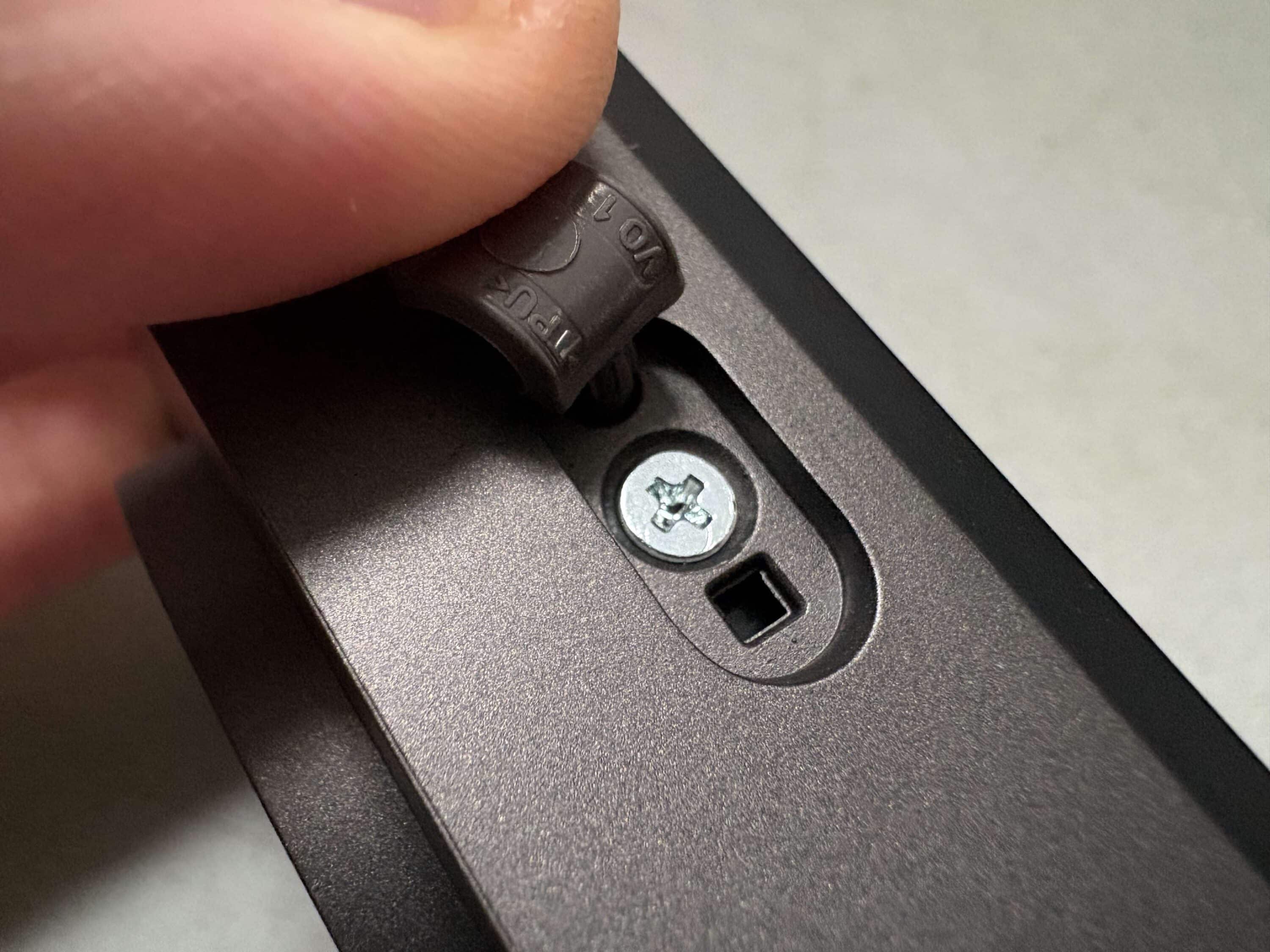
You can then attach the doorbell to the plate. You can use the included spacer at a 20-degree angle to adjust the camera angle slightly. The enclosed installation instructions are really impressive. Here, the manufacturer describes step by step how to proceed with the assembly.
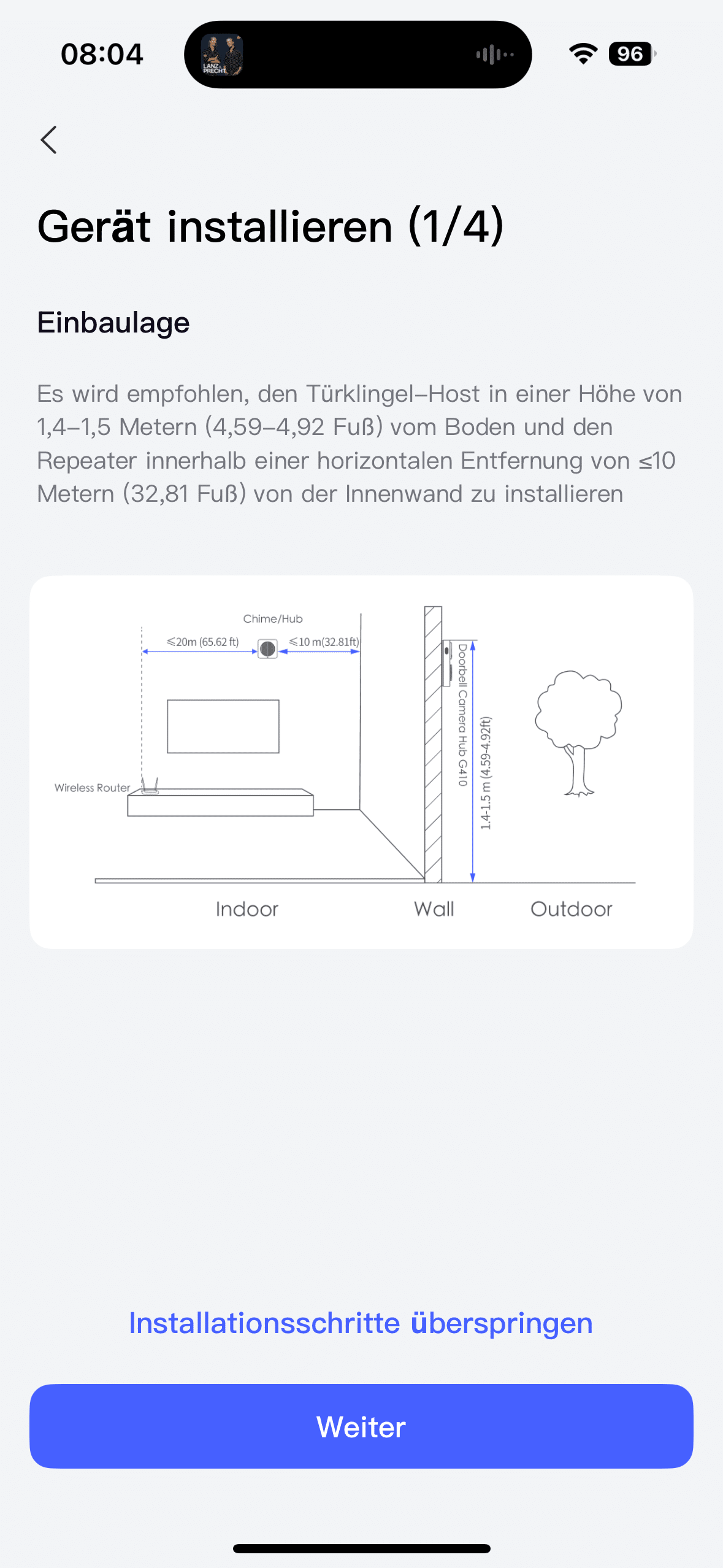
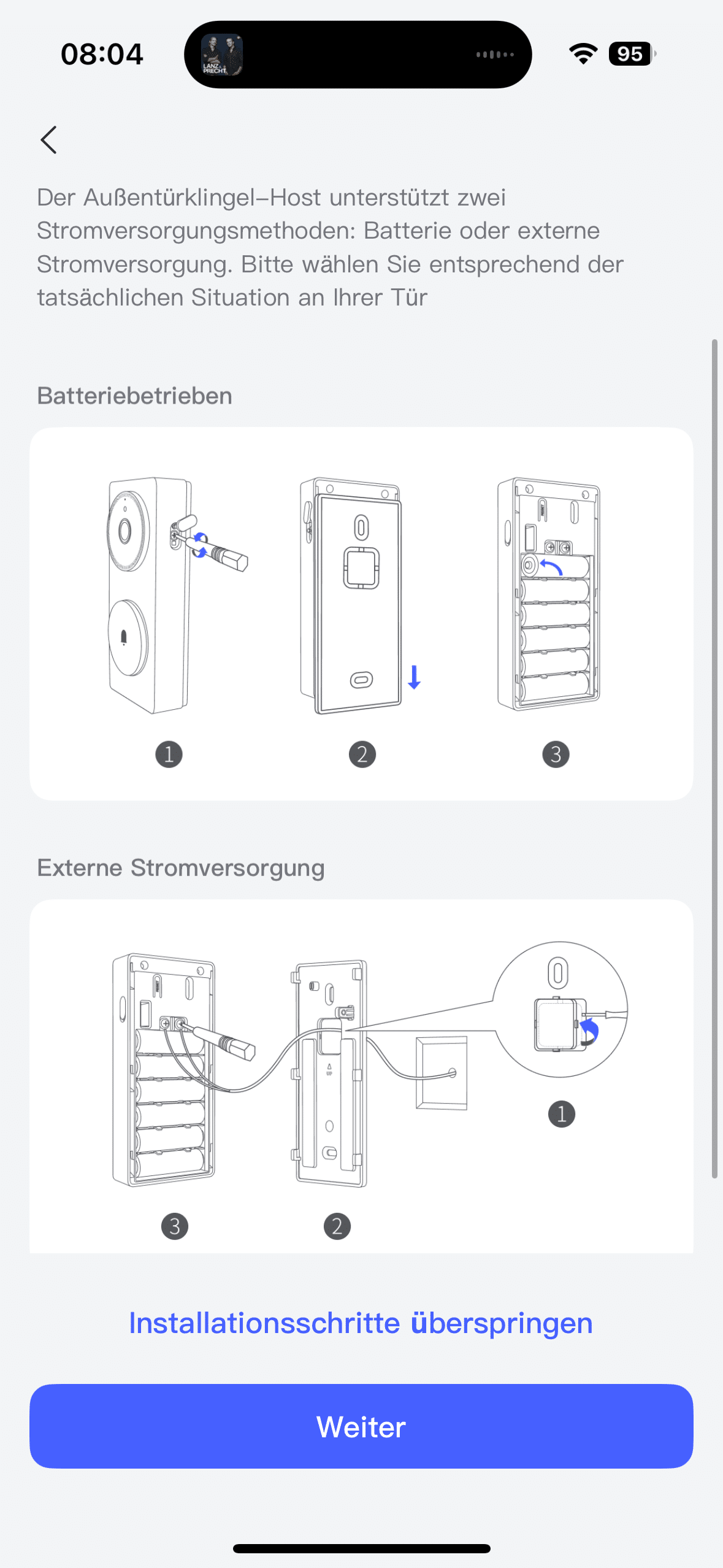
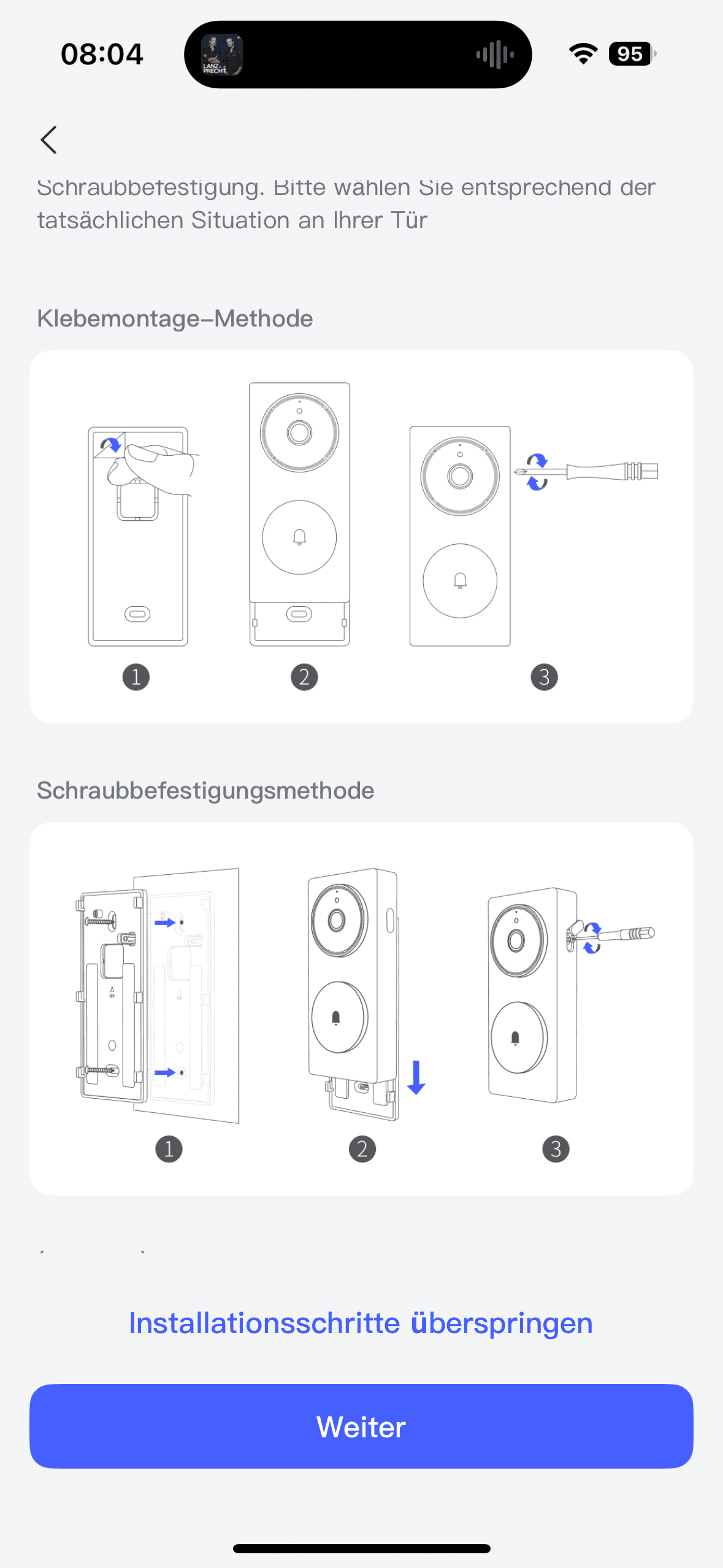
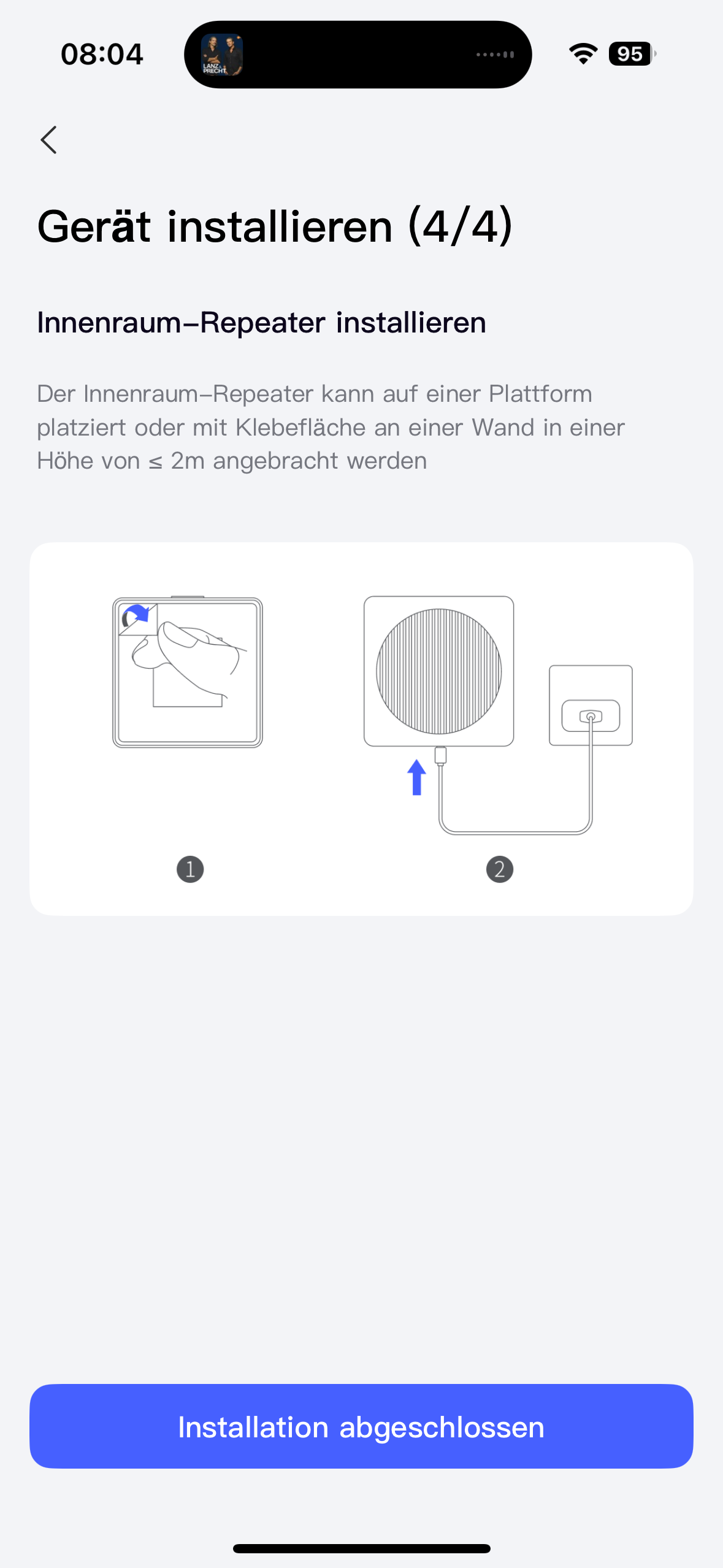
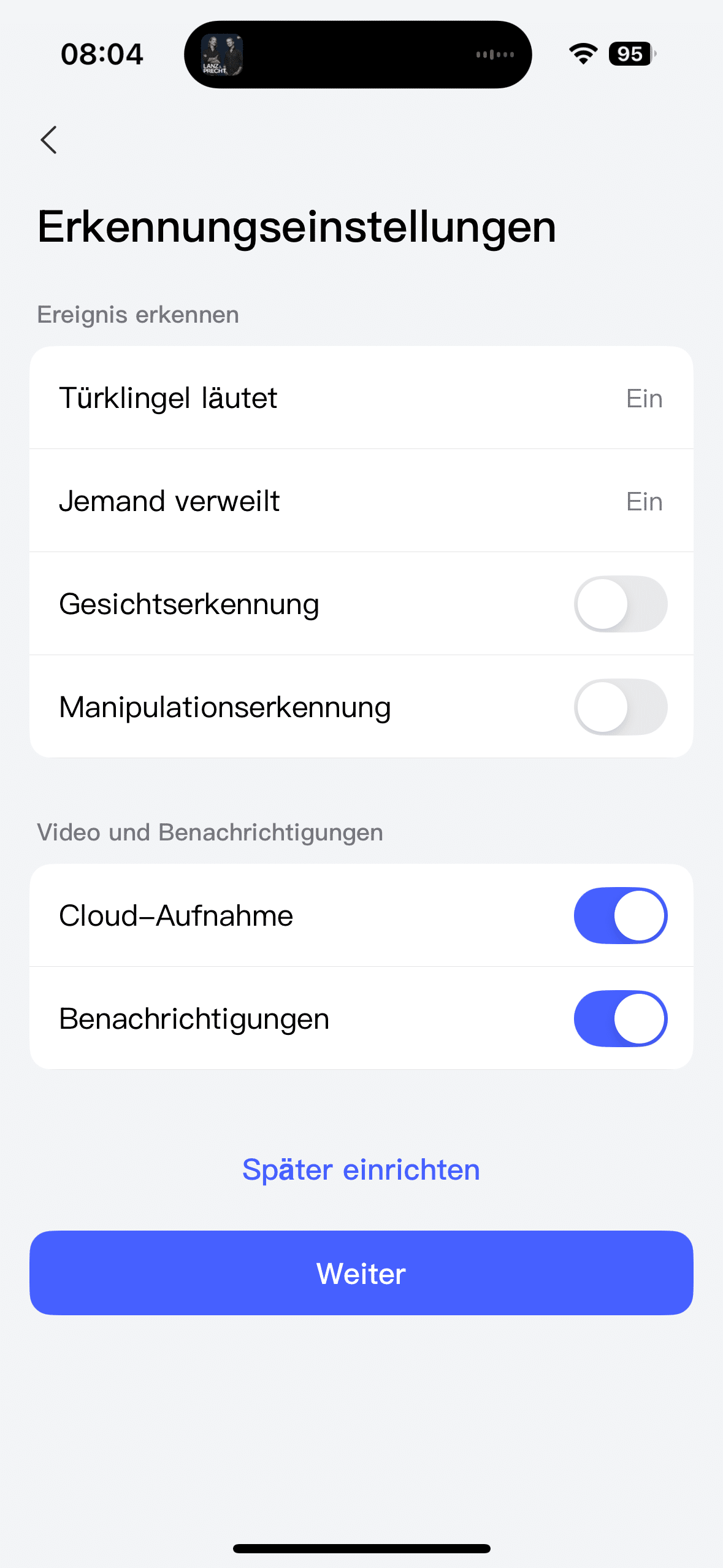
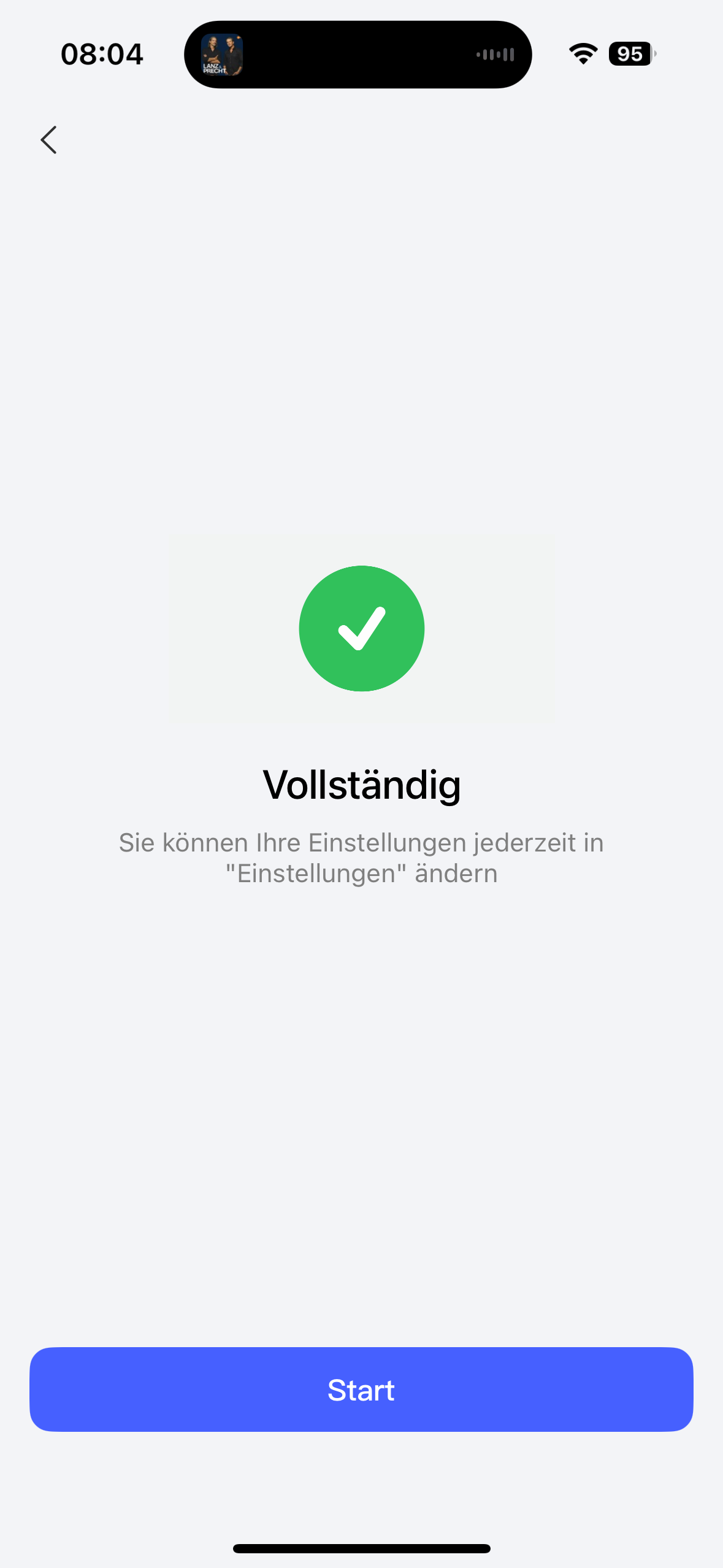
The same is also displayed again in the app. If the doorbell is hanging and is supplied with power, you need to pick up your smartphone with the Aqara app installed. There you add the video doorbell as a new device. The focus here is on transferring the video doorbell to your network. Once this is done, the doorbell is ready for use.
Aqara G410 test: Chime is a smart home jack-of-all-trades
When it comes to Matter capabilities, Aqara is at the forefront of the smart home world. This started with the Aqara U200 (Review | € 182.01 *). The smart door lock was the first on the market to support Apple Key thanks to Matter. All you had to do was hold your iPhone or Apple Watch up to the keypad to unlock the lock. If you don’t need this but still want to enjoy the interoperability provided by Matter, you should definitely take a look at the Aqara U200 Lite (Review | € 102.39 *).

It is therefore not surprising that the manufacturer’s latest door lock also comes with Matter. However, as with the two door locks, you also need a suitable hub to be able to use features such as Matter. While we used the Aqara Hub M3 (€ 110.49 *) for the U200 and U200 Lite, the G410 already comes with a suitable hub. And the manufacturer installs this extremely conveniently in the gong. This is a real jack-of-all-trades. After all, it not only plays the ringtone of your choice when the bell button is pressed.

There is also a microSD slot that supports memory cards with a capacity of up to 512 GB. That’s a lot of storage space, which is why fans of local video storage will also get their money’s worth here. In addition, the chime is also the necessary hub that makes the wide range of functions of the video doorbell possible in the first place. This combined solution reminds me of the Camera Hub G5 Pro I mentioned at the beginning and makes for significantly less complexity, as you save yourself a device.

But the Gong can not only be used as a matter controller. It can also be used as a Thread Border Router or as a Zigbee hub. We can only praise this openness to smart home standards in the highest terms. So it’s no surprise that you can of course use the video doorbell with the common smart home ecosystems. Whether Amazon Alexa, Google Home, Apple Home or Samsung Smartthings – the G410 can be integrated pretty much anywhere.
Aqara G410 test: Aqara app for automations
However, the best user experience is provided by Aqara’s own app. After all, you get one or two exciting features here that can be very practical in everyday life. For example, if you want to use the camera’s face recognition, you can only do so in the app. You can also use the voice distorter here if you use the video doorbell as an intercom system.
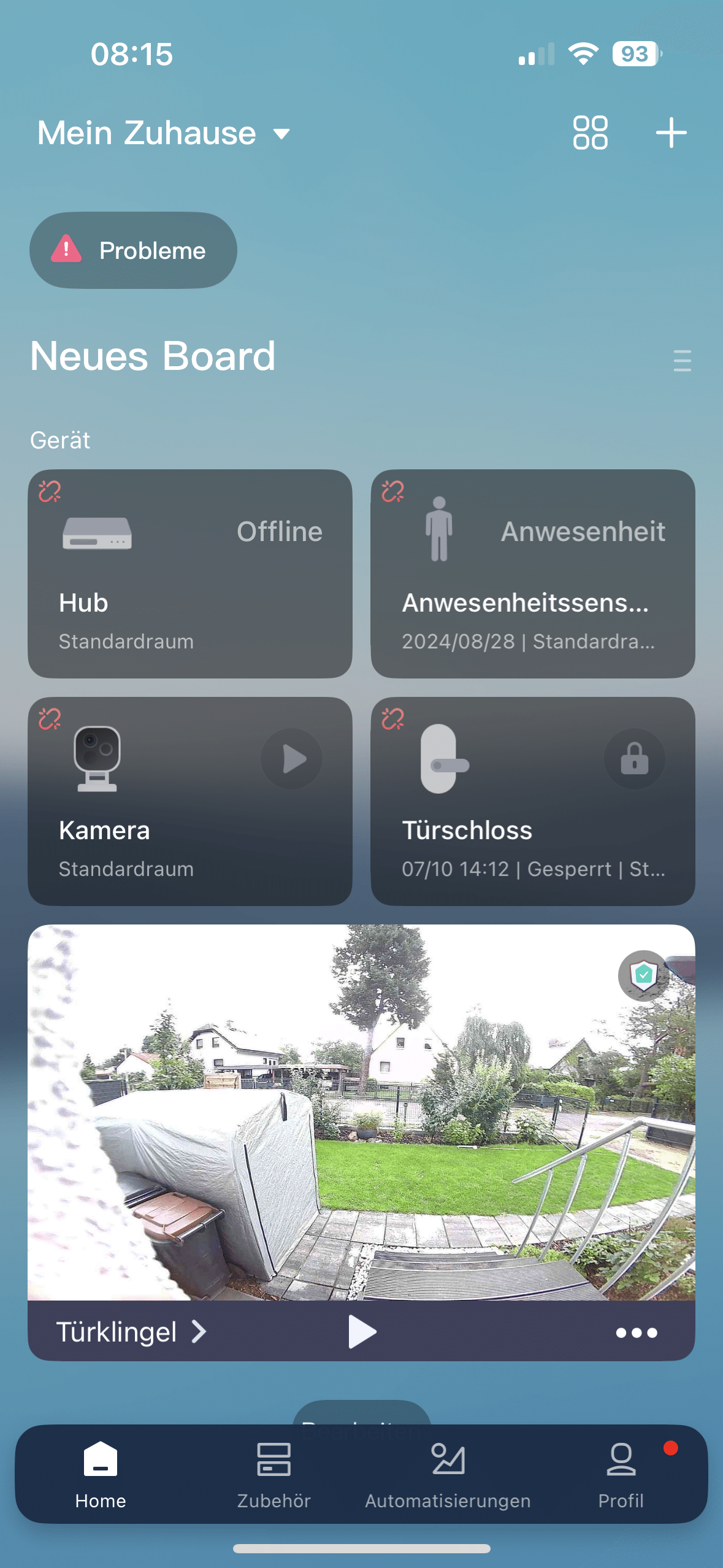
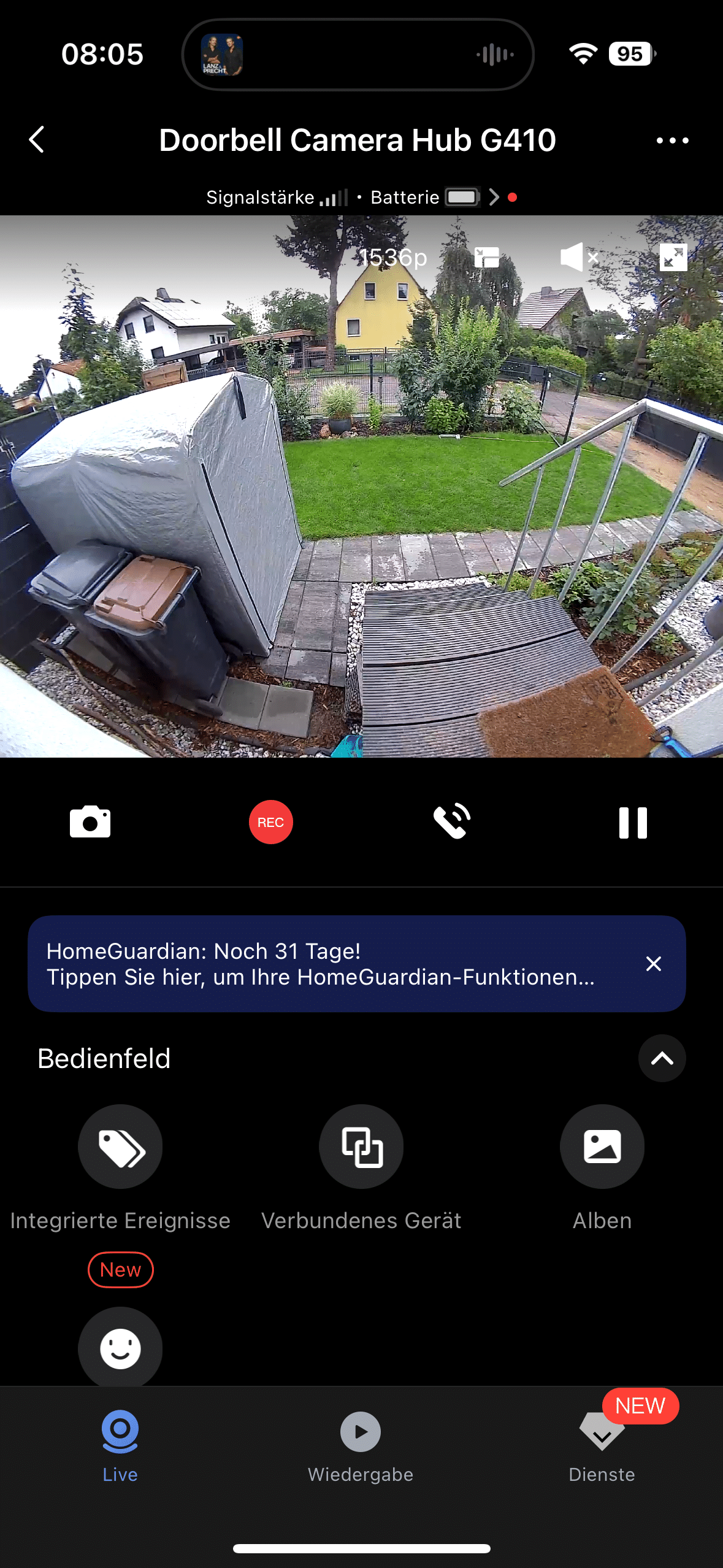
Using the Aqara app should be mandatory for you if you also use other gadgets from the manufacturer. The combination of video doorbell and smart door lock is particularly useful. In this case, you can set practical automations. For example, you can save the faces of your flatmates or family members in the app as authorized persons.
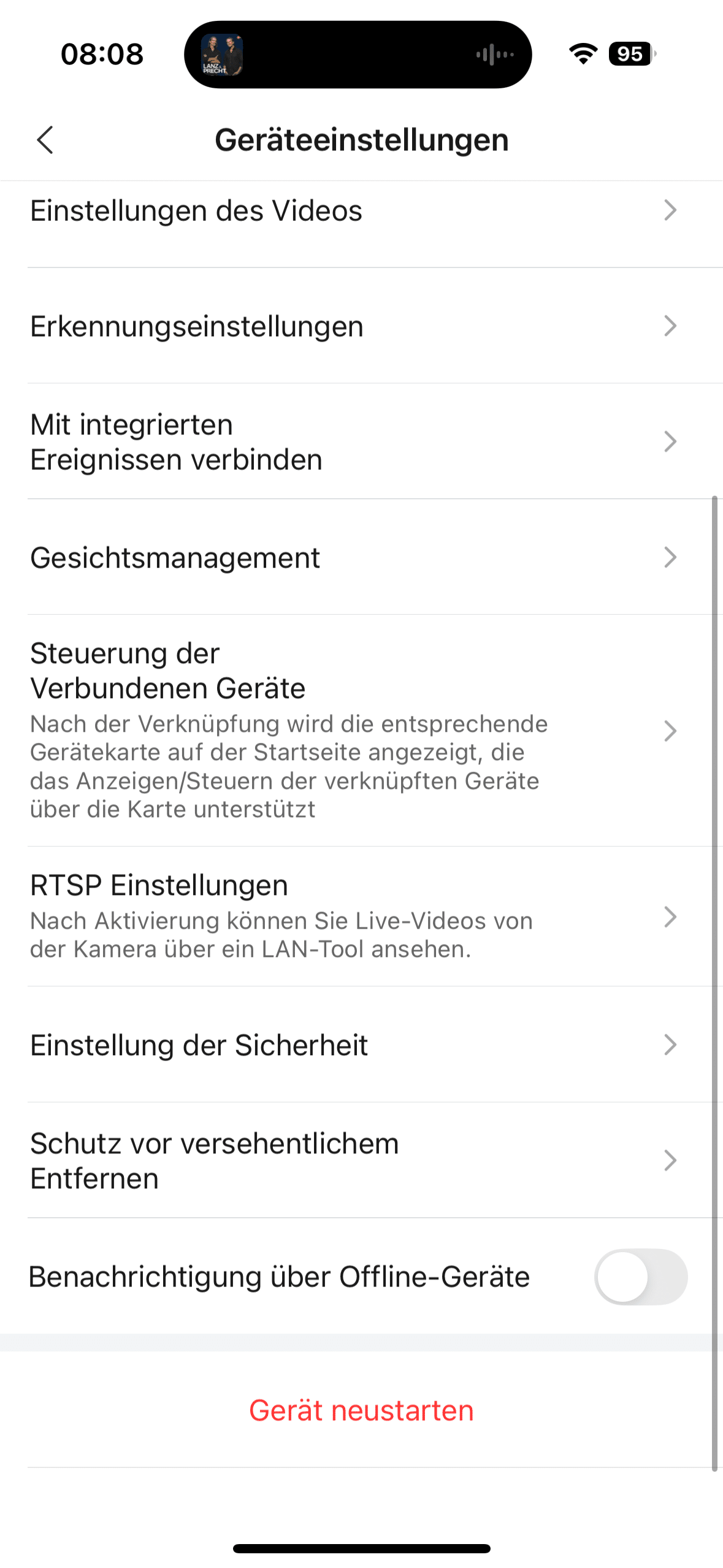
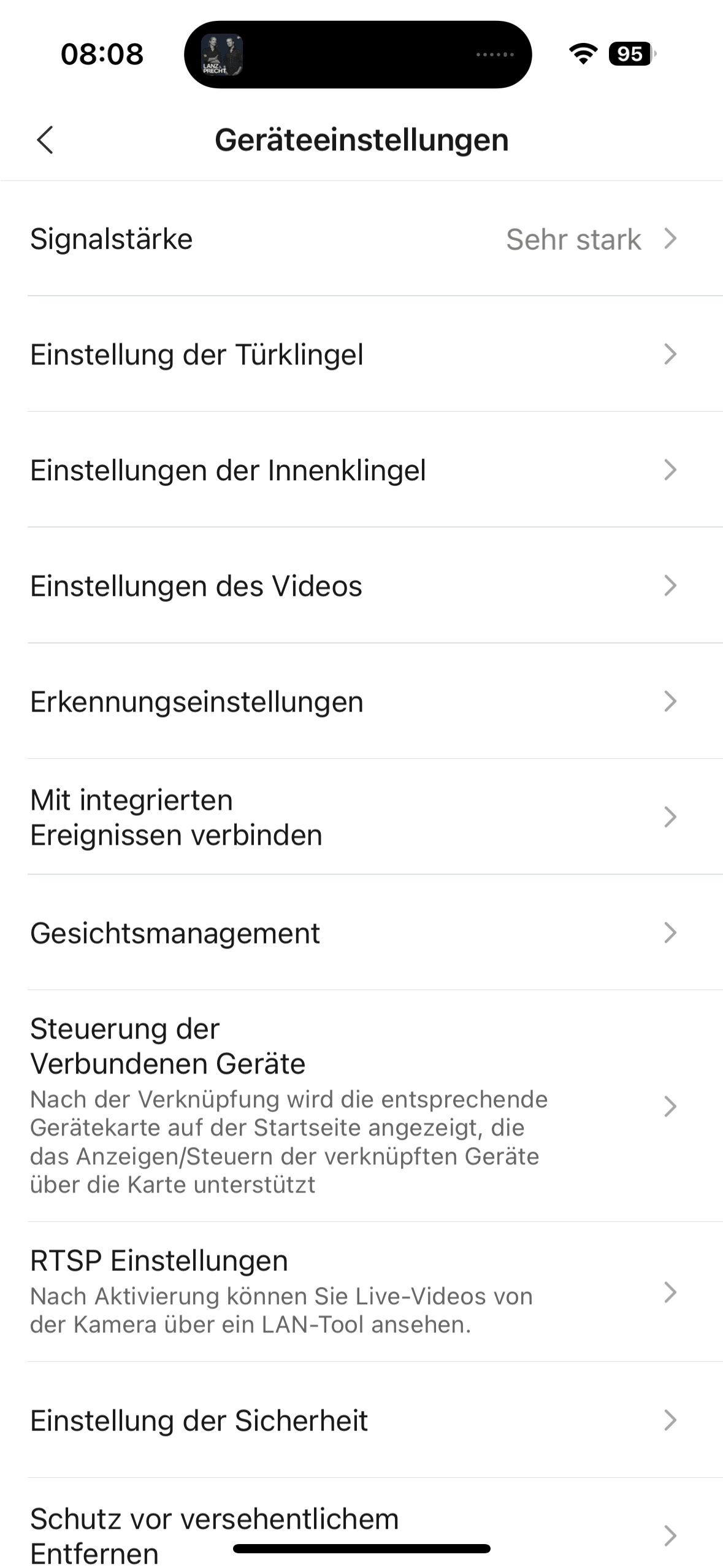
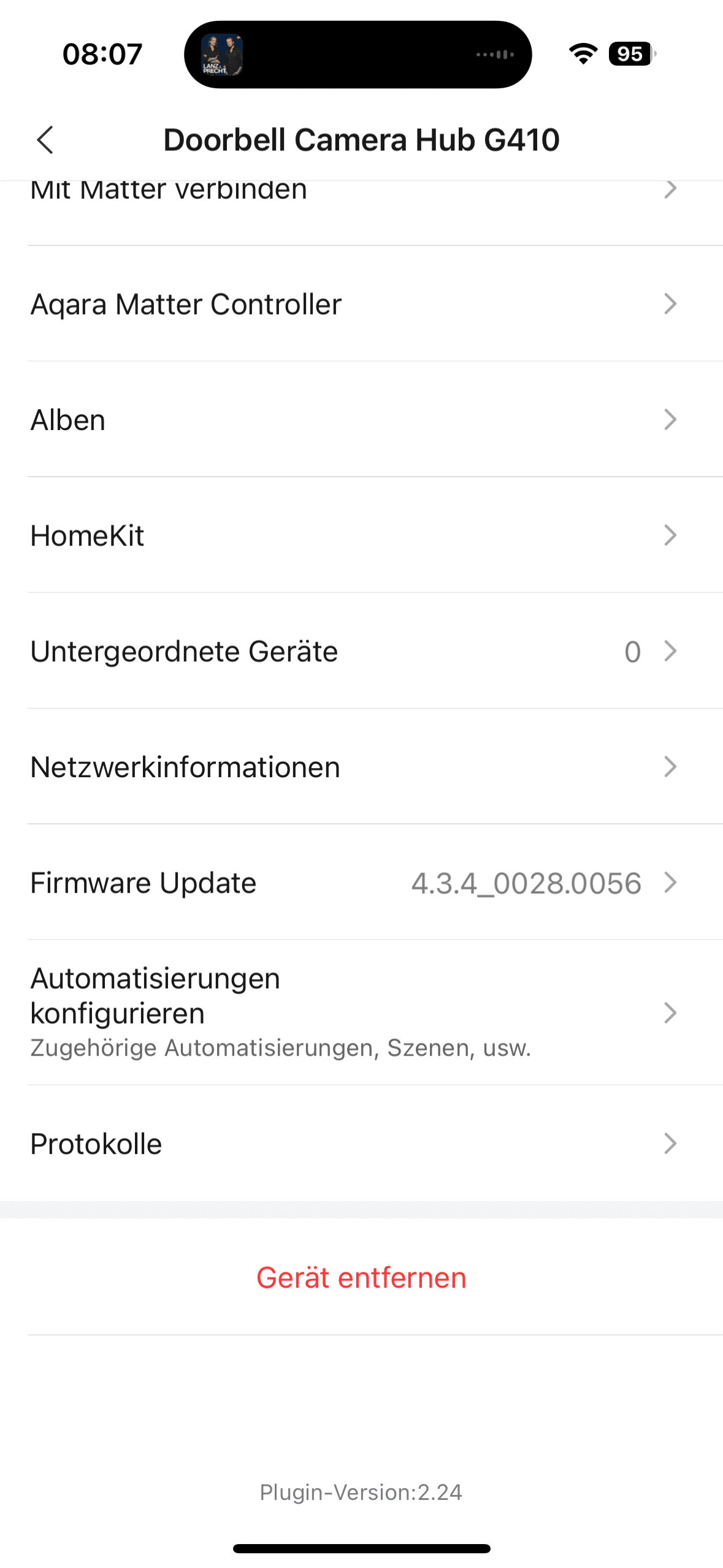
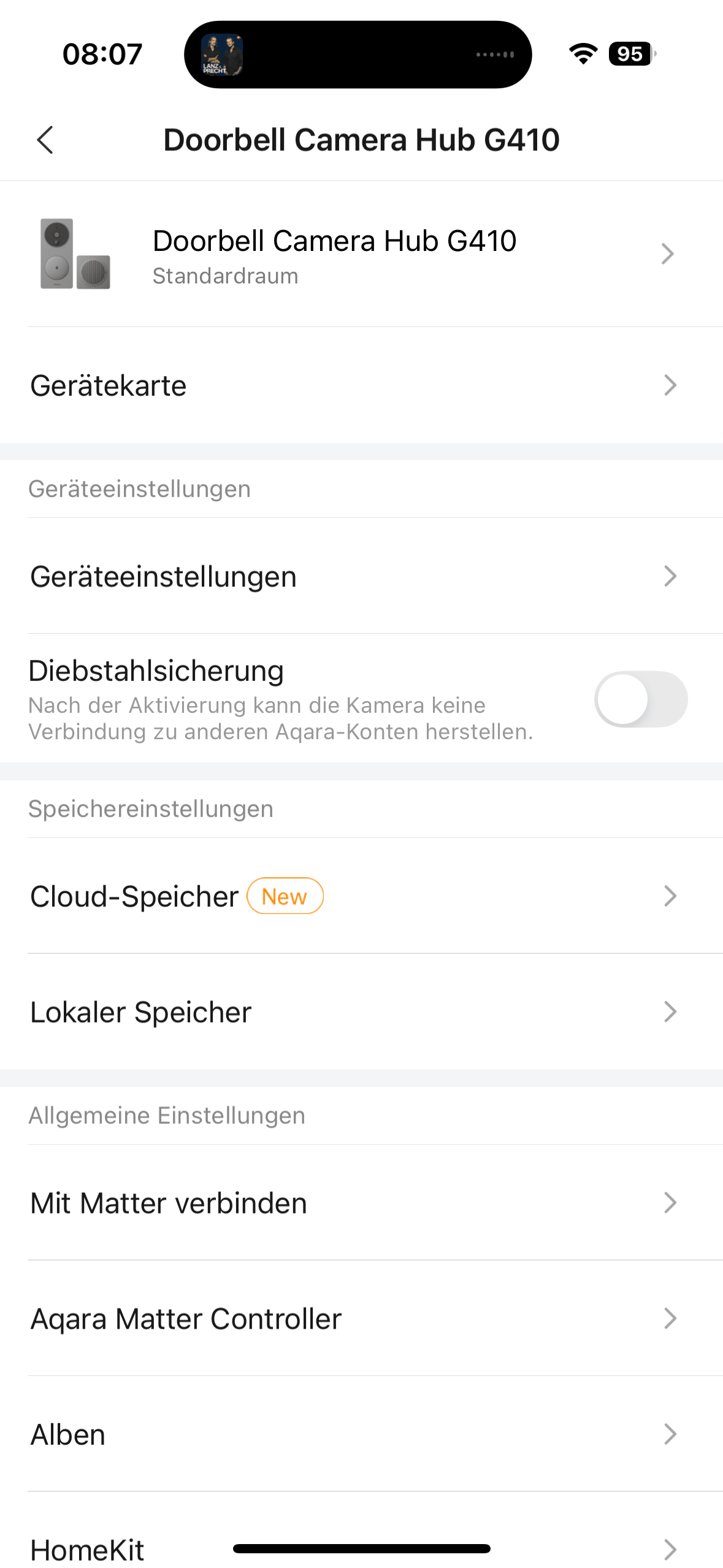
If the camera then recognizes an authorized face, it can send the command to the smart door lock to unlock the lock. However, this is just one example. There are many possible automations here, so that smart home fans can really let off steam. Thanks to Matter and the general openness of the G410, you can enable automations not only with other Aqara products.
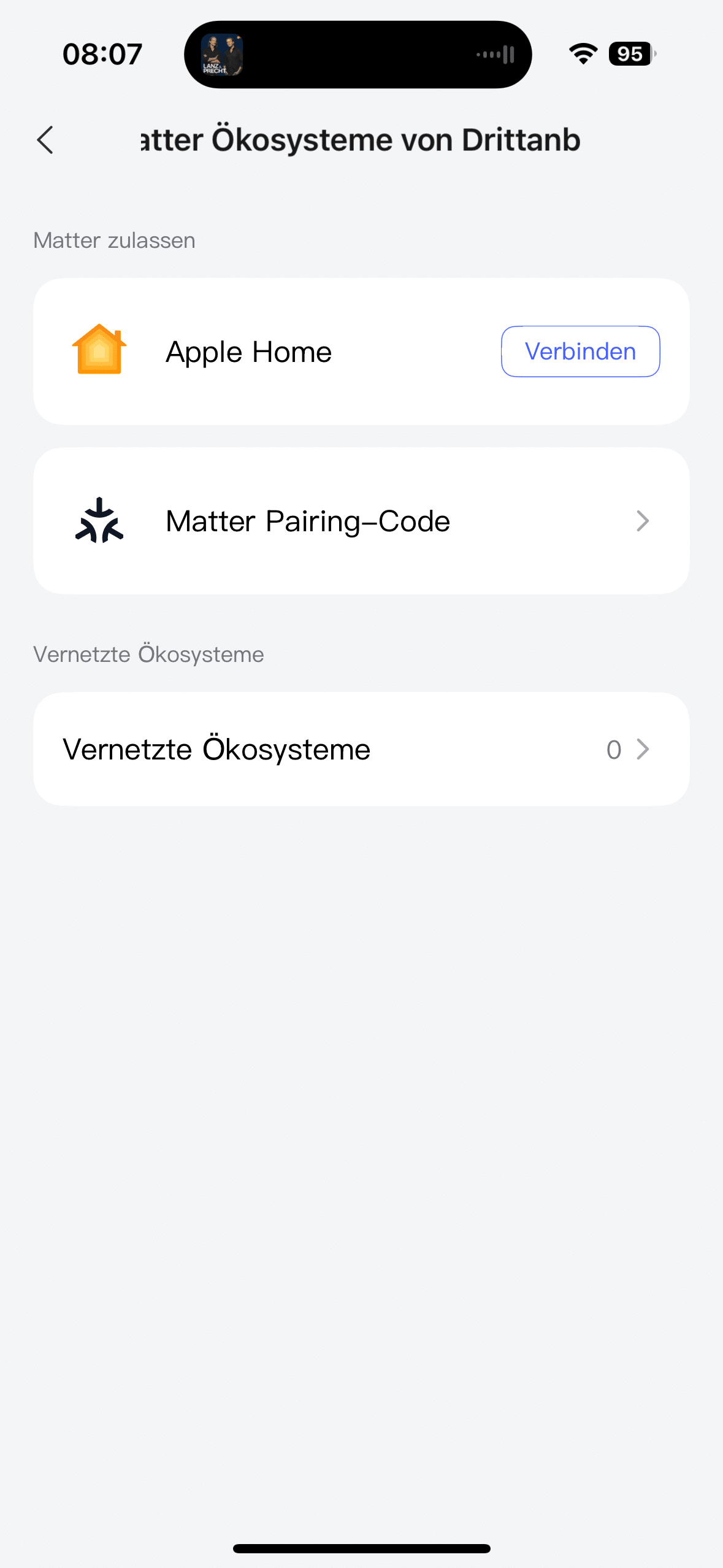
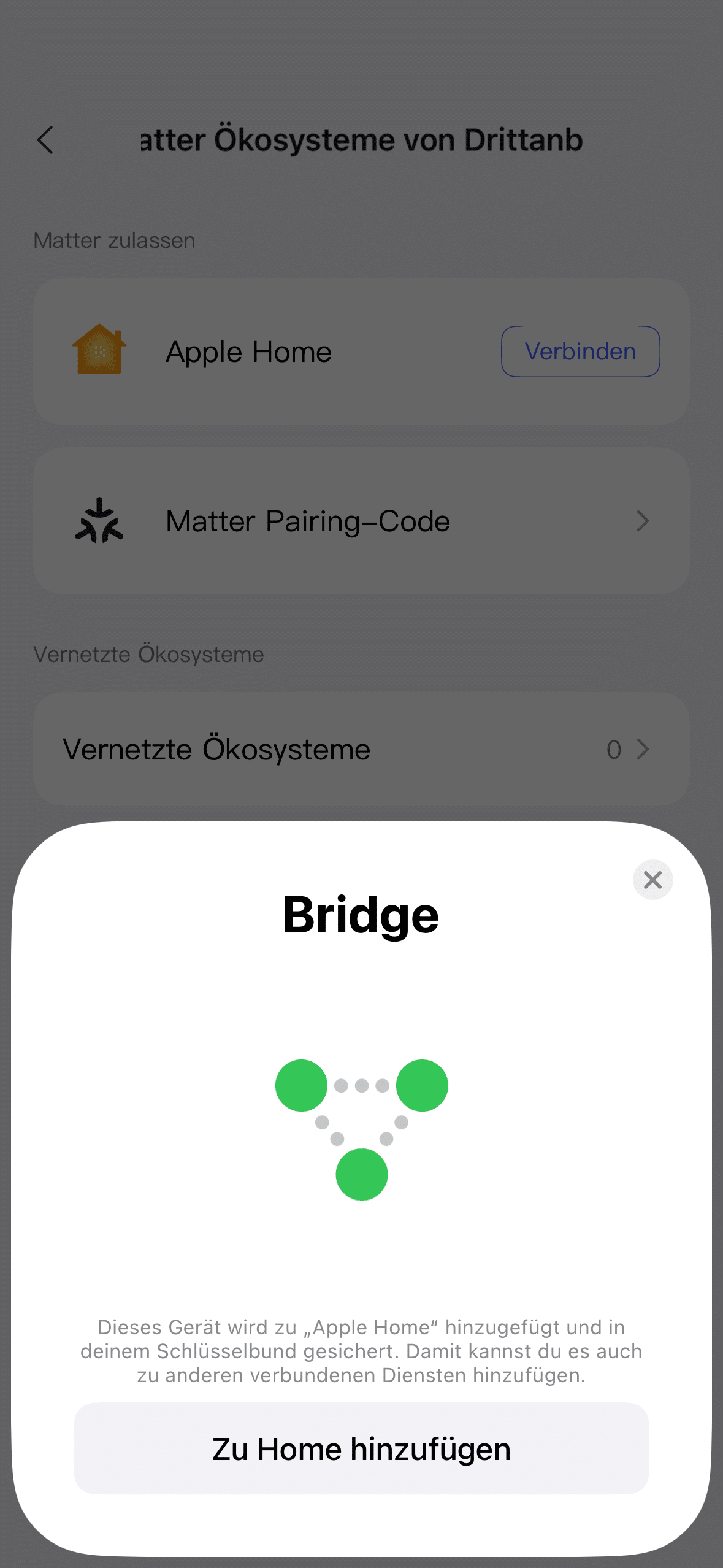
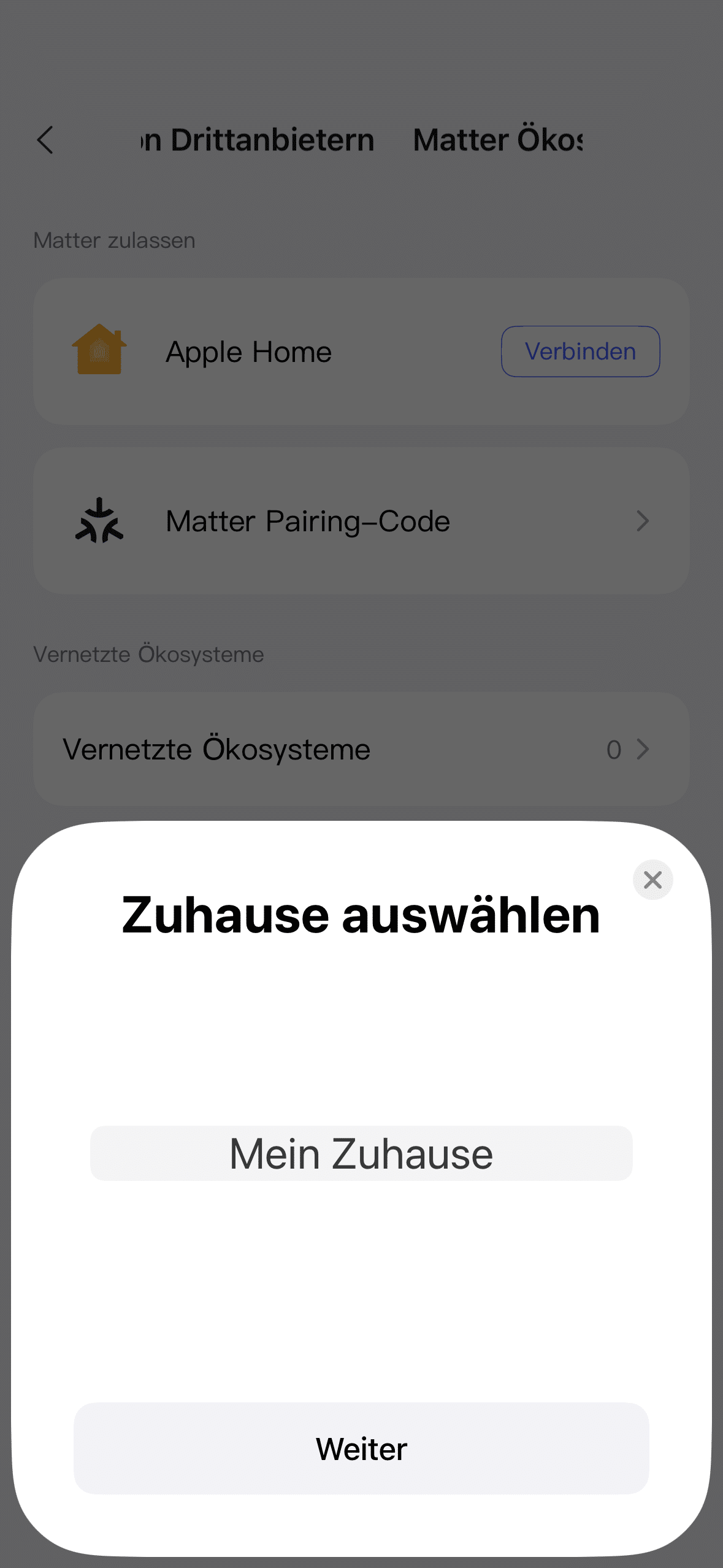
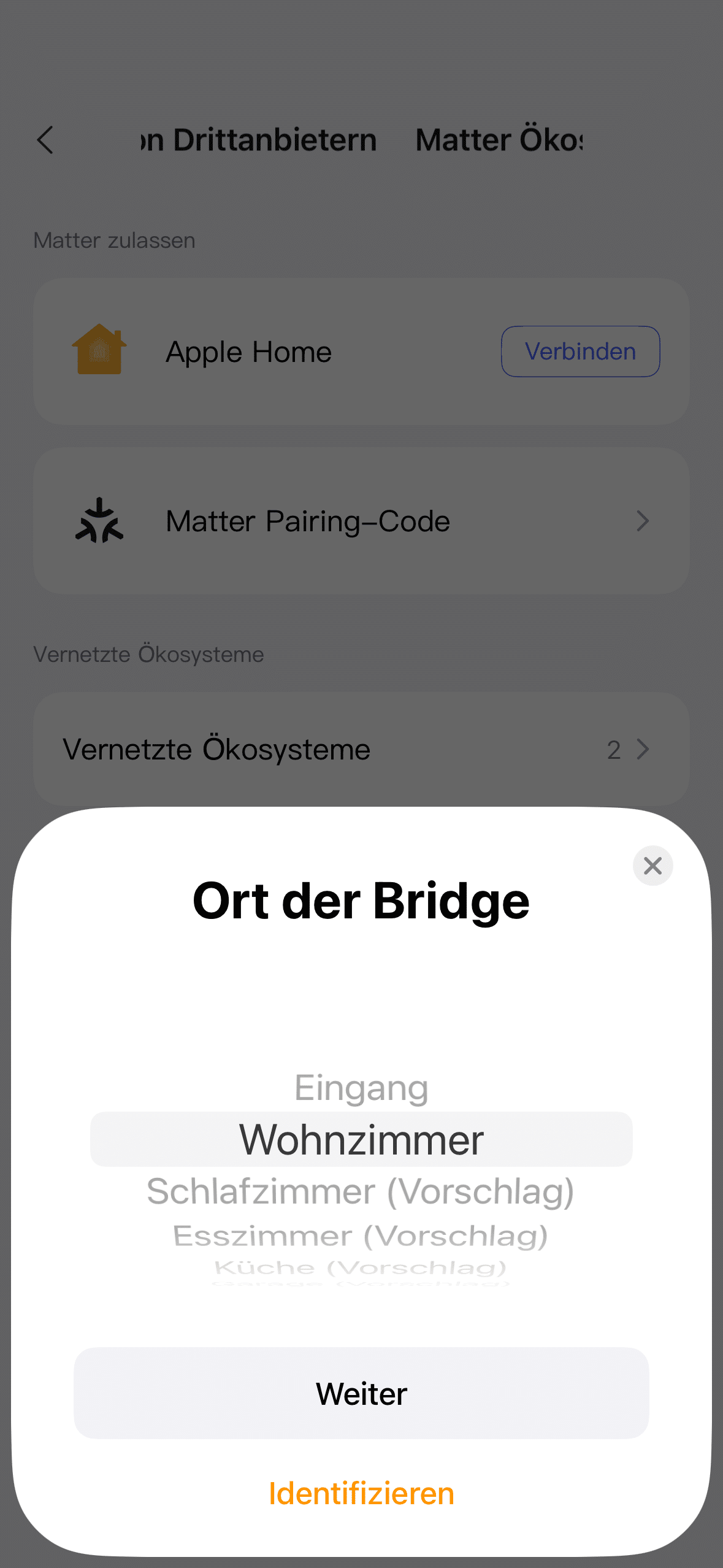
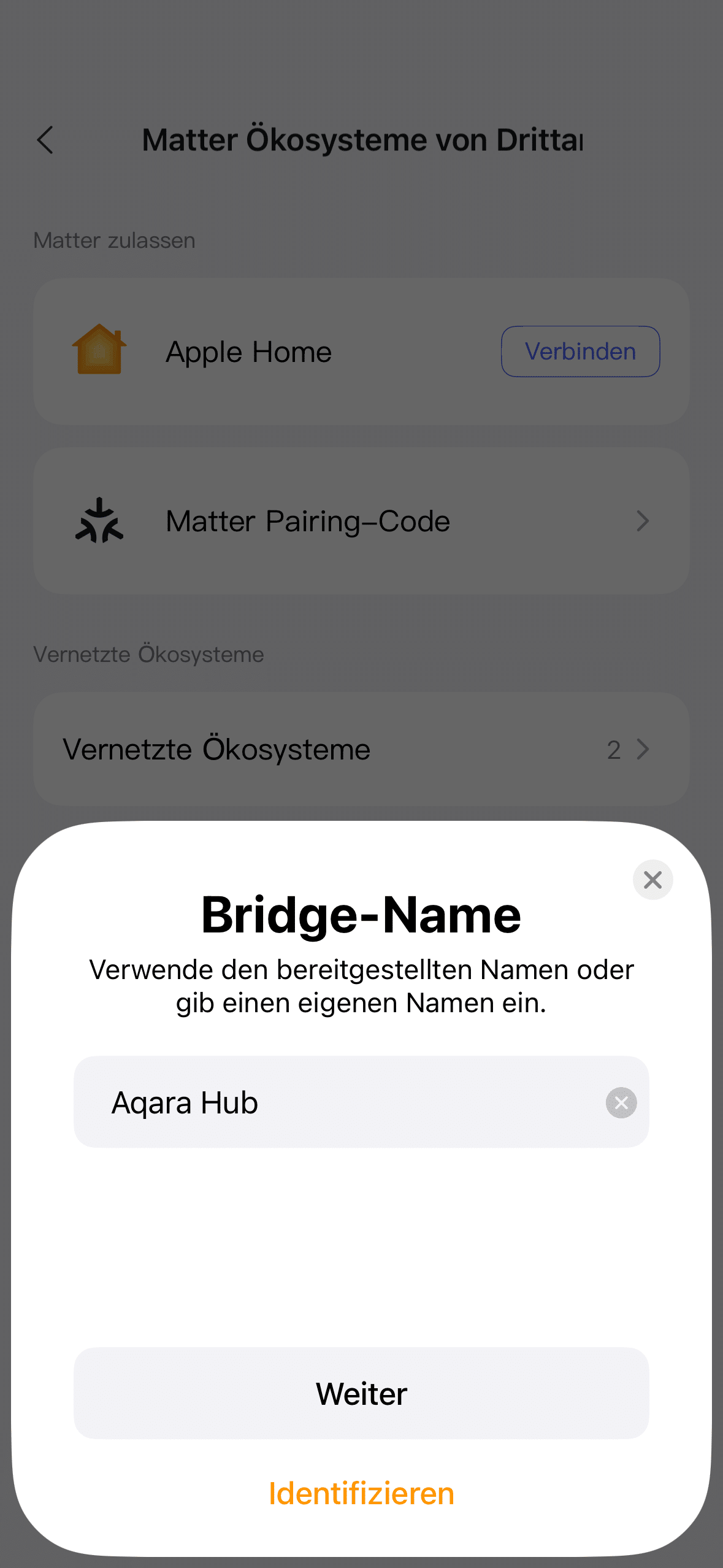
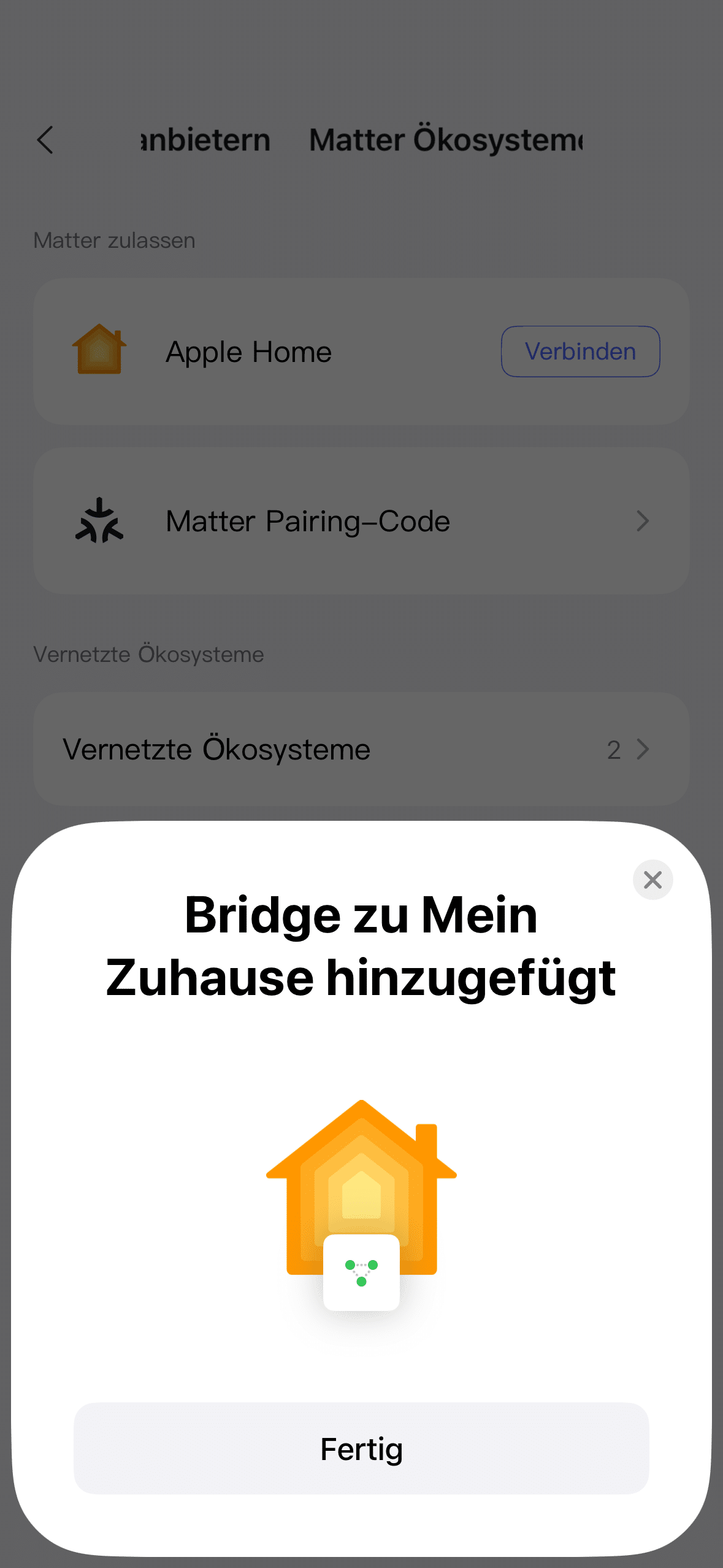
This means that you can buy the G410 even if you already have an extensive smart home with many different gadgets from other manufacturers. In my opinion, this sounds like an excellent recipe for success that other manufacturers should also follow. After all, some companies still rely on a closed ecosystem to bind customers to their own product portfolio.

In practice, the app scores with a great overview. You benefit from many different setting options without ever getting lost. The G410 comes with good factory default settings. The only thing you should improve is data protection. For example, it is essential to define blind areas in the camera image if the public street area or even your neighbors’ property is visible.
Aqara G410 test: camera quality
Of course, we also looked at the camera quality of the G410 in the test. And with a resolution of 2K, it is certainly impressive. Not only do you get a sharp image, but the color reproduction is also good. This means you can also use the doorbell as a surveillance camera without any problems.

With a viewing angle of 175 degrees, you can also keep an eye on a pleasantly wide area in front of your front door. At night, I was no longer so pleasantly surprised. Unfortunately, the G410 does not offer color night vision, only IR night vision. If you don’t have high-intensity spotlights outdoors, you’ll have to make do with this.

In my opinion, Aqara could have solved this problem with a built-in light. The TP-Link Tapo D230S1 (Review | € 84.90 *), for example, shows how well this works. At least the images from the IR sensor are impressive. So if you don’t have a problem with black and white vision at night, you won’t be bothered by the lack of color night vision.
Aqara G410 test: Motion, package and face recognition
Of course, the G410 also comes with motion detection. The video doorbell can distinguish between different movements. In contrast to current competitor models, it does not recognize animals or cars, but it does notify you of human movement. There is also a parcel detection function. This means you receive a notification when the parcel carrier leaves a parcel with you. I was particularly excited about the facial recognition feature.

The G410 did not disappoint me here. Once I had saved my face as an authorized person via the app, the camera always recognized me reliably. The so-called tamper detection ensures security. If an unauthorized person gains access to your property and tapes or otherwise covers the cameras to remain undetected, you will receive a warning on your smartphone.
Aqara G410 test: intercom function
As the Aqara G410 is connected to the internet thanks to its integrated hub, you will receive notifications about the current status even when you are away from home. Including, of course, when the doorbell rings. Thanks to the intercom function, you can, for example, speak to the parcel carrier if they have just rung your doorbell and ask them to simply leave the parcel on the mat. We really like the voice distortion option.

If there is a suspicious person at the door, for example, you can answer with a deep, respectful voice to be on the safe side. Hopefully no one needs to try out whether this is effective. In any case, it is a nice gimmick. The audio quality of the integrated loudspeaker and microphone is of course not earth-shattering, but it is certainly worth listening to.
Aqara G410 test: Flexible video memory
As already mentioned, you can create a local video memory of up to 512 GB with the G410. The microSD slot in the gong is available for this purpose. Alternatively, you can also use the Aqara cloud as video storage. Although this is free for the first two years, videos are stored for a maximum of one day. After six months, the storage period is only 12 hours and after 24 months there is no more video storage at all.

If you want to store your videos permanently in the cloud, you can use the “HomeGuardian” service. This costs from 6.99 US dollars per month. You can also save the videos in the NAS (RTSP) or via your iCloud storage (if available). Incidentally, if you want the Aqara G410 to offer 24/7 video recording, a hard-wired installation is mandatory. This is not possible with simple battery operation.
Aqara G410 test: Battery life
Anyone who decides to operate the Aqara Doorbell Camera Hub G410 wirelessly will be surprised at first. After all, no battery is used here. Instead, the system relies on a total of six AA batteries. This is quite surprising, as most wireless systems rely on a rechargeable battery. According to the manufacturer, a battery life of up to five months is possible.
This is probably the maximum, which is why you should probably expect to change the battery every three months with an average number of visitors and movements to be on the safe side. In view of the questionable battery policy, we recommend a hard-wired installation. Not only do you not have to worry about dead batteries. On top of that, you can also use the G410 as a 24/7 surveillance camera.
Conclusion
The Aqara G410 is much more than just a smart video doorbell – it is a camera, intercom, smart home center and Matter hub all in one. We were particularly impressed by the clever integration of the smart home hub into the chime, which not only saves space but also installation effort. Compatibility with all major smart home systems and support for Matter, Zigbee and Thread make the G410 a real recommendation for smart home fans who want to automate their home flexibly and independently of the manufacturer.

Camera quality, smart features such as face recognition and package recognition as well as the sophisticated app round off the overall package convincingly. Nevertheless, there are minor points of criticism, such as the lack of color night vision, the rather short chime cable or the unusual battery solution without a permanently installed battery. However, anyone looking for a versatile and future-proof video doorbell will find what they are looking for with Aqara.

VORTEILE
- Integrated smart home hub (Matter, Thread, Zigbee)
- Compatible with Apple Home, Google Home, Alexa, SmartThings
- High-quality processing of doorbell and chime
- Face recognition & package recognition
- Good 2K video quality
- Flexible video storage (microSD, NAS, iCloud, cloud)
- App with extensive automations and good overview
- Intercom function with voice distortion
- Option for wired or battery-powered use
NACHTEILE
- No colored night vision
- No built-in rechargeable battery, but six batteries instead
- 24/7 recording only possible with wired installation
Fazit
The Aqara G410 is a smart, versatile video doorbell with a wide range of functions and broad smart home compatibility.