


With the Azoth, ASUS ROG ventured into the highly competitive custom keyboard segment around two years ago and even went one better last year with the ASUS ROG Azoth Extreme, which costs around 570 euros. Now the manufacturer is expanding the keyboard family with a third member, which goes by the name of ASUS ROG Azoth X and focuses primarily on a brand new, playful design. In this review, we explain what you can expect, what distinguishes the keyboard and what the differences are to the normal Azoth.
Technical data
| The product | Azoth X |
| Switch type |
Mechanical |
| Button switch type | ROG NX Snow V2 (linear); ROG NX Storm V2 (clicky) |
| Switch types offered | Linear, Clicky |
| Replaceable switches | yes (hot-swappable) |
| Keycaps | PBT Double-Shot Dye-Sub |
| Replaceable keycaps | yes |
| Keyboard layout | ISO-DE, 75 % |
| Rollover technology | N-Key rollover |
| Illumination | Per-key RGB LEDs |
| Battery life | without RGB: 1,600 hours, with RGB: 72-75 hours |
| Connectivity | Wireless (Bluetooth 5.1 and 2.4 GHz RF), USB-C |
| Sampling rate | 1,000 Hz |
| Material: aluminum | Aluminum, plastic |
| Dimensions | 325.4 mm × 136.2 mm × 40 mm (L x W x H) |
| Weight | 1.600 g |
| Special features | OLED display; Tri-mode connectivity; Speed Tap; Aura Sync; |
| Scope of delivery | Keyboard, additional switches, additional keycaps, switch puller, keycap puller, USB dongle, USB edtender, USB cable, palm rest |
| Price of keyboard |
RRP: 329.99 euros |
ASUS ROG Azoth X review: 75 percent keyboard with a sci-fi look
- playful sci-fi design
- triple connectivity
- harmonious RGB lighting
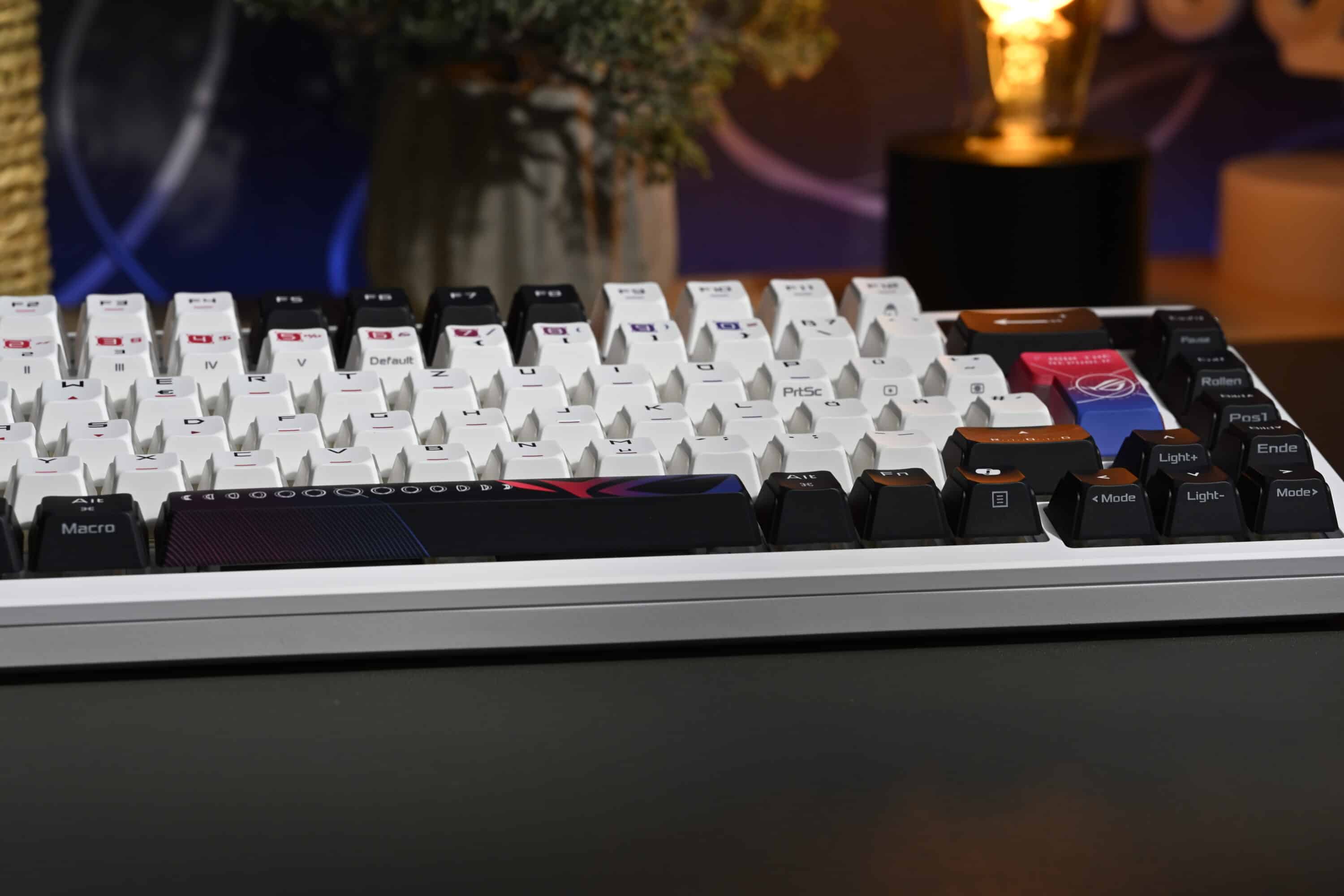
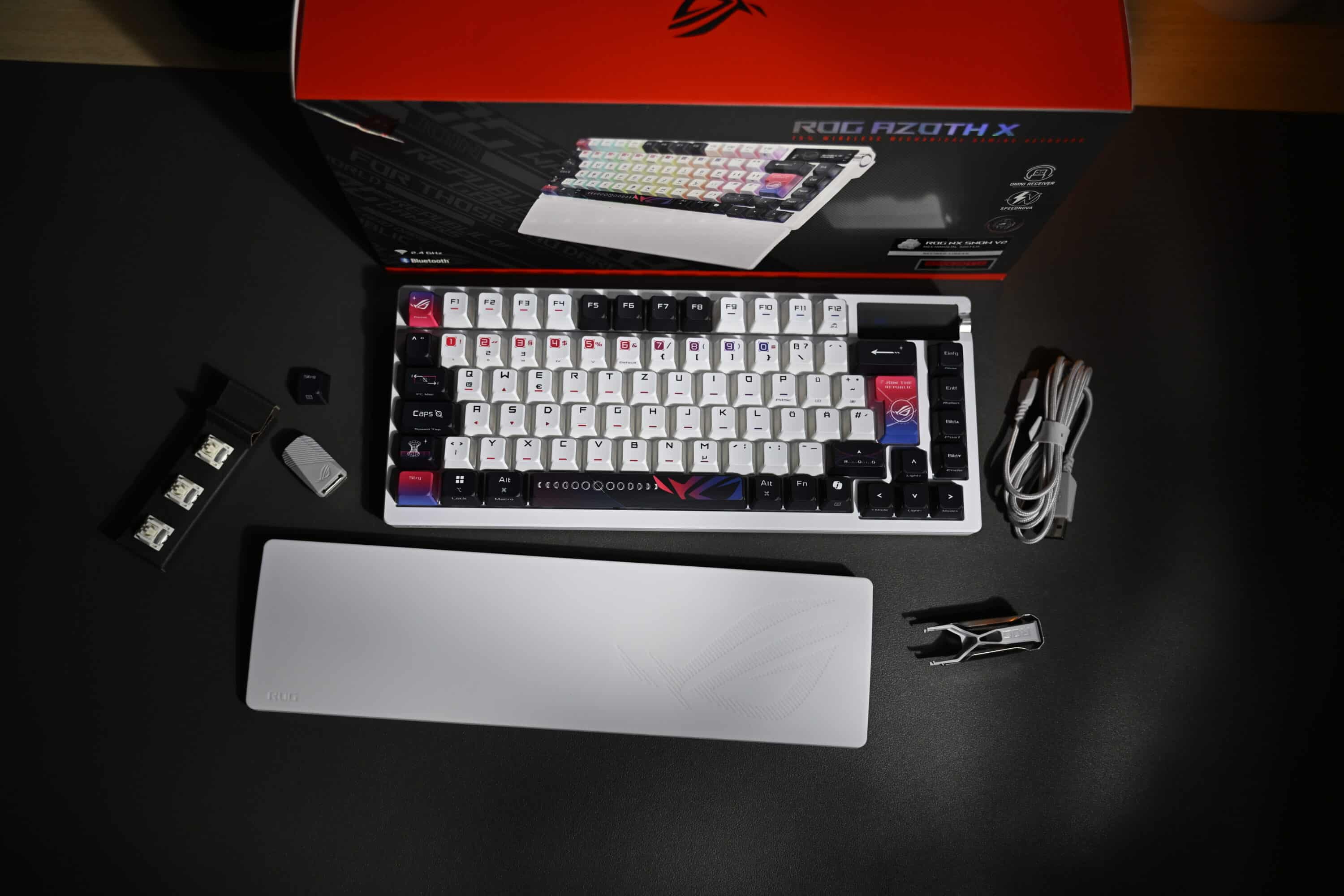
The most obvious new feature of the ASUS ROG Azoth X is undoubtedly the design. Instead of the discreet black or white color scheme of the original Azoth model, the manufacturer has brought color into play here. Lots of color. The Azoth X combines white, black and multi-colored red-purple “Stellar” keycaps with red accents and a futuristic-looking key label.
It is immediately obvious that ASUS’ gaming division is undoubtedly targeting a younger audience, while older generations and those who prefer a more subtle look will be better served by the Azoth or Azoth Extreme.

You have to like the look of the new ASUS ROG Azoth X. It exudes a certain science fiction and space travel aesthetic that fits the brand perfectly. Of course, this only applies to the keycaps, as the keyboard itself has a rather plain white frame that combines plastic and aluminum.
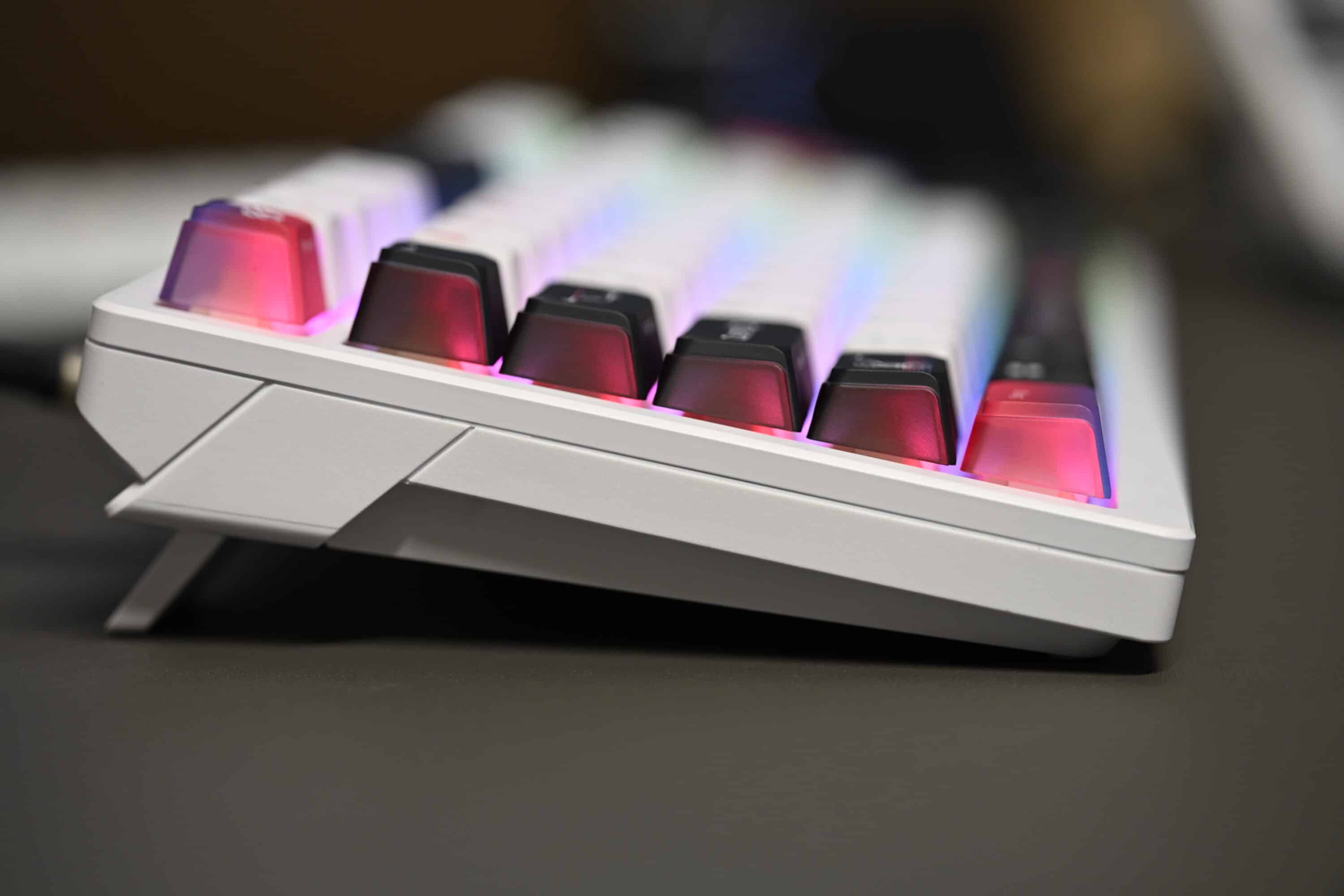
The keycaps are therefore one of the most striking innovations compared to the other members of the family. These new keycaps are manufactured using a special dye-sub process, which creates an interesting look. This is because the top and front are opaque white, while the back and both sides are semi-transparent. This allows the RGB lighting, which is realized here by south-facing LEDs, to shine through on three sides.
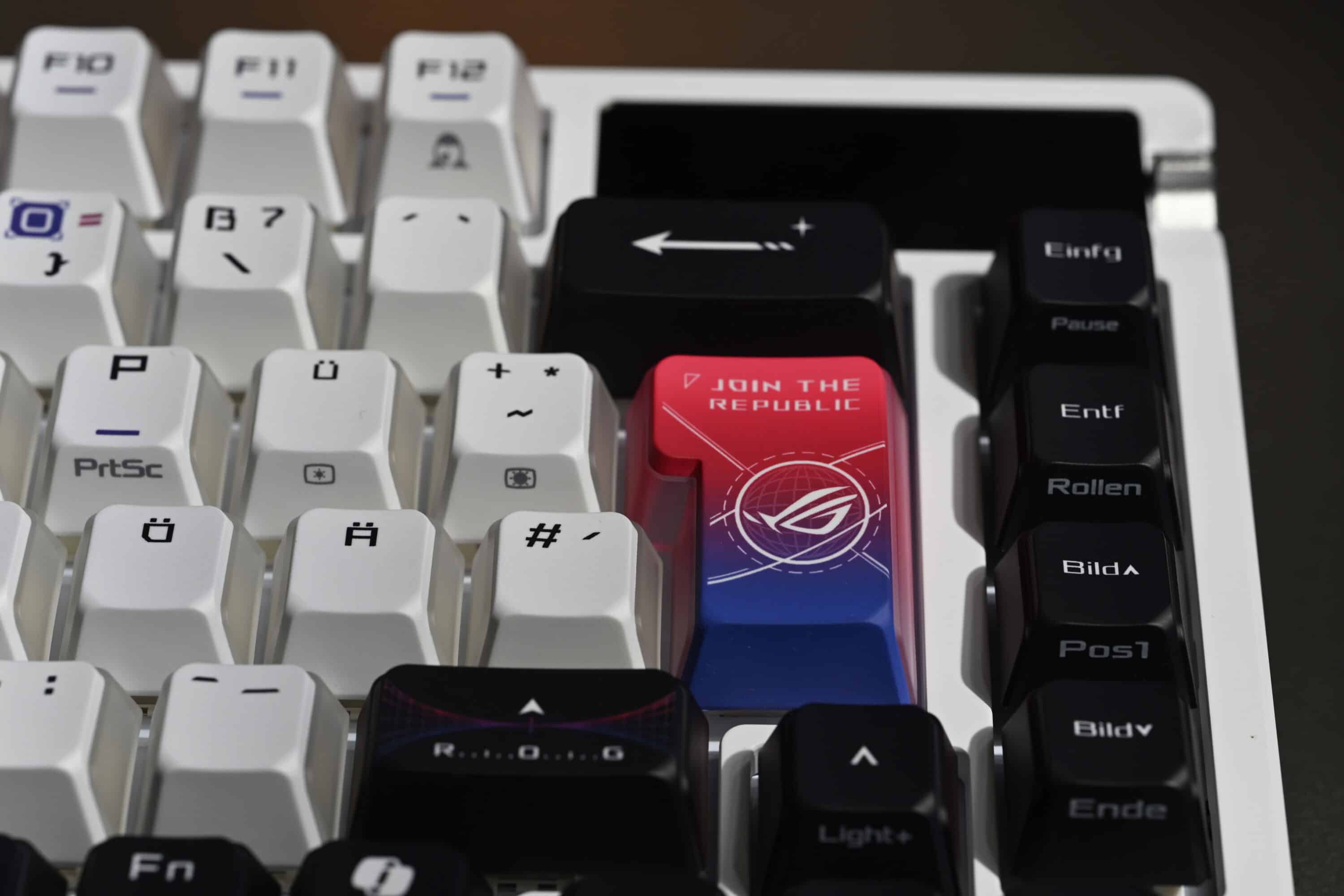
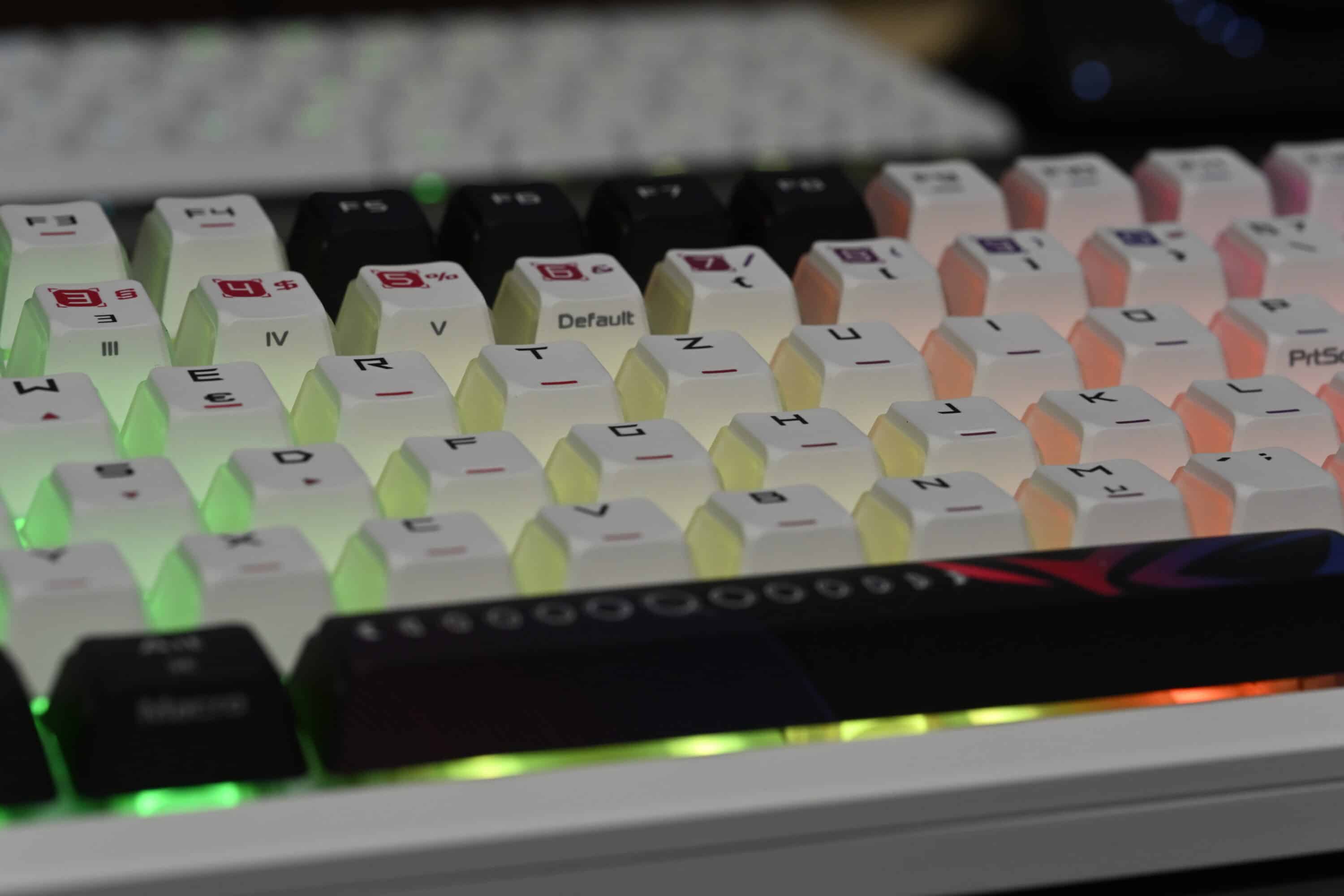
And the result is, it must be acknowledged, truly convincing and appealing RGB lighting.
ASUS has opted for a combination of plastic and aluminum for the materials. In my opinion, the build quality leaves nothing to be desired, as the keyboard feels very robust and high-quality – although, if other test reports are to be believed, the frame should scratch quite quickly. However, I was unable to confirm this in our test. Thanks to the Gasket Mount and new FR4 positioning plate, the keyboard is also said to offer a better typing experience.
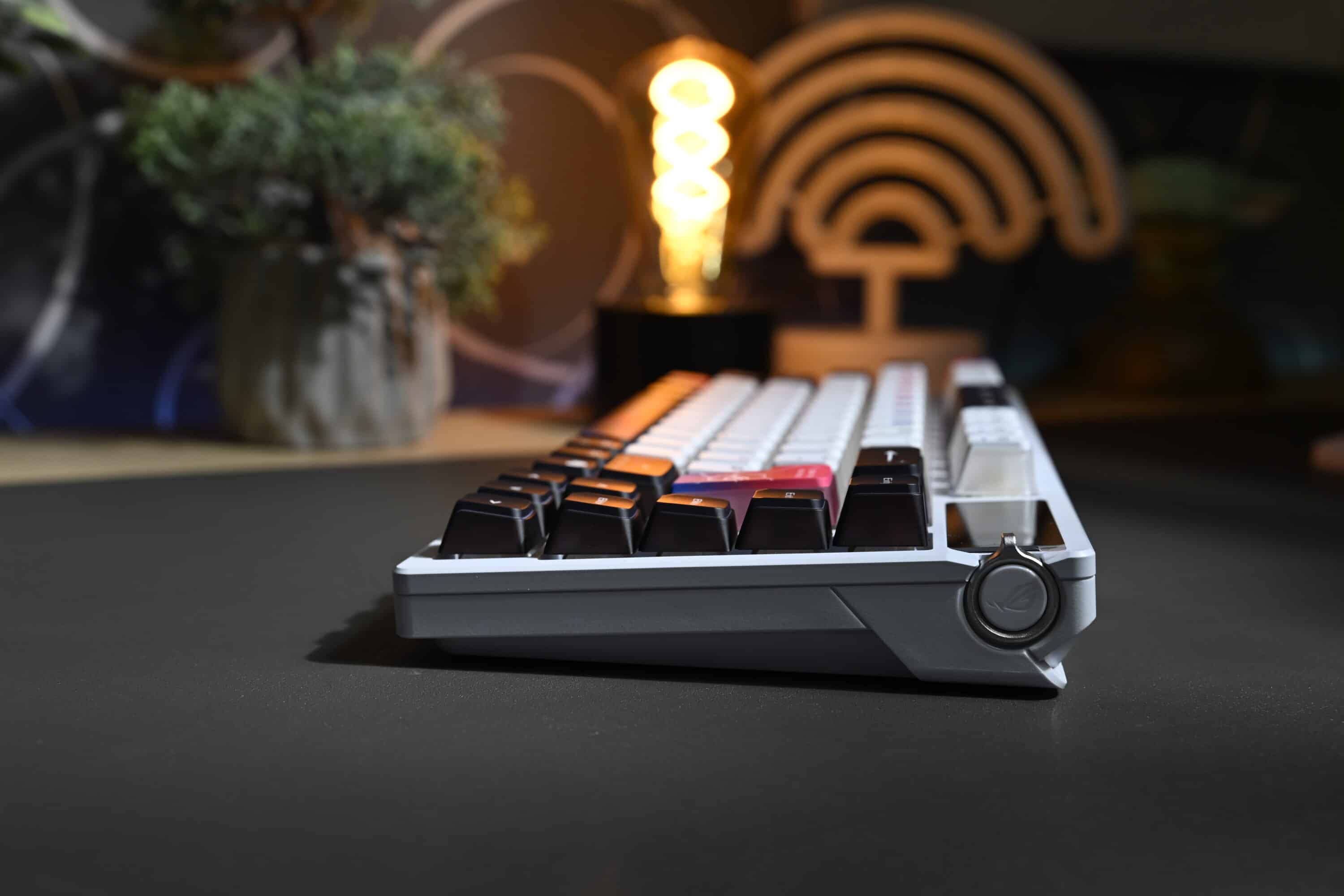
As a “tri-mode” keyboard, the ASUS ROG Azoth X offers triple connectivity. The switch is located at the top right of the top panel. Here you can switch between two wireless modes (Bluetooth 5.1 for up to three devices and 2.4 GHz radio) and the wired mode.
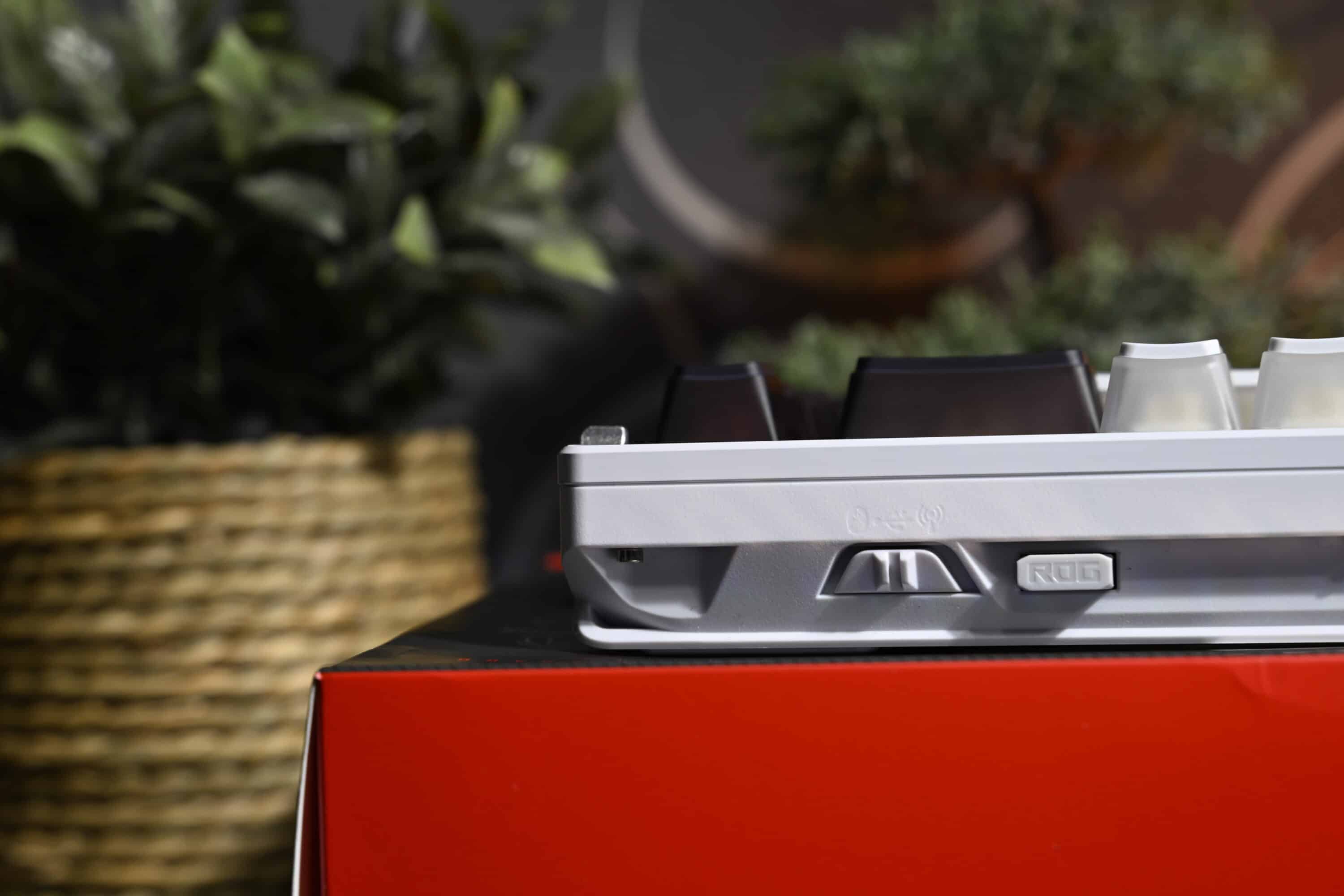
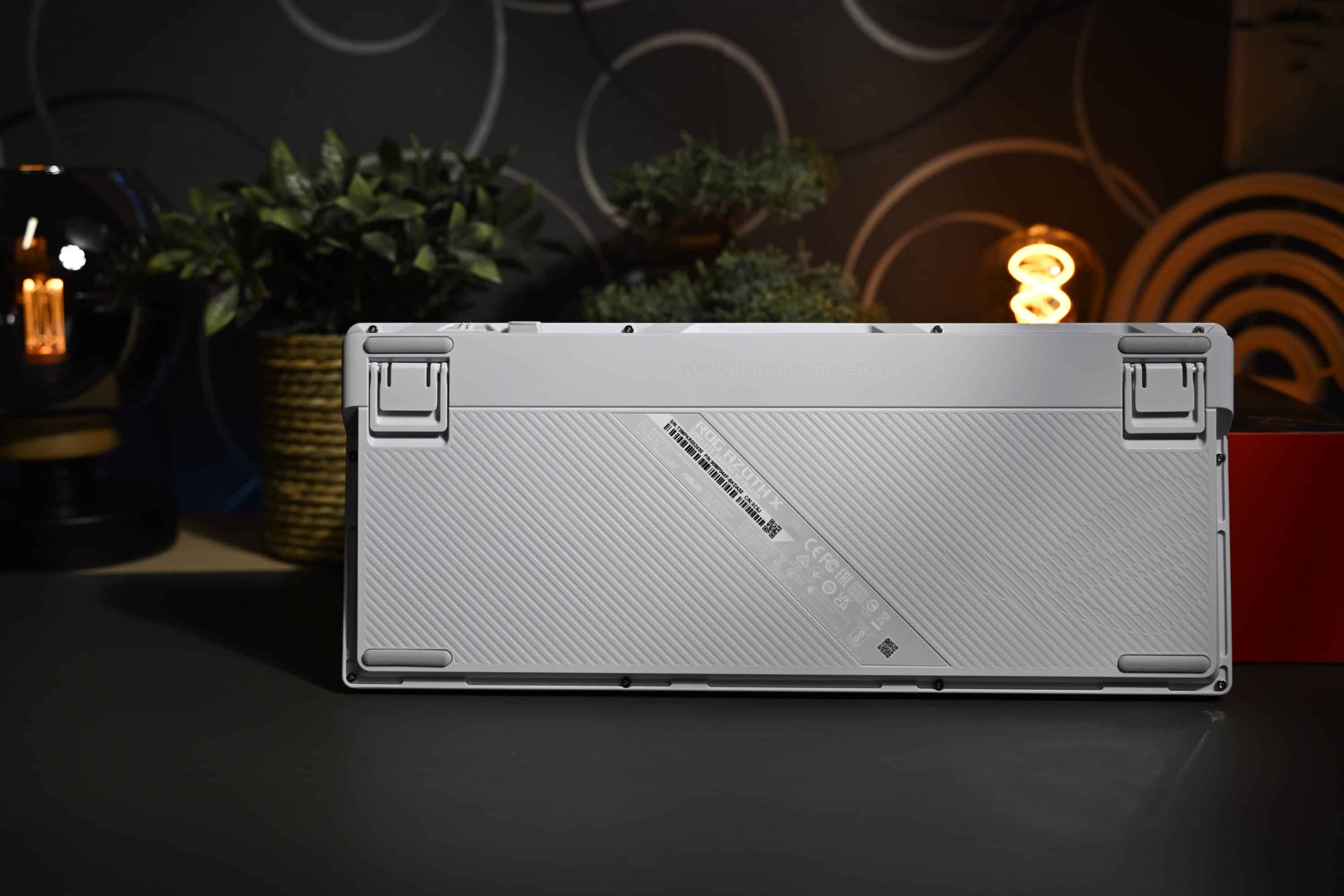
Top: The ROG Omni receiver, which enables wireless operation via USB-A, allows a receiver to be paired with several compatible devices from the manufacturer. This leaves an additional USB port free if you are using an ASUS ROG mouse and keyboard, for example.
Pudding keycaps and palm rest
- great PBT pudding keycaps
- convincing scope of delivery
- practical OLED display
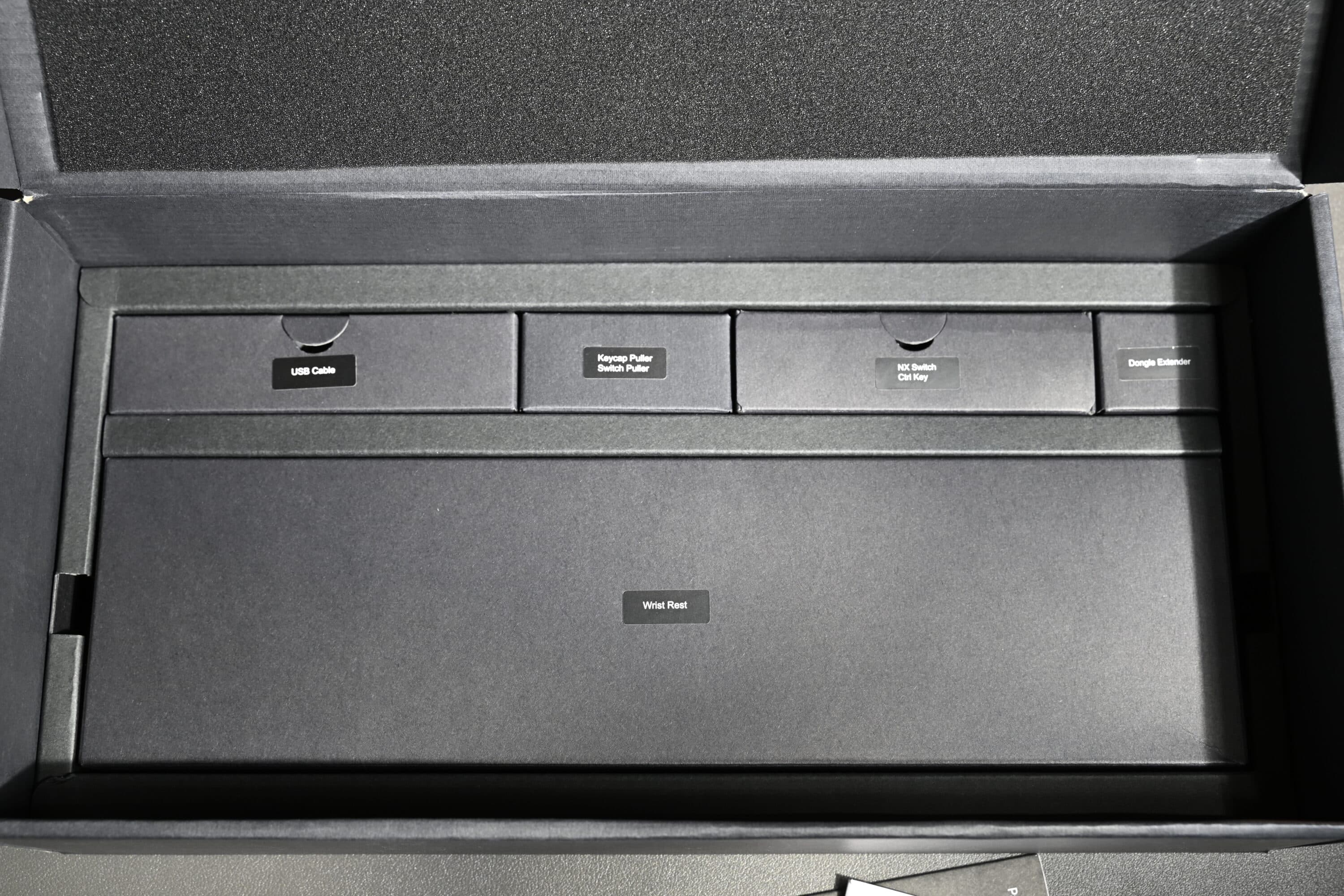
The newly designed pudding keycaps of the ASUS ROG Azoth X are not the only new features of this high-quality gaming keyboard. The scope of delivery of the keyboard is outstanding: In addition to the keyboard itself, ASUS also includes a USB cable, three additional ROG NX switches, a keycap and switch puller and a USB dongle extender.

While the lube kit for lubricating the mechanical switches, which was still included with the original Azoth, has unfortunately been removed, the palm rest is a welcome new addition to the box.
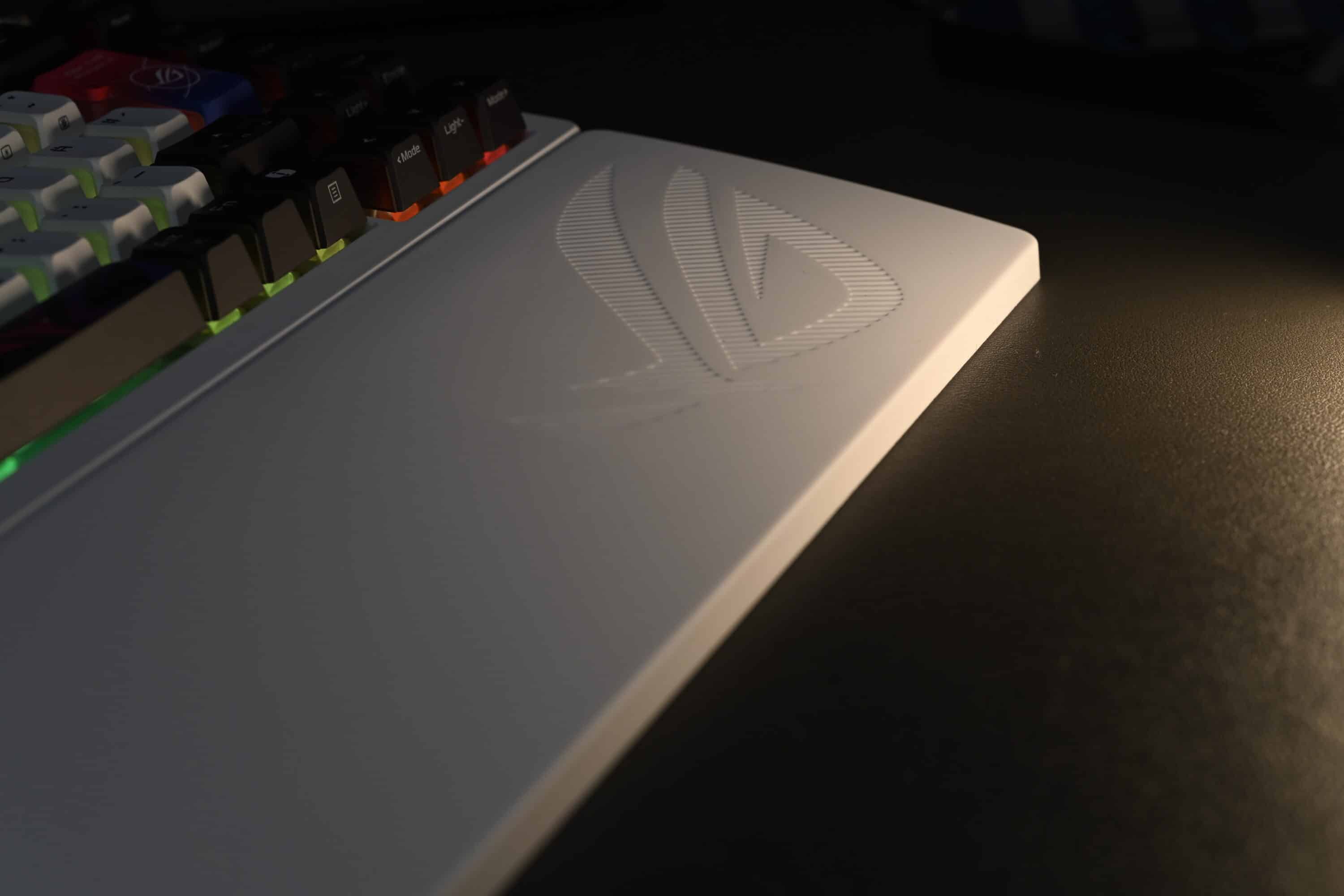
The rubberized palm rest comes in the typical ROG design in white color and offers – although not magnetically or otherwise attached – a clear added value. Thanks to its non-slip underside, the Wrist Rest stays in place very well.
Otherwise, the ASUS ROG Azoth X, like the other models in the series, relies on a 75 percent layout, which is somewhat more compact than the normal tenkeyless (TKL) design. The keyboard therefore measures 325.4 mm x 136.2 mm x 40 mm and weighs a whopping 1,600 grams.
ASUS has also given the board a 2-inch OLED display at the top right of the edge, which can not only display animations, but also allows important functions to be adjusted quickly without having to switch to the Armoury Crate software. These include RGB lighting, brightness adjustment, volume and much more.
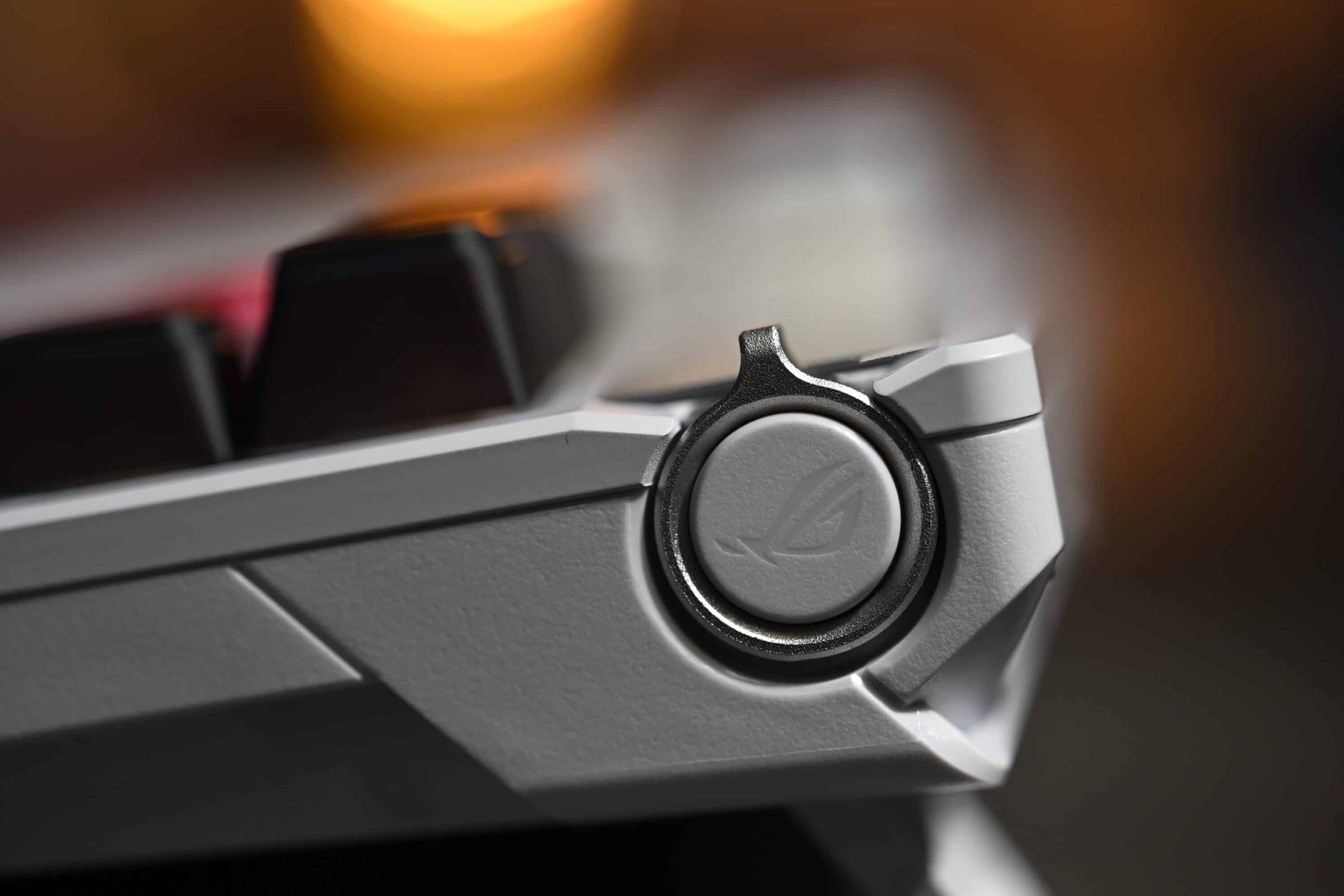
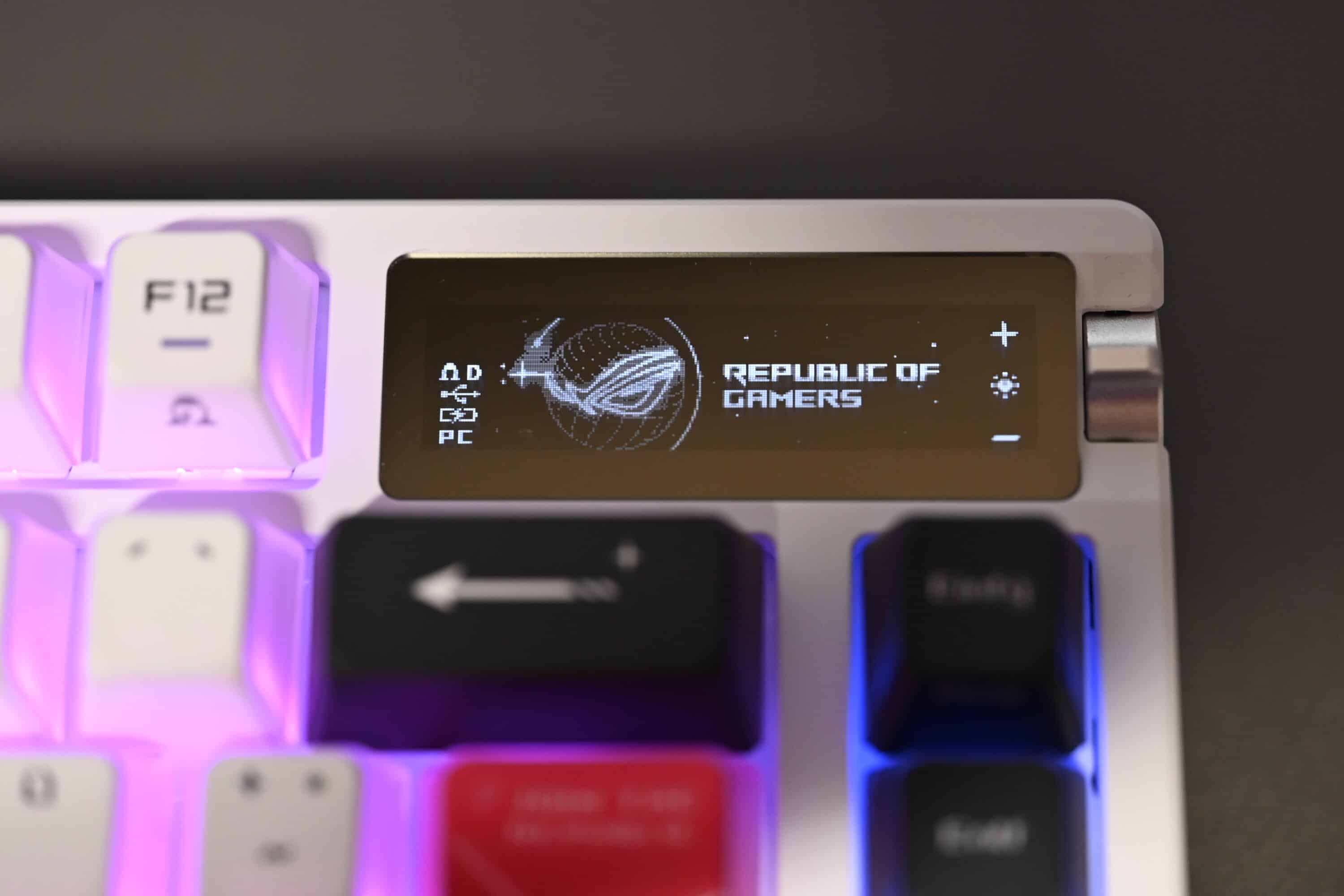
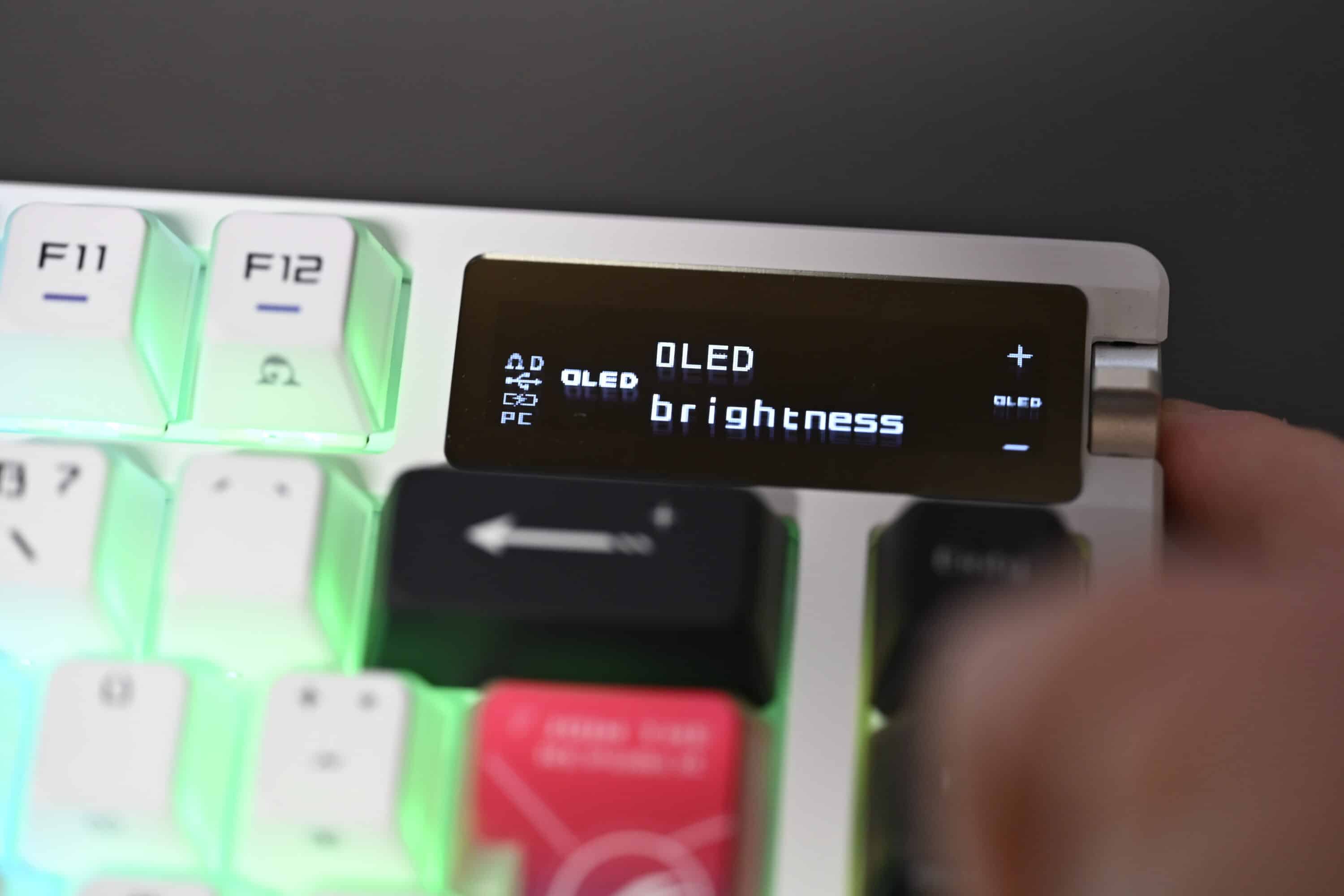
The settings are made using the slider on the right-hand side and the button in the middle. I find this solution extremely practical, especially as the adjustment works extremely well.
Software and battery life of the ASUS ROG Azoth X
- App + browser customization
- Practical Speed Tap function
- Good battery life of around 73 hours
If you want to go into more detail regarding the settings, you can use ASUS’ well-known Armoury Crate software. Alternatively, customization is also possible via the Gear Link web interface. Very good if you don’t want to install the large software solution.
The customization options on the web and in the app are identical. For example, you can change the button assignment, adjust the RGB lighting effects and adjust the OLED display and control knob.
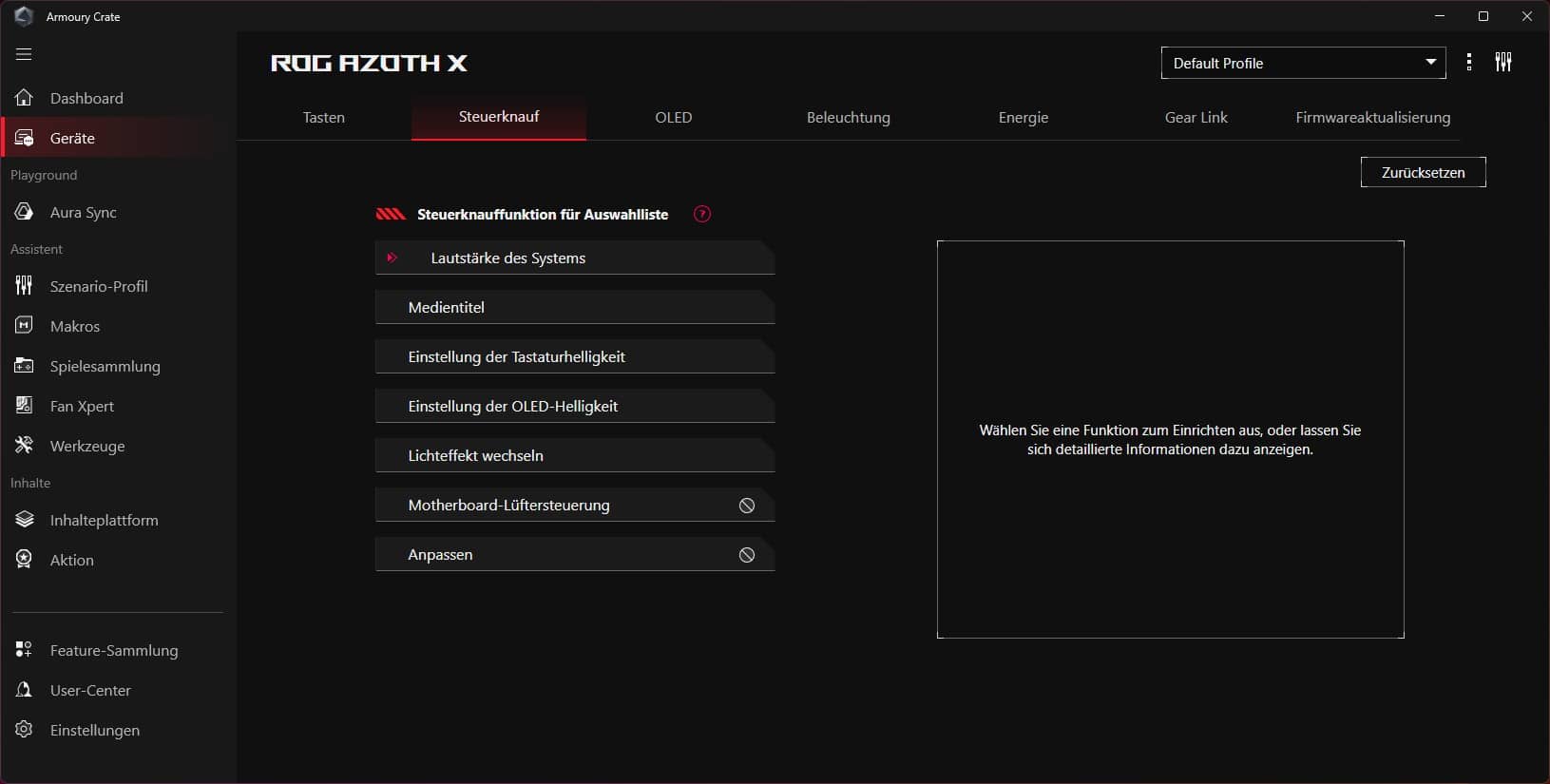
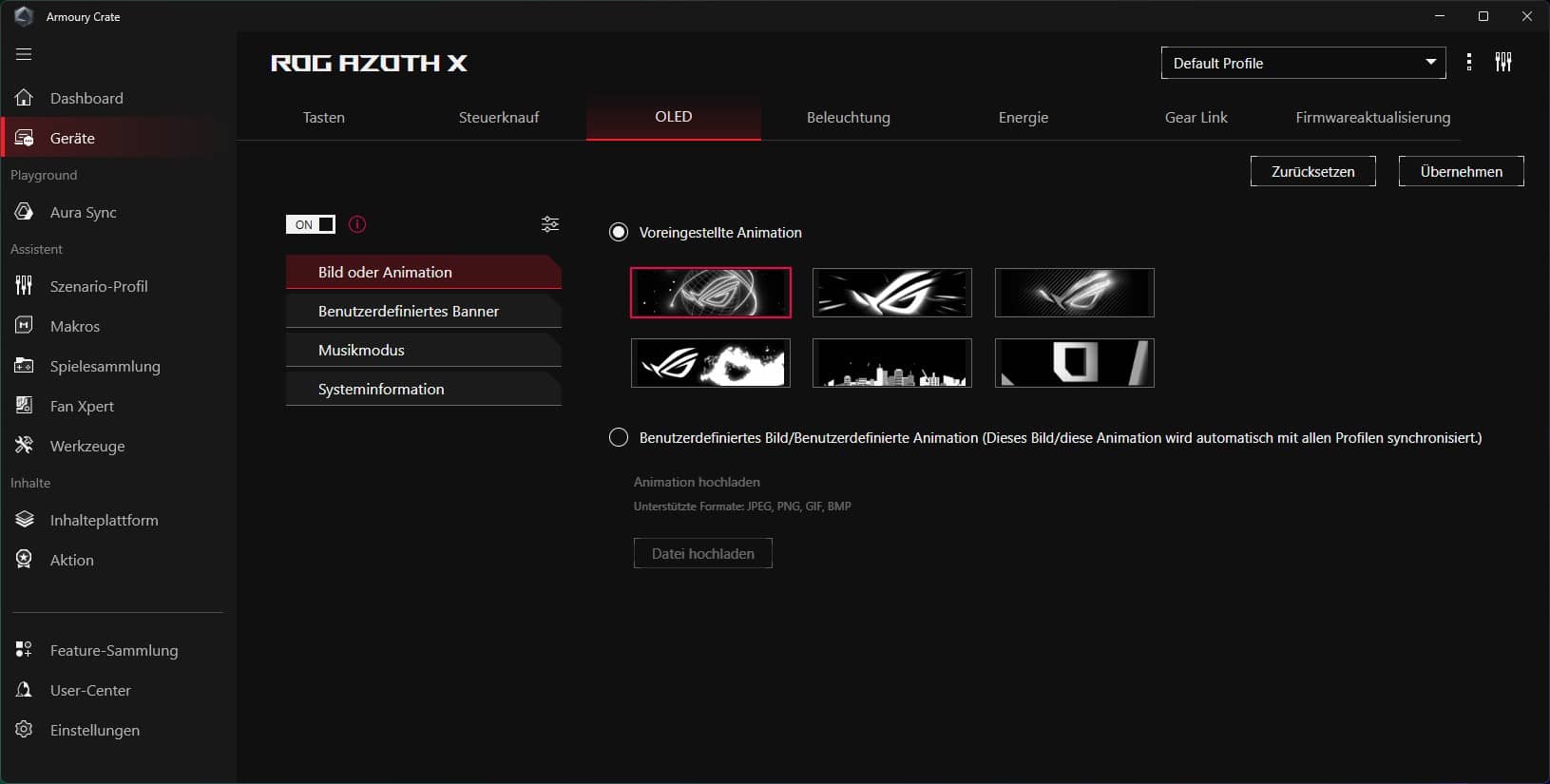
A very cool feature is the ability to load your own GIFs onto the display, which are then shown. It is also possible to display relevant hardware information on the small screen. Unfortunately, these settings can only be customized via Armoury Crate. If you use the web app, you can only choose between the pre-installed animations.

A new feature in the Azoth series is the so-called “Speed Tap” function. A feature that is normally only known from Hall-effect keyboards: when two keys are pressed simultaneously, the last function pressed is prioritized and the previous one is automatically reset. This is particularly interesting in shooters, as it enables faster strafing, for example.
ASUS claims a battery life of 1,600 hours. However, this value is not really practical, as it only applies to use with deactivated RGB lighting and the OLED display switched off.
If you activate both functions, the runtime is reduced to around 72-75 hours, which is of course still a very good value. However, the MonsGeek M1 V5 we recently tested lasts noticeably longer at 86 hours, but it doesn’t need to power a display.
Practical test of the ASUS ROG Azoth X
- Excellent mechanical switches
- Hot-swappable
- strong damping; but quite loud
The ASUS ROG Azoth X leaves a thoroughly positive impression in the practical test. Both when writing longer texts and in gaming use, the keyboard leaves a very good feeling and impresses with a successful layout, convincing keycaps and very pleasant mechanical switches.
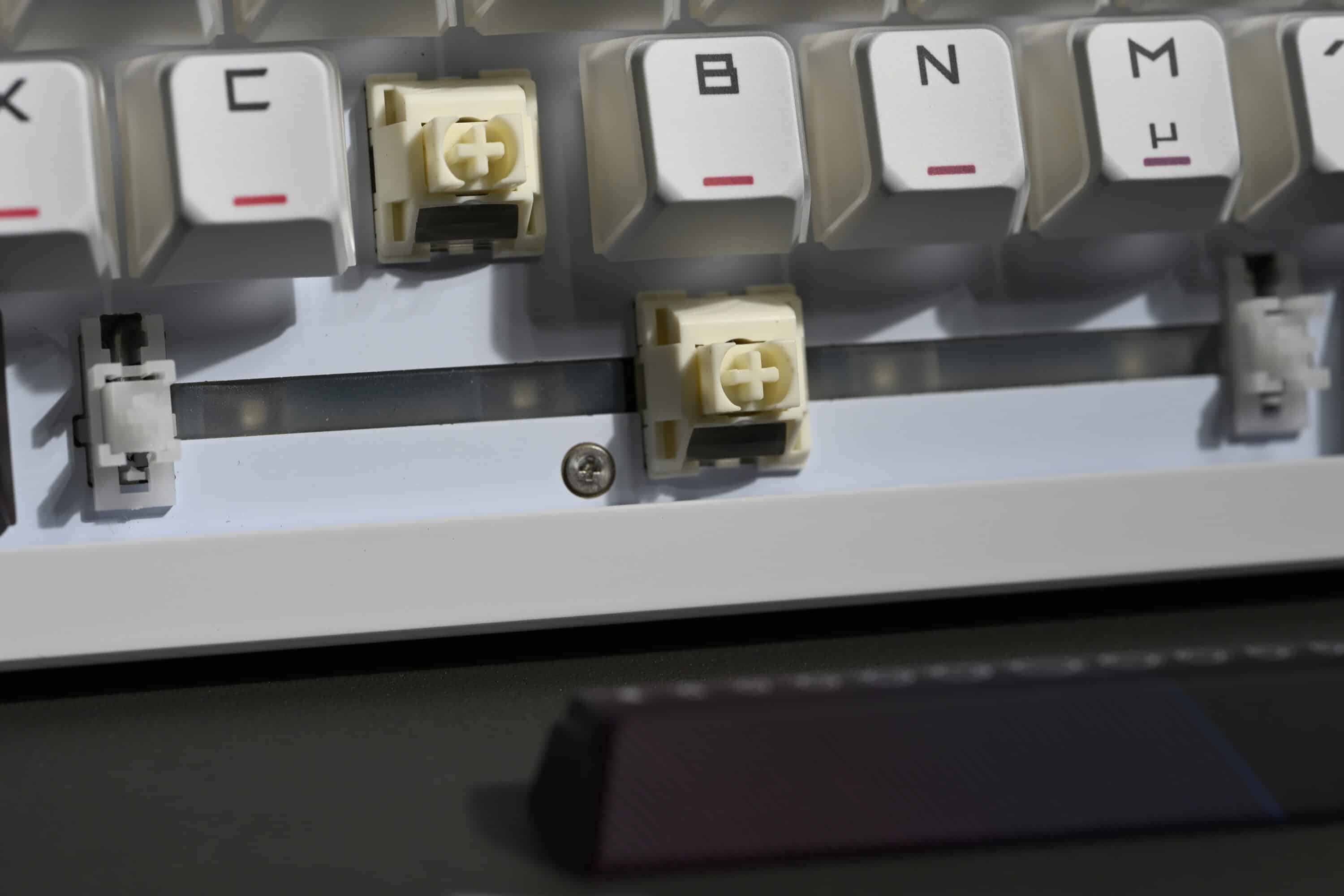
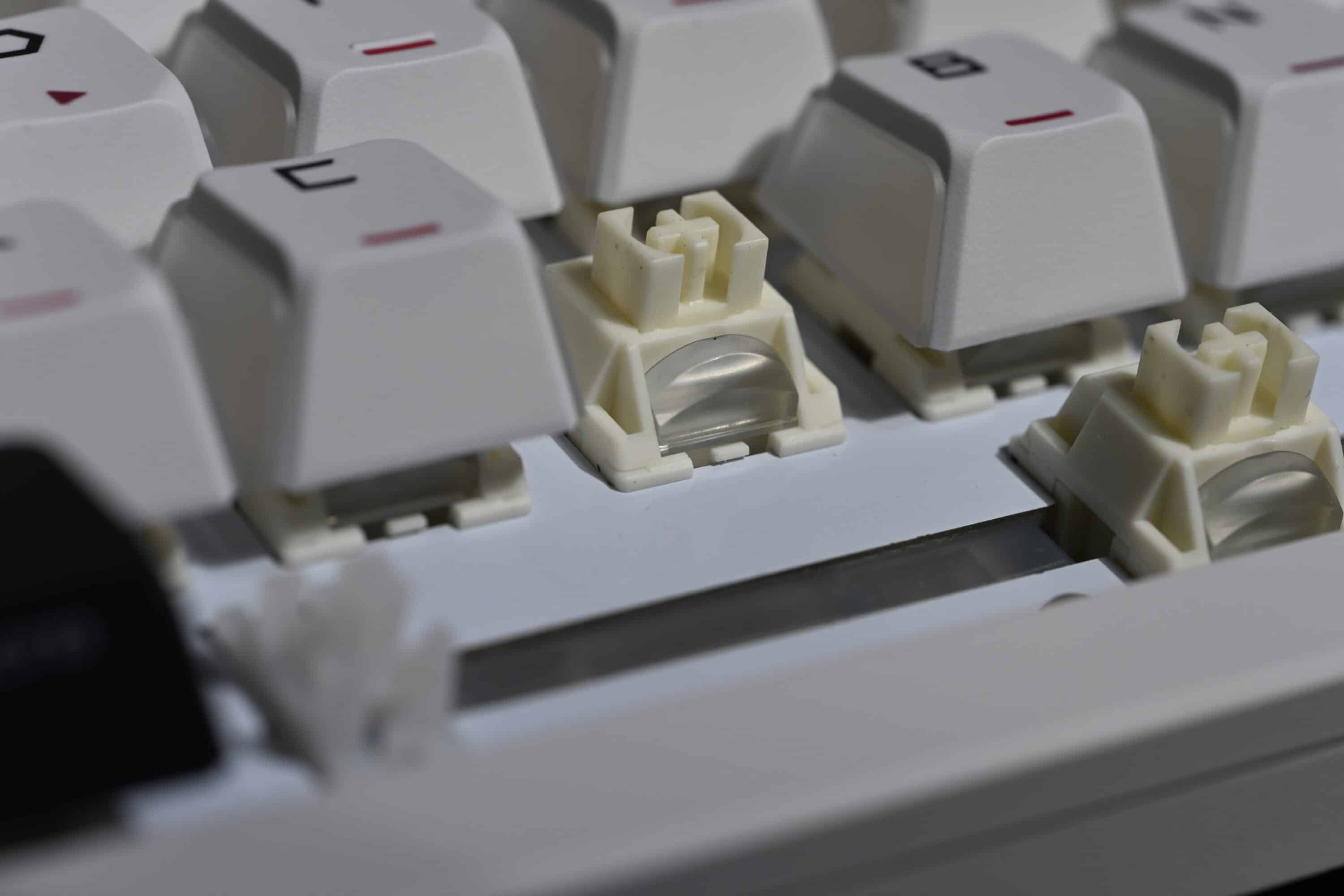
ASUS uses a new edition of the well-known in-house switches here. In addition to the linear ROG NX Snow V2 switches (white) in our test model, there is also a choice of clicky ROG NX Storm V2 switches (blue). Both trigger at 1.8 mm and are already pre-lubricated at the factory. The ROG NX Snow V2 also impresses with a pleasant but accentuated triggering noise and even keystroke. Those who like linear switches will undoubtedly get their money’s worth here.
ASUS has done a good job assembling the keyboard at the factory and has equipped the Azoth X with convincing, lubricated stabilizers and multi-layered damping. In fact, the new edition also comes with an additional damping layer compared to the original Azoth, which makes for a more pleasant triggering noise.
Overall, the volume of the keyboard can be classified as rather high, while I quite like the basic noise, but it could be a little quieter and “thocky”. The larger keys such as Space or the Enter key are a little louder in comparison, but not any less pleasant.
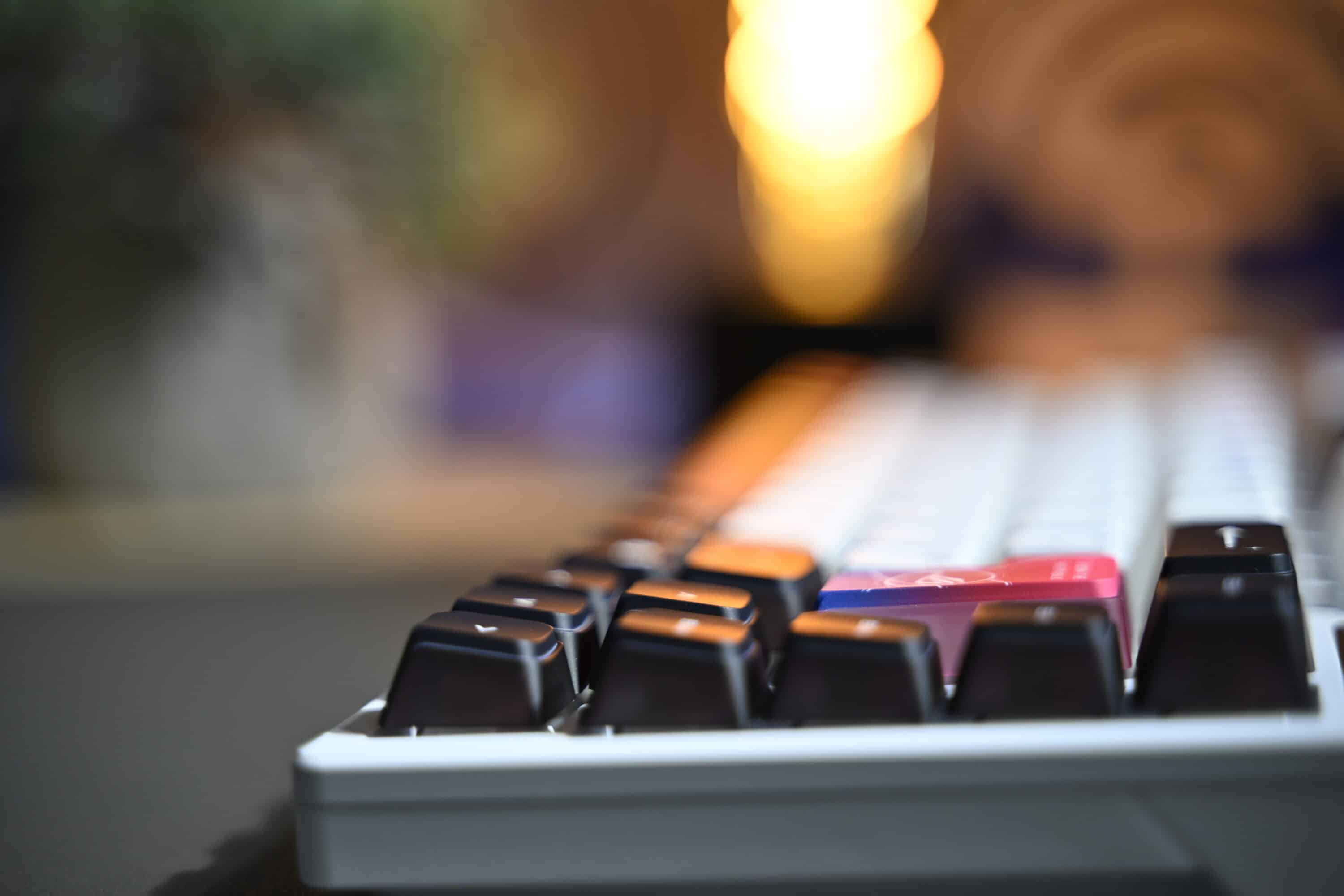
Once again, the secondary button assignment is very well thought out. The manufacturer labels the secondary functions on the front so that you can easily recognize them when using the keyboard.

Adjusting the brightness, switching between profiles and creating macros is then quick and easy using an FN key combination. Mac users will also be pleased with the option to quickly switch to macOS mode using FN+Tab – returning to the Windows setting is also possible using a key combination.
In practice, the ASUS ROG Azoth X fortunately does not make any significant mistakes. Anyone looking for a high-quality and customizable keyboard will undoubtedly be very well served.
ASUS ROG Azoth X review: Conclusion
With the ASUS ROG Azoth X, the manufacturer is launching a manageable but thoroughly successful update to its custom keyboard. Compared to the first Azoth, the main change is the design, which is undoubtedly the biggest point of contention of the new keyboard – you have to like the colorful, futuristic look without a doubt.
On the other hand, the pudding keycaps not only impress with a pleasantly non-slip surface, but also show off the powerful RGB lighting excellently thanks to three transparent sides. The palm rest included with the Azoth X has also recently been added to the list of extras, which in my opinion is a welcome bonus.
Also new are the redesigned mechanical switches, which I really like and can also be replaced if required thanks to the south-facing PCB. The extended damping and the new speed tap function are also very pleasing.
In combination with the practical OLED display and the impressive connectivity, this results in an absolutely coherent overall package for all those who want the features of a custom keyboard in the ecosystem of a major manufacturer.
In my opinion, there is not too much to criticize. The omission of the lube kit should only bother enthusiasts. It’s a different story with the (largely) plastic construction, which simply doesn’t match the overly high price.
And this is also the biggest point of criticism: with a recommended retail price of around 330 euros, the ASUS ROG Azoth X plays in the same league as boards that have more to offer and, for example, rely on the more modern and more interesting reverb effect switches for gamers. Not to mention similarly equipped competitors for around half the price that ASUS charges.

VORTEILE
- Pre-lubricated hot-swap switches
- Convincing ROG NX switches
- Extensively modifiable
- Three connection options
- Customizable OLED display
- Good battery life
- Palm rest
NACHTEILE
- No more lube kit
- Too much plastic
- Quite loud despite 5 damping layers
- Too high price
Fazit
The ASUS ROG Azoth X is a convincing custom keyboard almost across the board, combining extensive modifiability with the advantages of a large manufacturer's ecosystem.


