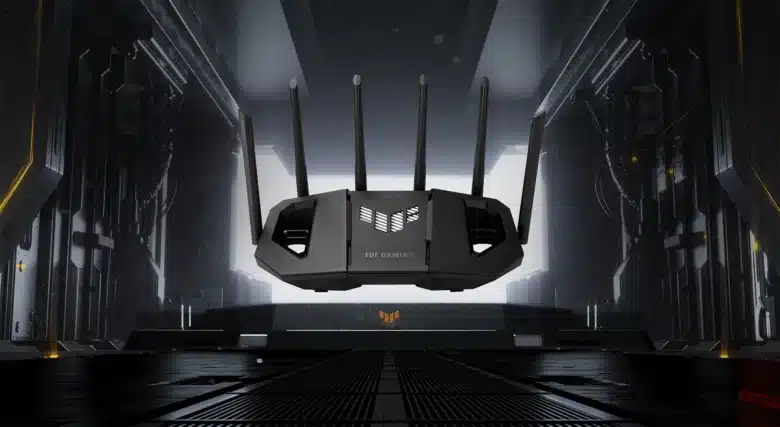
With the ZenWiFi BD4, ASUS offers a mesh system that provides a low-cost entry into the WiFi 7 world. It is aimed at users who want to benefit from the new WiFi generation today without having to invest in expensive high-end models. Families and smart home owners in particular should benefit from simple setup, solid coverage and extensive security and management functions. The Asus ZenWifi BD4 test shows whether the BD4 meets these requirements and for whom it is the right choice.
Technical data
The ASUS ZenWiFi BD4 is designed as a dual-band mesh system. It offers Wi-Fi 7 support, but is limited to the classic 2.4 and 5 GHz bands. This means that there is no 6 GHz band and no tri-band – a disadvantage if you expect maximum efficiency and dedicated backhaul.
| Model | Asus ZenWiFi BD4 |
| WLAN standard | Wi-Fi 7 (BE3600) |
| Bands | 2.4 GHz (up to 688 Mbps) and 5 GHz (up to 2,882 Mbps) |
| Total speed | up to 3600 Mbps |
| CPU | Quad-Core Cortex A53 with 1.5 GHz |
| Memory | 512 MB DDR4 RAM, 128 MB Flash |
| Antennas | 4 internal antennas with 4 high-performance FEMs |
| Connections | 2 × 2.5 GbE per unit (automatic WAN/LAN detection) |
| Range | approx. 600 m² in a set of 3 |
| Power supply | 12 V, 1.5 A, max. 18 W per device |
| Dimensions | 140 × 70 × 140 mm per device |
| Cooling | passive, nanocarbon layer for better heat dissipation |
| Price | € 229.90 * |
The BD4 therefore offers solid features for most households. However, it lacks 240 MHz channel widths on 5 GHz and other Wi-Fi 7 features that are available in more expensive models such as a TP-Link Deco BE85 (Review | € 649.00 *). This makes it more future-proof than Wi-Fi 6, but not a fully-fledged high-end Wi-Fi 7 solution.
Scope of delivery
The system is available in different packages – as a single device (€ 91.90 *), in a set of 2 (€ 152.34 *) or in a set of 3 (€ 229.90 *). In addition to the units themselves, the box contains the power supply units, a quick start guide and, depending on the region, an Ethernet cable.

Practical: The units are paired with each other ex works so that they automatically form a mesh when they are switched on. However, buyers should check whether firmware updates are available immediately after setup, as some older software versions were still prone to errors.
Asus ZenWifi BD4 test: Design and workmanship
With its compact, cube-shaped design and plain white housing, the ZenWiFi BD4 blends unobtrusively into the living room. The units are significantly smaller than many high-end routers and are therefore less disruptive. However, there are also limitations: Each unit only has two network ports, meaning that wired devices can only be connected via Lan port to a limited extent.

There is no USB port at all. There is also no provision for wall mounting. The BD4 is designed exclusively for table or shelf mounting. Passive cooling without a fan ensures silent operation. A nanocarbon layer in the heat sink improves heat dissipation so that there are no temperature problems in everyday use.
Asus ZenWifi BD4 test: Installation and setup
The setup sounds quite straightforward at first: Connect the main device, set up the satellites, start the app or web interface and run through the wizard. The clear app from Asus takes you by the hand with step-by-step instructions. It is important to make sure that you really set up the satellite as the main unit with the appropriate sticker. Unfortunately, adding the other two satellites proved to be somewhat complicated and time-consuming.

The main unit is supposed to detect another satellite wirelessly as soon as it is supplied with power and is in the vicinity. Unfortunately, the main unit was unable to find either one or the other. The app then gave me the tip to bring the satellite closer to the main unit. Unfortunately, that didn’t help either. Even when the satellites were right next to the transmitter unit, they were not found.

I was only able to solve this problem when I connected the satellites to the main unit one after the other via Lan cable. Then I had to wait about 10 minutes per satellite until they were added to the mesh. When I then placed one satellite in the basement and the other in the bathroom on the upper floor, they were displayed in the system but were shown as “offline”. A software update helped to solve the problem.
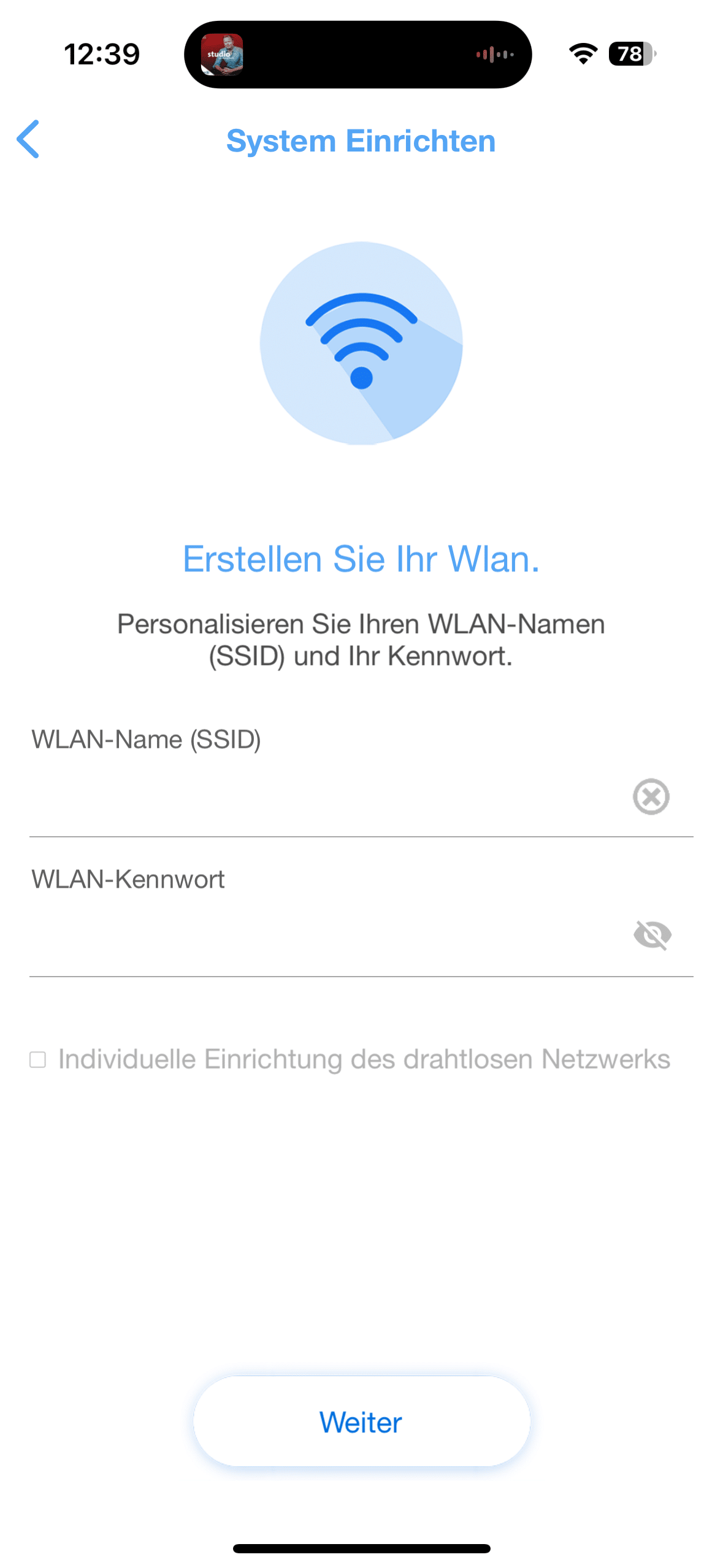
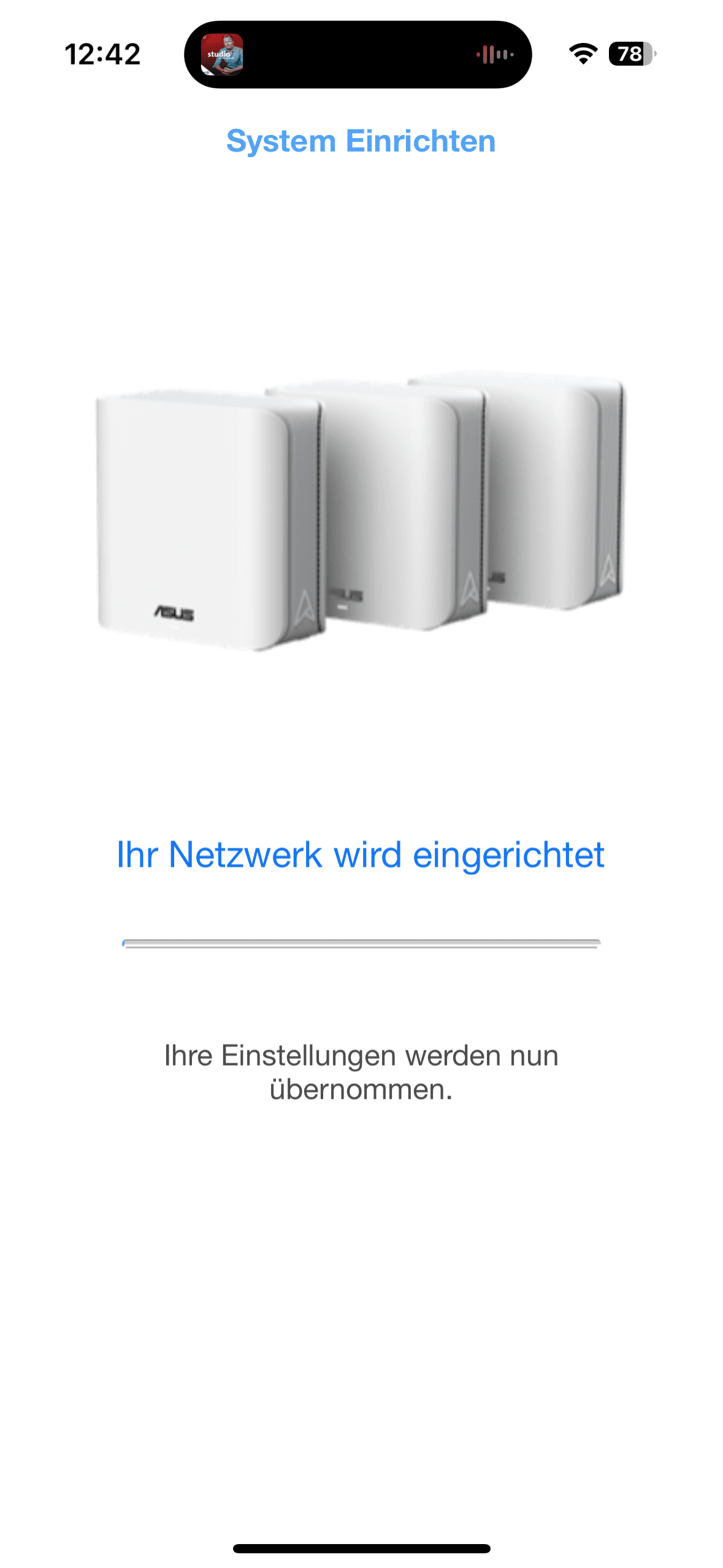
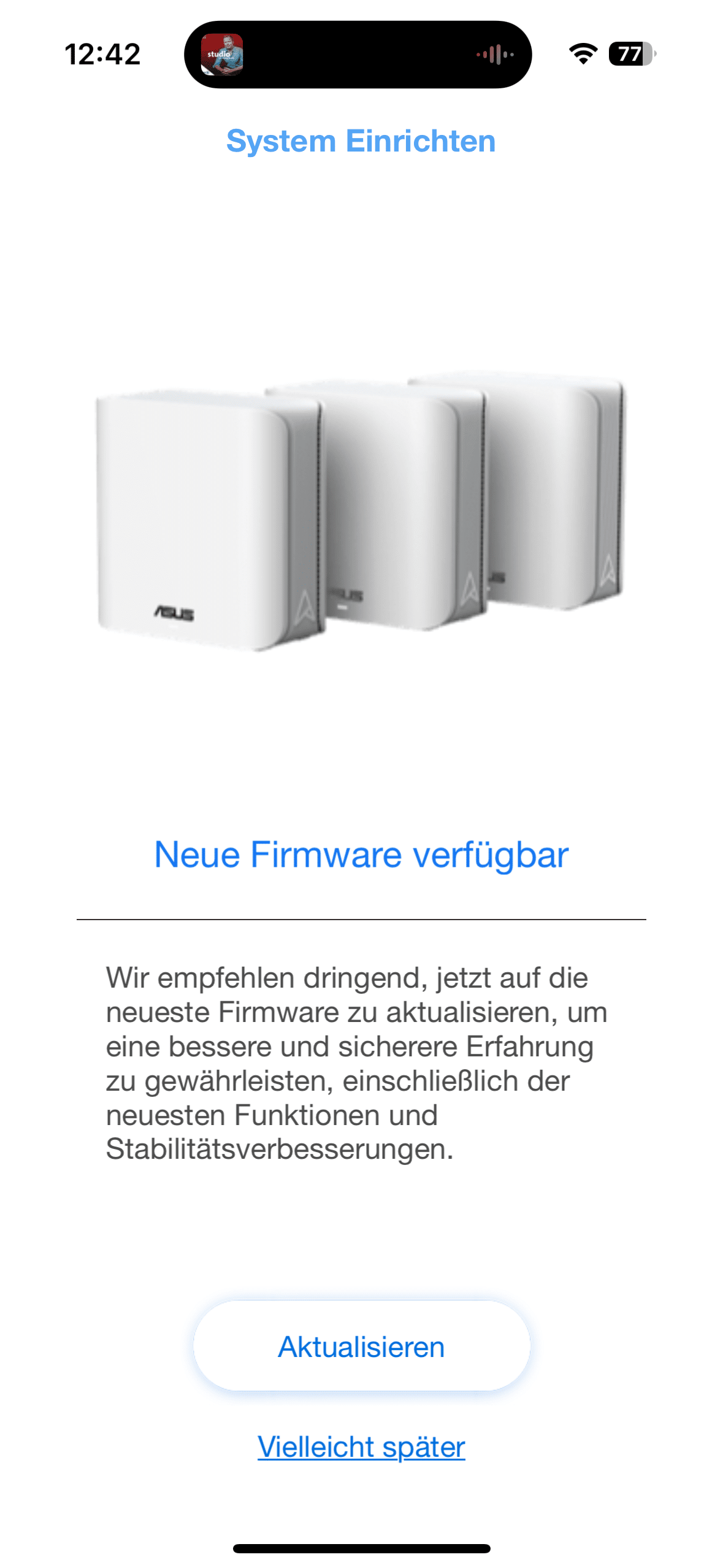
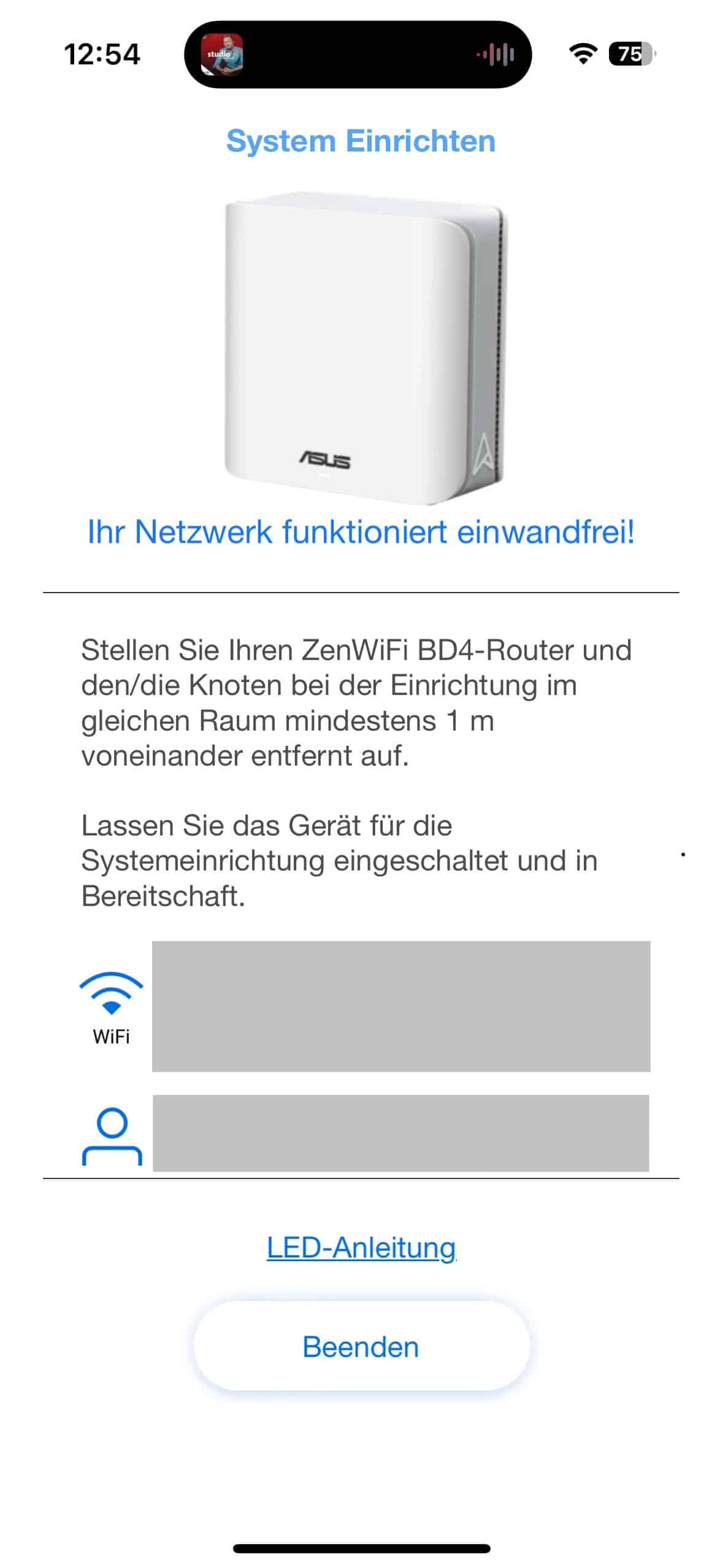
For this, however, I had to merge all three elements of the Asus ZenWiFi BD4 again in order to be able to download and install the update. The procedure took me just under 90 minutes in total. By way of comparison, the Deco systems from TP-Link that I have been able to test so far were much quicker to set up. However, when I had finally set up my mesh as a set of three, the Asus app once again scored points with its good overview and many setting options.
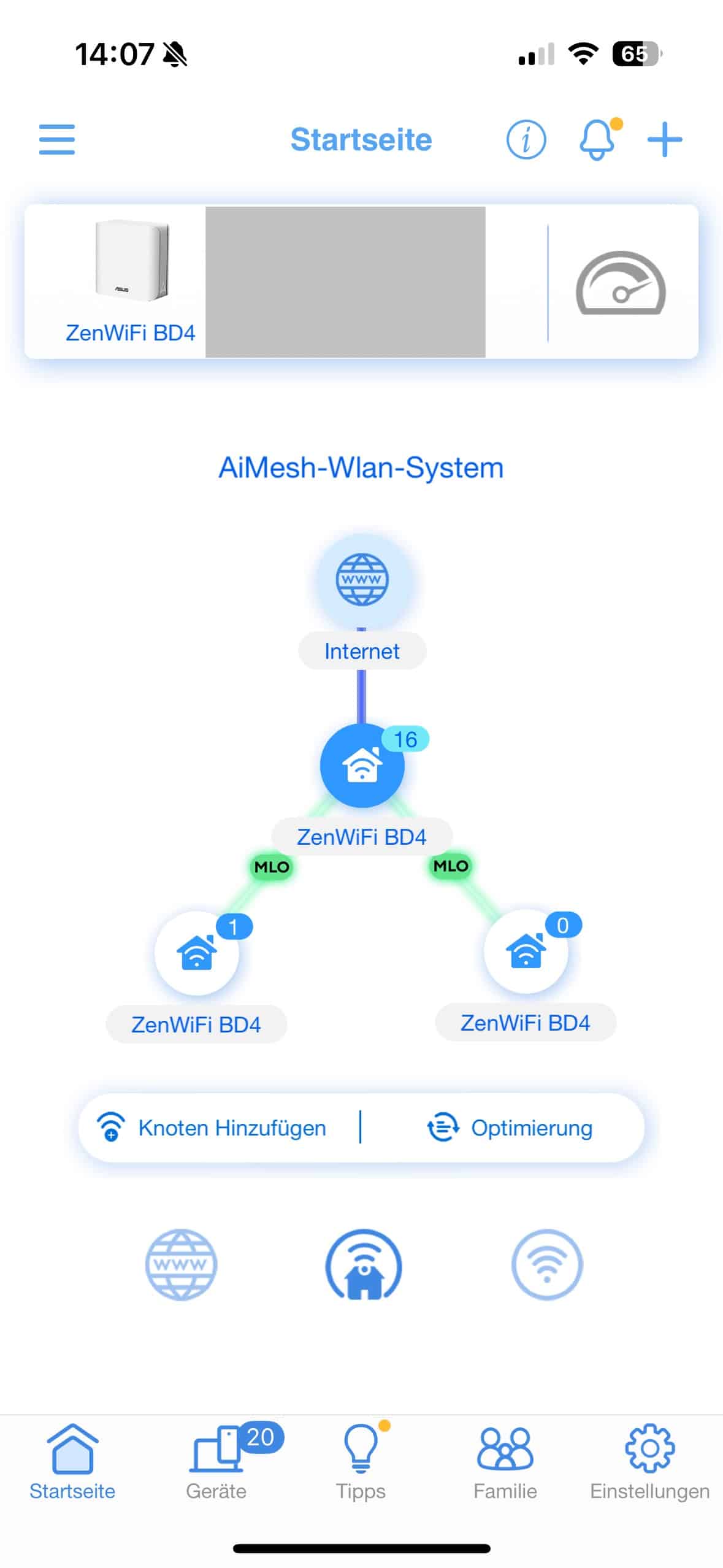
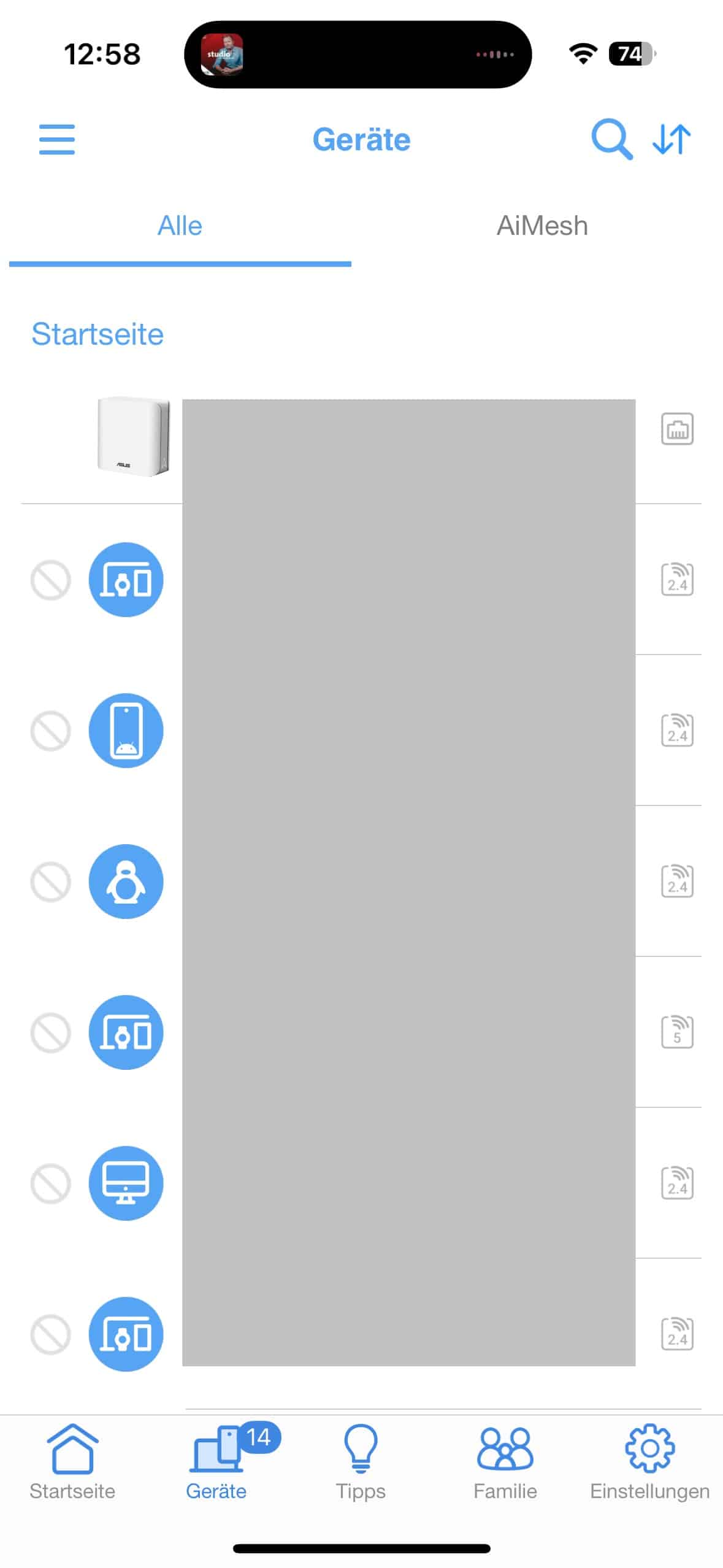
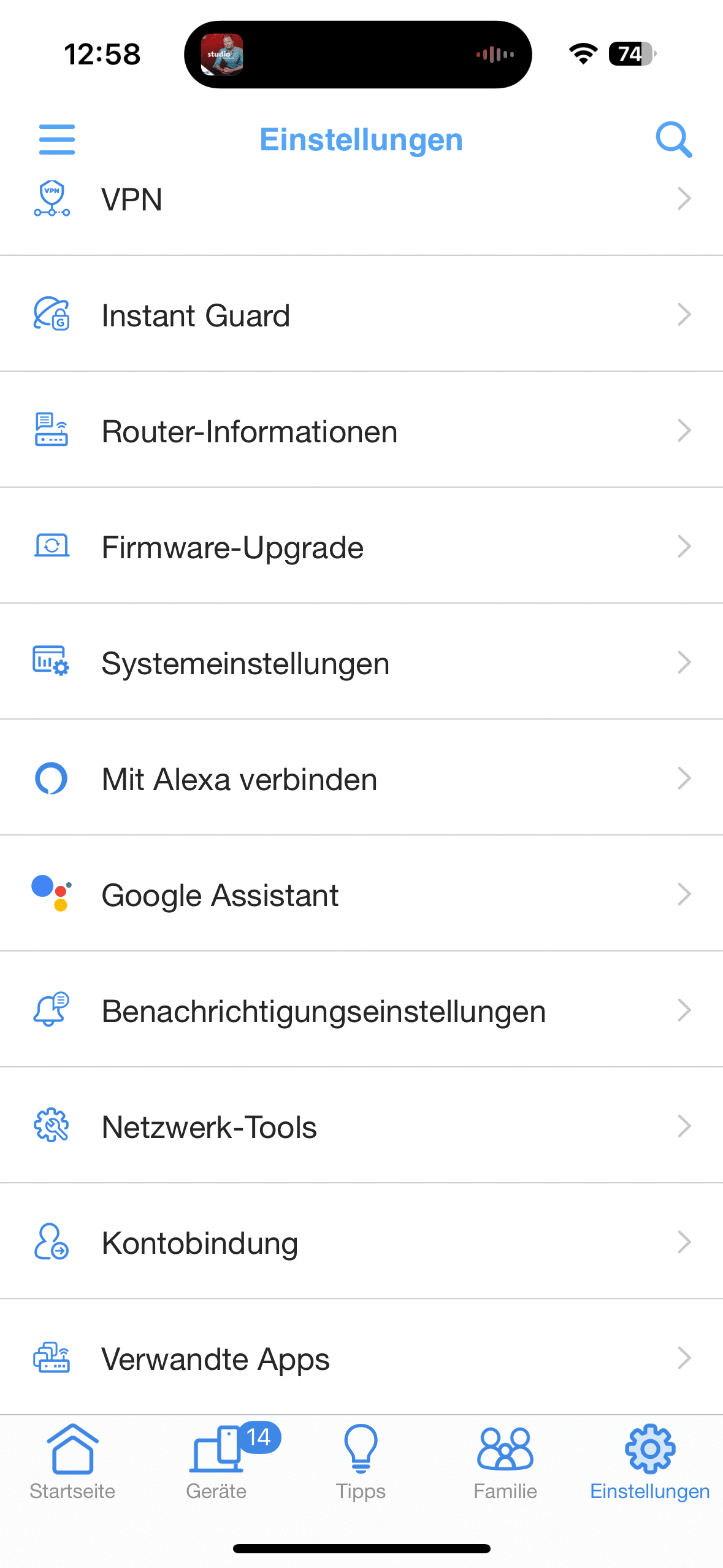
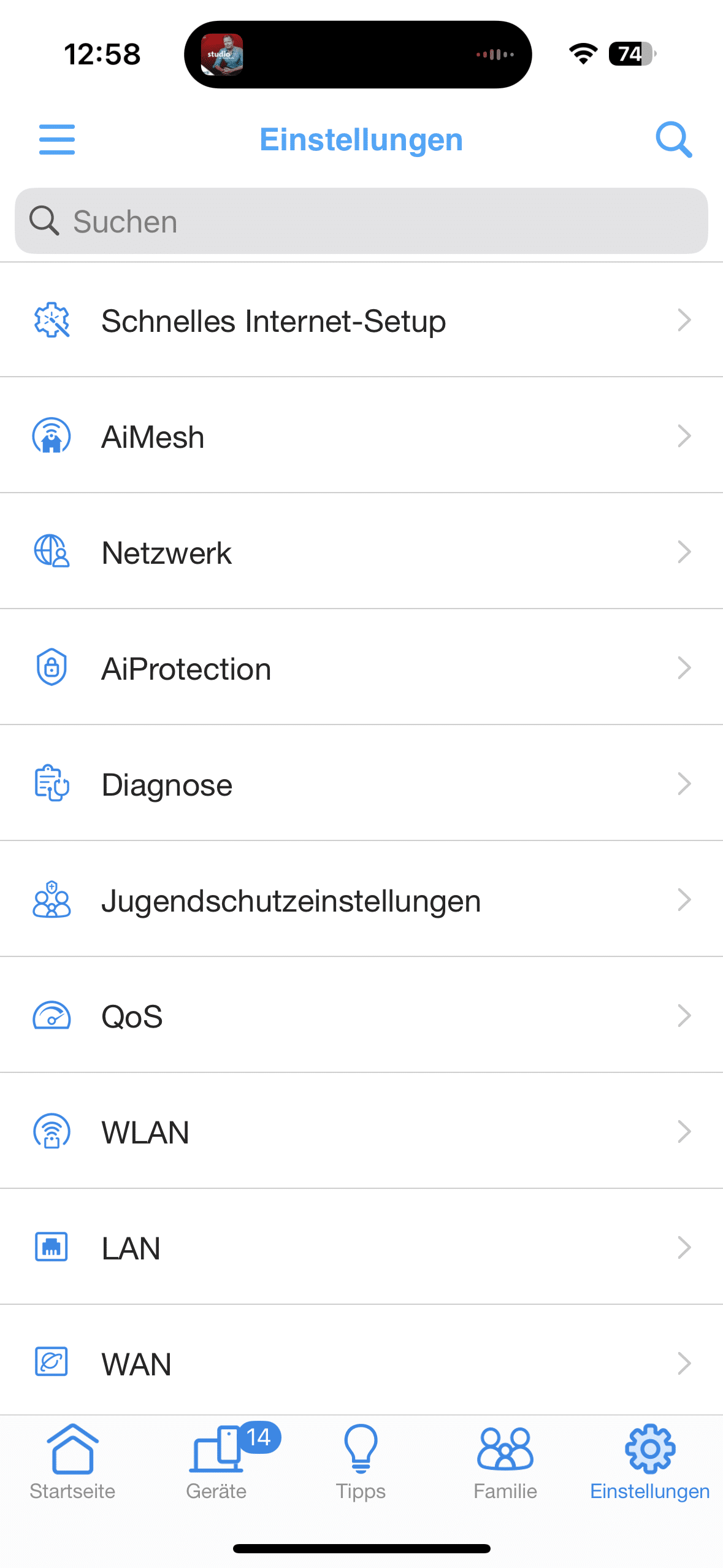
A positive feature is the ability to set up several separate networks via the Smart Home Master. For example, you can set up an IoT network for smart devices, a children’s network with time and content control and a VPN network for protected connections.

As a result, devices can be specifically integrated into the right network according to their requirements. One disadvantage, however, is the sometimes complex operation. I would have liked better explanations for some functions. Newcomers should keep this in mind.
Asus ZenWifi BD4 test: Range up to 603 m²
The BD4 is ideal for medium-sized to large apartments and houses. With their coverage of around 455 m², two units are easily sufficient for a typical detached house or a spacious apartment, while the set of 3 units we tested can also cover a multi-storey building. Asus promises coverage of 603 m². I placed the mesh system according to the most common concept. The main unit was placed in the living room on the first floor.

I placed the second and third mesh elements in the basement and upstairs respectively. As my house doesn’t need to cover anywhere near 600 m², I wasn’t able to push the Asus system to any range limits. During the test, however, I had slight connection problems with the satellite in the basement. However, once I placed it pretty much exactly under the main unit, everything went pretty smoothly. Thanks to AiMesh support, the BD4 can be combined with other ASUS routers, which provides additional flexibility when expanding the network.

For small apartments, however, the purchase is only worthwhile to a limited extent, as the long-range Asus ZenWiFi BD4 would simply be pointless here. In such cases, a powerful single router often offers more performance for the money. The system is particularly suitable for families with many devices, for smart home environments with IoT components and for users with a multi-gigabit Internet connection, as the two 2.5 GbE ports allow fast WAN or LAN operation.
Asus ZenWifi BD4 test: Performance
The BD4 achieves gigabit-class speeds in dual-band operation and can utilize Internet connections up to well over 1 Gbit/s. Multi-link operation (MLO) provides a certain increase in efficiency, but the advantages remain manageable in practice. Without dedicated backhaul, end devices and mesh connections have to share the bands, which reduces efficiency at high utilization rates.

The lack of 240 MHz channels at 5 GHz also limits the maximum performance. While devices connected to the LAN port via cable achieve excellent results, the pure WLAN mesh performance is only average. However, this should only bother power users. On the other hand, it should be perfectly adequate for everyday use by average users. I was able to measure values of up to 685 Mbps (upload) and 715 Mbps (download) in WiFi mode.

.
So if you mainly value streaming in 4K, gaming and working in parallel, this will easily be enough for you. Nevertheless, it has to be said that other systems such as a Deco BE85 (Review | € 649.00 *) are clearly ahead here. Accordingly, the performance of the Asus ZenWiFi BD4 can best be compared with that of the TP-Link Deco BE25 (Review | € 255.00 *).
Asus ZenWifi BD4 test: Security and additional functions
The extensive additional functions are a real highlight of the BD4. AiProtection Pro protects the home network against malware, ransomware and dangerous websites and is updated regularly. The system is also interesting for parents. In combination with content filters and schedules for the children’s network, Internet access for children can be reliably controlled and regulated.

The VPN functions are also versatile. The BD4 supports common protocols such as WireGuard or OpenVPN and, with VPN Fusion, offers the option of selectively routing devices via the VPN tunnel. This means that a company laptop, for example, can be operated securely while other devices can use the full bandwidth unhindered.

The Smart Home Master feature also offers the option of providing up to three SSIDs with individual settings. This allows IoT devices to be operated separately from the rest of the network, which further increases security. Overall, the Asus ZenWiFi BD4 offers significantly more management and security functions than many comparable mesh systems, making it particularly attractive for tech-savvy users and families.
Conclusion
The ASUS ZenWiFi BD4 is a reasonably priced entry into the world of Wi-Fi 7. It impresses with its good range, clear app, AiMesh support, powerful 2.5 GbE ports and a wide range of management and security functions. It is therefore an attractive option for families, smart home owners and users with a multi-gigabit connection. However, buyers also have to put up with a few minor problems.

For example, the BD4 is only dual-band and therefore does not offer a 6 GHz band or a dedicated backhaul. The WiFi performance is impressive and is definitely sufficient for average users, but power users should bear in mind the lack of 240 MHz channels in the 5 GHz band. These limit the performance and with only two network ports per device, the scope for wired devices is limited. I also found the setup a little tricky. After the software update, however, the system ran smoothly.

VORTEILE
- Affordable entry into Wi-Fi 7
- AiMesh support – can be flexibly combined with other ASUS routers
- Solid coverage
- Multi-gigabit connections
- Many management features
- Security features
- VPN diversity
- Compact, unobtrusive design
NACHTEILE
- Dual-band only
- No 240 MHz channels on 5 GHz
- Partly tricky to set up
Fazit
The ASUS ZenWiFi BD4 is an inexpensive and feature-rich entry into the Wi-Fi 7 world that impresses with solid coverage and many features. However, high-end systems are clearly ahead in terms of performance and features. That's why it narrowly wins the Gold Award.