


When it comes to stylus pens for the iPad, the high-priced Apple Pencil (€ 79.00 *) still dominates the market. However, alternatives such as the Baseus Smooth Writing Stylus prove that good quality and functionality do not have to be expensive. With the Baseus Smooth Writing PS4 Stylus, Baseus is launching the fourth generation of its popular stylus on the market. We have tested the new stylus extensively and compared it with the previous PS3 model. What can the new version do better? For whom is an upgrade worthwhile? And how does the PS4 perform in everyday use when writing and drawing? Find out in the Baseus PS4 test.
Technical data
| Model | Baseus Smooth Writing PS4 |
| Compatible iPads | – iPad 6-10 – iPad Pro (2018-2022) – iPad Air 3-5 – iPad mini 5-7 – iPad 2024 |
| Material | ABS+PC, POM |
| Size & weight | 166 × 9 mm, approx. 15 g |
| Battery | 140 mAh (fully charged after 20 minutes) |
| Charging port | Hidden USB-C port with dust protection |
| Charging power | 5V = 0.6 A |
| Battery life | 17 hours |
| The price | €39,99 |
Scope of delivery

- Stylus Baseus PS4
- 1x USB-C cable
- 1x replacement tip
- Sticker set
Baseus Smooth Writing PS4 test: design and workmanship
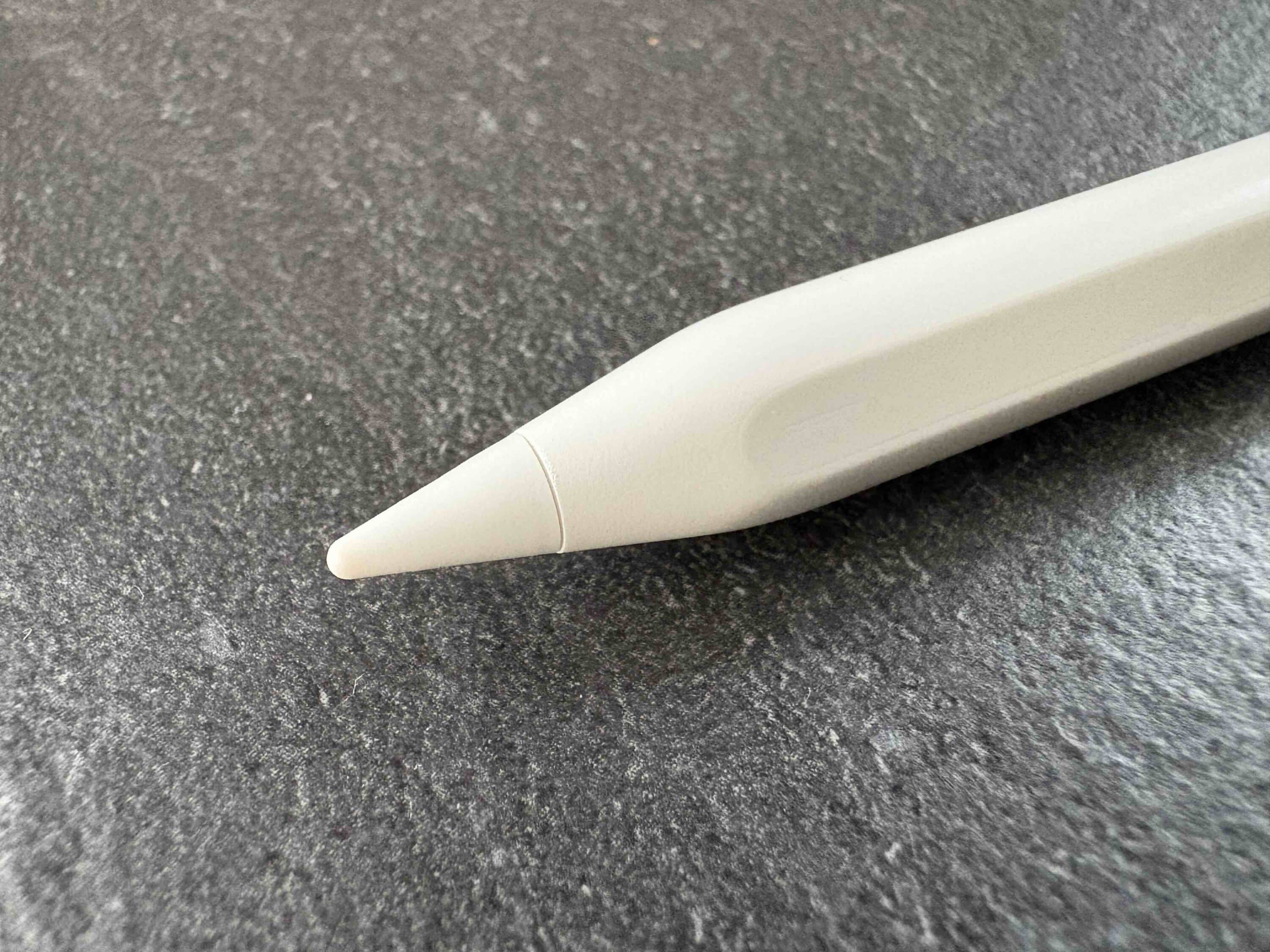
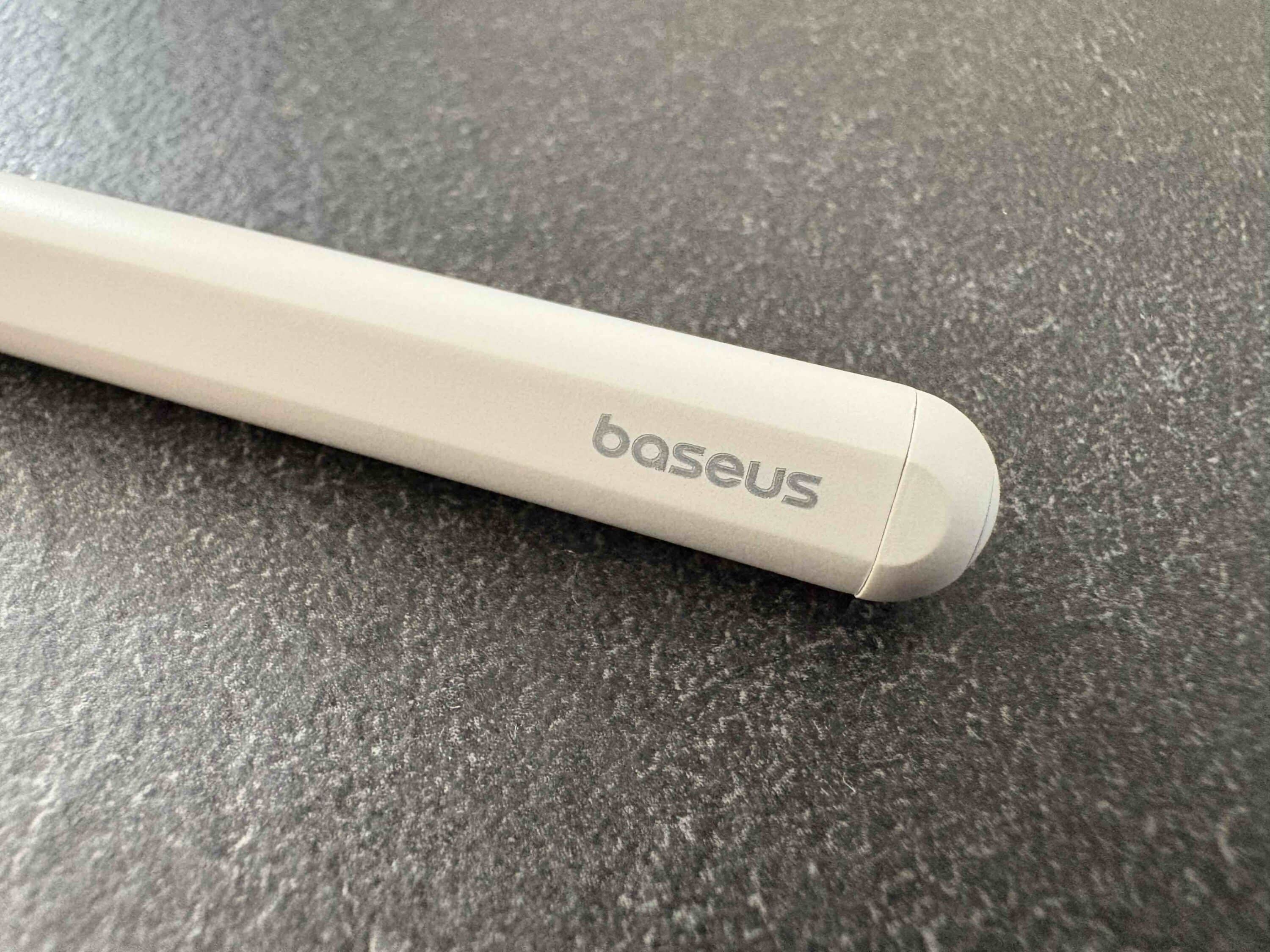
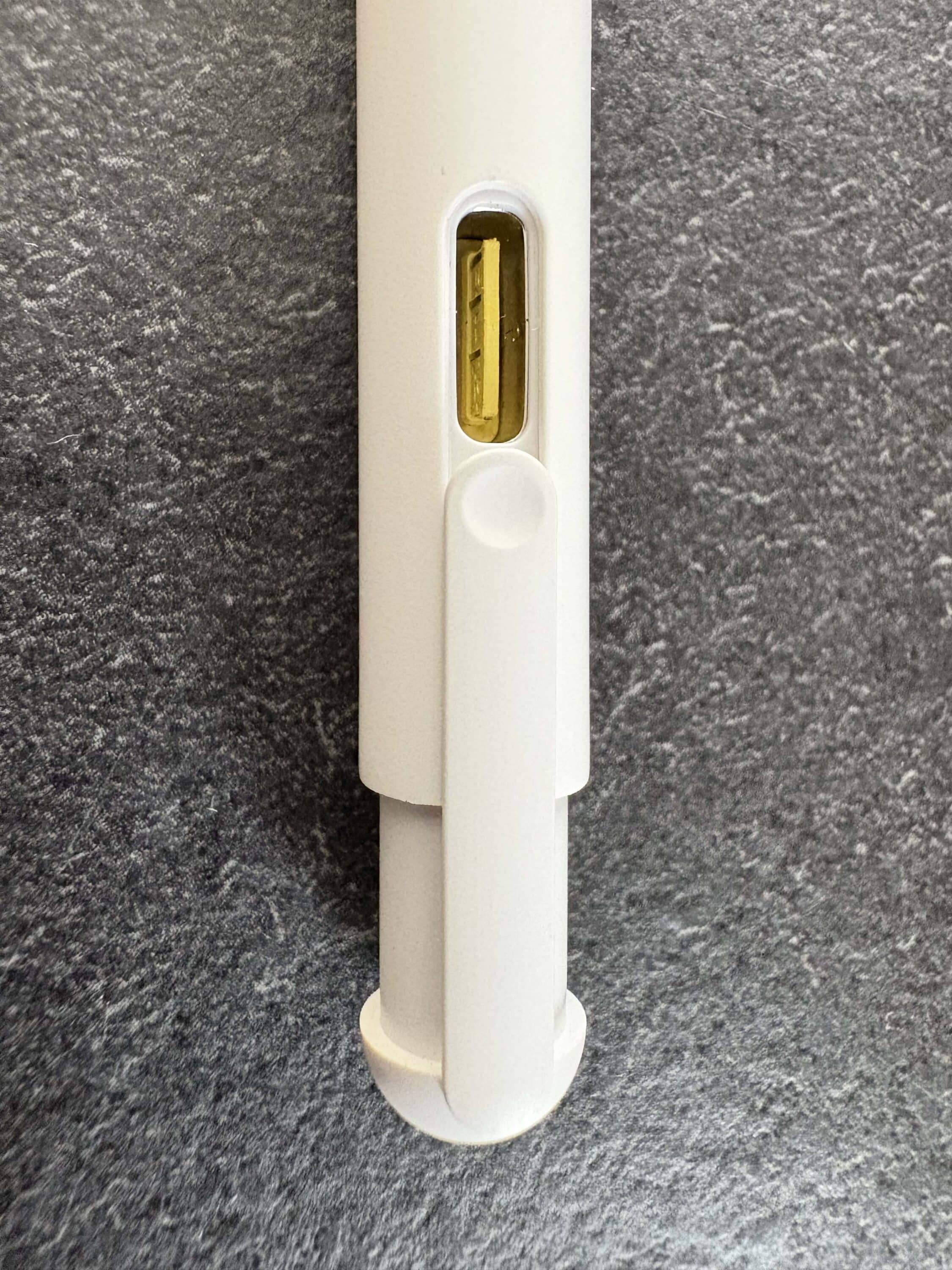
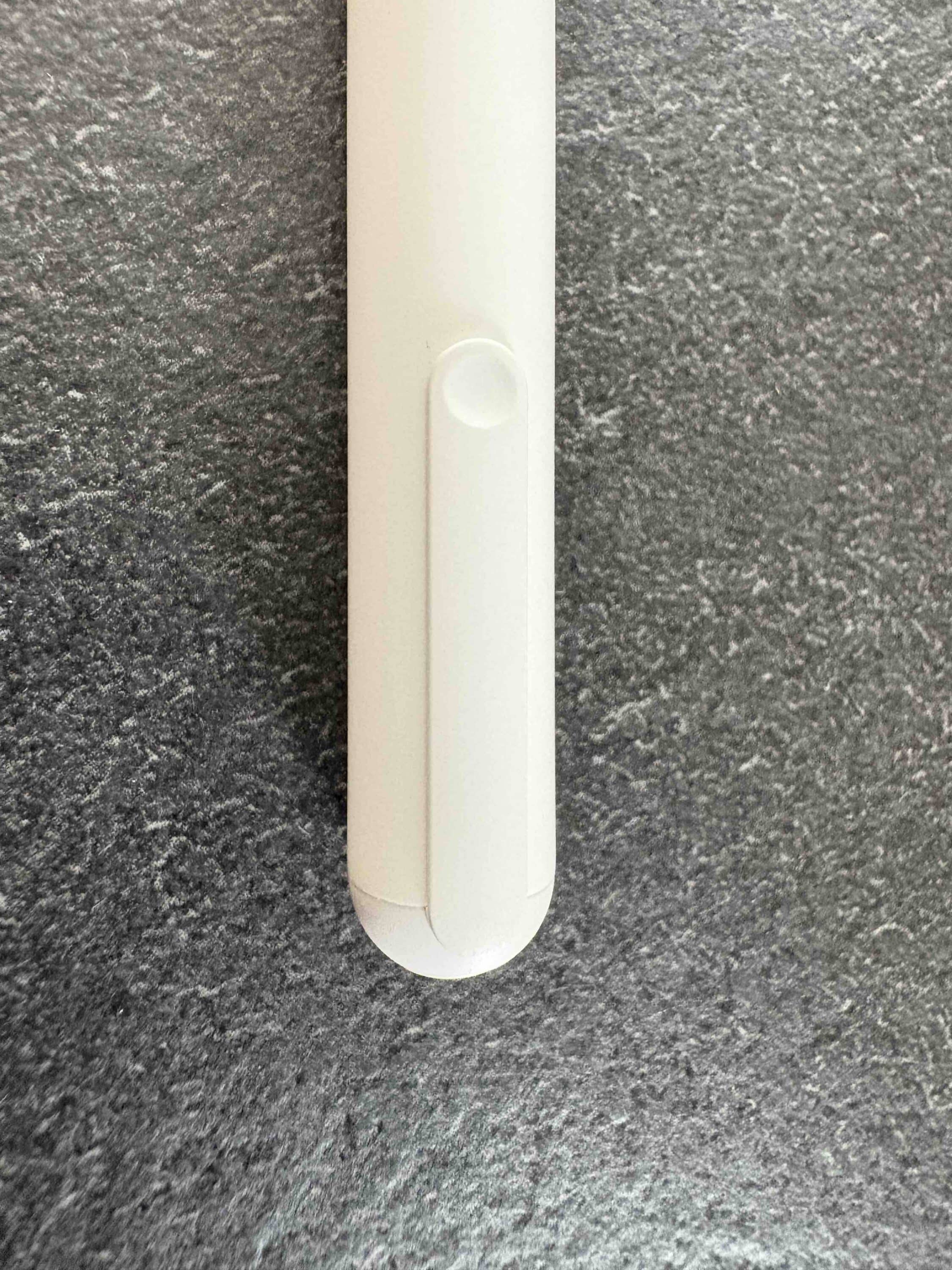
At first glance, the design of the PS4 is minimalist and elegant. With its plain white and matt surface, it is comfortable to hold and its look and feel is clearly reminiscent of Apple’s own stylus. The hidden USB-C charging port, which is protected by an integrated dust cap, is particularly practical. To access the USB port, simply slide the cover to the side.

This is a small but well thought-out detail. The pen is light, has a good grip and generally conveys a high-quality feel that, in my opinion, is in no way inferior to the Apple Pencil. Baseus has hidden a magnetic strip under the plastic casing. This means the pencil sticks securely to the iPad and is always ready to hand. Visually, there are definitely differences compared to its predecessor.
The PS3 has a slightly more angular design, which gives it more of a tech gadget look. Not only that. Baseus also uses LEDs to indicate the charging status and places the button directly next to the LEDs rather than at the back. In terms of build quality, the two don’t have much in common. What I personally would miss on the PS3, however, is the hidden charging element.
Baseus Smooth Writing PS4 test: Operation & controls
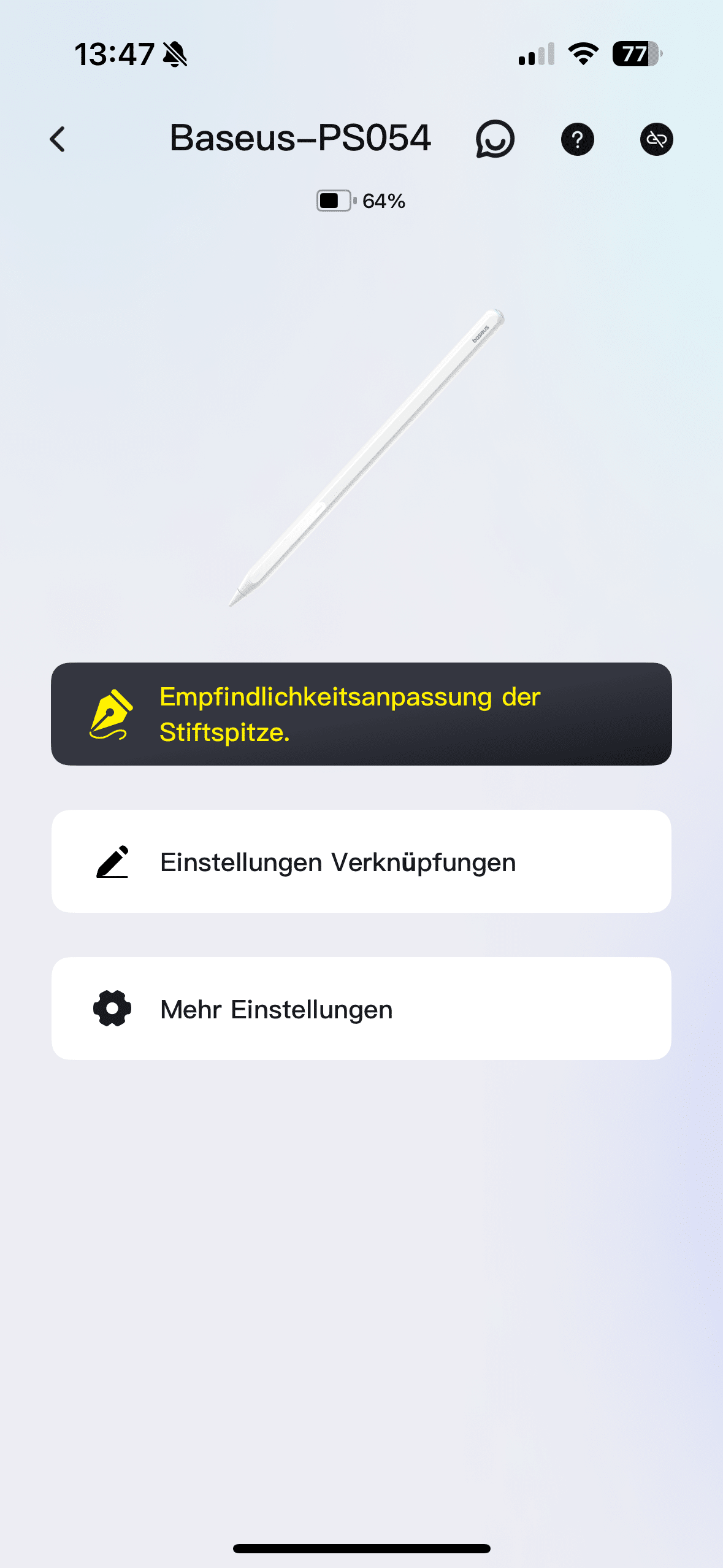
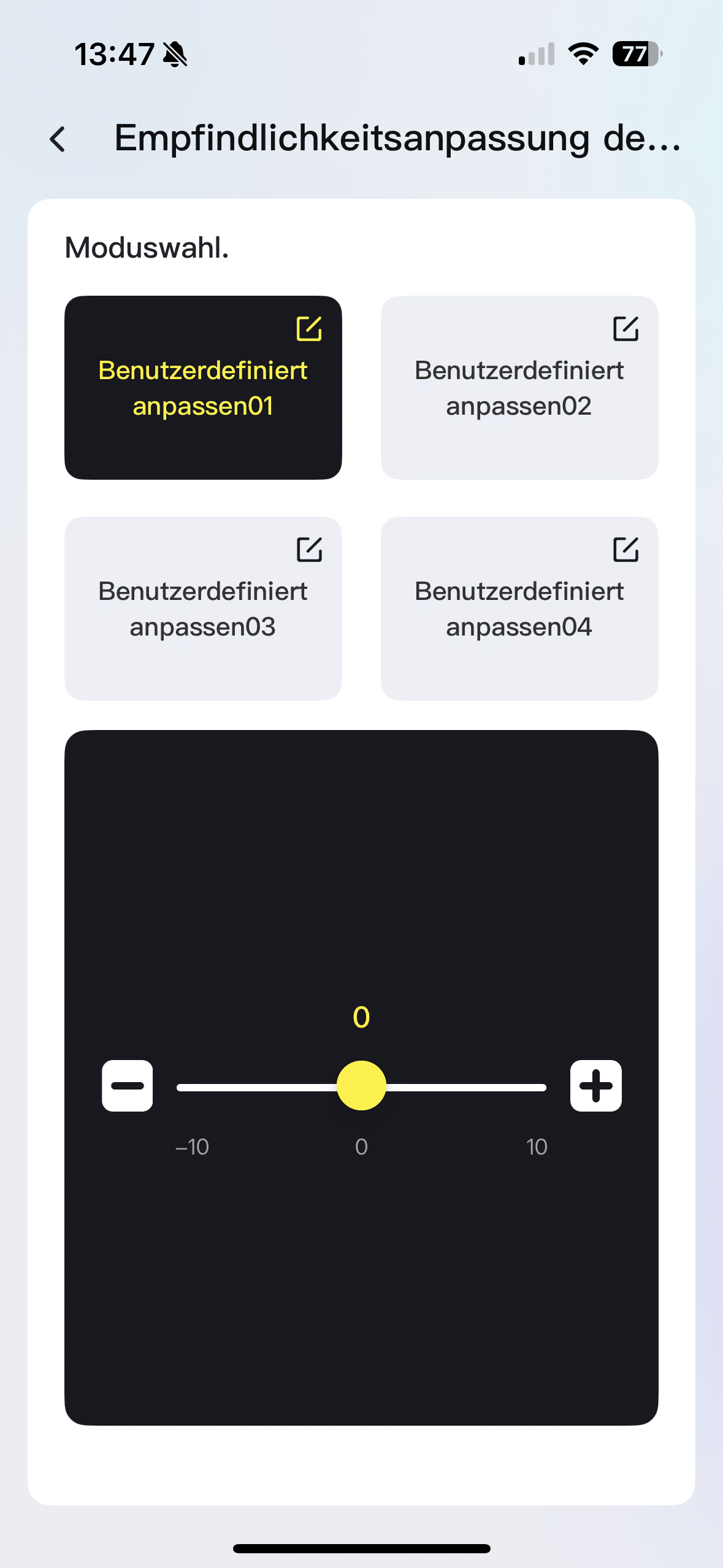
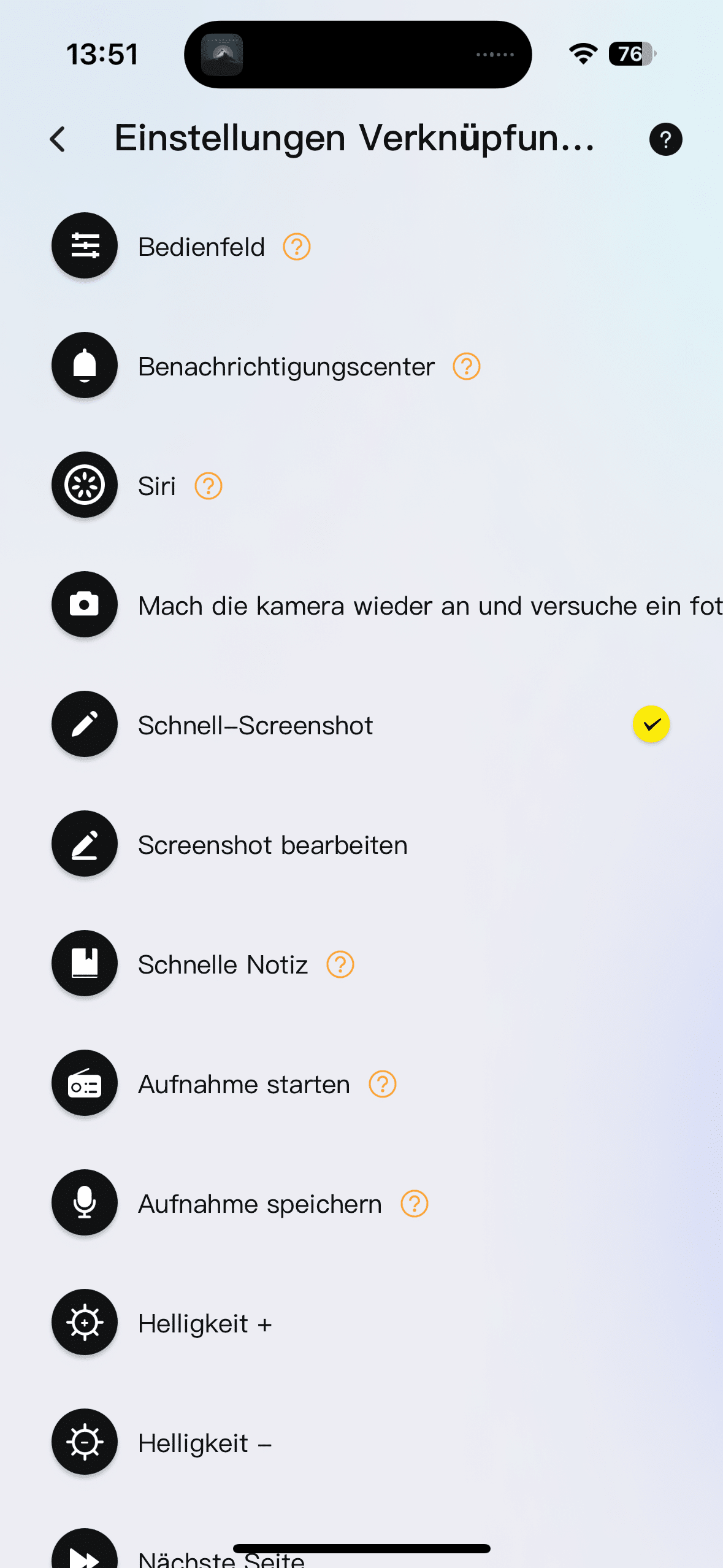
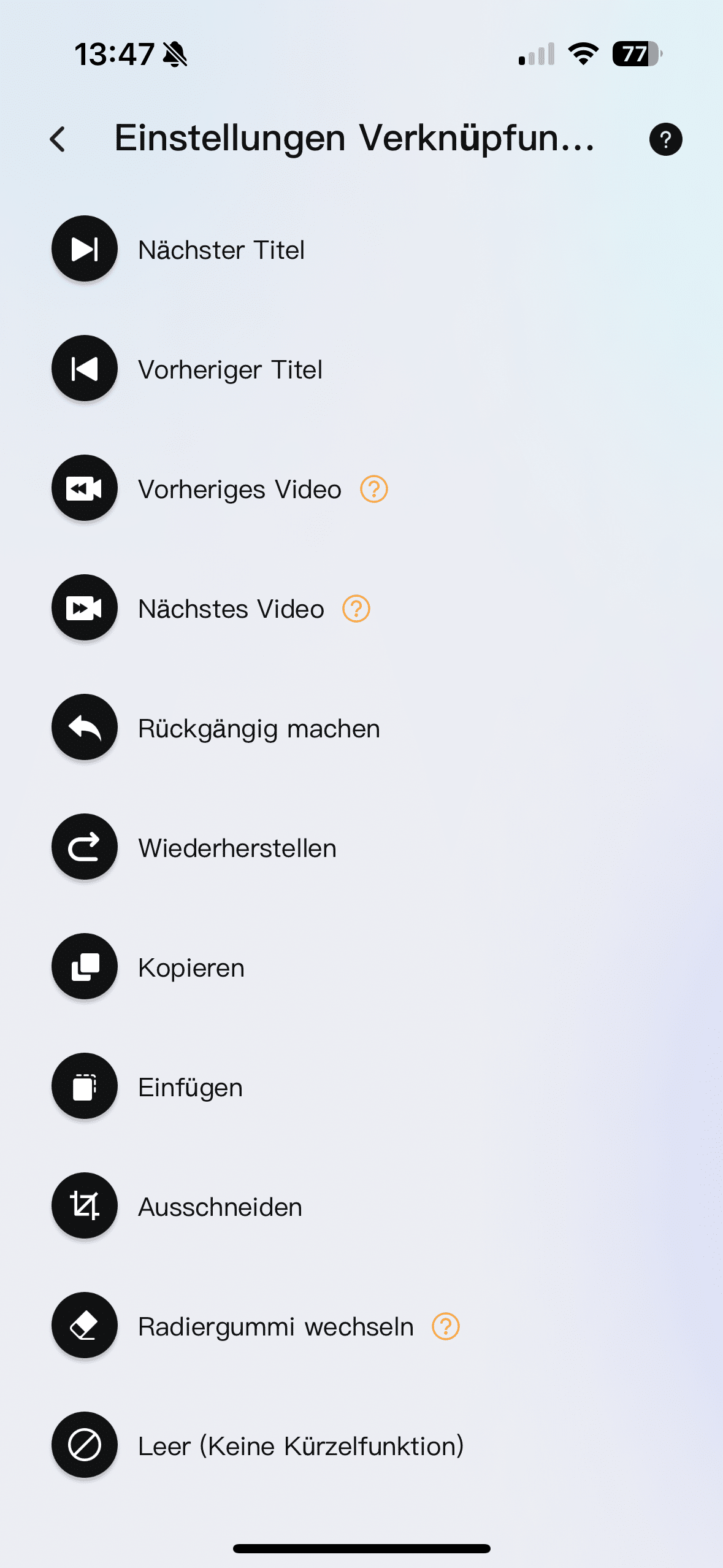
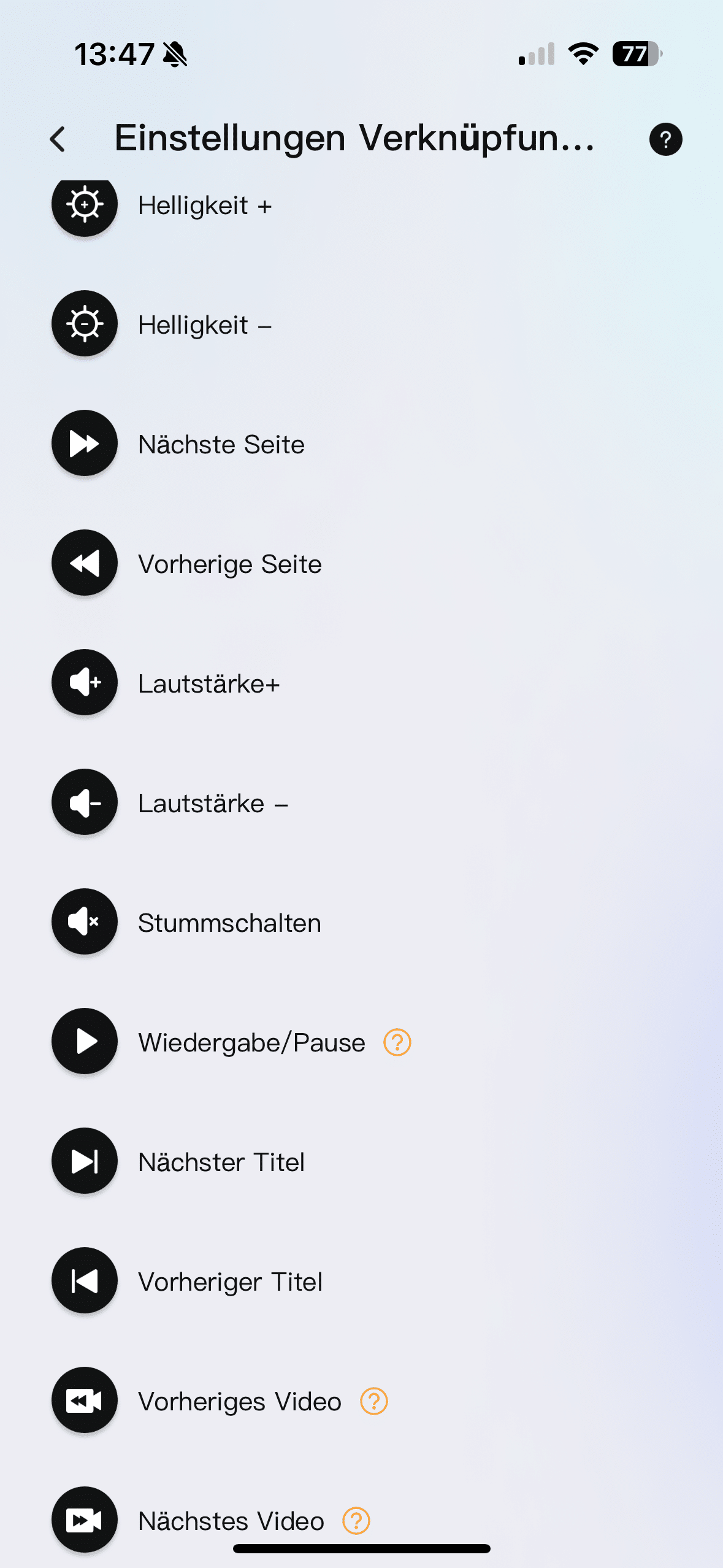
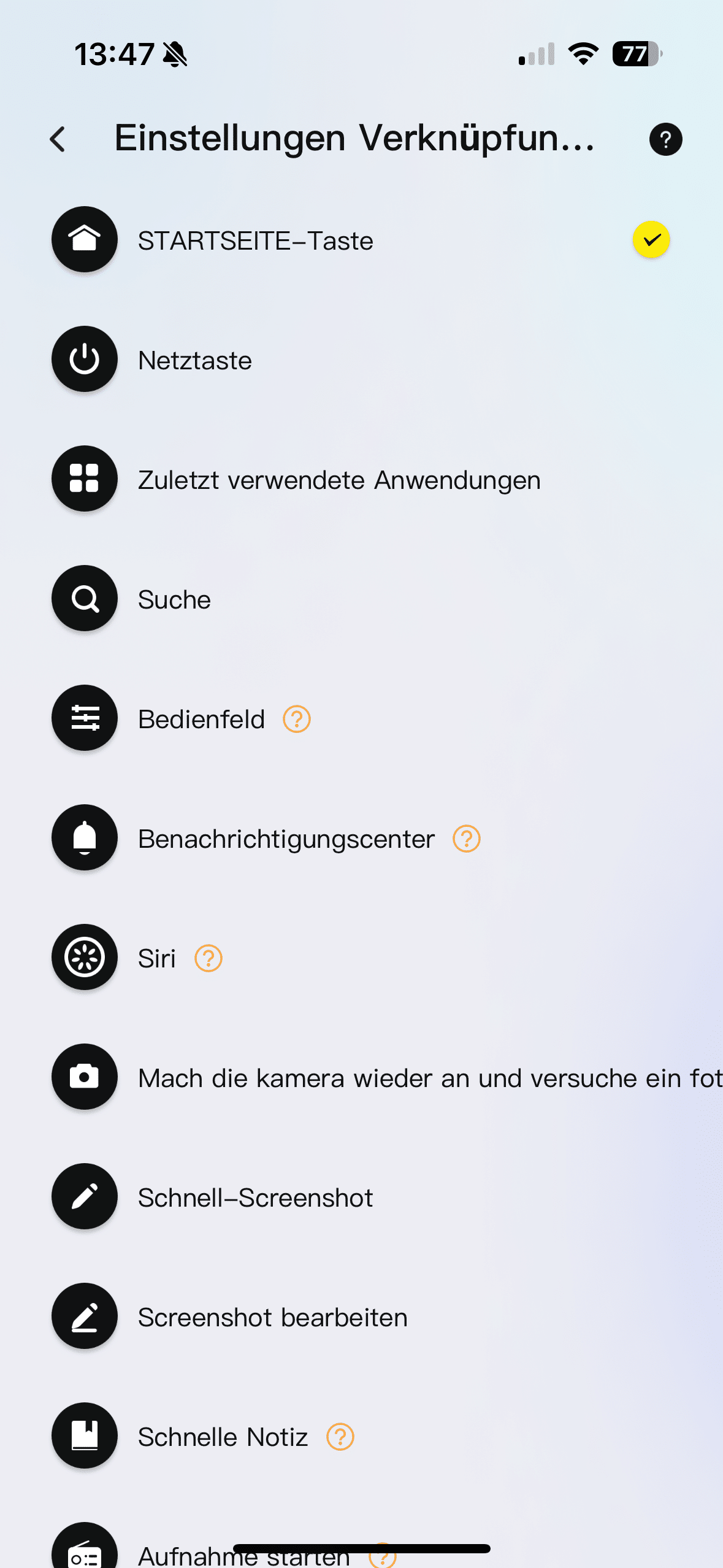
The PS4 offers up to 32 shortcuts that can be defined via the Baseus app. These include features such as “Home” or “Screenshot”. To use the shortcut, simply double-click on the shiny control panel. The pen then confirms the input with a short vibration. This worked quite well in practice. I was able to take a screenshot of my drawing without having to touch the iPad at all.

This results in a good workflow. For example, I love the option of being able to undo steps in a drawing or note by double-clicking. However, this didn’t work reliably for me. Both in the Pages app and in Apple’s Notes app, the iPad simply didn’t respond when I tried to use the shortcut. This was only an exception, as most of the other shortcuts worked smoothly, but as this is an essential function, I think it’s a shame.
What worked really well, however, was scrolling when swiping across the control bar. On the other hand, it was a bit annoying that I sometimes touched the bar while writing and then accidentally triggered a screenshot or another currently set shortcut. However, you probably just have to get used to the correct pen position to prevent such accidental inputs.
Baseus Smooth Writing PS4 test: battery and charging behavior
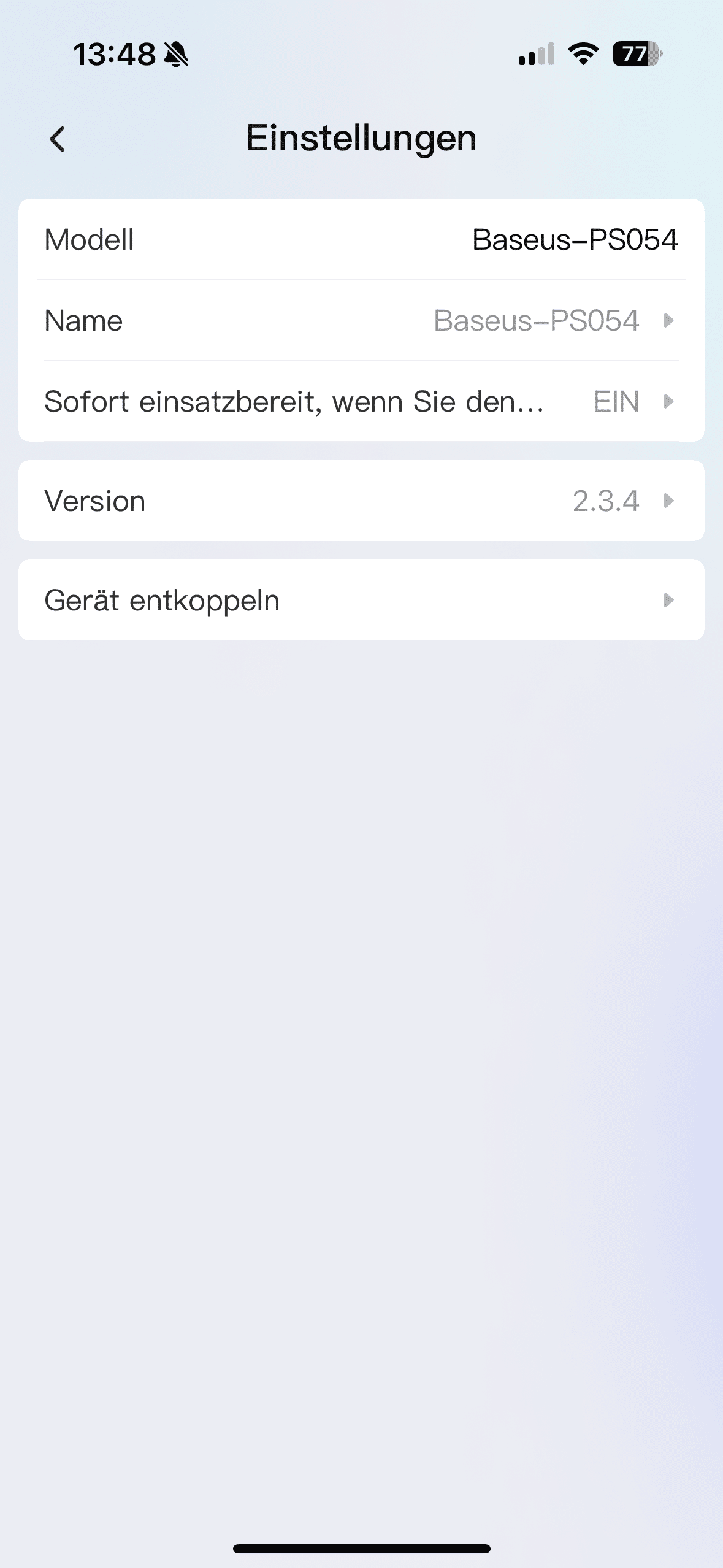
The PS3 impresses with a strong battery life of 17 hours. The PS4 can also boast exactly these values. Once the battery is empty, it can be fully recharged in just 20 minutes. I think the standby function is really cool. This means you don’t have to switch the PS4 on every time you want to use it.
Instead, it switches on automatically when you lift it. This ensures that it is ready for use quickly, which helps with spontaneous notes. This feature is particularly useful at school, university or work. If you want to make a spontaneous note, you can always rely on the stylus being ready for use.
Baseus Smooth Writing PS4 test: Compatibility
Both models are compatible with a wide range of iPads. The PS3 even supports the iPad Pro 2024 and the iPad Air 6.

The PS4 covers up to the Mini generation 7 and the iPad 2024. I was even able to test the PS4 with the 6th generation iPad, which is now over 7 years old.
Baseus Smooth Writing PS4 test: technology and sensors
Both stylus generations offer:
- Palm rejection: no accidental triggering by the hand
- Tilt sensitivity: for shadows and variable lines
- Magnetic attachment: stylus adheres to the iPad’s casing

The PS4 also offers a 360° touch control sensor and reacts without buttons – simply pick it up and get started.
Baseus Smooth Writing PS4 Test: Writing & Drawing
Writing
When writing on the iPad, the PS4 impresses with its extreme precision. Whether handwritten notes or to-do lists: the stylus reacts immediately, without latency. The lines are fluid and extremely natural – almost like on paper. Palm Rejection works reliably.
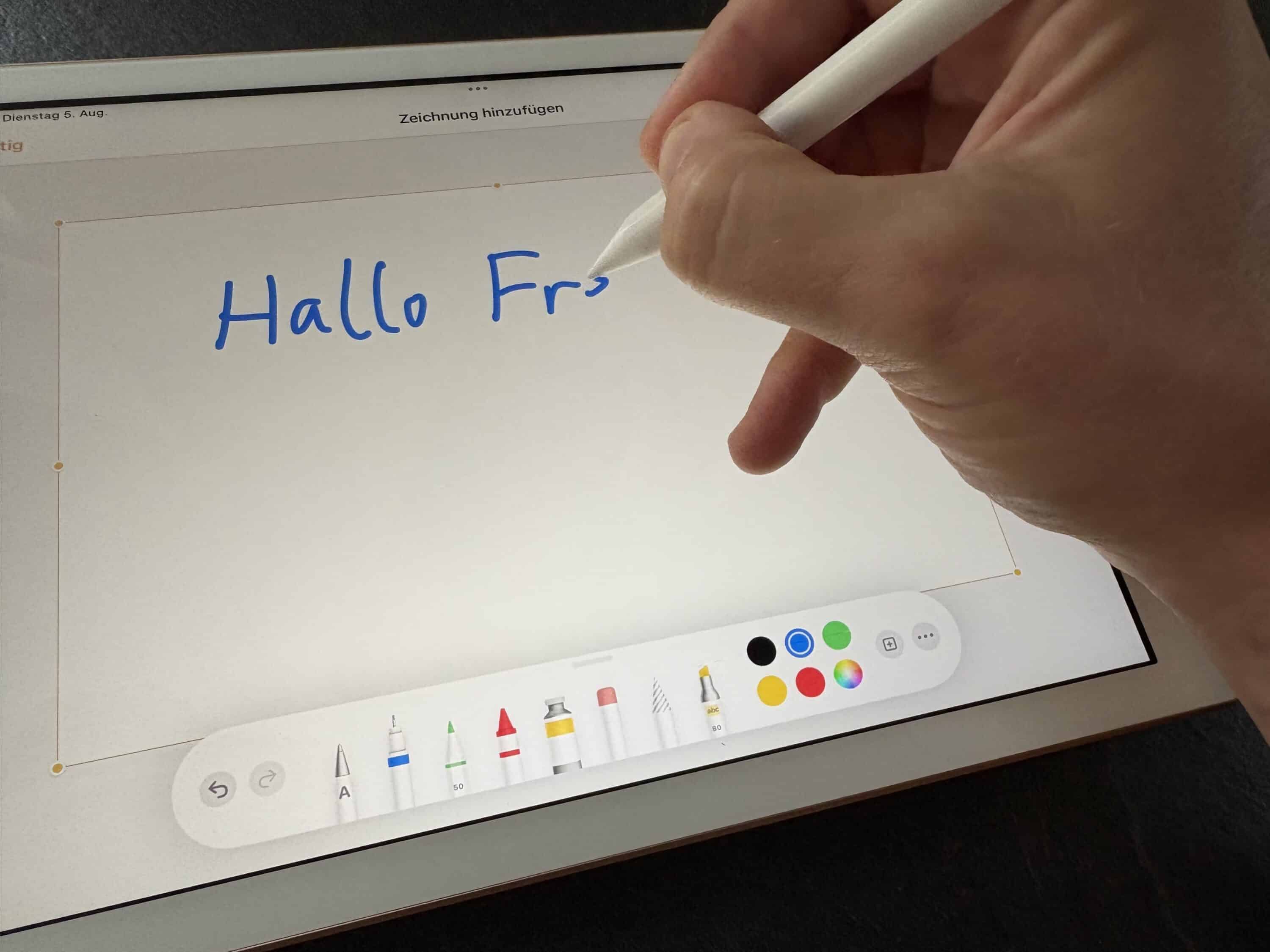
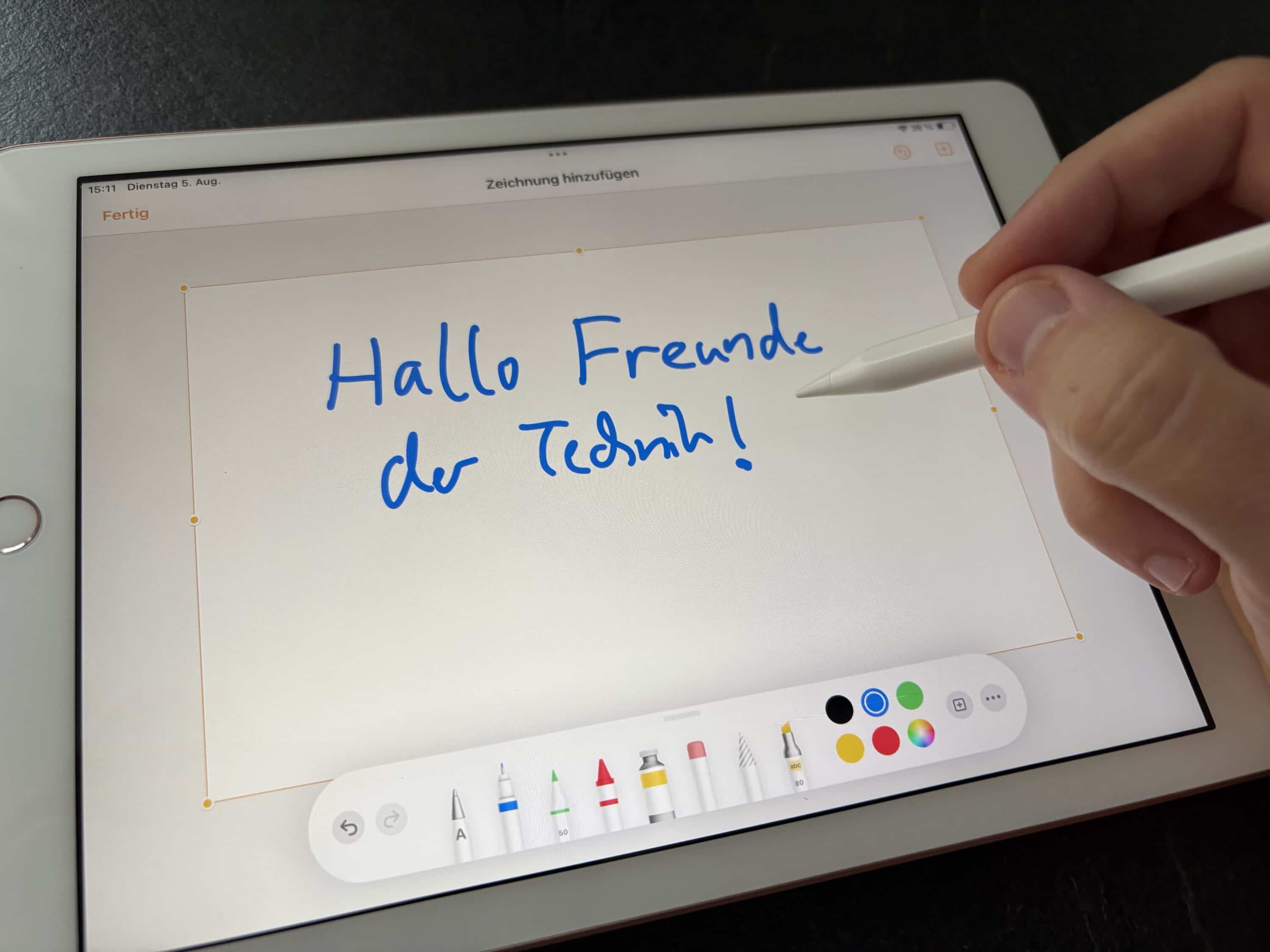
You can rest your hand comfortably on the display without accidentally triggering inputs. As already mentioned, I only suffered from the accidental triggering of the shortcut. However, this should certainly disappear after a short familiarization phase.
Drawing
The stylus also shows what it can do when drawing. Thanks to the tilt function, you can easily create shading and different line widths. All you have to do is change the angle at which you press the stylus onto the iPad. The pressure point is well balanced and the practical wake-up function means you don’t need to switch it on at all – just get started.

Apps such as Procreate or Concepts provide optimum support for the features. The stylus remains precise even with fast movements. In the test, I mainly used the PS4 in the Pages app from Apple and was very positively surprised. The overall feel is very reminiscent of the Apple Pencil, but at a fraction of the price.
Baseus Smooth Writing PS4 test: Highlights & comfort features
| Remote control | The Baseus Stylus PS4 can be used as a practical remote control and scores with a Bluetooth range of up to 10 m. |
| Double-click | Access to user-defined shortcuts such as “undo” or “photo” (shortcuts are defined in the app) |
| Precise pressure sensor | The pressure sensor senses when the pen is lifted and ensures that it is switched on automatically. No need to press a button. |
| Hidden charging port | The sliding cover protects the USB port from dirt and dust and ensures a clean look. |
| Magnetic holder | The PS4 holds onto the iPad case and promises a stronger hold than the PS3. |
Conclusion
With the Baseus PS4 Stylus, the manufacturer has launched an all-round successful further development of its stylus on the market. The minimalist design, clean workmanship and useful convenience features such as the hidden USB-C port, magnetic attachment or automatic activation when lifted ensure a consistently positive user experience. The stylus is particularly impressive when writing and drawing with its high precision, fluid lines and reliable palm rejection – almost on a par with the Apple Pencil, but at a fraction of the price.

The configurable double-tap shortcuts are a practical extra, even if they don’t work reliably in every app. If you already own the PS3, you don’t necessarily need to upgrade – but if you value better ergonomics, modern controls and a clever overall concept, you can’t go wrong with the PS4. For iPad users looking for a strong Apple Pencil alternative for under 40 euros, the Baseus PS4 is definitely worth a recommendation. If, on the other hand, you want to go even cheaper, you should definitely take a look at the PS3, which starts at a price of €26.99.

VORTEILE
- Very good price-performance ratio
- High-quality design & workmanship
- Precise & delay-free input
- Wide range of shortcut functions
- Automatic switch-on
- Magnetic attachment
- Wide iPad compatibility
NACHTEILE
- Shortcut function not always reliable
- Touch-sensitive control bar can interfere
- Shortcuts are accidentally triggered if the hand is held incorrectly
- No pressure sensor for line width
- No wireless charging
Fazit
The Baseus Smooth Writing PS4 is a much cheaper alternative to the Apple Pencil, which leaves a positive overall impression despite its minor weaknesses.


