

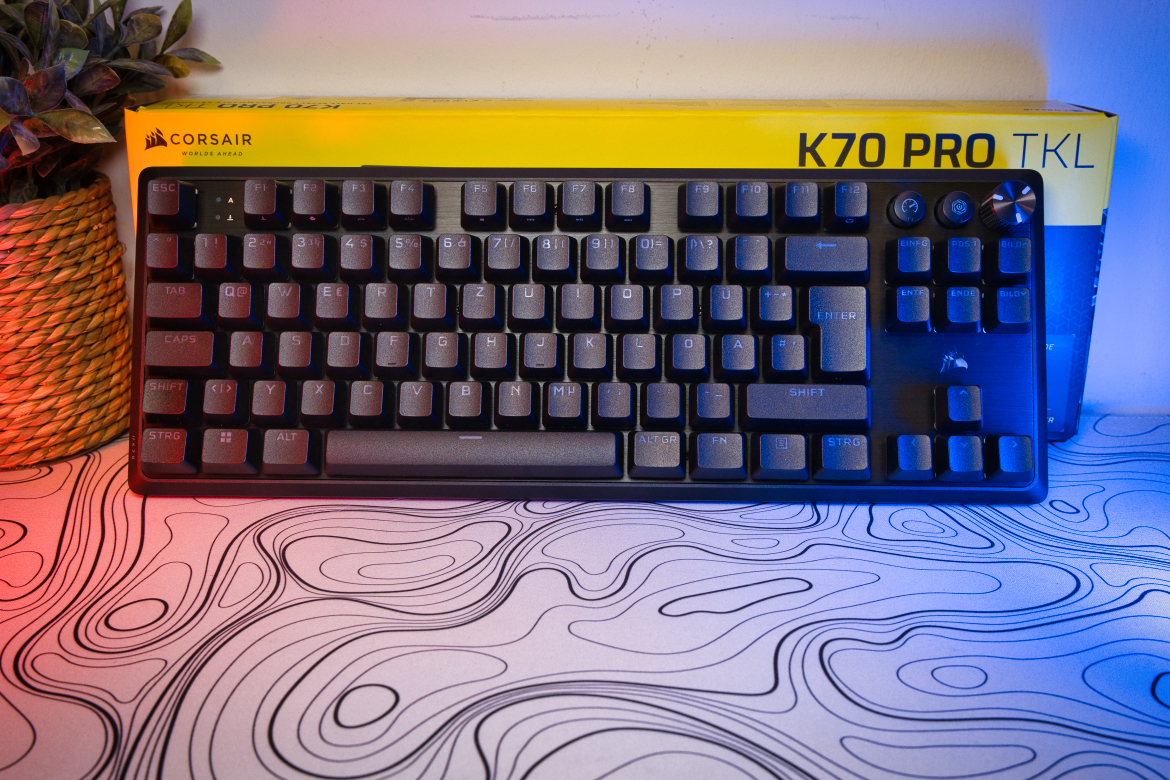
In addition to the new Core model of the K70, Corsair is also reissuing the Pro version originally released in November 2024, eliminating one of the biggest criticisms of the gaming keyboard. The Corsair K70 Pro TKL is now finally available with high-quality PBT keycaps. We took a closer look at the keyboard in our test.
Technical data
| Product designation | K70 Pro TKL |
| Switch type | 65x magnetic; 23x mechanical |
| Key switch type | CORSAIR MGX Hyperdrive magnetic pre-lubricated keyswitches; CORSAIR MLX Plasma linear mechanical pre-lubricated keyswitches |
| Switch types offered | Linear (actuation point adjustable between 0.1-4.0 mm) |
| Switch interchangeable | No |
| Keycaps interchangeable | Yes |
| Material | aluminum |
| Dimensions (L x W x H) | 135 mm x 366 mm x 39.8 mm |
| weight | 967 grams |
| Onboard memory | 5 profiles |
| Cable connection | USB Type-C |
| Rollover technology | N-Key Rollover |
| Keycaps | PBT Double-Shot |
| Operating modes | Typing; Gaming |
| Sampling rates | 8,000 Hz |
| Special features | Customizable trigger point; Rapid Trigger; FlashTap |
| Colors | Black; White |
| price | € 139.99 * (PBT version: RRP 189.99 euros) |
Corsair K70 Pro TKL Review: Colorfully illuminated giant
- convincing workmanship
- great rotary control
- harmonious RGB lighting
At first glance, the Corsair K70 Pro TKL looks like a classic gaming keyboard from the manufacturer. Black keycaps over a silver, anodized aluminium board on a black plastic frame. Alternatively, the keyboard is also available in white.
As the name suggests, the keyboard has a TKL layout and comes with 85 keys. It is 366 mm long, 135 mm wide and 39.8 mm high. The weight of approx. 967 grams indicates a high-quality finish, which we can indeed attest to with the K70 Pro TKL.
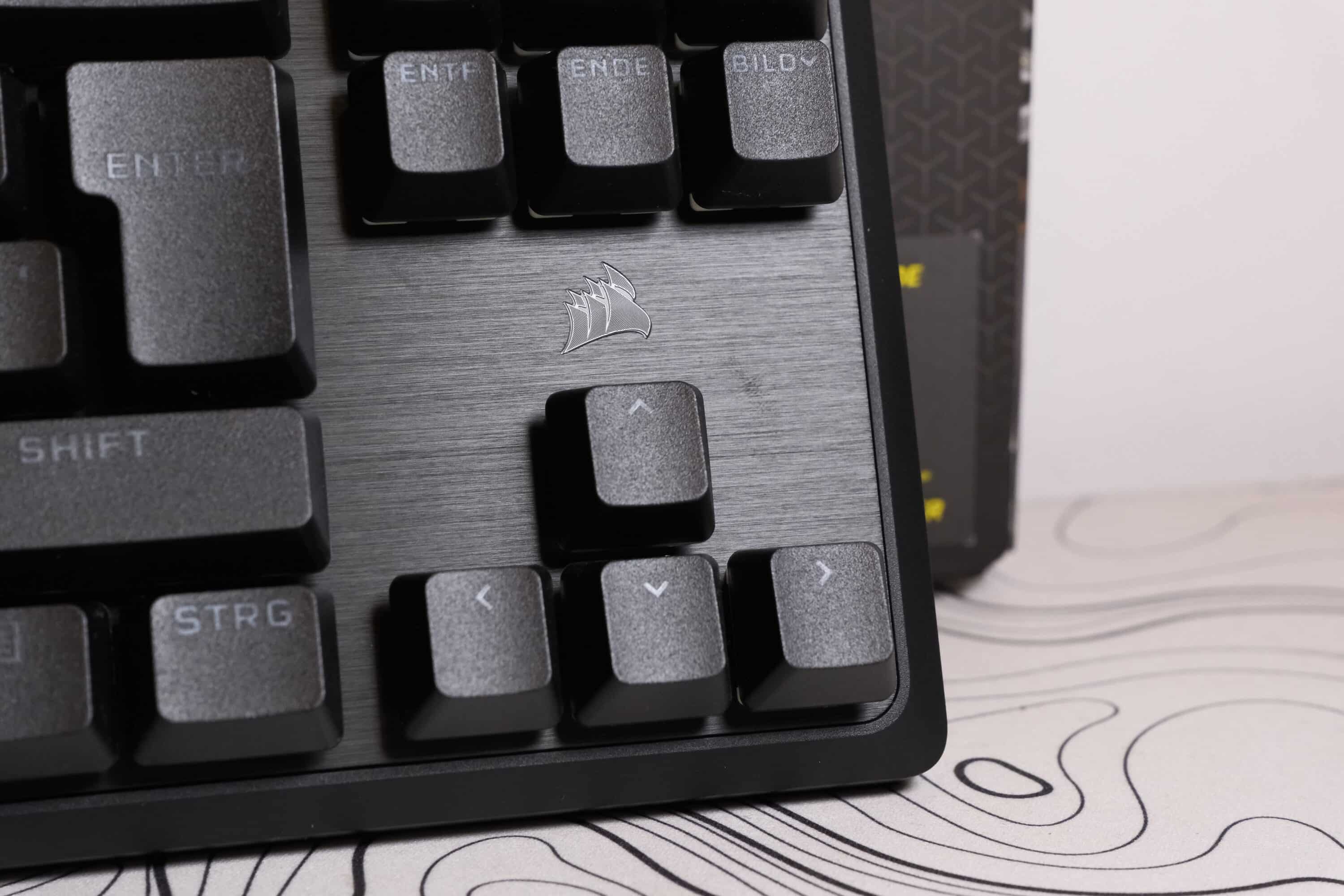
Just like the cheaper Core model, the K70 Pro also has two buttons and a rotary control on the top right edge. The left button, which shows a speedometer, switches to the configurable gaming mode. The right button opens the iCUE companion software.
However, the control dial deserves particular praise. Not only is it robustly made of metal. Or that it has a pleasant grain. The click pattern and the acoustic feedback when turning the knob are also excellent. I’ve already tested a number of keyboards with the popular “knob” and I have to say: the Corsair K70 Pro TKL’s knob offers by far the best click pattern and the most satisfying noise when operated.

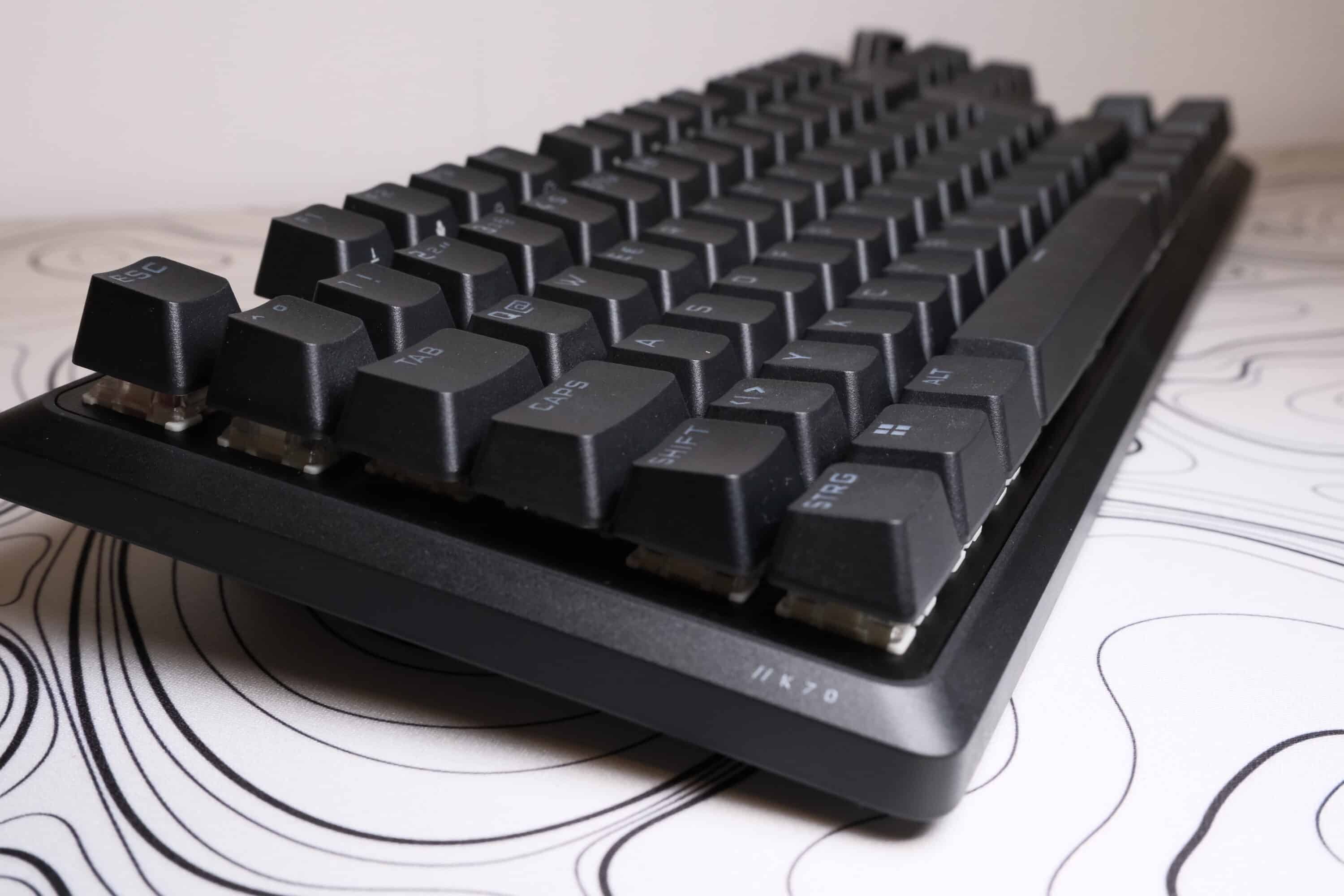
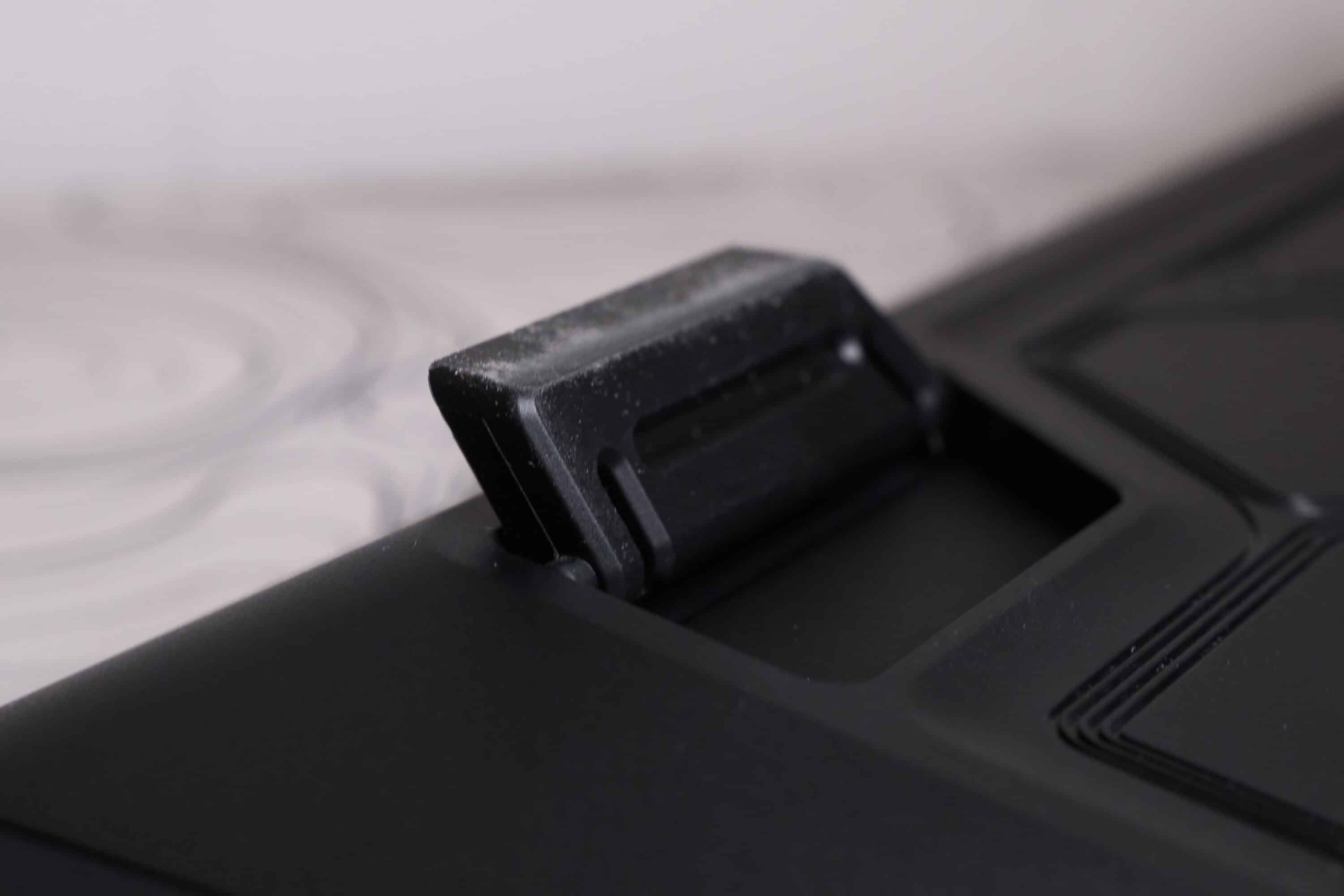
The USB-C port is located on the top left of the keyboard. There are four rubberized surfaces at the bottom, as well as two rubberized feet to place the keyboard at a slight angle.
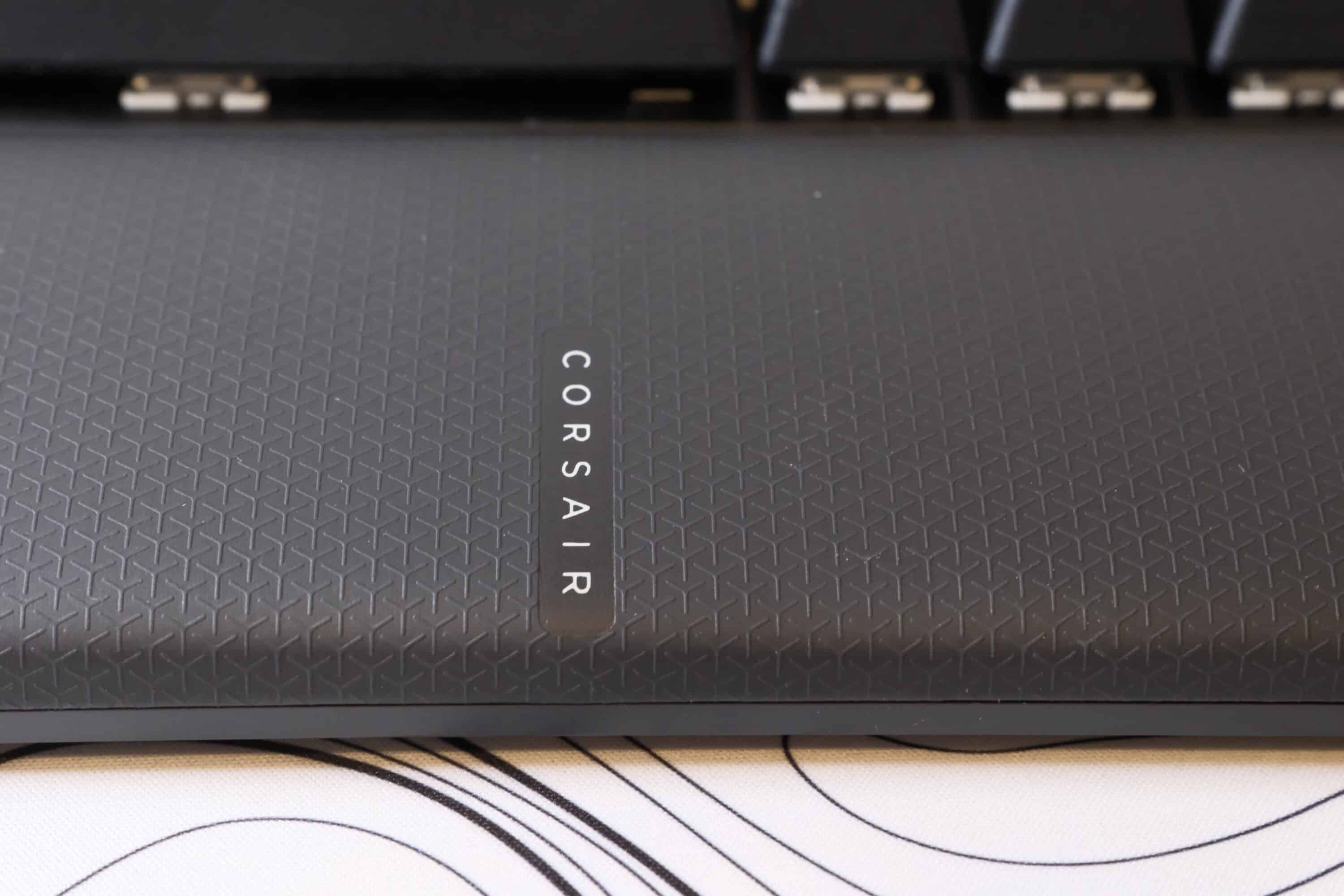
Also commendable: Corsair includes a magnetic and very soft palm rest. Personally, this is a little too thick for me and tends to get in the way when typing, but that is certainly a matter of opinion. Especially as it bounces a little on the top, which I find rather unpleasant.
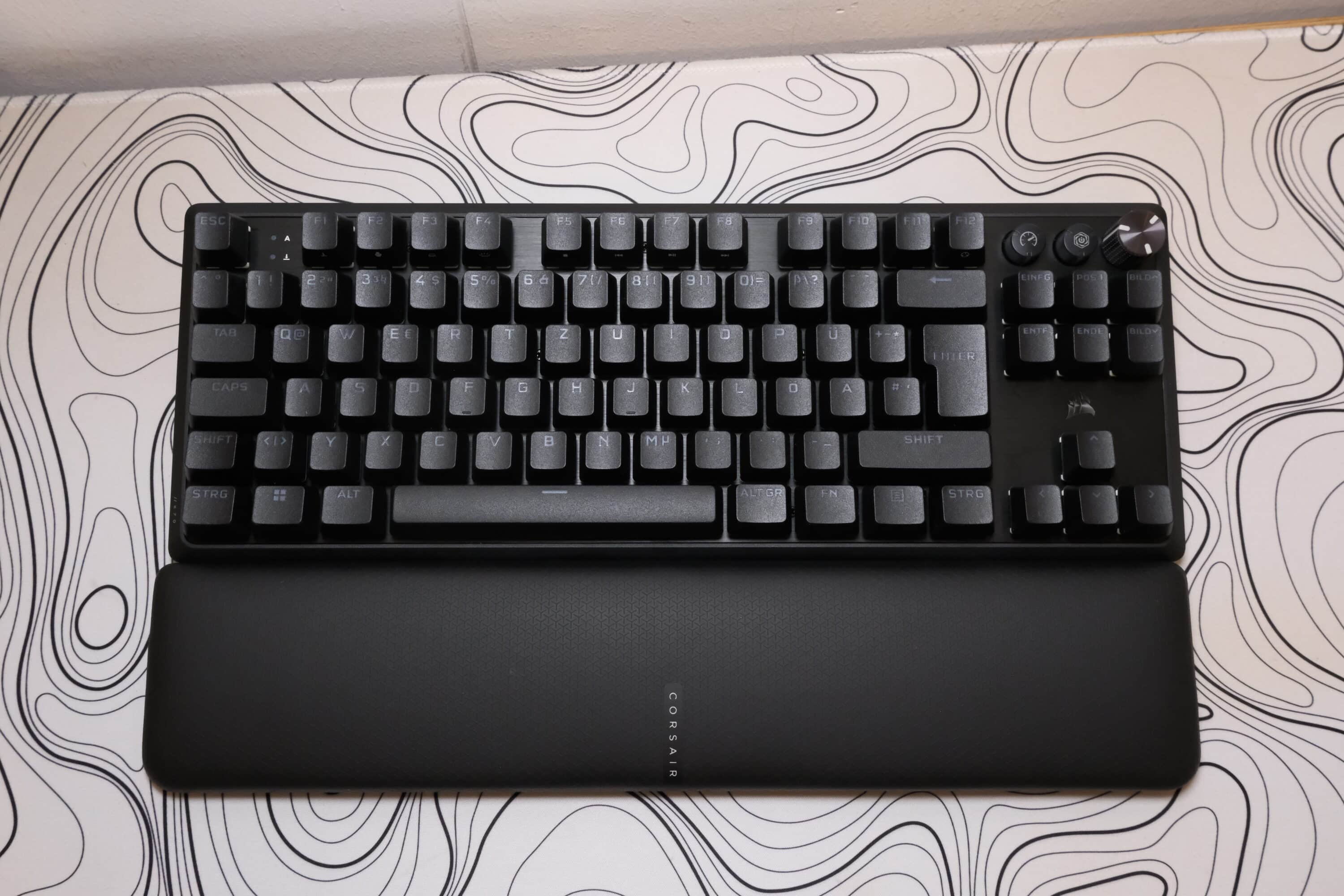
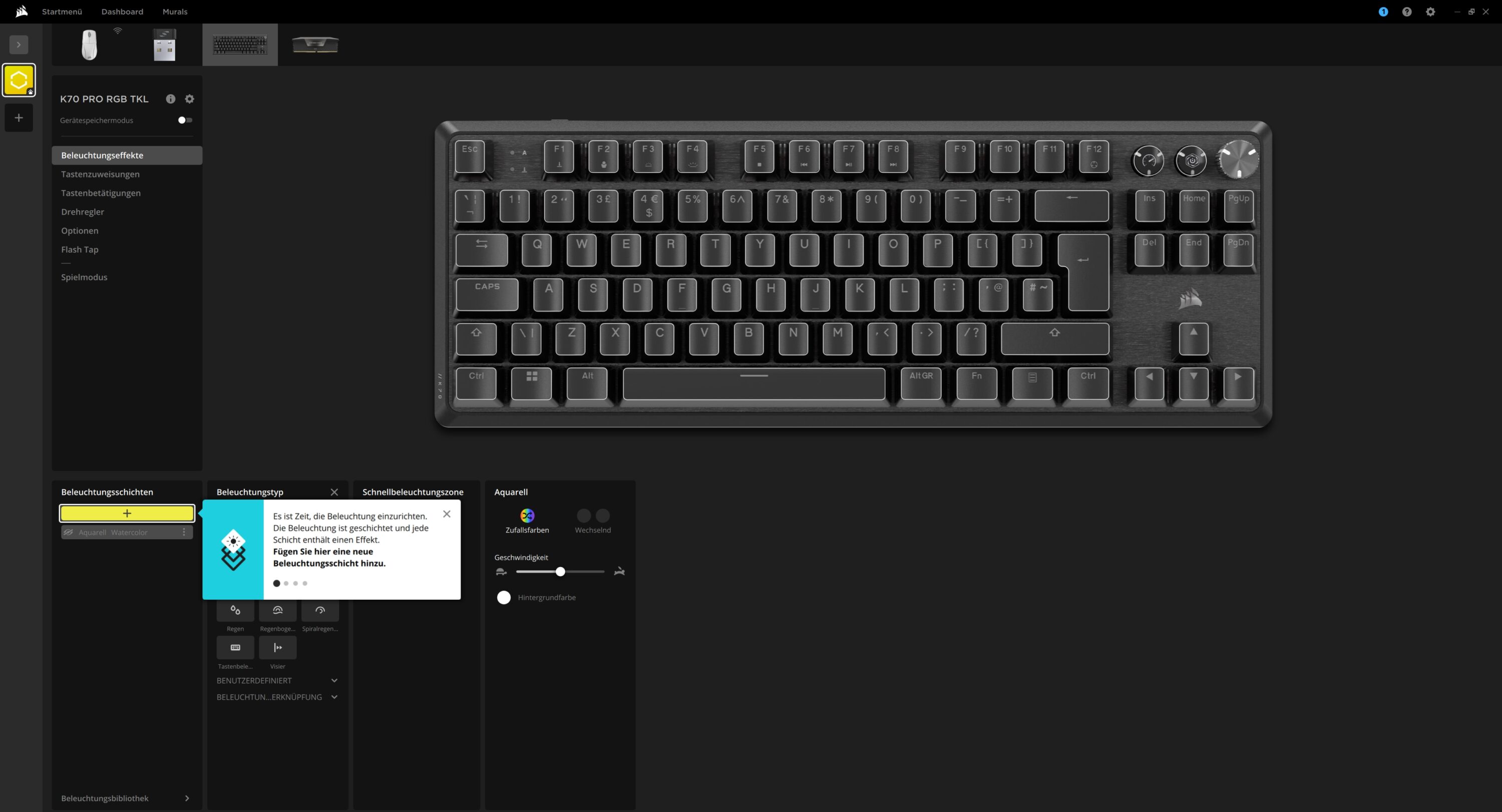
Of course, fully customizable RGB lighting is also a must. There are virtually no limits in terms of effects, colors, speeds and multiple individual zones.

Hall-effect magnetic switches, but… why not everywhere?
- Very good Hall effect switches, but…
- … not everywhere. Why mechanical?
Magnetic Hall effect switches have long since overtaken mechanical switches in the gaming segment. The reasons for this are obvious. It’s not just that these switches are more durable or trigger faster than their mechanical counterparts.
They also score points with a customizable actuation point, dual actuation (i.e. two different triggers for one and the same button), a rapid trigger function and much more. The functionality is virtually the same for all manufacturers and their solutions. Whether it’s the NZXT Function Elite MiniTKL (our test), the Glorious GMMK 3 Pro HE, SteelSeries Apex Pro or the ASUS ROG Falchion ACE HFX (our test) and many more.
In the case of Corsair, the manufacturer provides the K70 Pro TKL with magnetic MGX Hyperdrive switches in the color “Powder Blue”. These score points with the following features:
- linear, quiet pressure point
- 30 – 55g release force
- 0.1mm – 4.0mm trigger point
- 150 million keystrokes Lifetime

The magnetic switches offer classic features such as a customizable trigger point, Rapid Trigger (resets buttons immediately when they travel upwards) and Flash Tap (movement buttons such as A and D can be used simultaneously without the character stopping). It is also commendable that all switches are pre-lubricated.
BUT and here come two big BUTs: Compared to the competition, the switches are not hotswappable and, unlike the keycaps, cannot be easily replaced. Well, that’s always a bit difficult with magnetic switches anyway, but NZXT, ASUS and the like can manage that too.
The second point of criticism is all the more serious. Only 61 of the 85 keys use magnetic switches. The arrow keys, F-key row and the additional keys, on the other hand, come with classic mechanical switches.

Namely Corsair’s own MLX Plasma Neon Pink switches, which trigger linearly at 45g and have a trigger point of 2.0 mm. They are designed for 80 million clicks and are also not interchangeable.
The switches are also good, but at a price of just under 190 euros, the decision to use two different, non-replaceable switches has a rather bitter aftertaste. In addition, the mechanical switches not only sound noticeably louder when triggered, but are also not quite as smooth. The stabilizers could also be a little tighter. A slight wobble is noticeable, especially with larger buttons such as the space bar or Enter key.
Corsair K70 Pro TKL in practical test
- Very good features
- comfortable PBT keycaps
- practical gaming mode
Regardless of this, the Corsair K70 Pro TKL cuts a very good figure in practice. The keyboard can only be used wired and scores with an adjustable sampling rate of up to 8,000 Hz. Keystrokes are thus implemented with almost no delay (0.125 ms), which should delight demanding gamers.
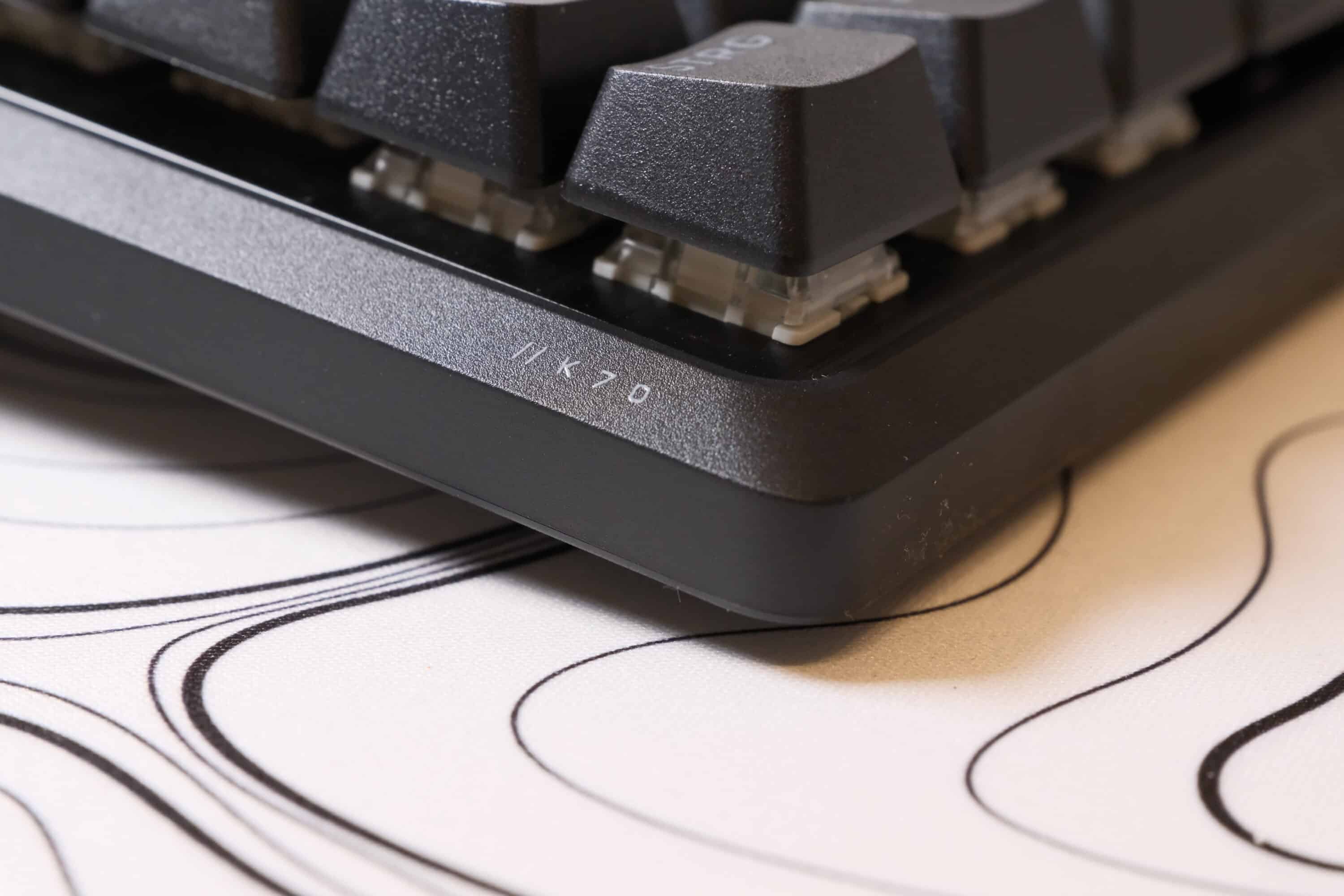
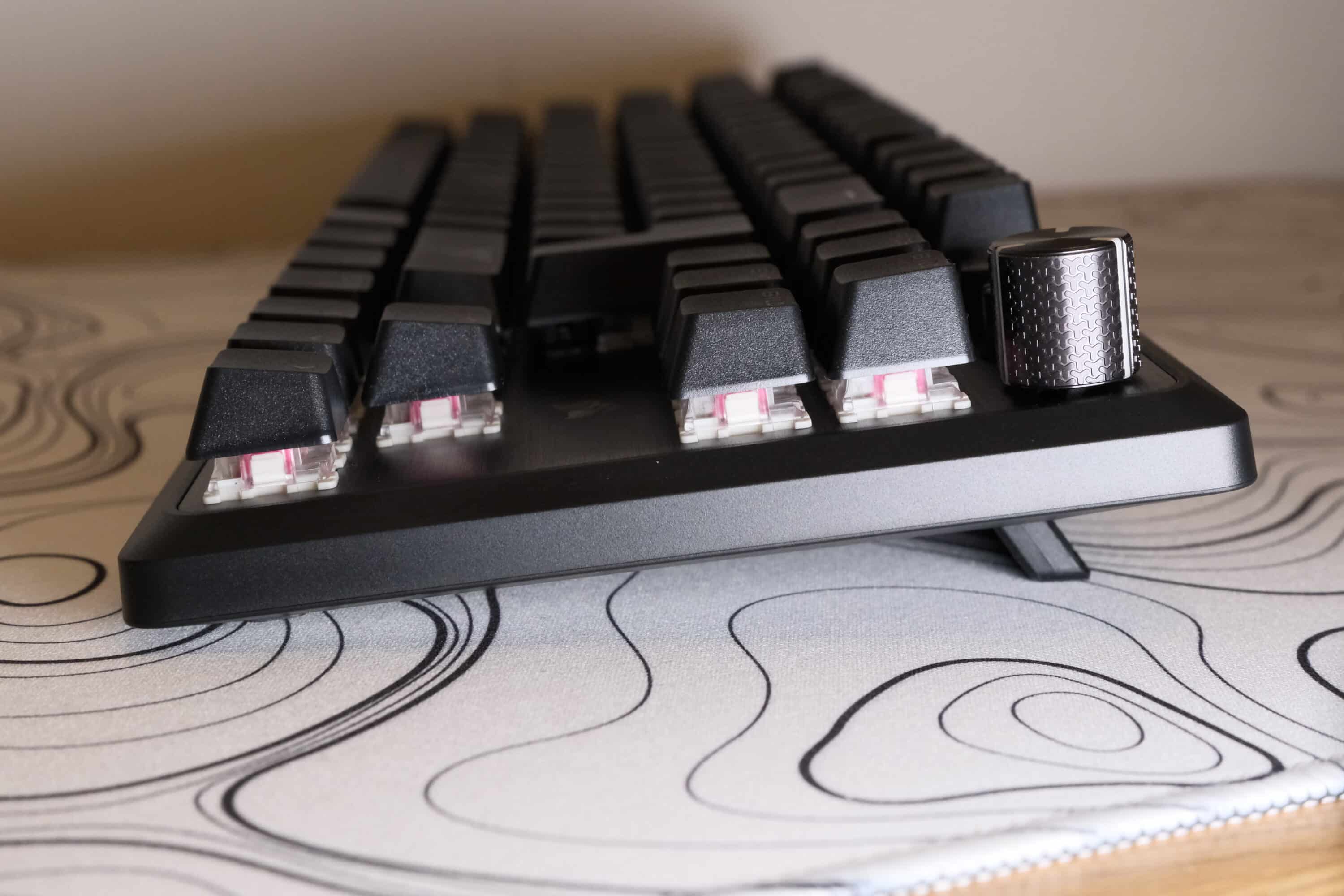
However, the keyboard is also ideal for writing long texts. Full N-key rollover and anti-ghosting included, of course. In practice, I have absolutely nothing to criticize about the K70 Pro.
I also have to praise Corsair for finally using high-quality PBT Doubleshot keycaps. The cheaper ABS keycaps of the normal edition were comparatively smooth and slippery. The caps used here are not only much more durable, but also have a pleasant grip.
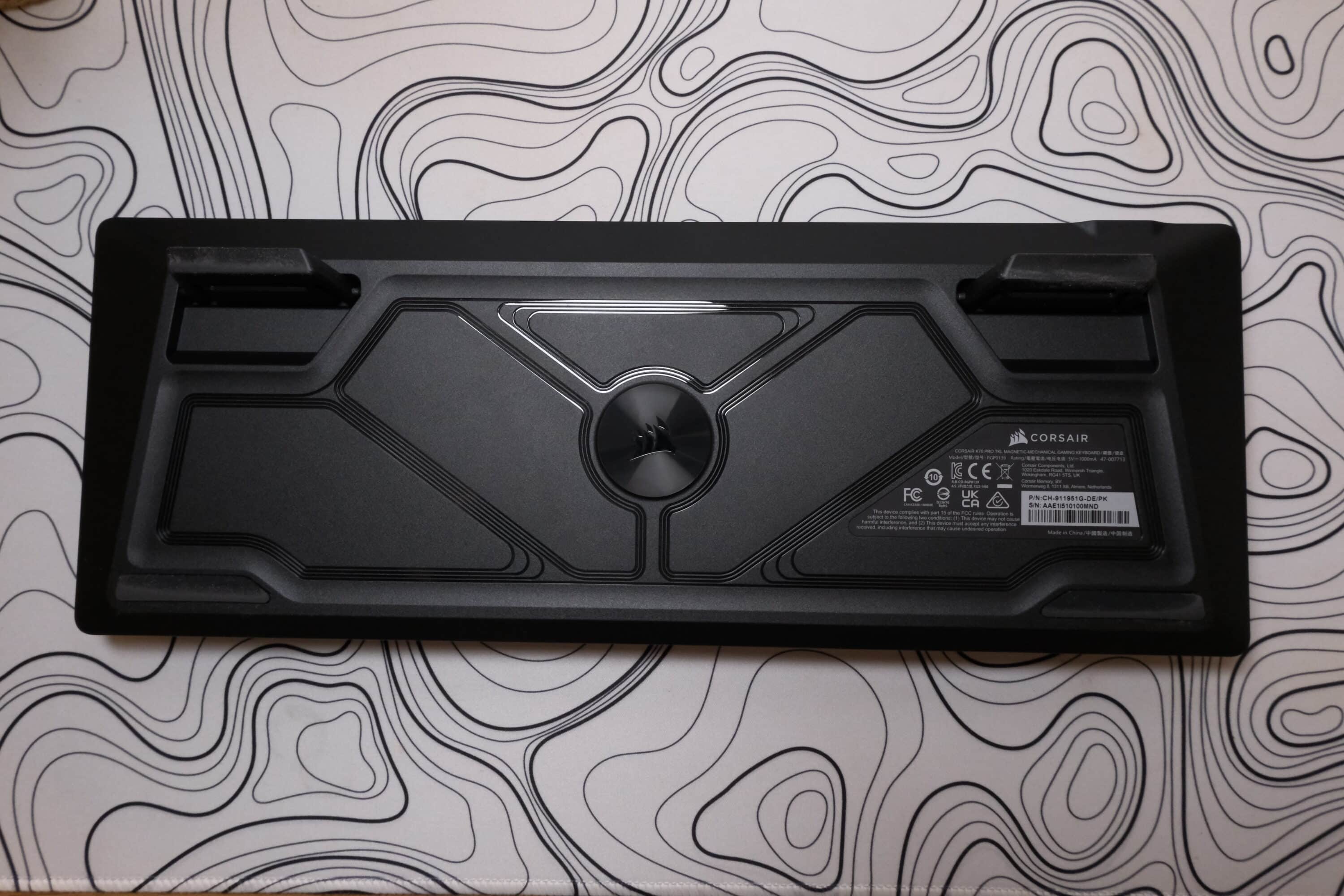
Here, the Corsair K70 Pro TKL is even noticeably ahead of the aforementioned competitors. I would even go so far as to say that the manufacturer has given its own device the best keycaps you can get in a gaming keyboard.
One cool feature is undoubtedly the gaming mode, which can be activated by clicking on the speedometer button and is heralded by a harmonious RGB animation. In game mode, Rapid Trigger reacts dynamically to button presses with fluid actuation points. Static lighting is also activated and the Windows key can be deactivated if desired. The sampling rate can also be configured individually in game mode compared to normal mode.

So if you want to use different options for everyday use and for gaming, you’ll be pleased. The stabilizers also do a very good job. Technically speaking, there’s not much to criticize about the Corsair K70 Pro TKL.
Sound test Corsair K70 Pro TKL
Sound test ASUS ROG Falchion HFX
Sound test NZXT Function Elite MiniTKL
The sound of the keyboard is also quite pleasing, although the K70 Pro TKL is definitely one of the louder keyboards on the market. The keyboard is not quite as “thocky” as the aforementioned competitors, but I still find the acoustics quite pleasant. Even if the difference between the Hall-effect and mechanical switches is clearly audible.
App connection: iCUE
Numerous settings are available to you within the companion app. These range from adjusting the RGB lighting to adjusting the game mode. There is a short tutorial at the beginning that shows you the various options.
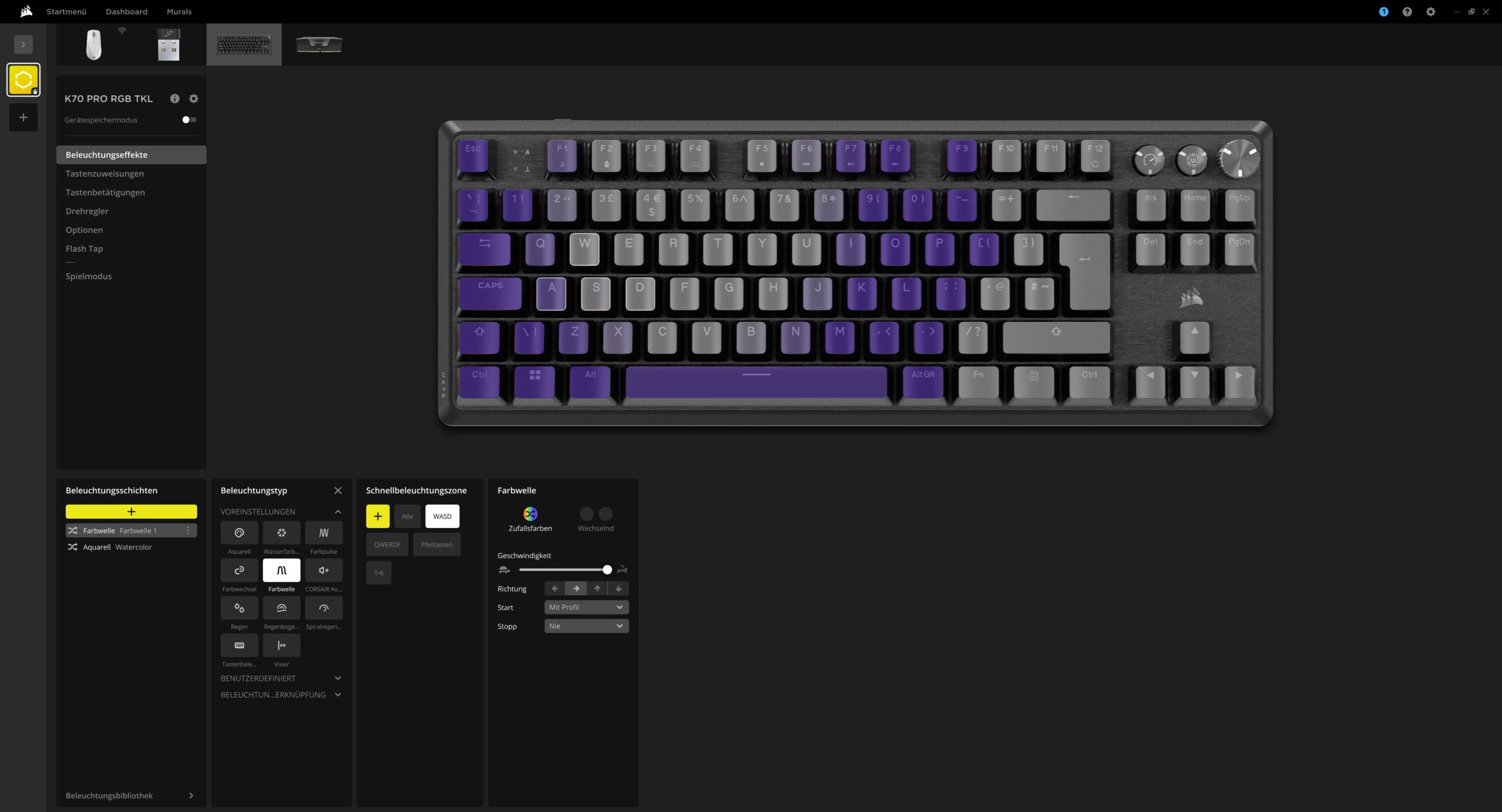
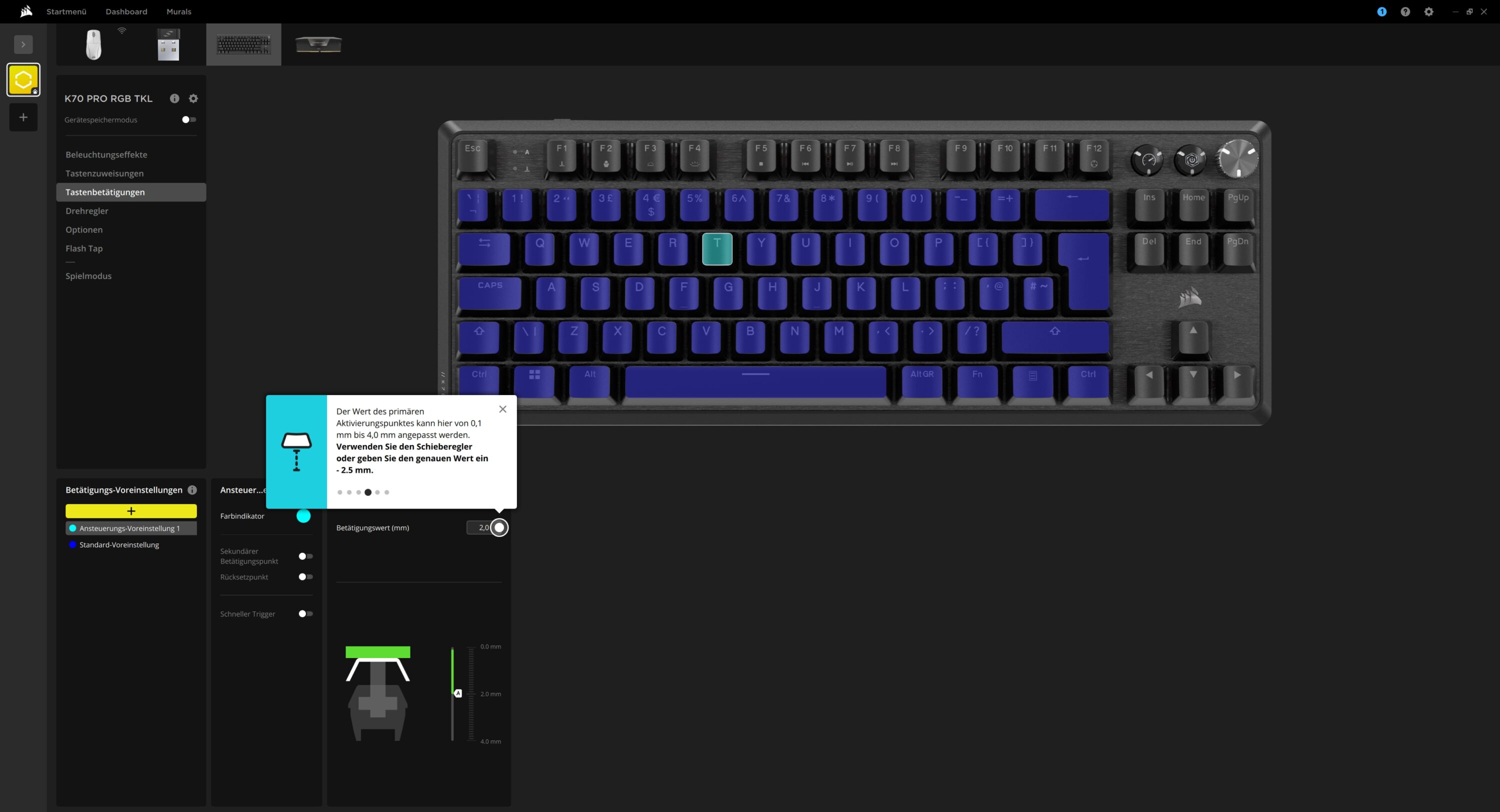
You should definitely go through this, as many of the settings are hidden in quite complex menus. The option to switch both the actuation point and the reset point of the buttons on and off separately and to activate the rapid trigger function individually for each button is commendable.
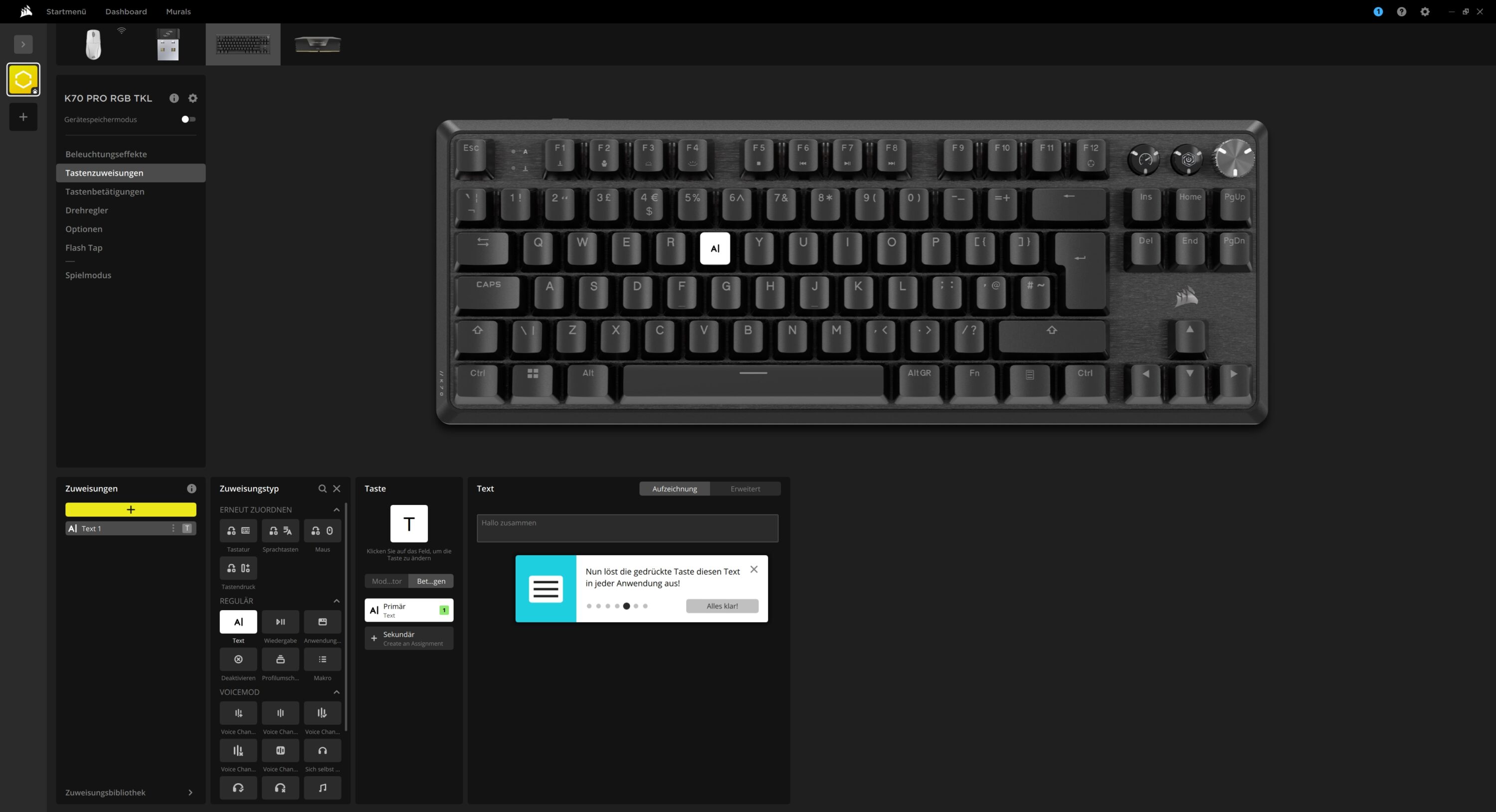
Individual buttons can be assigned different functions and even macros. You can also assign different features to the rotary control, and you can easily switch between the assignments with the key combination FN + F12.

Finally, you can customize the features of the keyboard and activate your own functions and settings for gaming mode. For example, it is possible to work with a sampling rate of just 1,000 Hz in normal mode and to draw on the full potential of 8,000 Hz in gaming mode. This is very practical, as the sampling rate sometimes has a noticeable effect on system performance.
Corsair K70 Pro TKL test: Conclusion
No question: The Corsair K70 Pro TKL is a really convincing gaming keyboard. It impresses with its convincing workmanship, extremely low latency and sampling rate of 8,000 Hz. The new PBT keycaps are pleasantly grippy and thus eliminate the biggest criticism of the original.
However, there are also a few things I don’t like. While the reverb effect switches do a great job, it’s a mystery to me why Corsair doesn’t use them on all keys. Why do the additional keys rely on classic mechanical switches, which only last half as long?
I can understand that you don’t need customizable trigger points for keys like Delete or Insert, but at least for the arrow keys this would have been desirable and feasible considering the steep price. The stabilizers are also not quite good enough for a top spot. The keyboard would also have benefited from hot-swap functionality, as the (cheaper) competition also offers this.

VORTEILE
- Top workmanship
- Modern features
- 8,000 Hz
NACHTEILE
- High price
- Not all switches are magnetic
- No hot swap
- Slight key wobble
Fazit
Very good gaming keyboard with coherent workmanship, various customization options and reverb effect switches. However, the price is too high for what it offers. There is no hot-swap functionality and 23 of the switches are normal mechanical switches.


