

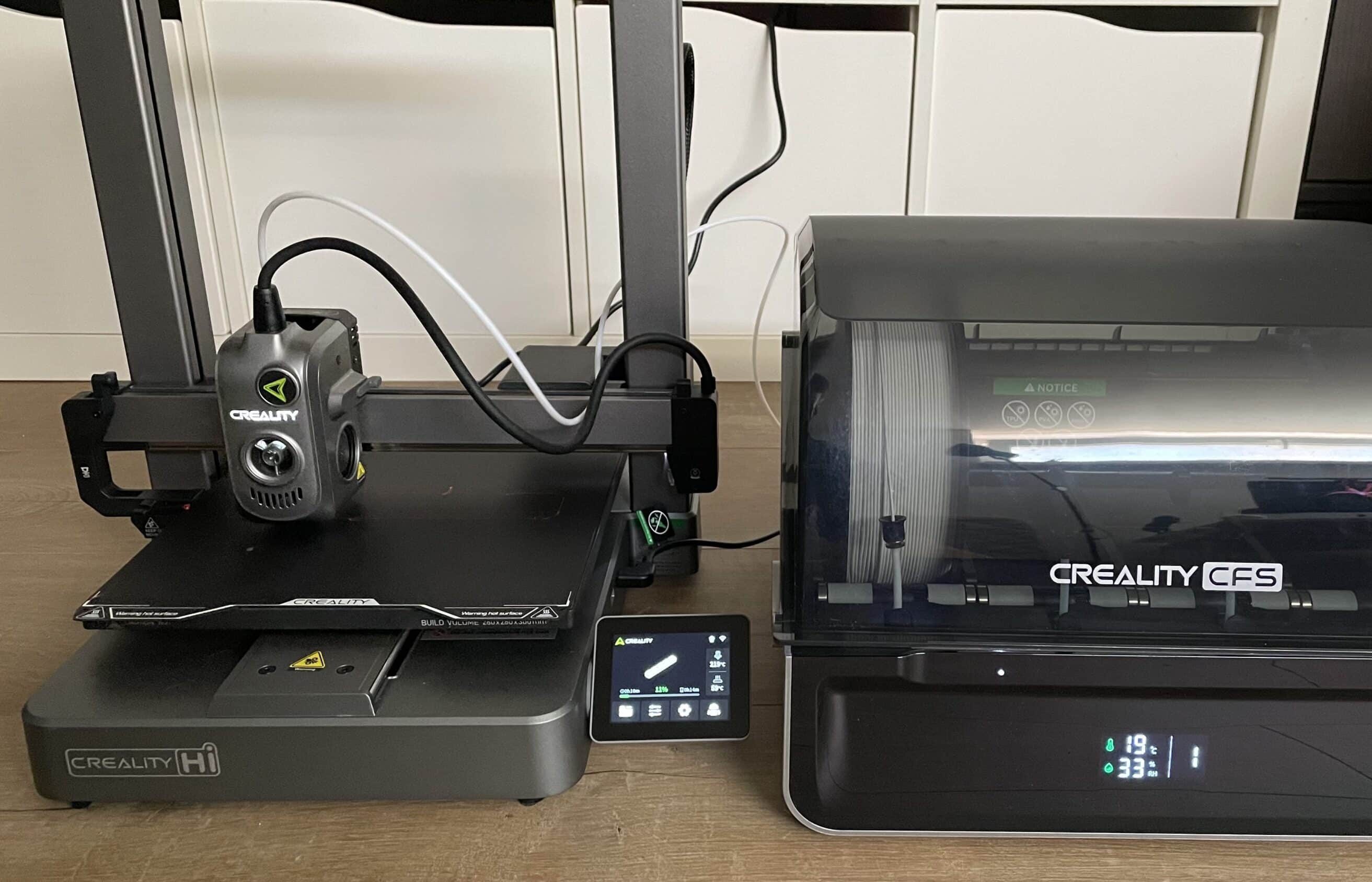
Just a few years ago, multi-color 3D printing was only possible with professional, difficult-to-use and unaffordable devices. The Creality Hi Combo wants to change that. As a cost-effective FDM 3D printer, the 3D printer is able to process up to 16 different filaments. The all-metal housing promises durability. In combination with the quick setup and easy operation, Creality aims to appeal primarily to newcomers with an interest in 3D printing. In the Creality Hi Combo test, we took a detailed look at this promising 3D printer.
Technical data
| Model | Creality Hi Combo |
| Printing technology | Fused Deposition Modeling XYZE motor |
| Operation | – 3.2″ touchscreen – Creality software |
| Print speed | – Standard speed: 300 mm/s – Maximum speed: 500 mm/s |
| Size | 260 × 260 × 300 mm |
| Acceleration | ≤ 12000 mm/s |
| Pressure accuracy | 100±0.1 mm |
| Nozzle diameter | – 0.4 mm, – optional: 0.6 mm and 0.8 mm |
| Connectivity | USB connection & WI-FI |
| Leveling Mode | Full Auto Leveling |
| Temperature | – Nozzle: ≤ 300 ℃ – Heatbed: ≤ 100 ℃ |
| Dimensions | 409 × 392 × 477 mm |
| Weight | – 3D printer: 8.75 kg – Total weight (combo): 13.31 kg |
| Price | € 529.00 * |
Scope of delivery

- Basic component
- Gantry frame
- Bobbin drum
- Bobbin holder
- Anti-tangle spool holder
- PTFE hoses
- Z-axis motor cover x2
- Power cable
- Allen key
- screws
- socket wrench
- Cutting pliers
- Filament
- CFS (only in the combo bundle)
Creality Hi Combo Test: Design and processing
The Creality Hi Combo makes a very good impression as soon as you unpack it. This is not only due to the fact that the 3D printer comes almost completely pre-assembled from the factory, which promises uncomplicated commissioning. We’ll tell you in a moment whether this is actually the case in practice. The material also feels excellent. Creality relies on a high-quality all-metal housing, which was manufactured using the aluminum die-casting process.

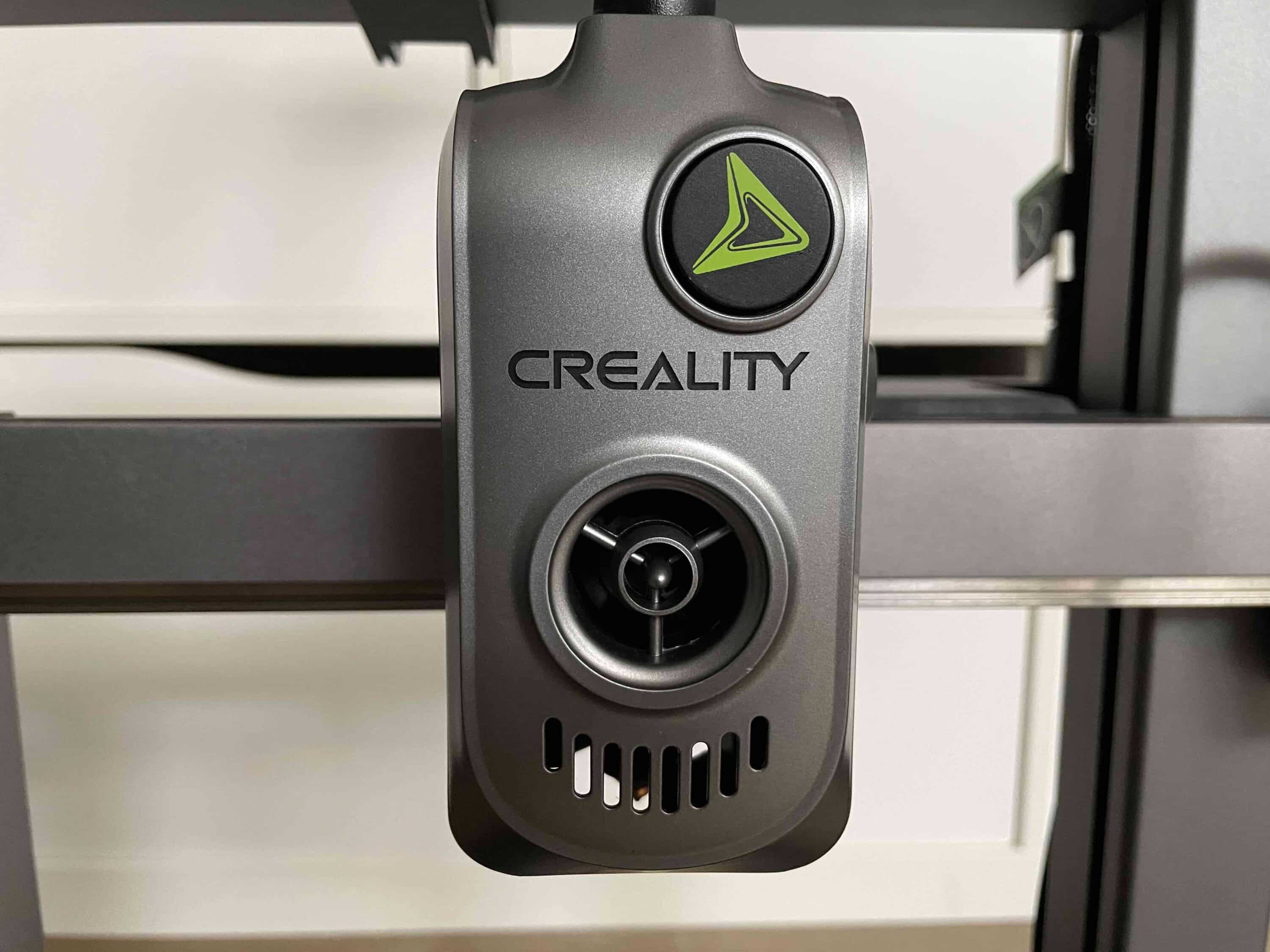
This feels good and gives the printer a stable and modern appearance. To enable operation and monitoring on the 3D printer itself, the Creality Hi has a practical display. This measures 3.2 inches and offers touch control. It is foldable and can therefore be aligned for different viewing angles. The 3D printer also has a practical camera.

This allows you to monitor your print projects in real time. The camera has a helpful cover cap so that you don’t have to worry about “Big Brother”. In our test, we were able to test the Creality Hi as a “combo model”. The big advantage: multi-colored prints are possible here without having to manually change the filament during printing.
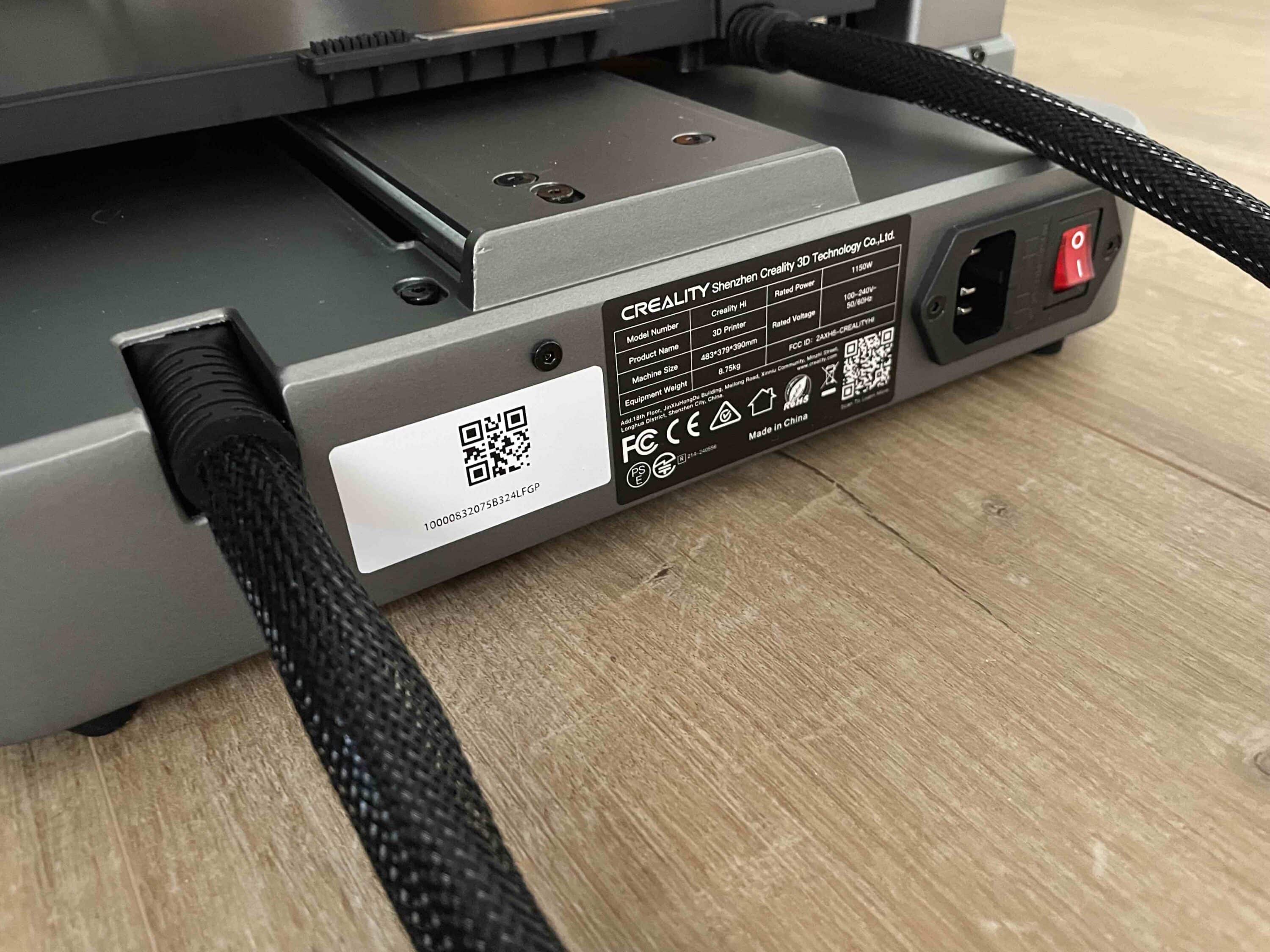
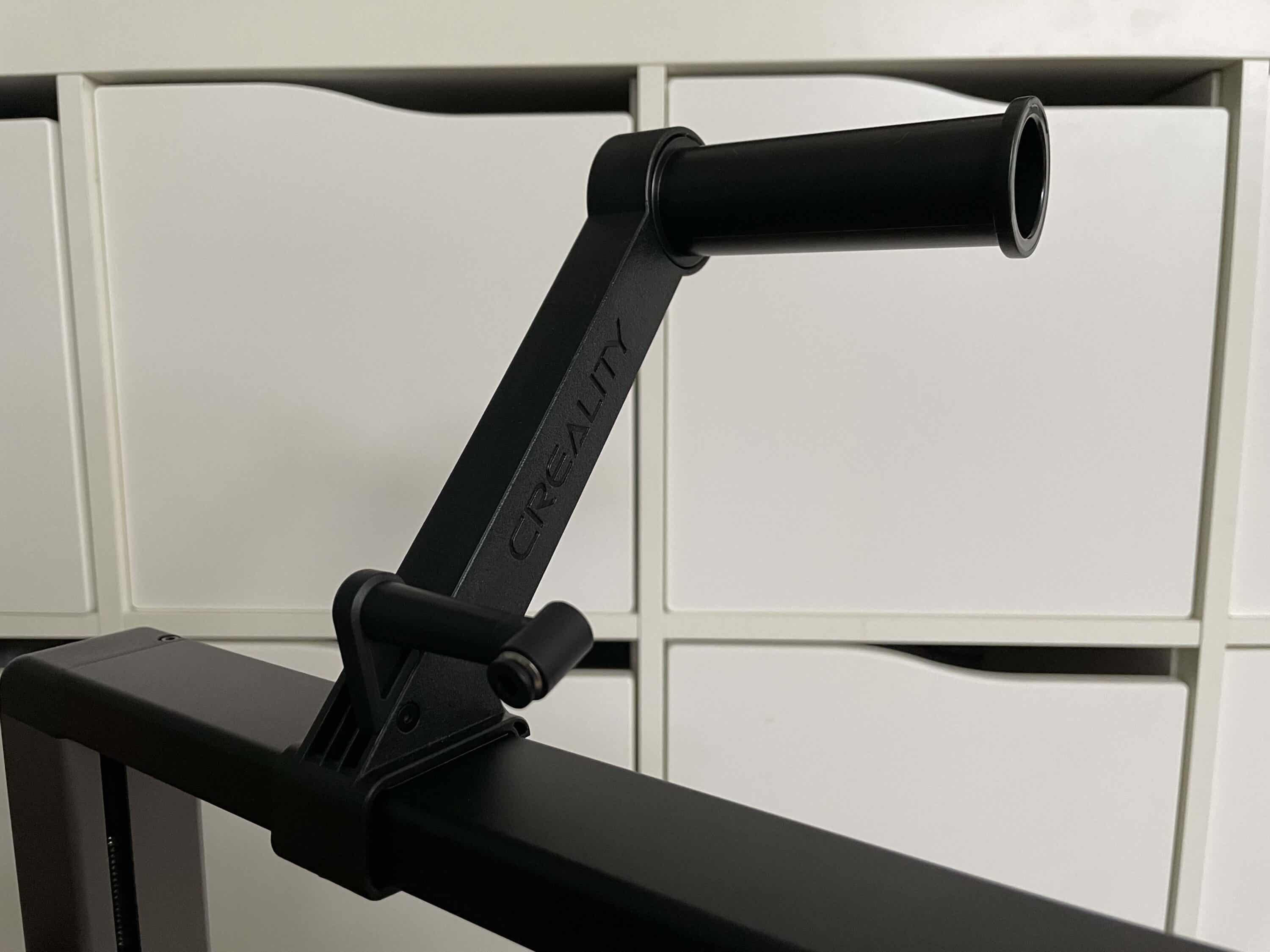
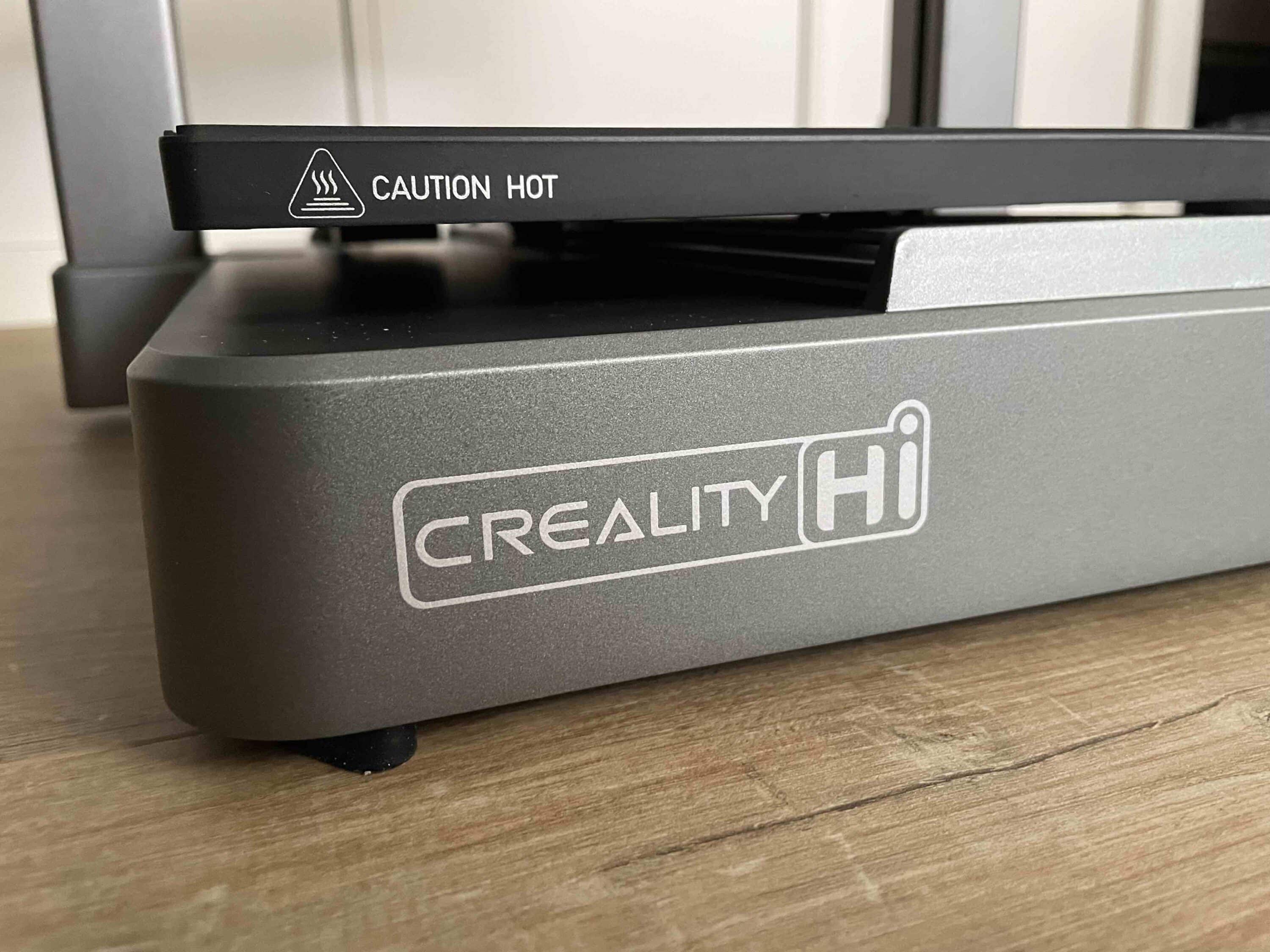
While the open design of the 3D printer itself clearly sets it apart from the closed design of its competitor, the Anycubic Kobra S1 Combo (Review | € 659.00 *), both printers are similar when it comes to filament storage. A multi-coil holder with space for up to four filament spools is also used here.

However, Creality is clearly ahead in terms of expansion options. While the Anycubic Kobra S1 allows a maximum of eight filaments, the Creality Hi Combo allows up to 16 different filaments for one print. To do this, you simply need to connect a total of four combo elements. Like the 3D printer, the filament holder also impresses with its high build quality.
Creality Hi Combo test: setup and commissioning
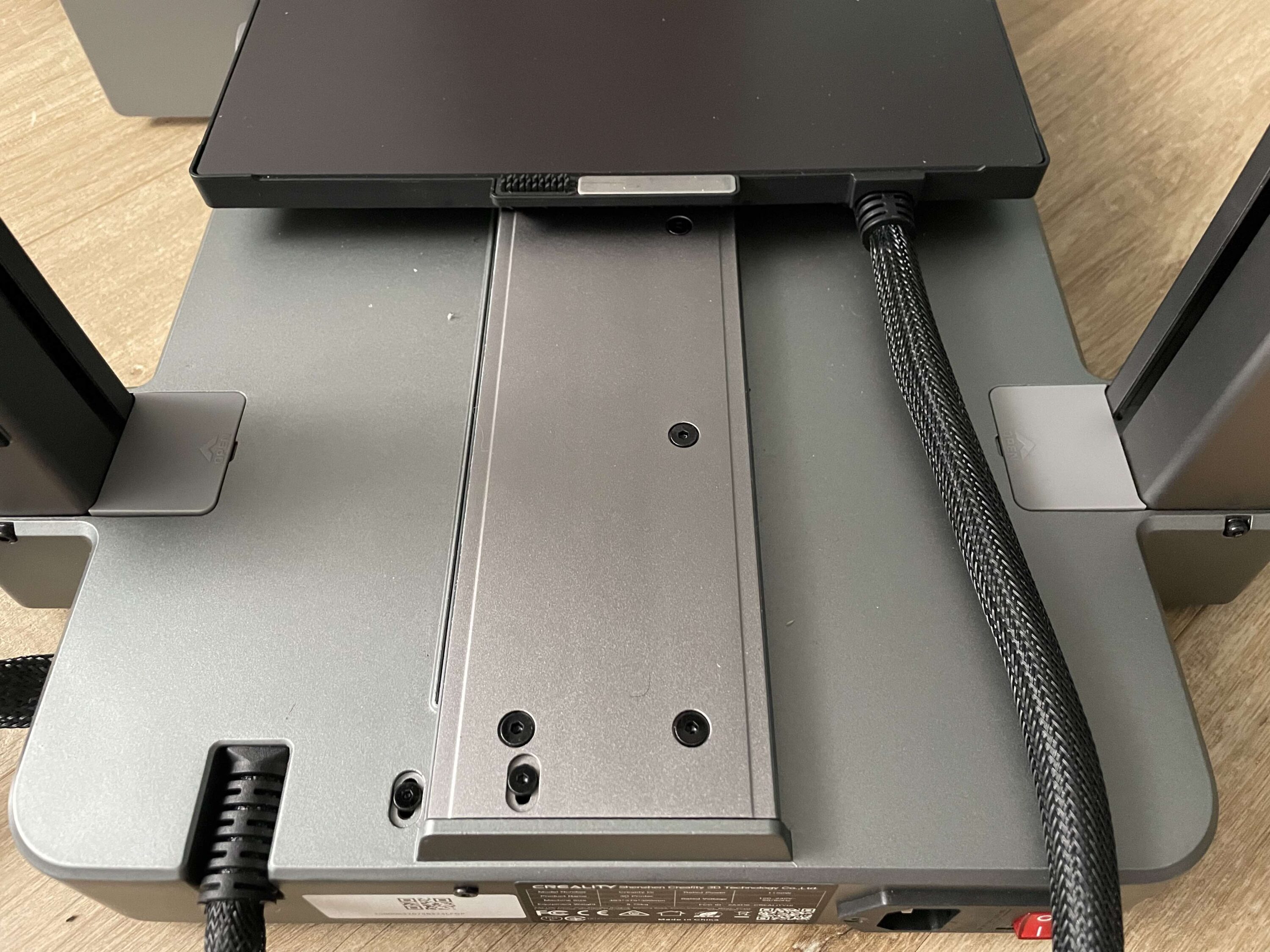
The installation of the Creality Hi is pleasingly quick. You can install the frame and print head on the sturdy base in just a few simple steps. The simple slot construction is particularly helpful here. This means that the frame is held in place even before you have tightened the screws. Once the frame has been positioned correctly, all you have to do is secure it with the enclosed screws. Continue on the back of the printer.

Here you have to screw in two more screws and can then put the enclosed Allen key to one side for the time being. This is followed by the wiring. You can easily find out how to wire what here in the enclosed operating instructions. As a layman, I didn’t feel confused at any point and placed the cables in the corresponding ports straight away. Thanks to the enclosed covers, the cables don’t detract from the clean look.

After a few more small steps, you can assemble the coil holder and connect it to the upper crossbar of the printer. However, this is optional in the “combo version”. Finally, the 3D printer draws its filament from the Creality CFS. You connect this to the printer using one of the two enclosed cables. Now you need to connect the two elements with the white tube so that the filament arrives where it belongs.

In theory, it all sounds quite easy. And I was also finished with the setup after a short time. But the first attempts at printing unfortunately went wrong. Instead of holding great print results in my hands, I got a lot of error messages on the display. This was particularly annoying for me as a newcomer. After several attempts, including a factory reset and support from Creality, I finally got my first results. I put the problems during setup down to the fact that it was a test device.
Creality Hi Combo test: App operation via Creality Cloud
For the print tests, I initially selected a model that the Creality Hi already provides in the device memory. But of course the printing options here are extremely limited. For more inspiration, it’s worth taking a look at the in-house Creality Cloud app. This not only allows you to control and monitor the Creality Hi. You can also access various print designs from other users. If you like a design, you can download it to the 3D printer and then have it printed.
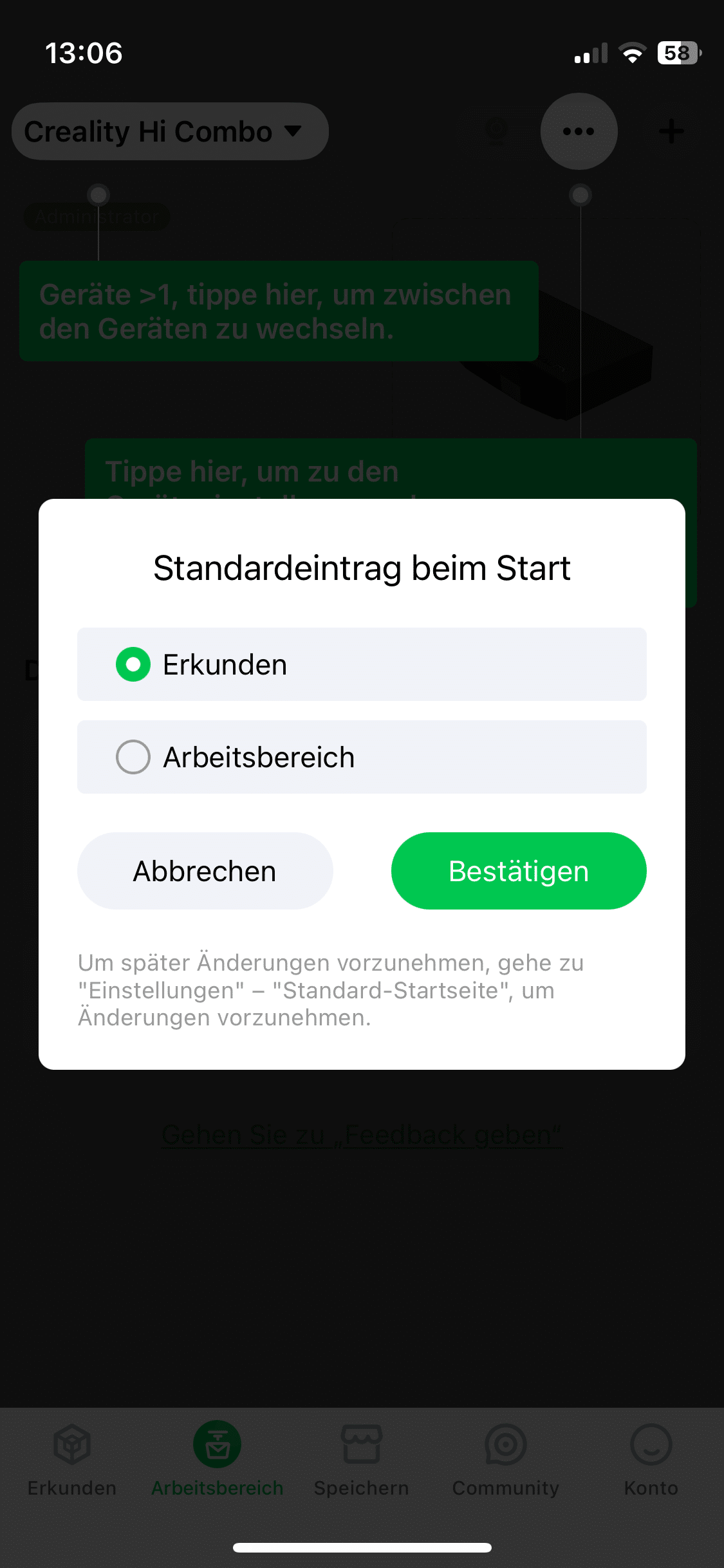
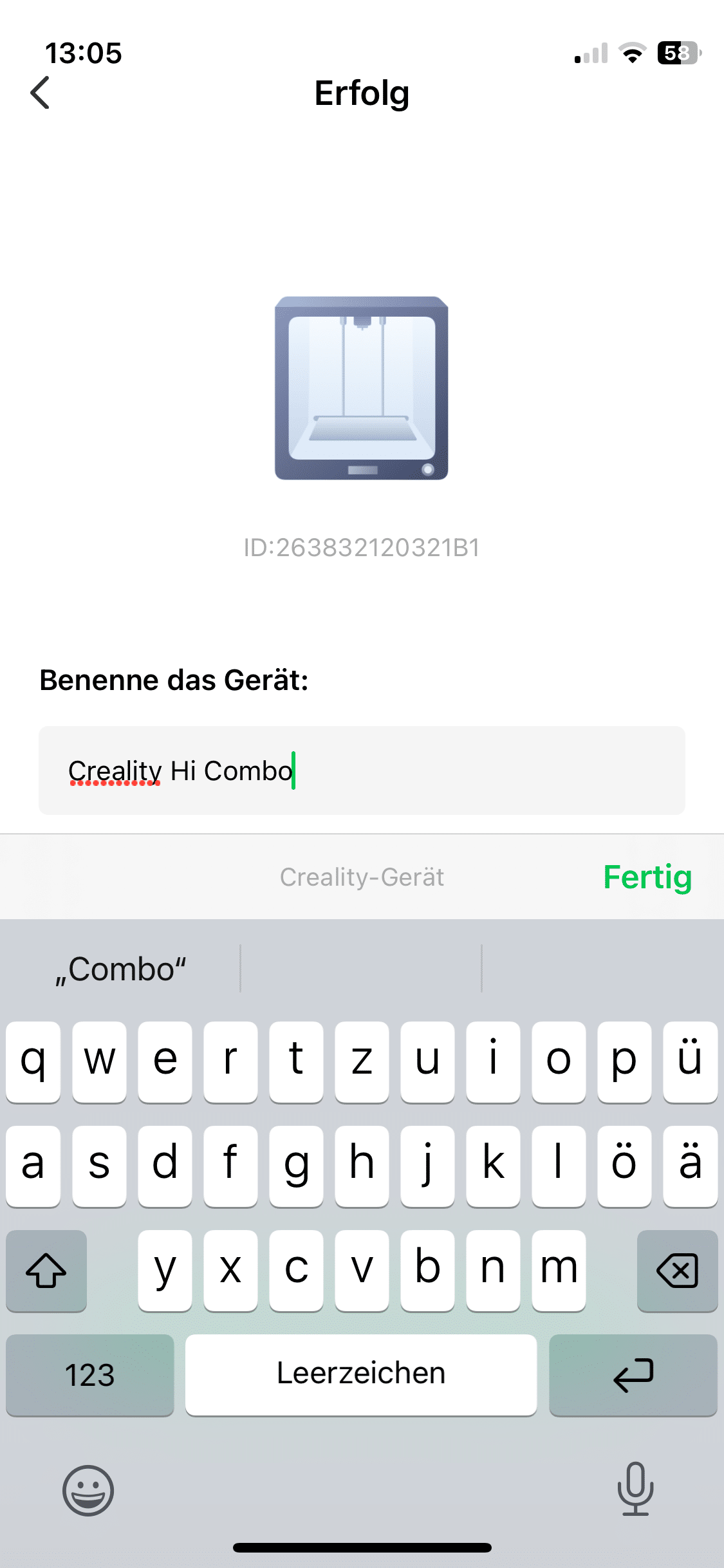
The app itself scores with a good overview. This also lets me overlook the sometimes not exactly clean translation into German. The connection between the printer and the app is also pleasantly uncomplicated. All you have to do is establish a network connection on the printer itself and then scan the QR code on the printer display to establish a connection. After a short time, I was able to access the printer via the app, which is really convenient in practice.
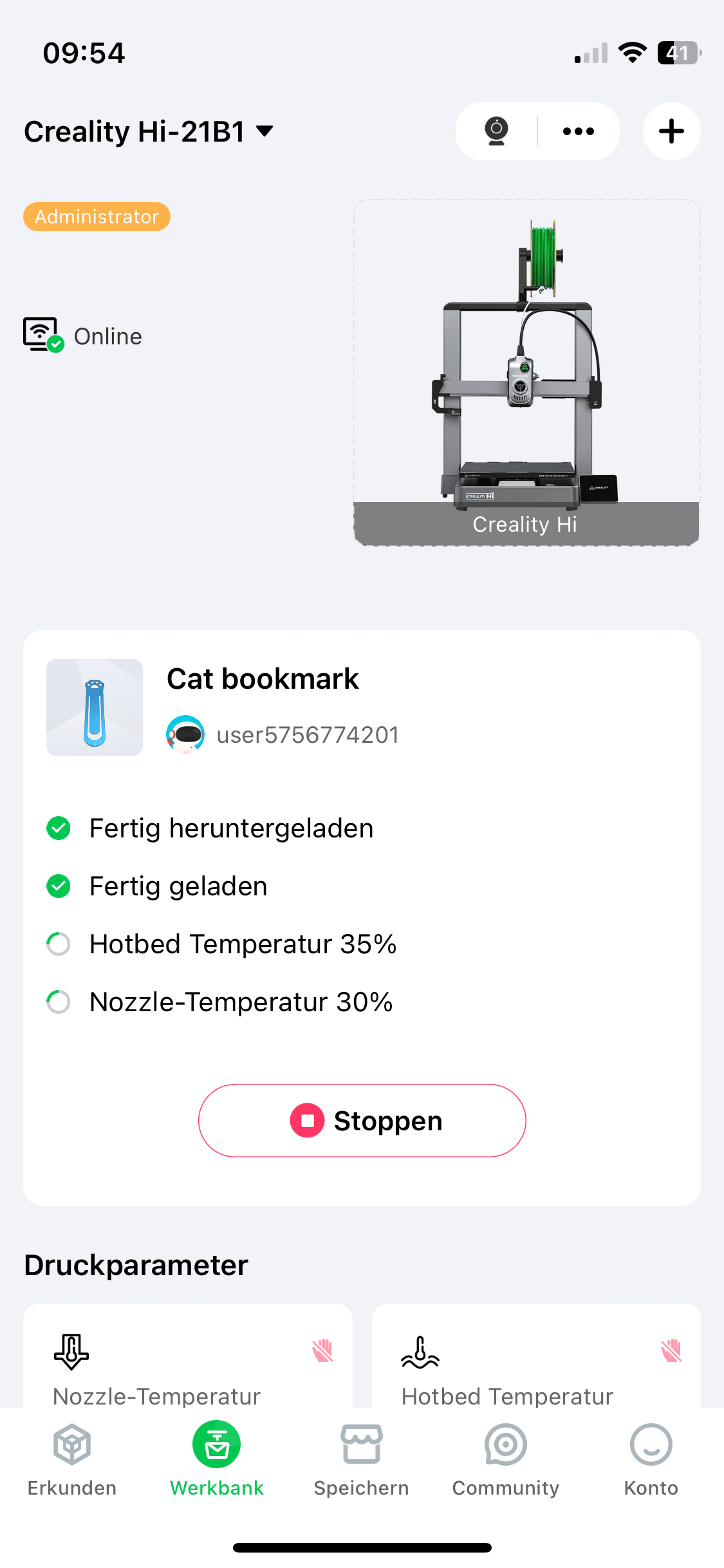
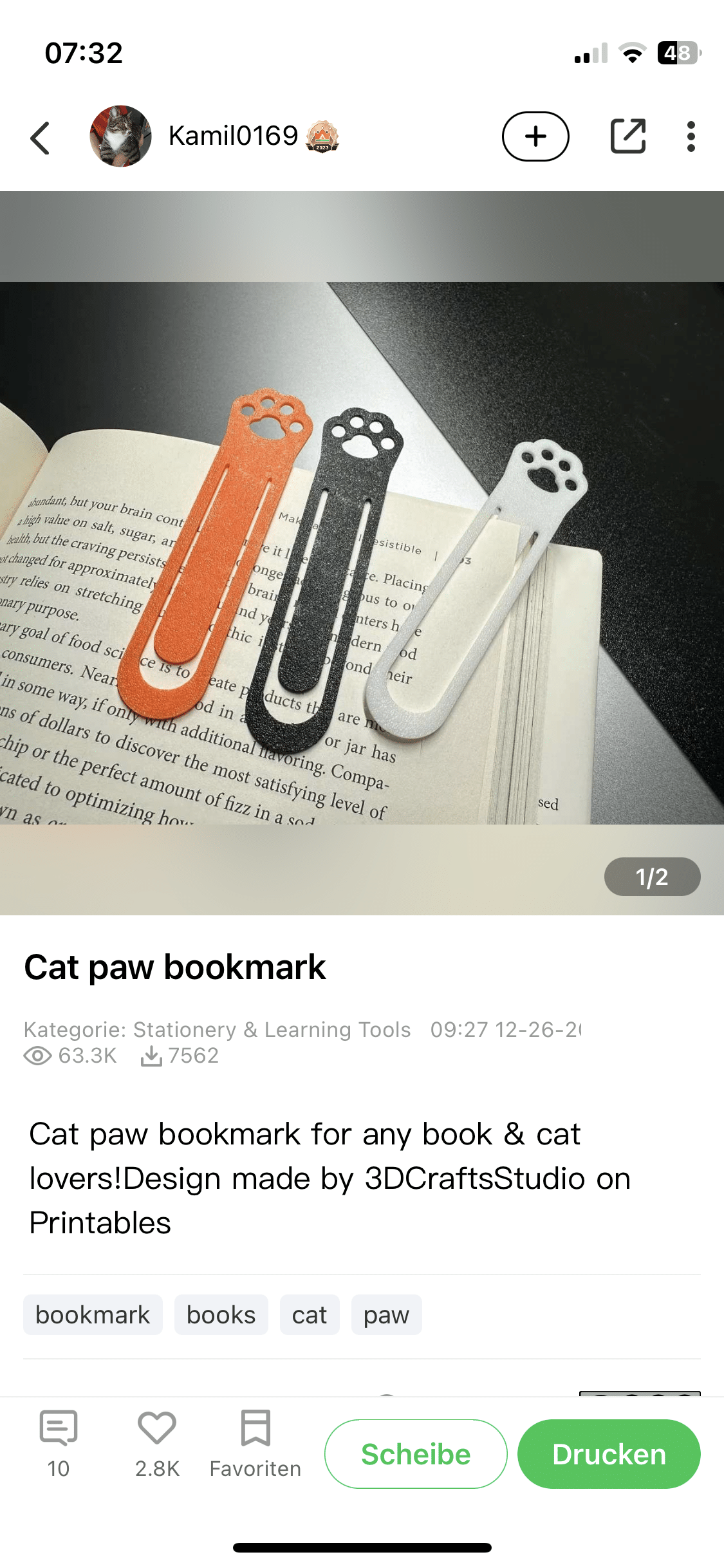
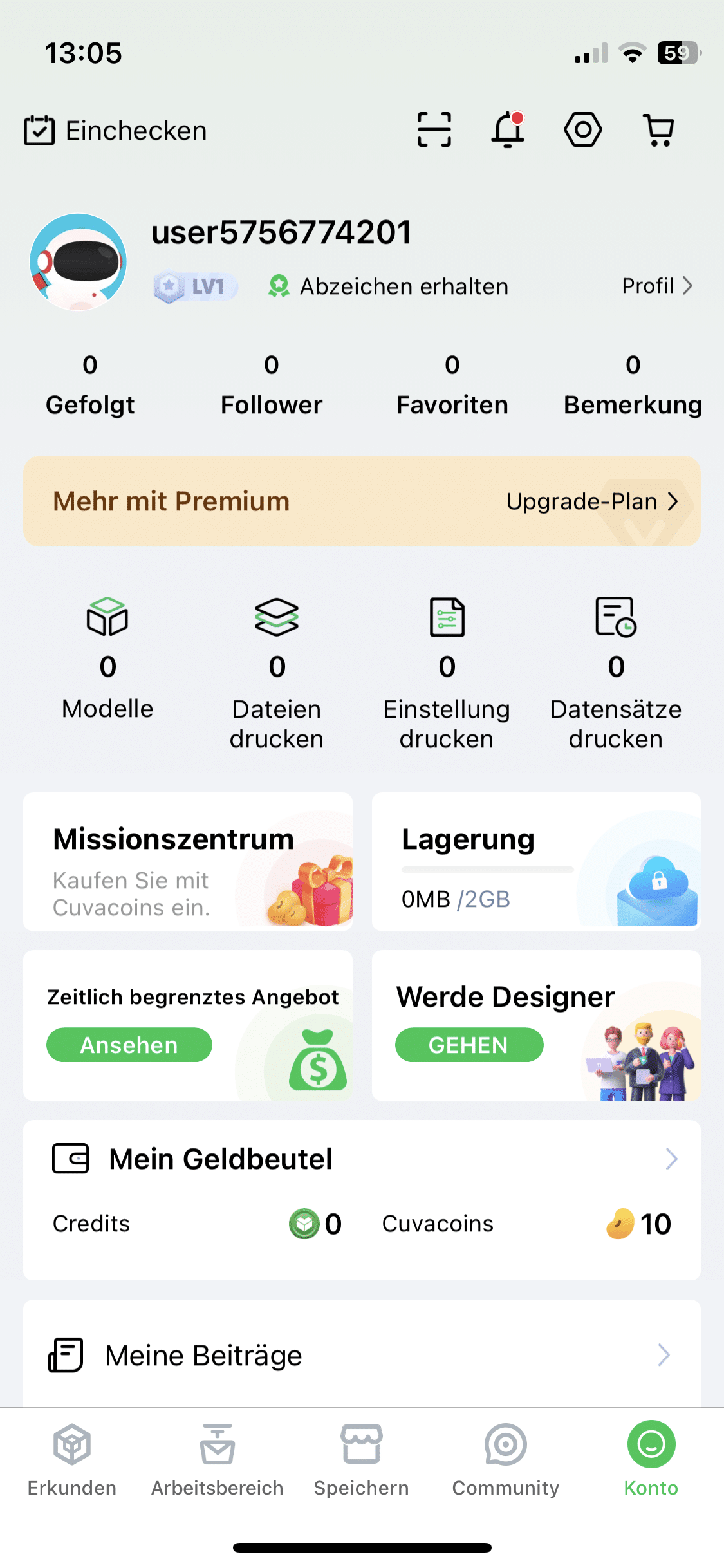
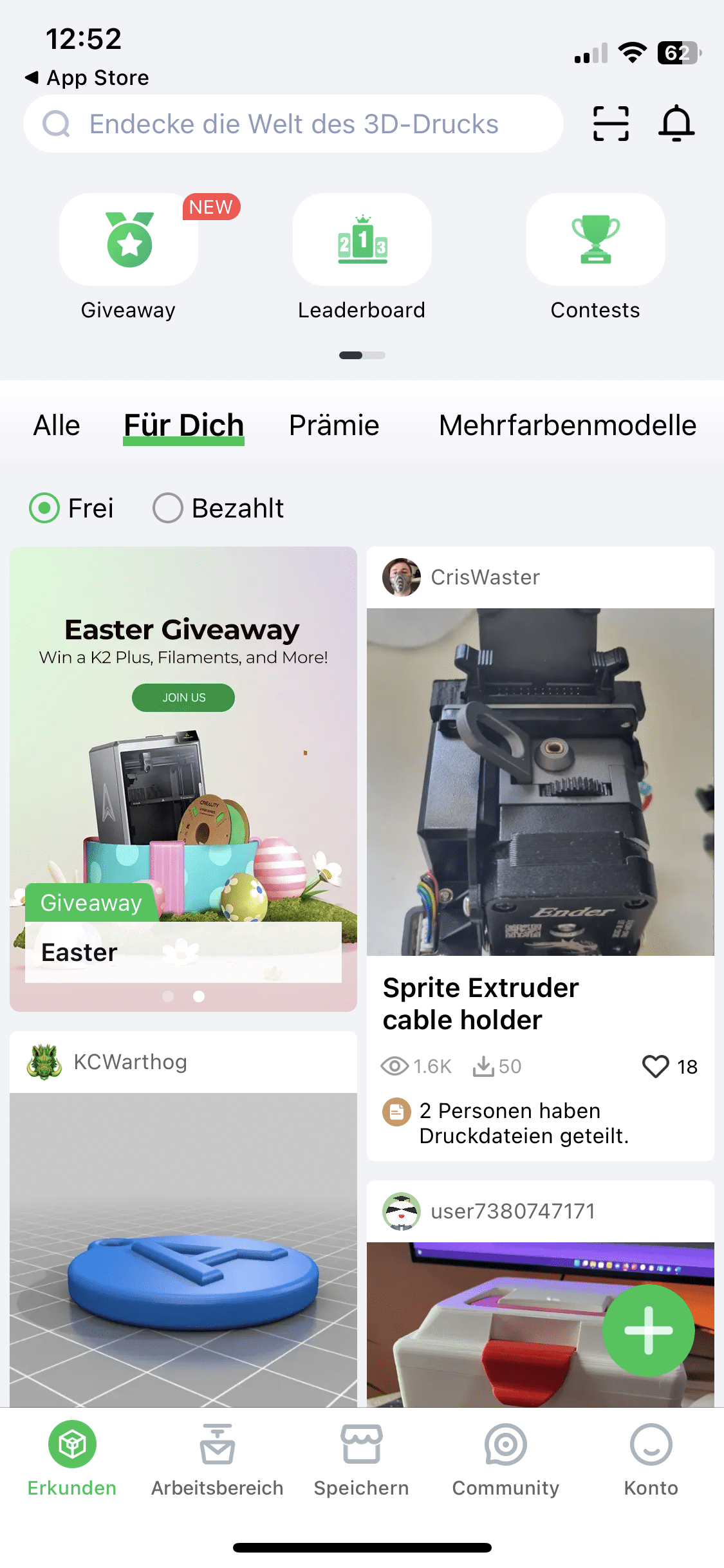
Really cool: Since the app knows which device you are using, you don’t have to specify what the parameters of your printer are. Instead, the software automatically knows the build volume and other properties of the device. You can also use the printer’s integrated camera via the app. This allows you to see how far along the Creality Hi is with the print project in real time. If you prefer to manage your projects on the computer, you can also use the in-house slicing software Creality Print 6.
Creality Hi Combo test: Practical test
Let’s move on to the practical experience – this was quite mixed during my test. To be more precise, it unfortunately took me a few hours before I was able to hold the first results in my hands. This was by no means because the Creality Hi is a lame snail when it comes to printing speed. Rather, I had to struggle with a few problems with my test model.
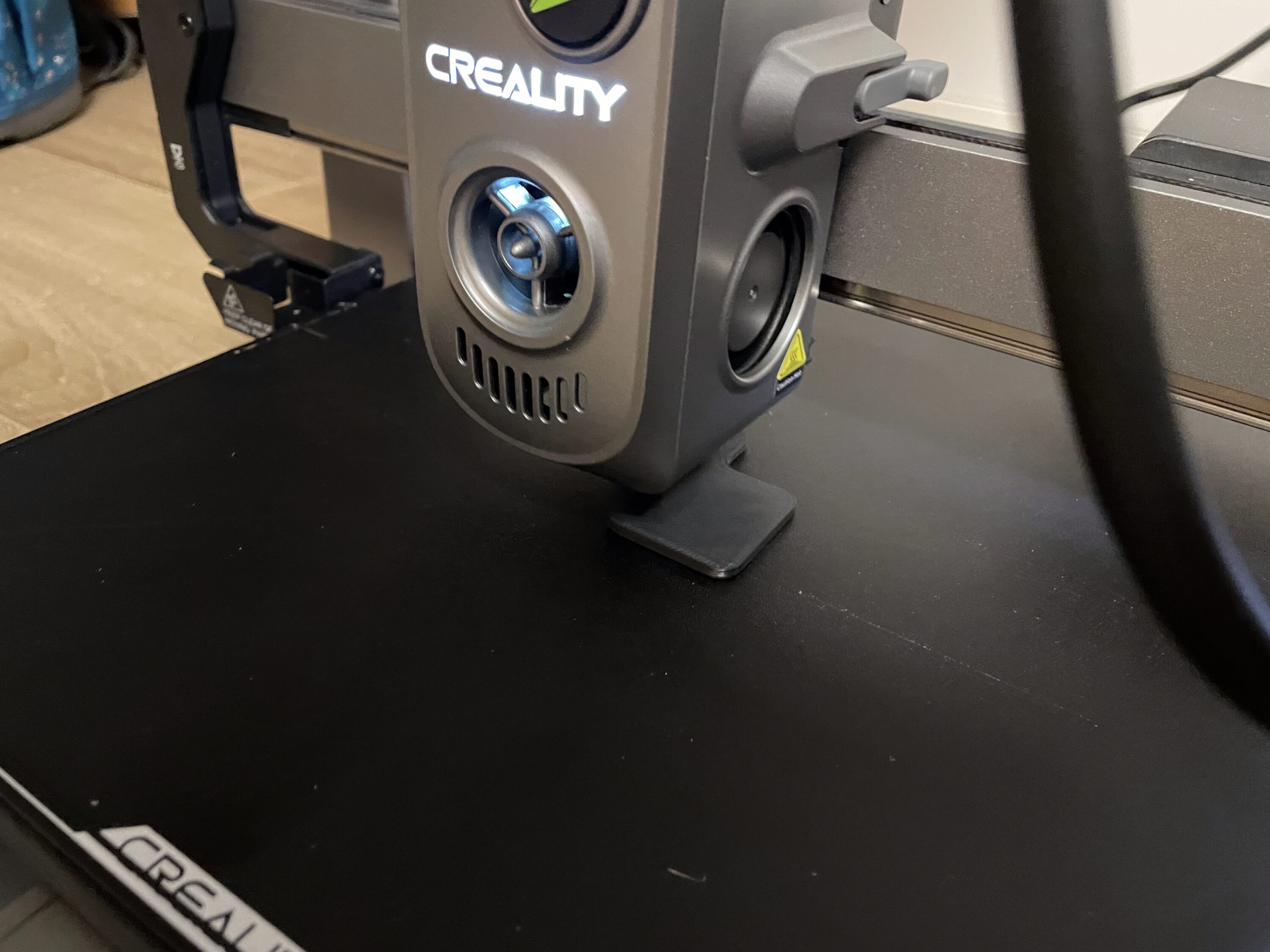
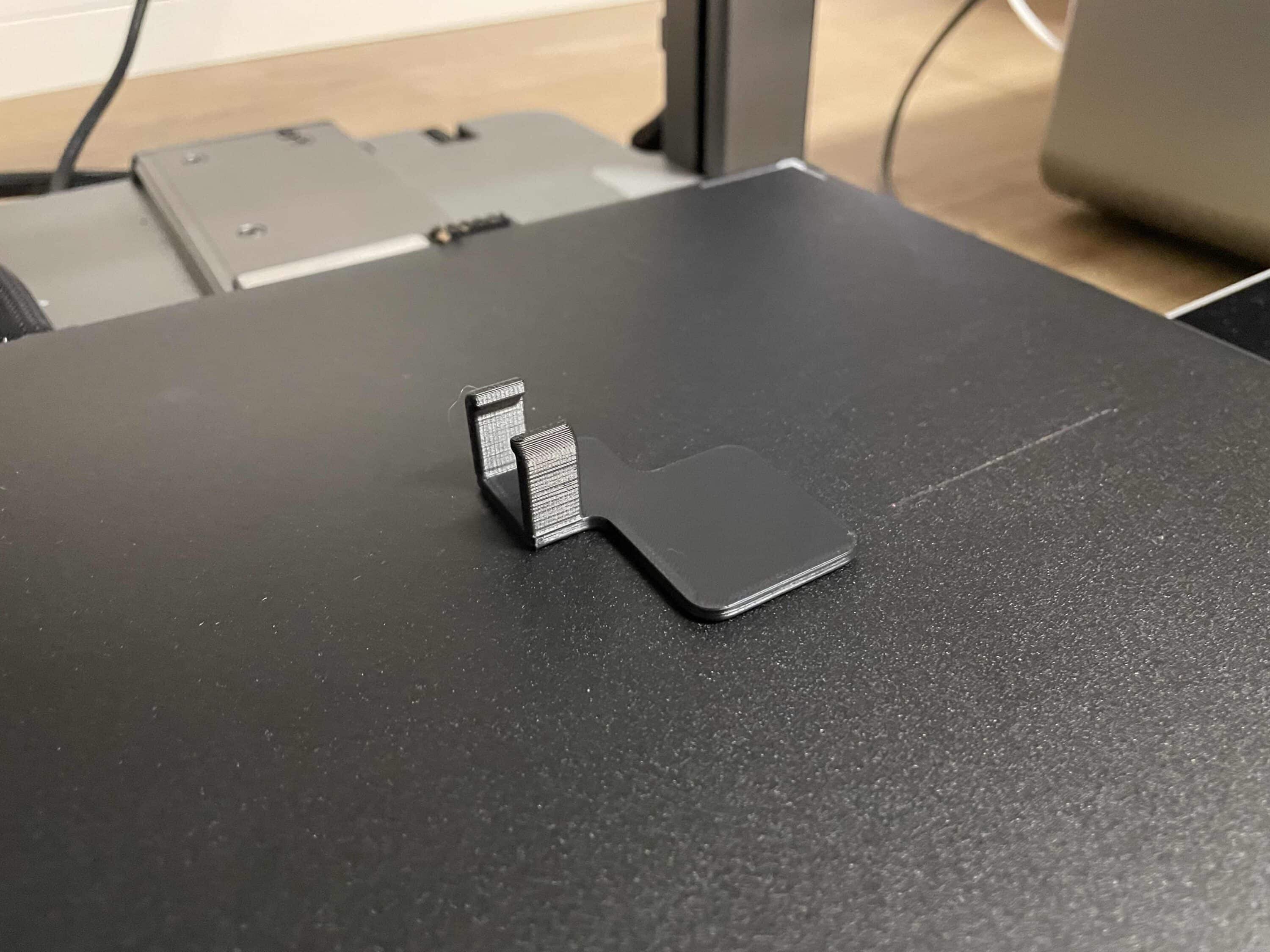
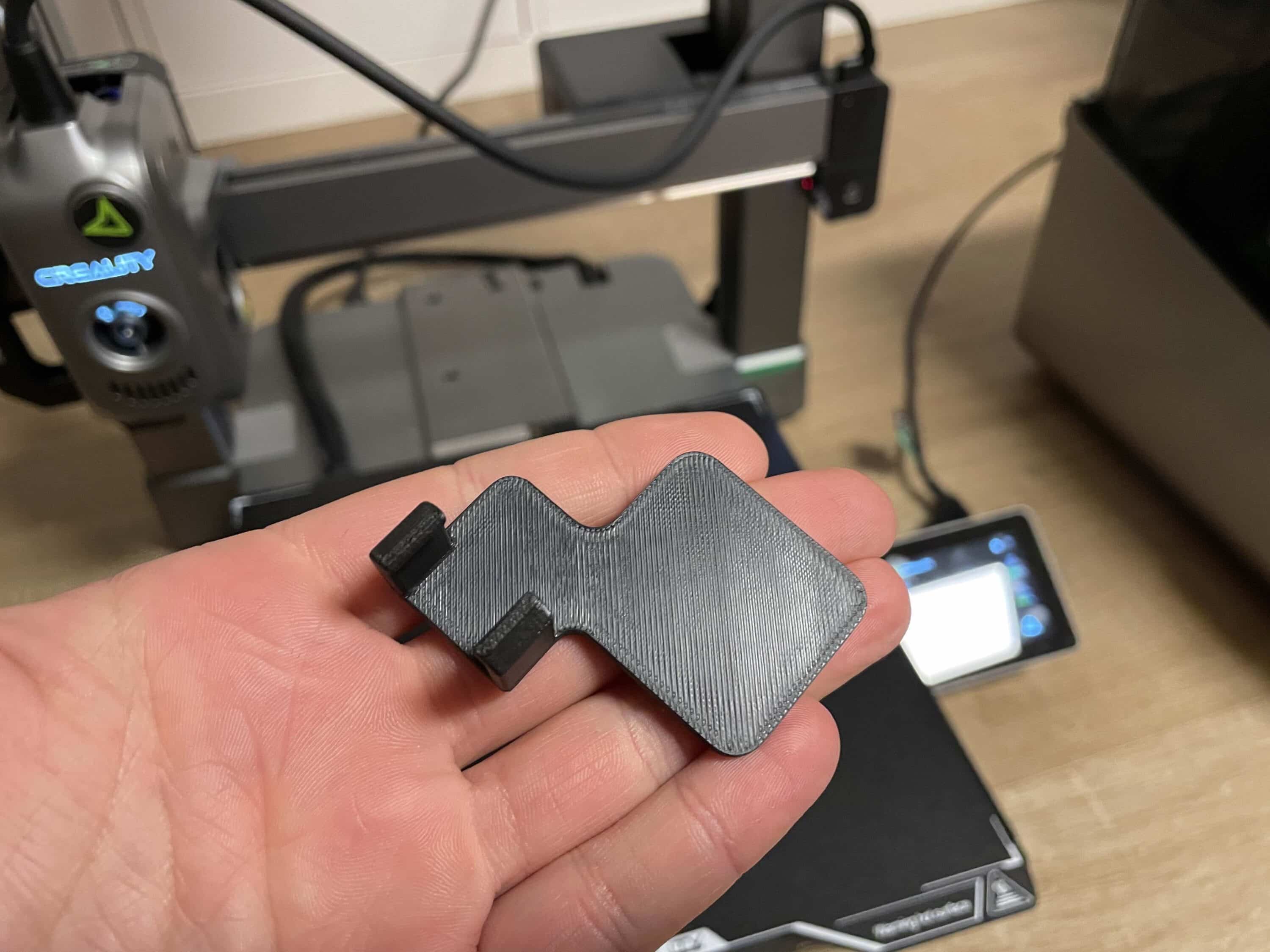
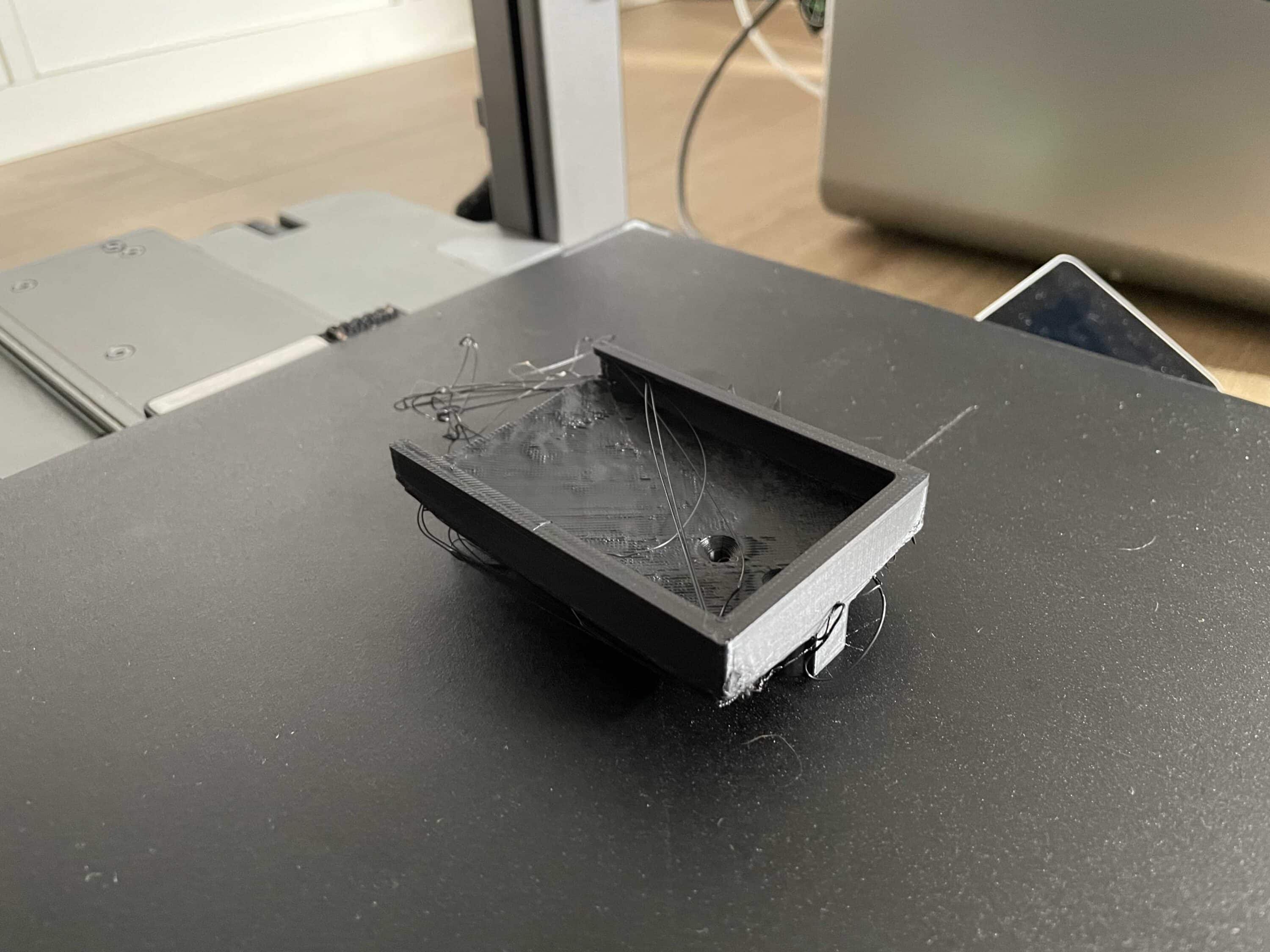
However, after contacting Creality itself, I was able to solve most of these problems with a little manual skill. Although the Creality Hi is not as fast as the Anycubic Kobra S1 Combo (Review | € 599.00 *), it was still fast enough. What struck me was the long preparation time before each print project.

Before every 3D print, you should first check the box for prior calibration. Although this ensures the most accurate printing results possible, it also takes a lot of time. Anyone looking for a blazingly fast printer should keep this in mind. Unfortunately, I was only able to test the Creality Hi with one coil due to the slight technical problems.

In the Combo version, however, Creality goes a big step further. With the CFS, prints with up to four different colors are possible. Thanks to the modular system, up to four CFS can be connected, making prints with up to 16 different colors possible. Here Creality is again ahead of the Kobra S1 Combo, whose maximum is eight different colors.
Conclusion
With the Creality Hi Combo, the manufacturer is launching an ambitious 3D printer on the market that will appeal to beginners in particular with its simple design, intuitive operation and attractive price-performance ratio. The ability to use up to 16 different filaments is particularly exciting – a truly unique selling point in the consumer 3D printer segment. The high-quality full metal frame and well thought-out accessories also make a very solid impression. However, the practical test shows that not everything runs smoothly. Technical teething troubles in particular clouded the initial impression.

However, I would put this down to the teething troubles of my test device. After extensive research, my problems seem to be the exception rather than the rule with the Creality Hi Combo. On the other hand, the stable app connection and the integrated camera, which provide a convenient control option, especially for longer printing projects, should be emphasized positively. If you can live with occasional teething troubles and don’t mind long calibration phases, the Creality Hi Combo is a powerful multicolor printer that scores particularly well with its modular CFS system and extensive expandability. This makes it an exciting choice for ambitious beginners and creative hobbyists.

VORTEILE
- Up to 16 filaments can be used simultaneously thanks to CFS system
- High-quality workmanship with robust all-metal housing
- Easy installation thanks to pre-assembled components and clever design
- Intuitive operation via touchscreen and Creality Cloud app
- Integrated camera for live monitoring of the printing process
- Automatic leveling saves time and effort during setup
NACHTEILE
- Long preparation time before printing starts
- App partly poorly translated
- Technical problems in the test model (subjective problem)
Fazit
The Creality Hi Combo is a versatile and beginner-friendly 3D printer with strong multicolor potential.rnrn


