


In terms of technical specifications, the EufyCam S3 Pro appears to be one of the most advanced surveillance cameras we have had the pleasure of testing to date. We have to highlight not only the sharp 4K resolution, but also the pioneering color night vision and AI for motion detection. The whole thing is rounded off by the ability to use the HomeBase S380’s up to 16 TB of video storage without monthly cloud fees. Read our Eufy eufyCam S3 Pro test to find out how the premium camera performs in practice.
Technical data
| Model | Eufy eufyCam S3 Pro |
| resolution | 4K UHD (3840 x 2160 pixels) |
| zoom | 8x digital zoom |
| Dimensions | 14.35 x 6.9 x 8.24 cm |
| Night vision | Colored night vision (without spotlight) |
| Field of view | 135 degrees, 12 meter range |
| Connectivity | 2.4 GHz and 5 GHz WLAN |
| Video storage | Cloud or local storage up to 16 TB (with HomeBase S380) |
| Protection class | IP67 |
| Smart home compatibility | Amazon Alexa, Google Assistant, Apple HomeKit |
| Motion detection | AI recognition of faces, people, vehicles and pets |
| Battery life | Up to 365 days (continuous operation possible with solar panel) |
| Power supply | – Rechargeable battery (charged via USB-C) – Solar panel optional – Up to 365 days runtime |
| Data protection | AES-128 encryption |
| price | € 649.00 (€ 324.50 / stück)* |
Scope of delivery
The EufyCam S3 Pro is available in different sets. For our test, Anker provided us with the latest EufyCam in a set of 2. If you need more, you can also buy a set of 3 or even 4. Anker then sells the sets with a matching HomeBase to provide suitable local video storage. If you already have a HomeBase at home, the cameras can also be purchased individually.

Our set contains:
- 2x eufyCam S3 Pro
- 1x HomeBase S380
- 1x USB-C charging cable
- 1x external solar panel
- 1x LAN cable
- 3x wall mounts
- power supply
- USB-C cable
- mounting material
- Installation instructions
Eufy eufyCam S3 Pro test: design & workmanship
Experience has shown that eufy cameras impress with their modern and minimalist design. The best example is certainly the eufyCam S330 (review, € 327.90 (€ 163.95 / stück)*). In general, the Anker subsidiary seems to have taken its cue from the S330 model. Both the attractive black and white color scheme and the slim design ensure that the surveillance camera is suitable for both indoor and outdoor use.

Nevertheless, eufy has clearly designed its surveillance system for outdoor use. This is clear from the robust plastic housing, which is protected against the damaging ingress of dust and water in accordance with the IP67 standard. This makes the camera perfect for outdoor use, even in extreme weather conditions.

The front is not only home to the camera lens. On top of this, eufy places LEDs on the left and right. The technology required for motion detection, the radar system, infrared sensors and the microphones are also located here. The solar panel is located on the top, while the thread for attachment to the bracket is on the back.

A look at the underside reveals a rubber cover next to the speaker. The USB-C port, which can be used to charge the camera’s battery, is located under the rubber cover. The USB port is also accessible when the camera is mounted on the wall.
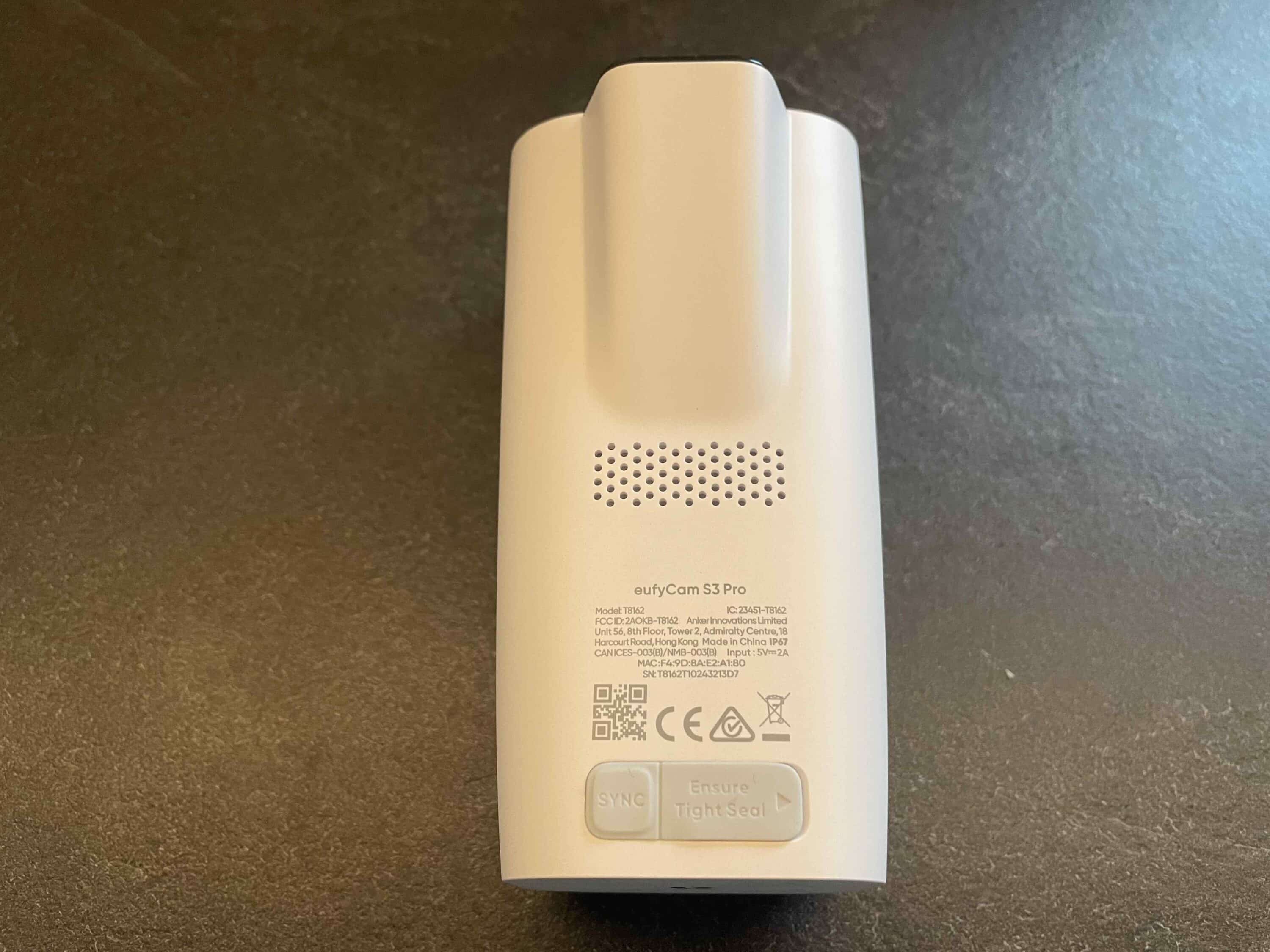
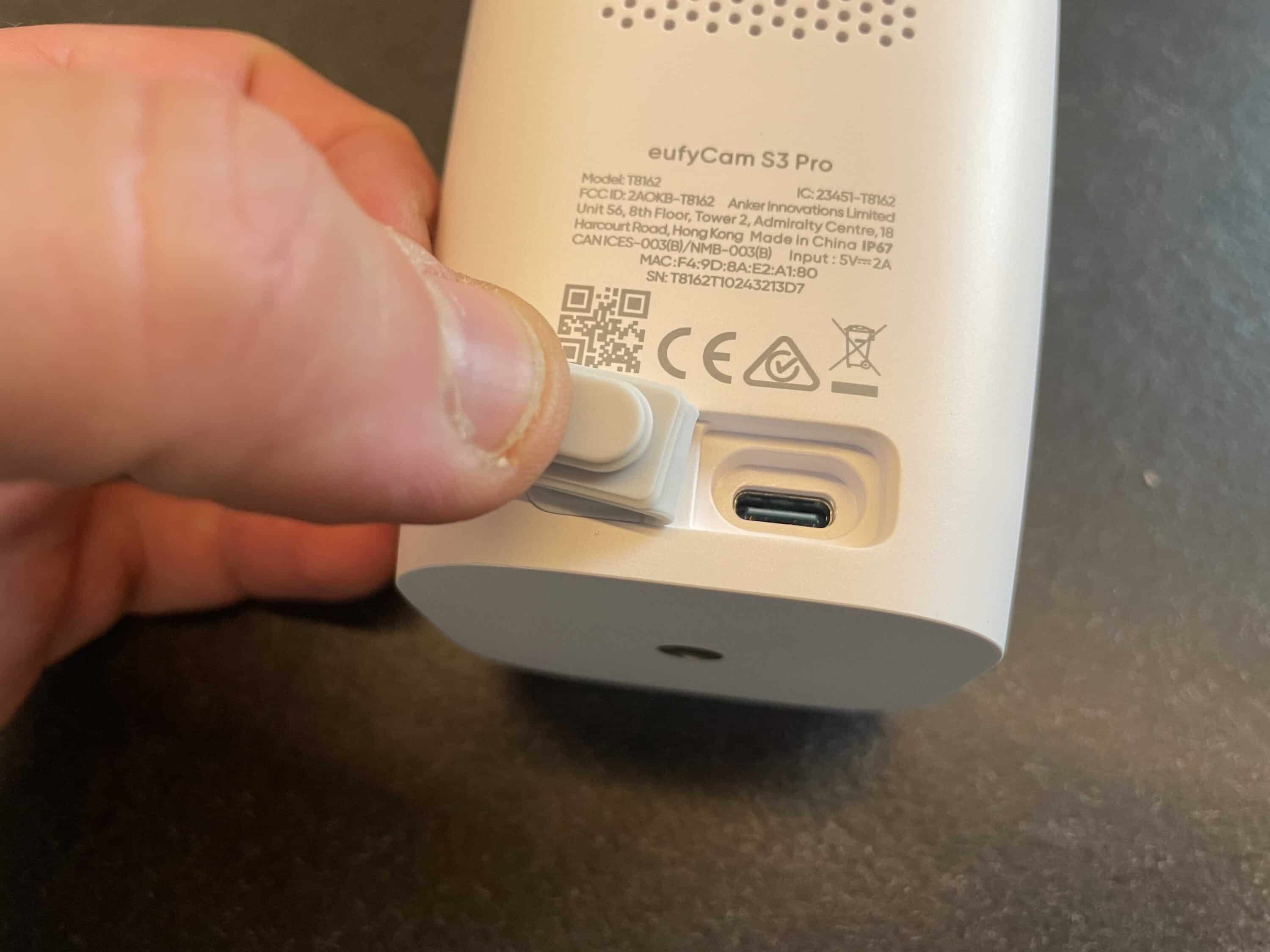
An additional solar panel can also be attached via the power connection, which is also included in our bundle. This is advisable for a location where the mini panel on the top does not receive enough sunlight. The sync button, which is also protected by rubber, is also located here. Overall, the eufyCam scores with its excellent build quality and modern look.
Eufy eufyCam S3 Pro test: Setup & installation
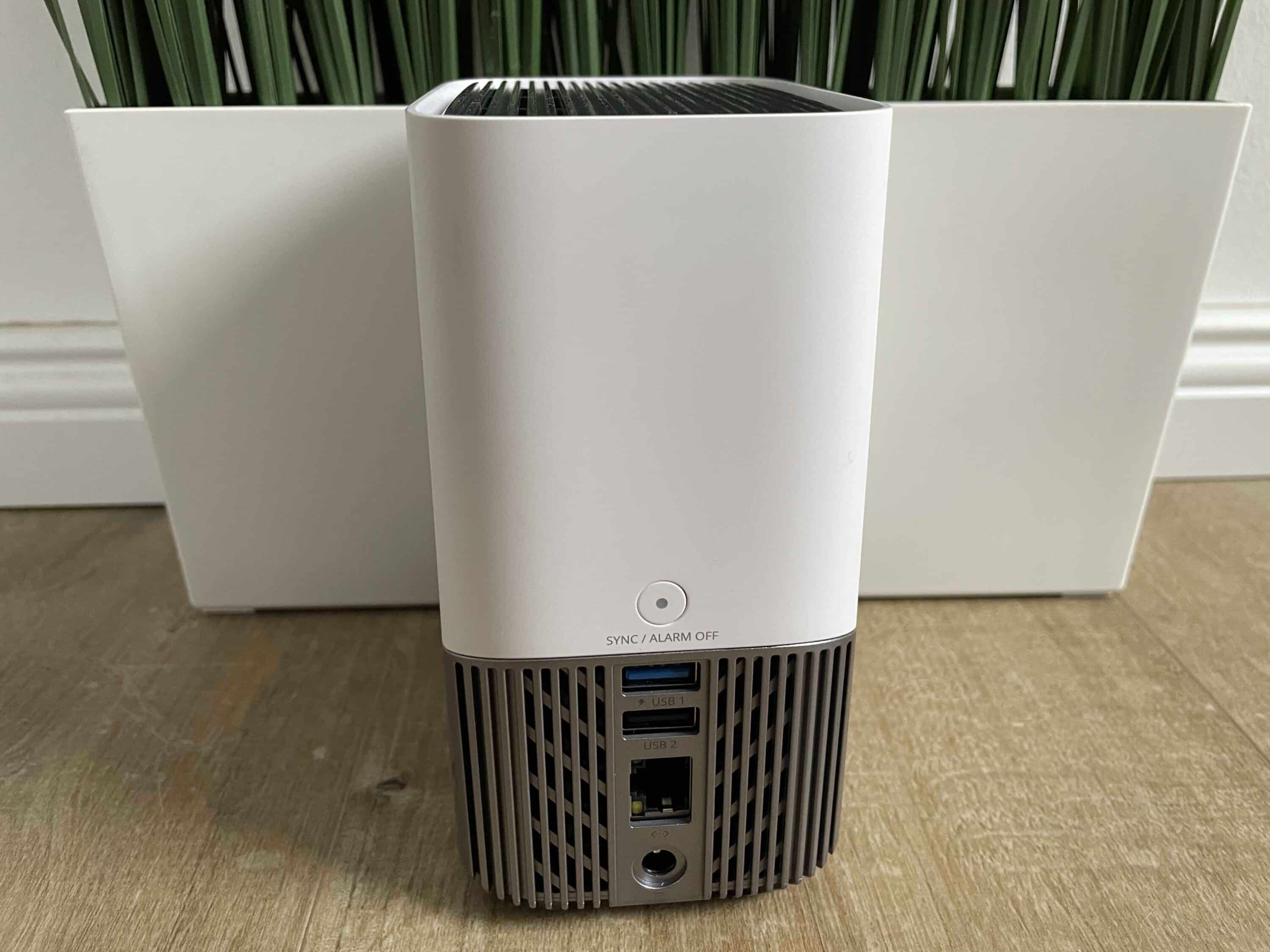
Setting up the EufyCam S3 Pro is very easy and requires no prior technical knowledge. To be able to use the camera properly, you need the HomeBase S380 (review, € 149.00 *). The HomeBase is connected to the router via Ethernet cable, whereupon the cameras are paired wirelessly via WLAN.
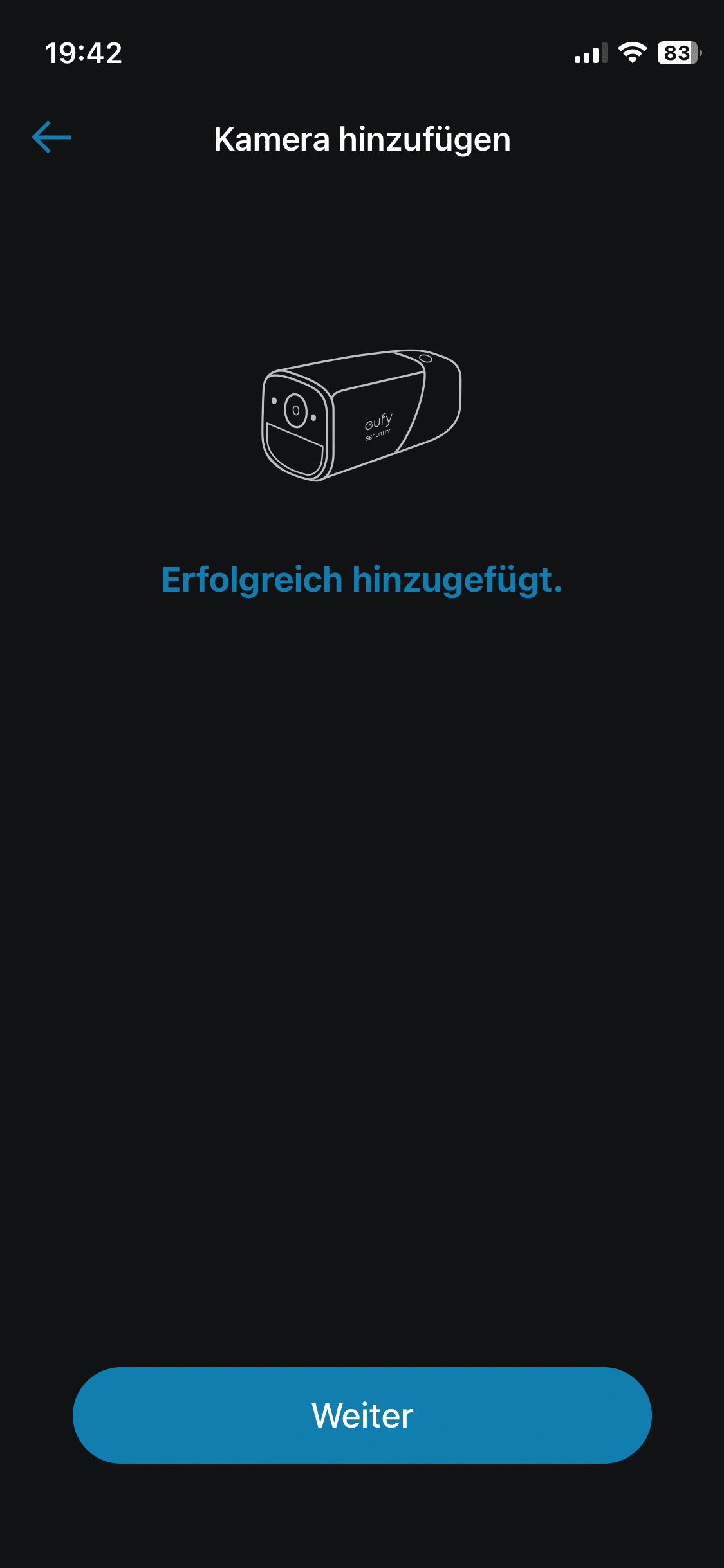
The Eufy Security app is used for this, which features easy-to-follow step-by-step instructions. The cameras can be installed flexibly thanks to the integrated battery. After all, you are independent of power cables. However, you should place the camera in a location with plenty of sunlight if possible.

This is the only way the mini PV panel can absorb sufficient sunlight. Once you have found a suitable location, the wall mount can be installed quickly and easily using the appropriate tools. All you have to do is attach the camera and the system is ready for use. This should only take a few minutes, even for non-professionals.
Eufy eufyCam S3 Pro test: Eufy Security App
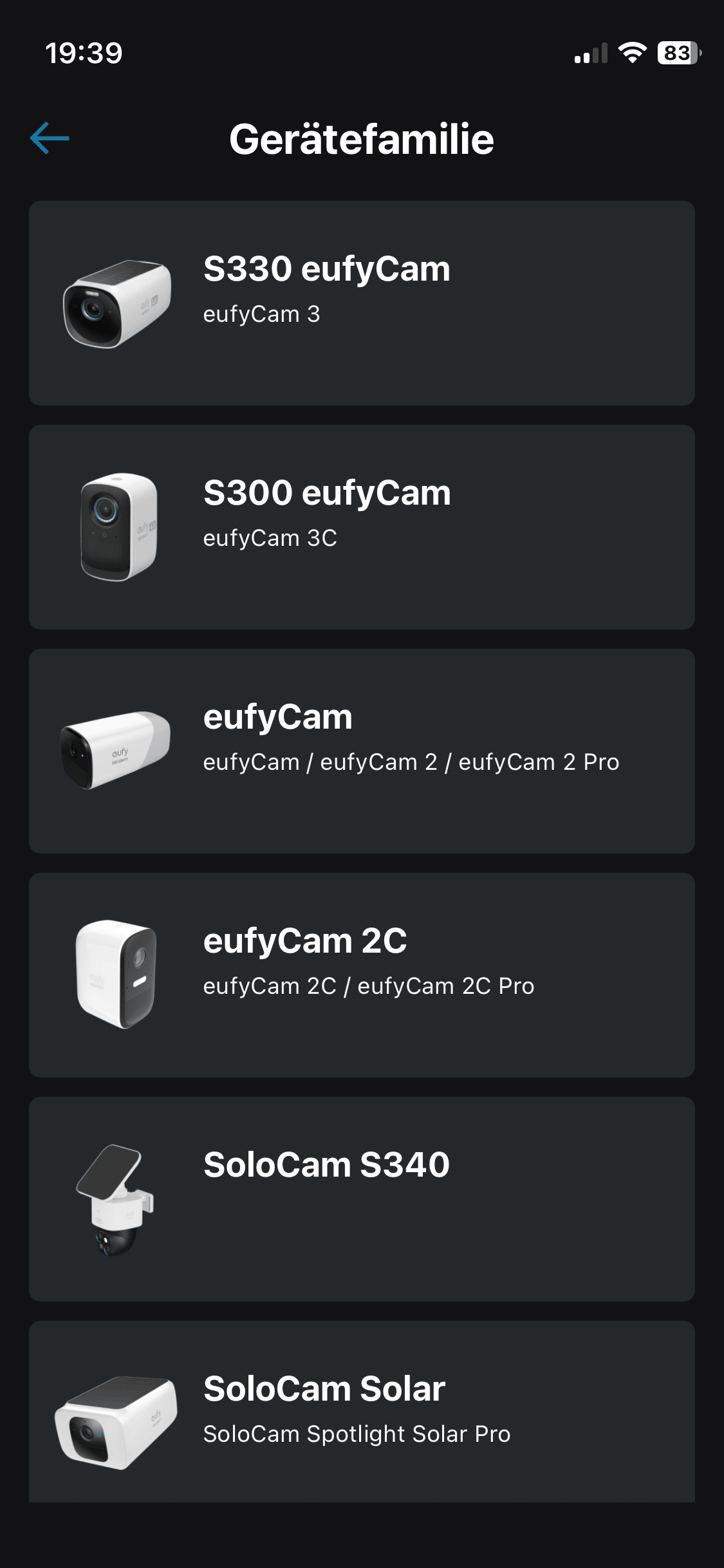
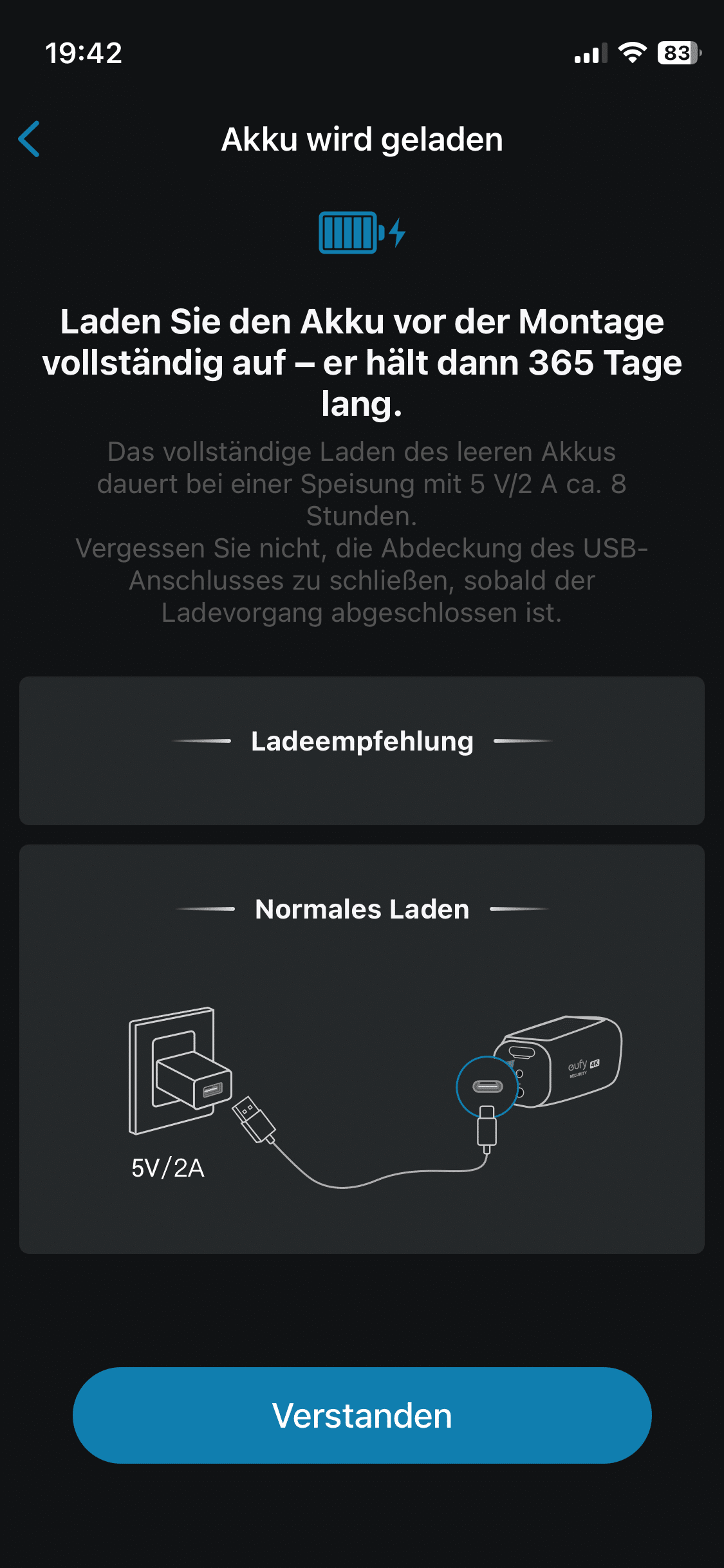
The camera is controlled via the intuitive Eufy Security app, which is available for both iOS and Android. The app can be used to view live recordings in real time, search through saved videos and set up alarm notifications.
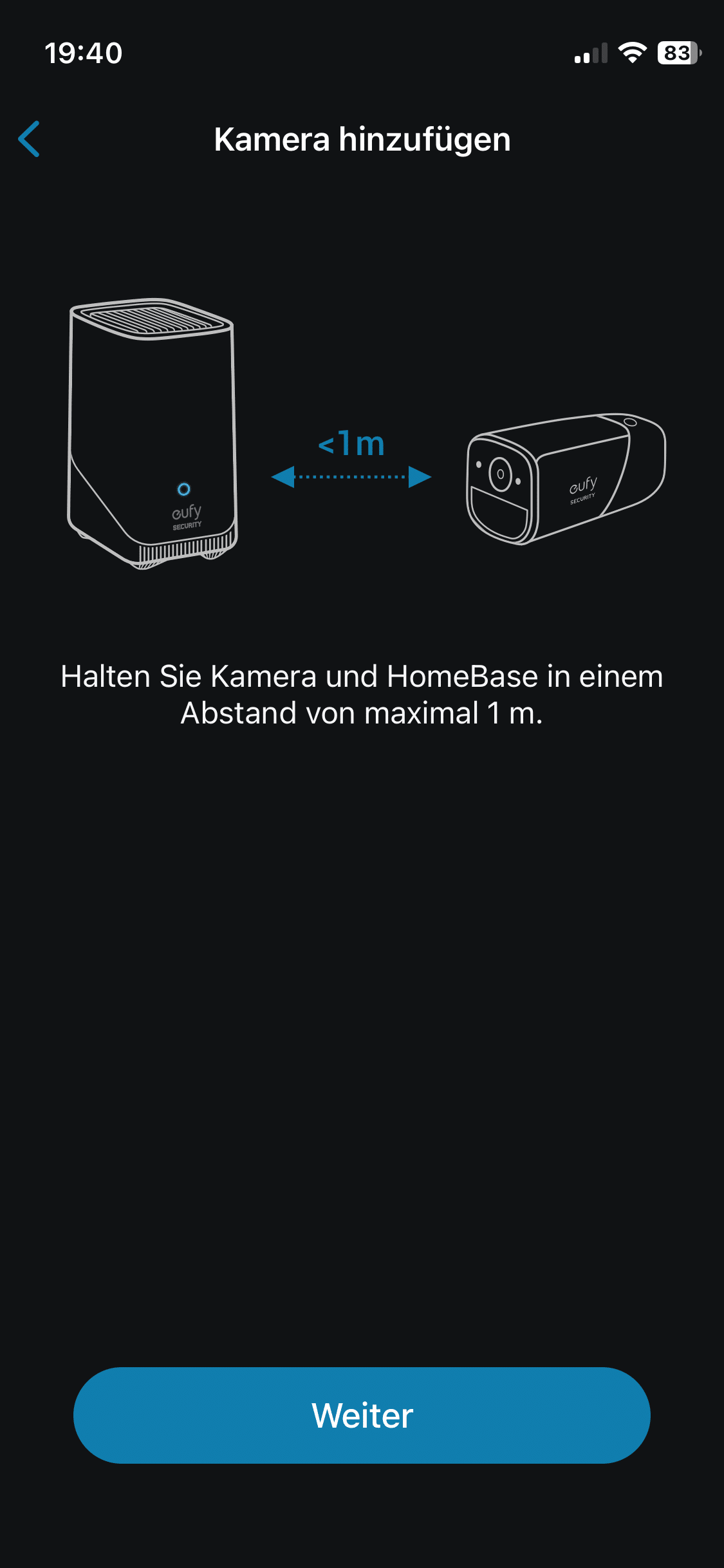
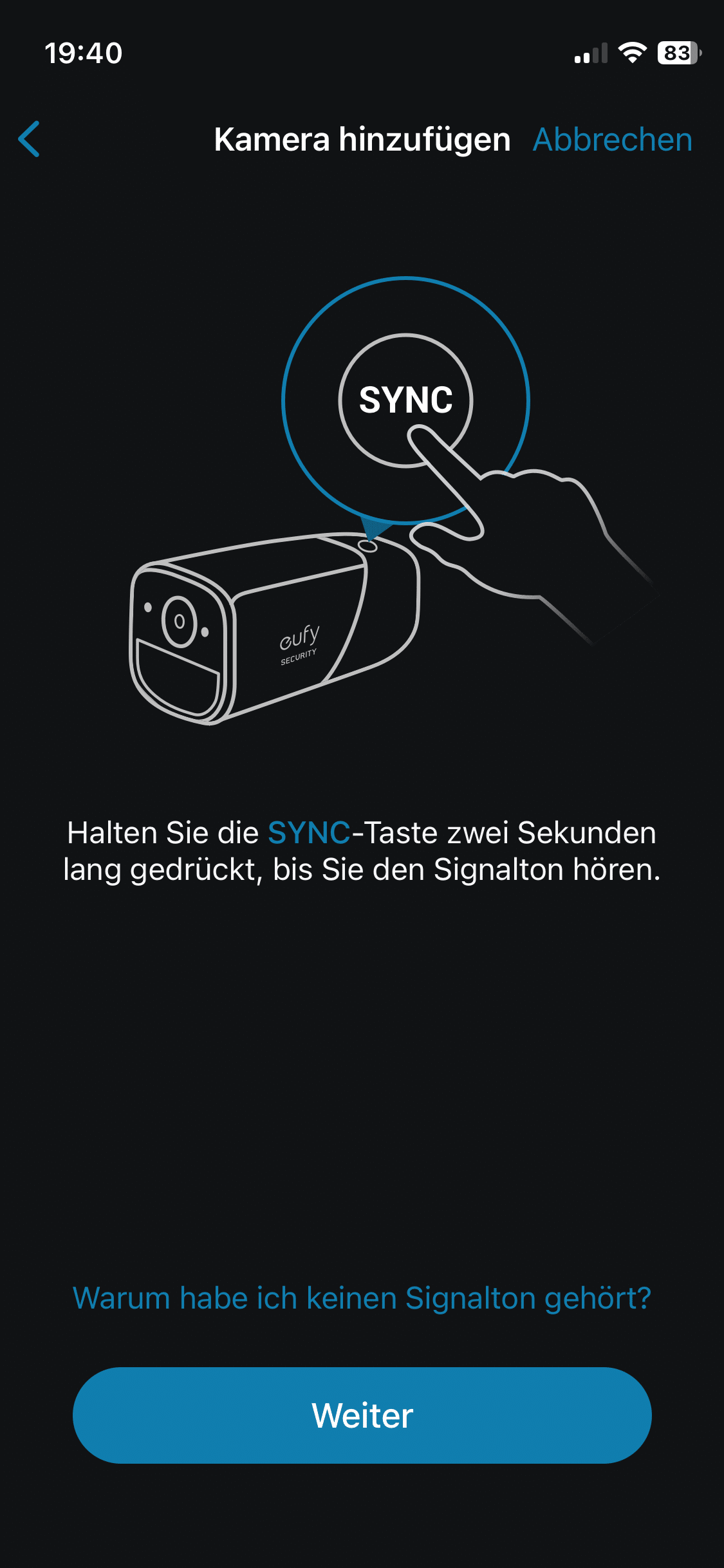
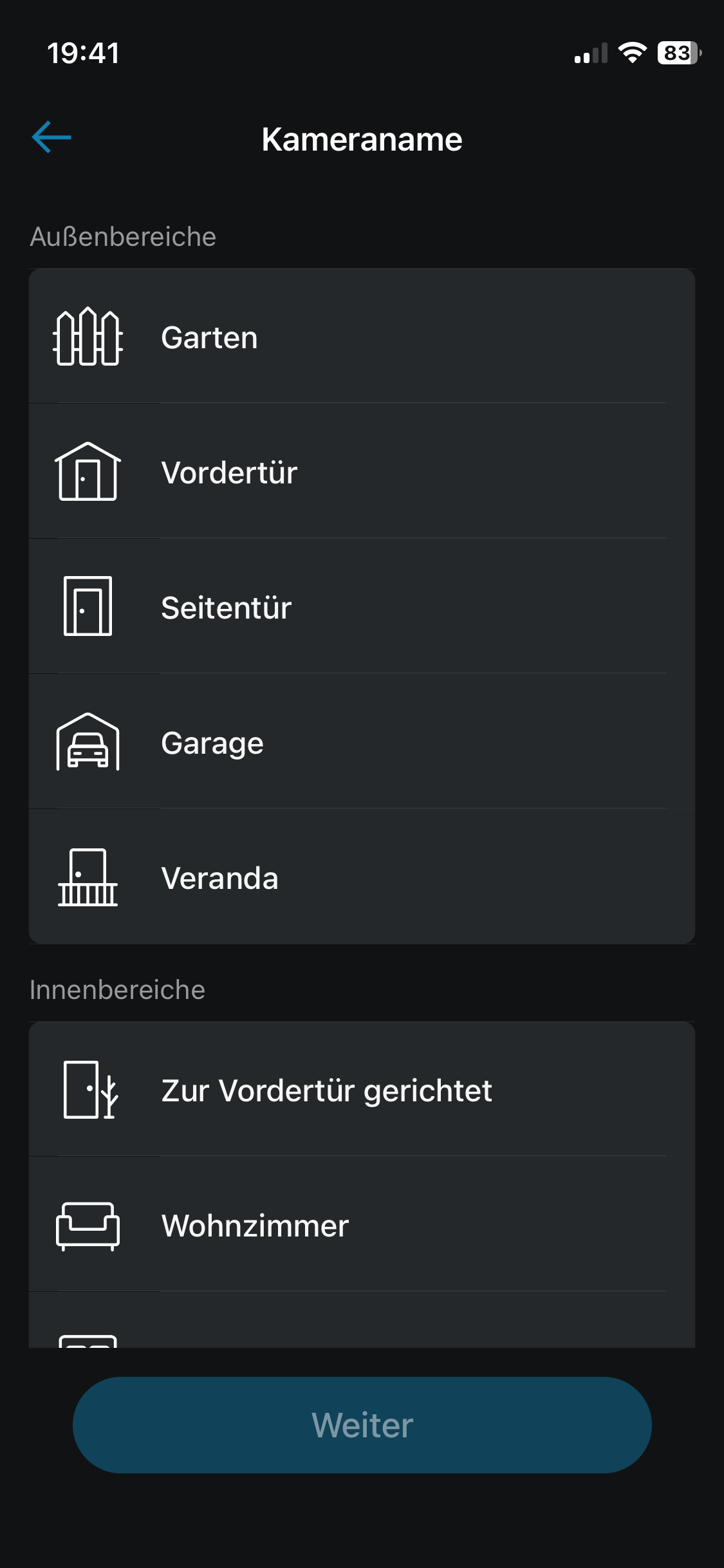
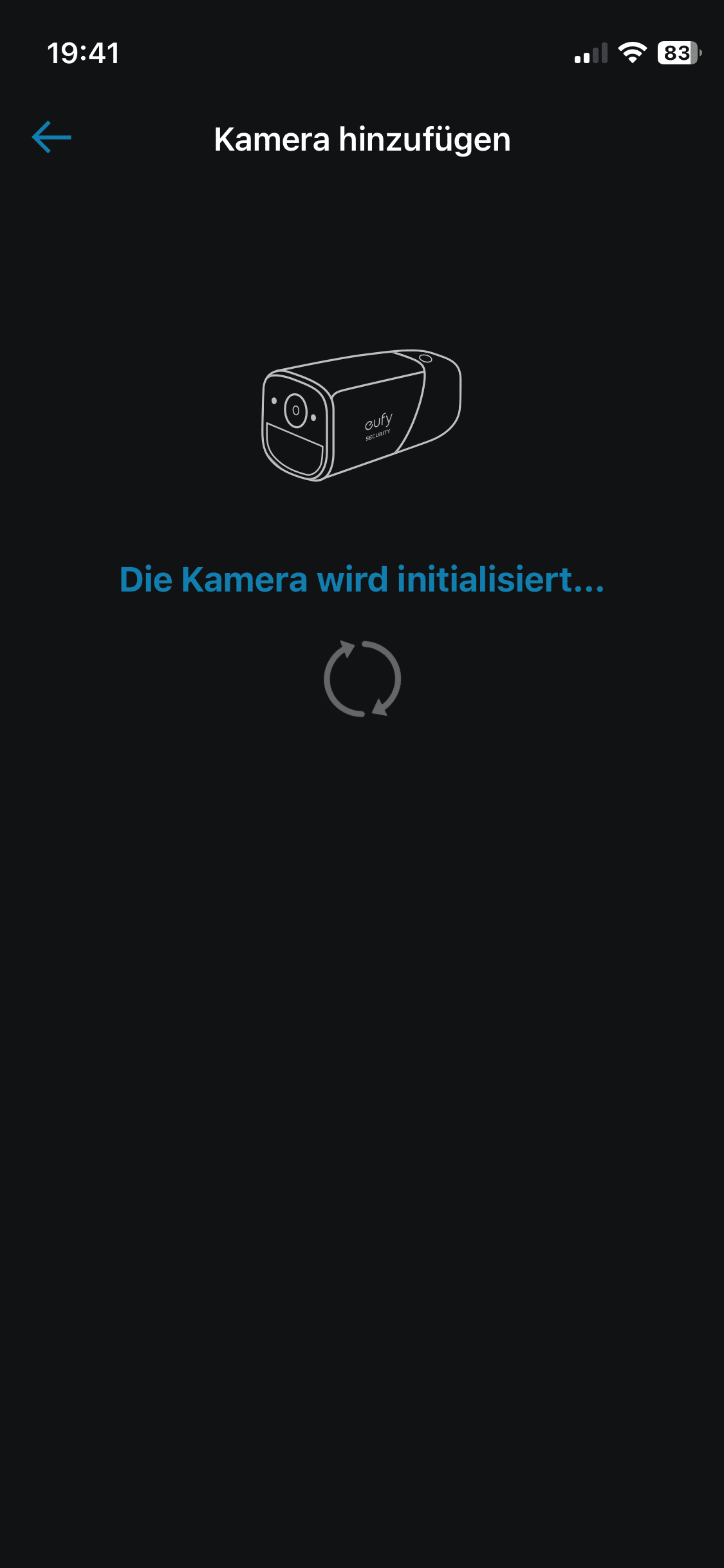
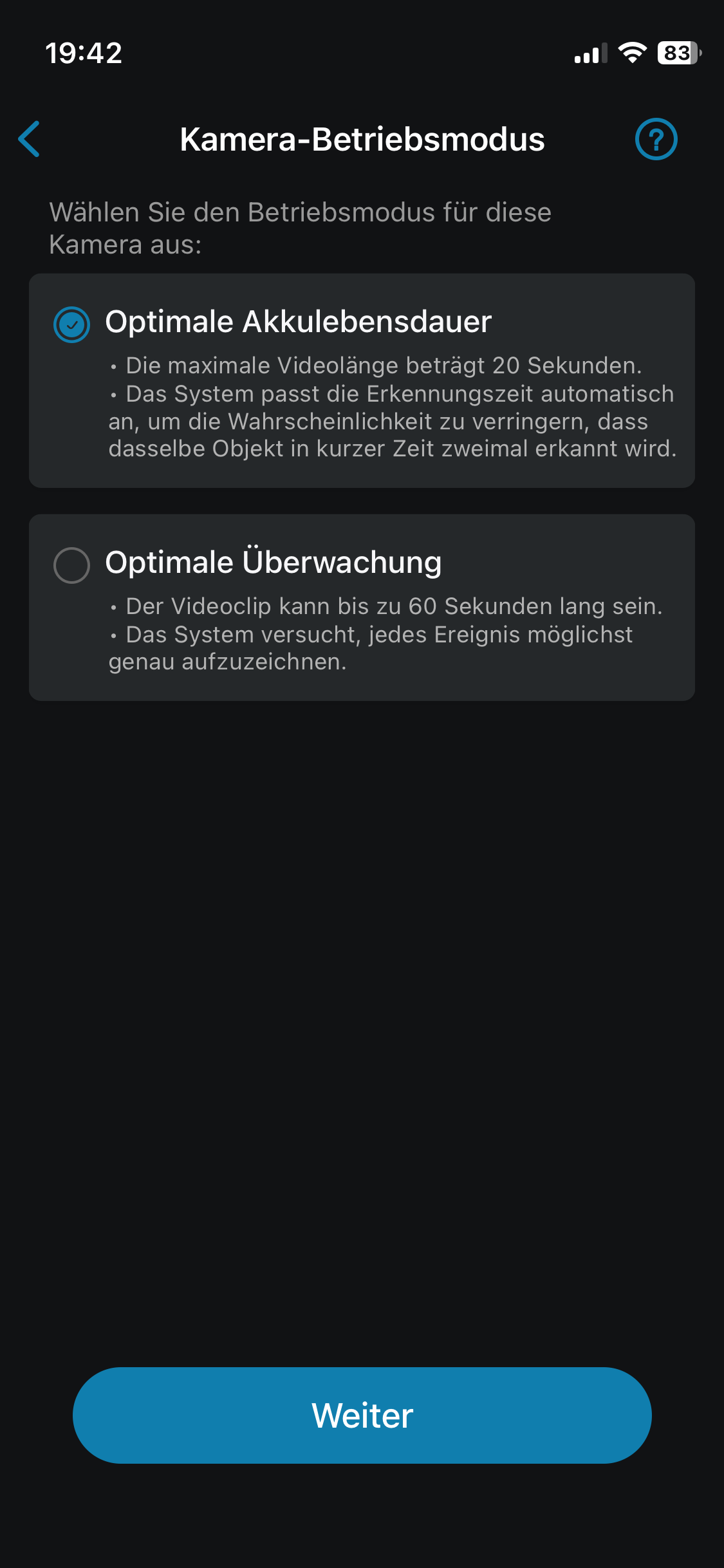
A particularly practical feature is the ability to individually adjust the sensitivity of the motion detection to avoid false alarms. Thanks to AI, the camera can not only detect mere movements. It can also distinguish between objects, animals, people and even faces, which ensures precise notifications.
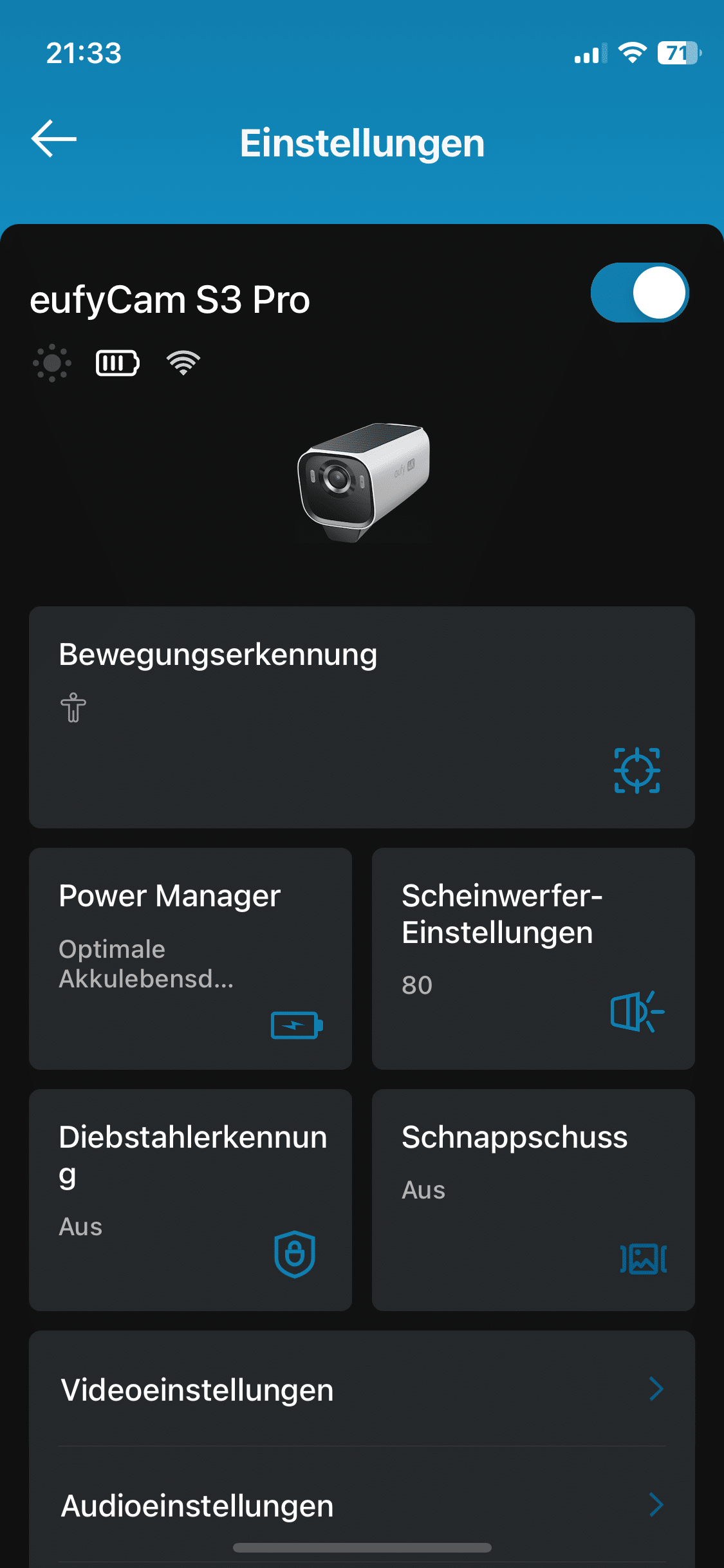
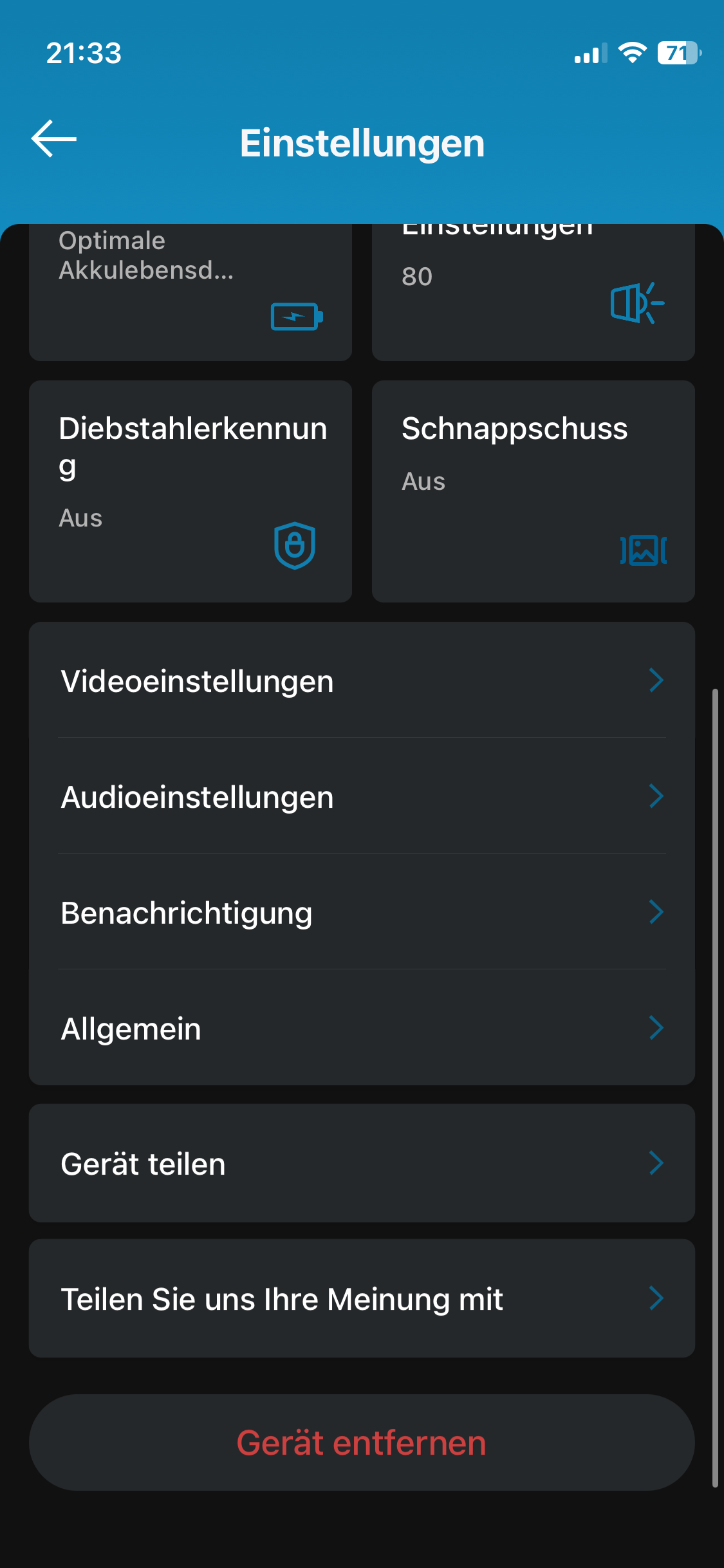
The app also offers simple integration with smart home systems so that you can display the camera image on an Amazon Echo Show or Google Nest Hub, for example. The compatibility with Apple HomeKit should also be emphasized positively. This allows the system to be seamlessly integrated into everyday life and makes monitoring even more convenient.
Eufy eufyCam S3 Pro test: AI motion detection
Smart motion detection not only ensures a high level of security in everyday life. A well-functioning system is also easy on the user’s nerves. After all, it is now also possible for inexpensive models to send push notifications or even alarms as a result of motion detection. However, the trick is to do this in such a way that the user is not “spammed” with notifications. And this is where the eufyCam S3 Pro cuts a great figure.
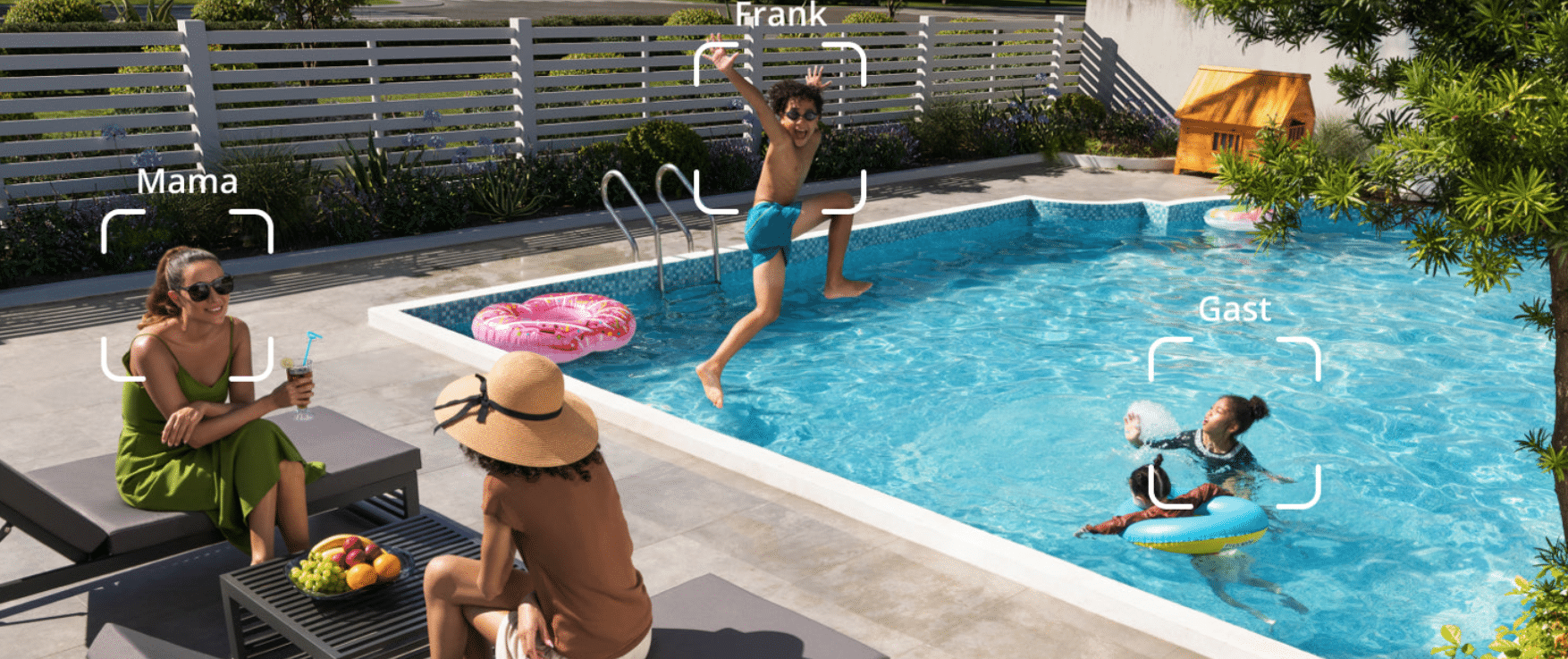
One reason for this is the helpful radar system. This reduces false alarms by up to 99 percent, as minor disturbances caused by rain or insects are simply ignored in conjunction with a filter algorithm. This means you only receive a notification if there really is a reason for it. The smart surveillance camera also offers helpful AI features in conjunction with the HomeBase S380.

At the heart of this is the “BionicMind AI” system. The artificial intelligence recognizes faces, people, vehicles, pets and even parcels. It reliably distinguishes between people so that the system can indicate whether the movement comes from a known or unknown person. It even tells you which person it is. The AI continues to learn so that the results continue to improve over time.

And I felt that in the test. Although eufy promises that the risk of false alarms has been reduced by a whopping 99%, I experienced a few problems at the beginning. On the first day of testing, it was quite windy, which caused the branches of my tree in the garden to sway considerably. The camera interpreted this as people moving and I received an alarm. However, on the next, no less windy day, this problem no longer occurred, which indicates a big learning curve.
Eufy eufyCam S3 Pro test: Camera quality
One of the outstanding features of the EufyCam S3 Pro is its excellent image quality. Thanks to its 4K resolution, it delivers razor-sharp images. However, it is not only the image sharpness that is impressive, but also the color fidelity. The images impress with natural colors and great contrasts.

But it only gets really exciting when the sun goes down. In the dark, the eufyCam S3 Pro delivers night vision of a quality that I have never experienced with any other surveillance camera. There are a total of four different night vision modes to choose from.

The standard mode is suitable for areas that are already somewhat illuminated by outdoor lighting or other light sources. In “Day-like” mode, the AI comes into play once again and reduces the appearance of dark corners through post-calculation.

In “Spotlight” mode, the camera uses the two built-in LEDs and quickly illuminates the area to be monitored to provide a clear view. Fans of classic black and white images will get their money’s worth in IR mode. This is where the eufyCam uses its IR sensor technology. Both IR mode and spotlight mode produced great results.

However, I am familiar with this quality from other top-of-the-range models. In contrast, the color night vision in the “Standard” and “Day” modes was absolutely impressive. You simply can’t tell that I was using the camera at 10 p.m. in absolute darkness from the images.

A difference can only be seen when the razor-sharp daytime images are used for comparison. The colorful night vision is made possible by special image processing technologies that display brilliant colors even in low light conditions. Even without additional light sources, the image quality remains stable and clear.
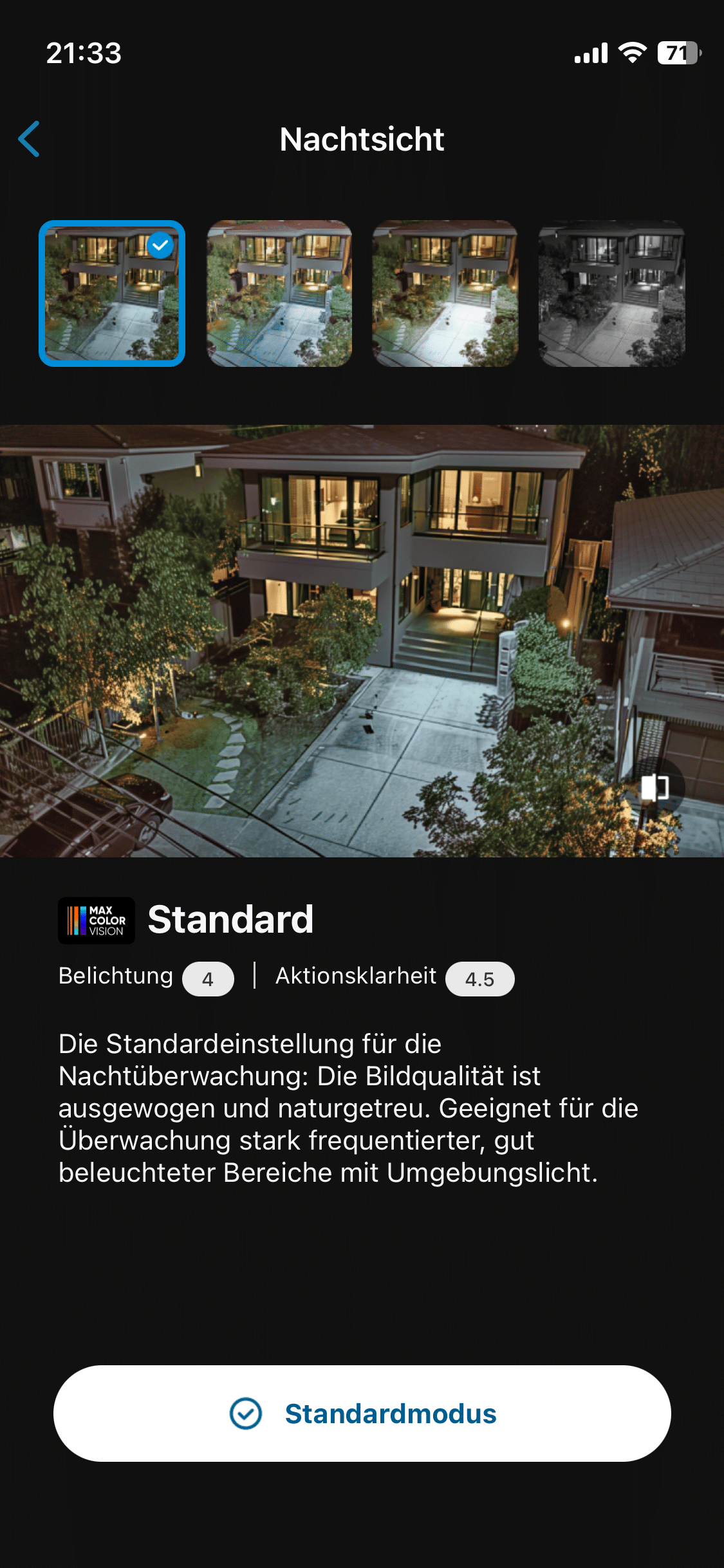
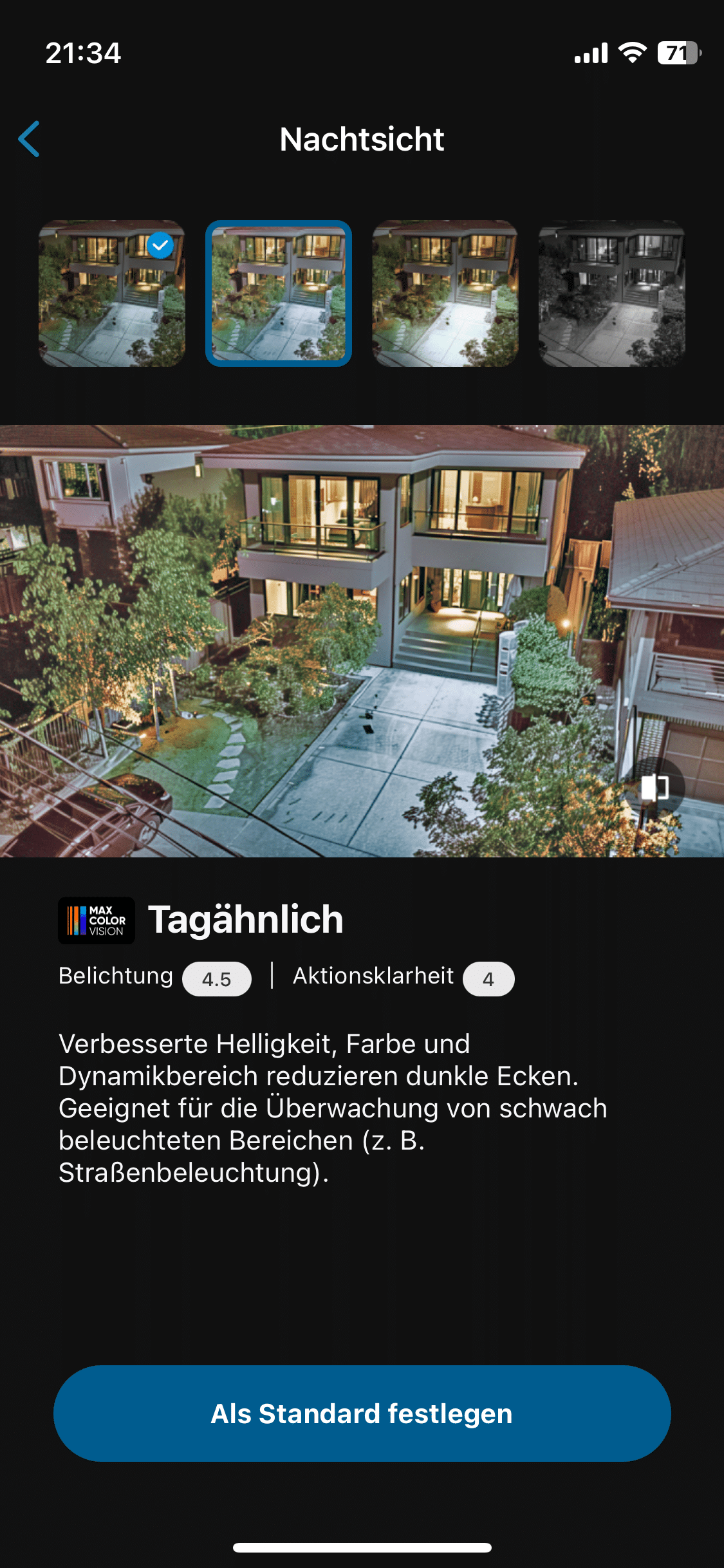
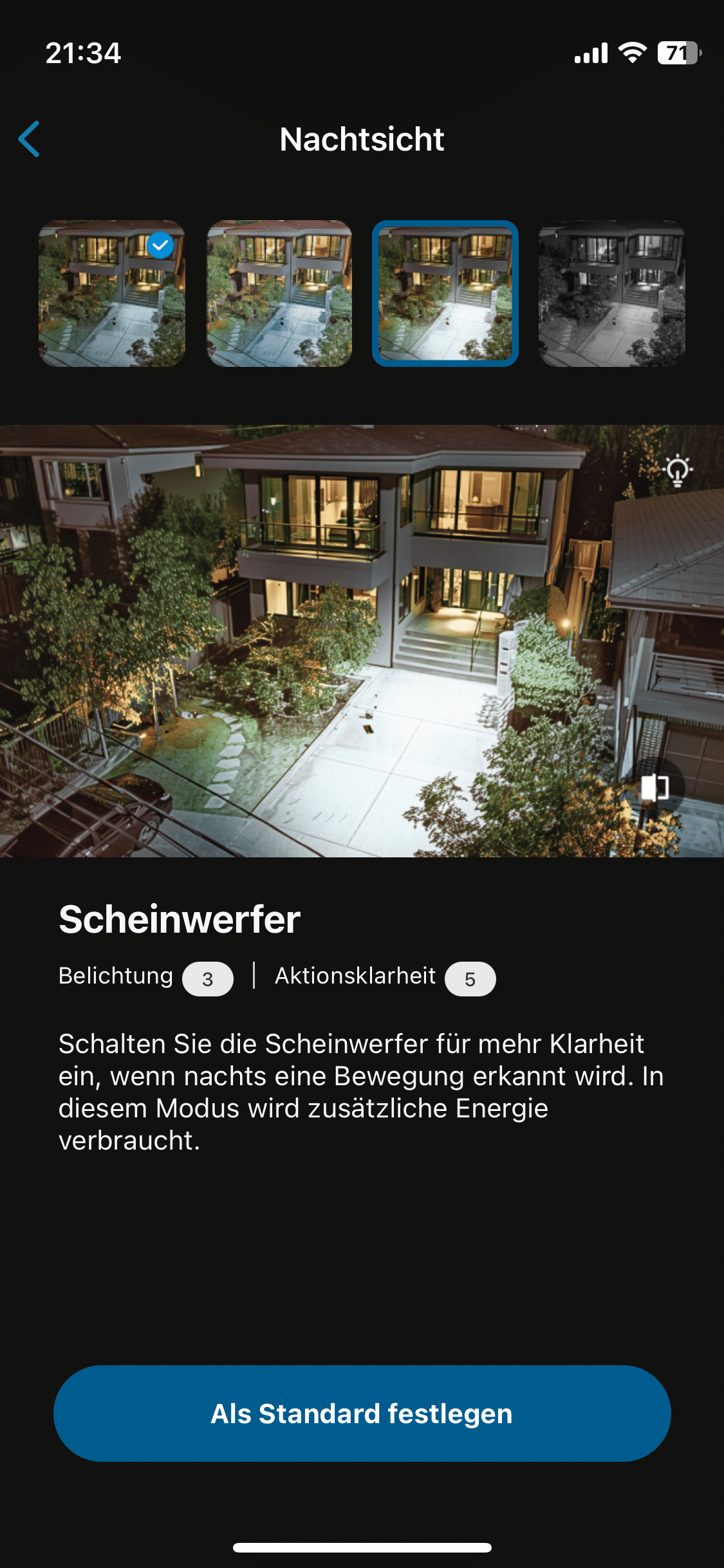
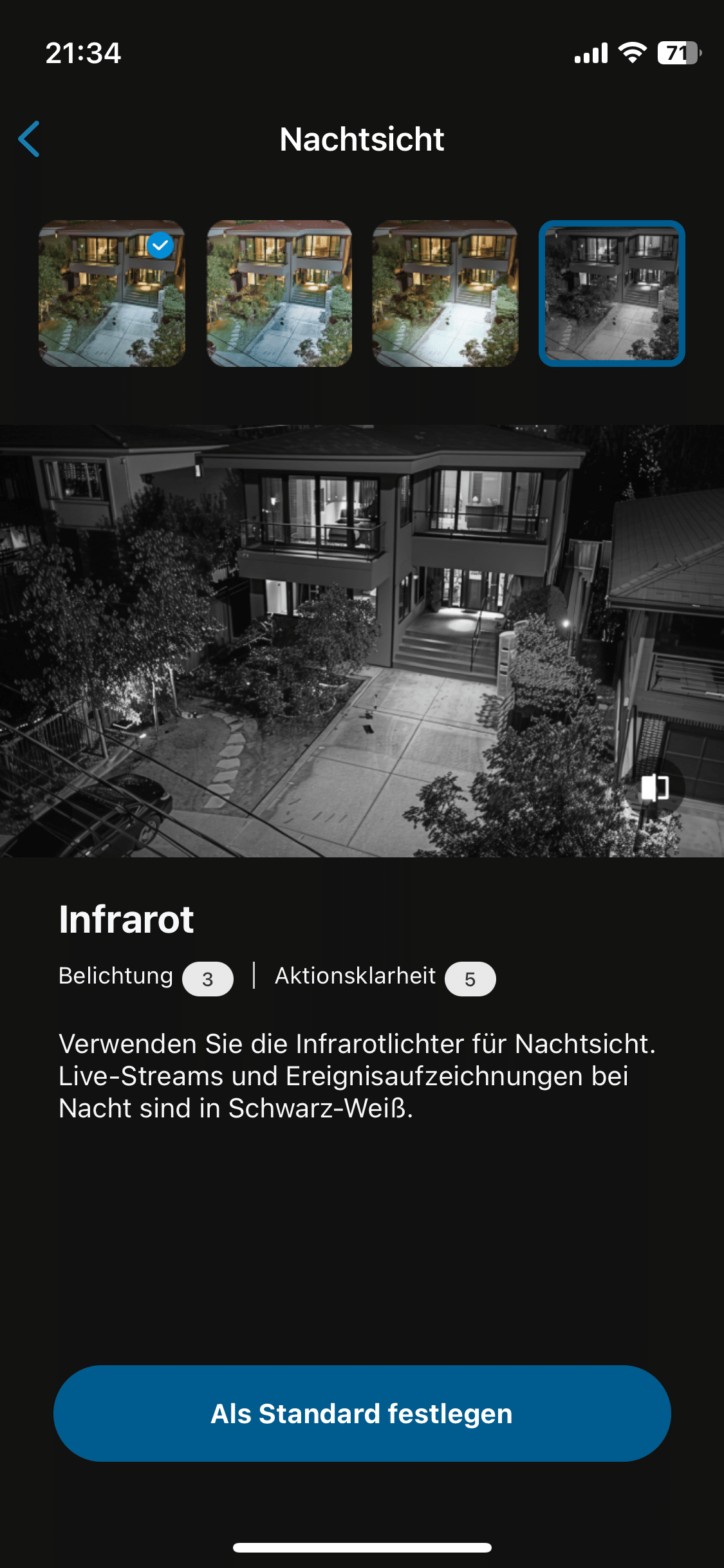
The impressive color night vision makes the eufyCam perfect for monitoring outdoor areas where clear identification of people or vehicles is required, even at night. The 135-degree field of view also ensures comprehensive coverage so that even larger areas can be monitored.
Eufy eufyCam S3 Pro test: Compatibility with smart home systems
The EufyCam S3 Pro can be easily integrated into existing smart home systems. It supports Amazon Alexa, Google Assistant and Apple HomeKit, which enables control via voice command. This allows users not only to access live feeds, but also to give commands such as “Show the driveway” to a smart display.

Support for Apple’s smart home ecosystem in particular is a welcome upgrade compared to other cameras from eufy. Unfortunately, even the latest eufyCam does not support ONVIF (Open Network Video Interface Forum). Anyone who would like to use the eufy in conjunction with smart home devices from other manufacturers should keep this in mind.
Eufy eufyCam S3 Pro test: Video storage
A major advantage of the EufyCam S3 Pro is the free local video storage on the HomeBase S380 included in our set. The HomeBase comes with 16GB of memory ex works. However, given the possibility of 24/7 video recording, this memory naturally fills up quickly. This makes it all the more pleasing that the HomeBase’s memory can be expanded to up to 16TB with a suitable hard disk.
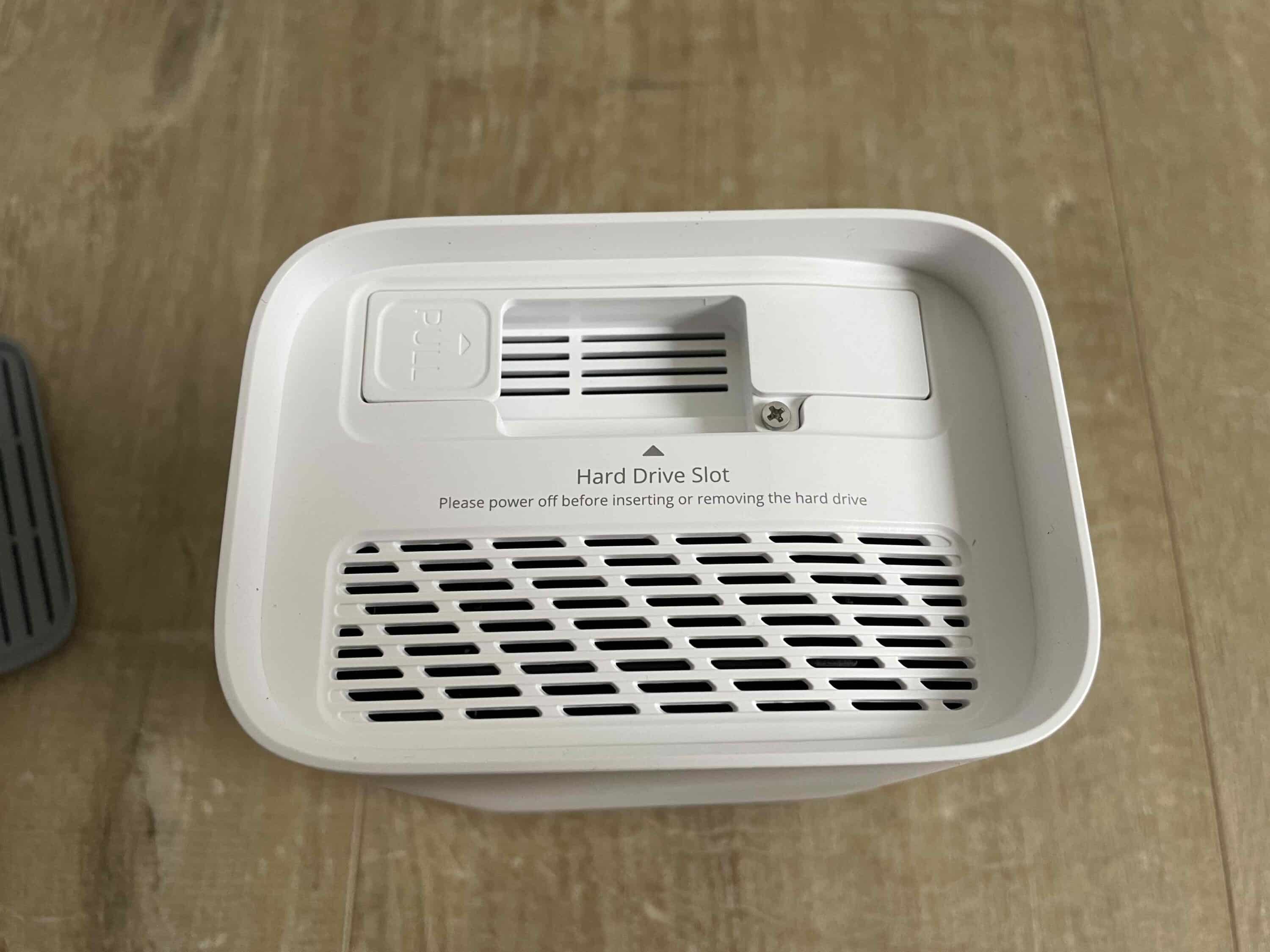
This solution is not only practical, but also privacy-friendly, as the recordings are only stored locally and encrypted. Users who want to do without cloud storage will therefore find an ideal solution here. Those who still prefer a cloud solution can also do so. The eufyCam S3 Pro is also compatible with the eufy cloud.
Eufy eufyCam S3 Pro test: Battery life
Another highlight is the long battery life of the EufyCam S3 Pro. With normal use and a fully charged battery, the camera should be able to last up to a year. This is at least the case if you don’t install the camera in a shady spot.

Finally, the small solar panel on the top of the housing ensures that the eufyCam lasts so long. This means it lasts even longer than the enduring TP-Link Tapo C425 (review, € 65.90 *).

For particularly active areas where movement is frequently detected, an optional solar module can be connected to continuously supply the camera with power. In a location with good conditions, the camera should be able to operate continuously without having to be charged separately.
Conclusion
The eufyCam S3 Pro impresses in the test as a modern and powerful surveillance camera that scores points above all with its 4K image quality, excellent color night vision and flexible use. The advanced AI features are particularly impressive. These not only enable outstanding color night vision, but also reliable motion detection that can distinguish between people, animals and even faces. Although the system did produce a few false alarms at the beginning, these errors were a thing of the past after just a few hours of operation.

The simple installation, robust processing and free local storage of up to 16 TB make it a privacy-friendly choice without additional cloud fees. With its long battery life and smart home compatibility, the eufyCam S3 Pro offers an all-round successful overall package that is ideal for both indoor and outdoor use. If eufy were to open up its system for operation with devices from other manufacturers through ONVIF support, the eufyCam S3 Pro would be the perfect surveillance camera with an extra dose of future-proofing.

Fazit
The eufyCam S3 Pro is an excellent surveillance camera with great image quality, high data protection and long battery life.


