


EZVIZ has a lot to offer in the field of smart video doorbells. Not only classic models such as the EZVIZ DB2 (Review | € 189.60 *) are recommended due to their good price-performance ratio. The manufacturer also offers truly exotic premium models such as the EZVIZ HP7 (Review | € 241.54 *) with a separate screen and gate control. In the EZVIZ HP7 Pro test, we were able to take a closer look at the upgrade of the HP7, which scores points with new unlocking methods, among other things. The most exciting new feature is that you can also unlock doors by scanning your hand vein or face.
Technical data
| Model | EZVIZ HP7 Pro |
| camera | – Image sensor: 1/2.8″ Progressive Scan CMOS (supports low light sensitivity) – Lens: 2.0 mm @ F1.6, angle of view: 158° (diagonal) – Day and night vision: IR cut filter with automatic switching – Max. Resolution: 4K (3840 × 2160) – Frame rate: max. 15 fps |
| Unlocking methods | 1. unlocking via palm vein scan 2. unlocking via facial recognition 3. unlocking via RFID badge (3 CPU cards) 4. unlocking via app remote control 5. unlocking via internal display 6. unlocking via password 7. unlocking via QR code |
| Motion detection | – Intelligent motion detection, dwell detection – Tampering alarm |
| Operating conditions | -30 °C to 60 °C, humidity 95 % or less (non-condensing) – Waterproof |
| Dimensions | 191.8 × 91 × 40 mm |
| Indoor monitor | 8-inch screen with 1280 × 800 resolution |
| Video memory | – Local up to 512 GB – EZVIZ Cloud |
| Price | € 399.99 * |
Scope of delivery

- 8-inch touchscreen monitor
- Wall mount for monitor
- Power supply unit for monitor
- Intercom system (doorbell) with weatherproof protection
- Drilling template for intercom system
- Drilling template for monitor
- Screwdriver
- Power supply connection cable
- Badge × 3
- Set of screws × 2
- Name card × 3
- Wires and cable connectors × 2
- Regulatory information × 3
- Quick start guide
EZVIZ HP7 Pro test: Now with new sensor
As the name suggests, the EZVIZ HP7 Pro is an upgrade of the HP7. It is therefore not surprising that the latest version clearly resembles the HP7, but also the EZVIZ CP7 (Review | € 237.49 *). But you don’t have to take a closer look to notice the differences. These mainly concern the doorbell itself.


The housing itself is of a similar high quality to the CP7 and HP7. Here, you get a high-quality metal housing with a cover that looks like brushed aluminum. A small canopy ensures that the glass front remains protected from rain and that no drops of water impair the quality of the camera images. As the entire system is waterproof, you don’t have to worry about damage caused by rain.

The bell button also comes in a stylish aluminum look and scores with the usual good pressure point. An illuminated bell symbol makes the button easy to recognize even in the dark. However, we are just as familiar with this feature from the basic model as we are with the practical label insert on which you can write your name. Of course, the visual innovations are more exciting. And these also hint at the new features that have been added.

Firstly, there is the sensor in the upper area. This should be able to scan your face and your individual hand vein and then grant you entry. Another new feature is the number field on the video doorbell. The illuminated buttons indicate another unlocking method using a numerical code. A card symbol, which we already know from the predecessor, is embedded in the number field.

Here you can unlock the device by holding an RFID chip close to it. EZVIZ includes three practical RFID chips in transponder format for the key ring. Apart from this, the video doorbell naturally comes with a suitable camera. This promises a 4K resolution. However, there is once again no LED.
EZVIZ HP7 Pro test: Separate screen
Like the basic model, the EZVIZ HP7 Pro also comes with a separate screen. This is designed for indoor use and should remain there. Unlike the doorbell, the screen is not weatherproof. The screen itself measures 8 inches, offers 1280 x 800 pixels and therefore comes with a pleasingly sharp image. This means it has grown by 1 inch compared to the HP7 and CP7. You can use the Smart Hub to make various settings for the doorbell or open your door using a touch gesture.

But the Smart Hub doesn’t just work with the included video doorbell. If you have other smart gadgets such as surveillance cameras from EZVIZ, you can also manage them via the hub. Cool thing! You can also use the hub for the intercom function. A built-in microphone and speakers make this possible. The screen also comes with a microSD slot for up to 512 GB of local storage. So you get a free storage alternative to the EZVIZ Cloud.

That’s something to be proud of! The cable inputs and outputs for connecting the Smart Hub to the video doorbell are located on the back. The mains connection is used as a power supply. Simply find the nearest power socket and you’re ready to go. The build quality and appearance are also perfect here. It doesn’t crack or creak at any point, so you get the same premium feel as the doorbell itself.
EZVIZ HP7 Pro test: Installation and commissioning
The EZVIZ HP7 Pro consists of two components: a 4K video doorbell, which is attached to the outside of the house wall or entrance gate, and a corresponding display for indoor use. Neither the doorbell nor the monitor have their own battery, which means that installation is somewhat more complex than with many other smart doorbells. If you don’t feel confident enough to do this work, you should consider getting help from a specialist from the outset.

If you don’t want to incur the additional costs of an electrician, it is at least advisable to call in a handy person from your circle of friends – especially if you want to connect the HP7 Pro to existing bell wires. Although this option is provided for, it requires a certain amount of skill. Even if you want to use the full range of functions, such as remote control of an entrance gate, professional help is useful.

We were unable to try this out in our test due to a lack of gate technology. If you would like to use the feature, you can find more information on the official website. The greater installation effort also has advantages: Due to the fixed wiring of the bell and monitor, the system naturally works much more reliably than alternatives with a rechargeable battery. Even if the internet connection fails, the basic function is retained.
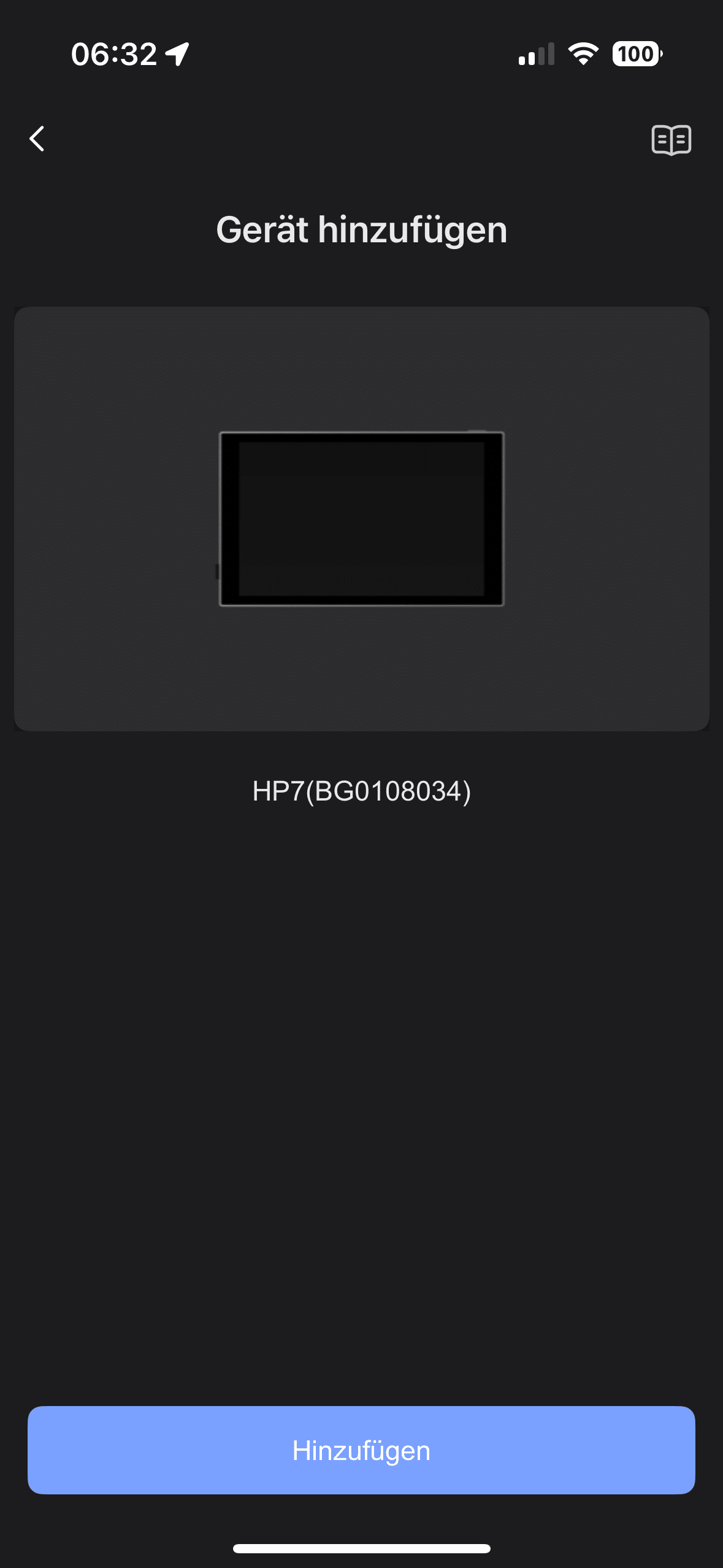
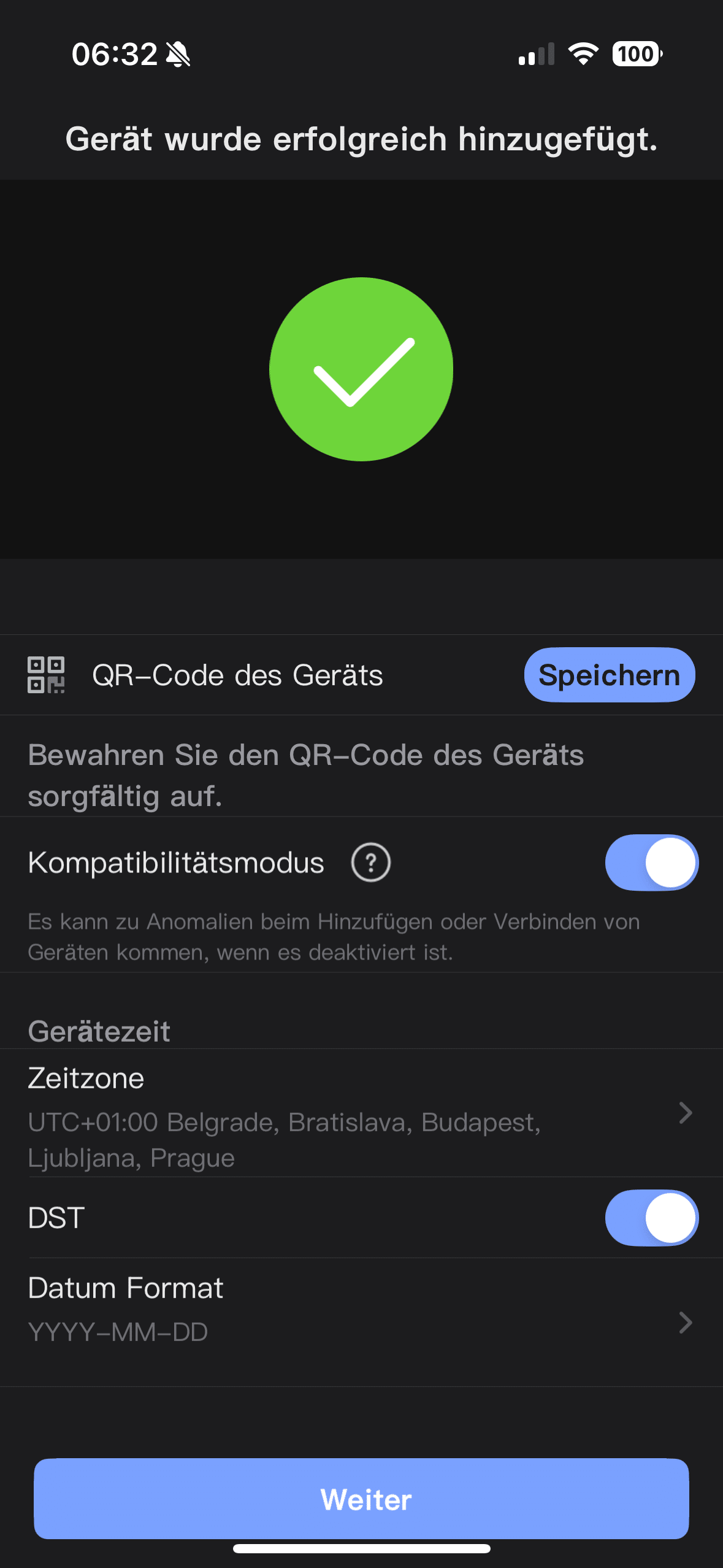
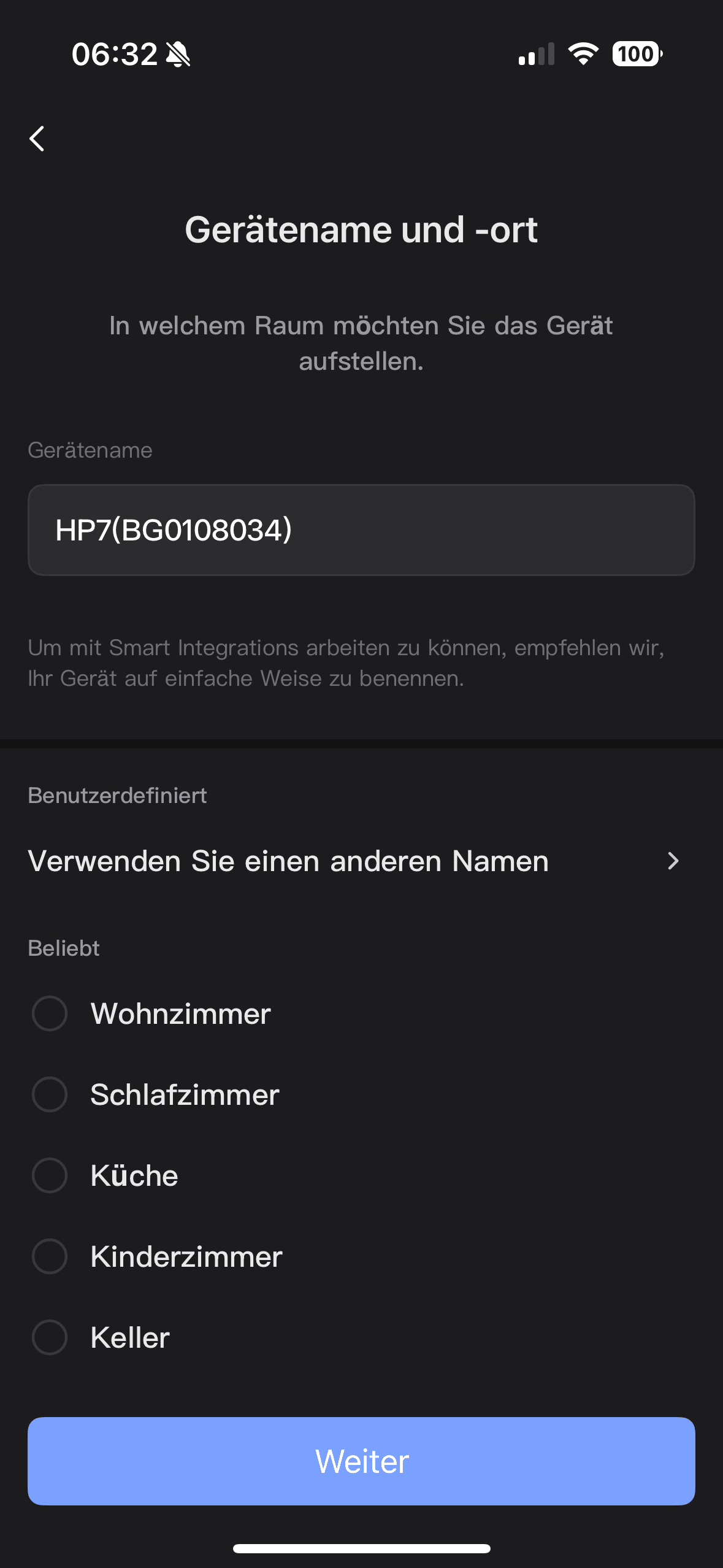
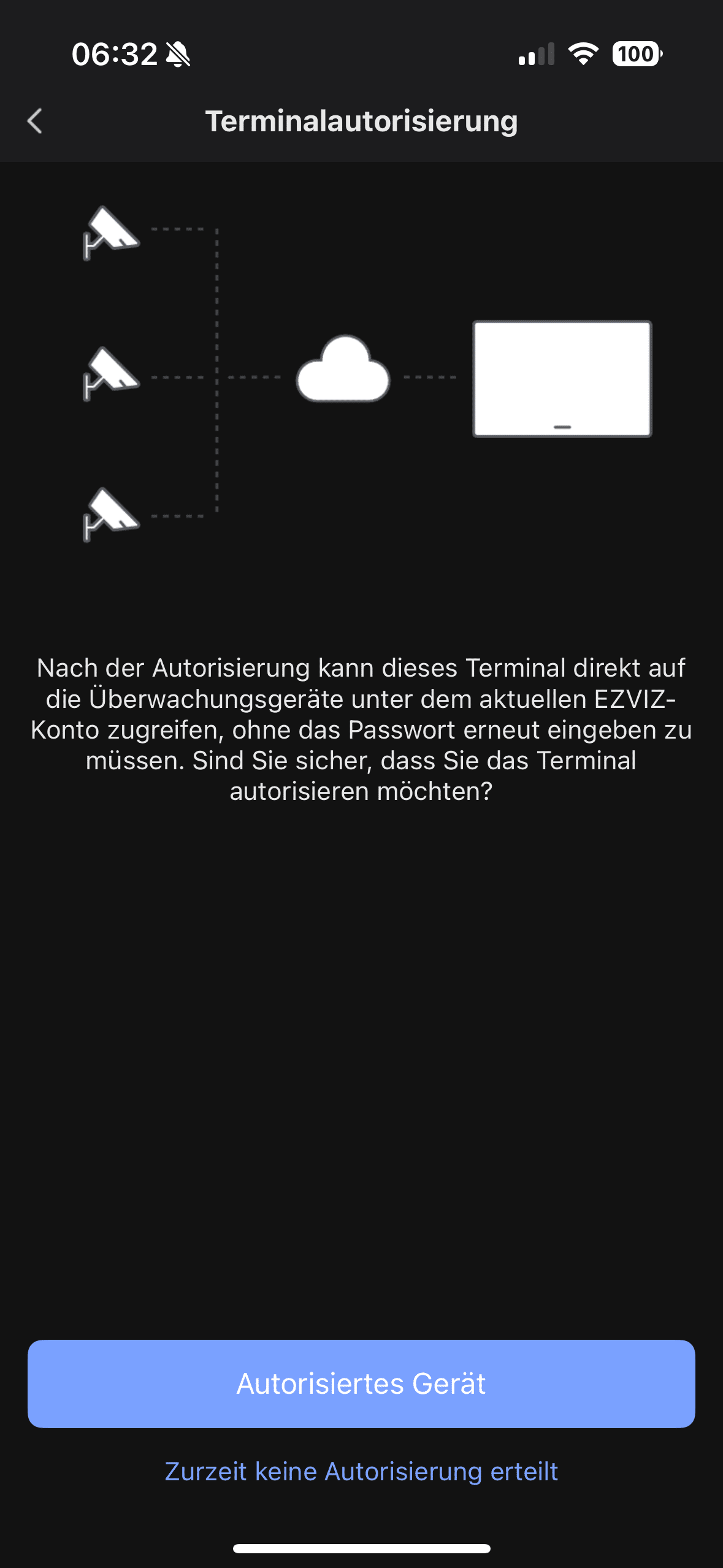
The HP7 Pro only stops working in the event of a power failure – just like conventional doorbells. Nevertheless, the connection to the Internet is worthwhile as it enables integration into the EZVIZ app. This allows you to monitor and control the system while on the move. Power over Ethernet (PoE), as offered by the Reolink Video Doorbell (Review | € 99.58 *), for example, would also have provided more stability in terms of the Internet.

The assembly itself is facilitated by illustrated step-by-step instructions. For experienced craftsmen or professionals, the assembly is largely self-explanatory anyway. As soon as the bell and display are fitted, you can put the HP7 Pro into operation for the first time. The system immediately impresses with its outstanding image quality.
EZVIZ HP7 Pro test: EZVIZ app
Anyone who has already used an EZVIZ device will certainly be familiar with the associated app – and it makes a very good impression overall. The clear structure and fast response speed are particularly positive. Only the design looks a little outdated in some places, but this does not limit the functionality.
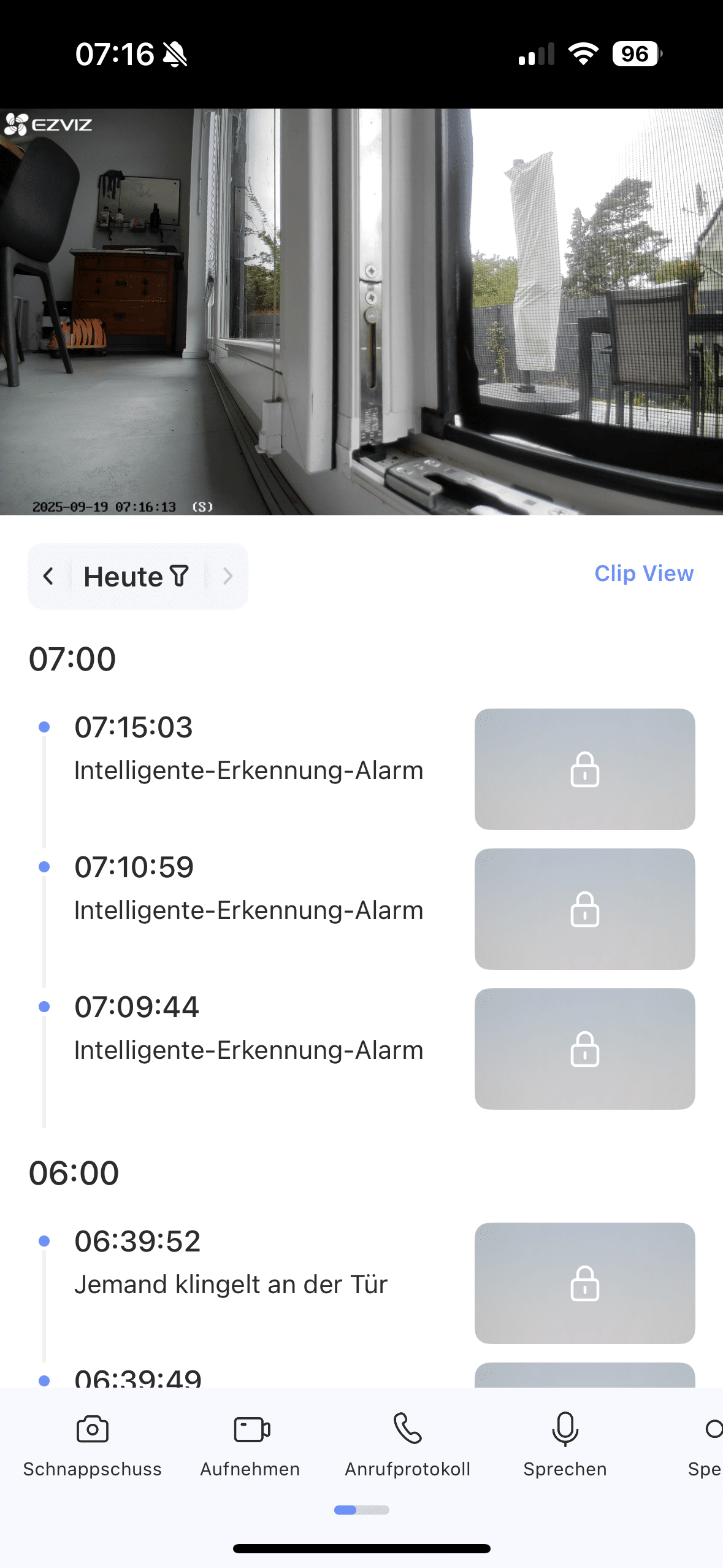
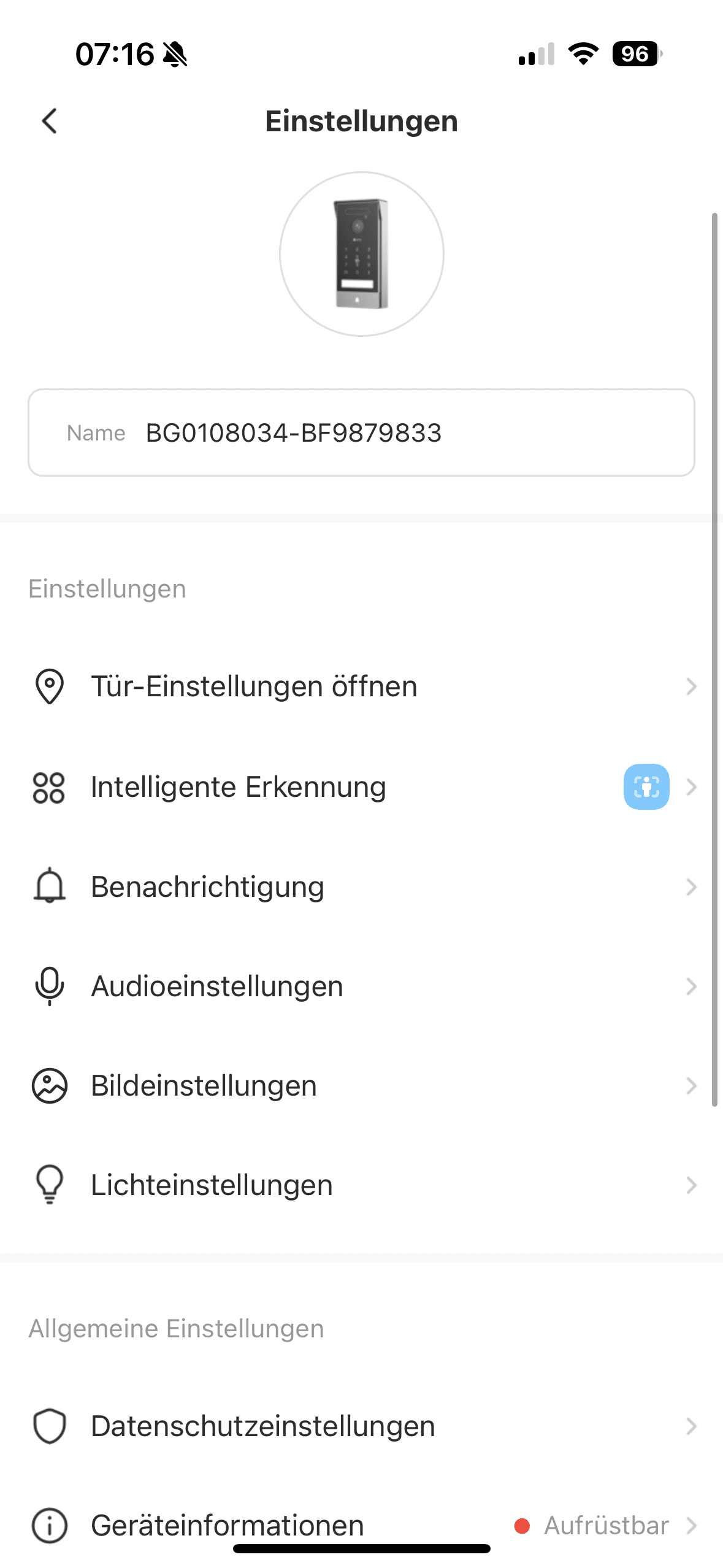
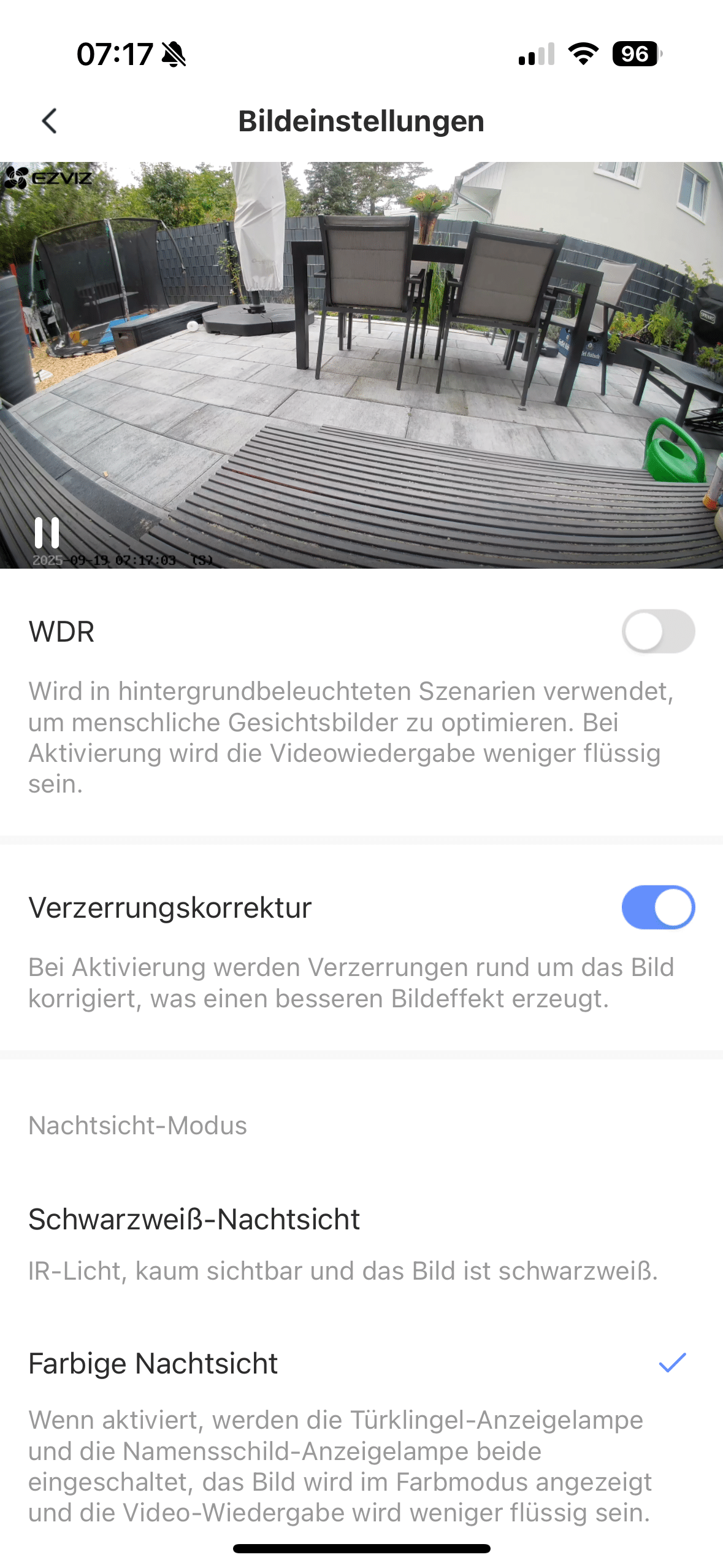
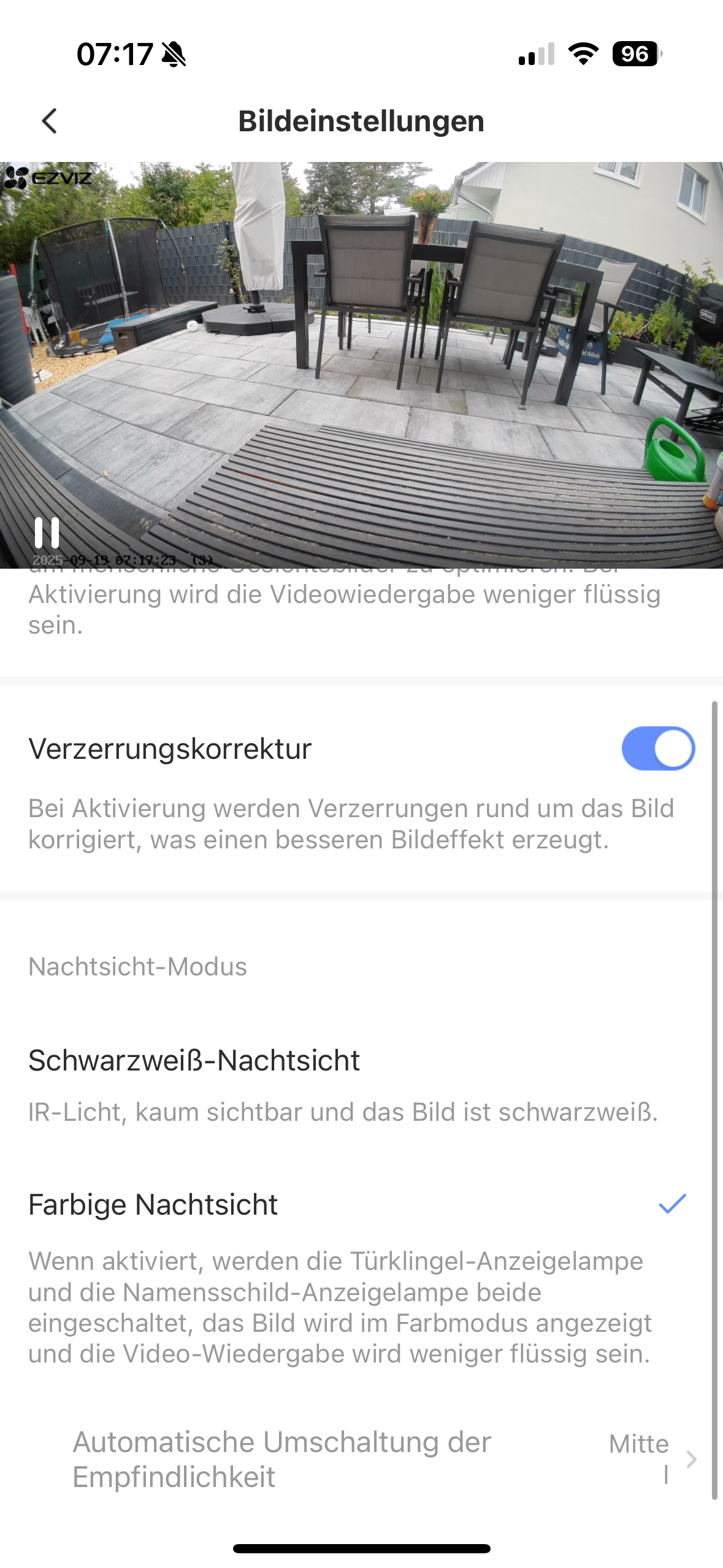
Numerous settings can be adjusted in the app. The first step is to configure the camera’s field of view. As the viewing angle is very wide, it can easily happen that areas of the street or even neighboring properties are captured. To prevent potential problems, you should therefore define so-called “blind zones” that are not recorded by the camera.
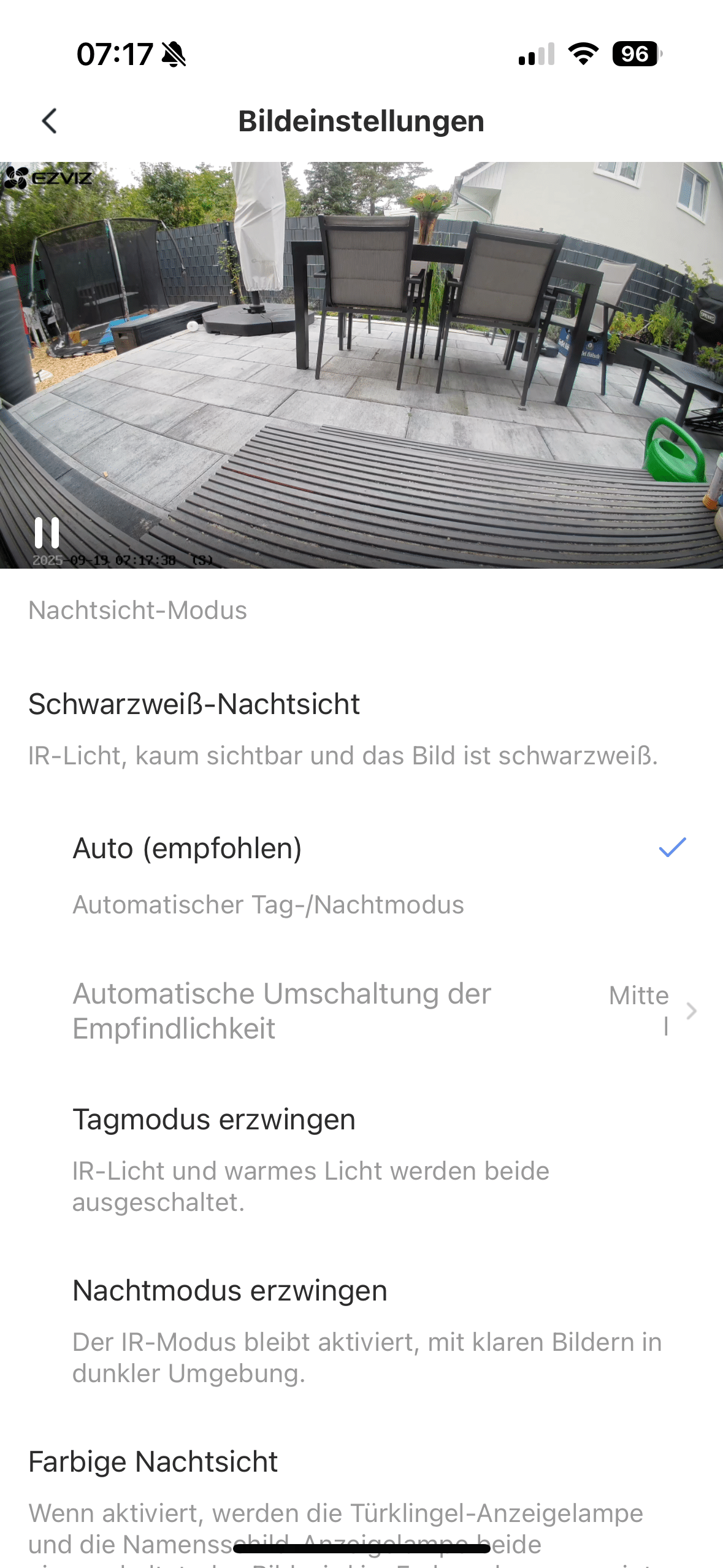
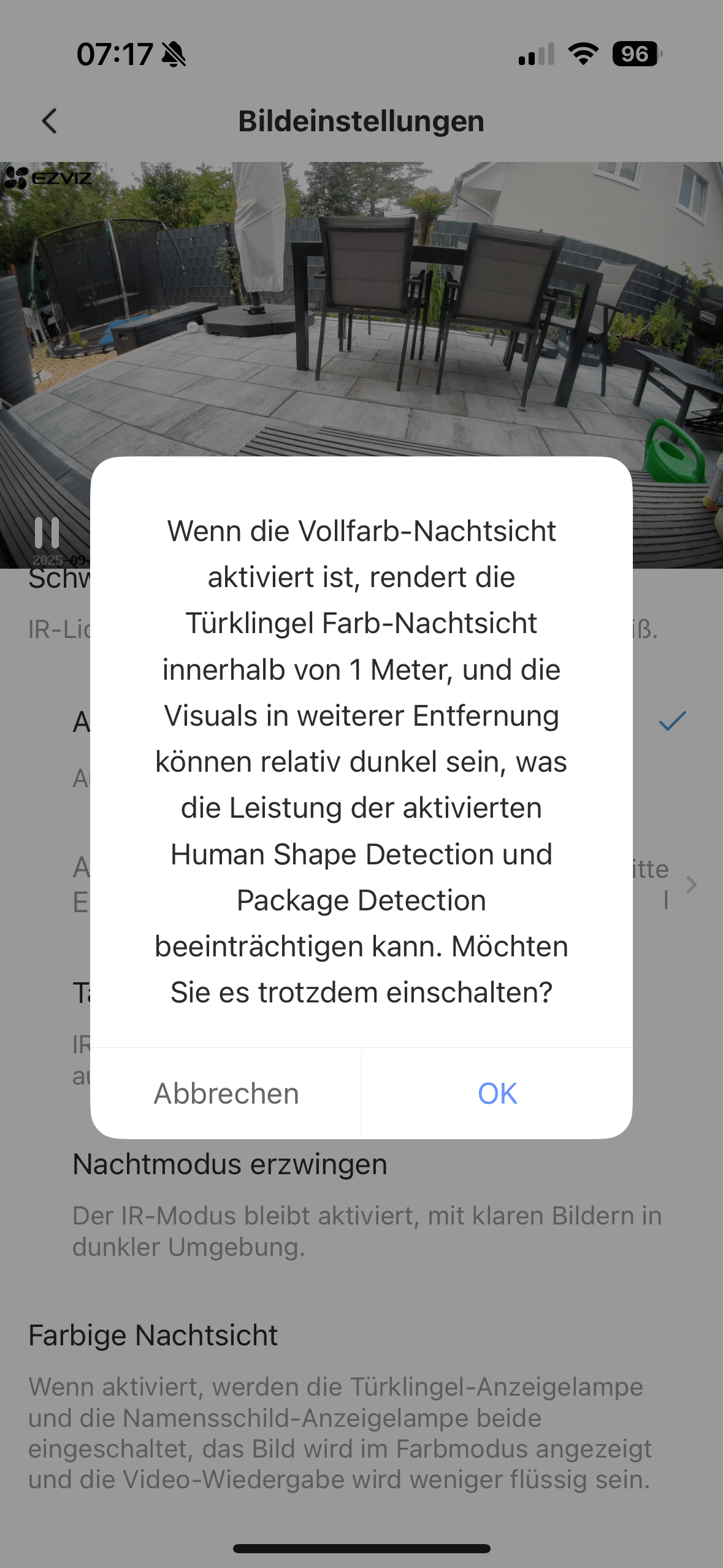
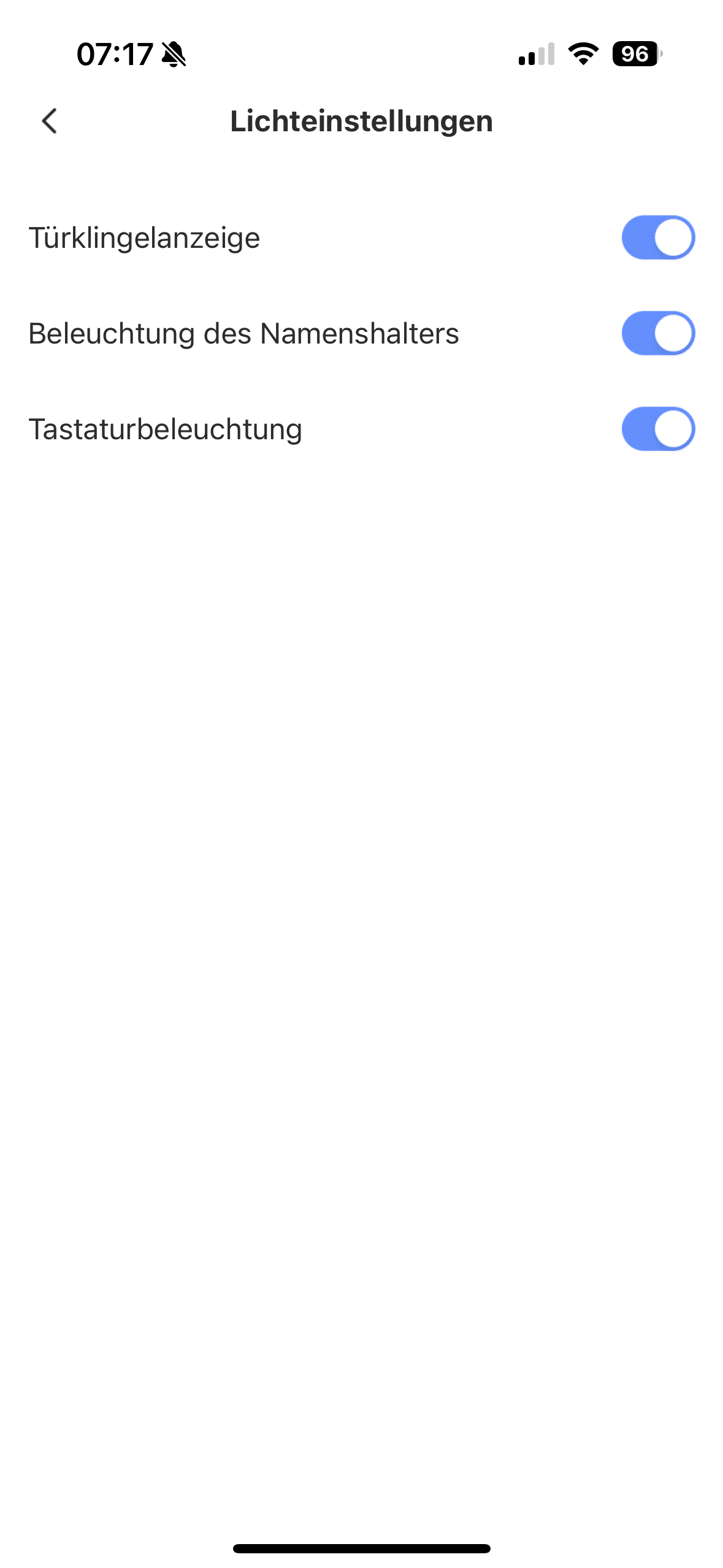
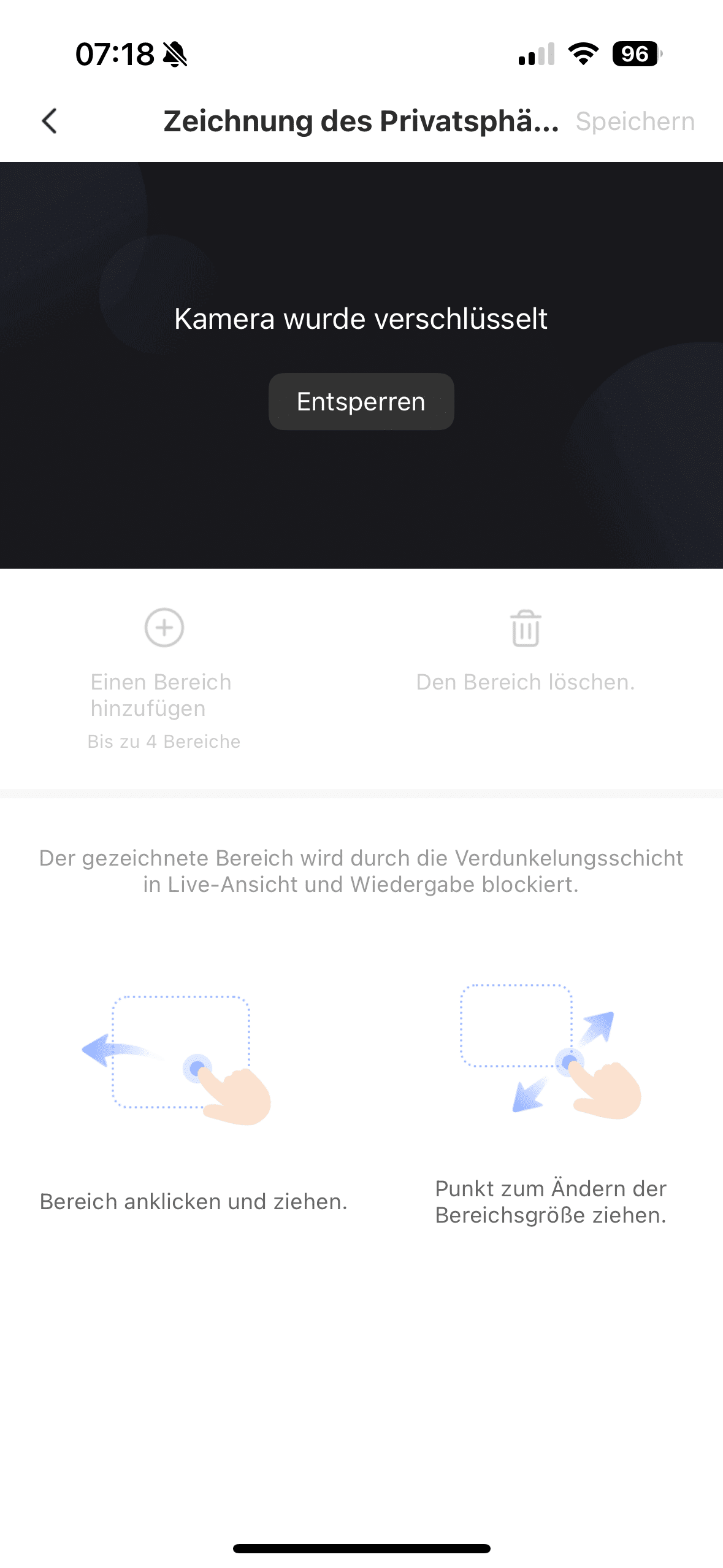
This ensures that use complies with the applicable data protection regulations. It is also worth adapting motion detection to your personal needs. If you feel disturbed by too many notifications, you can reduce the sensitivity of motion detection or even switch the function off completely if necessary.
EZVIZ HP7 Pro test: High image quality
A lot has changed in terms of image quality compared to the CP7 and HP7. Instead of a 2K resolution, the HP7 Pro offers a genuine 4K Ultra HD resolution with 3840 × 2160 pixels. And you can see that. The recordings are sent to the Smart Hub or your smartphone in razor-sharp detail. The moving images are then played back at a maximum of 15 fps on a separate screen or end device with an app connection.

The camera also scores points with attractive natural colors and great contrasts. This is not only impressive during the day, but also at night. EZVIZ has not only given the camera a high resolution, but also full-color night vision. This means you still get a color view even in poor lighting conditions. In absolute darkness, the EZVIZ HP7 Pro relies on its IR sensor and activates black and white vision.

For the technology fans among you, EZVIZ uses a 2.0 mm @ F1.6 lens with a 158° angle of view and a 1/2.8″ progressive scan SMOS image sensor. Accordingly, the area in front of the camera can also be seen quite extensively, so that you can usually see your visitor from head to toe. This good viewing angle is also practical if a package has been left on the doormat. Of course, smart motion detection is also on board.
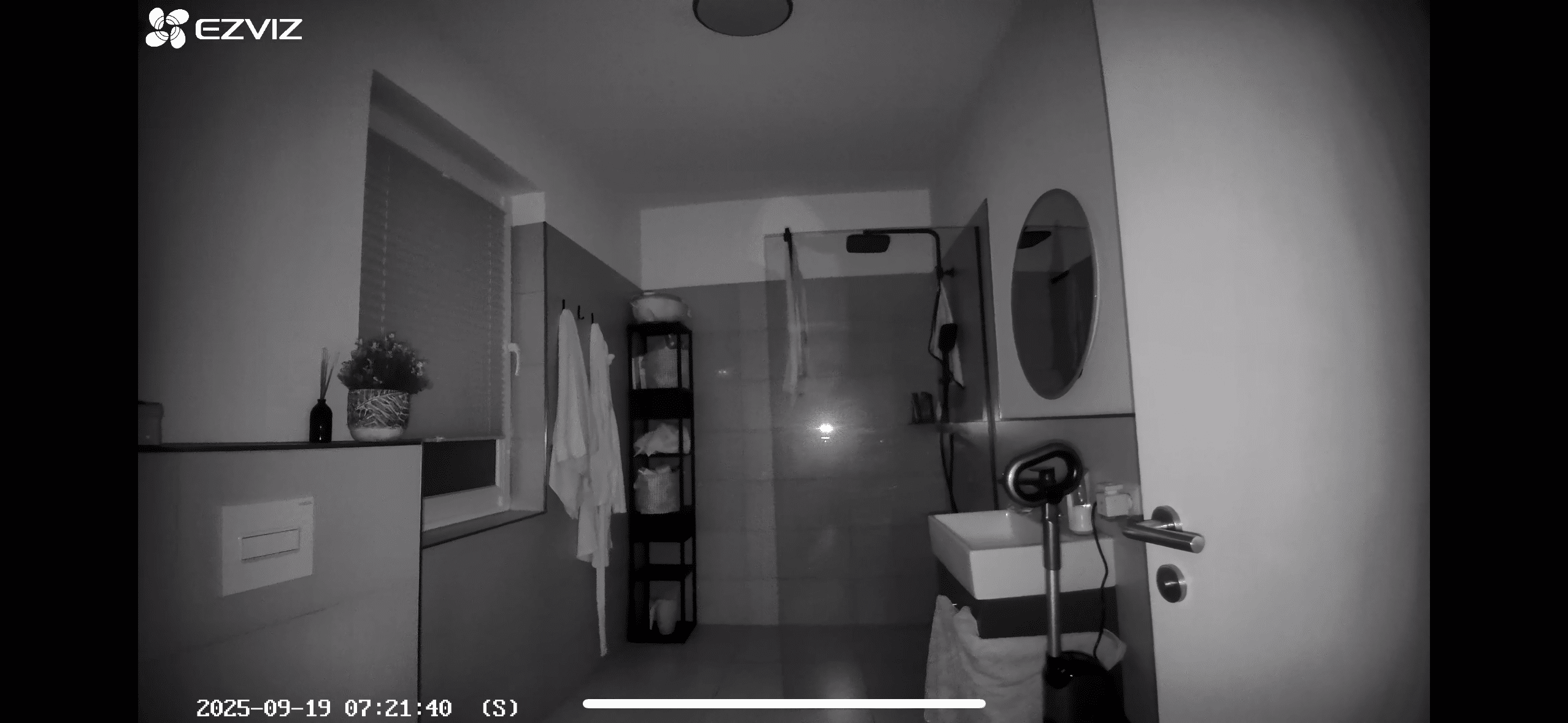
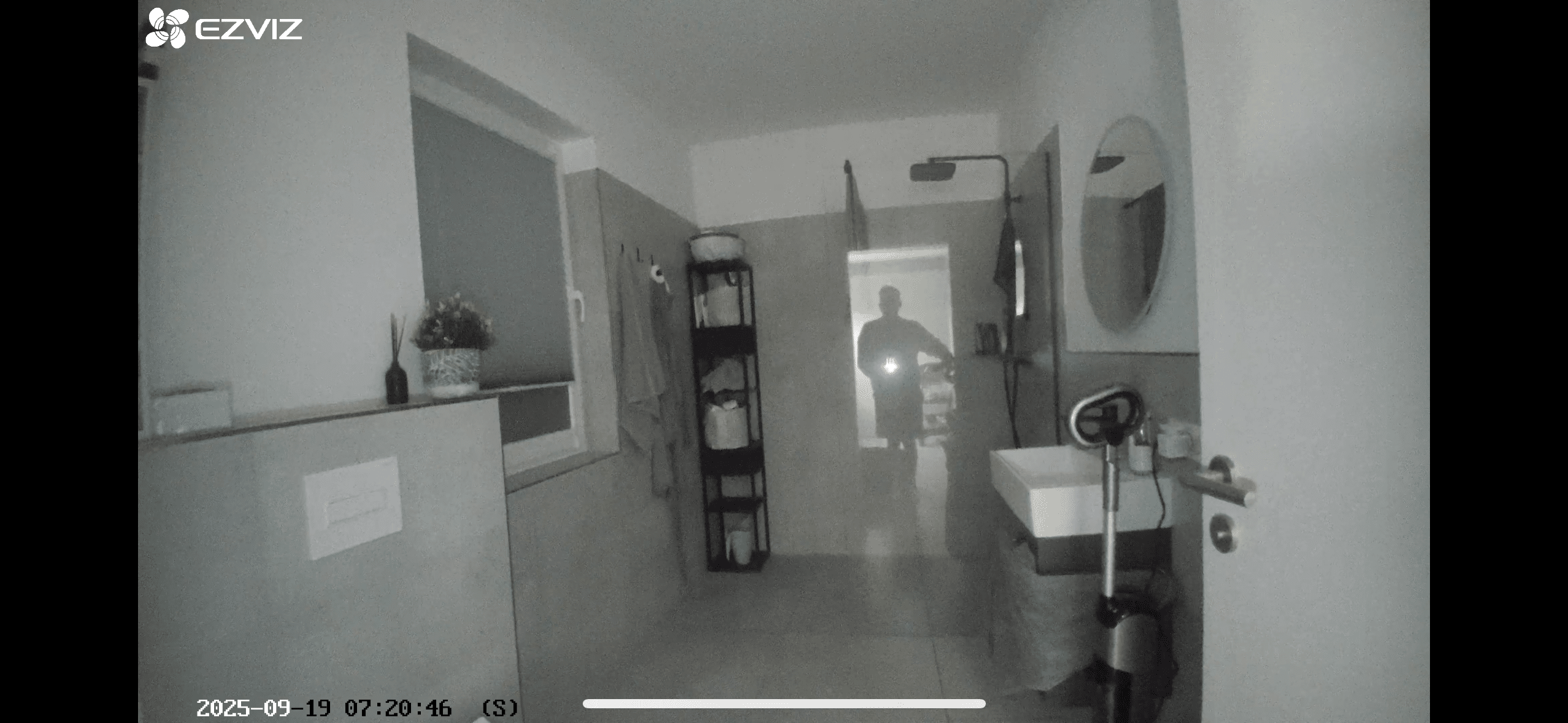
Whereby EZVIZ tends to focus on the essentials here. In my opinion, unlike a pure surveillance camera, a smart video doorbell does not need to be able to distinguish between cars, animals and people. The HP7 Pro can distinguish between normal movements and human movements. In practice, the whole thing works perfectly. At least both the app and the EZVIZ app always reliably showed me when human movement was detected.
EZVIZ HP7 Pro test: hand vein and face recognition
The new sensor in the upper area of the video doorbell also enables new detection methods. Of course, you are offered the same unlocking methods as with the HP7. This means that you can unlock gates using an RFID chip when you are outside the doorbell. There is also the option of unlocking the door via the indoor screen. This allows you to open the gate for visitors ringing the doorbell without having to leave the front door.

The gate can also be opened remotely via the EZVIZ app. Another really cool feature is the unique QR codes that can be created via the app and sent to visitors. Alternatively, you can also use a numerical code and enter it on the doorbell. These can be either temporary, one-off or permanent. This is handy if you have left your smartphone and RFID chip at home. In these cases, you can also simply use the new features of the sensor. This offers both face and palm vein recognition.
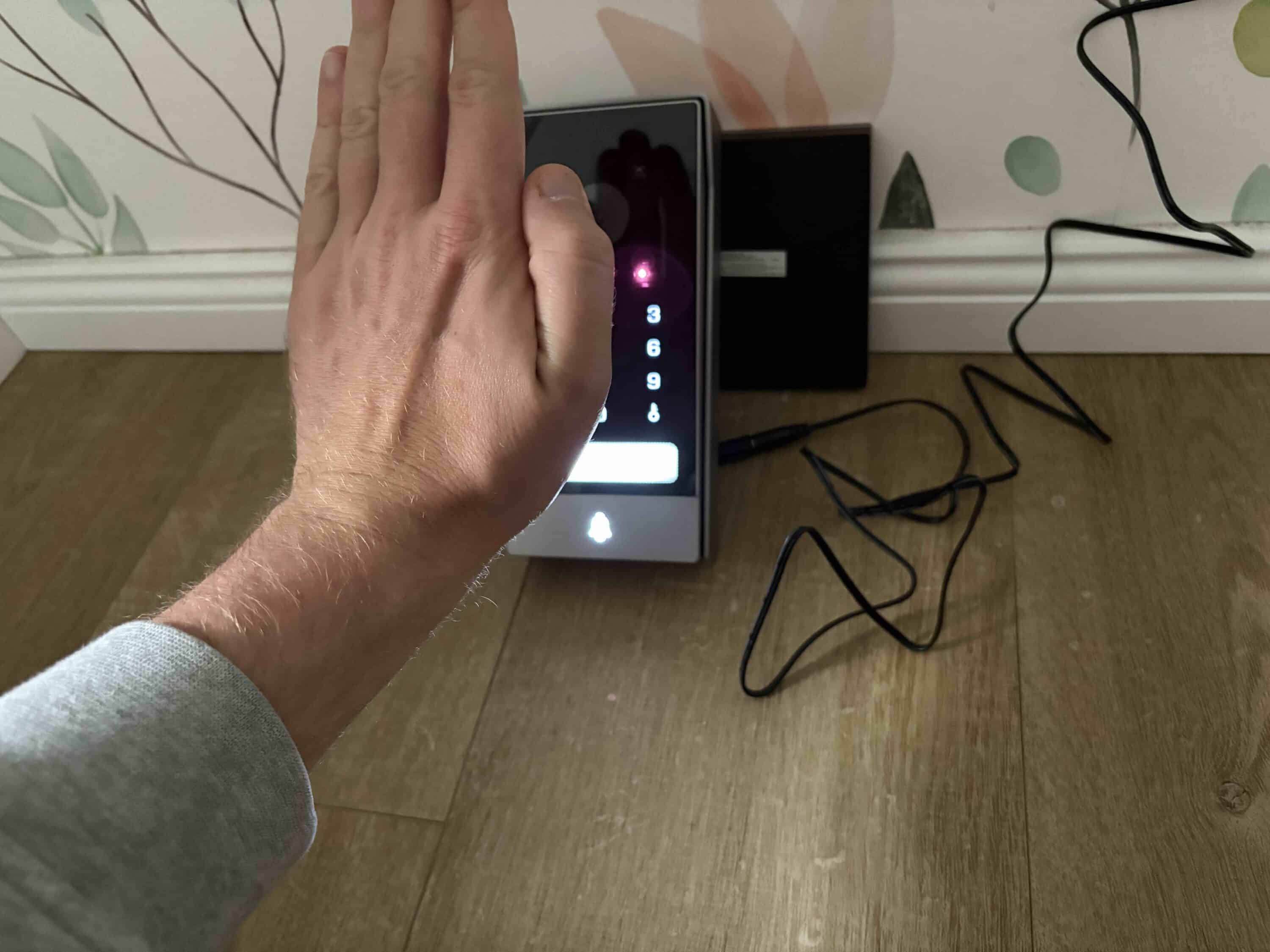

Facial recognition in particular worked really well in practice and allows you to open the gate even with your hands full. The system worked just as quickly as a SwitchBot Lock Ultra (Review | € 299.99 *) in combination with the SwitchBot Keypad Vision (€ 149.99 *). Hand vein recognition worked similarly well, but the face scan was a little faster. You can then easily track the unlocking history on the external display or in the app.
Conclusion
With the EZVIZ HP7 Pro, the manufacturer is launching a real premium model on the market that clearly stands out from the usual smart video doorbells. In particular, the combination of a high-quality metal housing, large 8-inch indoor display and the wide range of unlocking methods makes it a unique selling point in the segment. The new biometric options – facial recognition and palm vein scan – worked reliably in the test and complement the classic options such as RFID chip, numerical code and app control. The image quality is also impressive: with razor-sharp 4K resolution, natural color reproduction and strong night vision, the HP7 Pro delivers an all-round successful camera experience.

Thanks to the fixed cabling, the system is also extremely stable, even if the internet connection goes down. On the other hand, the higher installation effort should not be underestimated – manual skills or professional help are mandatory for non-professionals. In addition, the HP7 Pro is clearly aimed at users who are prepared to pay a premium for convenience, security and technology. All in all, however, EZVIZ offers a strong overall package that not only impresses with its wide range of functions, but also with its elegant finish and clever integration into the EZVIZ ecosystem. If you are prepared to invest a little more and are not afraid of installation, the HP7 Pro is currently one of the most exciting video doorbells on the market.

VORTEILE
- Very high-quality workmanship
- Large selection of unlocking methods
- Reliable biometric recognition (face & palm vein)
- Stable 4K image quality with good color reproduction and night vision
- Large 8-inch indoor monitor with sharp image
- Local storage up to 512 GB possible
- Integration into the EZVIZ ecosystem (e.g. cameras, smart home)
NACHTEILE
- Complex installation, electrician required in some cases
- No rechargeable battery, mains connection required
- Relatively high price compared to standard video doorbells
Fazit
The EZVIZ HP7 Pro convinces as a high-quality premium video doorbell with strong image quality and versatile unlocking methods, but requires complex installation and is not cheap.


