The 2025 gardening season has begun and Mammotion is getting its new robotic mowers ready. The 2025 update of the Yuka 1000 is also part of the action, and not only does it aim to impress by dispensing with the need to lay annoying boundary wires. It also comes with a redesigned mowing disc and an optional grass catcher that can collect not only blades of grass but also leaves. Find out how the smart garden helper performs in practice in our Mammotion Yuka 1000 test.
Technical data
| Model | Mammotion Yuka 1000 (2025) |
| Lawn area | up to 1000 m² |
| Mower deck | 2 mowing discs with 5 blades each |
| Cutting width | 32 c |
| Cutting height | 20 to 90 mm |
| Pitch | 45% / 24° |
| Dimensions and weight | 64.8 x 51.9 x 33.0 cm and 16.4 kg |
| Navigation and obstacle detection | UltraSense AI Vision + RTK |
| Weather resistance | IPX6 |
| price | Price not available * |
Scope of delivery

- Yuka 1000 robotic lawnmower
- charging station
- RTK antenna
- 12 spare blades
- Ground pegs
- Power supply
- Operating instructions
Mammotion Yuka 1000 test: design and workmanship
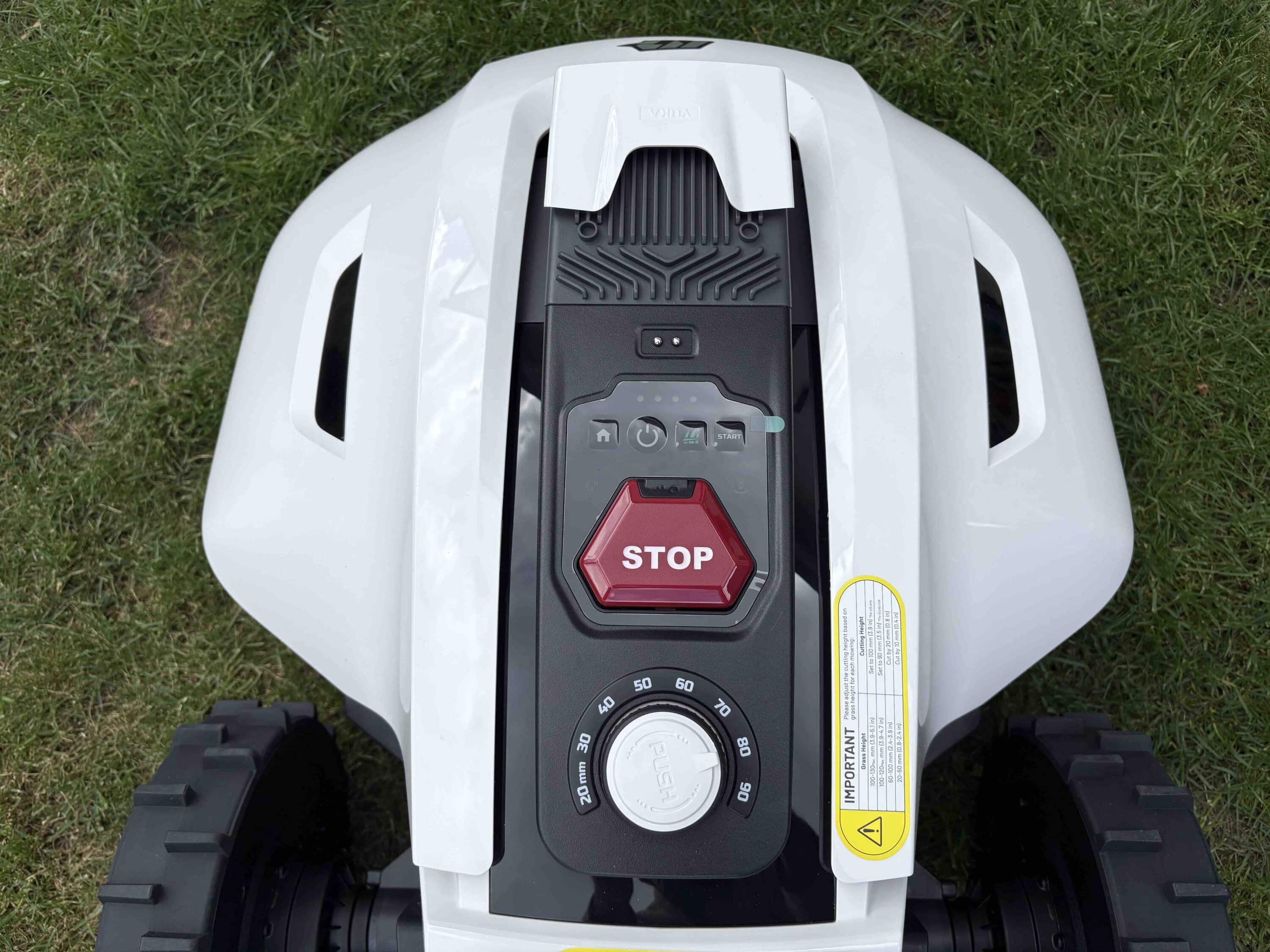
In terms of appearance, Mammotion remains true to its Yuka series. This means that you get a garden robo with the classic color combination of black and white. There are a few control buttons on the top, such as the red-colored stop button, which is hard to miss.

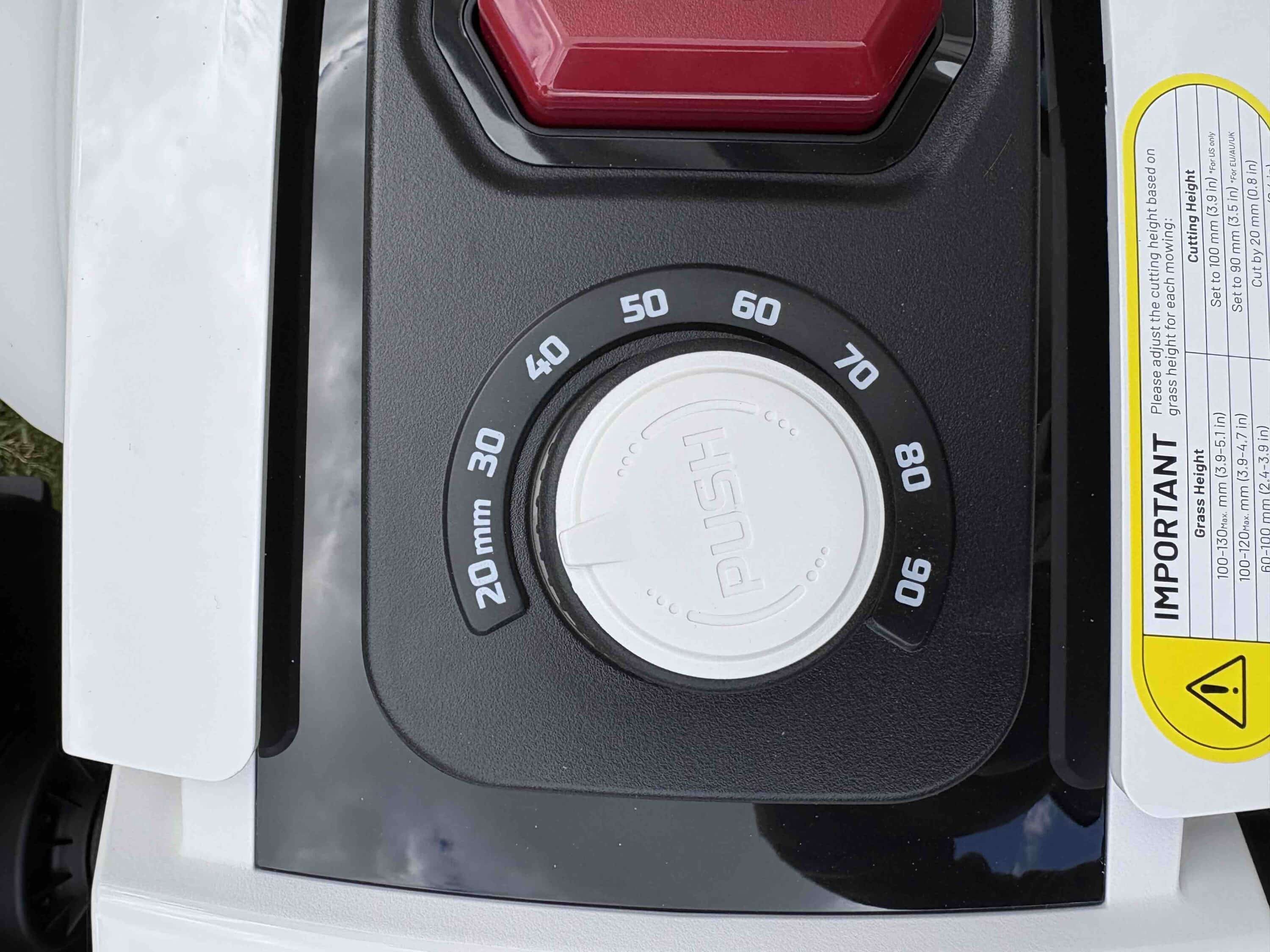
You can also conveniently set the cutting height here using a rotary control. Here you can choose between a minimum of 20 and a maximum of 90 mm. Four further buttons give you rudimentary control of the device. But there’s no getting around the Mammotion app for operation. But more on that later.
At the front is UltraSense AI Vision, the system for obstacle detection and navigation through your garden. The system consists of two cameras that are designed to avoid annoying collisions. A practical windshield wiper ensures that the two lenses always have a clear view. To the left and right of the housing are two attractive LED strips that provide you with information about the status of the garden robot.

Thanks to the buggy-like design, the two large wheels at the rear can hardly be overlooked. These have a deep profile, which should also make it easy to climb hills. Mammotion promises a climbing ability of 24°, which is not bad. There is also a practical carrying handle on the back, which makes it easier to transport the 16.4 kg robot. It is steered using the spherical wheel at the front.

You can see this when you turn the Robo upside down. You can also see the two floating mowing discs. These each have 5 blades, so that the Robo can mow your lawn with a total of 10 blades. By comparison, the previous model only had 3 blades per cutting disc. The manufacturer specifies a full 32 cm as the cutting width. All in all, the Yuka 1000 makes a very well-made impression. IPX6 certification also promises protection against water damage.
Mammotion Yuka 1000 test: Getting started
Once you have lifted the rather heavy beast out of the packaging, it’s time to choose the right position for the charging station. Found a place? Then you can continue. This is where you attach the base to the ground using the pegs provided. Then connect everything to the power supply and you’re ready to go. Place the robotic lawnmower in the charging station and switch it on.

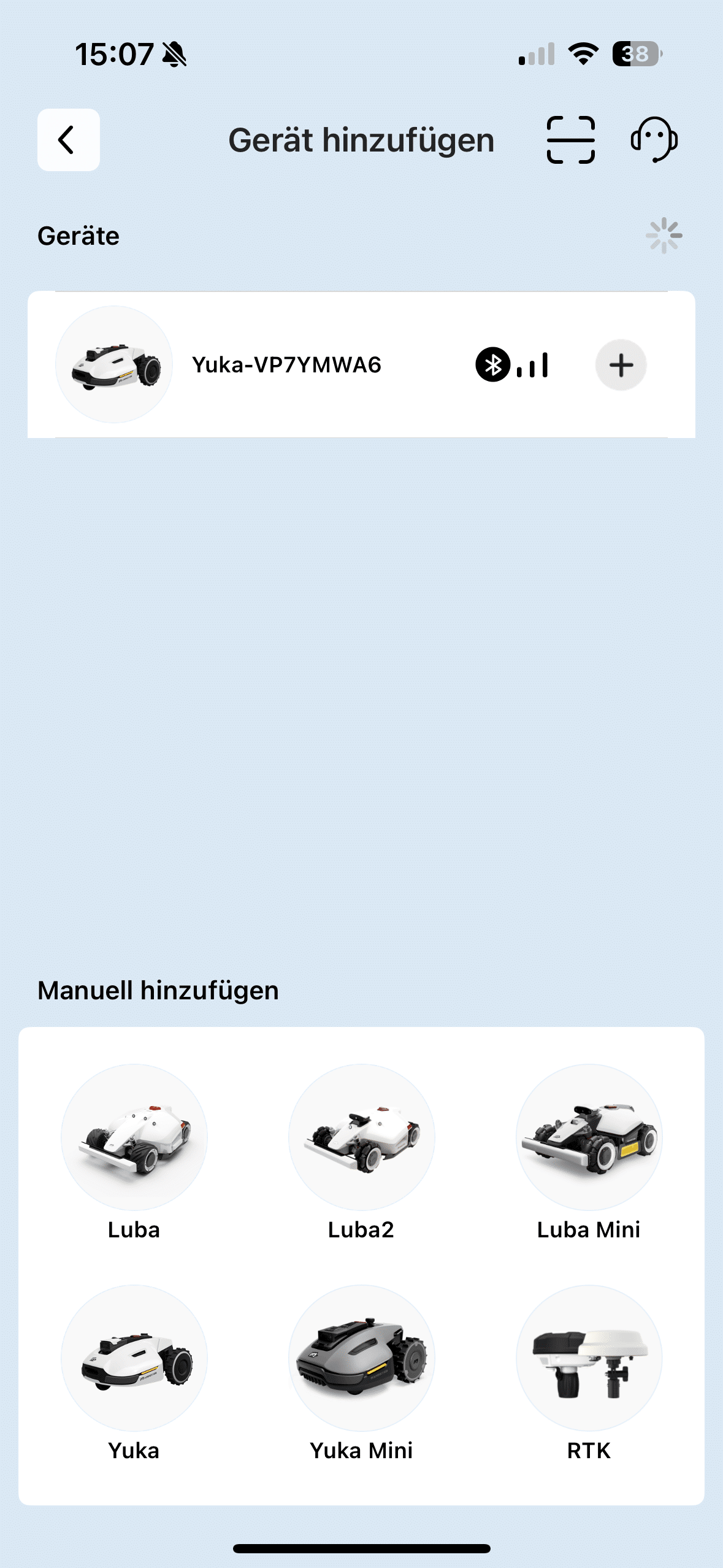
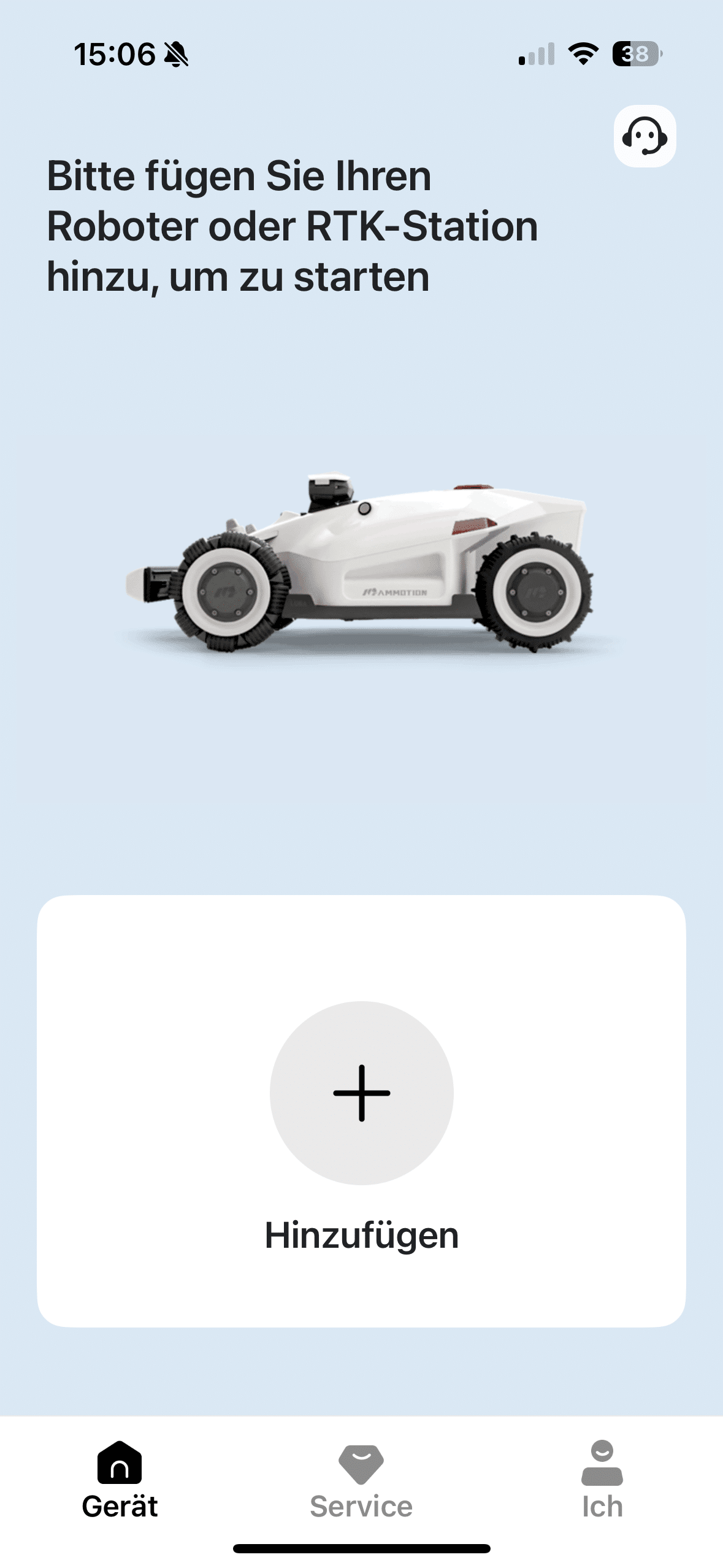
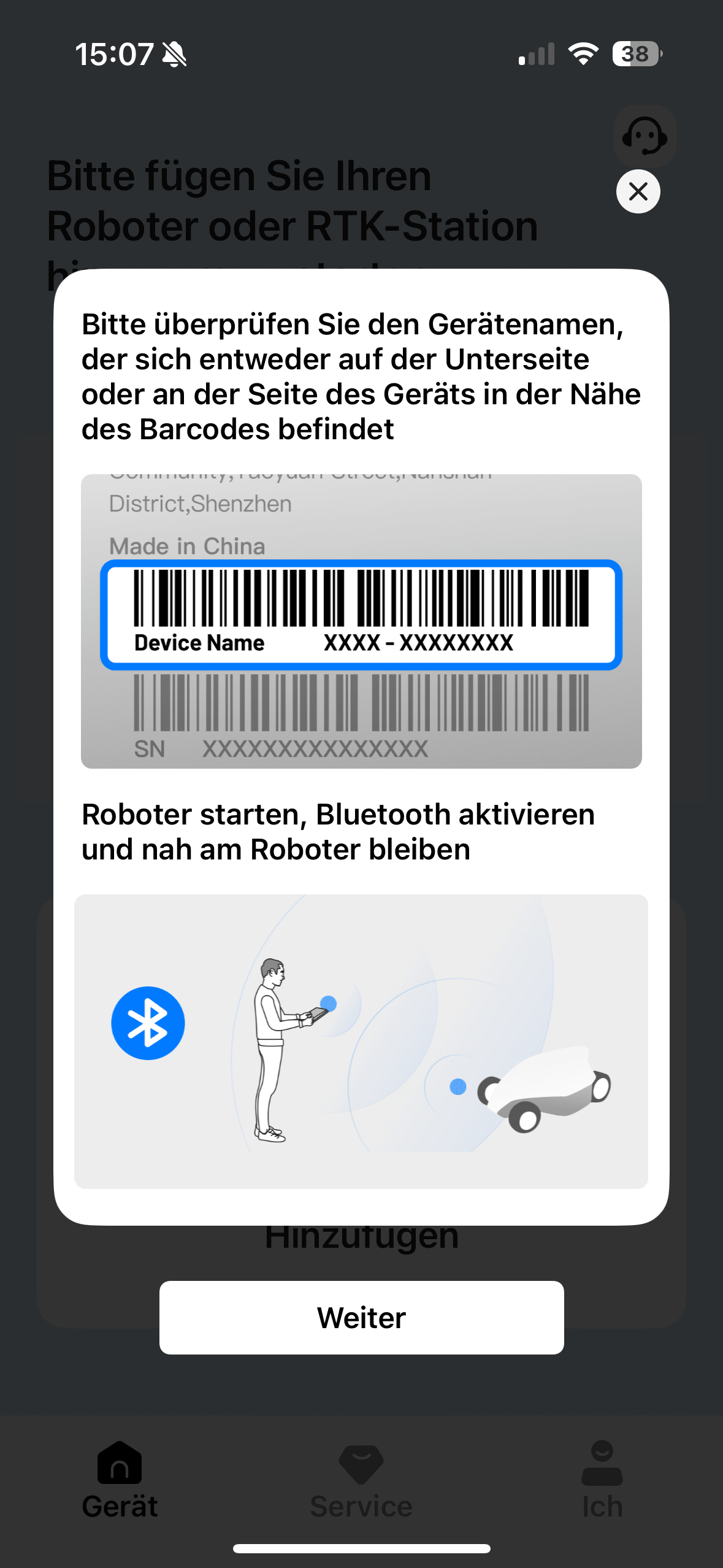
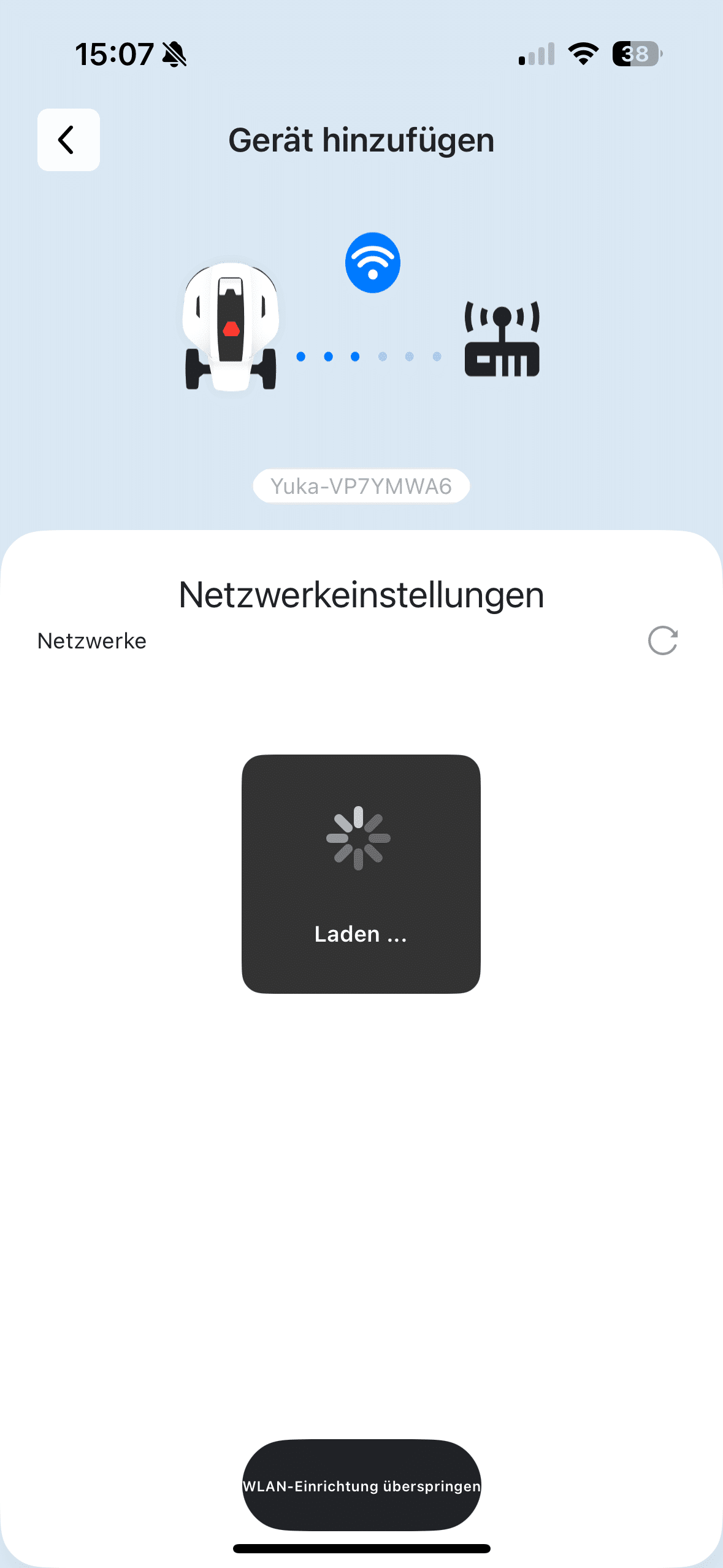
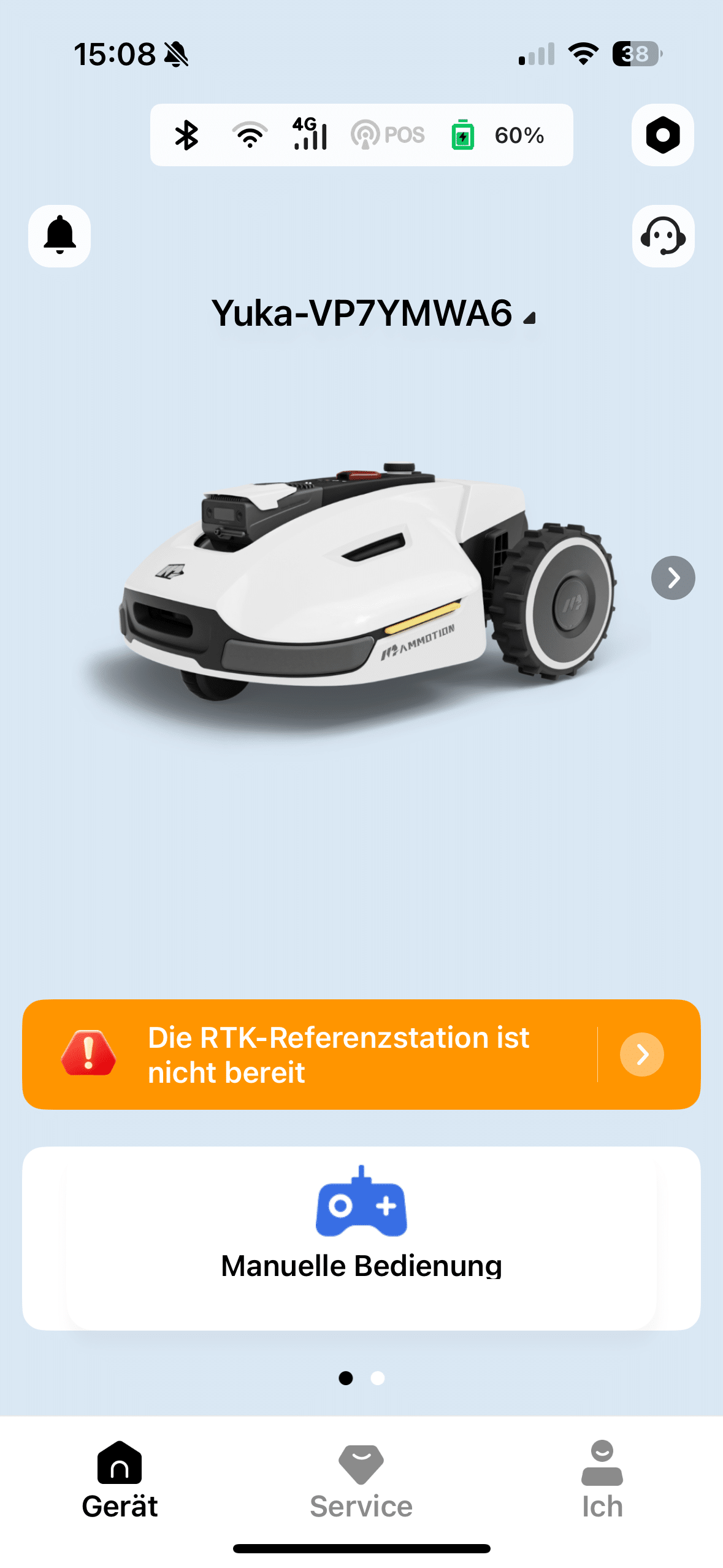
Then download the Mammotion app to your smartphone and add the Yuka 1000 as a new device. In the test, everything worked straight away and without any further connection problems. If the Yuka is in the device list, you can also directly create a map of the area to be mowed. A total of up to 10 zones can be defined and connected with the Yuka 1000.
When mapping, you have the choice between two approaches. Firstly, you can steer the Yuka through your garden like a remote-controlled car and drive along the edges of the lawn. Alternatively, you can choose automatic mapping. You should only choose the latter if your lawn is really surrounded by reliable barriers.

If this is not the case, we recommend manual mapping. Make sure you take enough time for this step. If the map has been created well, you will hardly have to worry about a clean mowing pattern afterwards. Once you have covered the lawn with the Yuka 1000, the mapping is complete and the first mowing session can begin.
Mammotion Yuka 1000 test: Navigation
The Yuka 1000 comes with an RTK antenna that receives GPS data for navigation. However, you don’t necessarily have to operate the robot with the antenna. Alternatively, you can use the iNavi service to navigate without an antenna. This is of course extremely convenient, as the RTK antenna can sometimes interfere with the greenery, especially in smaller gardens.

With iNavi, Mammotion relies on a combination of WiFi and the built-in camera technology. If the mower is outside your network, it connects to the internet via 4G. I tried both methods and could hardly see any difference between operation with and without an antenna. The only downside to iNavi is the fact that it is a kind of premium service. You can currently activate and book the whole thing without having to pay anything.

However, this is set to end at the end of 2025. How high the subscription fees will be then is still uncertain. Let’s move on to obstacle detection. The Yuka 1000 delivers a solid performance here. But nothing more. In the test, unintentional collisions occurred from time to time. Here, competitor models such as the MOVA 600 (Review | € 899.00 *) are more convincing.

Accordingly, you should only let the garden robot run during the day if possible. This is not only due to the sometimes inadequate obstacle detection. The Yuka 1000 also has no LED light, which we think is a bit of a shame. But perhaps something will be done about obstacle detection in the near future. As the Yuka 1000 also relies on AI-based obstacle detection, this may improve in the course of software updates.
Mammotion Yuka 1000 test: Mammotion App
The heart of the Yuka 1000’s operation, monitoring and settings is the Mammotion app. It not only offers numerous setting options. What’s more, you won’t lose track of things here, as Mammotion uses a pleasingly clear design. For example, you can make adjustments to the map in the app. You can also monitor in real time how the Yuka is driving over your lawn.
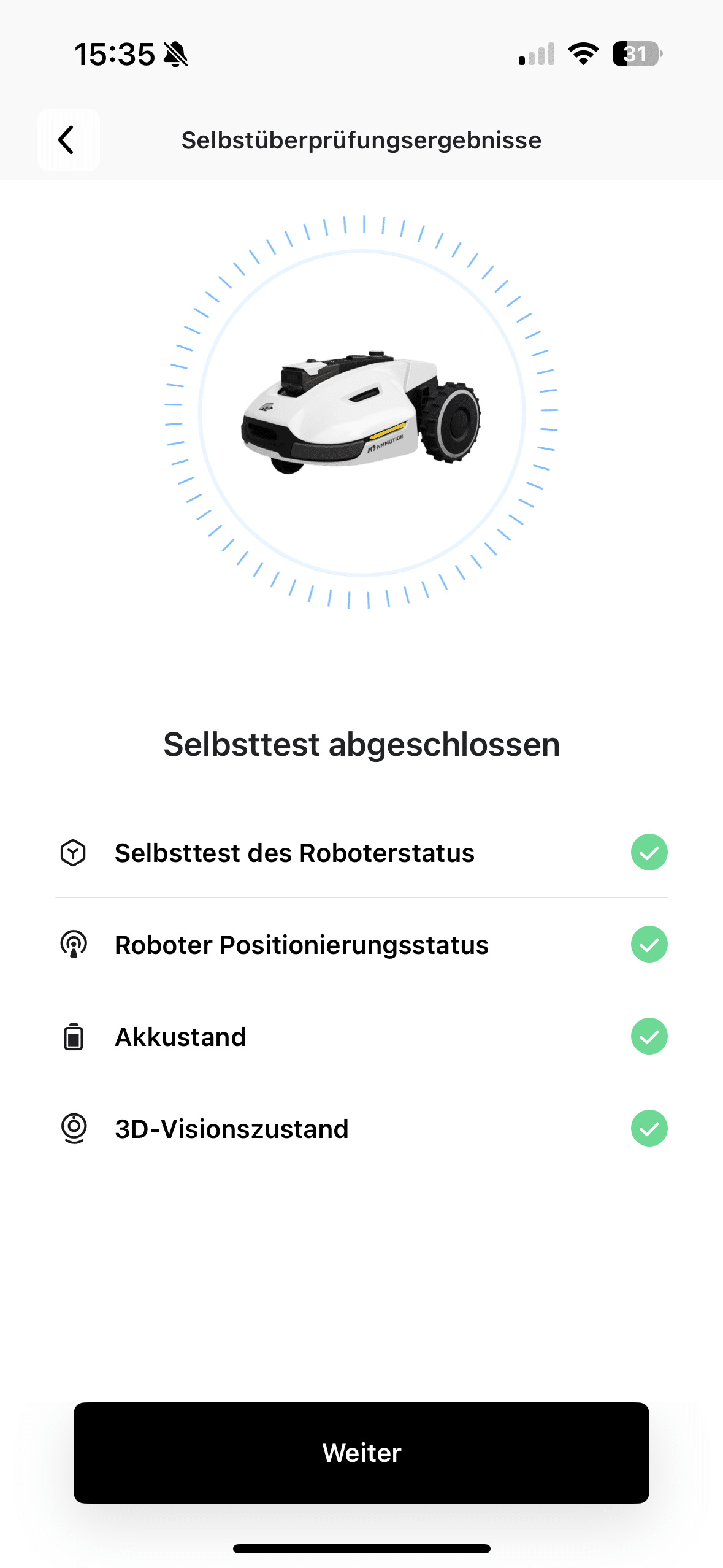
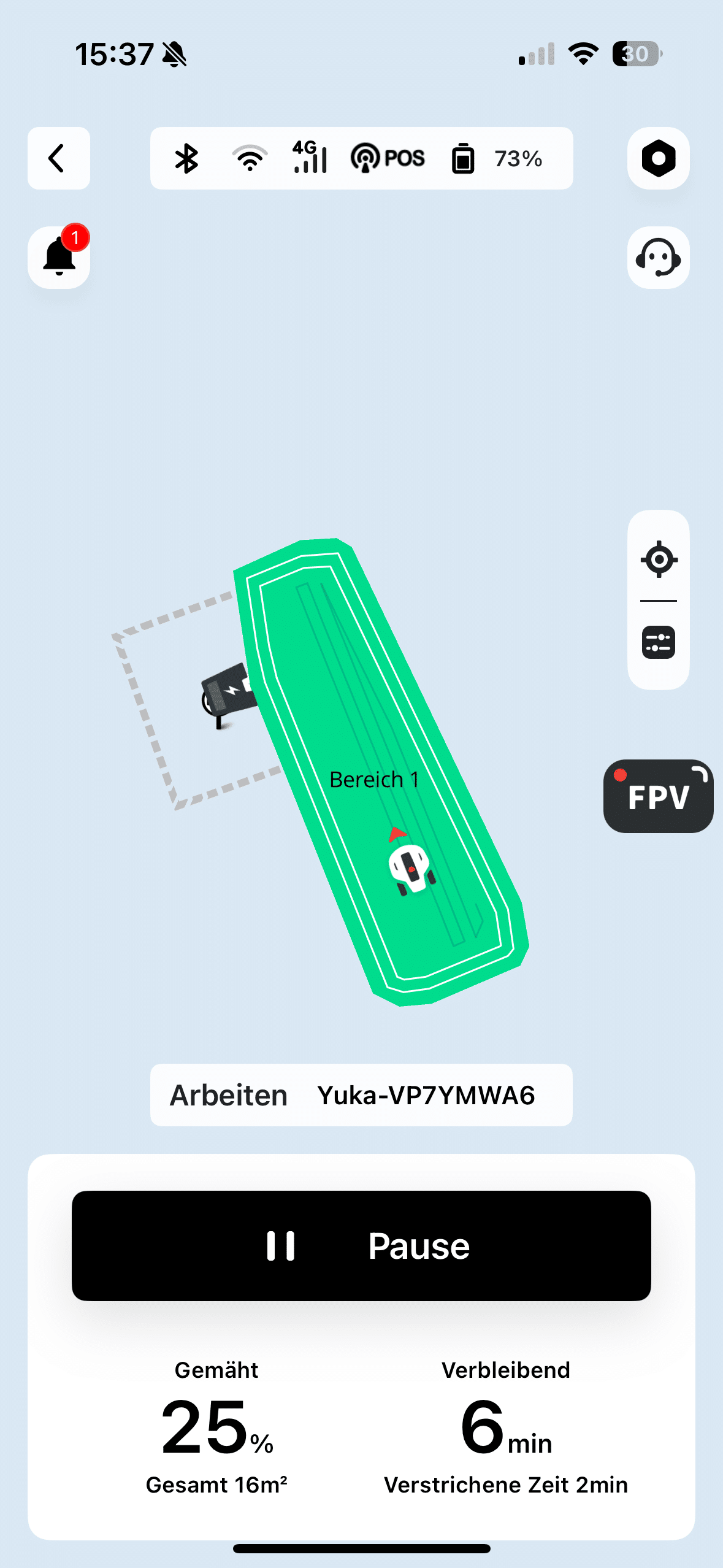
A fun feature is certainly the use of the camera unit while driving. This is not only used for obstacle detection, but also allows you to use the Yuka as a mobile surveillance camera in the garden during the mowing process. It’s nothing more than a gimmick, but it’s certainly fun to be able to follow the mower’s work from your vacation. Meanwhile, I didn’t miss anything in the settings options.
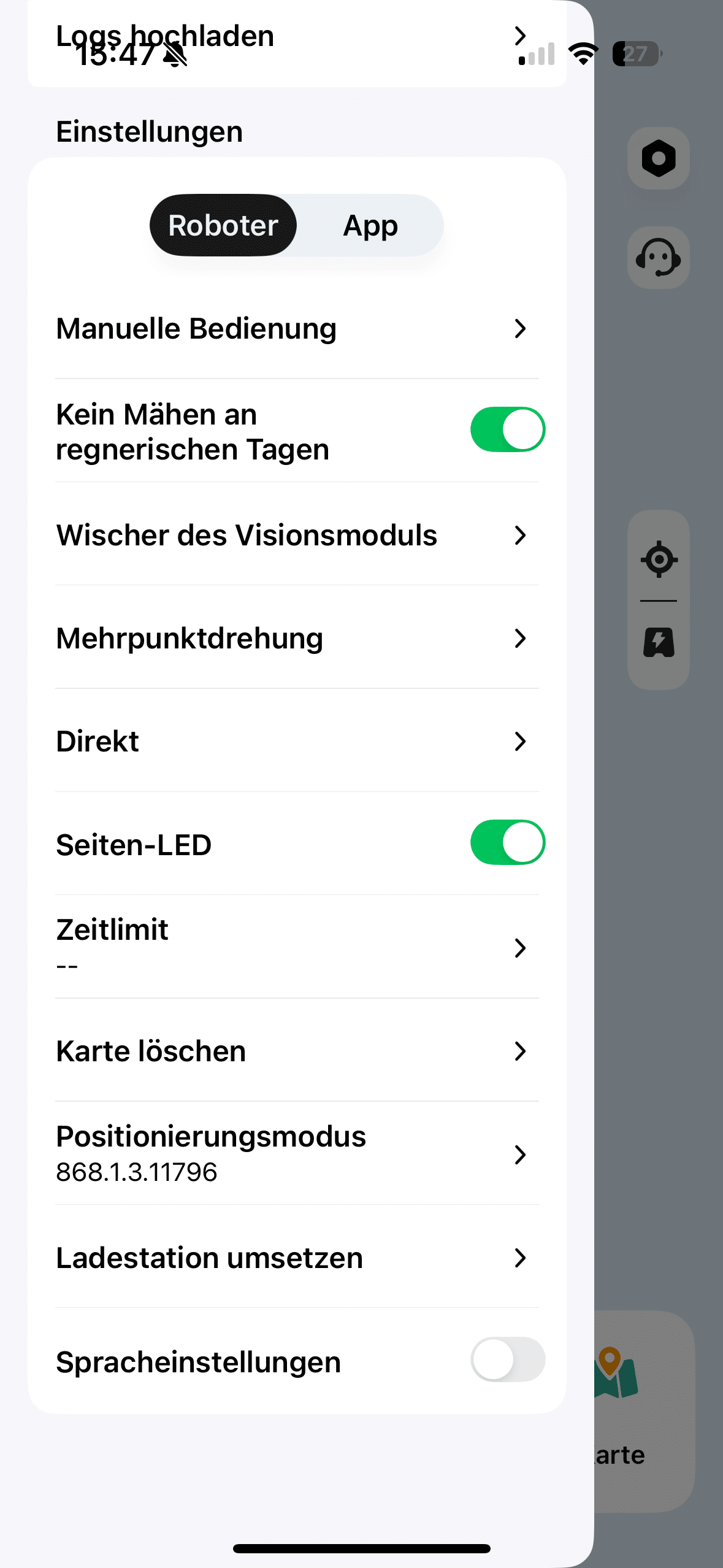
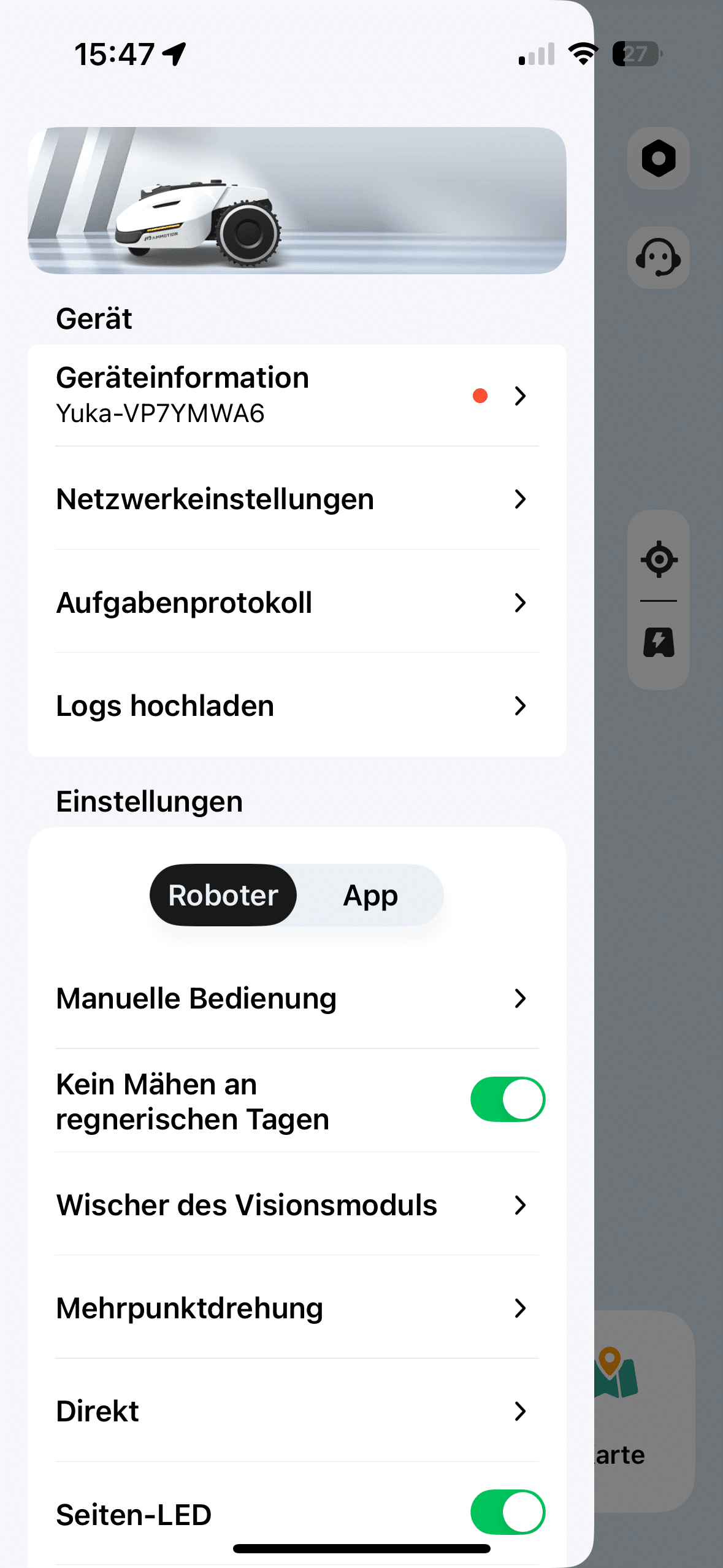
You can not only set the mowing speed and the distance between the paths to be mowed. You can also specify the angle at which the grass should be cut and which obstacle detection mode you prefer. Even the turning manoeuvre when changing lanes can be personalized in the app. Of course, you can also set a mowing schedule. So you can set the Yuka to suit you and your garden best.
Mammotion Yuka 1000 test: Mowing performance
There is nothing to complain about when it comes to mowing performance. The Yuka 1000 left an excellent cutting pattern in my garden. In combination with the good navigation capabilities, I was able to see a cleanly mowed lawn. It also conjures up great lawn lines, which are impressive.

Another highlight is the ability to mow patterns into the lawn. So there’s nothing to complain about indoors. But what about the edges of the lawn? This is where the Yuka 1000 suffers from a problem that many robot mowers share.

As the mowing disc is quite a long way from the housing, edge-free mowing is only possible in areas at ground level, such as my path in the front garden. If, on the other hand, kerbs or other physical boundaries are used, you will have to live with an edge of just under 10 cm, which you will then have to mow manually.

If you have a problem with this, it may be worth taking a look at the Dreame A2 (€ 2,299.00 *). This has a pioneering extendable mowing disk that also promises mowing in the edge area. In terms of running time, the Mammotion does not deliver world-beating values. It finishes after just under 2 hours. This also corresponds roughly to the charging time.
Mammotion Yuka 1000 test: Optional grass collector
A special feature that I have not seen on any other robotic lawnmower is the optional grass collector from Mammotion. The advantages are obvious. The grass collector reliably collects grass clippings and leaves and disposes of them at a location you specify beforehand. This can be particularly useful if you only have your robotic lawnmower run once a week rather than at regular intervals.

After all, the grass clippings are so long that you shouldn’t leave them lying around. It’s also the perfect solution for mowing in the fall. That’s when you shouldn’t cut the lawn so often anyway. It’s certainly a cool feature, but the grass catcher also has its downsides. It makes the Yuka 1000, which is already quite large, significantly larger.

And that’s not the only drawback. The Yuka also loses its climbing ability when the grass catcher is fitted. This quickly turns 45% into 18%, which owners of a hilly garden should definitely bear in mind. The operating volume of the otherwise quite quiet robot also increases noticeably with the grass collector. Accordingly, you should consider whether the whole thing is worth the extra cost to you.
Conclusion
With the Yuka 1000, Mammotion is launching a powerful update to its robotic lawnmower, which is characterized above all by its simple setup without a boundary wire, smart app control and convincing mowing results. The convenient navigation via camera and RTK antenna as well as the versatile Mammotion app made a particularly well thought-out impression in the test. The mowing performance is once again impressive with a precise cutting pattern and beautiful lines.

However, as with many competitors, the edging still requires manual reworking. The obstacle detection is solid, but still has room for improvement, and the optional grass collector is an interesting, but not entirely uncompromising addition. However, if you are looking for a modern robotic mower with clever functions for medium-sized gardens, the Yuka 1000 is a powerful garden helper – provided you can live with its minor weaknesses.

VORTEILE
- No boundary wire necessary
- Precise cutting pattern with beautiful lines
- Easy setup via app
- Good navigation thanks to RTK or iNavi
- Optional grass catcher
NACHTEILE
- Obstacle detection occasionally unreliable
- Weaknesses when mowing along hard lawn edges
- iNavi will be chargeable in the future
Fazit
The Mammotion Yuka 1000 is a modern, powerful robotic lawnmower for tech-savvy garden owners that impresses in everyday use - despite minor weaknesses when it comes to obstacles and edges.