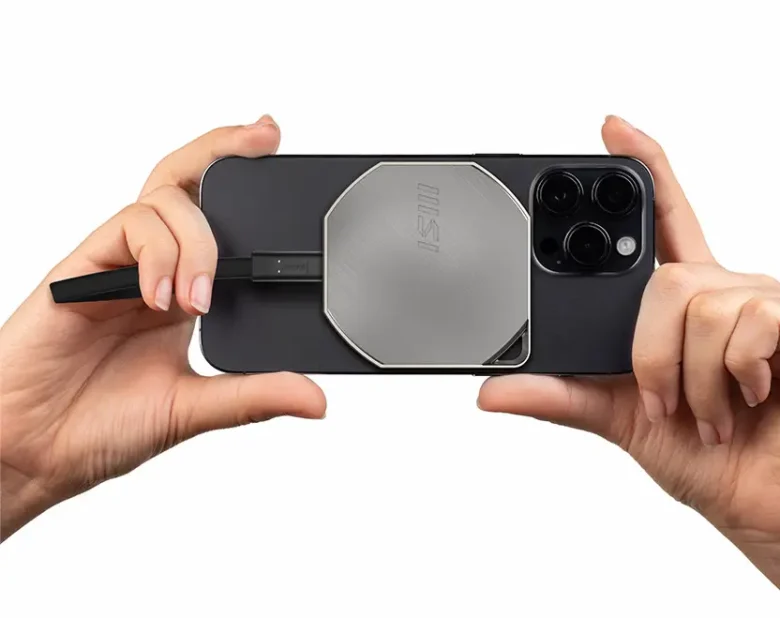
If you want to future-proof your PC or laptop with the latest WiFi standard, you don’t have to go straight to the hardware. With the MSI BE6500 WiFi 7 USB adapter, all you need is a free USB port. This compact stick makes every compatible device fit for WiFi 7, without the need for time-consuming and costly replacement of the WLAN module or annoying driver stress.
Technical data
| Model | MSI BE6500 |
| WiFi standards | WiFi 7 (IEEE 802.11be) |
| Maximum speed | WiFi 7 (802.11be) WiFi 6 (802.11ax) WiFi 5 (802.11ac) WiFi 4 (802.11n) 802.11g 802.11b 802.11a |
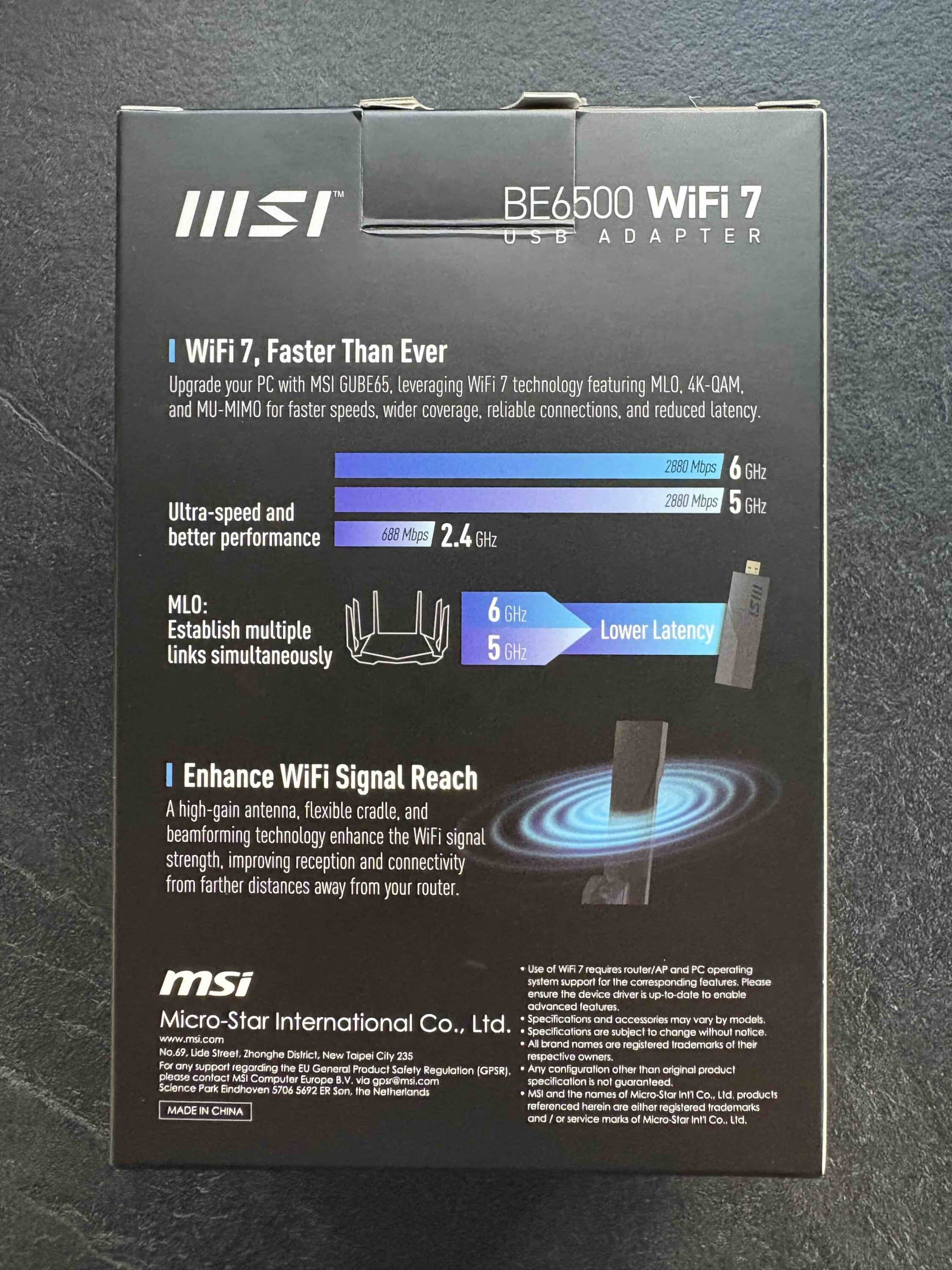
| WiFi speed | 2.4 GHz BE: 2×2 (Tx/Rx) up to 688 Mbit/s 5 GHz BE: 2×2 (Tx/Rx) up to 2880 Mbit/s 6 GHz BE: 2×2 (Tx/Rx) up to 2880 Mbit/s |
| Frequency bands | 2.4 GHz / 5 GHz / 6 GHz |
| WiFi encryption | WPA-PSK, WPA2-PSK Enterprise, WPA3-Personal Enterprise |
| Antenna | 2x high-gain tri-band antennas |
| Dimensions and weight | 111 x 33 x 20 mm 48,2 g |
| Scope of delivery | MSI BE6500 WiFi 7 adapter Stand Quick Start Guide |
| USB standard | USB 3.2 Gen 1 |
| Supported operating systems | Windows 10 (limited features) Windows 11 |
| Features | Multi Link Operation (MLO) MU-MIMO |
| price | € 78.55 * |
MSI BE6500: Modern look meets thick casing
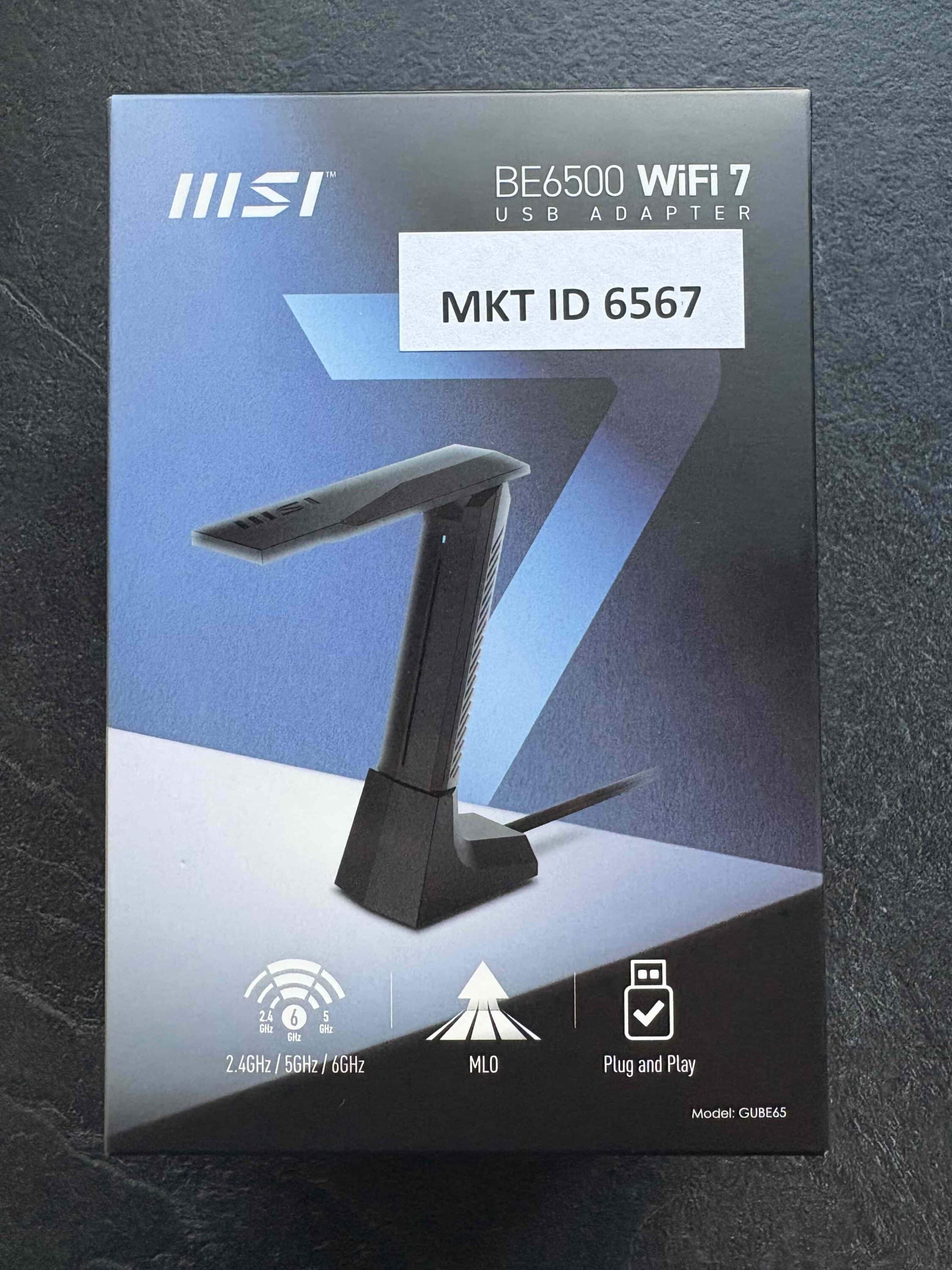
Visually, the MSI BE6500 is functional. You get a black plastic stick with a strikingly wide casing. At 111 mm long, 33 mm wide and 20 mm high, it is definitely not one of the daintiest in its class. Although it doesn’t look bulky, it is definitely larger than older WiFi adapters. However, it should not be forgotten that MSI also has to incorporate the technology required for WiFi 7. With this in mind, the BE6500 appears significantly more compact.

The scope of delivery includes a practical stand with USB extension, which serves several purposes. On the one hand, the stick can be placed on the desk. This reduces the interference that can be caused by the housing walls of a laptop or PC case. On the other hand, the stand helps to keep adjacent USB ports free.
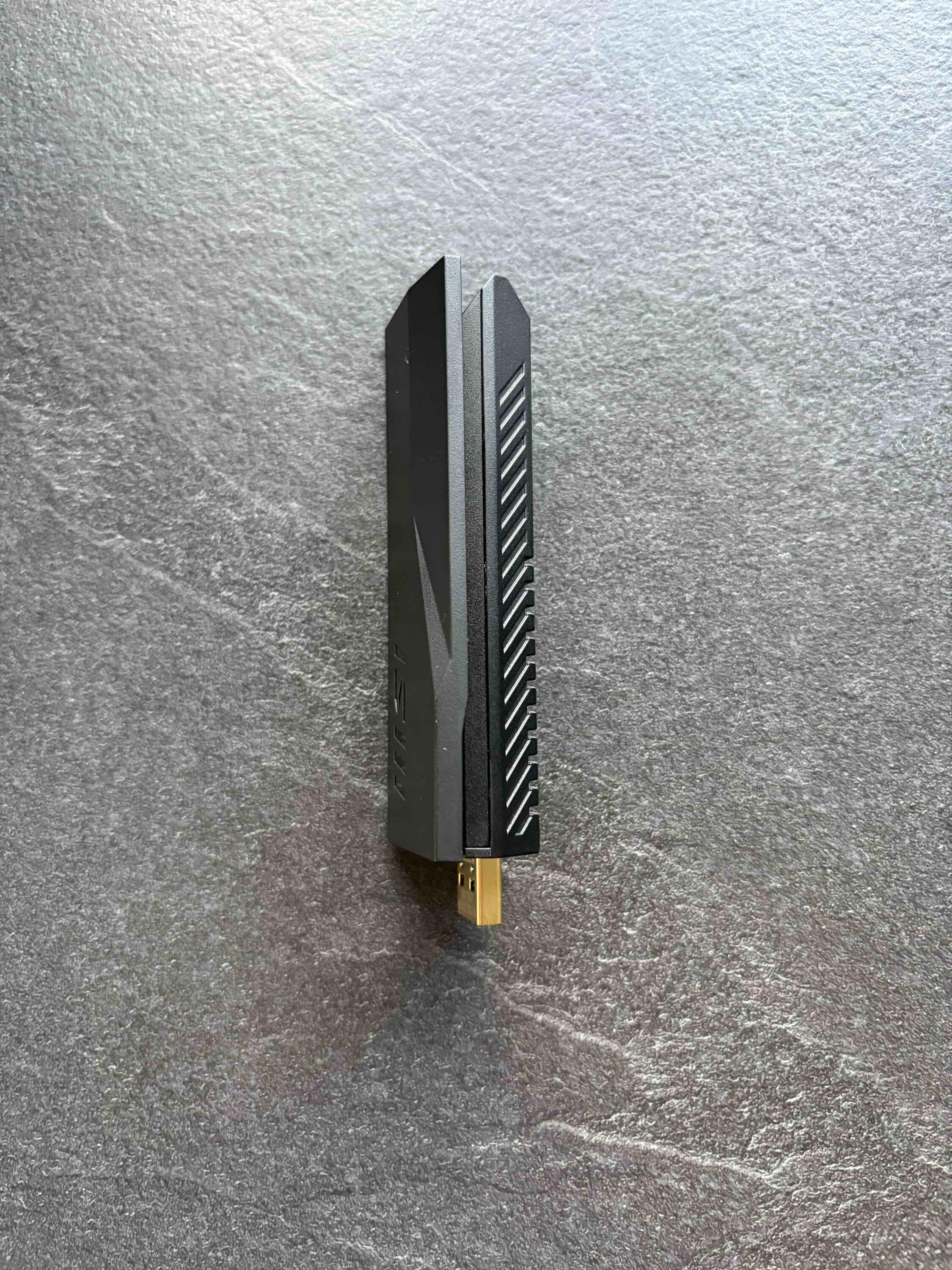
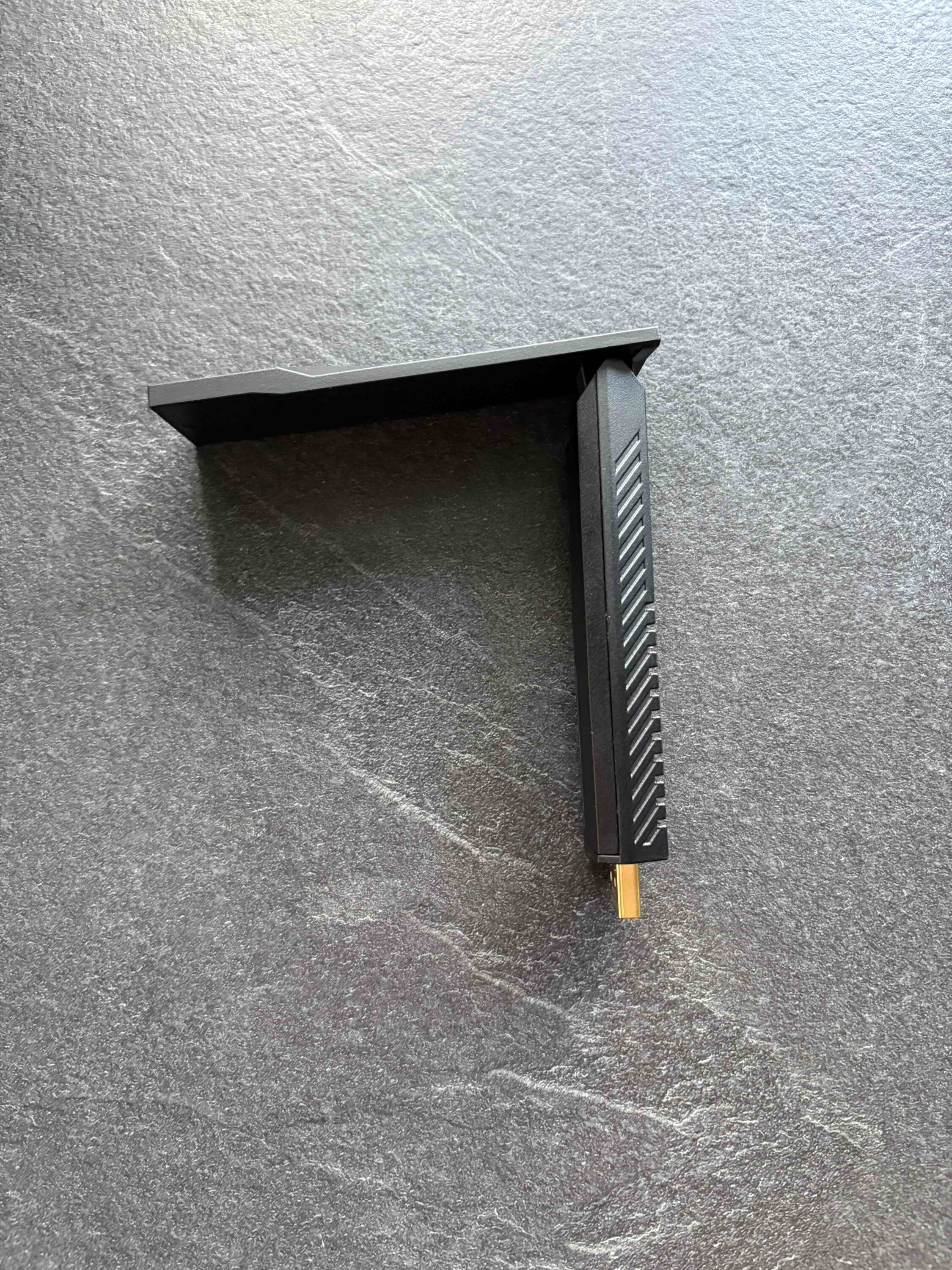
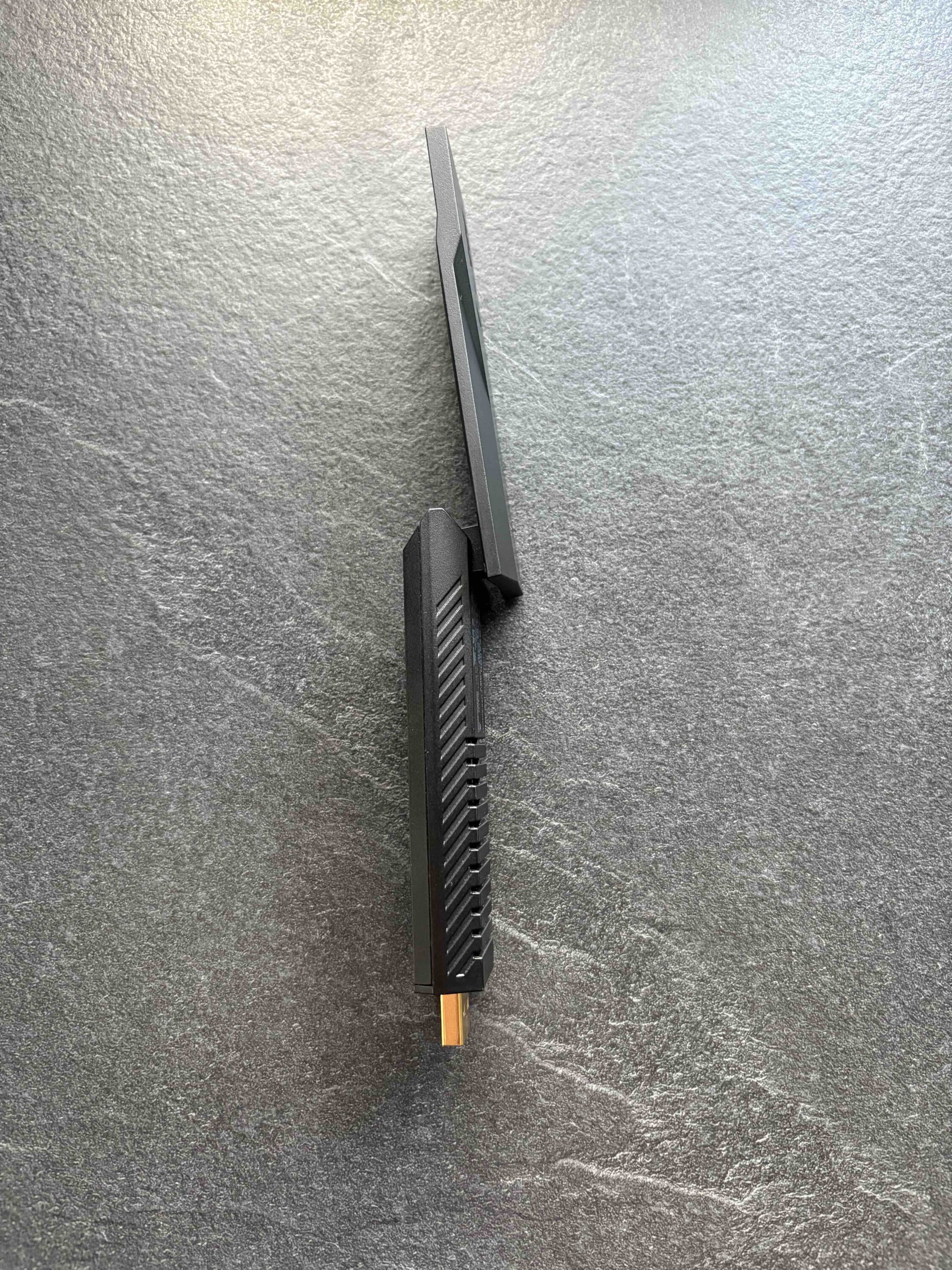
Due to the wide housing of the USB flash drive, it takes up quite a lot of space, which can obstruct the USB ports around it. This can be a particular problem for notebooks with narrow port spacing. The design is otherwise kept simple. The USB flash drive comes completely in black.

Only a small blue LED on the back signals readiness for operation. Anyone looking for minimalist, unobtrusive technology will not be disappointed here. More conspicuous and a little less practical is its use with the stand. After all, it might be annoying, especially for mobile users, to have to take it with them every time.
WiFi 7 at a glance – What does the new standard really bring?
The term “WiFi 7” is often equated with speed – but in practice, other aspects are more important:
- More simultaneous connections: Thanks to better management of large networks, WiFi 7 is ideal for households with many devices.
- Less latency: Particularly relevant for gaming or video conferencing.
- More stable connection: The connection remains performant even under high load.
- Larger bandwidths: Up to 320 MHz instead of previously only 160 MHz (But: The BE6500 only offers a maximum of 160 MHz).
The downside: WiFi 7 requires a suitable router, and these are currently (as of mid-2025) still expensive and rare. If you don’t have a WiFi 7 router, you are only using a fraction of the potential.

In addition, many devices do not yet support WiFi 7. Even new smartphones, tablets and laptops often still come with WiFi 6E. Such an adapter is therefore particularly useful if you already have a WiFi 7 infrastructure or are specifically upgrading to it.
MSI BE6500: Plug it in and you’re done
One of the biggest plus points of the BE6500 is its ease of use. The setup is almost self-explanatory:
- Plug the adapter into a USB 3.2 Gen 1 port
- Install the driver (automatically in most cases)
- Establish a connection with the desired WLAN
The whole thing is done in just a few minutes. Especially compared to internal solutions. These often require removal of the housing, screwdrivers or special BIOS settings. This may not be a problem for professionals, but the MSI BE6500 simplifies the whole process, which is very convenient for the general public.
MSI BE6500: Suitability for everyday use & performance
If a suitable router is available, the MSI BE6500 really comes into its own. The connection is stable and the latency is low. Of course, large amounts of data can also be transferred. Up to 2880 Mbit/s are possible. This is particularly useful for applications such as video streaming, creating online backups or gaming. In our speed test, we consistently achieved between 1800 Mbit/s and 1900 Mbit/s.

Unfortunately, the BE6500 cannot exploit the full potential of WiFi 7. The MSI stick can only transmit and receive at 160 MHz below 6 GHz. The maximum of 320 MHz, which is theoretically possible with WiFi 7, is not available here. However, this is likely to be noticed only by power users. WiFi 7 is still a relatively new standard.
Accordingly, there are few households in which a WiFi 7 router is already in use. This is not least due to the fact that the corresponding network technology is quite expensive. In older networks, the stick remains functional, but only uses WiFi 6E or WiFi 6. This means: no faster speeds with WiFi 7 – and no significant advantage over a cheaper WiFi 6E stick.
MSI BE6500: Perfect for on the go
Thanks to the MSI BE6500, those who like to move their home office to the garden in summer can also enjoy fast and, above all, stable Internet in the countryside. For travelers who want to make their notebook WiFi-7-capable on vacation, the stick basically offers a lot. However, the stand is a little impractical when traveling.

If you travel a lot, you will probably plug the adapter directly into the USB port. It is also a bit of a shame that MSI includes a suitable stand, but no USB-C adapter. Since many slim notebooks only come with USB-C, this is a bit of a problem in terms of ease of use.
Conclusion: Smart plug-and-play solution
The MSI BE6500 is a clever solution for anyone who wants to bring their WiFi up to date without having to dig deep into the hardware box. Especially in combination with a WiFi 7 router, it delivers strong performance and makes older devices competitive again. If you have already invested in a modern network or are planning to do so in the near future, this USB stick is a sensible upgrade – simple, effective and future-proof.

Unfortunately the BE6500 does not fully utilise the WiFi 7 standard. At 6 GHz, there are ‘only’ 160 MHz channels, which may only be a problem to power users. Apart from that, the MSI BE6500 is an uncomplicated and, at a price of € 78.55 *, also an inexpensive way to retrofit WiFi 7 in a notebook or PC.