


DTF printing has long been the preserve of professionals. In the test, the Procolored P13 shows that there is another way: the compact printer brings real studio quality to the desktop – with everything you need to get started. If you learn the ropes, you get a powerful system for creative projects.
| Category | specification |
|---|---|
| dimensions | 73 × 40.3 × 29.8 cm |
| weight | 28 kg |
| Max. Print width | 33 cm (13 inch) |
| Print resolution | 720 × 1440 DPI |
| Print speed | approx. 7 min. for A4 (highest quality) |
| Inks | 6-channel system (CMYK + white + additional channel) |
| Ink drop size | 4.5 picoliters |
| Compatibility | Windows / Mac (Apple Silicon) |
| Noise level | 50% quieter than standard DTF printers (according to the manufacturer) |
| Special features | Automatic cleaning, laser detection, waste ink alarm |
| Price | 3,725.95 € (available from Procolored) |
The spectacular arrival: wooden box instead of cardboard
Even the delivery of the Procolored P13 is a statement. Instead of a simple parcel, the shipping service brings a heavy wooden crate with metal latches.
Inside is everything you need to get started: the printer itself, cables, cleaning tools, spare parts – even a screwdriver and Allen key are included. Particularly pleasing: a 100-meter roll of DTF film, which you can use to get started straight away and test extensively.

In the test, the Procolored P13 proved to be well prepared right from the start – the generous scope of delivery makes it much easier to get started, even if some sorting work is necessary at the beginning.

Space: A giant needs its realm
At 73 × 40 × 30 centimetres, the P13 takes up considerably more space than an ordinary printer. So the kitchen table definitely won’t do. Even a normal desk will quickly reach its limits – a sturdy extra table or workbench is better.

But it looks pretty smart. The lid with acrylic glass window is particularly impressive – at least once you’ve fought your way through the brown protective film. It was stuck to the entire surface and wasn’t that easy to remove. It was still possible to find the beginning, but on the underside, on which a panda is engraved, you had to remove the small incisions one by one. With a little patience (and a pair of tweezers) it works – but it’s not easy.

After all, it’s worth the effort. The panda motif in the lid is a small detail that somehow immediately puts you in a good mood. And because the side doors are also sensibly positioned, you can get to everything you need for filming, maintenance or adjustment. Just not on the kitchen table.
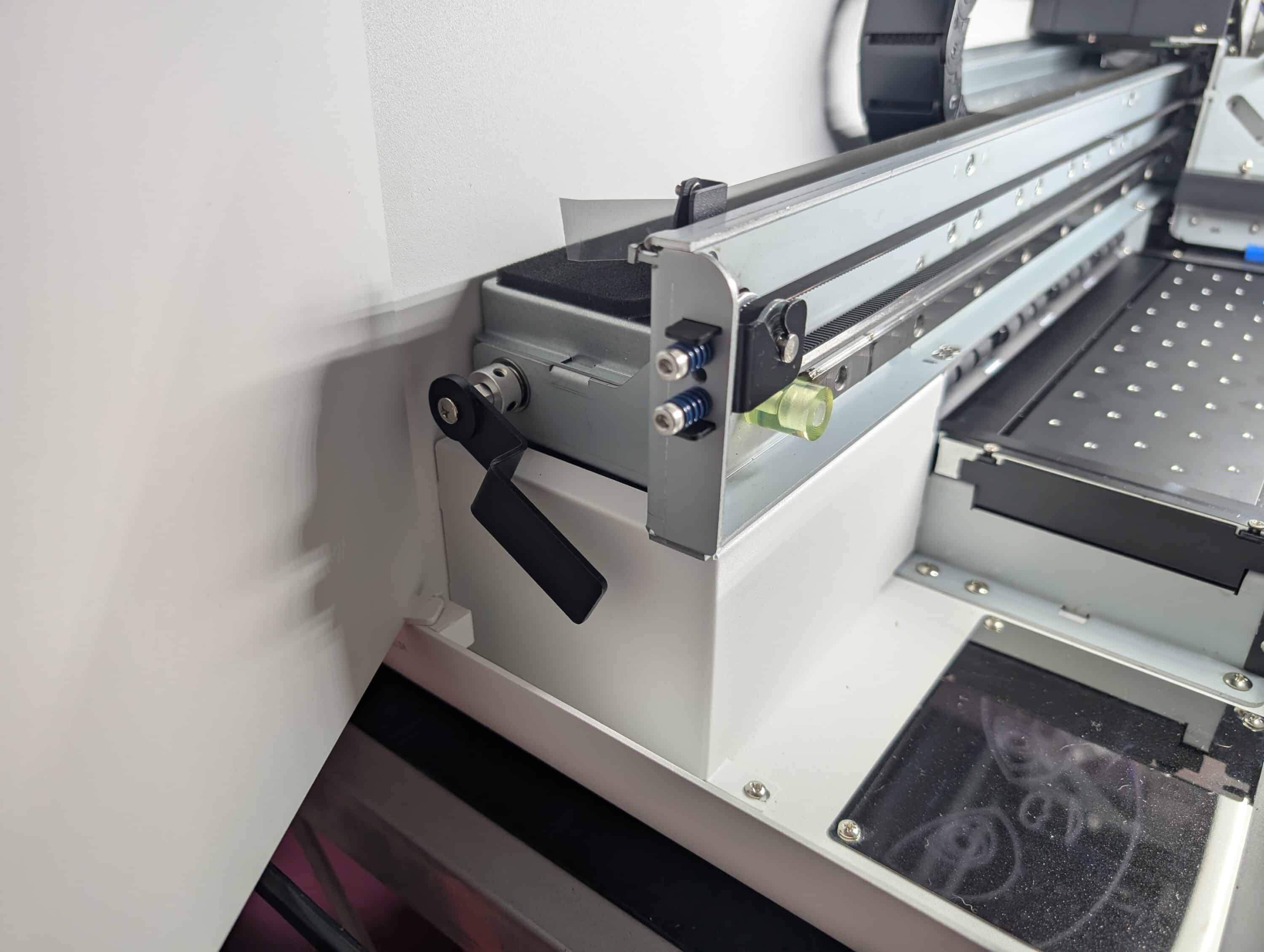
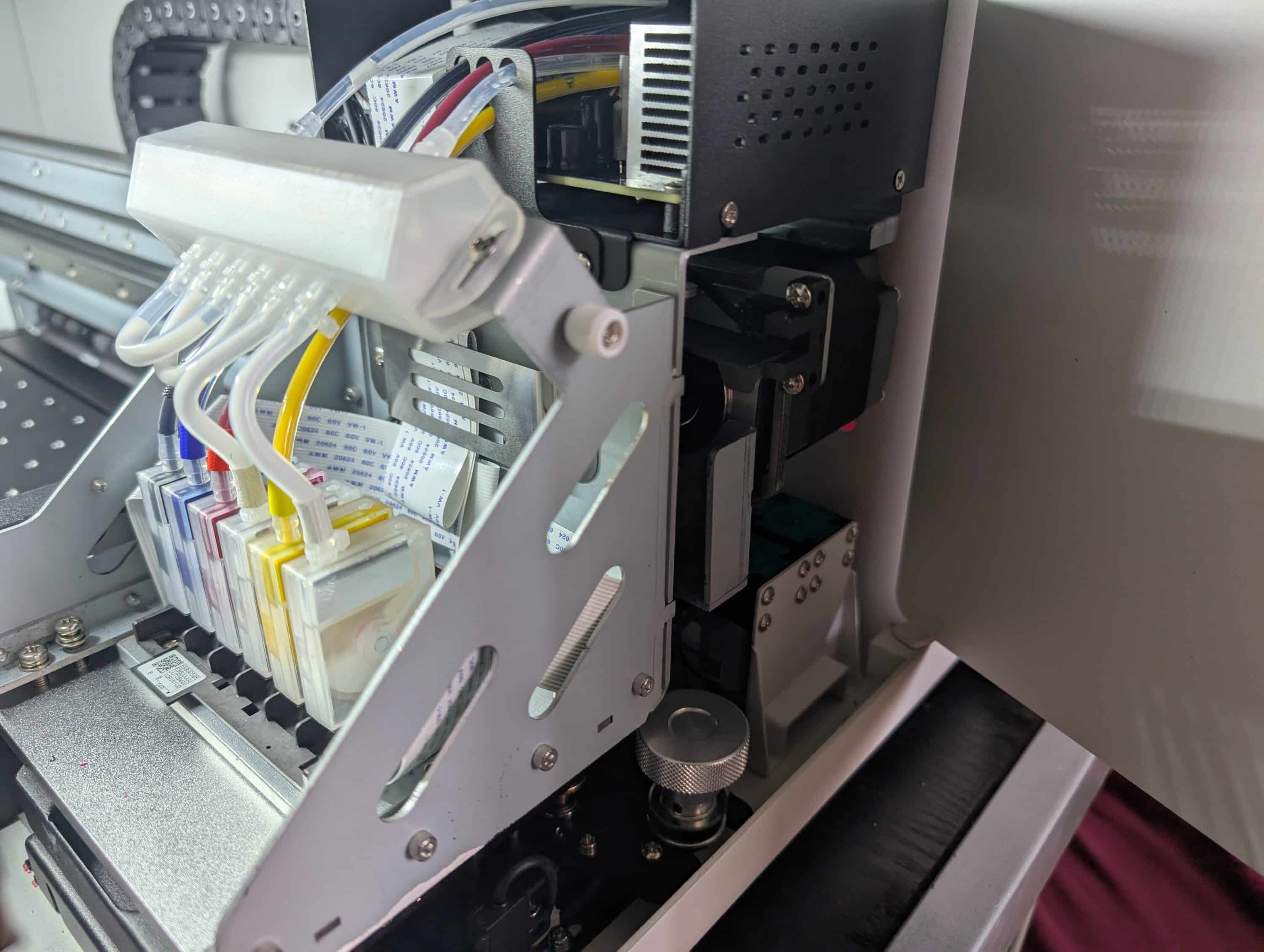
Mechanically top, with room for improvement on the software side – this is how the setup with the Procolored P13 ran in the test
The mechanical setup of the P13 proved to be pleasantly uncomplicated. The expected printed manual was missing, but the most important information could be found quickly online. To be honest, the key steps are also quite self-explanatory.
Release the transport lock, mount the practical film cutter on the front, attach the film holder on the back, insert the roll – within a good hour the device is mechanically ready for use.

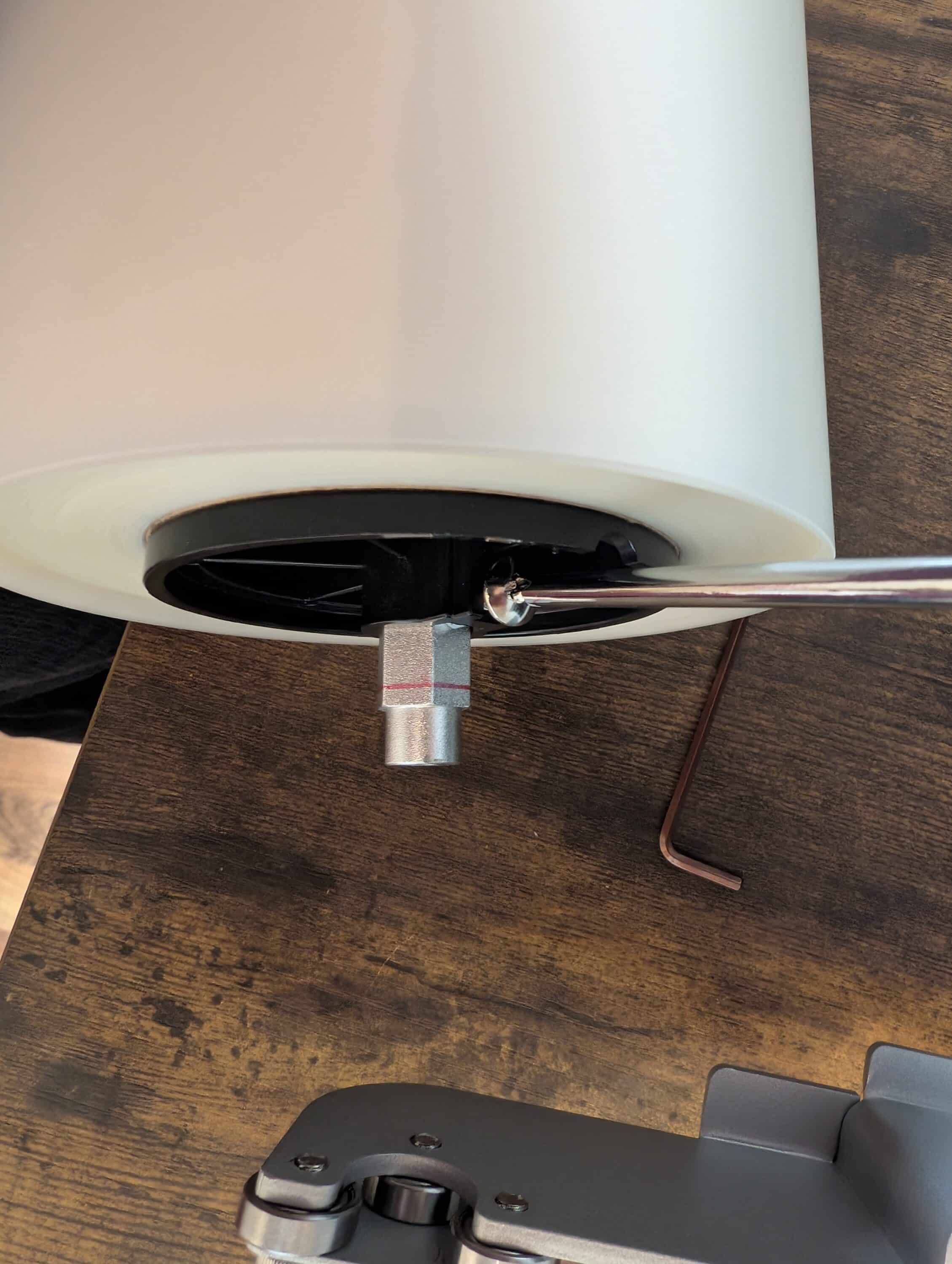
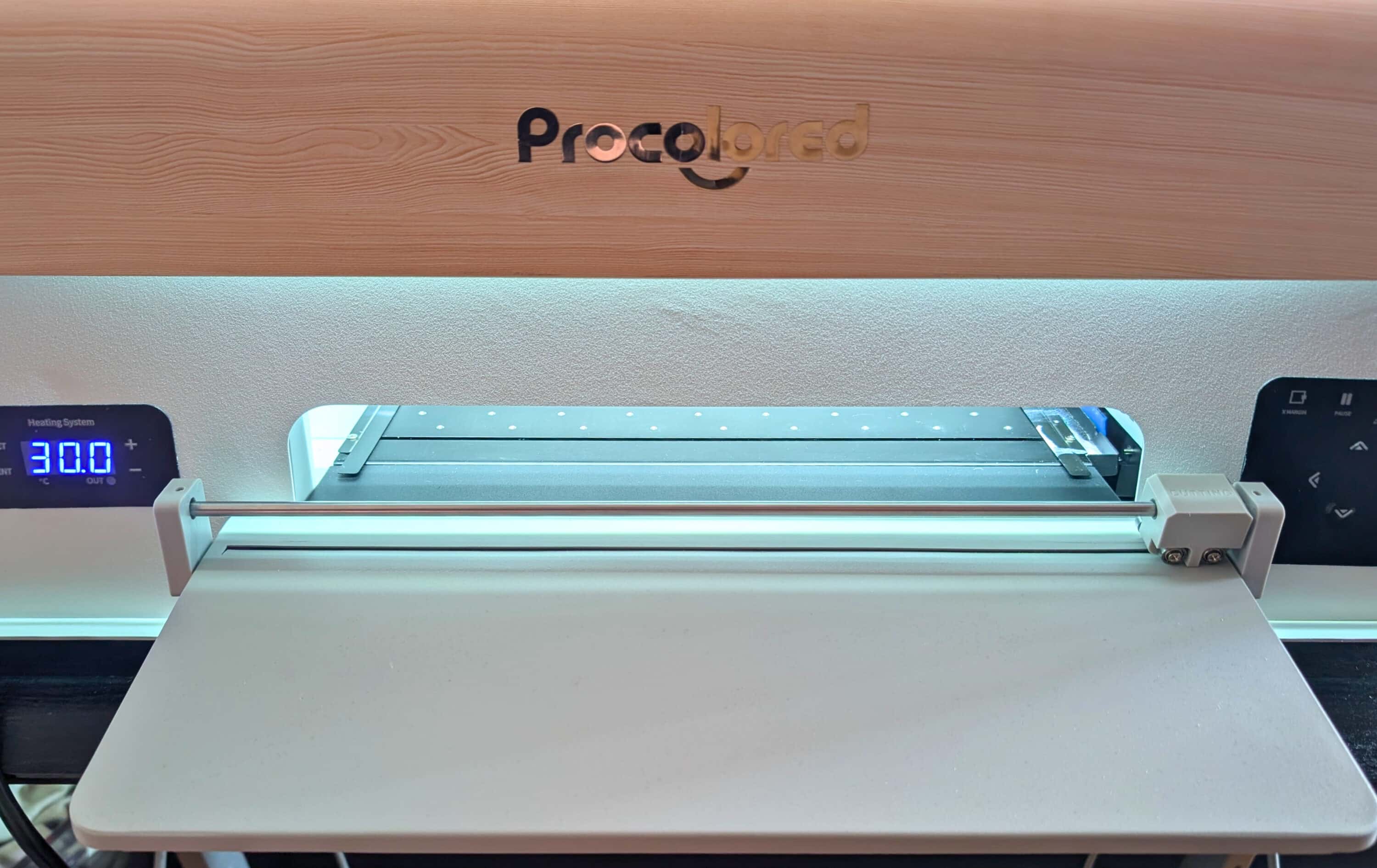
The P13 works with the proven Epson XP600 print head, a system from significantly more expensive professional devices. This promises quality and makes it clear that this is not a toy.
The software then presents the first major hurdle.
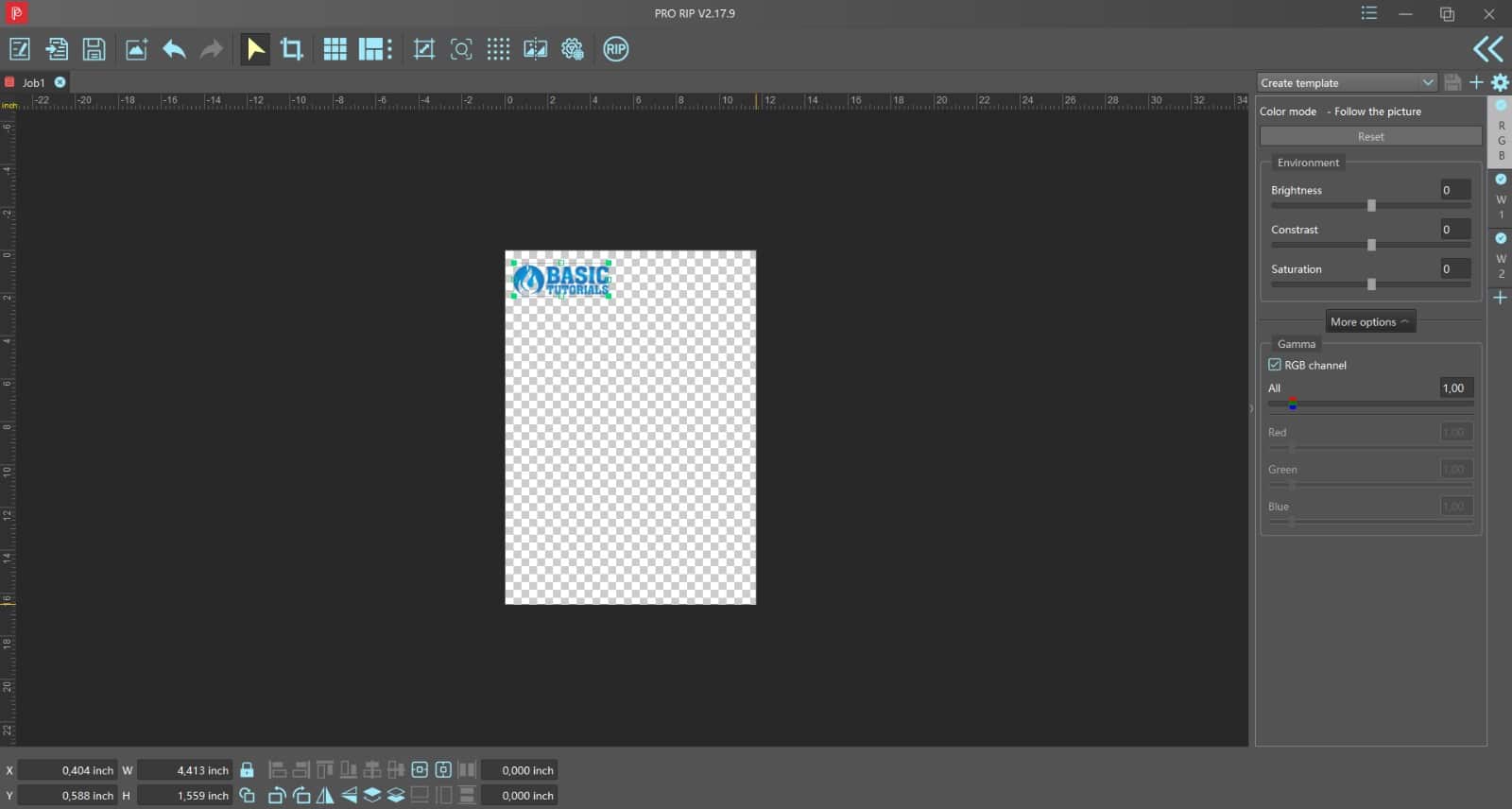
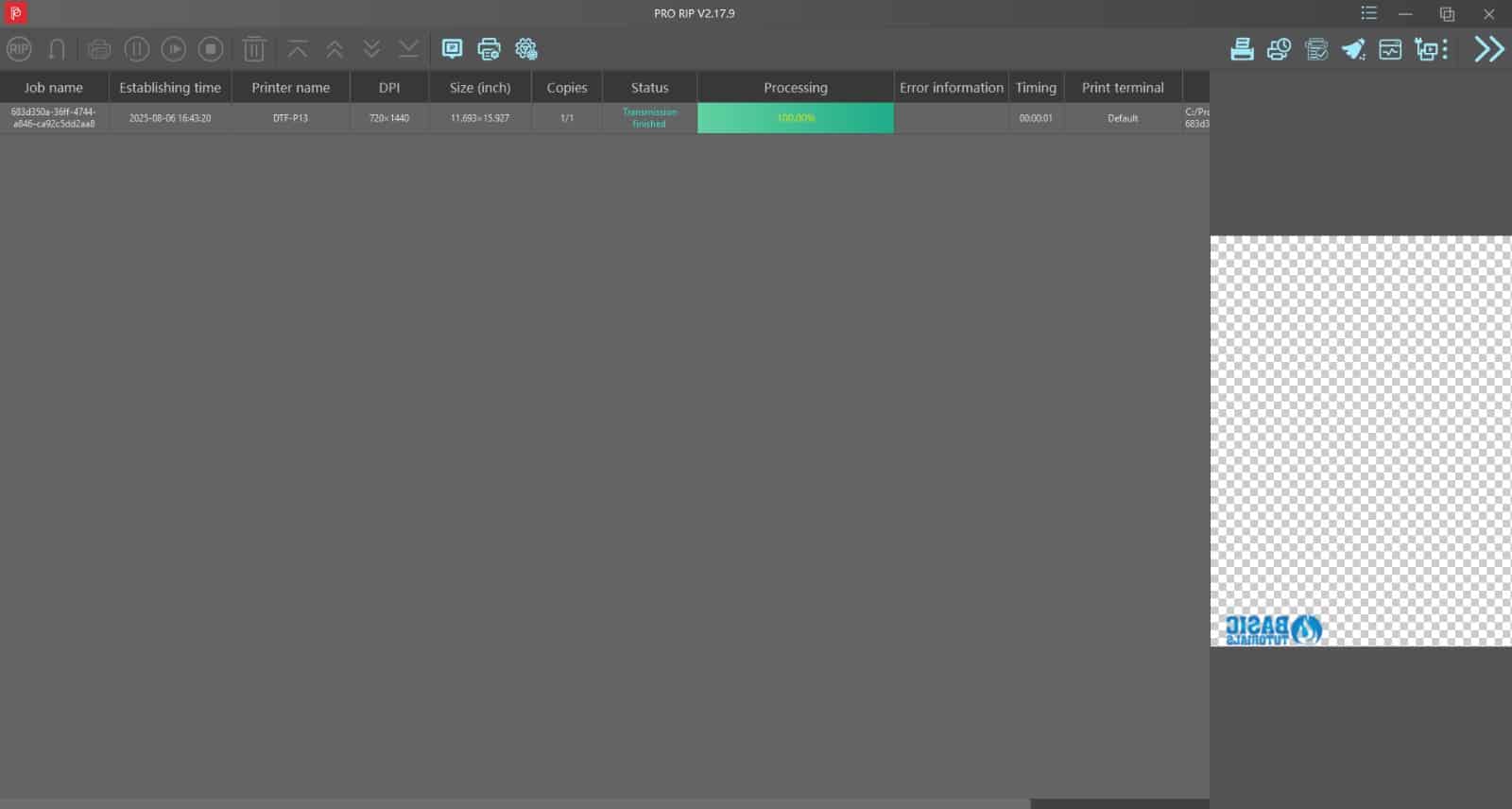
While Pro RIP, the actual design software, worked perfectly right from the start and was intuitive to use, PrintEXP – the printer control software – caused considerable problems. Support help was actually required here, as the connection between the computer and printer did not work at first. However, after several attempts and with the help of support, everything was stable and we were able to start the actual test.
Ink chaos: When good instructions don’t protect against stupidity
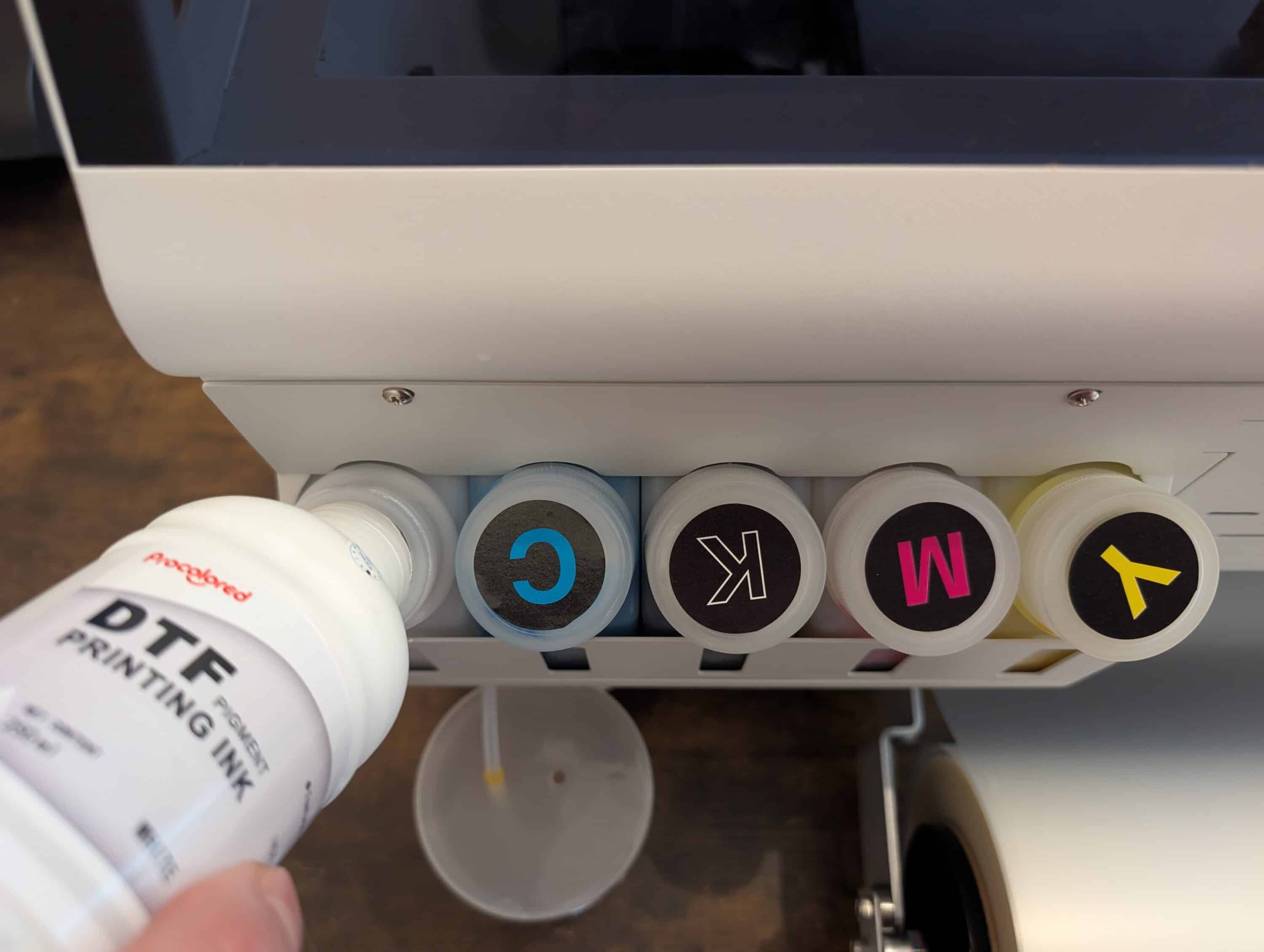
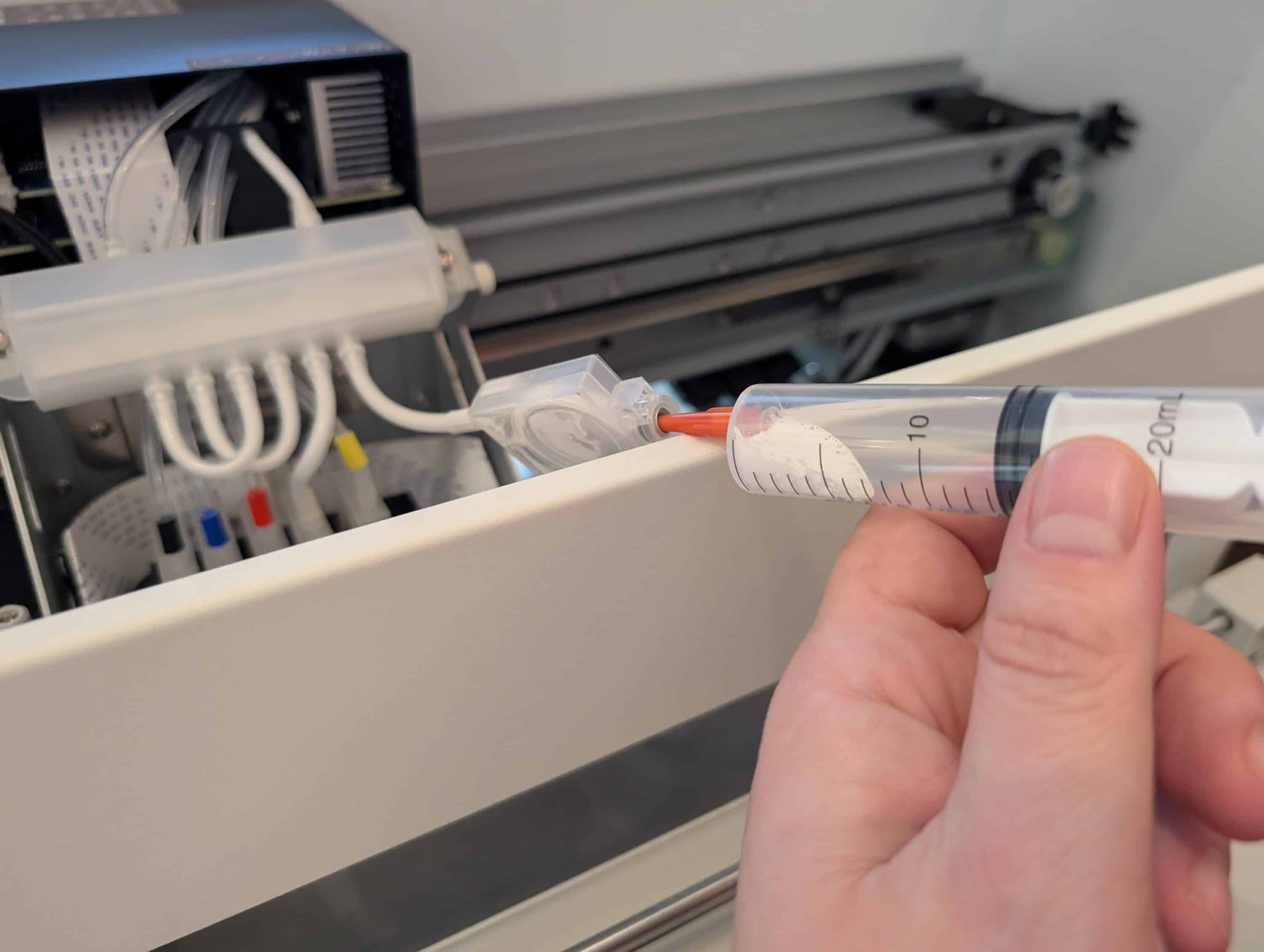
Let’s be honest. Filling the ink tanks should have been routine. But this is where not only the clever technology of the P13 revealed itself, but also our impressive ability to misinterpret even well-explained instructions.
The printer’s integrated circulation system keeps the ink in constant motion and thus prevents the pigments from settling – an important function for DTF printers, as only pigment inks are used here. Without movement, the solid components quickly settle to the bottom and can clog the lines or print head.

The venting process was actually well illustrated, but we still managed to misinterpret the steps. Instead of proceeding as intended, we tried to draw the ink in off mode – of course, nothing came out.
The logical conclusion seemed to be: Turn on the device and try again.
What followed was an explosion of color that permanently stained our wall in bluish-grey tones and taught us an expensive lesson in “reading the instructions correctly”. Sometimes you’re just too stupid for the simplest things, even if the instructions were actually well explained.

Apart from this self-inflicted incident, the ingenious 6-channel system works absolutely reliably. The classic CMYK colors and two additional channels for white ink are used. And it is precisely this white primer that is the real heart of the DTF process – it ensures that colors shine brilliantly even on dark or black fabrics without showing through or losing their radiance.
Pro RIP impresses in the Procolored P13 test
The included RIP software really surprised us. Rather than being a bit buggy as expected, Pro RIP ran smoothly straight away and offered fairly professional functions. Colors are not simply output bluntly, but calculated specifically for the P13’s six-channel system. This ensures even and economical ink distribution without having to intervene too much.
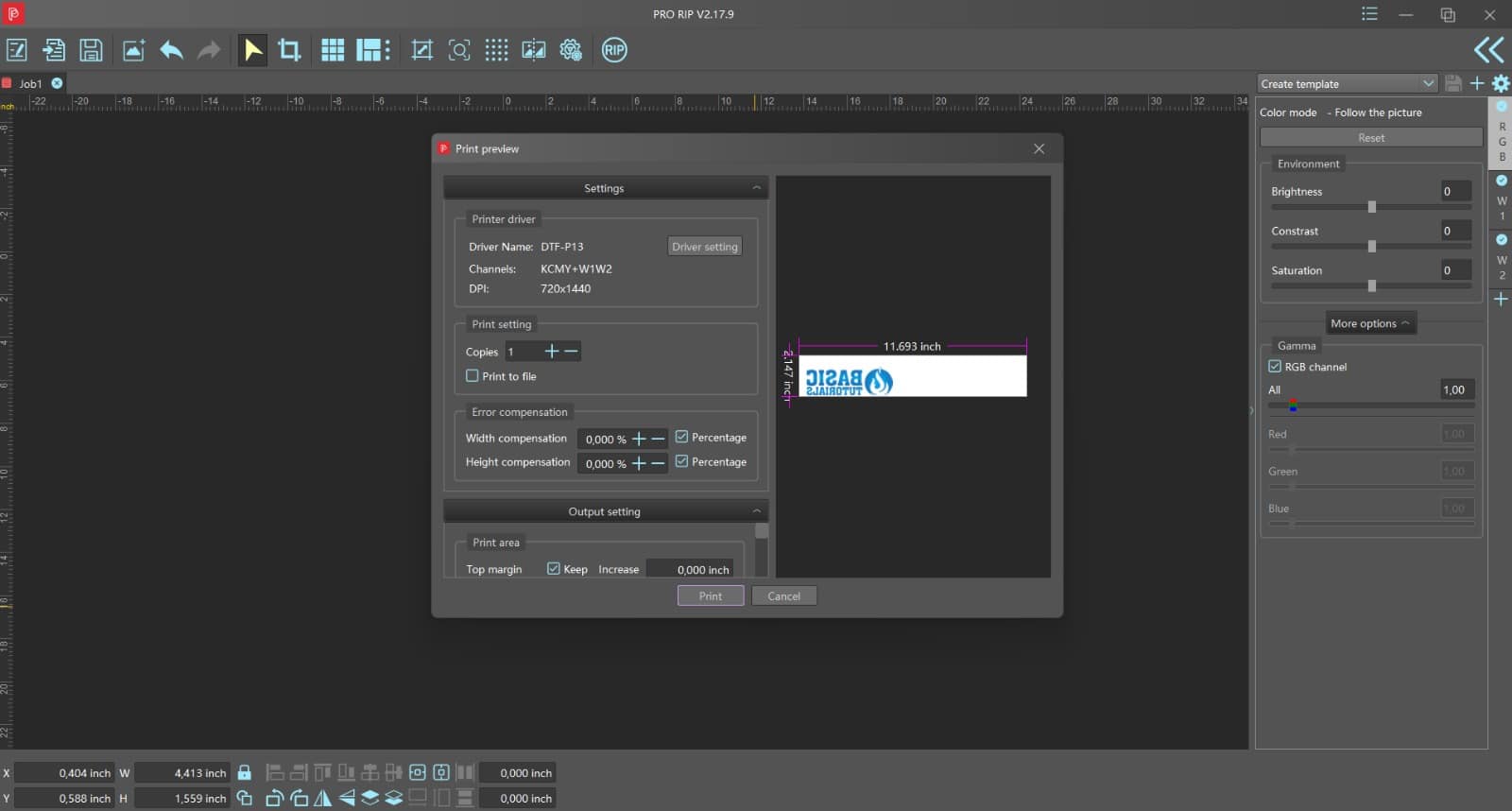
The function for arranging several motifs on one print sheet is particularly helpful. This saves material and allows you to complete different designs in one go. In the preview, you can immediately see how the layout will later appear on the film. Moving, mirroring or adjusting sizes is surprisingly intuitive.
You also have a choice of print quality. From a quick draft to the highest level, where every dot is set several times. This takes a few minutes, but the result looks absolutely clean. No streaks, but smooth, rich colors. Just right when every detail is important. And by the way, it’s easily enough for a short coffee break.
What the Procolored P13 really does in the print test
As soon as everything is set up, printing starts surprisingly smoothly – and above all much more quietly than you would expect from DTF printers.
Instead of loud rattling or hoarse beeping, all you hear with the P13 is a steady whirring and the occasional, almost soothing hissing of the print heads. Overall, the whole thing is pleasantly quiet – almost meditative, especially compared to older inkjet printers.
The large viewing window and bright interior lighting make it easy to observe the entire printing process. The colored layers are created first, followed by the white ink – the stage, so to speak, for everything to shine. This makes a real visual impact, especially on dark fabrics.

The printing precision is remarkable: even intricate details appear sharp and even. Among other things, this is made possible by the integrated laser system, which monitors the film transport and stops immediately in the event of misalignment – before expensive errors occur. However, the roller guide could be a little more precise. For larger motifs, it is advisable to move back and forth briefly with the arrow buttons on the machine before starting. This ensures that the film runs really straight – otherwise there is a risk of an unpleasant tilt and the print stops in the middle.
The accessories: Panda power and sophisticated automation
DTF printing is much more than just printing – it is a multi-stage process for which Procolored fortunately has all the equipment at hand.
After printing, the wet motif is sprinkled with enamel powder, which later hardens in the oven and bonds firmly with the ink. There are also automatic powder machines for this – Procolored has one in its range. We didn’t have one and sprinkled by hand. It also works, but requires a bit of practice.

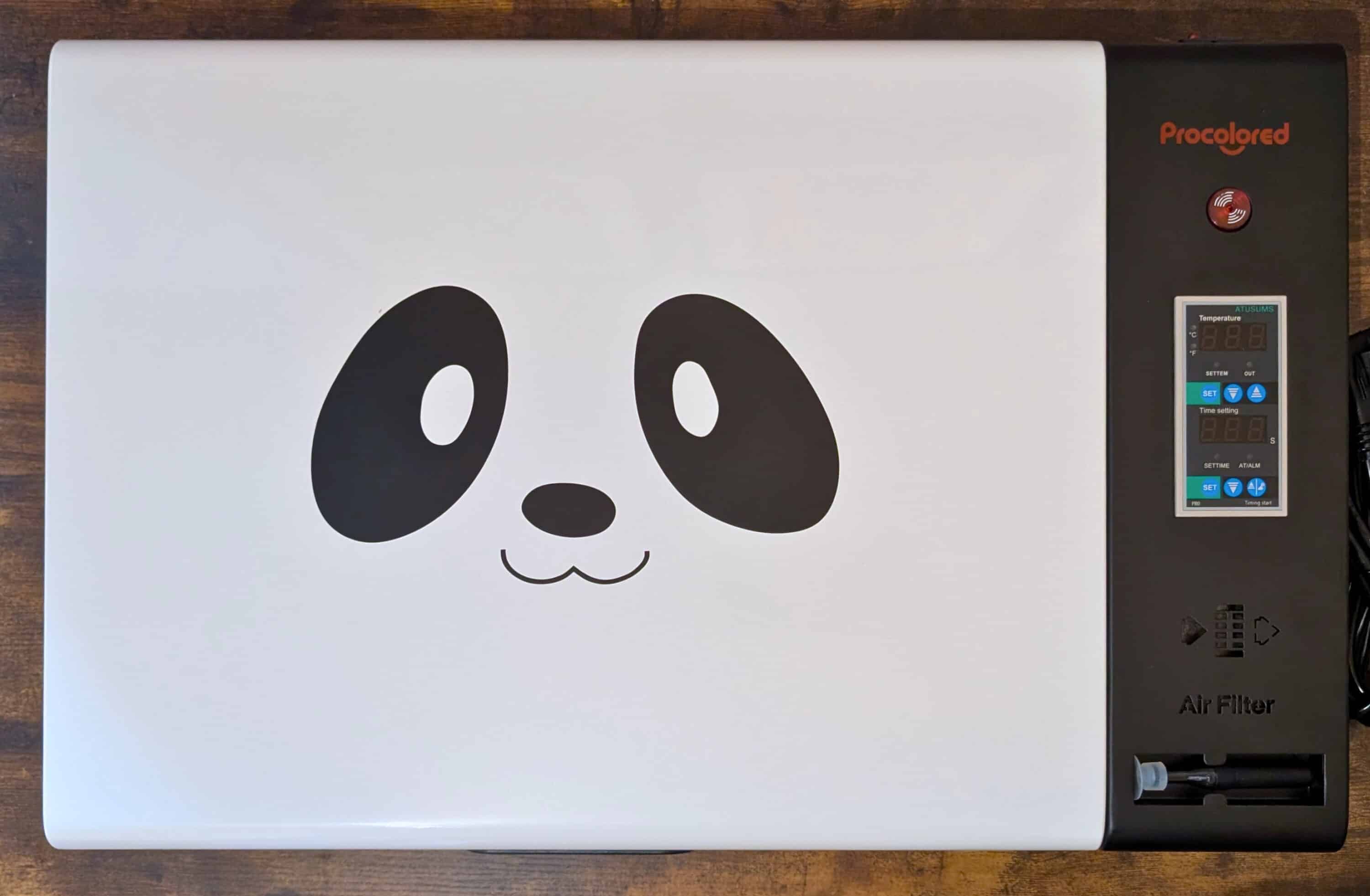
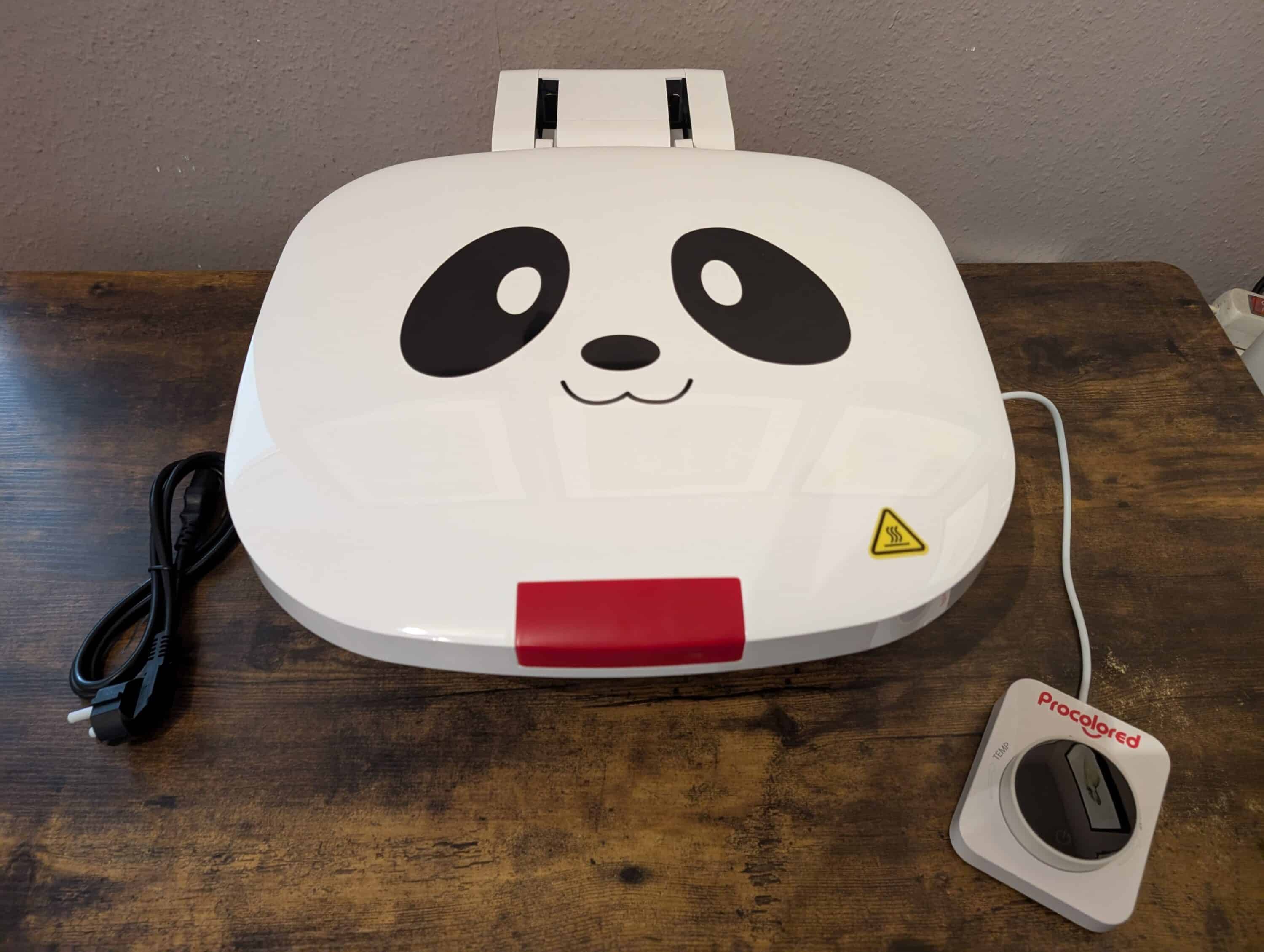
For our test, the curing oven not only had to look cute, it also had to deliver – and it did. Despite the panda face, the appliance works with surprising precision. The temperature remains constant, the heat is evenly distributed and there are no hotspots that could melt the DTF powder unevenly or ruin the print result.
After around 2 to 3 minutes at a constant 130 degrees, the DTF powder is fully cured and adheres firmly to the printed ink. However, you shouldn’t leave it in the oven for much longer – otherwise it will turn brown and start to burn. We didn’t pay attention once during the test and left the motif in for a good 5 minutes – it was visually slightly browned, but still usable. So the oven forgives small slips.
The characteristic orange peel-like appearance of the surface indicates that the process was successful and the transfer is ready for the next step.
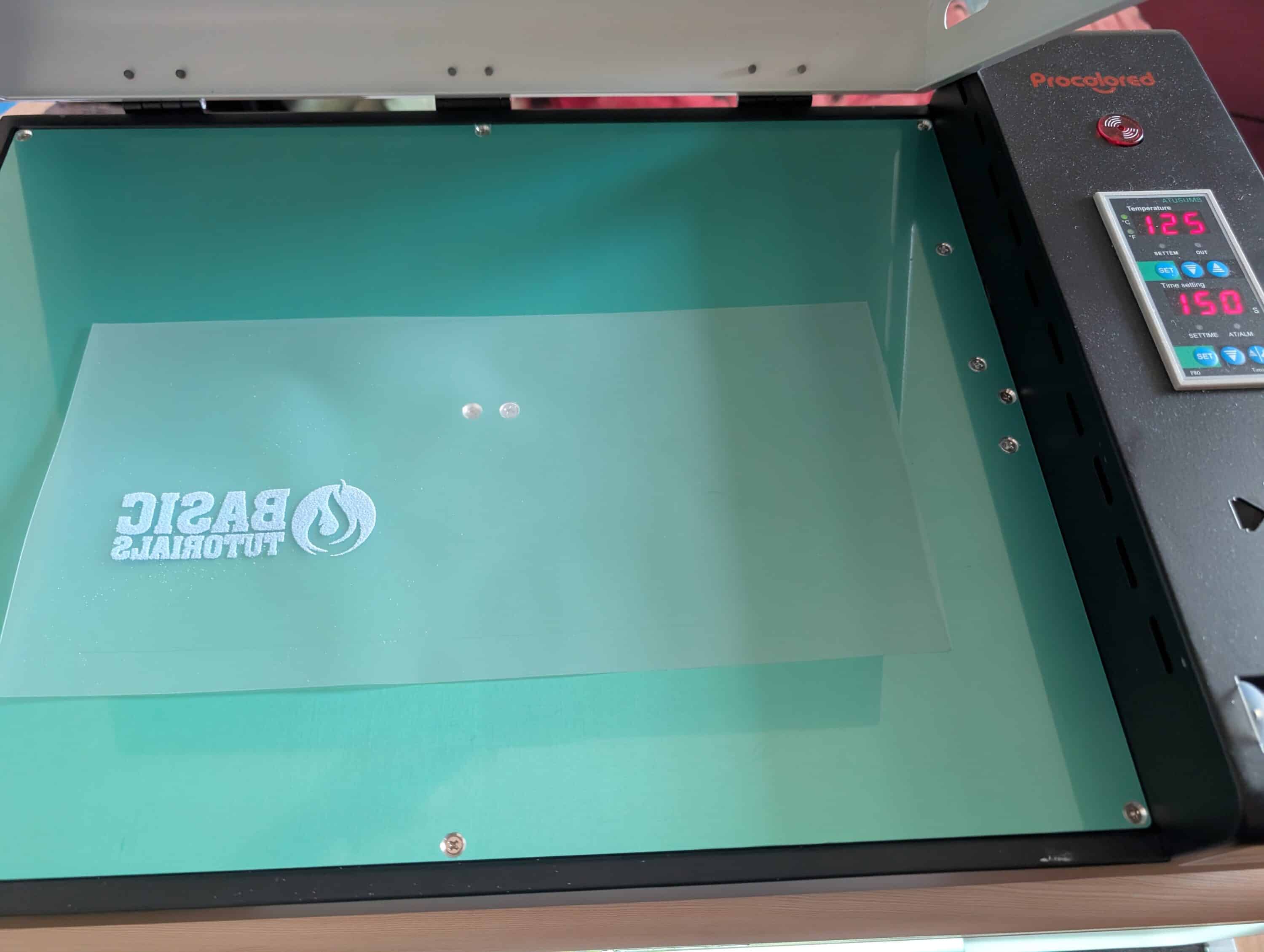
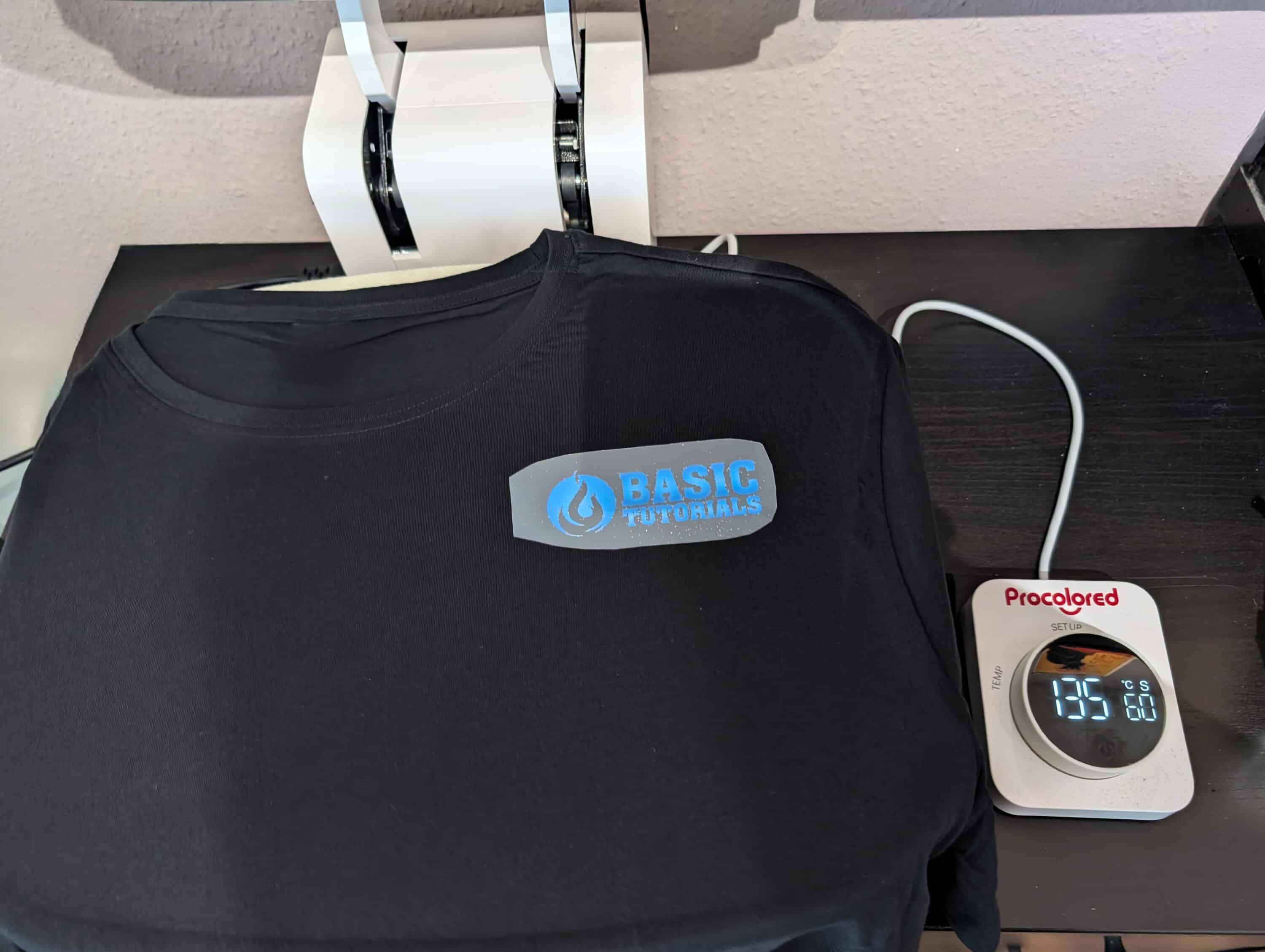
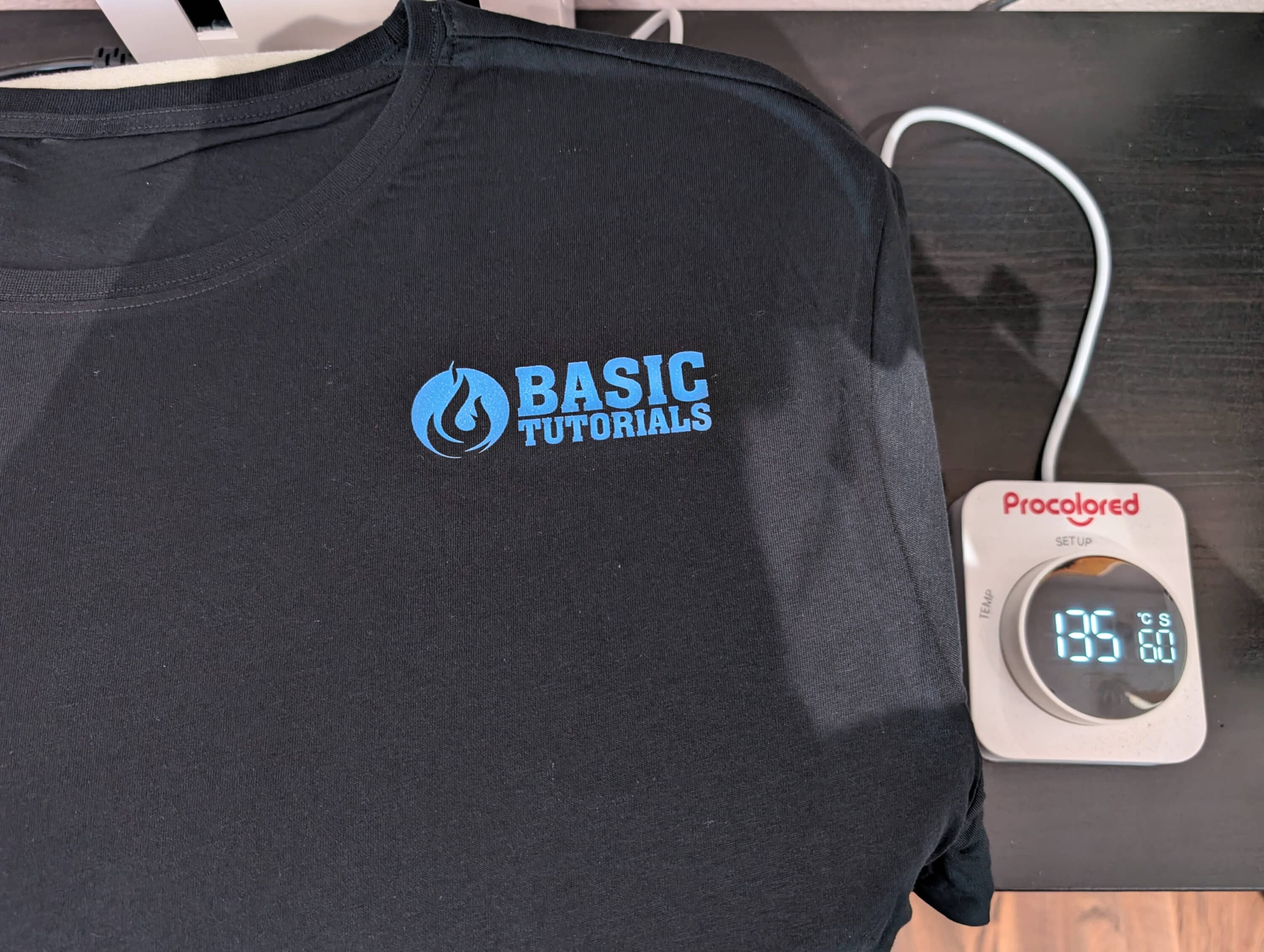
The automatic heat press completes the system. The temperature and time can be conveniently preset. The material is then inserted and the pressing process is started at the touch of a button. The machine works fully automatically. Once the set time has elapsed, the flap opens automatically, making work easier and ensuring safety.
The work surface measures 370 × 290 mm. For larger designs, you must either press in several stages or divide the design accordingly. The process can be stopped at any time using the separate release button – at the same time, it reliably protects against contact with hot metal surfaces.
Quality inspection: Brilliance with restrictions
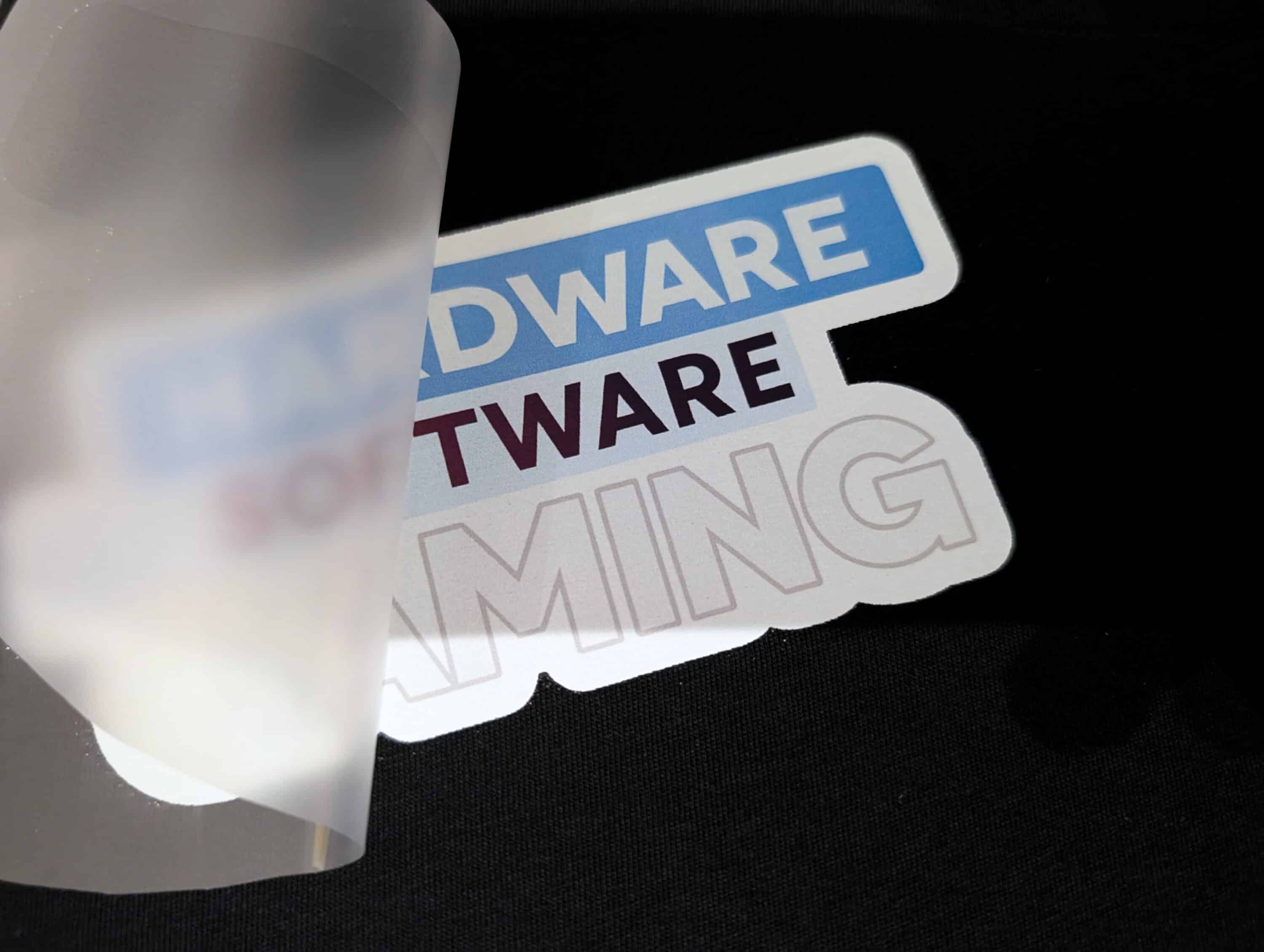
In terms of print quality, the Procolored P13 shows its full strength in the test, but also the system-related limitations of the DTF process. Large-format motifs come out of the printer absolutely cleanly and evenly, the colors appear brilliant and vivid, and they cover perfectly even on deep black substrates. This is the decisive advantage over other printing processes: Dark T-shirts are therefore absolutely no problem because the white primer ensures perfect opacity, which is maintained even with intensive washing.
However, things get tricky when it comes to very fine details.
Small elements such as I-dots, thin lines or intricate lettering can cause problems for the system, even though the tiny 4.5-picoliter ink droplets should theoretically enable precise details. The problem lies less with the printer itself and more with the DTF process: The powder can seal the smallest structures, or they tear off during the subsequent transfer because the adhesion on surfaces that are too small is insufficient.
Our tests on various materials revealed quite different results:
- Cotton shirts delivered consistently excellent results with even color coverage
- Sweatshirts also worked well, but occasionally required a second pressing process
- Jute bags and canvas bags proved to be the ideal application for larger motifs
- Boxer shorts surprised with good adhesion despite stretchy material
- Caps remained problematic due to the curved surface

The advertised 1440 dpi is definitely noticeable. Color gradients are displayed cleanly and even more complex motifs are shown to their best advantage – as long as the individual elements are not too small.
Test: Everyday life, washing machine and printing with the Procolored P13
How durable are the transfers really? This question came up quickly – and was largely answered positively in our tests. After several washes, there was no loss of color or cracking. T-shirts and sweatshirts remained color-intensive and the feel was pleasantly soft – without the stiff vinyl effect that we are familiar with from other processes.
But: the workmanship has to be right. In the test with the Procolored P13, we deliberately put a finished printed shirt in the dryer – even though the recommendation says this is actually taboo. The background: In everyday life, this happens anyway. The chest motif still looked flawless afterwards – however, the large back print with lettering was affected by individual I-dots and the first signs of detachment appeared in some places on the edge of the motif. This was probably due to a somewhat uneven application of powder and too short a pressing time – in combination with the heat of the dryer.
Everyday use shows that if you work carefully, you get long-lasting, flexible transfers that hold up well even with movement, friction and several washes – as long as you look after them properly.
Maintenance of the Procolored P13 in the test: discipline pays off
As with any professional system, the P13 needs regular care to remain reliable. Daily maintenance is done quickly: shake the ink, do a quick nozzle test and clean if necessary. The white ink requires particular care as it tends to clump more quickly.
Every few days you should check the film guide, clean the encoder strip and empty the waste ink container. The capping station and the wiper blade also appreciate occasional cleaning – this can be done easily with the tools supplied.
If problems such as clogged nozzles occur, a power flush, which you can carry out yourself, will help. If you take maintenance seriously, you will avoid breakdowns and stay ready to print.
Regular tasks at a glance:
- Shake the ink (especially white) well every day
- Print nozzle test, clean if necessary
- Keep the capping station and wiper blade clean
- Check film guide and sensors regularly
- Clean encoder strip and pinch roller
- Empty waste ink container
- In case of problems: Carry out a power flush
A quick word about support: Help was there when it was needed
Procolored support surprised us positively with the initial PrintEXP problems. When the printer control system just wouldn’t work, we received quick and, above all, competent help – without long waiting times or a complicated ticket system. The team seemed well trained and obviously knew the typical installation problems of the somewhat finicky PrintEXP software.
In addition to the official support, the online DTF printing community has also become a valuable resource. In forums, Facebook groups and social media, you can quickly find practical tips for everyday problems, creative project ideas and a valuable exchange of experiences with other users. For beginners in particular, this is worth its weight in gold and can help overcome some initial hurdles.
The cost issue: not a bargain solution
Let’s not kid ourselves: The P13 is not a small purchase – and the investment needs to be carefully considered.
Because the printer alone is not enough. An oven, press and the first consumables are also needed. This means that a few thousand euros are quickly reached before the first usable T-shirt is even produced. This is only worthwhile with regular use – and no one should underestimate it.
The running costs should also not be neglected. A DTF print consists of several components: The film costs between 50 cents and two euros depending on the motif size, the powder is around 10 to 30 cents, and the ink – depending on coverage and color selection – costs around 20 to 80 cents. This adds up noticeably with higher throughput.
However, the quality of the results and the elimination of external printing costs can quickly put this into perspective. The test shows that the Procolored P13 can be used economically for small print shops, creator stores, merchandising projects or schools with regular requirements – especially with sales prices of around 20 euros and material costs of around 4 to 5 euros per shirt.
Market position: Between crafting and business
The DTF market for smaller setups is growing rapidly – and with it the choice. There are more and more devices that are somewhere between hobby and professional. Cheaper models entice with low entry-level prices, but often cut corners in crucial areas: weak print heads, imprecise mechanics or hardly any support. Expensive industrial solutions may deliver more speed and precision, but they cost many times more and are simply oversized for most private users.
DTF has clear advantages over other printing processes: Unlike sublimation, printing also works on dark cotton and, unlike vinyl transfers, the results are more flexible, more durable and much more comfortable to wear – especially with larger motifs.
This is exactly where the P13 comes in: It pretty much hits the middle ground between crafting device and production machine. Not a toy, but not a 10,000 euro solution either. Anyone who prints regularly and values clean results will get a serious machine here, without having to go straight into the industrial level.
Our conclusion: Not a toy and damn close to “real production”
After several tests and plenty of meters of DTF film, we can say that the Procolored P13 delivers. The print quality is perfect, the setup looks well thought out and the combination of printer, oven and press is much closer to a small production line than a DIY machine. Even details such as the panda face on the oven show that people were at work here who know their target group – and don’t take everything too seriously.
However, it is also clear that the P13 is not a device for unpacking and printing at random. If you have never worked with DTF or similar technology before, you will need time, patience and some technical understanding. The set-up, maintenance and, above all, the interaction between software, printing, powder and pressing require training – anyone who ignores this will quickly become frustrated.
But if you stick with it, you’ll get a system that can really do something. Whether for small stores, schools, clubs or creative freelancers – the P13 offers the opportunity to print independently, to react flexibly and to spontaneously implement a one-off piece without external service providers and waiting times.
For occasional users or pure hobby printers, the whole thing is rather too much of a good thing. But if you produce regularly and want good results, you get a hell of a lot of printer for your money – including a learning effect, work routine and occasional pride in the finished result.

VORTEILE
- Very high print quality, even on dark textiles
- Extensive scope of delivery incl. film roll
- Quiet operation compared to many DTF printers
- Sophisticated mechanics with professional components
NACHTEILE
- PrintEXP software is tricky to set up
- Familiarization with DTF process necessary
- Larger footprint required
Fazit
The Procolored P13 is not a toy, but a compact production machine that comes close to professional quality. If you invest time in setup and maintenance, you get high print quality, powerful features and real flexibility for projects. Ideal for creators, small stores or schools - less so for occasional users.

