Smart home gadgets have found their way into many households in recent years. While some people only use one or two smart light bulbs, die-hard tech fans sometimes rely on a whole conglomerate of smart little helpers. In addition to smart lamps, they also use video doorbells, surveillance cameras, door locks, vacuum robots and so on. A suitable hub is usually essential to ensure that you don’t lose track of everything, get the full range of functions and remain comfortable to control. With the SwitchBot Hub 3, the smart home expert has now launched its latest generation of smart control units. It not only lets you control devices from SwitchBot’s own cosmos, but also those from other manufacturers thanks to Matter. We put the innovative hub through its paces in the SwitchBot Hub 3 test.
Technical data
| Model | SwitchBot Hub 3 |
| Dimensions | 126 × 94 × 38 mm |
| weight | 190 g |
| Operation | – 2.4 inch touchscreen – Rotary control – Control buttons |
| Power supply | 5 V/1 A power supply unit |
| sensors | – Brightness sensor – Temperature sensor – Humidity sensor – Motion sensor |
| Connectivity | – 802.11b/g/n – 2.4 GHz Wi-Fi – Bluetooth Low Energy |
| Features | – Matter compatibility (up to 30 devices can be paired) – BT range of 200 m – IR transmitter (100,000 devices in database) |
| Price | € 129.99 * |
Scope of delivery

SwitchBot Hub 3 test: design and workmanship
There is one thing SwitchBot cannot be accused of: A lack of courage to make visual changes. The SwitchBot Hub 3 has changed significantly compared to the SwitchBot Hub 2 (Review | € 67.99 *). While the predecessor was much cleaner, the third-generation hub now offers more control units, which can be a little overloaded for some people.

As a user, you benefit from the design decision. After all, the operating options are much more diverse. In addition to a rotary control, there are a total of six haptic control buttons and four freely assignable touch buttons, which are located at the bottom of the 2.4-inch display. The Hub 3 is also only available in black. There are two USB-C ports on the back.

One is used to supply the Hub 3 with power. The manufacturer includes a suitable cable and power supply unit in the scope of delivery. By the way, you should really use the cable included. After all, this is where the sensors for measuring temperature and humidity are located. The second port does not yet have a function. However, it should be possible to connect additional sensors here in the future.

As with other SwitchBot gadgets, the manufacturer is not just focusing on an attractive appearance with the Hub 3. You also get a great result in terms of build quality. Although the housing is “only” made of ABS plastic and not metal, it still feels pleasantly robust.

The workmanship of the buttons can also be seen and felt. Finally, the control unit as a whole impresses with great pressure points and a very pleasant feel overall. The display, in turn, impresses with a pleasingly bright image reproduction. This makes it easy to read even in a bright room atmosphere.

What I personally don’t like so much is the high-gloss look of the front. After all, experience has shown that such surfaces are susceptible to ugly fingerprints and micro-scratches. I noticed the fingerprints after a short test phase. Fortunately, the display has not (yet) been scratched.
SwitchBot Hub 3 test: Getting started
Installing the SwitchBot Hub 3 is anything but rocket science. Even people with no or very little experience in the field of smart home gadgets can get it up and running in just a few minutes. All you need is an Android or iOS device with the latest version of the SwitchBot app. Open the manufacturer’s software and search for nearby devices by tapping on the plus symbol.

The hub is then displayed within a few seconds. Tap on it and simply follow the easy step-by-step instructions. At the end of the setup process, the Hub 3 will appear in your device list and is ready to be used as the control center for your smart home. You can assign specific actions to the freely assignable buttons on the front.
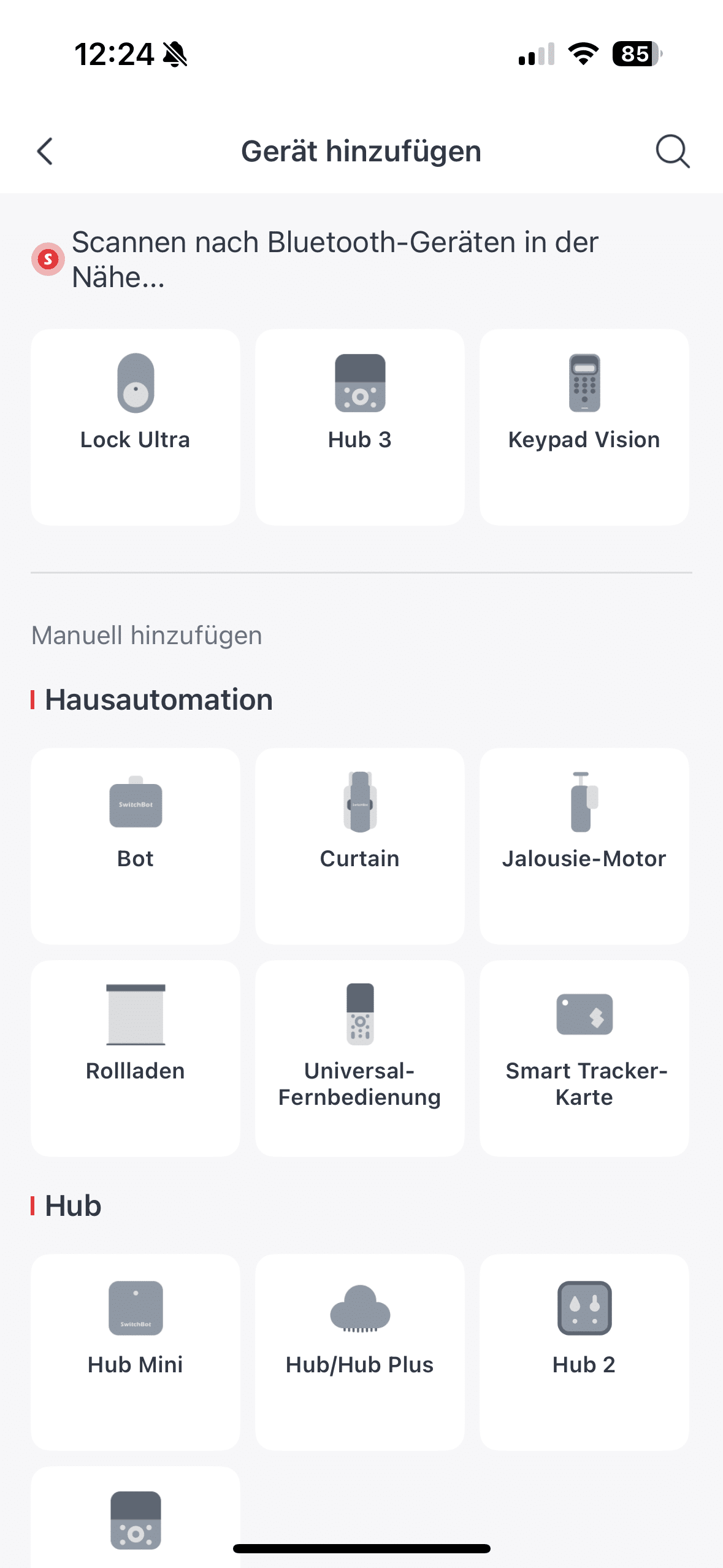
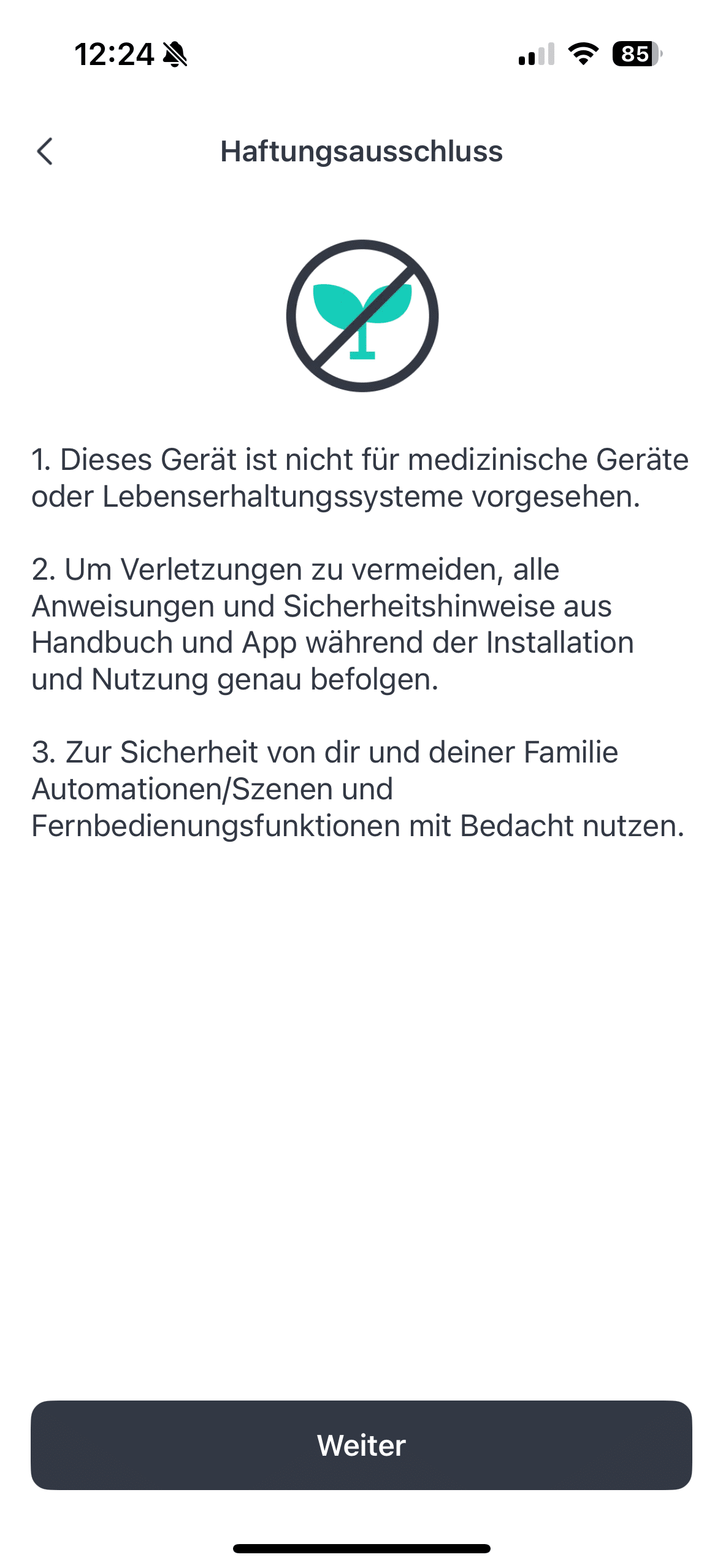
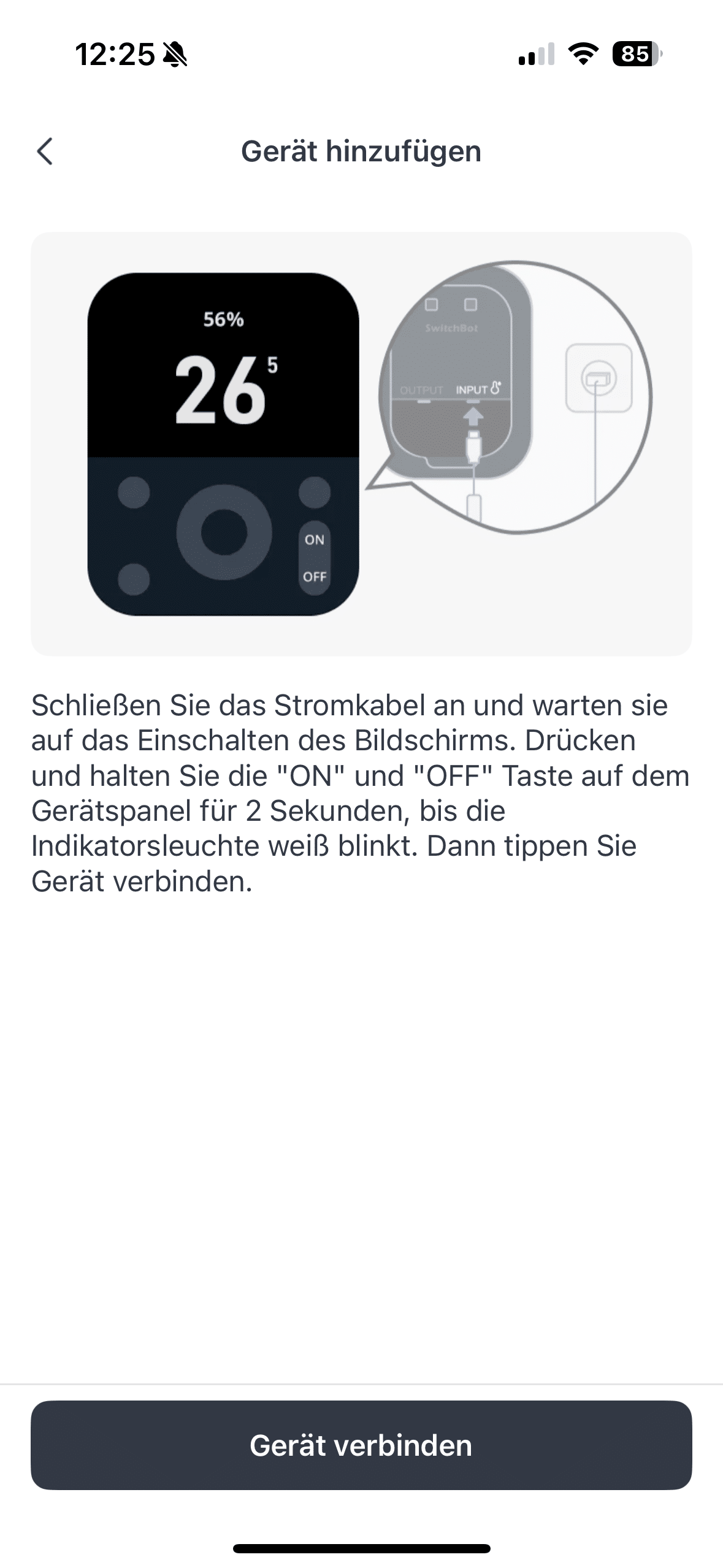

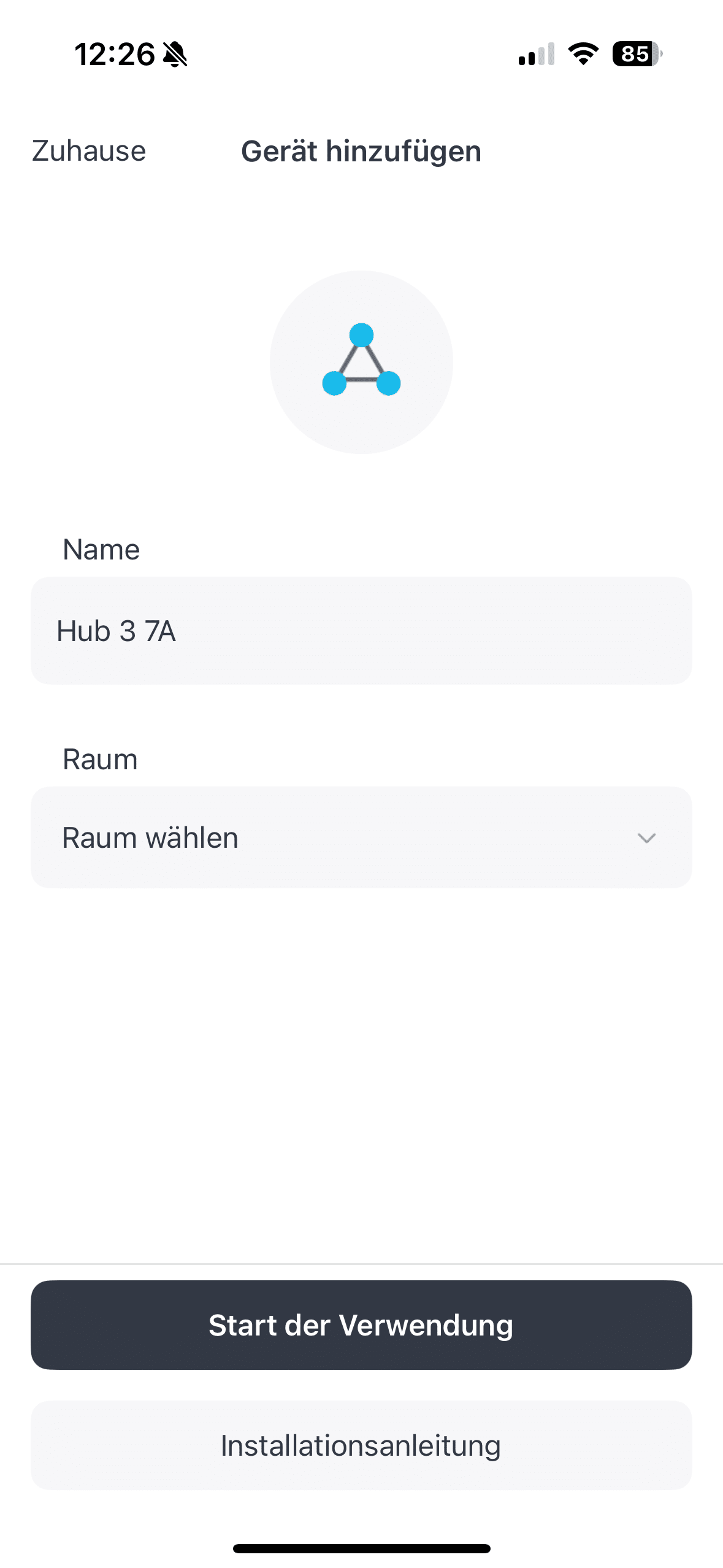
This is not only interesting if you are a die-hard SwitchBot fan with several of the manufacturer’s products. SwitchBot is pleasantly open to all types thanks to its Matter compatibility and IR transmitter. Of course, you can also control all SwitchBot devices. For example, you can set practical automations on the freely assignable buttons.
SwitchBot Hub 3 test: smart home all-rounder
The leap from the first-generation SwitchBot Hub to the Hub 2 was huge. This was not only due to the design update and the integration of the temperature and humidity sensor. Rather, the focus was on the update to the modern Matter standard. This makes it possible to manage and connect smart home devices from different manufacturers with just one platform. What already worked well with the Hub 2 works even better with the Hub 3 in my opinion.
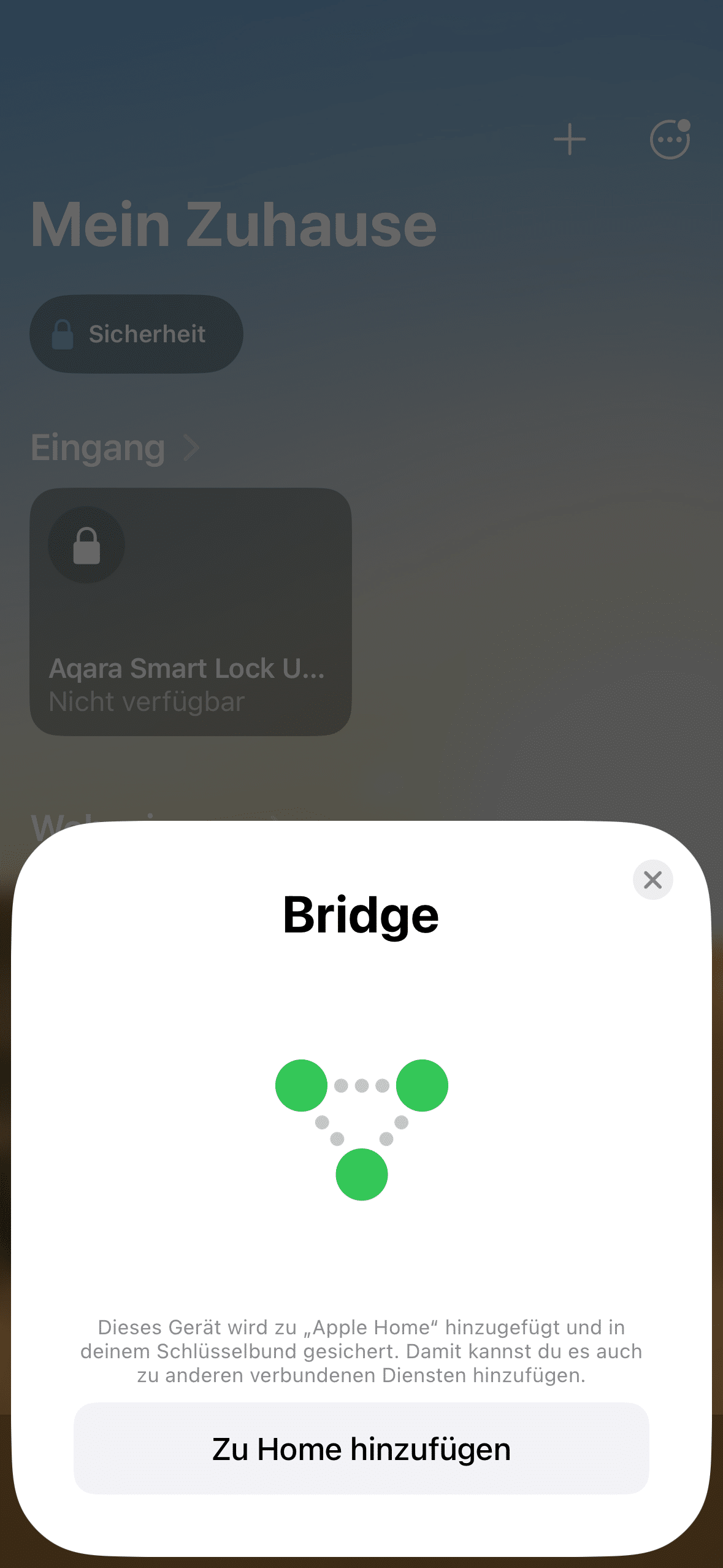
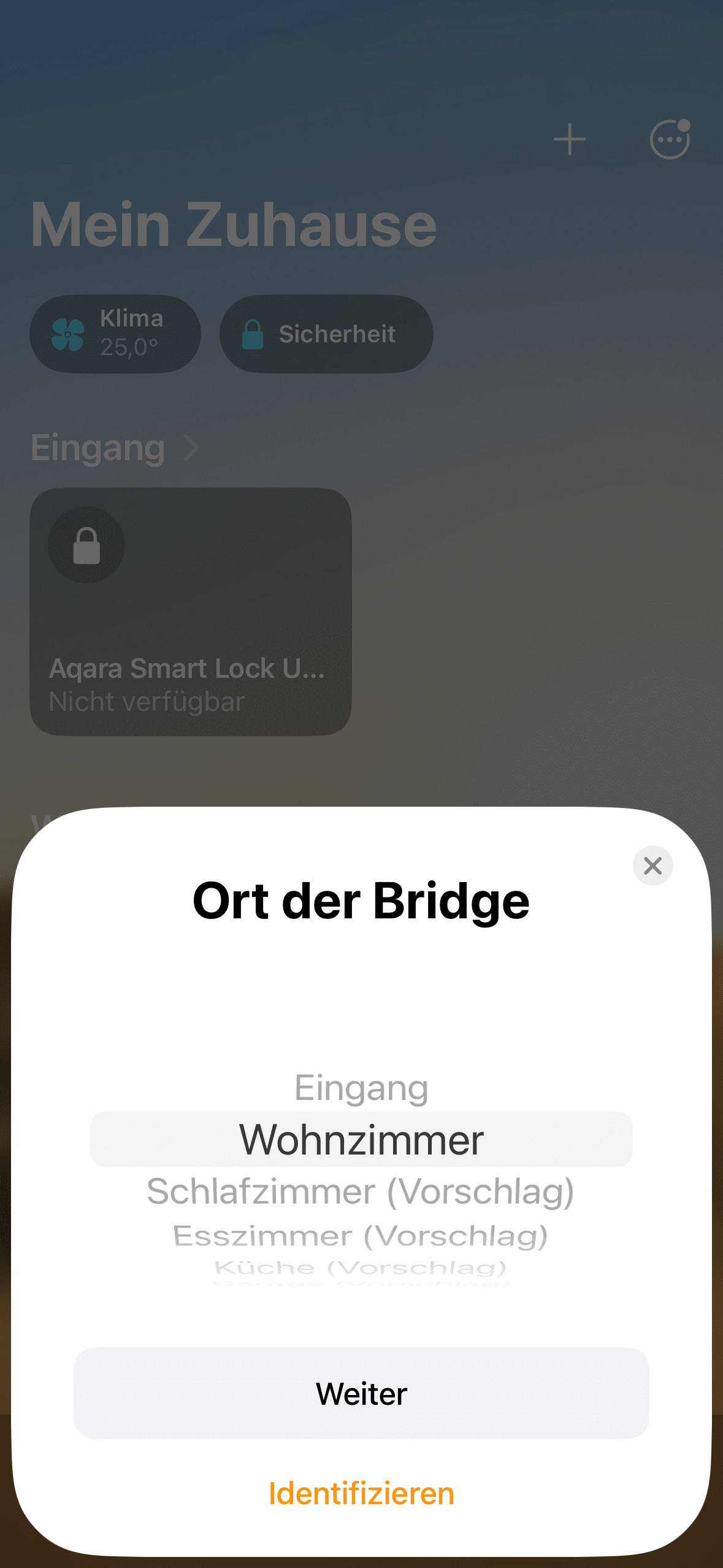
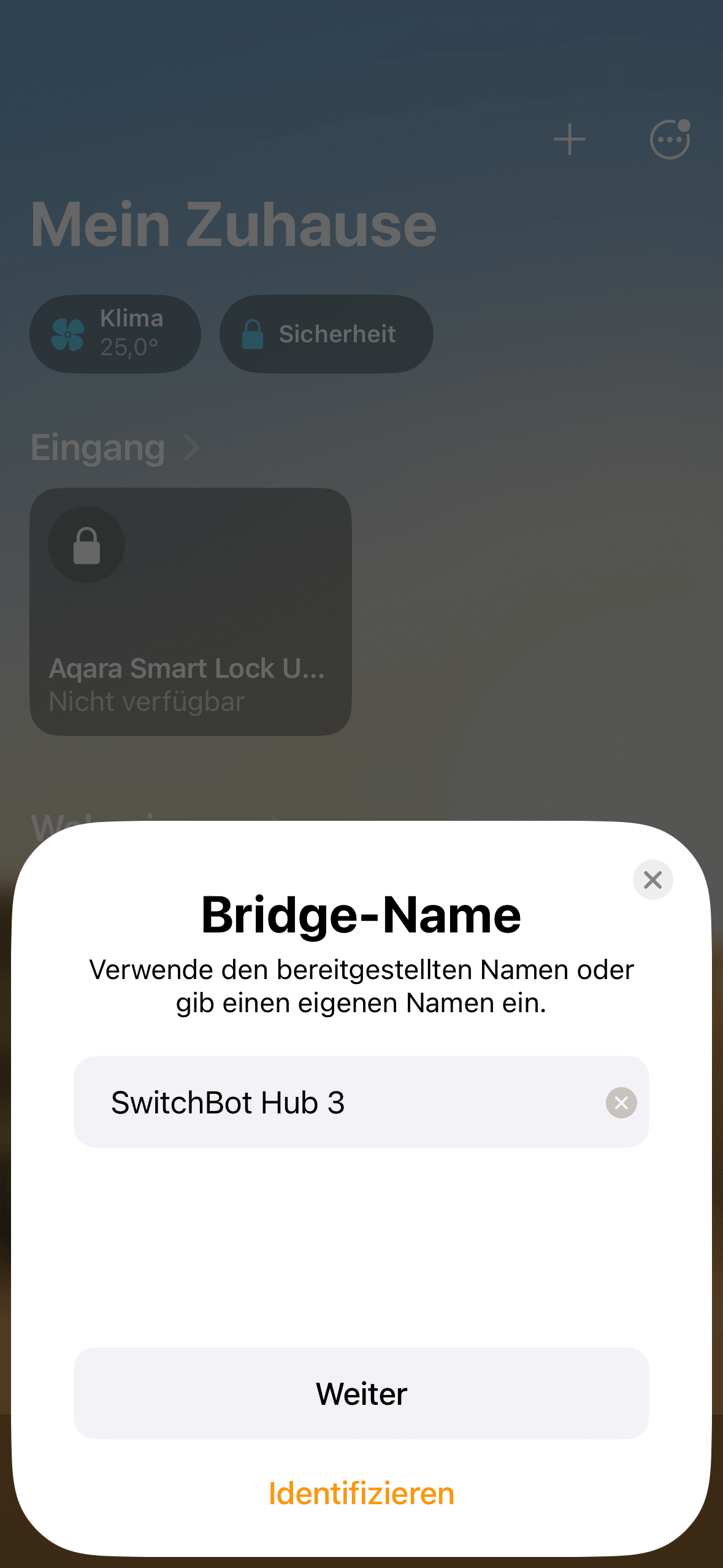
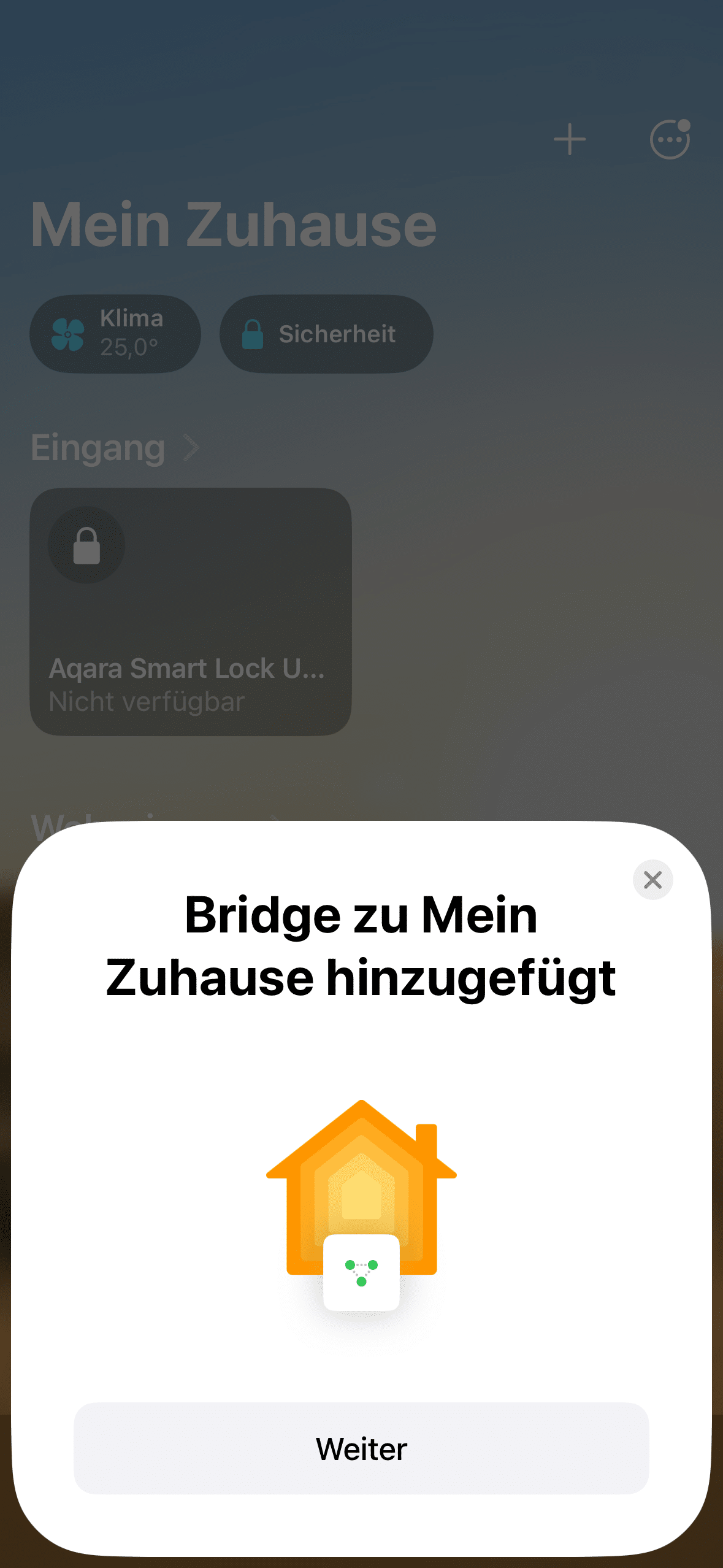
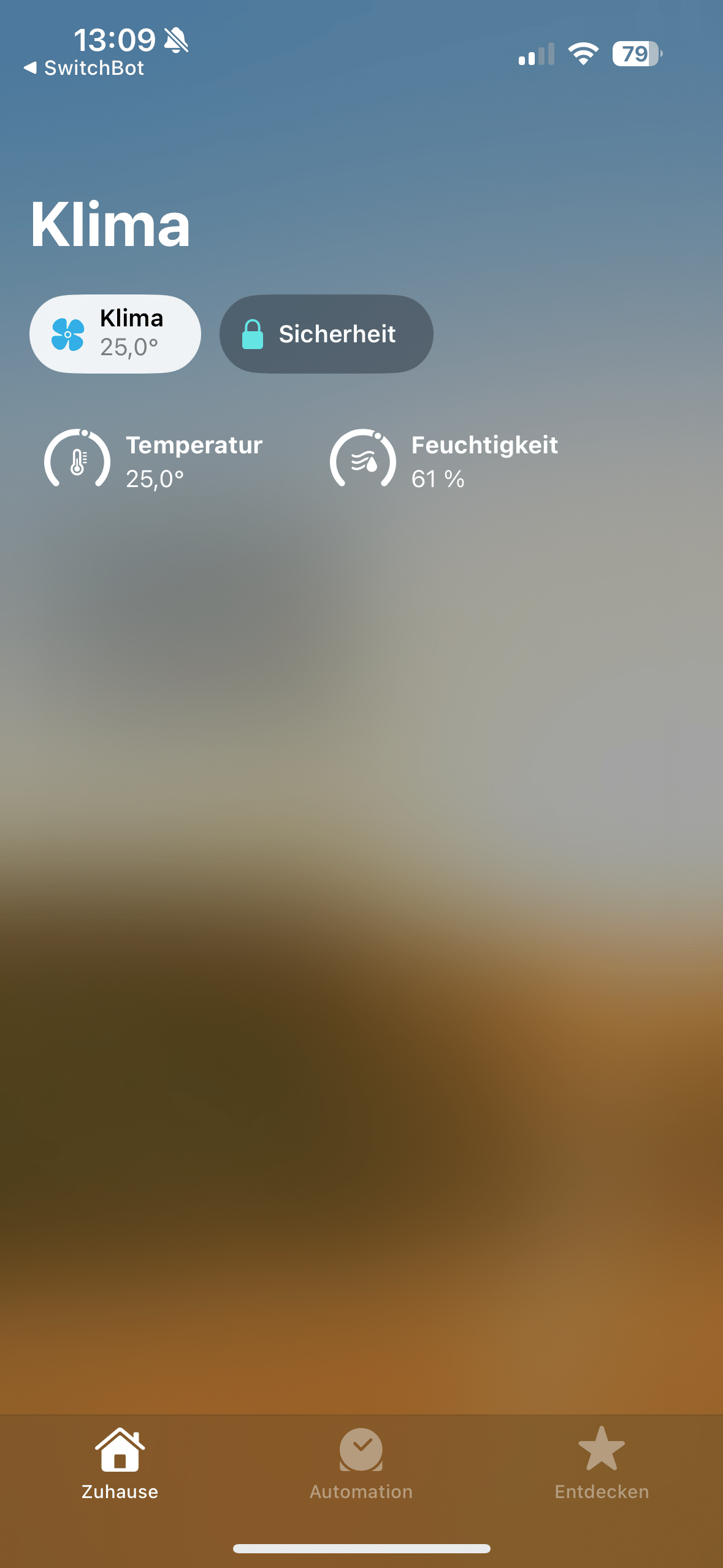
Thanks to Matter compatibility, you can easily use the Hub 3 as a control center for up to 30 devices. The hub can also be integrated into common ecosystems such as Amazon Alexa, Google Assistant and Apple HomeKit. I tested the whole thing with Apple HomeKit and was impressed by the quick and uncomplicated integration process.
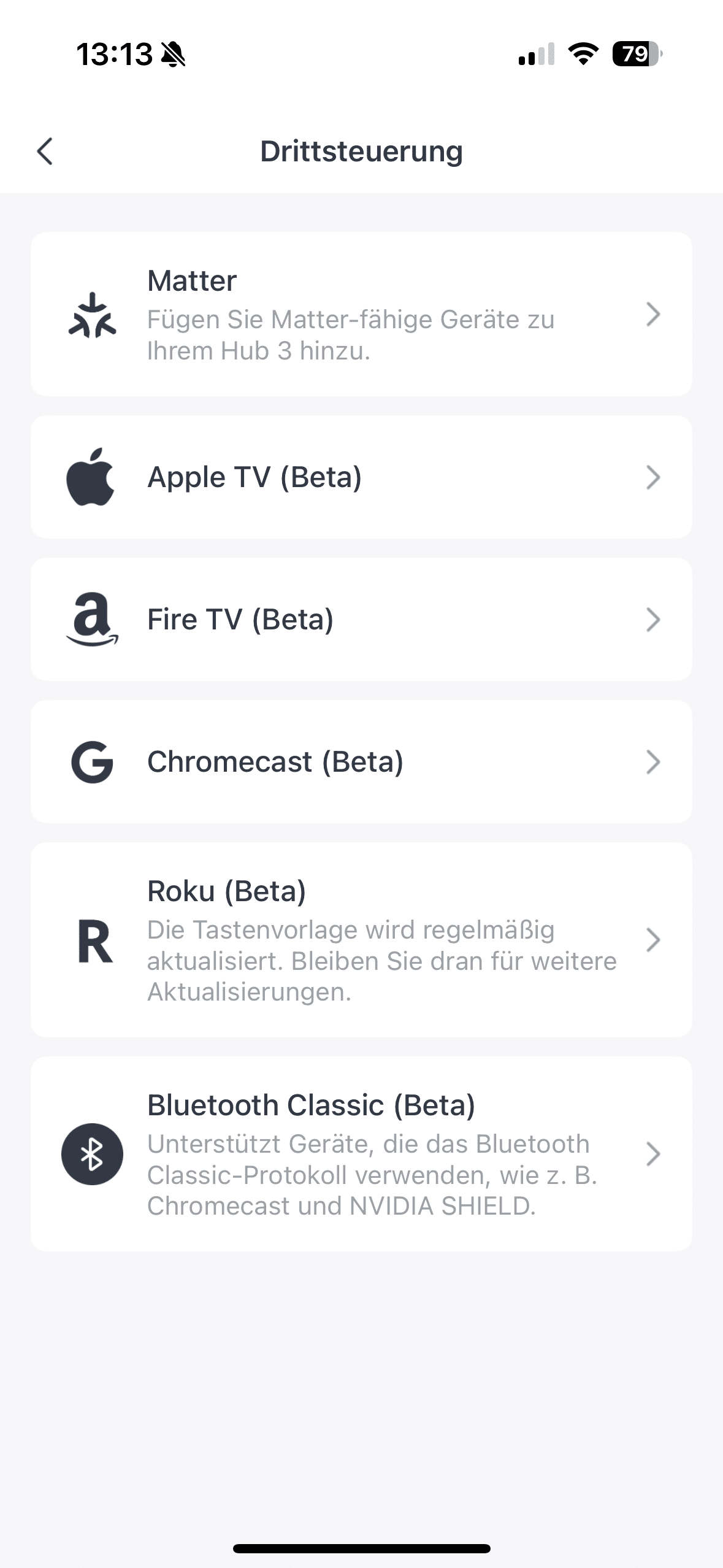
But you can also use the hub as a control center for your classic electronic helpers without an internet connection. This is made possible by the integrated IR transmitter. It can be used to operate televisions, stereos and other systems, for example. The hub can access an extensive database of over 100,000 IR codes when linking to such devices.
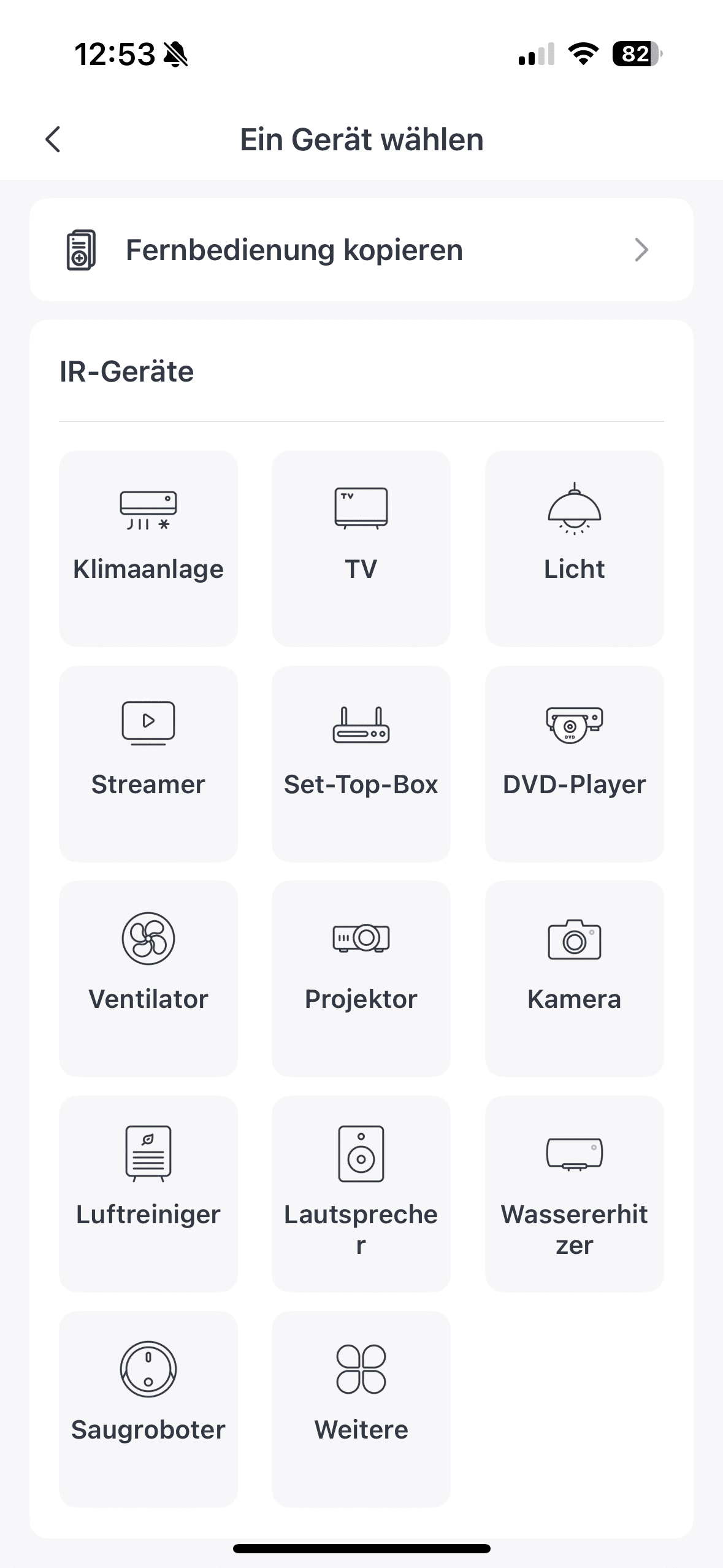
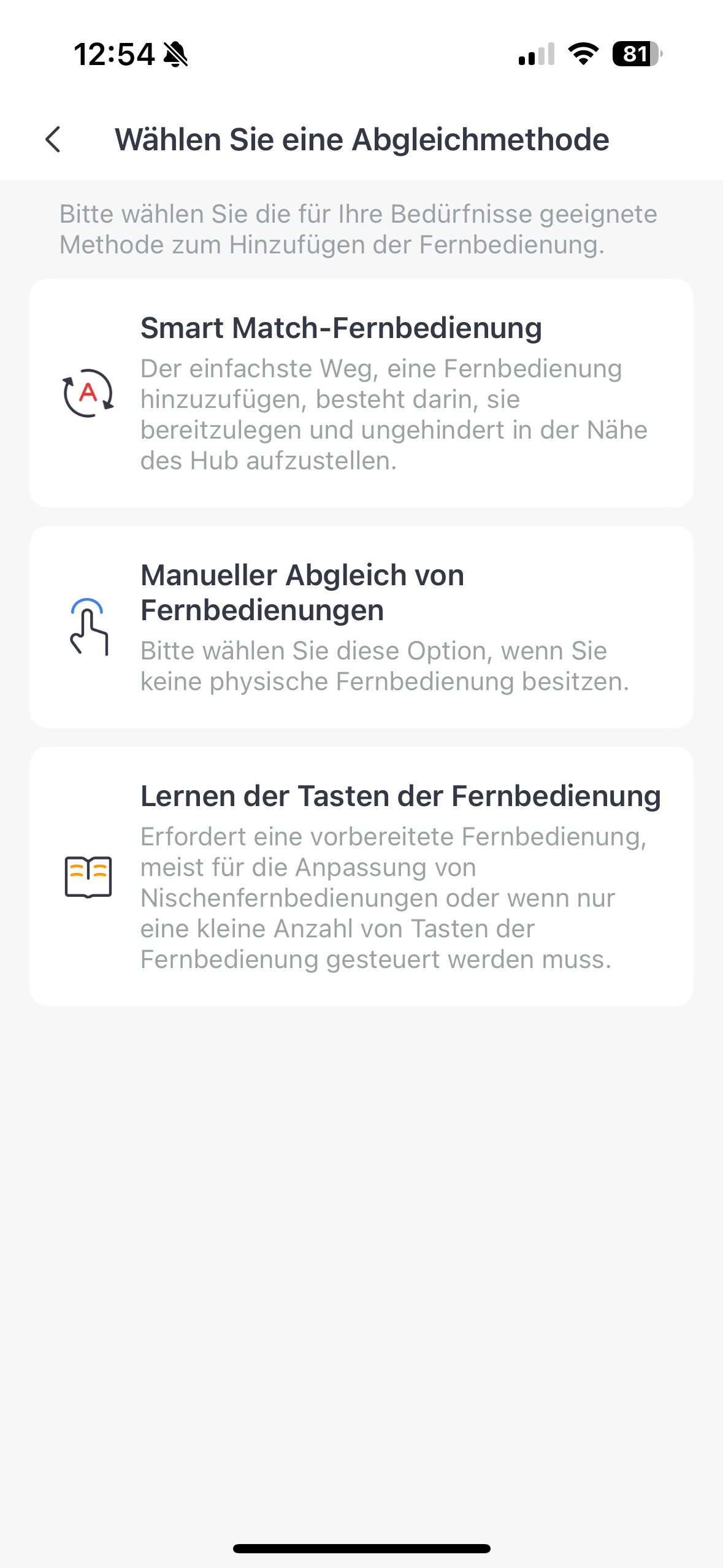
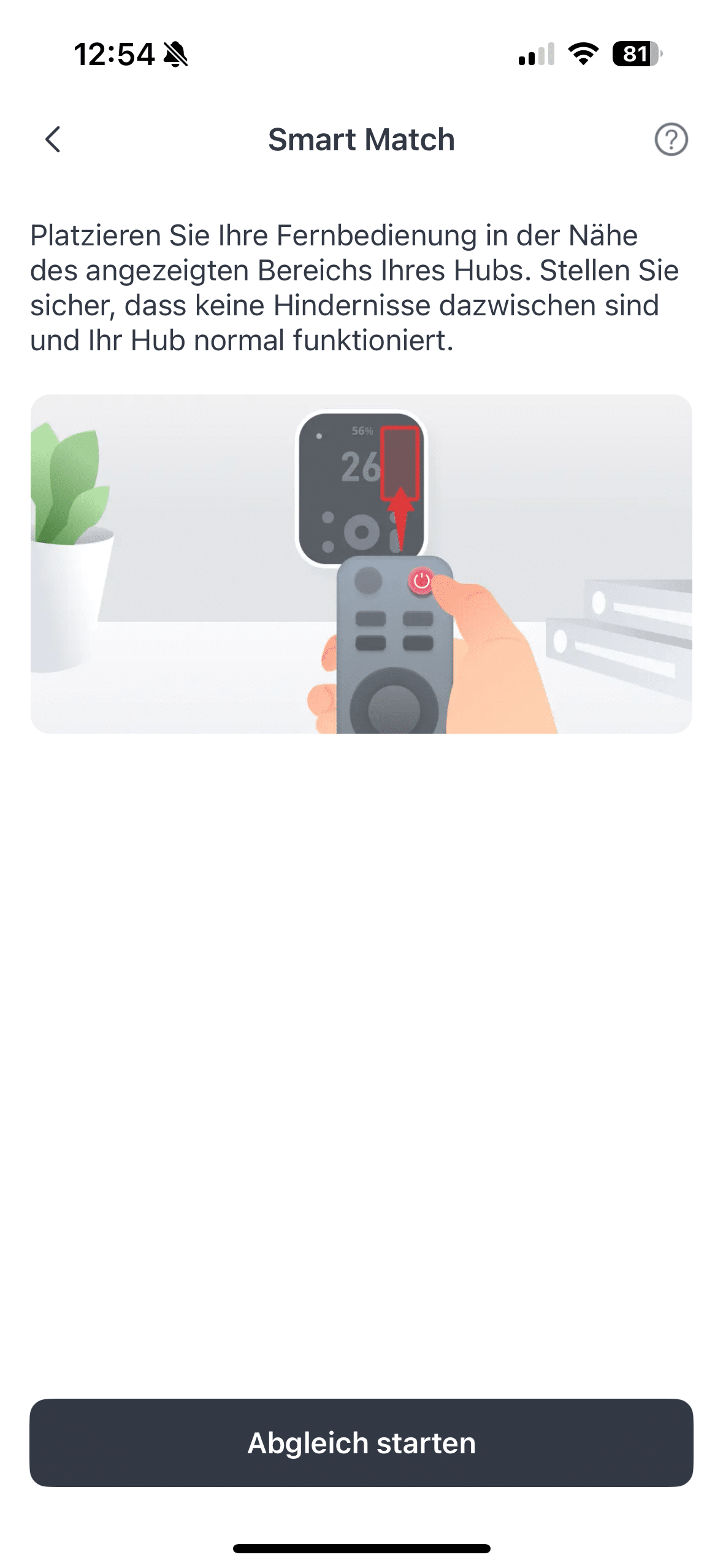
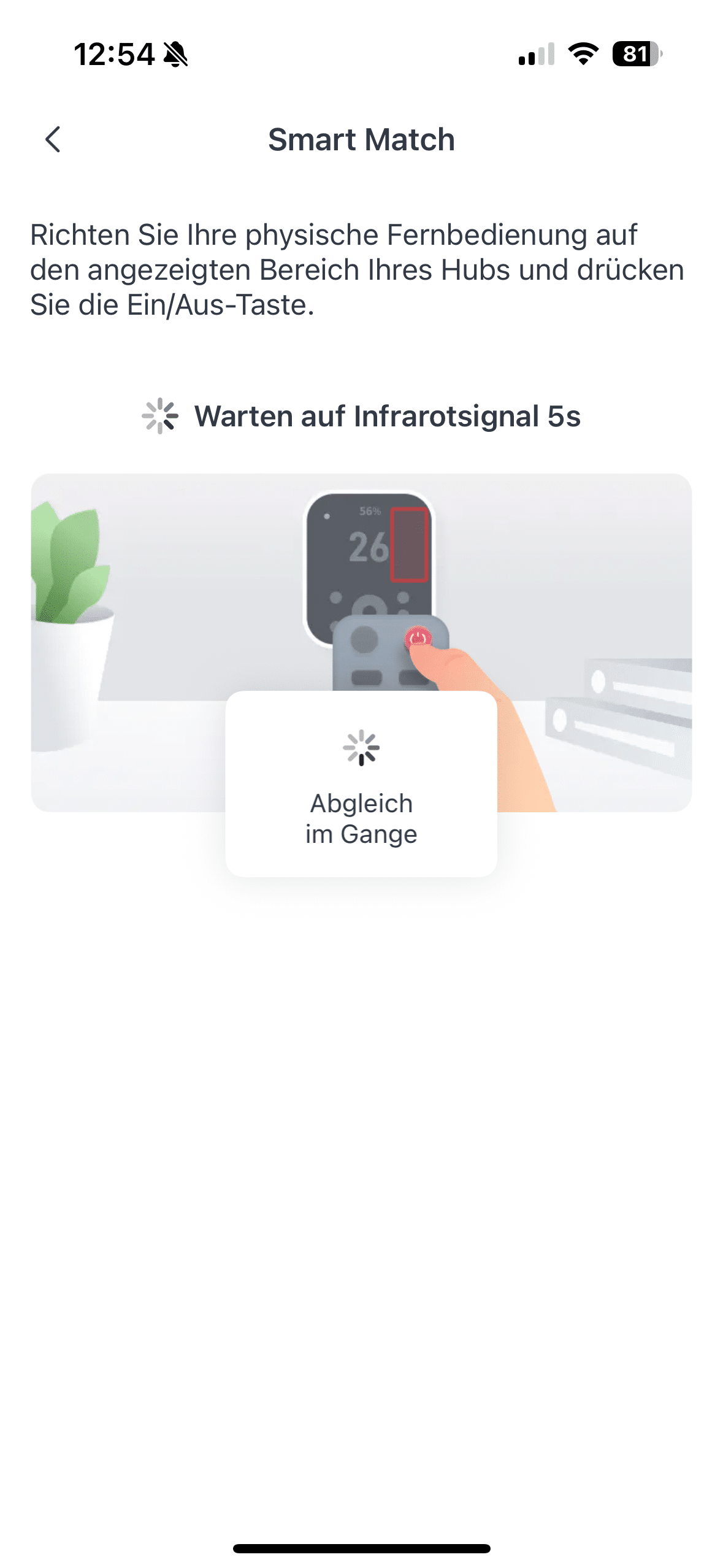
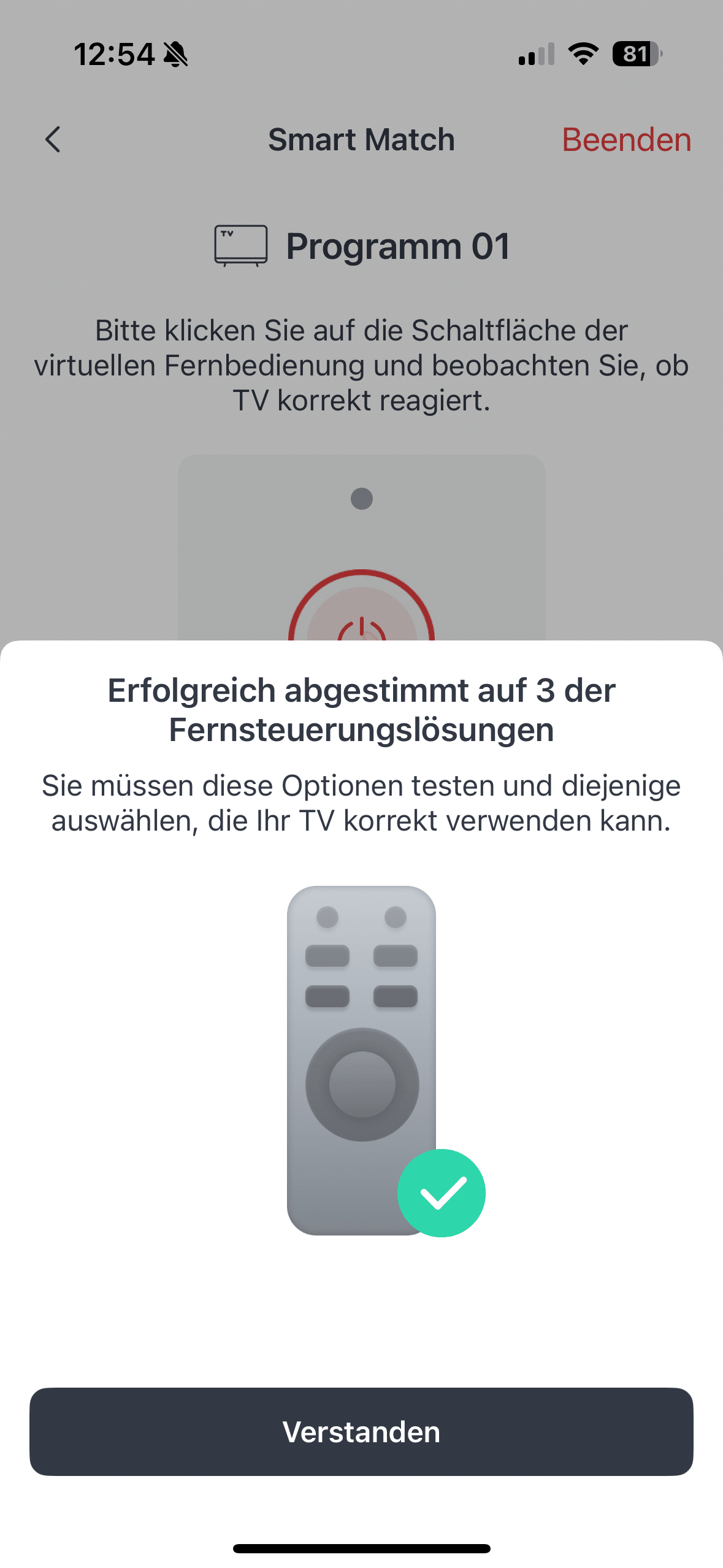

Automation is also possible for IR devices. For example, TV junkies can set the TV to switch on when a certain time is reached. In hot seasons, you can also set your air conditioning to switch on automatically when the Hub 3’s integrated thermometer measures a certain temperature in your home. There are virtually no limits to the possibilities here, so smart home enthusiasts can really let off steam.
SwitchBot Hub 3 test: Extensive sensor technology
SwitchBot has installed an impressive range of sensors in the Hub 3. As already mentioned, there are sensors for temperature and humidity in the charging cable itself. I think it’s a bit of a shame that the manufacturer hasn’t included a CO² sensor. If you want to have this information displayed on the Hub 3, you have to buy the SwitchBot Meter Pro (€ 54.58 *).

What the smart home expert also installs here is a motion sensor. If the Hub 3 hangs on the wall, it has a range of four meters. A motion detector is of course particularly interesting in combination with smart lighting. But you can of course also create other automations here.
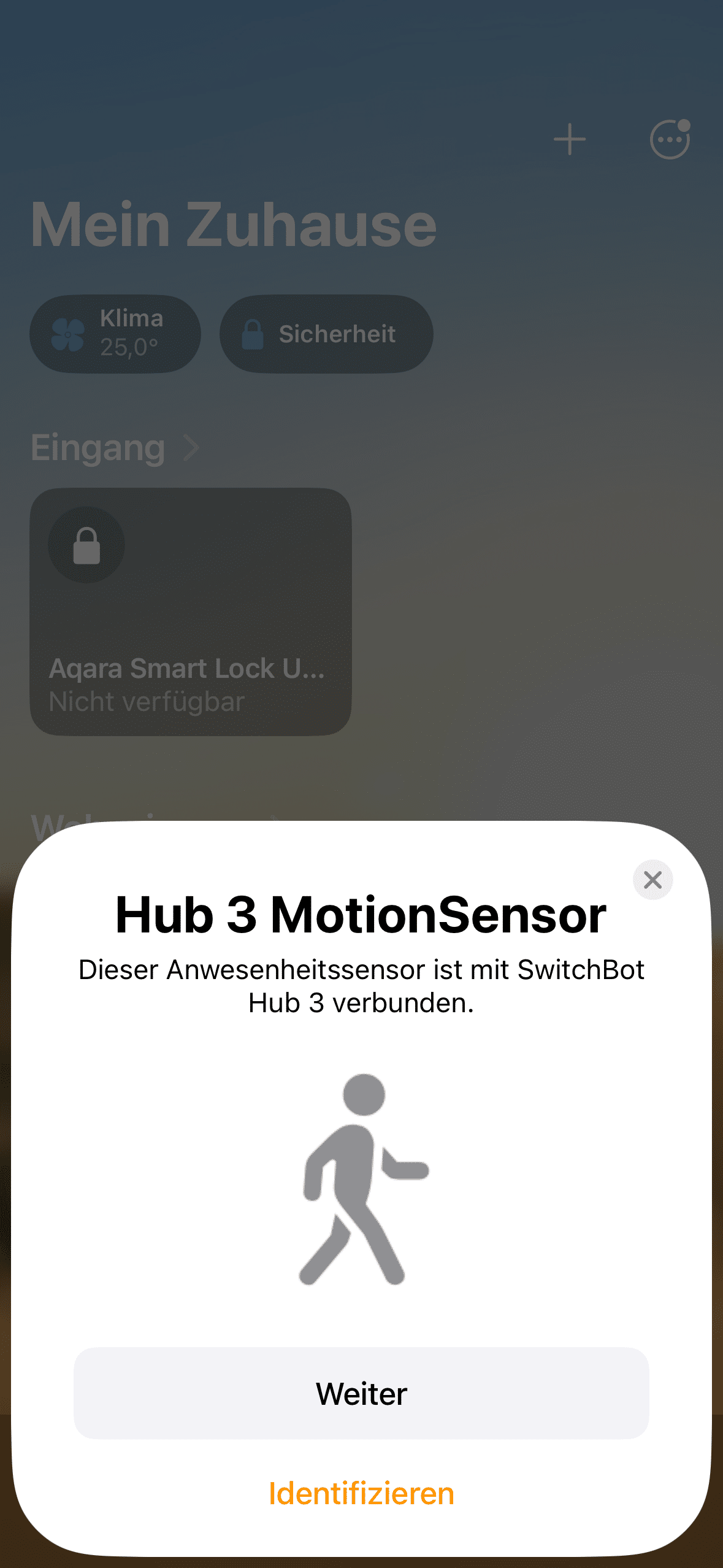
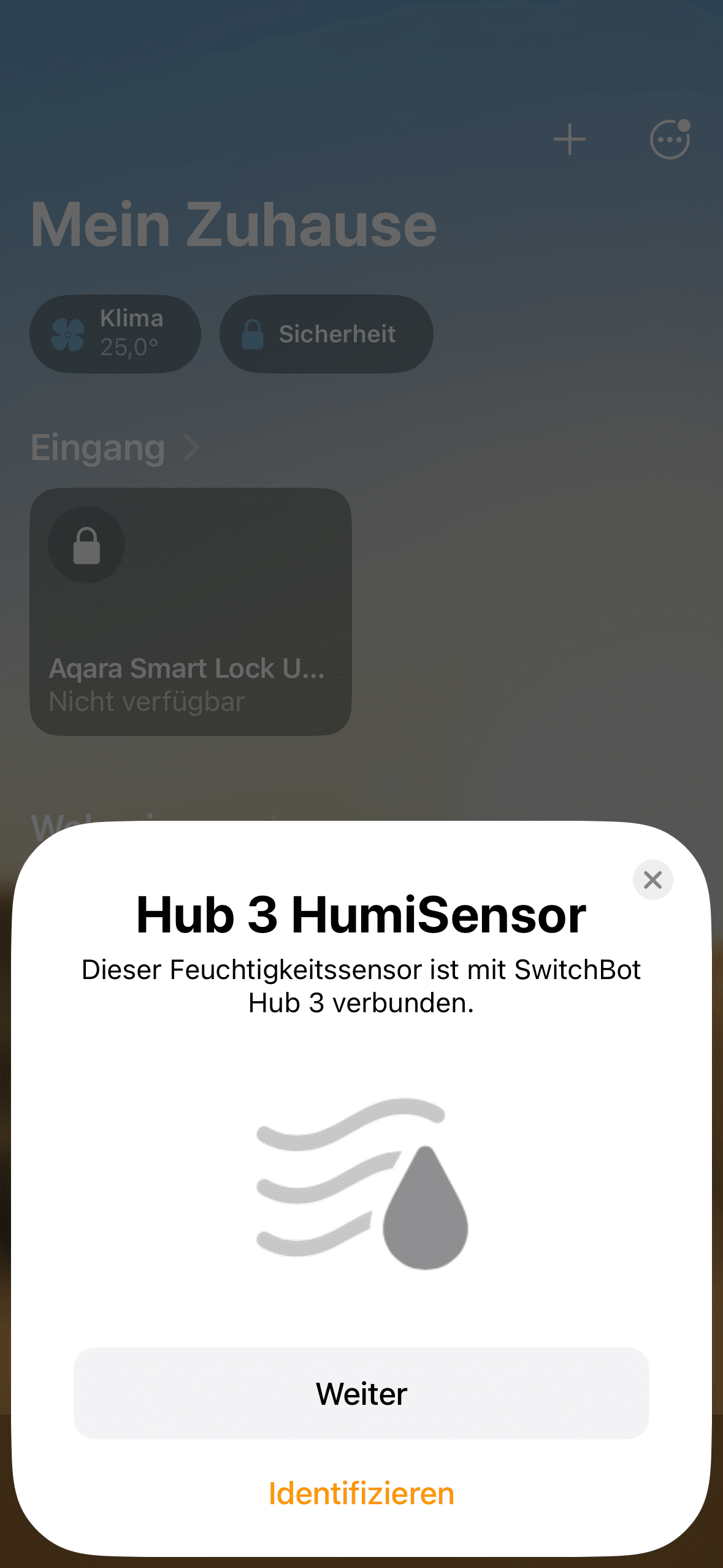
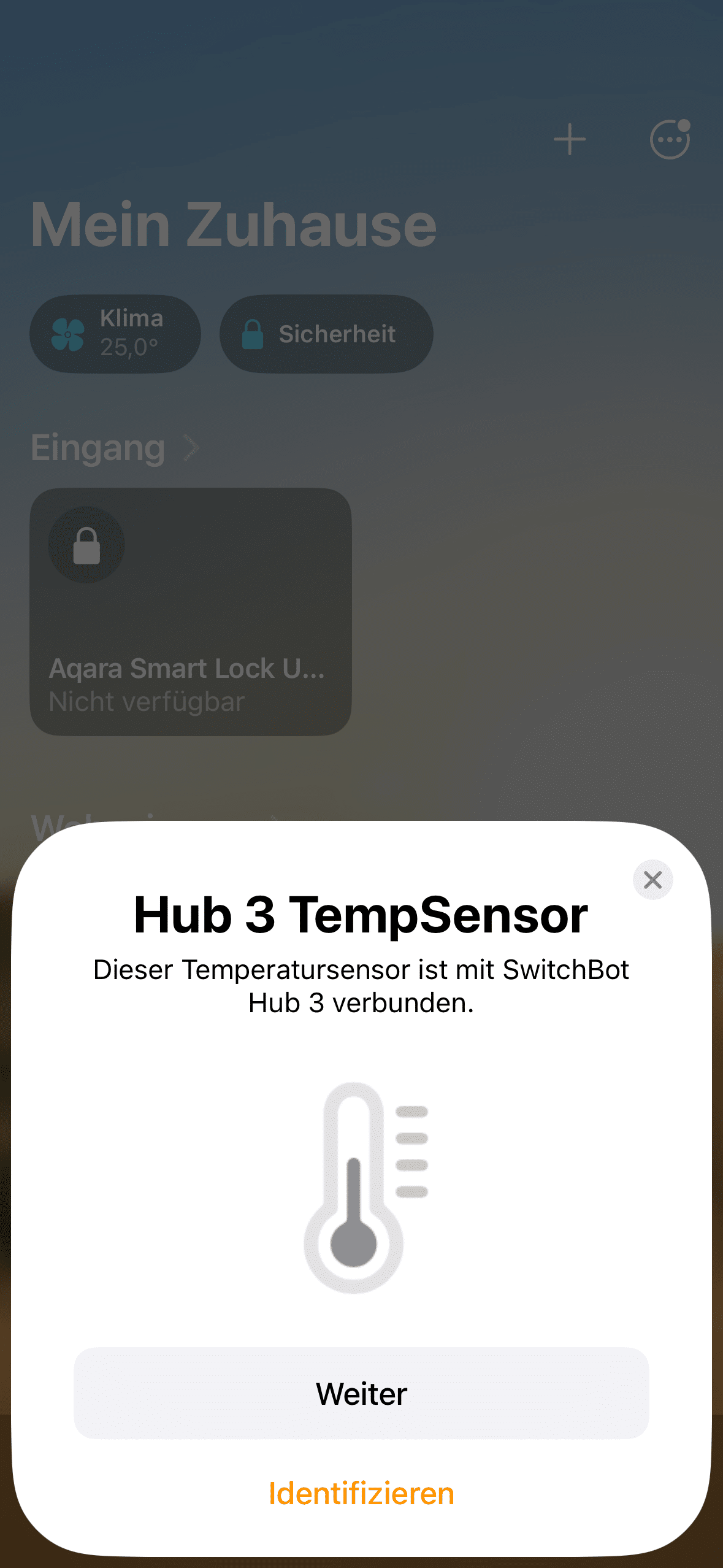
There is also a brightness sensor in the device. This not only ensures that the backlighting of the keys automatically adjusts to the lighting conditions. Automations are also possible here. For example, if it gets too warm in the room, the SwitchBot Curtain 3 (Review | € 71.99 *) can close the curtains automatically.
SwitchBot Hub 3 Test: SwitchBot App
Despite Matter compatibility, you can’t avoid using SwitchBot’s own app when using the Hub 3. Although you can operate the gadget via other ecosystems or apps, you will always need the SwitchBot app to connect to new devices.
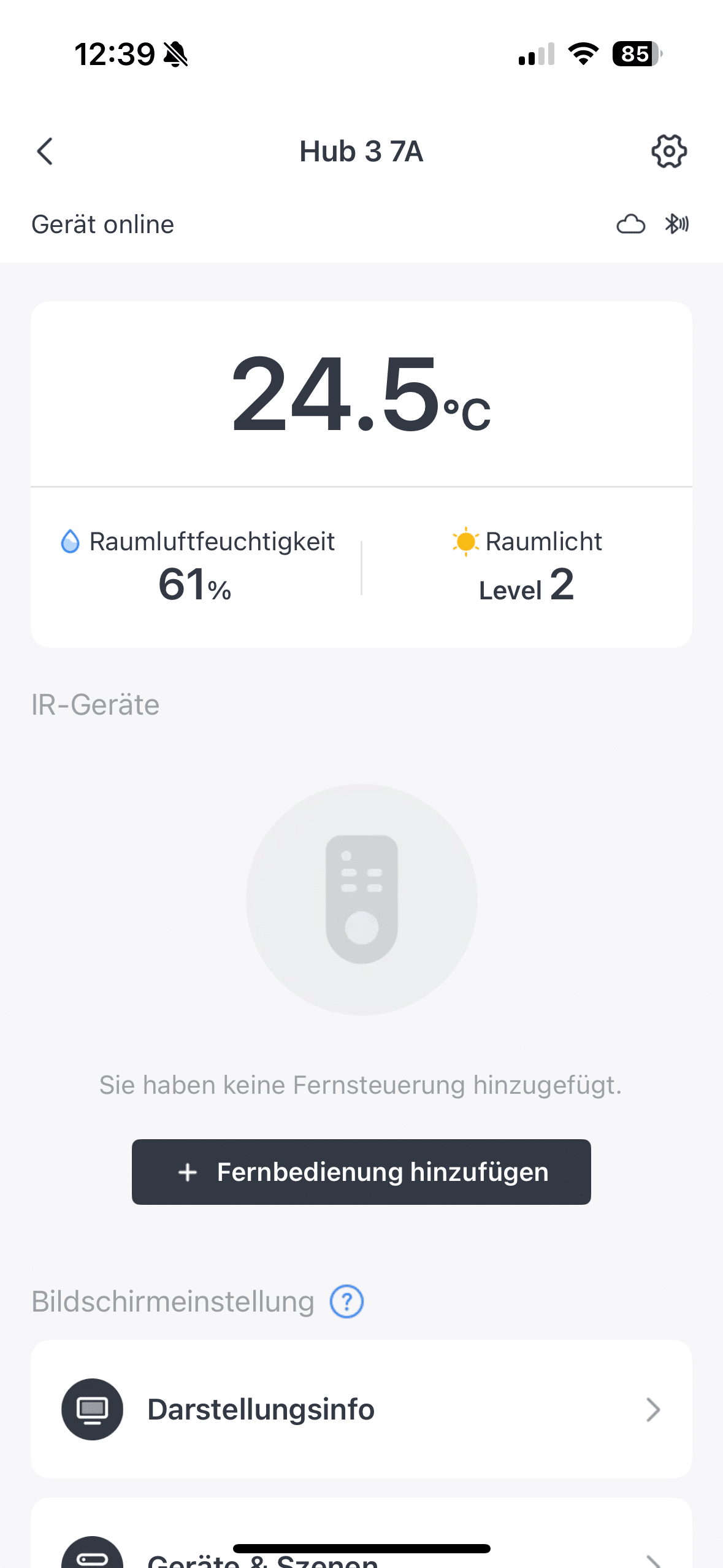
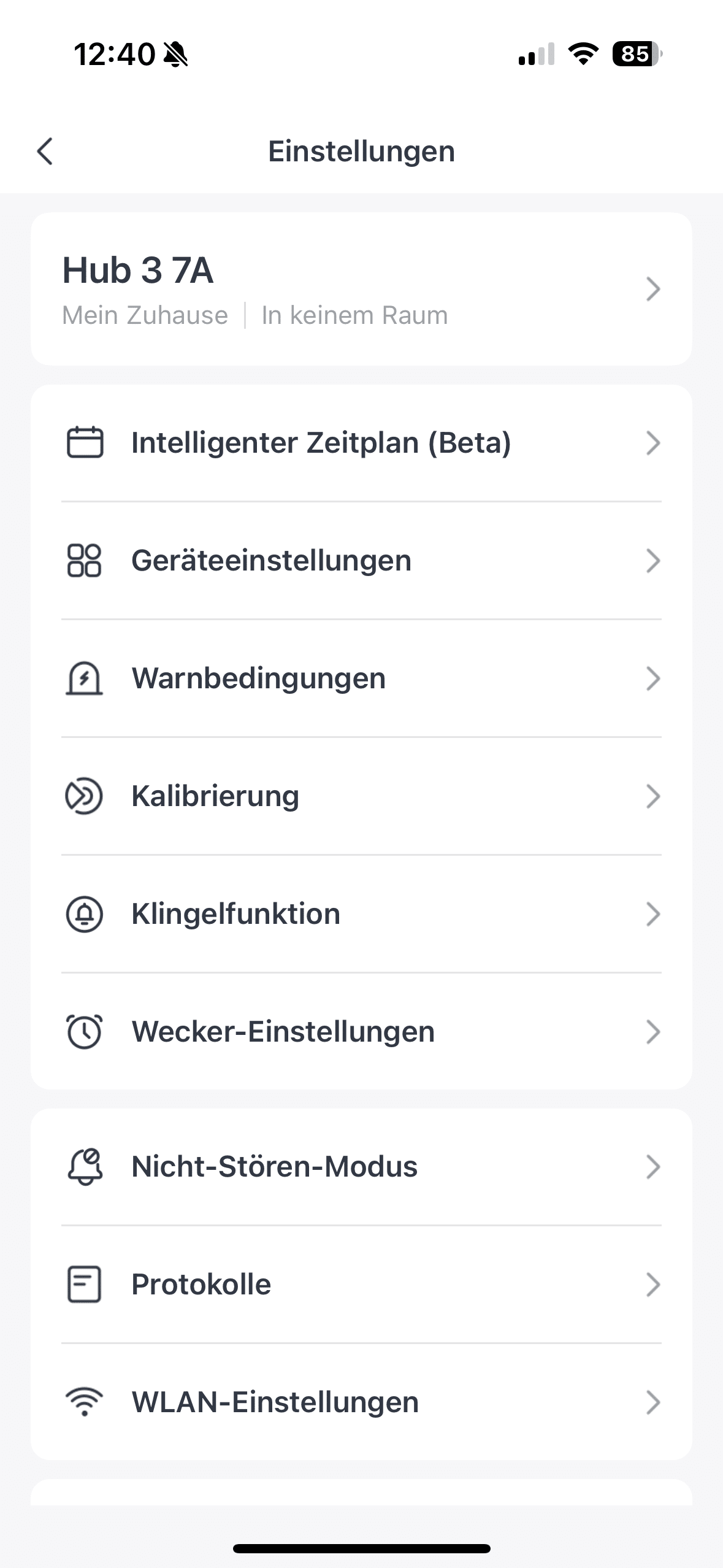
Fortunately, this hardly bothers you in practice. After all, experience has shown that the app is very clear. The localization is now also at a high level. Only a few translation or spelling mistakes are noticeable from time to time.
SwitchBot Hub 3 test: Practical test
Once you have set up the Hub 3 correctly and assigned the desired automations, you won’t need to visit the SwitchBot app that often. After all, you can already set the automations you want here.

For example, you can also display the status of a smart door lock such as the SwitchBot Lock Ultra (€ 299.99 *). It can also be opened and closed by simply pressing the display. In general, smart home control with the help of the compact control center is pleasantly intuitive.
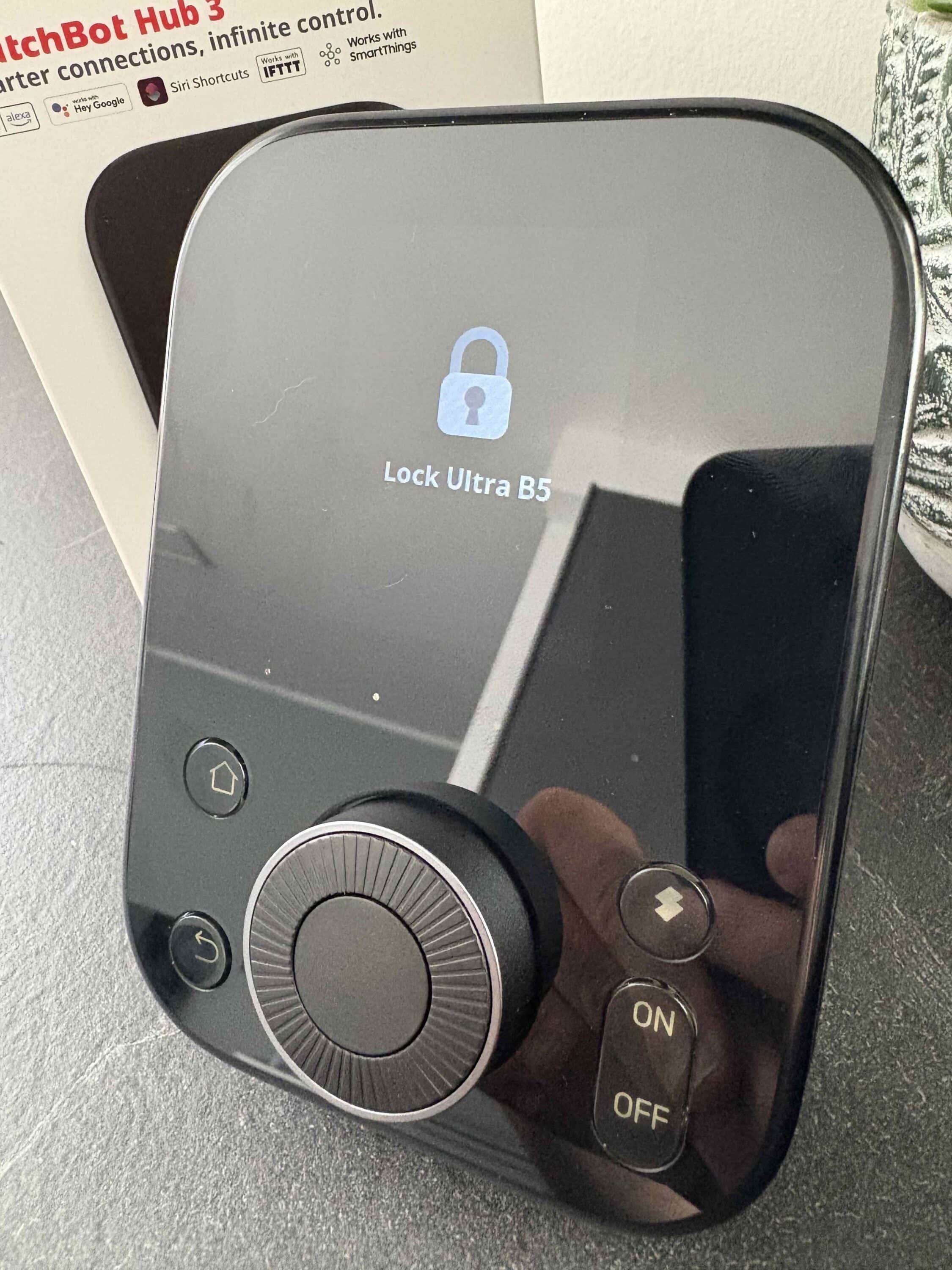
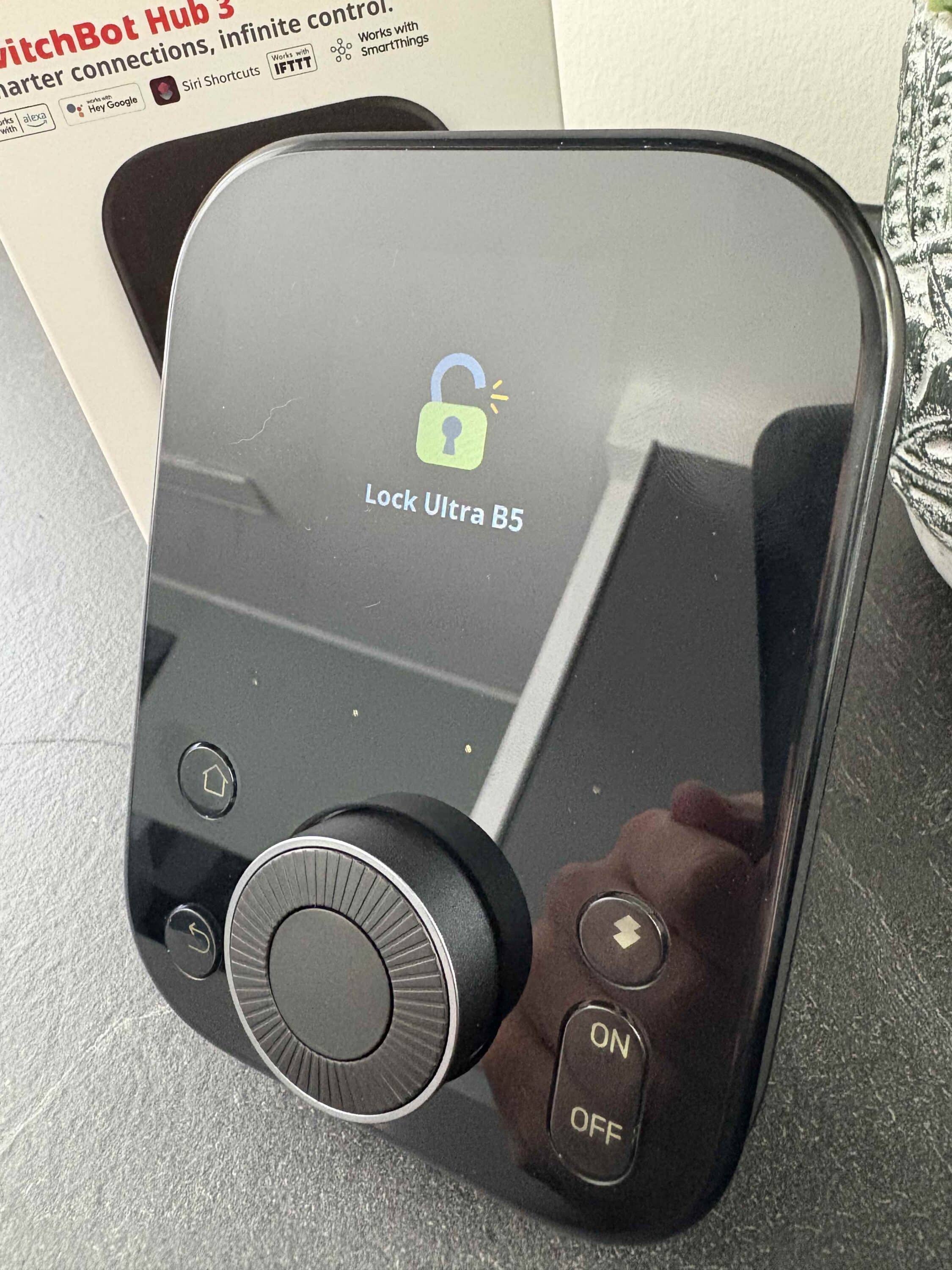
Once you have familiarized yourself with it, you can switch between different devices in a flash. This should especially please those of you who don’t always want to use your smartphone.
Conclusion
With the SwitchBot Hub 3, the smart home specialist is launching a sophisticated further development of its control center. The device scores with a functional design that offers practical advantages such as a touchscreen, rotary control and additional buttons, despite its somewhat more playful appearance compared to its predecessor. SwitchBot also delivers reliably in terms of build quality. A real plus point is the Matter compatibility, which allows the hub to shine not only in the SwitchBot cosmos, but also in cross-platform smart home setups. We particularly liked the simple setup, intuitive operation and versatile automation options – not only for modern, but also for classic IR devices.

The sensor technology is sensibly integrated, even if a CO₂ sensor is missing. The ability to detect temperature, humidity, light and movement opens up numerous automation scenarios. Although the SwitchBot app remains indispensable, its clarity is impressive. Overall, the SwitchBot Hub 3 is a powerful, versatile and user-friendly smart home centerpiece that offers many interesting possibilities for both beginners and advanced users – with the potential to become a real control center in the networked home. However, the rather high price does cause a little displeasure. However, the rather high RRP of just under 130 euros is likely to be significantly reduced by regular discount campaigns, as is typical for SwitchBot.

VORTEILE
- Versatile operation with touchscreen, controls and buttons
- Simple setup & clear app
- Matter support & wide compatibility
- Powerful IR transmitter
- Comprehensive sensor technology with automation potential
NACHTEILE
- High-gloss front susceptible to fingerprints
- No integrated CO₂ sensor
- High price
Fazit
The SwitchBot Hub 3 is a highly recommended all-rounder for smart home enthusiasts. However, the control center also comes at a high price.