With the SwitchBot Lock (Review), the expert for uncomplicated smart home setups launched the first generation of its smart door lock in 2022. Following an interim Pro model, the SwitchBot Lock Ultra is now available. This not only aims to score points with a slimmer design and technical innovations. It also offers an extremely practical partner in the form of the Keypad Vision, which enables doors to be opened using more than just fingerprints and numeric codes. Thanks to 3D face recognition, you should also be able to easily unlock your lock with your face. We reveal how well this works in practice in the SwitchBot Lock Ultra test.
Technical data
| Model | Switchbot Lock Ultra |
| Dimensions | 12.2 x 6.2 x 6.8 cm |
| weight | 367 g |
| Compatibility | Euro profile cylinder (emergency function) |
| Rechargeable battery | – Replaceable, rechargeable battery with up to 9 months runtime – Backup battery for up to 1000 emergency openings |
| Unlocking methods | – numeric code – NFC – Fingerprint sensor – Face scan – Auto-Unlock/Auto-Lock – Smartphone |
| Compatible keypads | – SwitchBot Keypad – Keypad Touch (€ 99.99 *) – Keypad Vision (€ 149.99 *) |
| Remote access (hub required) | – Remote control via app – Status updates in real time – Integration of voice assistants – Matter and IFTTT integration – Automation with other SwitchBot devices |
| Voice assistants (hub required) | Amazon Alexa, Google Home, HomeKit, Matter, Home Assistant, Samsung Smartthings |
| Price | € 299.99 * |
Scope of delivery
As usual, the SwitchBot Lock Ultra comes with all kinds of accessories. Strictly speaking, we can once again speak here of a package from the all-round carefree category. You don’t even need separate tools or installation materials. SwitchBot includes everything you need for installation.

The scope of delivery includes:
- SwitchBot Lock Ultra (with backup pack)
- Battery pack (rechargeable) + charger
- 2x mounting plates
- 2x mini Allen key
- 3x stickers in wood look
- magnet
- SwitchBot MiniHub

If you opt for the bundle with the Keypad Vision, you will receive the new keypad with matching accessories. In addition to the keypad itself, you will also find suitable mounting material such as screws and plugs as well as a charging cable.
SwitchBot Lock Ultra test: design and workmanship
Anyone who has ever seen a smart lock from the SwitchBot family will immediately recognize the Ultra model. However, the smart door lock has one major advantage over its predecessor SwitchBot Lock Pro (Review | € 169.99 *) and many other models from the competition.

At 12.2 x 6.2 x 6.8 cm, it is significantly more compact. Only a few models such as the Nuki Smart Lock Pro (Review | € 269.00 *) are an exception. With its matt black look and slim design, it looks pleasantly modern and doesn’t stand out in a negative way.

This even applied to my white entrance door, where the Lock Ultra looks nice thanks to the contrast. If you still don’t like the black, you can opt for the silver model as an alternative. You can also use one of the three enclosed wooden stickers if you have a wooden door and are bothered by the contrast. The build quality is also impressive.

SwitchBot uses an alloy consisting of magnesium and aluminum for the housing. The rotary knob is also of high quality. It is easy to operate and provides pleasant feedback during daily use with a slight resistance. The rotary knob has an LED ring that indicates the status of the door lock. This lights up red, blue or white depending on the status.
SwitchBot Lock Ultra test: Keypad fits perfectly
SwitchBot specifies an operating temperature of between -10°C and 45°C for the Smart Lock. However, as the lock is used indoors anyway, this is rather irrelevant. Much more relevant is the fact that the associated Keypad Vision has IP65 certification and can therefore be used outdoors without any problems.

Like the door lock itself, the Keypad Vision also makes an excellent impression in terms of appearance and workmanship. It is also finished in matt black and only has one area with a high-gloss look, which is located in the upper area. Behind it is a motion sensor that registers when a person approaches. Below this is the camera technology for 3D face recognition. The keypad also has a numeric keypad for entering the numeric code.

Alternatively, you can use an NFC card or your fingerprint to unlock the device. At the bottom is a button that you can assign automations to. For example, a ringtone can be played at the touch of a button, which even turns the keypad into a kind of doorbell.
SwitchBot Lock Ultra test: easy installation
The SwitchBot Lock Ultra is also ideal for rented apartments. After all, you are not forced to pick up a drill. Instead, the system is designed so that you can remove the door lock again without leaving any residue if you no longer want to use it.
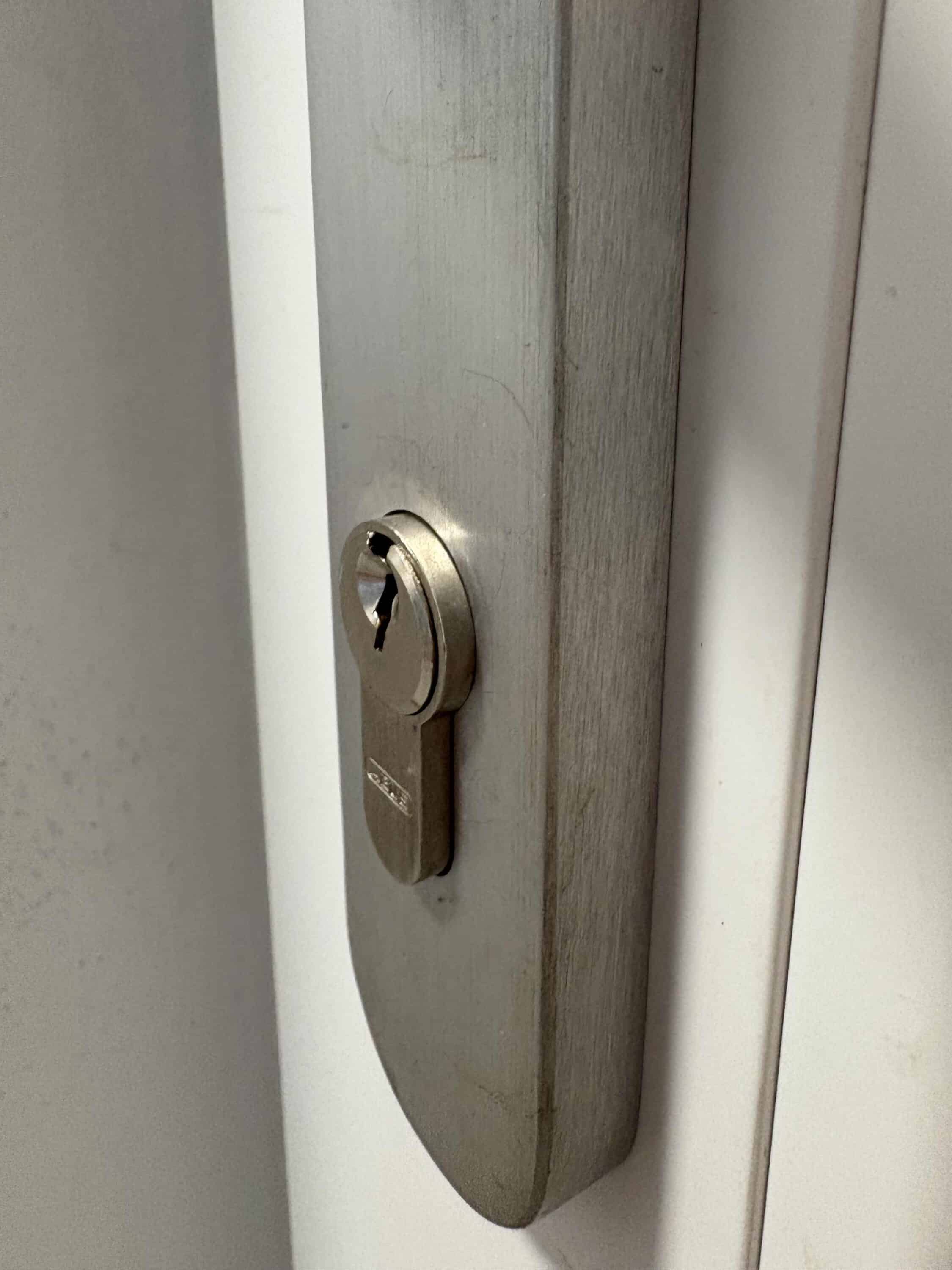
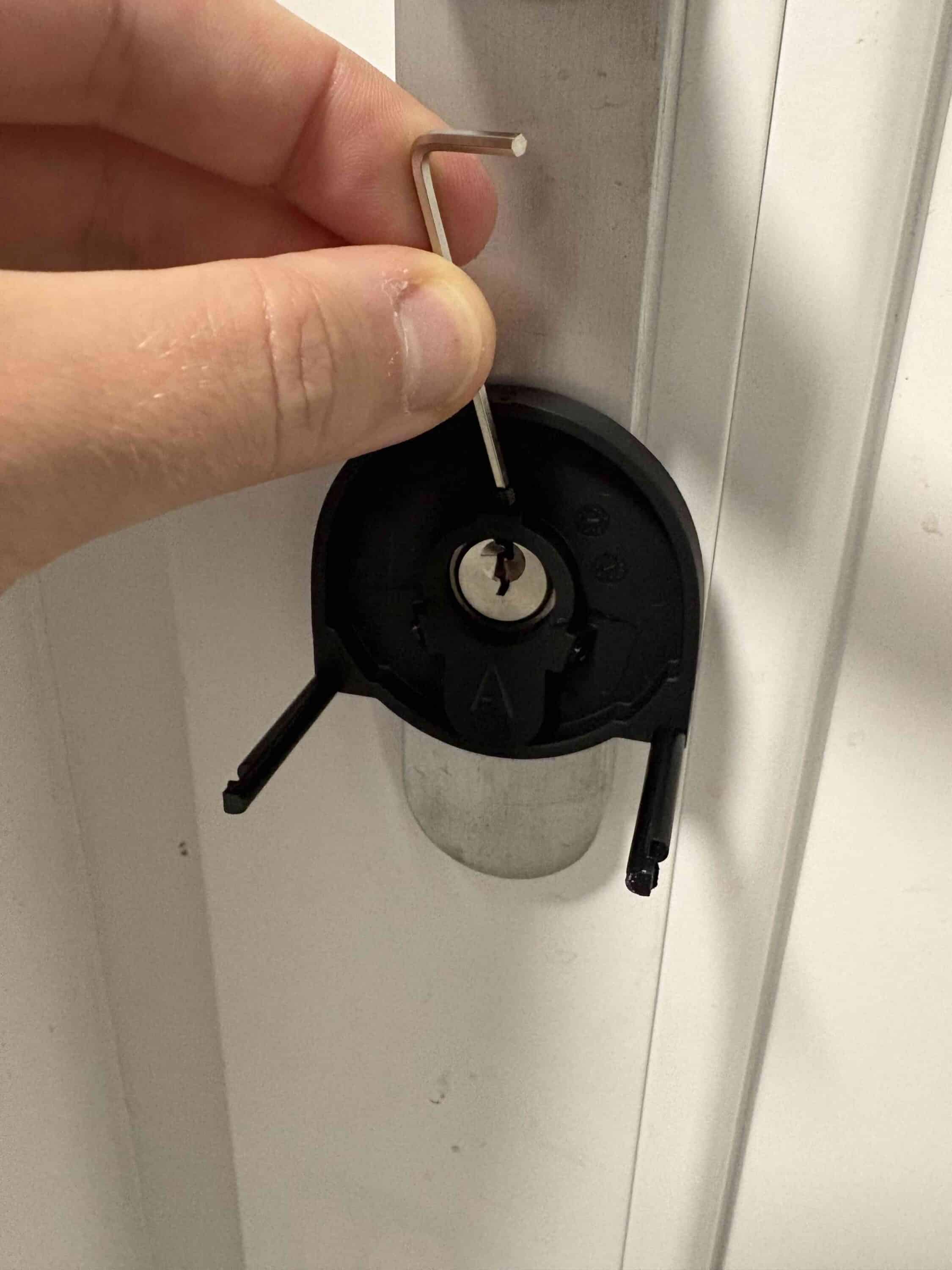
The installation is pleasingly quick. SwitchBot supports you with helpful and illustrated step-by-step instructions in the app. First, you need to place the mounting plate on your cylinder. Stick it in place if the cylinder does not protrude by at least 3 mm.
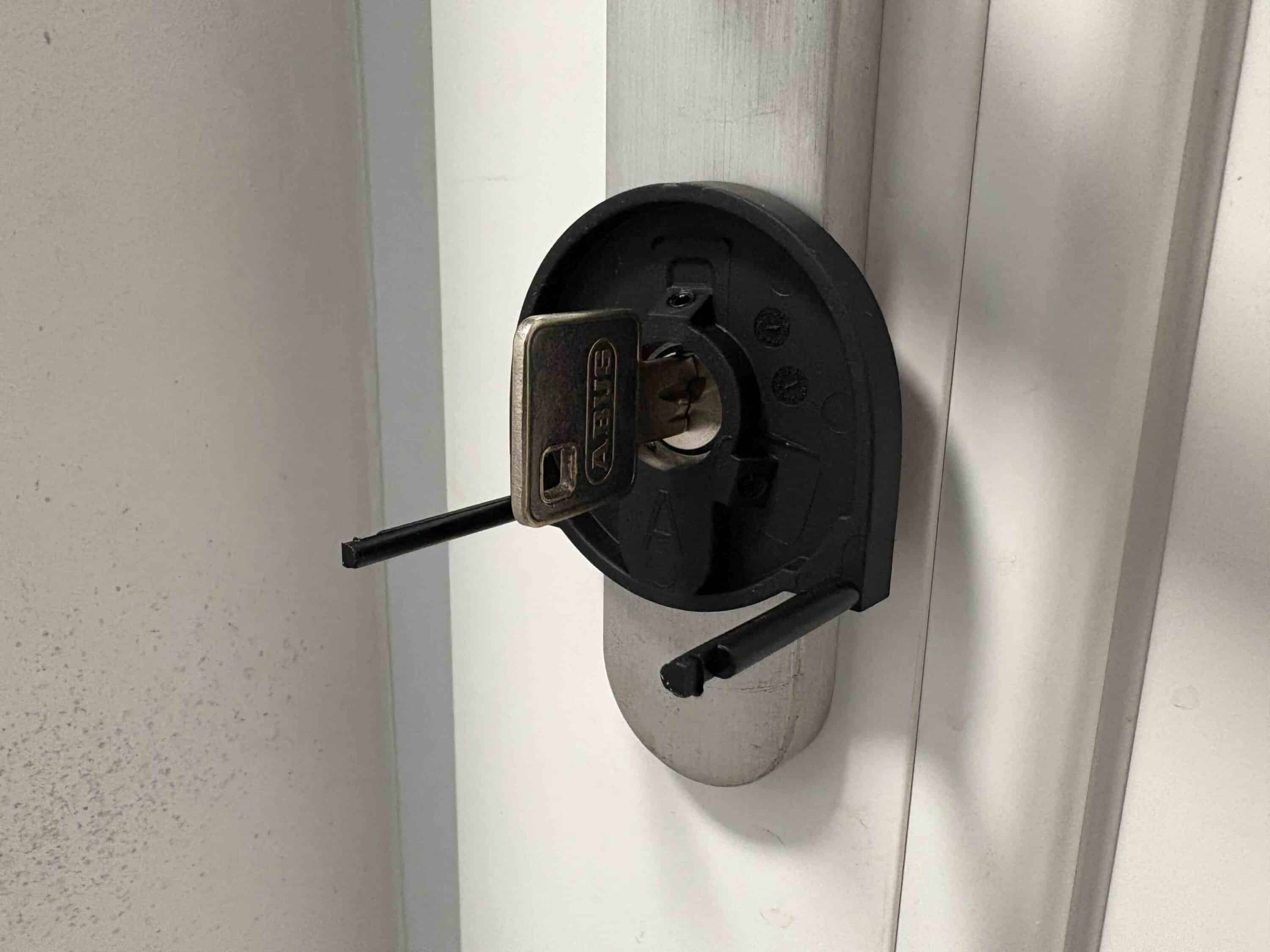
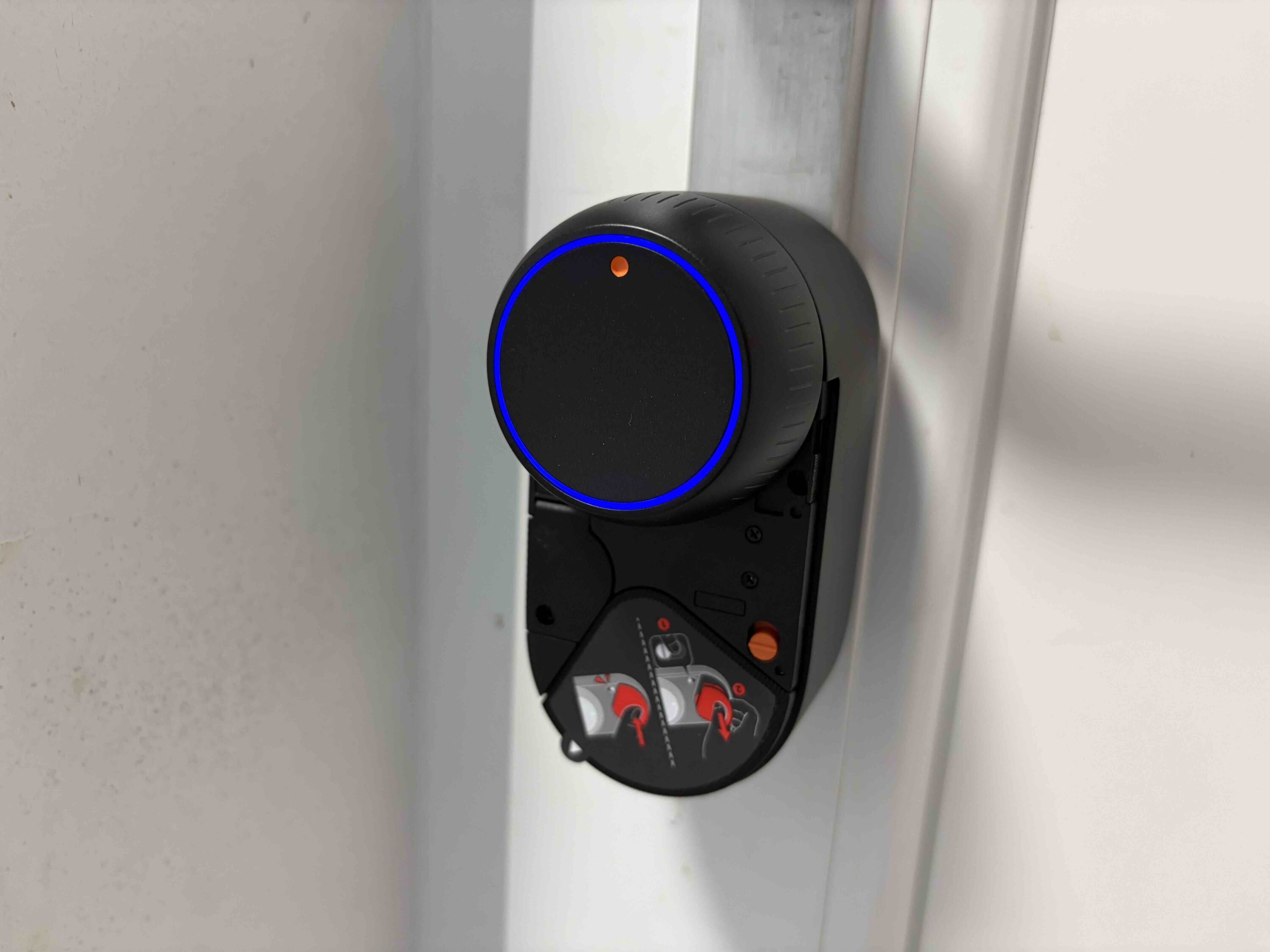
If it does protrude, screw the plate tight. Fortunately, a suitable tool is included. Then insert the key into the lock and put the smart lock on. You can now attach the lock to the mounting plate using the knobs on the side.
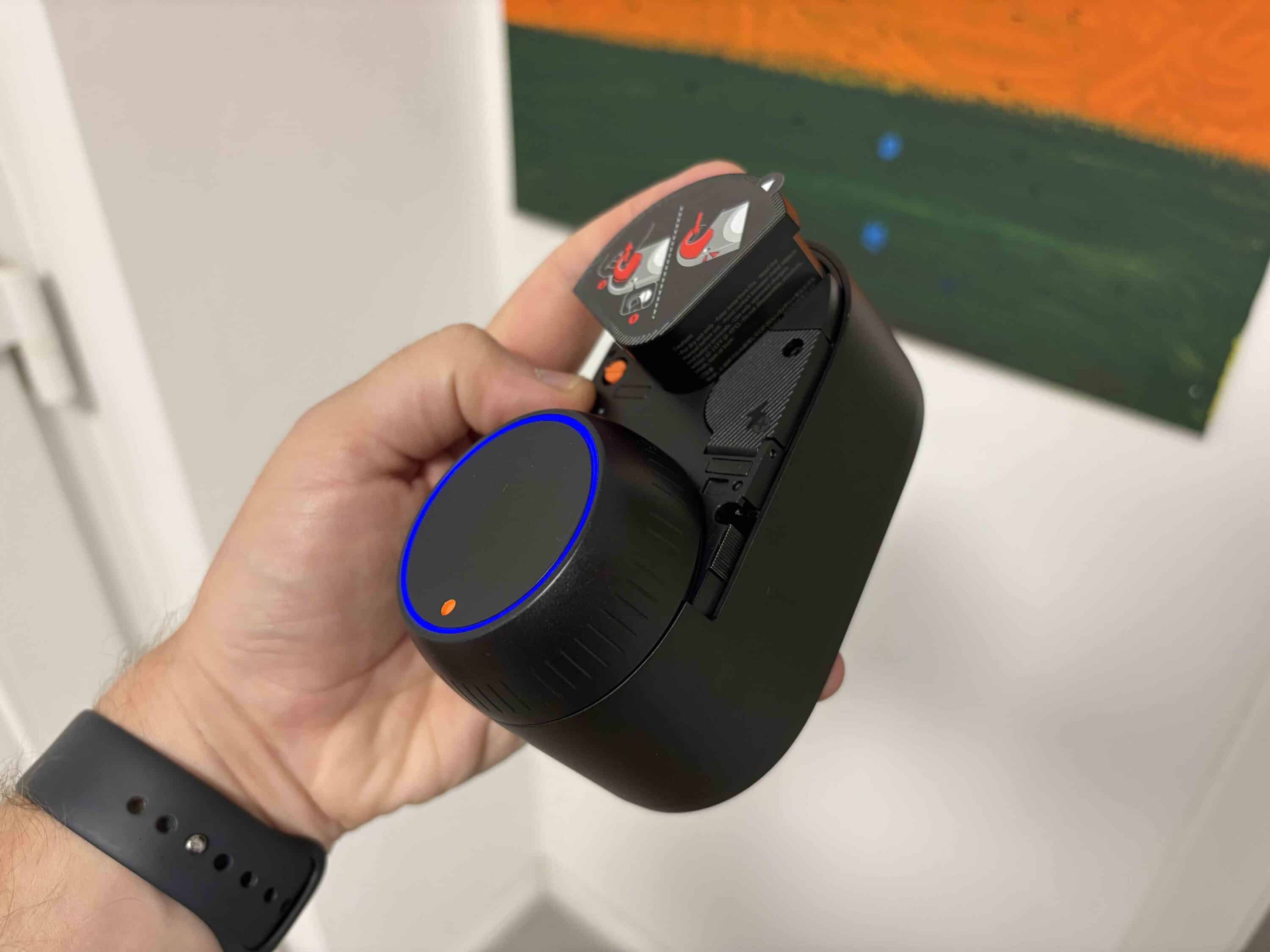
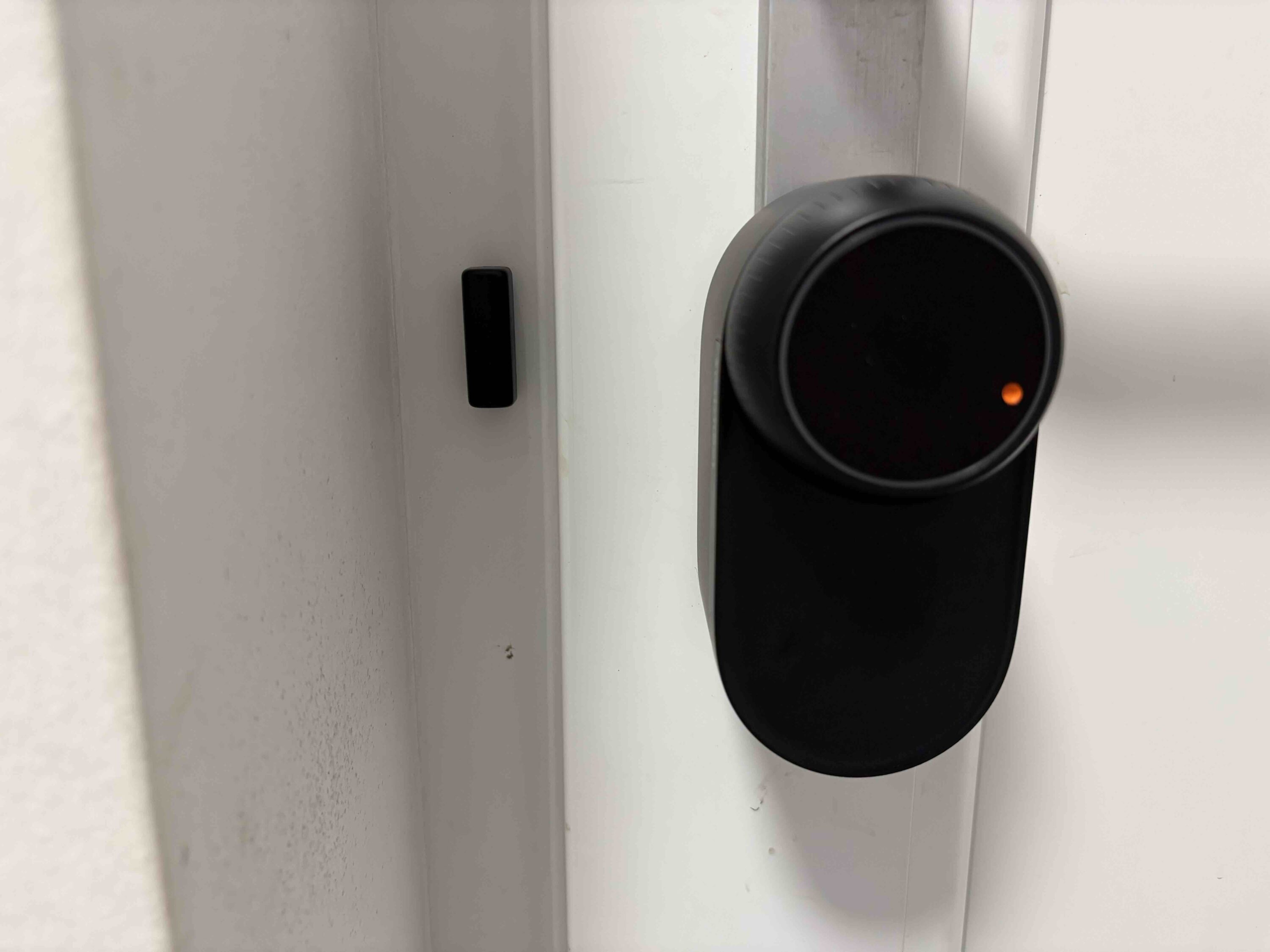
So that the lock knows whether the door is open or closed, you need to stick the appropriate magnet to the door frame. Now insert the battery and the lock can be set up. Installing the Keypad Vision is even easier. Here you can choose between drilling or gluing.

What you choose should primarily depend on the surface. If the surface is rough, we recommend using a drill. You will find a suitable drilling template along with screws and dowels in the scope of delivery. A smooth surface, on the other hand, is ideal for gluing.
SwitchBot Lock Ultra test: Commissioning
Before the SwitchBot Lock Ultra is ready for use, you first need to calibrate it using the SwitchBot app. The app takes you by the hand and guides you step by step to the optimal functioning of the smart door lock. During calibration, the lock is opened and closed several times. Once the calibration is complete, the SwitchBot Lock Ultra is ready for use.
SwitchBot Lock Ultra test: Keypad Vision
A highlight of the SwitchBot Lock Ultra is undoubtedly the keypad. After all, it scores with various unlocking options. You can customize these in the SwitchBot app. For example, you can set the numerical code with which the lock is unlocked. Not only permanent codes can be set. It is also possible to set one-time codes. This is particularly practical for operators of a vacation apartment, for example.

Alternatively, you can also unlock the lock using your fingerprint. Fingerprints are also saved via the app. As with saving fingerprints in smartphones, you have to place your finger on the scanner several times. In the test, the scanner worked quickly and reliably. Only my young daughter’s fingers sometimes caused problems. The fingertip may be too small for the scanner.

The use of NFC cards is certainly most similar to the classic method of opening with a key. Everything worked perfectly with the three methods mentioned. But anything else would have surprised me, as these unlocking methods were already available on the SwitchBot Keypad Touch (€ 99.99 *). However, the highlight of the Keypad Vision is undoubtedly the 3D face recognition. In the test, the face scan worked pleasingly reliably. Only in excessively bright or dark surroundings did the scans sometimes fail.

If you’re wondering whether it’s a useful feature, you’ll get an answer at the latest when you’re once again standing in front of the door with two full shopping bags and no free hand. All you have to do is hold your face in front of the camera and the lock will unlock if you are one of the registered faces. You shouldn’t have to worry about data protection.
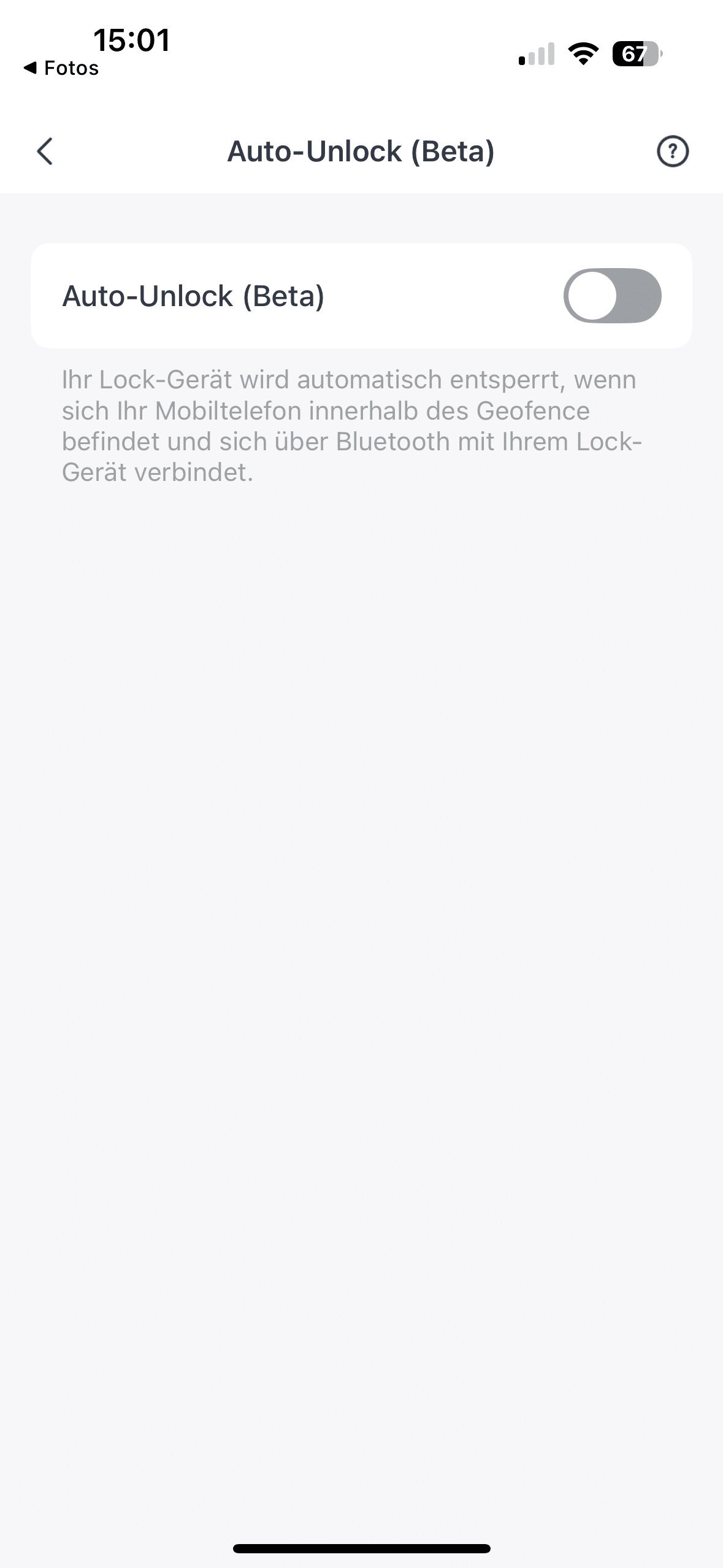
SwitchBot promises that both faces and fingerprints are stored locally. Last but not least, the SwitchBot Lock Ultra offers Auto Lock and Unlock. So if you don’t want to use the face scanner, you can also conveniently unlock the door hands-free with your smartphone thanks to geofencing and Bluetooth. The feature is currently still in the beta phase.
SwitchBot Lock Ultra Test: SwitchBot App
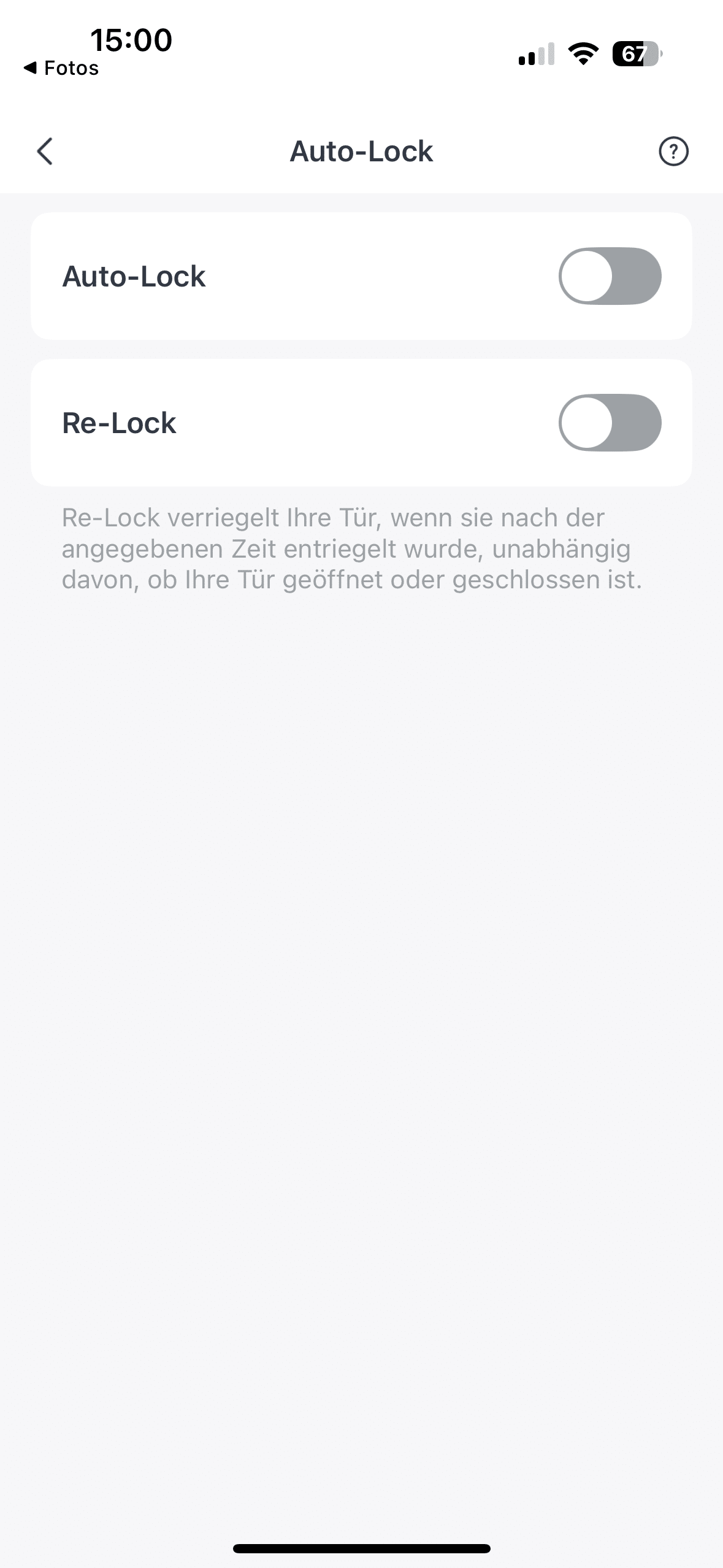
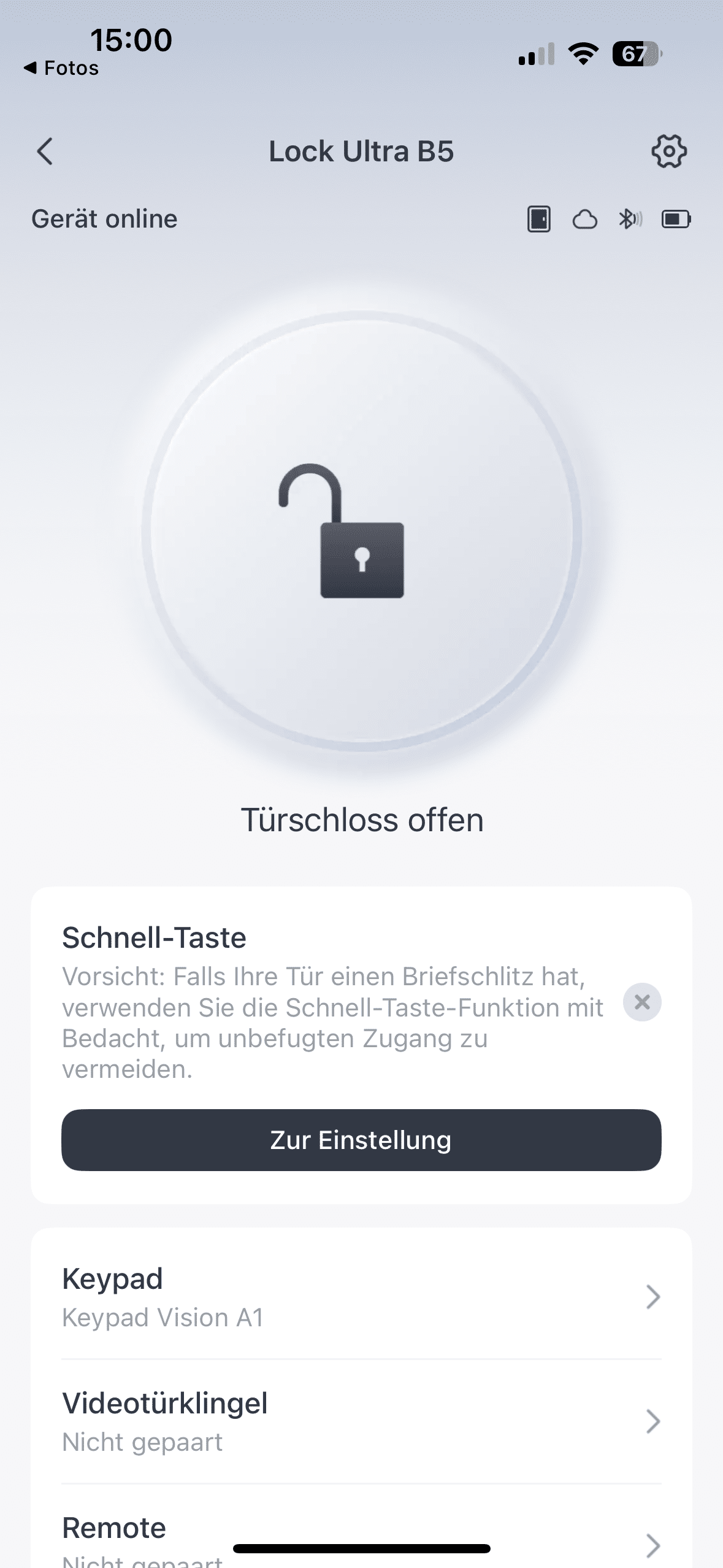
We have already emphasized the good overview and smooth performance of the app for other SwitchBot products. As the Lock Ultra is also the key control center, we were pleased to see that the app also impresses with the latest generation of the smart door lock. The SwitchBot app not only allows you to see at a glance whether your door is currently open or locked.
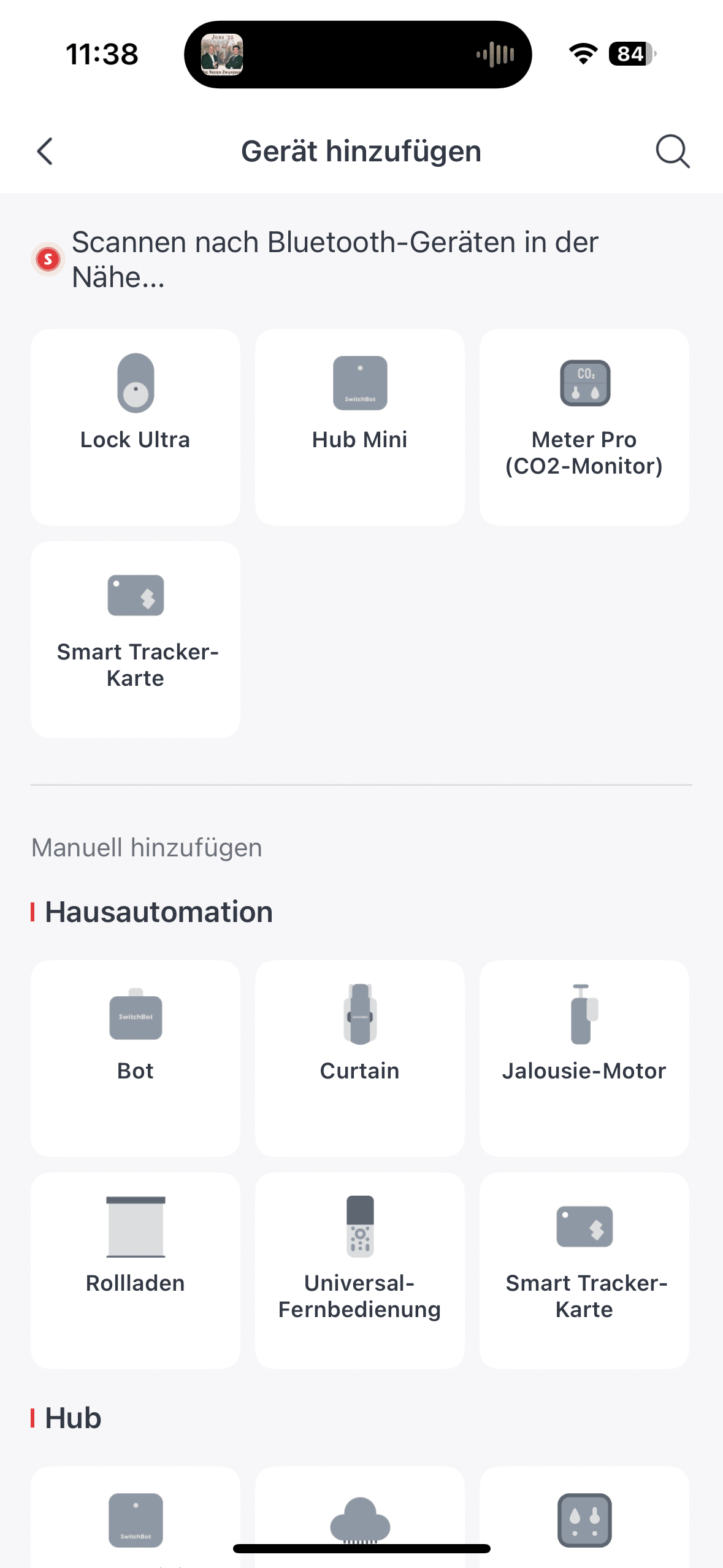
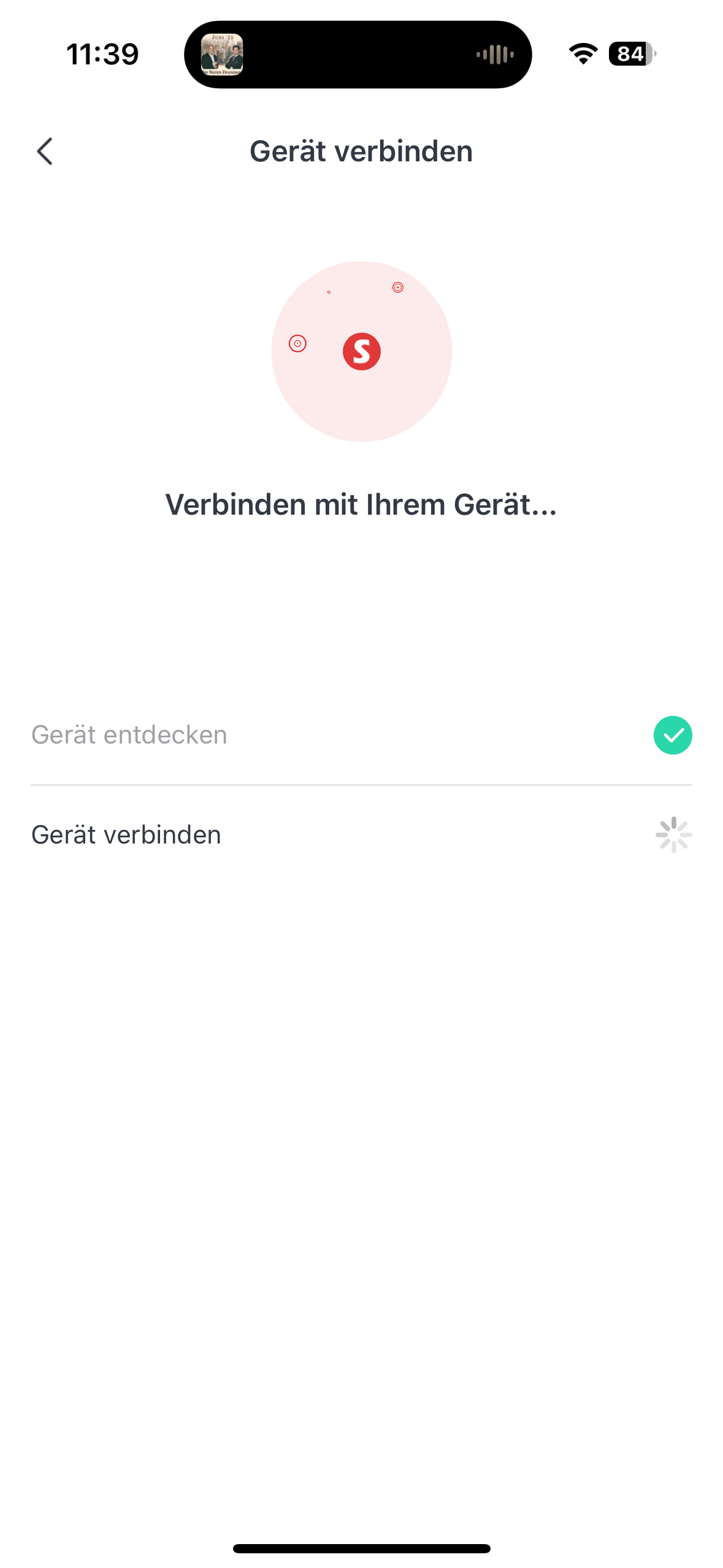
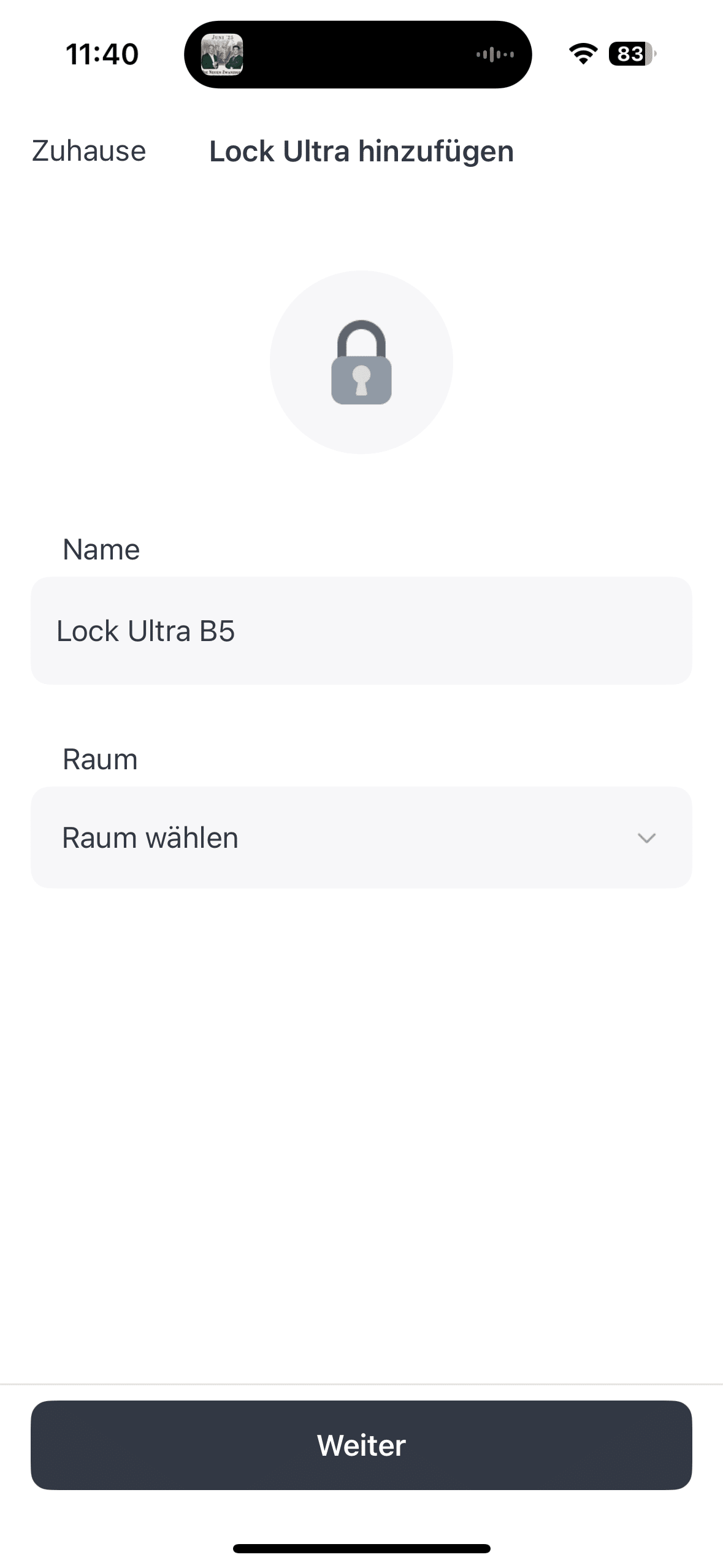
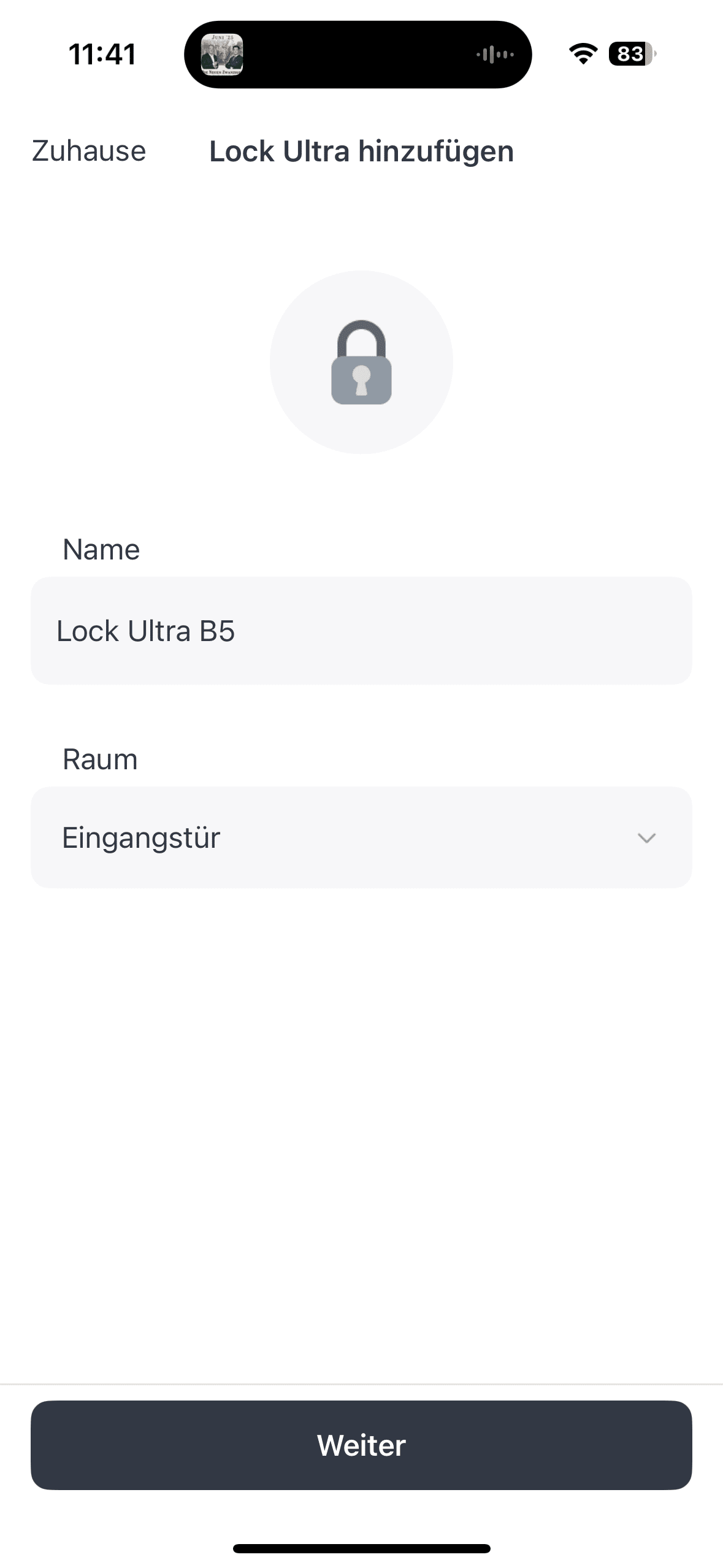
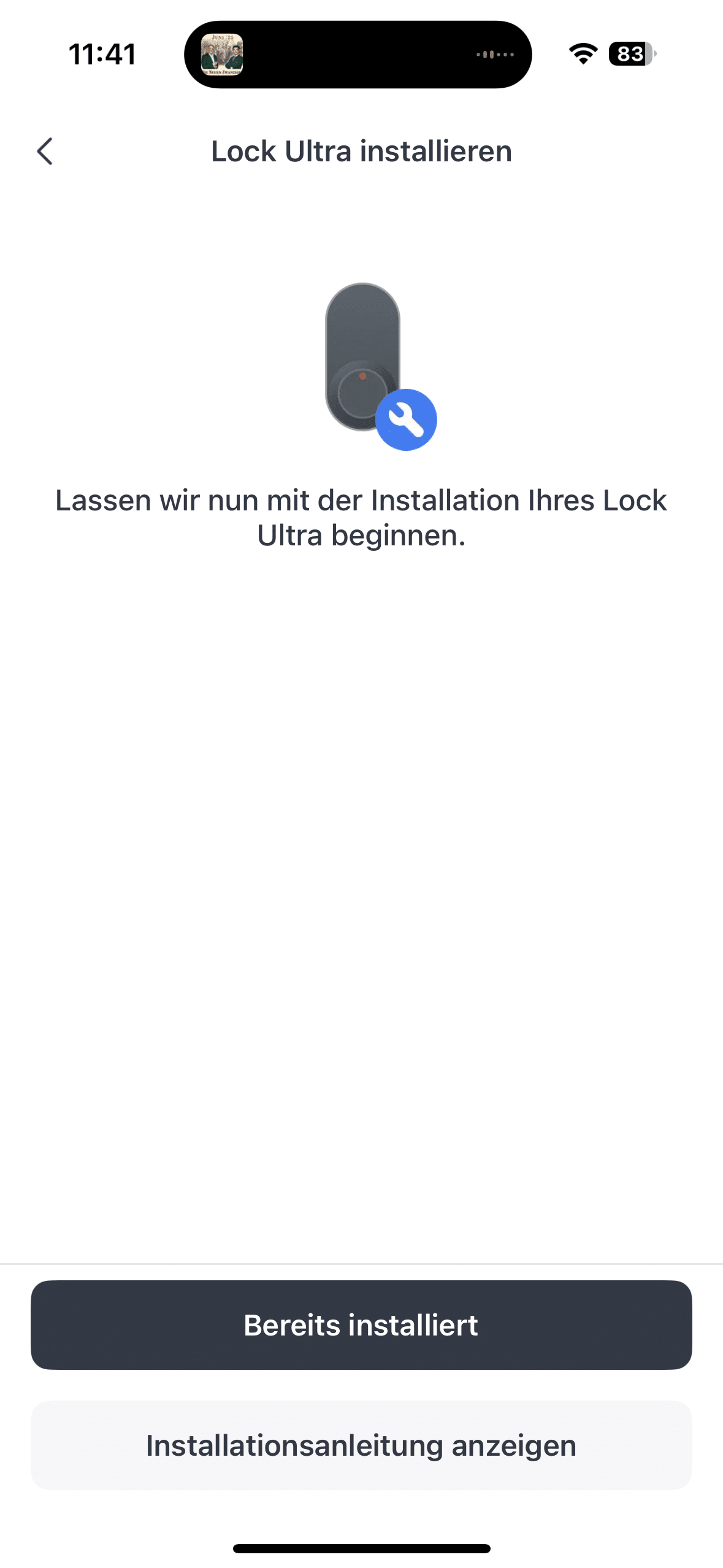
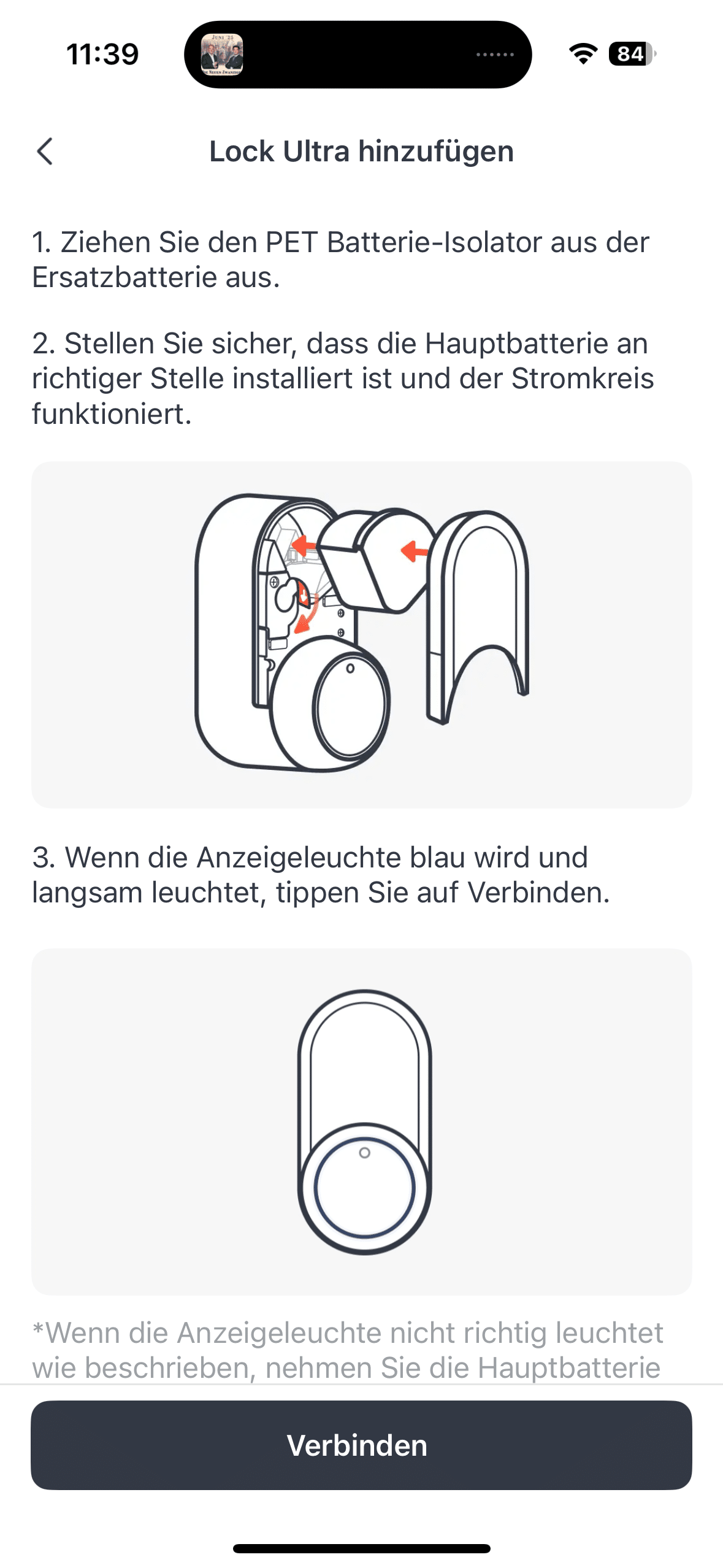
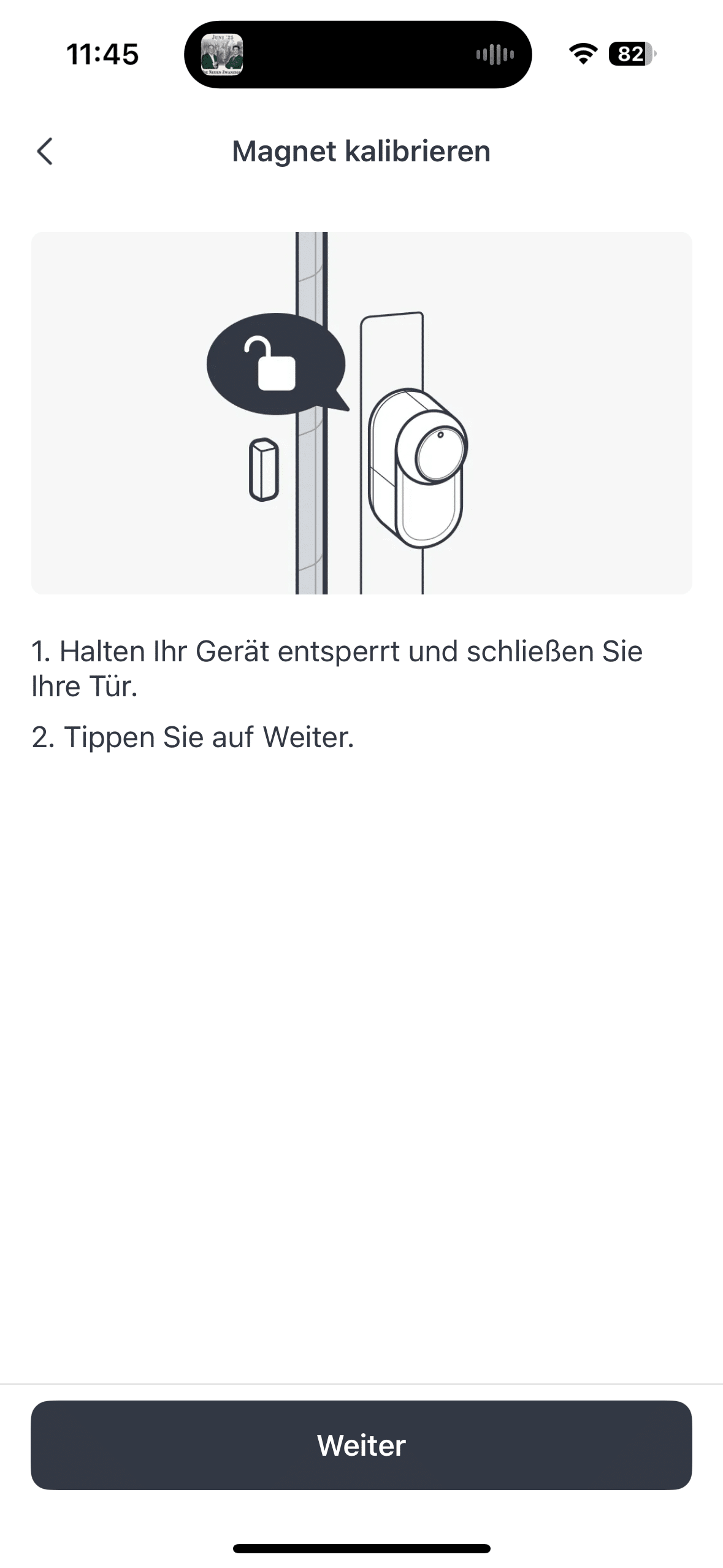
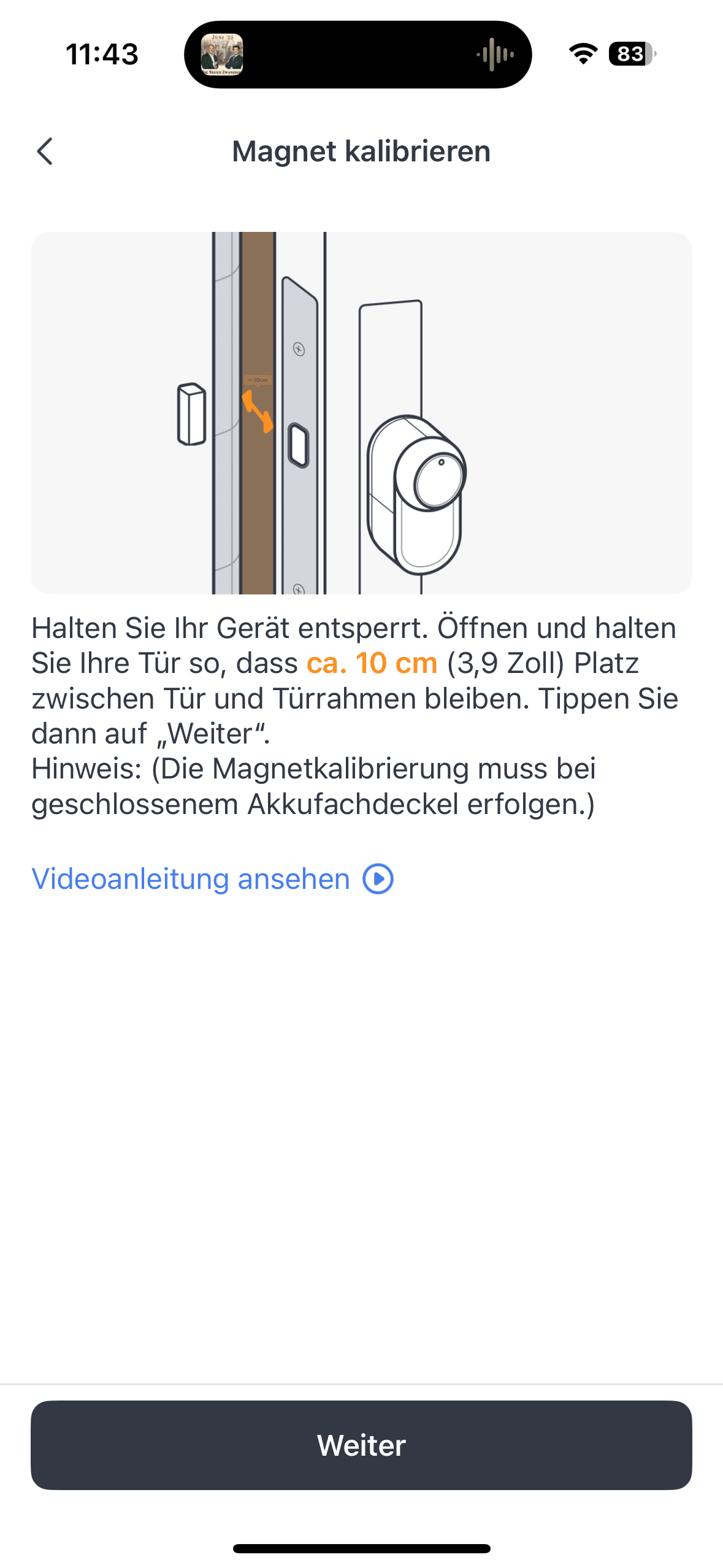
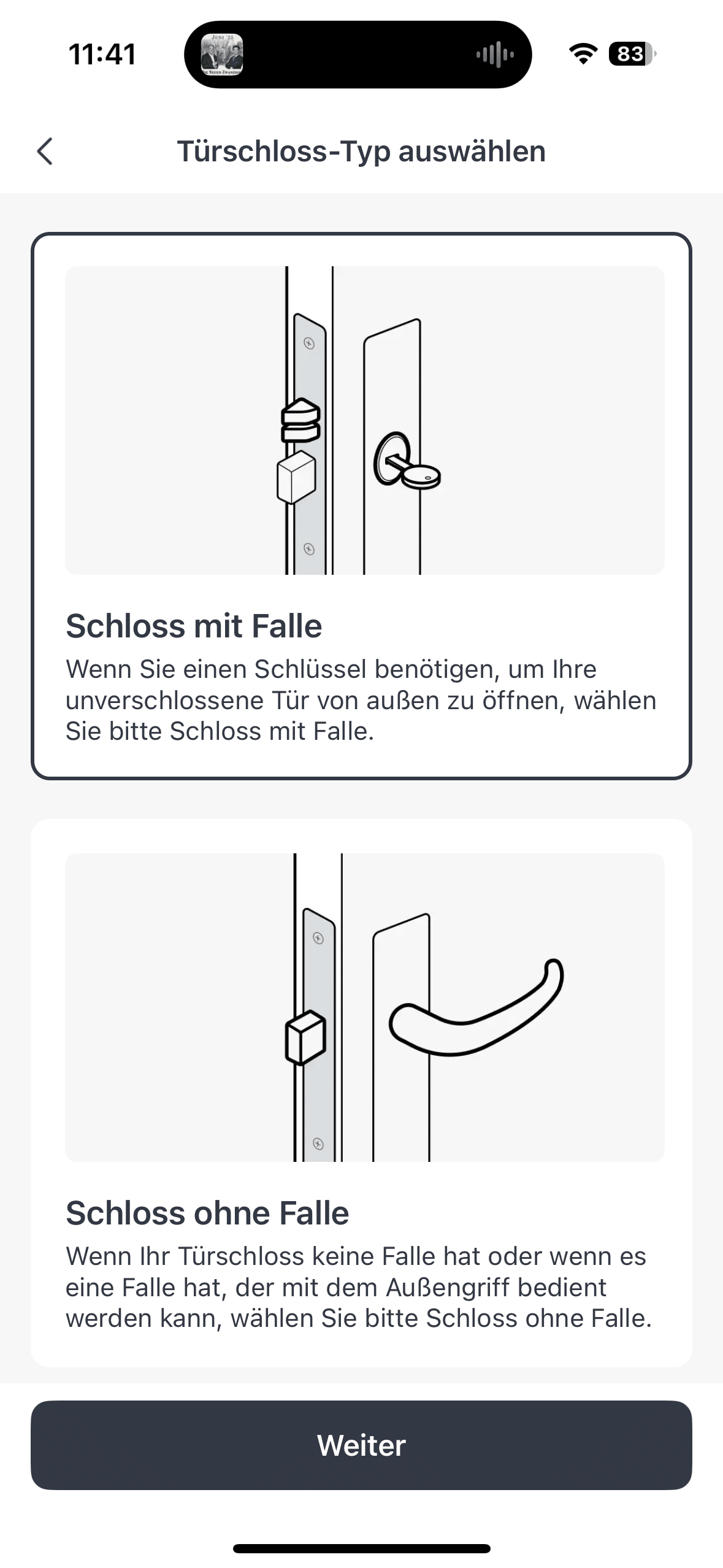
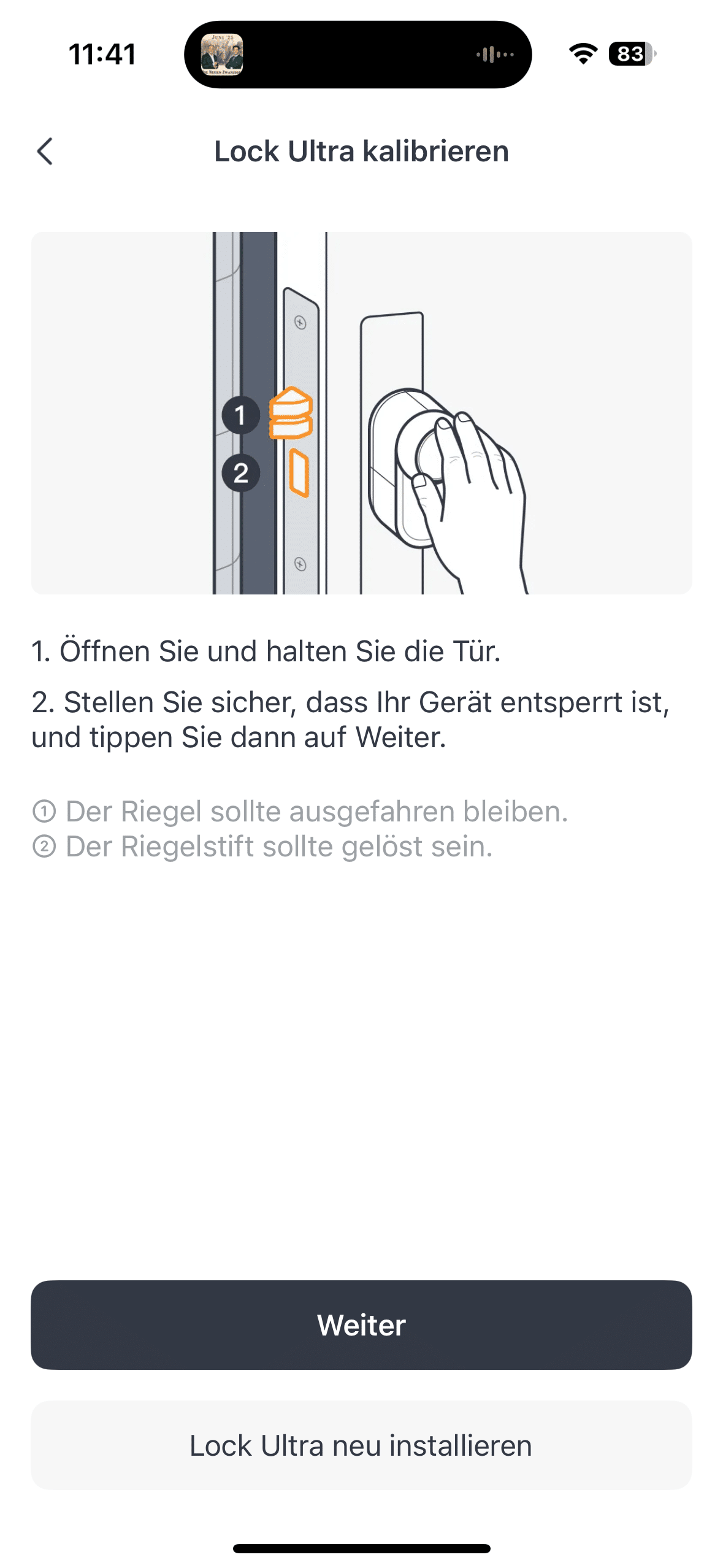
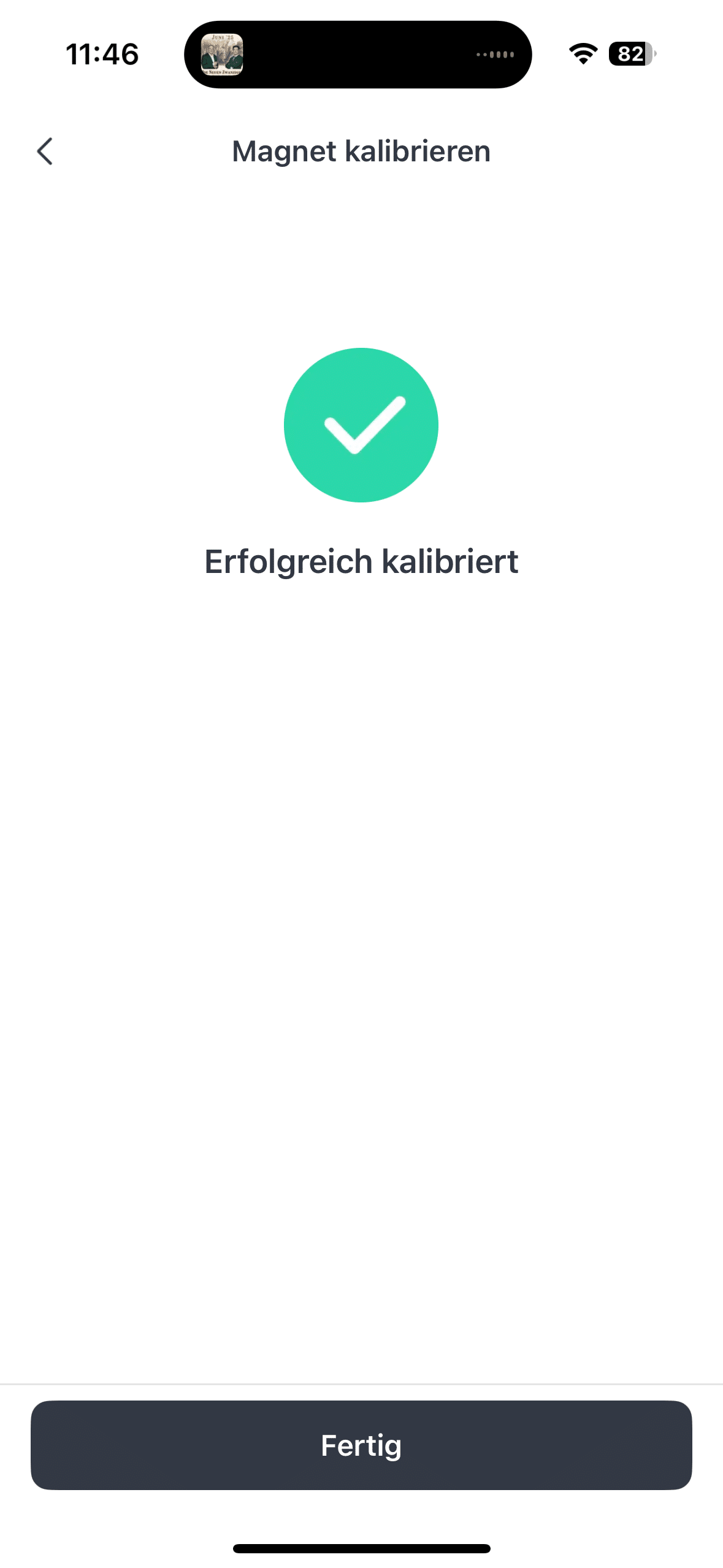
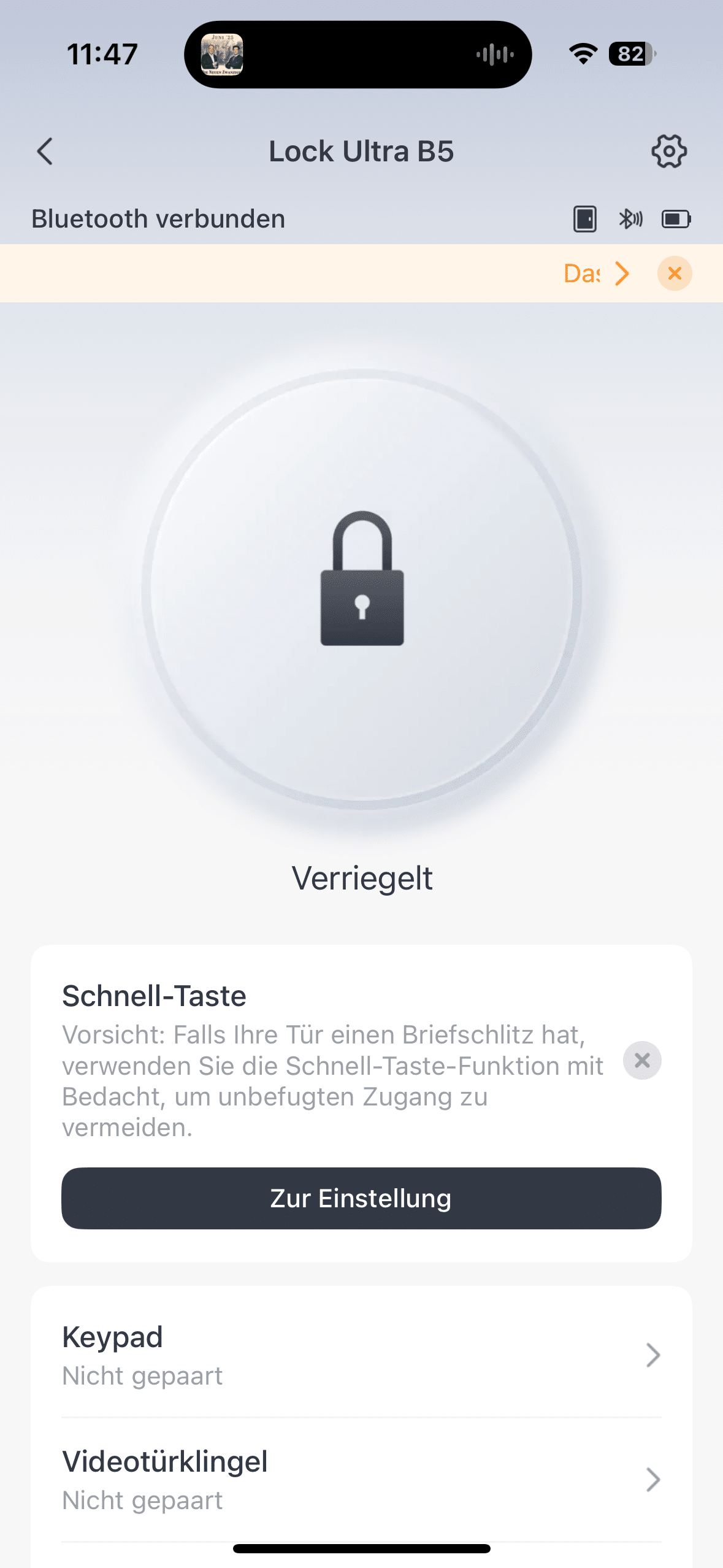
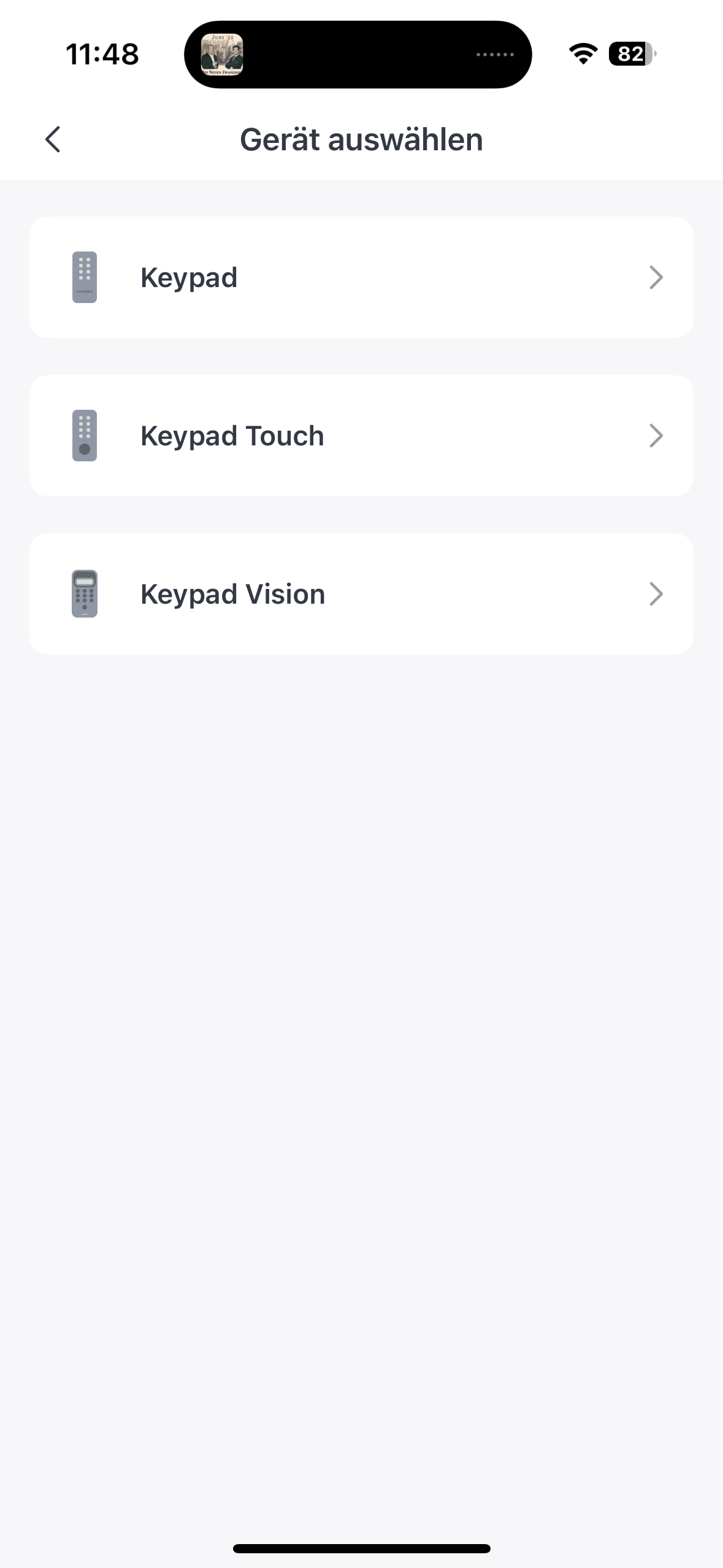
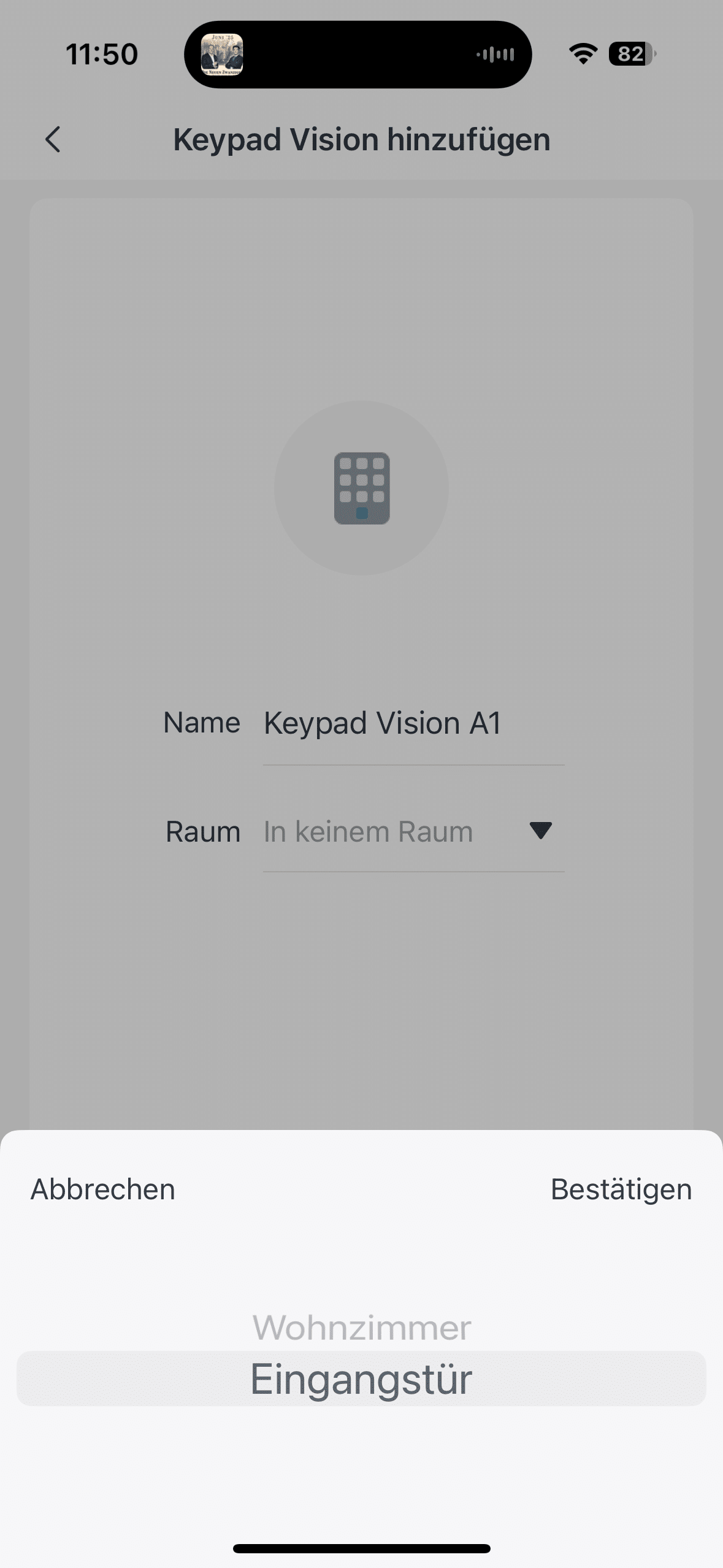
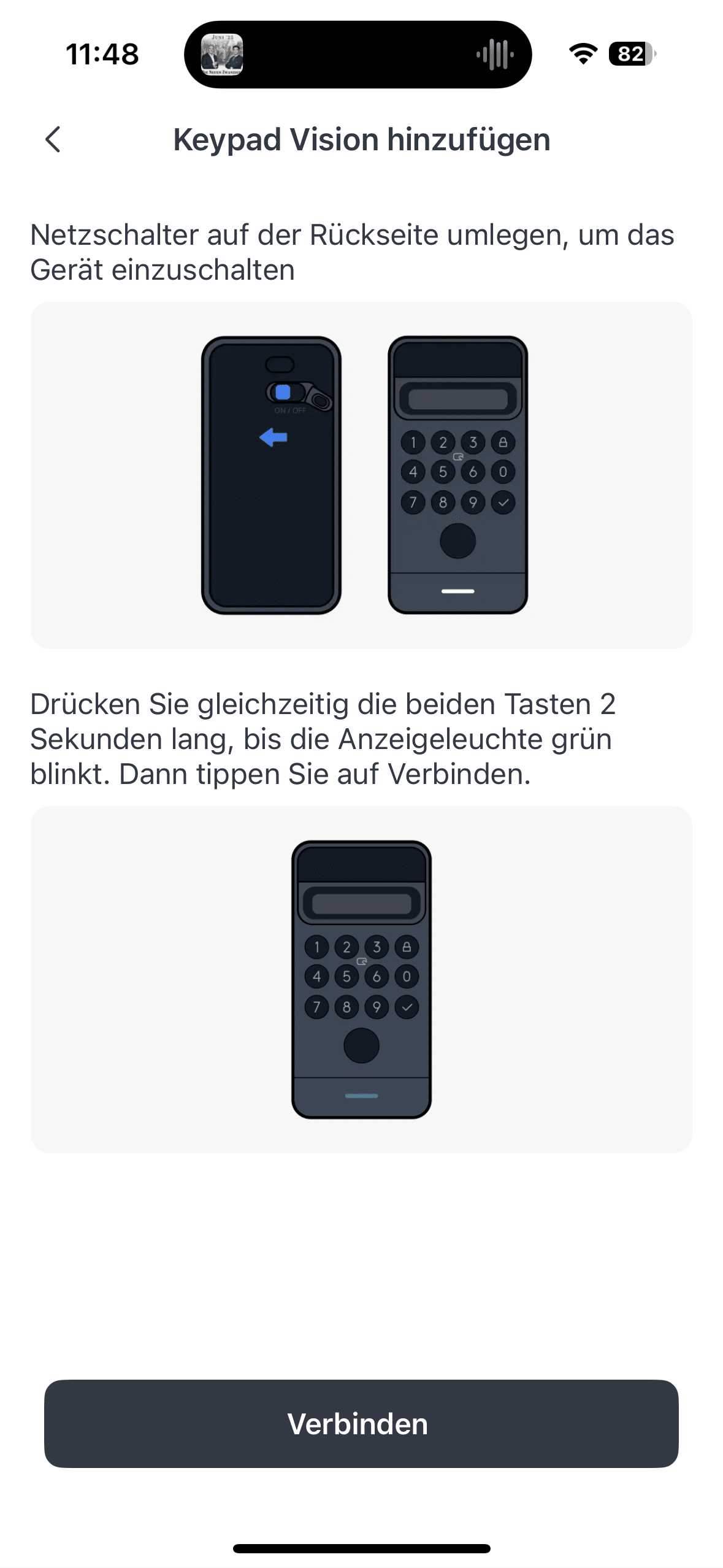
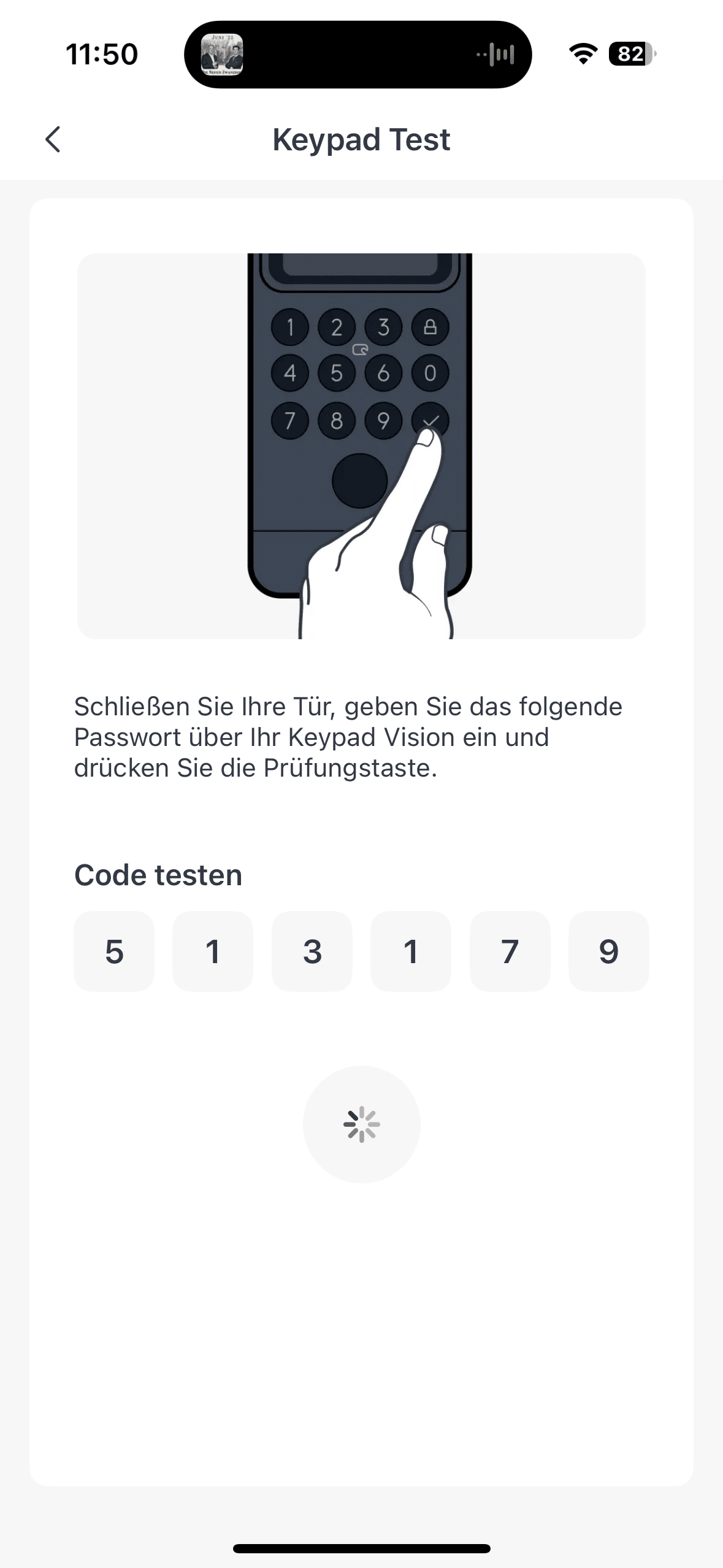
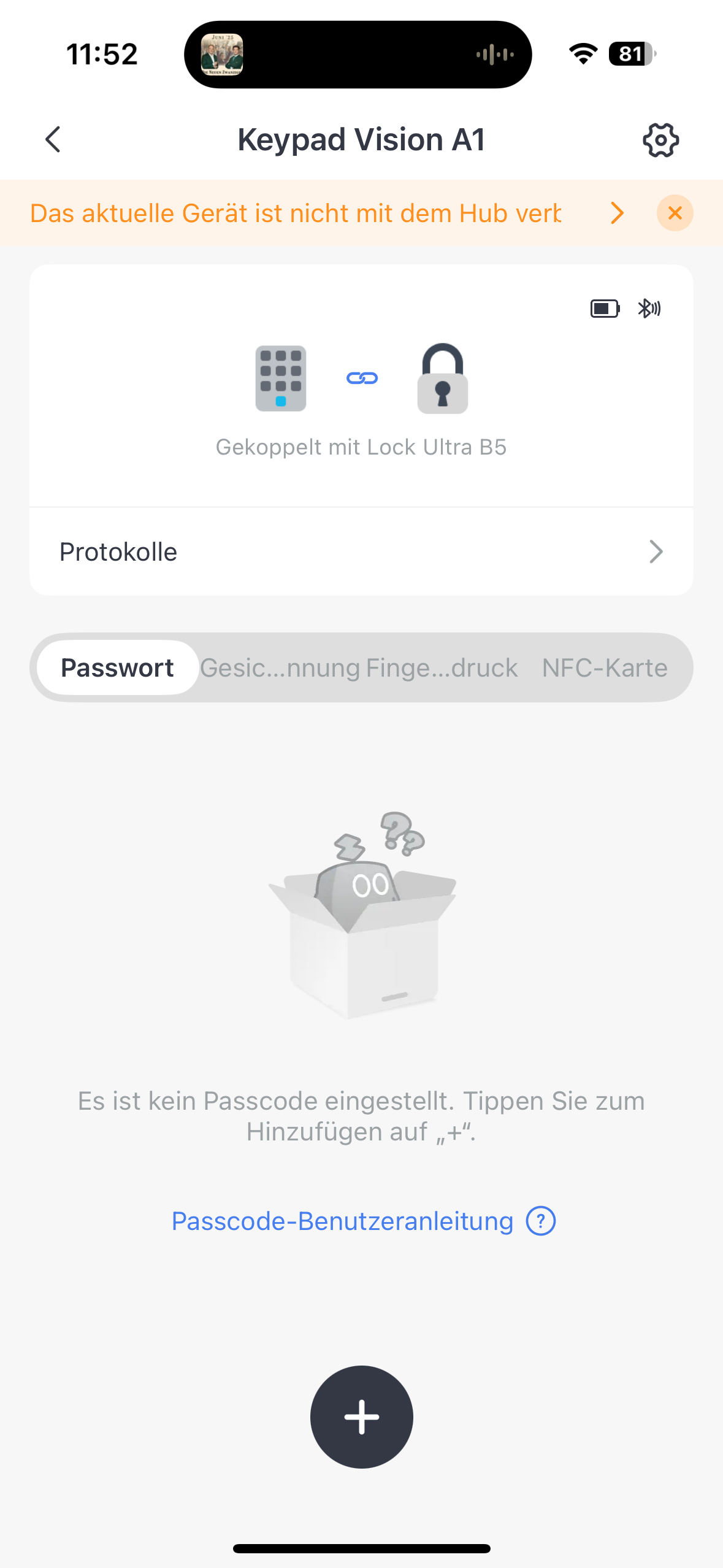
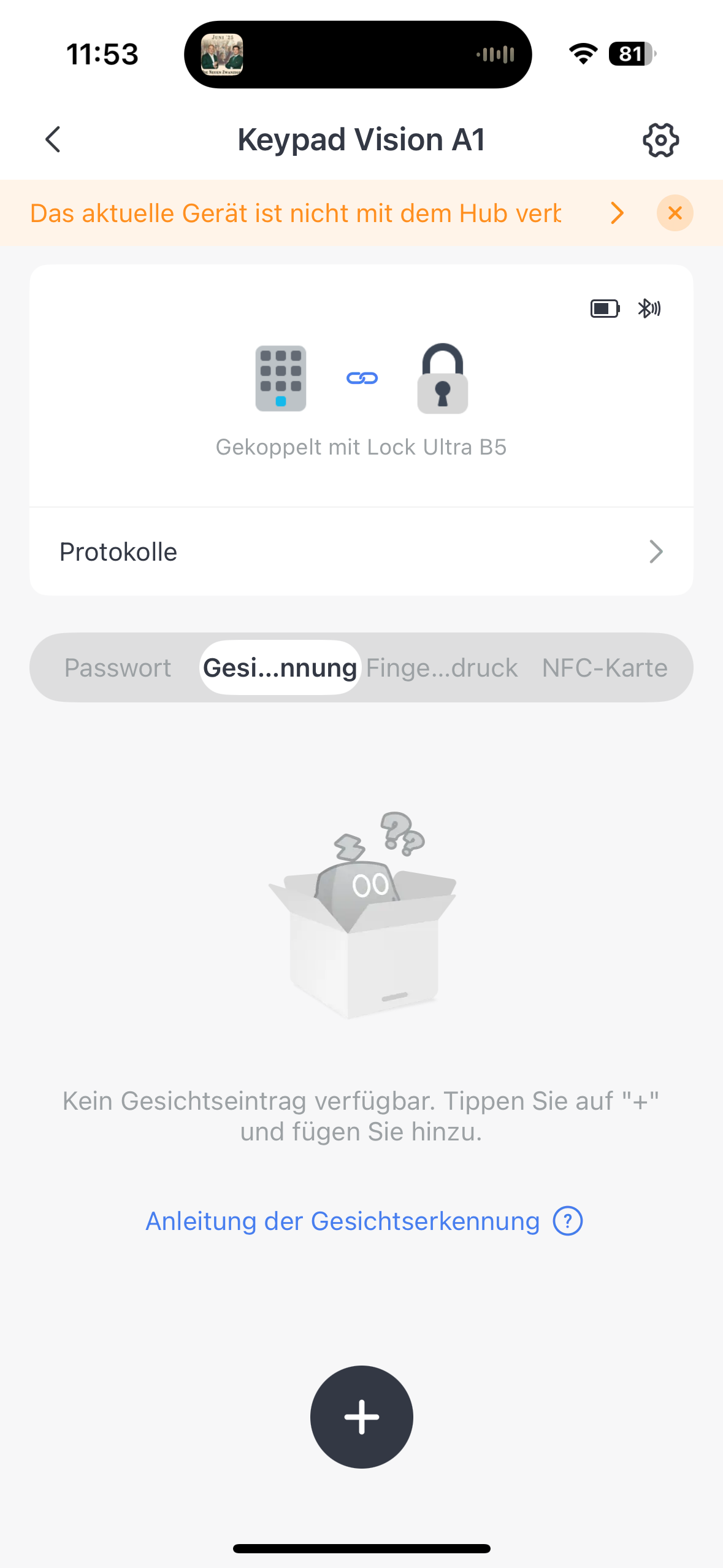
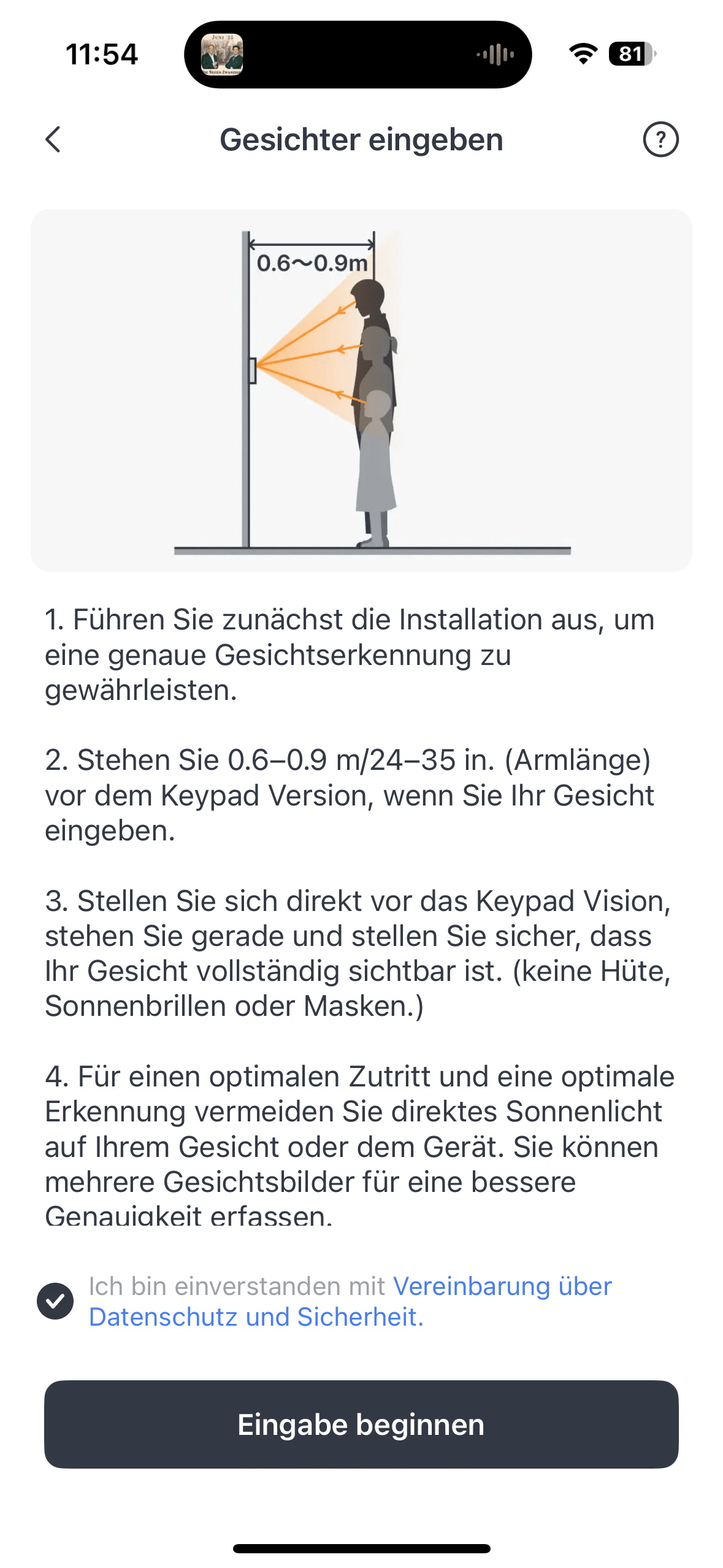
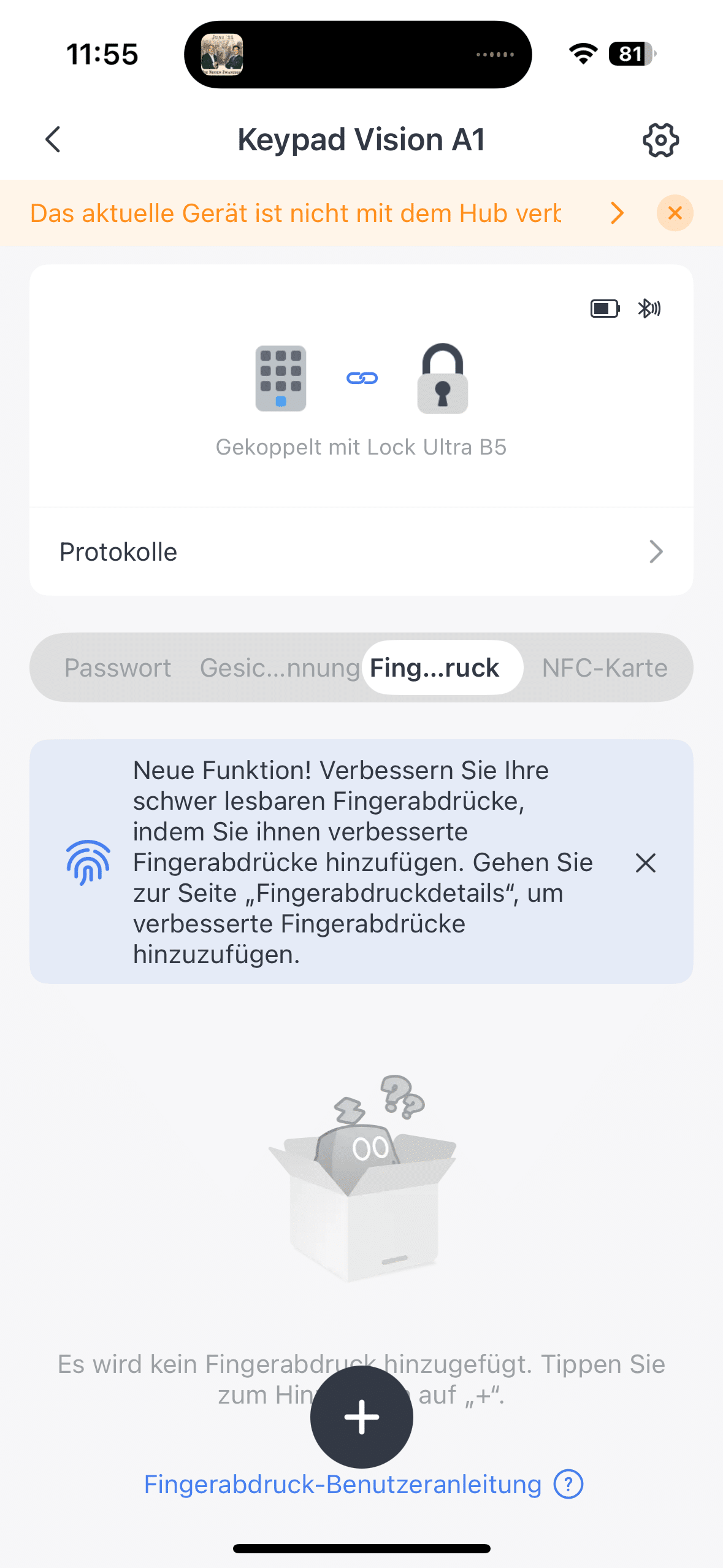
You can also manage all lock settings here. To make adjustments to the unlocking methods, you must select the Keypad Vision from the device list. As each fingerprint and face scan is assigned to a person, you can see who last unlocked the lock each time in the app. Whoever has the app also has power over the lock.
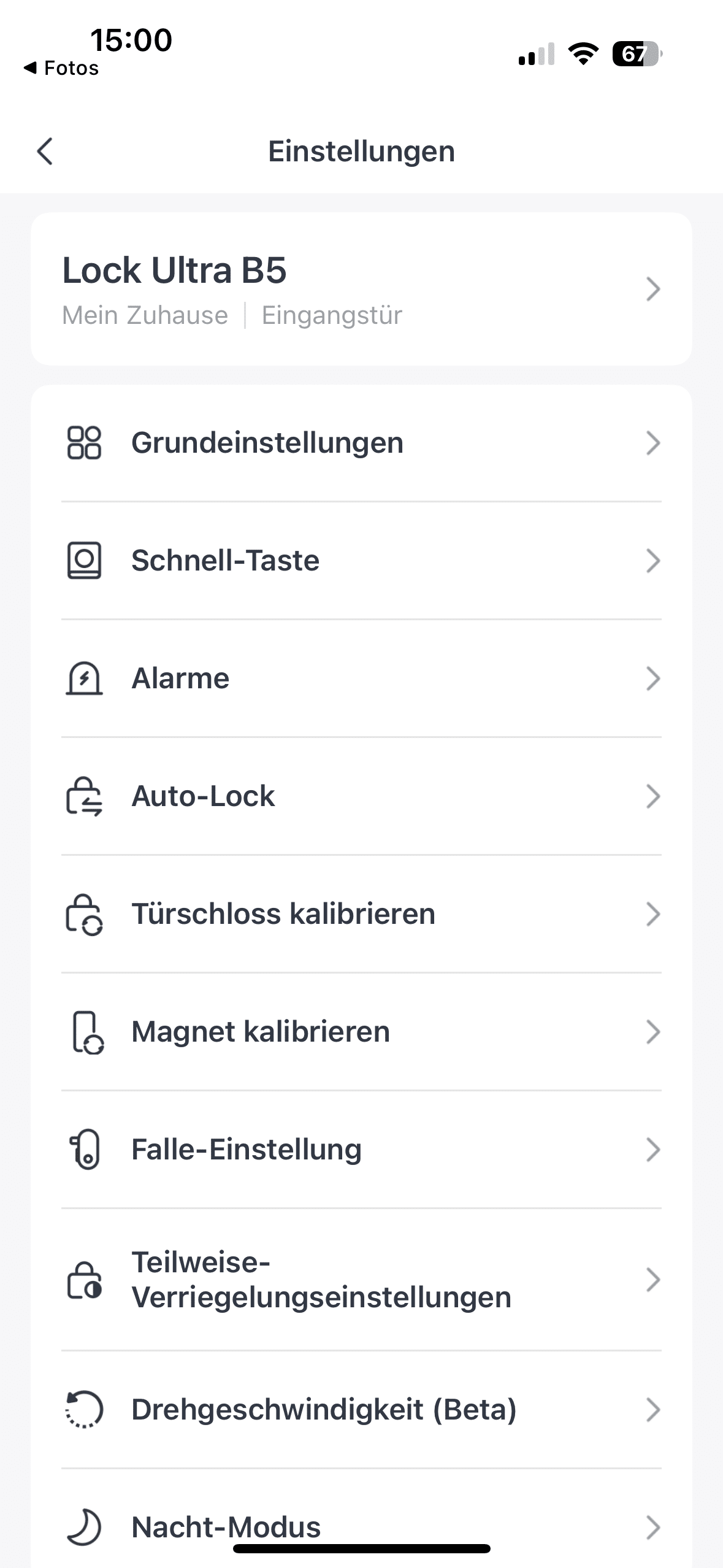
Finally, authorizations can be adjusted or restricted at any time via the settings. Not only can codes be time-limited and removed, but the authorization of NFC cards can also be removed. You can also remove fingerprints and faces that were previously saved. Apart from this, you will find numerous setting options in the SwitchBot app.
SwitchBot Lock Ultra test: Full range of functions with hub
The SwitchBot Lock Ultra relies on a Bluetooth connection to the smartphone and keypad for its core features. In the test, this always enabled reliable local control. It only requires an internet connection if it needs to install a new firmware update, for example. Your smartphone with the appropriate SwitchBot app is used as the interface for this. However, if you want to get the full range of functions out of the smart door lock, you should purchase a device from the SwitchBot hub family.

Here you can find the Hub Mini (€ 30.59 *), SwitchBot Hub 2 (€ 67.99 *) or the new SwitchBot Hub 3 (€ 129.99 *) to choose from. An active connection between the door lock and hub provides you with additional helpful functions of the smart door lock. Not only can voice assistants such as Alexa, Google Assistant and Siri be integrated. Integration into your Matter and IFTTT system is also possible.
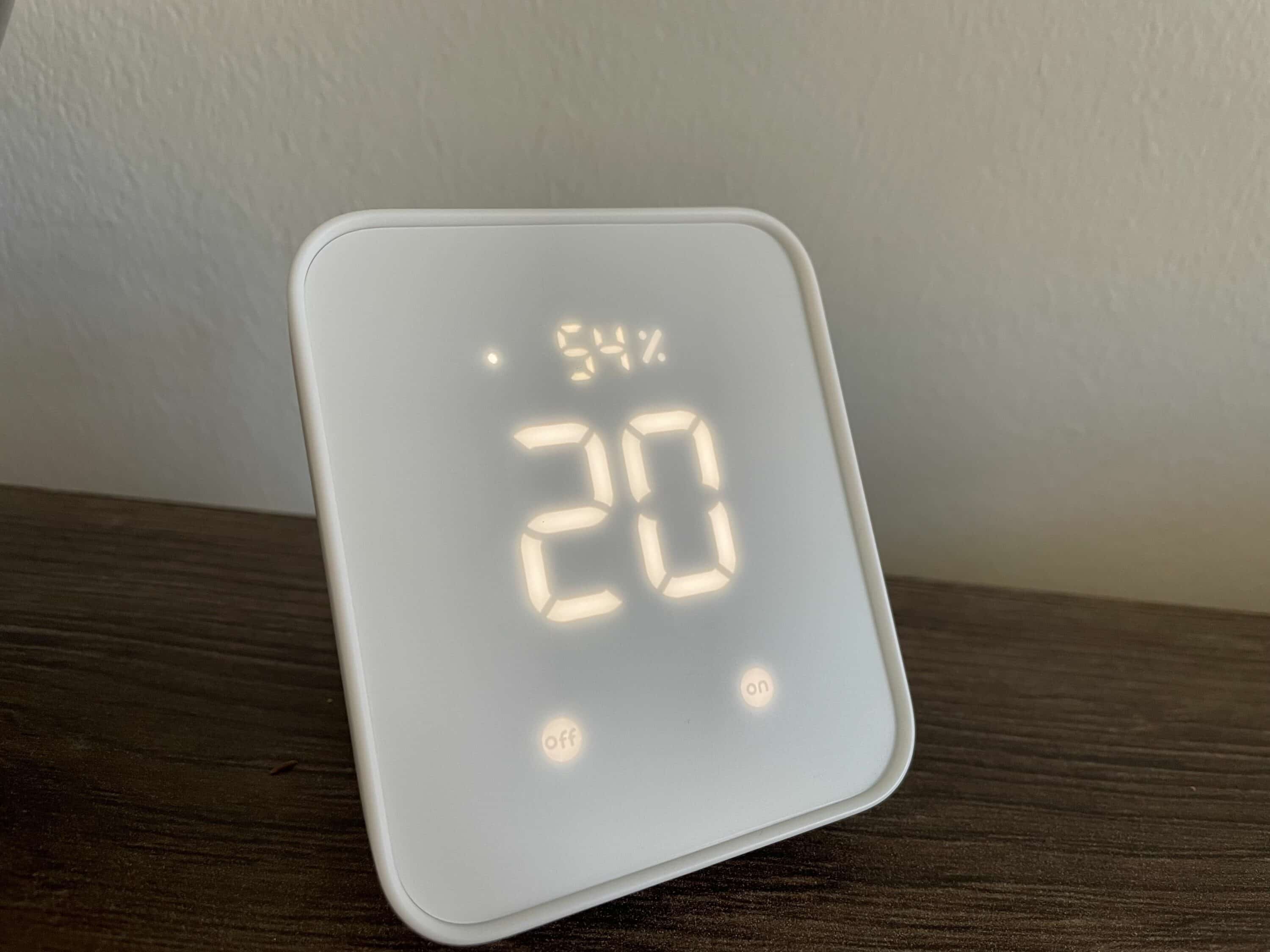
You can also define automations. For example, if you use the SwitchBot Curtain 3 (Review | € 71.99 *), the curtains can open as if by magic when you unlock the lock and come home. A hub also allows you to control the lock remotely. So you can lock and unlock it even when you’re on vacation. Security fans will be delighted with the status updates. If you wish, you can receive a message when the door lock has just been locked or unlocked.
Conclusion
With the SwitchBot Lock Ultra, the smart home expert delivers a well thought-out and sophisticated further development of its smart door lock. The more compact design, high-quality workmanship and pleasingly simple installation – even without drilling – make the system particularly attractive, especially for tenants. In combination with the Keypad Vision, the Lock Ultra also clearly stands out from the competition: the wide range of unlocking methods, including 3D face recognition, ensures maximum convenience and modern security in everyday life. The reliable function, locally stored biometric data processing and the powerful SwitchBot app round off the overall package convincingly. The SwitchBot Lock Ultra is an excellent choice for anyone who wants to secure their home smartly while remaining flexible.

VORTEILE
- Compact and modern design
- Simple installation without drilling
- Reliable unlocking options
- Innovative keypad vision with 3D face scan
- High level of data protection thanks to local data storage
- Comprehensive app with clear operation
NACHTEILE
- Face recognition limited in difficult lighting conditions
- Remote control only via hub
Fazit
With the SwitchBot Lock Ultra, the smart home expert offers a feature-rich smart door lock that is particularly impressive in combination with the keypad with facial recognition.