SwitchBot’s portfolio now includes numerous smart household helpers. From curtain robots such as the SwitchBot Curtain 3 (Review | € 71.99 *), from feature-rich smart home hubs such as the SwitchBot Hub 3 (Review | € 129.99 *) to smart door locks such as the SwitchBot Lock Ultra (Review | € 299.99 *), pretty much every product area is now represented. The expert for smart smart home devices now also has a video doorbell to match the smart door lock. Not only does it aim to impress with its 2K resolution, AI motion detection and NFC scanner. The separate screen also appears to be particularly practical, making the doorbell pleasantly independent of the smartphone. In the SwitchBot Smart Video Doorbell test, we reveal how the bundle performs in practice.
Technical data
| Model | SwitchBot Video Doorbell |
| Camera | – 2K camera (2304 x 1296 pixels) – Night vision in color or black and white – Field of view: 165° |
| Monitor | – 4.3 inch screen with IPS panel – 480 x 272 pixels |
| Screen material | PC+ABS plastic |
| Video storage | – SwitchBot Cloud – Local (up to 512 GB microSD) |
| Motion detection | – Person detection – Animal detection (only with cloud) – Vehicle detection (only with Cloud) |
| Water protection doorbell | – IP65 certification |
| Power supply | – Hard wiring – Battery operation (up to 570 days) |
| Voice assistants | – Amazon Alexa + Google Assistant |
| Special feature | – Pairing with SwitchBot Lock Ultra allows lock to be unlocked via NFC chip |
| Price | € 159.99 * |
Scope of delivery

- USB-C cable
- Kit for wall mounting (doorbell)
- Washers for corner mounting
- Adhesive tapes
- Drilling template
- Screws and wall plugs
- Ejector tool
- Metal washer
- Operating instructions
SwitchBot Video Doorbell Test: Design and workmanship
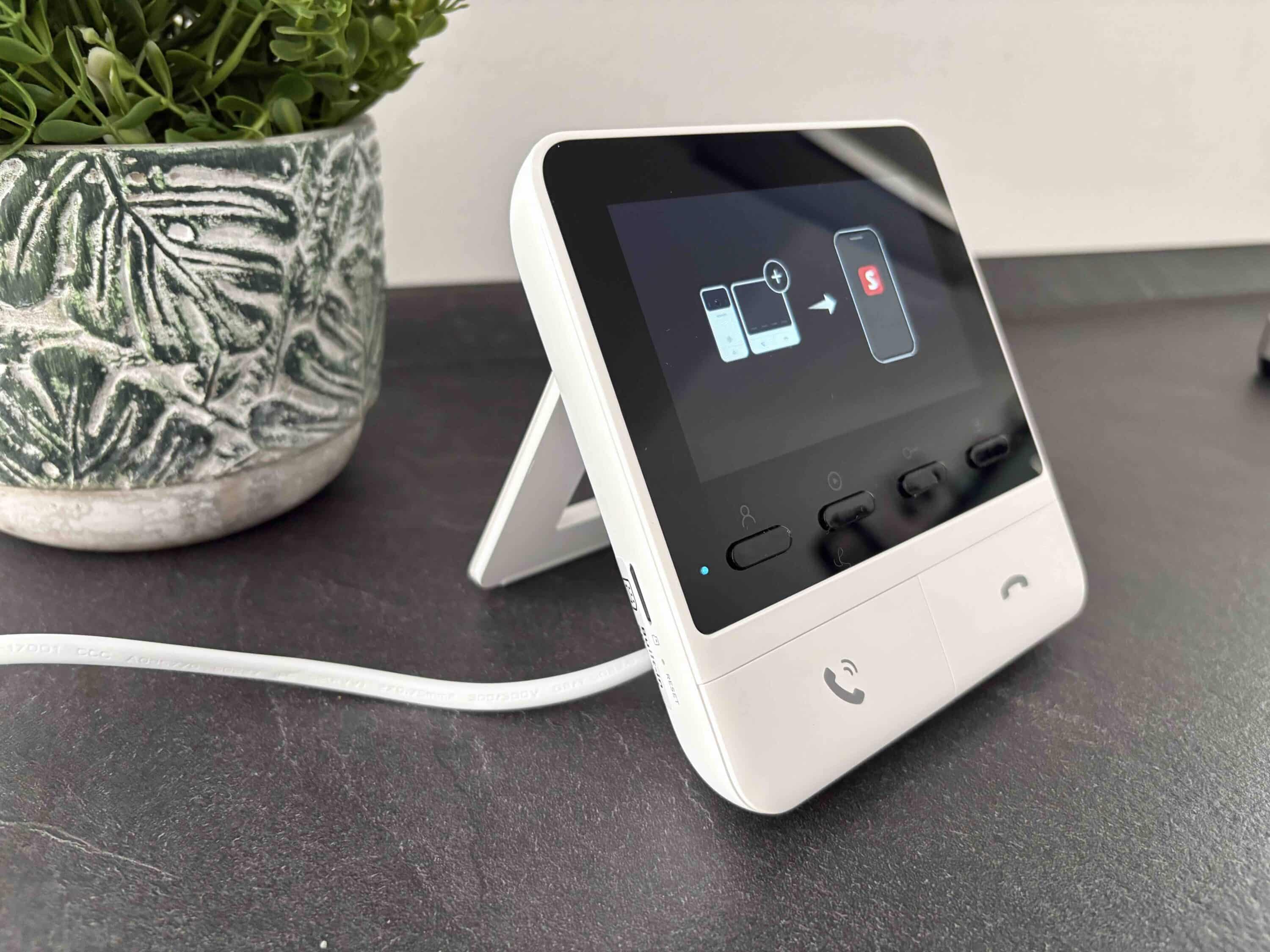
The SwitchBot Video Doorbell comes in a practical bundle consisting of a video doorbell for the outside wall and a control hub for the interior. This concept is reminiscent of the premium EZVIZ HP7 Pro doorbell (Review | € 399.99 *). The big advantage is obvious: while most other video doorbells require a smartphone for interaction, with the SwitchBot Video Doorbell you can simply use the screen for rudimentary control.

This makes the SwitchBot Video Doorbell pleasantly accessible. Measuring 131 x 65 x 30 mm and weighing a good 200 g, the video doorbell comes in a gray housing. In the upper black area, next to the camera unit on the left and right, there is an LED and the microphone. Above this is a sensor strip for the intercom function.

Immediately below this is the company logo and, at the bottom, the pleasantly large bell button, which impresses with a great pressure point. The backlight of the bell symbol ensures that the button is easy to see even in the dark. The speaker is located on the underside and the USB-C port is under a rubber cover. In contrast to the doorbell, the indoor screen is elegant white.

Unlike the competition from EZVIZ, you don’t have to mount it on the wall thanks to the practical fold-out stand, which reminds me a little of the Nintendo Switch 2 (€ 509.00 *). Instead, simply place it where you want to use it. As the hub’s screen is just 4.3 inches in size, the fairly low resolution of 480 x 272 pixels is sufficient in my opinion.

There are four smaller and two large buttons under the screen, which are used for operation. The microSD card slot for the use of local video storage is located on the side of the hub, which measures 125 x 129 x 29 mm and weighs 325 g in total. In terms of build quality, both the camera and the SwitchBot screen are once again of the highest quality.
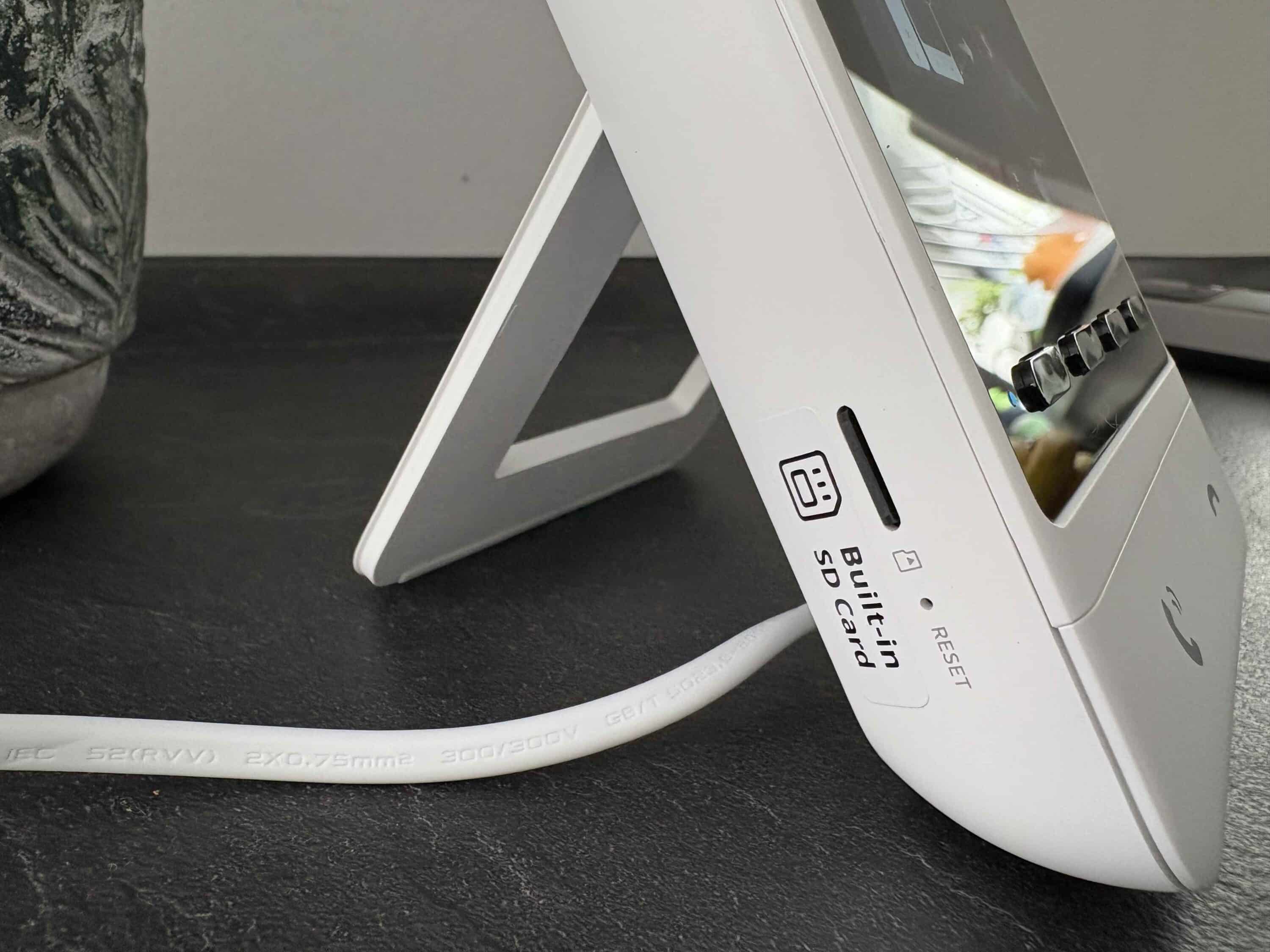
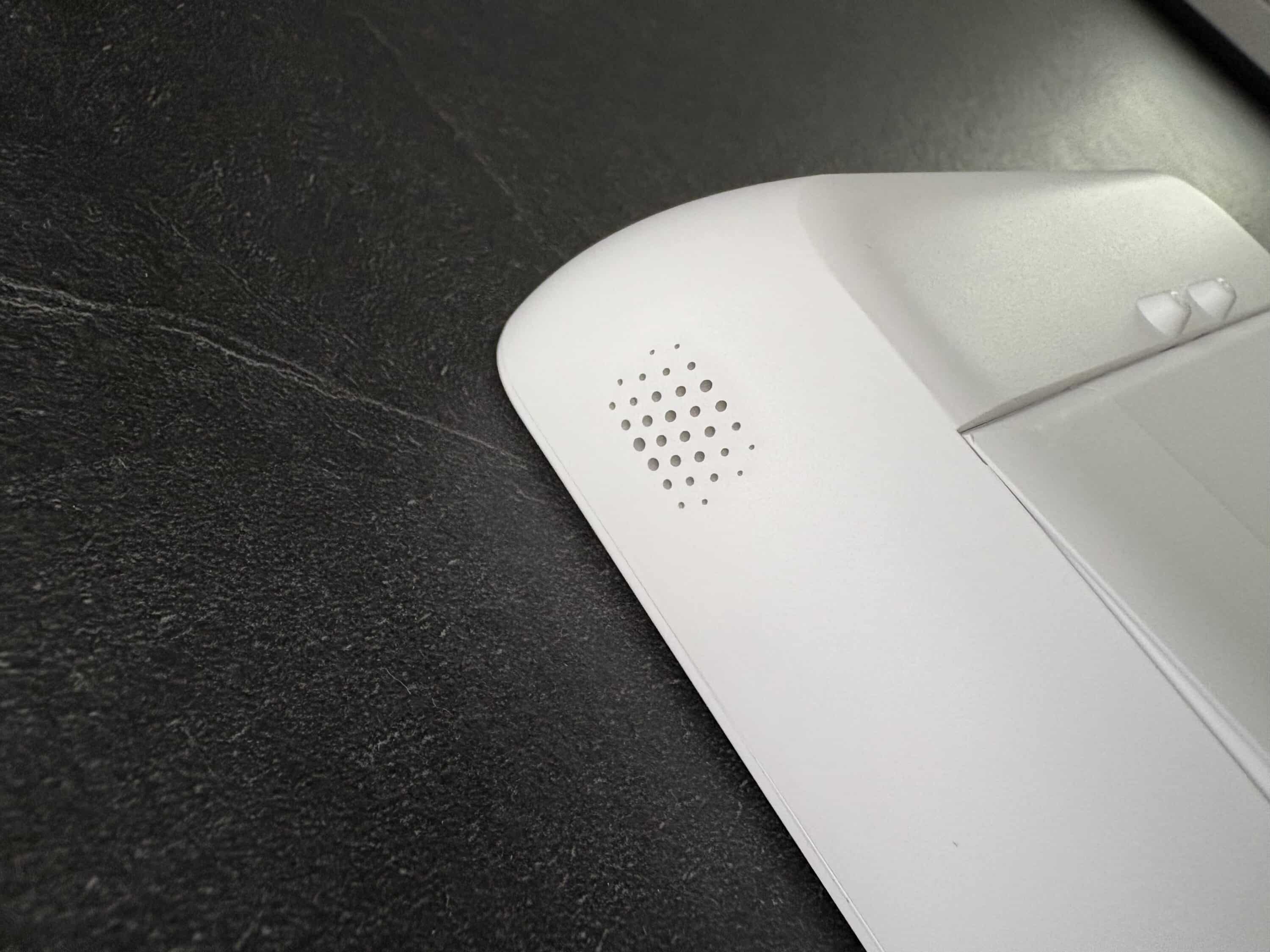
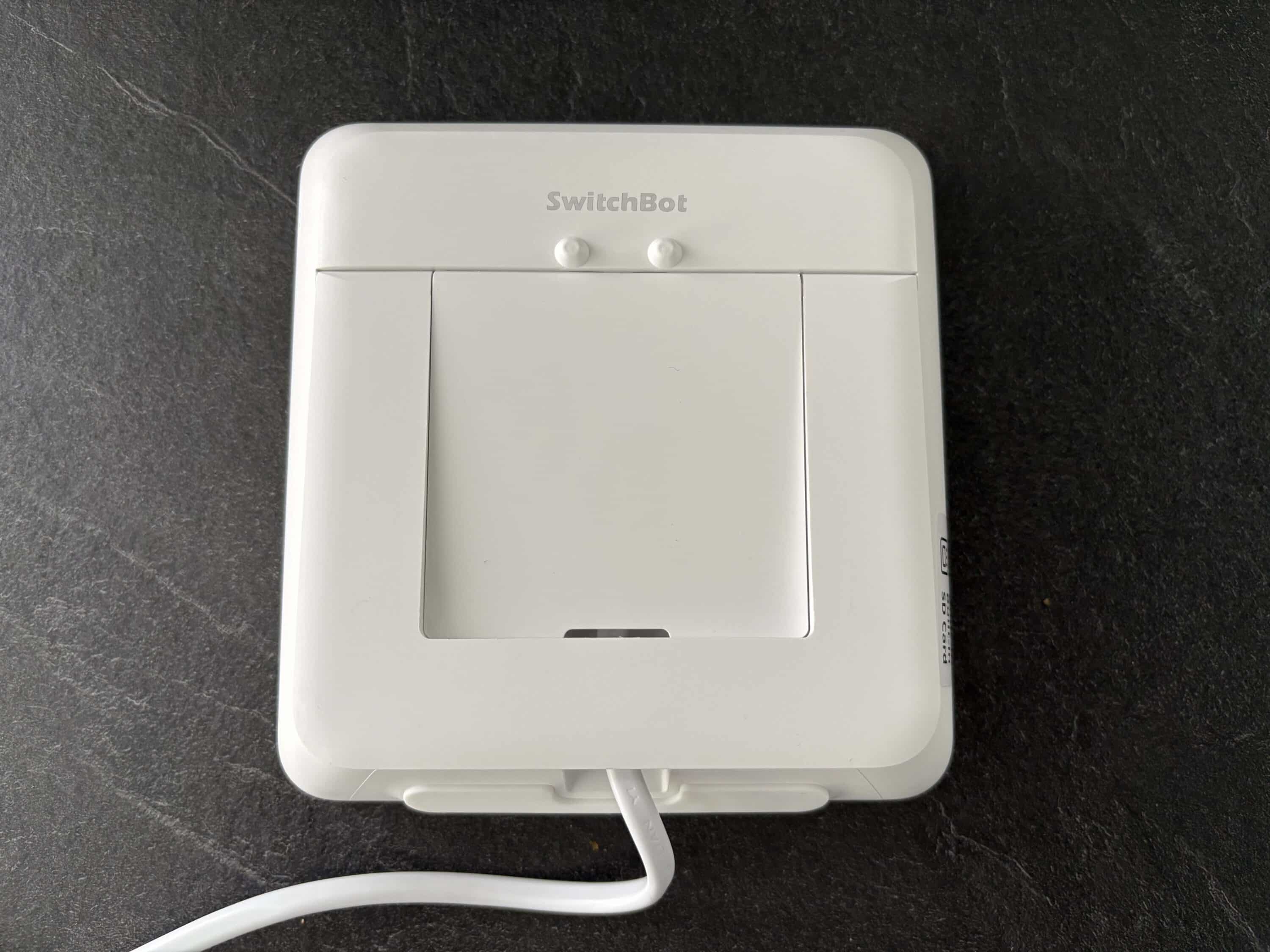
Although “only” a combination of PC and ABS plastic is used here, the whole thing feels really good. The smart video doorbell is certified to IP65 standard and is therefore protected against water damage. However, there is no water protection for the monitor. However, as this is used indoors anyway, there is no need to criticize here.
SwitchBot Video Doorbell test: quick setup
When installing the SwitchBot Video Doorbell, you have the choice between battery operation and wired operation. The smart video doorbell comes with a 5,000 mAh battery, which unfortunately cannot be removed. SwitchBot promises an impressive battery life of up to 570 days. SwitchBot bases this figure on 14 alarms per day and 5 seconds of recording per recorded event. I think it’s cool that you can significantly extend the battery life in good weather conditions by using a solar panel.
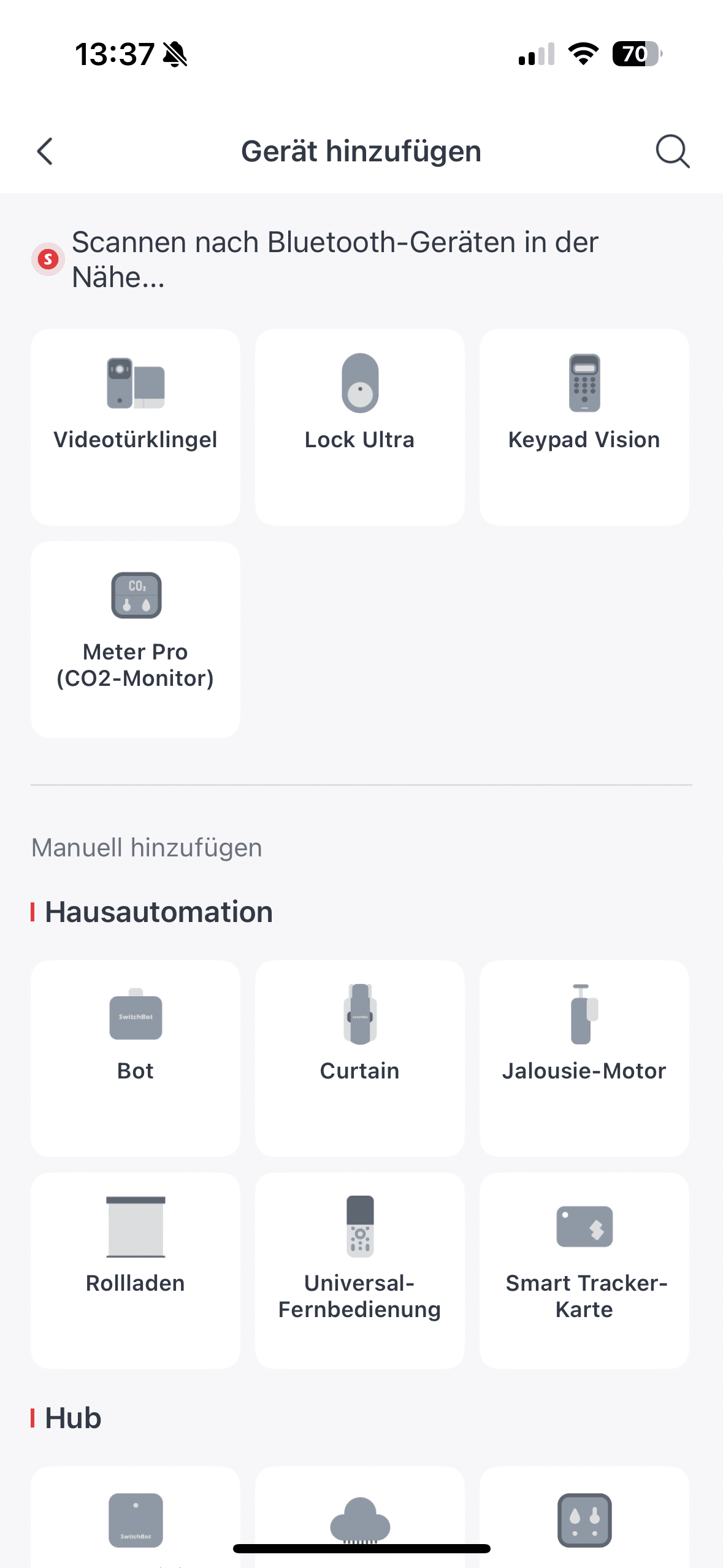
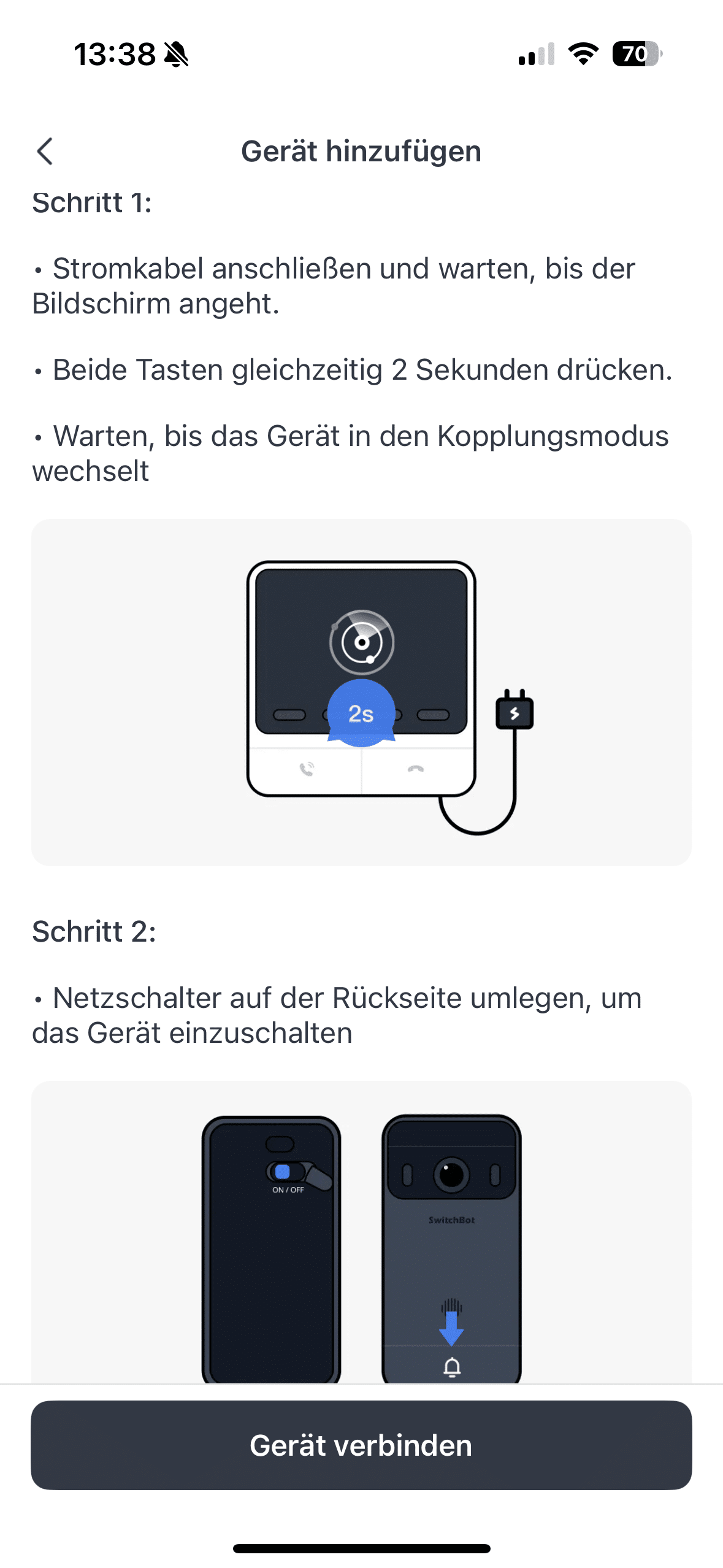
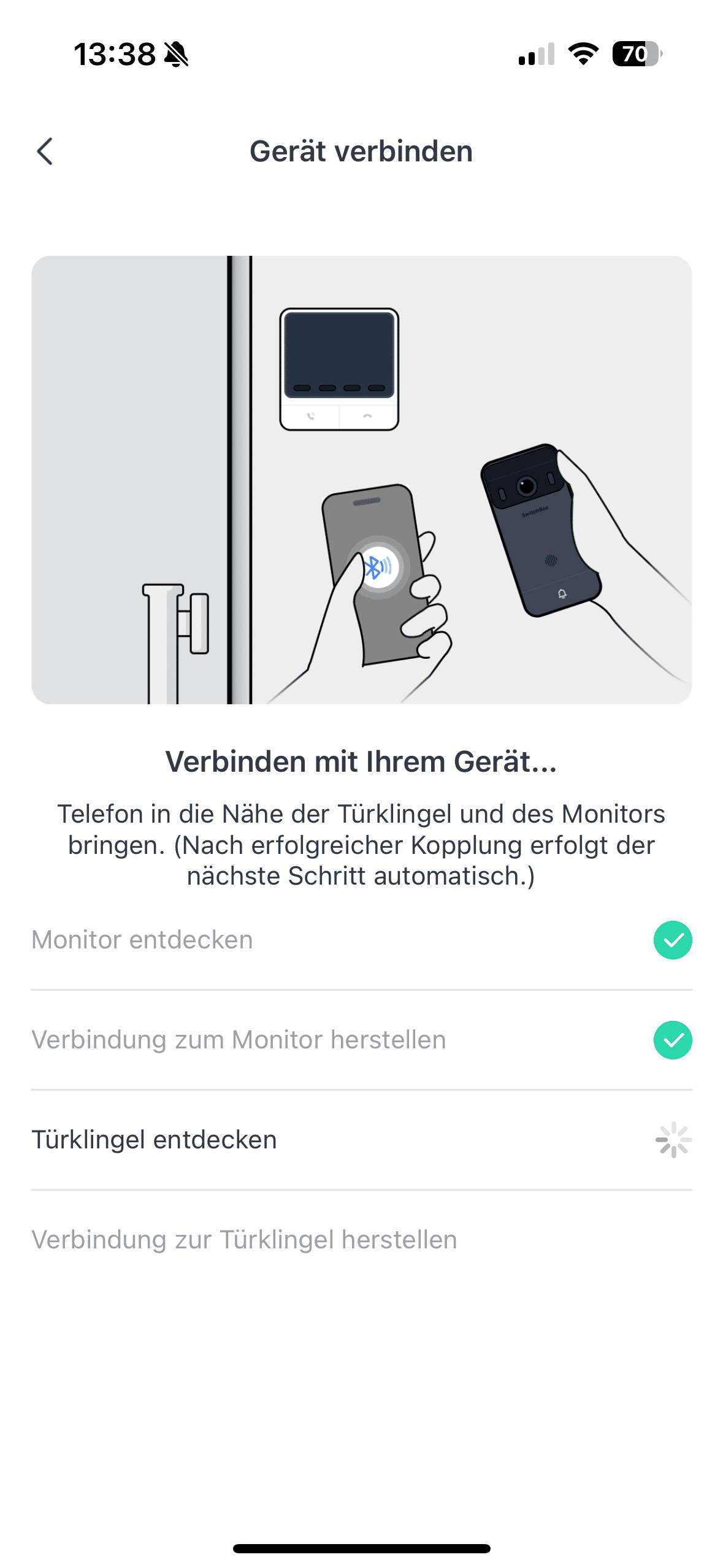
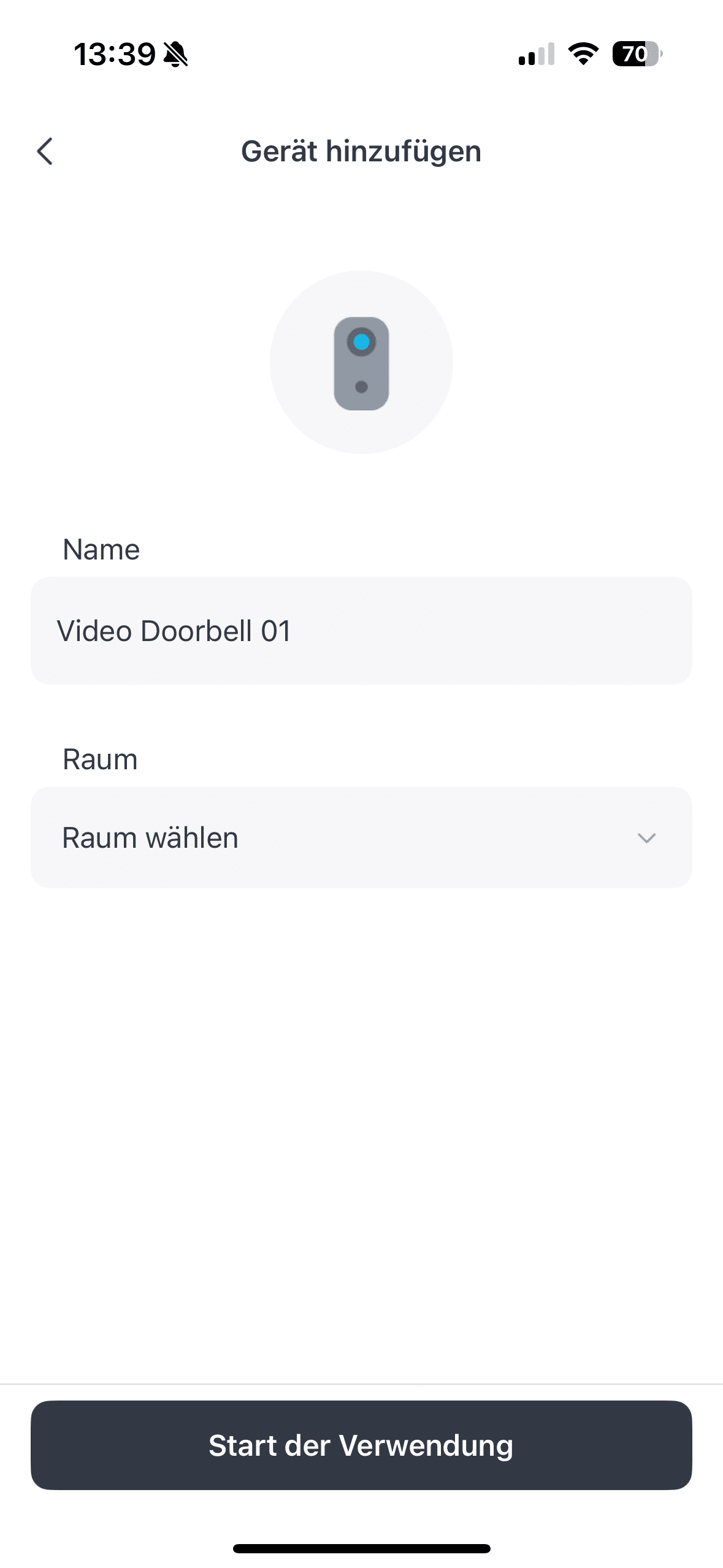
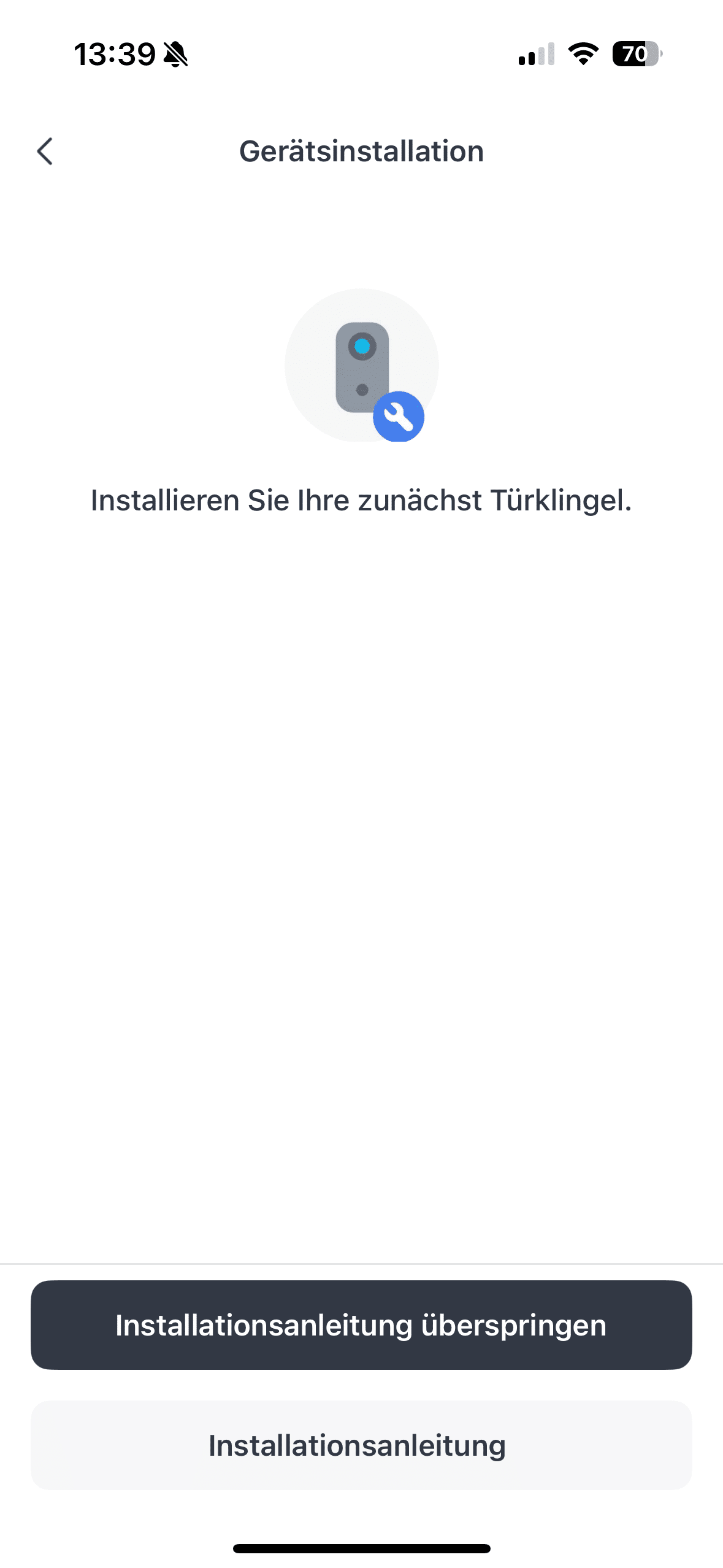
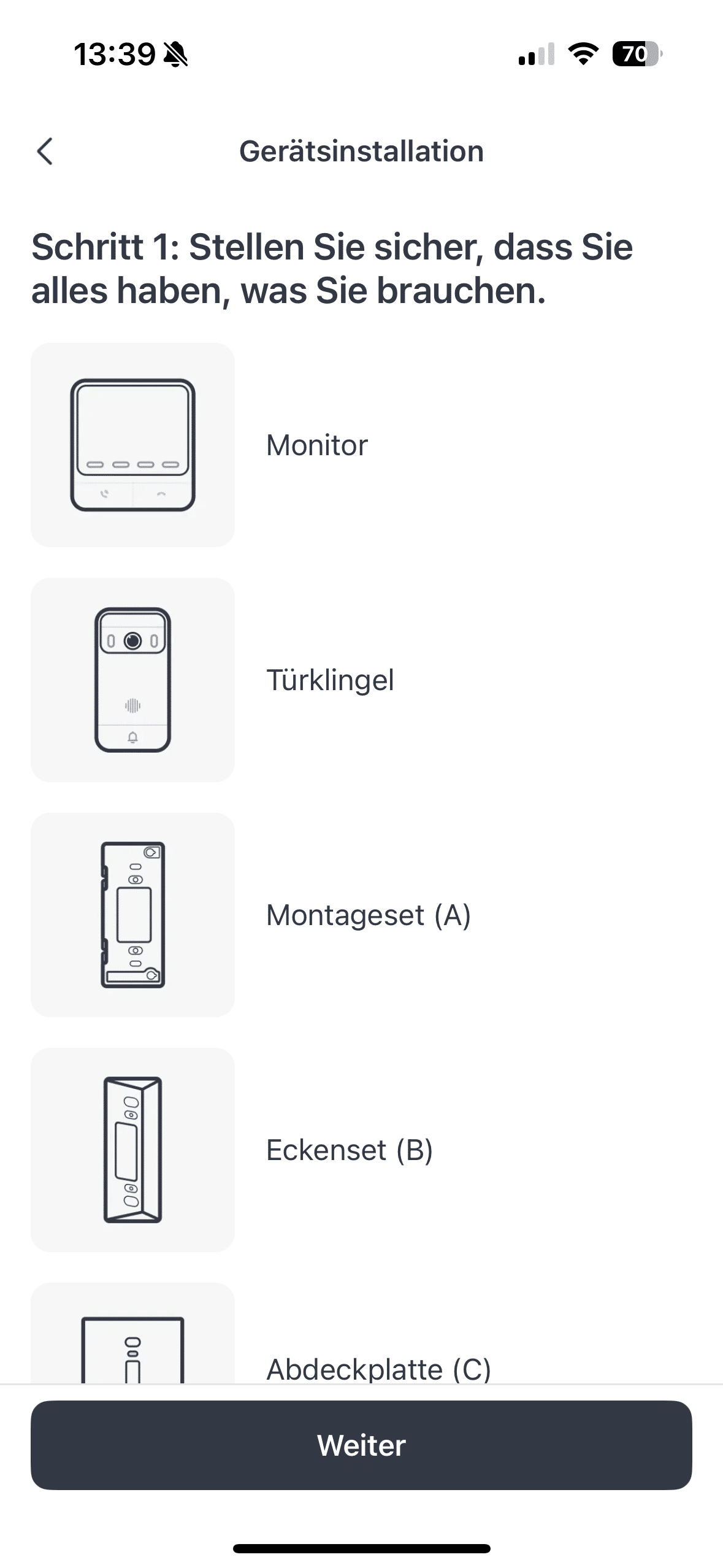
Both the solar panel and the charging cable are connected to the video doorbell via the USB-C port. You can also reach the port when the doorbell is in its holder. So you don’t have to remove it. Installation on the house wall is quite straightforward. This is partly due to the fact that SwitchBot helps you out with a drilling template and suitable screws and plugs. But the manufacturer also thinks of those who don’t want to drill. Thanks to the practical adhesive surface, you can also simply stick the video doorbell in place. However, a flat surface is required for the adhesive fixing.
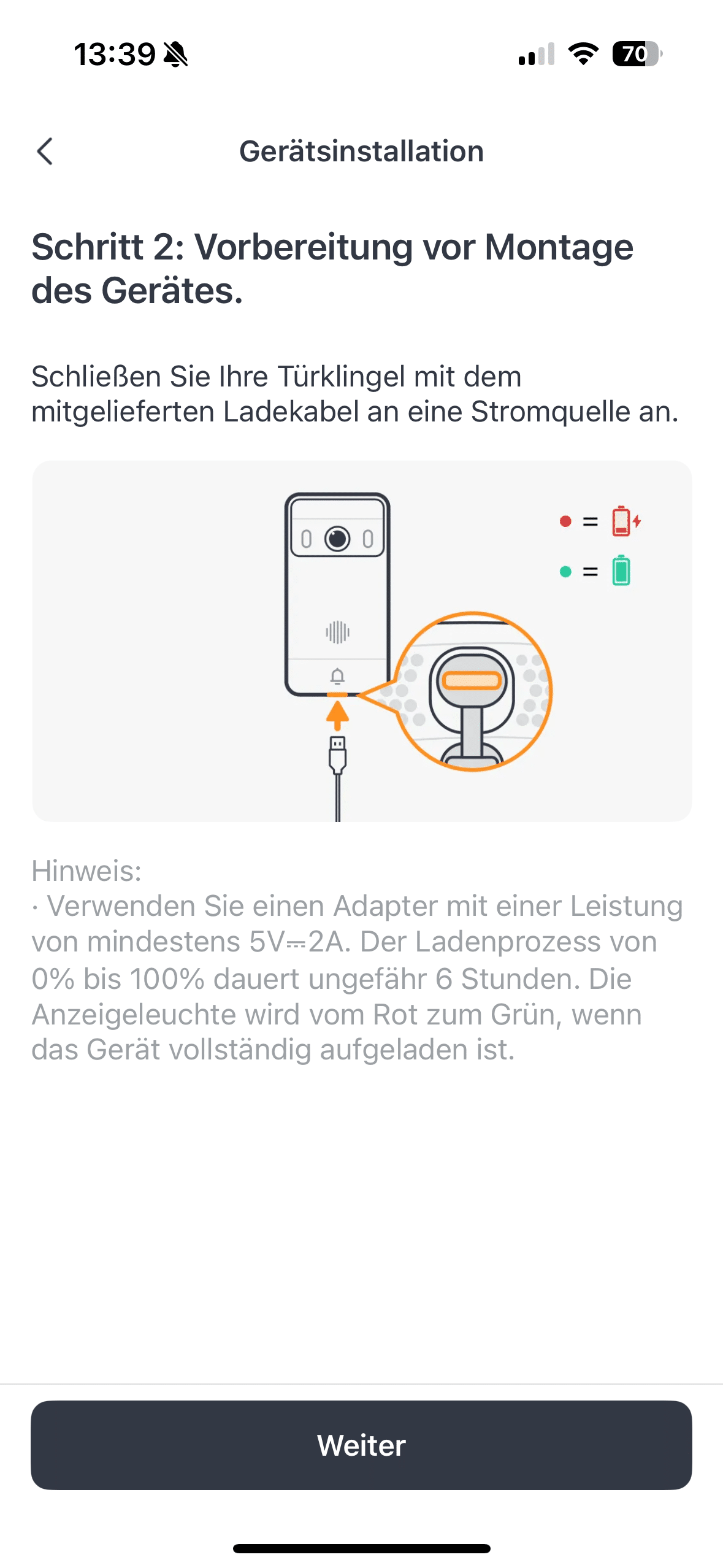
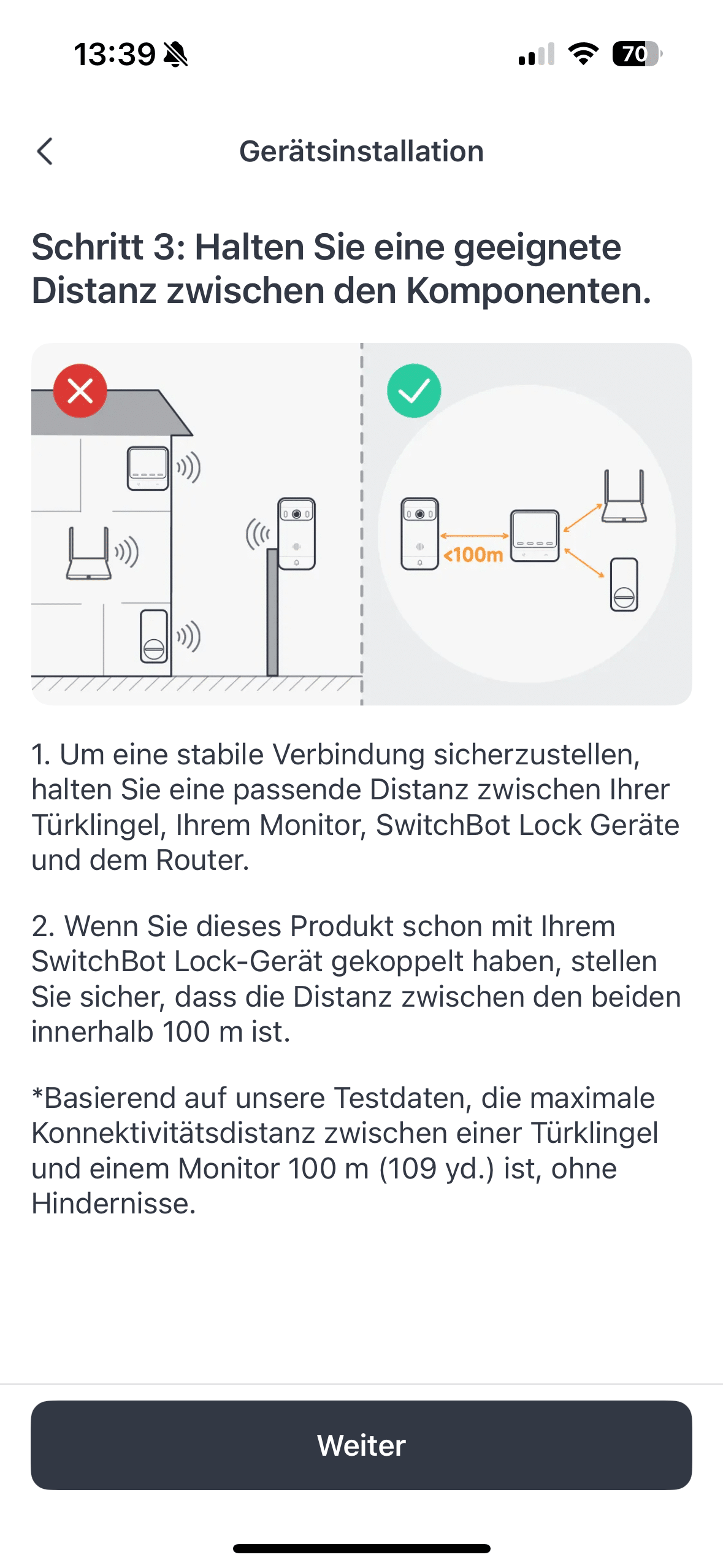
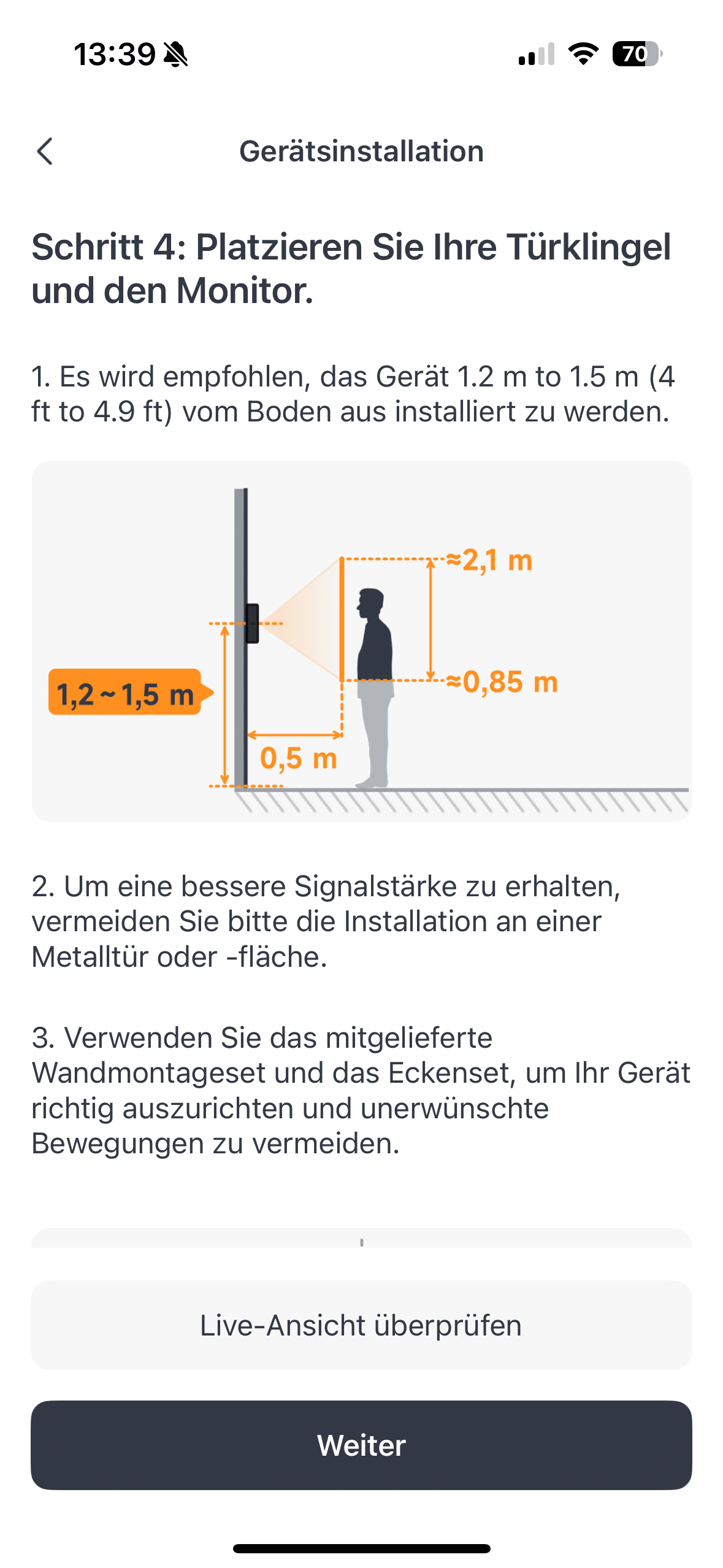
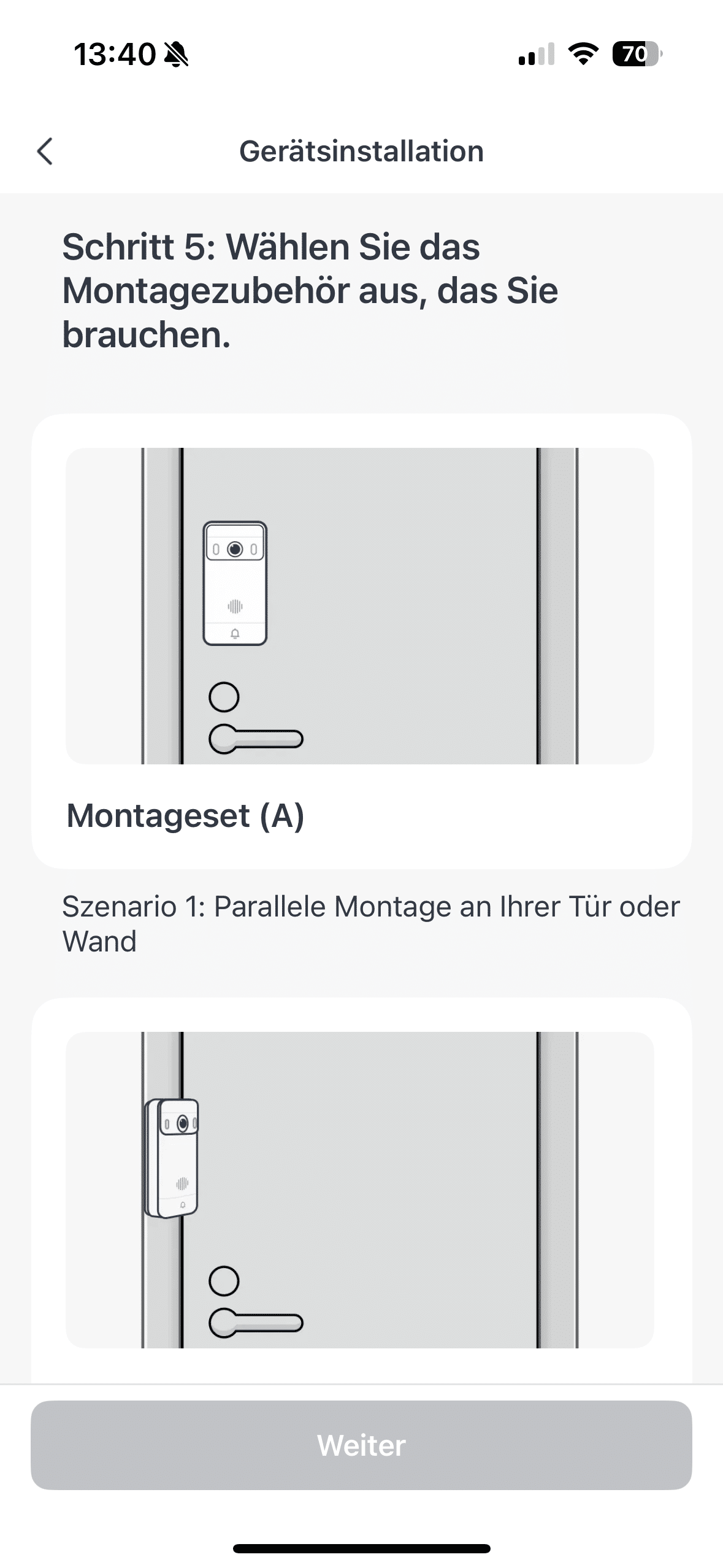
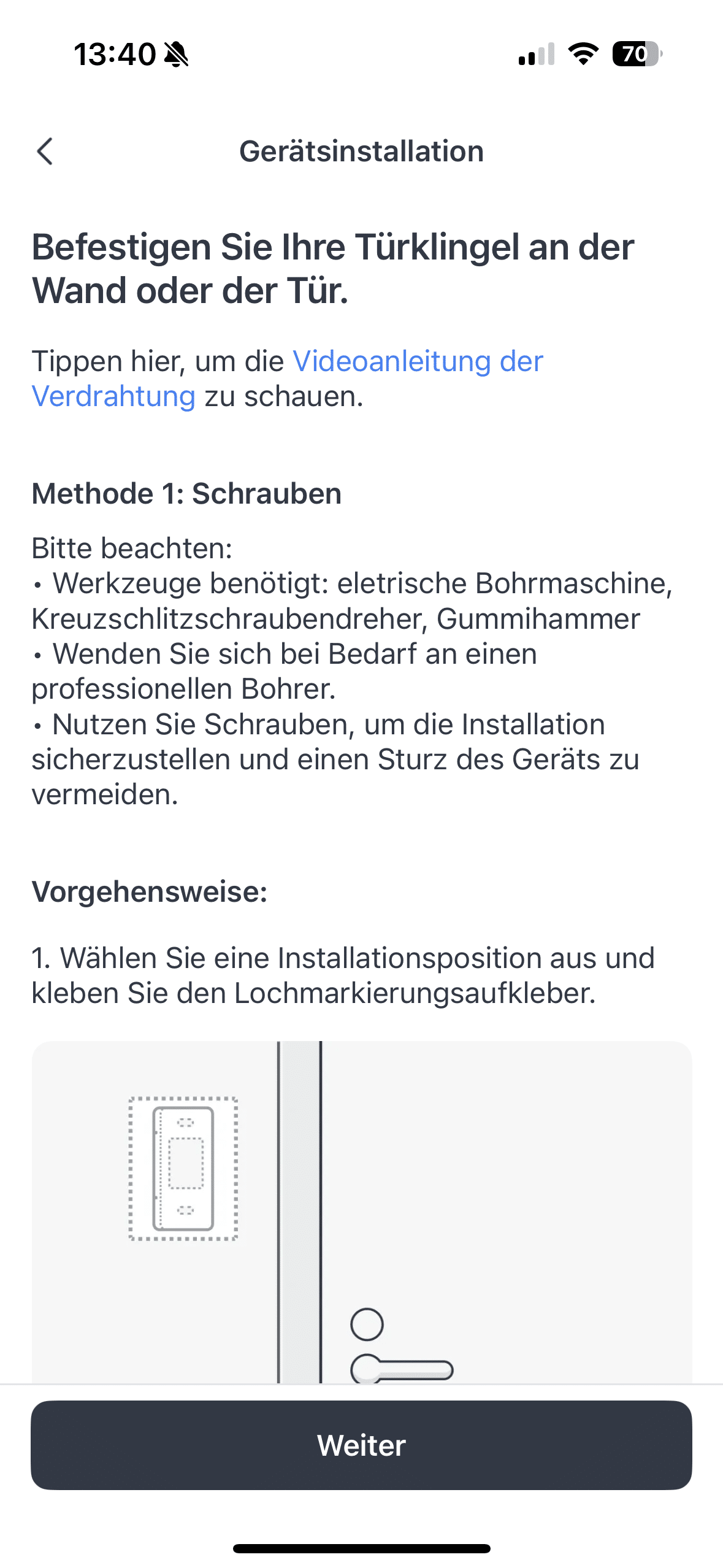
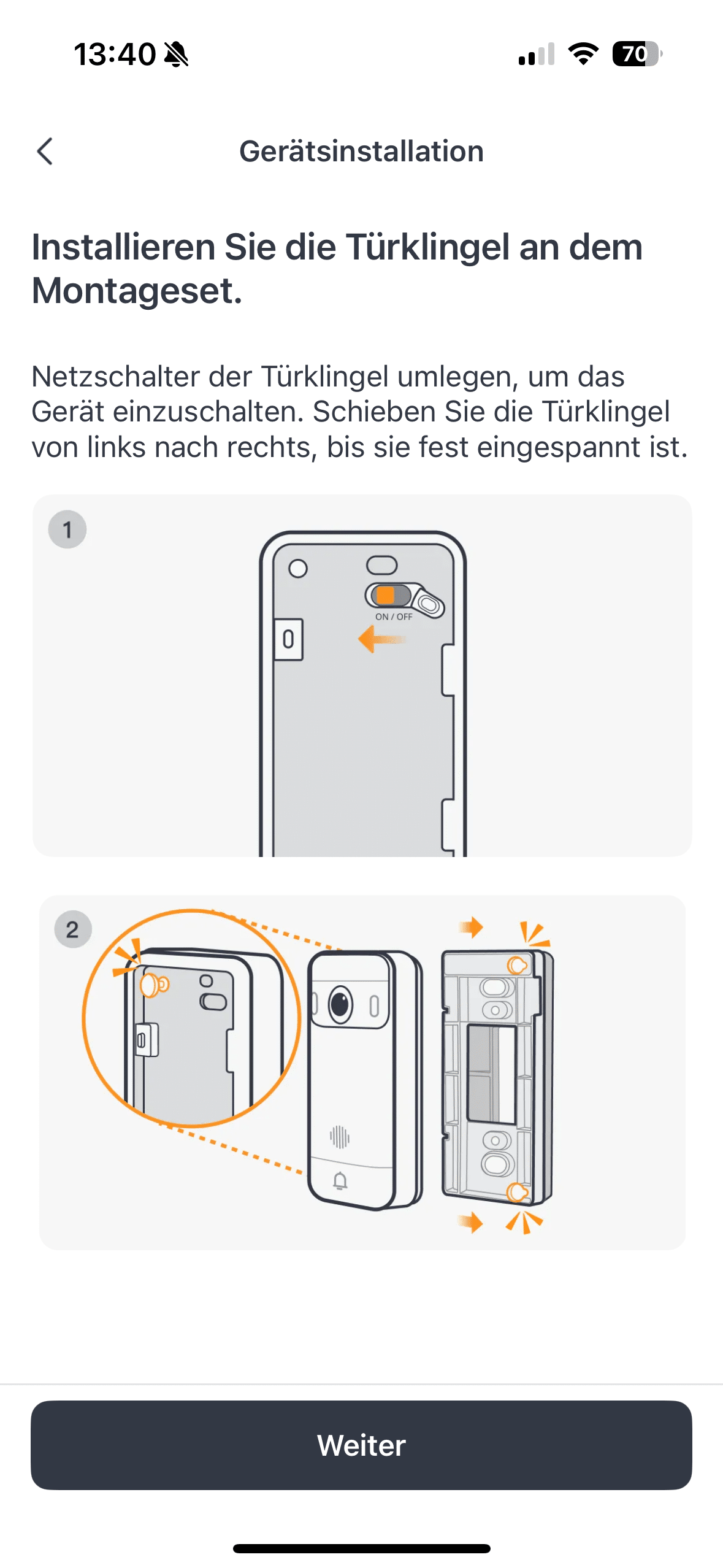
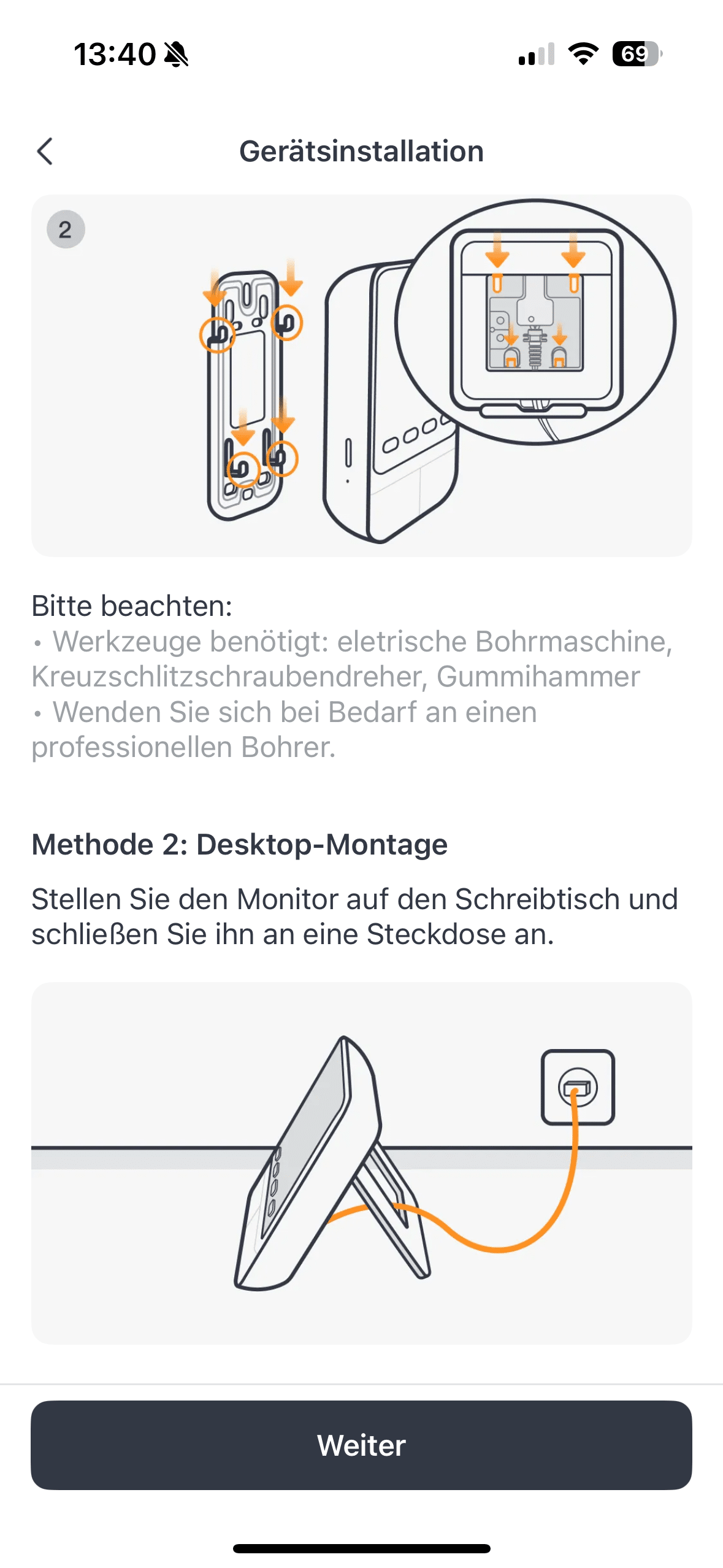
SwitchBot thinks here not only a fine-grained wall plaster, but also the entrance door itself. You can install the screen for the interior even faster. All you have to do is find a suitable socket and connect the monitor to the power cable. Once both devices are supplied with power, it’s time to set them up. Thanks to the SwitchBot app, this gadget is also quick and easy to set up. A clear step-by-step guide makes it easy even for beginners.
SwitchBot Video Doorbell test: 4.3-inch indoor screen
The SwitchBot Video Doorbell comes with a practical hub that has a 4.3-inch screen. This may only be half the size of the indoor screen of the EZVIZ HP7 Pro, but should still be sufficient for most people in practice. The big advantage of the separate screen is the fact that a smartphone is not required to operate the video doorbell.

This is likely to be a major advantage in many households. After all, it is usually the case that only one person has the app installed on their smartphone. If this person is not at home, the video function cannot usually be used by the other residents. The screen ensures that children, for example, can also see who has just rung the doorbell and can also use the intercom function.

The hub offers a quick-response function so that preset or self-recorded answers can be played back at the touch of a button. The indoor screen also functions as a chime and alarm system, which cannot be overheard at a volume of up to 100 dB. SwitchBot emphasizes that the video doorbell comes as a 3-screen solution.

In addition to the indoor screen, you can also use an Echo Show such as the Echo Show 10 (€ 269.99 *) as an additional screen. This is of course practical for houses with several floors. As with the indoor screen, the intercom function is of course also possible via the Echo Show as well as via the SwitchBot app on the smartphone.

The manufacturer therefore offers a pleasing degree of openness when it comes to controlling and managing the system. However, the connection between the video doorbell and the indoor screen offers a decisive advantage: should the internet fail, the connection between the doorbell and the screen remains intact. This is made possible by the EdgeLink system – a local connection between the doorbell and the hub.
SwitchBot Video Doorbell Test: SwitchBot App
The manufacturer’s app also scores points with the video doorbell. After all, SwitchBot plays to its strengths here. This means that you get a pleasantly clear software solution that should appeal to both beginners and smart home professionals. While the most important settings, such as setting push notifications or privacy zones, can be found quickly, professionals can let off steam in the advanced options to customize the video doorbell to their individual needs.
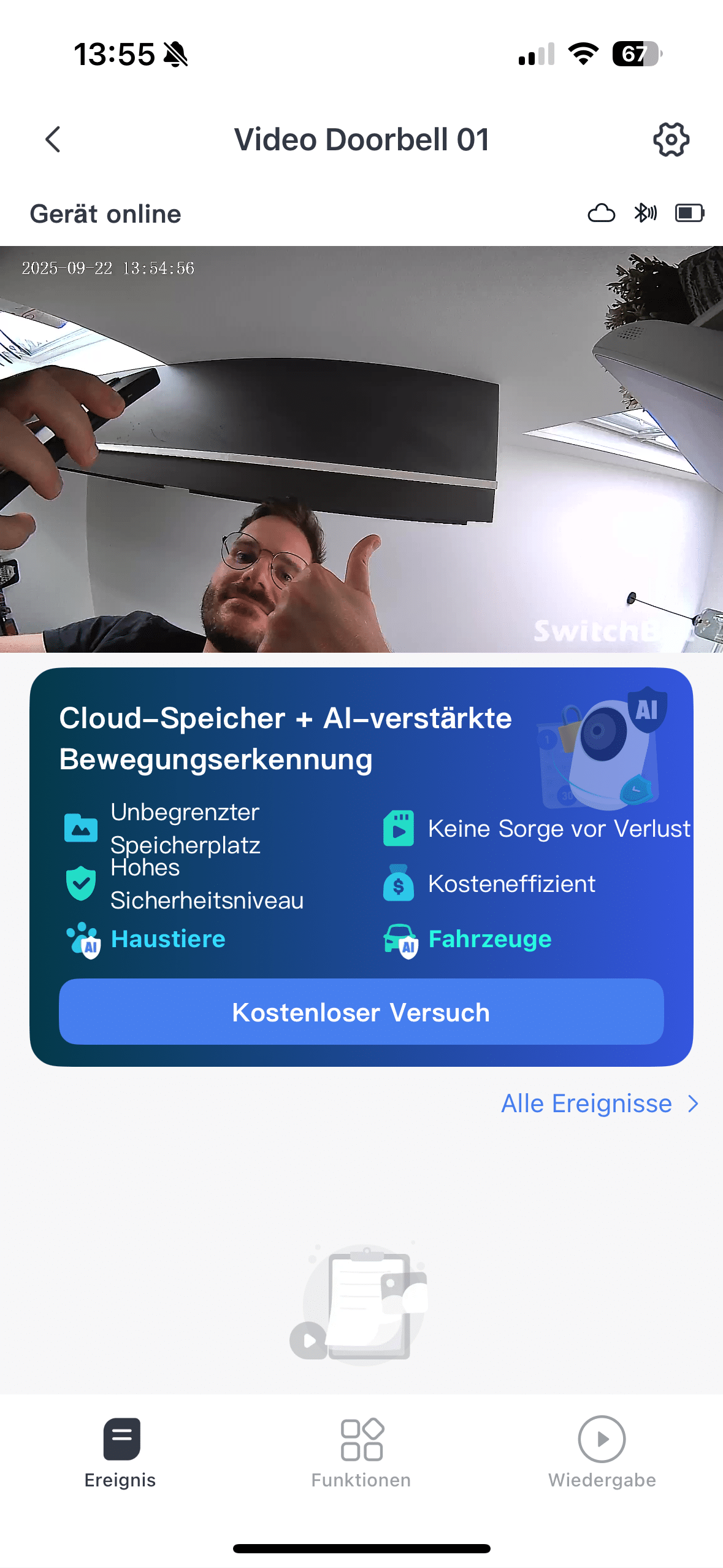
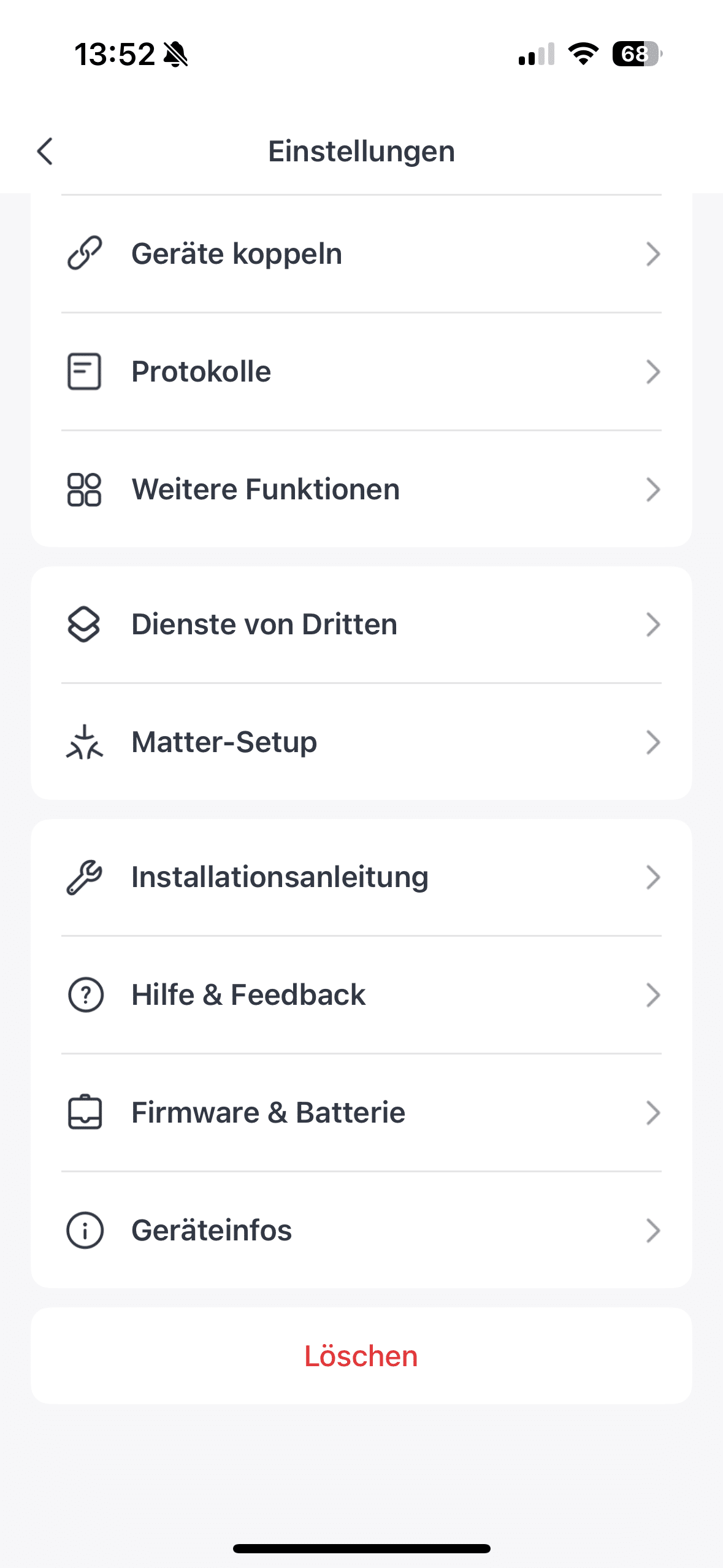
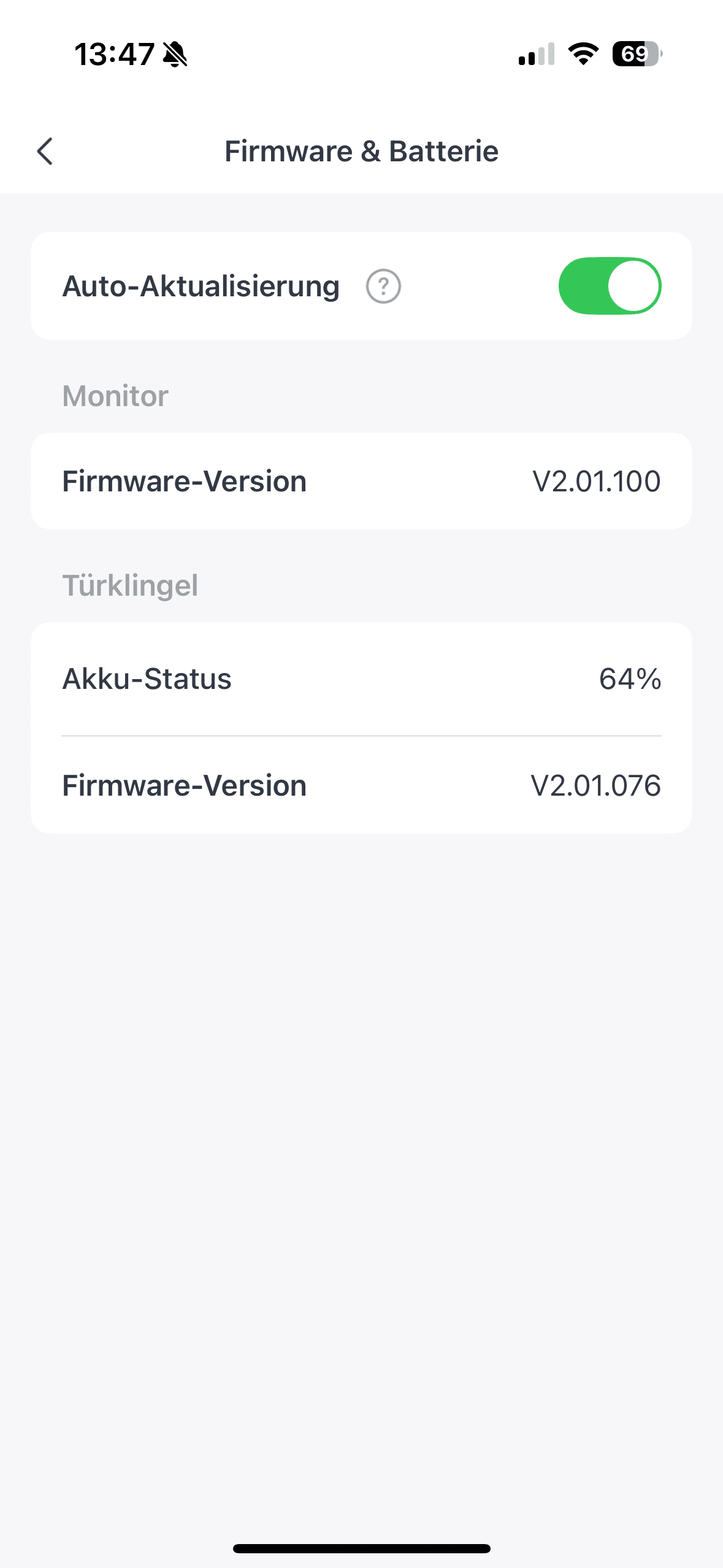
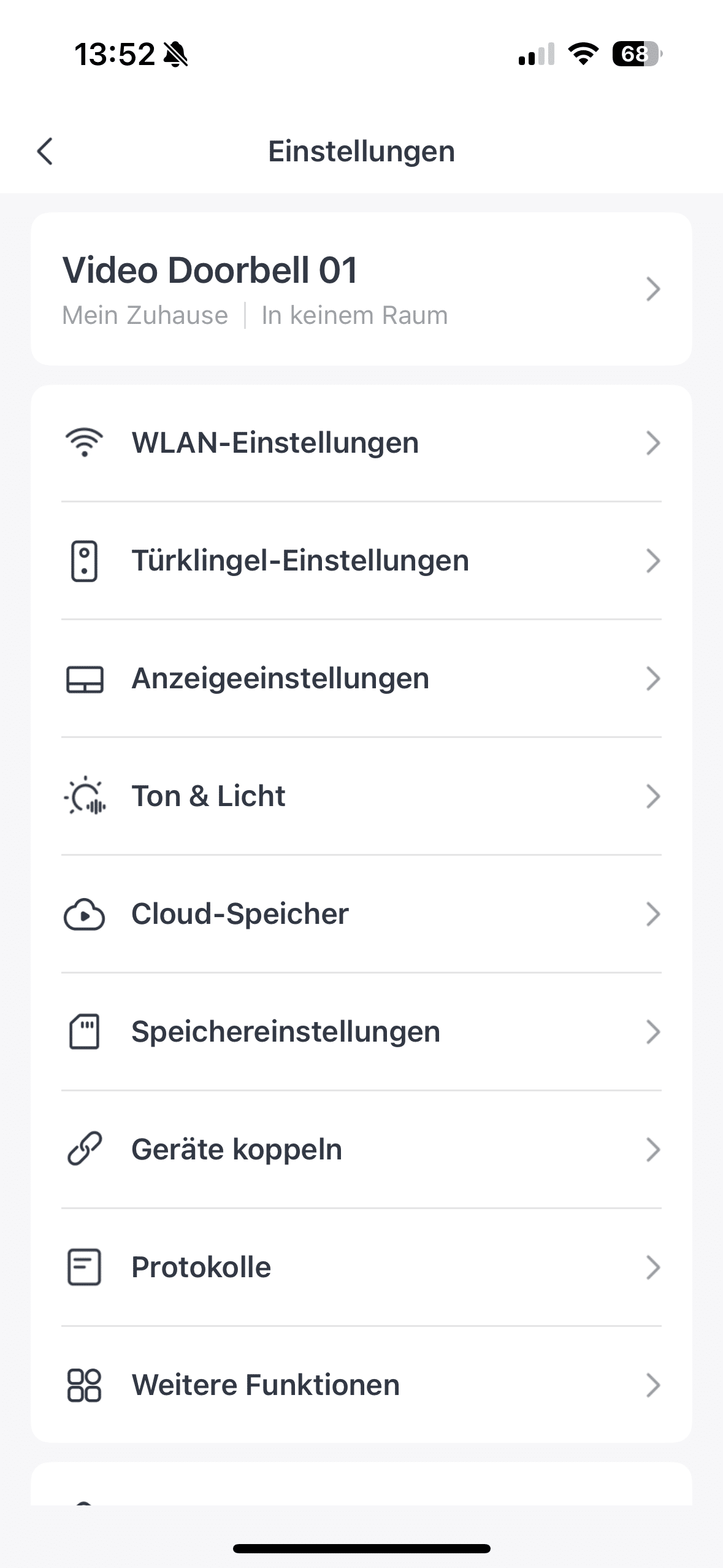
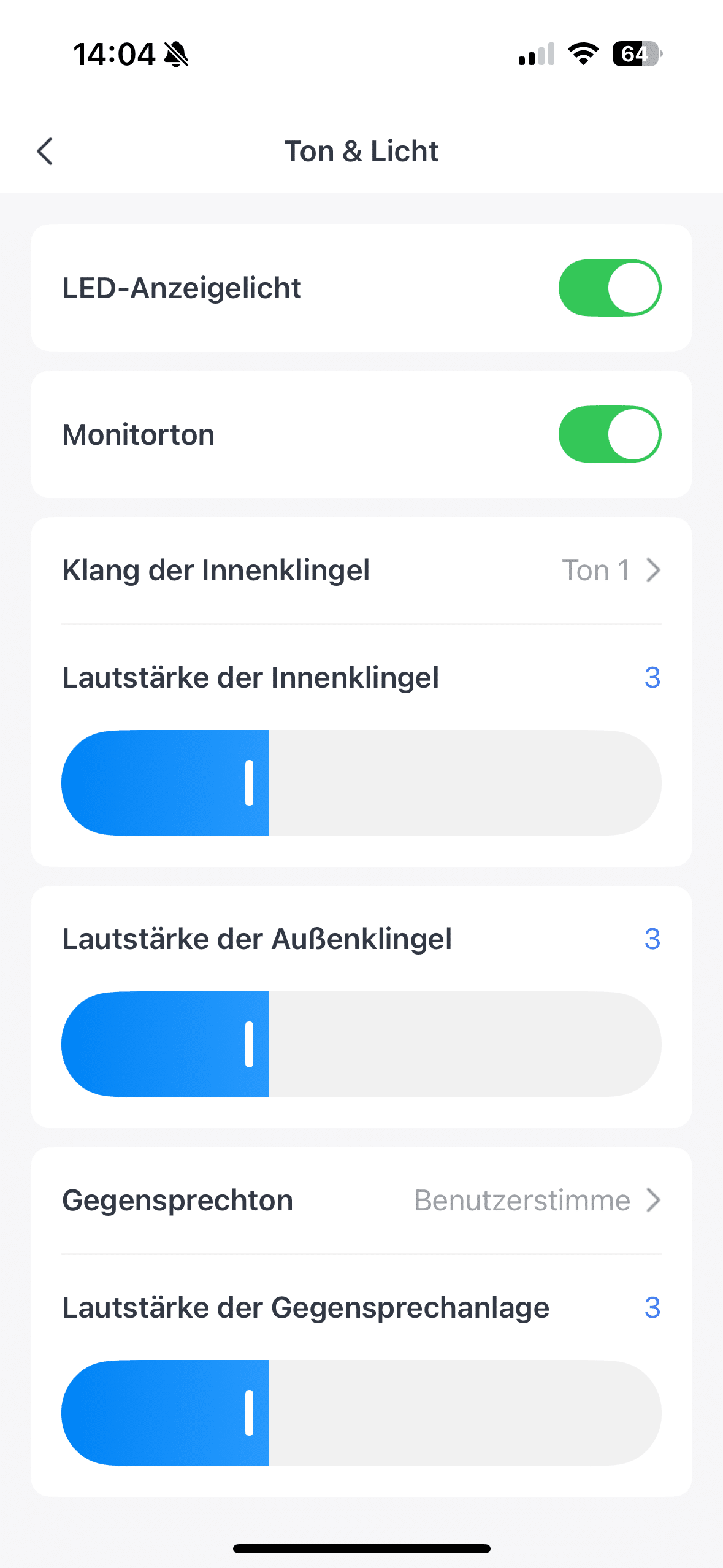
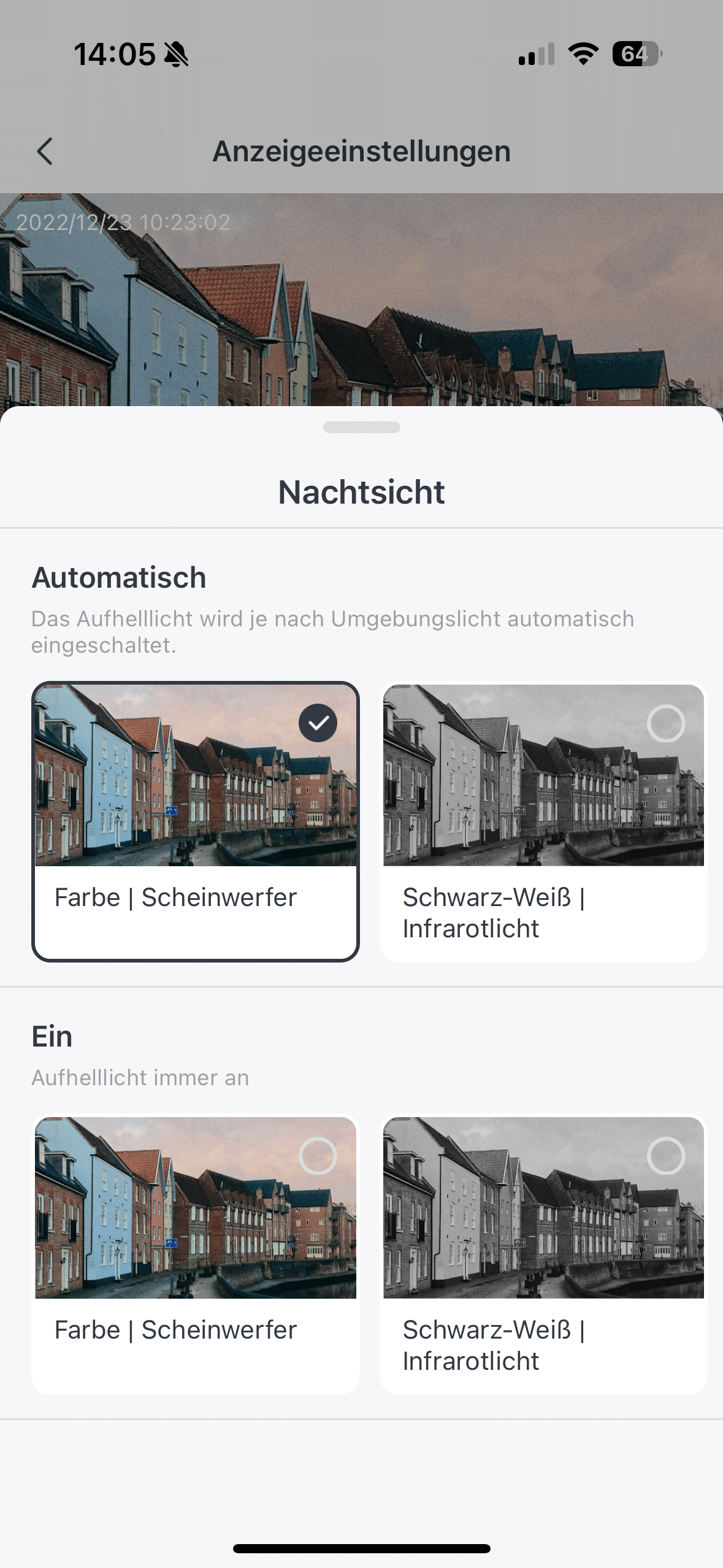
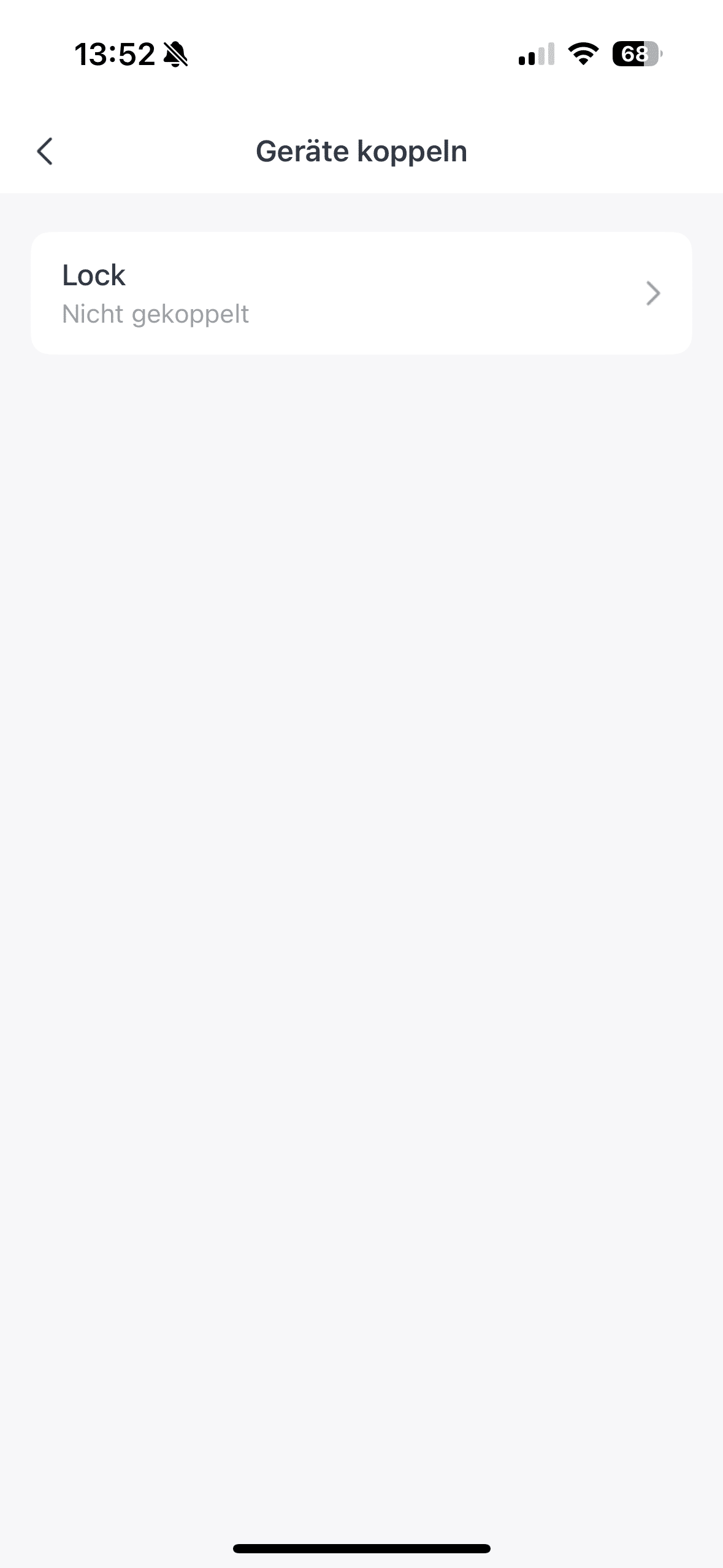
Theoretically, you can use your smartphone as a surveillance screen just as well as the indoor screen. This is of course practical if you want to monitor your front door when you’re out and about. Just imagine that the letter carrier rings the doorbell and has a parcel ready for you. Thanks to the intercom function, you can use the app to ask for the parcel to be left outside your front door.
SwitchBot Video Doorbell test: image quality
The SwitchBot Video Doorbell’s 2K camera offers a resolution of 2304 x 1296 pixels. This quality is barely noticeable on the small 4-inch screen of the indoor hub with its fairly low resolution. However, on the 6-inch screen of my iPhone, I was not only able to see relatively sharp content, but also quite good colors.

Thanks to the two bright LEDs, the video doorbell even offers color night vision. If you want to leave this switched off, you can alternatively fall back on black and white IR night vision, which is significantly sharper, especially in very dark surroundings. The camera quality may not be able to keep up with that of a TP-Link Tapo D230S1 (Review | € 84.90 *), but for a video doorbell, I think what is on offer is perfectly adequate.
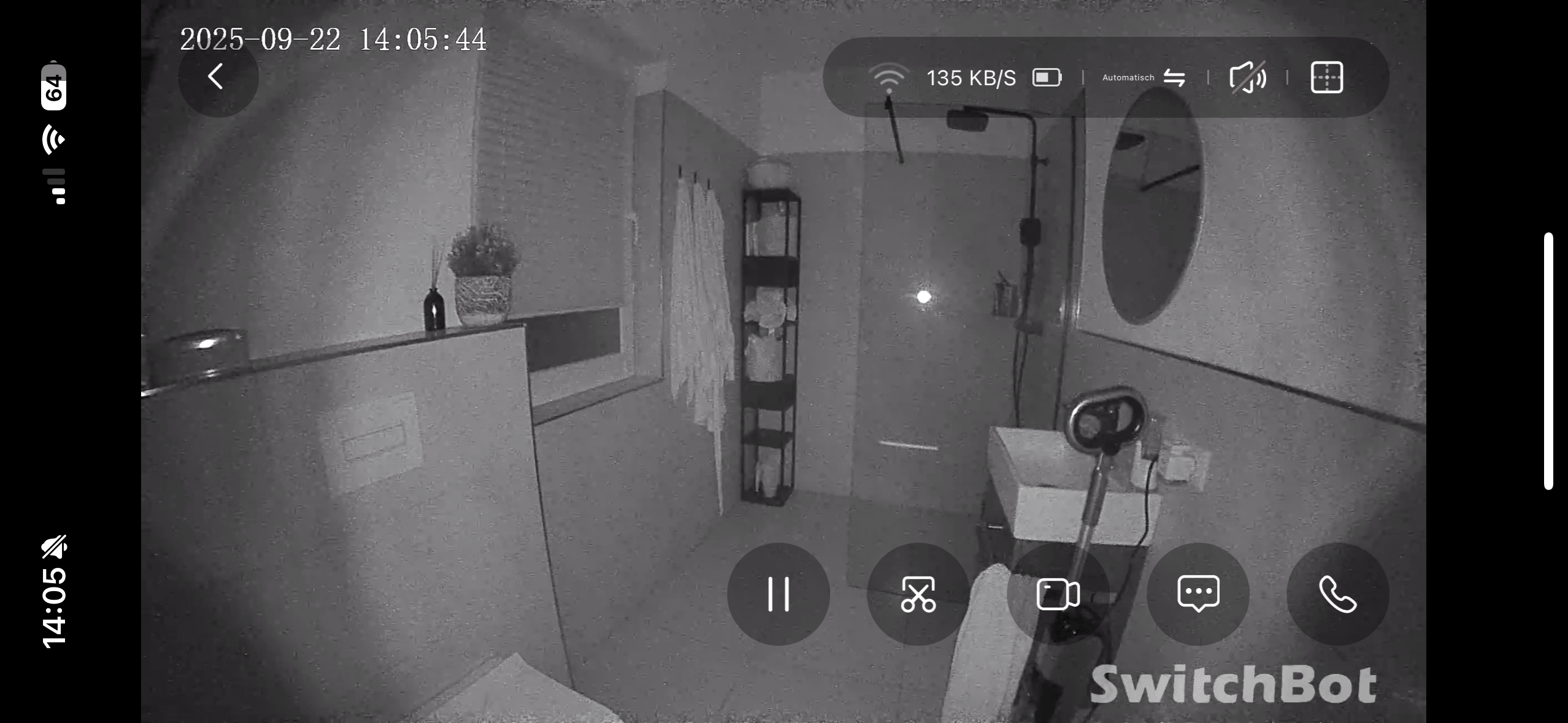
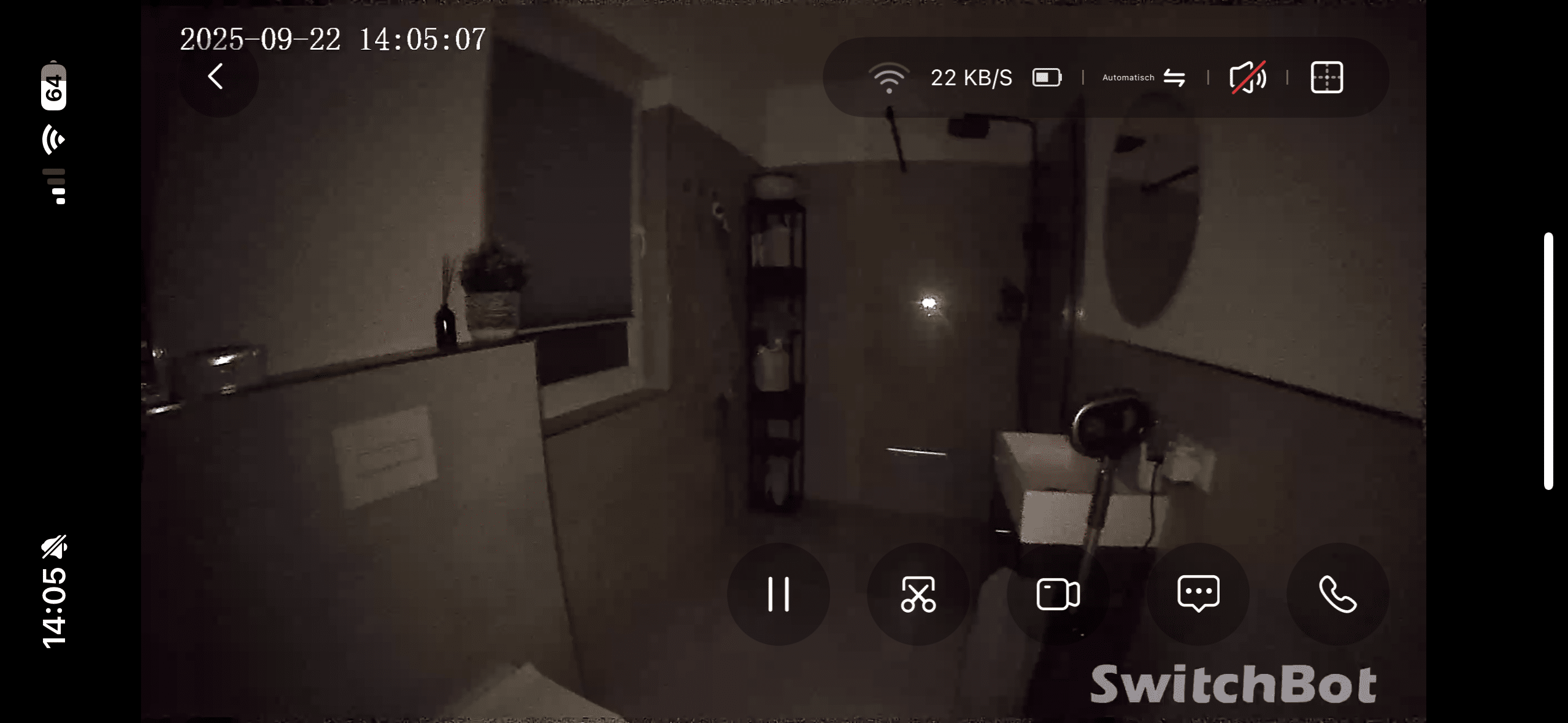
But it’s not just the picture quality itself that is solid. The video doorbell also gives you a great overview of the area outside your front door. This is made possible by a viewing angle of 165°. This means that visitors can usually be seen from head to toe.
SwitchBot Video Doorbell test: AI motion detection
Of course, the video doorbell from SwitchBot also offers motion detection. However, with the support of artificial intelligence, the video doorbell can not only detect movements, but also differentiate between them. A distinction is made between people, animals and vehicles. However, animal and vehicle detection requires the use of the SwitchBot Cloud.

.
The AI can also recognize when a person with “bad intentions” approaches and tries to access the doorbell, for example. If desired, it is not only possible to receive an app notification in such cases. You can also have a siren sound emitted via the screen, which at 100 dB is almost impossible to ignore. If you receive an alarm and no longer recognize anything on the image, you can rewind the video that was recorded at that time at any time.
SwitchBot Video Doorbell test: Pairing with Lock Ultra
With its Video Doorbell, SwitchBot provides a useful partner for its own smart door lock Lock Ultra. You can use the video doorbell to quickly unlock your lock, making the annoying rummaging for your key a thing of the past. You can use SwitchBot’s own NFC card or simply hold your smartphone up to the doorbell to unlock the lock. The monitor also proves to be a practical partner for the Lock Ultra.

In a way, it works like a light version of a Matter gateway and can control the lock. Here you can unlock the lock not only by pressing a button. Voice control also works here. Alternatively, you can of course still unlock the lock using the SwitchBot app. I think it’s a shame that the face scan of the SwitchBot Keypad Vision (€ 149.99 *) is not included here. That would have made the whole thing even more convenient.
SwitchBot Video Doorbell Test: Video memory
You have a choice of different video storage options. The most convenient is certainly the use of the in-house SwitchBot Cloud. Although this is associated with monthly costs, it also allows you to use animal and vehicle detection in addition to video storage. Alternatively, you can also save the recordings locally. The monitor comes with 4 GB of internal memory ex works.

You can add another 512 GB via the microSD slot. This gives you free video storage, which is not a given. It’s also cool that SwitchBot enables the use of Home Assistant. You can embed the video doorbell in the system and thus stream the videos locally without sensitive data running through any third-party servers.
Conclusion
With the Video Doorbell, SwitchBot brings a sophisticated smart doorbell to the market that stands out from many of its competitors. In particular, the indoor screen included in the scope of delivery proves to be a big plus point in practice, as it allows the doorbell to be used independently of a smartphone, making it accessible to the whole family. The combination of 2K camera, color night vision and 165° wide angle ensures impressive image quality, while the AI-supported motion detection and connection to the SwitchBot Lock Ultra round off the range of functions.

The system also scores points with its flexible installation, simple setup and wide range of storage options – from the cloud to a local microSD card. There are minor drawbacks in terms of the average camera quality, the resolution of the indoor monitor and the lack of integration of the Keypad Vision face scanner. All in all, however, the SwitchBot Video Doorbell offers a great overall package with a good price-performance ratio, which is particularly interesting for users who value ease of use, family-friendliness and independence from their smartphone.

VORTEILE
- Indoor screen included
- Easy setup & flexible mounting
- Long battery life
- Can be used independently of the internet
- Integration into the SwitchBot ecosystem
- Flexible storage options
- Practical additional functions: Indoor monitor also serves as a chime (100 dB), alarm system and offers quick answer function.
- Good workmanship & IP65 protection
NACHTEILE
- Indoor monitor with low resolution (480 × 272 pixels)
- Camera quality only average compared to some competitors
- Animal and vehicle detection only with cloud subscription
Fazit
The SwitchBot Smart Video Doorbell impresses above all with its included indoor screen, independence from the smartphone and connectivity to the SwitchBot Lock Ultra.