


The TOOCAA L2 20W aims to solve a problem that many hobby laser users are familiar with: Most devices belong in the workshop or basement because they are open and emit corresponding fumes and glaring laser light. With its L2, the manufacturer promises a 20-watt diode laser in a closed housing that is Class 1-certified and therefore suitable for use in living rooms. That sounds tempting, but costs a good twice as much as comparable open systems. After testing the TOOCAA L2, we can say that the safety concept basically works – but how else does the engraving machine perform?
TOOCAA L2 20W: Technical data at a glance
| Laser power | 20 watts (optical) |
| Working area | 415 x 395 mm |
| Engraving speed | up to 24,000 mm/min |
| Positioning accuracy | 0.01 mm |
| Spot size | 0.15 x 0.27 mm |
| Housing dimensions | 645 x 617 x 306 mm |
| Housing weight | 13 kg |
| Material | Aluminum alloy |
| software | LightBurn, LaserGRBL, TOOCAA Studio |
| Connections | USB-C, microSD |
| Safety certification | Class 1 (IEC 60825-1) |
| The price | from 703 euros |
First impression: Unpacking and mounting the TOOCAA L2
“This is going to be a long evening”, we thought at first when we saw the many components. But our first impression was deceptive.

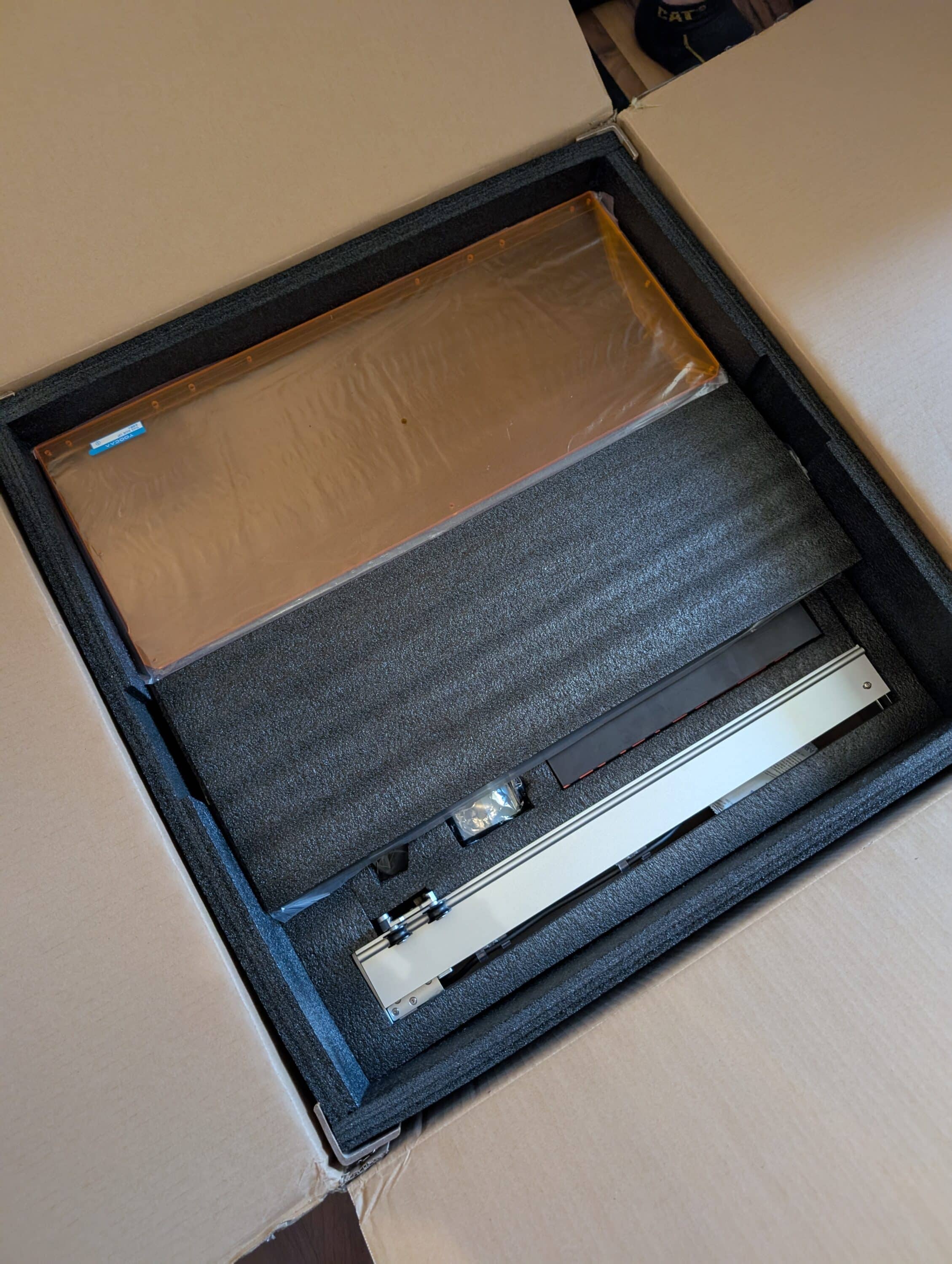
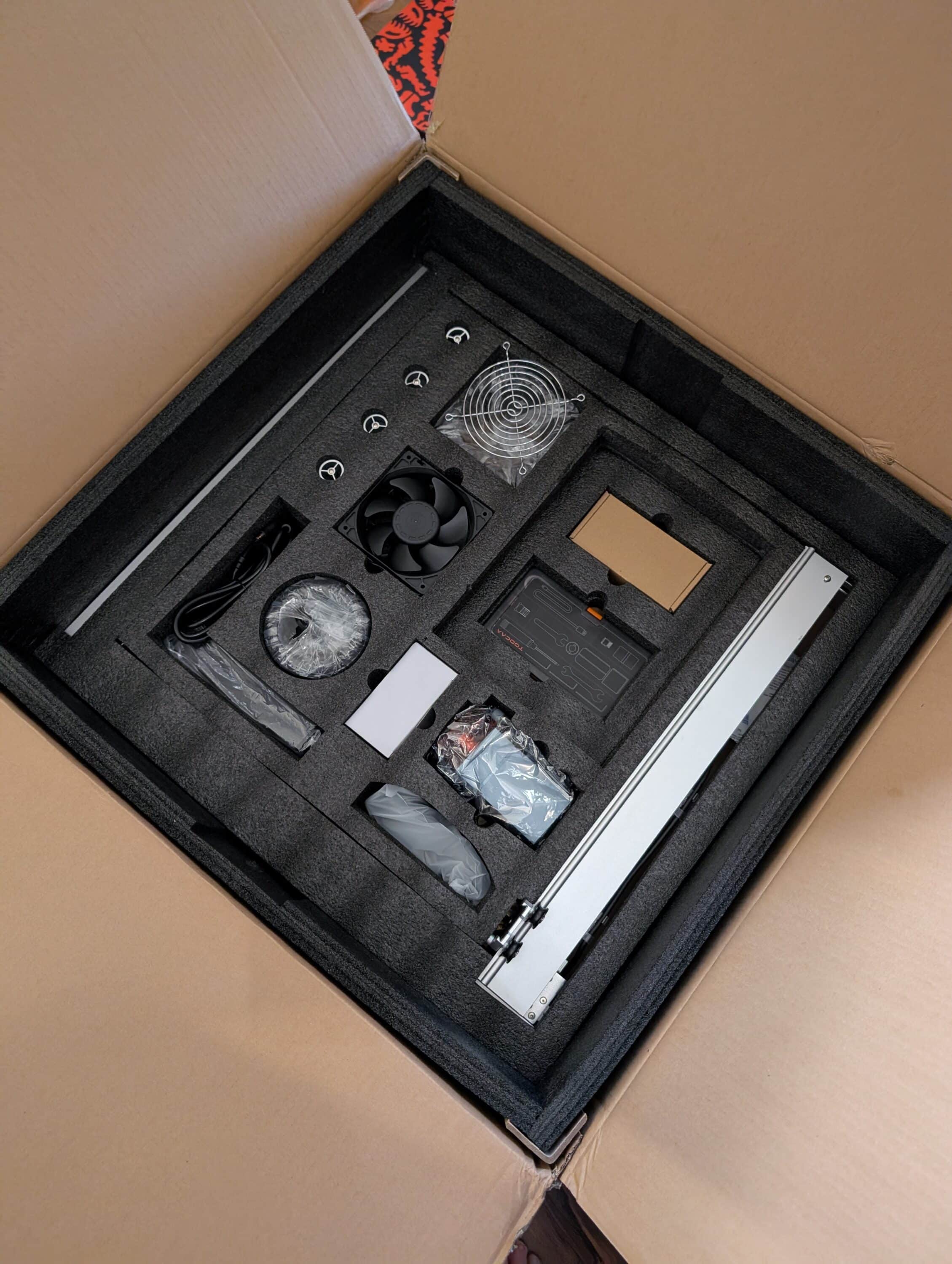
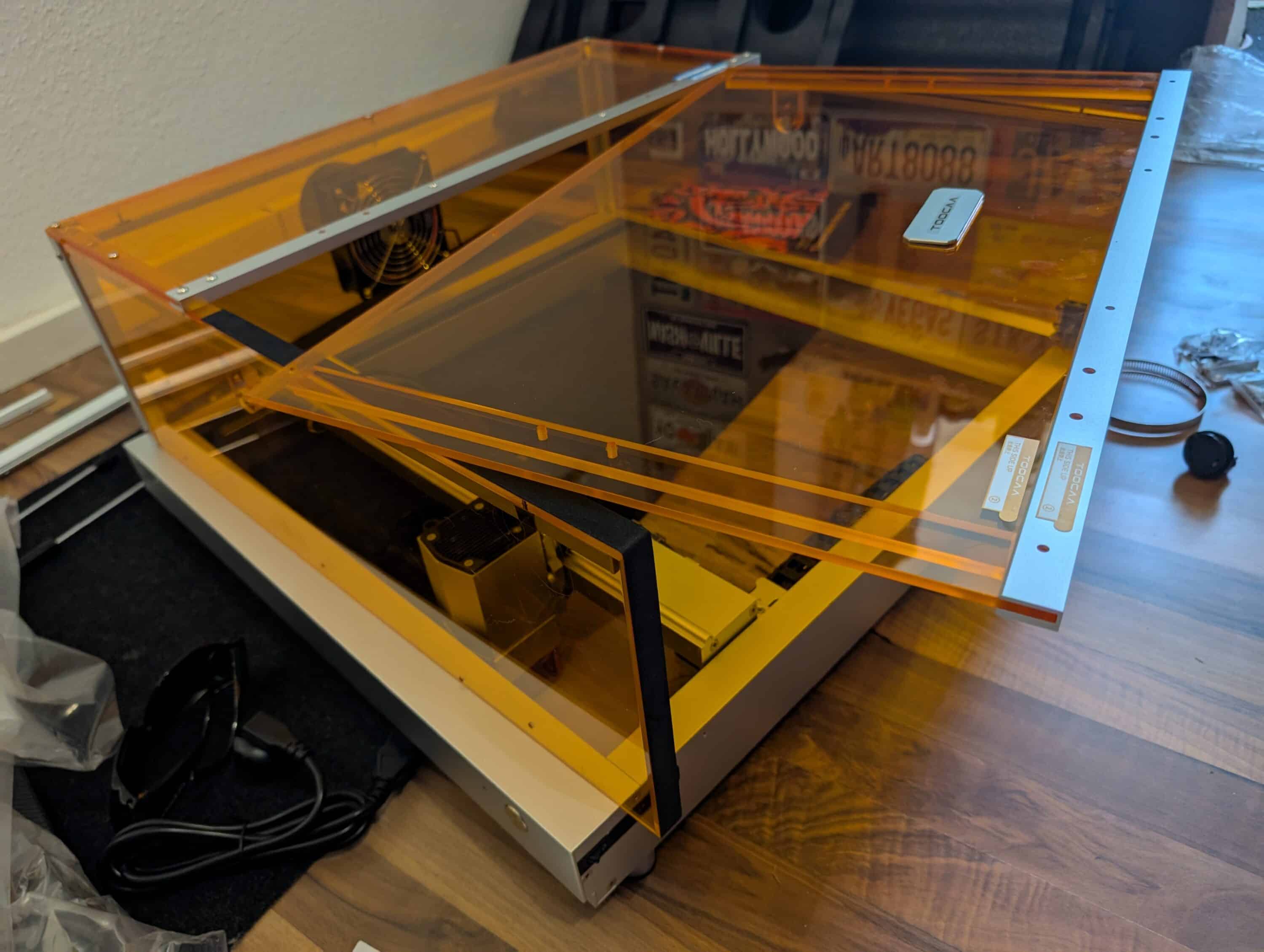
The packaging is extremely well thought out – every part has its place in the foam, so nothing can slip out of place. The 13 kilogram basic device also comes largely pre-assembled, while only the six orange acrylic glass panels and various small parts await assembly.
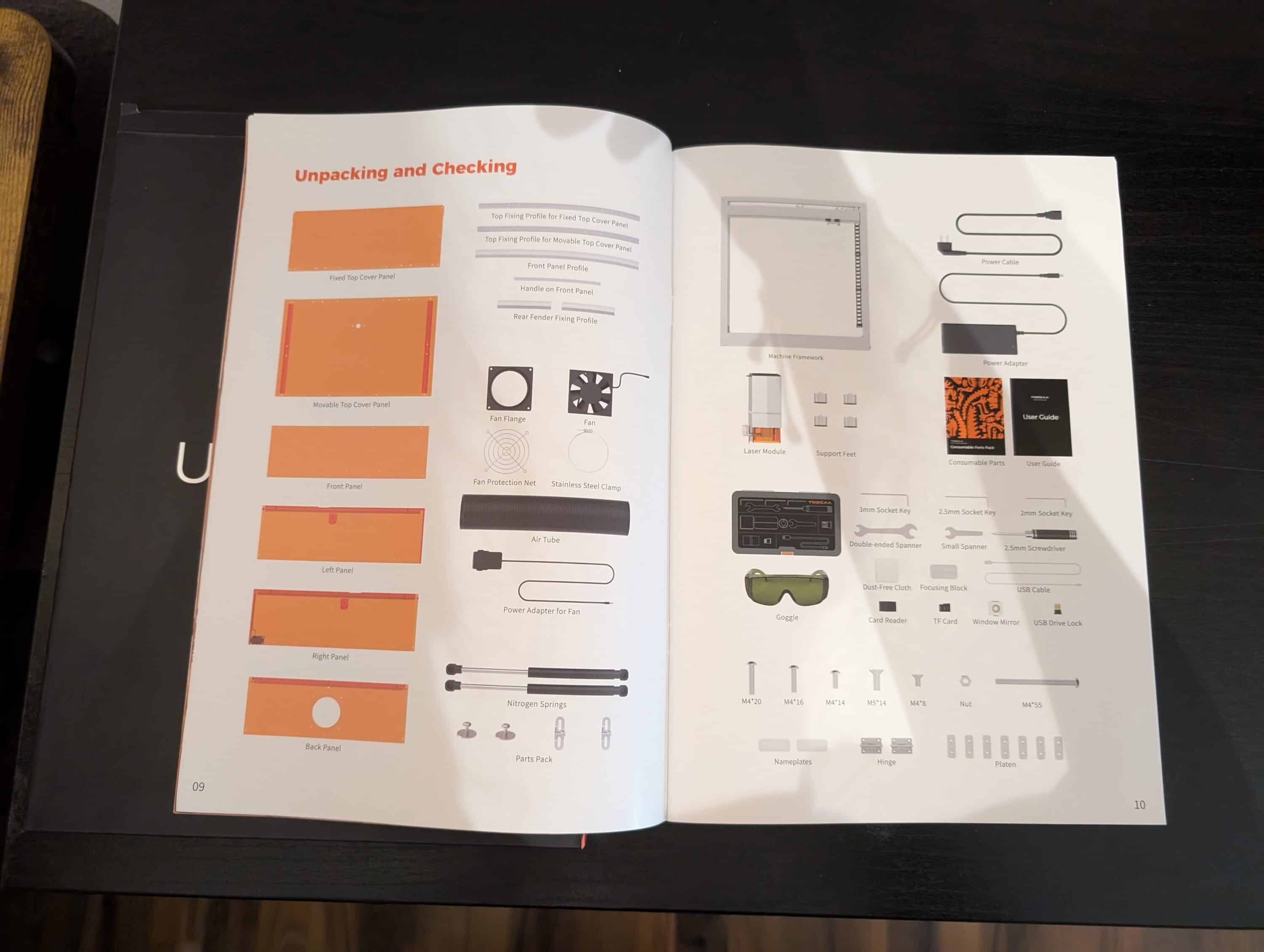
The illustrated instructions guide you through around 30 steps in a structured manner, while small stickers at critical points even show which side belongs on top. The manufacturer has obviously really thought things through here.

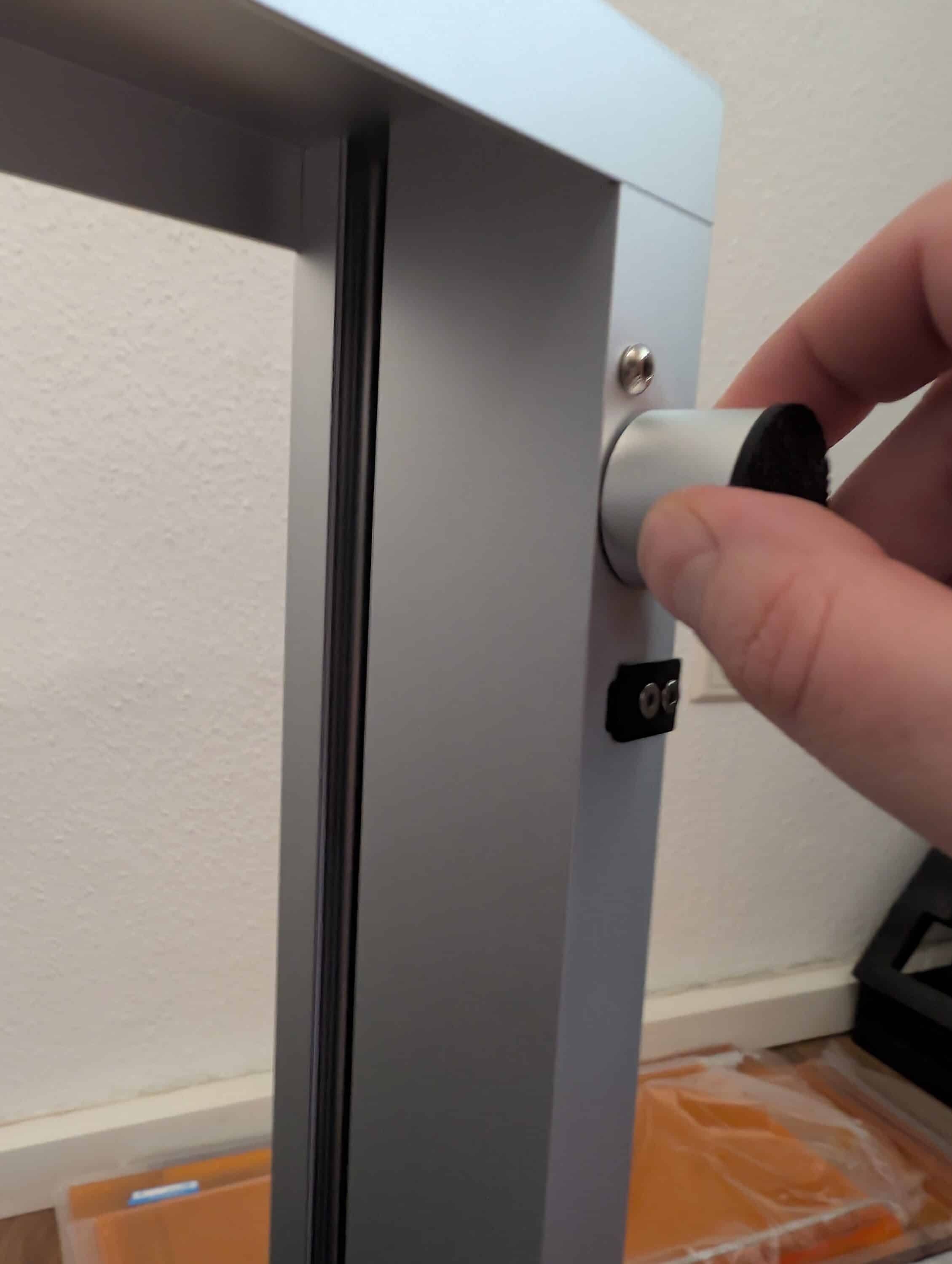
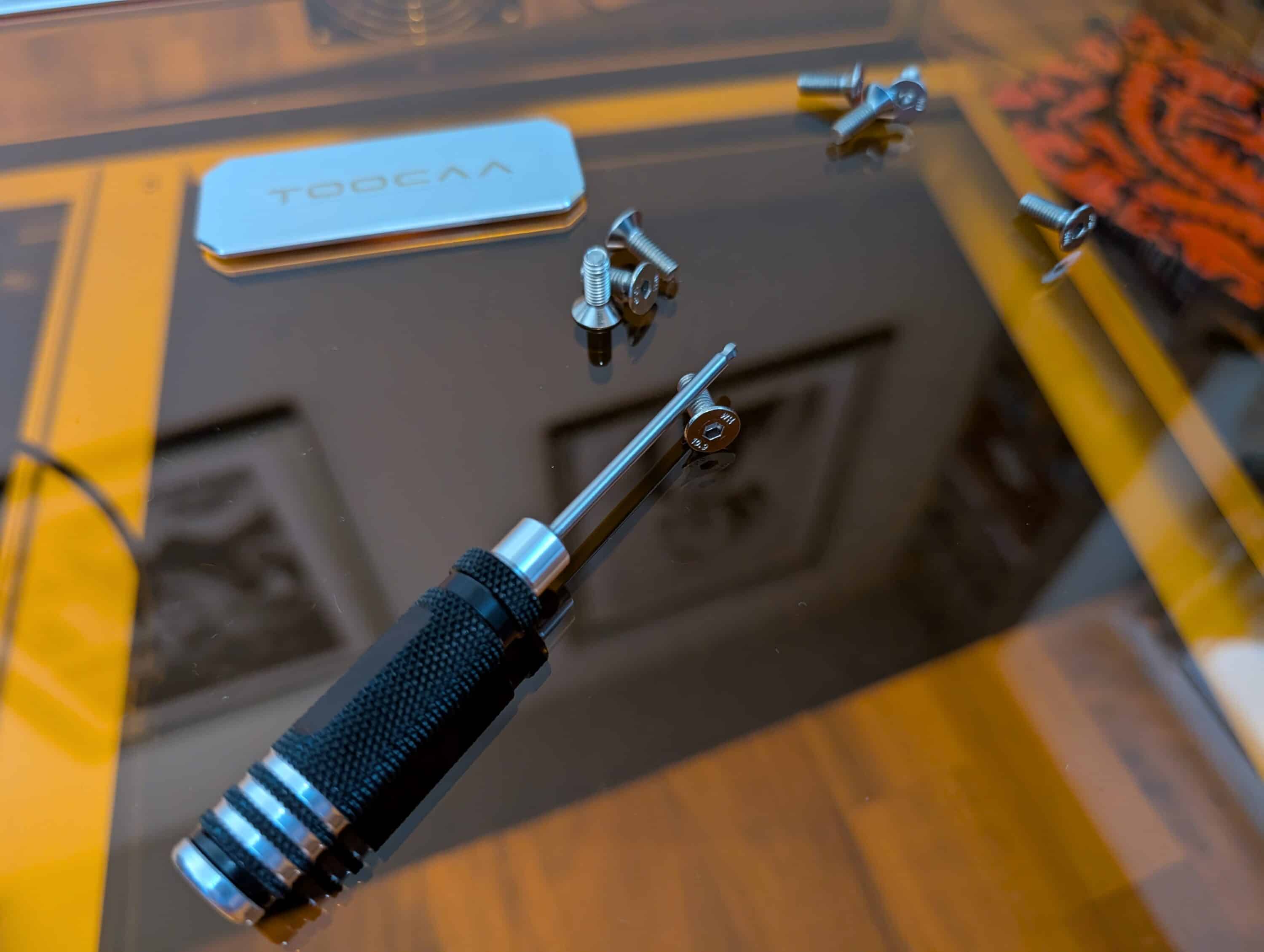
Fiddling with the screws is even fun – everything fits with millimeter precision. After about an hour, we finally have a device that looks much more professional than the usual open racks.
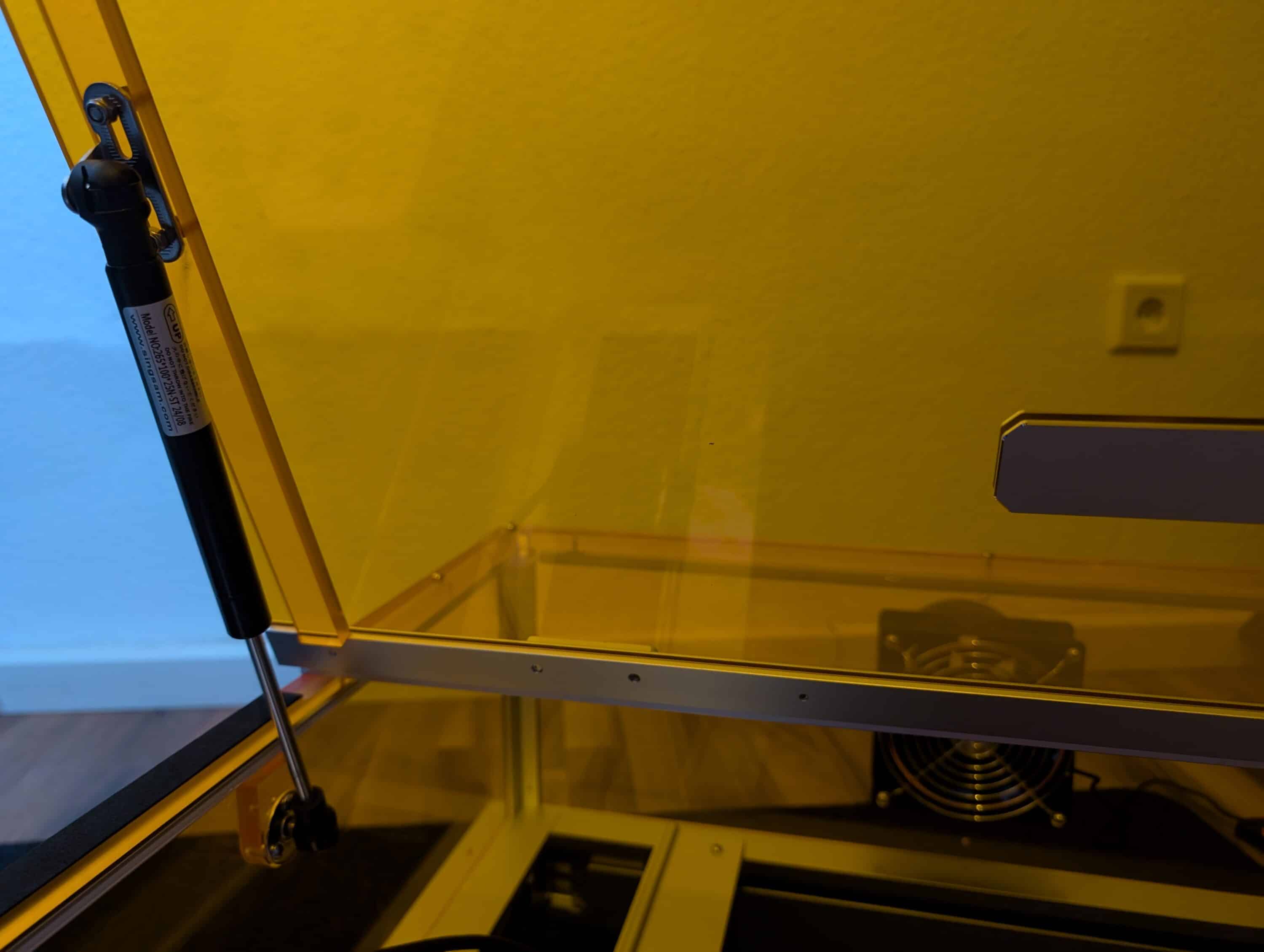
The damped flap also opens and closes gently – a nice detail that definitely underlines the premium claim.
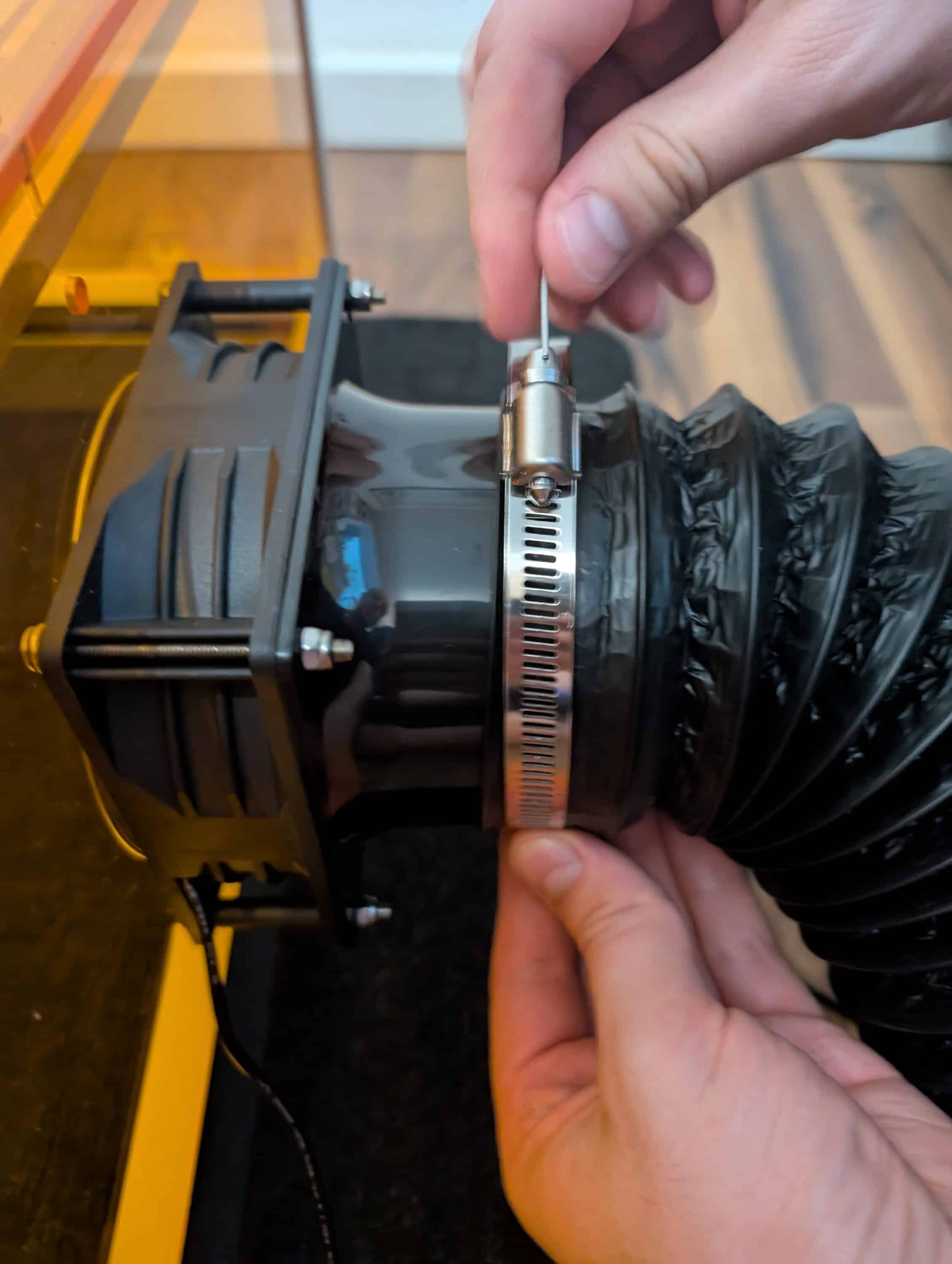
The only drawback is that you actually need three power sockets for full operation. The laser, suction unit and Air-Assist all need to be powered separately, which can quickly turn into a cable battle in the DIY corner at home.
Test material: Solid base with premium option
The standard scope of delivery already includes some material samples – a plywood panel, simple plastic panels and 3 metal key rings for the first test of the TOOCAA L2. This is enough for “Hello world”, but does not offer much scope for experimentation. Things get much more exciting with the additionally available Material Magic Box, which TOOCAA offers for 40.95 euros.
The contents of the box are quite impressive: 10 neatly sorted material samples, consisting of 7 two-tone plastic sheets and 3 PU leather variants. The plastic sheets show what the laser can do – when engraving, the colored top layer is removed and the material underneath is revealed.

However, there is also a weakness here: with the PU leather samples, you are initially completely out in the rain. Waterproof, scratch-resistant, soft – that sounds good, but what parameters do you need? Unfortunately, the instructions are silent, as is the software, while there is also nothing to be found on the website. Our first attempts promptly ended with charred material, as the standard leather settings were far too aggressive.

This is particularly unfortunate because these materials are of a very high quality. For 41 euros, however, you would expect at least the basic parameters to be included. Instead, you waste precious test material trying things out, while beginners would probably give up in frustration.
Safety features of the TOOCAA L2
However, this is where the L2 really scores. The Class 1 certification is not a marketing gimmick, but actually works. When the housing is closed, you can safely look inside, you don’t need safety goggles (although they are included in the package) and you don’t have to constantly warn visitors. This is unthinkable with open systems.
The safety systems also work reliably and without grumbling: flap open, laser off. If the device is moved or shaken, the laser is also switched off. We even deliberately tested the fire detector by working on a very fine structure at high power – it promptly struck and stopped the laser. Fortunately, nothing happened, but it shows: The system works. The USB security key prevents unauthorized operation – practical in households with children or if you want to make sure that the device is not activated accidentally.

The resume function for short interruptions is also a clever solution: Open the flap for a quick look at the workpiece, close the flap and the laser continues at exactly the same point. The LED lighting helps, even if it is not excessively bright. However, it is sufficient for intermediate corrections or progress checks.
However, the big but comes with longer outages: If the power goes off or the laser stops for other reasons, the project is usually a goner. There is no real resume function that works even after hours. This can be a risk when engraving for several hours, although to be fair we have to say that most competitors also have weaknesses here.
Security features at a glance
- The Class 1 certification ensures that you can work safely even without safety goggles – as long as the housing is closed, there is no danger to the eyes.
- The device reacts reliably to any interruption: Flap open or movement detected? The laser stops immediately.
- An integrated fire detector warns you in good time before it becomes critical – a real advantage, especially when working with fine or particularly dense materials.
- Thanks to the USB safety key, nobody can accidentally switch on the laser, which is particularly reassuring in households with children or where workstations are shared.
- Short breaks are no problem: interrupt briefly, close the lid – and the laser starts up again exactly where it left off.
Air-Assist: From an optional extra to the basic equipment of the TOOCAA L2
TOOCAA advertises the Air-Assist system as an optional accessory. After our tests, however, we can say that this is somewhat misleading. Without air assistance, even the best laser produces suboptimal results. The difference is so dramatic that we would include the Air-Assist as standard equipment.
Without air flow, the result is unclean cutting edges with thick burn marks. Smoke and particles are also deposited everywhere, including on the laser lens. With Air-Assist, on the other hand, the same cuts suddenly become clean and precise, while engravings become much more contrasting.
The pump does its job well: 28 liters per minute maximum, infinitely adjustable via a rotary switch on the cable. At 40 dB, it also runs pleasantly quietly – much more pleasant than the 60 dB noisemakers from some third-party suppliers. Low settings are sufficient for thin materials, but for thicker boards, you should turn it up all the way.
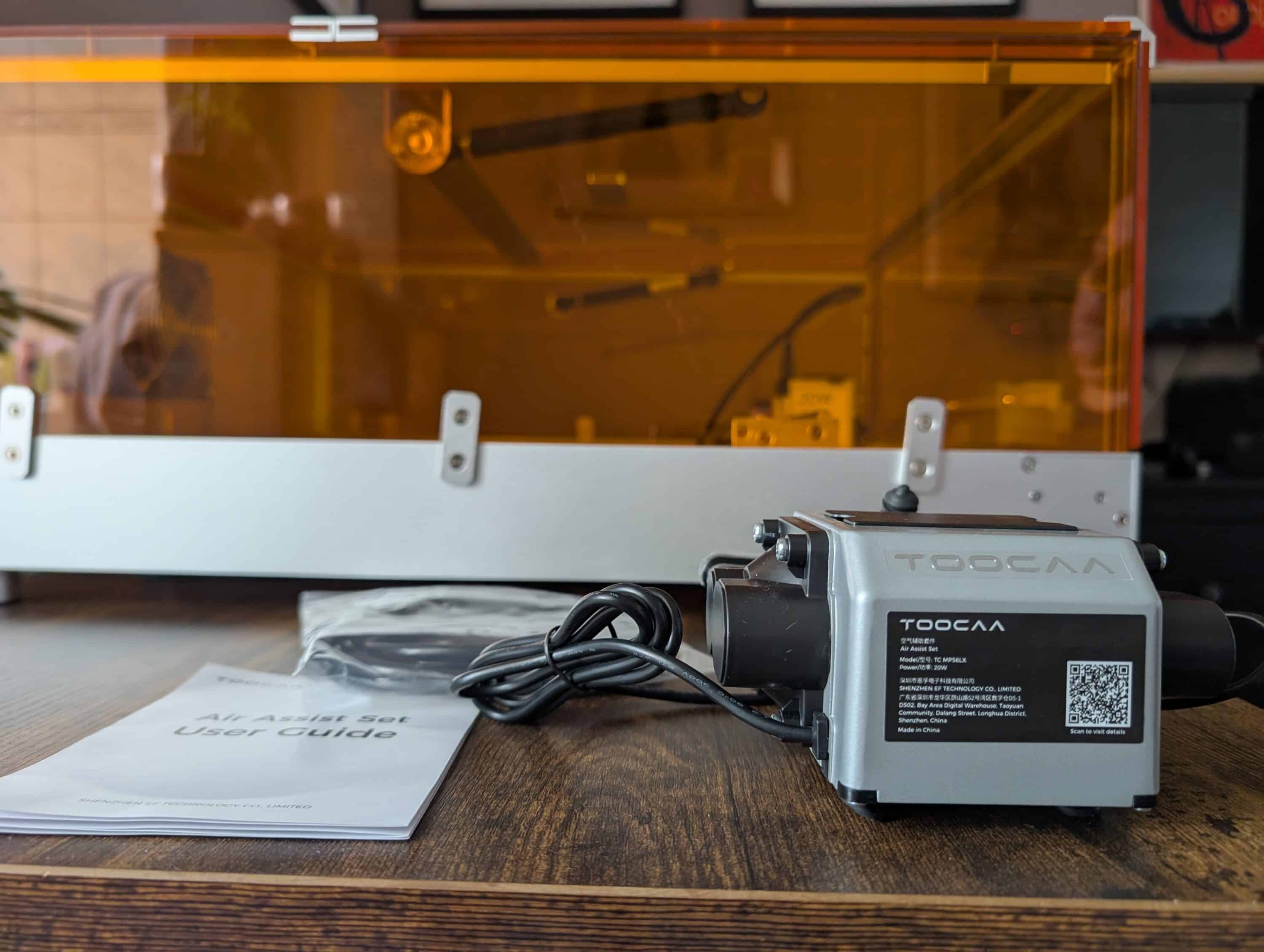
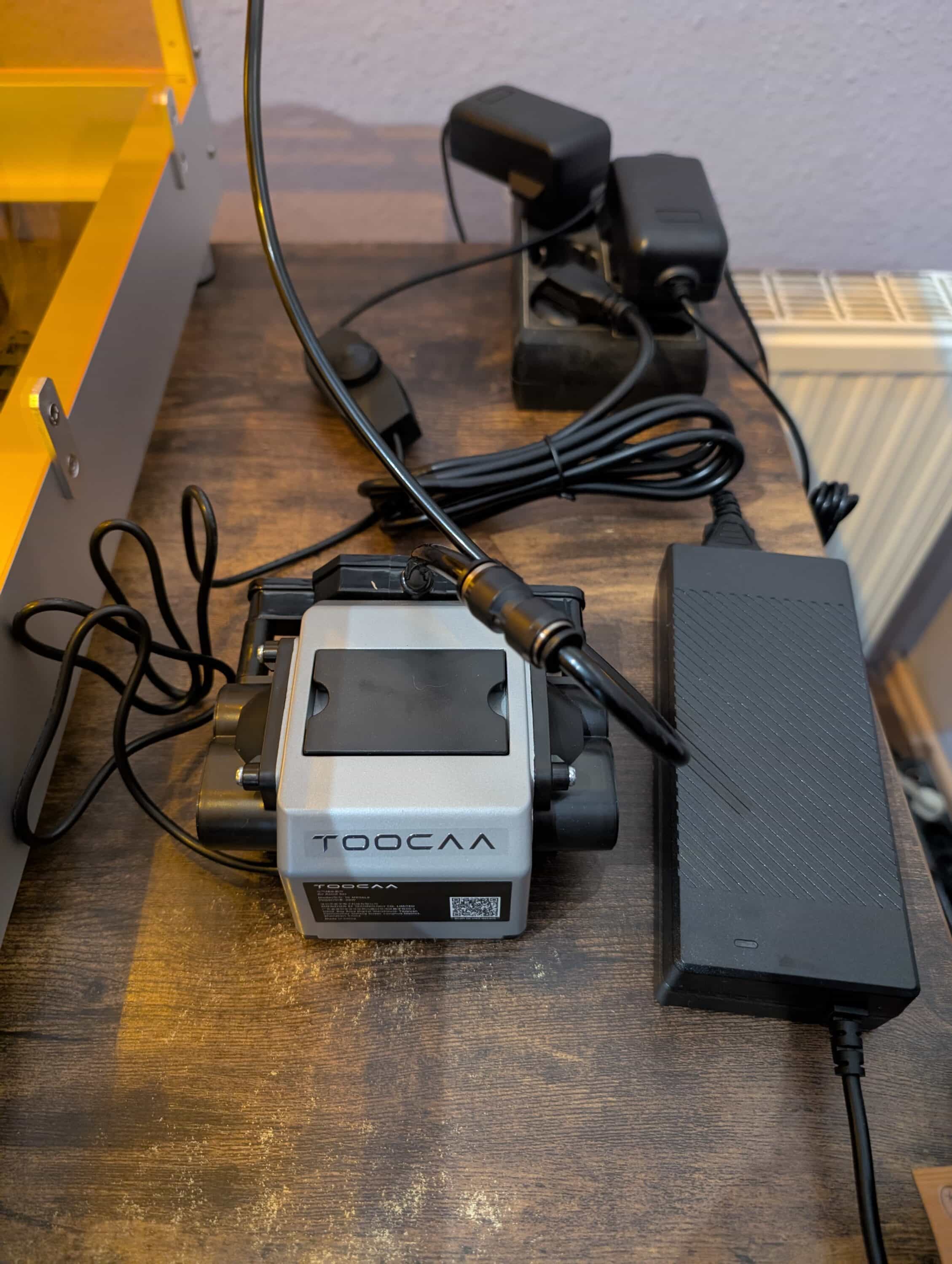
The small catch: Unfortunately, the pump runs completely manually. Switch on before every job, switch off after every job. Modern systems, on the other hand, link this directly to the laser – a feature that we think the manufacturer should definitely upgrade.
Practical finding from the test: With Air-Assist, we were able to achieve around 30% higher cutting speeds. With 3 mm plywood, we were able to increase this from 300 to 400 mm/min without impairing the cutting quality.
Software: LightBurn saves the day
TOOCAA does a lot of things right here and relies on proven software instead of forcing in-house developments. LightBurn, LaserGRBL and the in-house TOOCAA Studio are supported, while a preconfigured LightBurn file is even available on the microSD card – simply import and you’re done.
LightBurn costs an extra 60 euros, but it’s money well spent. The software is intuitive to use, offers powerful features for complex projects and runs stably under Windows, macOS and Linux. The offline function via SD card is also practical if the computer is not next to the laser.
TOOCAA Studio, on the other hand, looks like a makeshift solution for absolute beginners. Although the interface is tidy and simple, it is unfortunately far too limited for demanding projects.

A particular pity: The material parameter database is as full of holes as a Swiss cheese. Especially with the expensive Magic Box materials, you are completely in the dark.
However, the USB-C connection works perfectly, while the SD card function doesn’t cause any problems either. Once the right workflow has been found, everything runs smoothly. The only annoying thing is the lack of parameters, which is one of the biggest problems, especially for beginners.
Engraving test: This is where the TOOCAA L2 shows its strengths in the test
The L2 then showed its true strengths when it came to engraving performance. The first test project with the included blue metal tag was immediately convincing: The “Basic Tutorials” logo came out cleanly, while the blue anodizing was precisely removed and the bright aluminum underneath was revealed. This quality continues with other materials – we were particularly surprised by the stainless steel engraving: clear, high-contrast black markings are created without any coating or aids. This works just as well with anodized aluminium, as the example tag already showed.
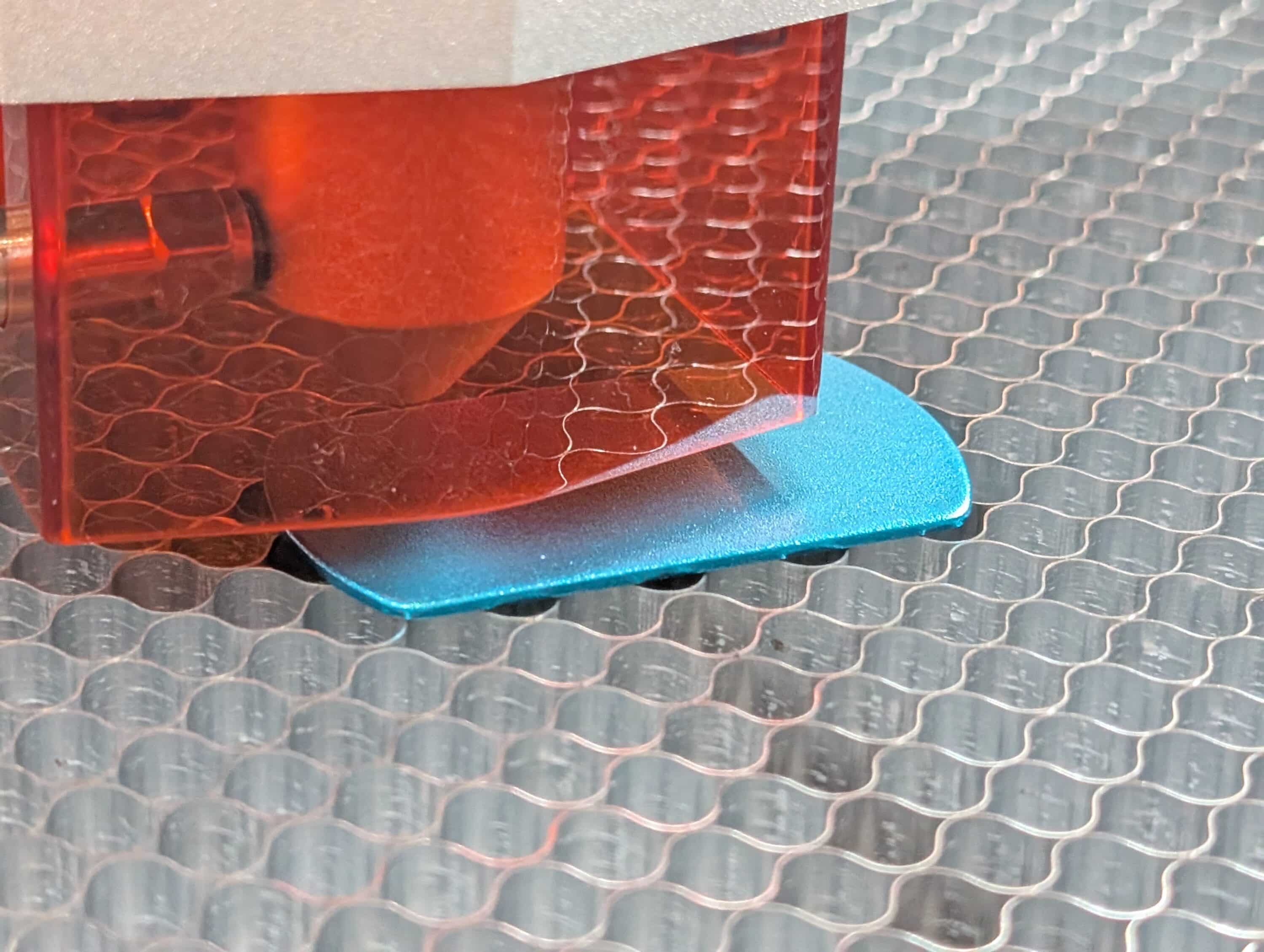
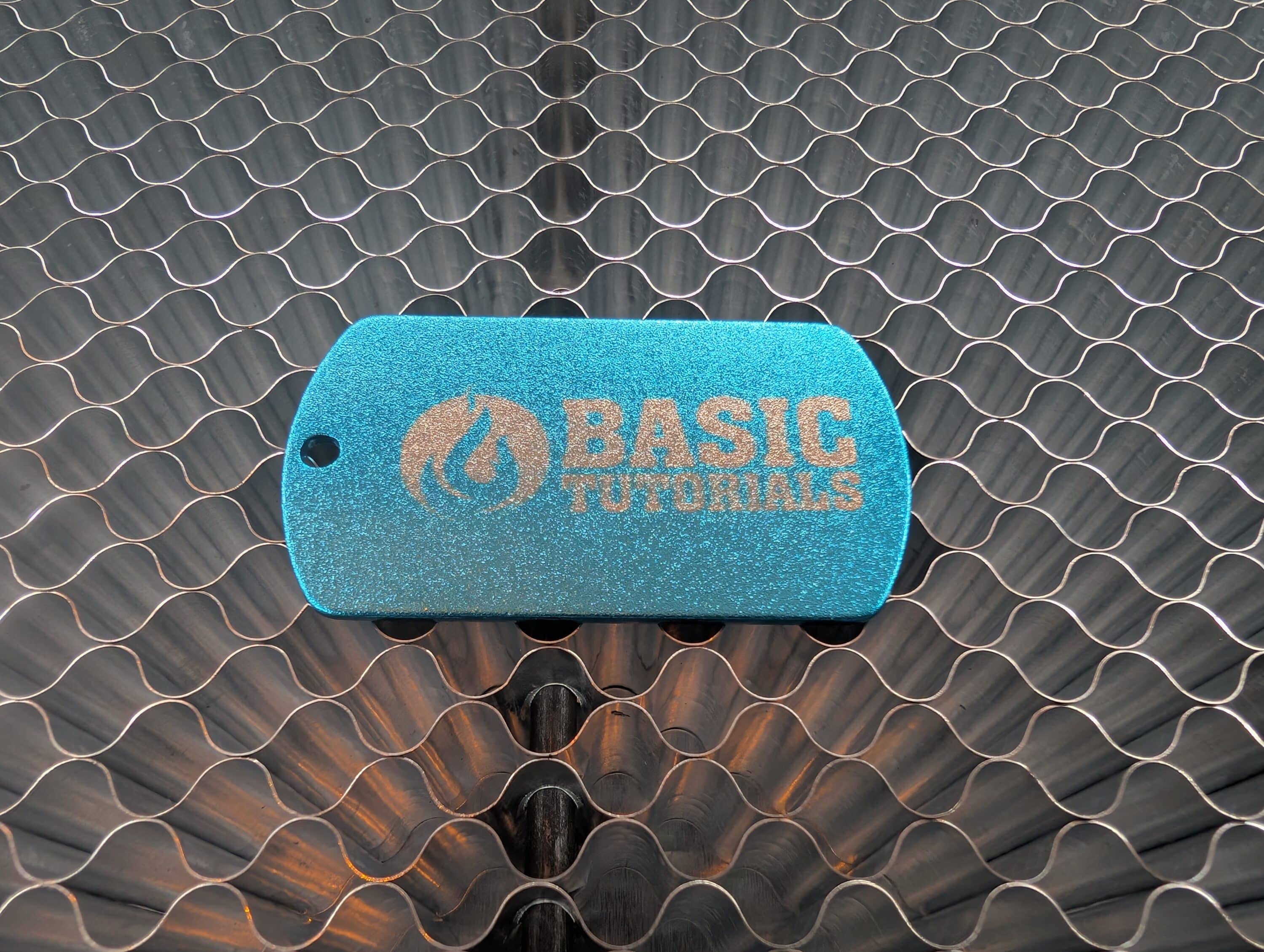
Slate was also a real stroke of luck: the laser produces fine, durable engravings with excellent contrast. Lettering remains legible even in small sizes, while images are reproduced in great detail. This is where the L2 really comes into its own.

Cutting performance of the TOOCAA L2 in the test: What 20 watts can really do
What does the 20W laser actually achieve when cutting? Our test series produced solid results.
With 3 mm plywood, the L2 is in top form: clean cuts in one pass at 1200 mm/min, with smooth edges without burns. 6mm beech wood needs two passes, but the result is still good. With thicker acrylic, however, it gets tough – we manage 8mm with four passes, but this takes a correspondingly long time, while the melting marks become visible.

However, the laser only achieves the advertised speed of 24,000 mm/min for very simple engravings without details. Realistic values for usable cutting results are significantly lower – usually between 800 and 1500 mm/min, but this is well within the expected range.
Air-Assist makes the decisive difference here: you can set higher speeds in the software and still get cleaner edges, while smear marks disappear. If you do without it, you are clearly sacrificing quality and efficiency.
The odor problem: Semi-closed has its limits
The biggest problem in the test of the TOOCAA L2 is the smell. Despite the closed housing and powerful extraction system, you can clearly smell the laser work in your home. Although the housing is closed at the top and sides, there is a clear gap at the bottom through which odors enter the living area.
The TOOCAA L2 test quickly revealed the following with various materials: the PU leather from the Magic Box in particular smells really pungent, while wood also smells quite bad. Plastics are more moderate, but even with the harmless two-tone sheets you notice the typical laser smell after an hour of operation. You really have to put up with it for longer projects.

Routing the exhaust air pipe to the outside is therefore a must, not an optional extra. We put it through a tilted window – it works, but it’s not elegant. For permanent installation, you would need a wall opening, while the additional Air Purifier for just under 400 euros is almost a necessity if you really want to operate the appliance in living rooms. So it’s not completely suitable for living spaces – at least not without additional measures.
Workmanship: Largely exemplary
On the other hand, the TOOCAA L2 scored highly in the test when it came to workmanship. Apart from the scratch-prone acrylic glass, the workmanship of the L2 is exemplary. The aluminum frame makes a solid, high-quality impression, while all the drill holes fit precisely and the fits are almost millimeter-perfect. This demonstrates modern CNC manufacturing and stringent quality control.
The linear guides also run smoothly and without play. Even after the extensive test phase, there are no signs of wear or decreasing precision. The belt tension is set correctly, while nothing grinds or rattles.
Focusing via the spacer works reliably, but is less flexible than stepless systems. Two fixed settings for 4-6mm and 7-9mm material thickness cover most applications. With very thin or very thick materials, however, you have to play around with supports or spacers.
Maintenance: Simple, but not quite cheap
Fortunately, the maintenance effort is kept within limits. The laser lens needs to be cleaned occasionally – a cotton bud with isopropanol is sufficient, while the procedure takes less than five minutes. The honeycomb worktop is much more robust, withstanding even the toughest treatment, while the laser module is completely maintenance-free. It only gets expensive when it comes to consumables: clogged suction filters cost a hefty 30 euros each, while the extensive range of accessories with Smart Camera (170 euros), smoke cleaner (400 euros) or rotation modules (230 euros) quickly devours twice as much as the basic device.
Competition: How does the newcomer fare?
As a young manufacturer, TOOCAA is competing against established names such as Atomstack, Sculpfun and NEJE. Although they have years of head start and can produce more cheaply due to mass production, they largely rely on open systems. TOOCAA therefore has to score points with other arguments.
The safety concept is definitely a unique selling point, although the L2 is not alone. At 40 watts, the xTool S1 also offers plenty of power and complete enclosure, but at 2,600 euros it costs twice as much as the TOOCAA L2 40W (1,316 euros). Open 20W systems from Atomstack or Sculpfun, on the other hand, cost only 350-400 euros, but do not offer Class 1 certification.
This makes the L2 interesting: as a 40W variant, it offers similar performance to the xTool S1, but for half the price. Compared to open 20W systems, it scores with safety and optionally double the power. The modularity with interchangeable 10W, 20W and 40W modules is unique in this price range.
The sticking point remains the target group: anyone who has a workshop and can cope with open systems will find it cheaper. If you need maximum professional features and perfect workmanship, go for the xTool S1. The L2 is aimed at users in between – who value safety and performance but don’t want to pay twice as much.
Conclusion: Good approach, but a little room for improvement
After the extensive test phase, we draw a mixed but not negative conclusion. The TOOCAA L2 20W shows that new manufacturers can also challenge established top dogs – if the concept is right. The Class 1 certification and sophisticated security features are a real step forward compared to open systems.
The workmanship is also largely of high quality, while the 20 watts are completely sufficient for most hobby and semi-professional applications. The modular design with interchangeable laser modules is also future-proof, while the structure is well thought out despite its initial complexity.
However – and this is a very important but – there are some weaknesses in everyday use. The lack of a resume function for longer outages can be annoying, even if this is similar for most competitors. Three separate power connections are also impractical, but can be tolerated. However, the odor development despite extraction makes the promised suitability for living rooms a half-truth.
The incomplete parameter database is particularly unfortunate, especially with the expensive Magic Box materials. For a 700-euro laser, this could definitely be improved, even if you can help yourself with a little experimentation.
After our test, we would still recommend the TOOCAA L2 to users who value safety highly and are prepared to pay for this privilege. If you have a workshop and can cope with open systems, you will be better off with half the investment. With the L2, the manufacturer has proven that fresh ideas can work – but the teething troubles should be eliminated for the next generation.
In any case, the potential is there. It just needs to be better exploited.

VORTEILE
- Class 1 certification makes lasering possible without safety goggles
- High-quality workmanship and sophisticated safety features
- Very good engraving quality, especially on metal and slate
NACHTEILE
- Significant odor development despite closed housing
- Three separate power connections required for full operation
- Incomplete parameter database, especially for offered material
Fazit
Safe 20W laser with Class 1 certification and high-quality workmanship. Impresses in terms of engraving quality and safety, but shows weaknesses in odor containment and user-friendliness.


