


WiFi 7 is certainly still a niche topic for many people. This is not least due to the expensive hardware that is required. TP-Link wants to tackle this and make the latest WiFi standard attractive to the masses with network products at a comparatively fair price. With the Deco BE25 (Review | € 109.90 *) and the Deco BE65 (Review | € 229.90 *), we have already been able to try out two models from the WiFi 7 mesh series. In the TP-Link Deco BE85 test, we reveal what the flagship of the series has to offer.
Technical data
| Model | TP-Link Deco BE85 |
| Product category | WLAN mesh system |
| Frequencies | WiFi 7 (2.4 GHz, 5 GHz, 6 GHz) |
| Frequency band | Triband |
| WiFi transmission standard | MU-MIMO |
| Max. data rate | 2.4 GHz: 1376 Mbit/s 5 GHz: 5765 Mbit/s 6 GHz: 11530 Mbit/s |
| Security features | SPI Firewall, Access Control, homeShield Security |
| Antennas | 8 antennas |
| Ports | Ethernet ports: 1x 10 Gbps, 1x 10 Gbps SFP+/RJ45 combo, 2x 2.5 Gbps; 1x USB 3.0 port; reset button, 1x WPS |
| Dimensions | 128 mm x 236 mm x 128 mm |
| weight | 2.96 kg |
| price | € 649.00 * |
TP-Link Deco BE85 test: Scope of delivery
With the Deco BE65 you have the choice between two different configurations. You can either go for the single device or get the WiFi 7 mesh system in a double pack consisting of two devices. For our test, we received the set with 2x BE85.

The scope of delivery includes
- 2x TP-Link Deco BE85
- 2x power supply unit + power cable
- 1x RJ45 Ethernet cable
- 1x instruction manual
TP-Link Deco BE85 Test: Design and workmanship
In terms of appearance and build quality, the TP-Link Deco BE85 is beyond reproach. This piece of network technology simply feels excellent and at first glance you get a feeling that this is by no means a cheap product.

TP-Link uses a matt white finish, which experience has shown makes ugly dust appear virtually invisible. So you won’t have to pull out the feather duster often if you want the BE85 to always shine at its best. TP-Link has placed grooves on the front that conjure up a large 7 on the device. Of course, this is intended to indicate the modern WiFi 7 standard.

There is a fan on the top that produces noticeable waste heat. Given the rather high power consumption of 17.5 watts in standby mode, this is not surprising. It is clear that the device is not aimed at energy savers.
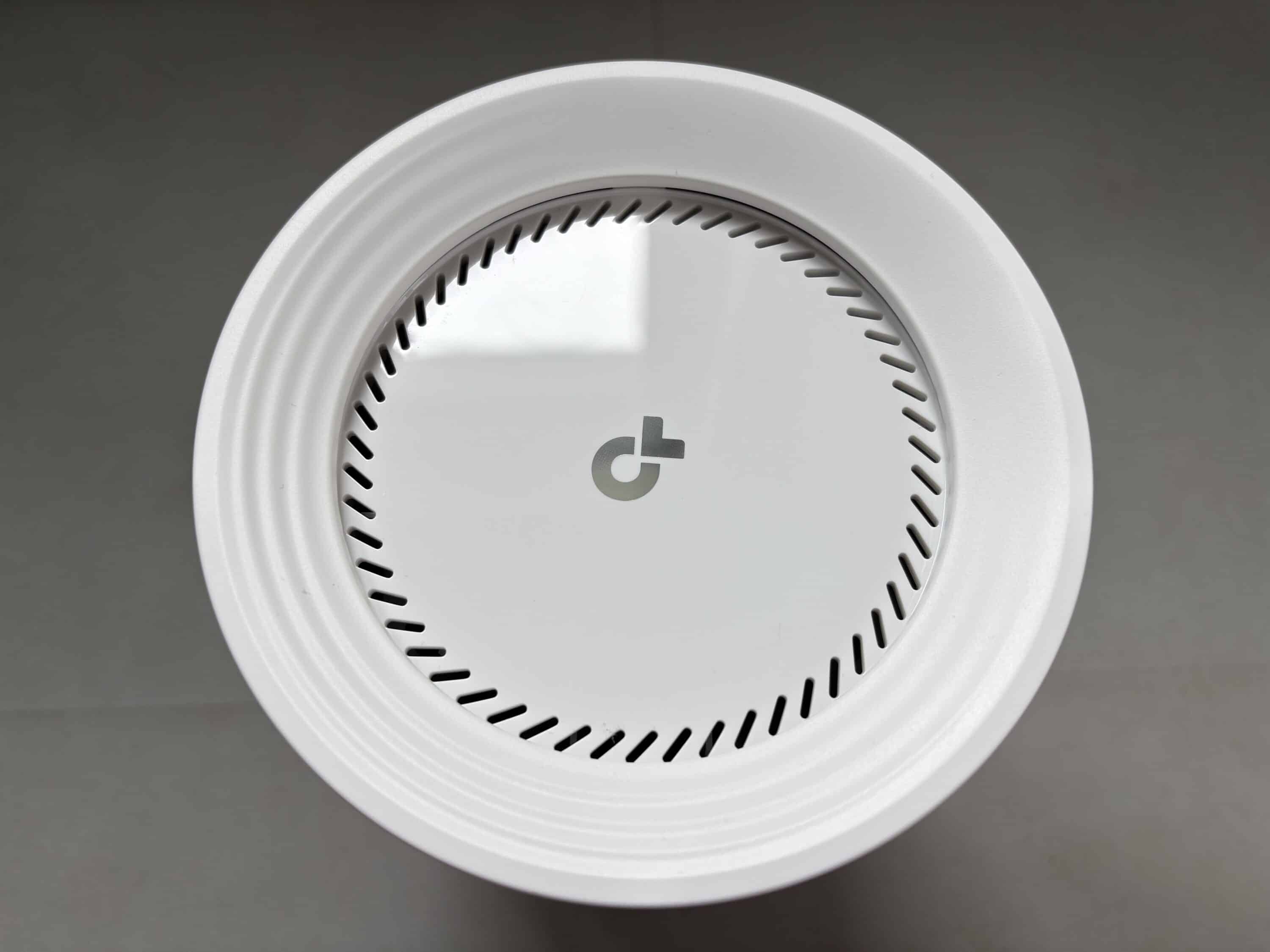
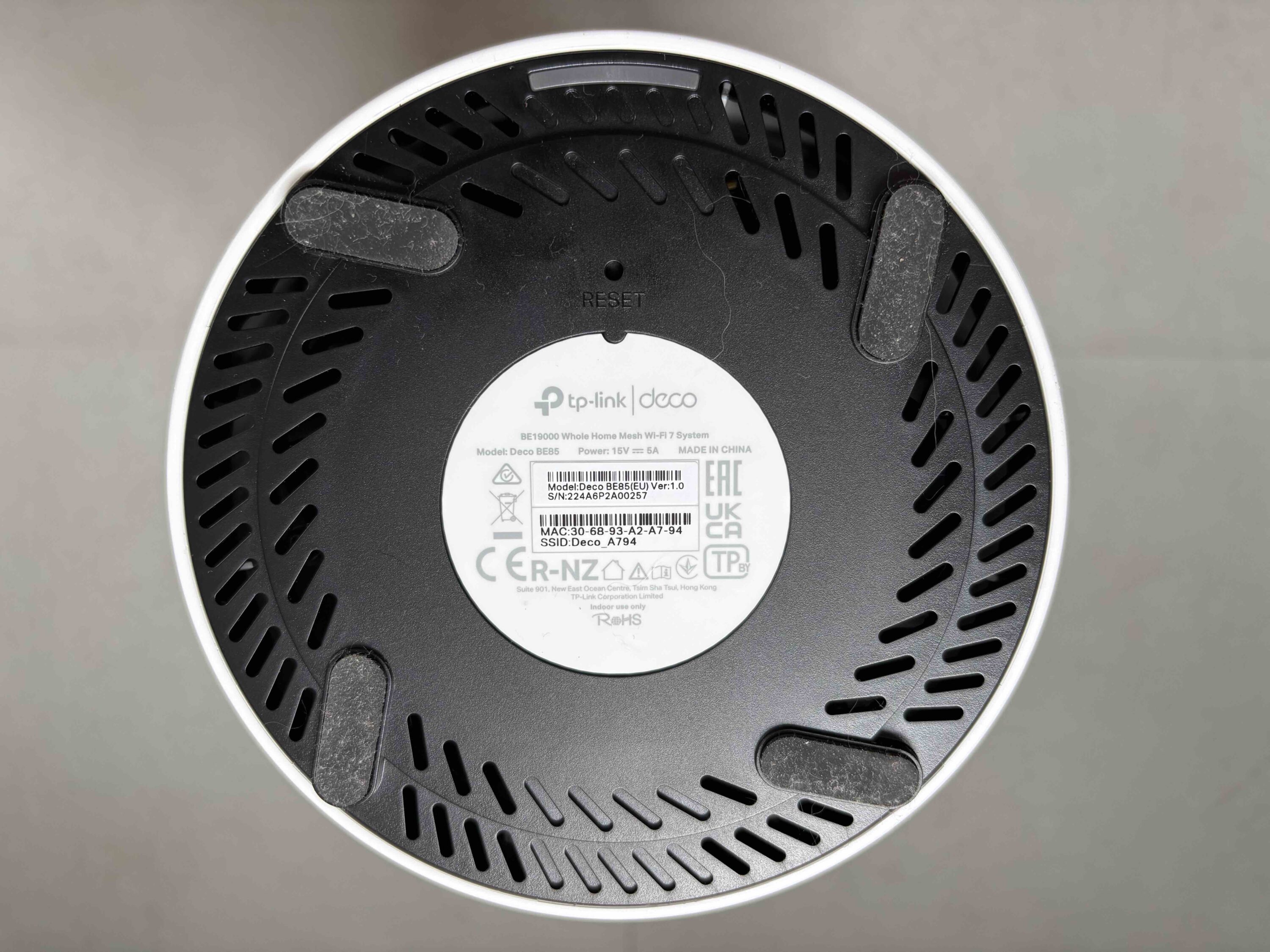
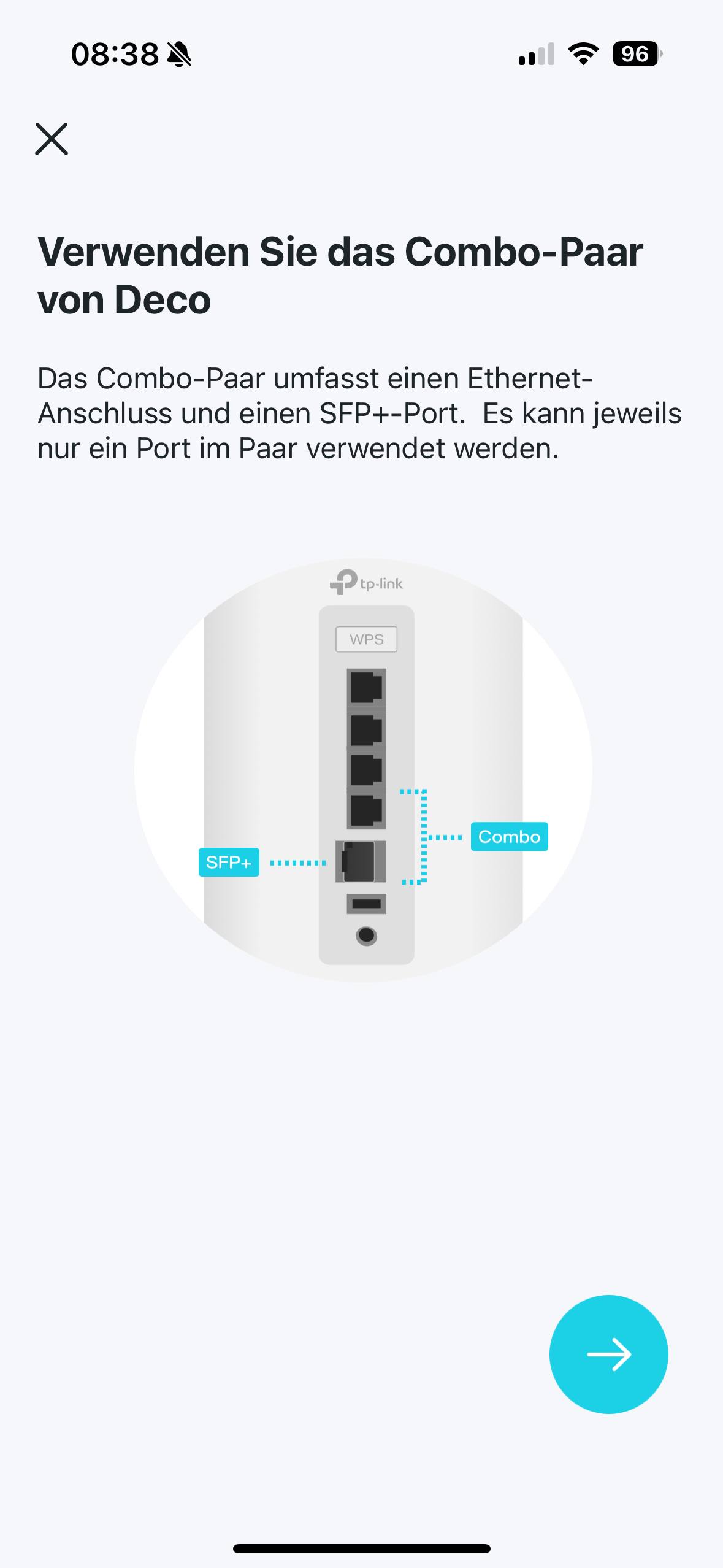
There is a color LED on the underside that visualizes the current status of the device. Rubber feet on the base ensure a firm stand. The connections of the mesh system are located on the back. Here we find 1x mains connection, 1x USB 3.0, 1x SFP+, 2x LAN (10 GB/s), 2x LAN (2.5 GB/s) and the WPS button for fast connections to the WiFi system.
TP-Link Deco BE85 test: Setup
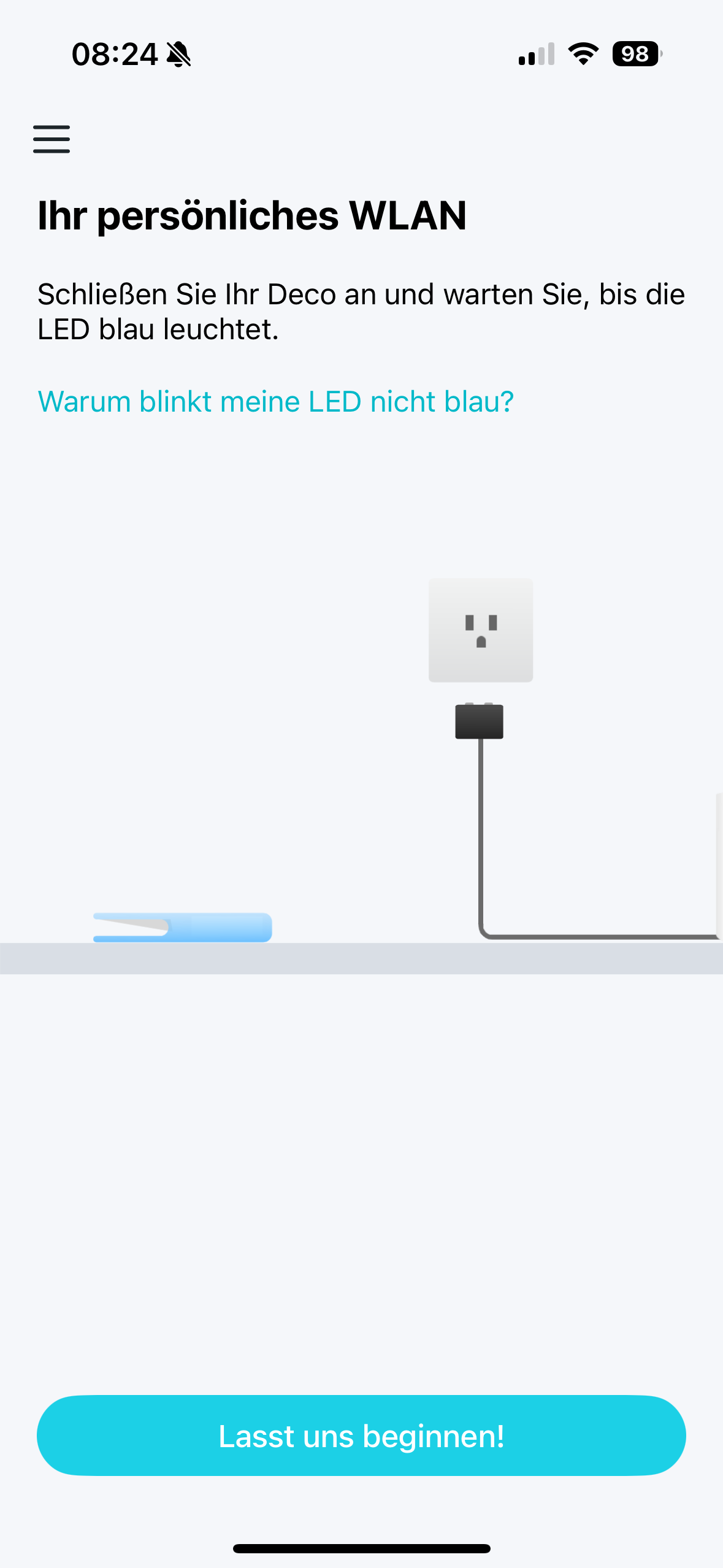
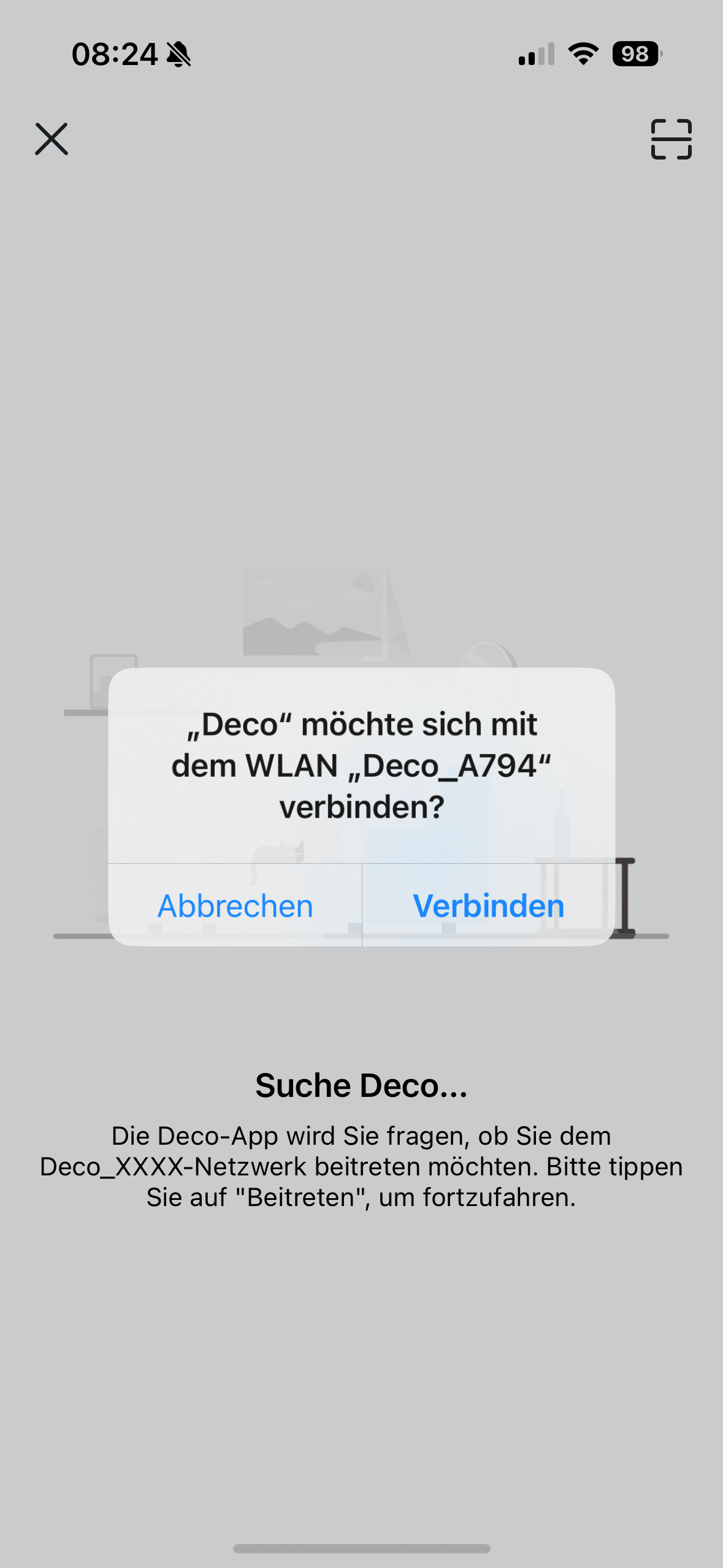
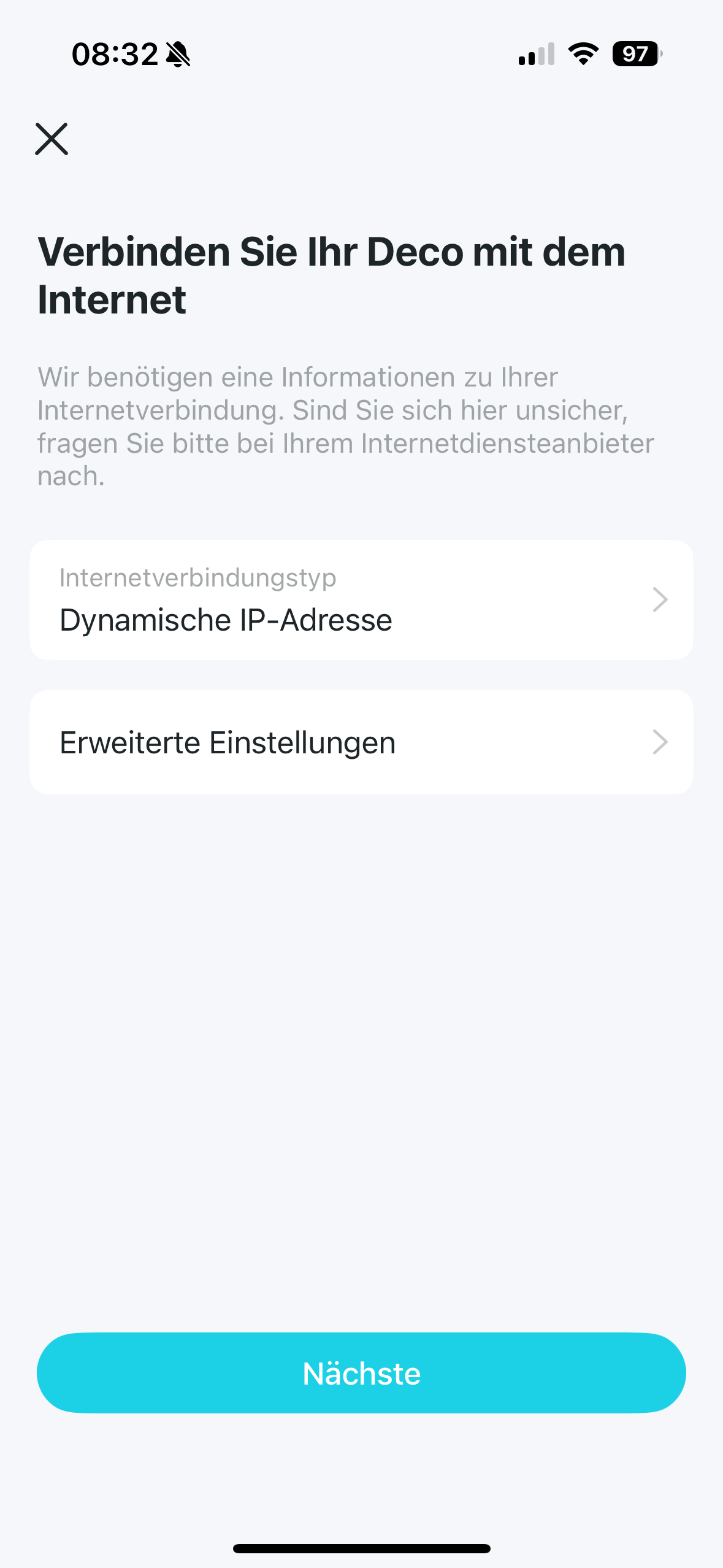
Setting up the Deco BE85 is quick and easy. You will need the Deco app from TP-Link for this. Once you have downloaded it and created an account, the next step is to supply the BE85 with power using the power plug provided. The device should now be displayed in the app. The next step is to connect the Mesh to your router using the LAN cable. Now simply follow the instructions in the app. These are very easy and described in clear, illustrated steps.
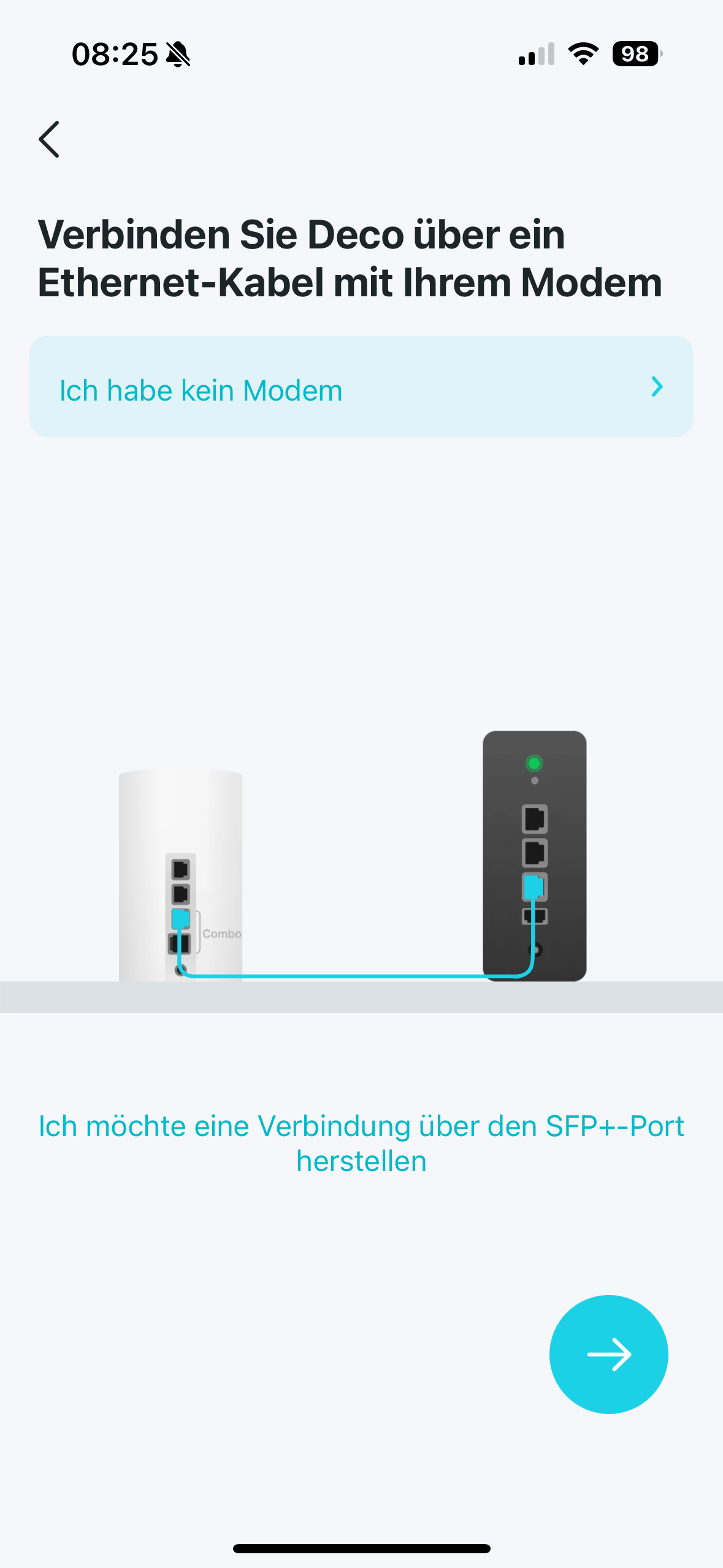
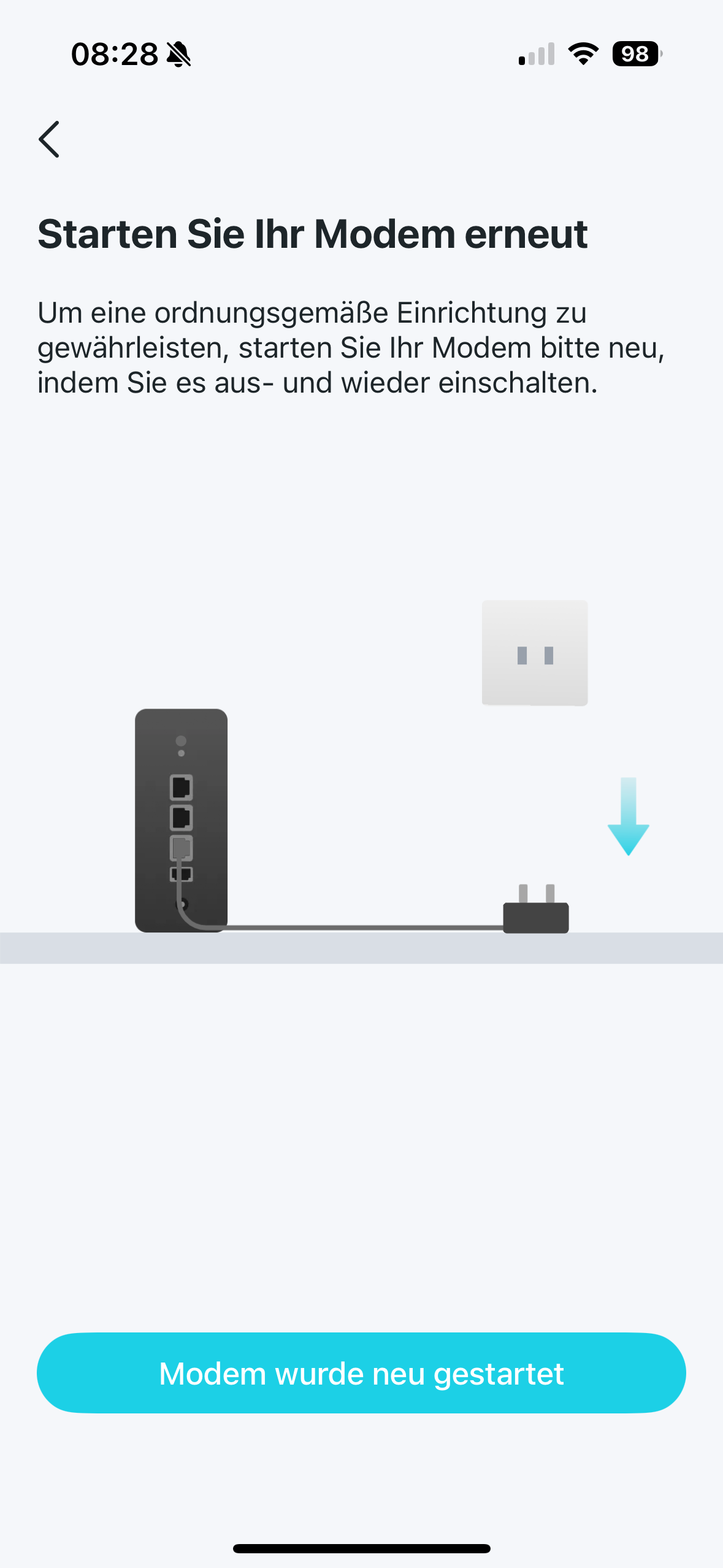
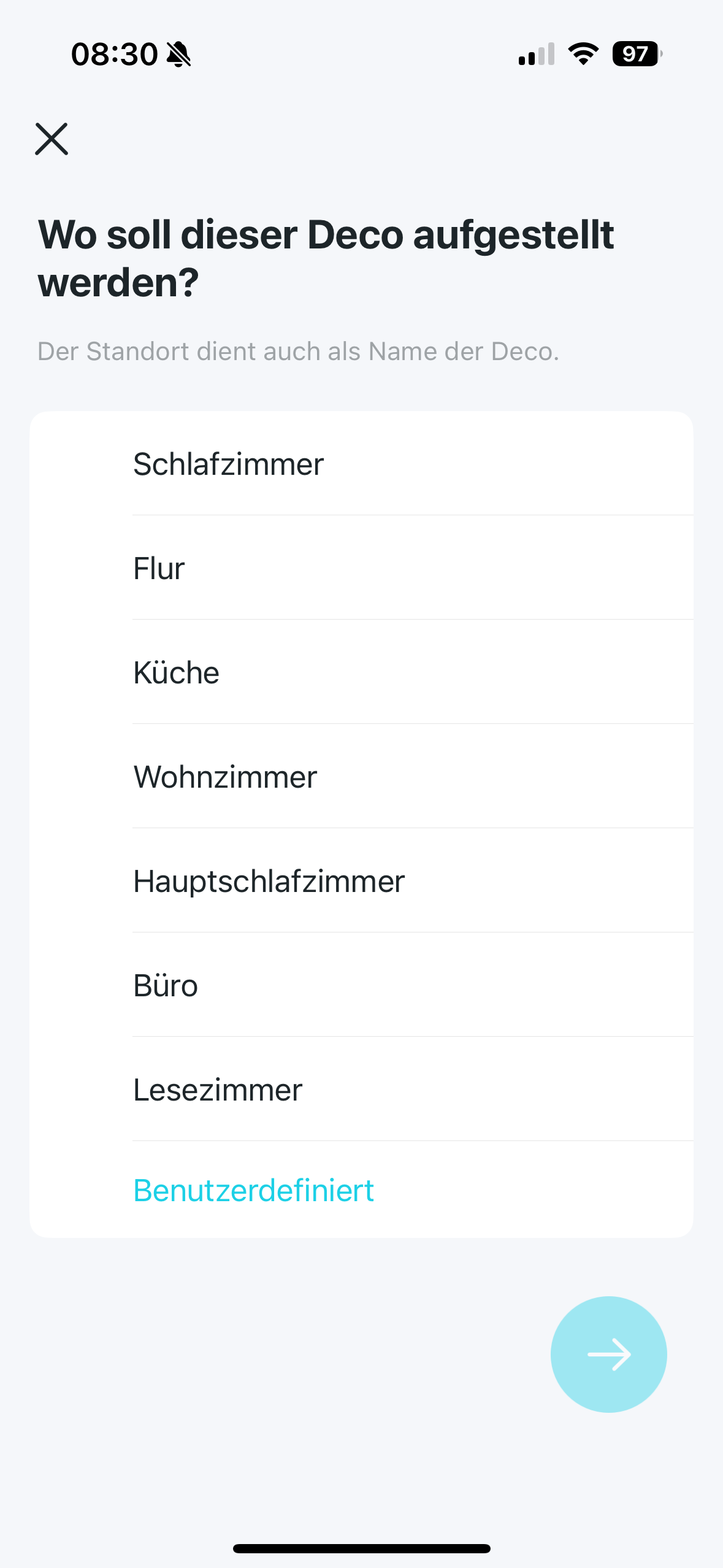
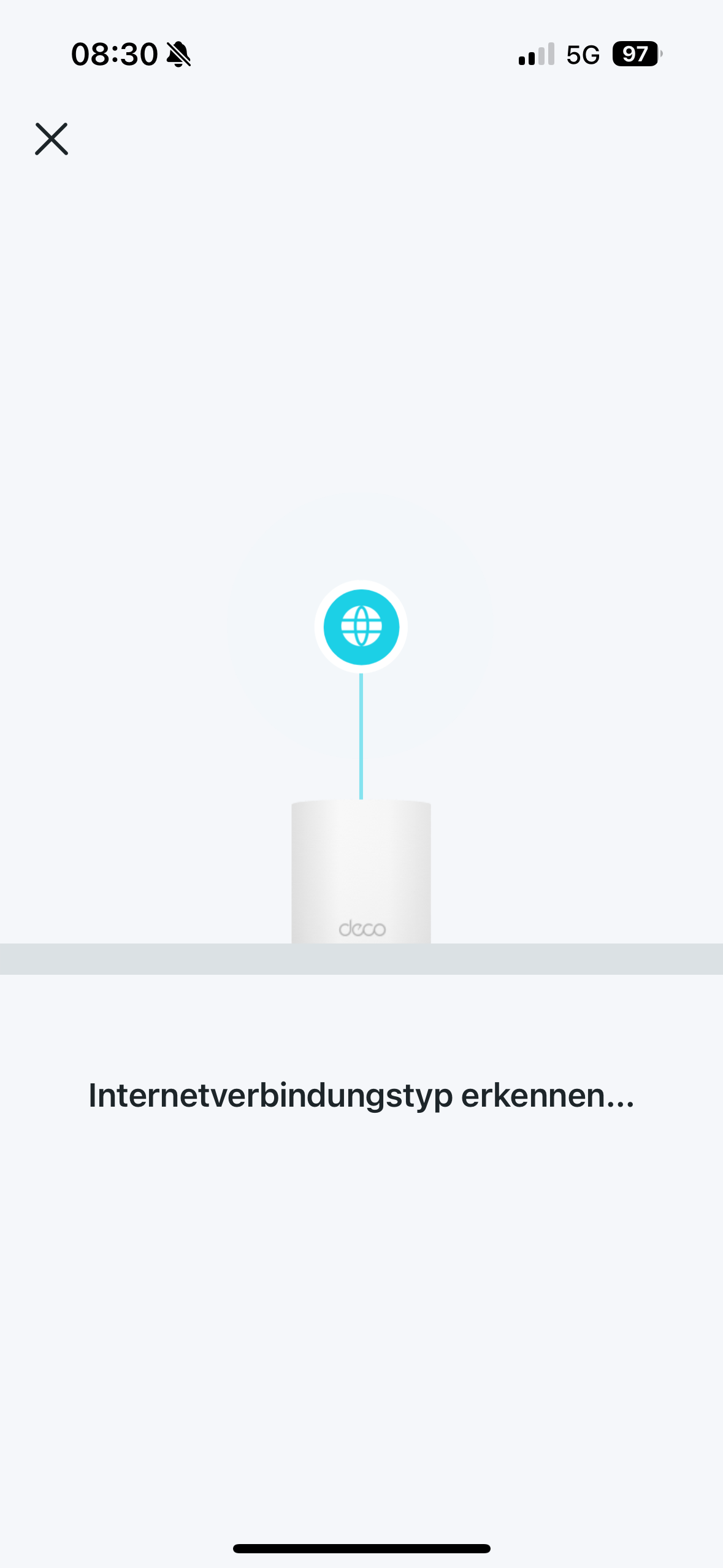
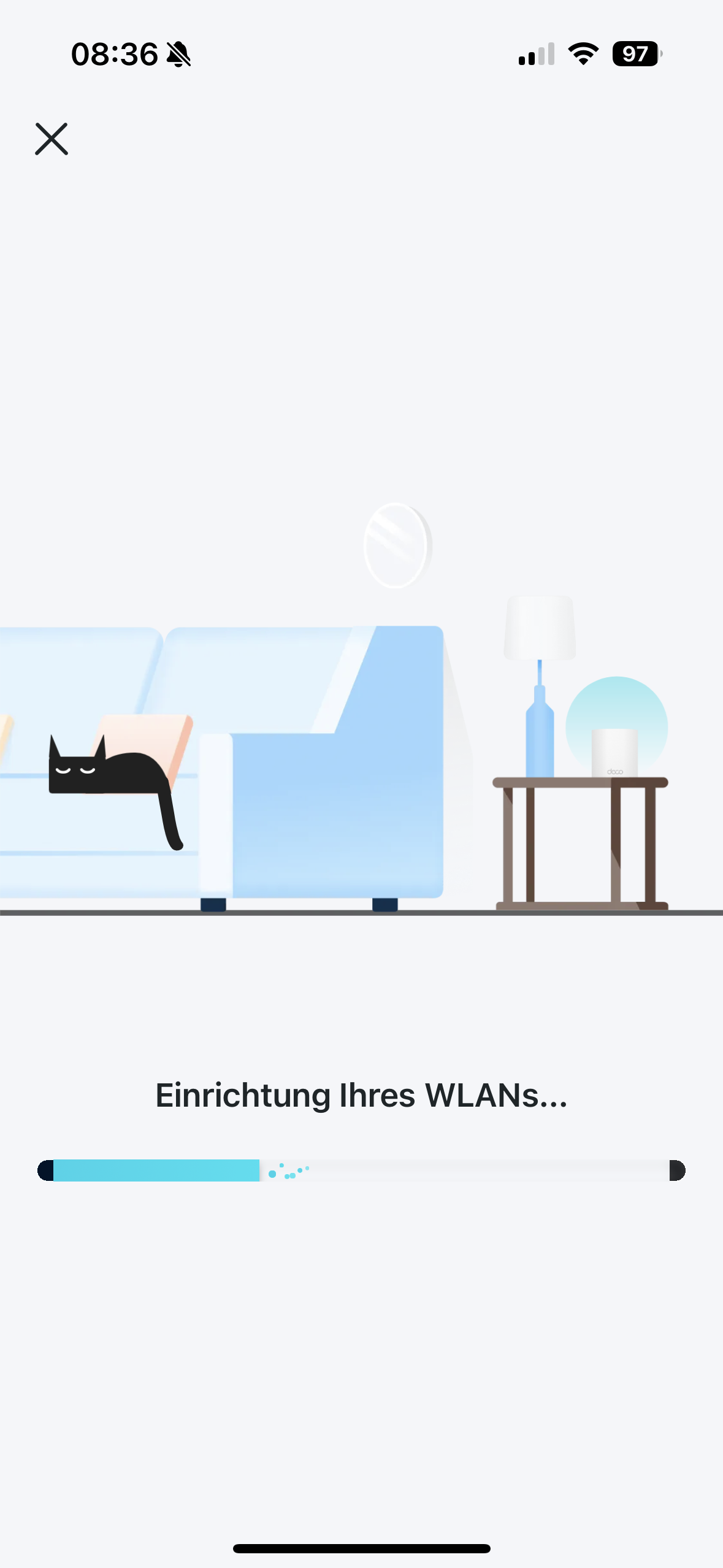
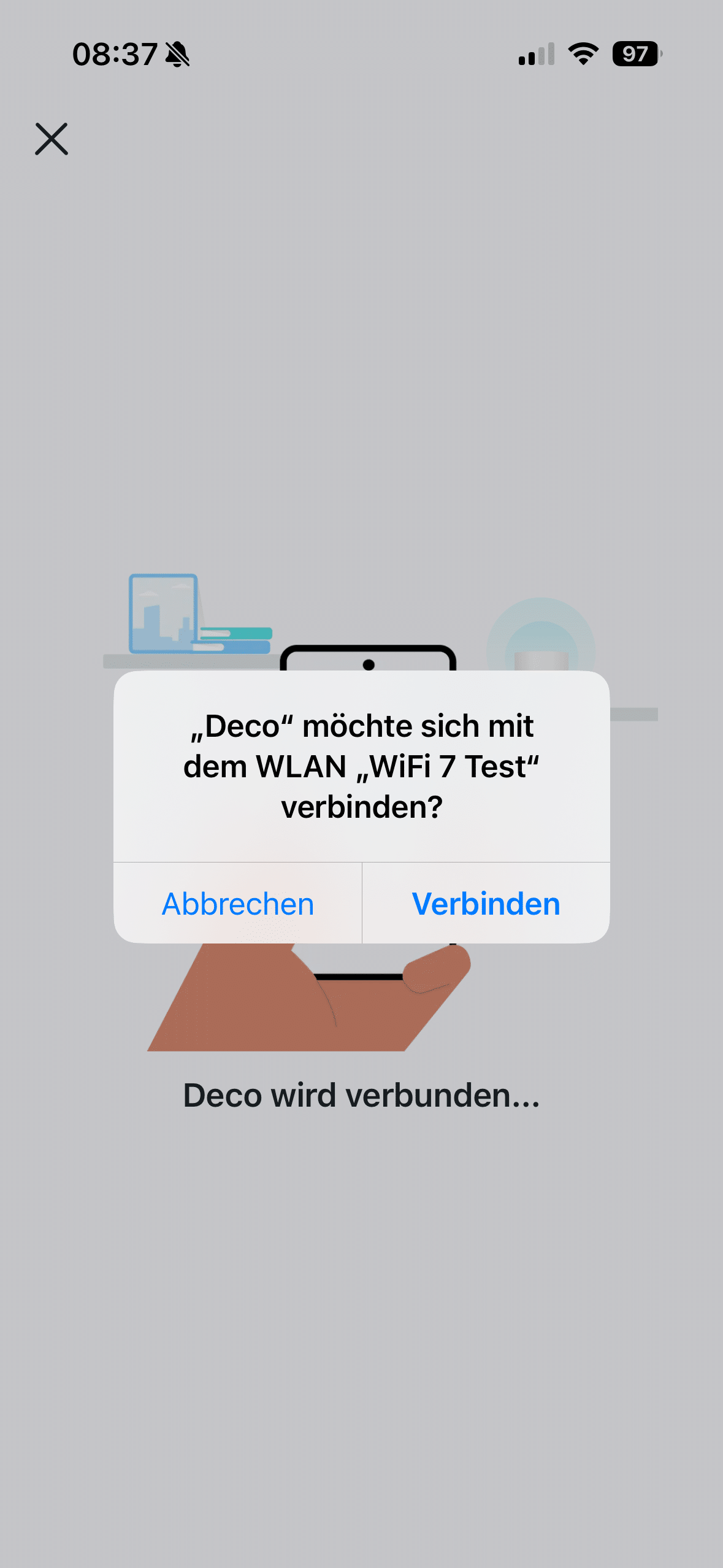
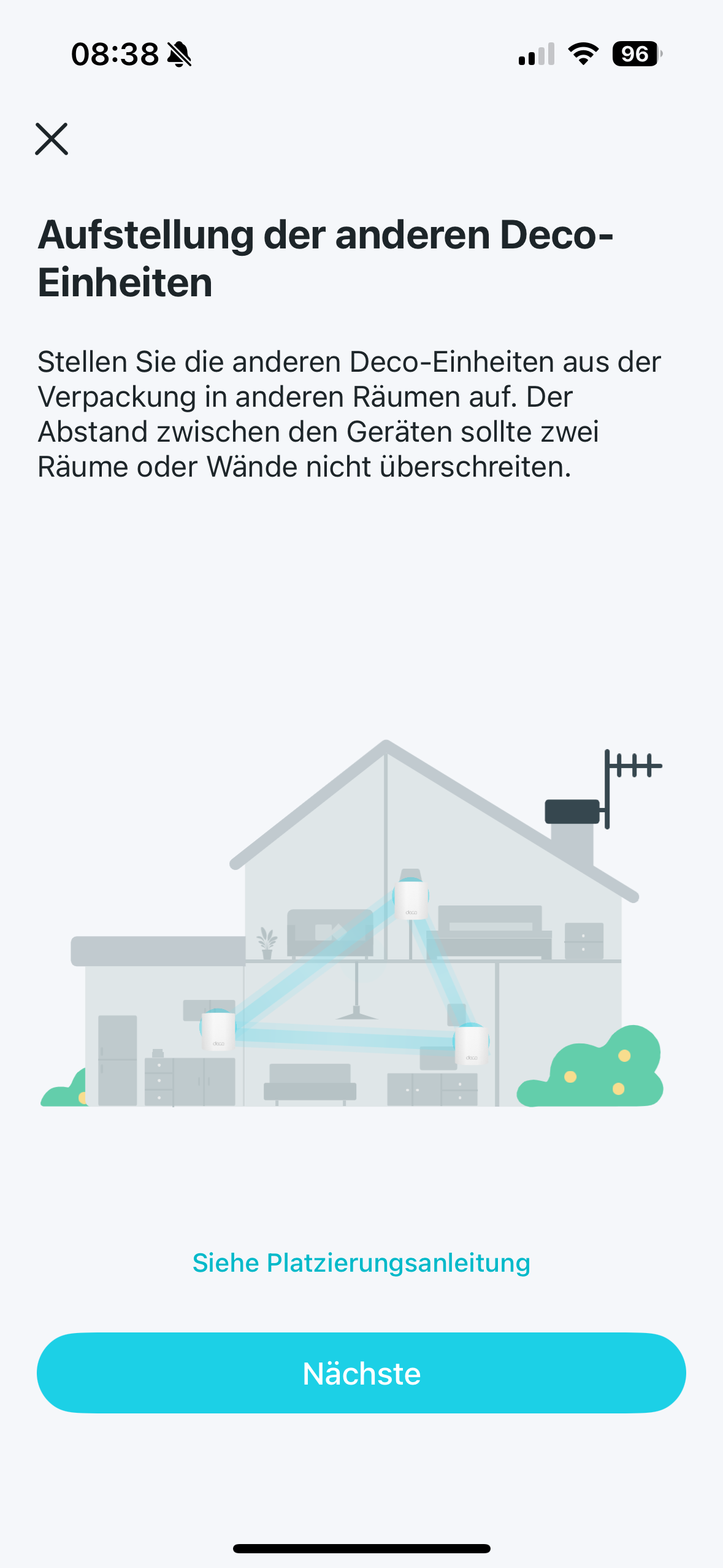
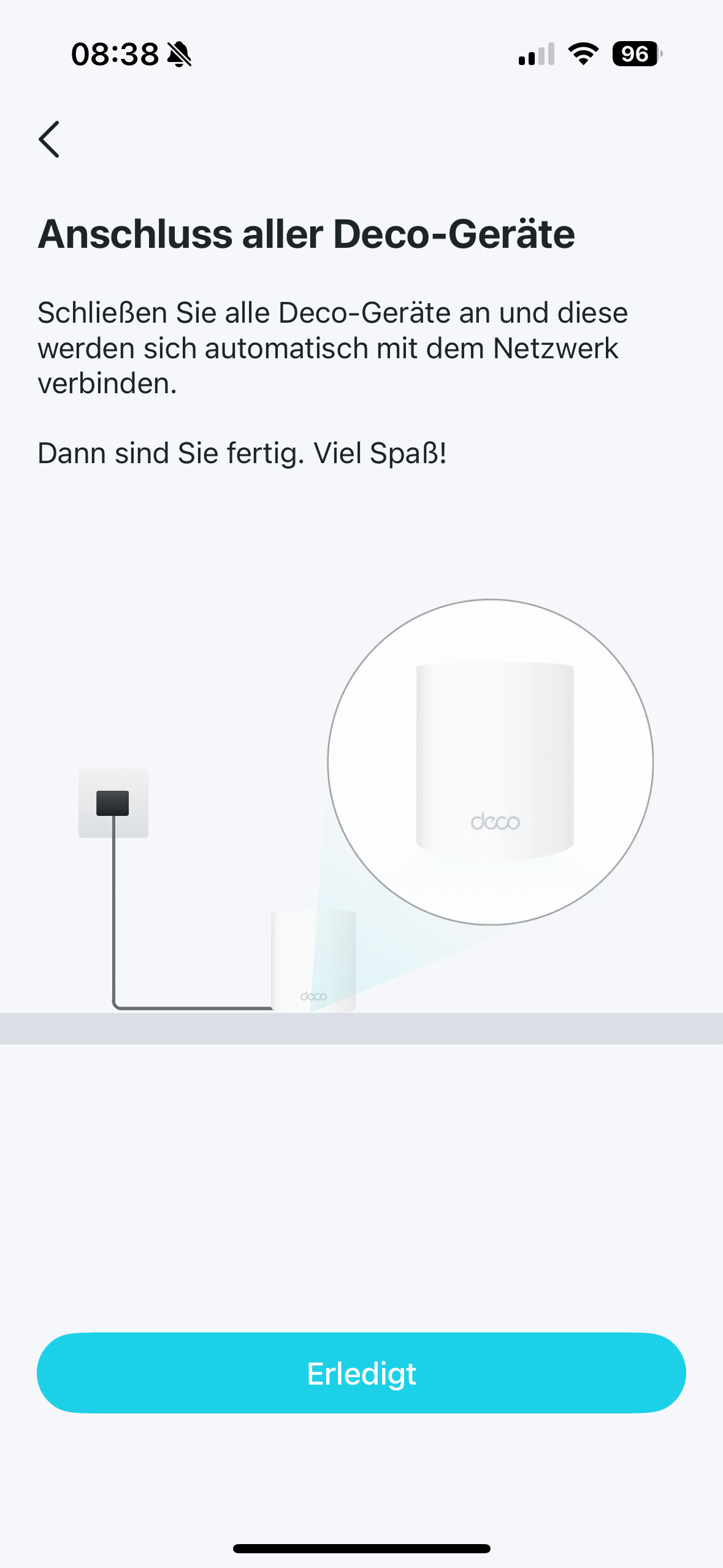
If you set up the BE85 in a twin pack like I did, you can add another device in a foolproof way. This is of course a good idea if you need strong Wi-Fi on two different floors. All you have to do is plug the second device into the socket. The mesh devices will take care of the rest automatically. Alternatively, you can also connect the two BE85s to each other by cable.
TP-Link Deco BE85 test: Deco app
After commissioning, you can let off steam in the Deco app to your heart’s content. It scores with an excellent overview. Although it sometimes suffers from translation errors, this didn’t really bother me in practice. Only in the support area is there room for improvement. Here, English laymen will have to resort to a translator for better or worse, as most of the information is in English. The smartphone app not only allows you to view the status of the system. You can also use a speed test to check how fast the data rate currently is.
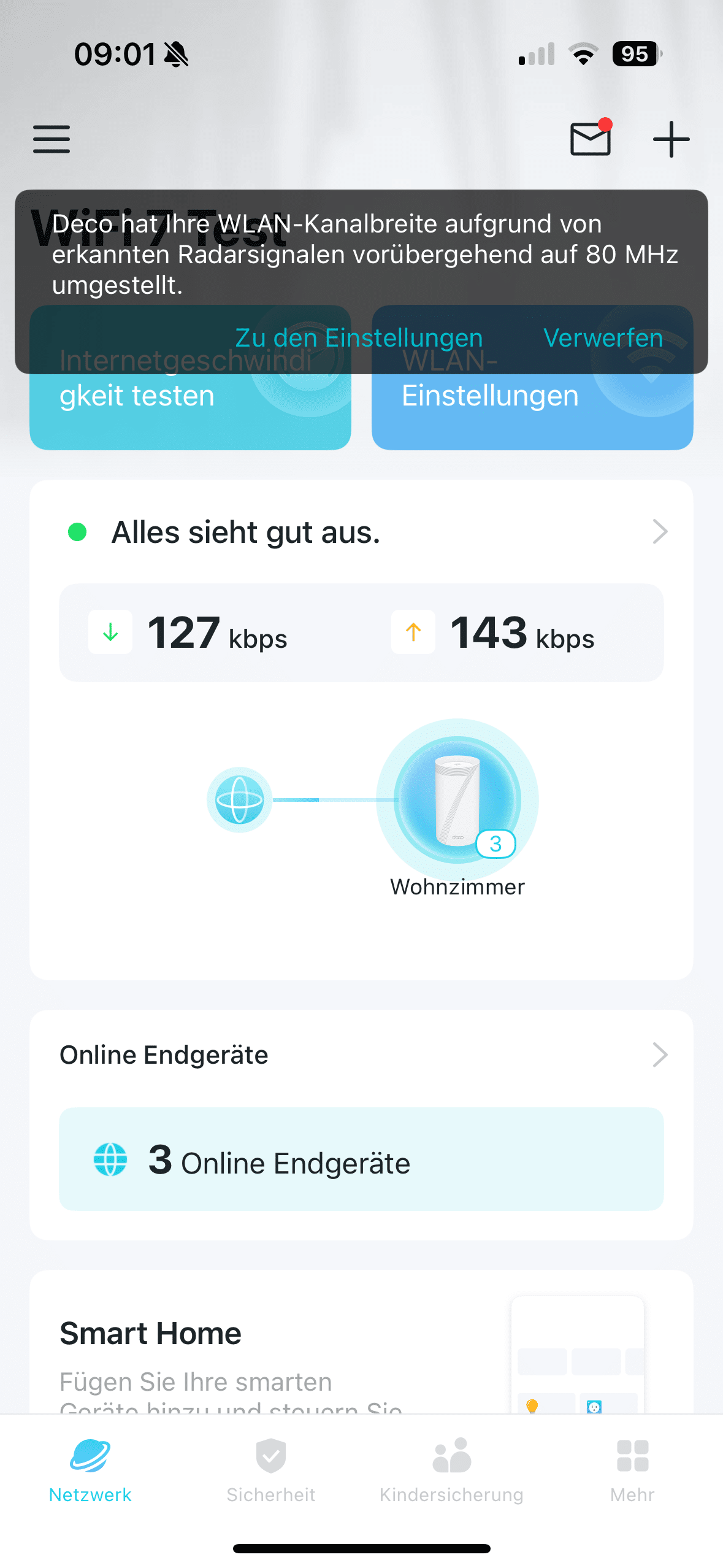
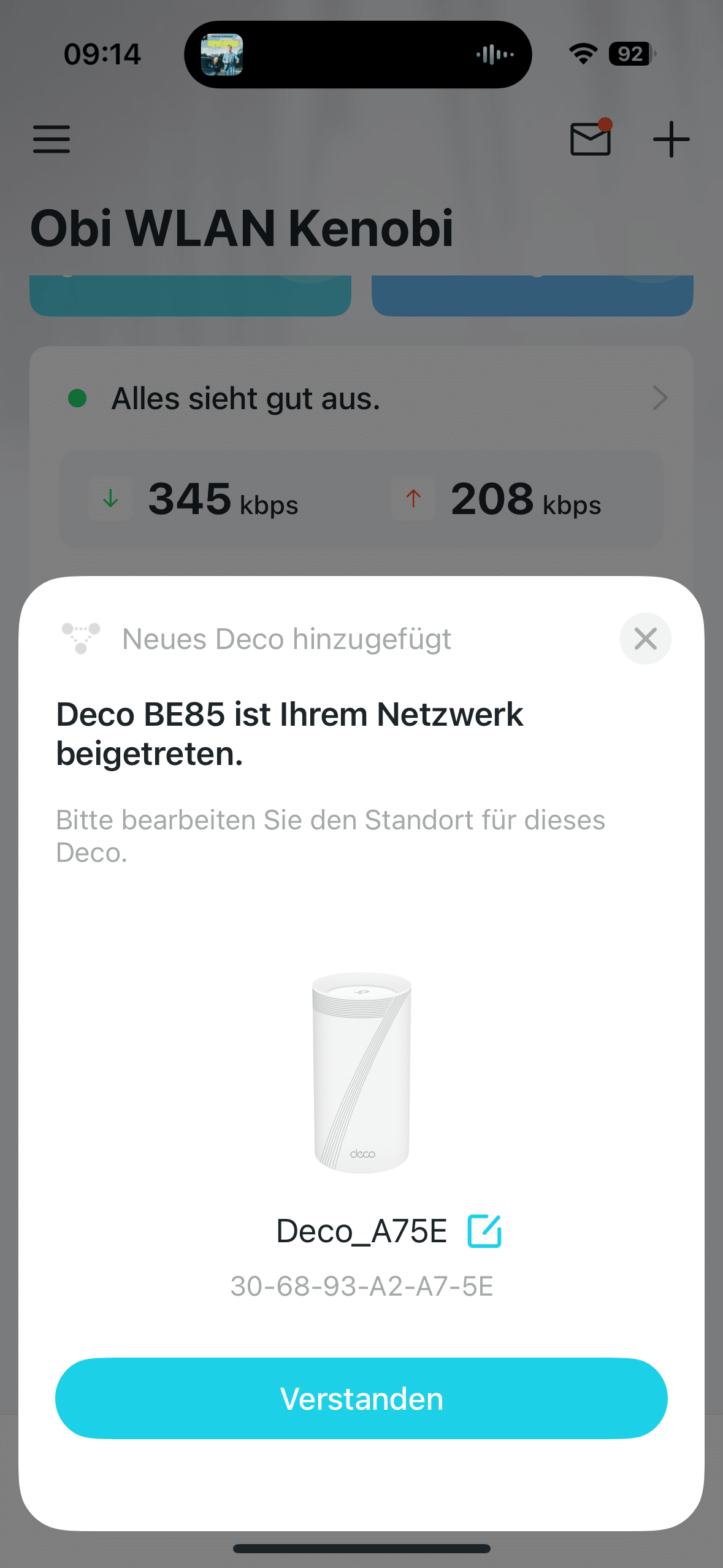
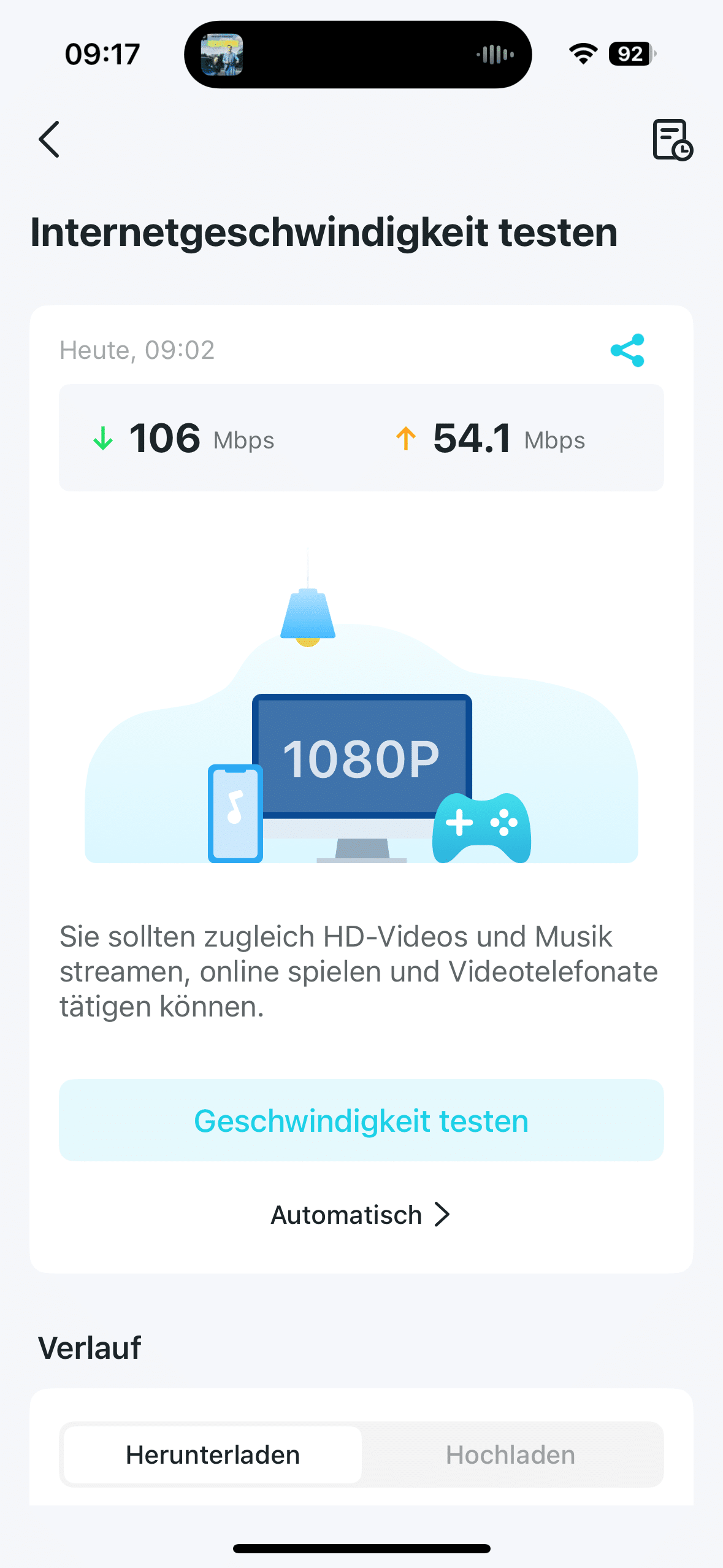
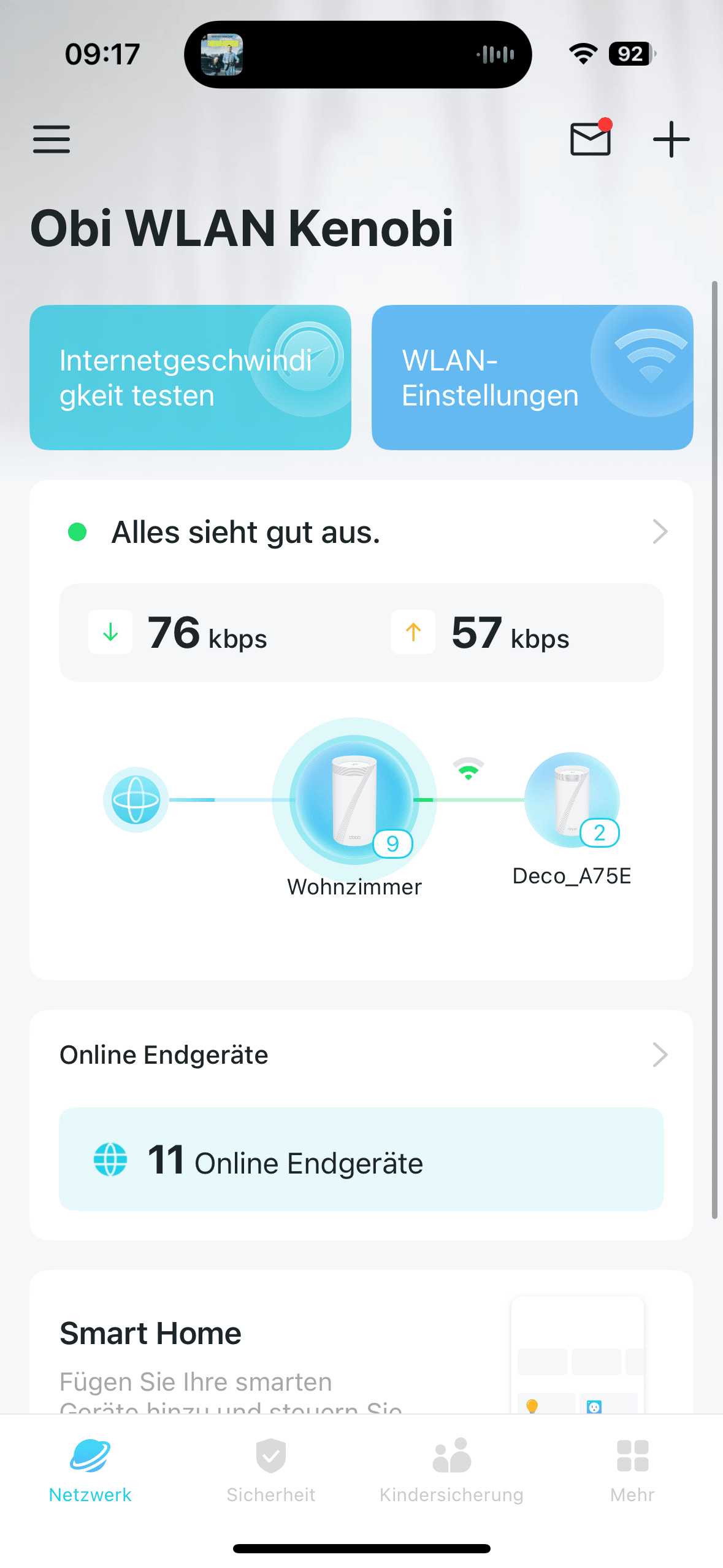
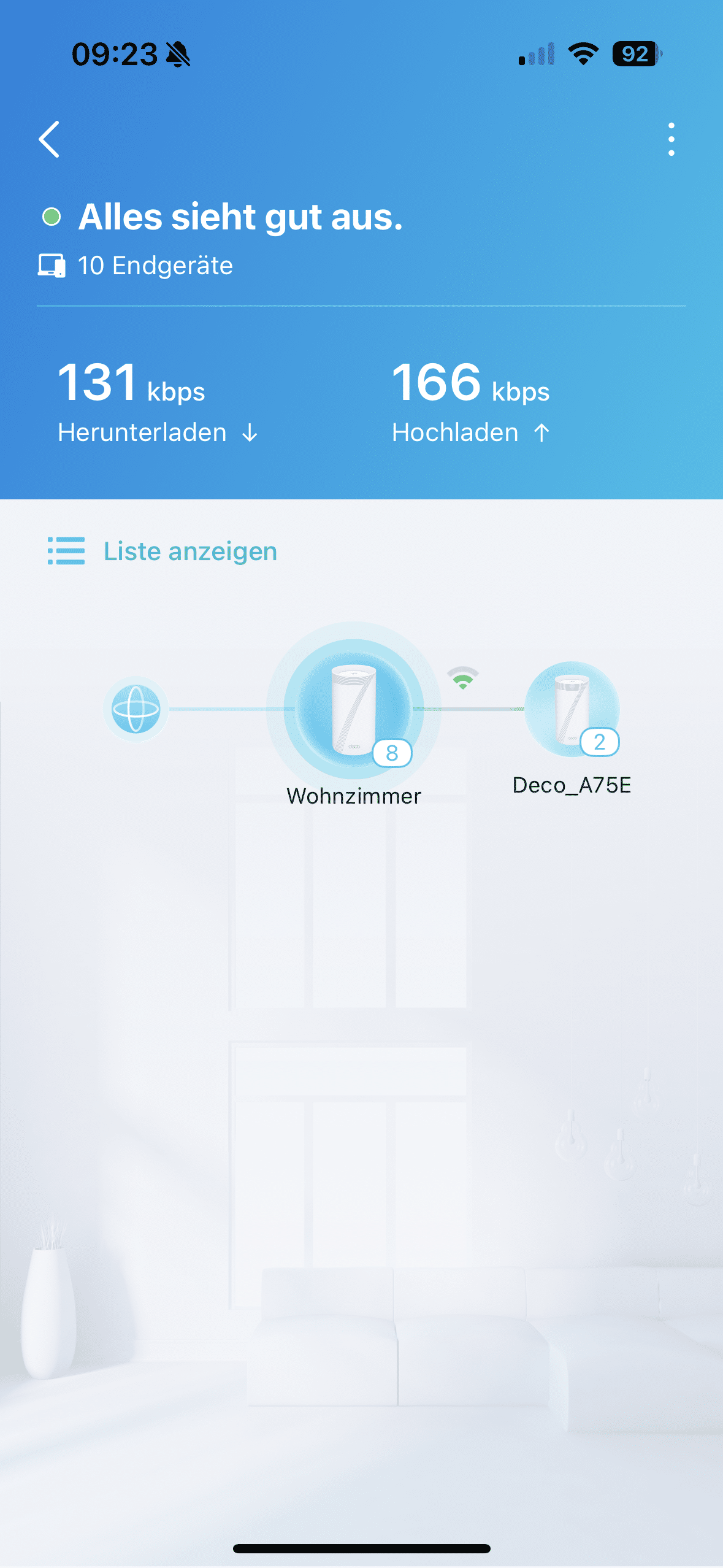
You can also see which devices are currently connected. For multiple BE85 models, the app shows which mesh is connected to which end device. Various settings can also be made on the BE85. When a new device connects to the network, a push notification is also sent. Also on your smartphone. In the settings, for example, you can create an exclusive Wi-Fi network for your smart home devices to prevent attacks on your security system.
TP-Link Deco BE85 test: With MLO up to 19,000 MB/s
The introduction of WiFi 7 may have passed many people by. After all, it sometimes feels as if WiFi 6 has just become the new standard. But WiFi 7 goes one step further. After all, the wireless standard introduces a completely new frequency of 6 GHz. This tri-band technology consisting of 2.4 GHz, 5 GHz and 6 GHz theoretically enables maximum transfer rates of almost 19,000 MB/s with the BE85.

After all, many different devices can connect to the router or mesh via different frequencies at the same time. In practice, this means significantly faster speeds for pretty much all Internet-related applications. Of course, this is particularly noticeable with data-hungry applications such as online gaming or streaming. But using WiFi 7 should also pay off for VR headsets. The 19,000 MB/s are made up as follows:
- 2.4 GHz: 1,376 MB/s
- 5 GHz: 5,760 MB/s
- 6 GHz: 11,520 MB/s
The BE85 relies on multi-link operation (MLO) so that the 19,000 MB/s can be achieved in the first place. This means that a device connected to the BE85 can access more than just one frequency band. It can be supplied with all three bands by the router – compatibility with MLO is of course a prerequisite. What’s more, it is possible to switch quickly between the individual bands during the connection. In this way, the BE85 always ensures the most stable connection to the end device.
TP-Link Deco BE85 test: Connectivity
The BE85 promises a stable and fast Wi-Fi connection. But of course you can also connect your end devices conveniently by cable via the LAN port. You can choose between a total of five connections. Two of the Ethernet ports offer 2.5 GB/s, the other two even 10 GB/s. There is also a so-called SFP+ port. In combination with the lower of the two 10 GB/s LAN ports and a suitable connector, this can be used to connect a fiber optic cable, for example.

.
That’s quite a presentable amount of ports. However, you should bear in mind that one LAN port on the main device is occupied by the connection to your router. That “only” leaves three. In addition to LAN and SFP+ ports, there is also a USB 3.0 port at the rear. This is of course perfect for connecting hard disks in order to be able to conveniently share online storage.
TP-Link Deco BE85 test: Practical test
In the absence of a device with WiFi 7 compatibility, I helped out a little in the practical test. So I quickly upgraded my notebook with the MSI BE6500 (€ 78.55 *). And the result was really impressive.

In addition to fast transmission rates, even over long distances and with many end devices connected at the same time, I noticed excellent performance. Whether gaming, streaming or other data-hungry applications. The system never slowed down.
Conclusion
With the Deco BE85, TP-Link delivers a real WiFi 7 flagship that impresses both technically and visually. The workmanship is high quality, the equipment is impressively versatile – with fast 10 Gbit/s ports, SFP+ for fiber optics and sophisticated mesh functionality. In practice, the system scores with enormous speed, high stability and reliable signal coverage, even with several simultaneous devices and data-intensive applications.

Of course, there is a price to pay – both at the till and in terms of power consumption. However, in return you get one of the most powerful home network systems currently on the market, which is also equipped for future requirements. If you are prepared to invest in modern network technology and have high demands for fast, reliable wireless Internet, the TP-Link Deco BE85 is an all-round convincing mesh system. For average households, however, the smaller siblings in the form of the BE25 (€ 109.90 *) and BE65 (€ 229.90 *) are also sufficient in my opinion.

VORTEILE
- Extremely high speed thanks to WiFi 7 and MLO (up to 19,000 MB/s)
- Outstanding workmanship and high-quality design
- Easy setup via the Deco app with intuitive user guidance
- Stable and reliable performance even with many devices connected at the same time
- Very good mesh function with automatic connection and switching between modules
- Future-proof thanks to 6 GHz band and support for current network standards
- Extensive connection options with 10 Gbit/s LAN, 2.5 Gbit/s LAN, USB 3.0 and SFP+
- Practical app functions incl. speed test, device management, smart home optimization
NACHTEILE
- High price, especially compared to WiFi 6 models
- Clearly noticeable power consumption (approx. 17.5 watts in standby)
- Full power can only be used with WiFi-7-compatible hardware
- Operation exclusively via the app
Fazit
Extremely fast and future-proof WiFi 7 mesh system with top features and powerful performance - ideal for demanding users with high network requirements.


