


TP-Link no longer only scores points on the tech market with smart network solutions. The manufacturer has also made a name for itself in the field of smart home gadgets in recent years. TP-Link unites its products under the name “Tapo”. In the TP-Link Tapo H500 test, we have now been able to take a closer look at an exciting new addition. This is a hub that not only simplifies the management of several devices from the Tapo family. It is also designed to bring older surveillance cameras up to date with the help of new AI features, for example. What’s more, it can also be used to control devices from other manufacturers. We reveal what the supposed all-rounder has to offer.
Technical data
| Model | TP-Link Tapo H500 |
| Local memory | – 16 GB eMMC memory ex works – max. 16 TB retrofittable 2.5″ SATA HDD/SSD |
| Network | – 5 GHz Wi-Fi (for router) – 2.4 GHz Wi-Fi (for cameras) – Sub-1 GHz:863.35MHz, 864.35MHz, 868.35MHz |
| Security | 128-bit AES encryption with SSL/TLS |
| Connectivity | 1x HDMl, 1x DC power port, 1x LAN port, 1x USB-A, 1x USB-C (with power outlet) |
| Dimensions | 160.20 x 98.82 x 83.21 mm |
| price | € 129.90 * |
Scope of delivery

- Tapo H500
- Power adapter
- Power screws
- Quick Start Guide
- Ethernet cable
TP-Link Tapo H500 test: design and workmanship
Visually, the Tapo H500 is somewhat reminiscent of a Bluetooth speaker. This is not only due to the elongated shape, but also to the speaker on the back and the control unit on the top, which is highlighted in gray. The housing is made of high-quality plastic and comes in the typical Tapo white color. Unfortunately, there is no alternative in black.

There is a practical flap on the front that serves as a tablet stand when folded down. We’ll explain why this is useful later. There are ventilation slots on the left and right to prevent the Tapo H500 from getting too warm. There is also a slot on the left-hand side where you can insert a hard disk for additional storage.

The rear is not only home to the aforementioned speaker. The hub connections are also located here. The H500 has a USB-C port, a USB 2.0 Type-A port, an HDMI port and a LAN connection. The connections also include the mains connection for the power supply and a reset button. Status LEDs and the microphone are located next to the control unit at the top.
TP-Link Tapo H500 test: Quick setup
Setting up the Tapo H500 is really foolproof. First of all, you should look for a suitable workstation for the hub. A power socket is a prerequisite here. Once you have found a suitable place, simply connect the hub using the power cable. Next, decide whether you want to connect the hub to your home network via LAN cable or wirelessly via WiFi. I think it’s really good that WiFi is possible.


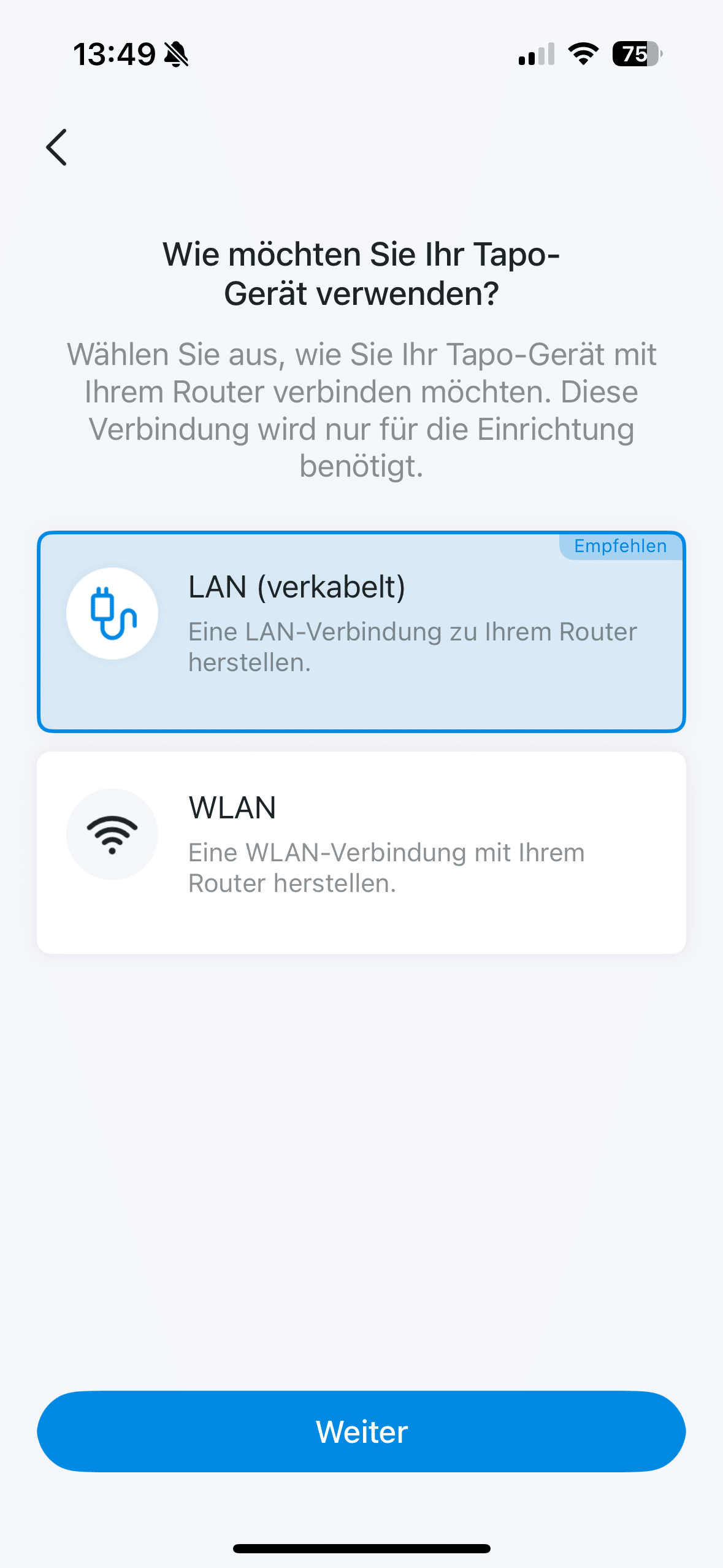


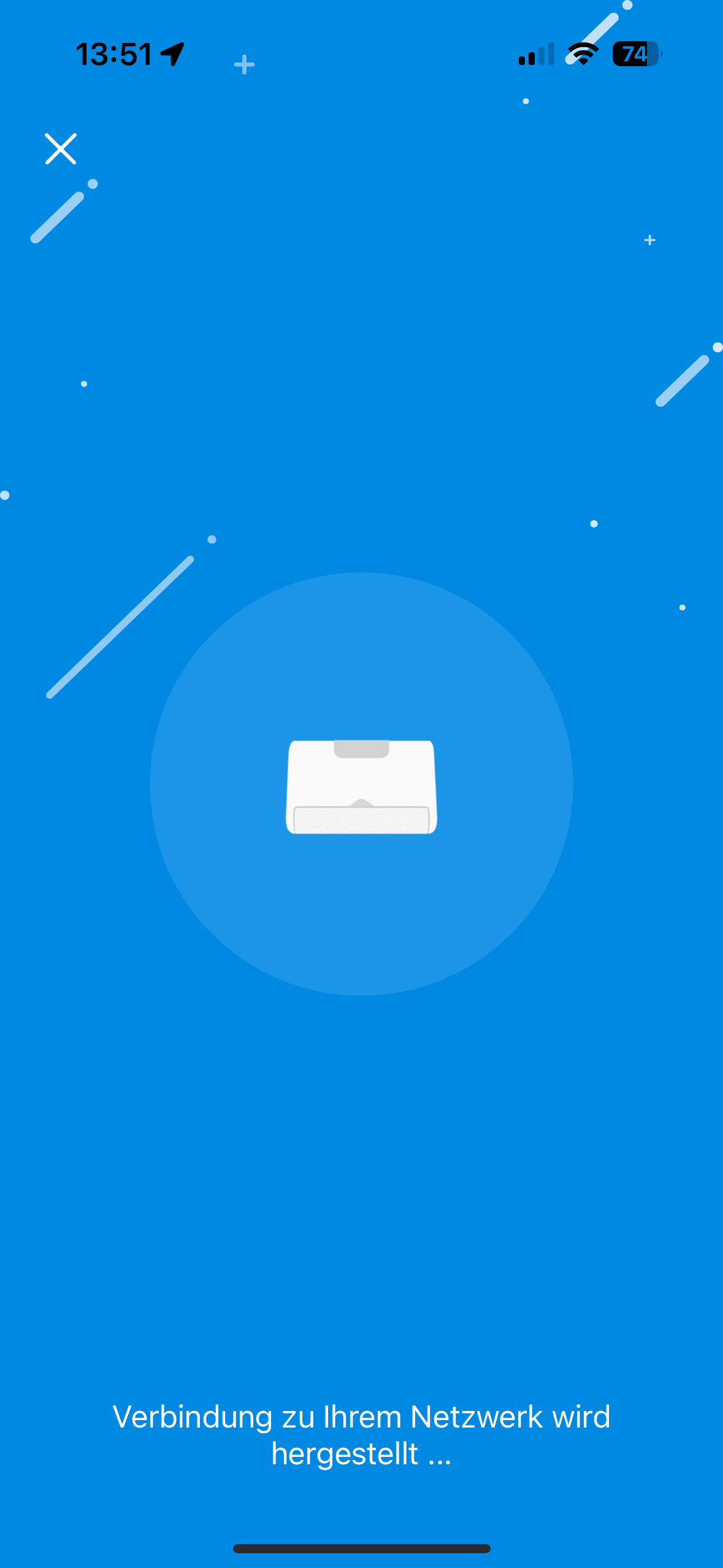

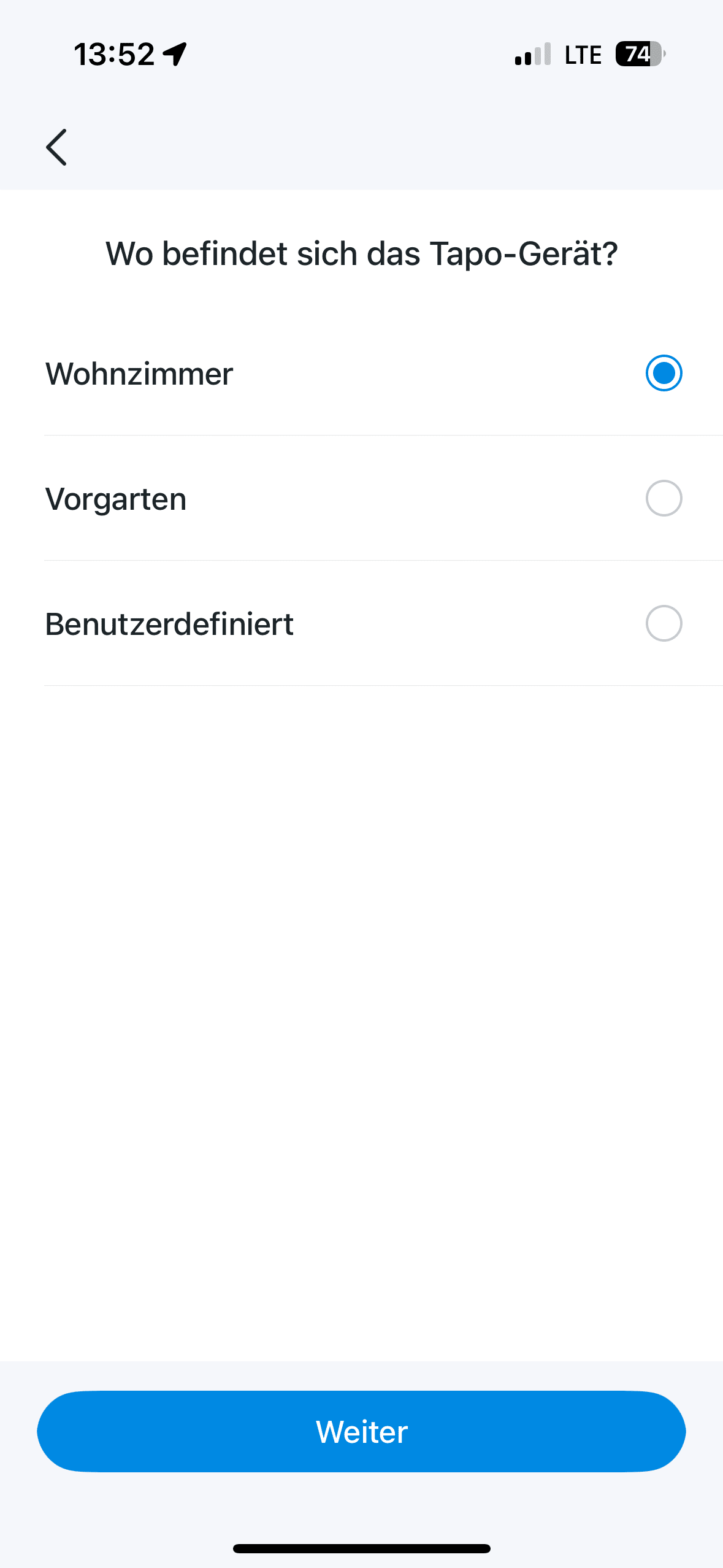


This is not a matter of course, as the Aqara Hub M3 (€ 110.49 *) or the Eufy HomeBase S380 (Review | € 149.00 *), among others, show. Strictly speaking, these are the two most important steps in setting up the H500. During the setup process, which is completed after a few minutes, the Tapo app takes you by the hand. It explains step by step what you need to do.
TP-Link Tapo H500 test: smart home control center
With the Tapo H500, you can conveniently manage and monitor your home surveillance cameras and sensors. Up to 64 sensors and up to 16 cameras can be integrated into the system. That should be more than enough for the average household. And you can integrate more than just models with the Tapo logo.


TP-Link is pleasantly open to all types and allows you to integrate smart home gadgets from other manufacturers. This is made possible by support for the Matter standard and Onvif. Unfortunately, Thread falls by the wayside, which you should know if you primarily rely on this standard. Perhaps TP-Link will upgrade the whole thing with a software update.
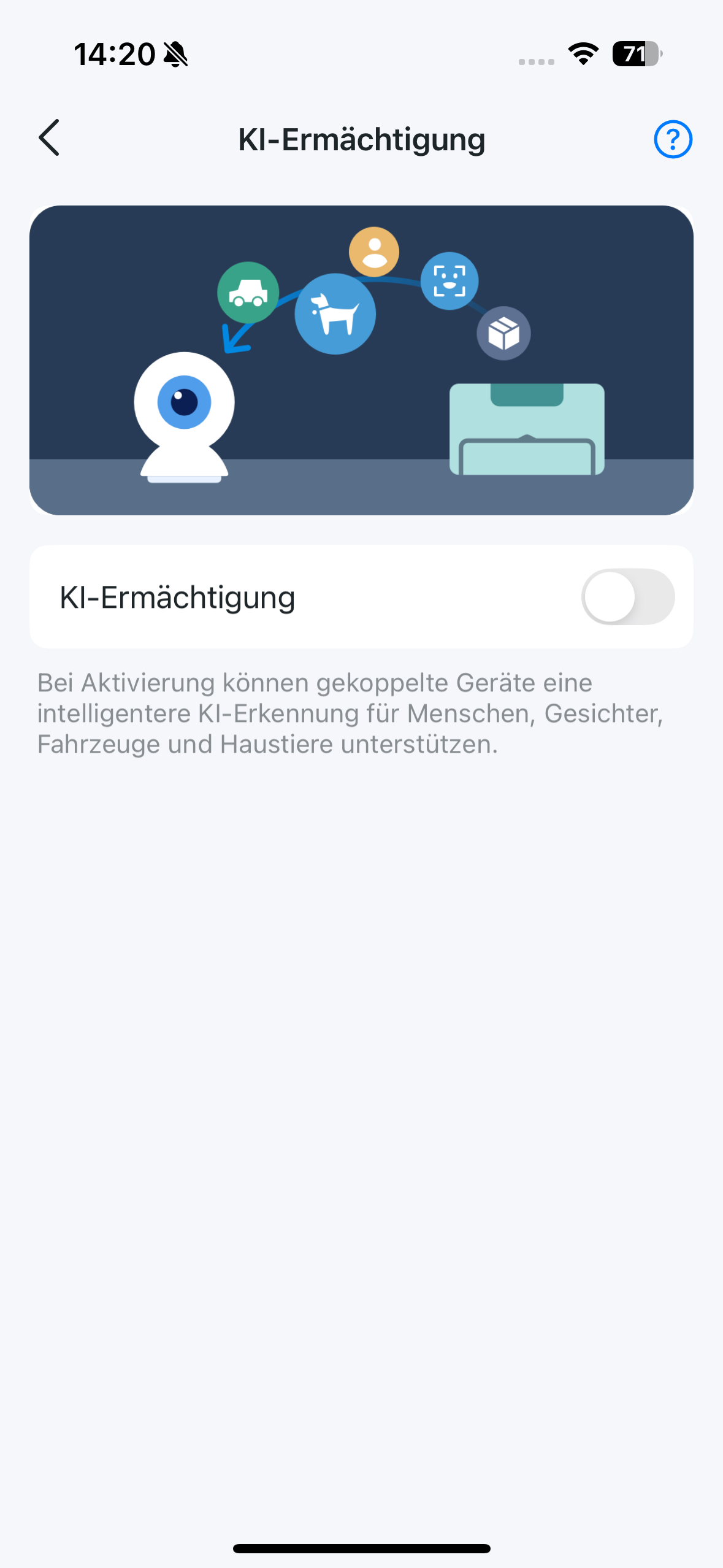
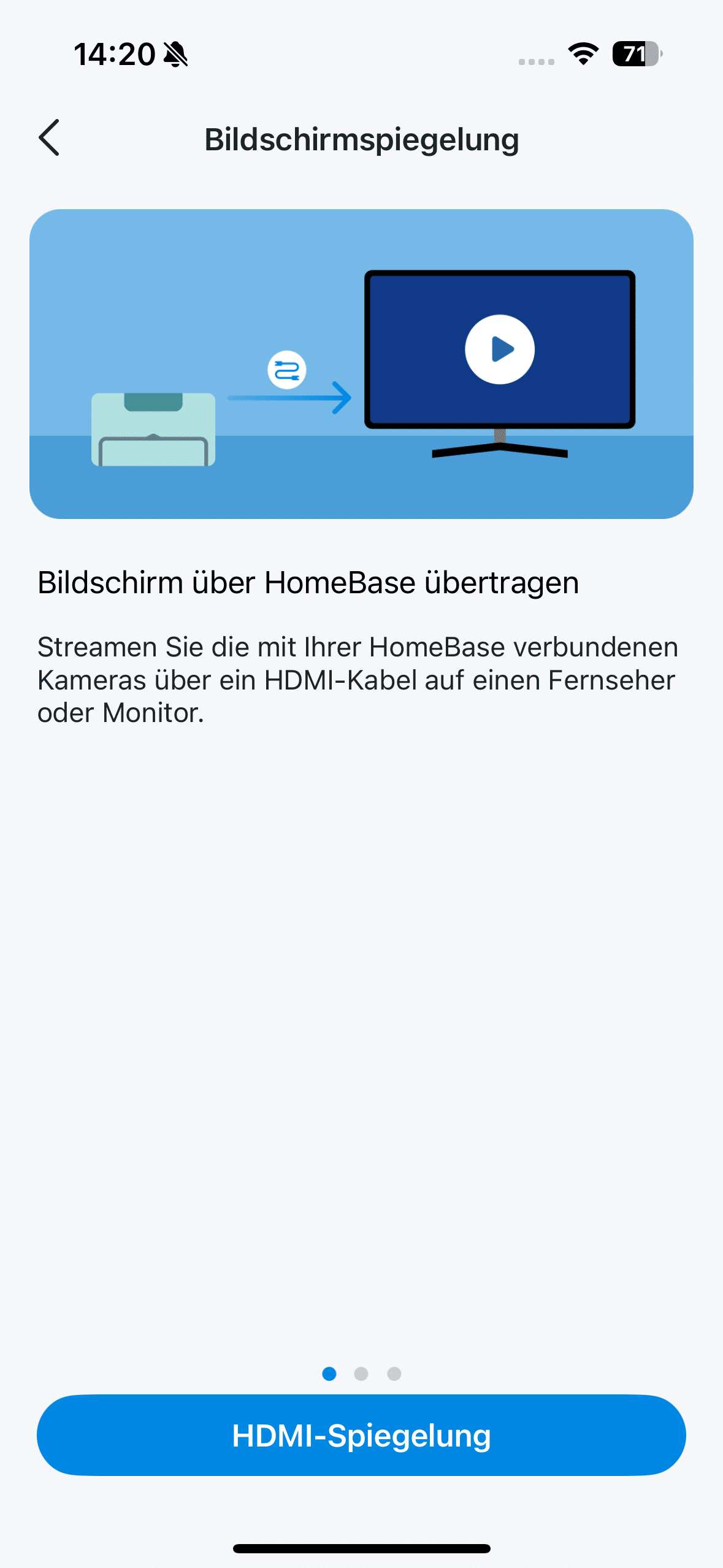
When you browse through the Tapo app, you come across some really cool features. For example, numerous automations can be set. For example, a camera can send a message to the H500 that a person has been recognized and the H500 will turn on the light as a result. It’s really cool if you use the H500 as a genuine monitoring center. This is made possible by the “Unified Monitoring” feature.


Here you get exactly what the name promises. You can display live images from up to four cameras on an external screen. You can connect your TV or PC monitor via the HDMI port, for example. Alternatively, you can also use the practical flap on the front. This is nothing more than a practical tablet stand.

Here you can place a tablet directly on the hub so that you can always keep an eye on everything via the Tapo app. It makes sense to get a suitable tablet for this purpose, which remains permanently on the hub. After all, you can conveniently supply it with power permanently via the USB-C port on the back of the H500 so that it doesn’t run out of battery in the first place.
TP-Link Tapo H500 test: AI upgrade for old cameras
The Tapo H500 is a real fountain of youth for older camera systems from the manufacturer. If you are using an older TP-Link model, it can suddenly use extensive AI features thanks to the H500.

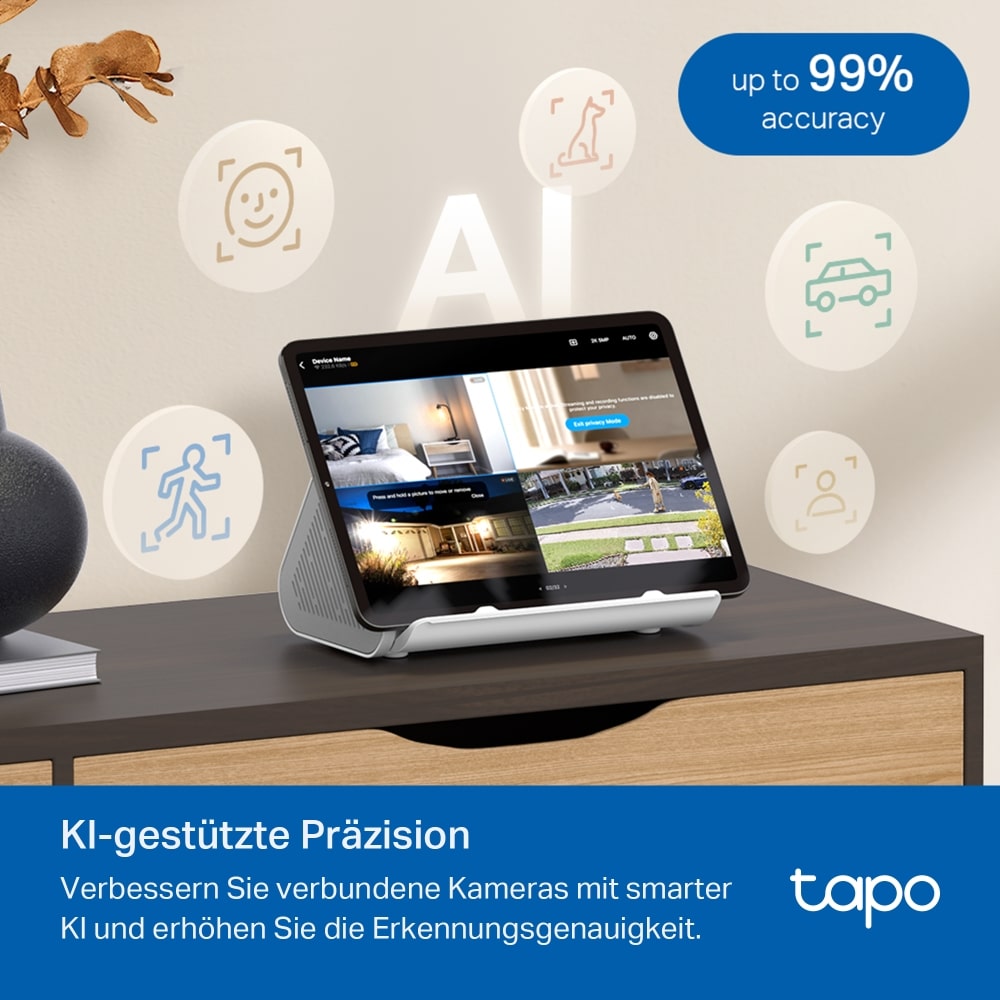
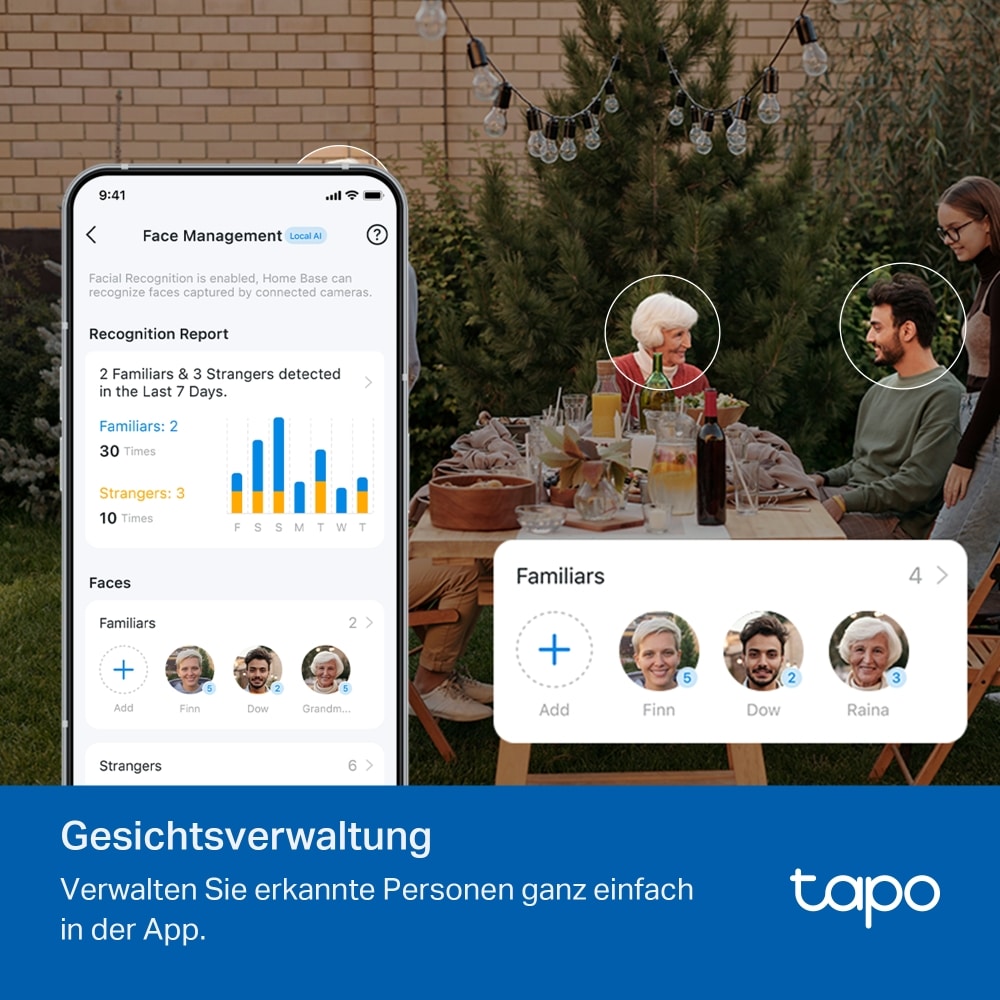
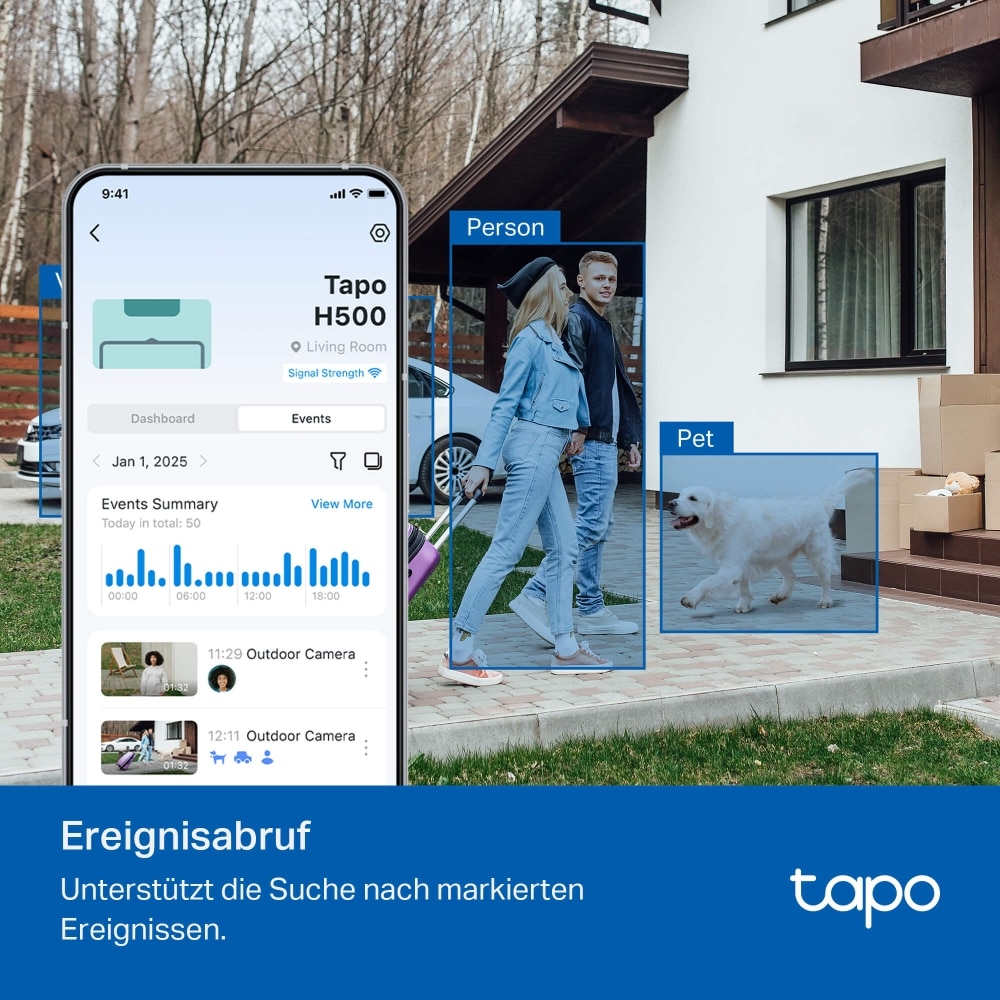
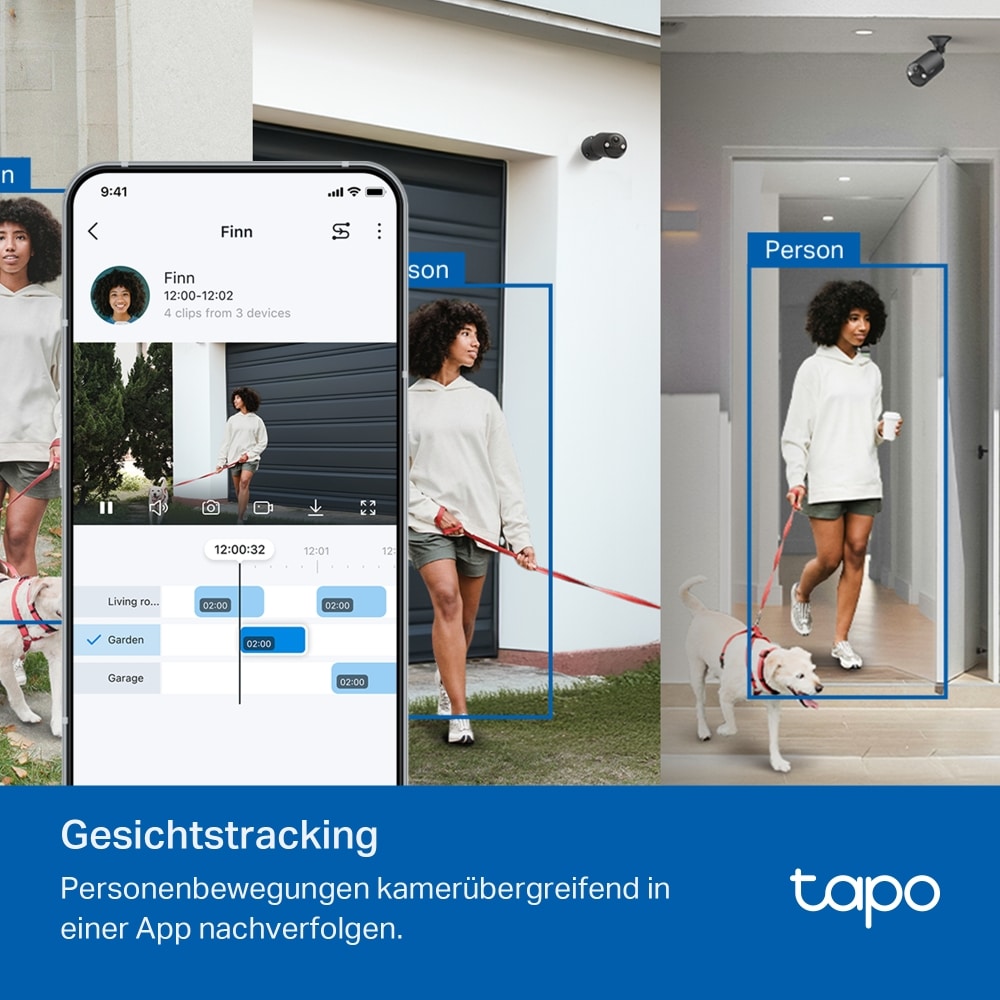
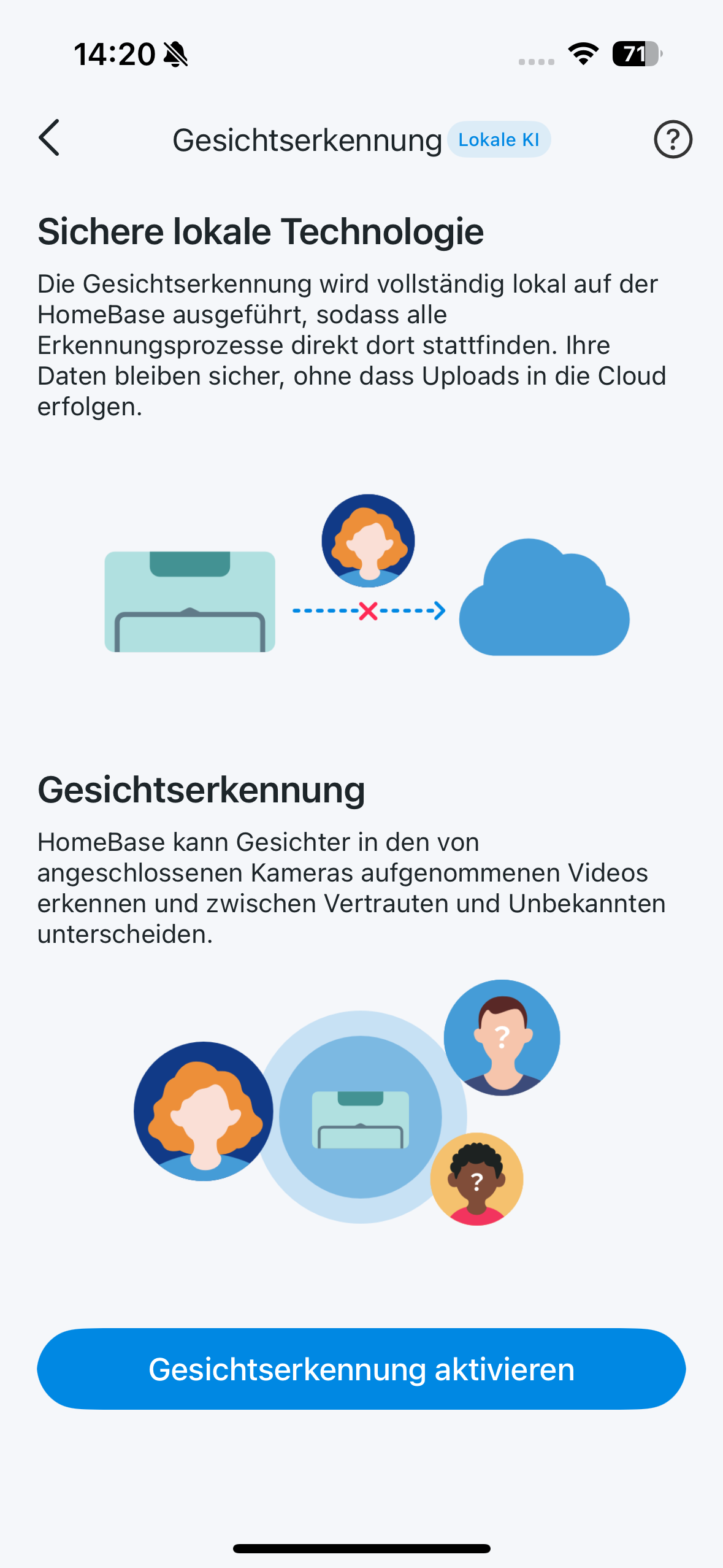
This is possible because the hub simply evaluates the recorded videos using the integrated AI. This suddenly enables new features such as animal or vehicle recognition. Face recognition is also possible with older cameras thanks to the hub AI.
TP-Link Tapo H500 test: Local storage up to 16TB
Of course, the Tapo H500 also features the in-house Tapo Cloud. But why should you use the paid online storage when the hub also offers local storage space? The H500 is equipped with 16 GB eMMC memory ex works.
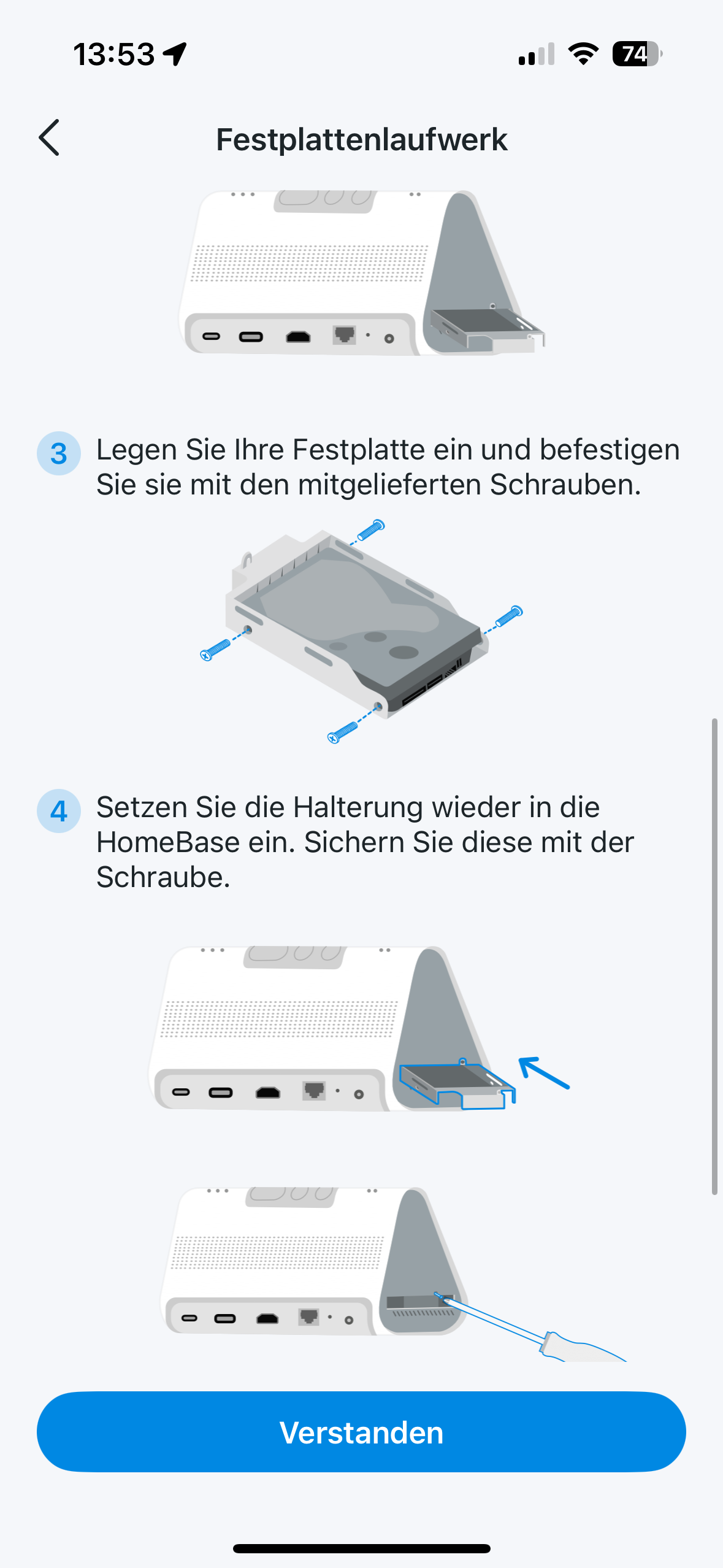

However, you can add hard disks with up to 16 TB of storage space via the slot on the side. Many hours of high-resolution video storage are possible. However, you should make sure that the hard disk does not work immediately when you insert it into the hub.

Before the storage medium is ready for use, you must first format it using the Tapo app. Thanks to modern AES-128 and RSA-1024 encryption protocols, you don’t have to worry about your data. TP-Link has commendably opted for state-of-the-art security standards here.
TP-Link Tapo H500 test: Siren with up to 110 dB
The speaker on the back of the H500 is not only versatile, but also powerful. For example, you can use it as an intercom system if it is linked to a video doorbell such as the TP-Link Tapo D235 (Review | € 99.90 *).

Of course, the hub can also be used as a chime for your doorbell. You can also set sirens for certain events. For example, if a strange face is suddenly recognized on your property in the evening. The speaker can then play a siren at a volume of 110 dB.
Conclusion
With the Tapo H500, TP-Link delivers an impressively versatile control center for the smart home that not only reliably manages devices from its own ecosystem, but also harmonizes with products from other manufacturers thanks to Matter and Onvif support. The simple setup, sophisticated design with practical tablet holder and features such as unified monitoring and AI upgrade for older cameras make the hub a real all-rounder.

The local storage of up to 16 TB and the option of directly integrating security features such as sirens and intercom systems are particularly pleasing. The lack of thread support remains a minor drawback – anyone relying on this standard should keep this in mind. Overall, however, the TP-Link Tapo H500 is a convincing and future-proof solution for anyone who wants to manage their home in a smart, secure and centralized way.

VORTEILE
- Very easy to set up via app, also suitable for beginners
- Versatile compatibility thanks to Matter and Onvif support
- AI upgrade for older cameras (e.g. animal, vehicle and face recognition)
- Local storage up to 16 TB possible – cloud subscription not mandatory
- Unified monitoring with HDMI output on external display
- Practical tablet holder integrated directly on the device
- Powerful siren (up to 110 dB) and two-way audio
NACHTEILE
- No thread support
Fazit
The Tapo H500 combines simple operation, powerful smart home functions and modern security features in a central hub - a sophisticated solution for anyone who wants to control their networked home conveniently and future-proof.


