


ASUSTeK Computer Inc., or ASUS for short, is a world-renowned and leading manufacturer of computer hardware that was founded in Taipei (Taiwan) in 1989. Since then, the manufacturer has been developing motherboards, graphics cards, notebooks, mini PCs, smartphones, monitors and other peripherals. Products from the internal brands Republic of Gamers (ROG) and The Ultimate Force (TUF) are particularly popular in the gaming community. With the ASUS ROG Ryuo IV SLC 360 ARGB, which we are testing today, the manufacturer has recently updated its portfolio in the compact water cooling sector.
ASUS ROG Ryuo IV SLC 360 ARGB review: Technical details
General specifications |
|
| Dimensions (with fan, L x W x H) | 394 x 140 x 59 mm |
| Weight (with fan) | 2.27 kg |
| Compatibility AMD | AM5 / AM4 |
| Intel compatibility | LGA 1851 / 1700 |
| Cooling capacity |
N/A |
| price |
€ 429.90 * |
| Warranty | 6 years (water cooling), 2 years (display) |
Radiator specifications / heat sink specifications |
|
| Type | Soldered radiator |
| Dimensions (L x W x H) | 394 x 140 x 32 mm |
| Radiator material | Aluminum |
Fan specifications |
|
| Number of fans | 3 (connected fan unit) |
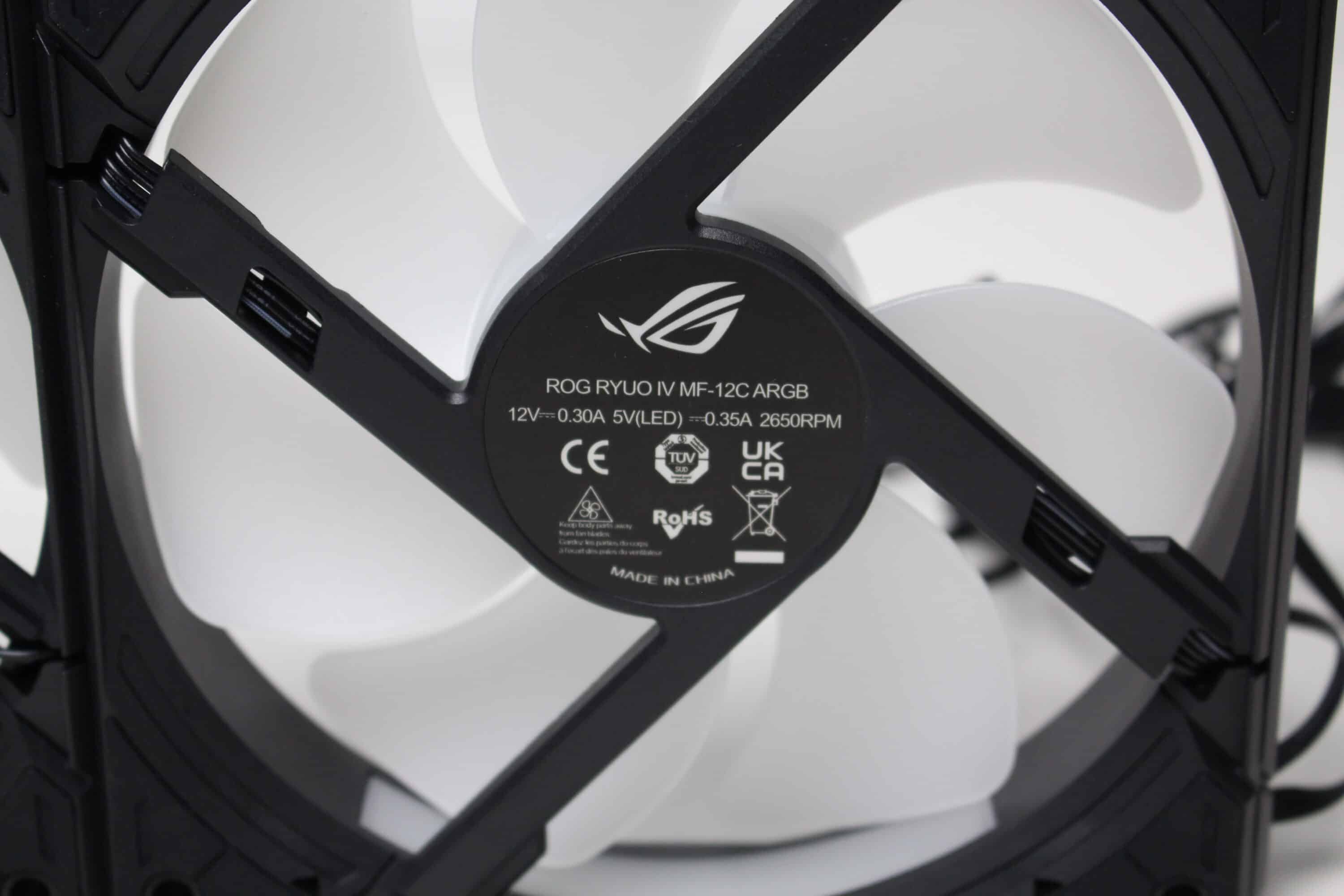
| Fan designation | ROG RYUO IV MF-12C ARGB |
| Bearing type | hydrodynamic plain bearing (FDB) |
| Dimensions (L x W x H) | 272 x 122 x 27 mm |
| Fan speed | 800 ~ 2650 rpm ± 10 % |
| Max. Noise level | 39.6 db(A) |
| Max. Volume flow | 121.38 m³/h |
| Max. Air pressure | 5.45 mm H2O |
| Lighting | 8x addressable RGB LED (per fan) |
| Rated voltage (fan) | 12 V |
| Rated voltage (LED) | 5 V |
| Rated current (fan) | N/A |
| Rated current (LED) | N/A |
| Rated power (fan) | N/A |
| Rated power (LED) | N/A |
| Connection (fan) | 4-pin PWM |
| Connection (LED) | 3-pin 5V (ARGB) |
| Fan cable length | approx. 560 mm |
| LED cable length | approx. 560 mm |
Pump specifications |
|
| Pump dimensions | 133 x 105 x 123 mm |
| Cooling plate material | copper |
| Speed (pump) | 1900 ~ 3100 rpm |
| Rated voltage (pump) | 12 V |
| Rated current (pump) | N/A |
| Rated power (pump) | N/A |
| Connection (pump) | 4-pin PWM |
| Connection (display) | USB 2.0 internal |
| Hose length |
200 mm |
| Special features | 6.67″ 2K AMOLED display 60 Hz |
Packaging & scope of delivery
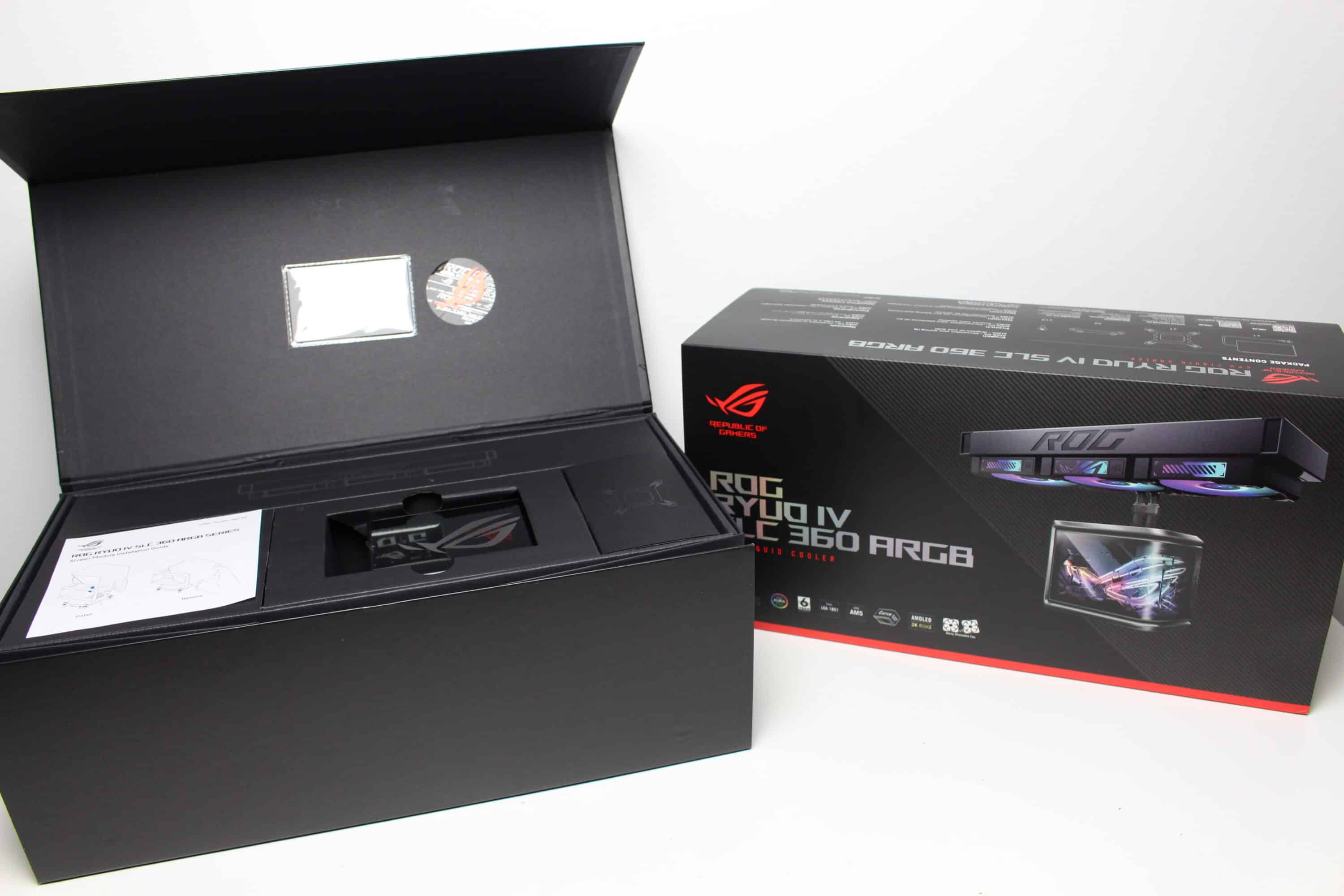
The fact that the Ryuo IV SLC 360 ARGB is part of the ASUS ROG series cannot be hidden when looking at the packaging. A banderole has been placed over the large box on black cardboard, which shows a picture of the compact water cooling system as well as other product illustrations with the most important features. On the back, we also find a table with the technical data and a list of the package contents.
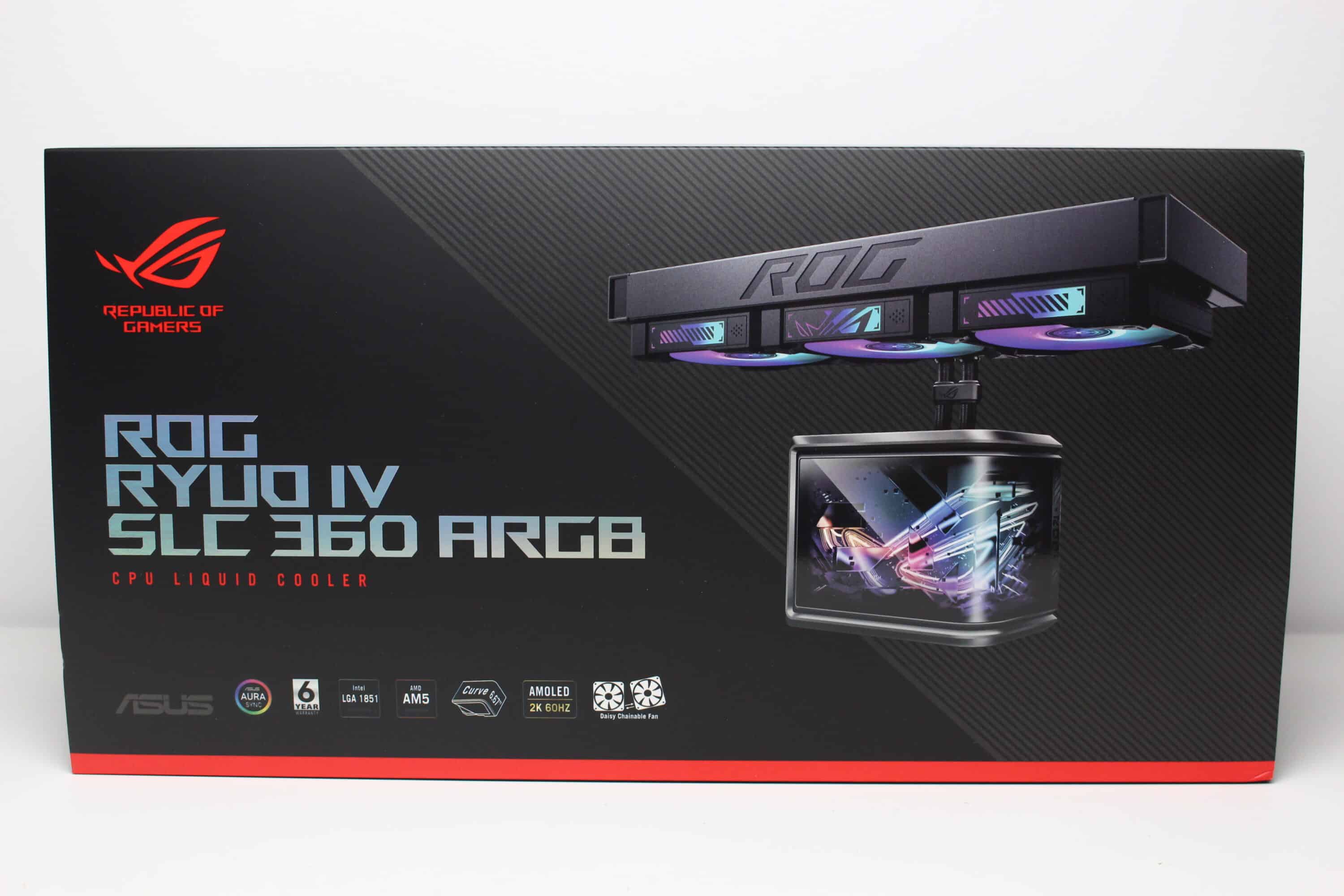
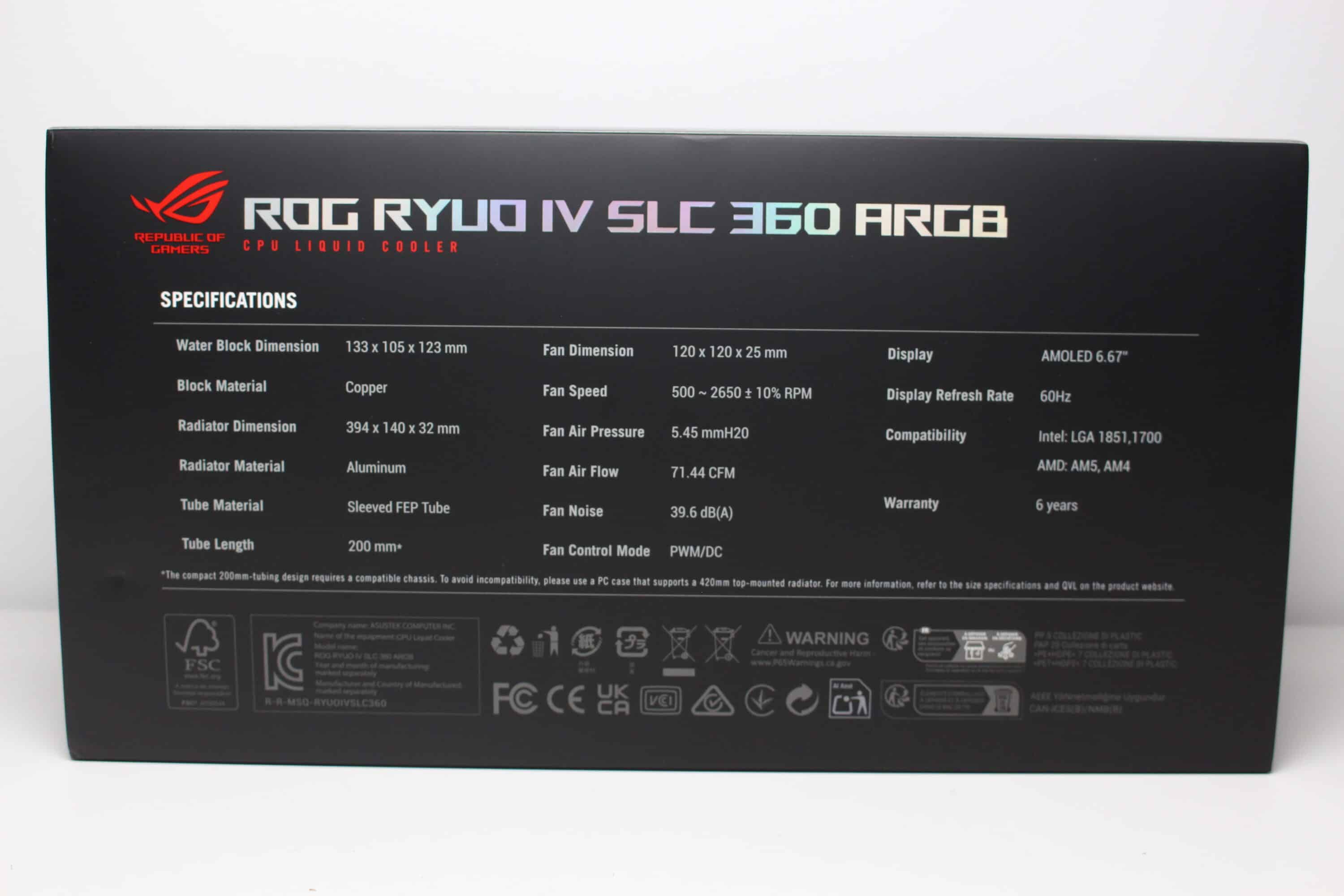
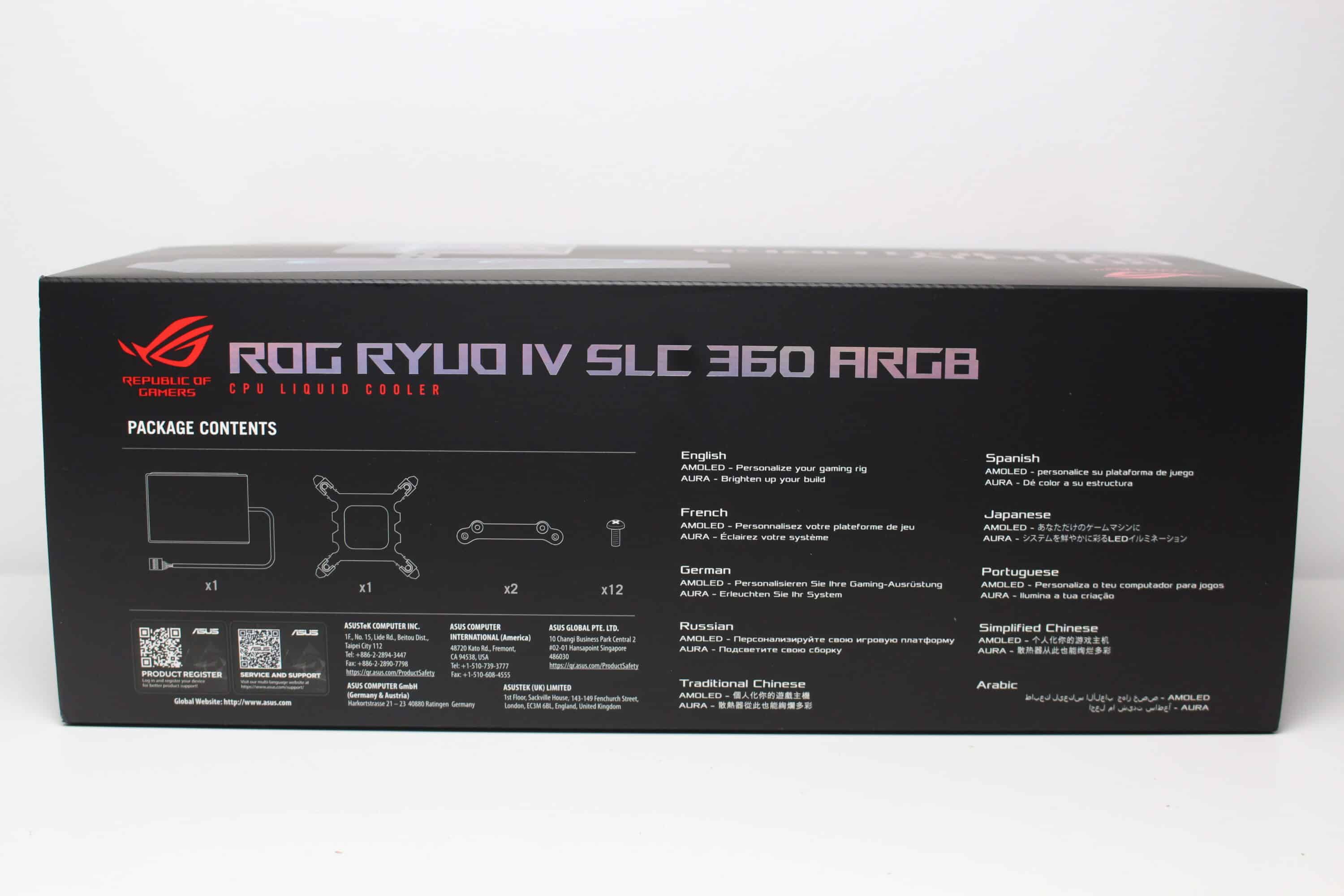
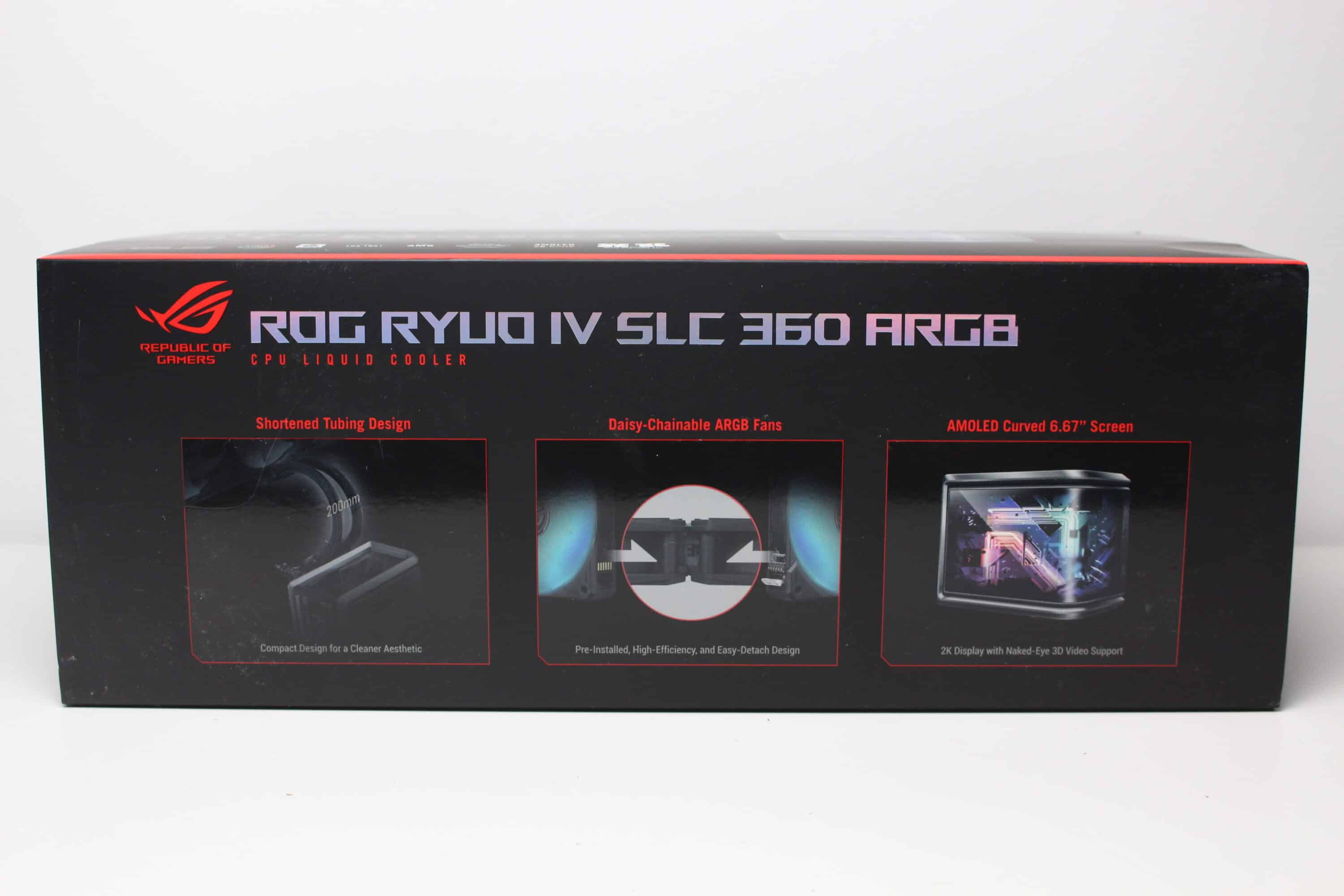
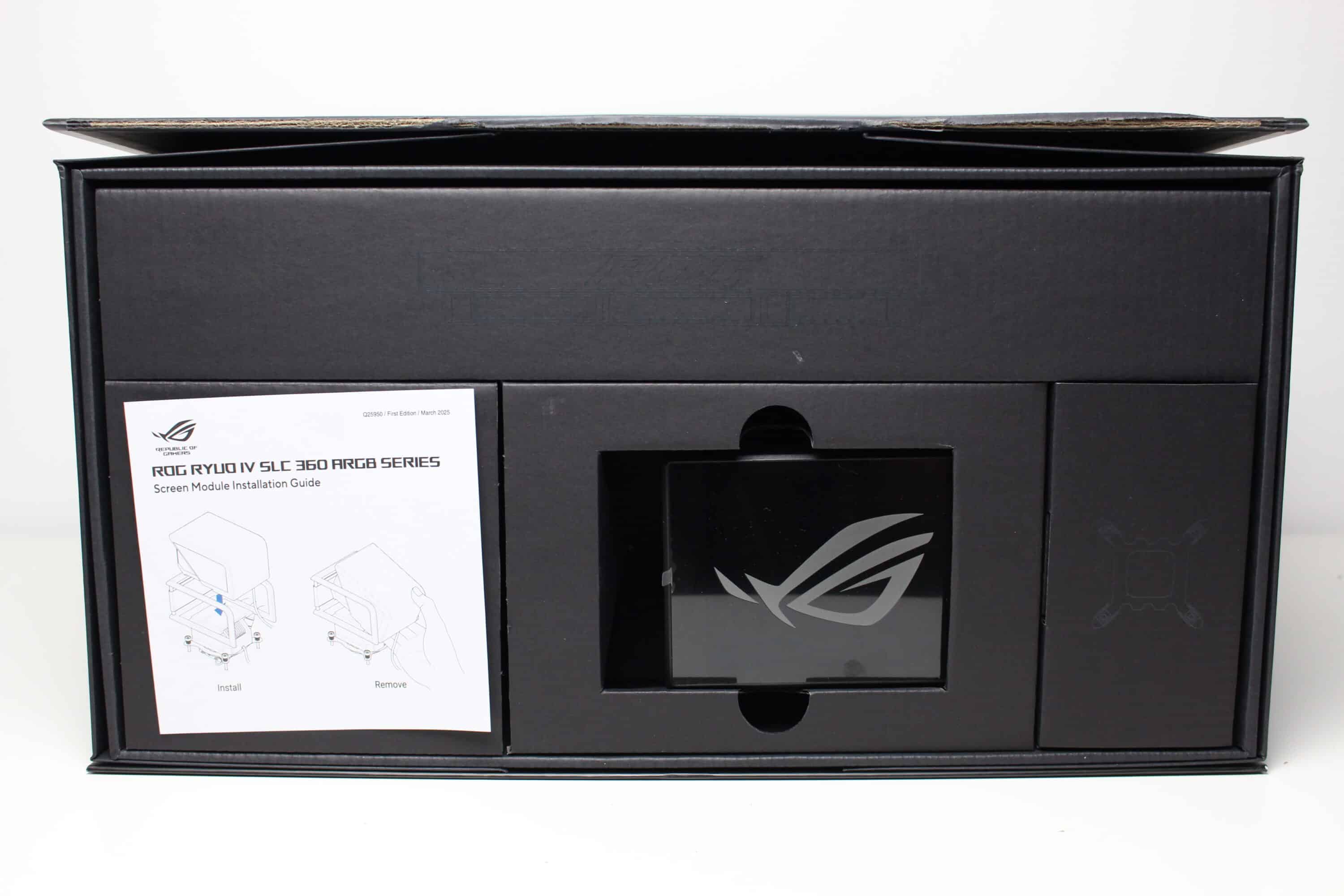
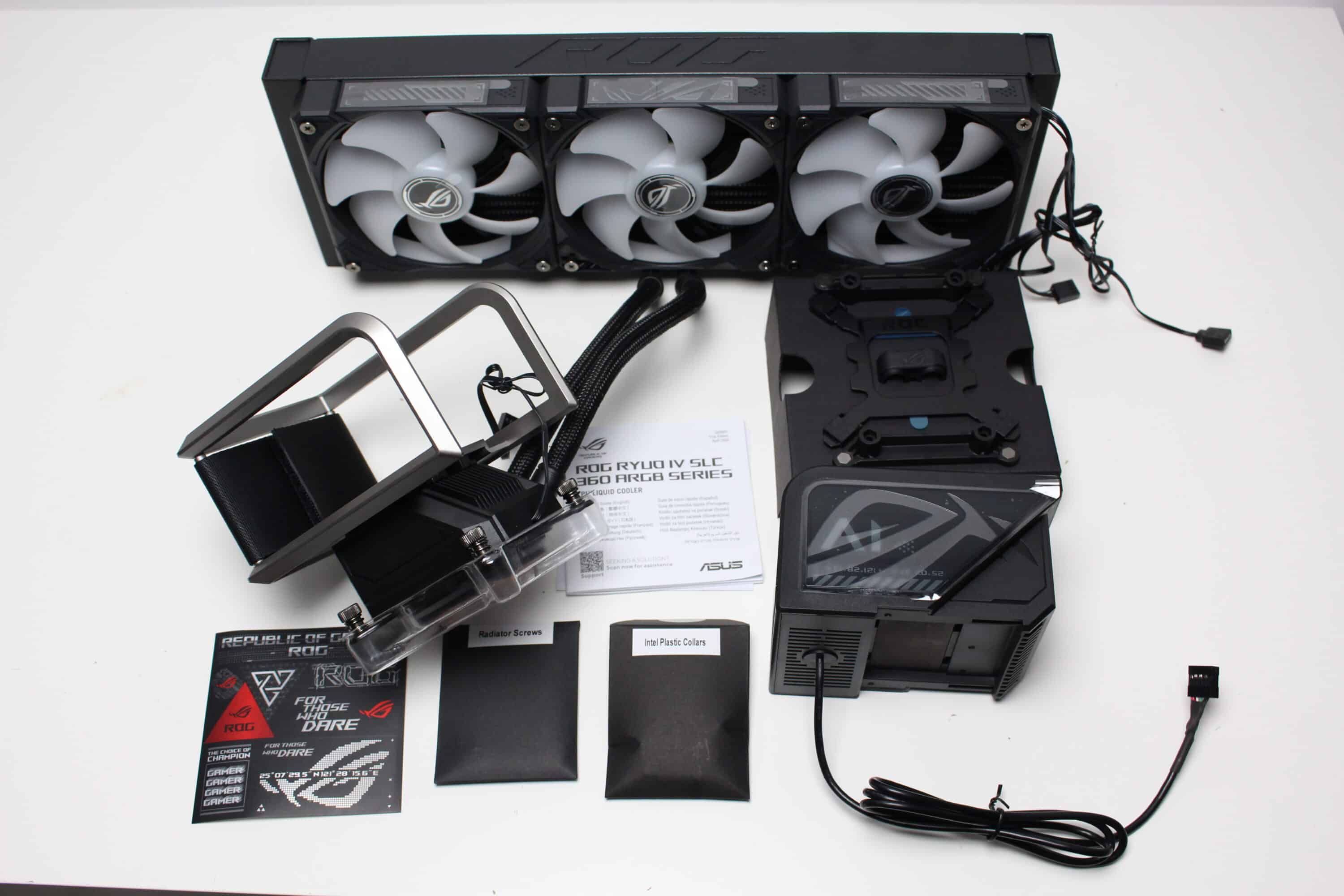
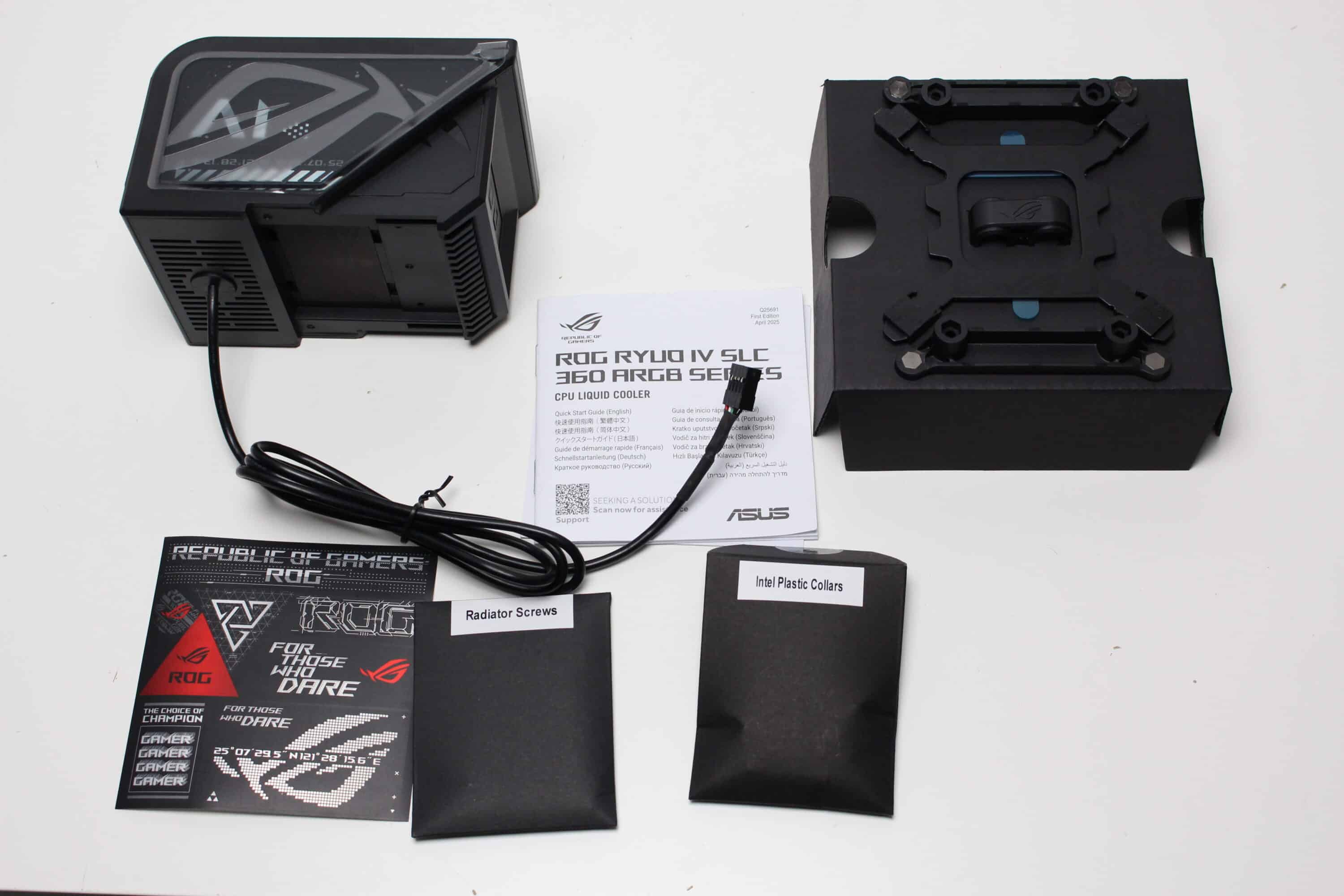
Inside the packaging, ASUS also uses a lot of cardboard and only a little plastic. In four different large compartments we find the radiator with pre-mounted fans, the pump block, the pump attachment for the display and the mounting accessories. These include a metal backplate, mounting brackets for the front, screws, spacers, assembly instructions and some stickers.
Design & finish
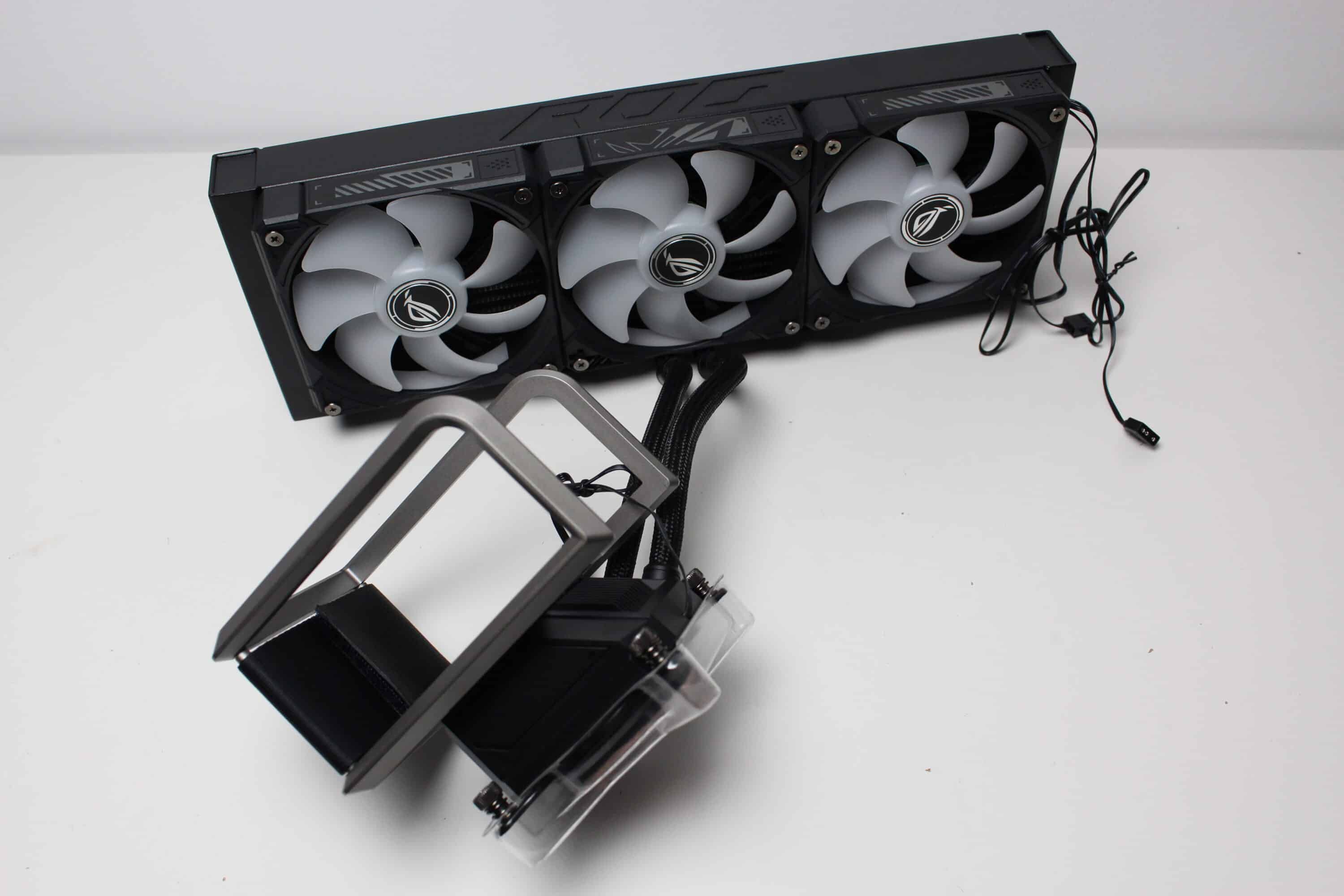
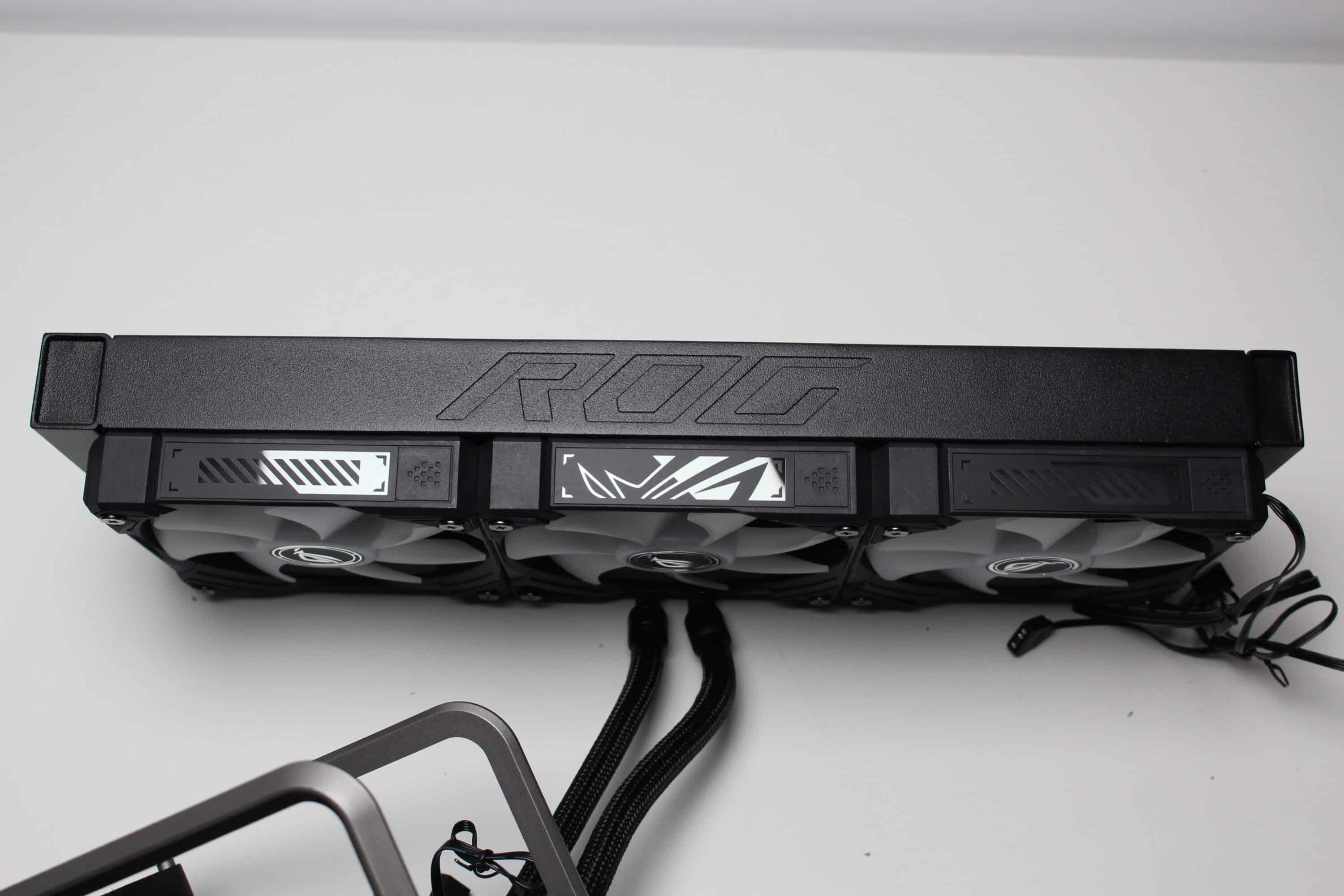
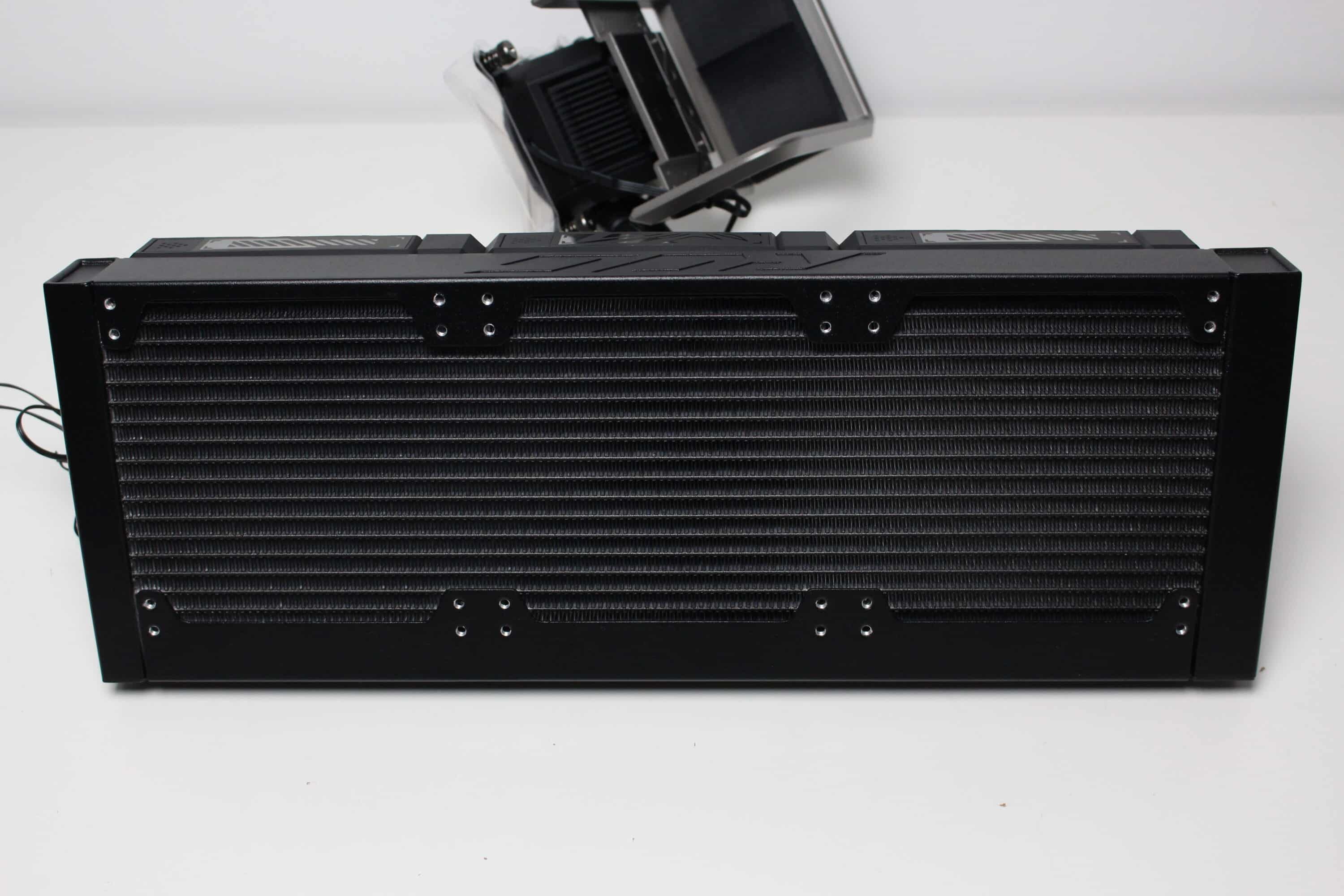
The radiator of the ASUS ROG Ryuo IV SLC 360 ARGB is made of aluminum and measures 394 x 140 x 32 millimeters. This puts it well above the standard for typical 360 mm radiators in terms of width and thickness. Visually, ASUS has kept the frame and fins in a subtle black. However, the embossed ROG lettering on the side adds a little pep. It is also noticeable that the radiator has 24 mounting points for fans on each side. This means that the three 120 mm fans can be mounted in two different positions if required.
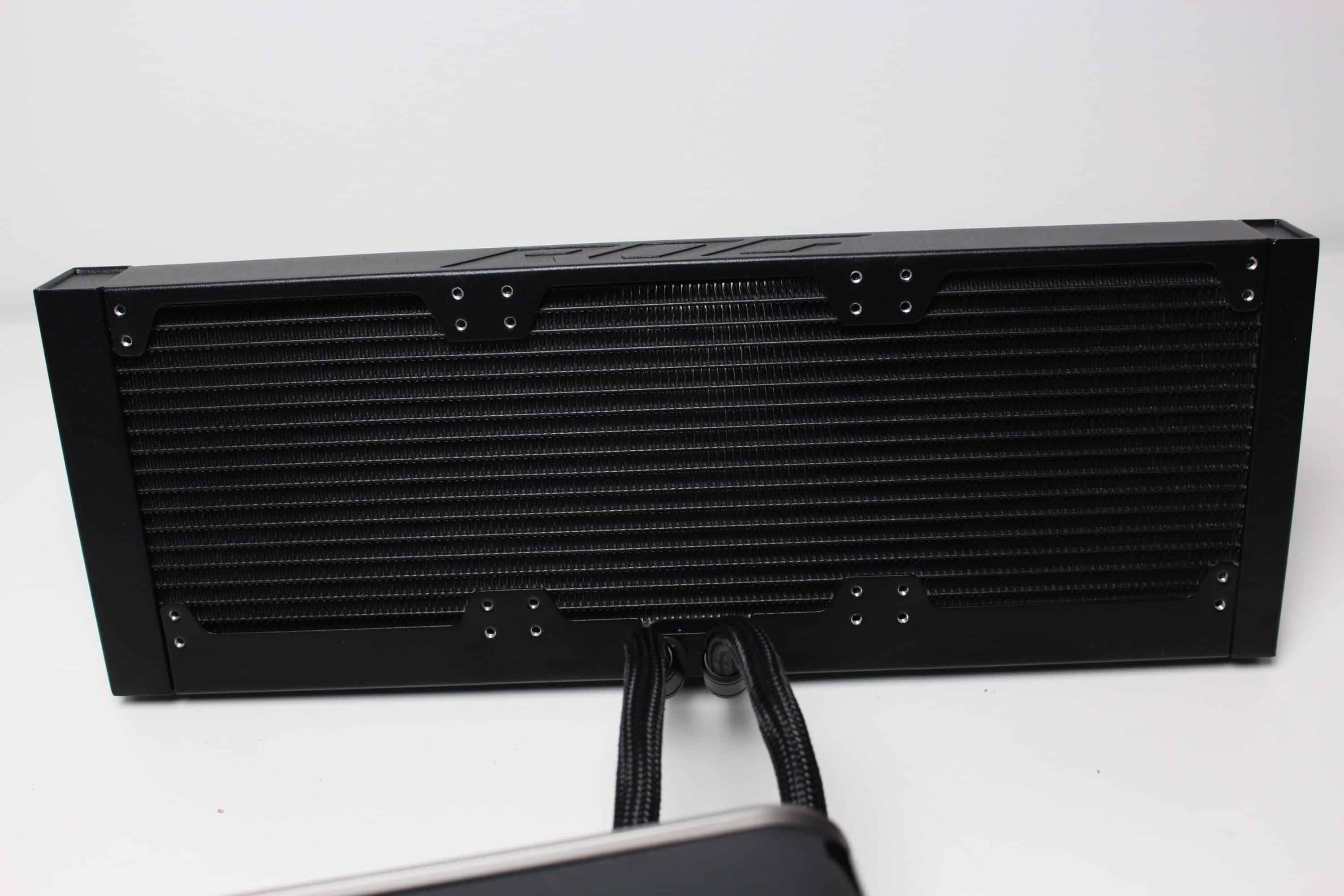
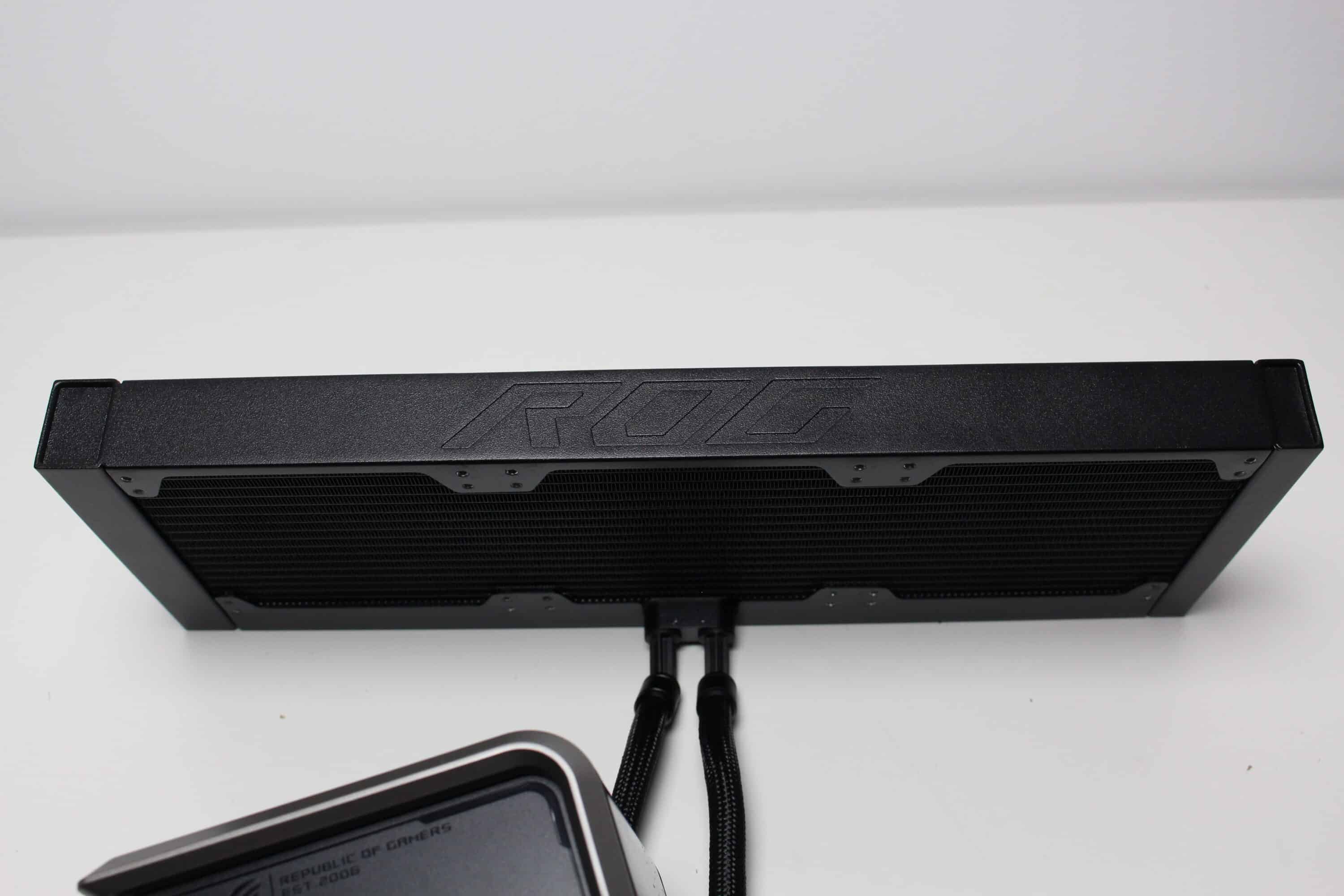
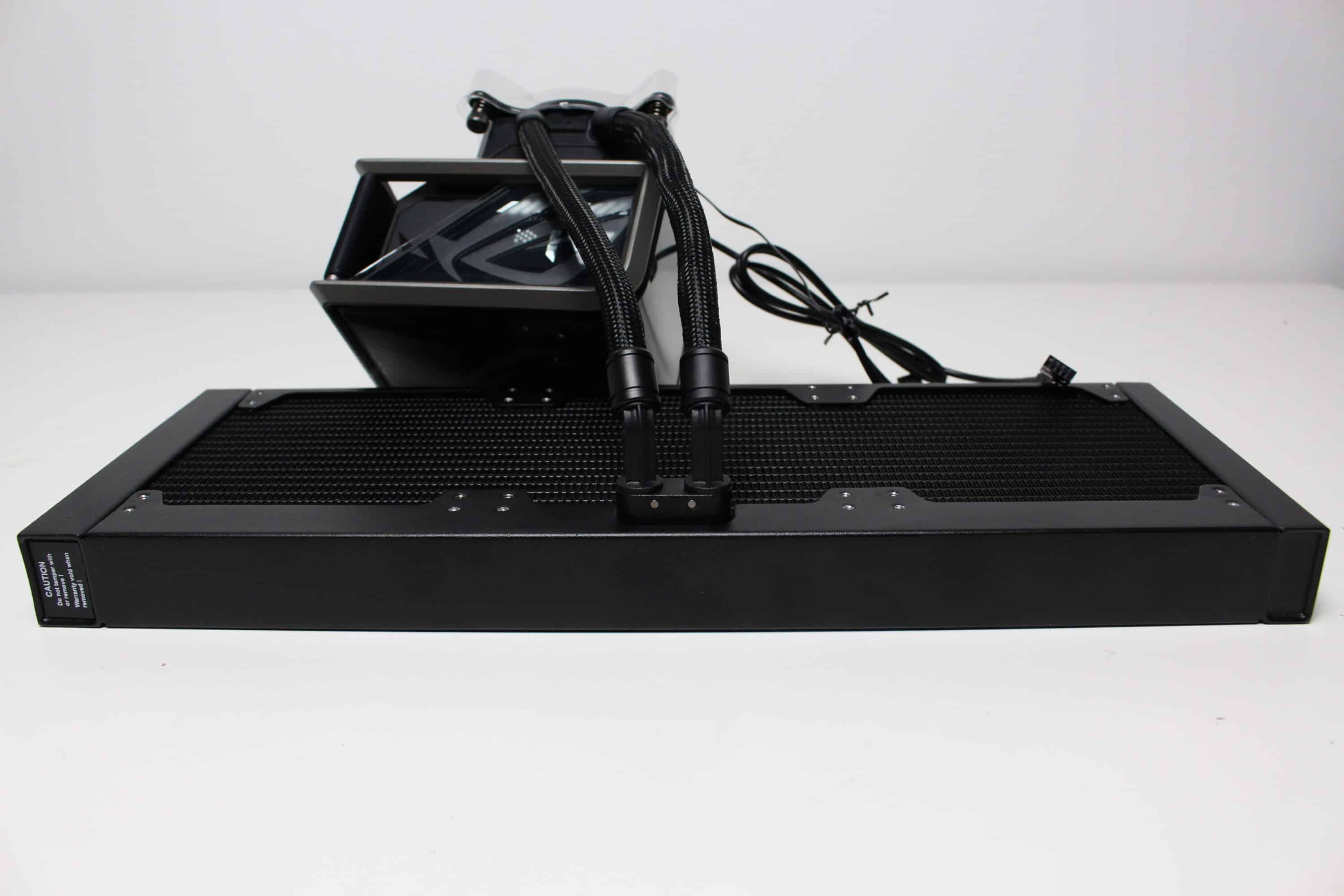
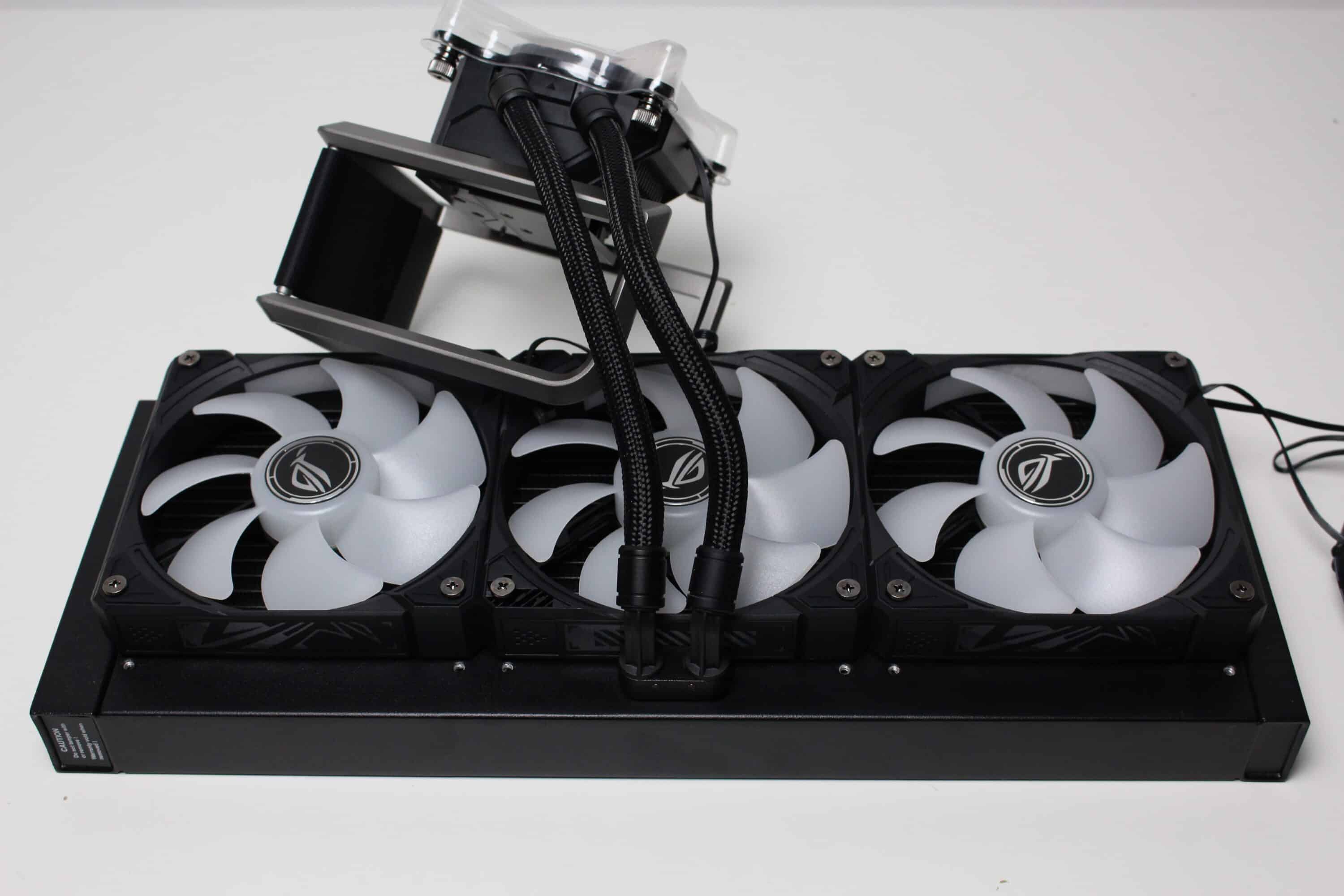
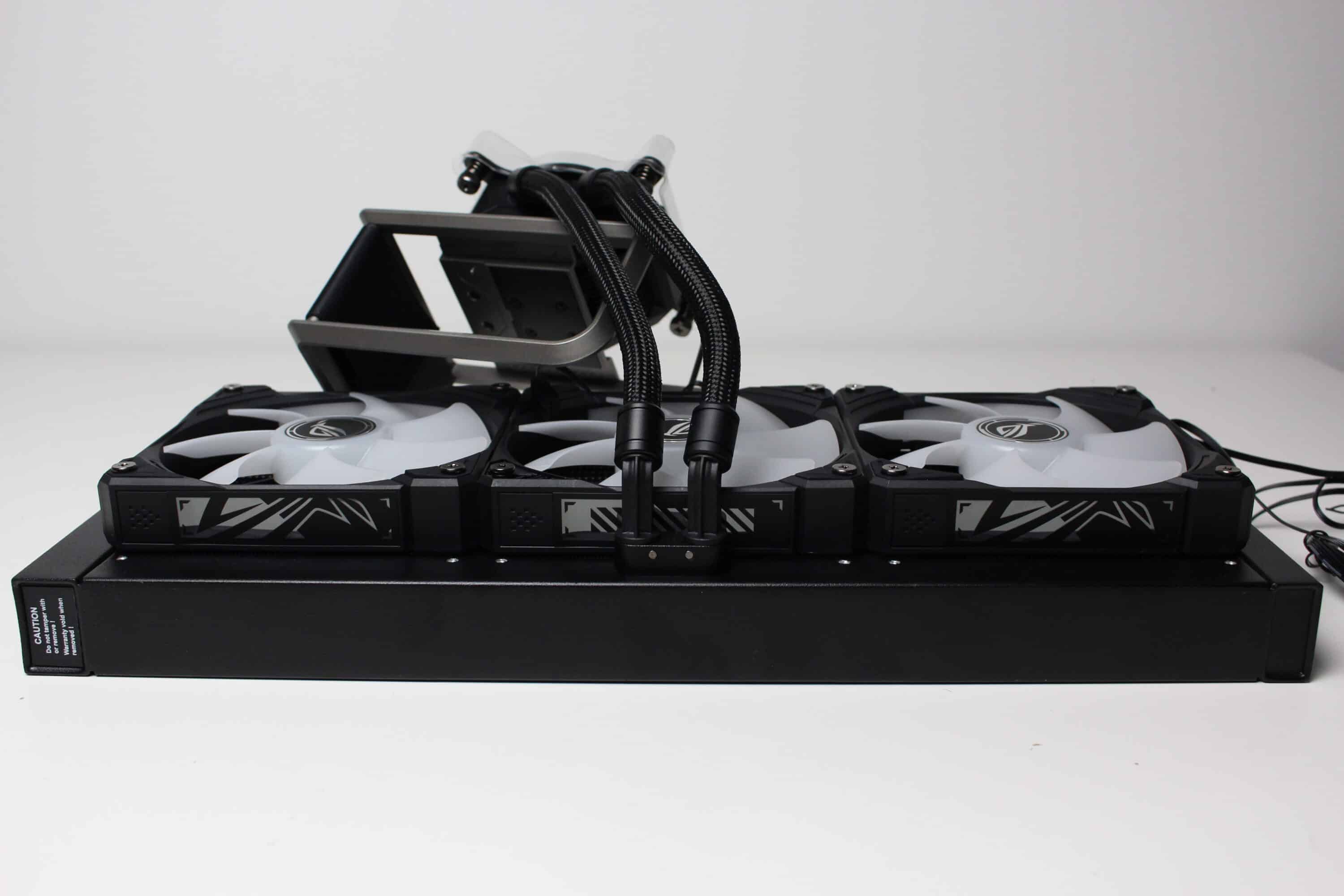
To keep the visible hose as short as possible, ASUS places the connections for the hoses on the long side of the radiator that faces the motherboard tray. They are pressed into movable plastic joints, which unfortunately look a little cheap. In addition, the hoses are only 200 millimeters long, which means that this compact water cooling system can only be installed in the lid of a case. This makes everything look much tidier when installed, but of course significantly limits the compatibility and choice of housing.
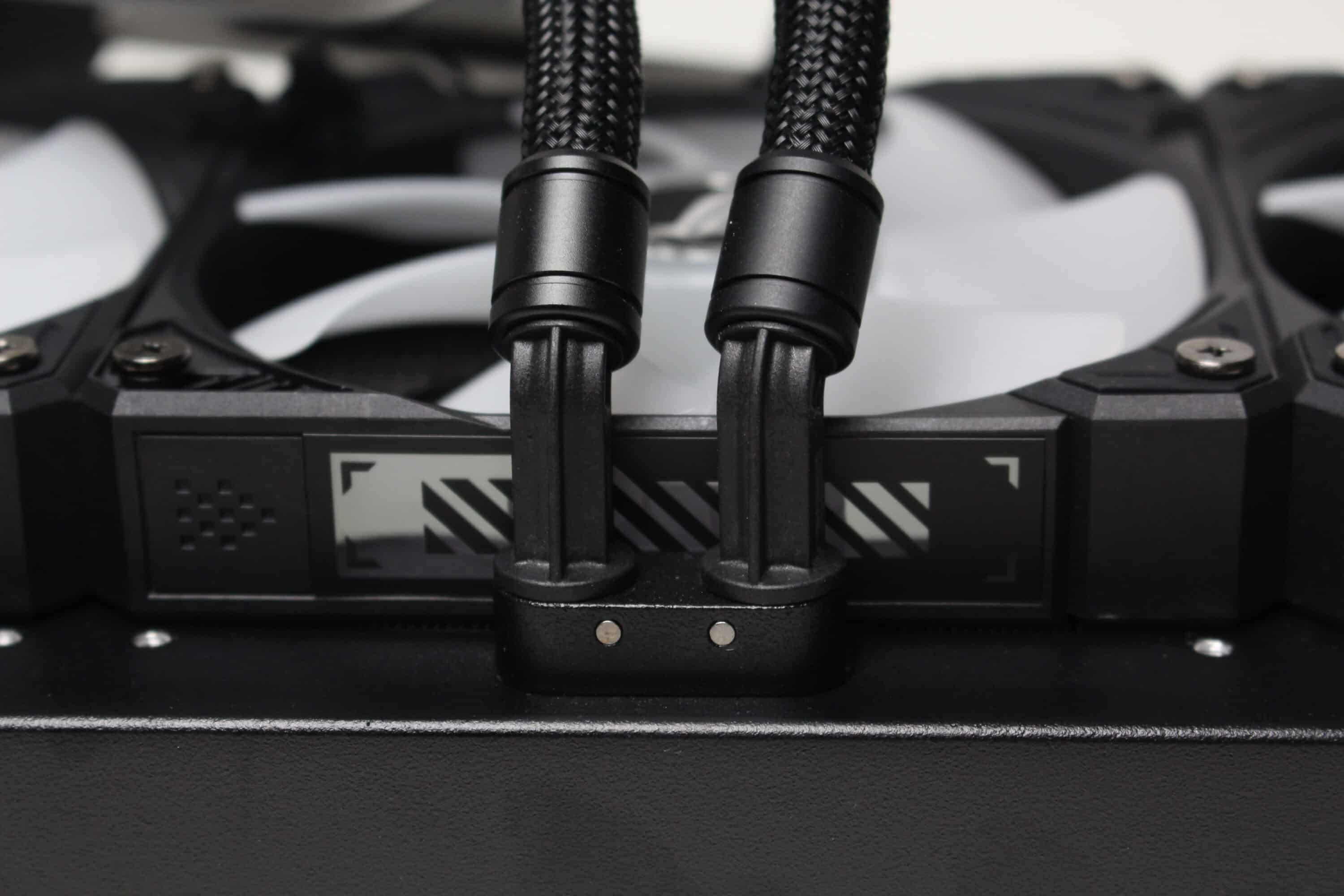
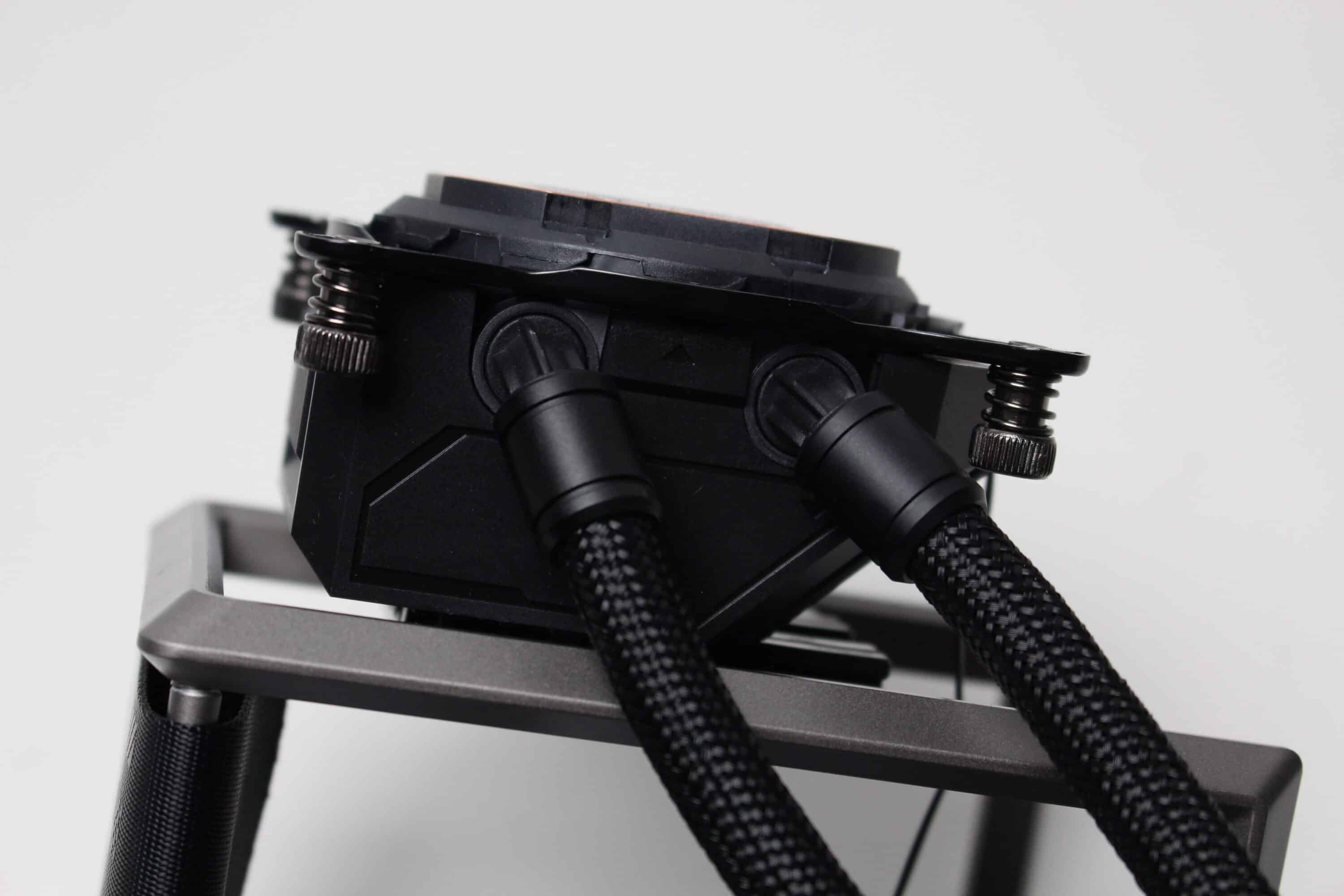
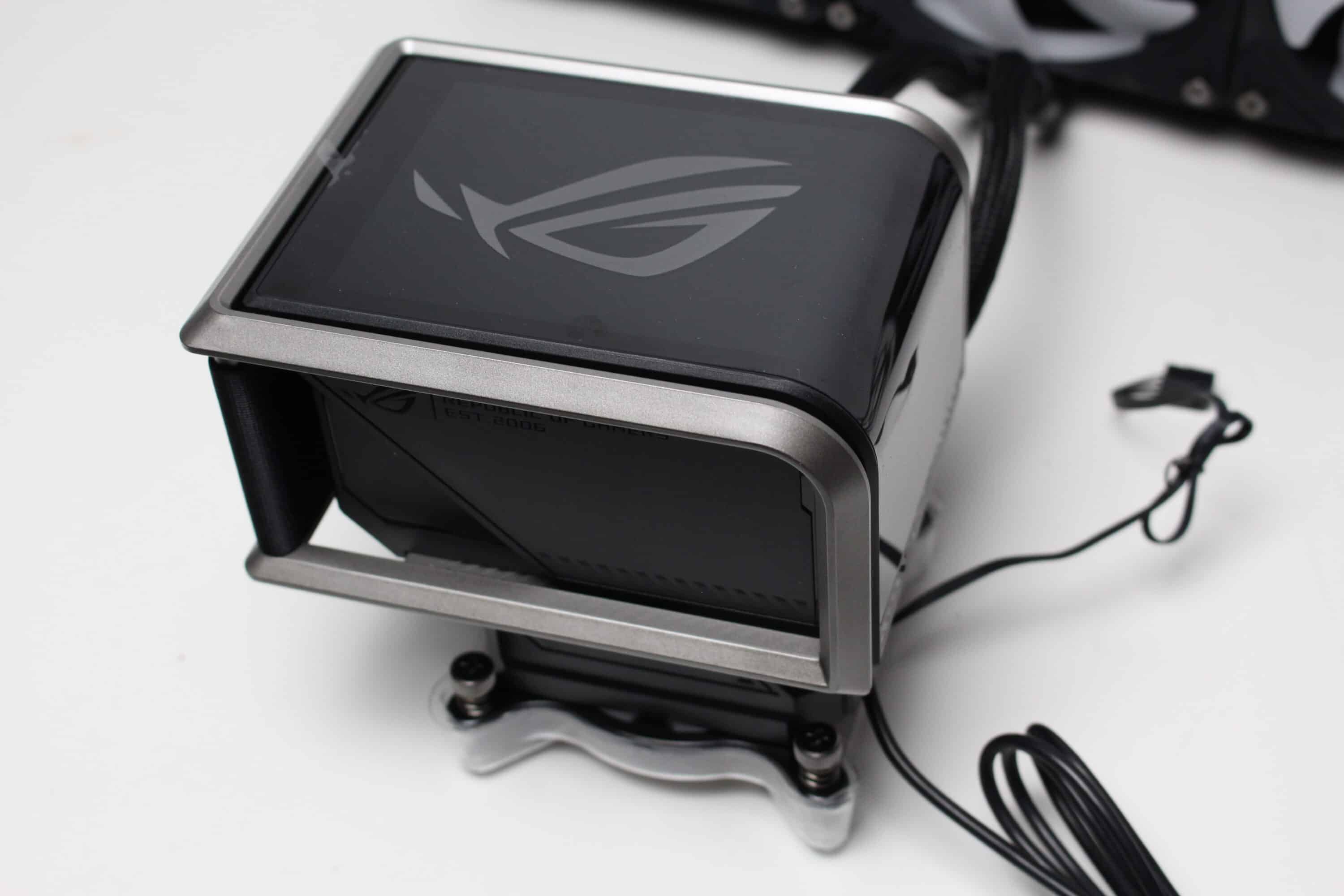
ASUS installs an unspecified pump in the pump block, which is connected to the mainboard via a 4-pin PWM connector. Unfortunately, the manufacturer also does not provide any more precise information on speeds. However, we were able to measure a speed range between 1900 and 3100 revolutions per minute in our practical test. A copper plate with pre-applied thermal paste can also be seen on the underside of the pump block, which has been applied in the form of the ROG logo.
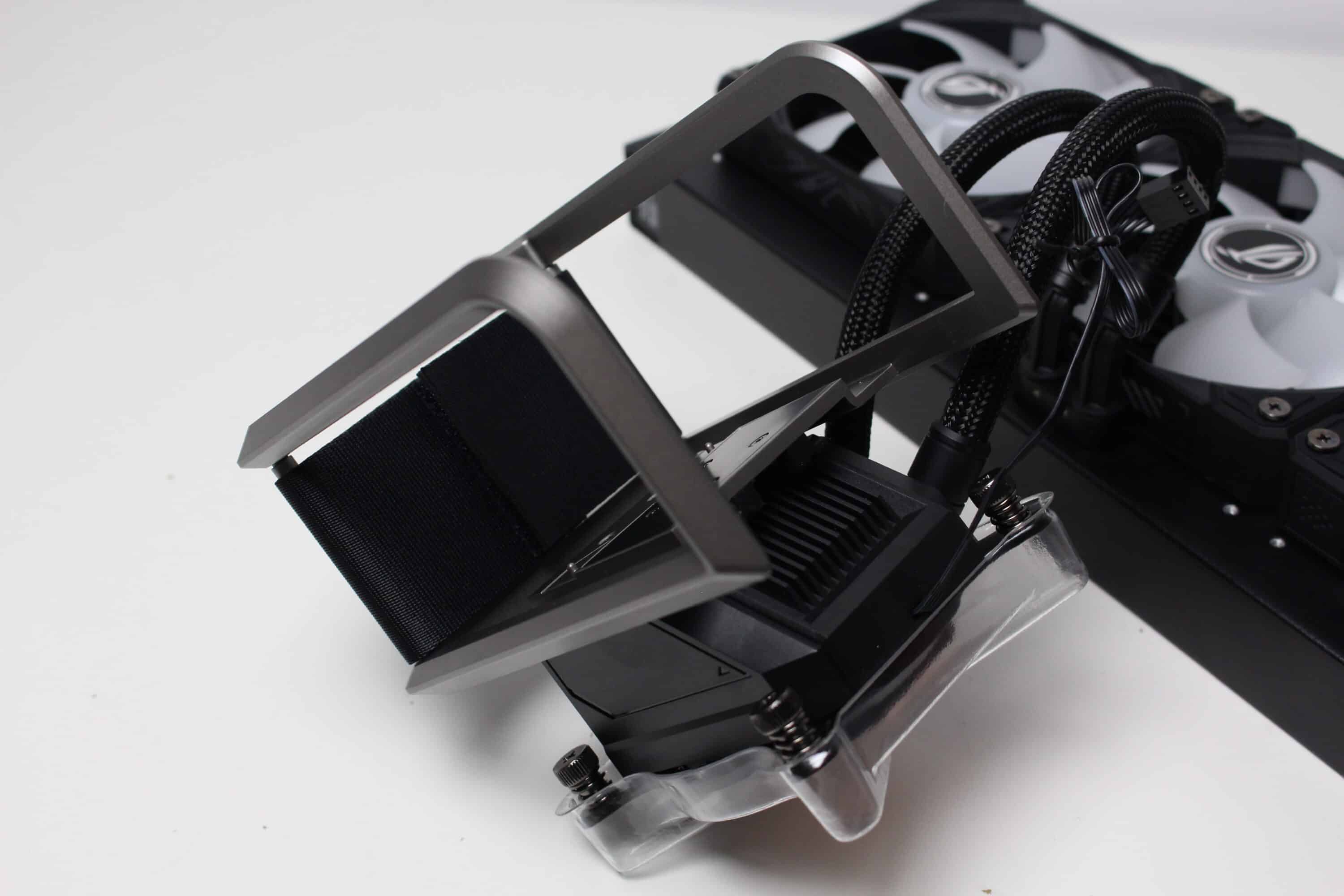
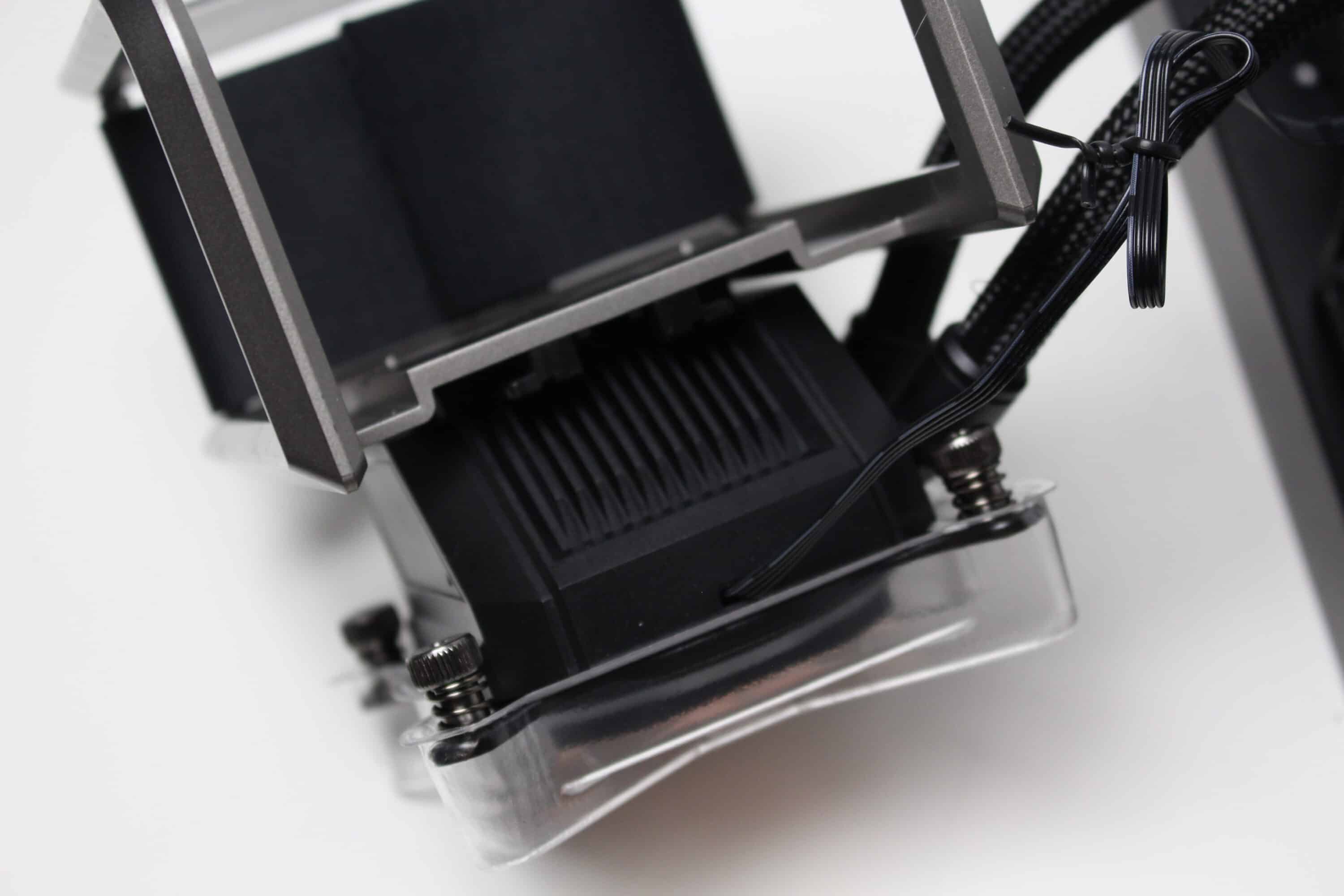
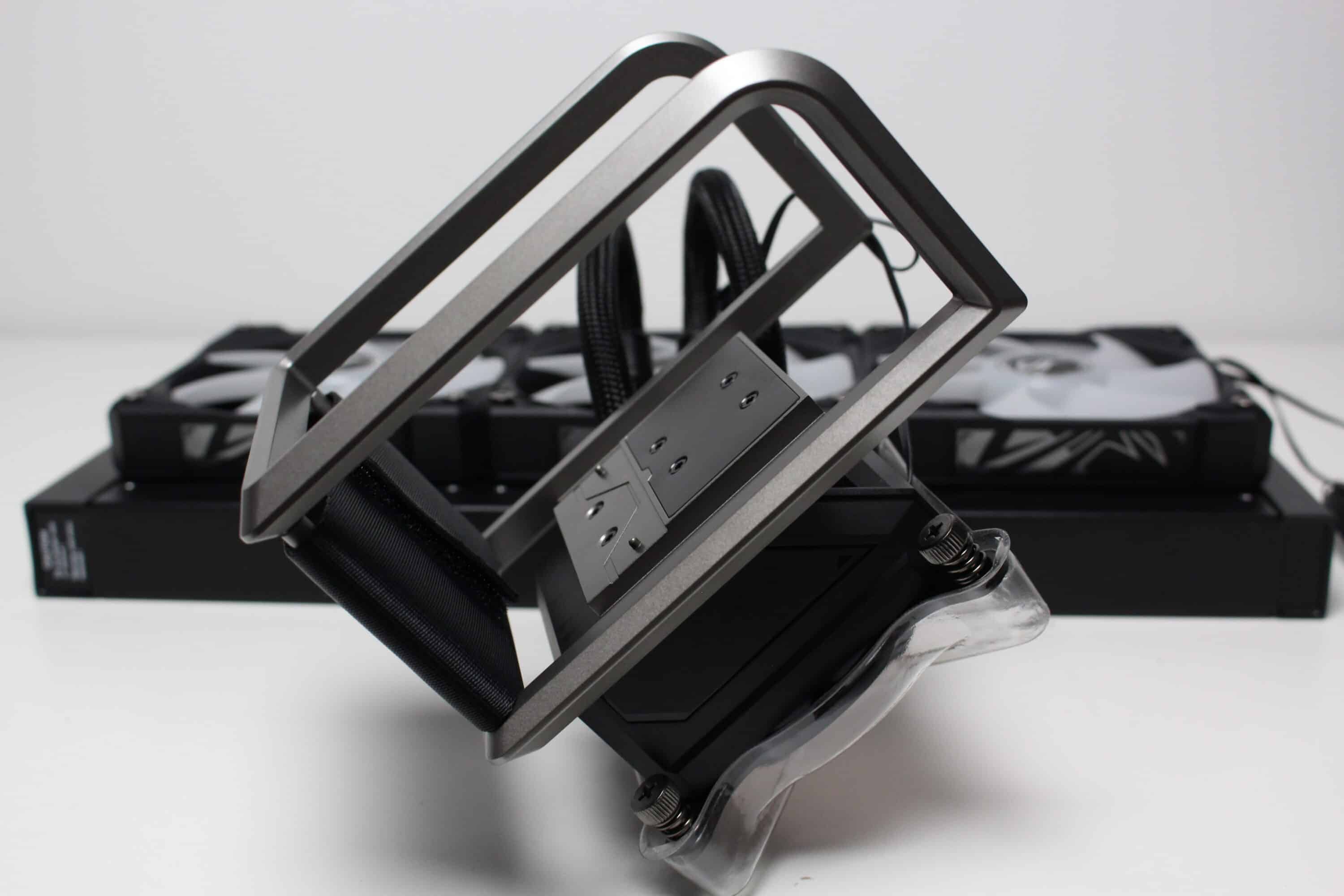
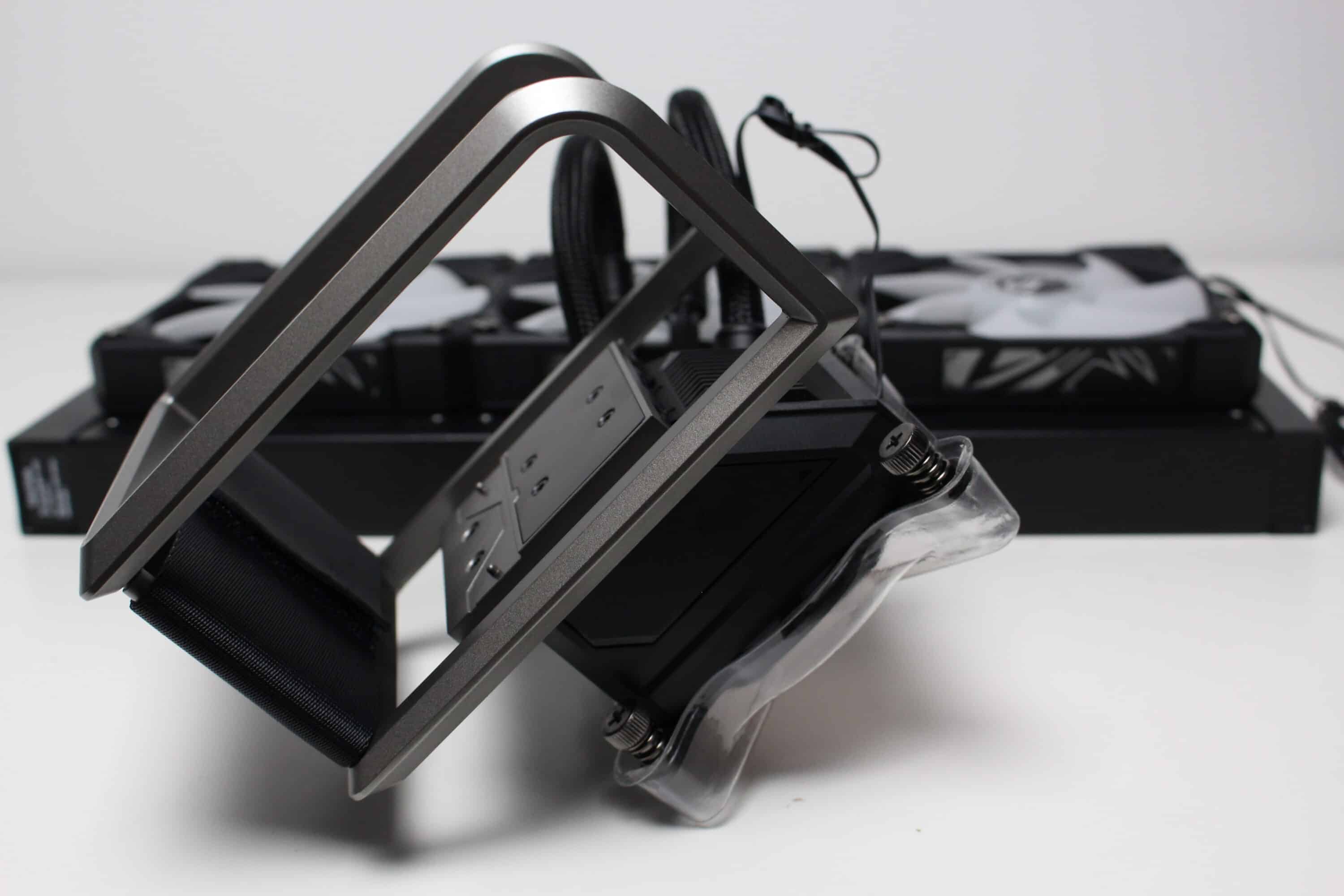
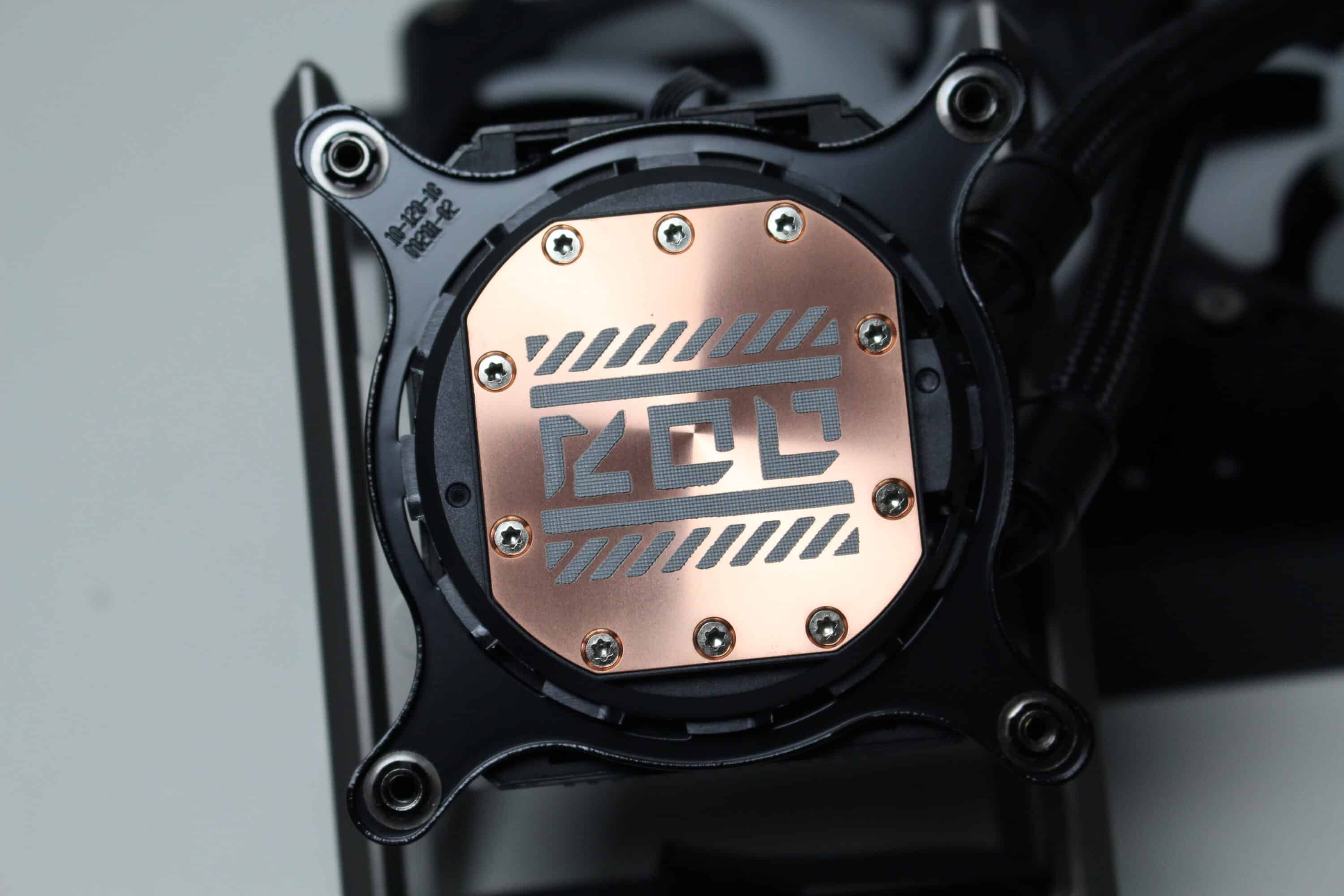
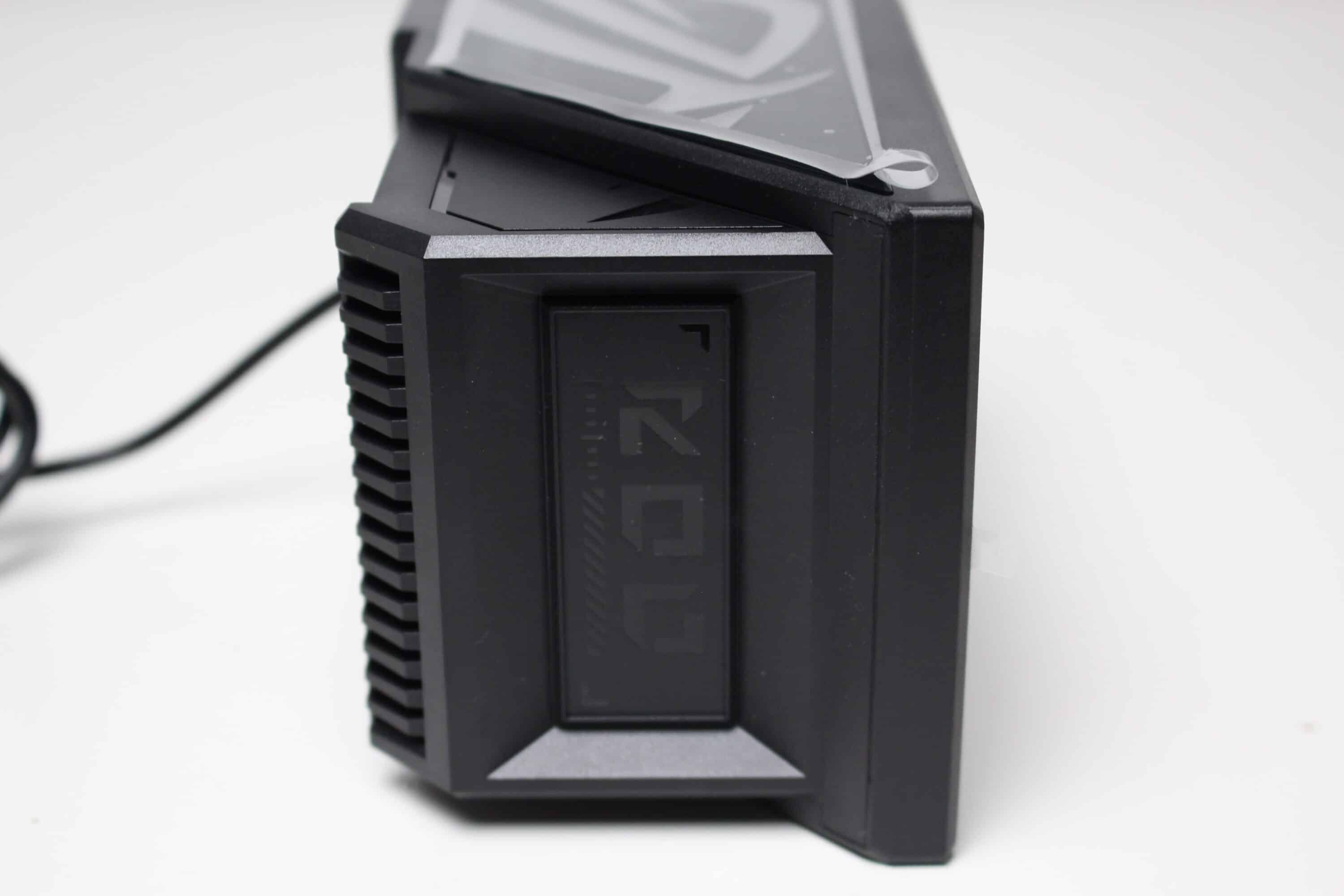
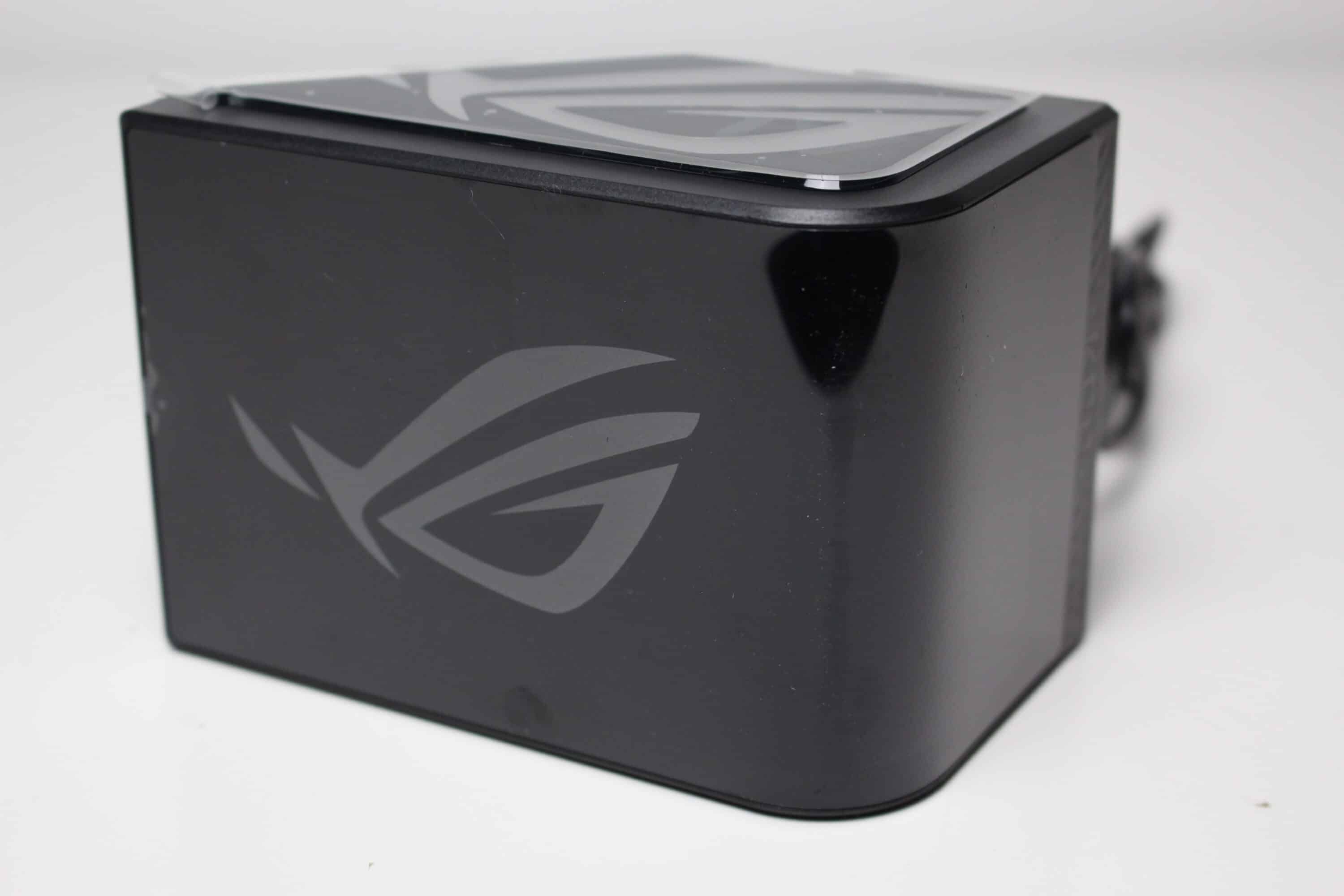
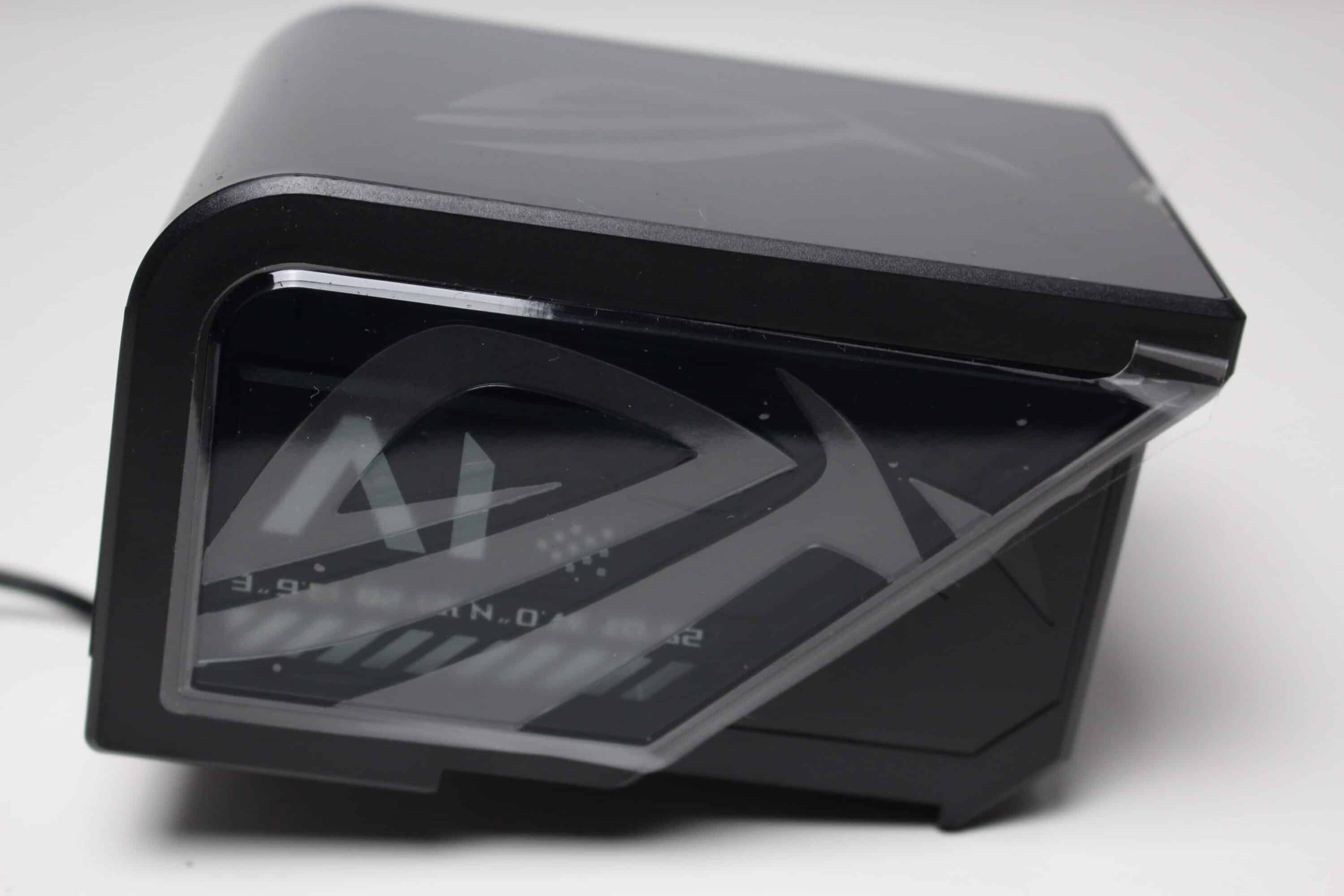
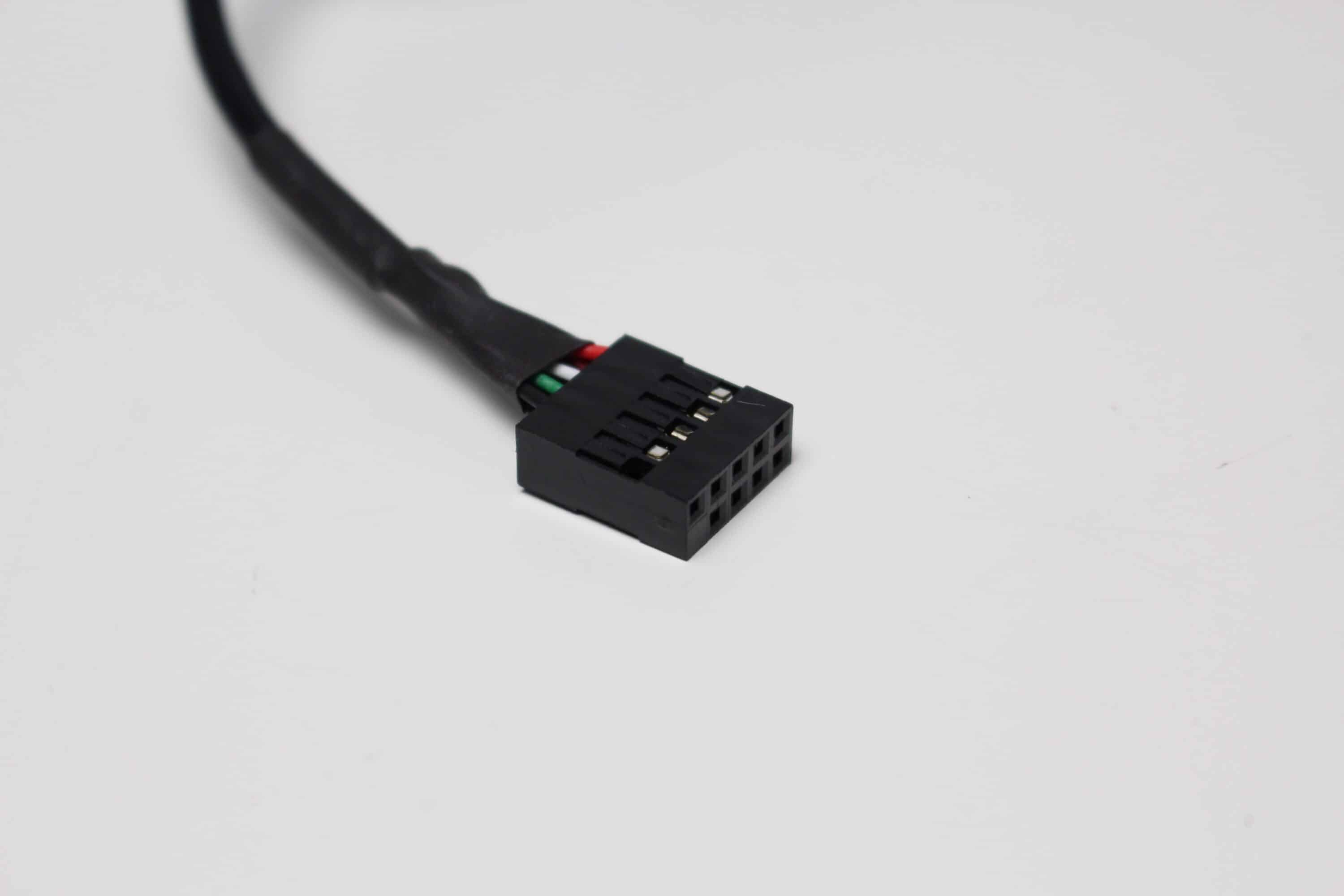
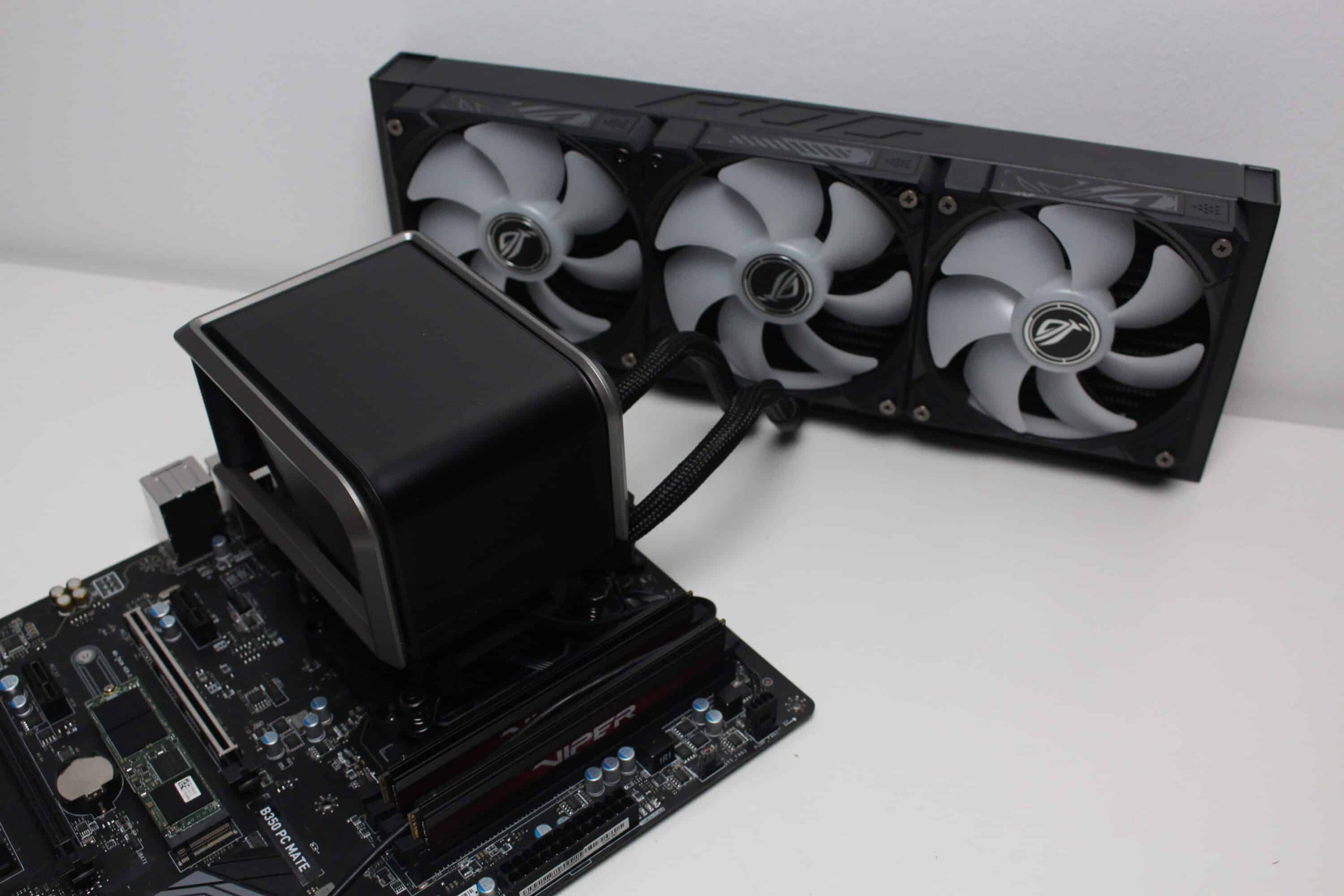
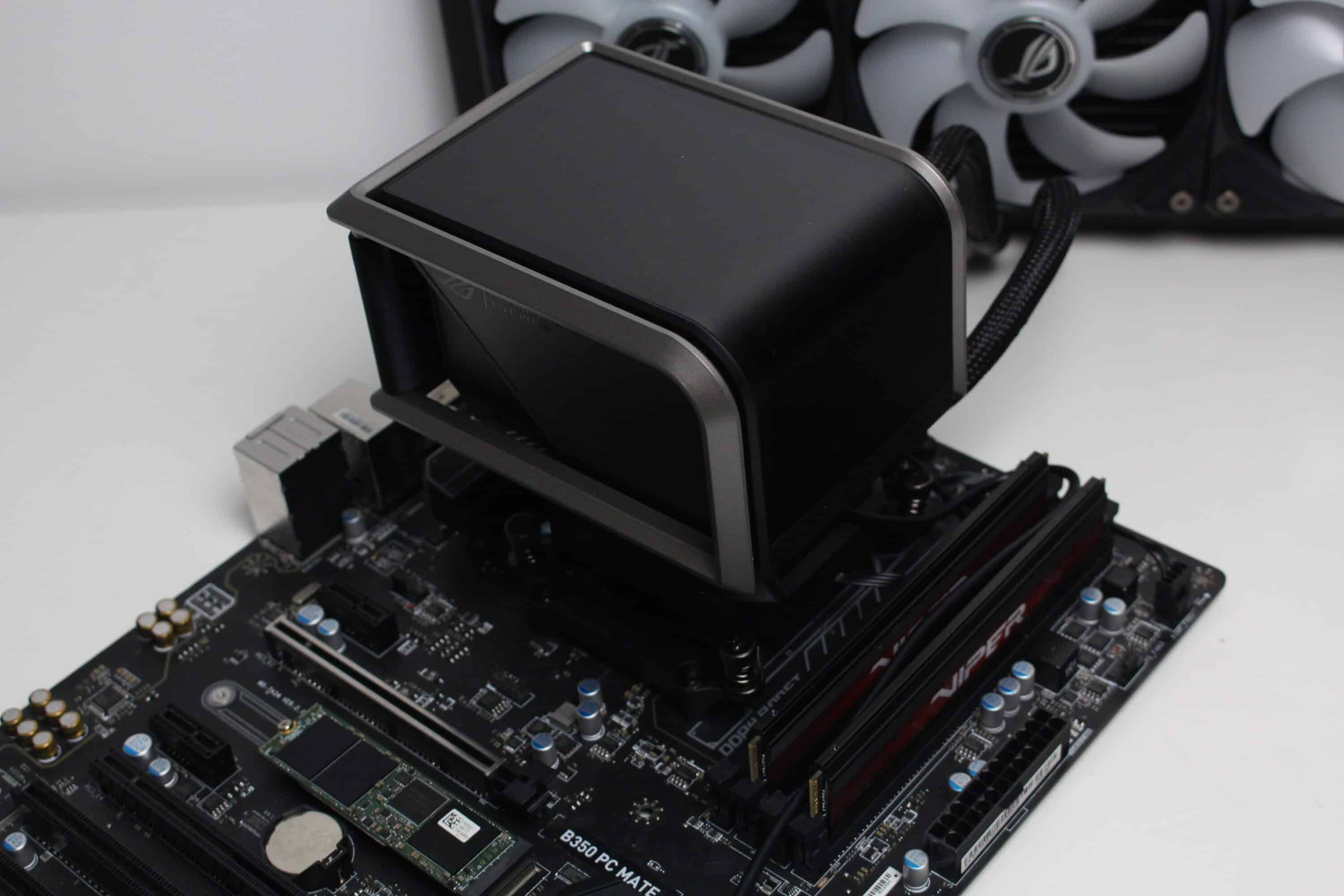
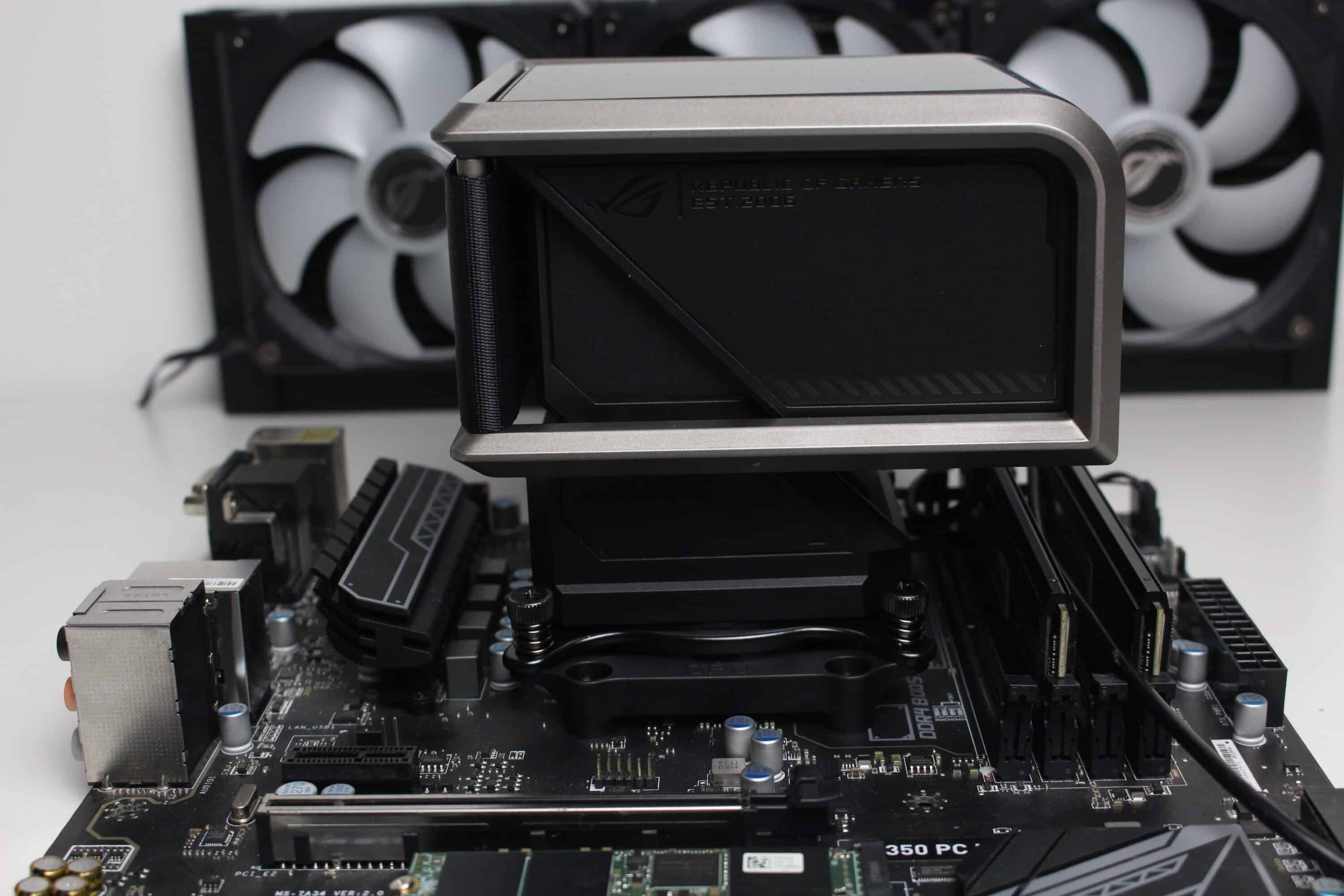
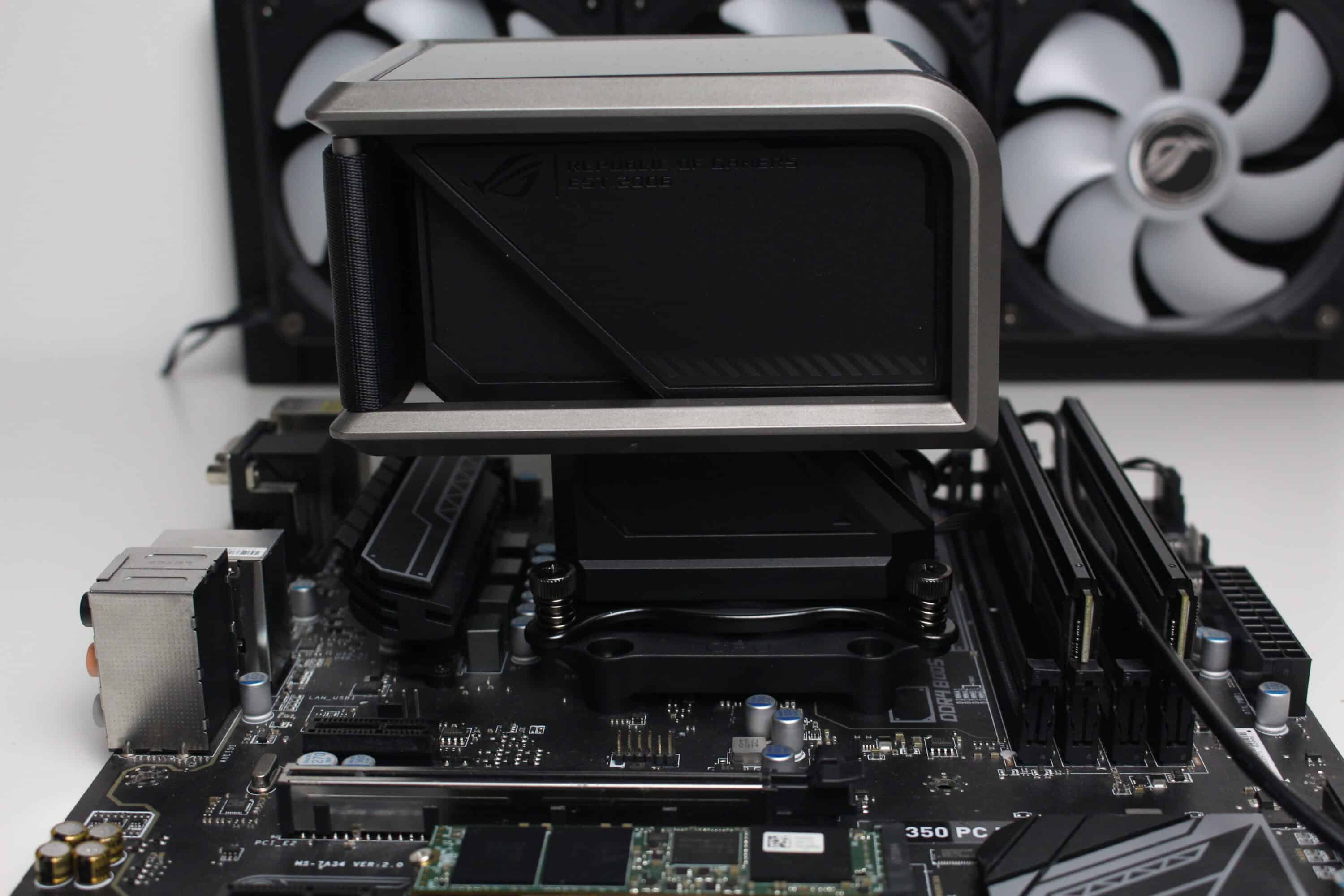
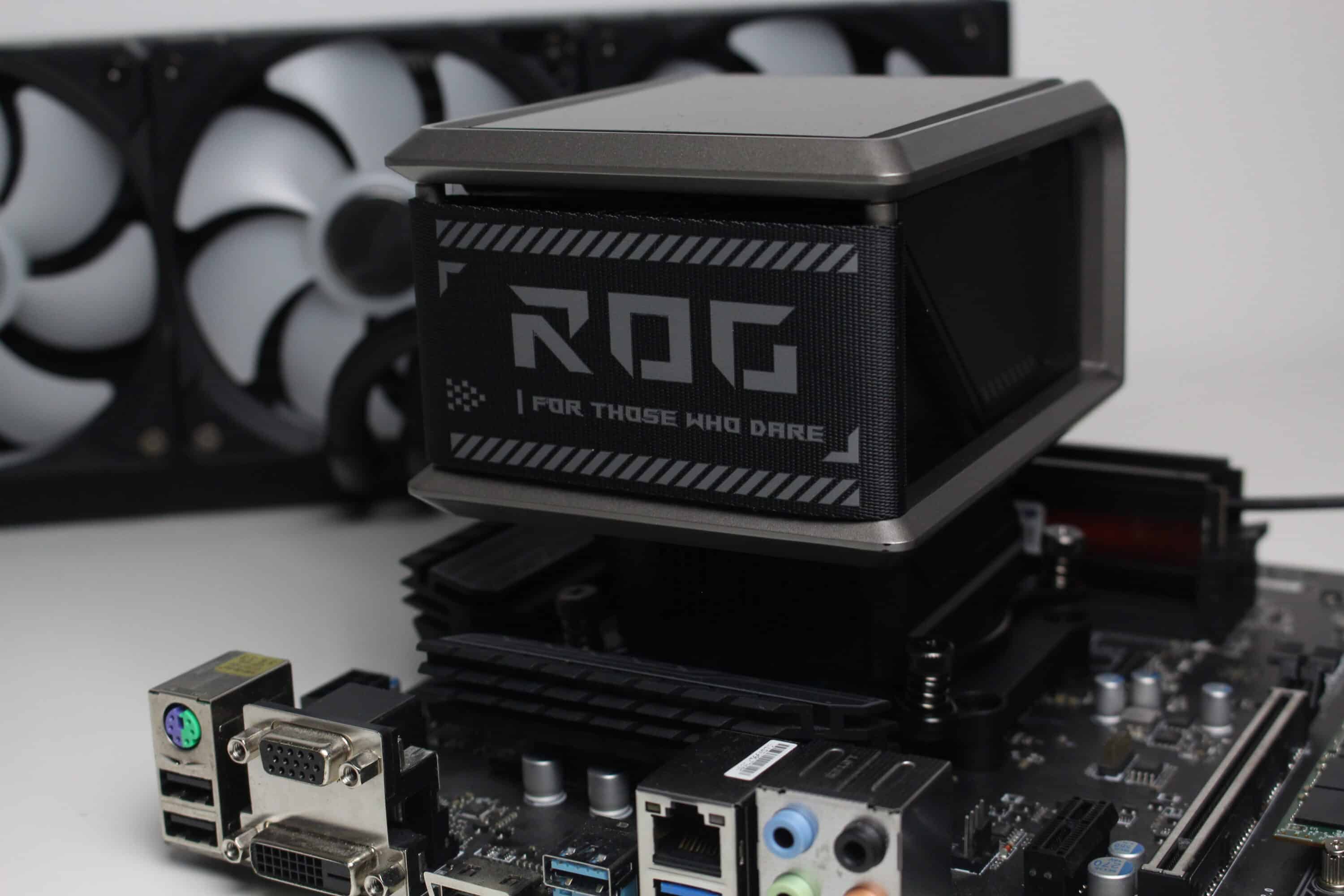
And why has ASUS added a silver frame above the pump block? This serves as a holding frame for the display block, into which a curved 6.67″ 2K AMOLED display has been incorporated. The block itself is mainly made of black plastic and the protective surface above the display is matt or has been covered with a protective film at the factory. It is mounted on the pump block using a large magnet and data is transferred via an internal USB 2.0 port.
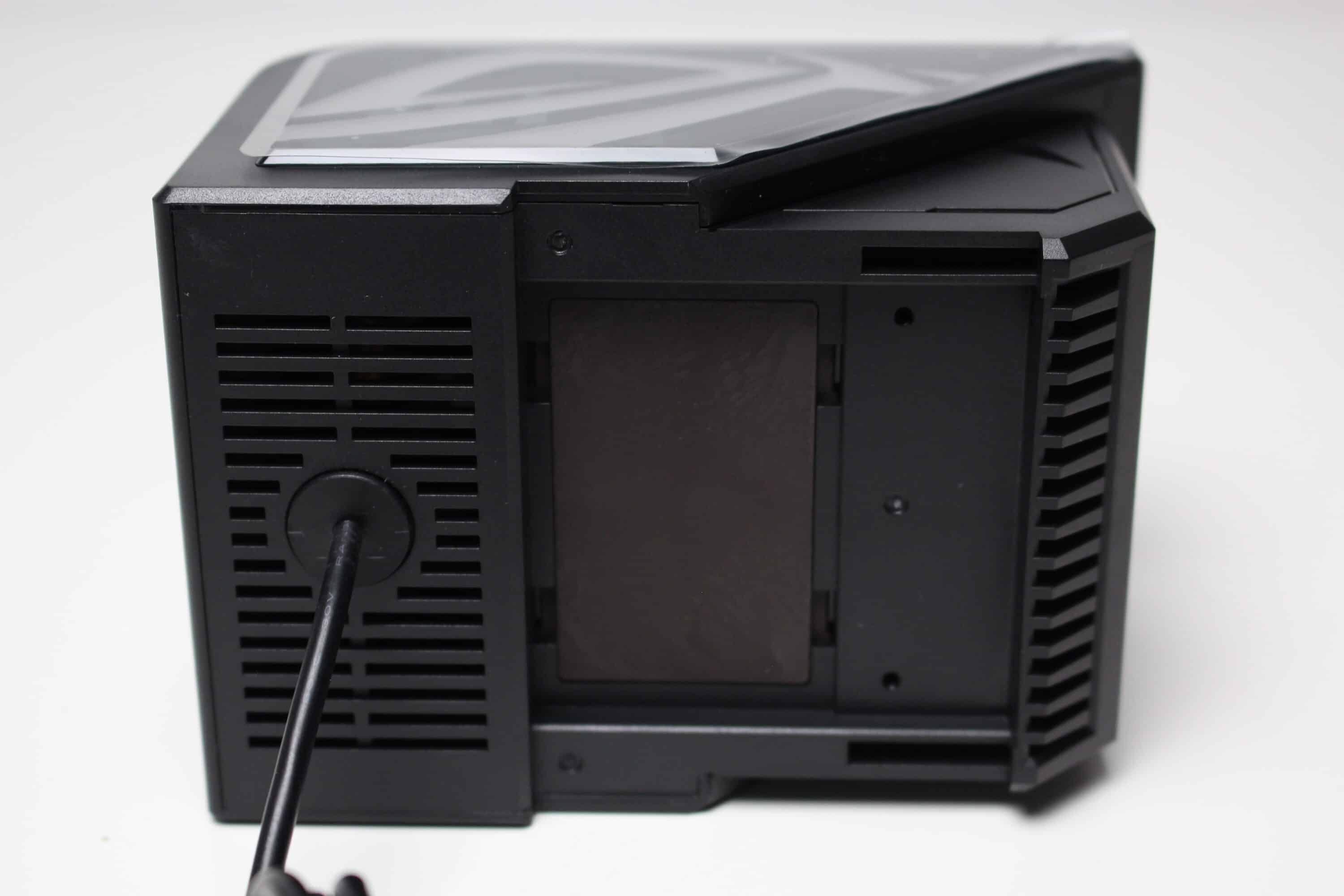
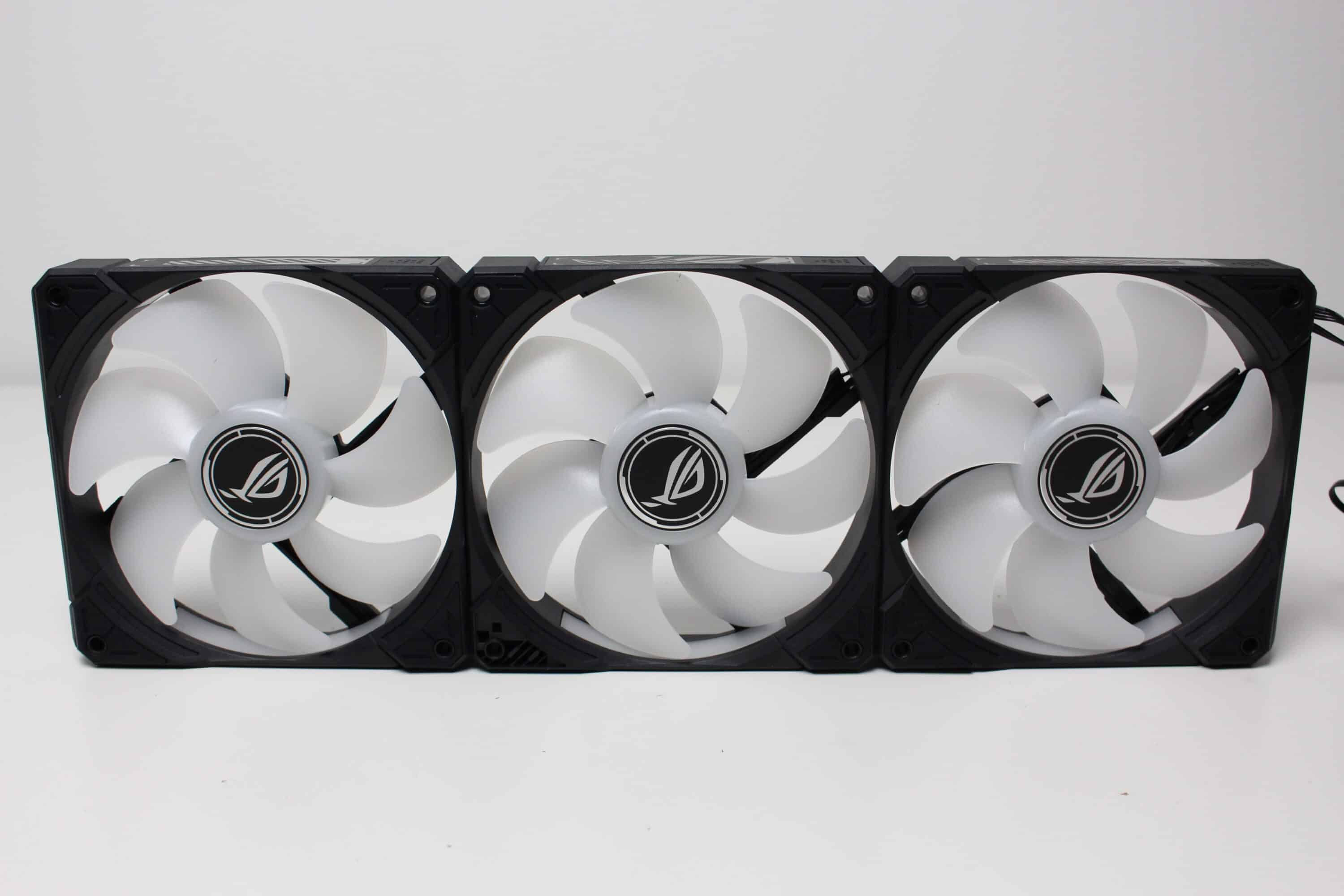
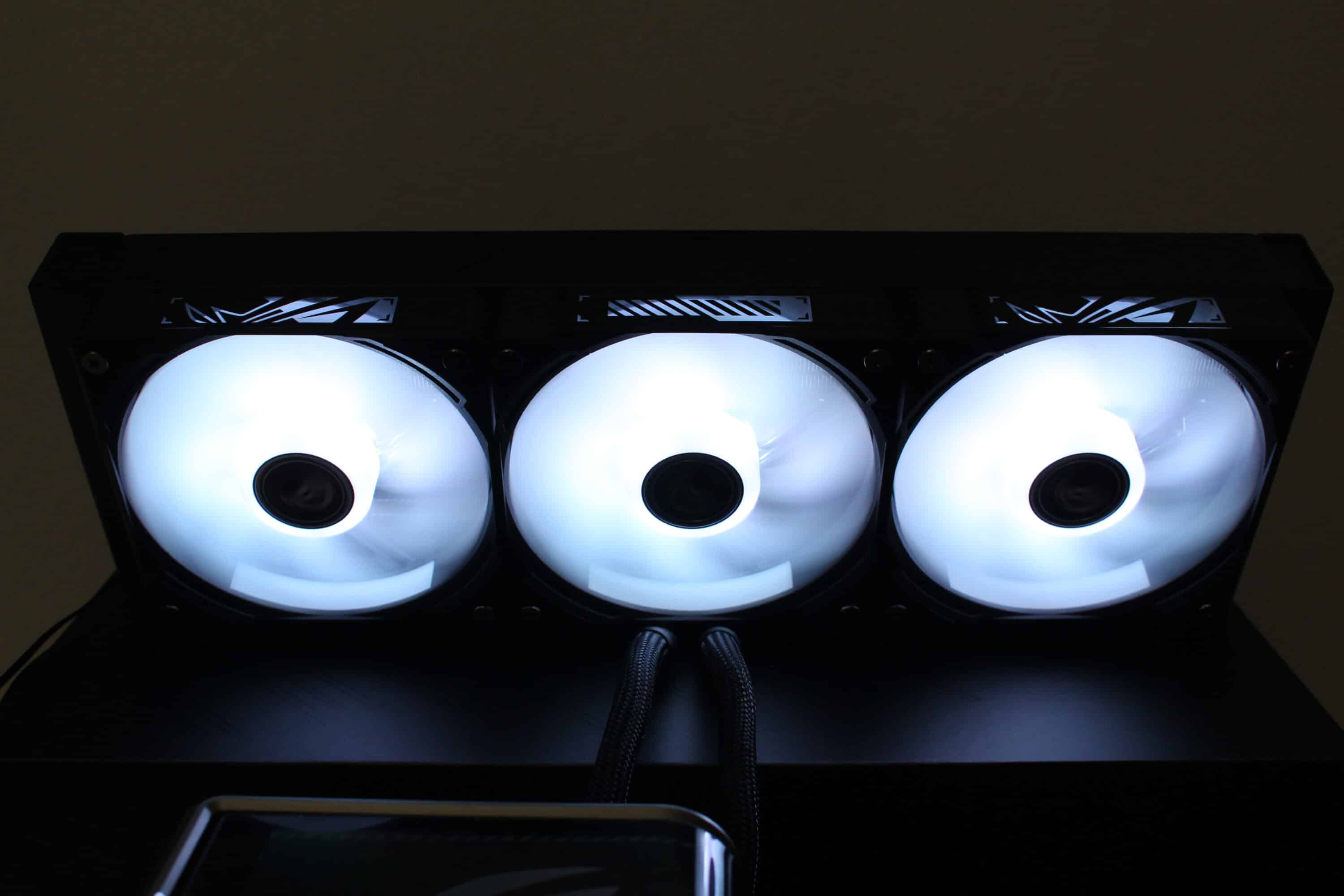
The three included ROG RYUO IV MF-12C ARGB fans have a frame width of 120 millimeters and are 27 millimeters deep. The frame is black and the rotor has a milky white design. The latter consists of seven fan blades and eight ARGB LEDs in the fan hub. All three fans are plugged together at the factory to form a single unit, but can be disassembled if required. Due to the integrated contacts, all three fans are connected via just one 4-pin PWM and one 3-pin 5V ARGB connector.
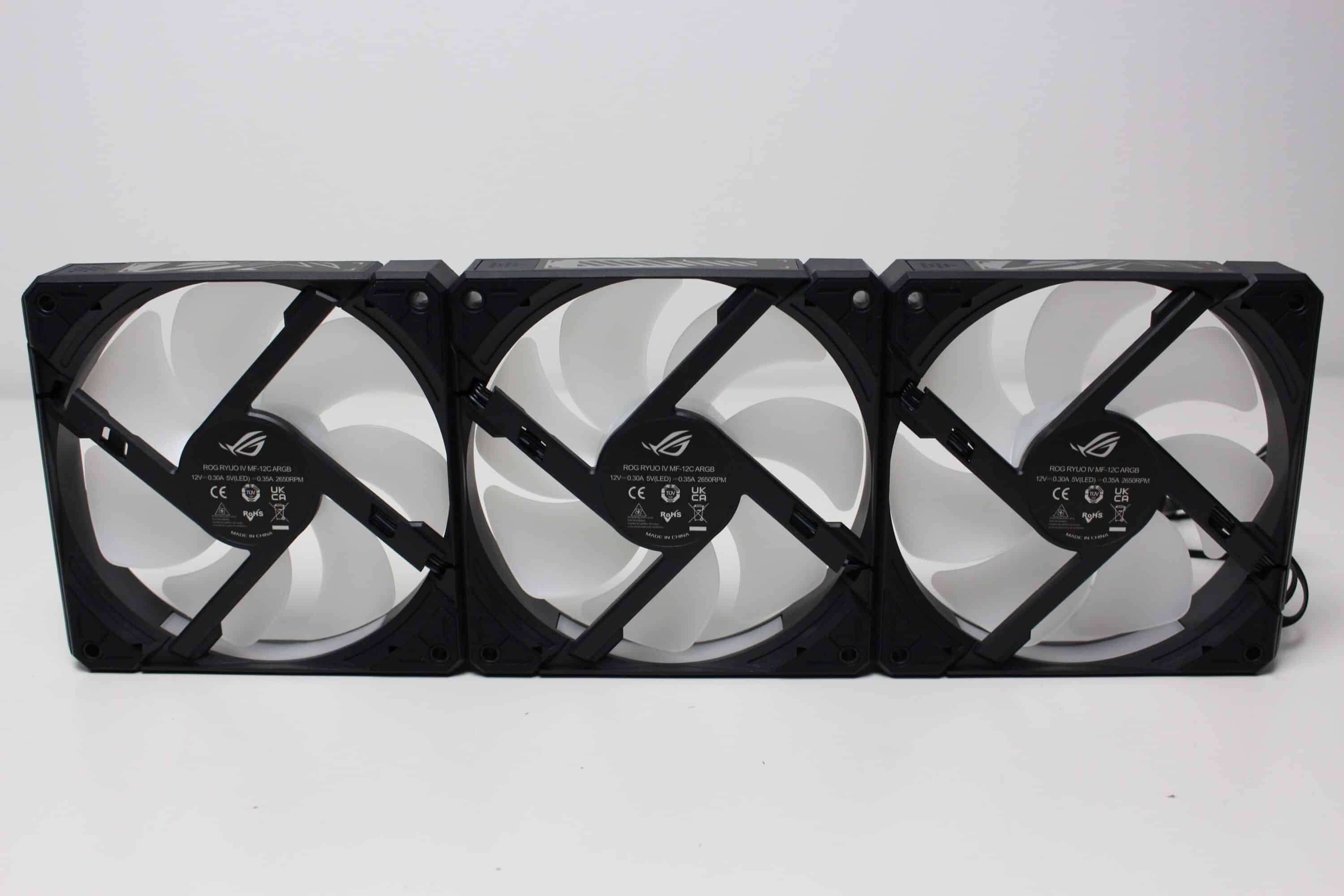
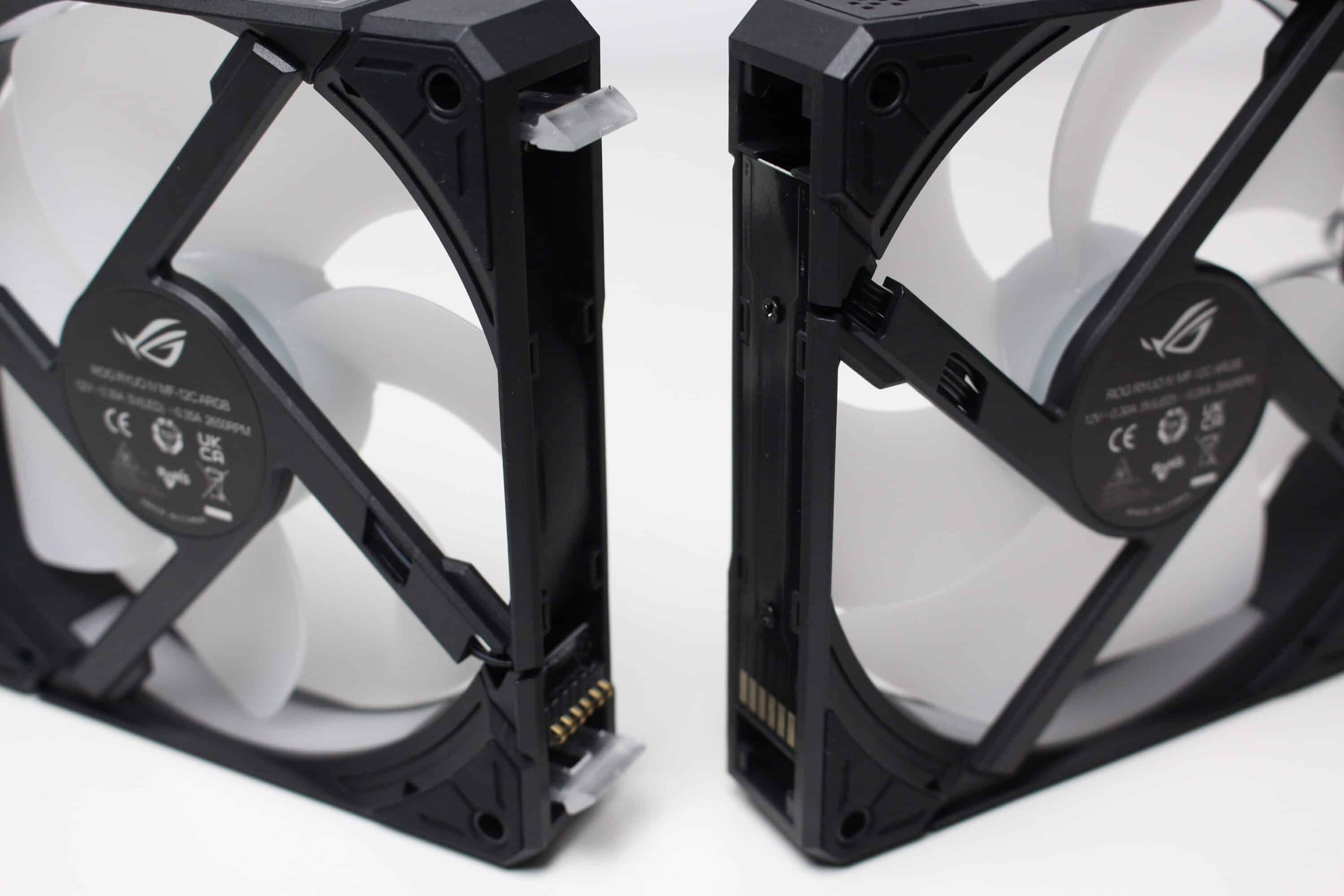
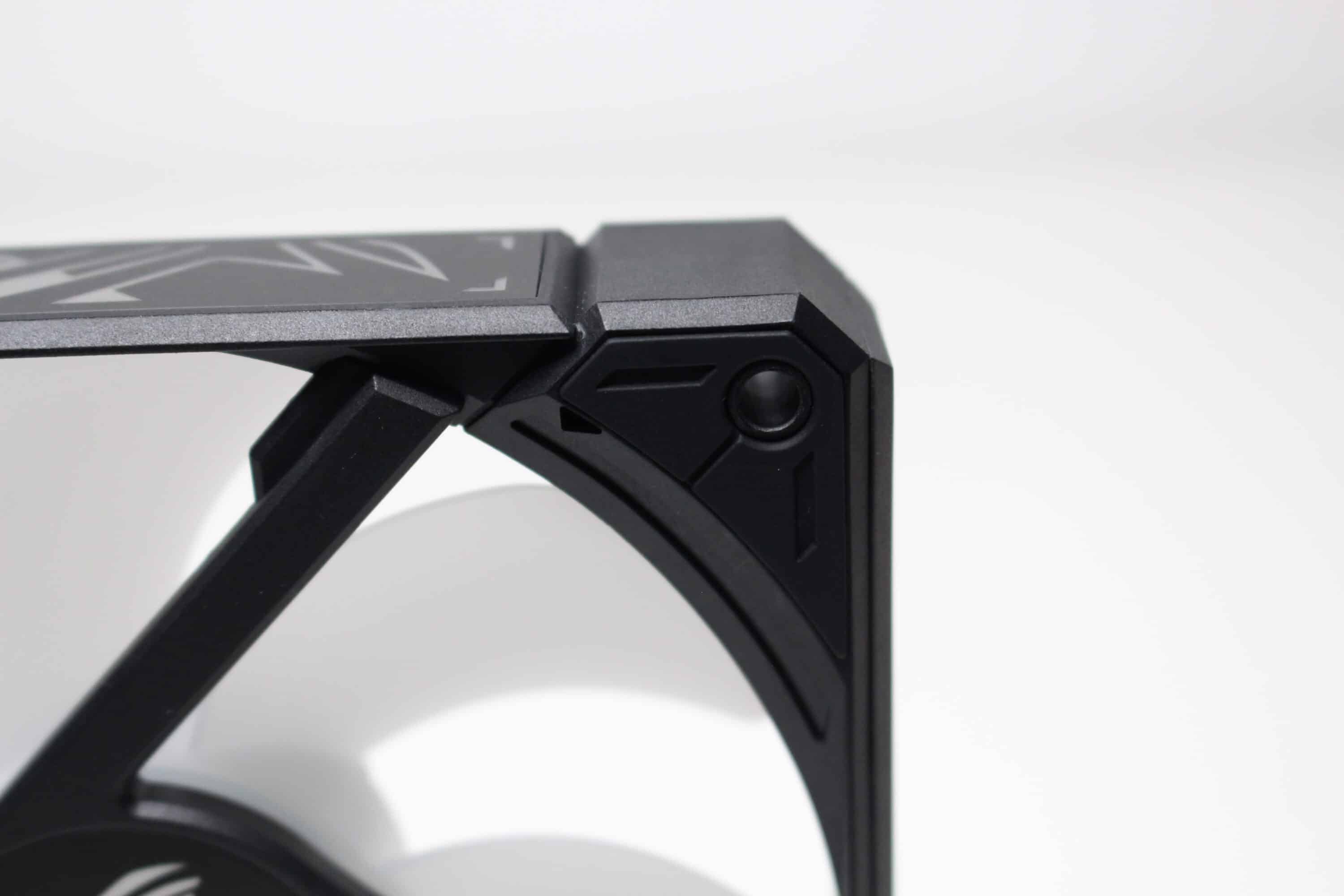
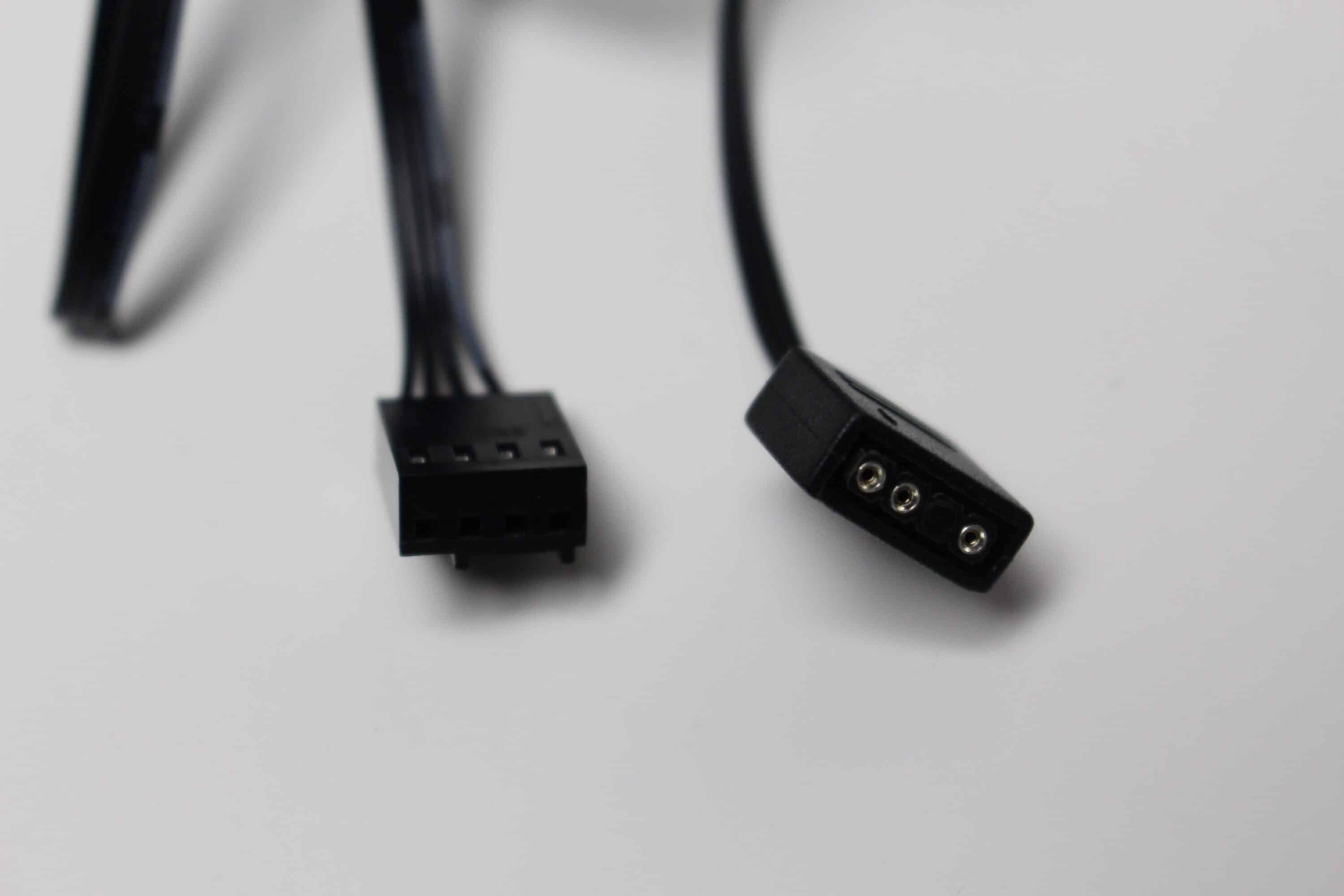
Fully assembled, the ASUS ROG Ryuo IV SLC 360 ARGB has a total weight of around 2.3 kilograms and is therefore relatively heavy. Due to the total depth of 59 millimeters and the width of 140 millimeters, you should also check before purchasing this compact water cooling system whether the case offers sufficient space in the lid and whether other components such as the VRM cooler of the mainboard or the RAM bars are in the way. Visually and in terms of quality and workmanship, the ASUS ROG Ryuo IV SLC 360 ARGB leaves us with an excellent impression.
ASUS ROG Ryuo IV SLC 360 ARGB Review: Assembly
A test system mounted on a benchtable is used for the performance test. This allows us to rule out factors such as heat build-up in the case. The test system consists of the following components.
- AMD Ryzen 5 1400 @ 3.8 GHz at 1.175V*
- MSI B350 PC-MATE*
- Crucial Ballistix Sport LT gray 32 GB DDR4-3000*
- TeamGroup T-Create Classic PCIe 4.0 DL*
- Gigabyte AORUS GTX 1060 6G*
- LC-Power LC550 V2.31 Platinum Series 550W*
If you want to install the ASUS ROG Ryuo IV SLC 360 ARGB on a motherboard with an AM4 or AM5 socket, the installation is very simple. The first step is to prepare the motherboard and remove the plastic struts of the AMD retention module. These are then replaced with the braces that ASUS provides with the mounting accessories. Simply use the screws that are already included with the mainboard or retention module to attach them. As the thermal paste is already pre-applied, place the pump block on the CPU and screw it in place. Finally, reattach the magnetic cover with display to the CPU block.
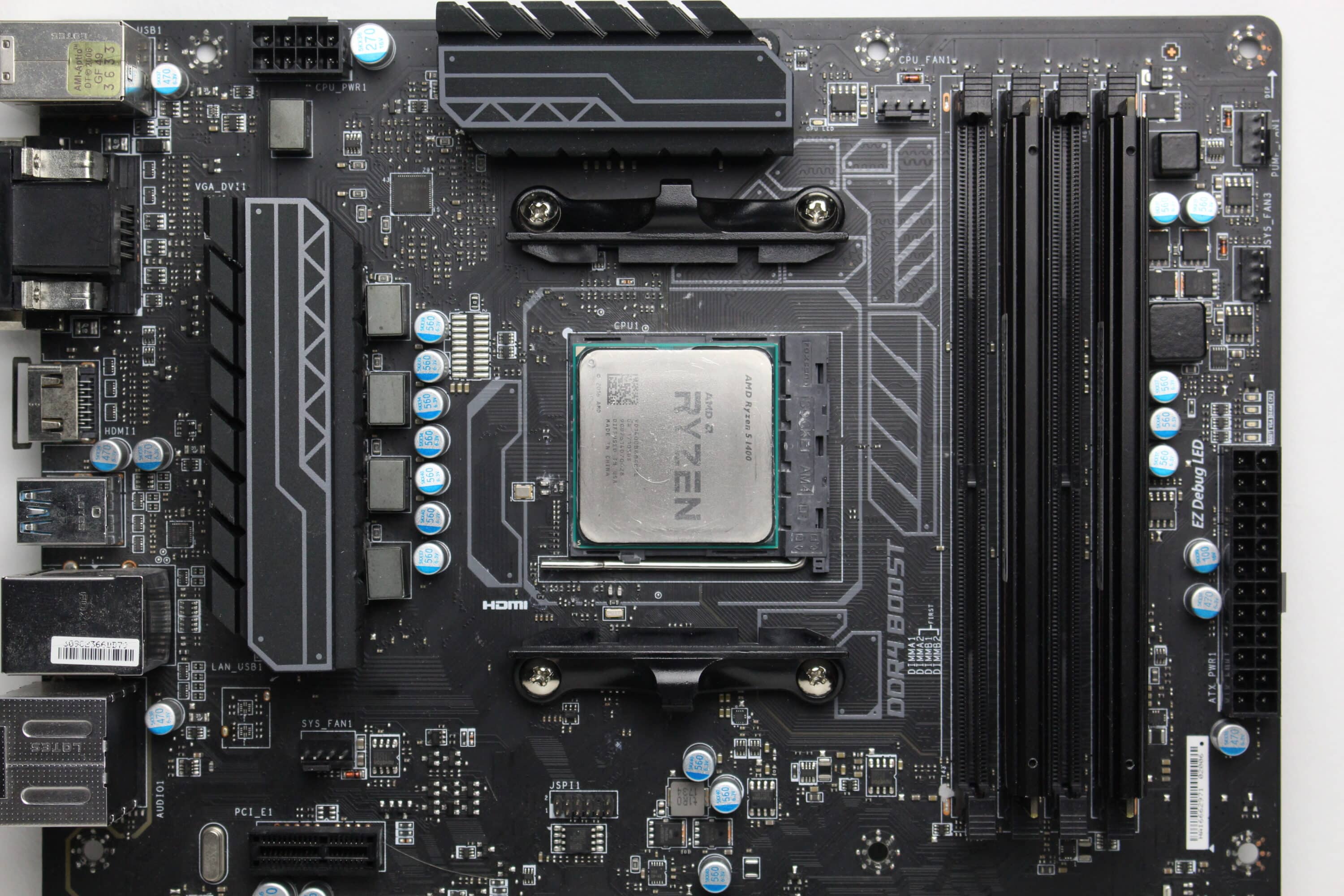
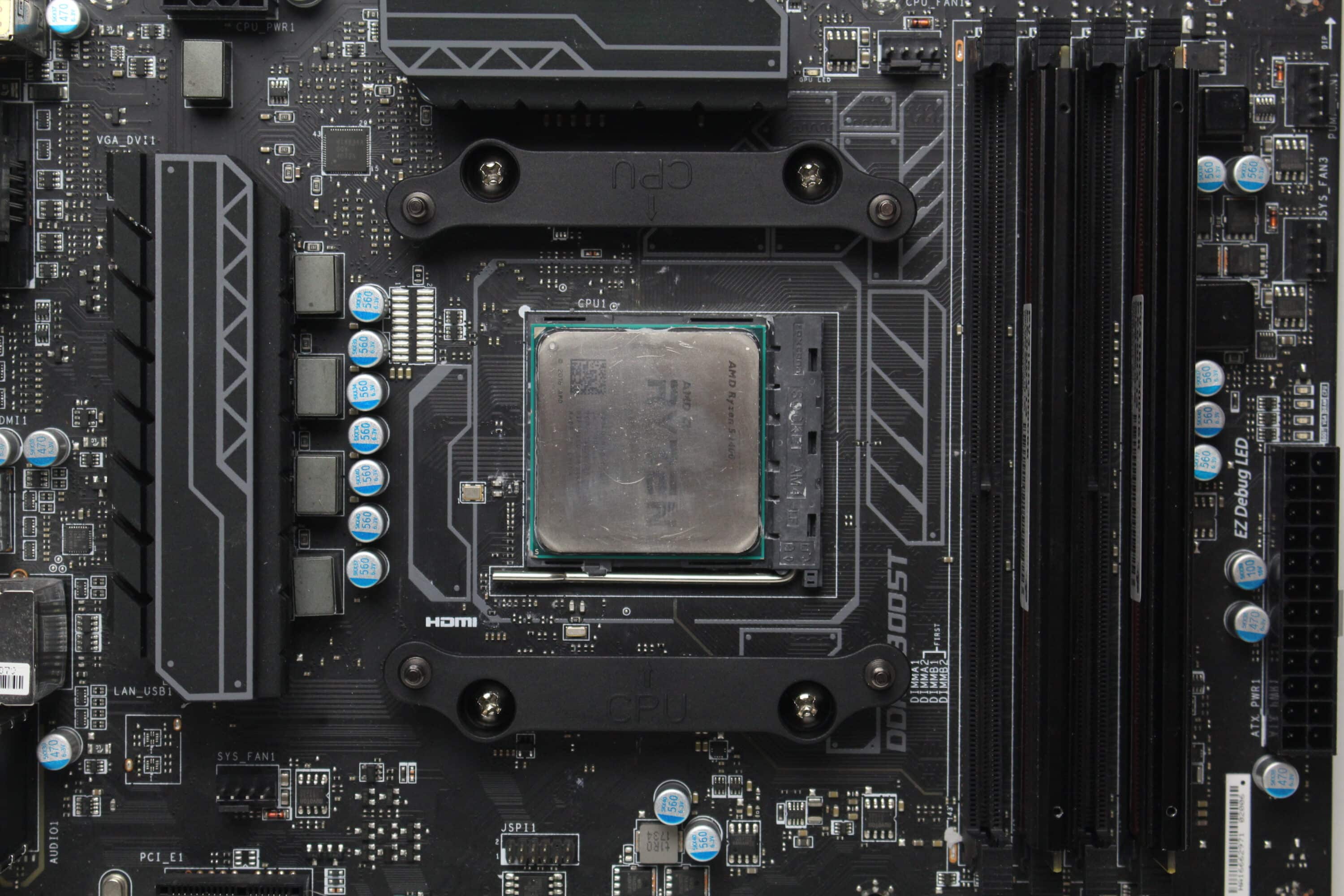
With Intel, the assembly works in a similar way. The only difference, however, is that ASUS includes a suitable backplate in the scope of delivery. The CPU block is then screwed to this backplate. The radiator of the compact water cooling system is then placed in the housing independently of the socket.
Overall, the assembly process was very simple and was completed quickly. All assembly steps are clearly illustrated in the instructions in text and picture form. In addition, all connection cables are long enough to be routed behind the mainboard tray. However, depending on the case and other hardware, the above-average depth and width of this compact water cooling system may mean that the ASUS ROG Ryuo IV SLC 360 ARGB does not always fit.
Cooling performance and volume
As already shown in the previous chapter, we use an AM4 system based on the Ryzen 5 1400 and the MSI B350 PC-MATE as test hardware. The Ryzen runs overclocked with 3.8 GHz at 1.175 V CPU voltage. To heat up the processor, we fully loaded it with Prime95 (Small FFTs) for 30 minutes in each scenario. We then read out the temperature of the CPU with the CPUID hardware monitor and the room temperature was always around 20 °C during the measurements.
| wdt_ID | CPU-Kühler | Temperatur Minimaldrehzahl (in °C) | Temperatur 50% PWM (in °C) | Temperatur 100% PWM (in °C) | Minimale Lüftergeschwindigkeit (in U/min) | Lüftergeschwindigkeit bei 50% PWM (in U/min) | Lüftergeschwindigkeit bei 100% PWM (in U/min) | Minimale Pumpengeschwindigkeit (in U/min) | Pumpengeschwindigkeit bei 50% PWM (in U/min) | Pumpengeschwindigkeit bei 100% PWM (in U/min) |
|---|---|---|---|---|---|---|---|---|---|---|
| 123 | Thermaltake TH280 V2 ARGB | 0,00 | 46,60 | 45,90 | 550 | 1.200 | 1.800 | 680 | 2.100 | 3.200 |
| 124 | Cooler Master MasterLiquid 240 Atmos ARGB | 0,00 | 50,40 | 46,50 | 560 | 1.340 | 2.270 | 1.965 | 6.620 | 10.230 |
| 125 | be quiet! Pure Loop 2 240mm | 0,00 | 50,70 | 46,70 | 800 | 1.070 | 2.080 | 4.150 | 4.700 | 5.530 |
| 126 | Alpenföhn Panorama 2 | 0,00 | 76,00 | 66,80 | 450 | 1.450 | 2.720 | |||
| 127 | Alpenföhn Brocken 4 | 0,00 | 53,60 | 49,60 | 410 | 870 | 1.610 | |||
| 128 | AMD Wraith Stealth | 95,00 | 95,00 | 76,00 | 800 | 1.430 | 2.630 | |||
| 129 | Corsair A115 | 0,00 | 49,40 | 46,90 | 190 | 920 | 1.560 | |||
| 130 | Thermalright Peerless Assassin 120 SE | 0,00 | 49,50 | 47,50 | 350 | 1.050 | 1.680 | |||
| 131 | Thermalright Assassin X 120 SE | 0,00 | 53,60 | 50,60 | 340 | 1.070 | 1.690 | |||
| 132 | DeepCool Assassin IV (Silent) | 0,00 | 51,40 | 48,70 | 500 | 860 | 1.330 | |||
| CPU-Kühler | Temperatur Minimaldrehzahl (in °C) | Temperatur 50% PWM (in °C) | Temperatur 100% PWM (in °C) | Minimale Lüftergeschwindigkeit (in U/min) | Lüftergeschwindigkeit bei 50% PWM (in U/min) | Lüftergeschwindigkeit bei 100% PWM (in U/min) | Minimale Pumpengeschwindigkeit (in U/min) | Pumpengeschwindigkeit bei 50% PWM (in U/min) | Pumpengeschwindigkeit bei 100% PWM (in U/min) |
As can be seen in the table and diagram, the CPU of our test system reaches a maximum of 55.8 °C (minimum speed), 46.1 °C (at 50% PWM fan and pump speed) and 43.8 °C (at 100% PWM fan and pump speed) under full load. With these values, the ASUS ROG Ryuo IV SLC 360 ARGB takes second place in our table and is only beaten by the ASUS ROG Ryujin III 360 ARGB Extreme. Nevertheless, this compact water cooling system offers excellent cooling performance.
As with the ASUS ROG Ryujin III 360 ARGB Extreme, the ASUS ROG Ryuo IV SLC 360 ARGB can also be very loud but also very quiet. Although the pump is audible at full speed, it might not be so noticeable in the general background noise of other components. The fans, on the other hand, are absurdly loud and more than annoying when they rotate higher than 1800 rpm. Fortunately, the cooling performance is still very good even at greatly reduced speeds, so you only have to optimize the curves manually in the BIOS.
ASUS ROG Ryuo IV SLC 360 ARGB test: Lighting options
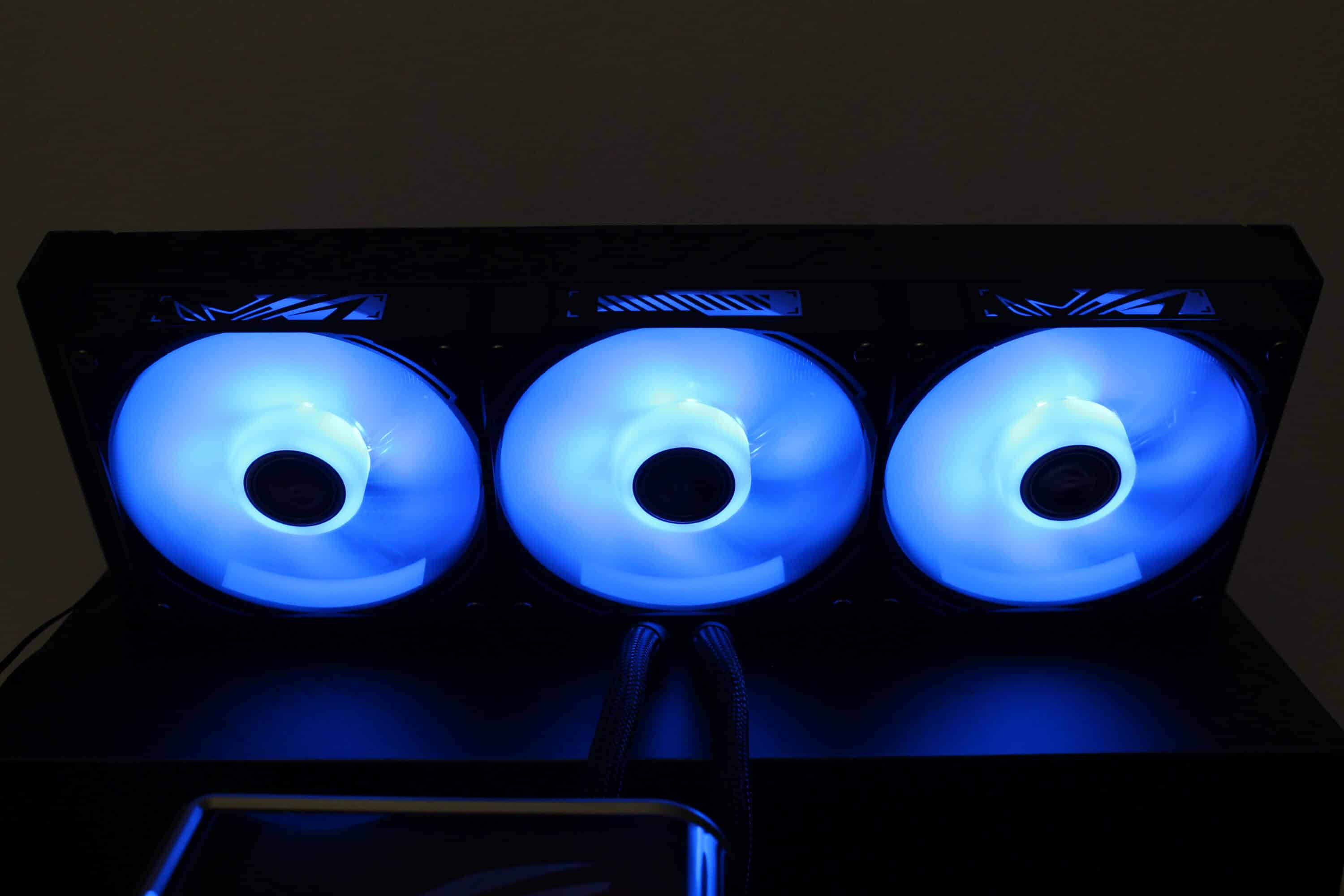
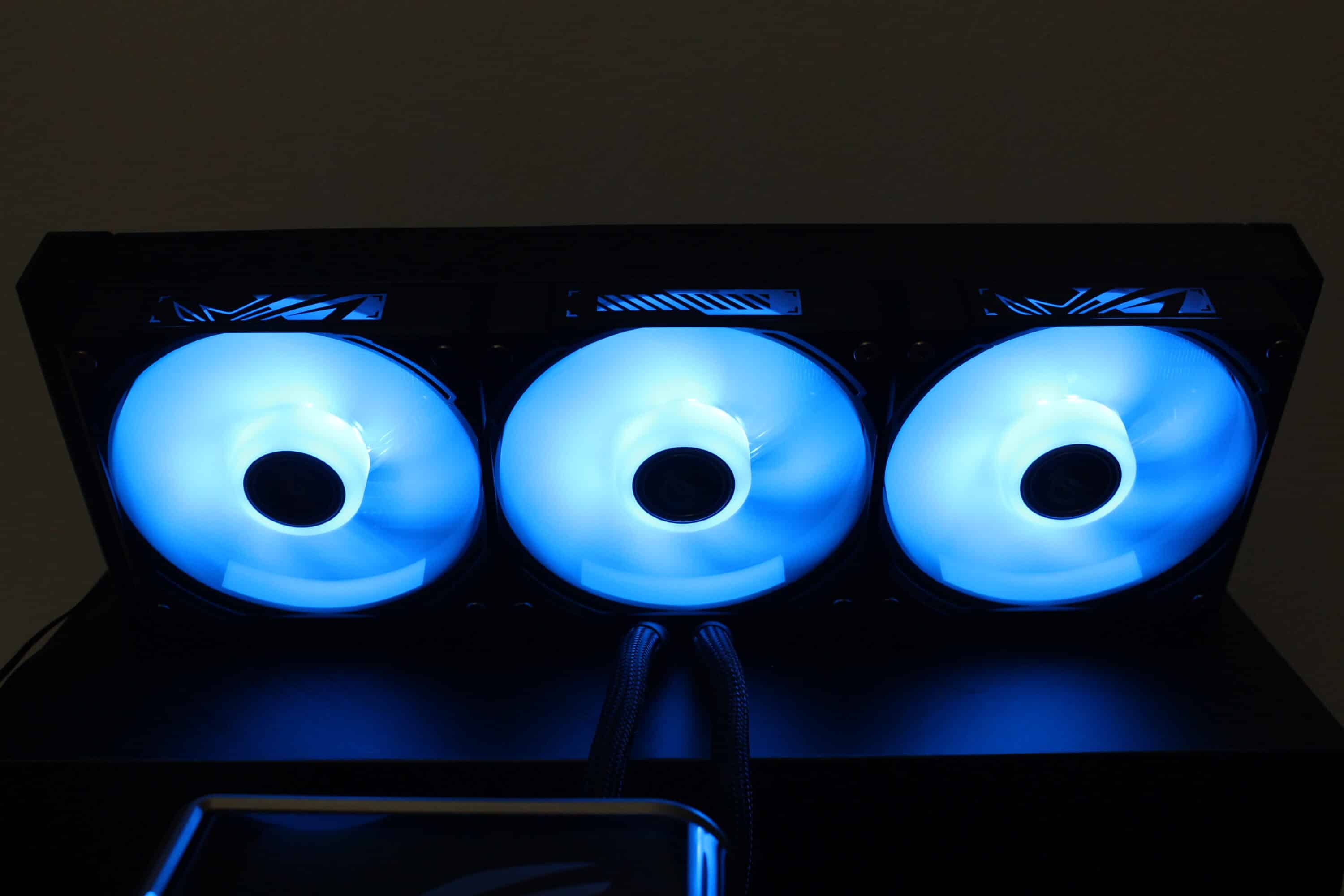
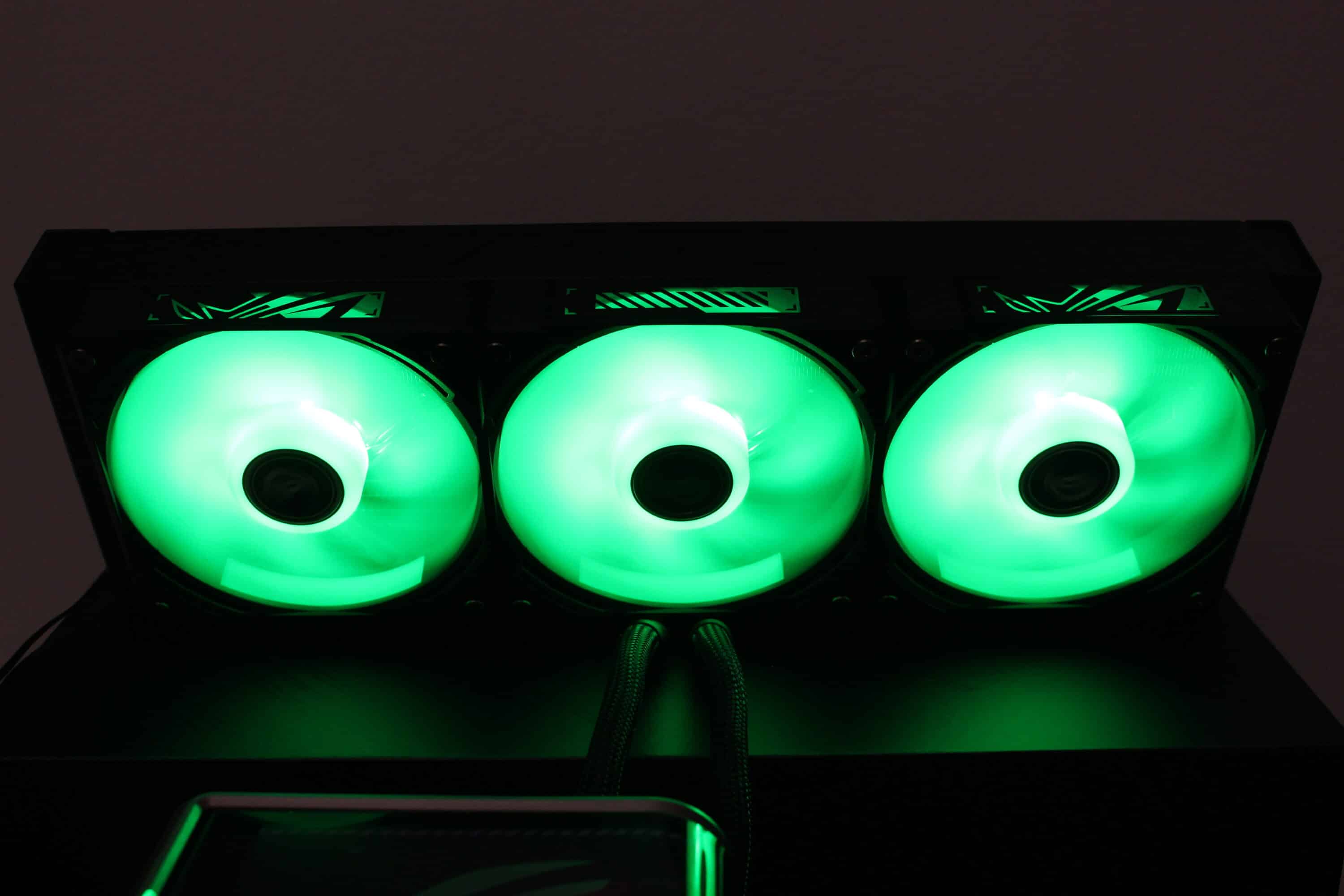
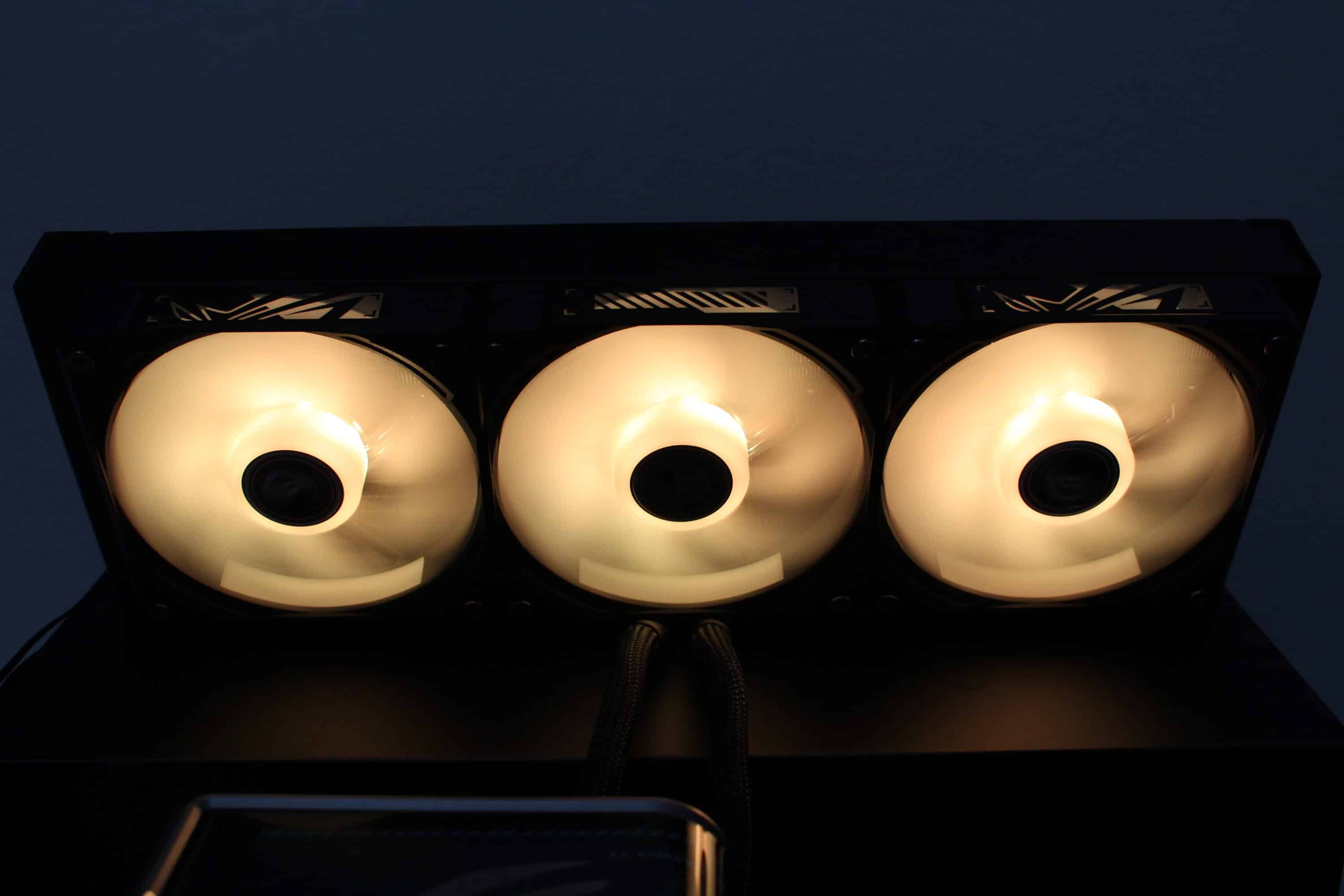
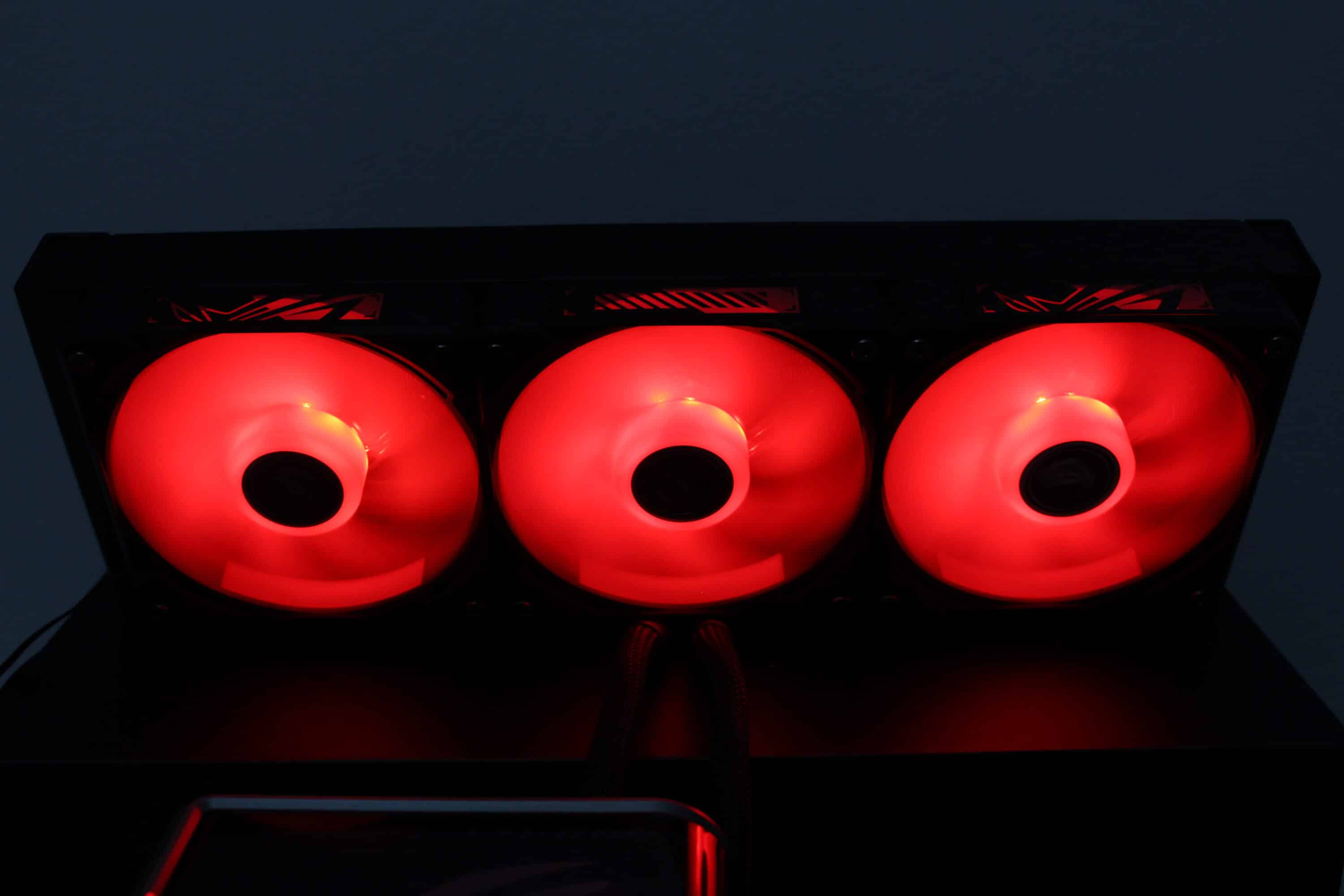
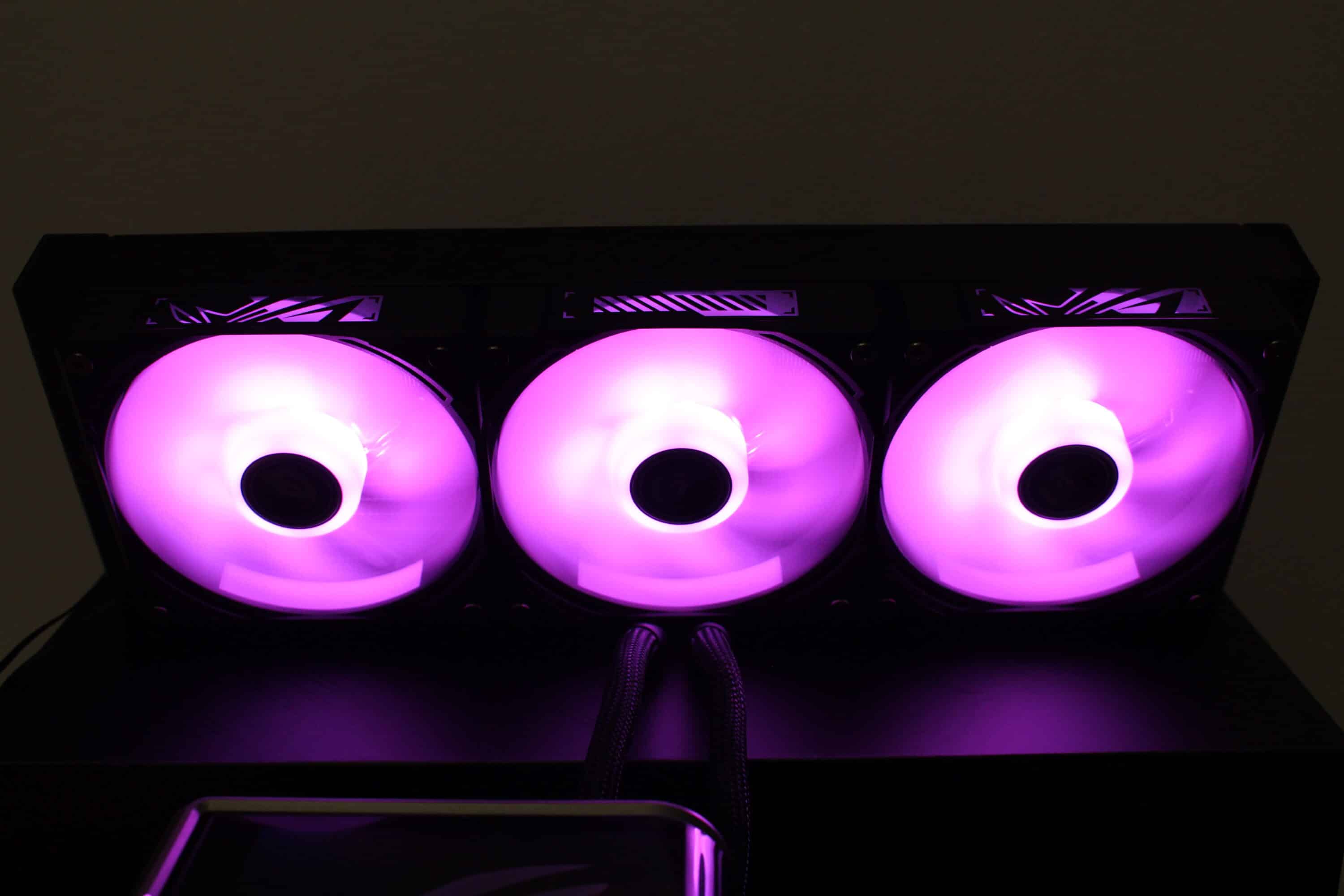
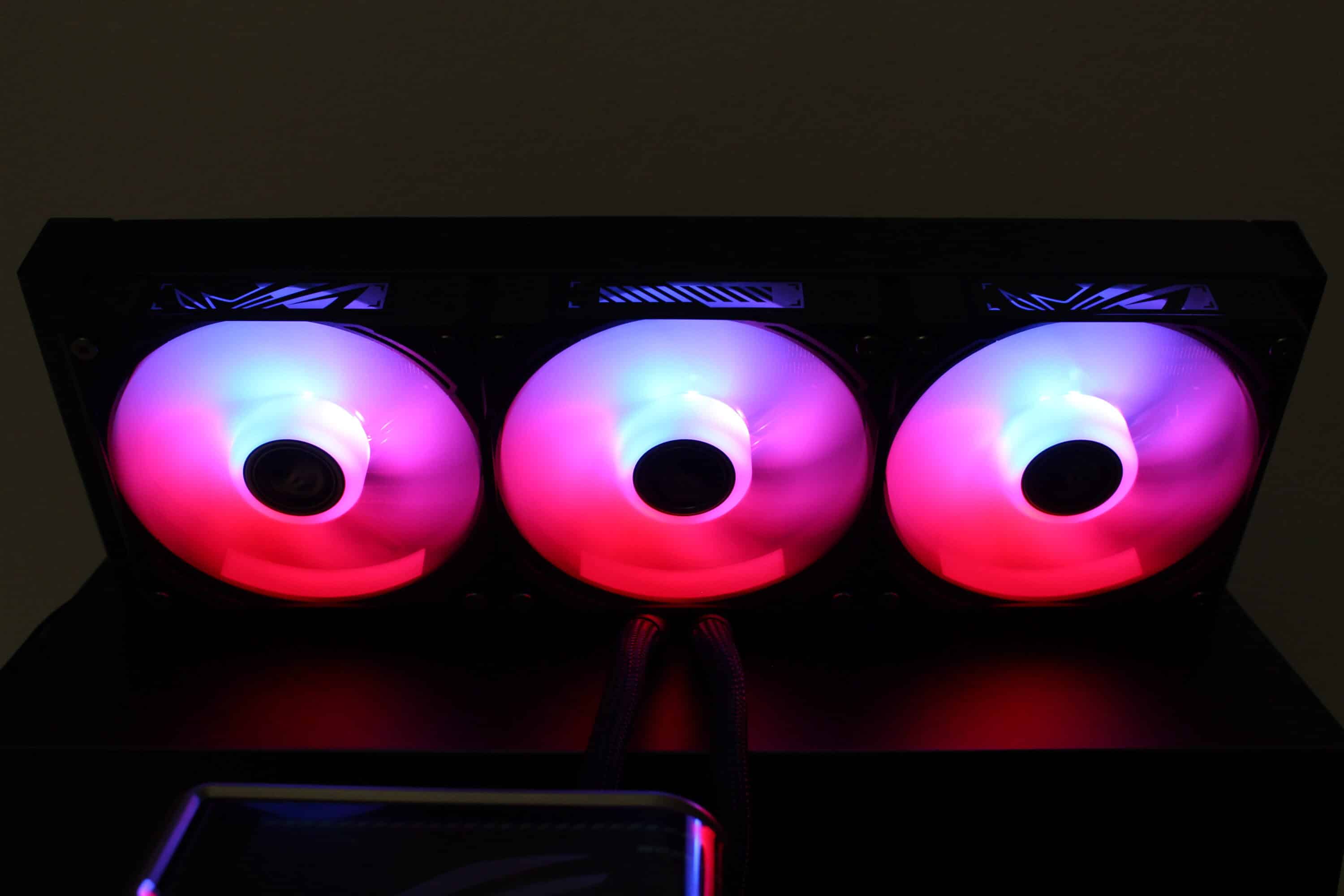
The three fans on the radiator of the ASUS ROG Ryuo IV SLC 360 ARGB provide attractive lighting. ASUS has placed eight ARGB LEDs in each fan hub, which can be controlled via a 3-pin 5V connection. The milky-white fan blades distribute the light evenly across the rotor. The lighting can be controlled both via ASUS Armoury Crate and via the OpenRGB software.
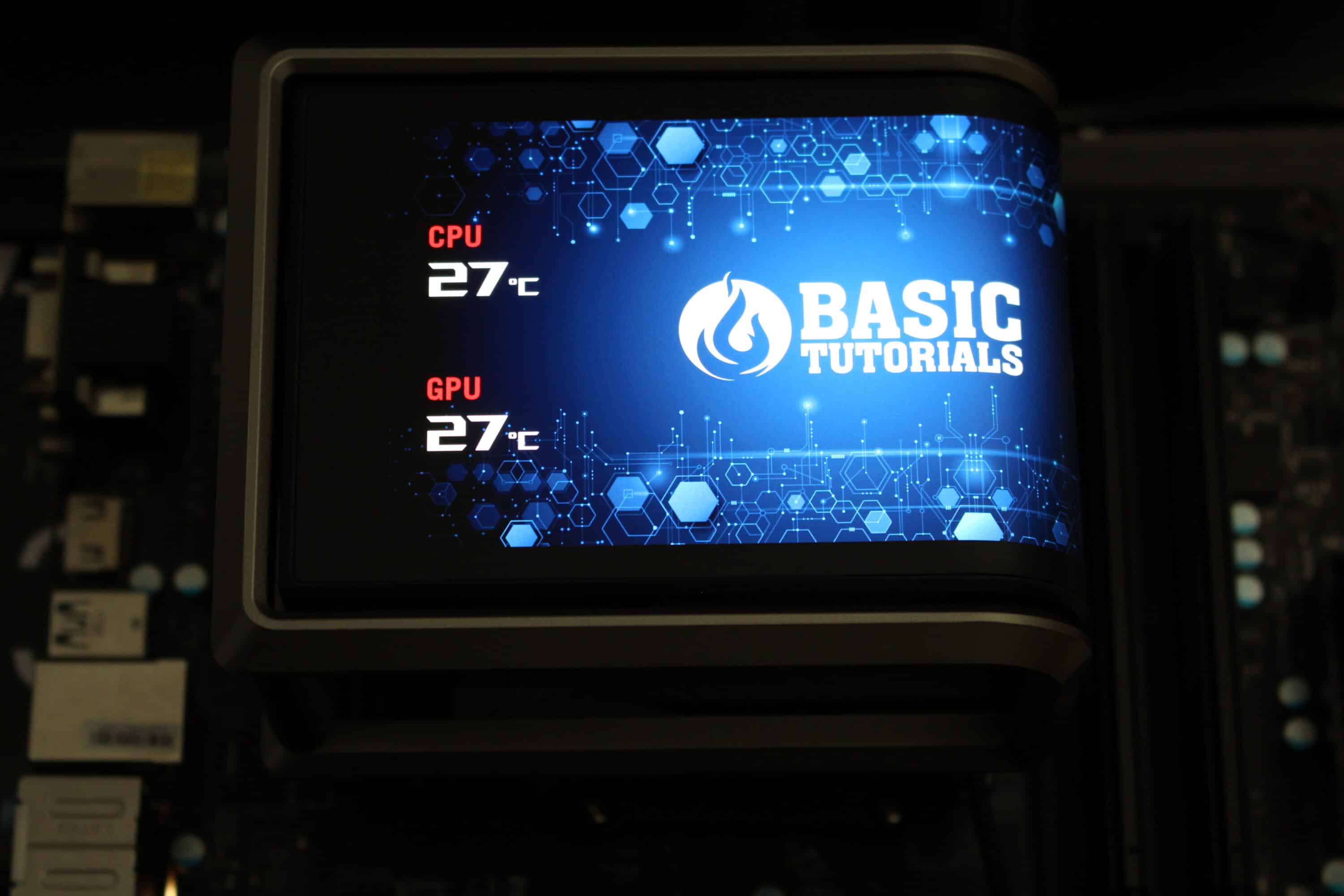
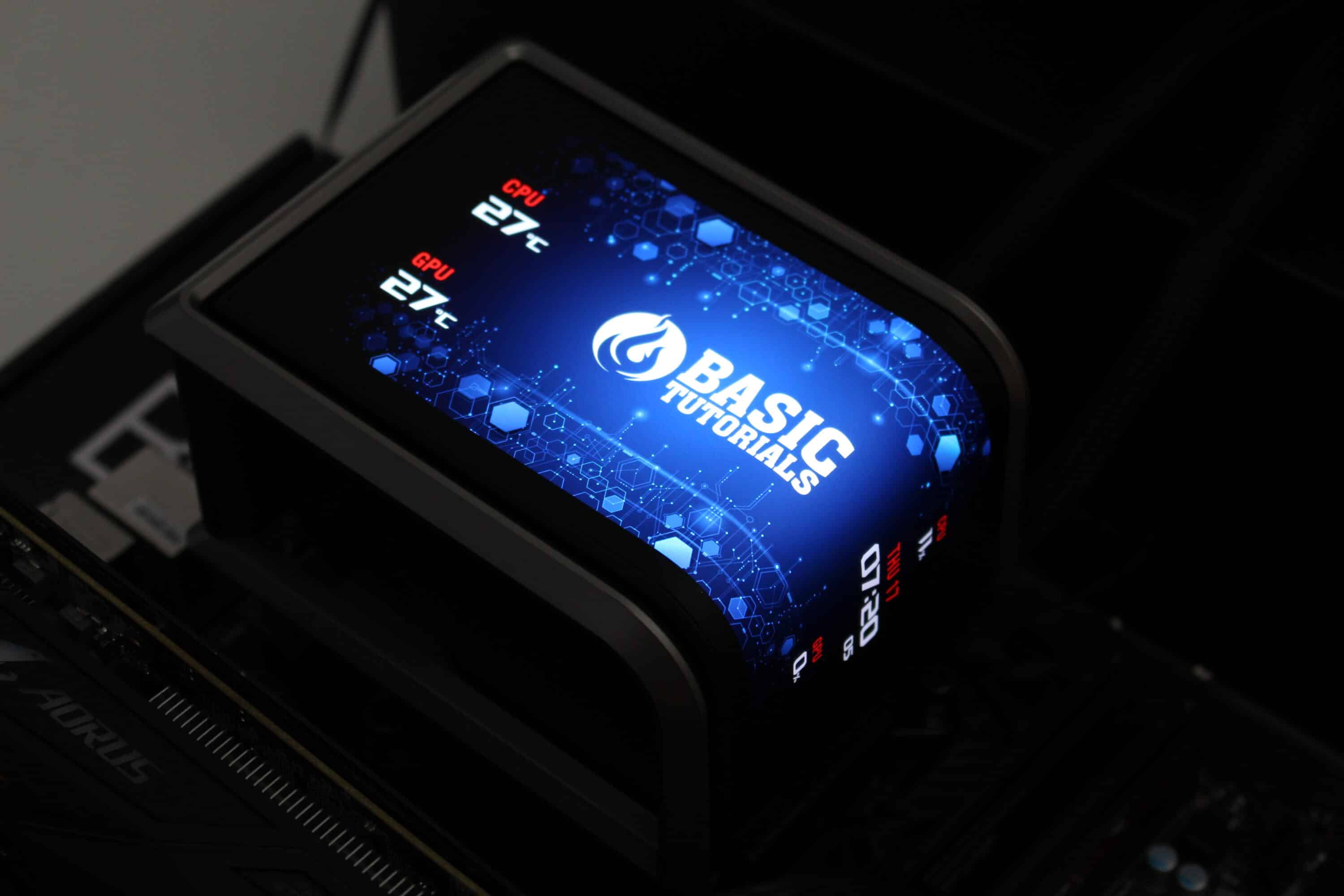
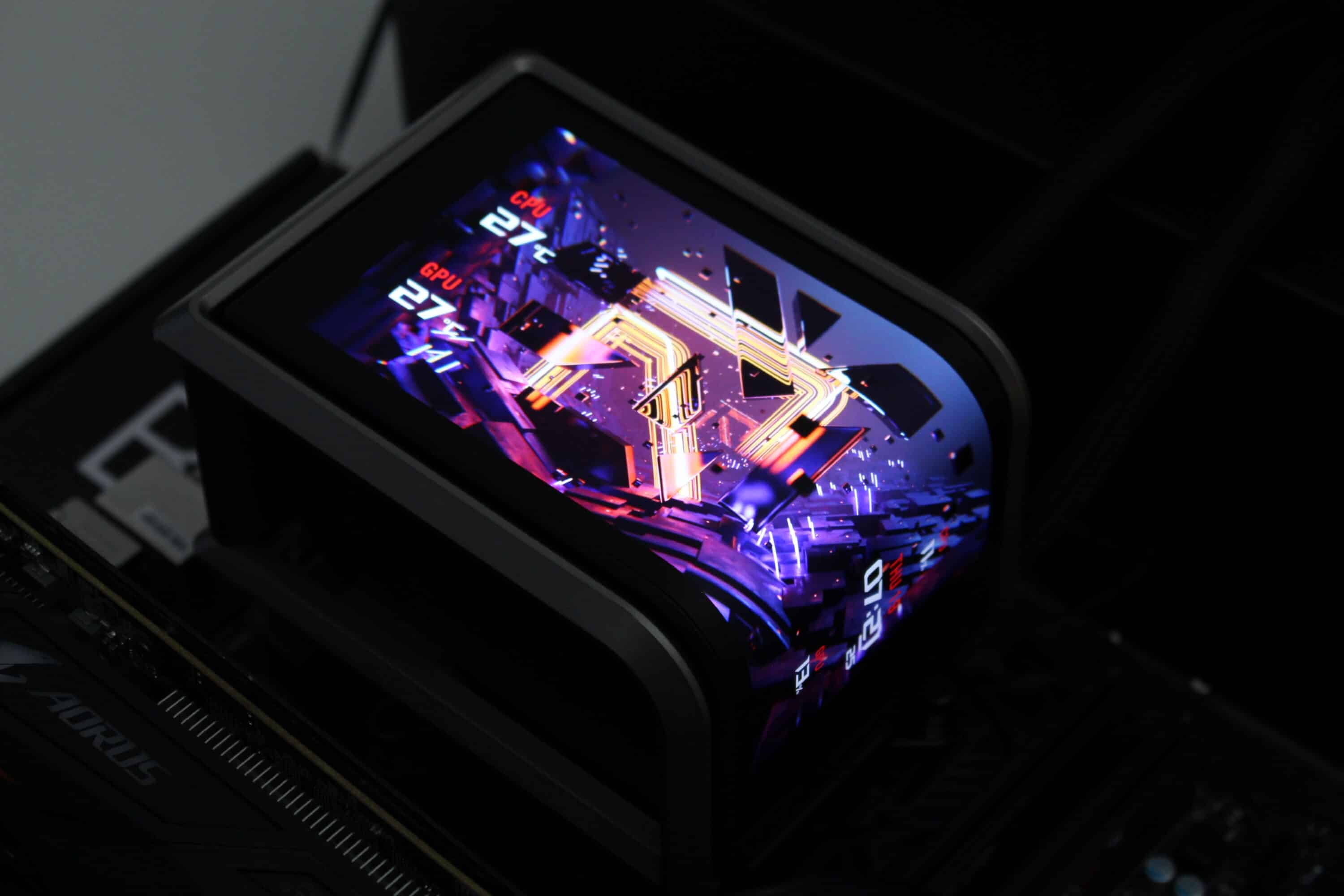
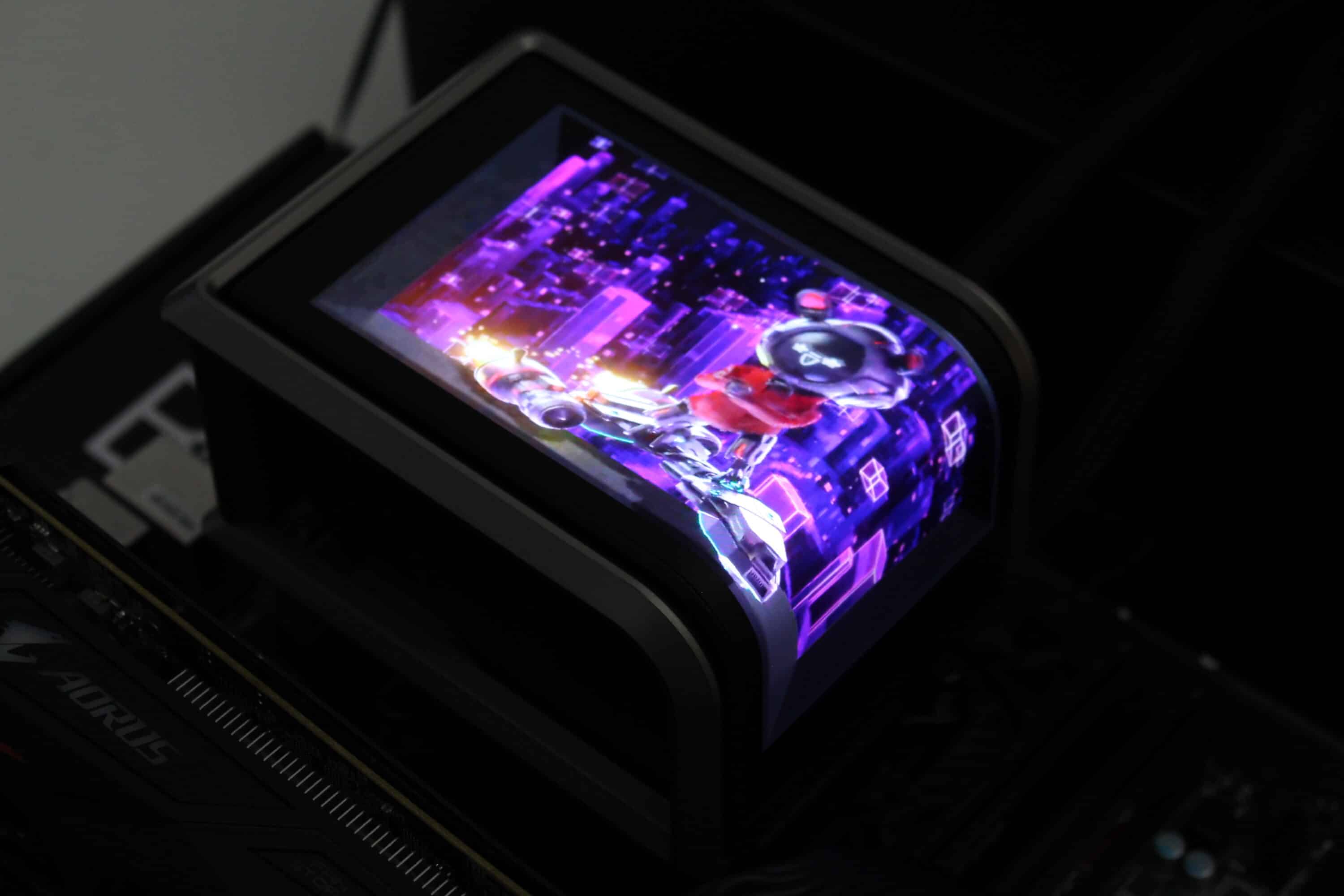
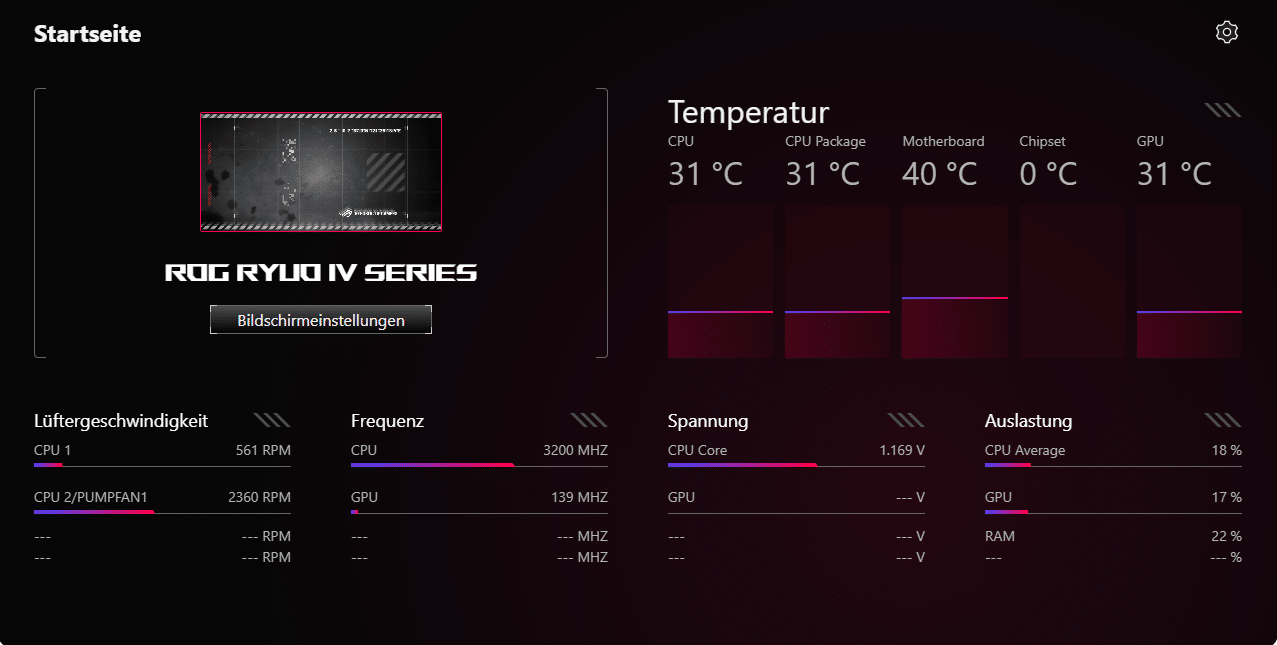
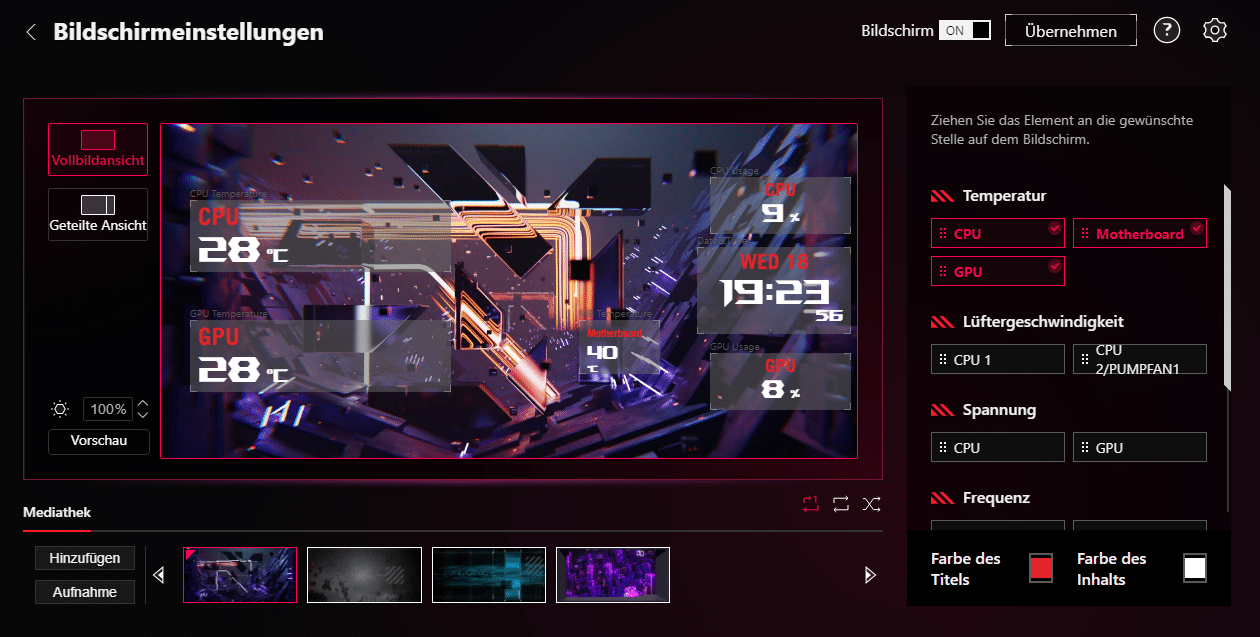
One feature that ASUS is particularly keen to promote in the ROG Ryuo IV SLC 360 ARGB, however, is the curved 6.67″ 2K AMOLED display with a refresh rate of 60 Hz, which is attached above the pump using a magnet. The display is connected via an internal USB 2.0 header and therefore offers very individual personalization options. These include the animated display of hardware information, the time or the display of customized GIF animations or static images. However, the display must be configured using the ASUS Info Hub software.
Conclusion of the ASUS ROG Ryuo IV SLC 360 ARGB test
We were already impressed by the cooling performance, the workmanship and of course the look of the ASUS ROG Ryujin III 360 ARGB Extreme, including the 3.5″ display. The ASUS ROG Ryuo IV SLC 360 ARGB takes almost all of these positive features and adds an even larger 6.67″ AMOLED display with outstanding image quality. The simple but effective assembly, excellent workmanship and very good cooling performance remain.
Unfortunately, despite the high purchase price, there are still some negative aspects. The short hoses ensure a clean look, but significantly restrict the mounting position, as the radiator can only be mounted in the lid. The above-average depth and width of the radiator also makes it somewhat more difficult to choose the right housing. Finally, the pump and fans are very loud when unregulated and should definitely be adjusted in the BIOS.
If the ASUS ROG Ryuo IV SLC 360 ARGB has aroused your interest, you will have to tear a big hole in your wallet to buy it. Because with a price of € 429.90 *, the ASUS ROG Ryuo IV SLC 360 ARGB is anything but a bargain and is even more expensive than the TRYX Panorama ARGB Black, which would be the only alternative with a 360 mm radiator in terms of the large display. If you are prepared to pay a certain premium for the name “ASUS” and are aware that the radiator can only be installed in the lid of the case, then the ASUS ROG Ryuo IV SLC 360 ARGB is a very good compact water cooling system.

VORTEILE
- Excellent cooling performance
- Huge, curved 6.67″ display with 2K resolution
- Display shows system information, images and GIFs
- Wide fan/pump speed range
- Easy mounting
- Fan with daisy-chaining
- Excellent workmanship
NACHTEILE
- Short radiator hoses
- Only lid mounting possible
- Fan and pump very loud when unregulated
- Very high price
Fazit
The ASUS ROG Ryuo IV SLC 360 ARGB is an excellently crafted compact water cooling system that looks particularly impressive with its huge 6.67" display and RGB fans. The cooling performance of this compact water cooling system is also outstanding and installation is simple. Although the target price does not seem unreasonable, it is still very high.


