


The manufacturer behind the name Corsair no longer needs to be explained to hardware enthusiasts. Nevertheless, we would like to say a few words by way of introduction. Corsair was founded in the USA in 1994 and is a world-renowned manufacturer of PC hardware. Corsair started with the development of RAM, followed shortly afterwards by power supplies and the first computer cases. At the beginning of the year, Corsair presented the Frame 4000D, a very interesting midi tower that is designed to impress with its modularity and compatibility. It follows in the footsteps of the very successful and popular Corsair 4000D, which the manufacturer has had in its portfolio for almost five years now. Find out in this test whether the Corsair Frame 4000D RS is also convincing.
Technical details
| Model: | Corsair Frame 4000D RS |
| Case type: | Midi-Tower |
| Dimensions: | 239 mm (W) x 486 mm (H) x 490 mm (D) |
| Weight: | 10.38 kg |
| Material: | Steel, plastic, tempered glass |
| Color: | Black |
| Front connections: | 1x USB 3.1 Type-C, 2x USB 3.0 Type-A, 1x headphones/ microphone |
| Drive bays: | 2x 3.5″ or 4x 2.5″ |
| Expansion slots: | 7x horizontal, 2x vertical |
| Form factors: | EATX, ATX, µATX, ITX |
| Ventilation: | Front: 3x 120/ 2x 140/ 2x 160 /2x 200 mm Rear: 1x 120/ 140 mm Top: 3x 120 / 2x 140 mm Side: 2x 120/ 140 mm PSU cover: 2x 120 mm |
| Radiators: | Front: 1x 240/ 280/ 360 mm Rear: 1x 120 mm Top: 1x 240/ 280/ 360 mm Side: 1x 240/ 280/ 360 mm |
| Max. CPU cooler height: | 170 mm |
| Max. Graphics card length: | 430 mm |
| Max. Power supply length: | 300 mm (without HDD cage), 220 mm (with HDD cage) |
| Space for cable management: | > 20 mm |
| Price: | € 117.89 * |
| Special features: | Dust filter, cable management, tempered glass, Infinirail mounting rails for fans, modular design |
Corsair Frame 4000D RS test: The scope of delivery
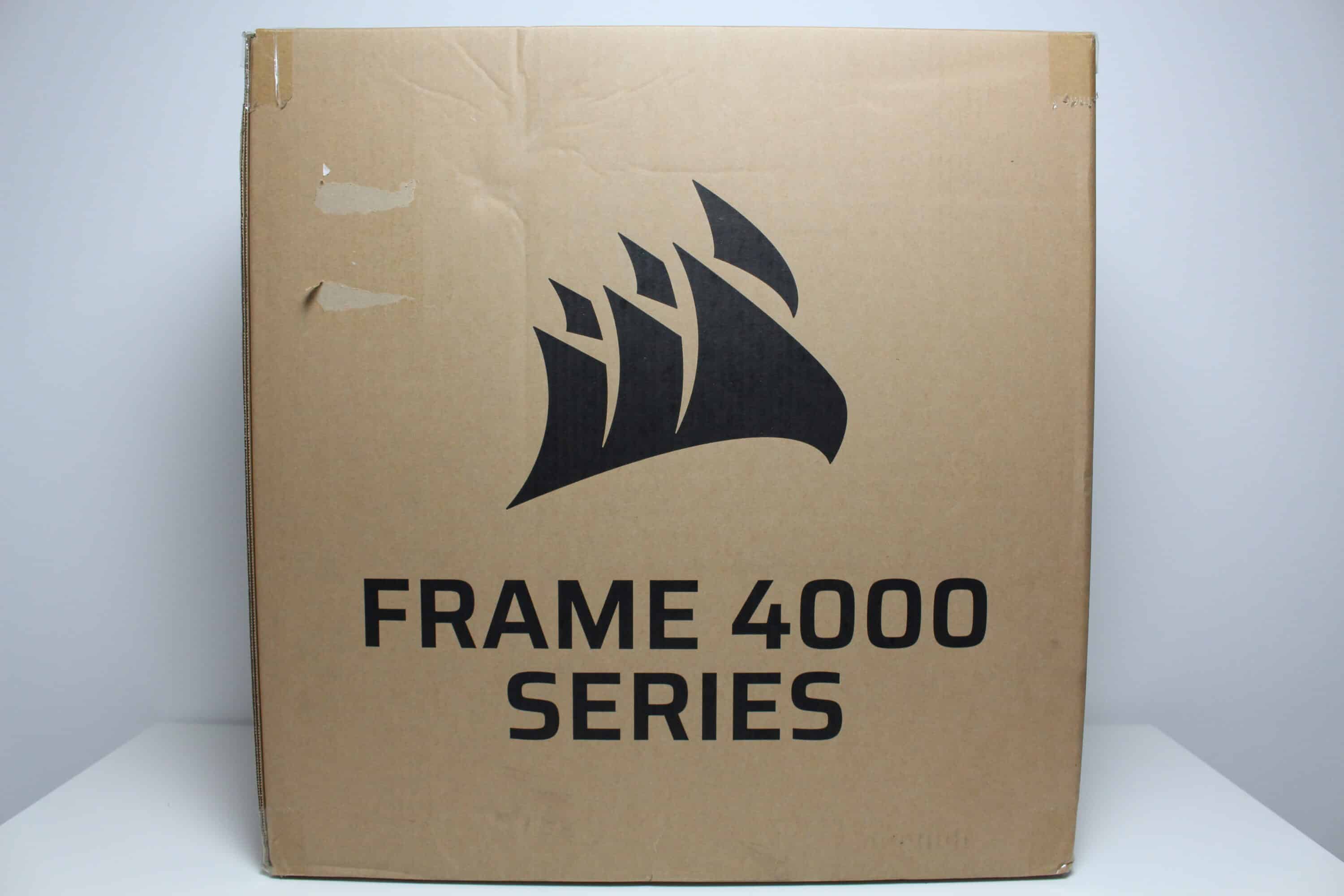
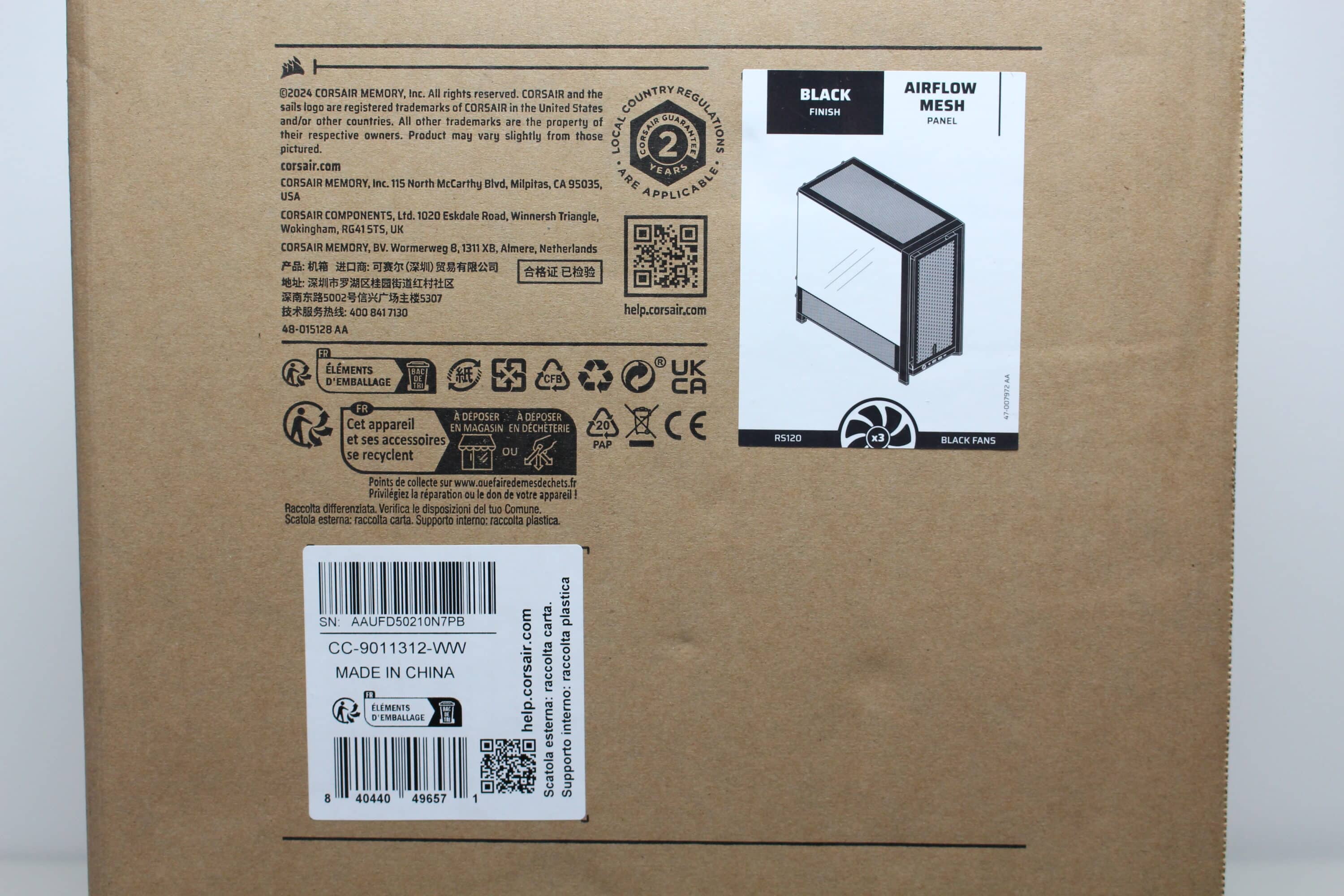
The Corsair Frame 4000D RS comes in an extremely simple brown cardboard box. Apart from the words “Frame 4000 Series”, not much else is printed on the box. However, in order to avoid buying a pig in a poke or confusion in the warehouse, Corsair has stuck a small sticker on the side of the box. This at least reveals the color and model variant of the Frame 4000D.
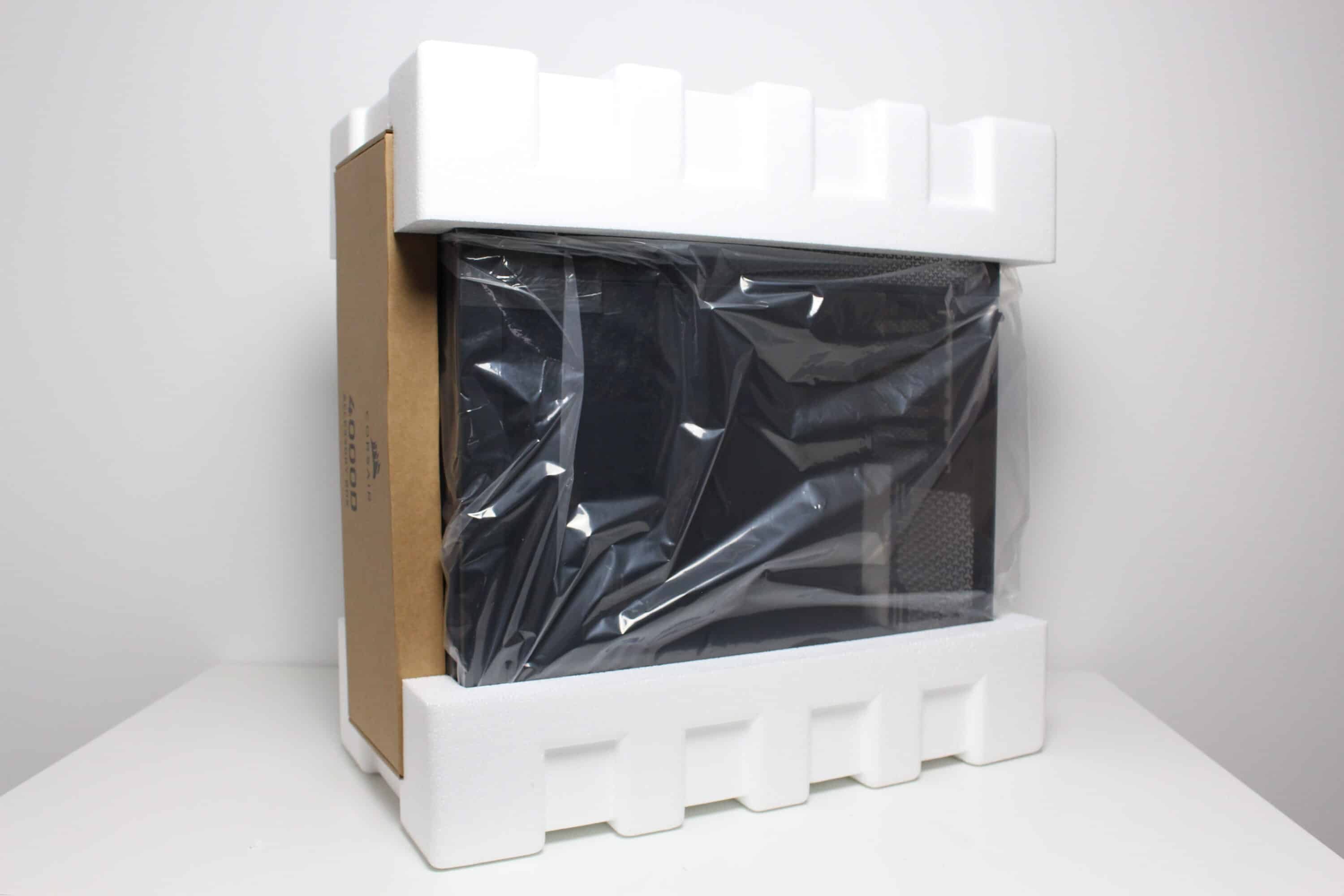
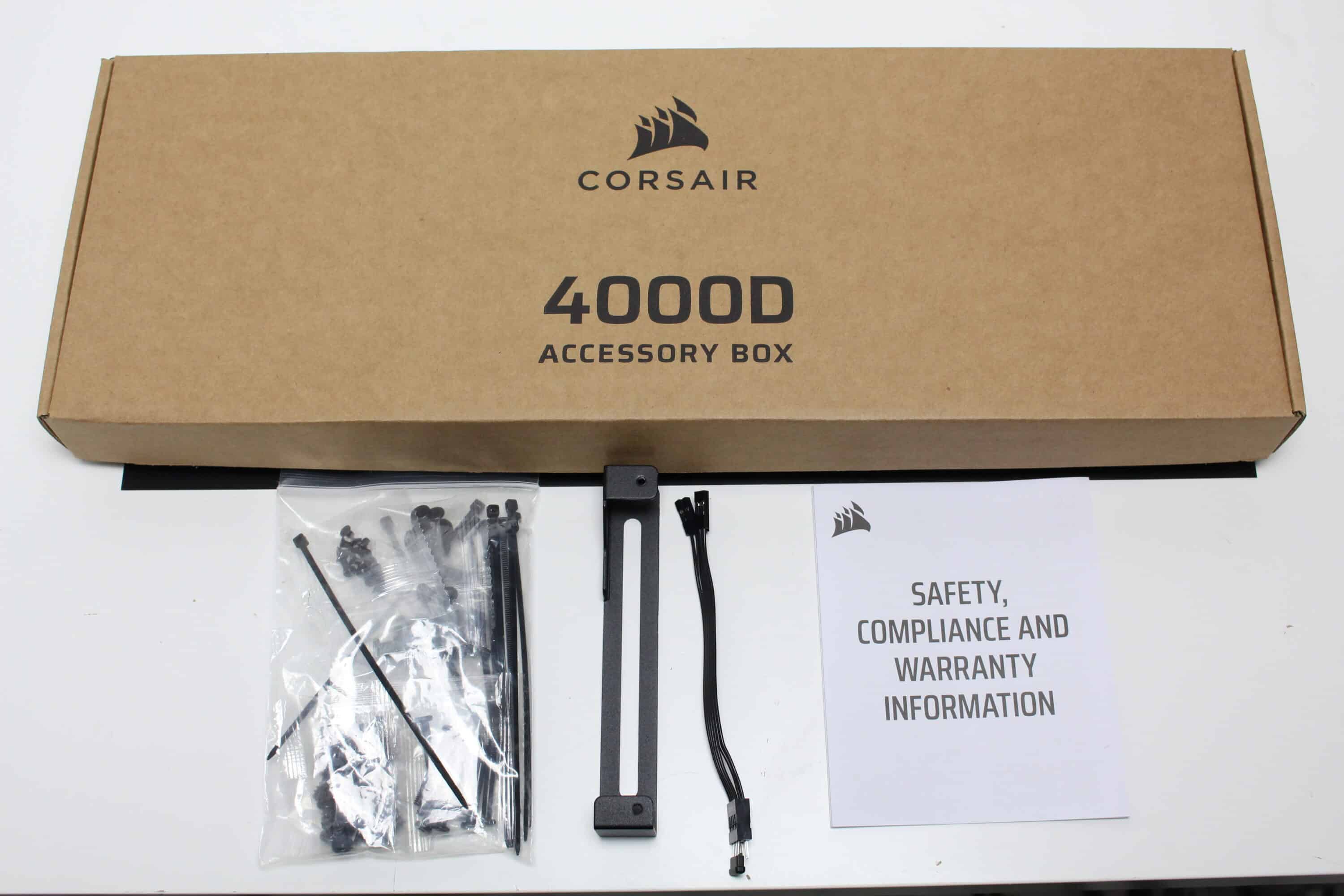
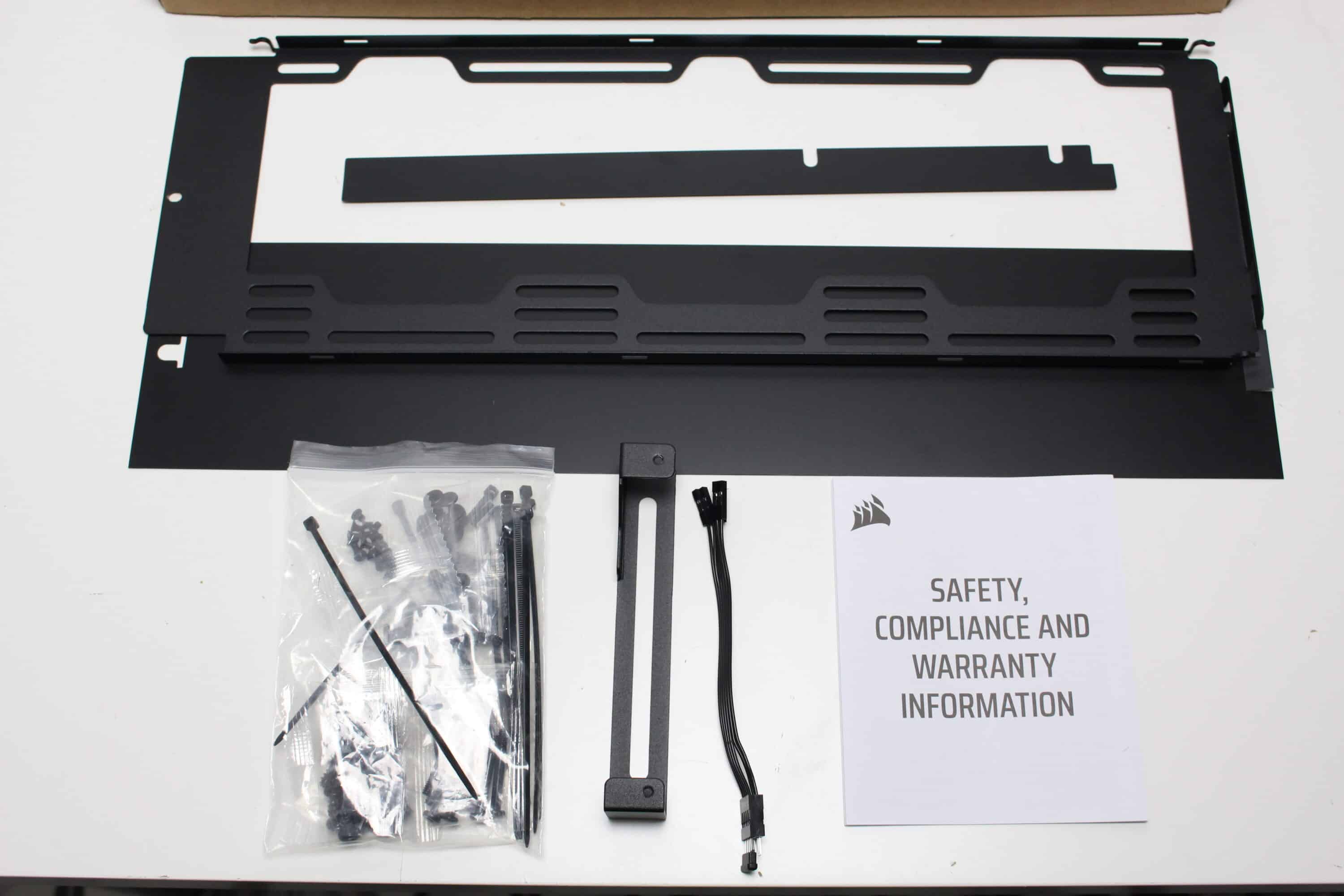
Inside the box, Corsair wraps the Frame 4000D RS in two large blocks of hard polystyrene and a plastic film to protect the case from scratches and fingerprints. Corsair places the accessories in front of the front panel in a very large box. This contains all the necessary screws, cable ties, an adapter cable for the front panel, spare parts for the Infinirail system (more on this later), a black cover for the power supply panel, an additional fan frame and a GPU bracket.
Exterior impression
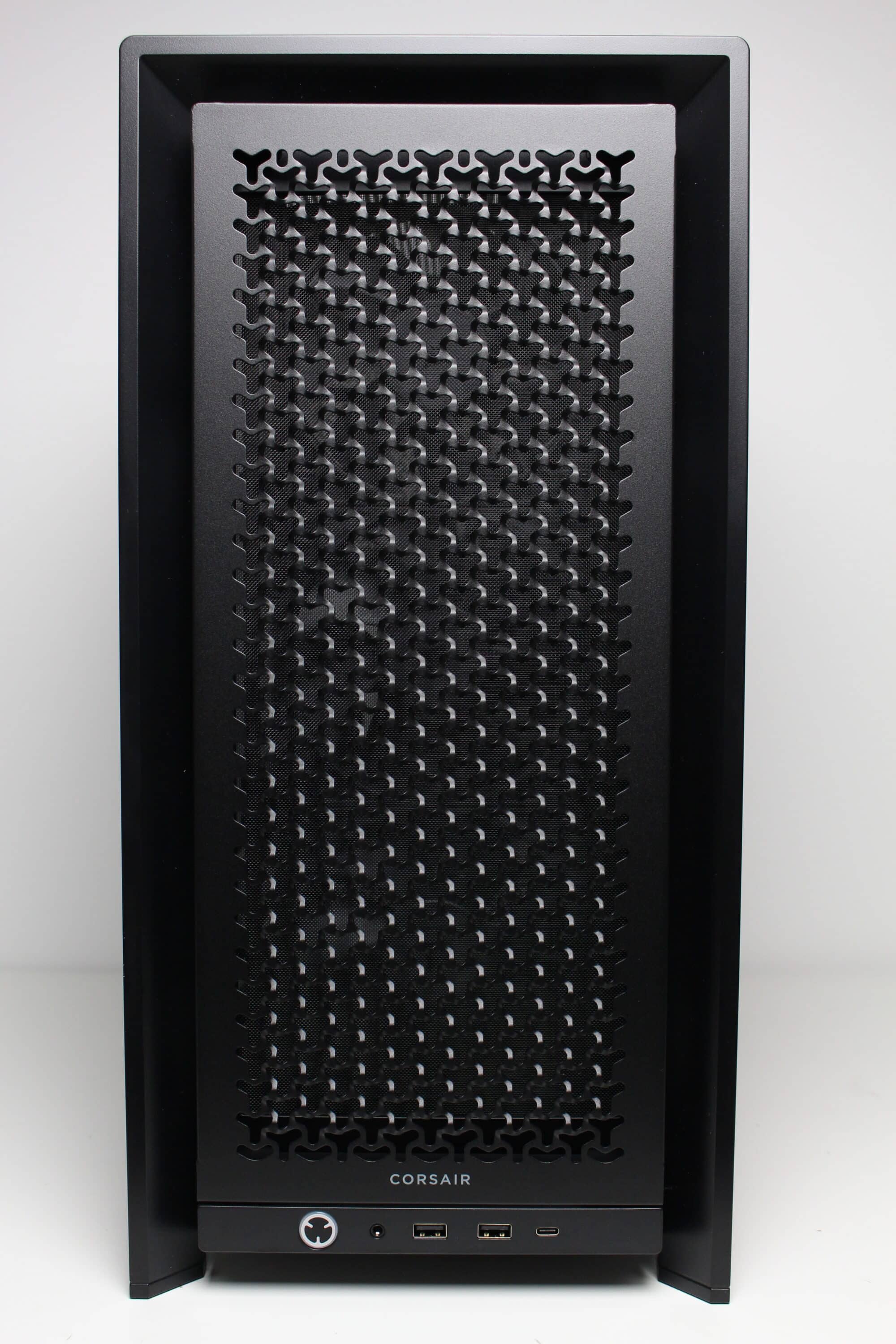
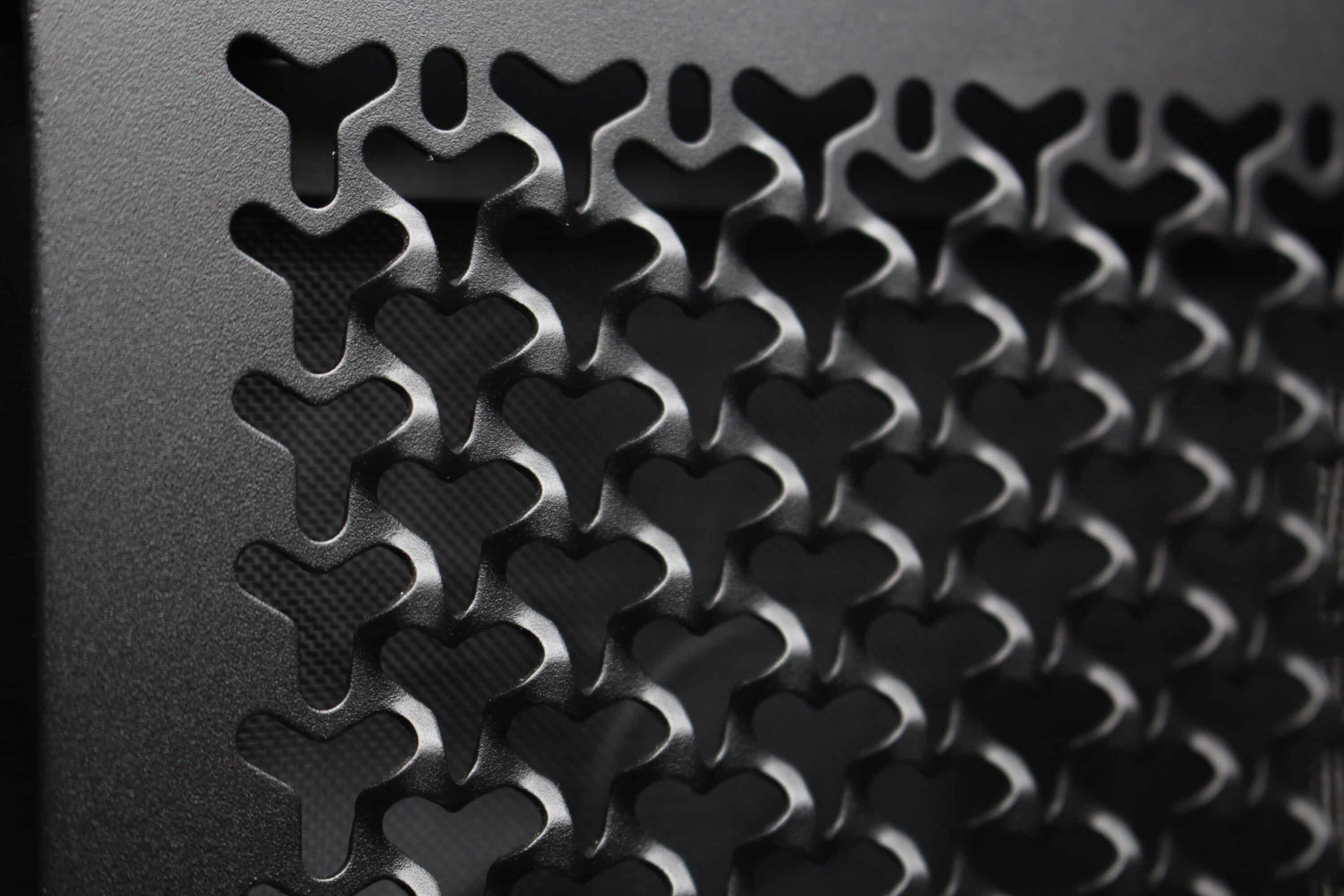
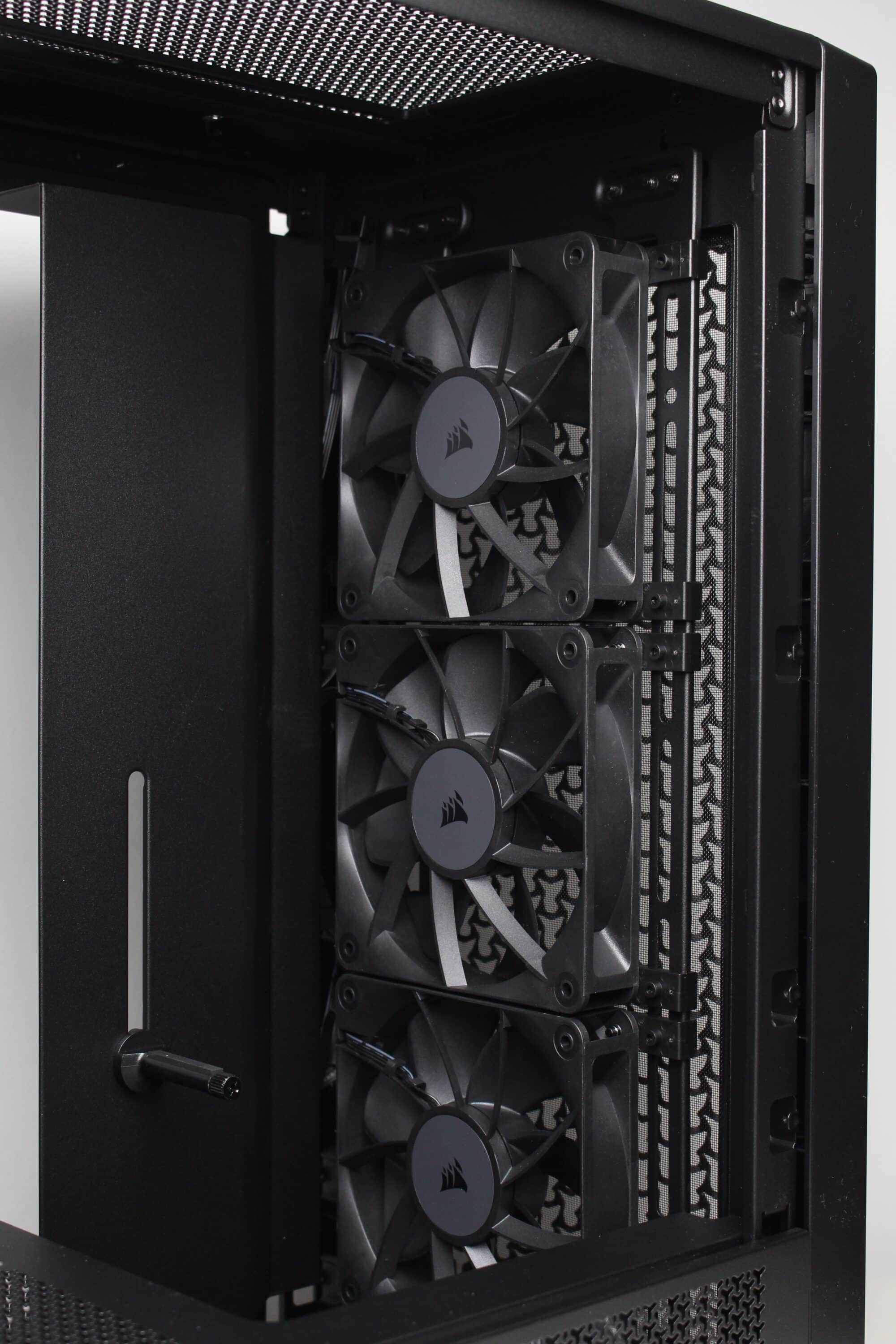
On the outside, the Corsair Frame 4000D RS has changed somewhat compared to its predecessor. The front is dominated by a large metal ventilation grille, which has an interesting 3D structure and is somewhat reminiscent of Apple’s “cheese grater” in the Mac Pro. However, we personally like the look very much. The front panel, which is attached with push pins, is surrounded by a sturdy plastic frame, behind which a magnetic, fine-mesh dust filter and three pre-installed 120 mm fans can be seen.
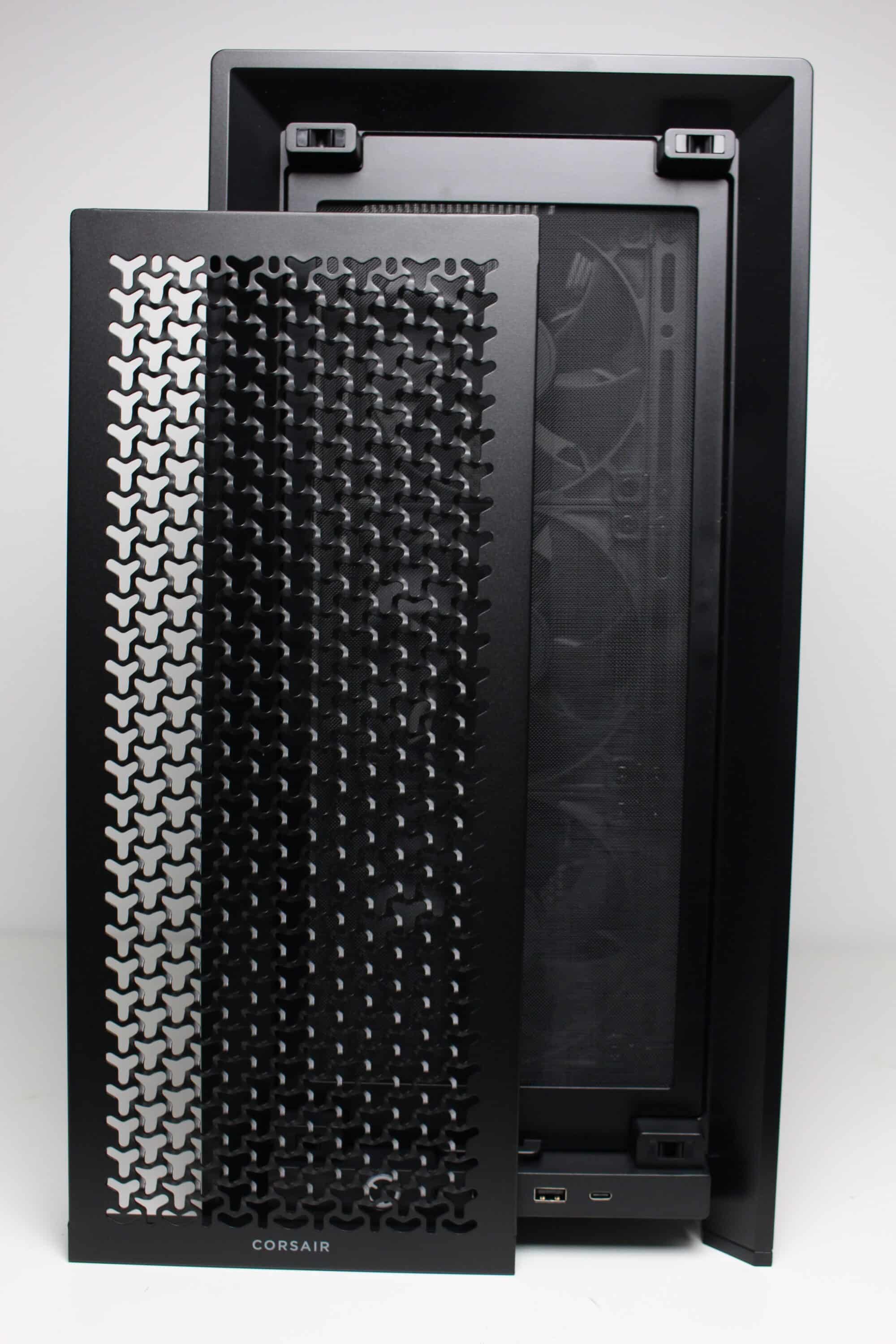
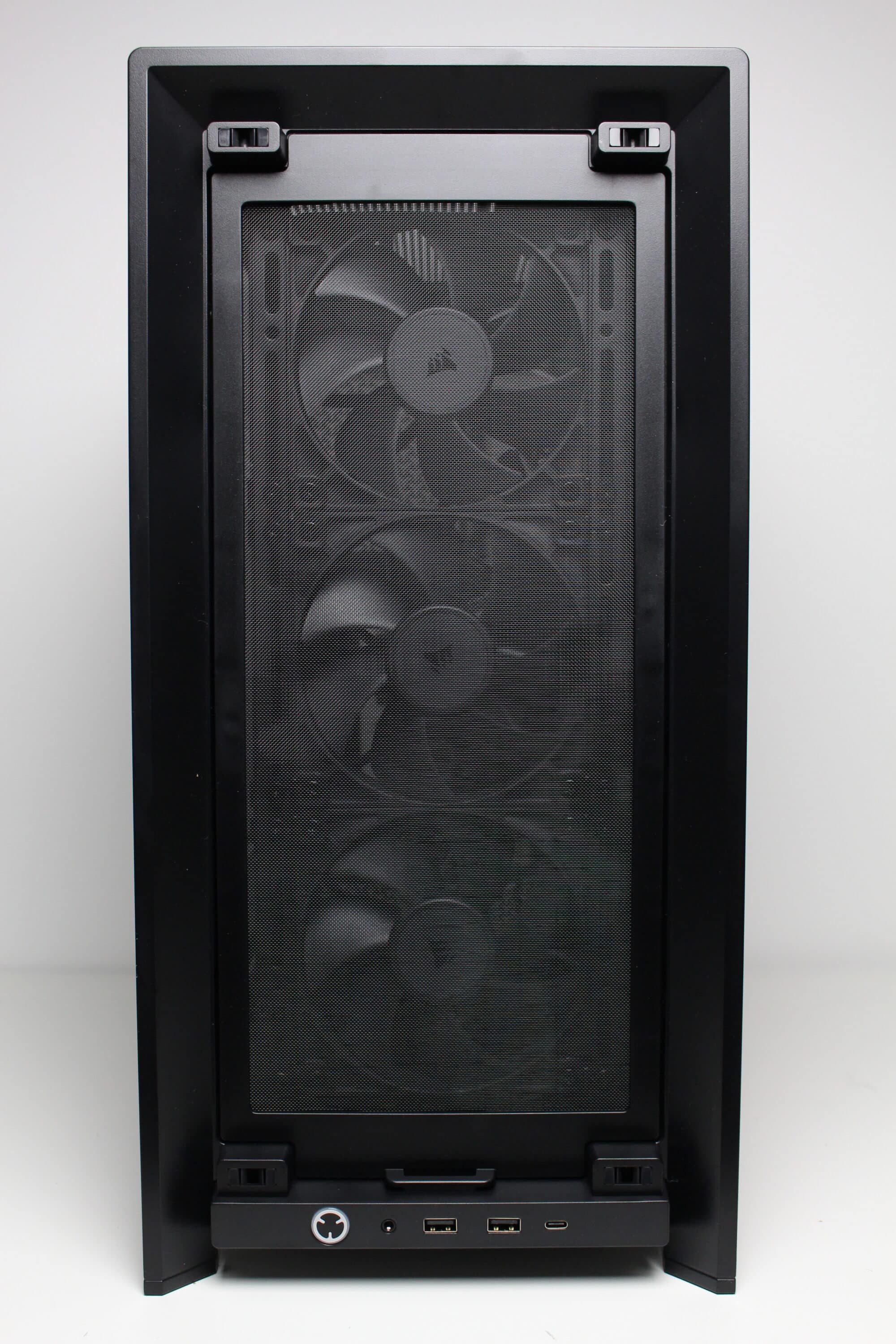
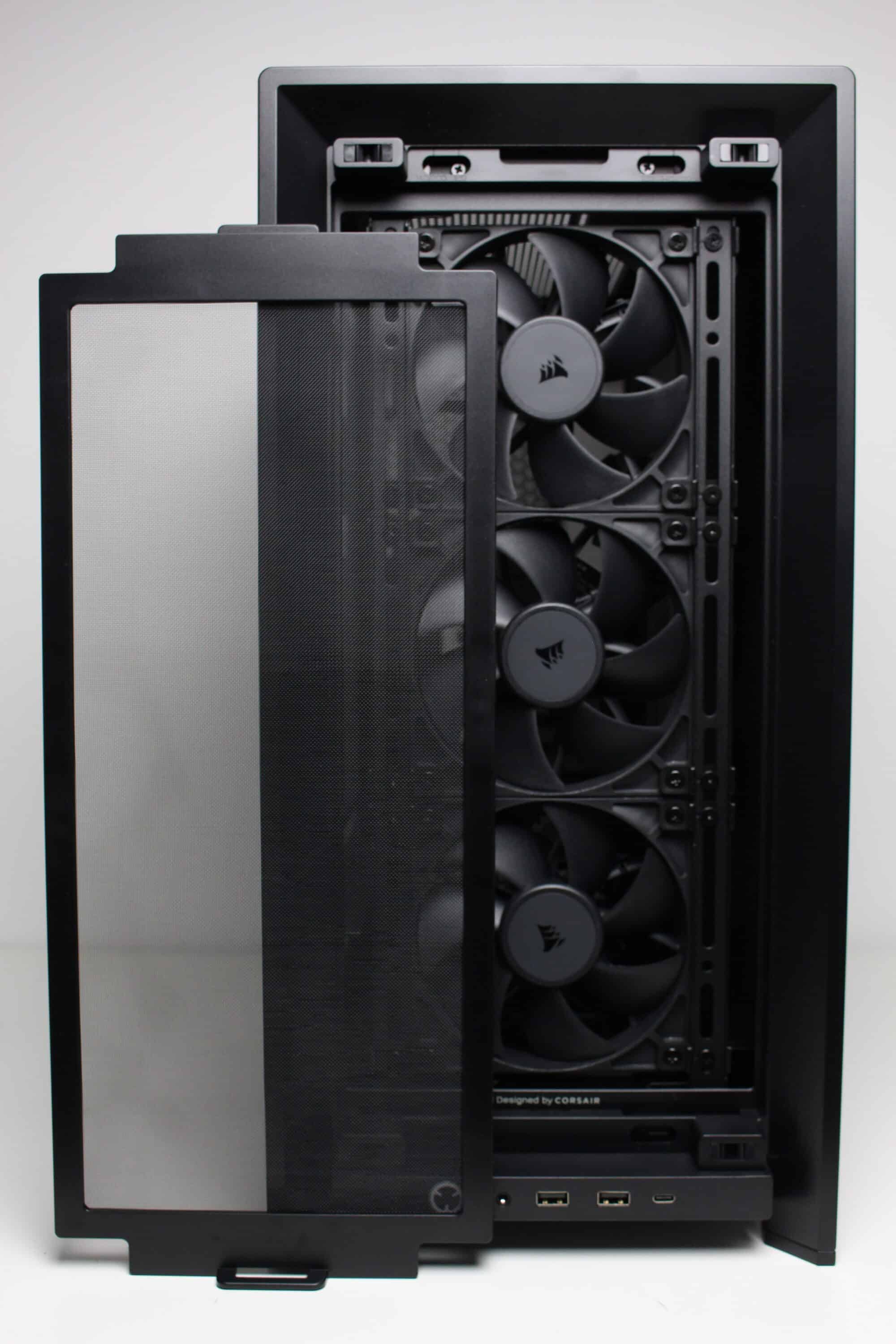
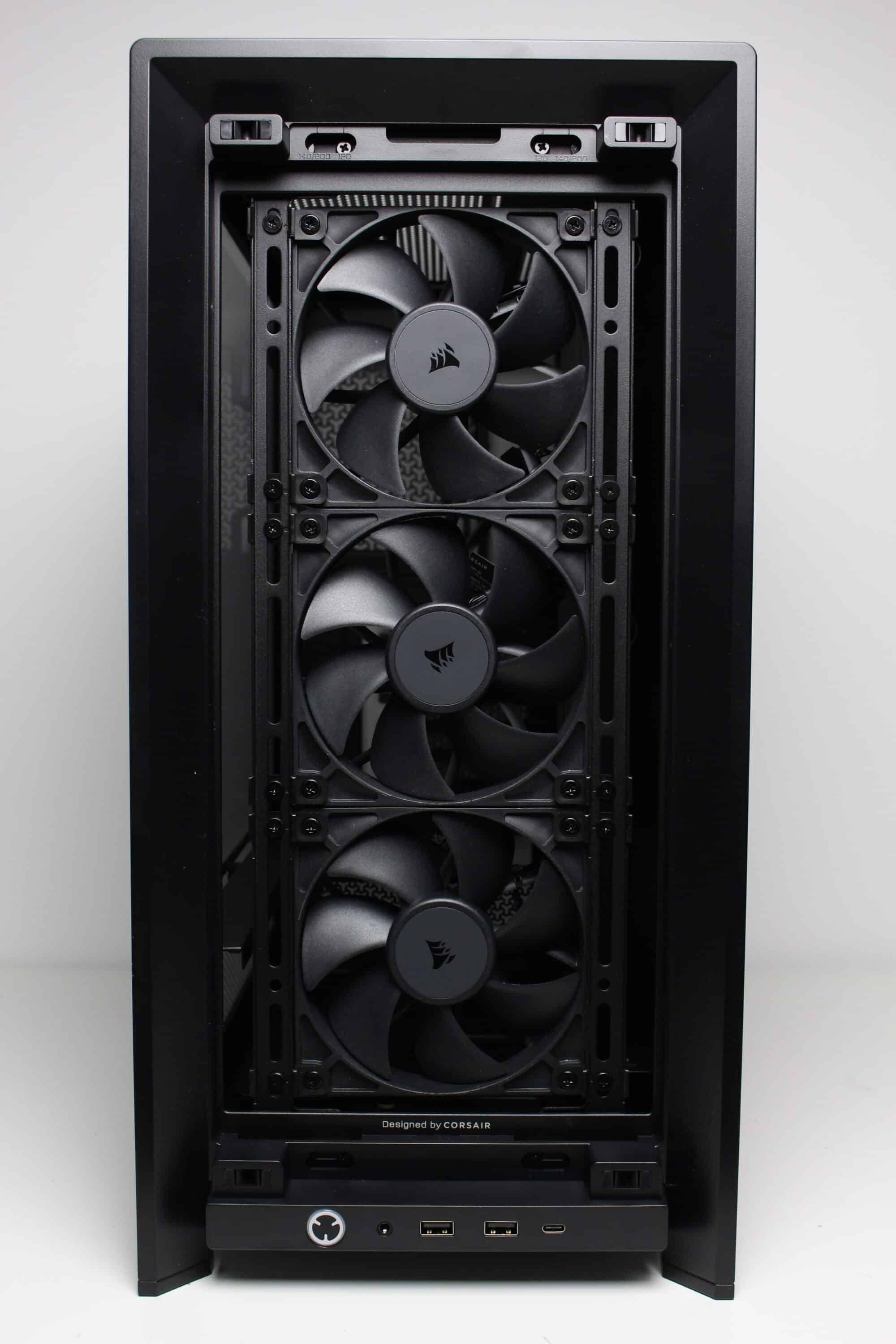
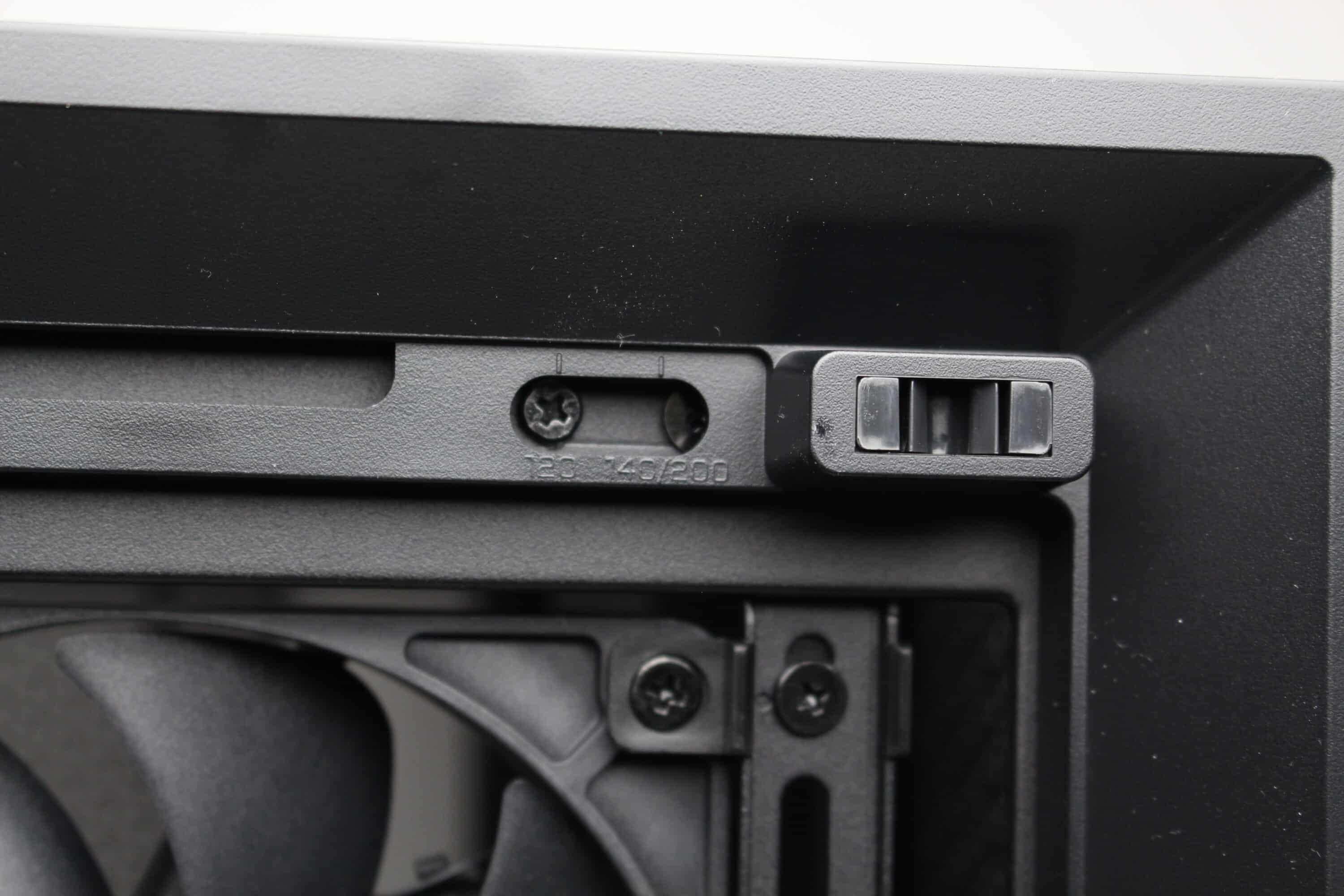
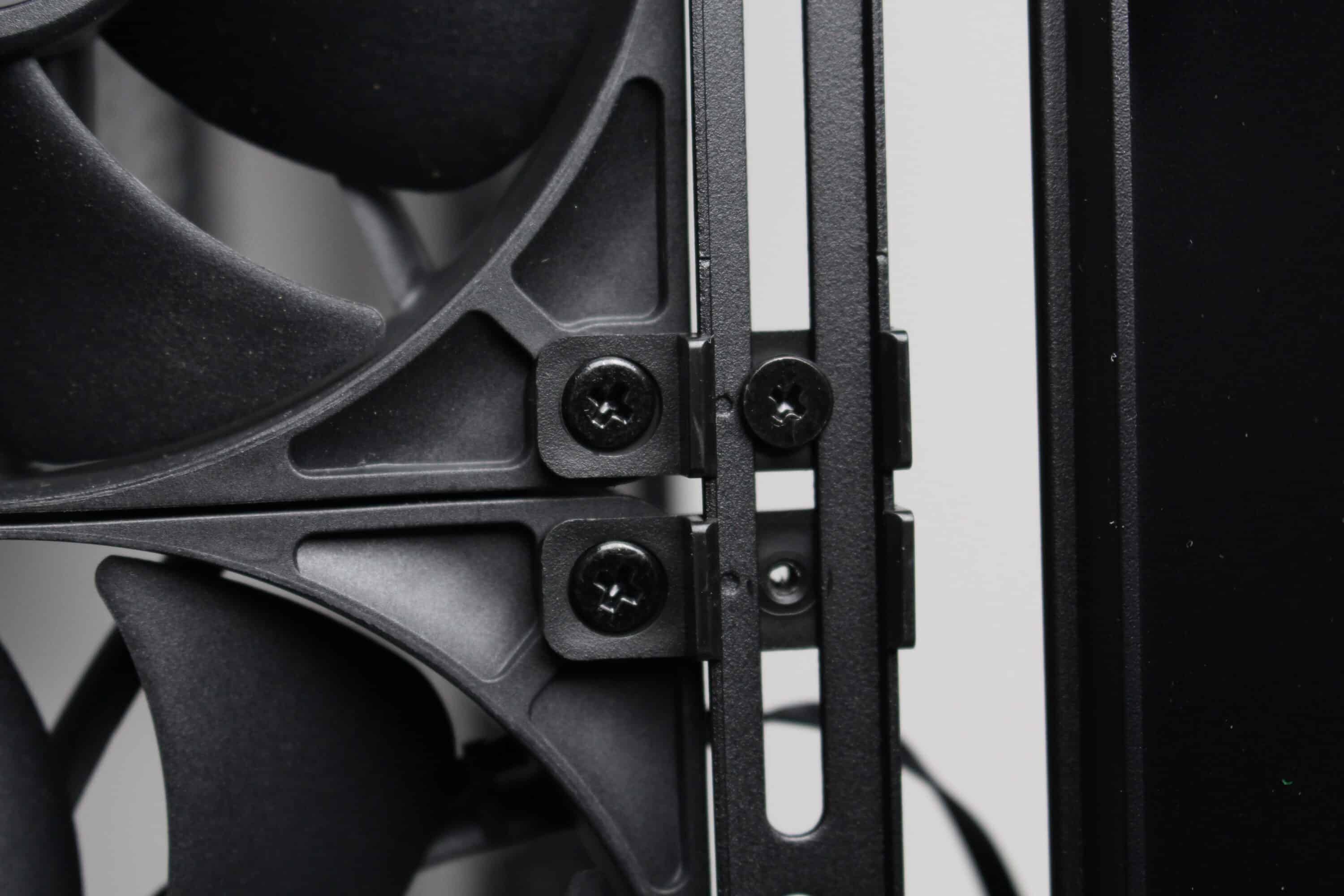
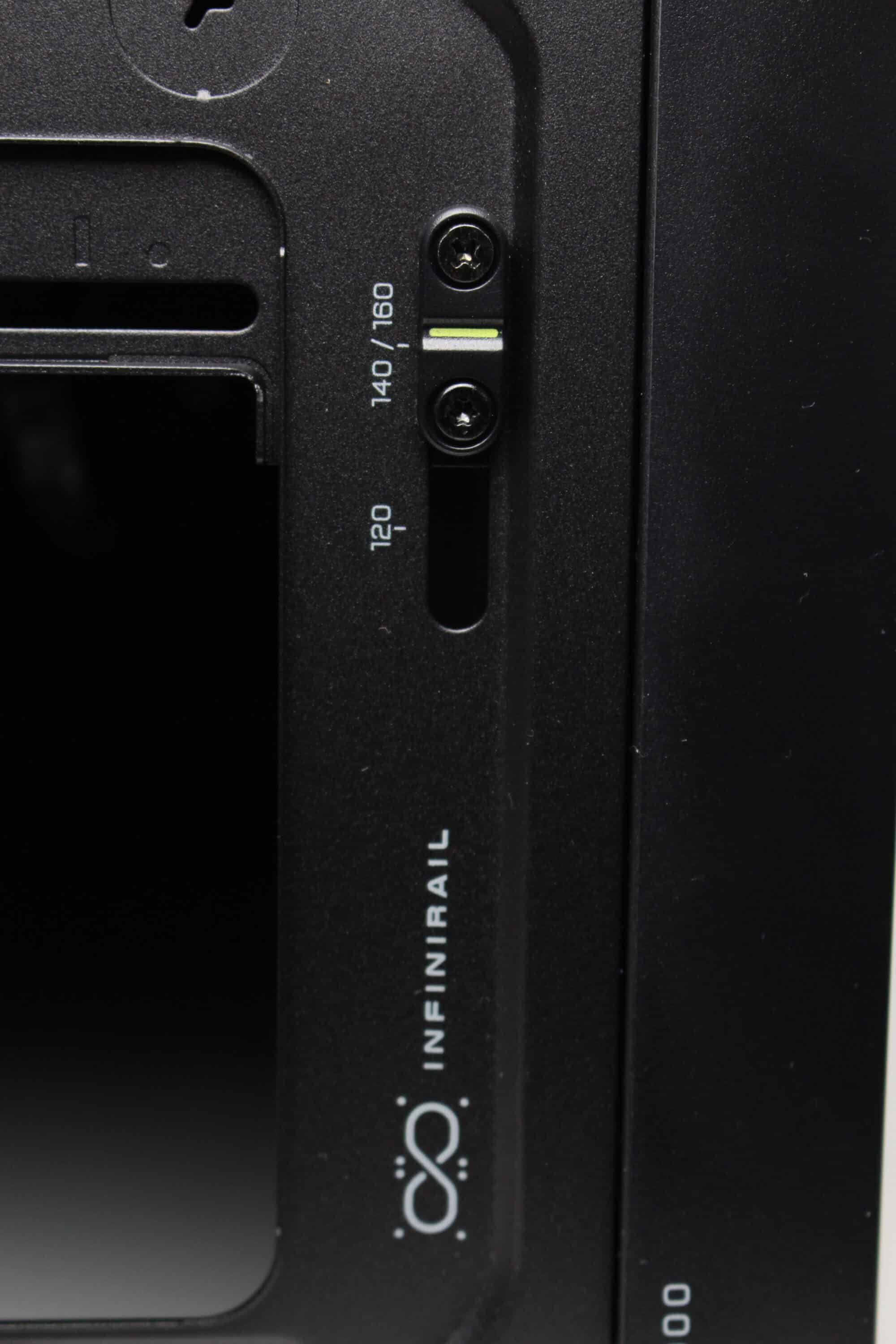
Corsair advertises the Frame 4000D with the Infinirail system, among other things. This is an implementation of mounting rails that can be moved with the help of a few screws. This allows three 120 mm, two 140 mm, two 160 mm or even two 200 mm fans to fit into the front of this midi tower without the need for numerous holes or brackets or steel elements interfering with the airflow. In addition, plastic clips allow the case fans to be mounted on the mounting rails in any position.
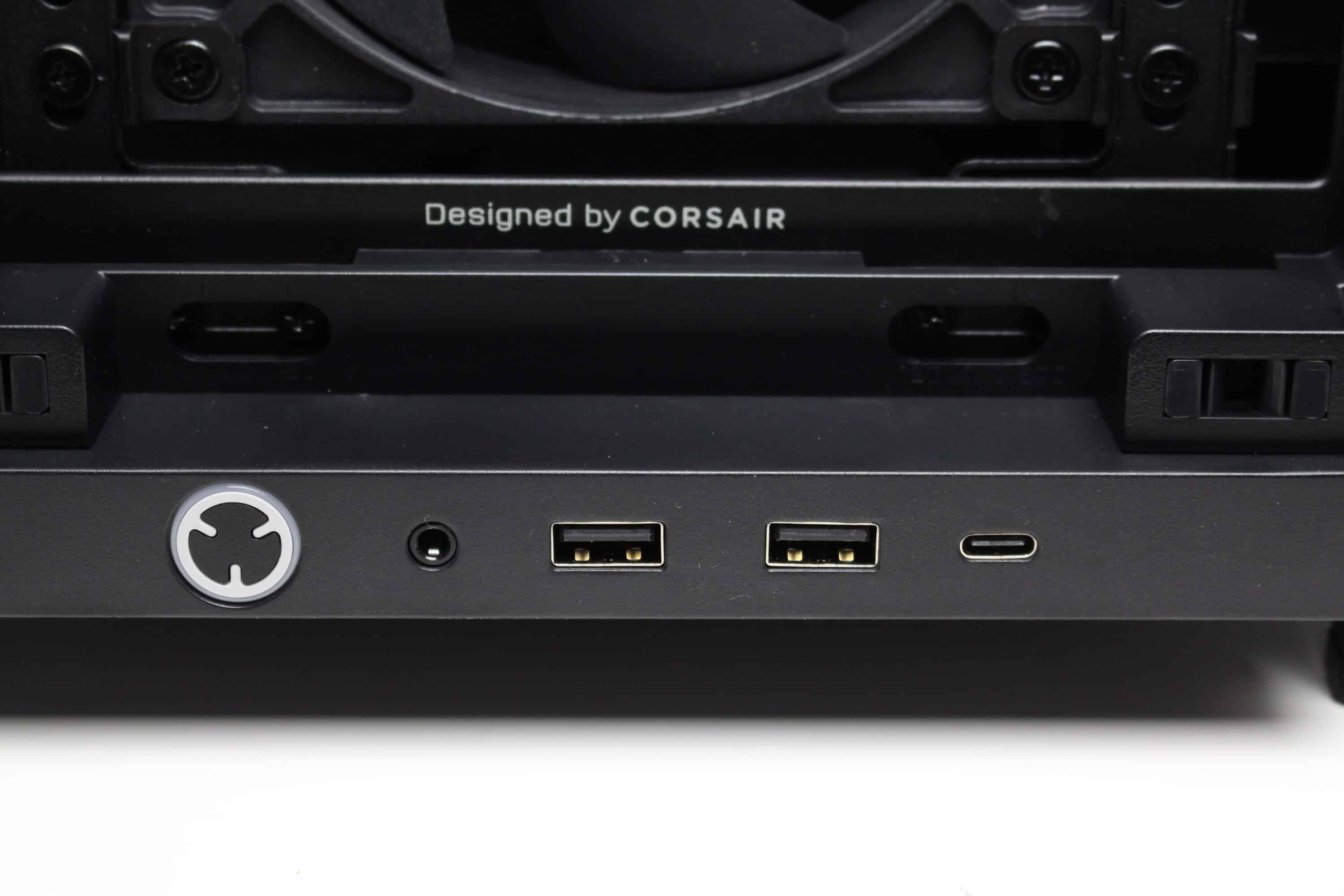
The I/O panel can also be seen in the lower area of the front. This is equipped with a white backlit power button, three USB ports (2x USB-A 3.2 Gen 1, 1x USB-C 3.2 Gen 2) and a 3.5mm jack socket. Unfortunately, Corsair does not offer an alternative mounting position despite the high modularity of the Frame 4000D RS. If you don’t want to place the midi tower on a table, the position is somewhat unfavorable.
The lid of the midi tower is both airy and modular. A steel ventilation grille spans the entire top and has generously dimensioned openings in the shape of the letter “Y”, under which Corsair has not placed an additional dust filter. Using two knurled screws and a rubber handle, the panel can be pulled off to the rear, revealing two mounting rails for up to three 120 mm or two 140 mm fans. The Infinirail system is also used here, allowing one of the two rails to be moved to a different position.
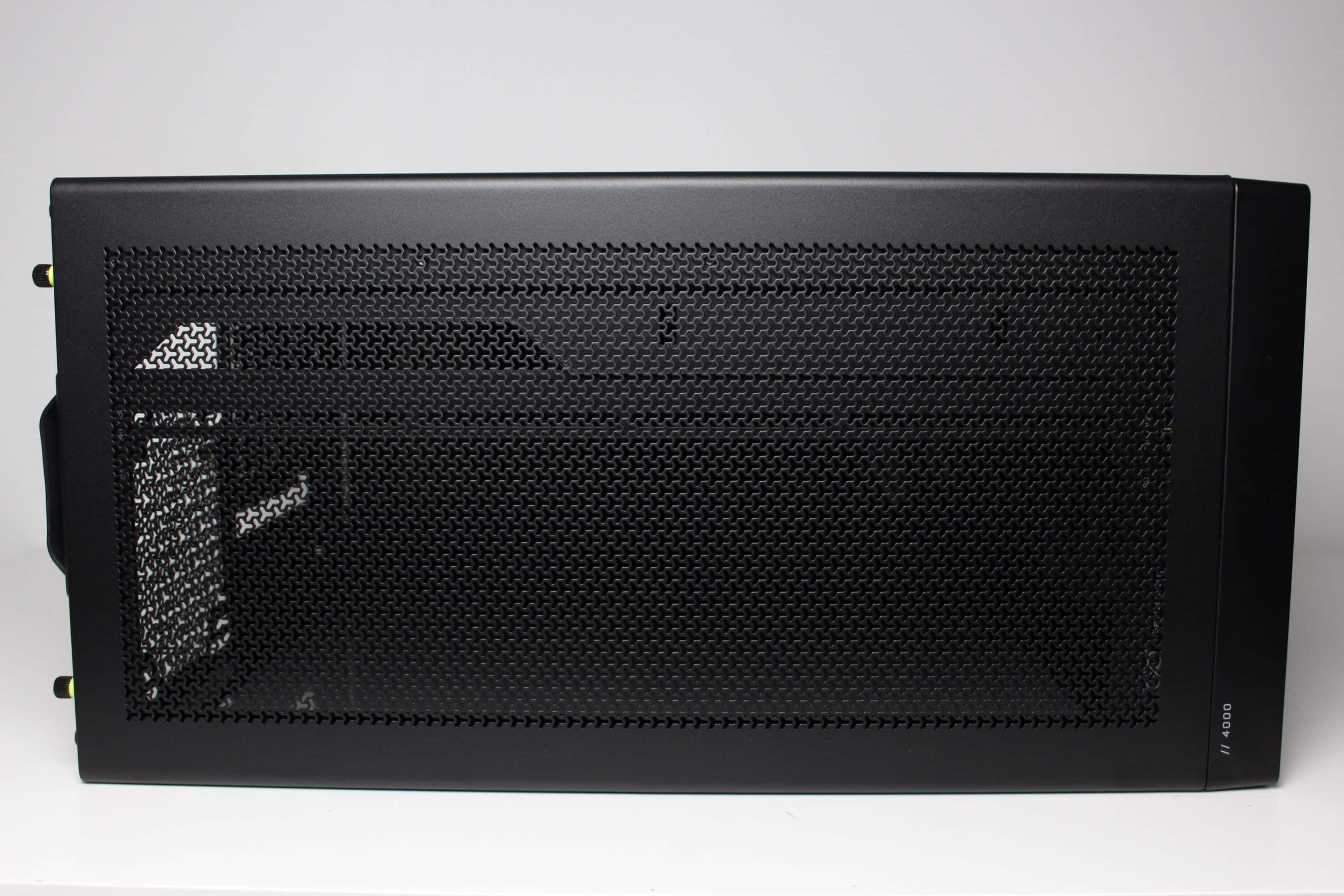
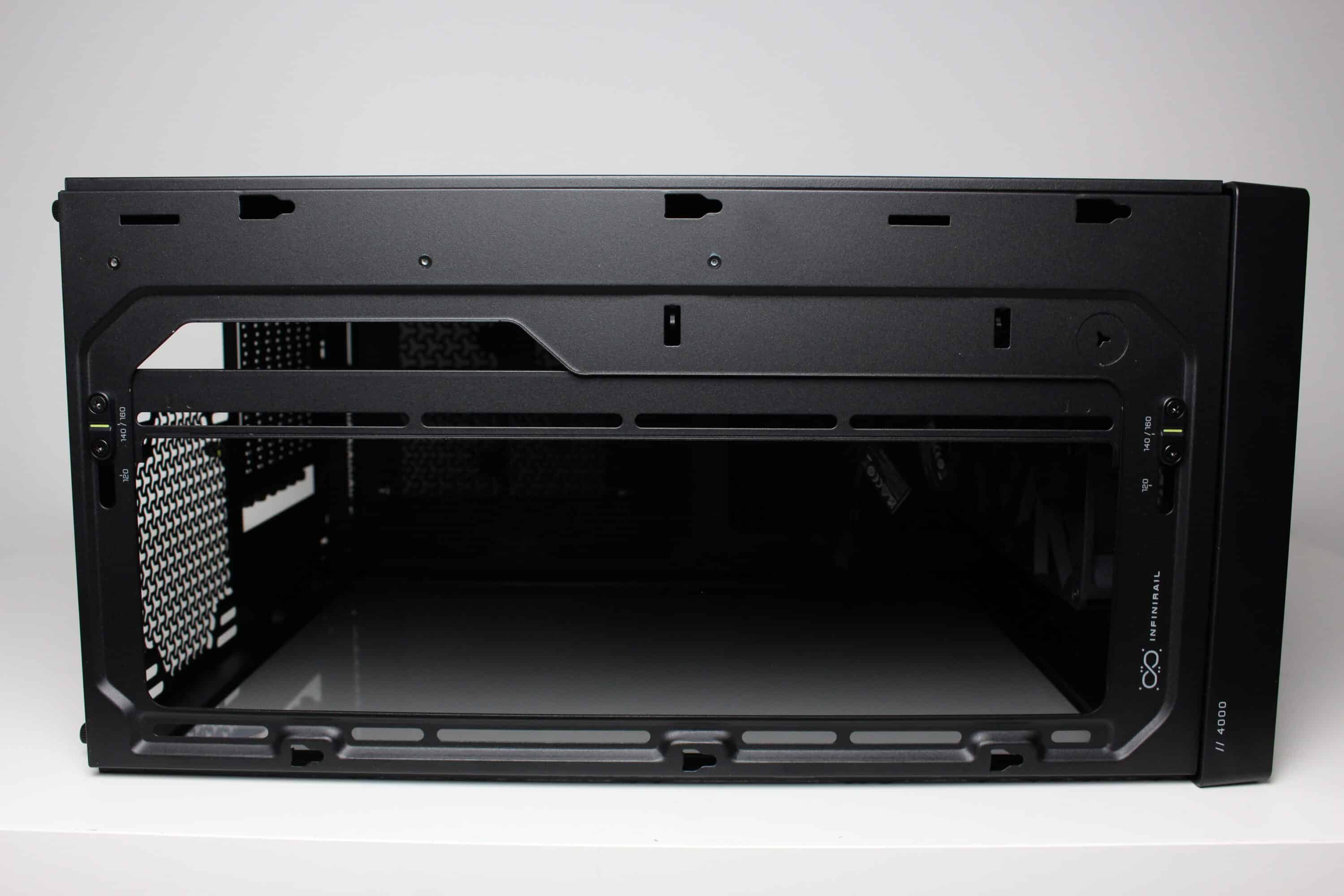
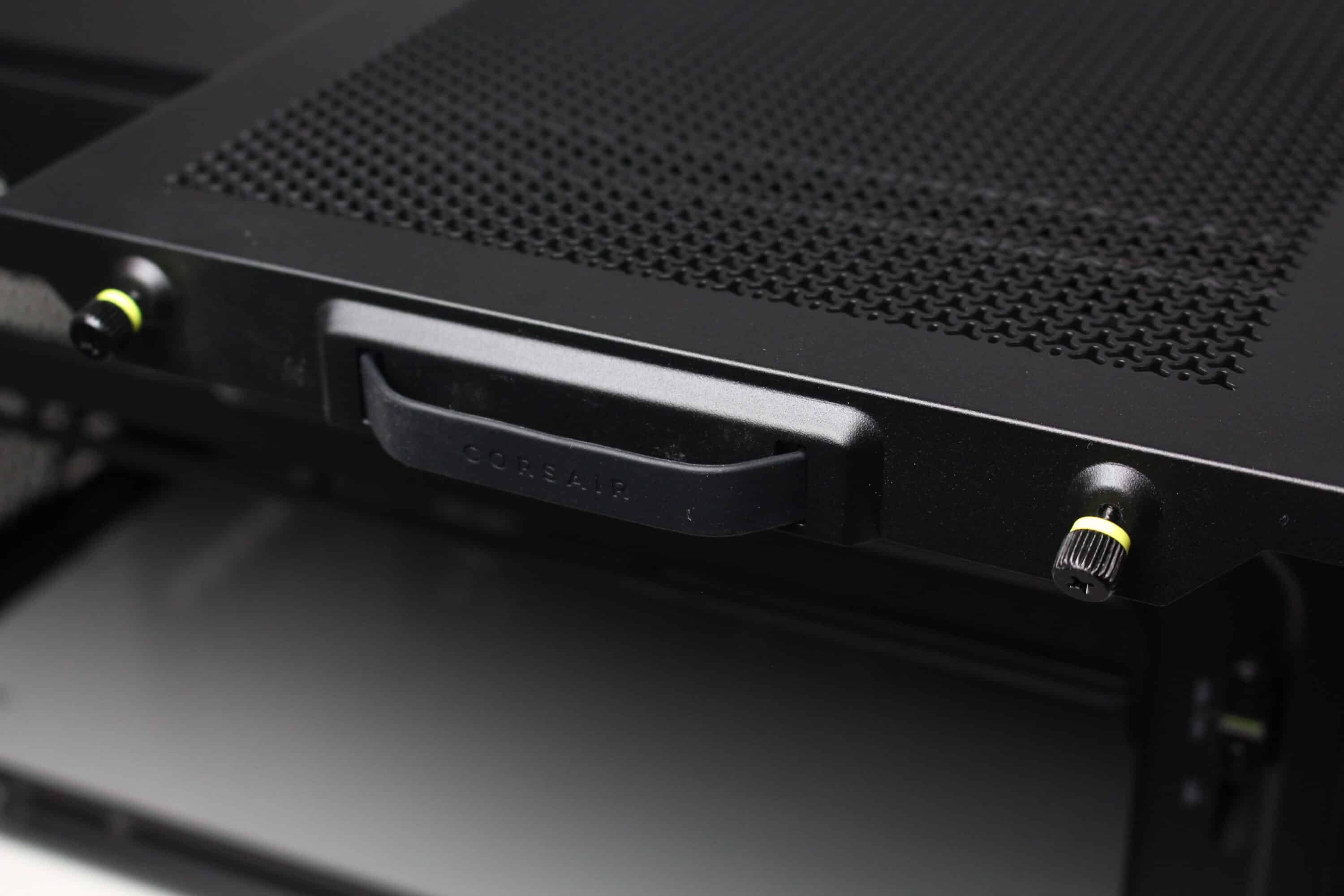
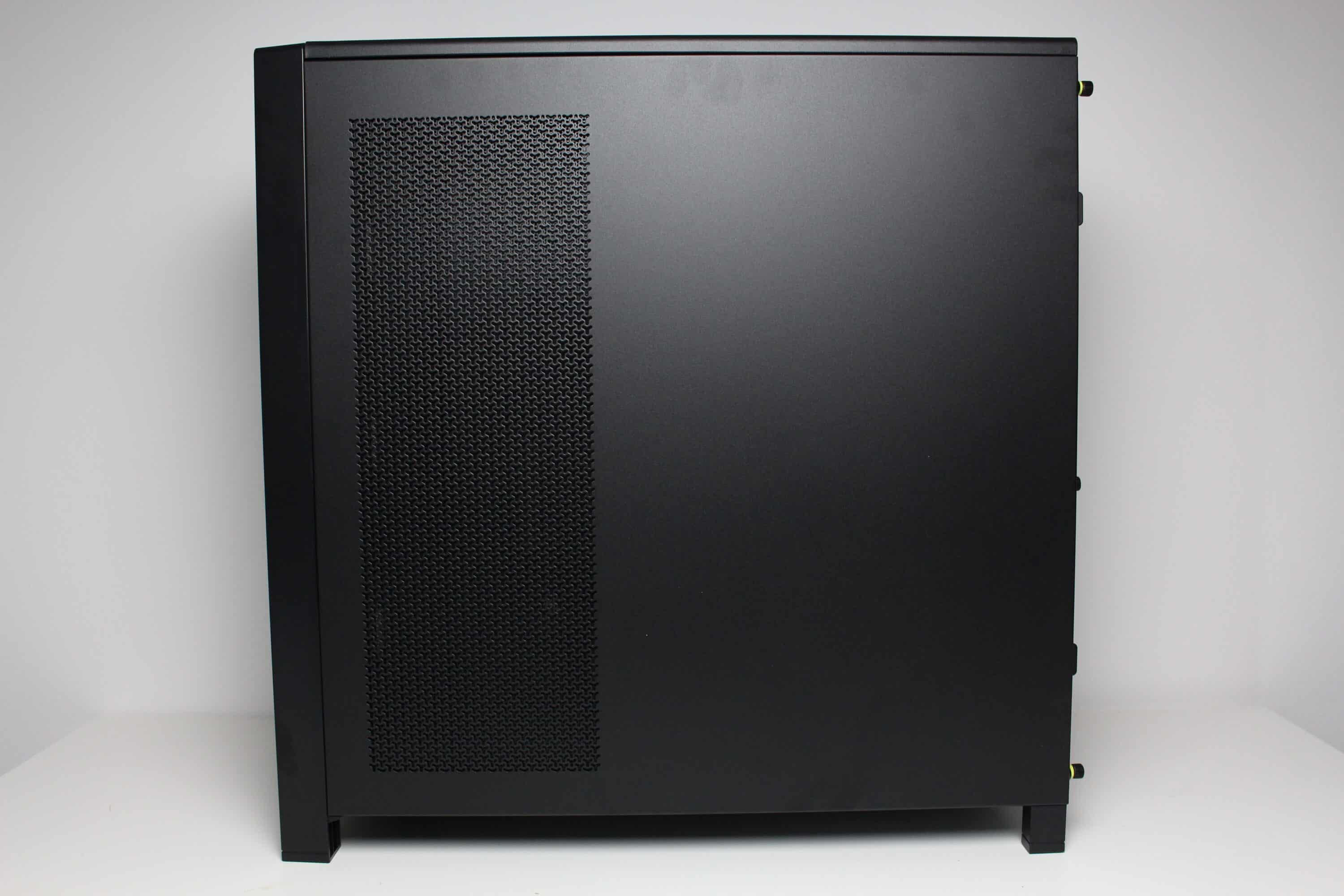
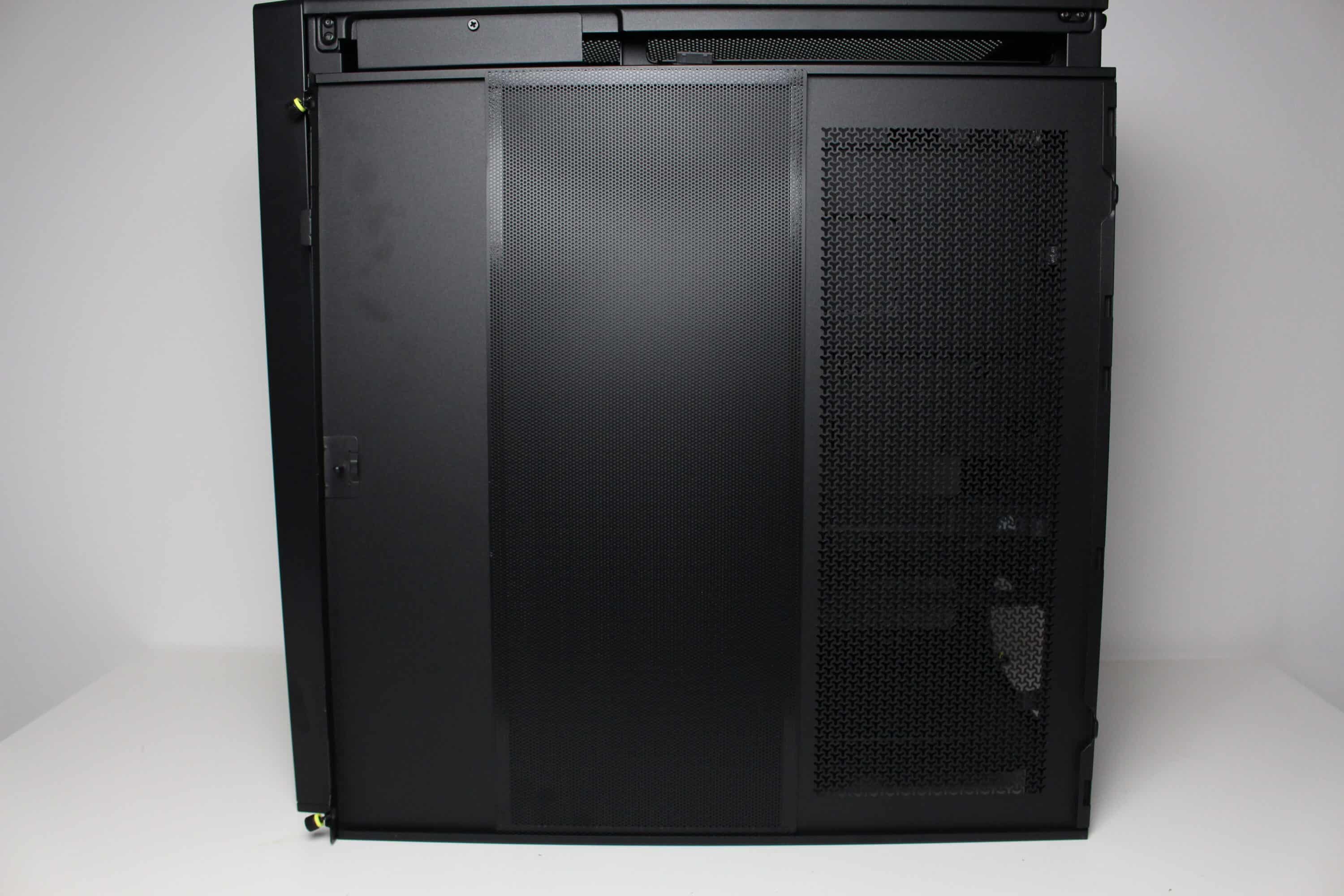
The left side of the Corsair Frame 4000D RS is divided into two parts. The upper part is made of tempered glass, which is glued to a steel frame, which in turn is attached to the body via retaining lugs, push pins and two knurled screws. Underneath we can see a thin ventilation grille, which can also be removed. The right-hand side panel is made of very thin steel and has a filtered ventilation opening as well as knurled screws and push pins for attachment to the body.
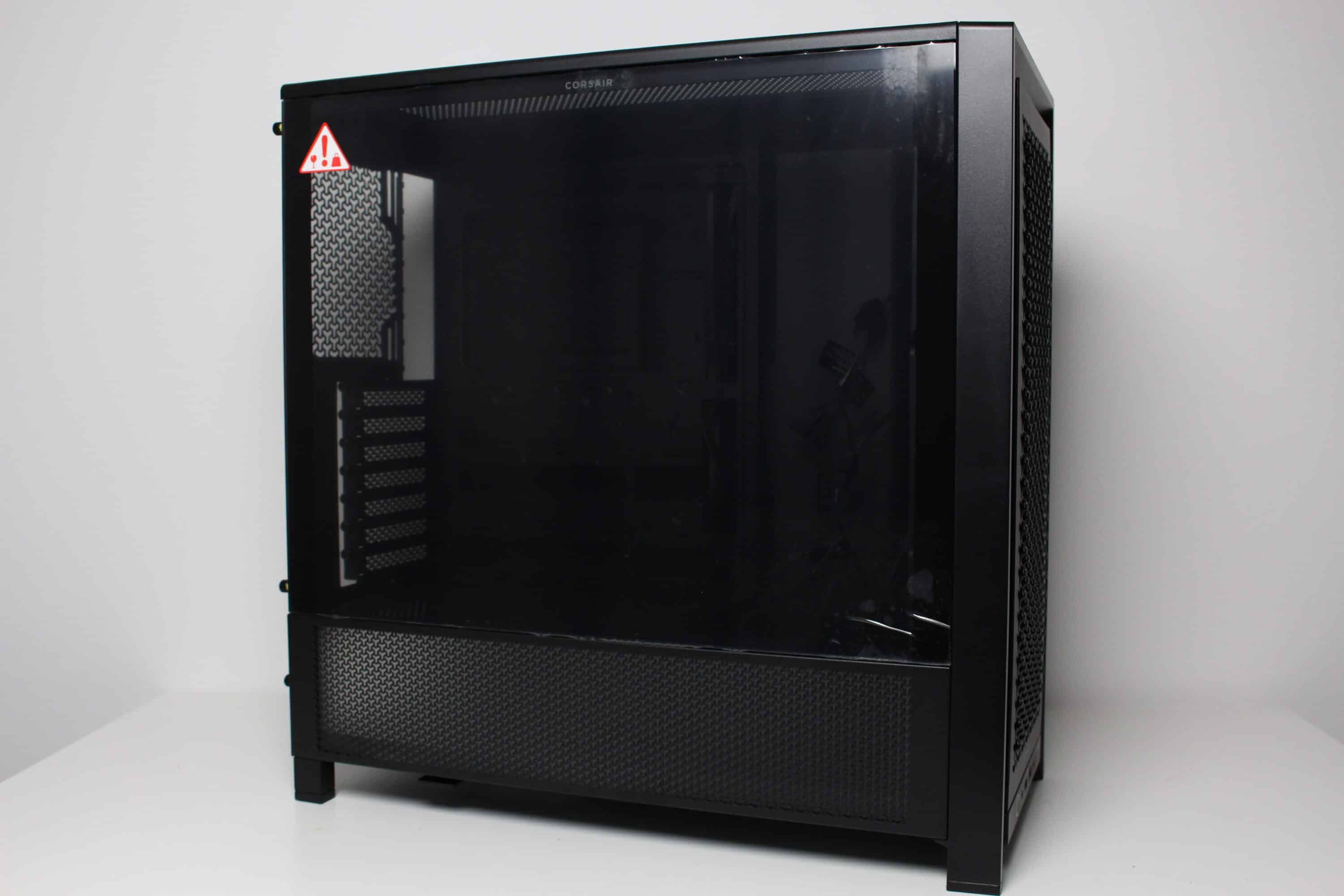
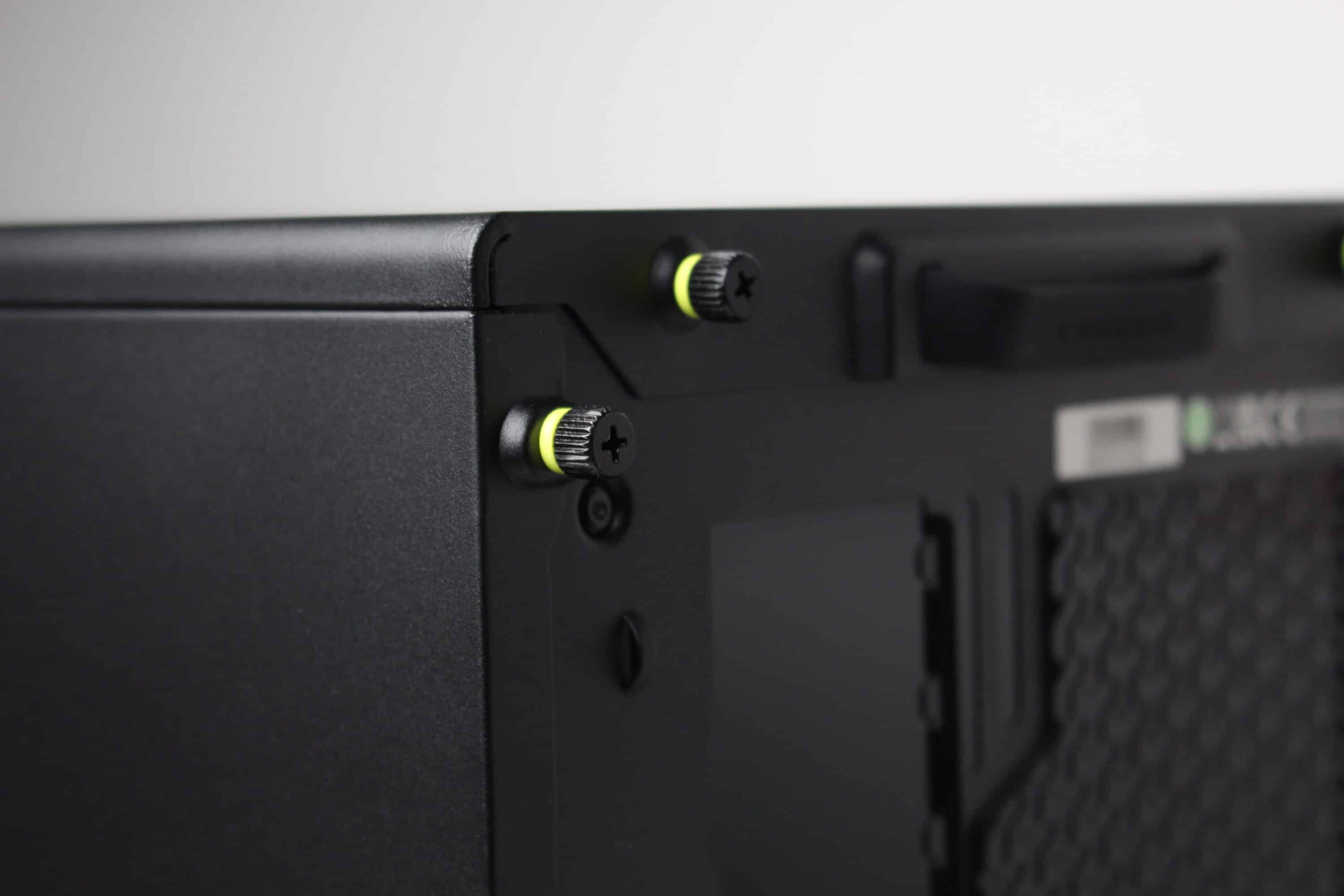
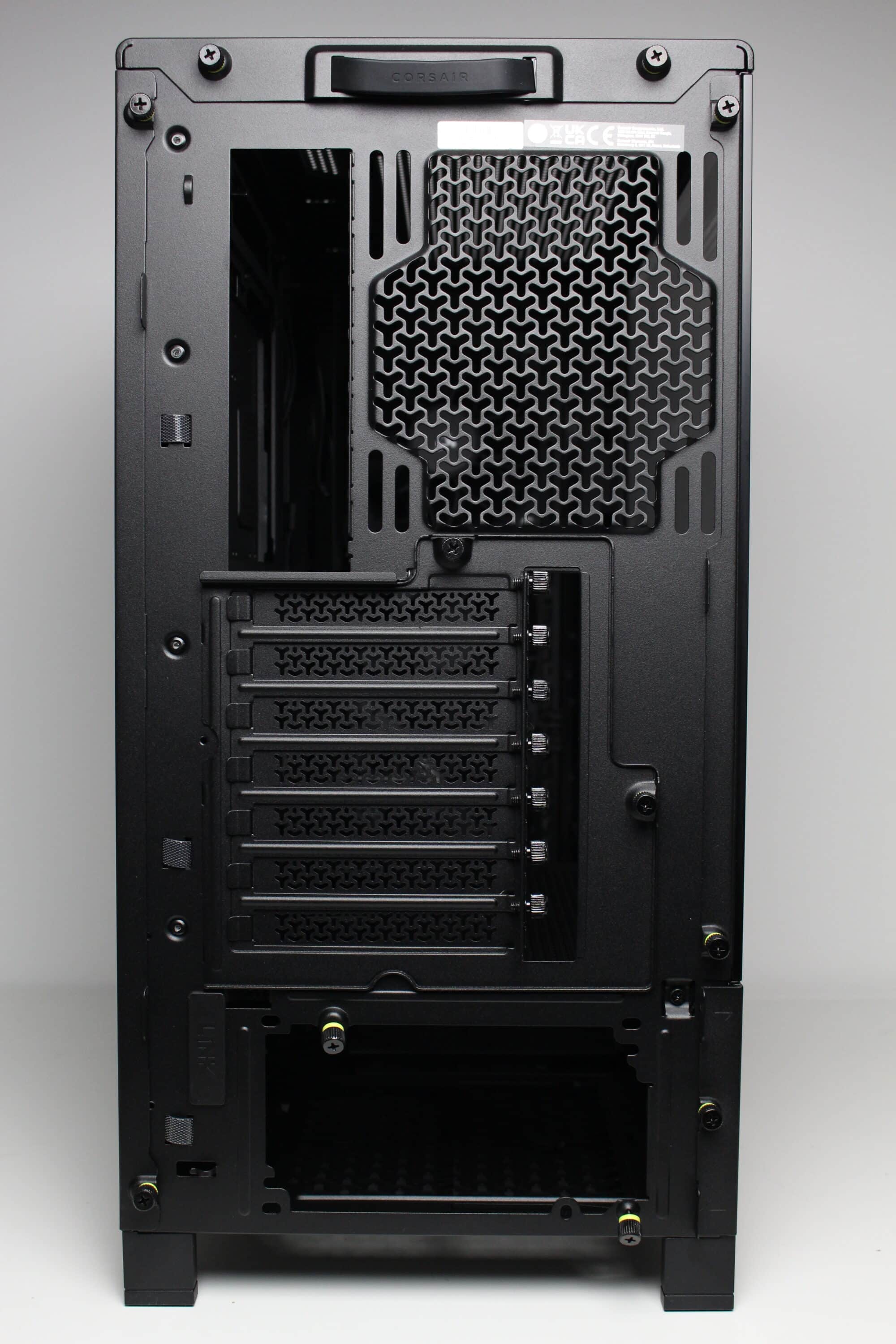
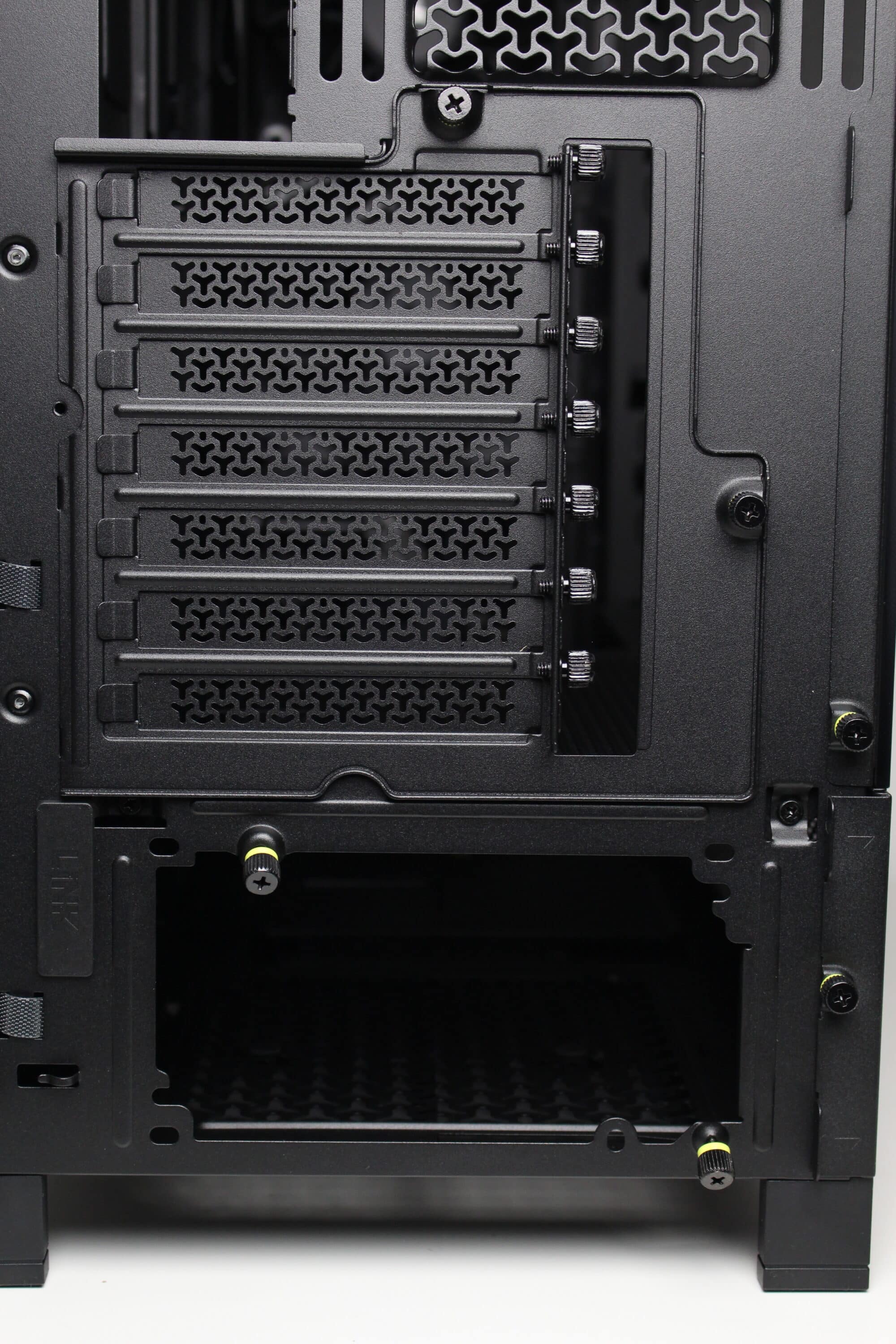
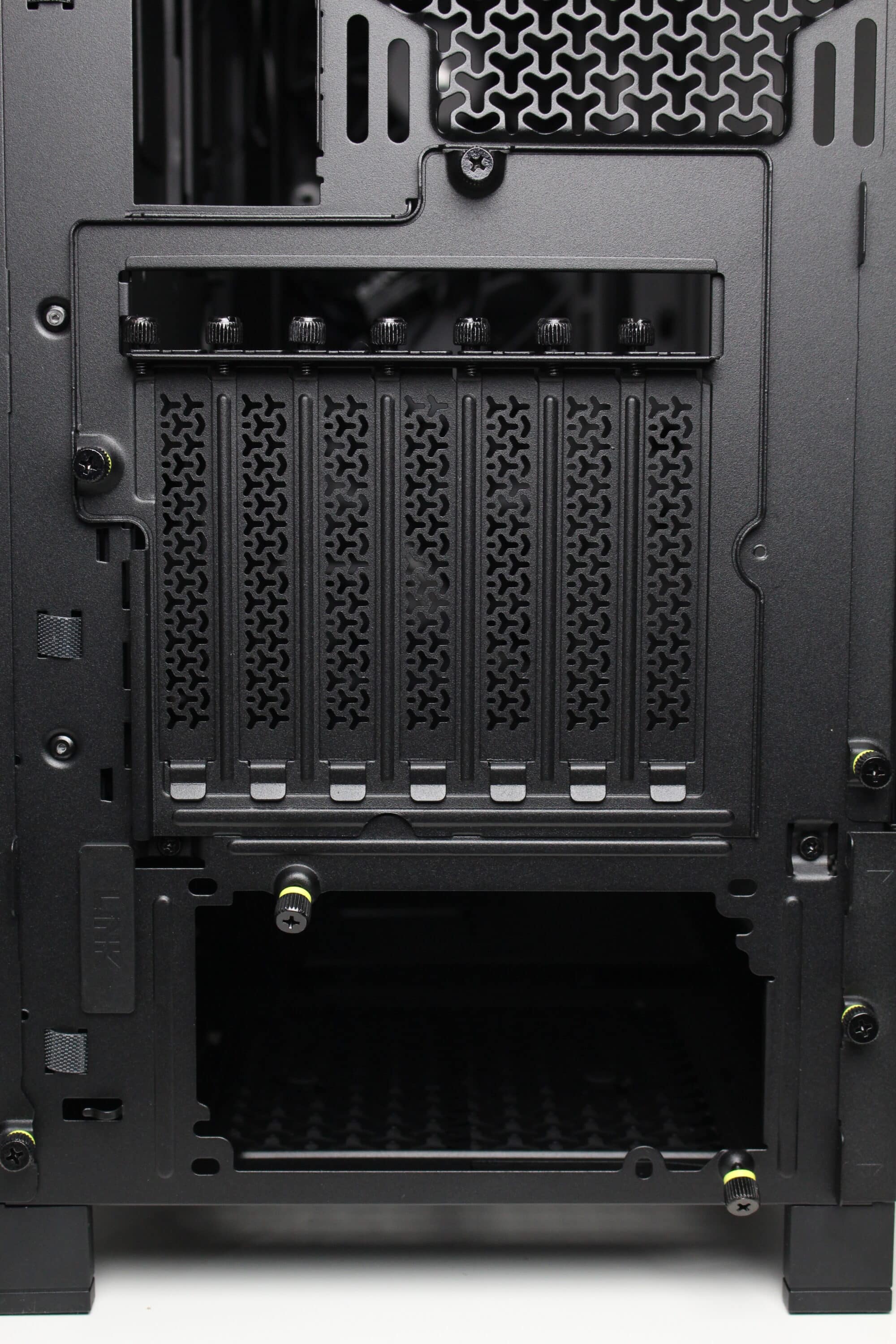
At first glance, the rear of this midi tower looks like that of any other midi tower case. The power supply unit is mounted in the base and seven perforated and reusable panels can be seen above it. The upper section of the Corsair Frame 4000D RS also offers space for a 120 or 140 mm fan. A special feature, however, is the rotating mounting frame for the slot bezels. Only two knurled screws need to be loosened to allow the frame to be rotated and thus enable horizontal GPU mounting.
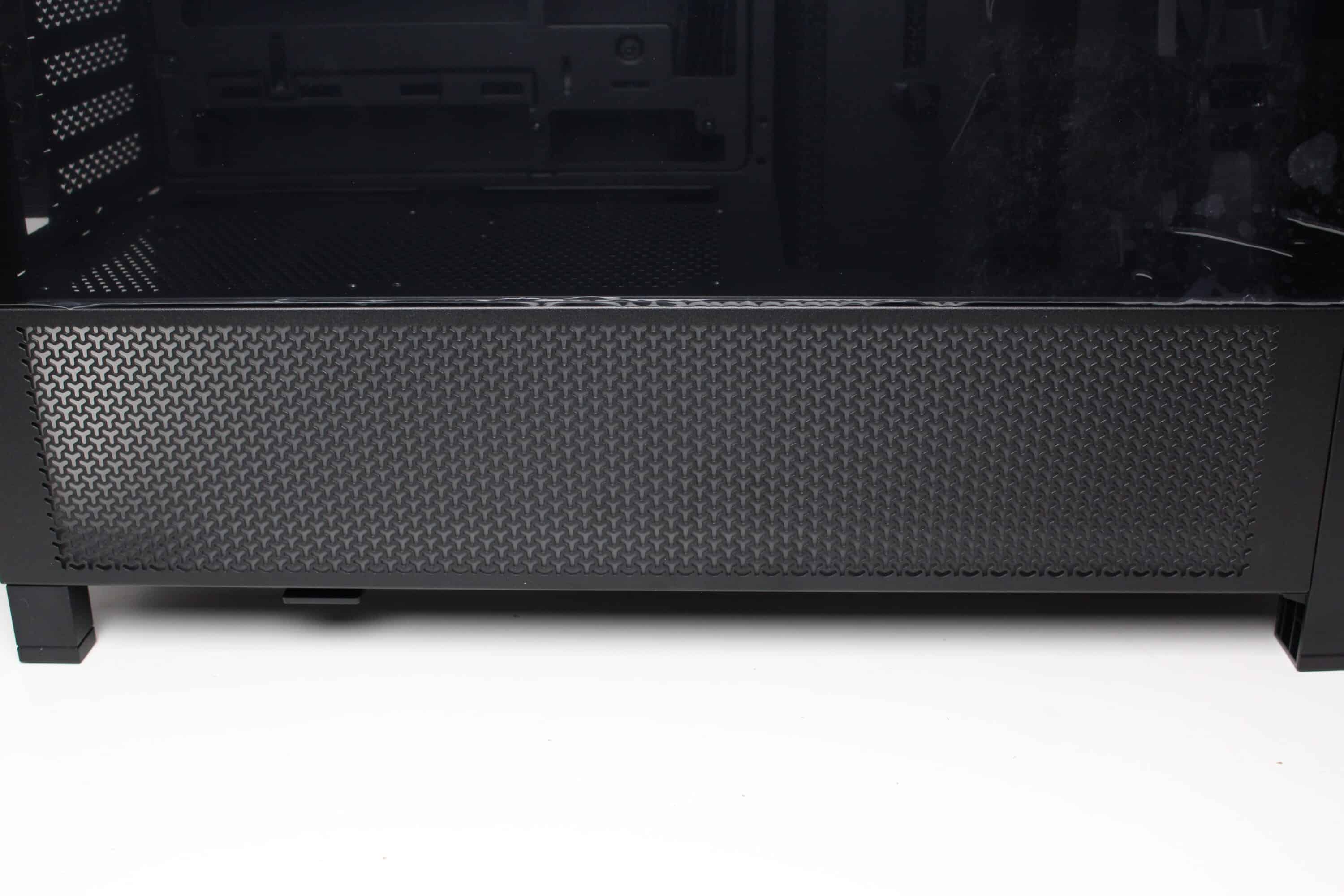
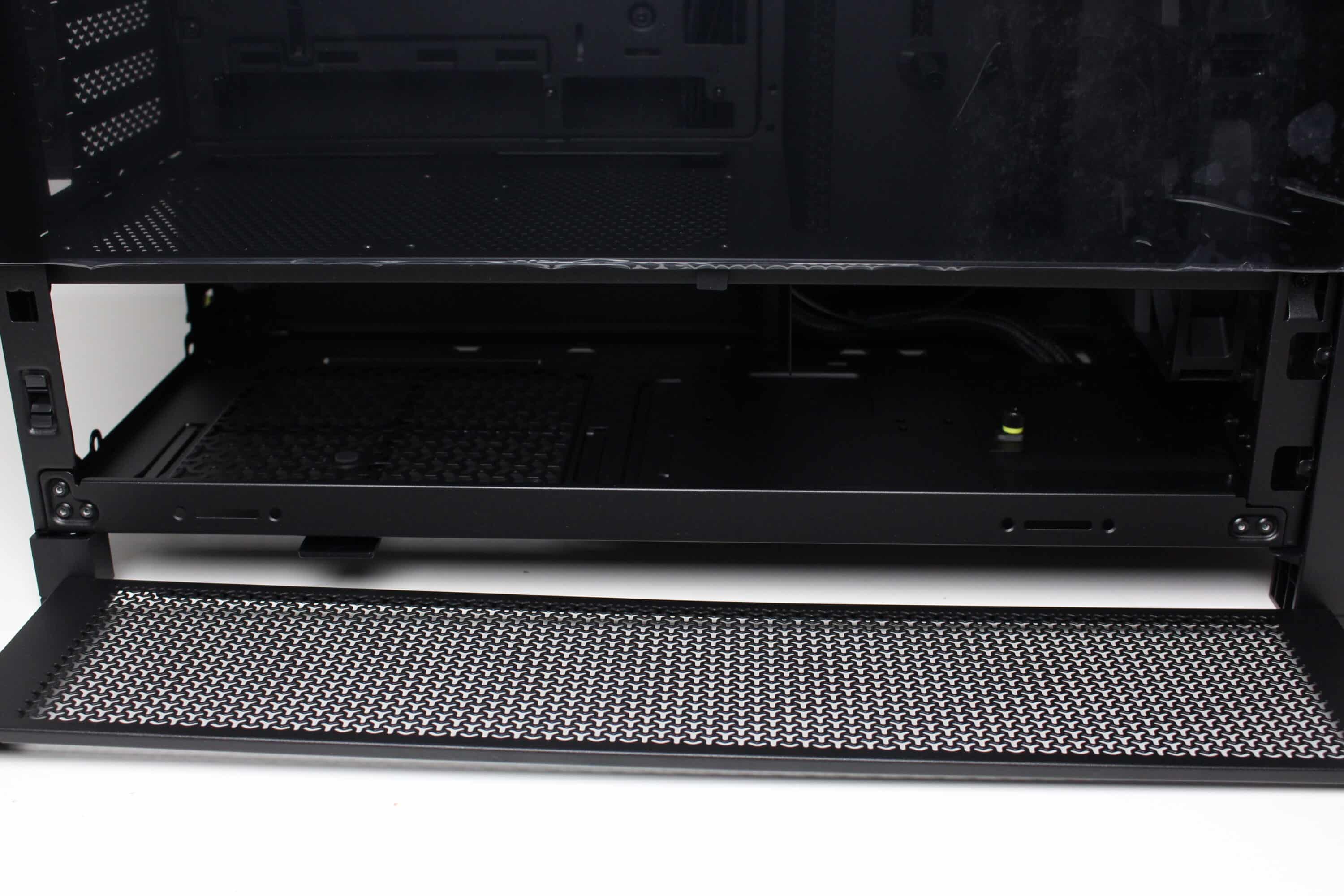
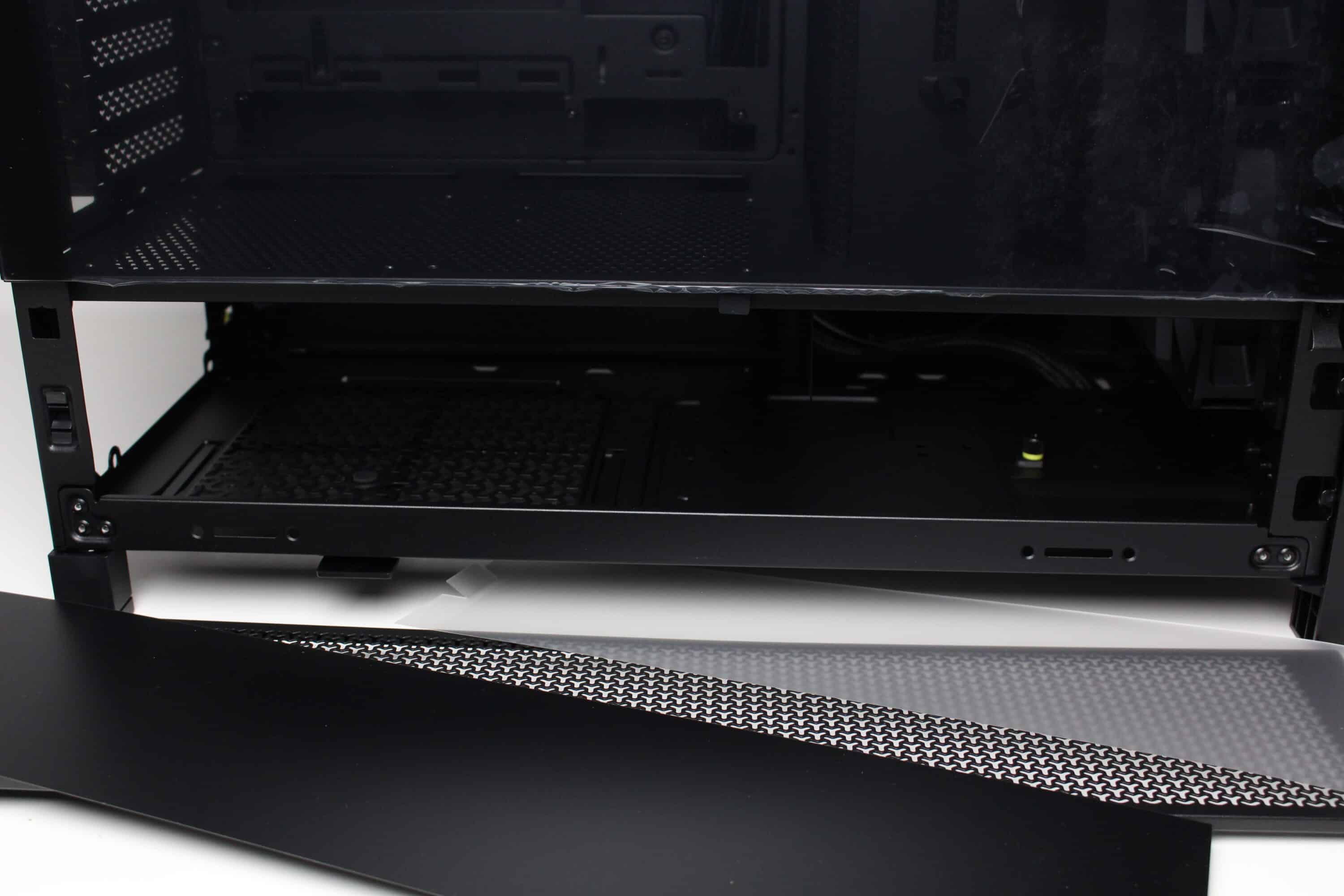
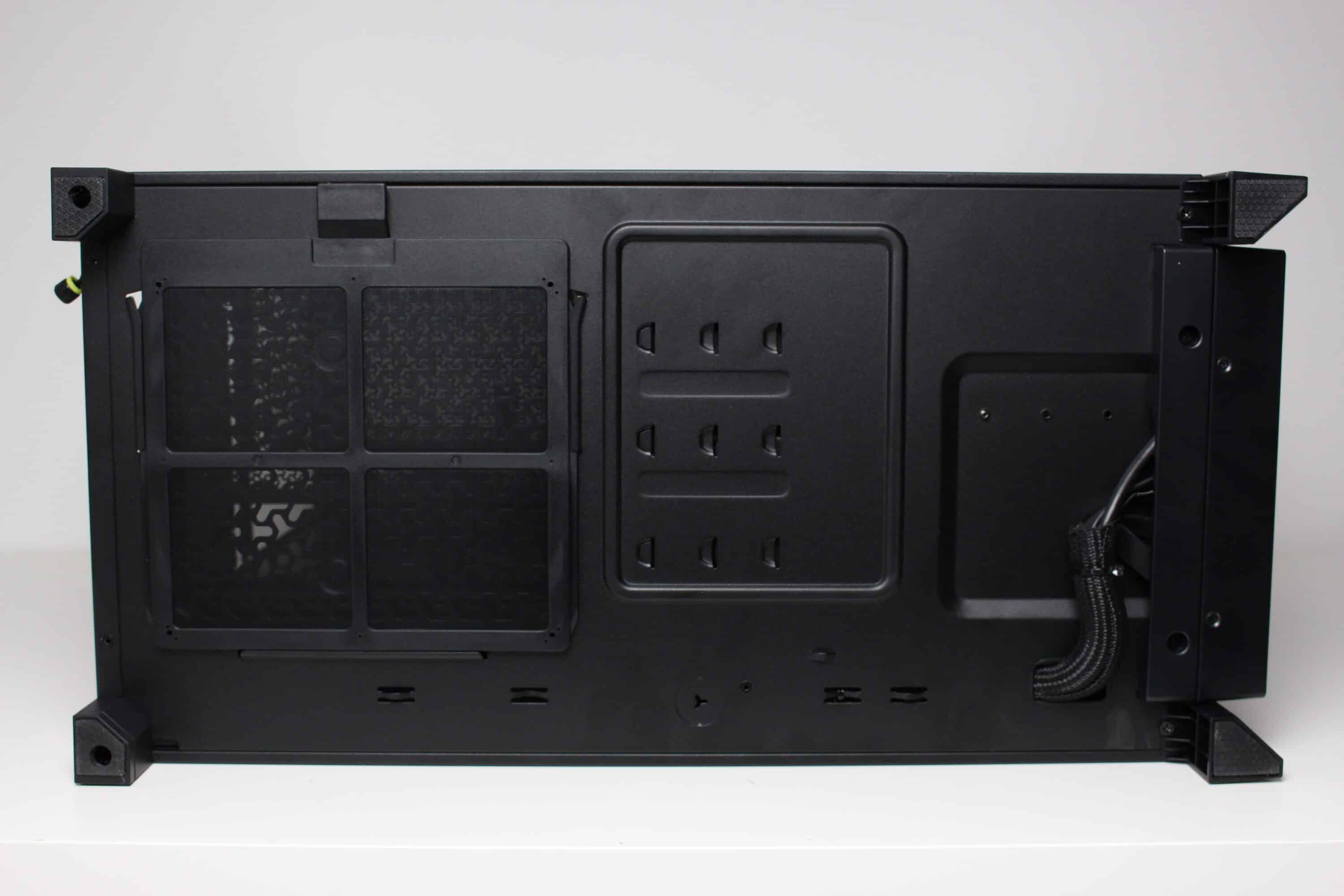
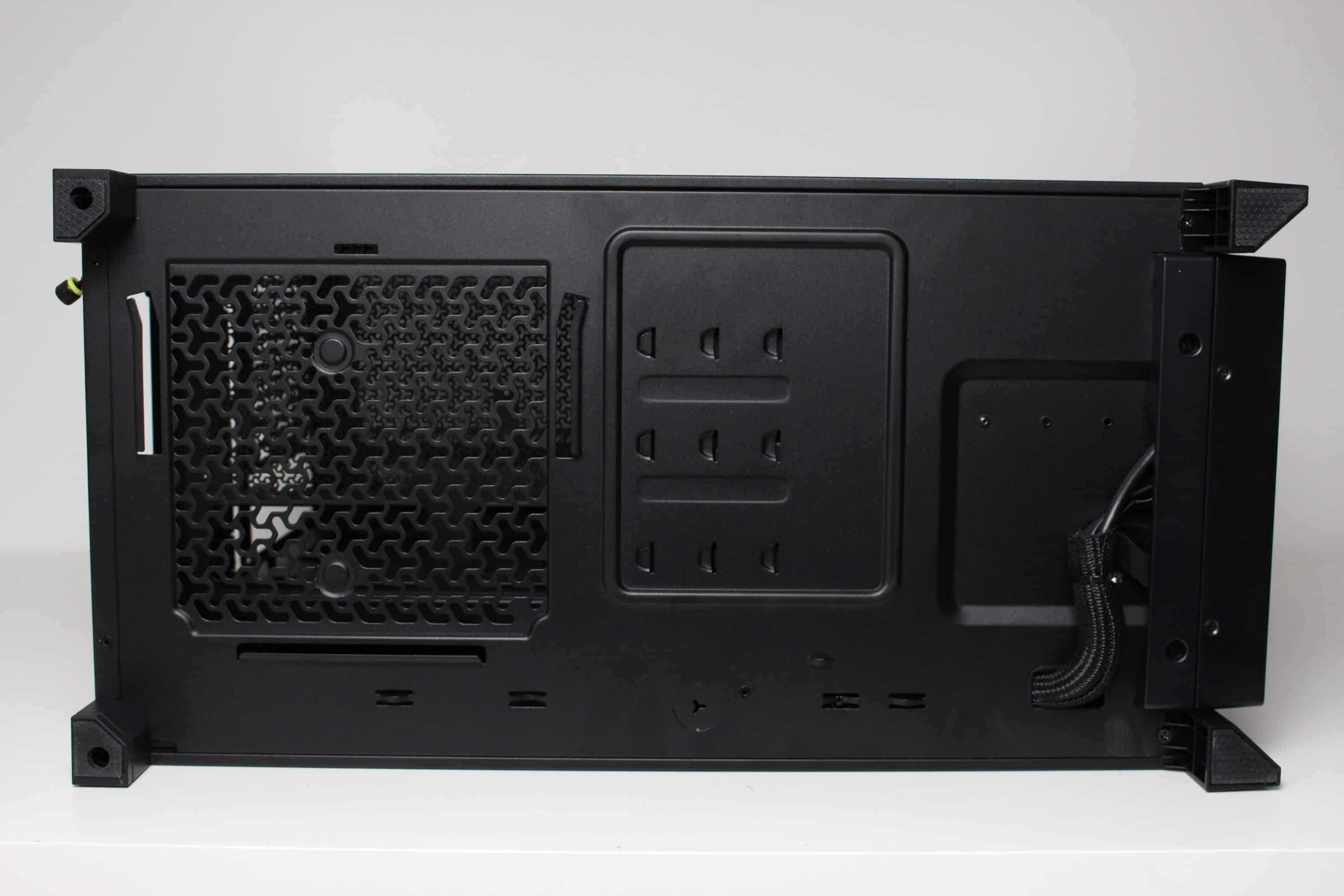
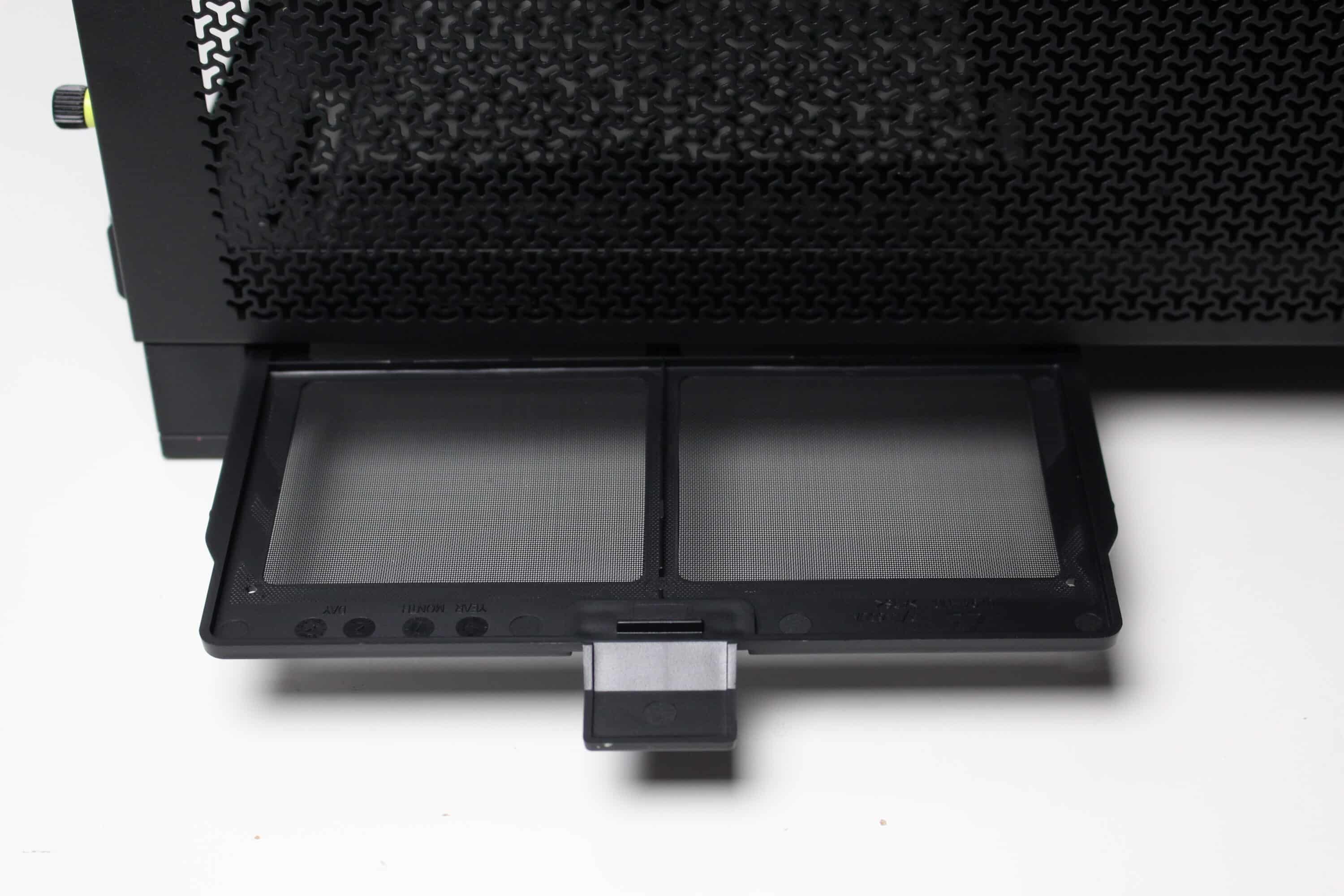
The underside of the Frame 4000D RS, on the other hand, remains unspectacular. The power supply unit has a large ventilation opening, in front of which a fine dust filter has been placed. This dust filter can simply be pulled out to the left for cleaning. We also find various mounting openings for the HDD frame on the inside. Four rubberized plastic feet provide the midi tower with a secure stand.
Interior impression
Next, let’s take a look at the interior of the Corsair Frame 4000D RS. This is very open and spacious and is logically divided into two chambers. The larger main chamber in the upper area offers space for an ATX mainboard with connections at the front or rear. There is also sufficient storage space for large CPU coolers, up to two simultaneously mounted radiators and very long graphics cards. There are also various openings in the removable mainboard tray for neat cable routing.
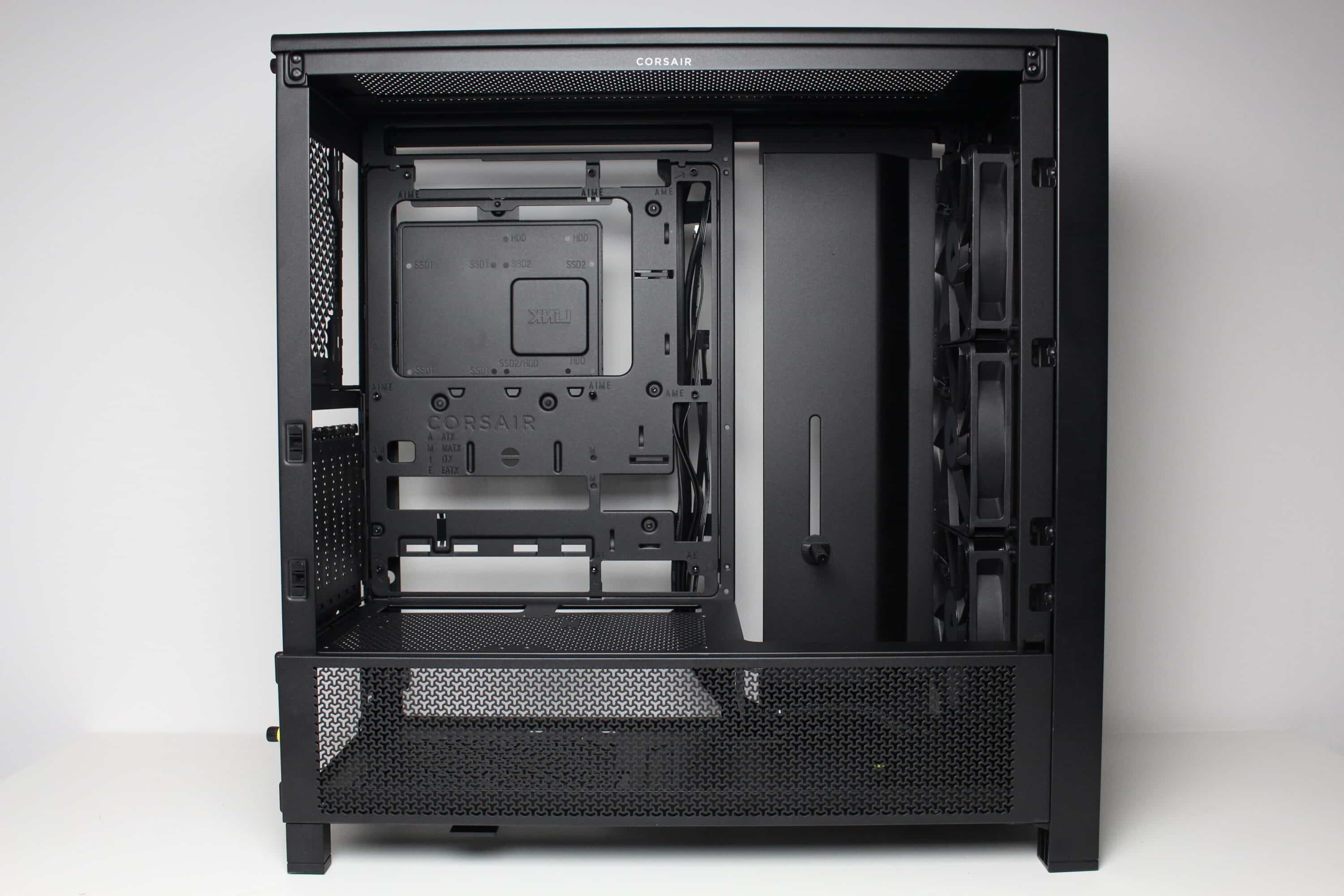
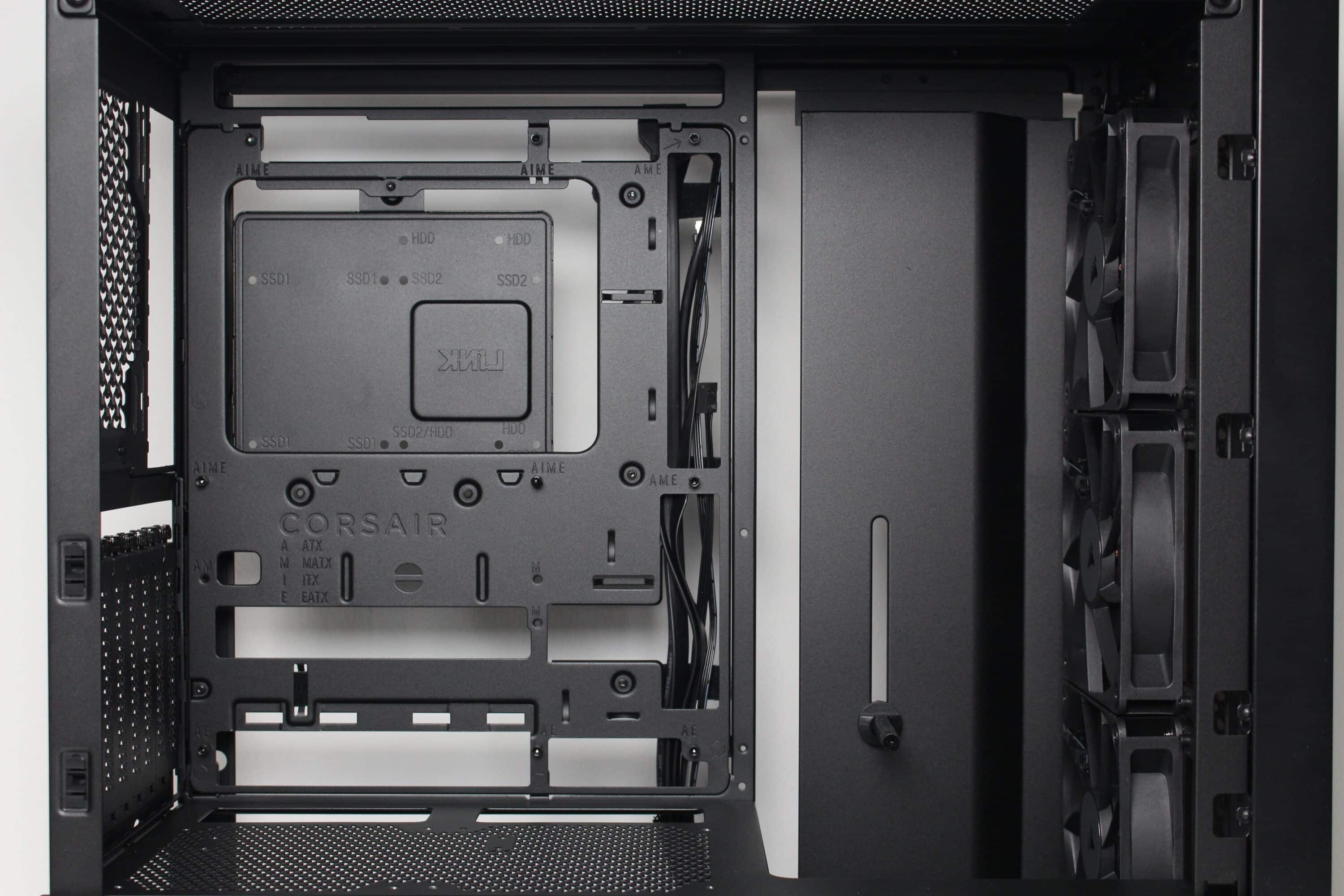
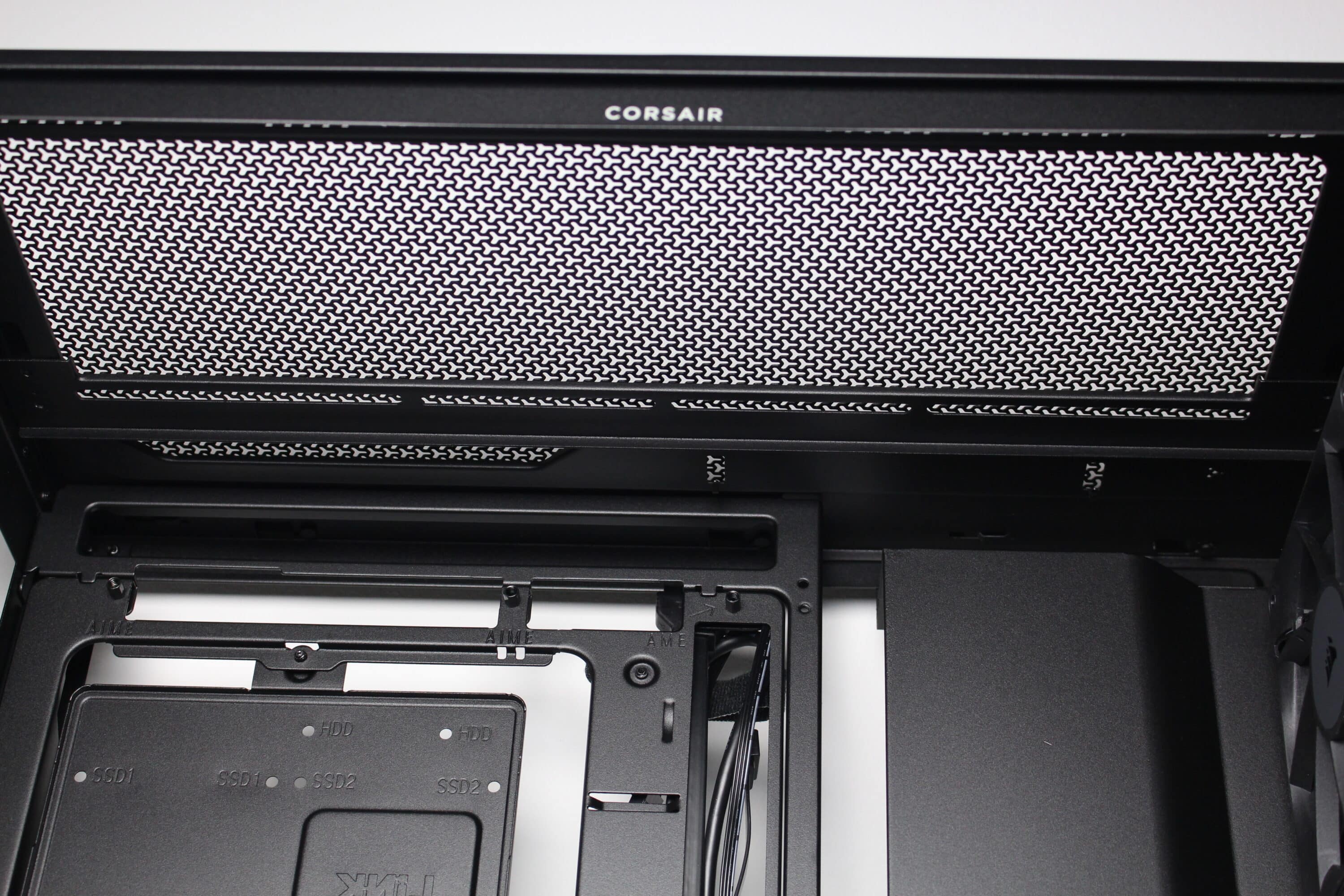
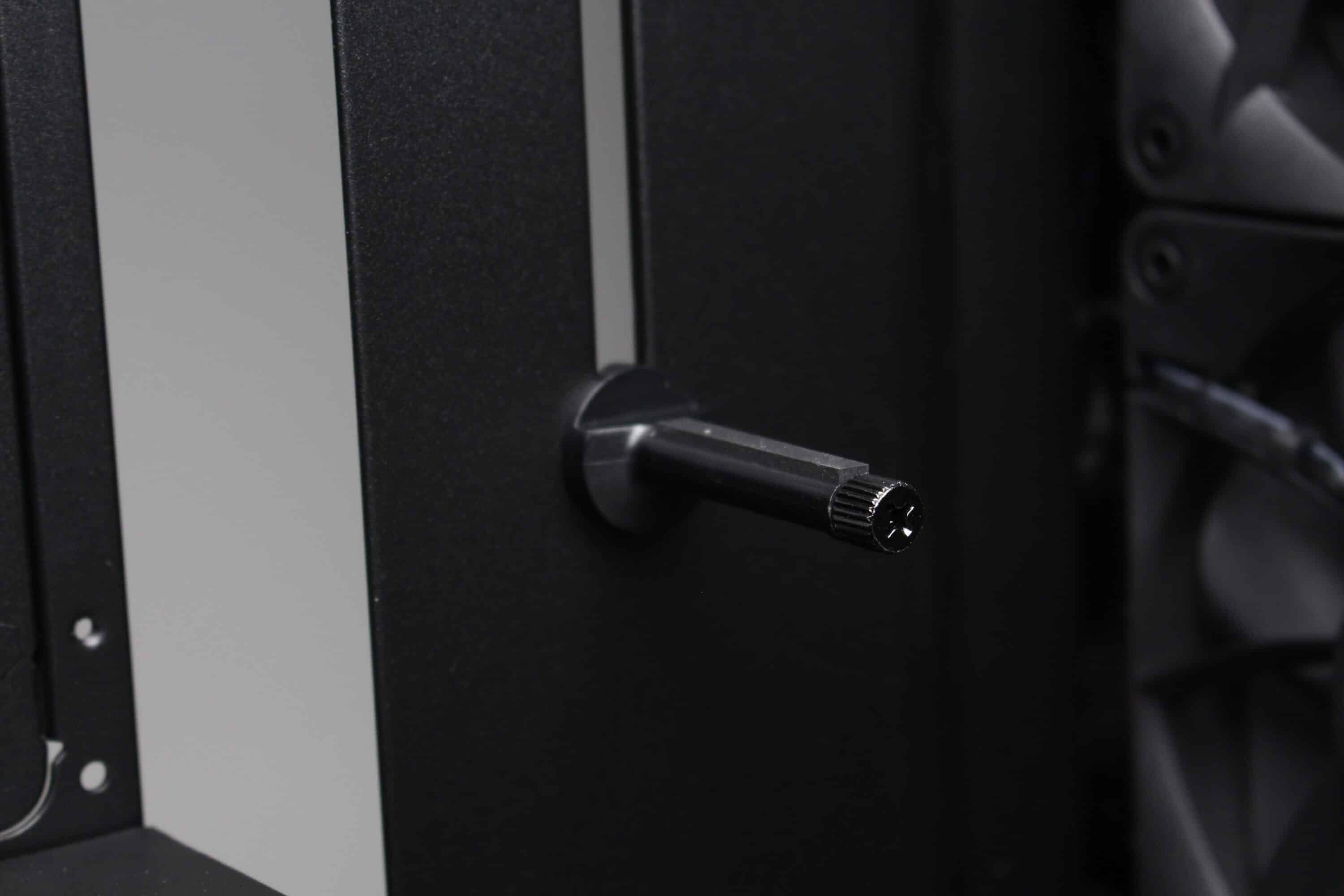
There are no obstacles directly behind the pre-installed front fans that could impair the airflow. Corsair has also placed a cover with a built-in GPU holder on the side behind the fans. Depending on whether fans are to be installed at the front or to the right of the motherboard tray, the side cover can also be removed if necessary and the additional fan frame from the scope of delivery can be installed instead.
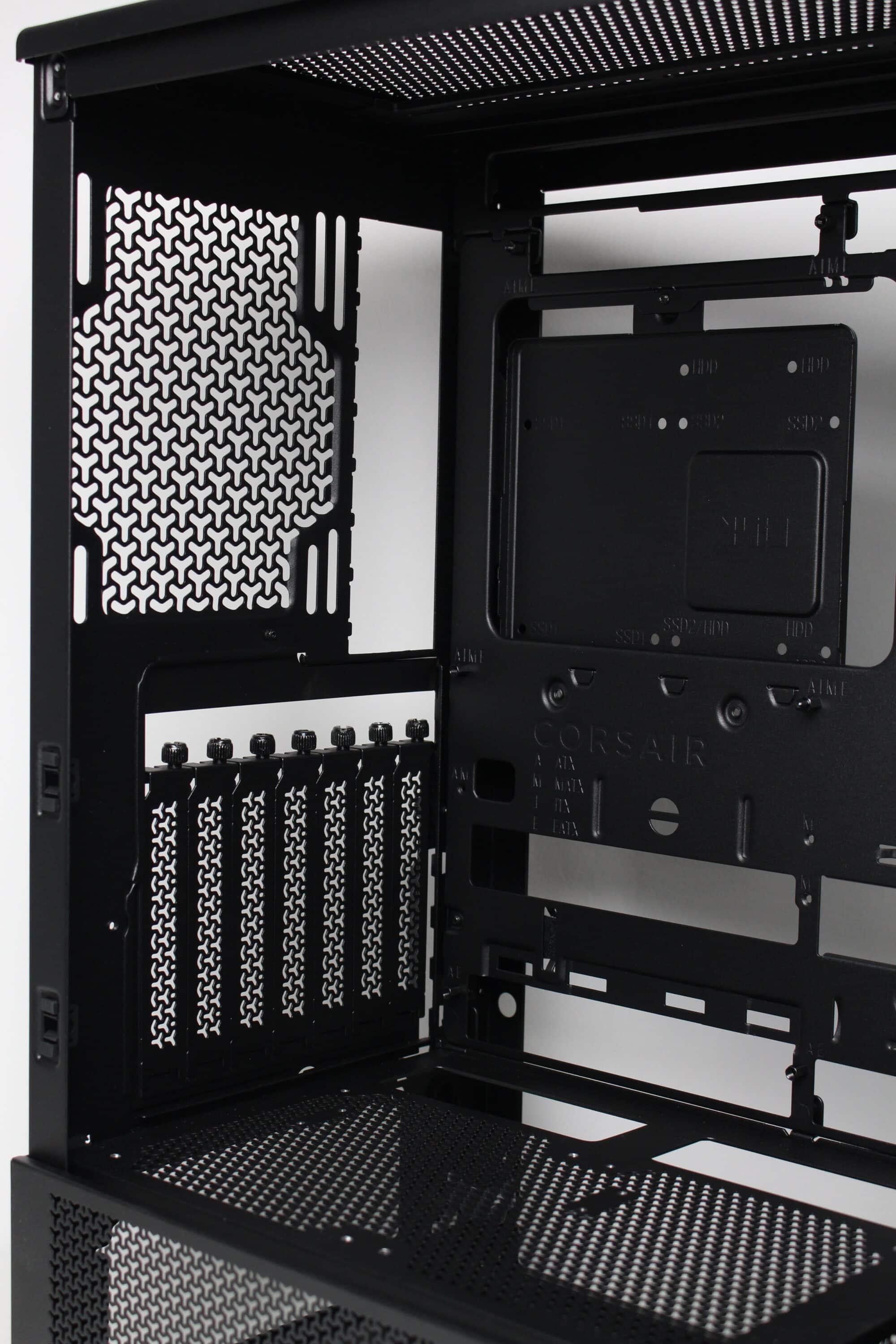
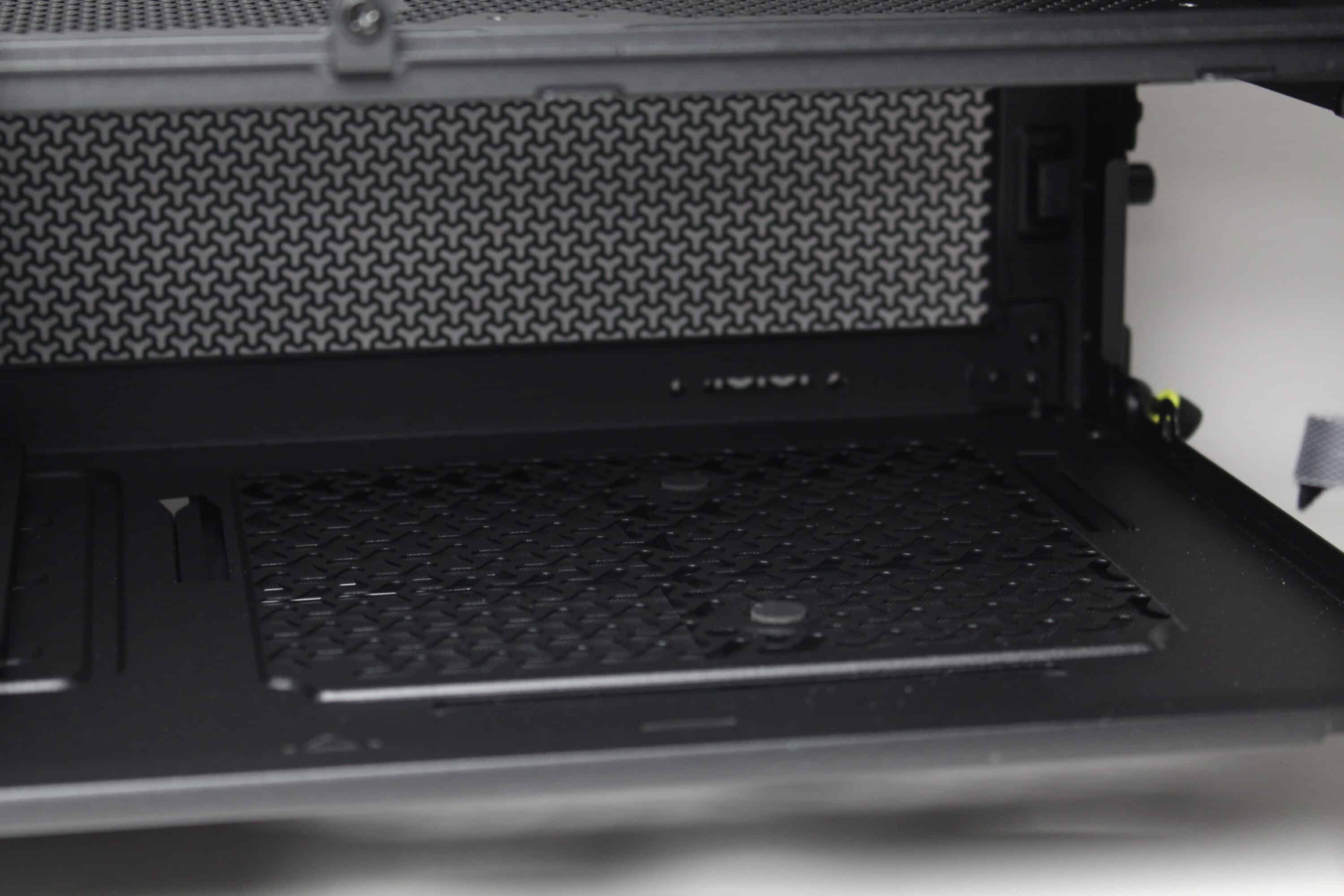
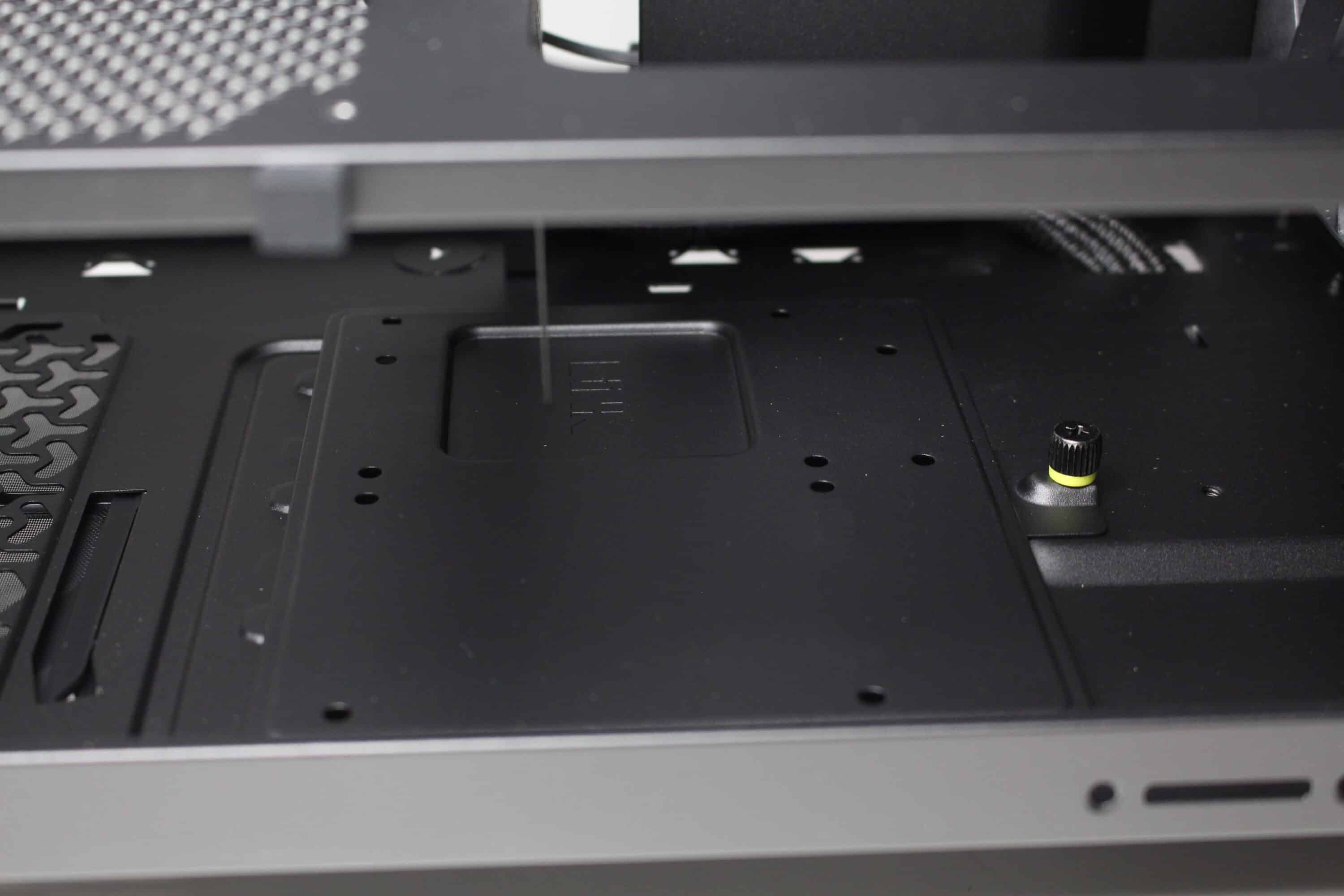
The design of the power supply panel in the lower area is different to what is now common. The panel does not cover the entire lower area and offers little privacy due to the generous perforation. On the other hand, two 120 mm fans can be screwed onto the top, which could help with cooling the graphics card in particular. The power supply panel has a particularly large cut-out in the front area so that a particularly deep radiator can be installed behind the front or on the side.
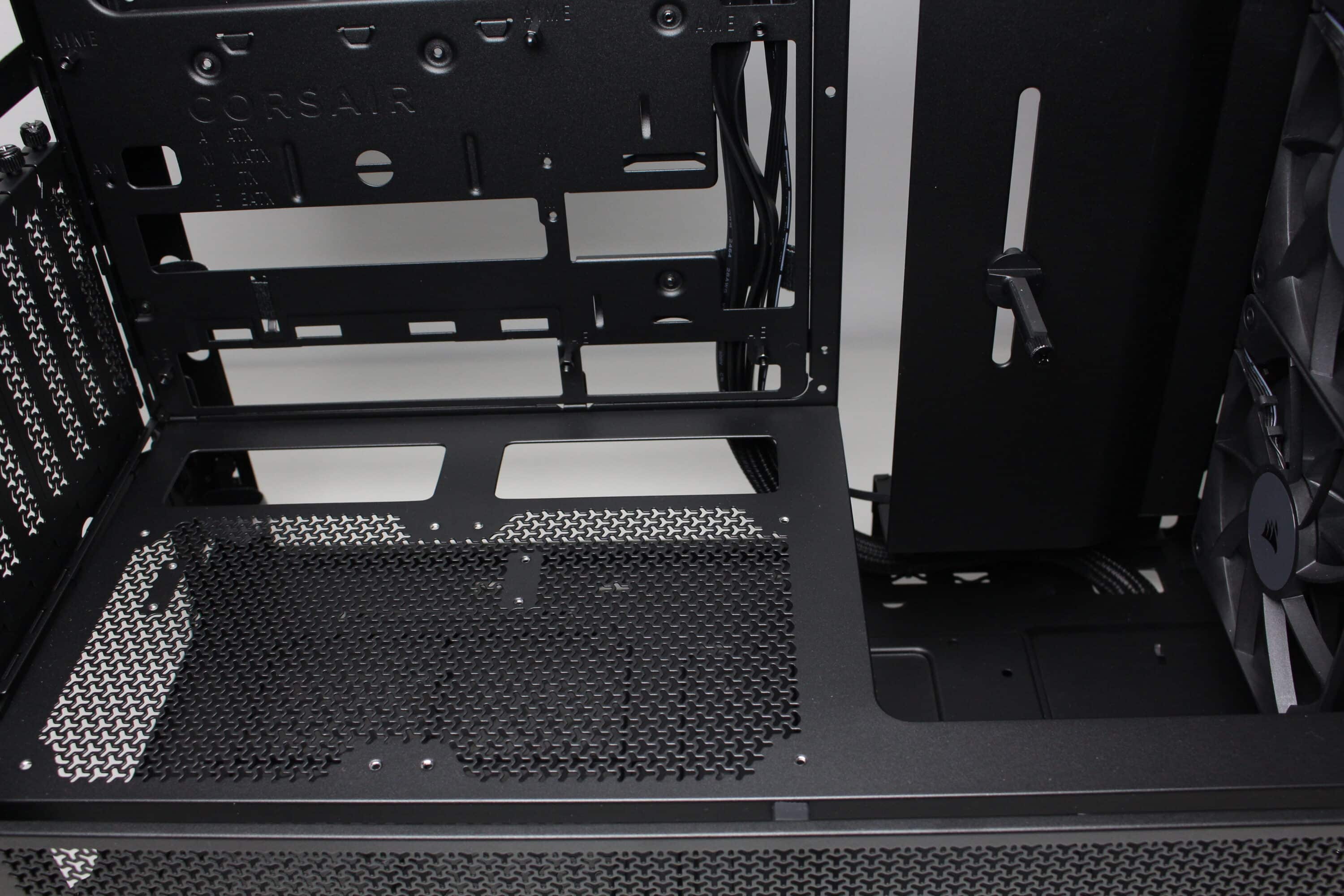
Unsurprisingly, an ATX power supply can be installed under the power supply panel. To simplify installation, there are two knurled screws on the rear of the Frame 4000D RS, which means that additional screws could theoretically be dispensed with when mounting the power supply unit. Corsair has also placed two rubber buffers on the base to decouple the power supply unit.
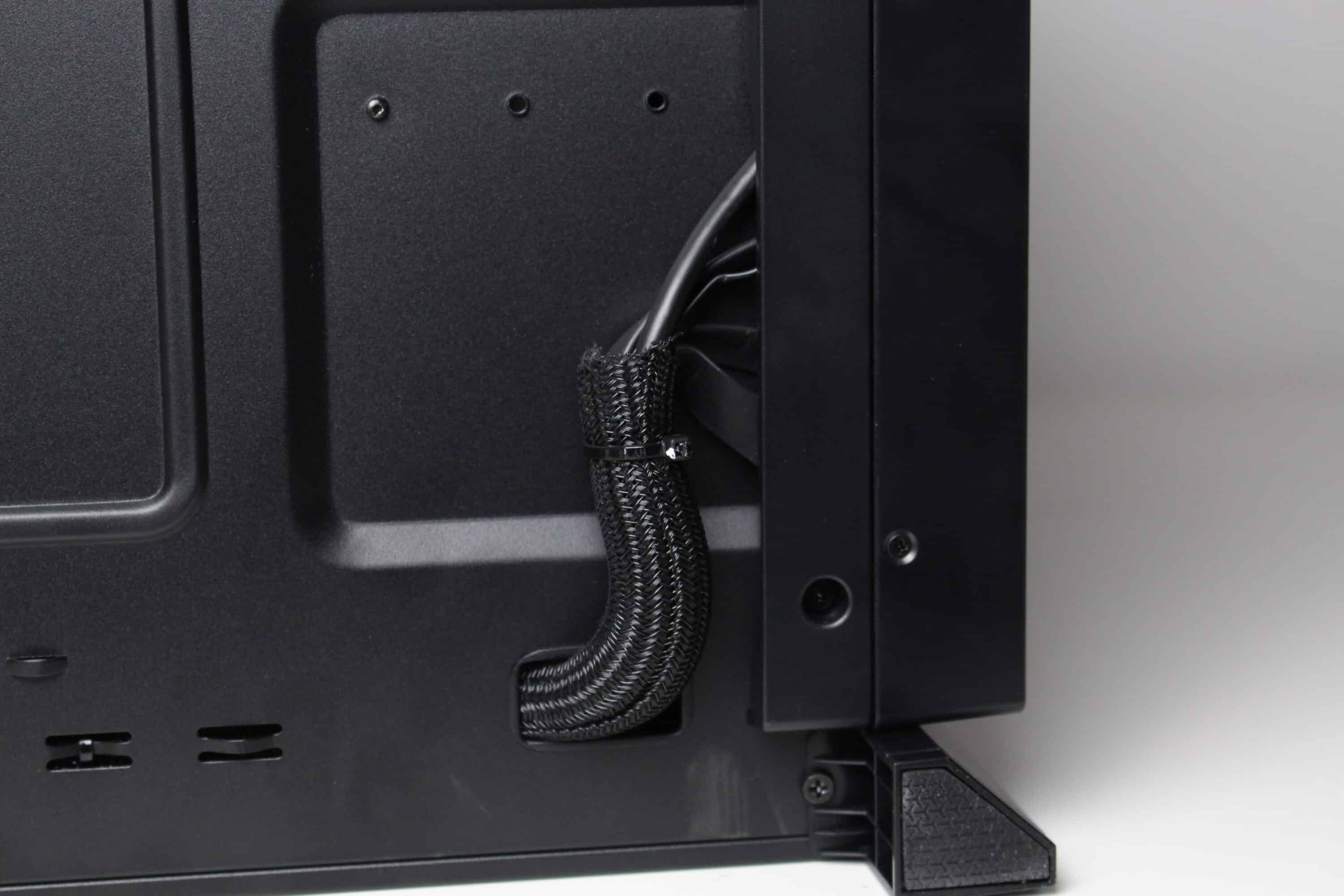
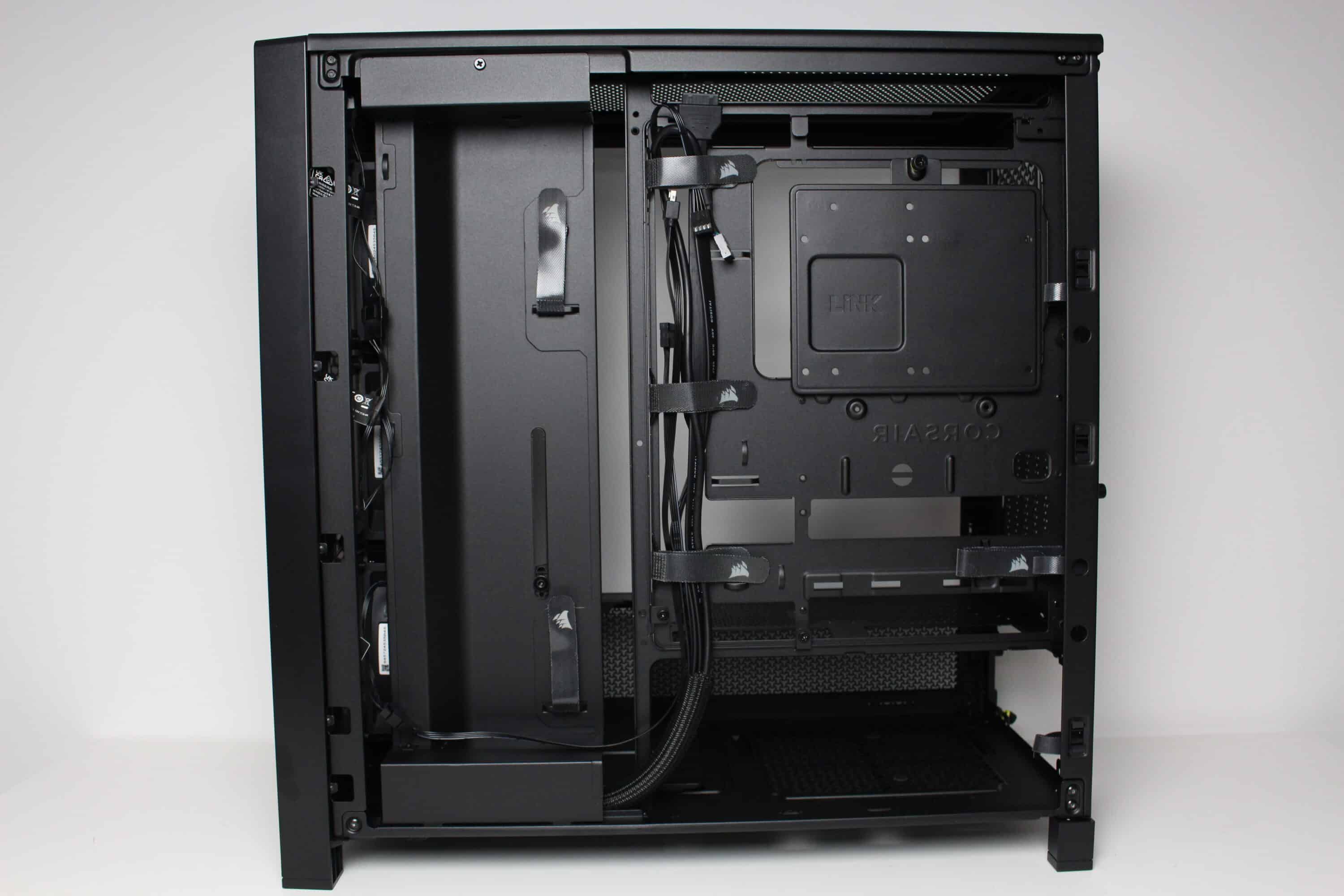
At the rear of the motherboard tray, there is at least 20 millimeters of space for cables and plenty of options for attaching them. There are various reusable cable ties, but the classic eyelets for conventional cable ties are also used.
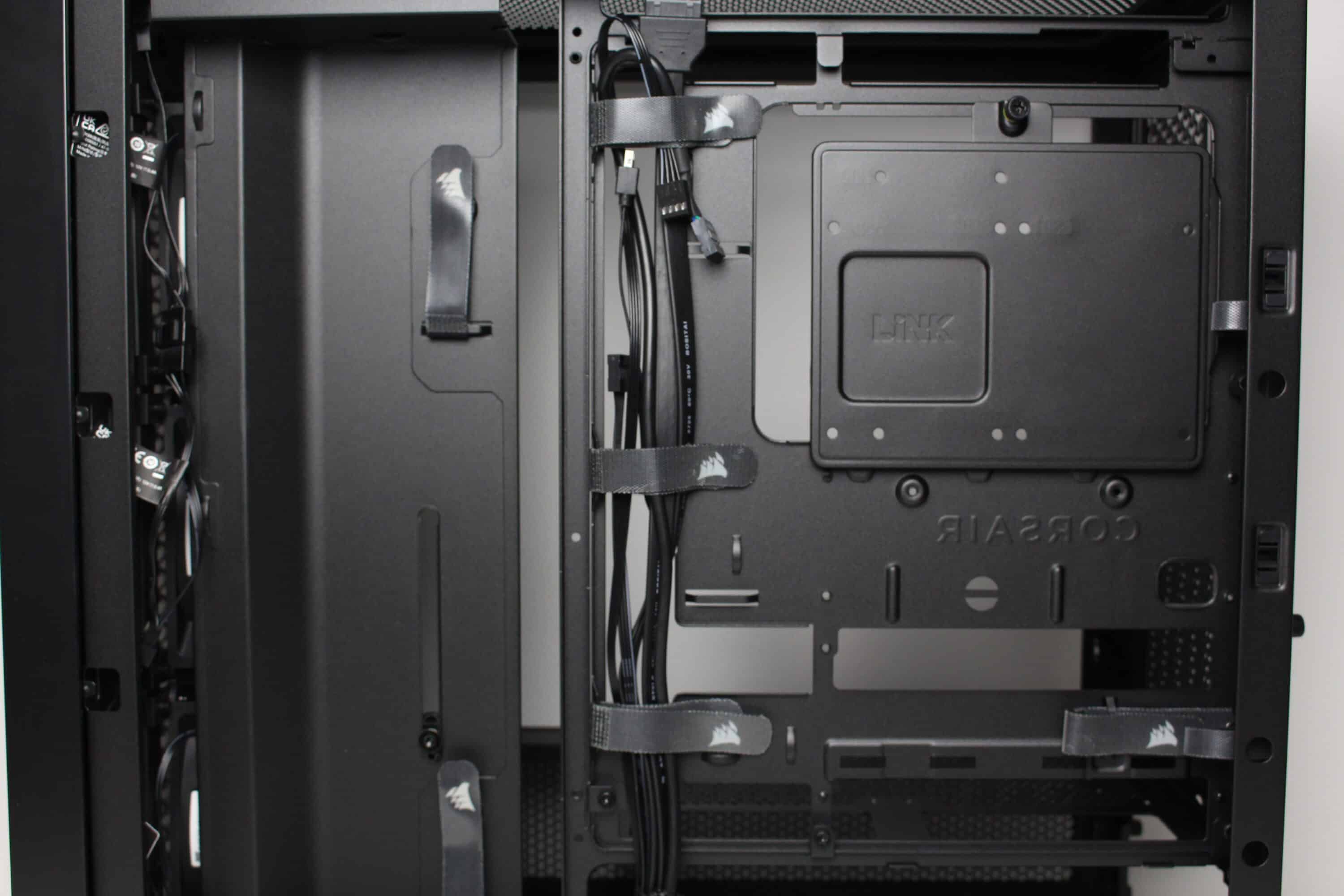
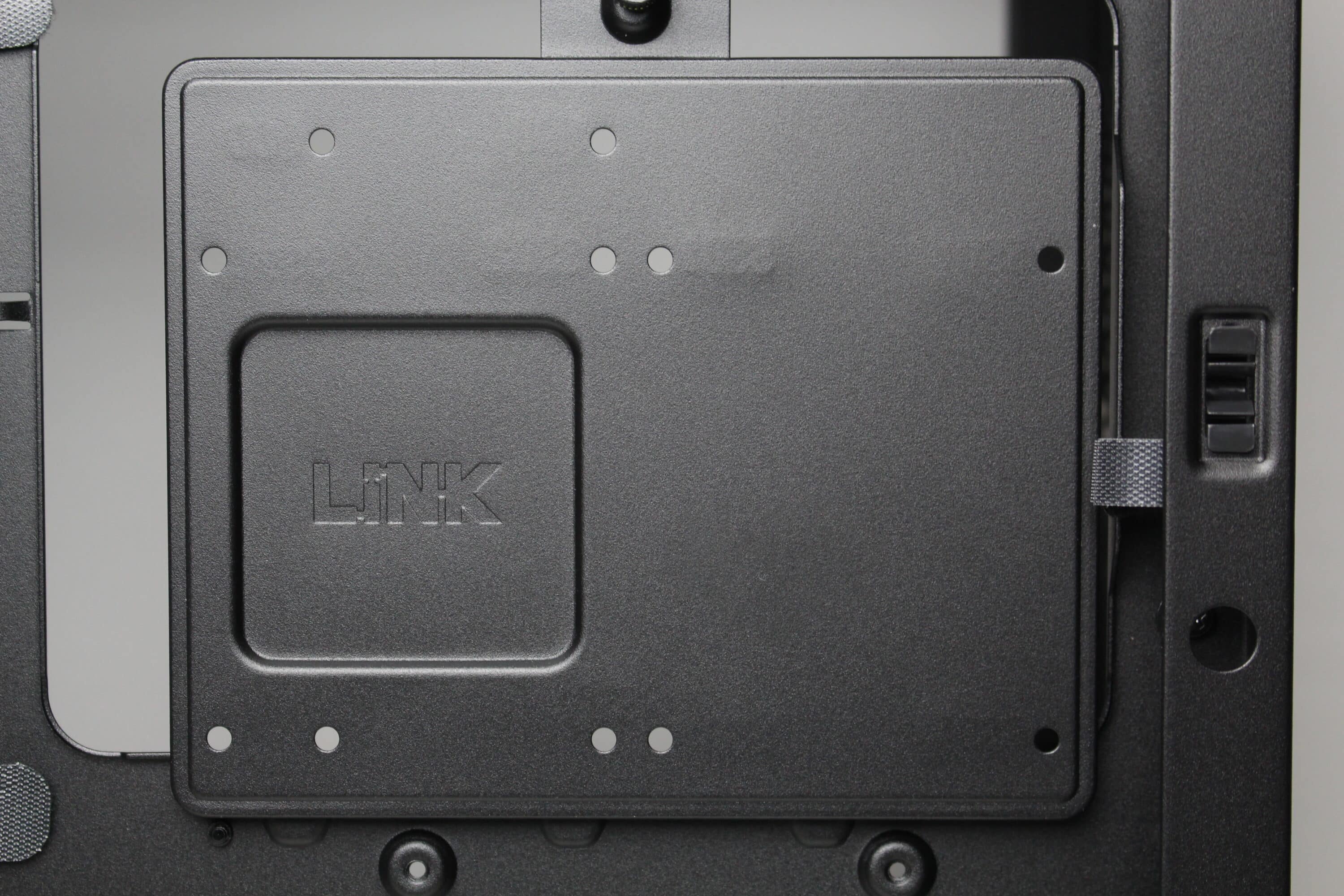
For mounting data carriers, Corsair provides the Frame 4000D RS with two steel frames, each with space for two 2.5″ SSDs or one 3.5″ HDD. Mounting is done with screws and unfortunately a decoupling option is not provided. Nevertheless, the frame itself is mounted using a knurled screw.
Processing and modularity
In this chapter, we will first focus on the finish of the Frame 4000D RS. The basic material quality, material appearance and paintwork are very good. All the elements fit together well, there are no strange-looking gaps and you won’t find any sharp edges or bent components. Furthermore, we could not detect any paint defects on our test sample. Unfortunately, Corsair has saved on materials in one place or another. The right side panel is so thin that you’d think it came from a €30 case. The same applies to the steel element in the lid. Although this is designed to be very airy, it loses a lot of stability as a result and could easily be bent. The power supply cover inside is also very thin. Considering that the Corsair Frame 4000D RS costs € 117.89 *, this is somewhat disappointing.
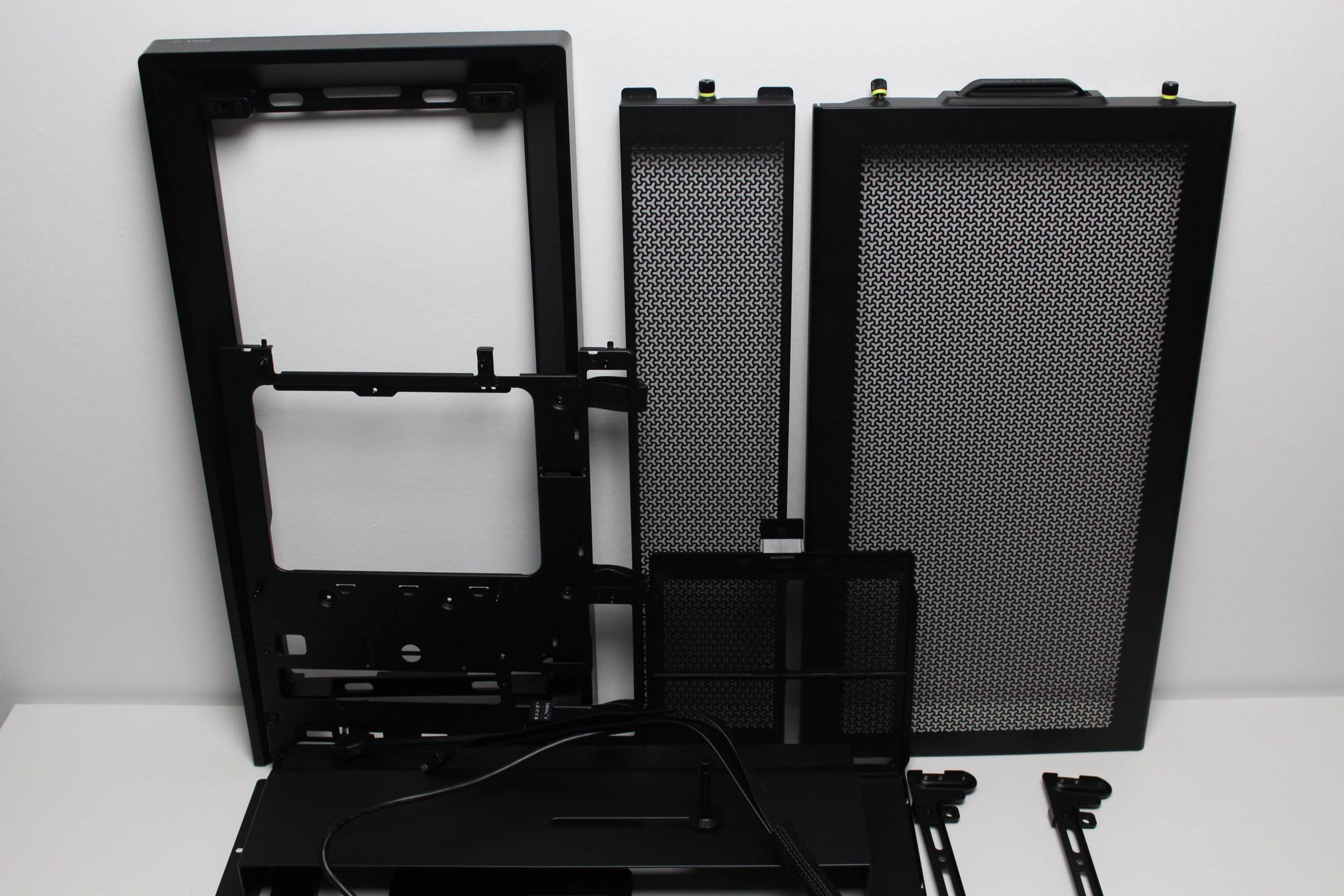
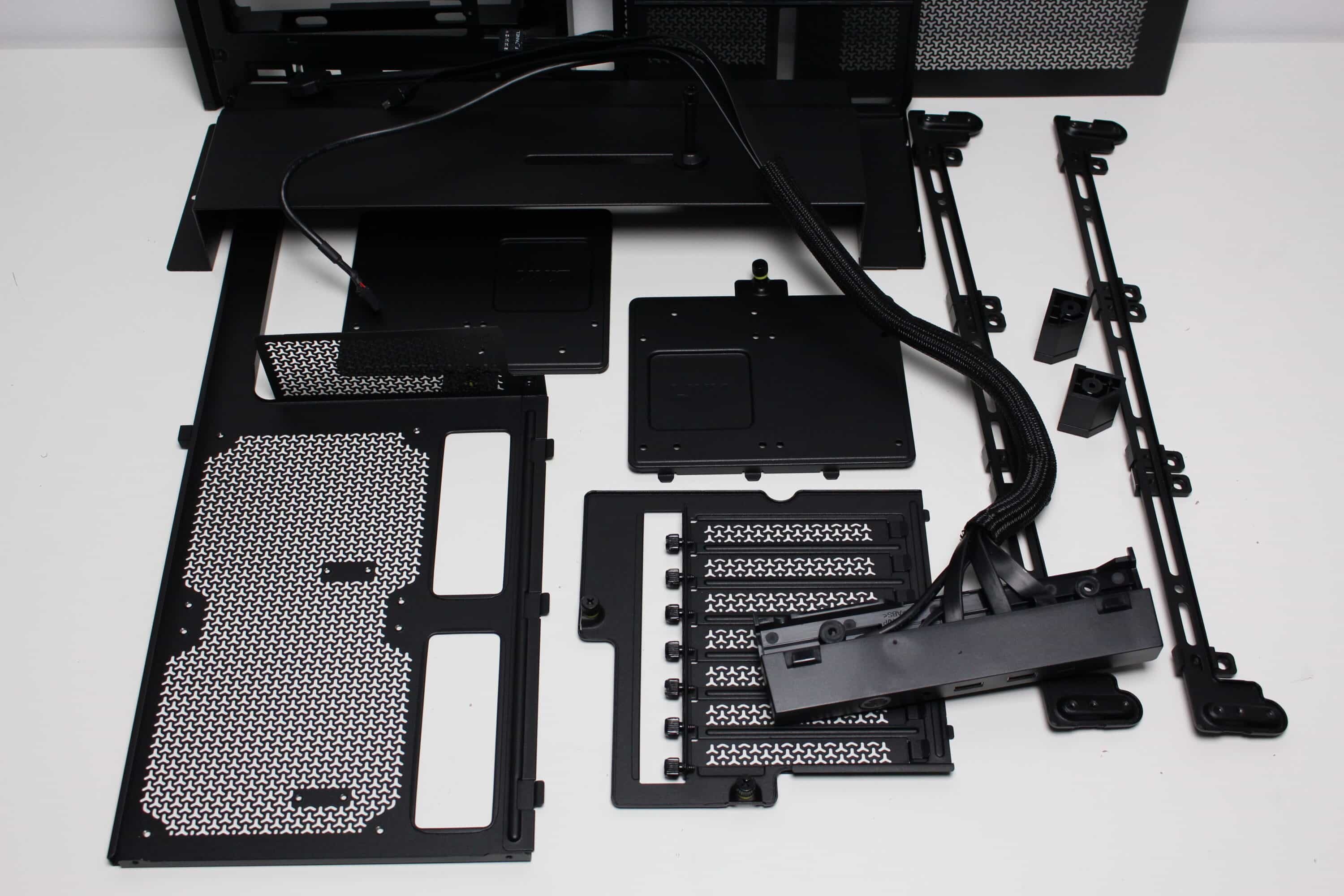
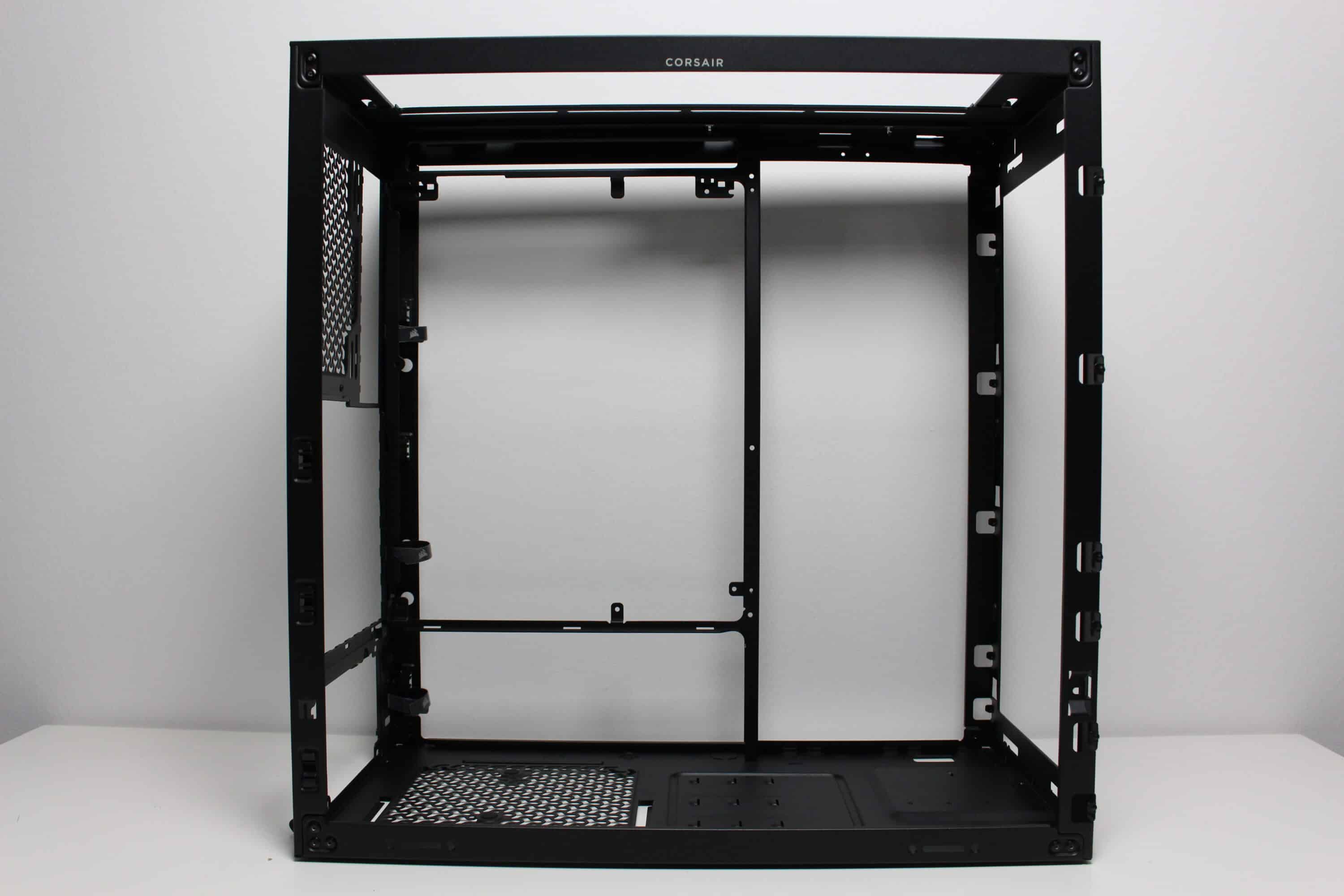
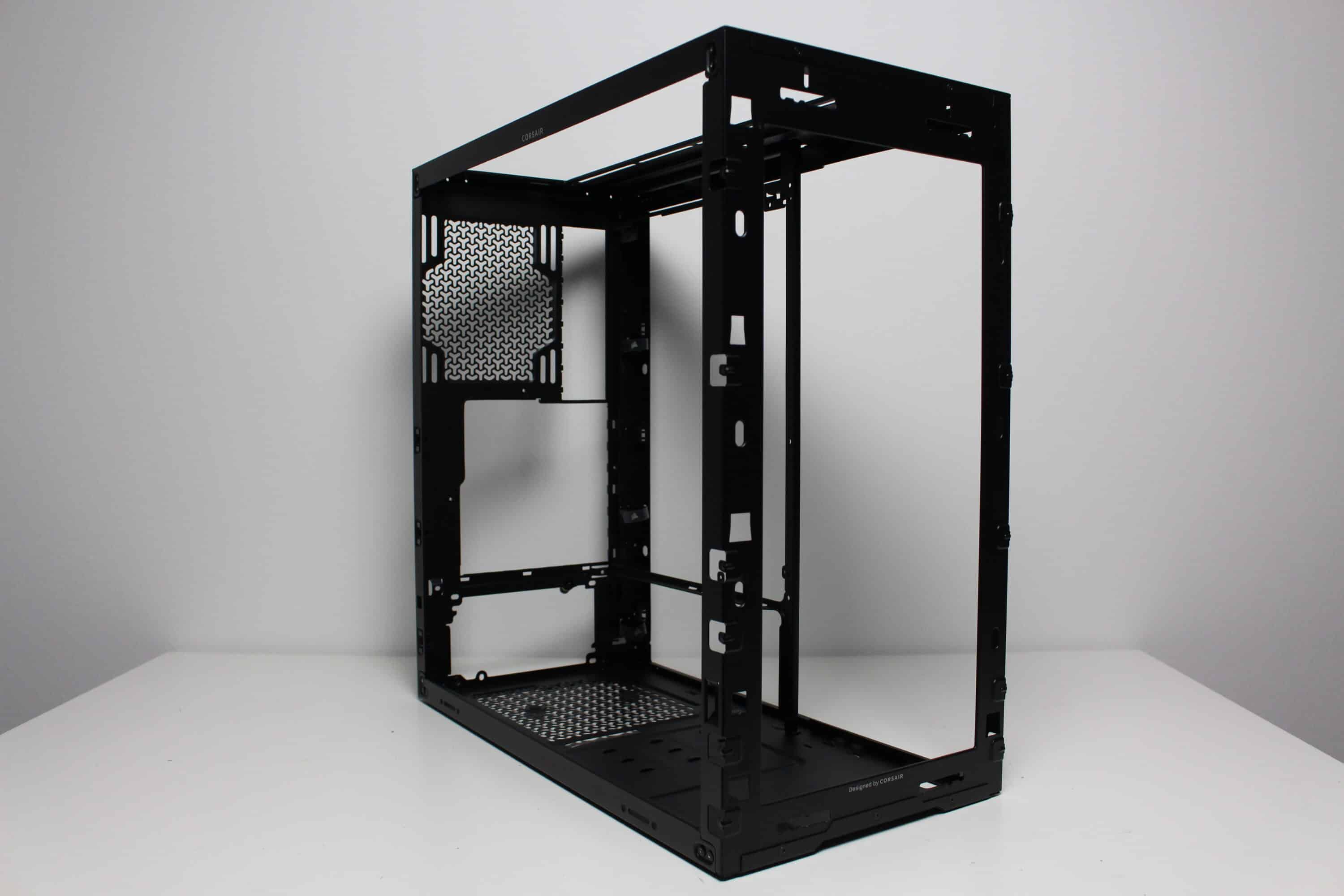
Secondly, in this chapter we want to focus a little more on the modularity of the Frame 4000D RS. We quickly realized why it is called Frame. If you remove all the components that are screwed to the body, all that really remains is the housing frame. This makes the Frame 4000D RS highly modular and offers plenty of scope for customization, e.g. via 3D printing. In addition, Corsair has at least hinted that they want to manufacture components themselves in the future and offer them on the market. Certain templates can already be downloaded.
Corsair Frame 4000D RS Test: Installation of the components
Now we come to the system installation in the Corsair Frame 4000D RS test. As hardware we use an AMD Ryzen 5 1400* on an MSI B350 PC-MATE* with 16GB Crucial Ballistix Sport LT gray DDR4-2666*. The Ryzen is cooled by a Corsair Nautilus 360 RS* and is overclocked to 3.8 GHz (1.175 V). A Gigabyte AORUS GTX 1060 6GB is responsible for the image output. The power supply is provided by the fully modular LC-Power LC550 V2.31 Platinum*.
The installation of our test system was very simple and was completed quickly. The Corsair Frame 4000D RS offers enough space to work anywhere and comes with a few features that made installation quicker. These include, for example, the pre-installed spacers, the numerous knurled screws and the exceptionally good cable management system, which has numerous reusable cable ties, which are also very sensibly positioned. This made it possible to create a smart and neatly wired system in no time at all.
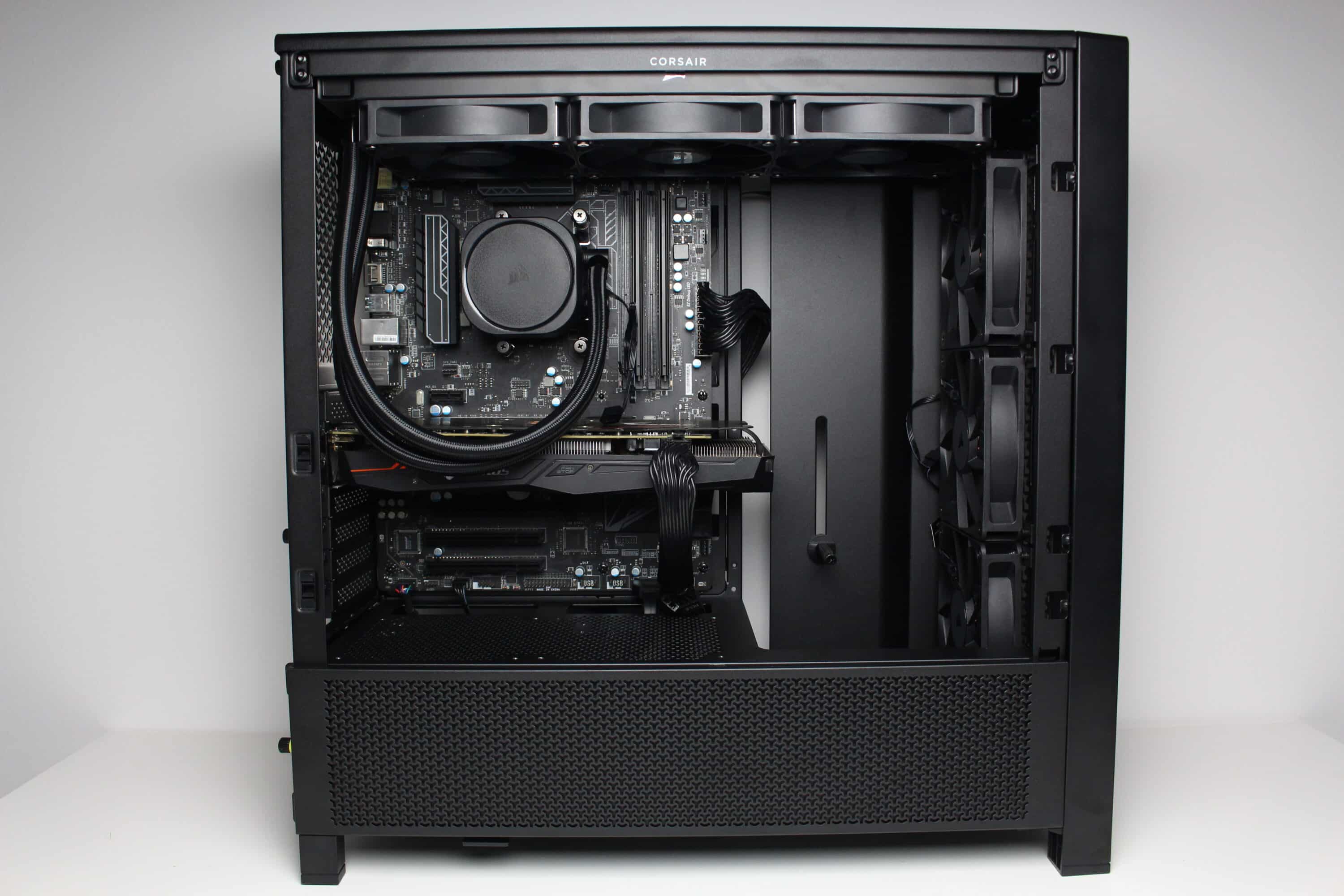
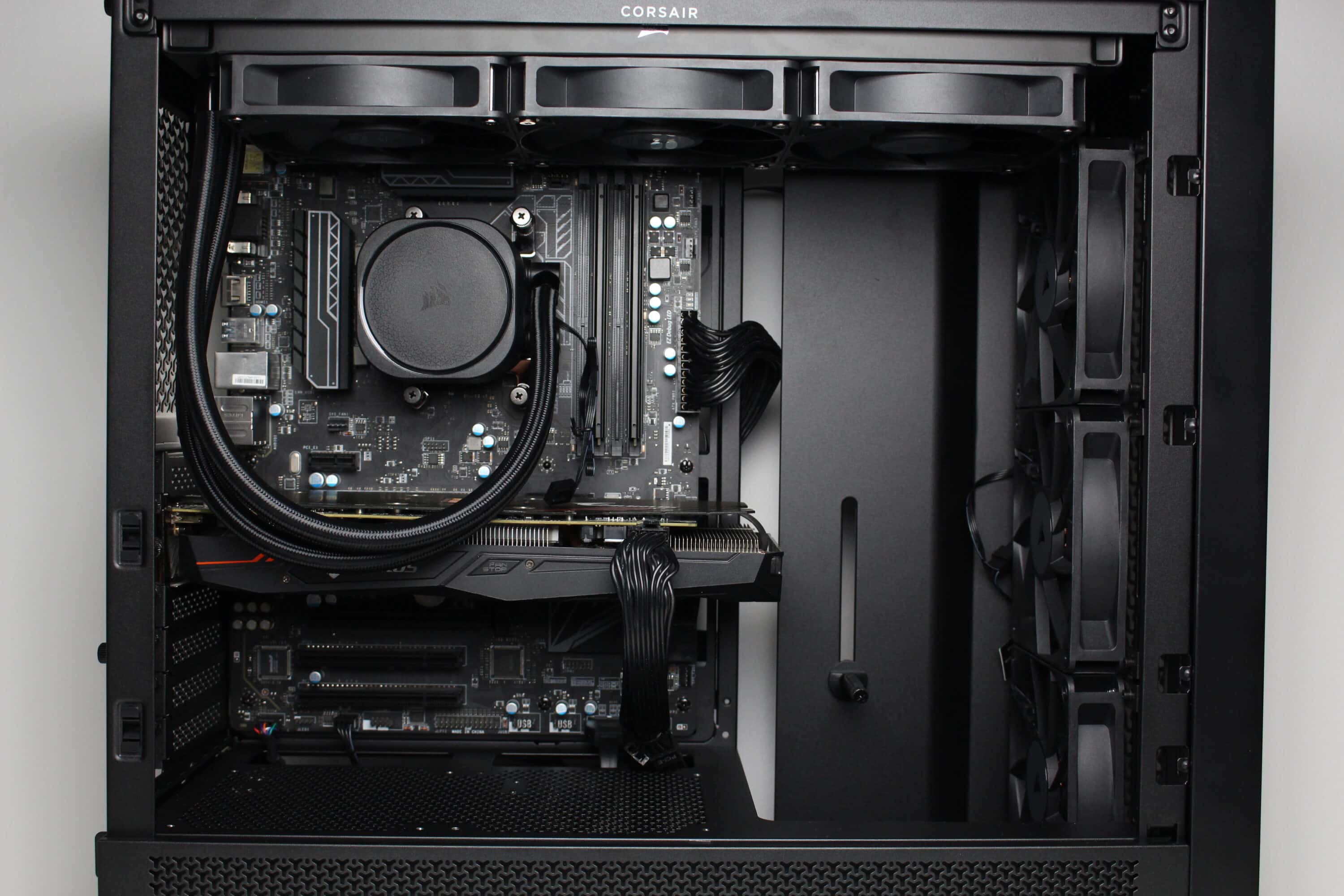
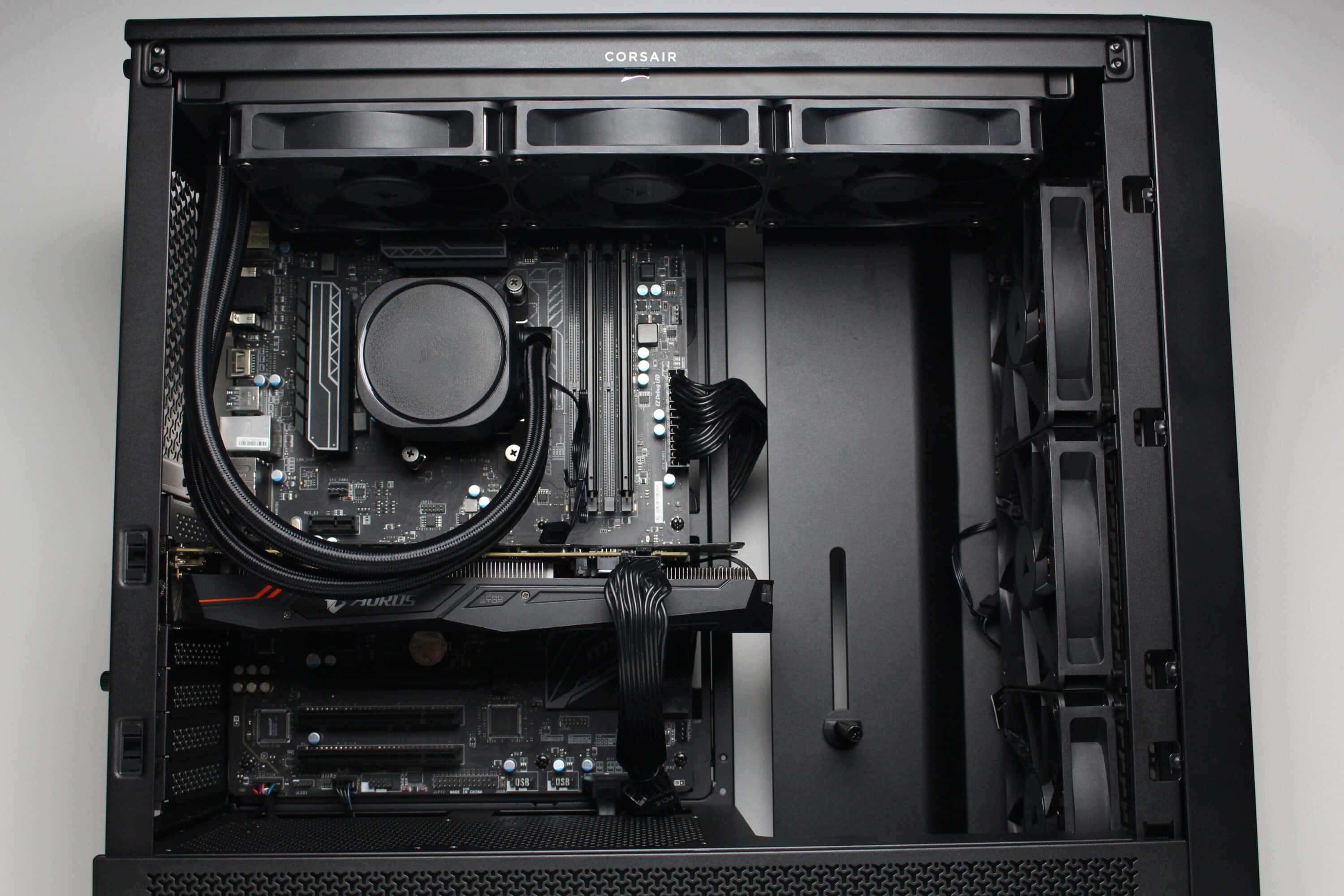
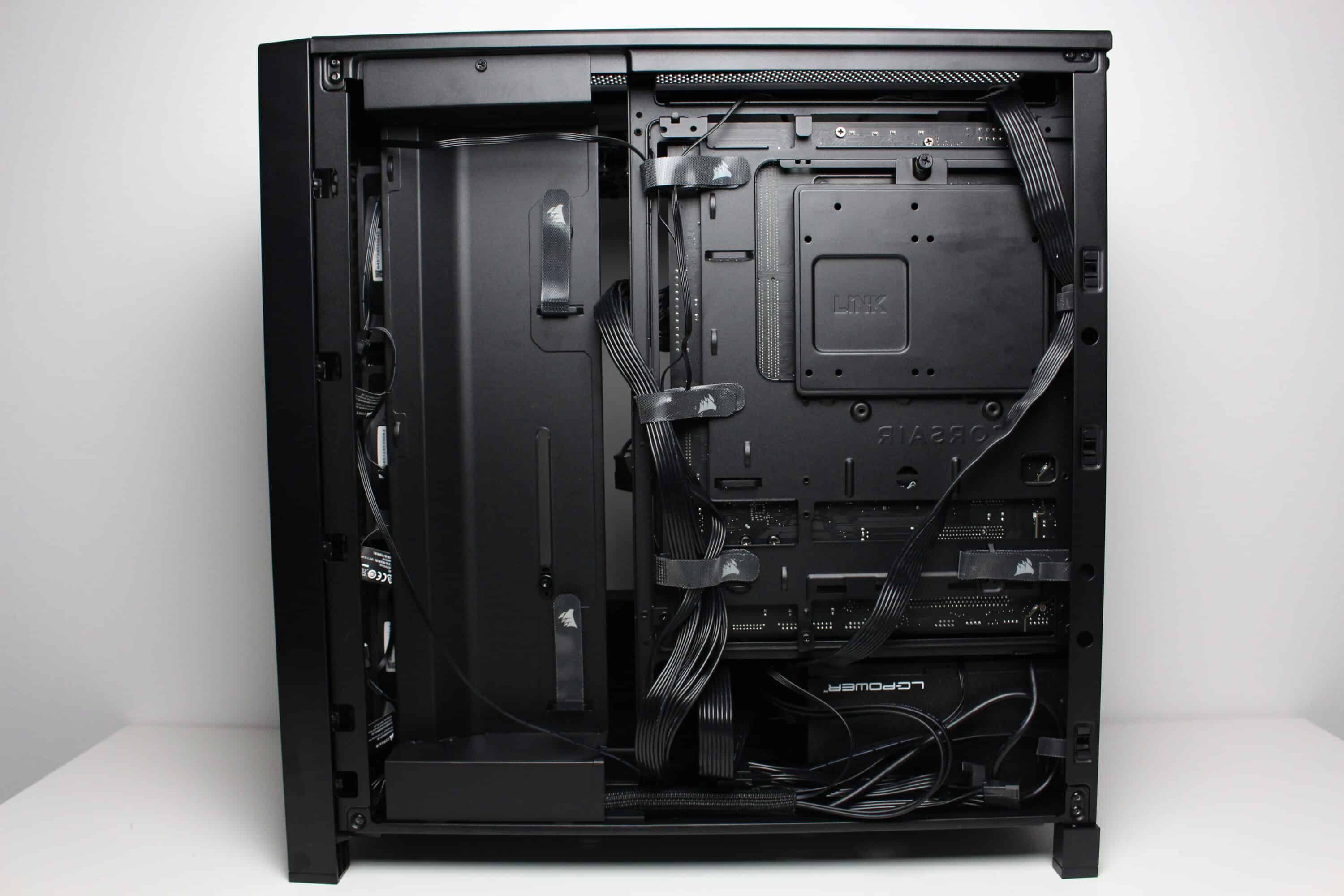
In terms of general hardware compatibility, the Corsair Frame 4000D RS is definitely impressive. Up to 170 millimeters of space is available for air coolers and up to 430 millimeters for graphics cards. If a hard disk is installed in the base, the power supply unit can still be up to 220 millimetres long. Thanks to the Infinirail system, a 360 mm or 280 mm radiator can also be installed in three places inside (two of them simultaneously). All in all, hardly any wishes should remain unfulfilled.
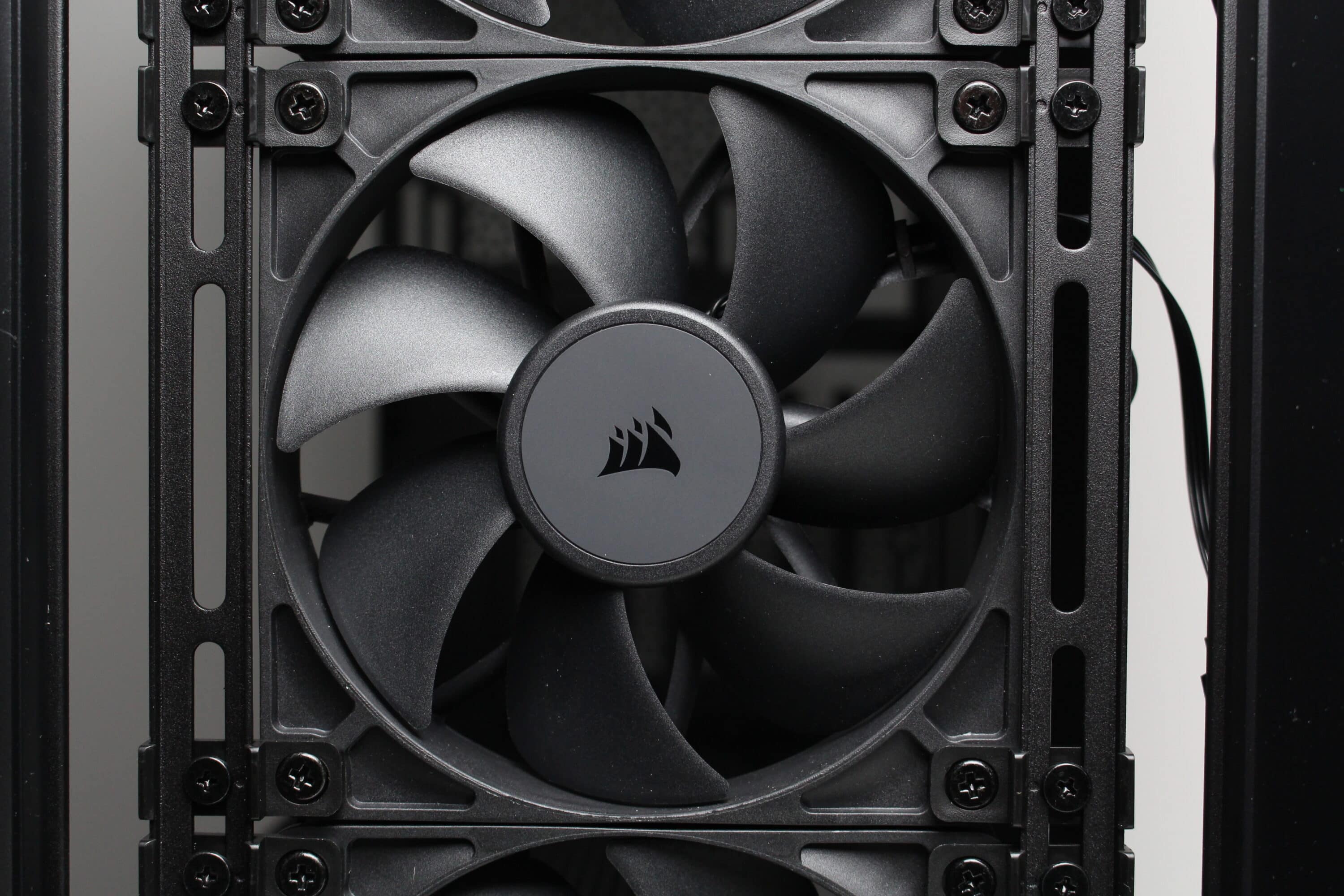
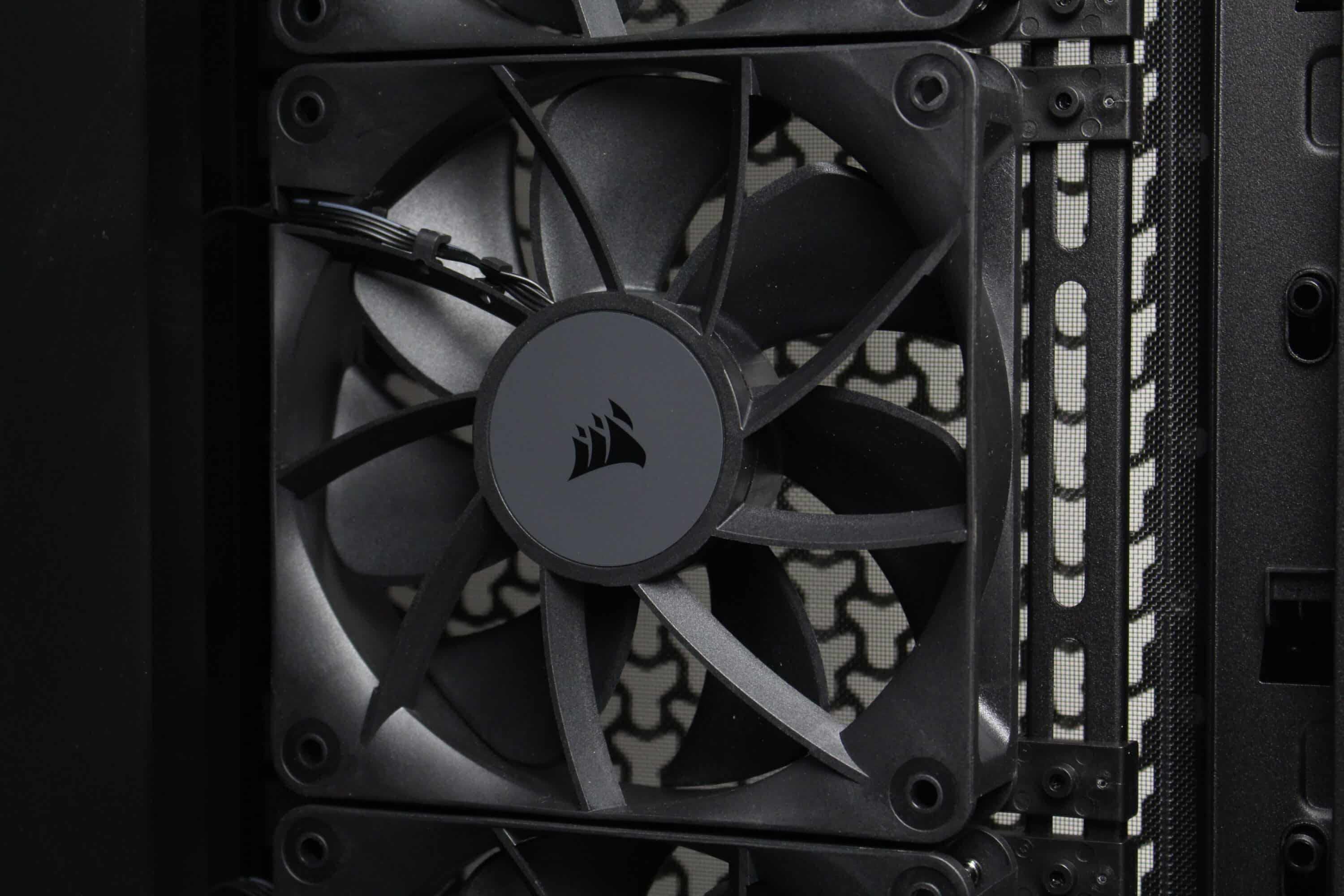
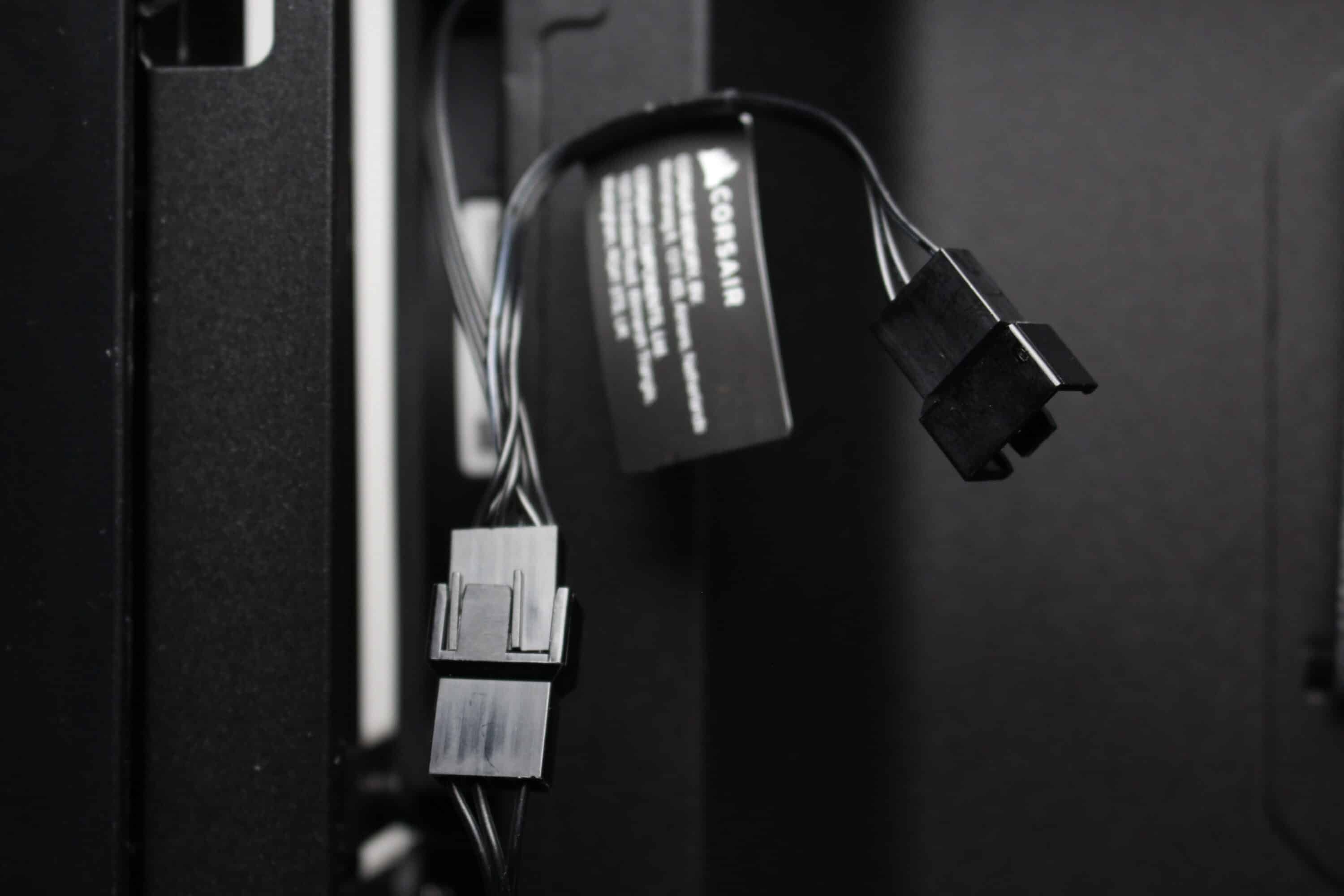
The Corsair Frame 4000D RS comes with three pre-installed fans in the front. These are of the RS120 type and consist of a black frame and a black rotor with seven fan blades. The fans are each connected via a 4-pin PWM connection with daisy-chaining option. A PWM extension is also included in the scope of delivery and the speed range is between 400 and 2100 revolutions per minute. Corsair has not implemented any decoupling mechanisms.
Load test
Finally, we come to the temperatures reached in the Corsair Frame 4000D RS test. During the stress test, Prime95 and FurMark were run at a room temperature of 20 °C for 30 minutes. In addition, the stress test was carried out in the standard fan configuration with three speeds (minimum speed, 50% PWM and 100% PWM). The results are listed in the table below.
Scenario |
Temperature |
| CPU/Pump: 50% PWM (1050/2200 rpm) GPU: 50% PWM (1650 rpm) Benchtable/ open setup |
CPU: 46.5 °C GPU: 57.4 °C |
| CPU/Pump: 50% PWM (1050/2200 rpm) GPU: 50% PWM (1650 rpm) Front: 3x 120 mm minimum speed (420 rpm) |
CPU: 54.6 °C GPU: 69.3 °C |
| CPU/Pump: 50% PWM (1050/2200 rpm) GPU: 50% PWM (1650 rpm) Front: 3x 120 mm 50% PWM (1020 rpm) |
CPU: 51.2 °C GPU: 63.5 °C |
| CPU/pump: 50% PWM (1050/2200 rpm) GPU: 50% PWM (1650 rpm) Front: 3x 120 mm 100% PWM (2050 rpm) |
CPU: 47.8 °C GPU: 61.5 °C |
The cooling performance of the Corsair 4000D RS is excellent, especially in combination with water cooling. The values for CPU and GPU were very far away from a critical range in all scenarios, so that even more power-hungry components can be accommodated and cooled in the Corsair 4000D RS without any problems.
The volume of the fans varies as much as the speed range. Up to around 800 revolutions per minute, the fans are very restrained in terms of the background noise they produce. Above this, the RS120 fans become audible and from around 1500 to 1600 revolutions per minute we would describe them as annoying. Due to the very good airflow, the fans could, depending on the components installed, be operated at a permanently low speed.
Corsair Frame 4000D RS test: Conclusion
With the Frame 4000D RS, Corsair wants to put a stronger focus on the mid-range again. With this midi tower, they have succeeded very well. The Frame 4000D RS is a very spacious midi tower that offers impressive cooling performance and plenty of space for hardware thanks to its design and the three pre-installed 120 mm fans. Another special feature is the high modularity of the Frame 4000D RS, which literally transforms the case into a simple frame and can be personalized using 3D printing, for example. Corsair already offers certain templates free of charge. We were also impressed by the excellent cable management system and neat workmanship.
The main negative aspect of the Corsair Frame 4000D RS we noticed was that some of the steel elements were quite thin. The side panel, lid and power supply cover in particular are very fragile and are otherwise more likely to be found in budget-class cases. Depending on where the case is placed, the I/O panel, which is positioned very low down, can also be extremely impractical and there is no way of attaching it to another part of the midi tower. Finally, buyers of the Frame 4000D RS also have to do without tool-free HDD mounting and decoupling.
With a price of € 117.89 *, the Corsair Frame 4000D RS delivers a decent and relatively affordable case, which can convince with a very good overall package, if the partially quite low material thickness can be ignored. The be quiet! Pure Base 501 Airflow, which we recently tested, plays in a similar league. Although it doesn’t offer quite as much space or as much modularity as the Corsair Frame 4000D RS, it is also €20 to €30 cheaper and comes with two higher quality and quieter fans.

VORTEILE
- plenty of space for hardware
- very good airflow
- high modularity
- excellent cable management
- decent workmanship
- price/performance ratio
NACHTEILE
- low material thickness in some areas (side panel, top)
- no tool-free HDD mounting
- no HDD decoupling
- Position of the I/O panel can be impractical
Fazit
The Corsair Frame 4000D RS is a fundamentally well-built case with a particularly high level of modularity, a very good airflow and features. This comprehensive overall package is available at a reasonable price. We would rate the partially thin case elements and the I/O panel, which cannot be positioned differently, as negative.


