


The German company Silent Power Electronics GmbH sells numerous PC components in Europe under the name LC-Power. In addition to cases, CPU coolers and fans, the portfolio also includes power supplies and other gaming equipment. The manufacturer has also made a name for itself in the field of gaming monitors. In July 2025, the manufacturer expanded its air cooler portfolio with the LC-Power LC-CC-120-B4 AERA and LC-Power LC-CC-120-DB6 DIGI products. We are testing the LC-Power LC-CC-120-DB6 DIGI today.
Air cooling test: Technical details
General specifications |
|
| Dimensions (with fan, H x W x D) | 153 x 120 x 73 mm |
| Weight (with fan) | 660 g |
| Material | Copper (heatpipes), aluminum (cooling fins) |
| Heatpipes | 6 |
| Cooling capacity | 230 W |
| Compatibility AMD | AM5, AM4 |
| Compatibility Intel | LGA1851, LGA1700 |
| Warranty period | 2 years warranty |
| price | € 39.49 * |
Fan specifications |
|
| Number of fans | 1 |
| Fan designation | N/A |
| Bearing type | Hydrodynamic plain bearing (FDB) |
| Dimensions (L x W x H) | 120 x 120 x 25 mm |
| Fan speed | 600 ~ 2200 rpm (±10%) |
| Max. Noise level | < 35.3 dB(A) |
| Max. Volume flow | 152.1 m³/h |
| Max. Air pressure | 2.85 mmH2O |
| Rated voltage (fan) | 12 V |
| Rated current (fan) | 0,39 A |
| Rated power (fan) | 4,68 W |
| Connection (fan) | 4-pin PWM |
| Cable length (fan) | 380 mm |
Packaging & scope of delivery
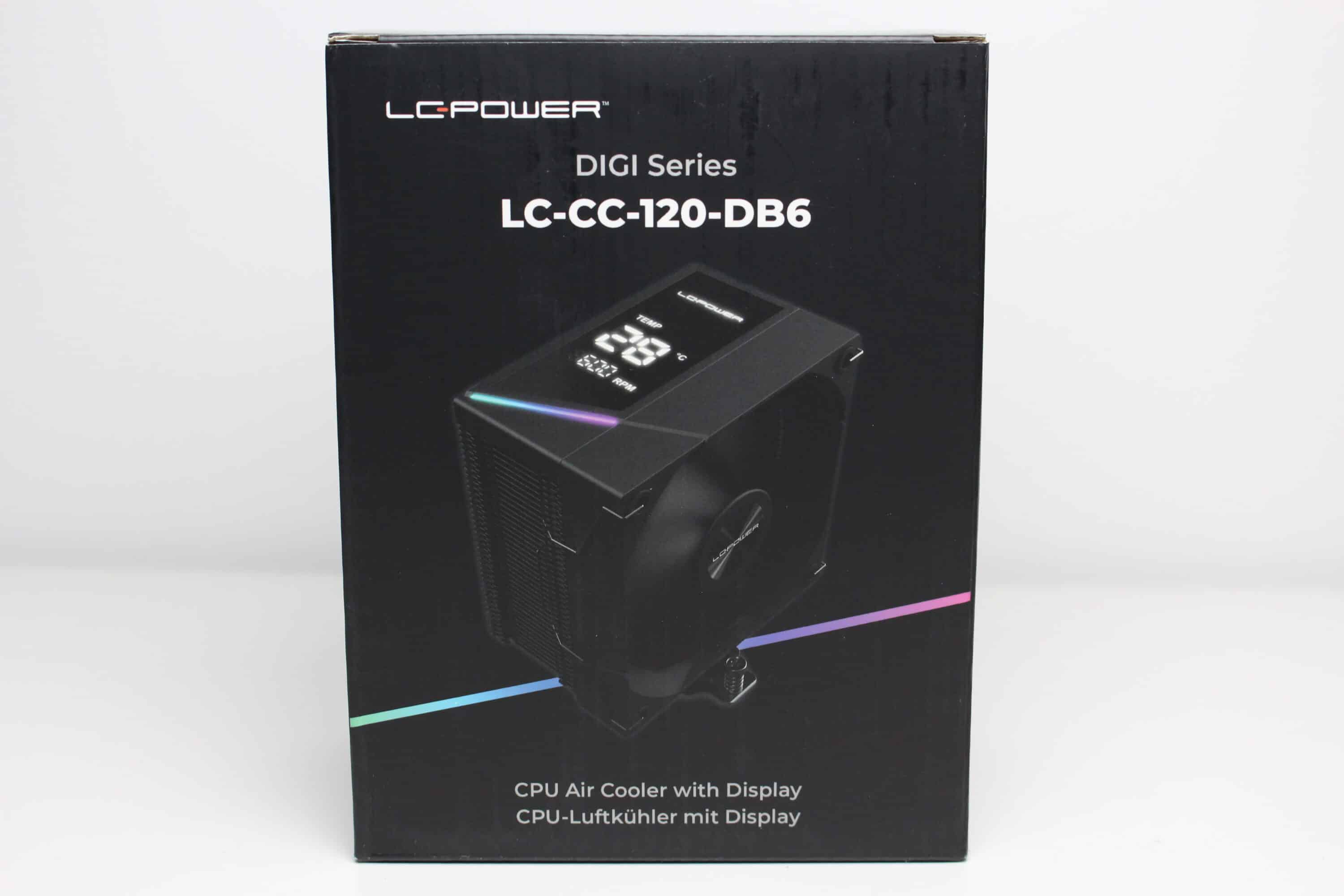
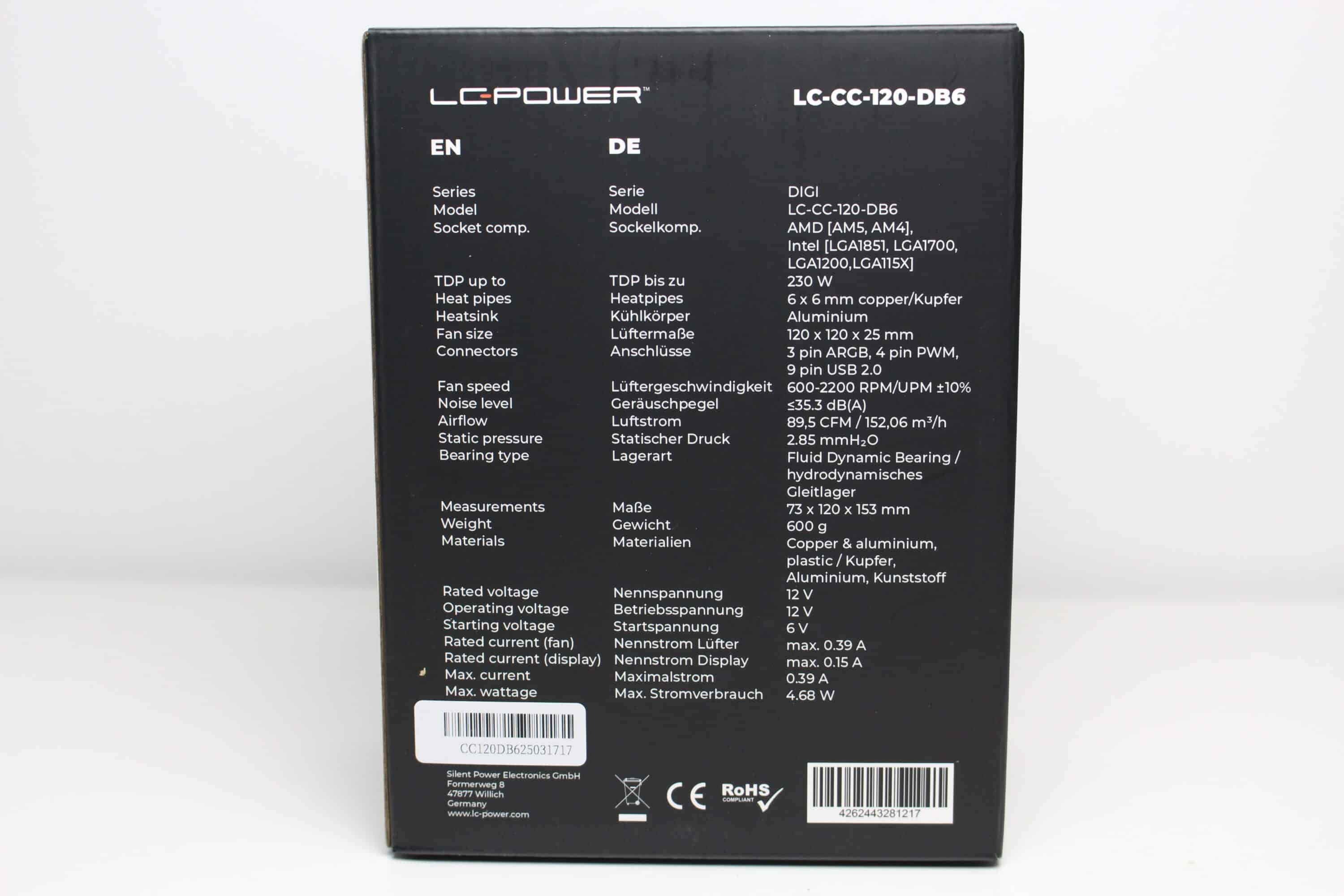
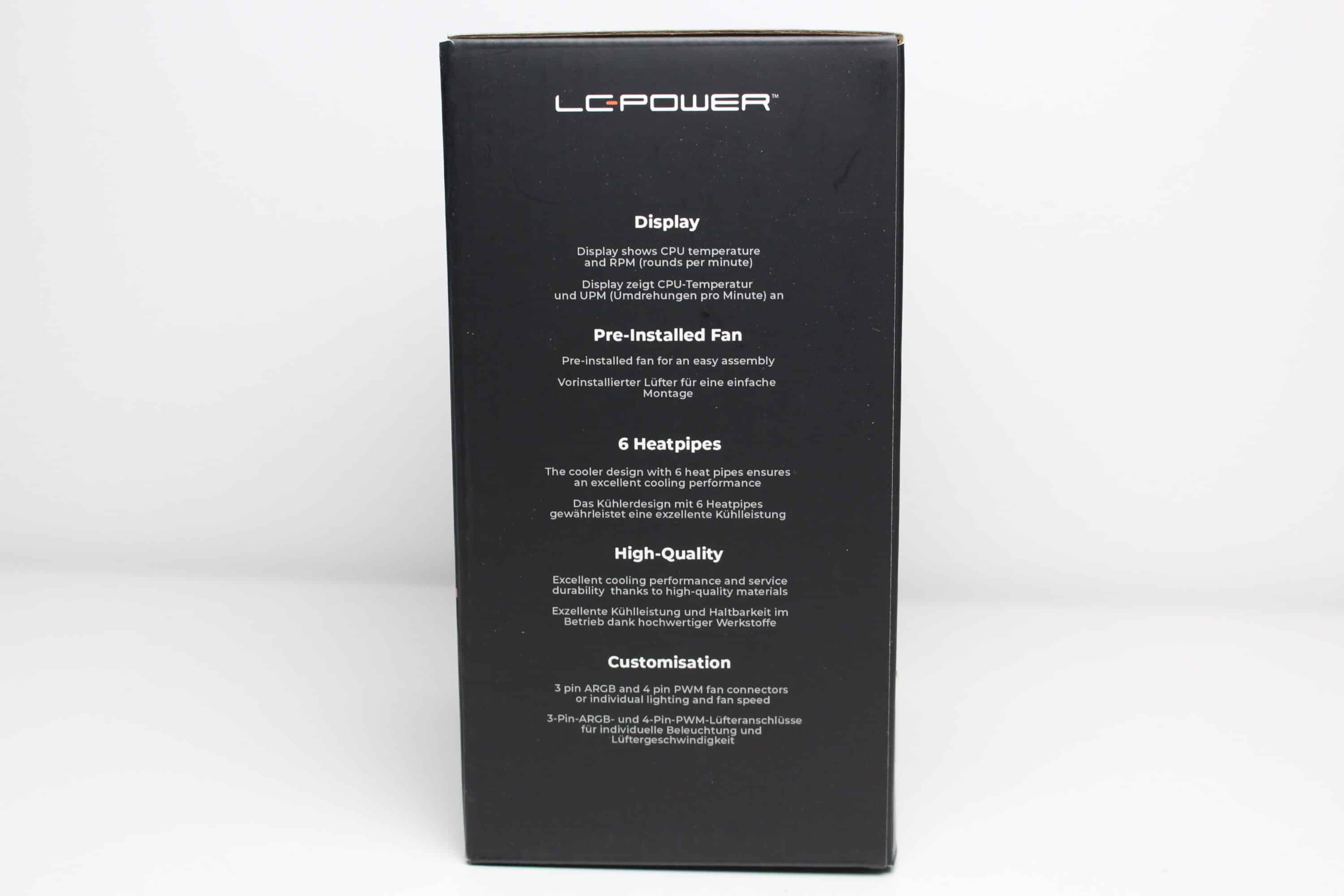
The LC-Power LC-CC-120-DB6 DIGI was packaged by the manufacturer in a compact cardboard box printed in black. In addition to a picture of the CPU cooler, a table with all the technical data and a summary of the most important features were printed on the packaging. The information is available in both German and English.
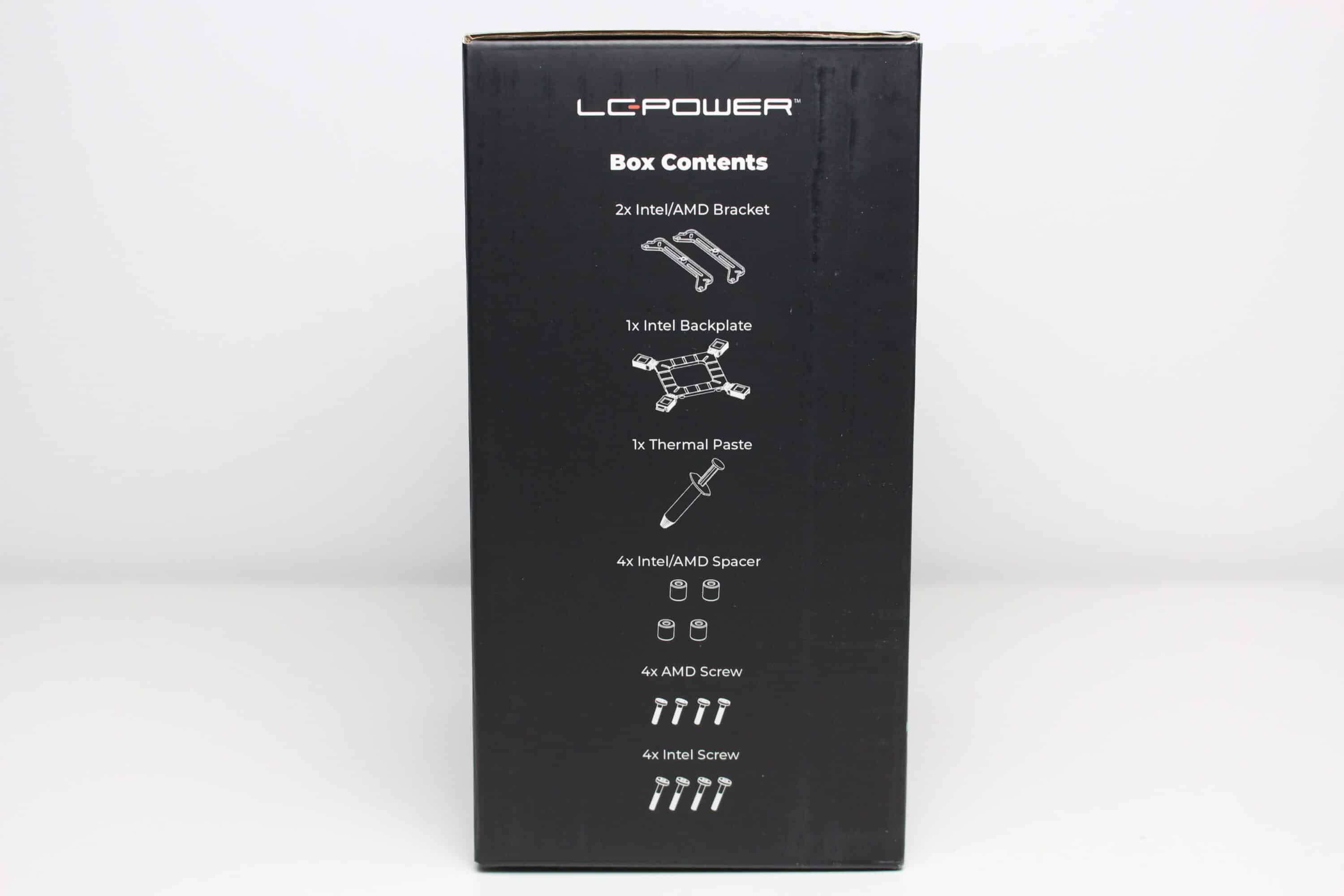
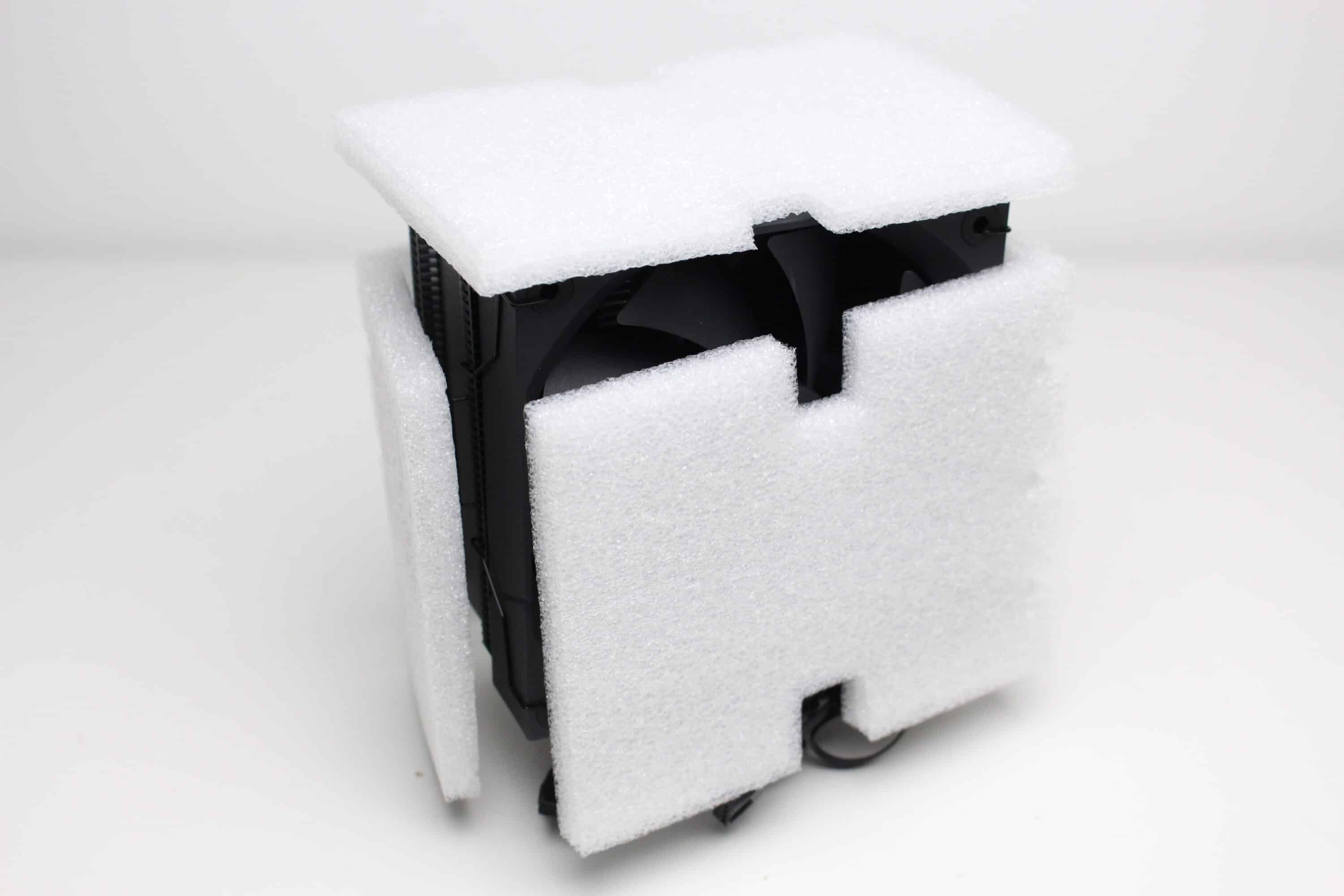
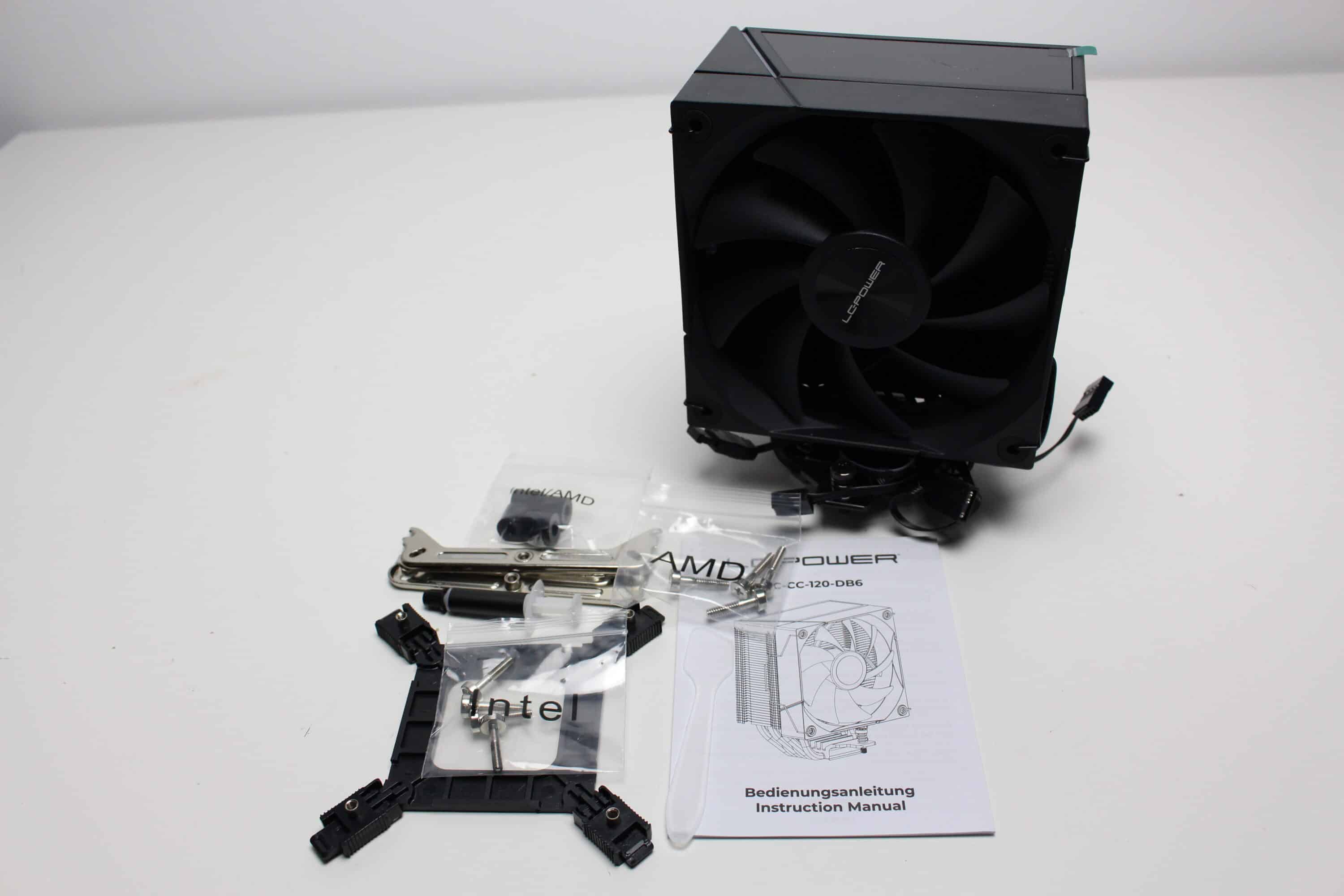
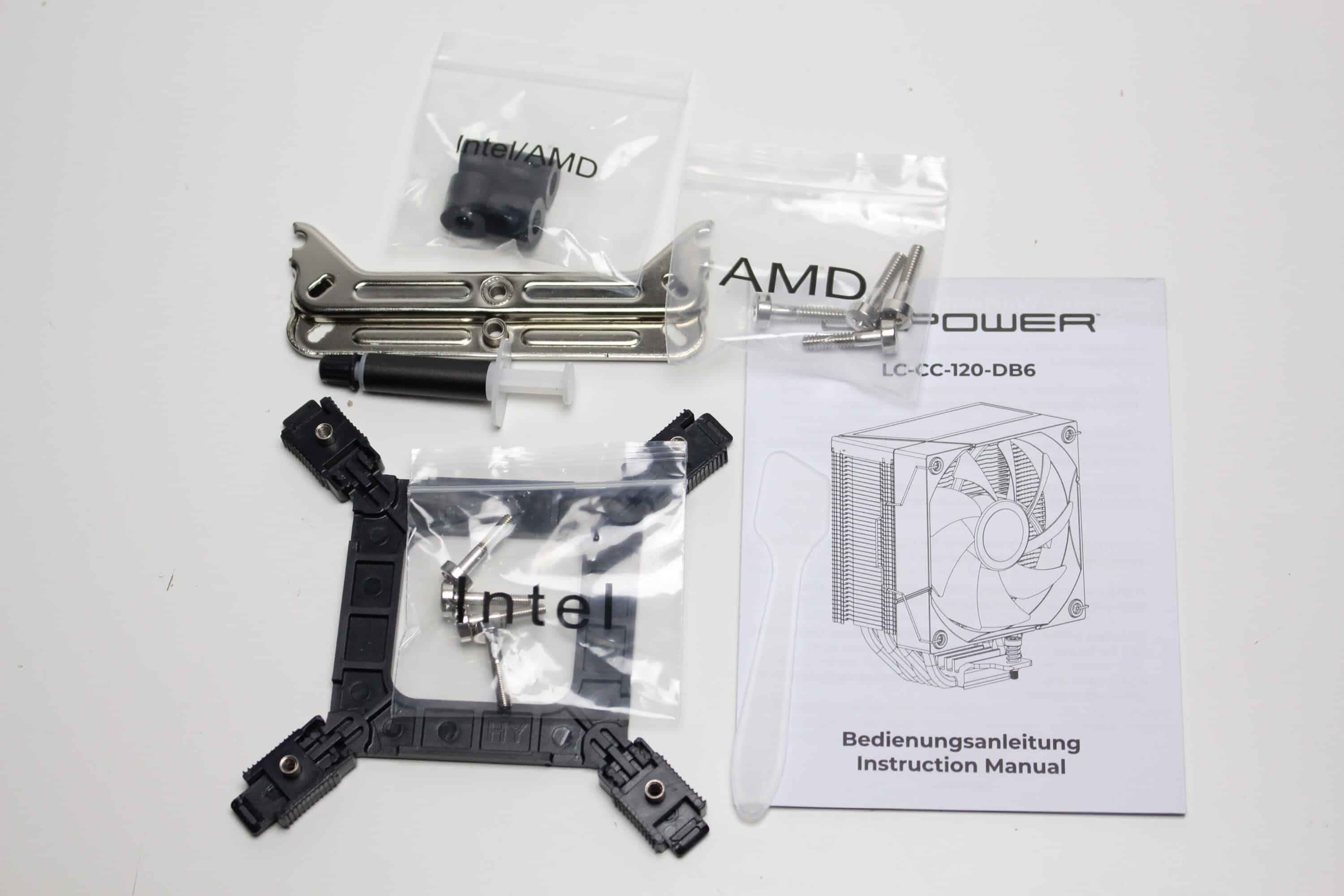
When you unpack the tower cooler, you first have to remove six foam elements to protect it from damage. LC-Power places the accessories above the heat sink. A tube of thermal paste, two mounting brackets, eight long screws, four spacers and a plastic backplate are included.
Design & workmanship
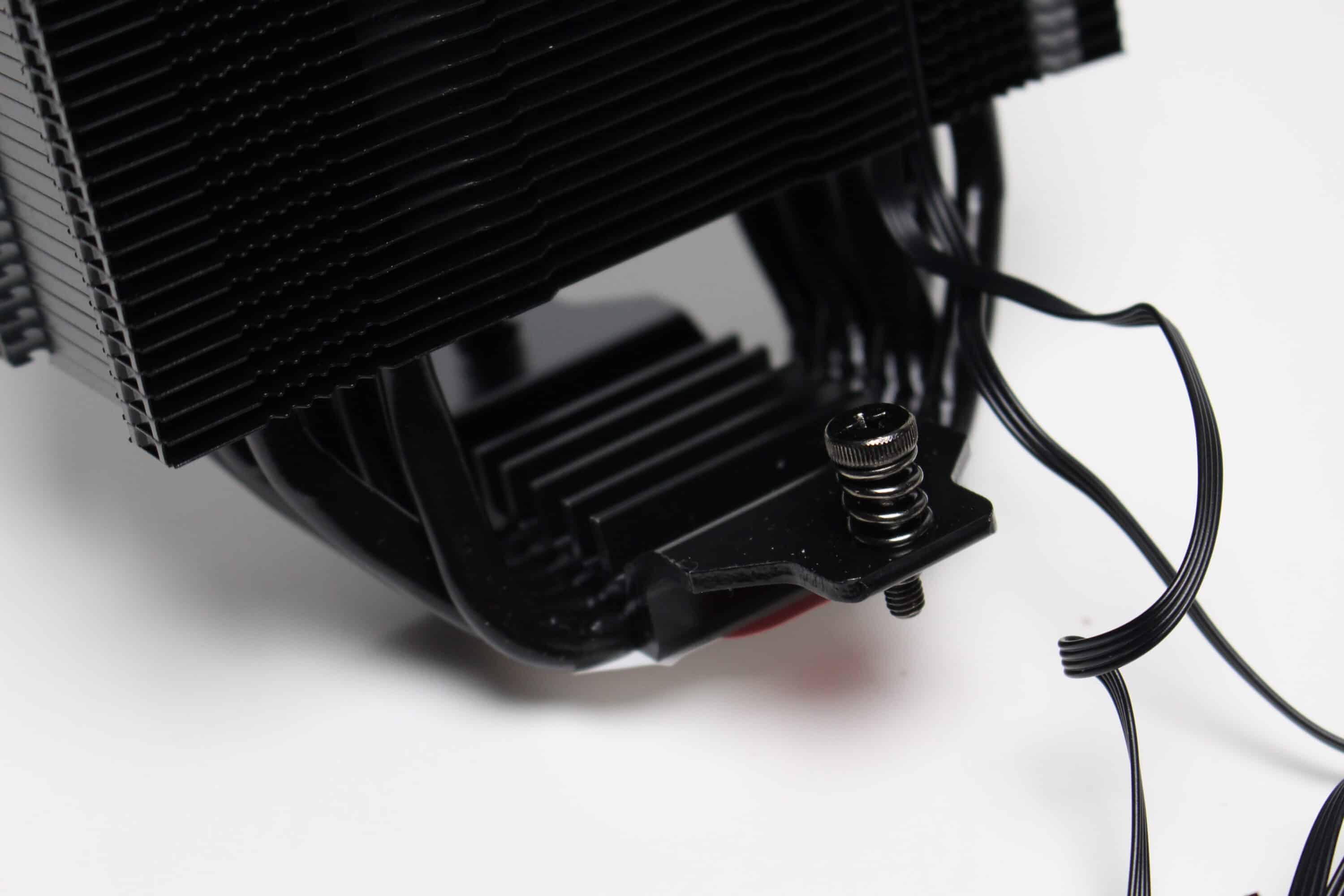
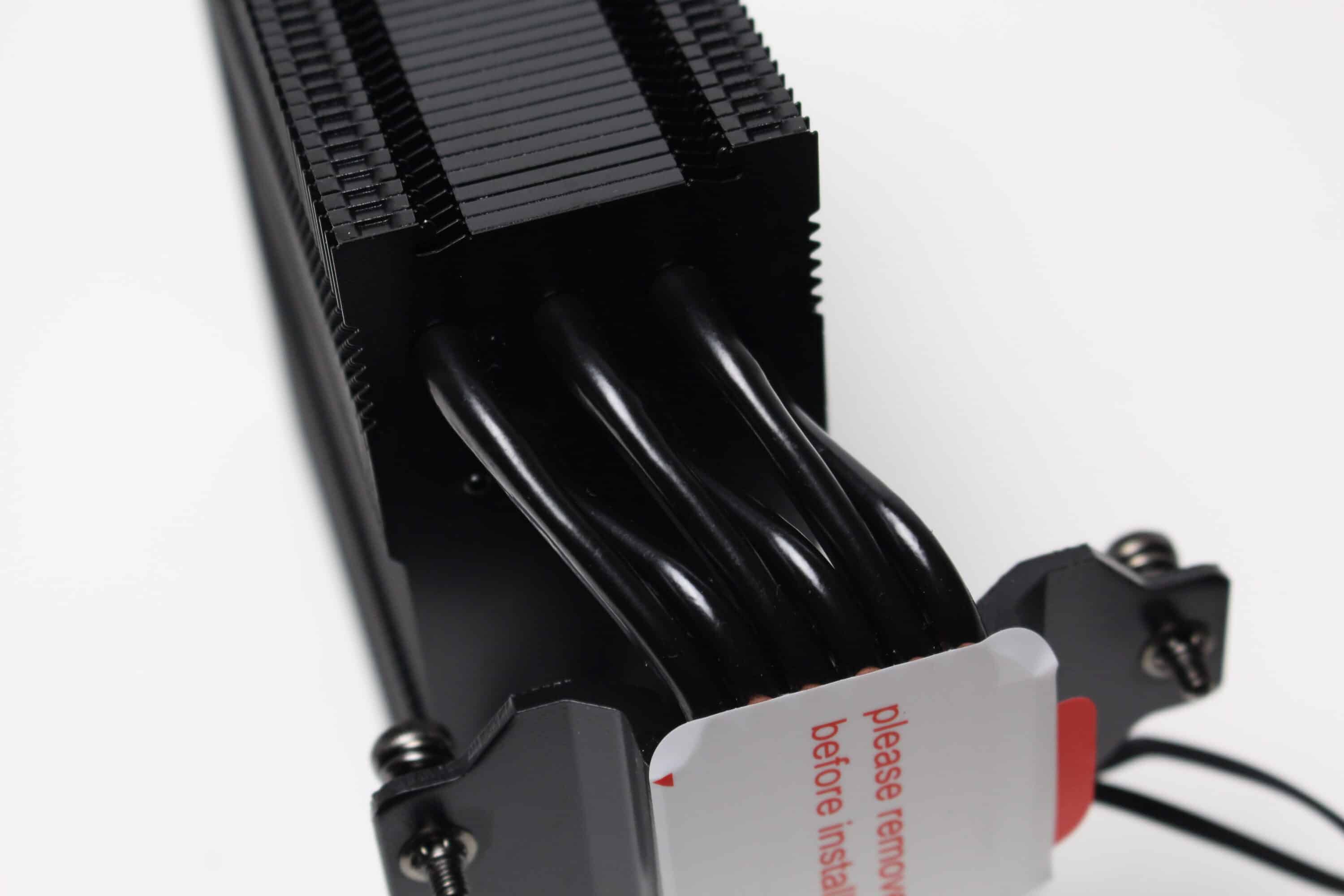
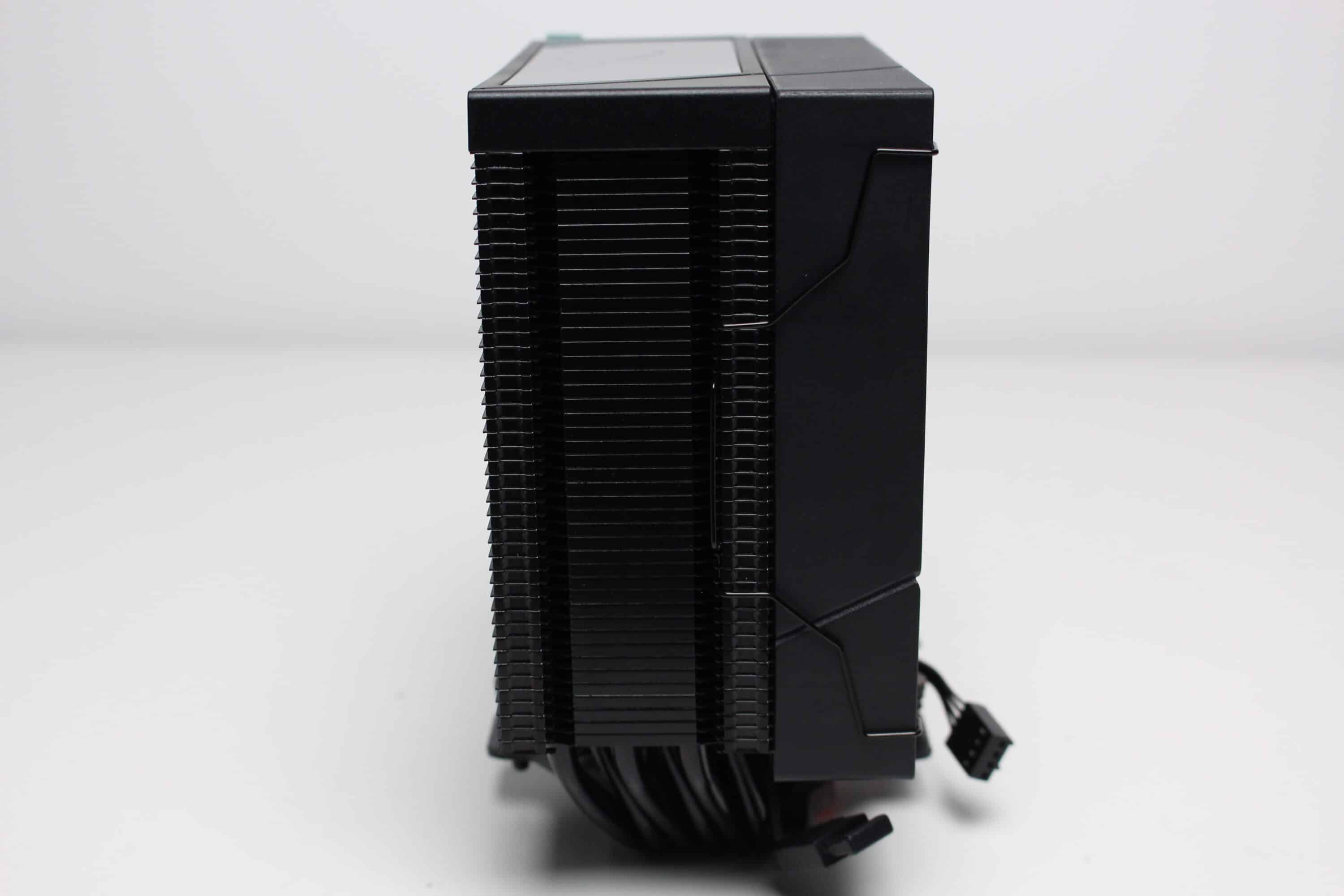
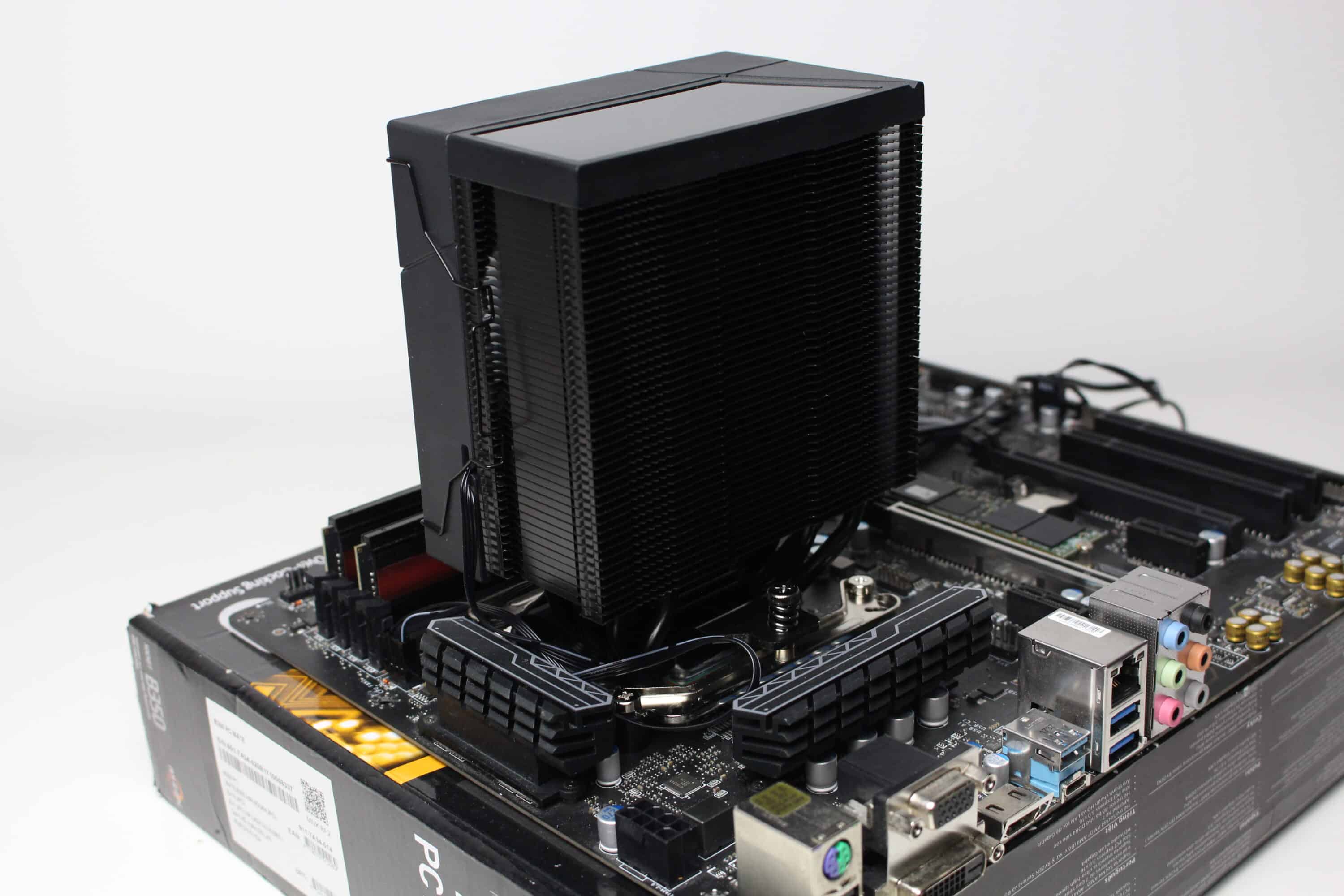
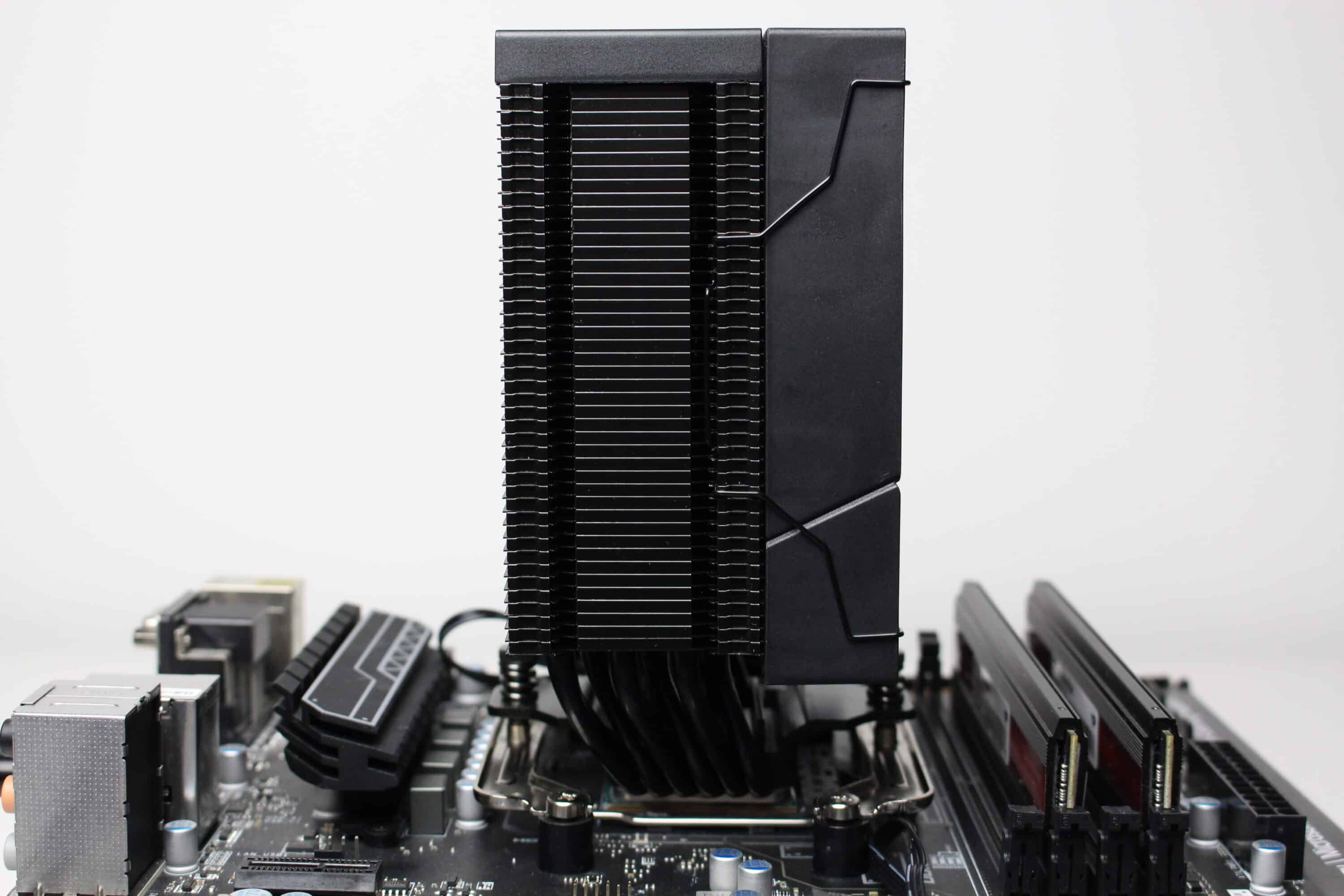
The heat sink of the LC-Power LC-CC-120-DB6 DIGI consists of 45 black-painted aluminum fins and six heatpipes, each with a diameter of six millimetres. The heatpipes are also painted black for the sake of appearance, converge in the radiator base and have been ground flat. This heatpipe direct touch technology is intended to improve the general absorption of heat.
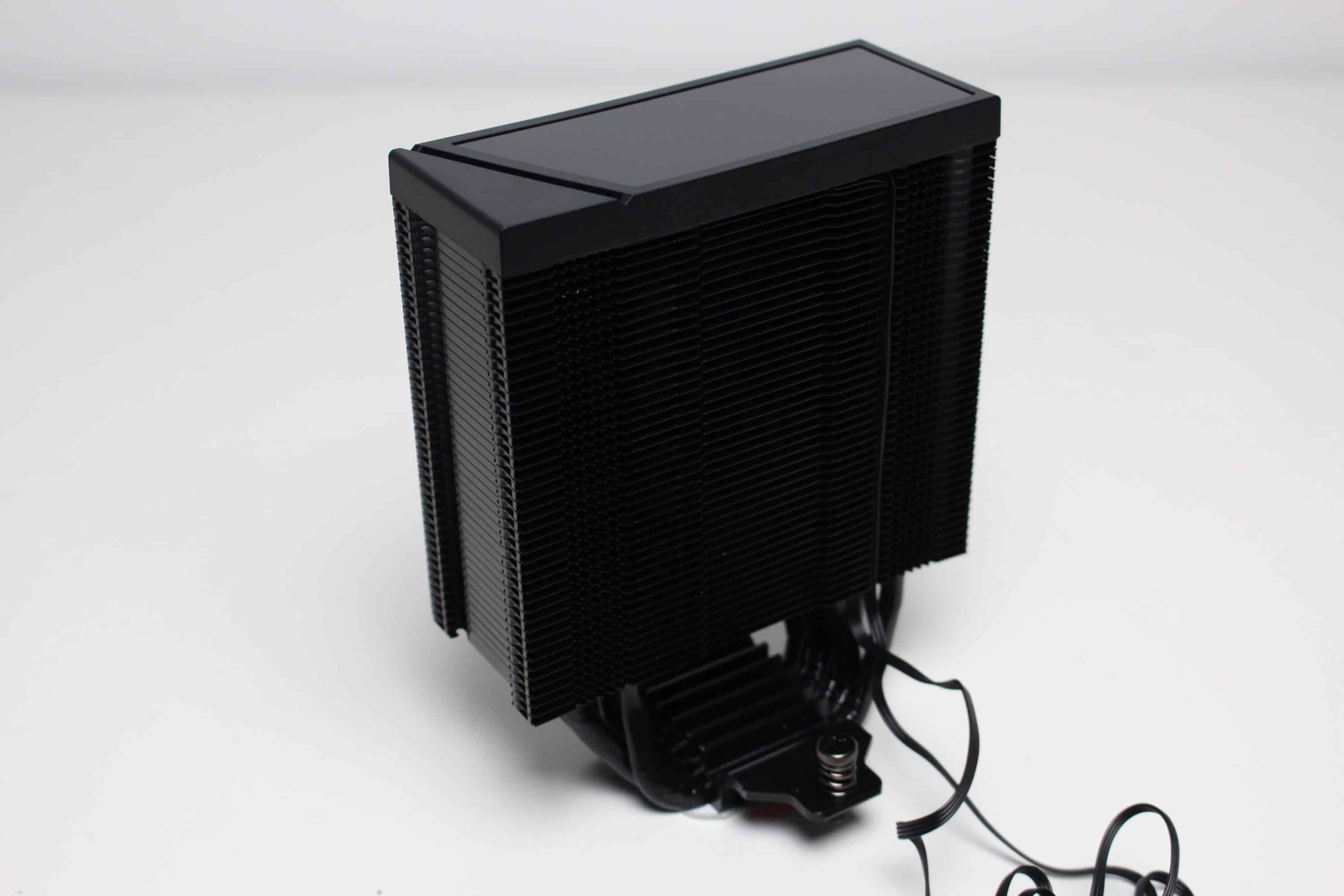
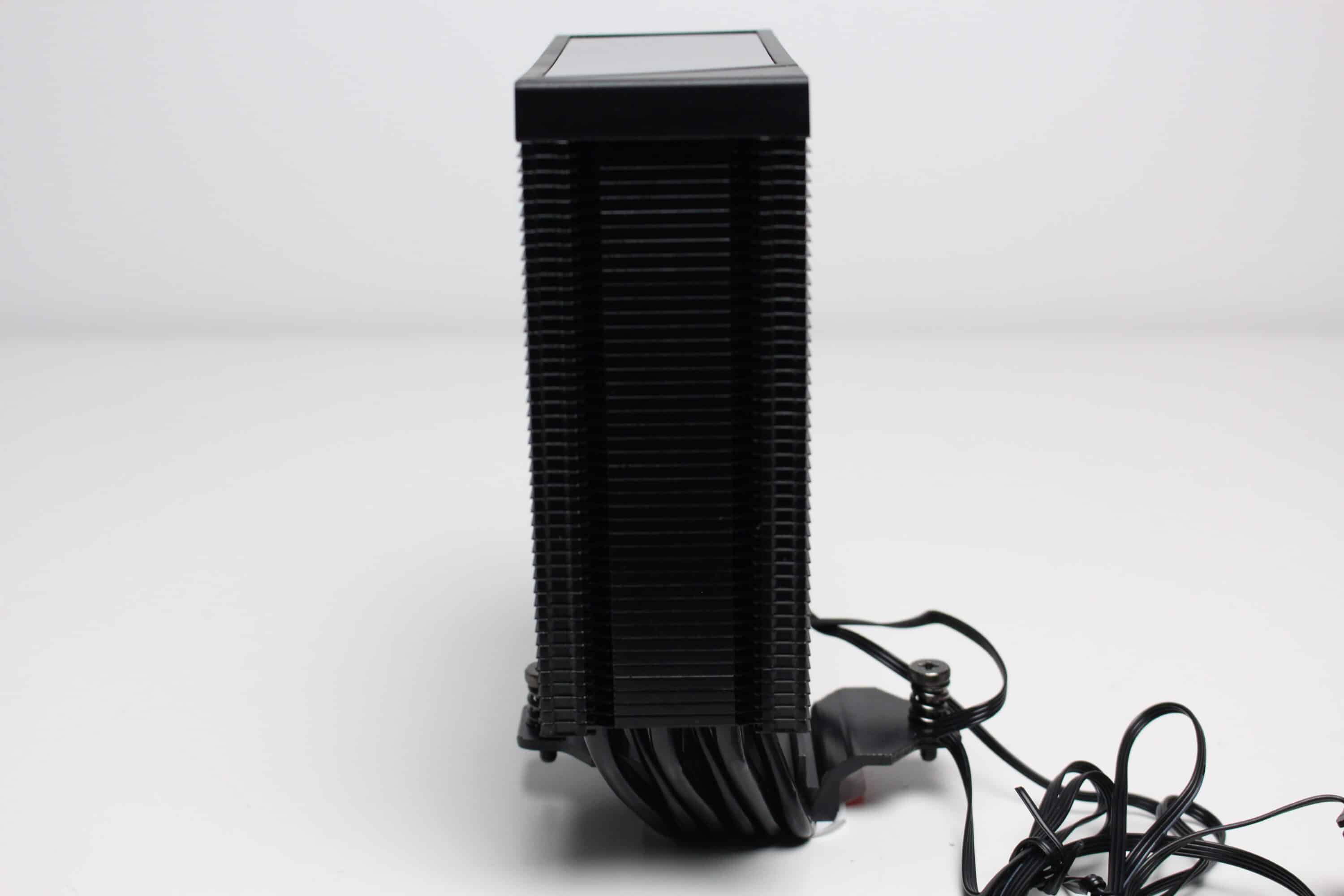
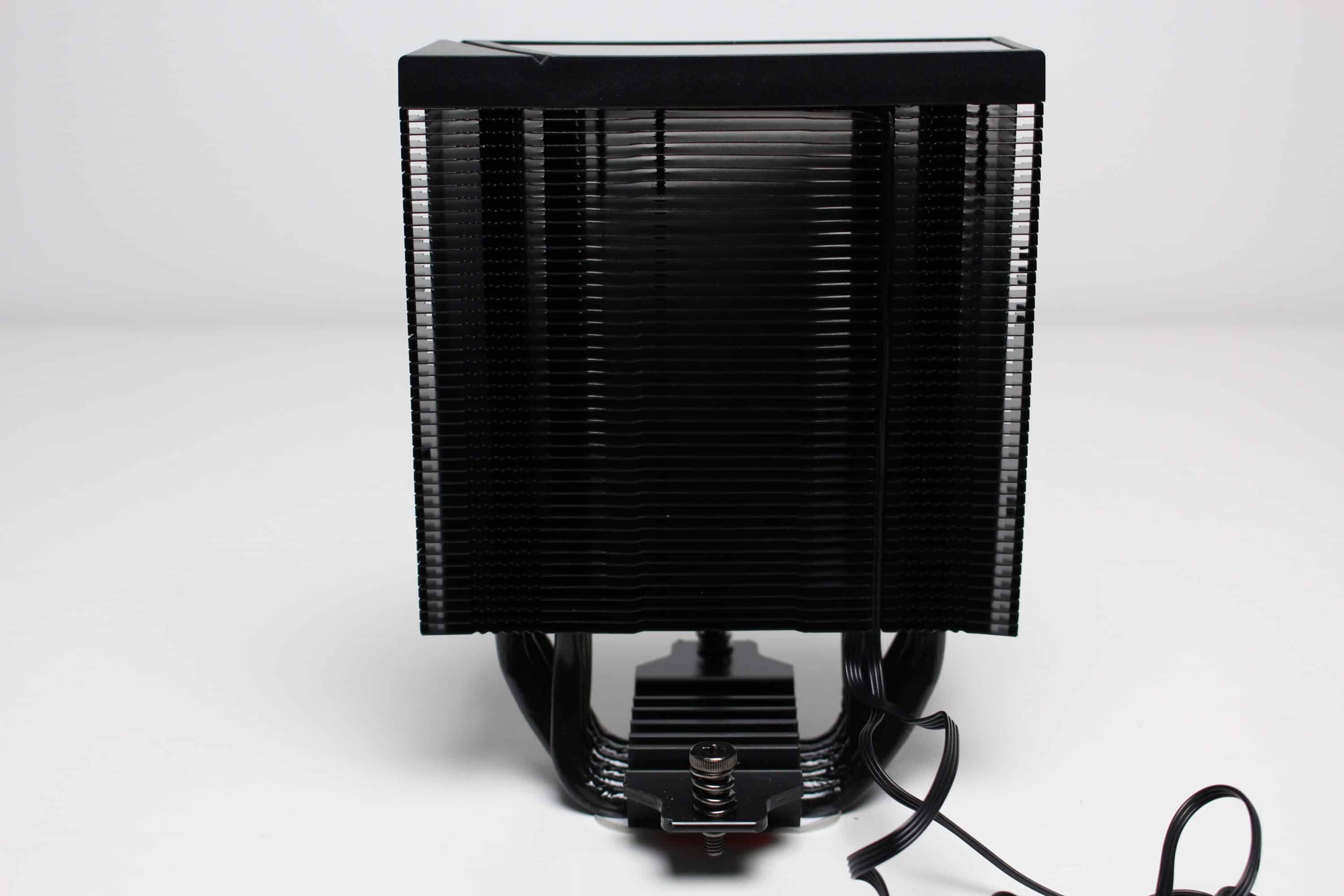
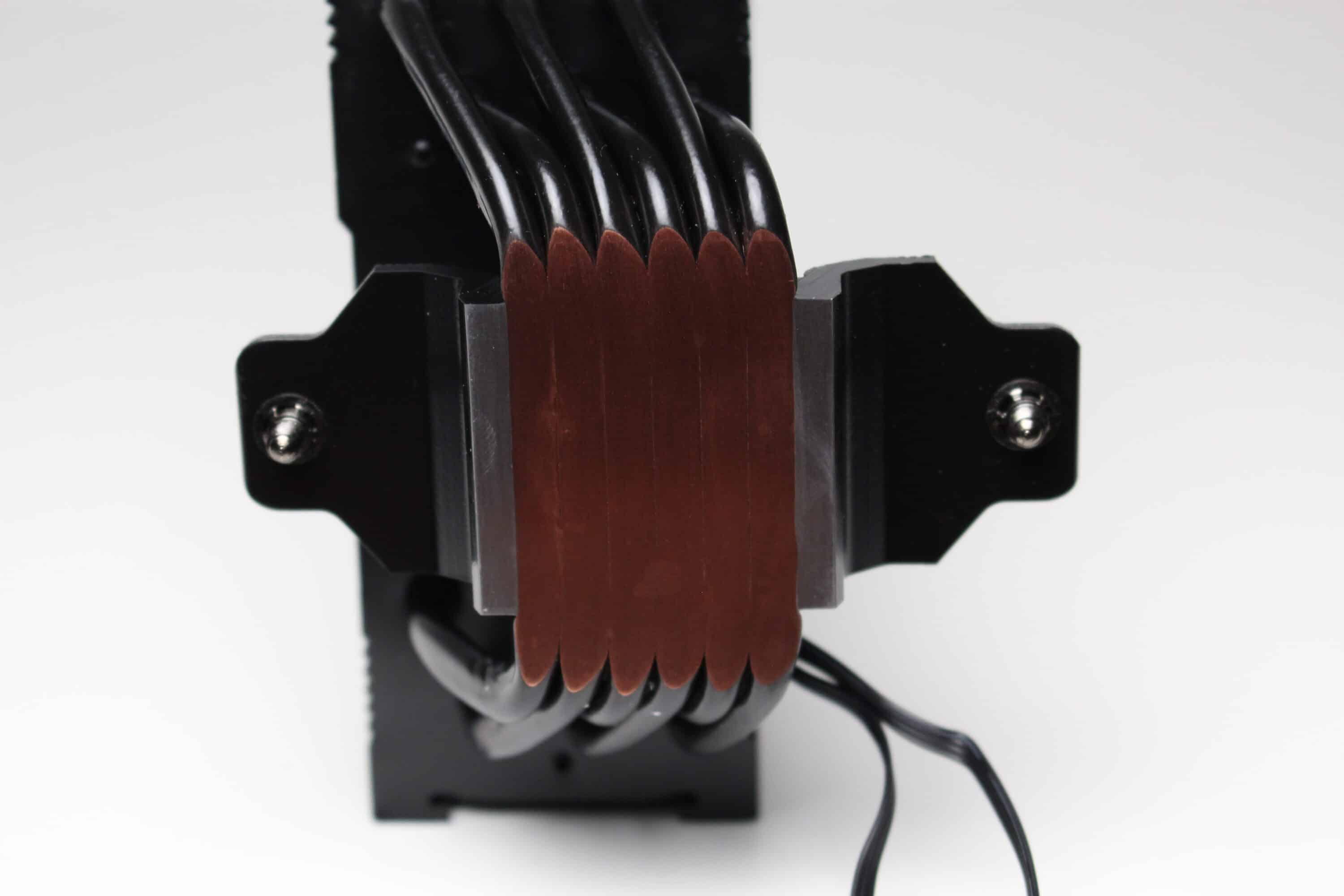
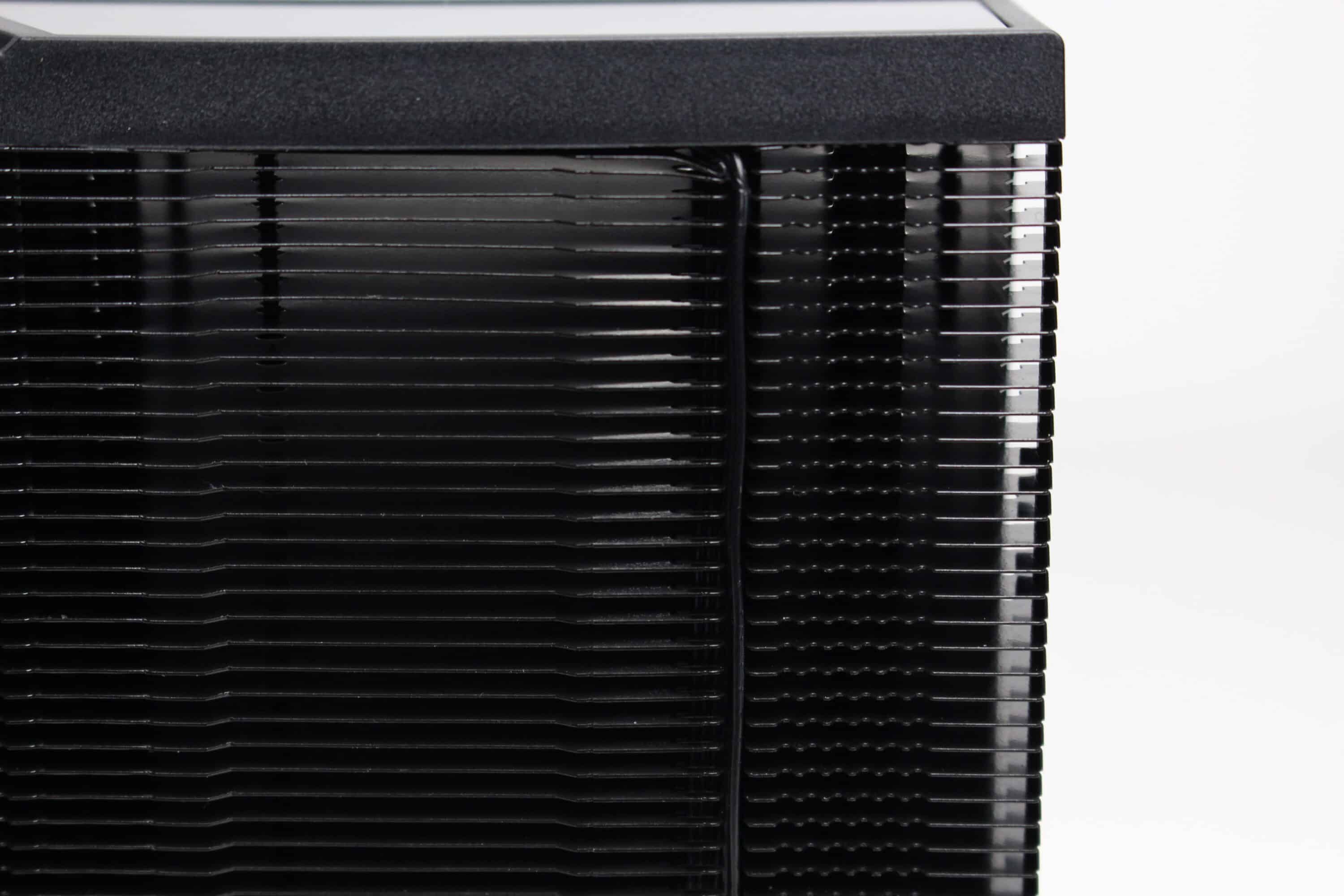
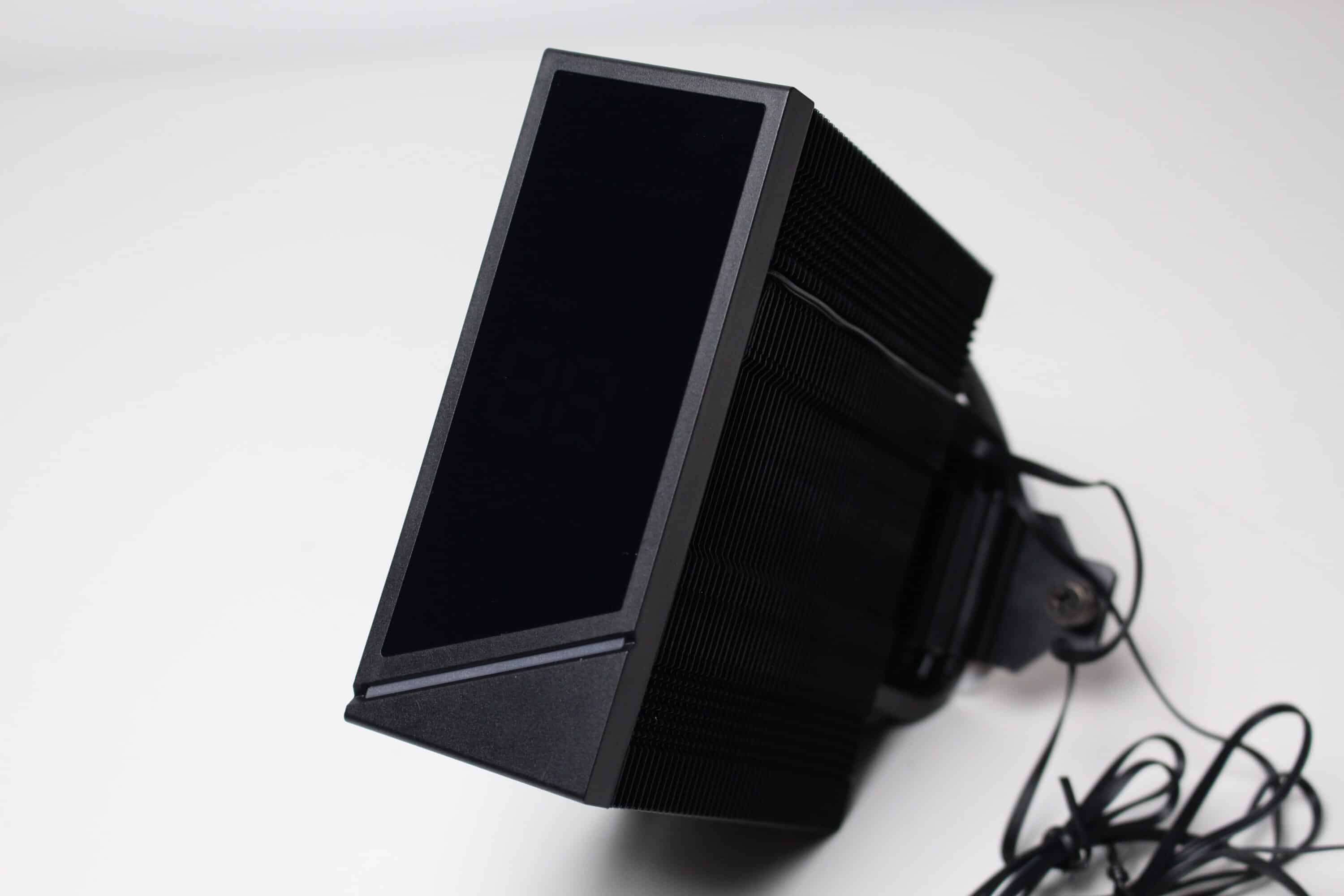
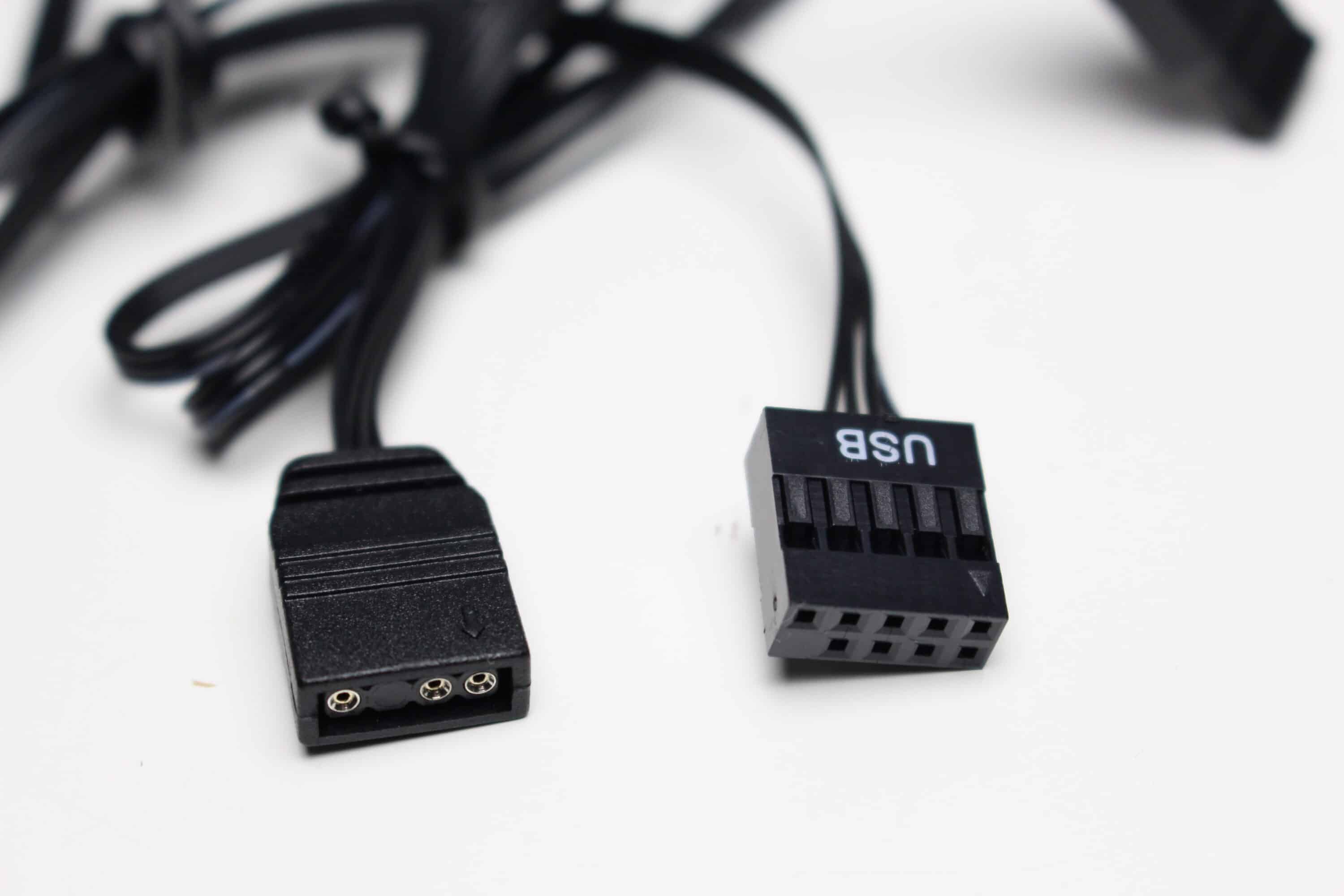
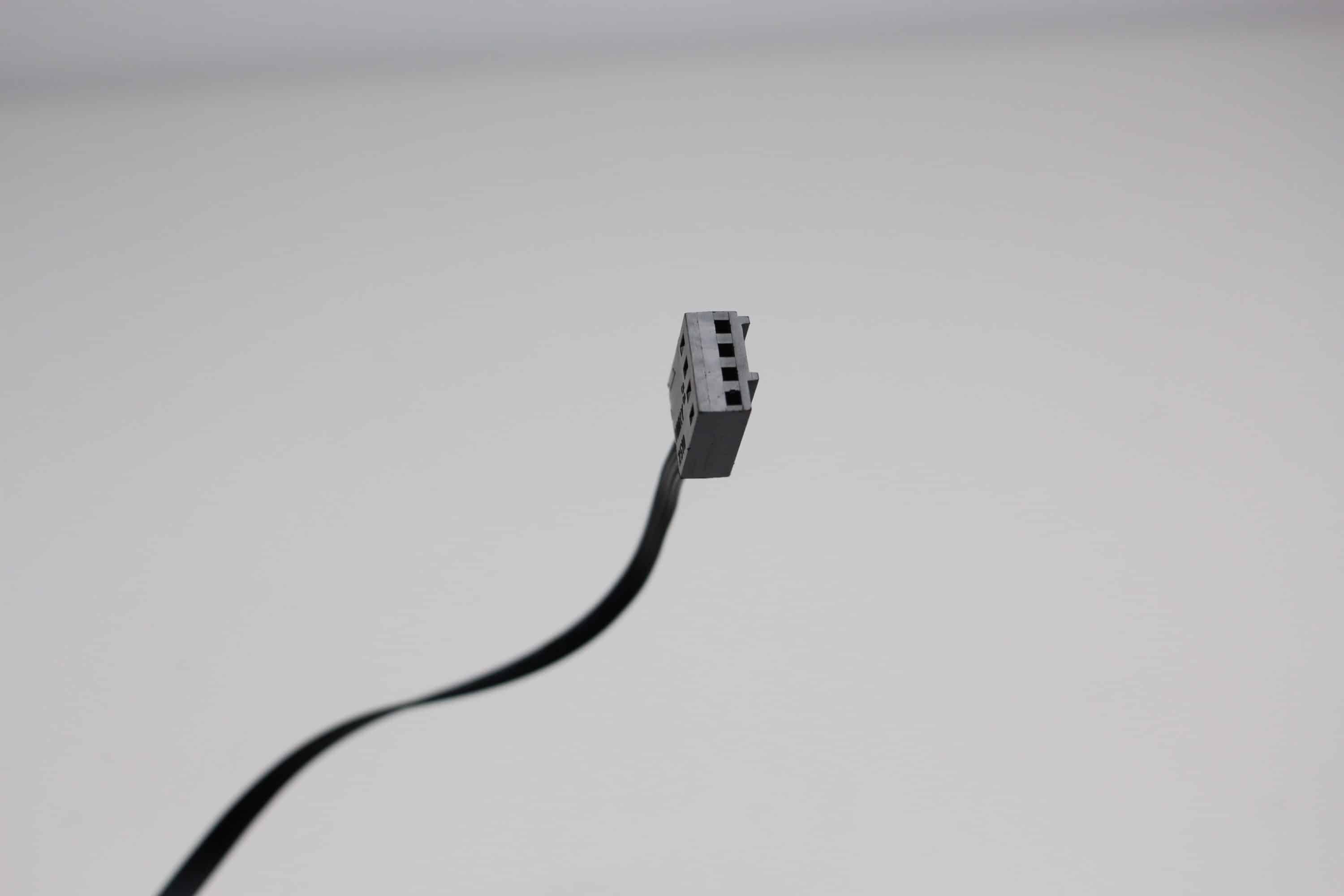
At the top of the CPU cooler, LC-Power has placed a plastic cover cap, which incorporates both a display and an ARGB bar. But more on that later. The connection is made via a 3-pin 5V connector for the lighting as well as an internal USB 2.0 header to control the display. The cables run in a small channel that was cut into the slats precisely for this purpose.
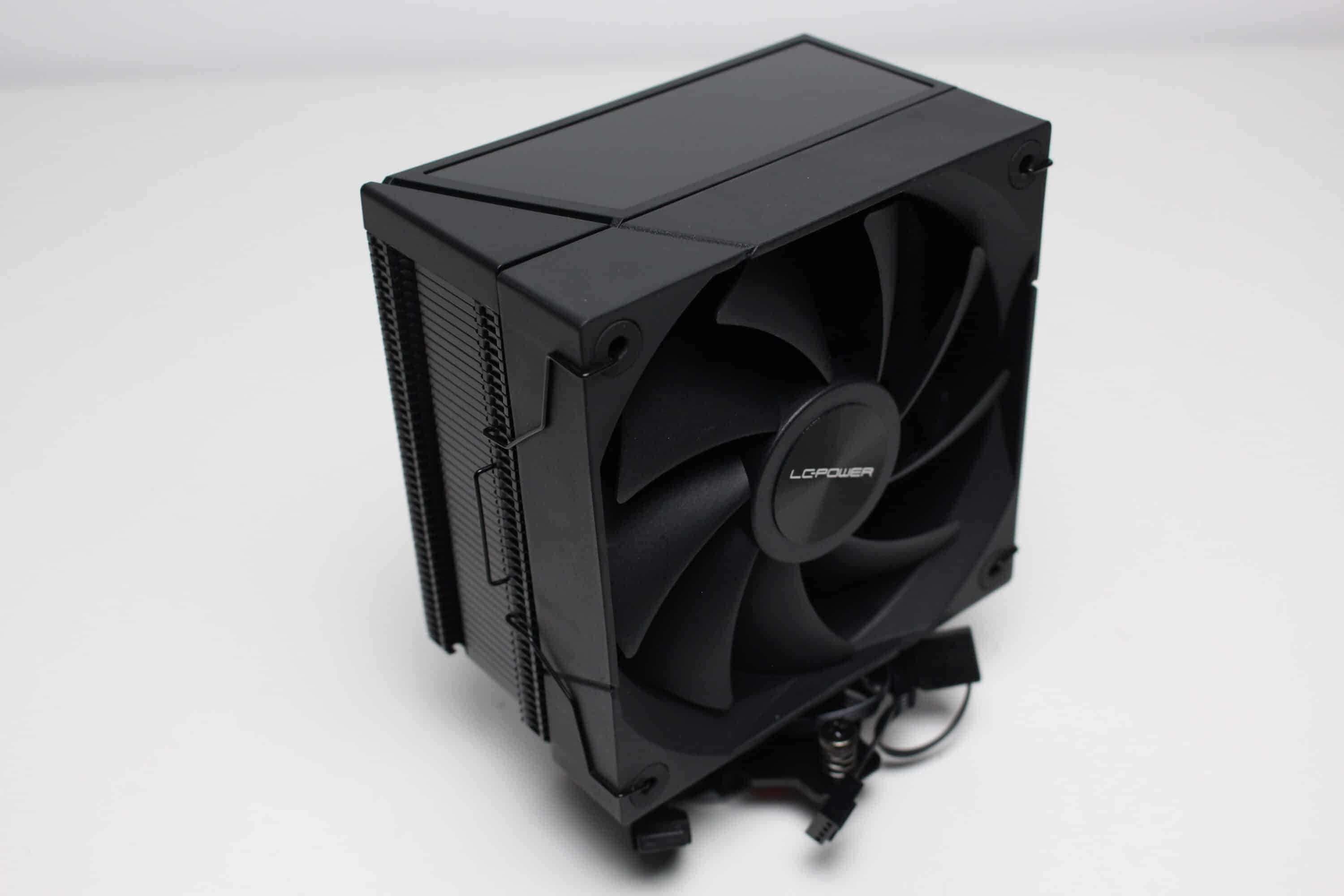
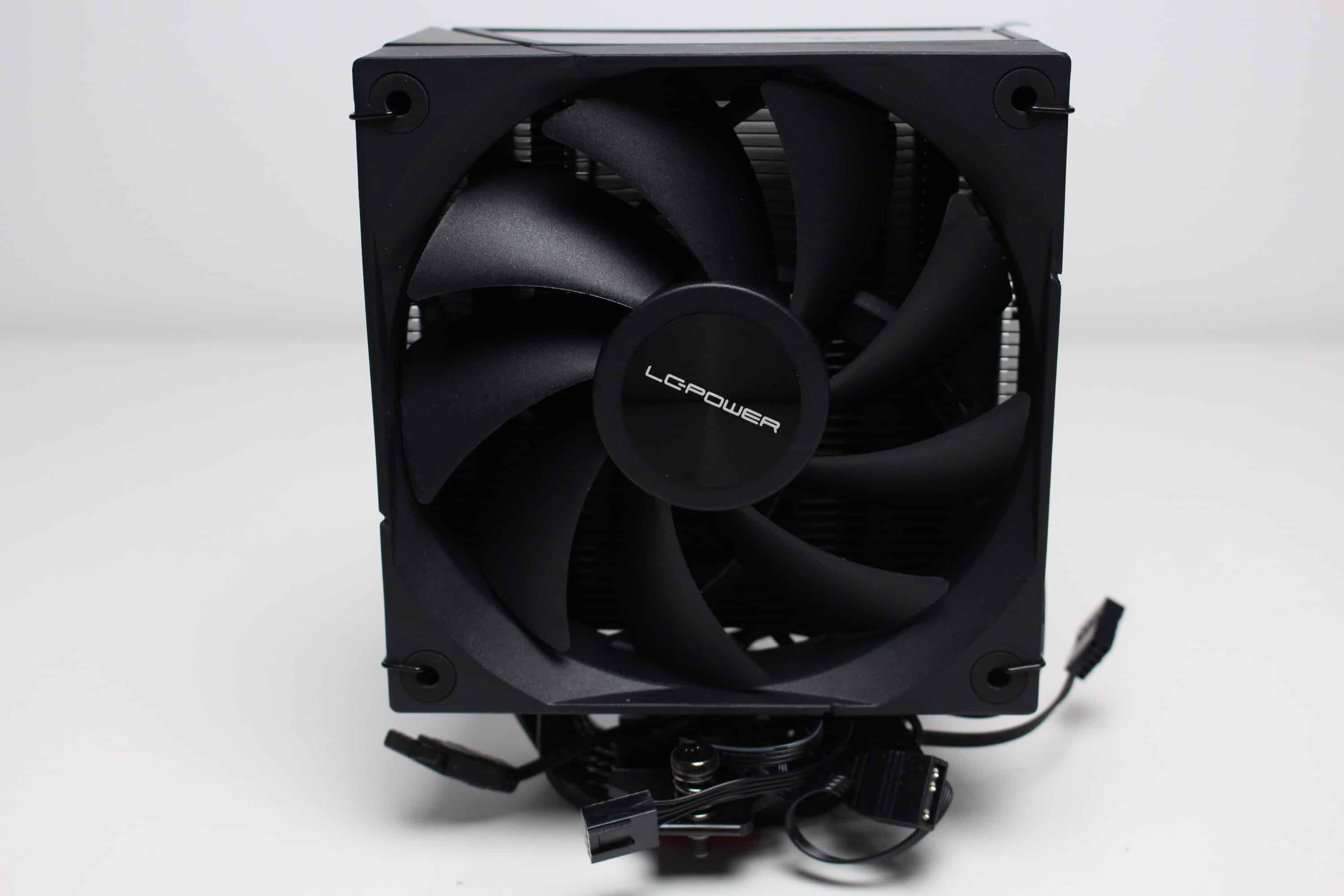
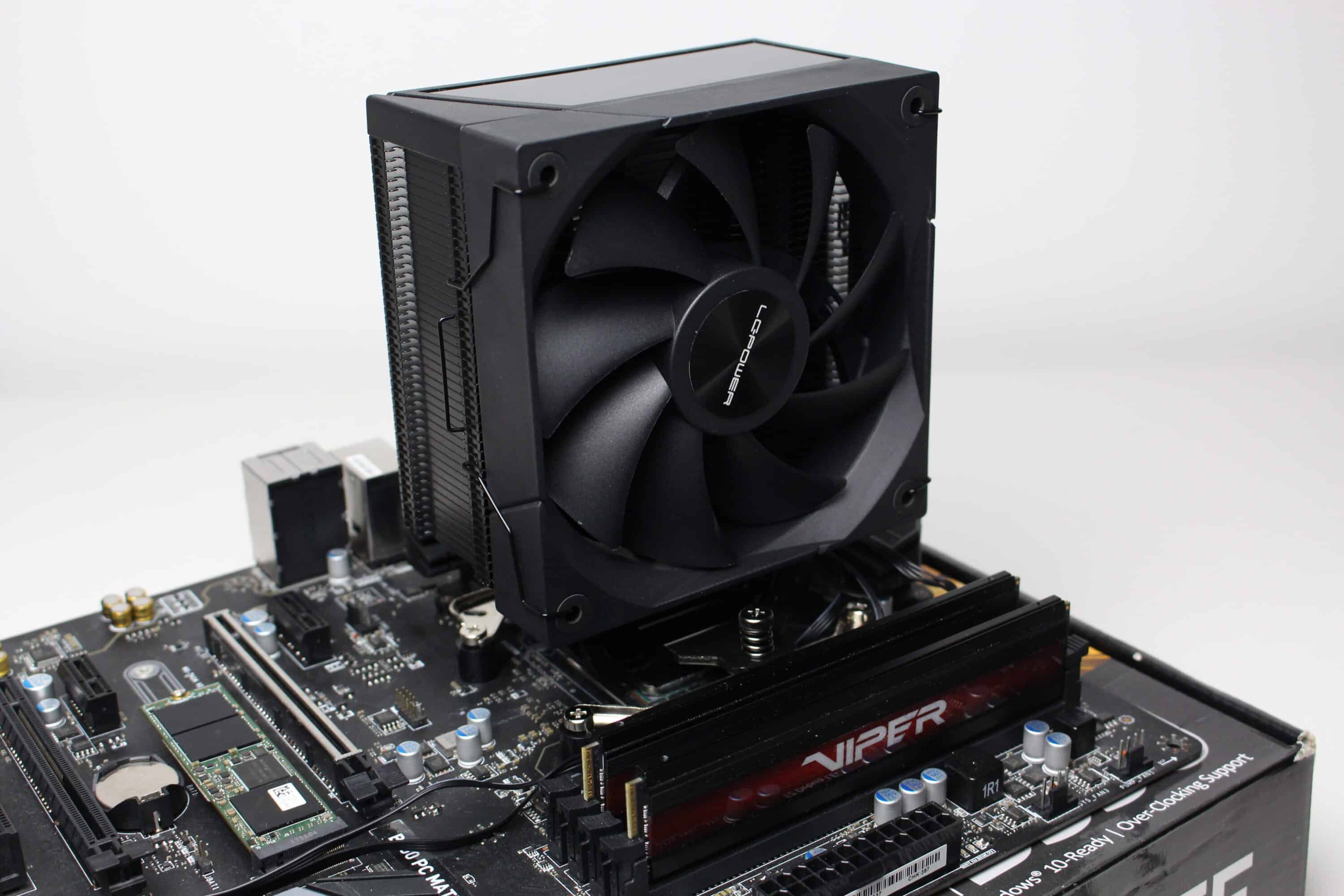
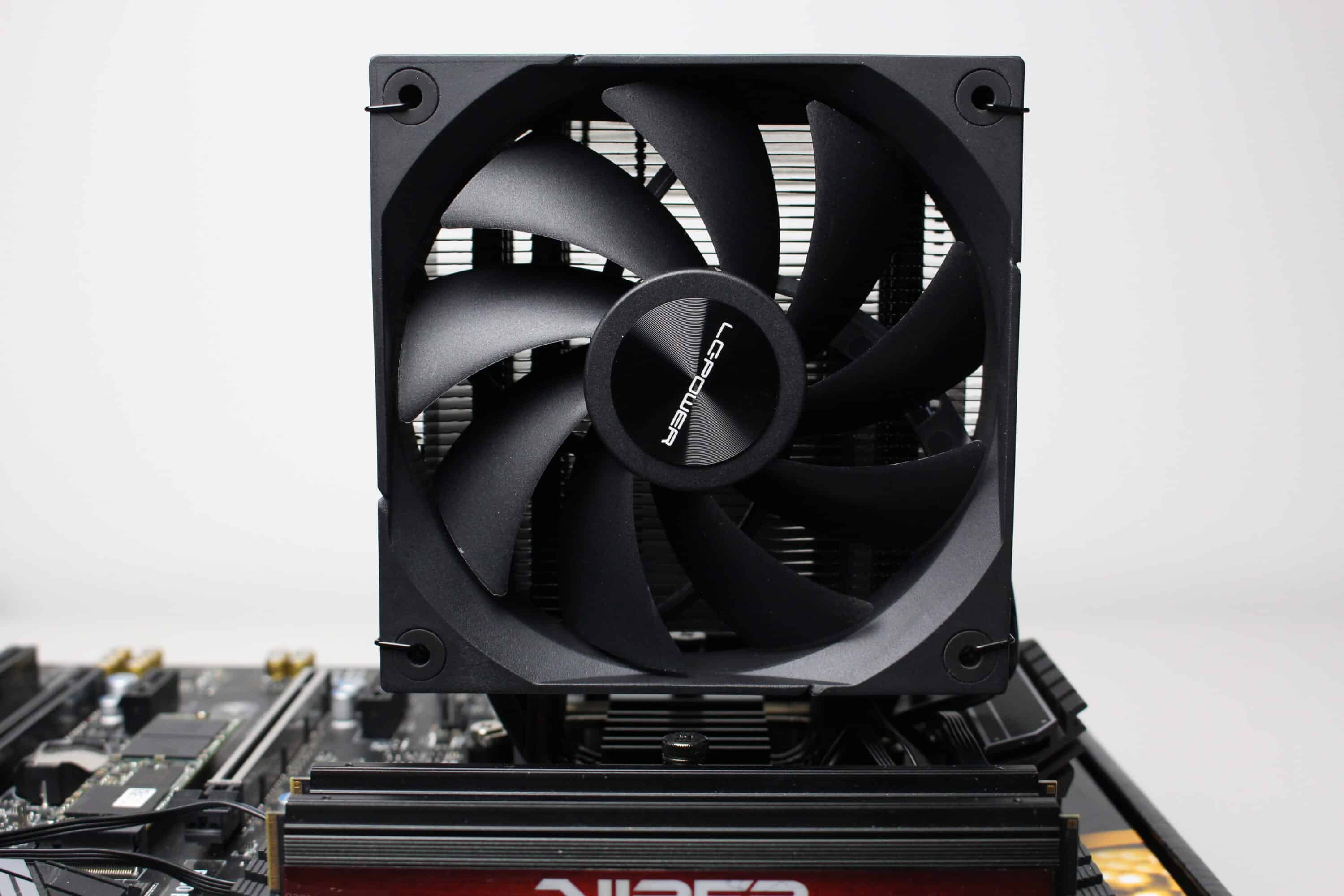
The supplied fan consists of a black fan frame with a frame width of 120 millimeters and a black rotor with nine fan blades. The bars of the fan frame are continuous and LC-Power has equipped all eight corners with a rubber decoupling element. The fan can reach speeds of between 600 and 2200 revolutions per minute using a 4-pin PWM cable.
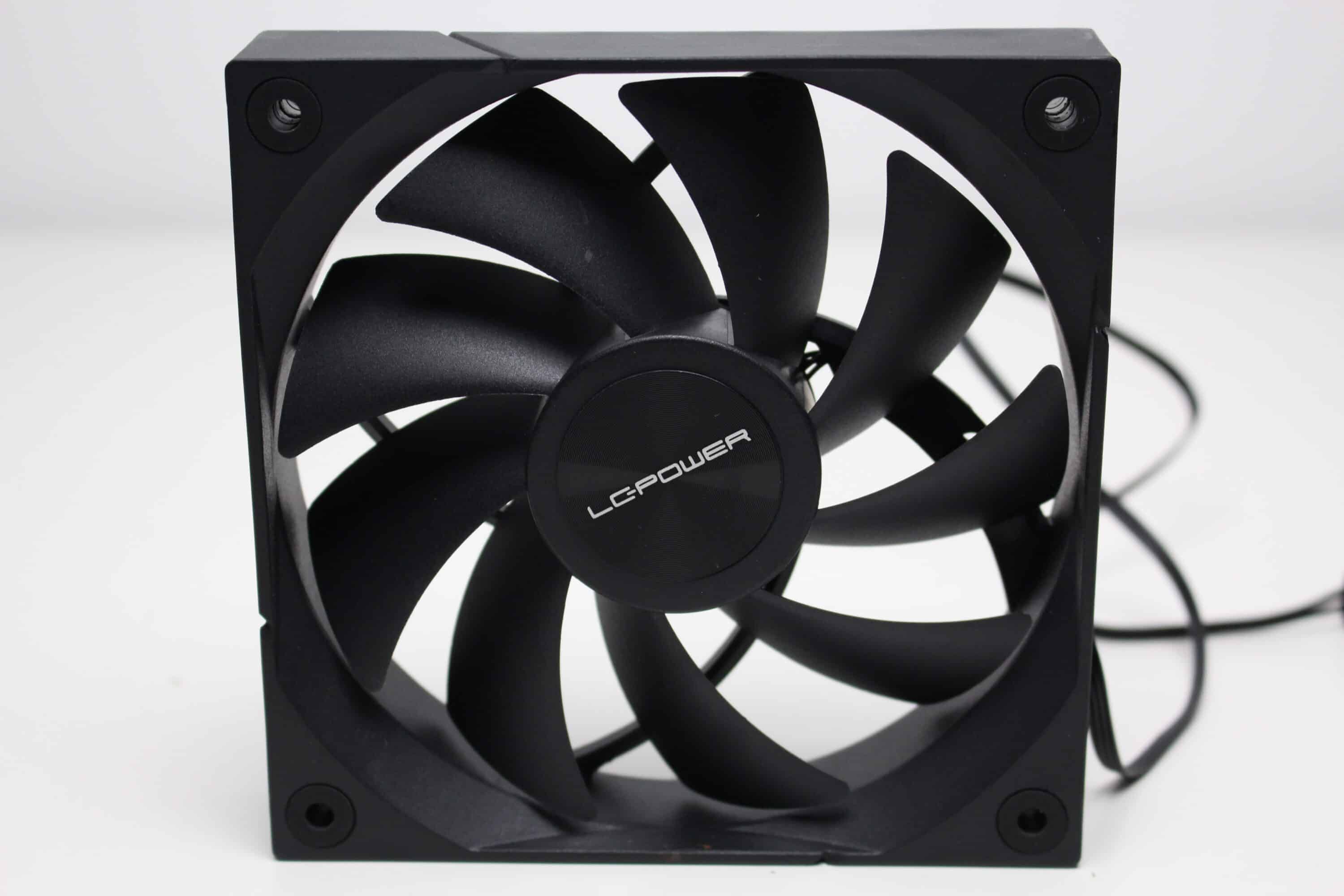
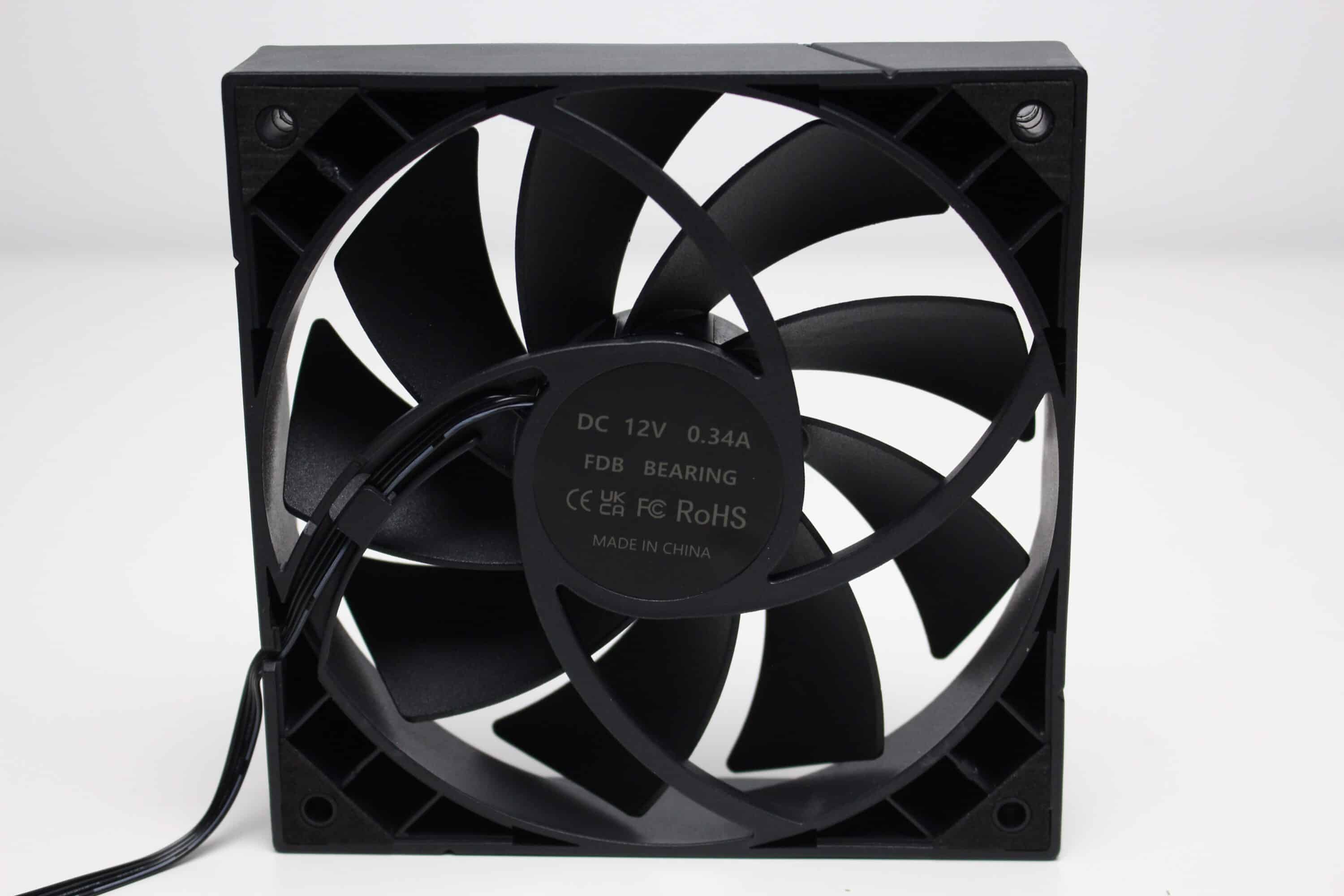
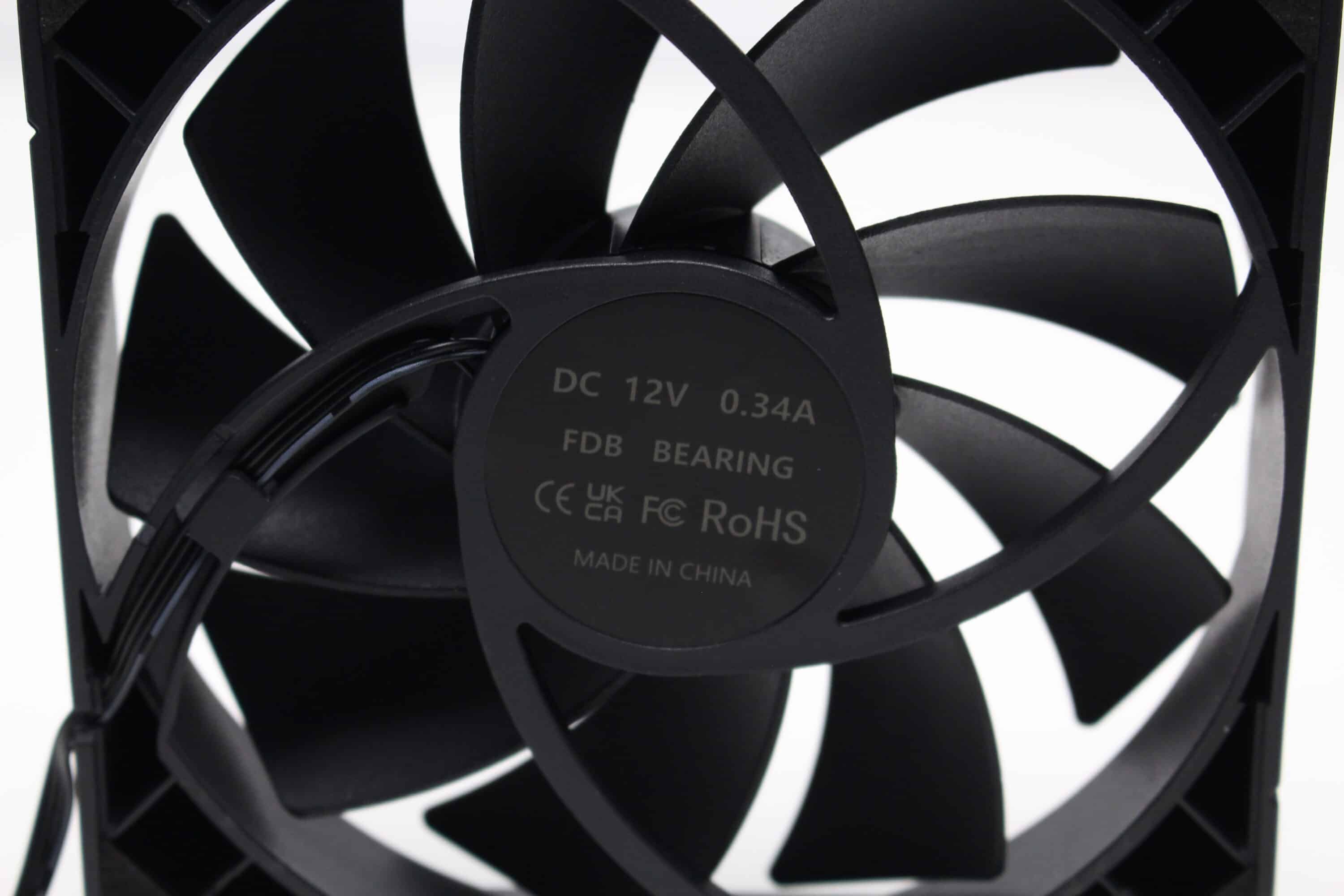
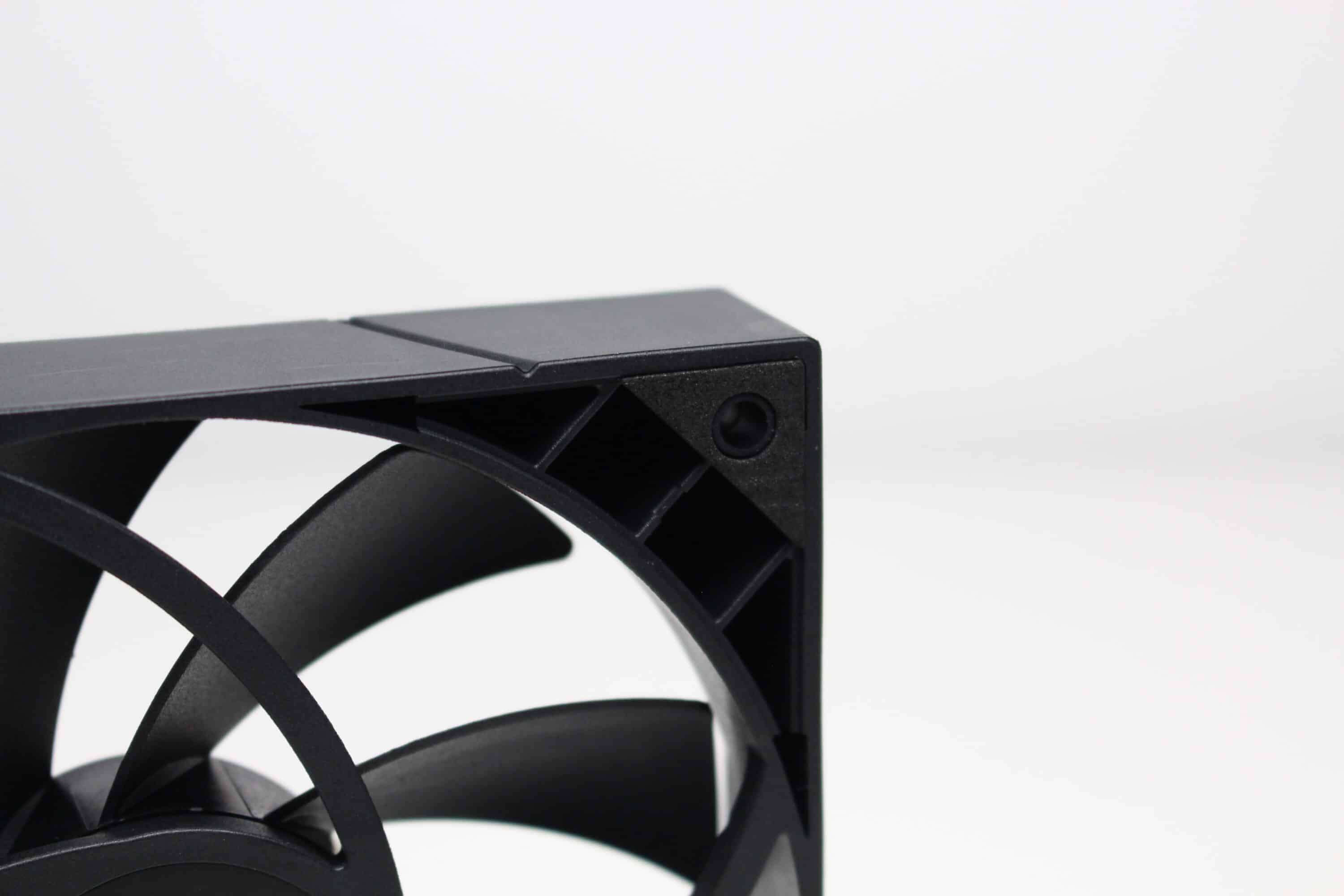
With its dimensions of 153 x 120 x 73 millimeters and a weight of 660 grams, the LC-Power LC-CC-120-DB6 DIGI is relatively compact and not particularly heavy. This should make it easy to install in smaller housings. Otherwise, the LC-Power LC-CC-120-DB6 DIGI makes a good to very good impression both visually and in terms of quality. When switched off, it is extremely plain and there are no silver fins flashing out anywhere.
LC-Power LC-CC-120-DB6 DIGI Test: Assembly
For the performance test, a test system is used which is mounted on a benchtable. This allows us to rule out factors such as heat build-up in the case. The test system consists of the following components.
- AMD Ryzen 5 1400 @ 3.8 GHz at 1.175V*
- MSI B350 PC-MATE*
- Patrio Viper 16 GB DDR4 2933 MHz*
- TeamGroup T-Create Classic PCIe 4.0 DL*
- Gigabyte AORUS GTX 1060 6G*
- LC-Power LC550 V2.31 Platinum Series 550W*
Only a few steps are necessary to install the LC-Power LC-CC-120-DB6 DIGI. After the AMD retention module has been removed, the front of the mainboard must be fitted with four plastic sleeves, which then serve as spacers. The two universal mounting brackets are then placed on the plastic sleeves and screwed in place.
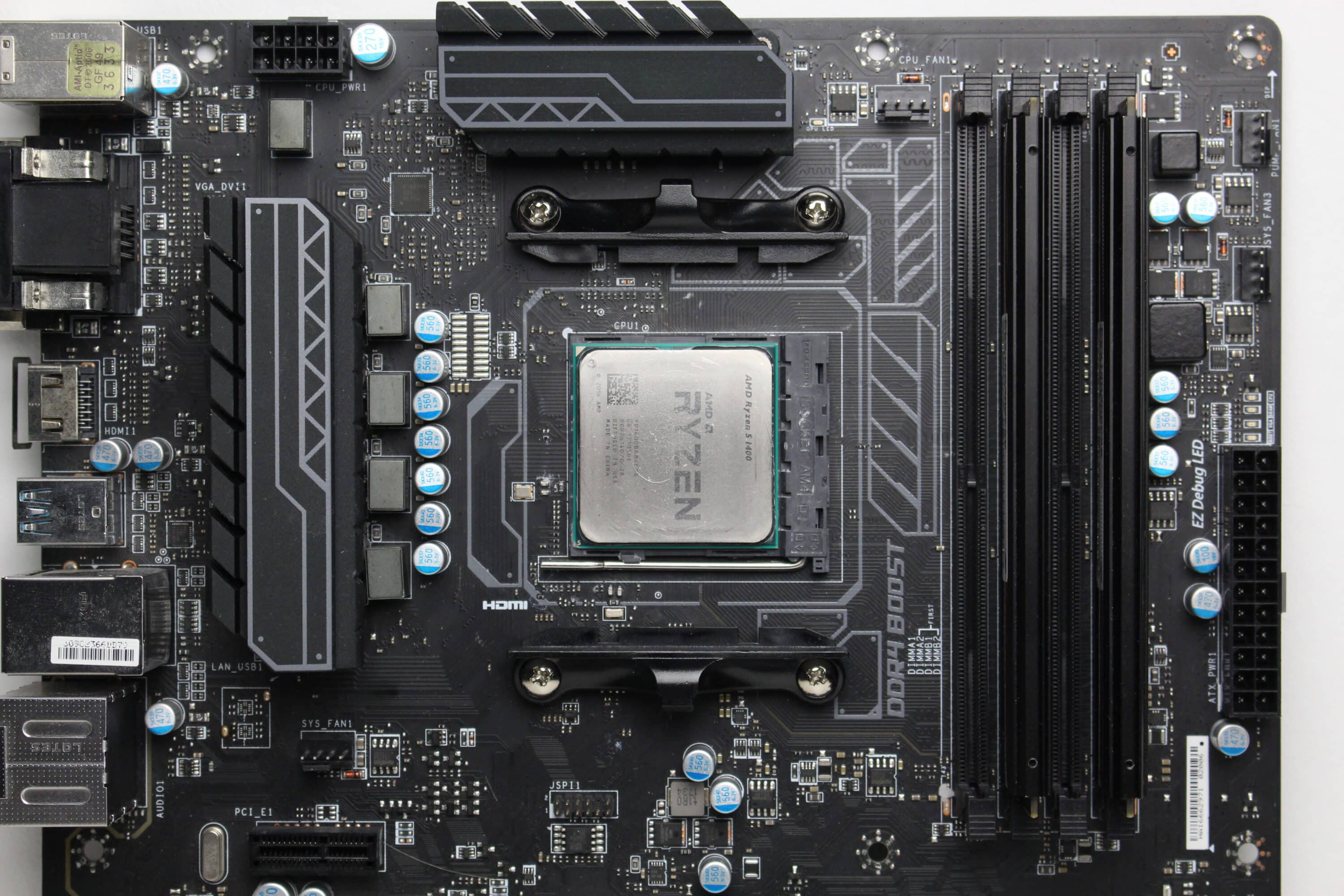
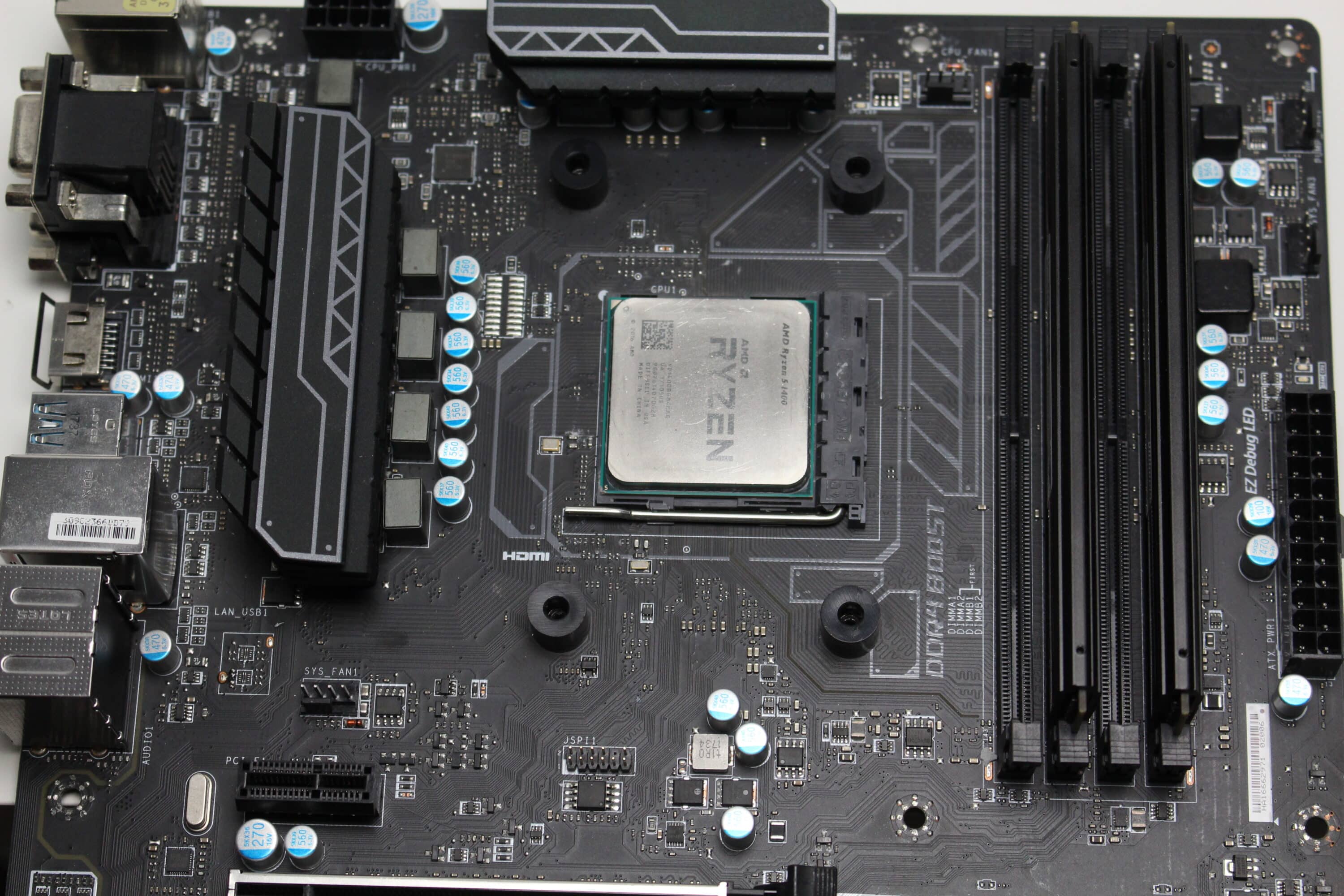
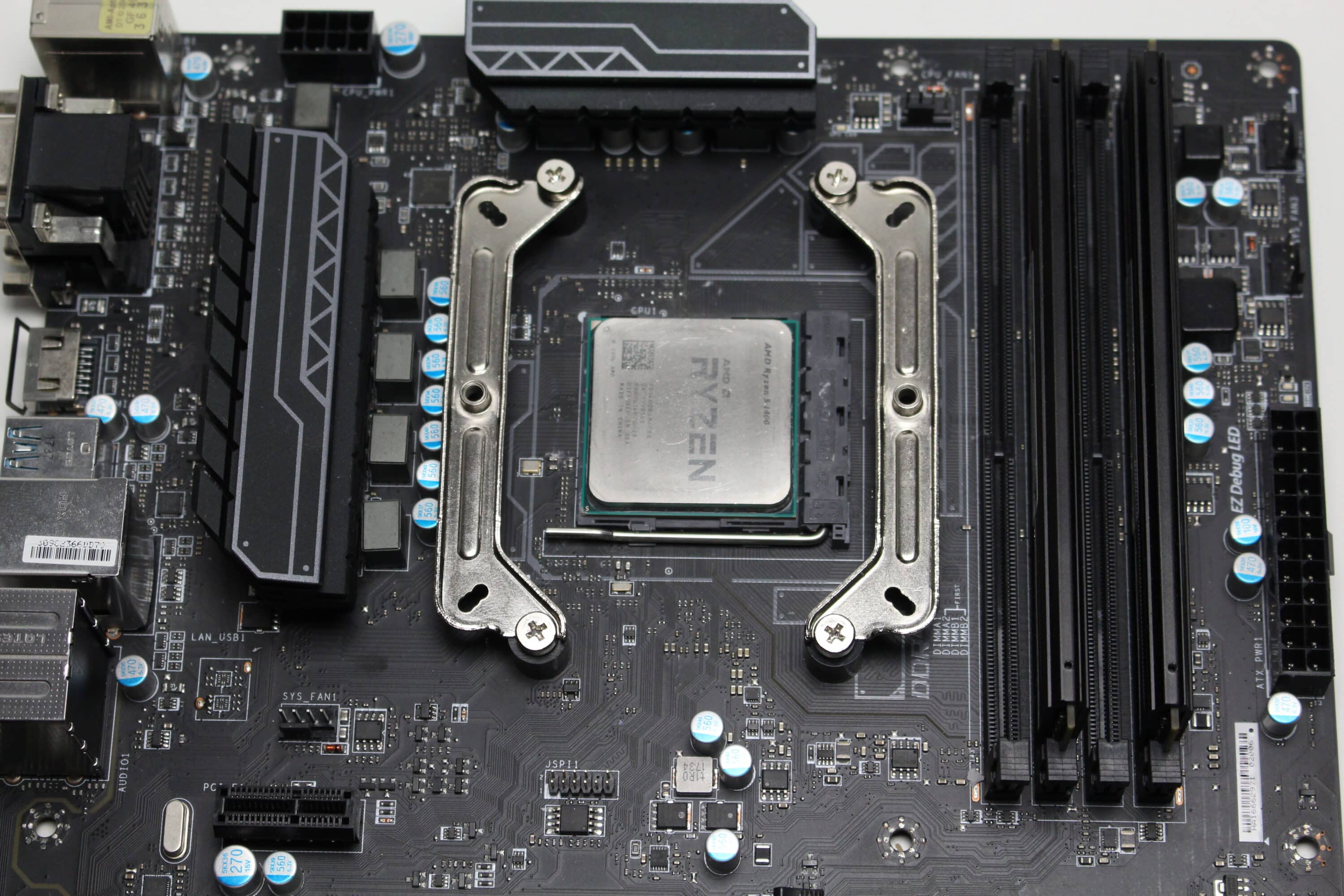
In the next step, we applied the thermal paste, placed the CPU cooler on the CPU and screwed everything in place with the two spring-loaded screws. It is particularly practical that the pre-assembled fan does not need to be removed to install the CPU cooler.
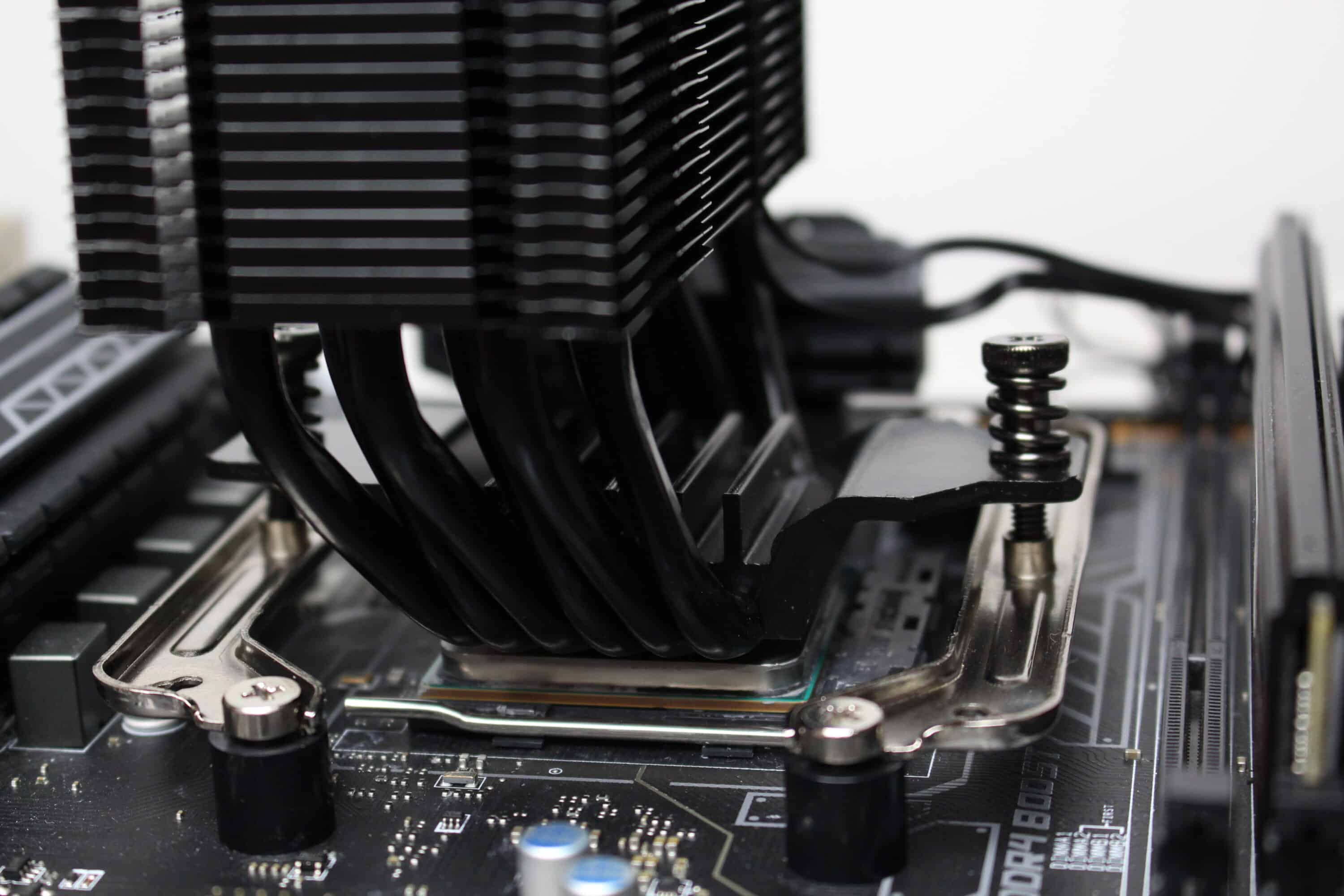
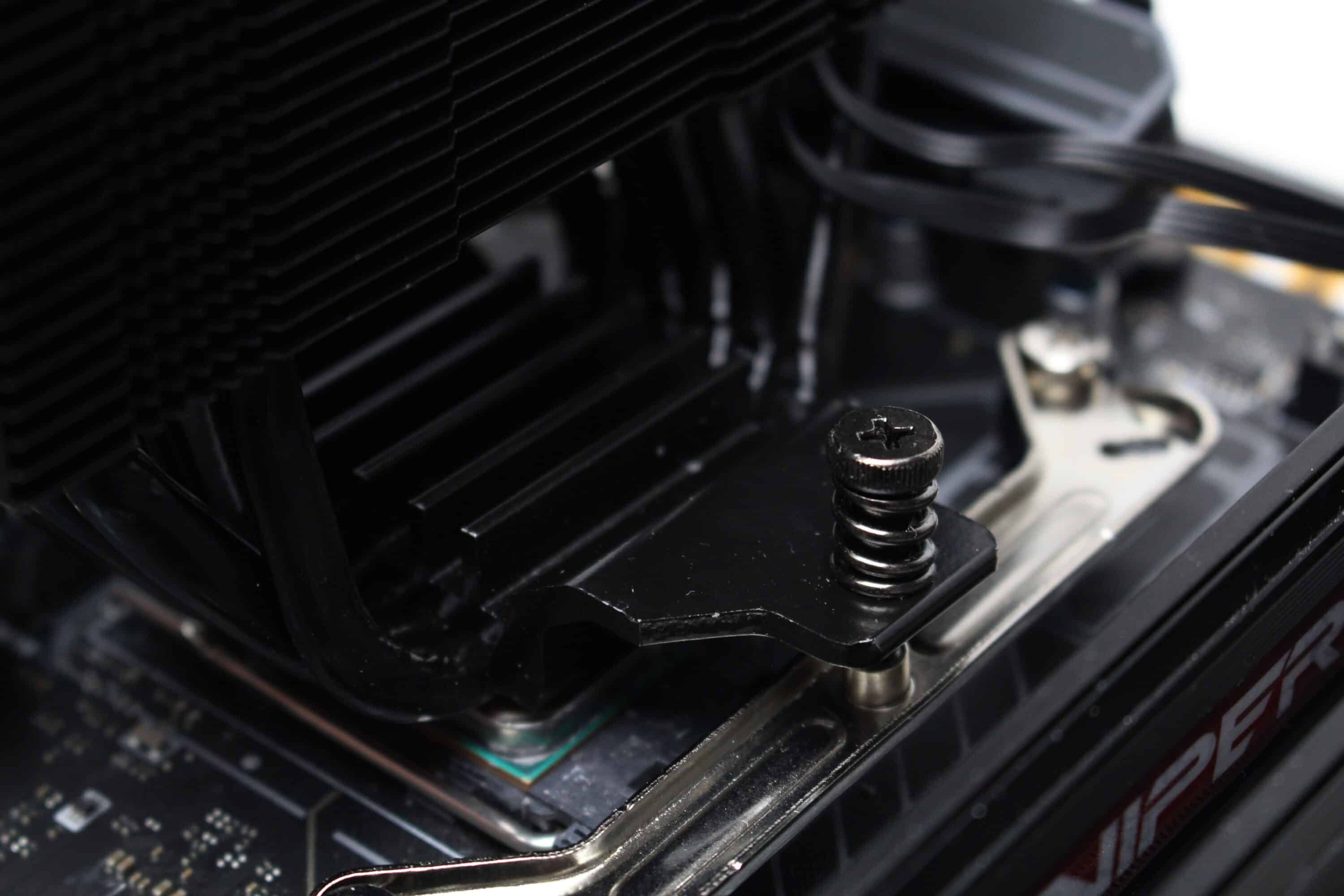
Although the LC-Power LC-CC-120-DB6 DIGI has two more heatpipes than the LC-Power LC-CC-120-B4 AERA, it has identical dimensions of 153 x 120 x 73 millimeters and therefore does not block the RAM slots or the first PCIe slot. There should therefore be no compatibility problems with this CPU cooler.
Cooling performance and volume
As already shown in the previous chapter, we use an AM4 system based on the Ryzen 5 1400 and the ASUS TUF Gaming B550M-Plus as test hardware. The Ryzen runs overclocked with 3.8 GHz at 1.175 V CPU voltage. To heat up the processor, we fully loaded it with Prime95 (Small FFTs) for 30 minutes in each scenario. We then read out the temperature of the CPU with the CPUID hardware monitor and the room temperature was always around 20 °C during the measurements.
| wdt_ID | CPU-Kühler | Temperatur Minimaldrehzahl (in °C) | Temperatur 50% PWM (in °C) | Temperatur 100% PWM (in °C) | Minimale Lüftergeschwindigkeit (in U/min) | Lüftergeschwindigkeit bei 50% PWM (in U/min) | Lüftergeschwindigkeit bei 100% PWM (in U/min) | Minimale Pumpengeschwindigkeit (in U/min) | Pumpengeschwindigkeit bei 50% PWM (in U/min) | Pumpengeschwindigkeit bei 100% PWM (in U/min) |
|---|---|---|---|---|---|---|---|---|---|---|
| 123 | Thermaltake TH280 V2 ARGB | 0,00 | 46,60 | 45,90 | 550 | 1.200 | 1.800 | 680 | 2.100 | 3.200 |
| 124 | Cooler Master MasterLiquid 240 Atmos ARGB | 0,00 | 50,40 | 46,50 | 560 | 1.340 | 2.270 | 1.965 | 6.620 | 10.230 |
| 125 | be quiet! Pure Loop 2 240mm | 0,00 | 50,70 | 46,70 | 800 | 1.070 | 2.080 | 4.150 | 4.700 | 5.530 |
| 126 | Alpenföhn Panorama 2 | 0,00 | 76,00 | 66,80 | 450 | 1.450 | 2.720 | |||
| 127 | Alpenföhn Brocken 4 | 0,00 | 53,60 | 49,60 | 410 | 870 | 1.610 | |||
| 128 | AMD Wraith Stealth | 95,00 | 95,00 | 76,00 | 800 | 1.430 | 2.630 | |||
| 129 | Corsair A115 | 0,00 | 49,40 | 46,90 | 190 | 920 | 1.560 | |||
| 130 | Thermalright Peerless Assassin 120 SE | 0,00 | 49,50 | 47,50 | 350 | 1.050 | 1.680 | |||
| 131 | Thermalright Assassin X 120 SE | 0,00 | 53,60 | 50,60 | 340 | 1.070 | 1.690 | |||
| 132 | DeepCool Assassin IV (Silent) | 0,00 | 51,40 | 48,70 | 500 | 860 | 1.330 | |||
| CPU-Kühler | Temperatur Minimaldrehzahl (in °C) | Temperatur 50% PWM (in °C) | Temperatur 100% PWM (in °C) | Minimale Lüftergeschwindigkeit (in U/min) | Lüftergeschwindigkeit bei 50% PWM (in U/min) | Lüftergeschwindigkeit bei 100% PWM (in U/min) | Minimale Pumpengeschwindigkeit (in U/min) | Pumpengeschwindigkeit bei 50% PWM (in U/min) | Pumpengeschwindigkeit bei 100% PWM (in U/min) |
As can be seen from the table and the diagram, the CPU of our test system reaches a maximum of 59.0 °C (minimum speed), 52.0 °C (at 50% PWM fan speed) and 50.9 °C (at 100% PWM fan speed) under full load. These are decent values that underline the fact that the LC-Power LC-CC-120-DB6 DIGI does its job quite well. However, if you compare these values with the LC-Power LC-CC-120-B4 AERA, they are not that much better. Only at minimum speed is the difference significantly greater. This is most likely due to the two additional heatpipes, which enable better heat absorption.
In terms of volume, it can be said that the LC-Power LC-CC-120-DB6 DIGI covers the entire spectrum from quiet to slightly annoying. This is mainly due to the wide speed range of 580 to 2200 revolutions per minute. At minimum speed, only a very slight hiss can be heard. At full speed, however, the fan is clearly audible. Overall, we would have liked the fan to rotate a little slower at minimum speed and fall below the magic limit of 500 revolutions per minute.
LC-Power LC-CC-120-DB6 DIGI test: Display and lighting options
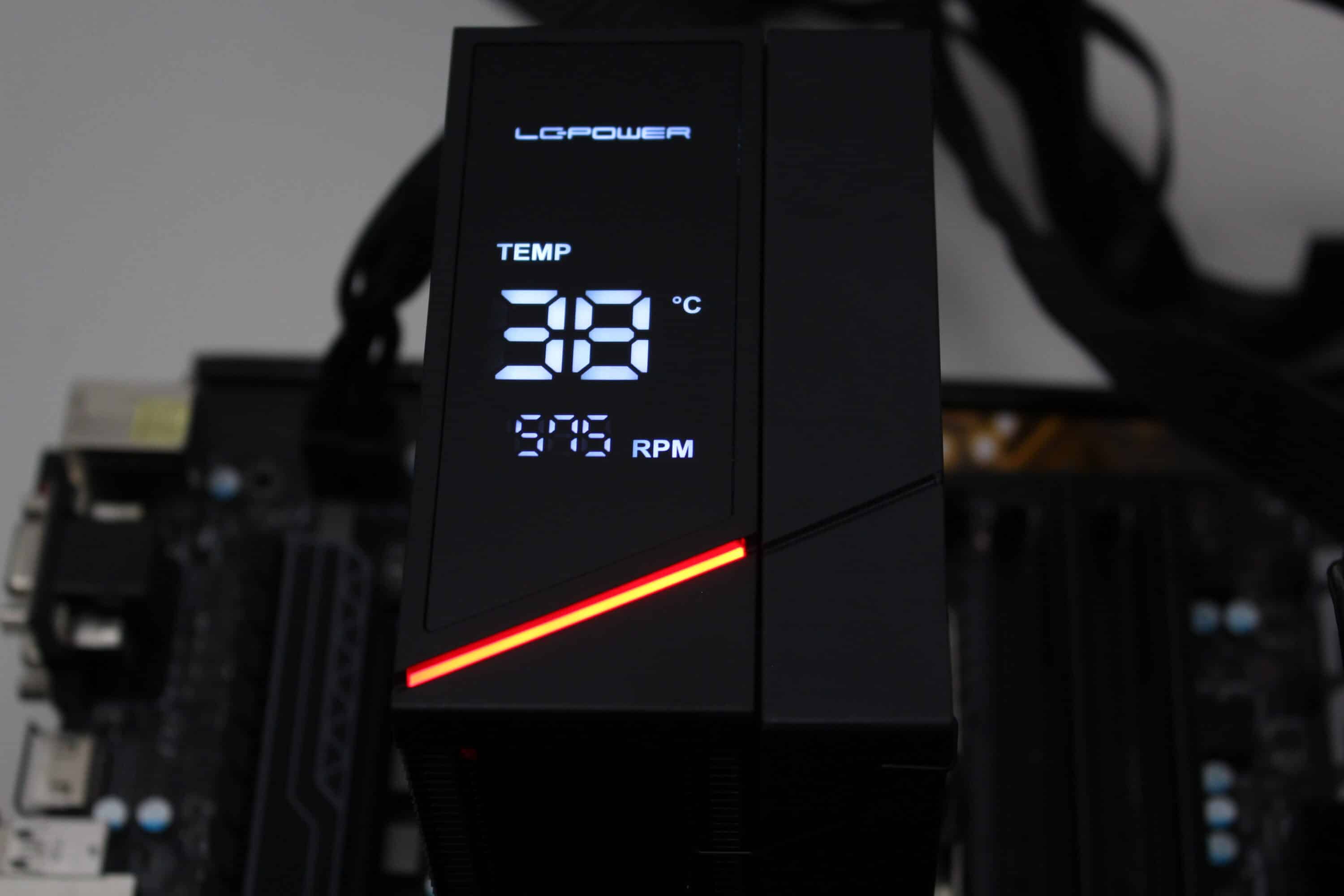
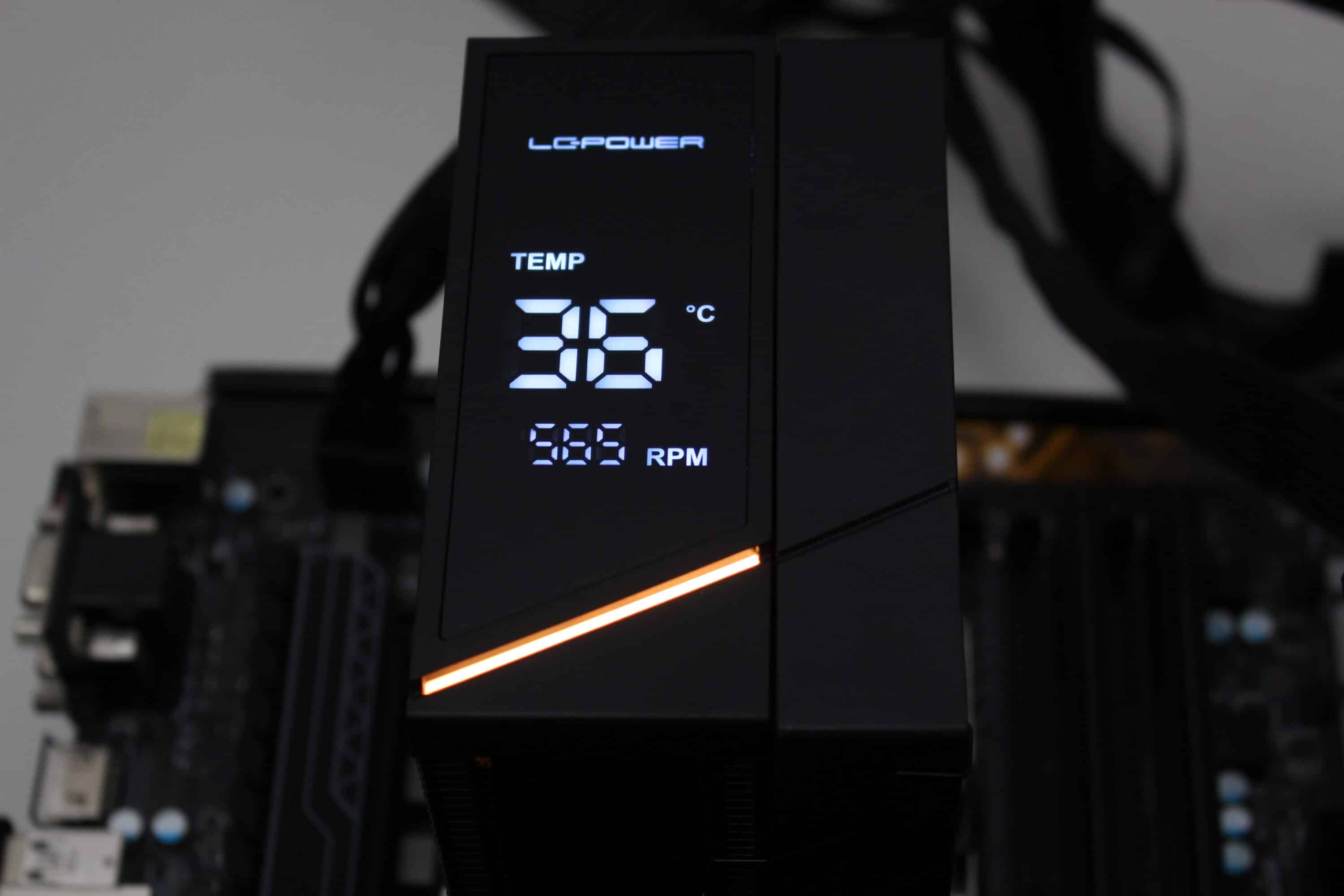
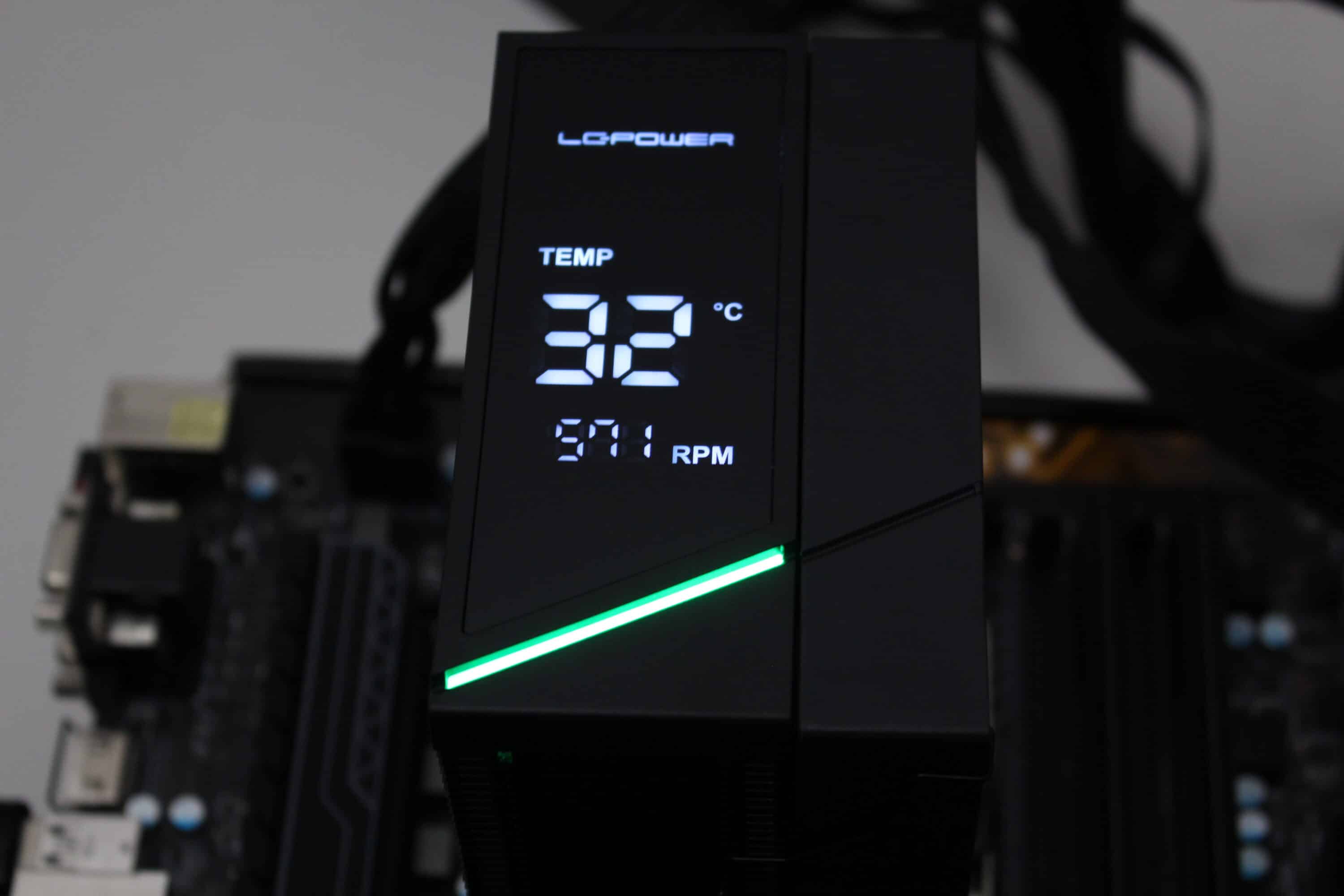
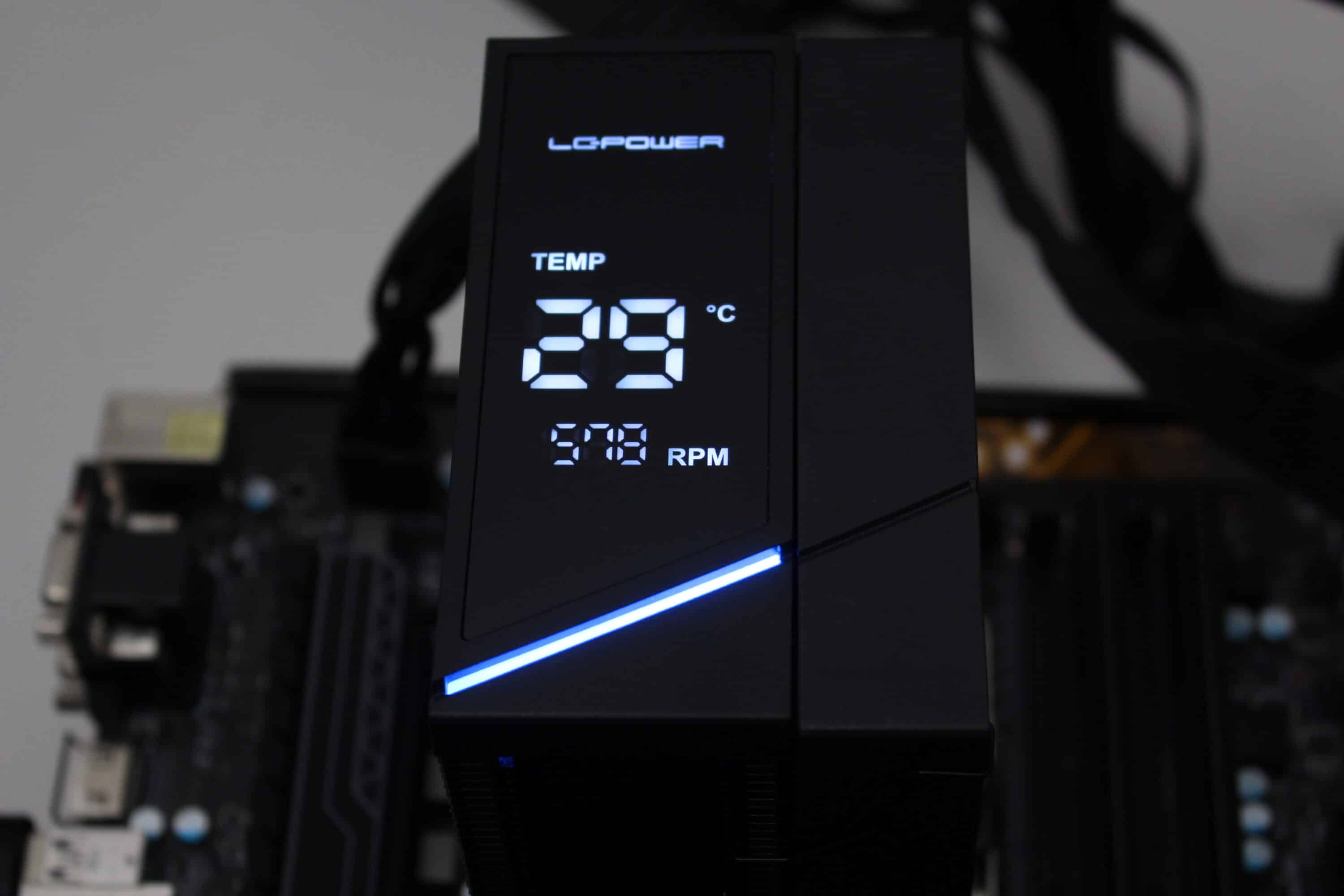
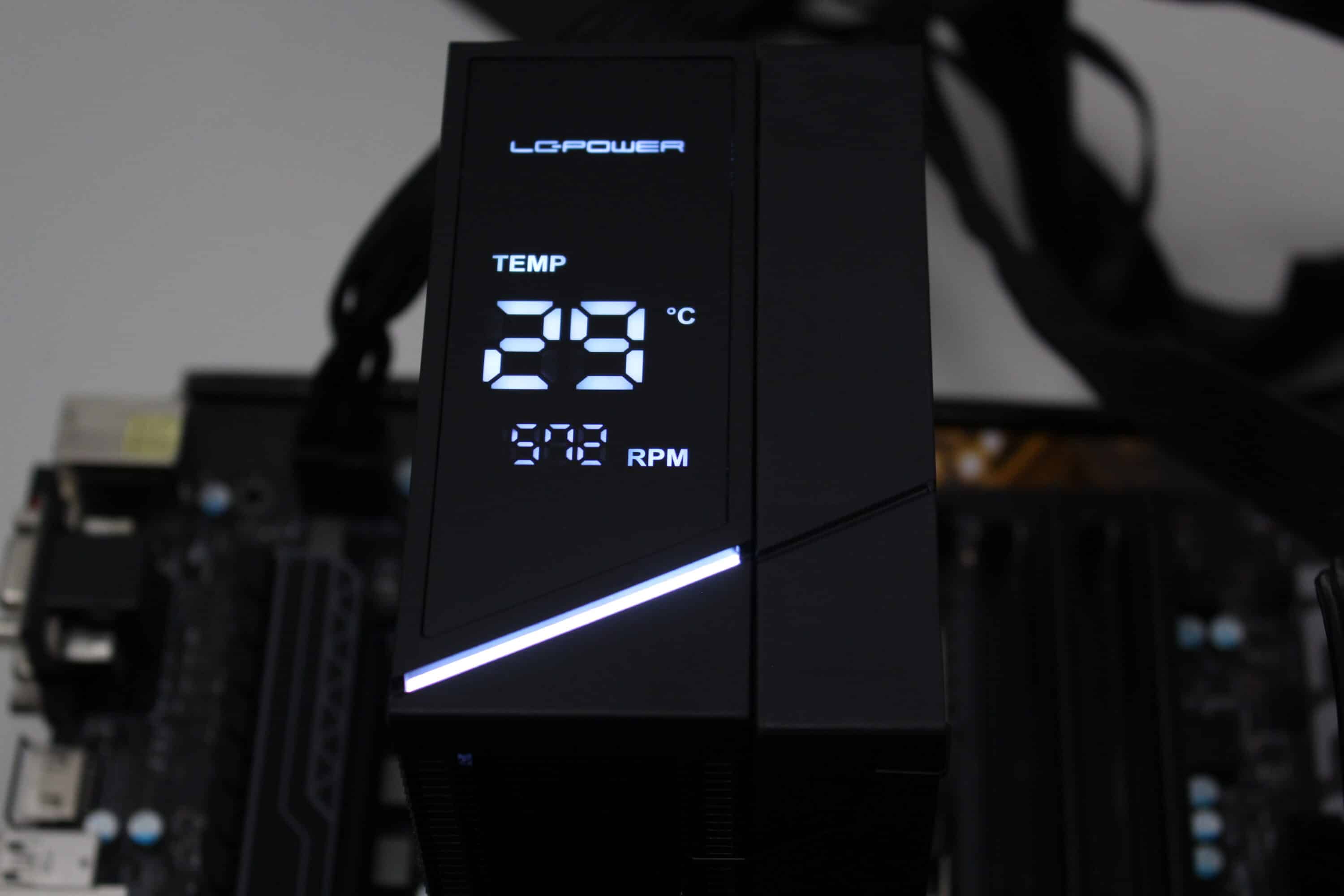
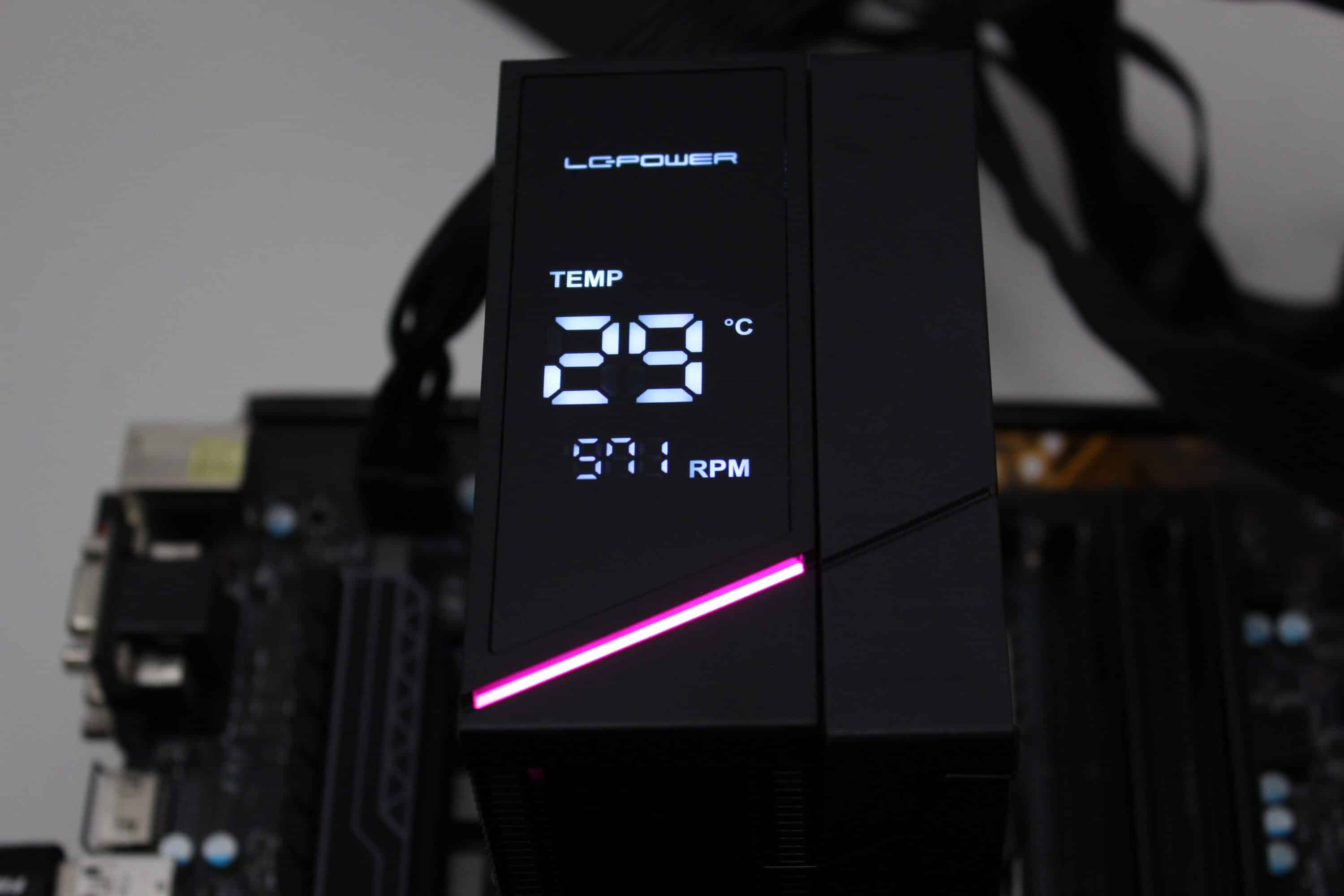
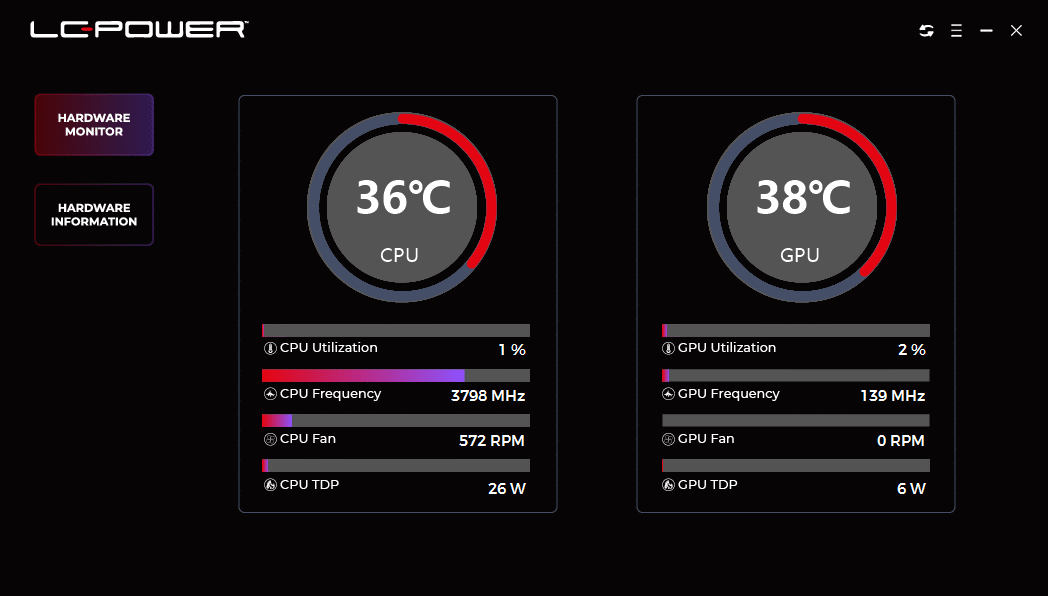
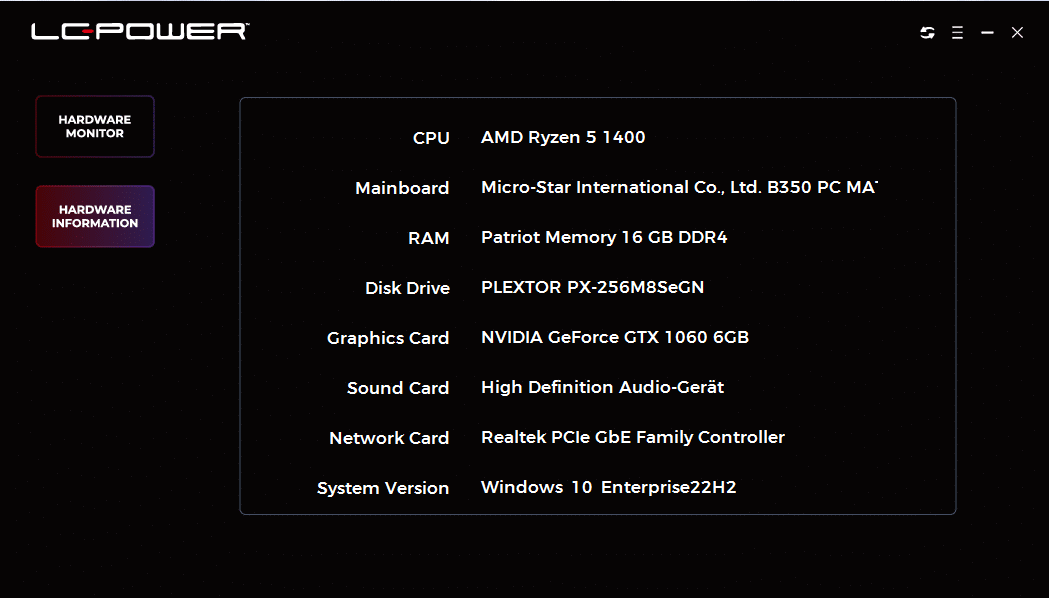
In the lid of the LC-CC-120-DB6 DIGI, LC-Power installs both a digital display and a discreet RGB strip that runs diagonally under the display. It can display the current CPU temperature and the number of revolutions. The LC-Power DIGI app required for control is extremely minimalist in design. There are only two tabs and currently no setting options other than changing the temperature in degrees Fahrenheit or degrees Celsius or deactivating the display completely. The first tab shows current system values (temperatures, number of revolutions, load, etc.) and the second tab provides an overview of the PC’s hardware. It is also not currently possible to control the lighting via the app.
Conclusion of the LC-Power LC-CC-120-DB6 DIGI test
Overall, the LC-Power LC-CC-120-DB6 DIGI leaves a very good impression. It offers a stylish, plain black look with discreet ARGB lighting and a digital display that shows the CPU temperature and the fan speed. The LC-Power LC-CC-120-DB6 DIGI also scores points with its six heatpipes and therefore solid cooling performance. The overall package is rounded off by the easy installation of the CPU cooler and its excellent workmanship.
Although the existing display can be useful, it does not offer any customization options. Only the CPU temperature and the fan speed can be displayed. If the price is decisive and a temperature display is not required, then the LC-Power LC-CC-120-B4 AERA would probably be the better choice overall, as it is around €10 cheaper according to the RRP and delivers almost identical results in terms of cooling performance. The Thermalright Peerless Assassin 120, which costs a similar amount but comes without ARGB and a black heat sink, would of course also be a better choice without lighting but with significantly better performance.

VORTEILE
- Chic look with subtle lighting
- Black paint finish
- Digital display shows temperature and speed
- Simple installation
- Very good workmanship
NACHTEILE
- Display and software offer few customization options
- Lighting cannot be controlled via app
Fazit
The LC-Power LC-CC-120-DB6 DIGI is easy to install, has a high-quality finish and is painted completely black. Its cooling performance is solid and there is even a digital display with temperature and speed display. However, the latter does not offer any personalization options or the possibility to control the lighting.


