


Few fans have had such an impact on the market as the Noctua NF-A12x25, which was released in 2018 and has since served as a role model for many other fans from other brands. At the time of its release, this 120 mm fan even surpassed the performance of most 140 mm fans and took the performance crown in the 120 mm range for some time, which could hardly be matched and could actually only be beaten noticeably by thicker fans. By Noctua standards, the new 120 mm version Noctua NF-A12x25 G2 has now appeared almost surprisingly quickly after the release of the second generation of 140 mm NF-A fans. In the Noctua NF-A12x25 G2 test, we take a look at it and compare its performance with its predecessor and a few competitors.
Specifications
| Dimensions | 120 x 120 x 25 mm |
| Speed | 1800 (PWM) 1750 & 1850 (PWM Sx2-PP) 1100 (LS-PWM) |
| Noise level | 22.5 dB(A) (PWM / Sx2-PP) 11.8 dB(A) (LS-PWM) |
| Volume flow | 107.3 m³/h (PWM / Sx2-PP) 66.3 m³/h (LS-PWM) |
| Static pressure | 3.14 mm H2O(PWM / Sx2-PP) 1.08 mm H2O(LS-PWM) |
| Cable length | 20 cm (+ 30 cm extension cable included) |
| Operating voltage | 12 V |
| Expected operating life | >150.000 h |
| Guarantee | 6 years |
| Price | € 34.90 * (PWM, single pack) € 34.90 * (Low Speed PWM, single pack) € 64.90 * (Push-Pull PWM, double pack) |
Packaging and scope of delivery
- More compact packaging than its predecessor
- No plastic used in the packaging material – except for the fan screws
- Extensive range of accessories included
The Noctua NF-A12x25 G2 fans are packaged in the new format, just like the new 140 mm version. This means that the packaging is more compact and – apart from the bag with the housing fan screws – completely plastic-free. A good thing. Apart from that, the same extensive accessories are included despite the much more compact packaging. In addition to the screws already mentioned, there are the typical Noctua silicone mounts, the sealing lip for mounting on radiators, a Y-splitter, a 20 cm extension cable and a low-noise adapter.
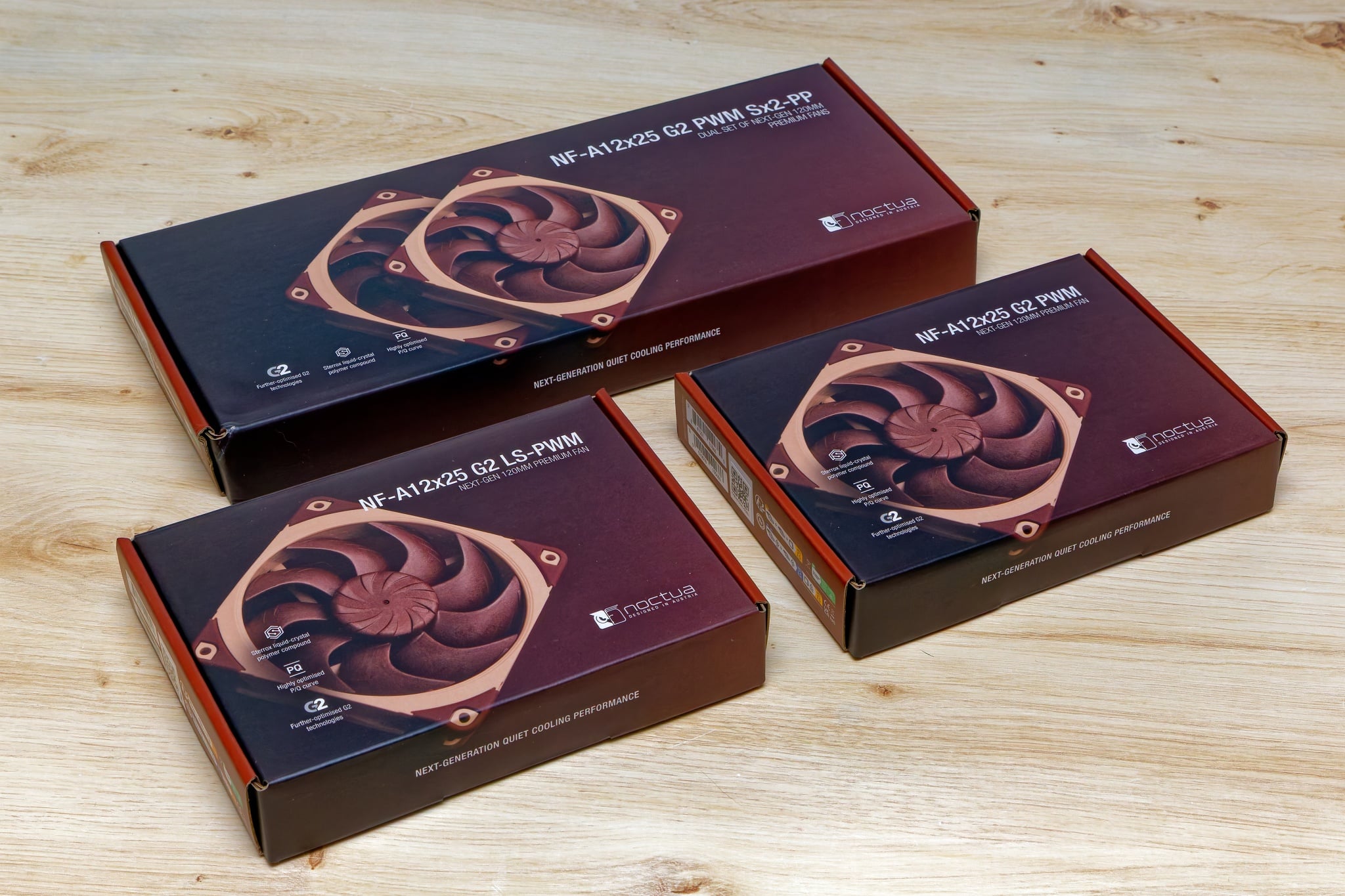
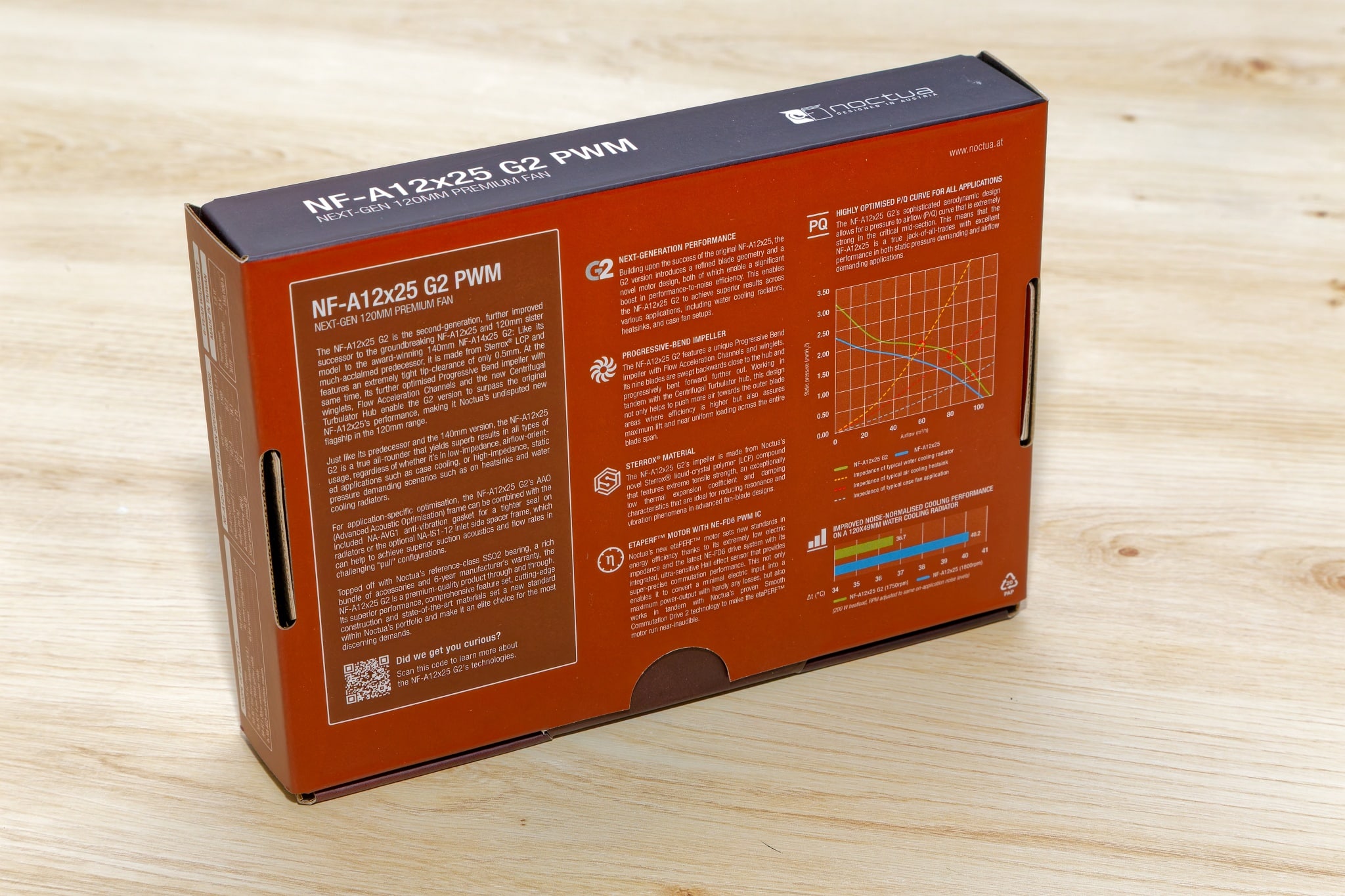
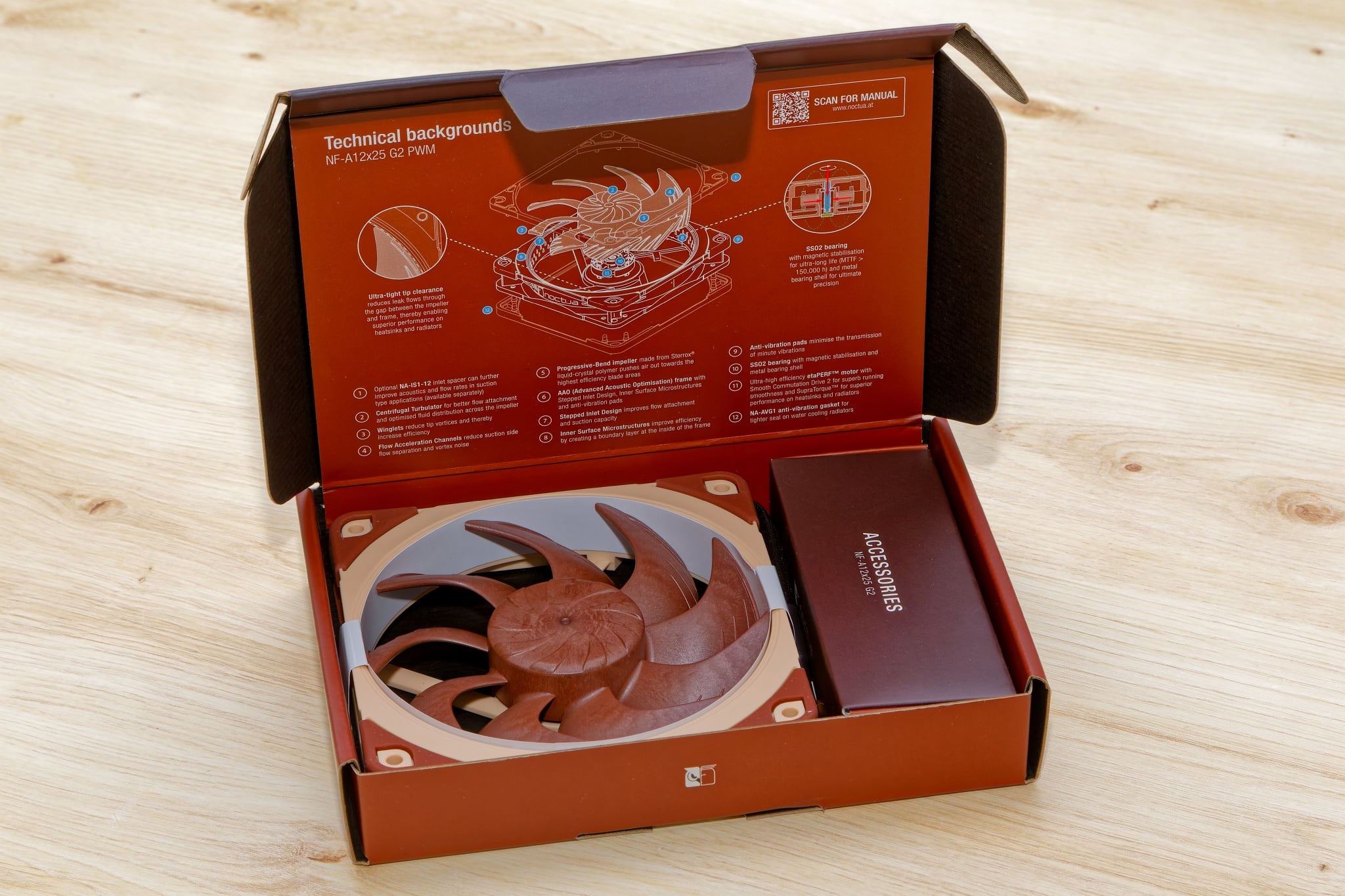
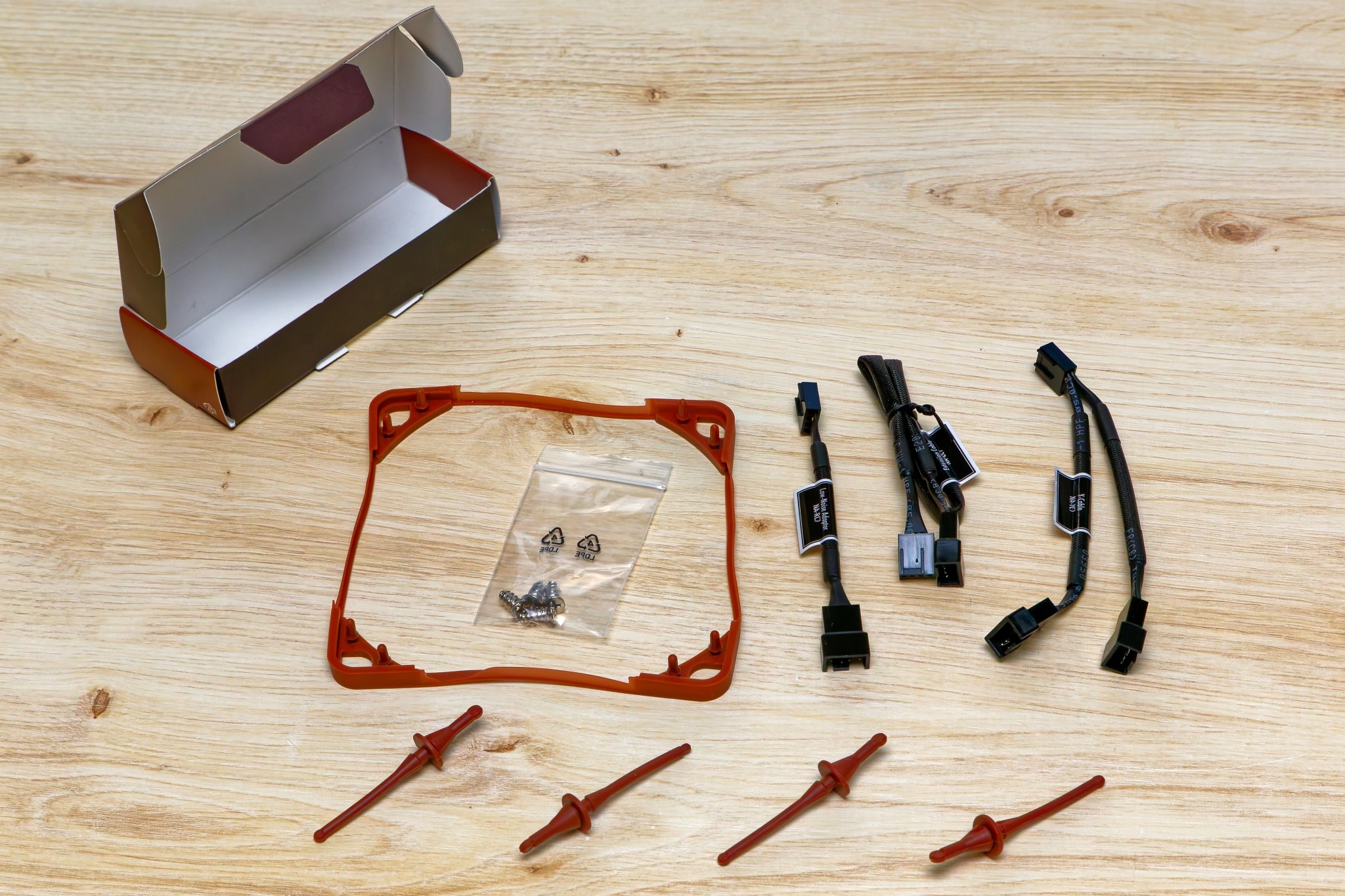
However, there is also a double pack. With the exception of the Y-cable, every accessory is duplicated in this pack. And two fans that run at slightly different speeds. More on this later.
Last but not least, there is a strip of paper between the fan blades and the frame. This should of course also be removed.

Design
- Classic beige-brown color combination
- Heavily curved fan blades
- Visually difficult to combine, except on housings with wooden components
At first glance, the design says: “I am a typical Noctua fan”. The beige frame with brown fan blades and brown silicone corners speak the same language as almost all of the brand’s standard fans. The differences can be found in the details. I couldn’t find any significant differences between the frame and the older Noctua NF-A12x25. But the shape of the fan blades is clearly different: these now have the strong curvature that can already be found on the Noctua NF-A14x25 G2. The center of the impeller is also no longer exposed, but corresponds to the shape of its larger sister model.

Yes, this color combination is not to everyone’s taste, but experience has shown that the black alternative will follow at some point. After all, brown is hardly visually compatible with any other components. Although – that’s not quite true. More and more cases with real wood components, such as the Fractal Design North, which looks great with Noctua fans, have been appearing recently.
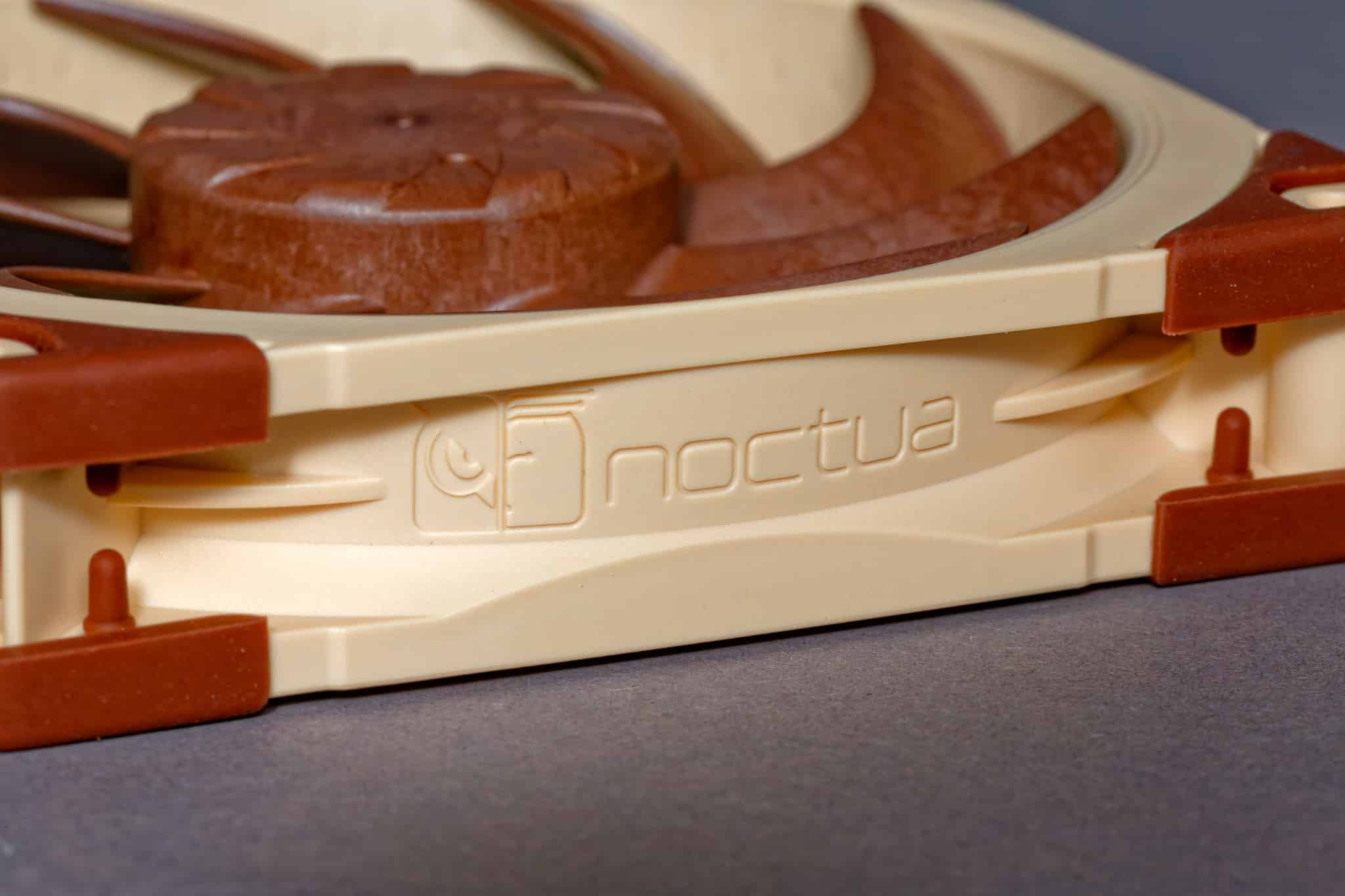
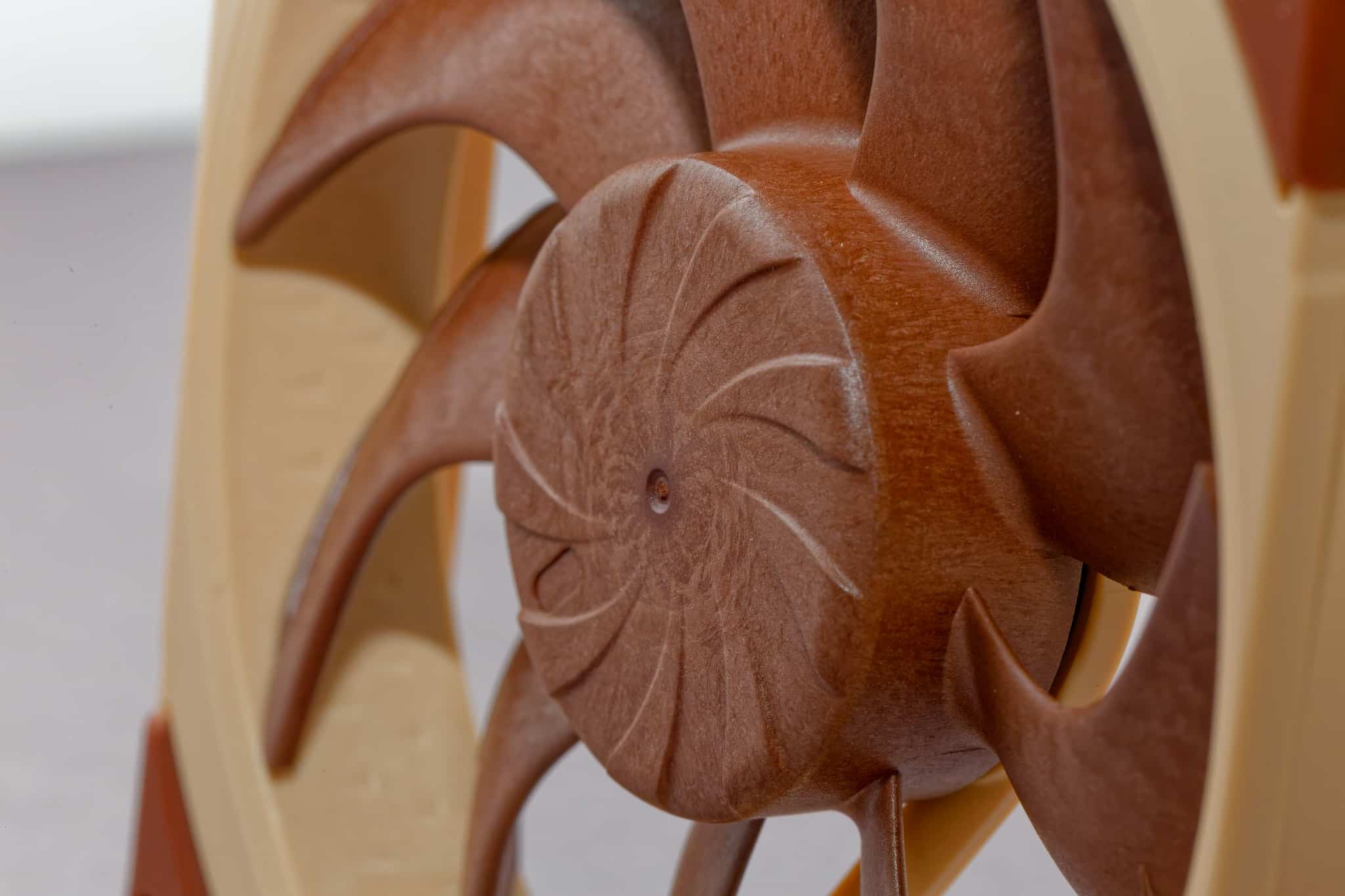
Otherwise, these are fans that are designed purely for performance and don’t necessarily have to be visible. You will also look in vain for things like RGB lighting.
Build quality
- Very high build quality with low manufacturing tolerances
- Only 0.5 mm space between fan blades and frame
Anyone familiar with Noctua knows what to expect: an unspectacular appearance with a very high quality of workmanship and very tight manufacturing tolerances. The Noctua NF-A12x25 G2 also fits into this pattern. For example, I’m not sure whether the paper strip that is inserted between the fan blades and the frame at the factory actually has a protective effect during transportation or whether this is a discreet way of showing off the extremely small gap of just 0.5 mm. The gap was already so narrow on the predecessor that it is difficult to tell whether it has actually been narrowed again.
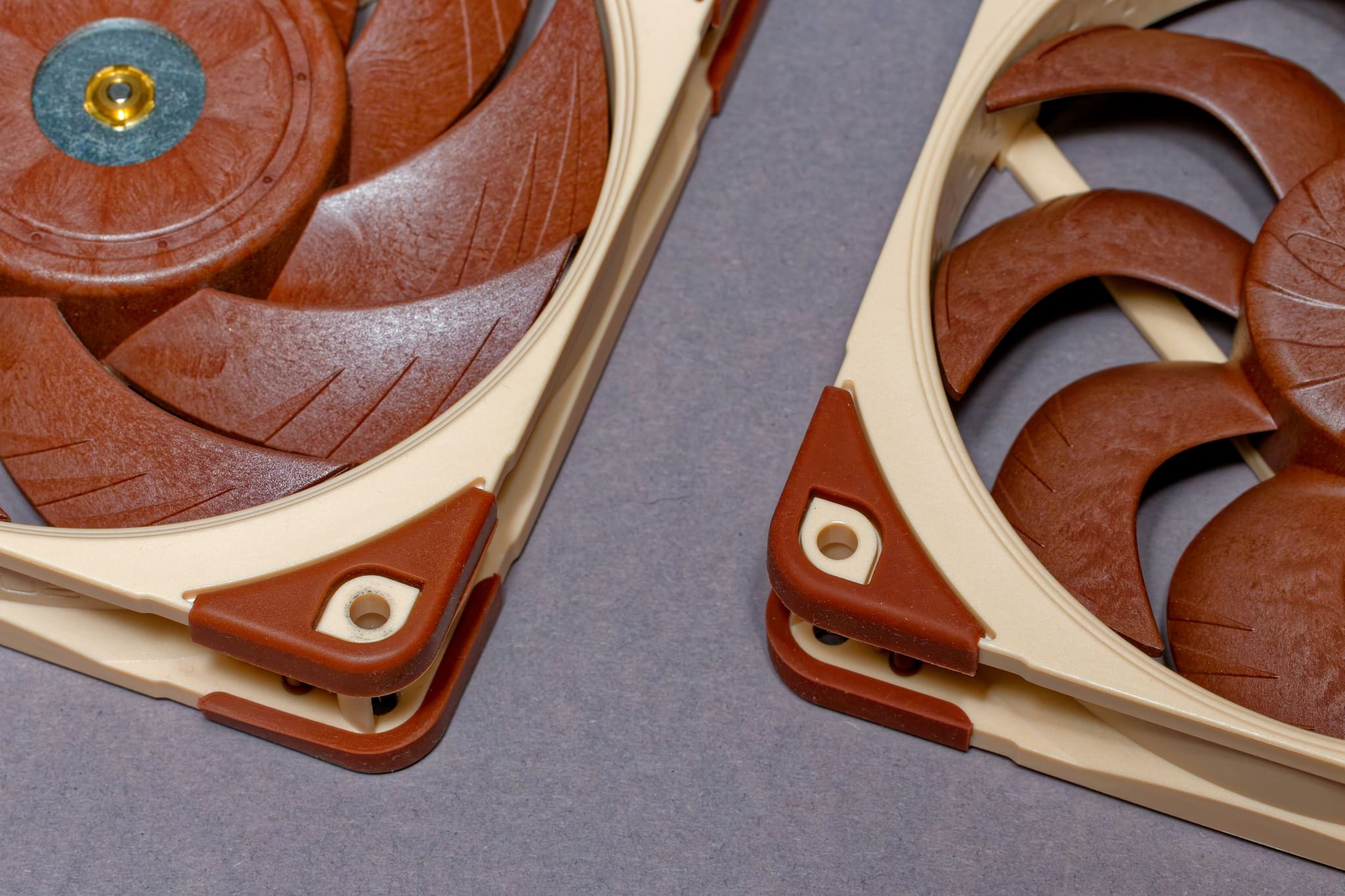
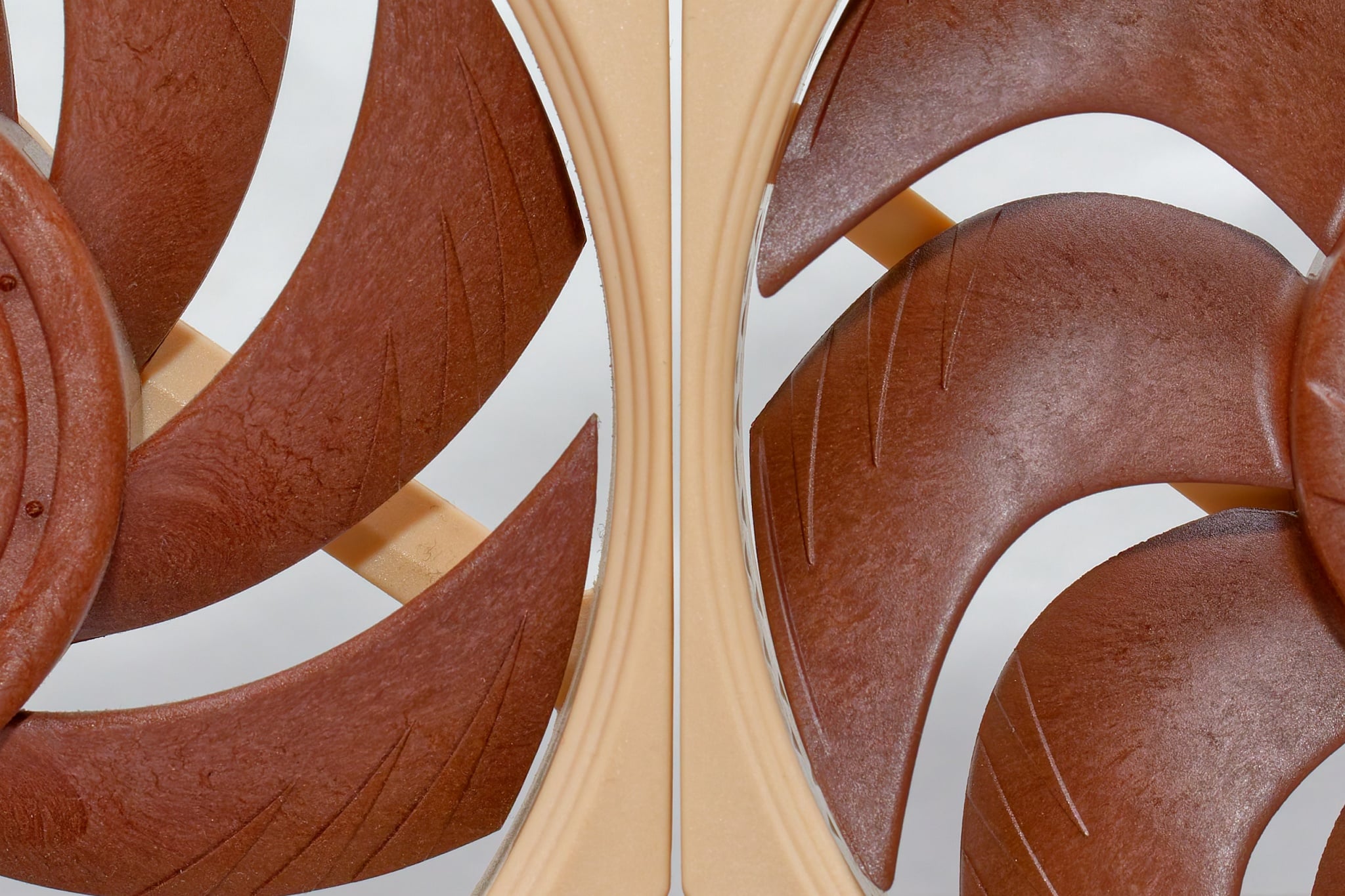
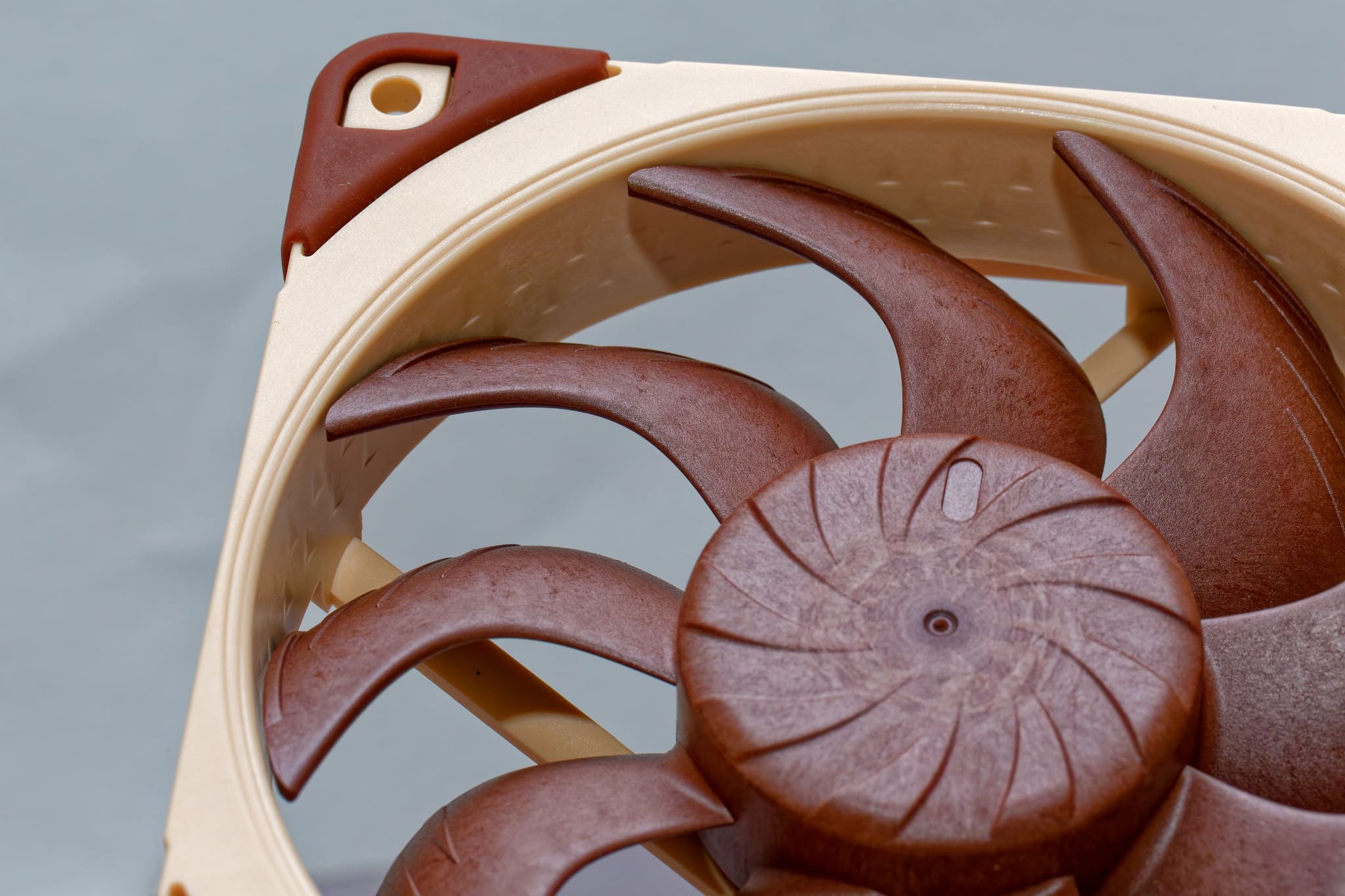
Noctua is also one of the pioneers in the use of Sterrox, a liquid crystal polymer, which prevents the fan blades from deforming at high speeds or during the ageing process and which makes these distances possible in the first place – provided that the tolerances during production are also correct.
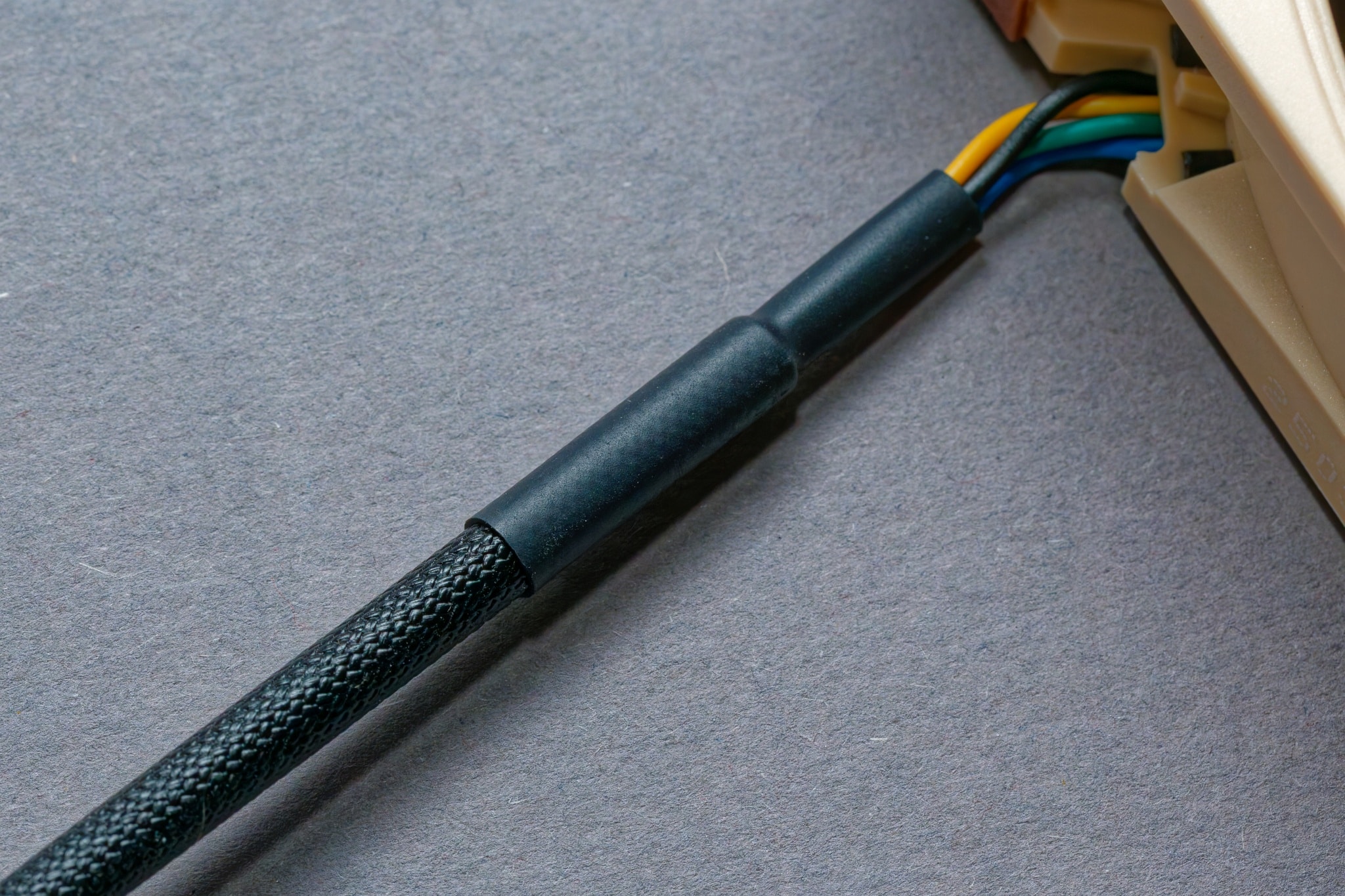
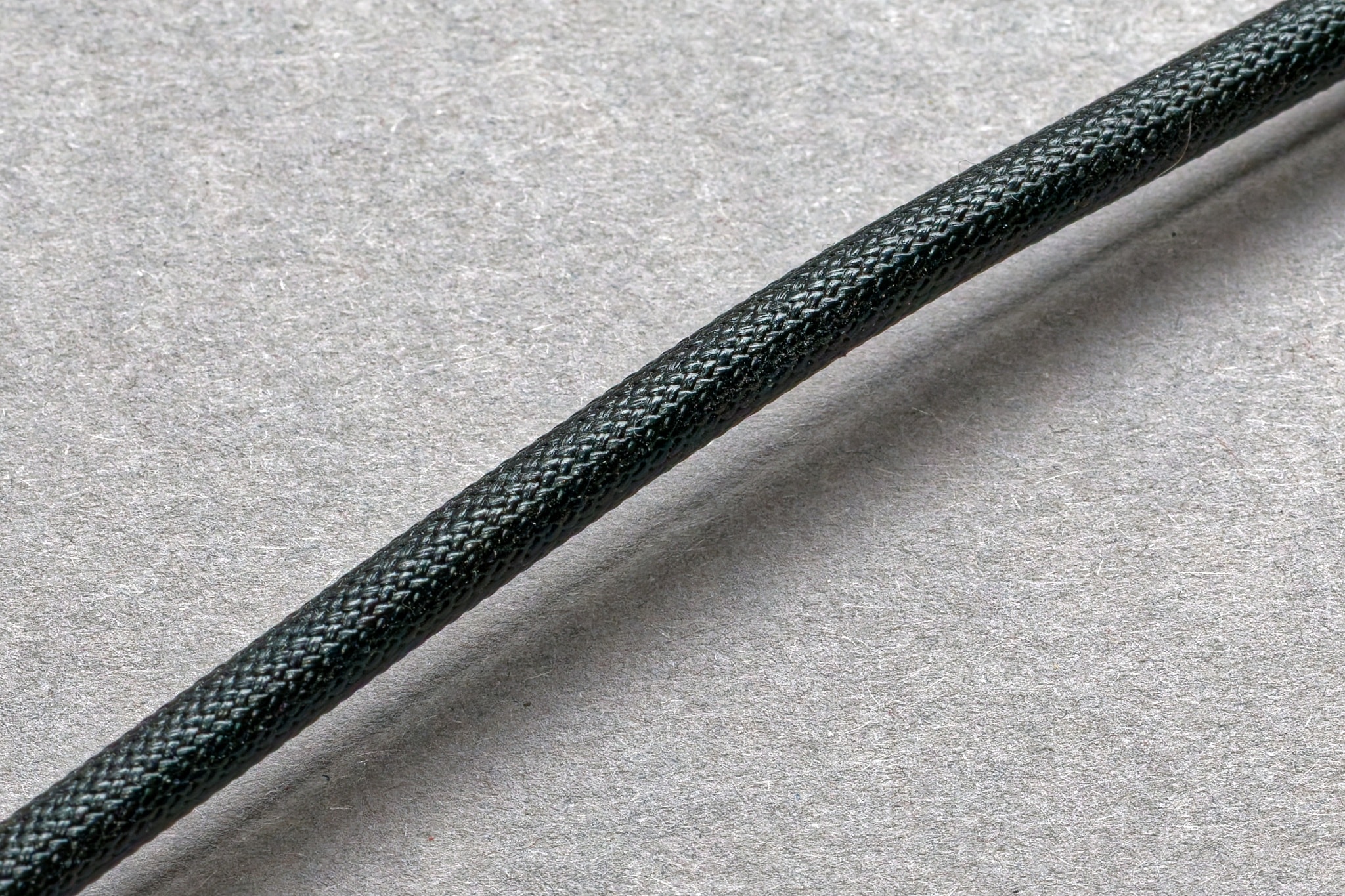
The cable on the Noctua NF-A12x25 G2 is, as with all standard fans from Noctua, kept quite short at 20 cm, which is ideal for use on coolers, for example. However, as a 30 cm extension cable is included, it is not a problem if longer distances need to be covered.

Speeds
- Speed around 1800 RPM
- Push-pull set has a speed offset of 50 RPM
- Low-speed variant should be virtually silent with a maximum speed of 1100 RPM
Where the previous generation of the NF-A12x25 reached a speed of around 2000 RPM, each of the many models of the new generation has different speeds. The regular PWM version reaches around 1800 RPM. The two fans in the push-pull set, on the other hand, are at 1850 and 1750 RPM. The low-speed version ends at 1100 RPM. Despite the lower speed, the performance itself is said to have increased.

It is practically impossible for two fans to have exactly the same speed, even if they are of the same model and are controlled with the same PWM signal strength. There are always minimal manufacturing tolerances or slight deviations in the control. While a single beat frequency at very low frequencies (e.g. below 20 Hz) can be perceived as “pulsing” or “humming”, higher beat frequencies (e.g. in the range of 20-200 Hz) can be perceived as very disturbing or even “annoying”, as they cause a constant up and down of the volume.
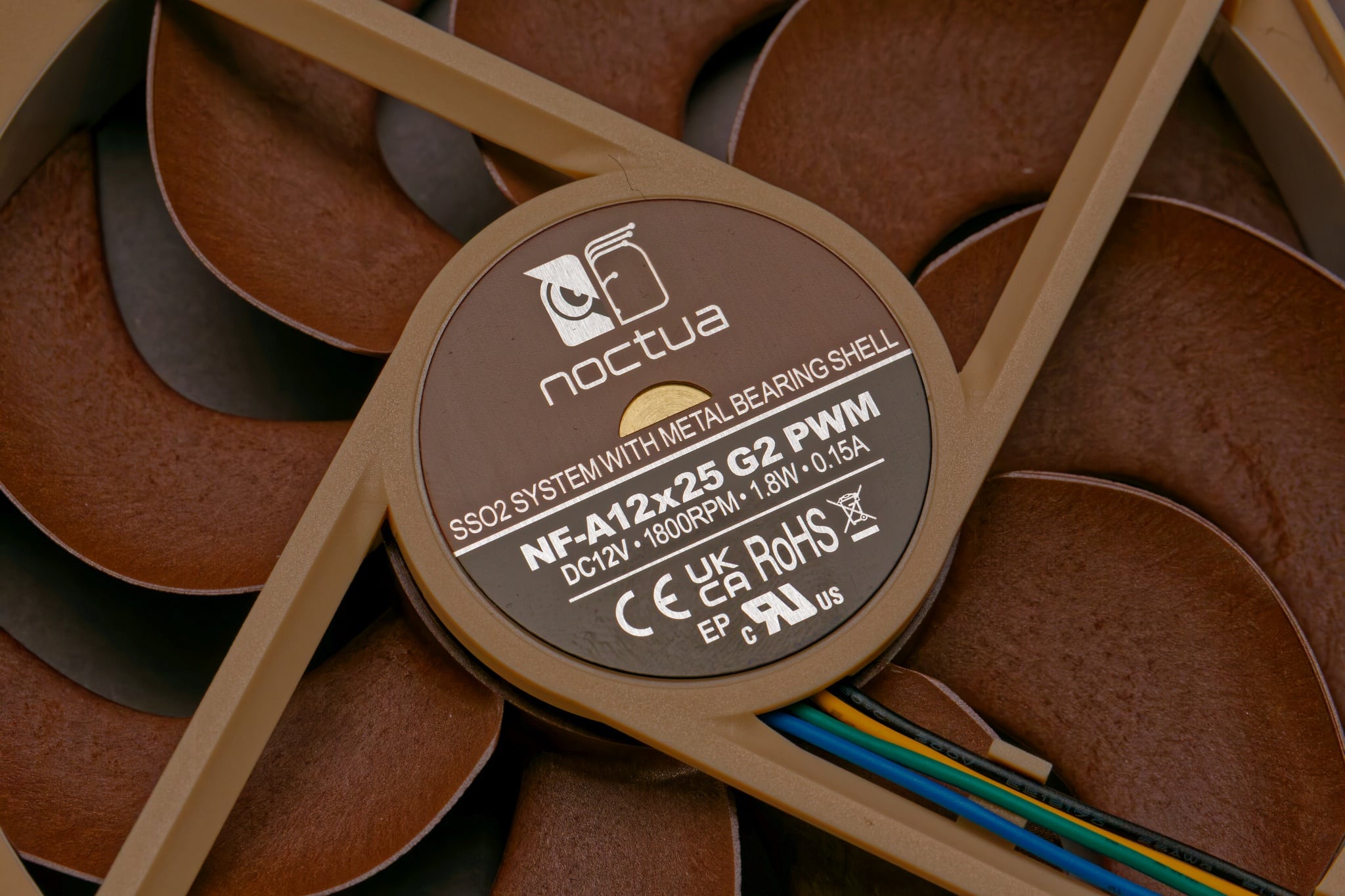
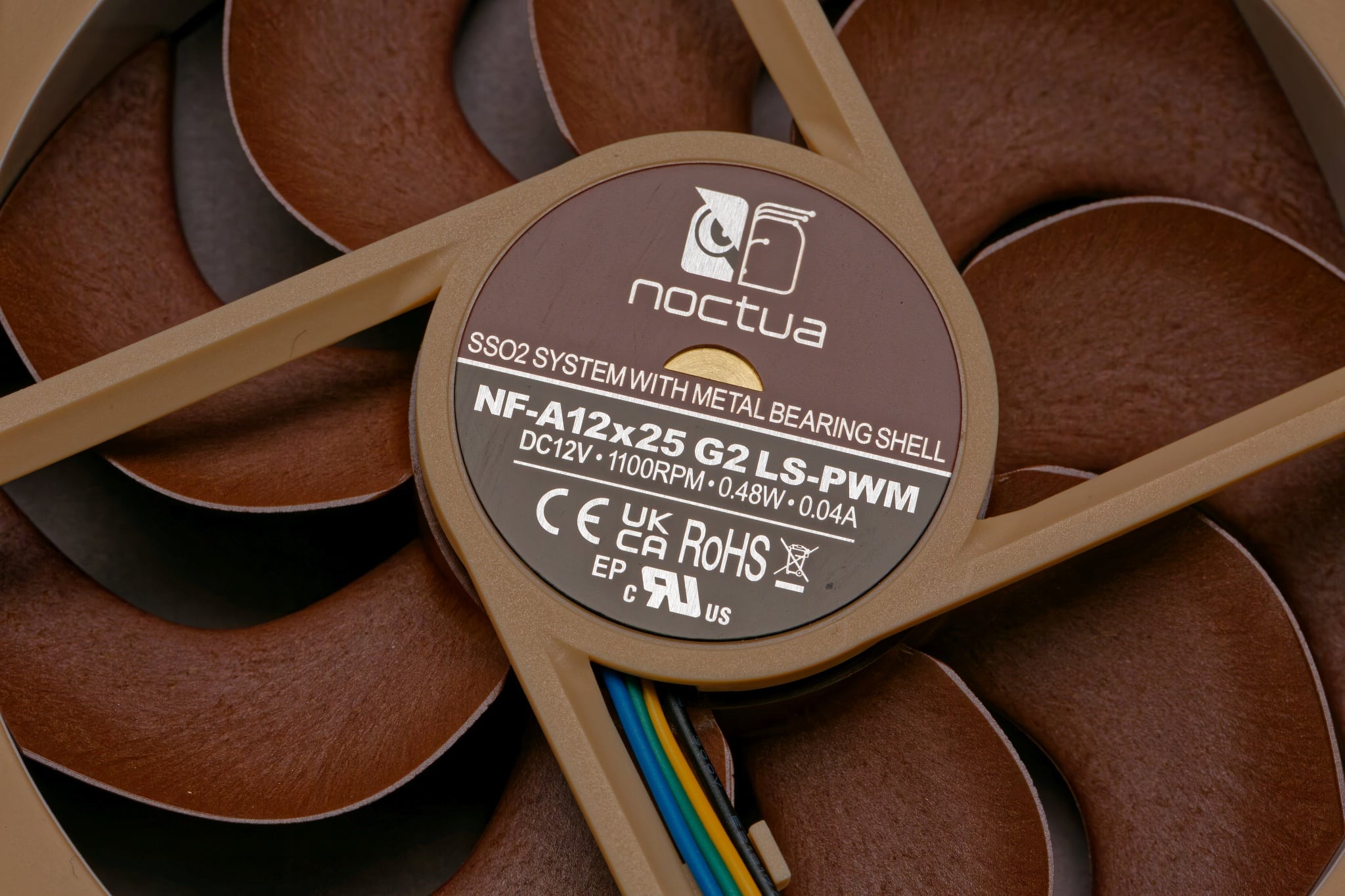
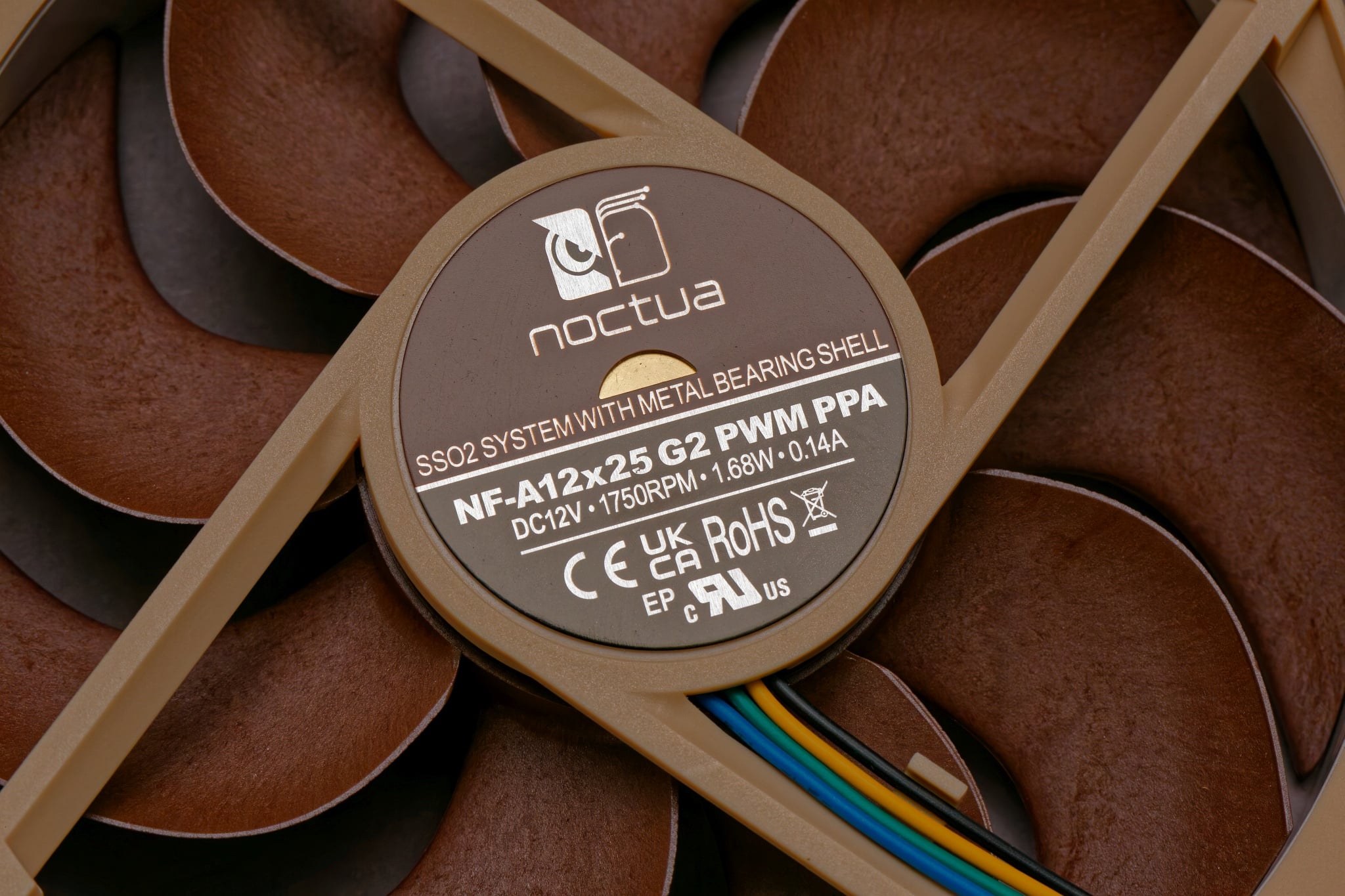
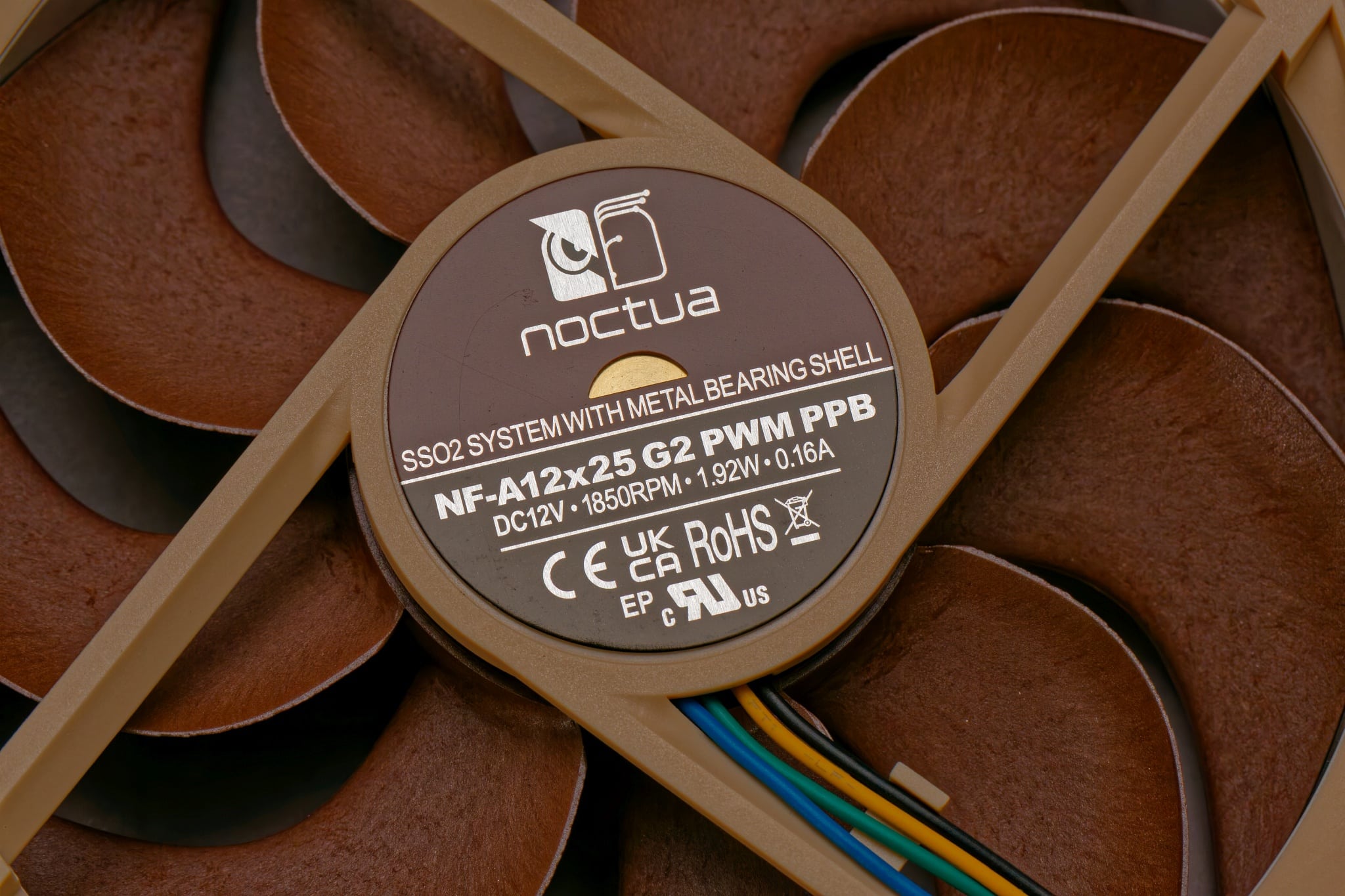
Noctua addresses this problem in the NF-A12x25 G2 Sx2-PP (Push-Pull) set by deliberately offsetting the speed of the two fans by +/- ~50 rpm. This targeted offset prevents the fans from running at almost the same speed and their periodic noises from overlapping in a way that creates an annoying beat frequency. Instead of a single, potentially disruptive beat frequency that would result from random speed differences, the deliberate offset creates an acoustic profile that is perceived as more pleasant and less intrusive. It disperses the energy of the beat over a broader spectrum or shifts it to a less perceptible range.
Noctua’s accessories and mounting system
- Extensive range of accessories included
- Optional accessories are available
- Mounting in the case can be done without tools
The Noctua NF-A12x25 G2 is supplied with an extensive range of accessories. These include the vibration-inhibiting silicone brackets for mounting in the housing and a sealing lip that prevents pressure loss between the fan and radiator edge on radiators.
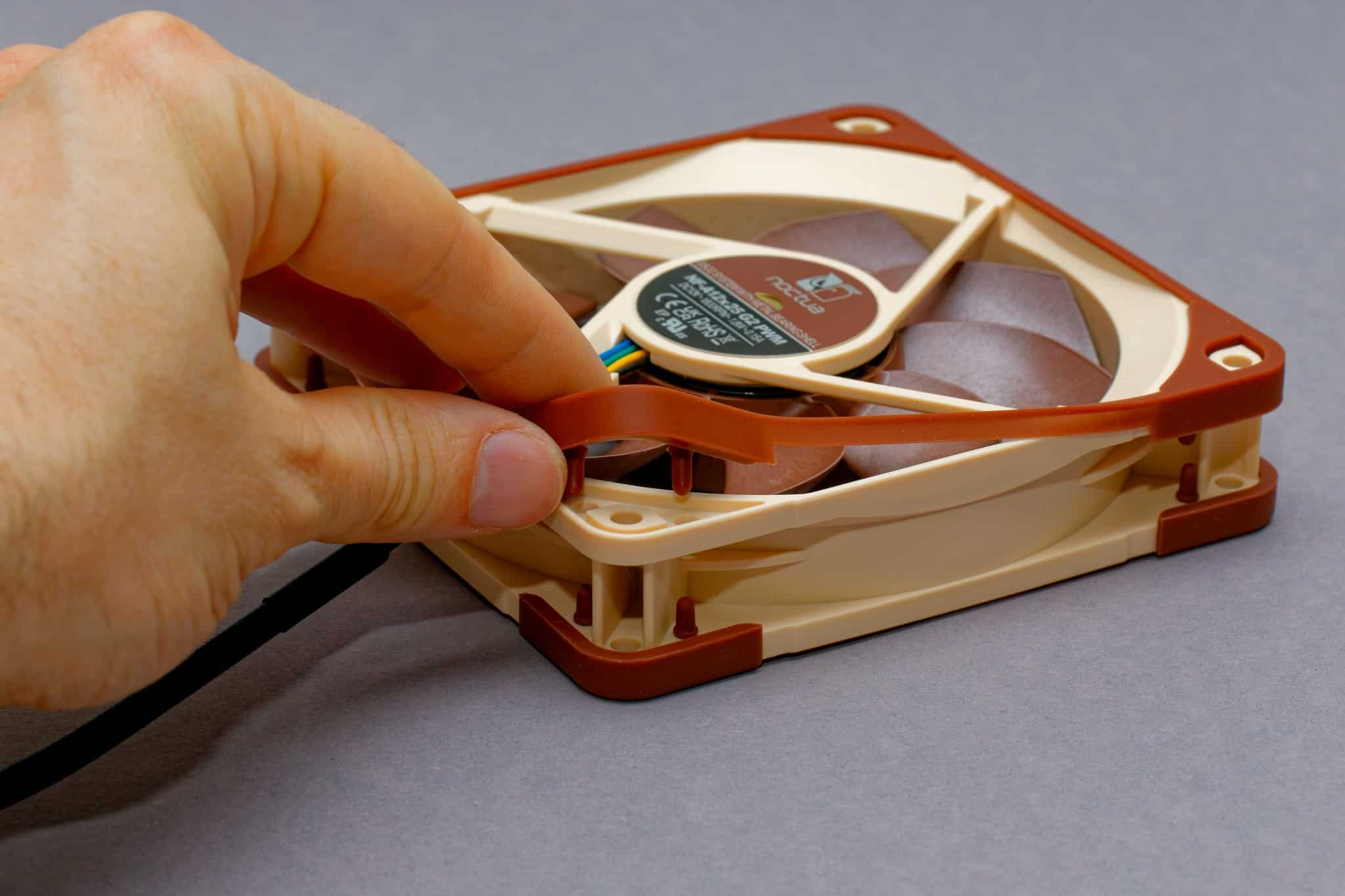
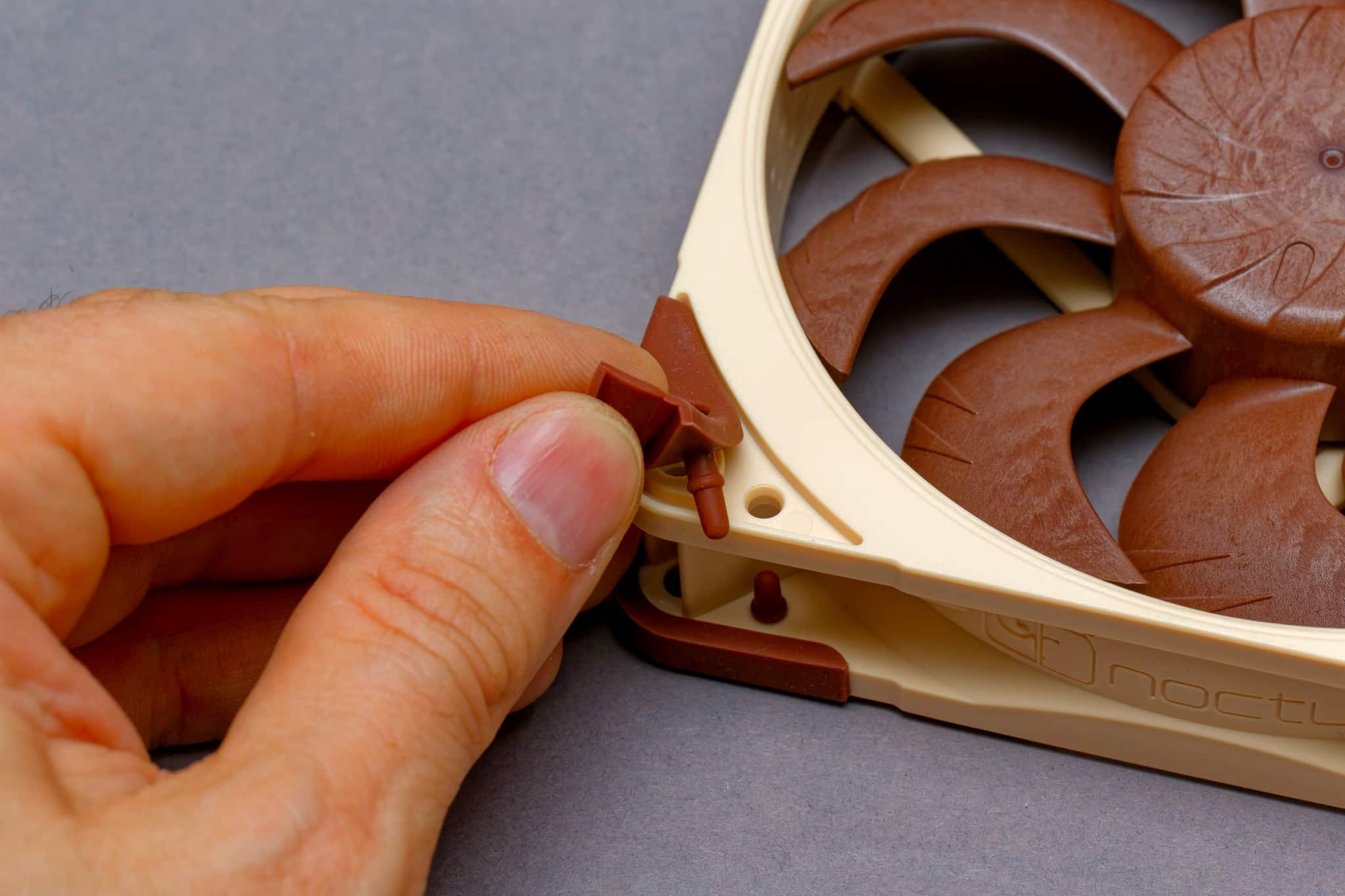
But Noctua also offers optional fan accessories. For example, there is the Noctua NA-IS1-12, a spacer that ensures less turbulence in pull configurations, especially on radiators or as a case fan inlet on the underside of cases. On the one hand, the space above the fan motor is better utilized, on the other hand, the fan blades no longer pass directly by the radiator fins or the intake holes. Realistically, however, this is just a matter of fine-tuning. In the Noctua NF-A12x25 G2 test, we do not use this test setup as these parts are not included in the scope of delivery as optional accessories.
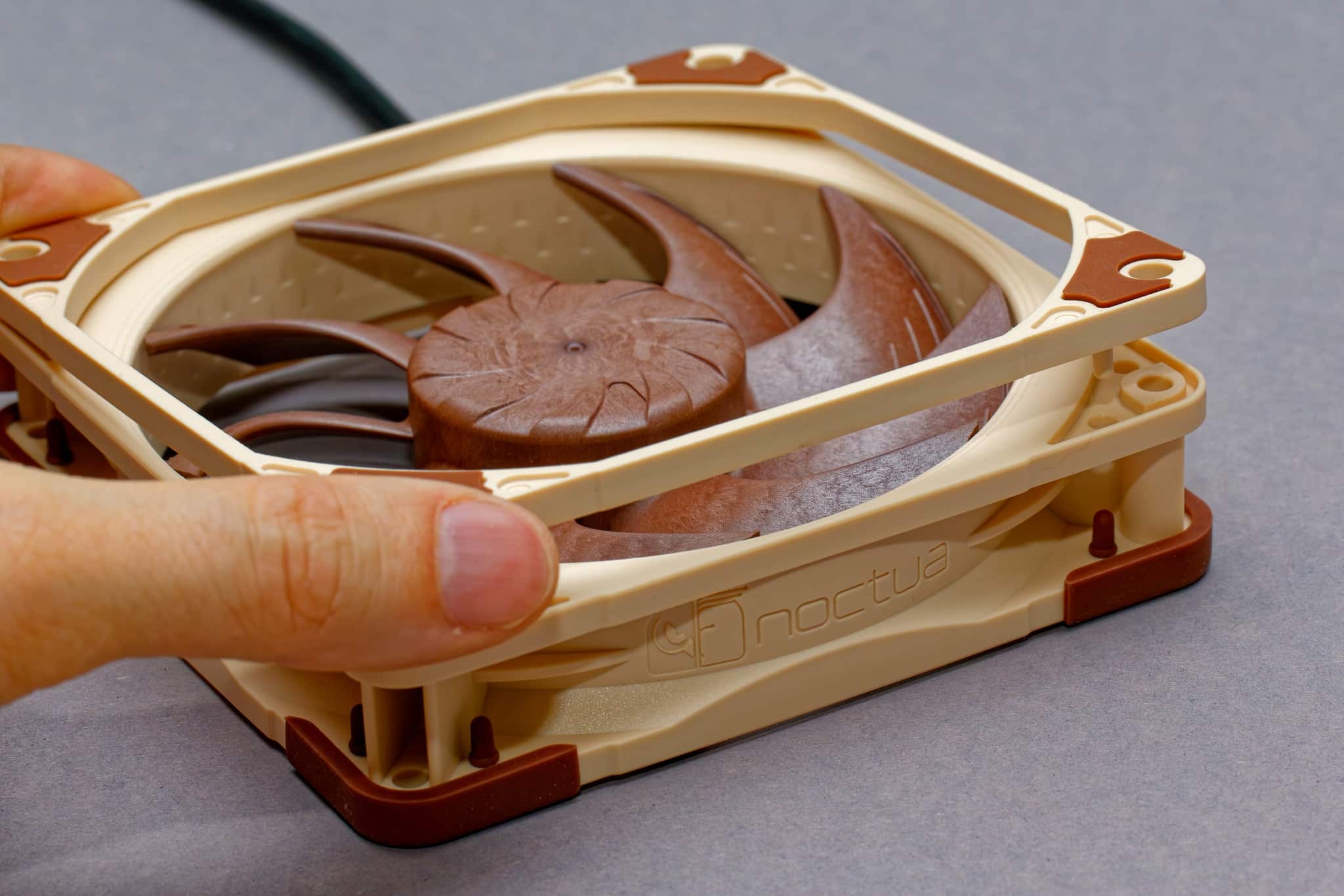
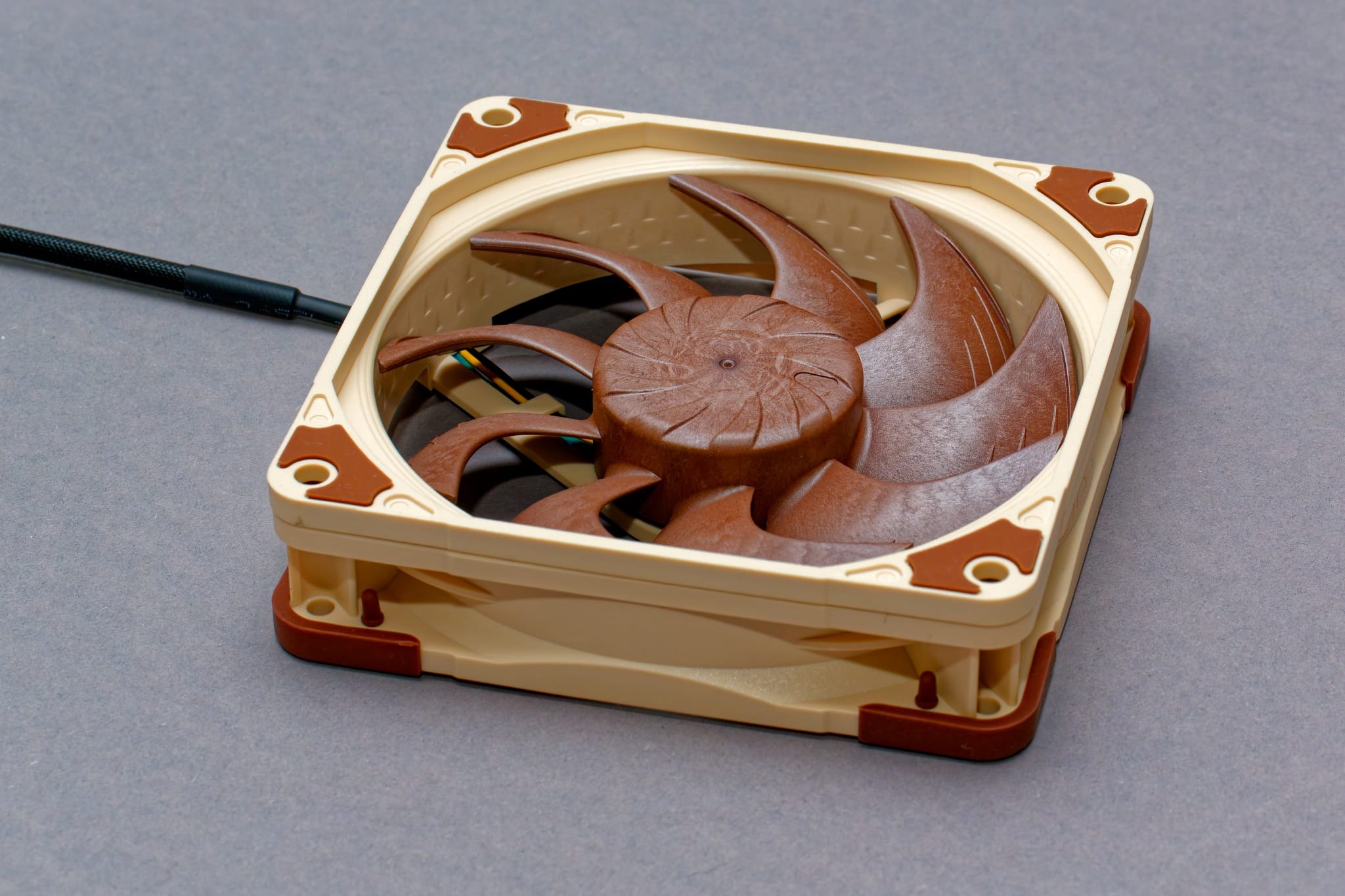
However, the vibration-reducing silicone mounts are used in the test as a case fan.
Test on the radiator
- Test against the predecessor model
- Heat load through Cinebench R23
- New version tends to be better, but the differences are not dramatic
For a long time, coolers were good enough, but in recent generations there are more and more processors that are pushing the thermal limit and where better heat dissipation through stronger fans can actually lead to a higher clock rate and therefore more performance. The DeepCool LS720 all-in-one water cooling system is used for the test. Three fans are used on the radiator of the 360 mm cooler. The original version has three regular Noctua NF-A12x25 PWM fans and the new version is the push-pull double pack with an additional regular Noctua NF-A12x25 PWM G2, meaning that three fans of different speeds are used in the latest version. This is why only “approx.” values are given for the speed, as the fans are in this range but differ individually.
A load is tested under Cinebench R23. After heating up for 8 minutes, the temperature is measured for one minute and then adjusted by the room temperature to compensate for fluctuations. The difference between the room temperature and the processor temperature is therefore measured – to obtain the correct temperature, the room temperature must be added. If the result is 35 K and the room temperature is 22.3°C, then the processor is at 57.3°C.
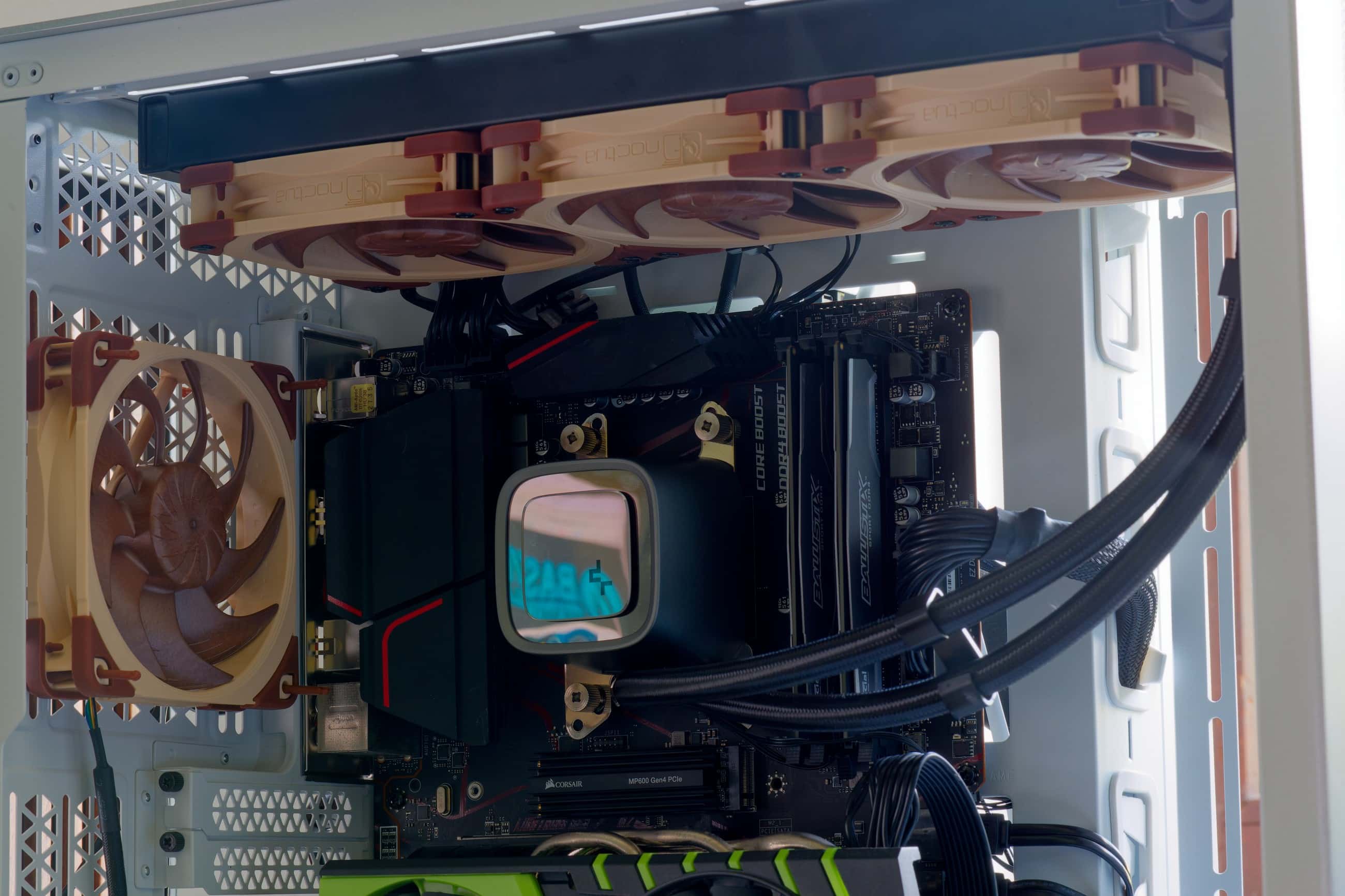
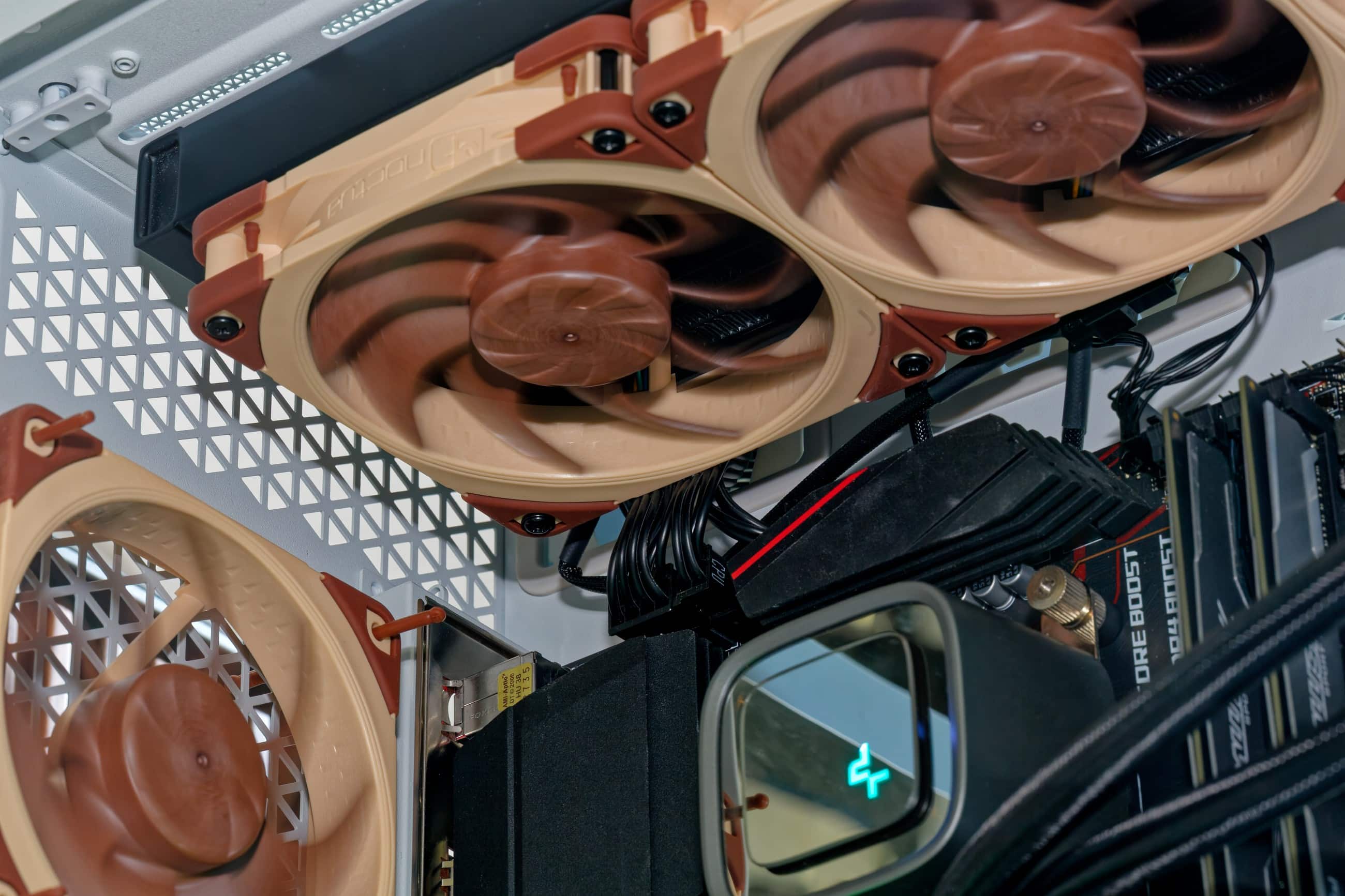
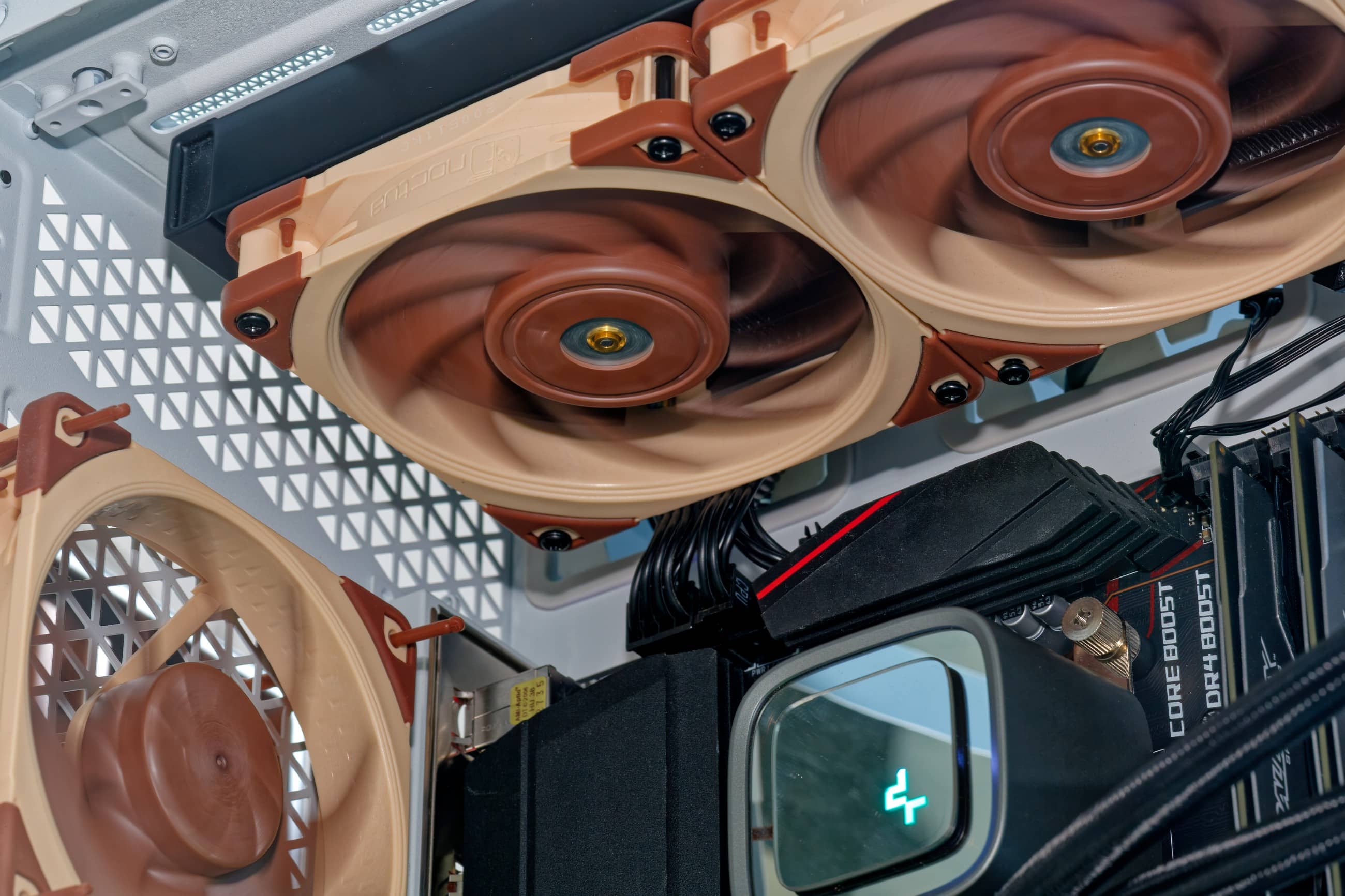
The LS version is used as the case fan – at an inaudible speed of 830 RPM.
| Cooler | 1000 RPM | Audibility limit | Maximum performance |
| DeepCool FS720 + Noctua NF-A12x25 G2 |
45,9 K < 30dB(A) |
45,2 K approx. 1120 RPM, 30 dB(A) |
43,5 K approx. 1800 RPM, 40.4 dB(A) |
| DeepCool FS720 + Noctua NF-A12x25 |
46,3 K < 30dB(A) |
45,4 K 1240 RPM, 30 dB(A) |
43,4 K 2000 RPM, 41.3 dB(A) |
This test shows in particular how good the previous Noctua NF-A12x25 was. The new edition is indeed a little better and this improvement is a welcome one when buying a new fan. But if you already have a full complement of Noctua NF-A12x25 fans, it’s hardly worth switching completely.
Test on the air cooler
- Complete victory of the G2 version of the Noctua NF-A12x25
- Use of the push-pull double pack
The test on the air cooler takes place on an FSP MP7 Black, a twin-tower cooler. Here I deviate from the low speed test once and test the performance in the minimum range instead of the speed of 1000 RPM. In practice, however, it quickly becomes apparent that it’s not really worth turning the fans down that far – except at idle – as the performance drops off much more quickly at the lower end. I would aim for a minimum speed of around 700 for most fans in practical use. This is – especially with these models – still largely inaudible, but still noticeably higher than the limit for shutting down. And you want to avoid a shutdown on the CPU cooler in particular.
Cinebench R23 is used here again.

| Cooler | Minimum speed | Audibility limit | Maximum power |
| FSP MP7 Black + Noctua NF-A12x25 G2 |
54,8 K approx. 450 RPM, < 30dB(A) |
48,2 K approx. 1090 RPM, 30 dB(A) |
46,4 K approx. 1800 RPM, 39.9 dB(A) |
| FSP MP7 Black + Noctua NF-A12x25 |
56,2 K 480 RPM, < 30dB(A) |
48,5 K 1280 RPM, 30 dB(A) |
46,9 K 2010 RPM, 38.9 dB(A) |
The difference in performance is clearly noticeable and consistent – in any case, the temperature remains lower with the new version. But again, the difference is too small to replace the older generation if you already own it.
Test as a case fan
- The new version is slightly more powerful
- The air pressure bites with the graphics card in the test
When testing the Noctua NF-A12x25 G2 as a case fan, all other fans in the system – on the CPU cooler and on the graphics card – are set to a fixed speed (35% PWM each, quiet, but not idle) so that automatic settings do not influence the result. 3DMark Fire Strike is then set to a 10-minute continuous loop as a combined CPU and GPU test, after which the temperatures of the processor and graphics card are measured for one minute. The tested fans are used once at the front at the lowest position to draw air into the case – especially in the direction of the graphics card – and once behind the air cooler to transport its warm exhaust air out of the case. This is about the minimum configuration I would recommend for a computer case.
| Fan speed | 1000 RPM | Audibility limit | Maximum performance |
| Noctua NF-A12x25 G2 PP | CPU: 31.7 K GPU: 32.5 K |
CPU: 31.8 K GPU: 32 K @ approx. 920 RPM |
CPU: 30.2 K GPU: 33.6 K |
| Noctua NF-A12x25 x2 | CPU: 32.8 K GPU: 34.3 K |
CPU: 31.5 K GPU: 31.7 K @ 1120 RPM |
CPU: 30.8 K GPU: 31.9 K |
The results are not as clear-cut and are much closer to each other than in the other tests. It is interesting that the temperature of the graphics card is higher at maximum performance than in the intermediate range. This is not entirely unexpected, as I had already observed a similar effect earlier – the entire air flow in the case simply changes significantly and the stronger air flow from the front possibly also pushes the warm air back into the graphics card, whose fins open towards the front of the case.

Otherwise, the performance is close to the audibility limit, at a uniform speed the performance of the new fans is better – which was to be expected with the reduced maximum speed. If “forcing air back into the graphics card” is to be seen as additional performance of the fan in the test model used, then the victory at the highest performance level is clear.
Further thoughts on the Noctua NF-A12x25 G2
- As a case fan, the LS version is definitely quiet
- You can also set fast versions to be quiet if you want to deal with it
- Test procedure does not include a longevity test, but there is experience with older models
Where the regular version or the push-pull version of the Noctua fans is definitely recommended on the heat sinks, as a case fan you can use the LS version to ensure that the noise level remains as low as possible, even if the automatic settings turn up the speed, and the performance is still sufficient. Of course, you can also achieve this with the faster fans if you use the low-noise adapter or simply control the speed via software (or hardware), but the LS version of the fans is the most stress-free version for this, which remains quiet in any case.

It’s also clear that a test like this doesn’t say much about longevity, but experience with earlier fans shows that even my Noctua NF-P12 and NF-S12B from 2010 are still running like on the first day. And development has not stood still, so I would expect these new fans to be even more durable.
Analysis of the results and a look at the price
- High price should not come at the expense of other components
- Intensive development and use of high-quality materials
- Extensive range of accessories
In a nutshell: Yes, the new Noctua NF-A12x25 G2 is better than the old model. That alone is impressive. In everyday use, however, these differences are… not so big that you immediately have to throw away the old fans and buy the new ones. And on the contrary: it may be worth looking for the earlier version on the second-hand market. However, if you want to buy new, you can also go straight for the G2 version – the price difference is not huge and then you can take the extra performance with you.
Of course, anyone who buys Noctua is not looking for the best price-performance ratio, but simply for the best performance and a very high level of reliability. And this is what you should be aiming for if you have already installed a decent performance and the purchase of the fans does not prevent you from upgrading to more powerful basic components. As you would expect from Noctua, the price is high. Ultimately, however, these fans are not a simple copy, but are the result of an intensive, complex development phase that has to be financed. In addition, the design with its very tight tolerances and torsion-resistant materials is not exactly cheap. And Noctua stands behind its products and gives a good guarantee, which, as many customers have already tested, you can definitely rely on.

And then there is simply the high performance: you always pay a little more for the last few percent. In the meantime, many other manufacturers have also followed suit with prices without offering this performance, which means that the price is still high, but doesn’t seem out of reach. And the fans are supplied with a comprehensive range of accessories.
Conclusion
The Noctua NF-A12x25 G2 are very impressive 120 mm fans that combine high performance with low noise levels. And to be honest: the predecessors were already top fans and these fans add even more performance. Grandiose! The look is typical Noctua and not everyone likes the color scheme – but the black version is sure to follow at some point. And on the other hand, the color combination has become quite iconic.
But: Ultimately, I would really only recommend fans in this price range if you already have everything else and don’t have to compromise on components that are actually relevant to performance. Because a fully equipped case and cooler with the Noctua NF-A12x25 G2 can quickly become quite expensive. In most cases, there are significantly cheaper solutions that are measurably worse, but don’t make a significant difference in everyday use.

VORTEILE
- High-quality workmanship
- Impressive performance at low volume
- Extensive range of accessories
- Standard format for use in all typical areas
NACHTEILE
- High price
- Look not to everyone’s taste
Fazit
The Noctua NF-A12x25 G2 is not cheap, but comes with a comprehensive accessory package and is a top performer in the 120 mm fan range with a high-quality finish.


