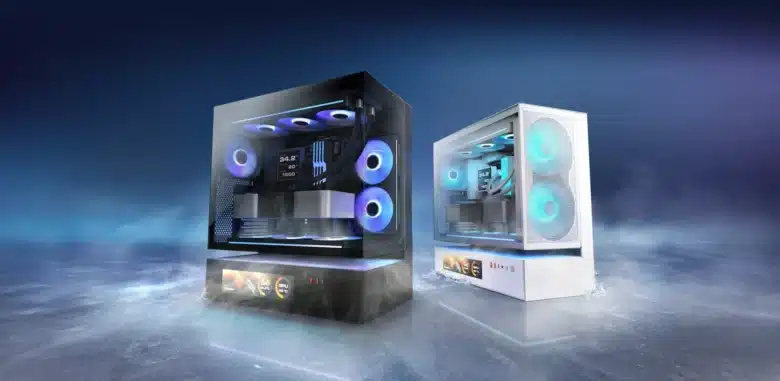
The manufacturer Thermaltake was founded in Taiwan in 1999 and develops, produces and distributes processor coolers, power supply units and computer cases of all kinds worldwide. There is probably no hardware enthusiast who does not know the name Thermaltake. Since its foundation, the manufacturer has never tired of developing new and visually striking products. In spring 2025, the manufacturer presented a new addition to the View series. It goes by the name of Thermaltake View 380 XL TG ARGB, is the bigger brother of the View 380 TG and is being tested by us today.
Technical details
| Model: | Thermaltake View 380 XL TG ARGB |
| Case type: | Midi-Tower |
| Dimensions: | 288 mm (W) x 471 mm (H) x 469 mm (D) |
| Weight: | Approx. 9 kg |
| Material: | Steel, plastic, tempered glass |
| Color: | White |
| Front connections: | 1x USB 3.1 Type-C, 2x USB 3.0 Type-A, 1x headphones/ microphone |
| Drive bays: | 1x 3,5″/ 2,5″ 2x 2,5″ |
| Expansion slots: | 8x horizontal |
| Form factors: | ATX, µATX, ITX |
| Ventilation: | Front: 3x 120 mm Rear: 1x 120 mm Top: 3x 120 / 2x 140 mm Bottom: 3x 120 mm |
| Radiators: | Front/ side: 1x 240/ 360 mm Rear: 1x 120 mm Top: 1x 240/ 280/ 360 mm |
| Max. CPU cooler height: | 160 mm |
| Max. Graphics card length: | 420 mm |
| Max. Power supply length: | 180 mm |
| Space for cable management: | >90 mm |
| Price: | € 132.90 * |
| Special features: | Dust filter, cable management, tempered glass, 4x pre-installed ARGB fans |
Thermaltake View 380 XL TG ARGB review: The scope of delivery
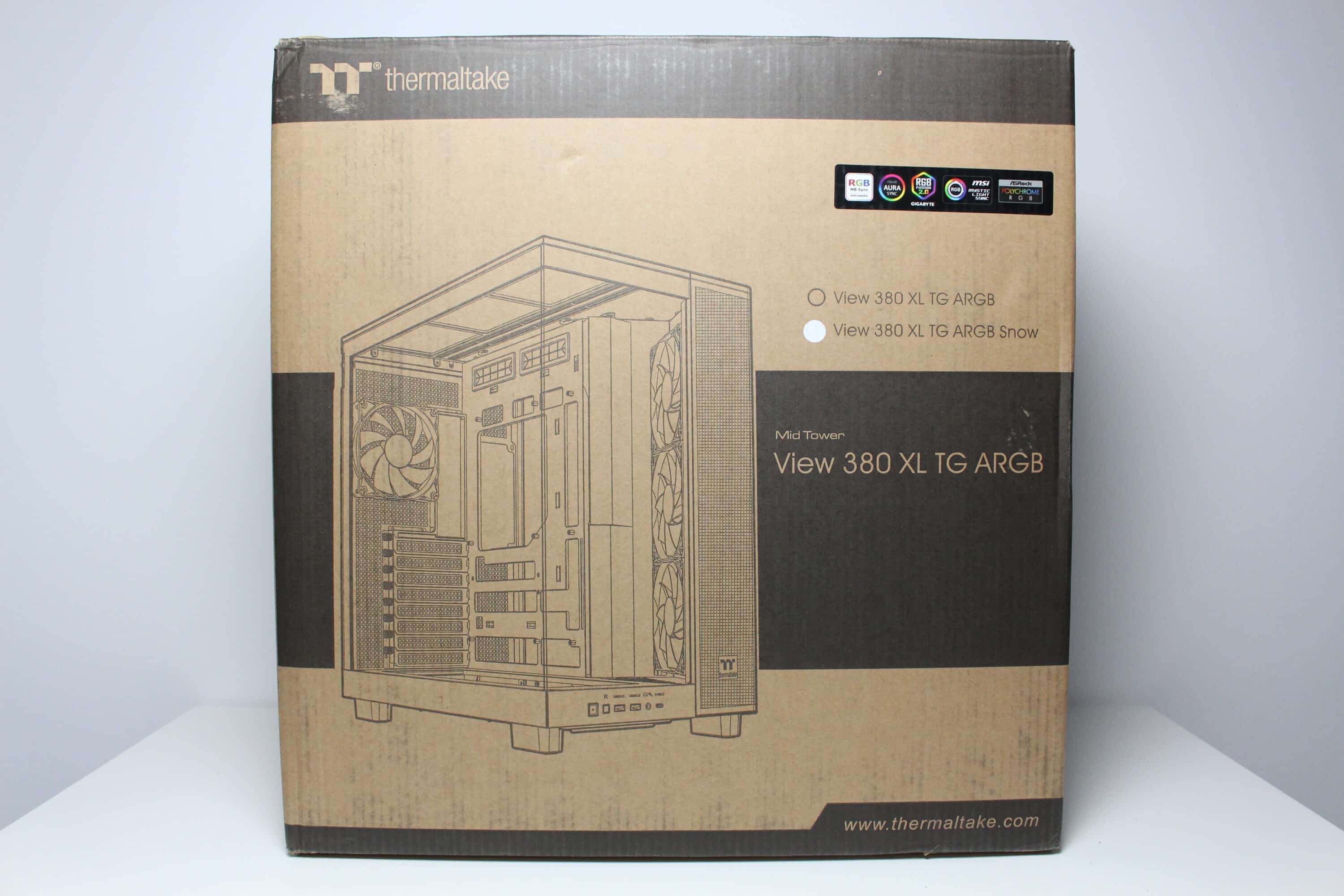
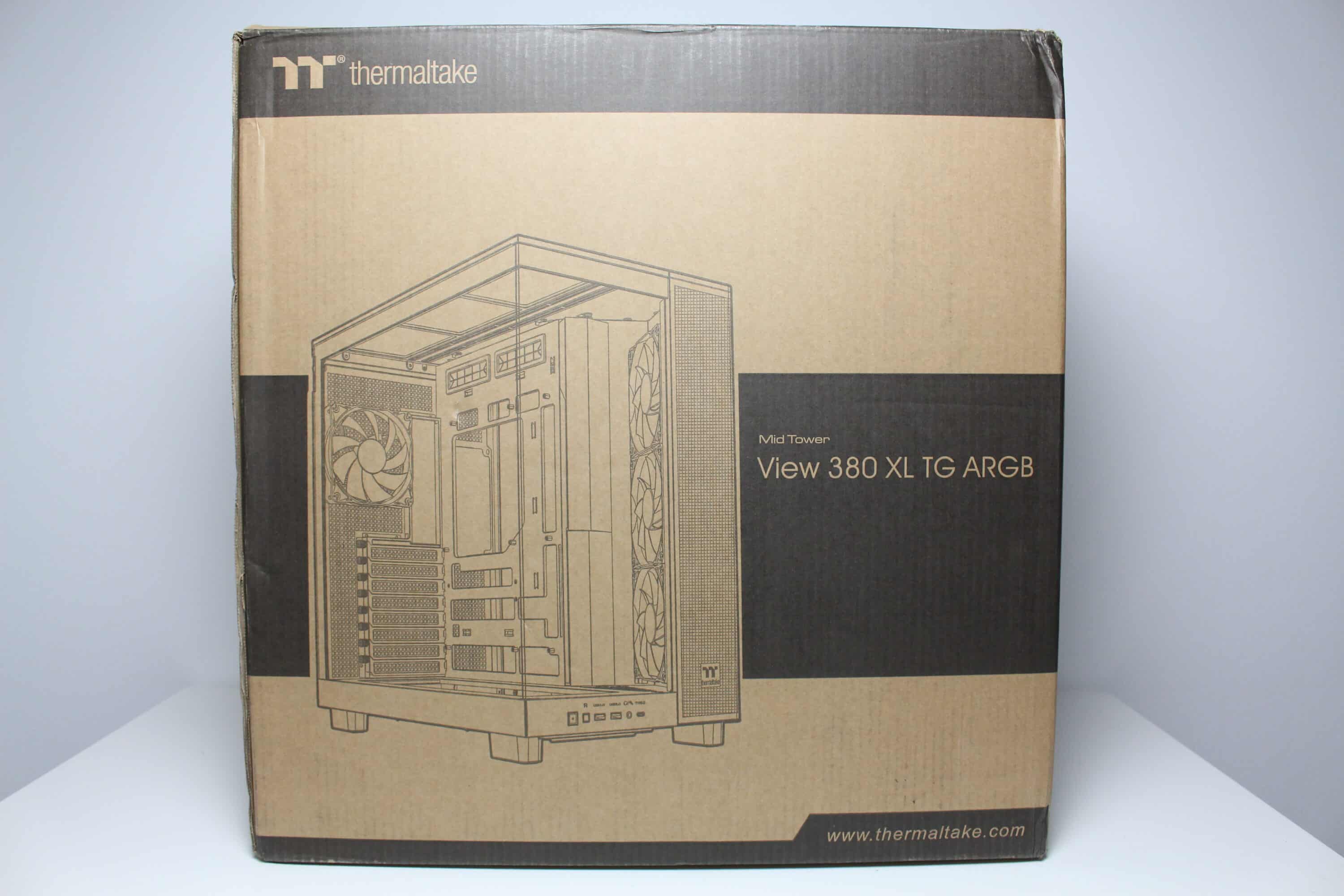
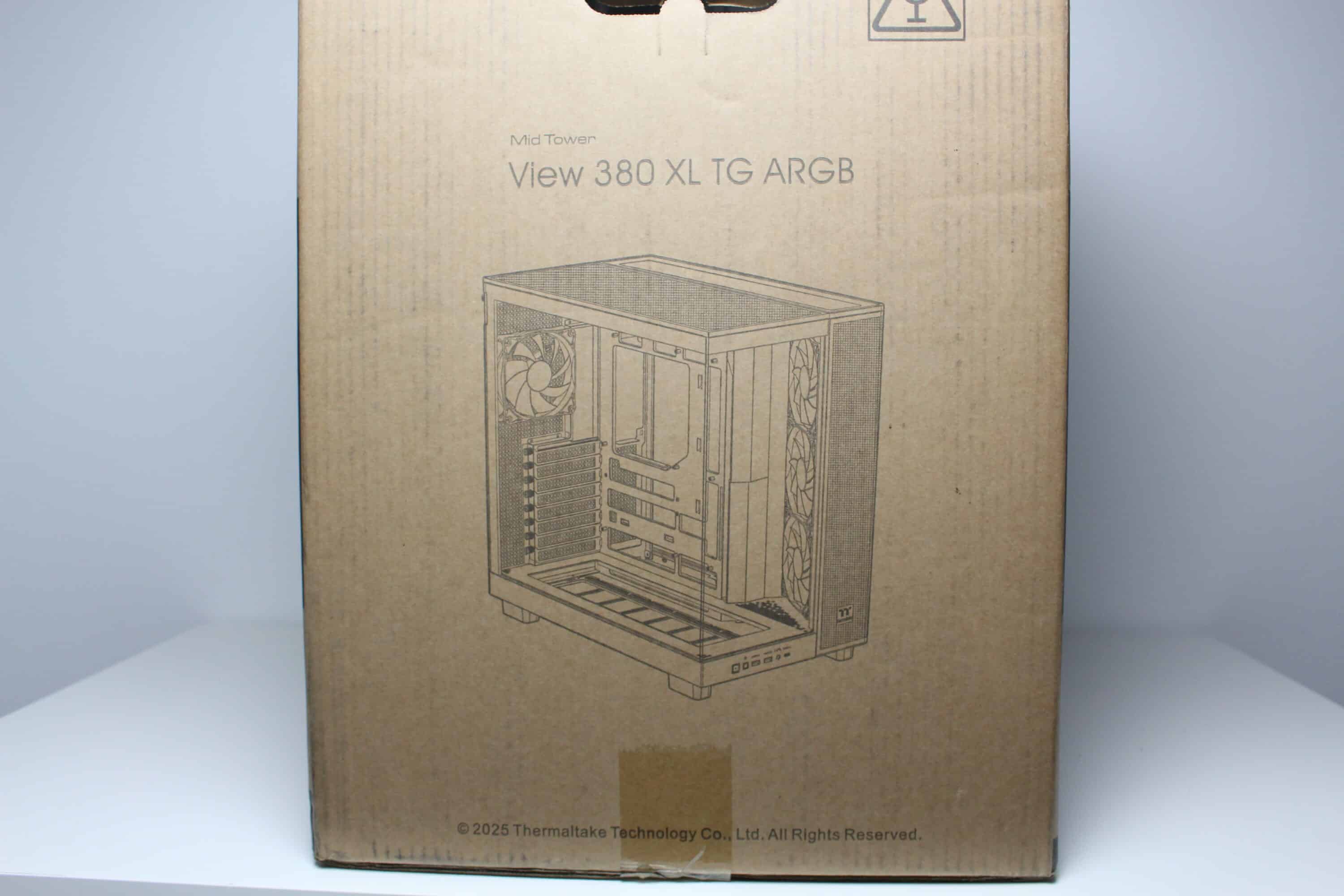
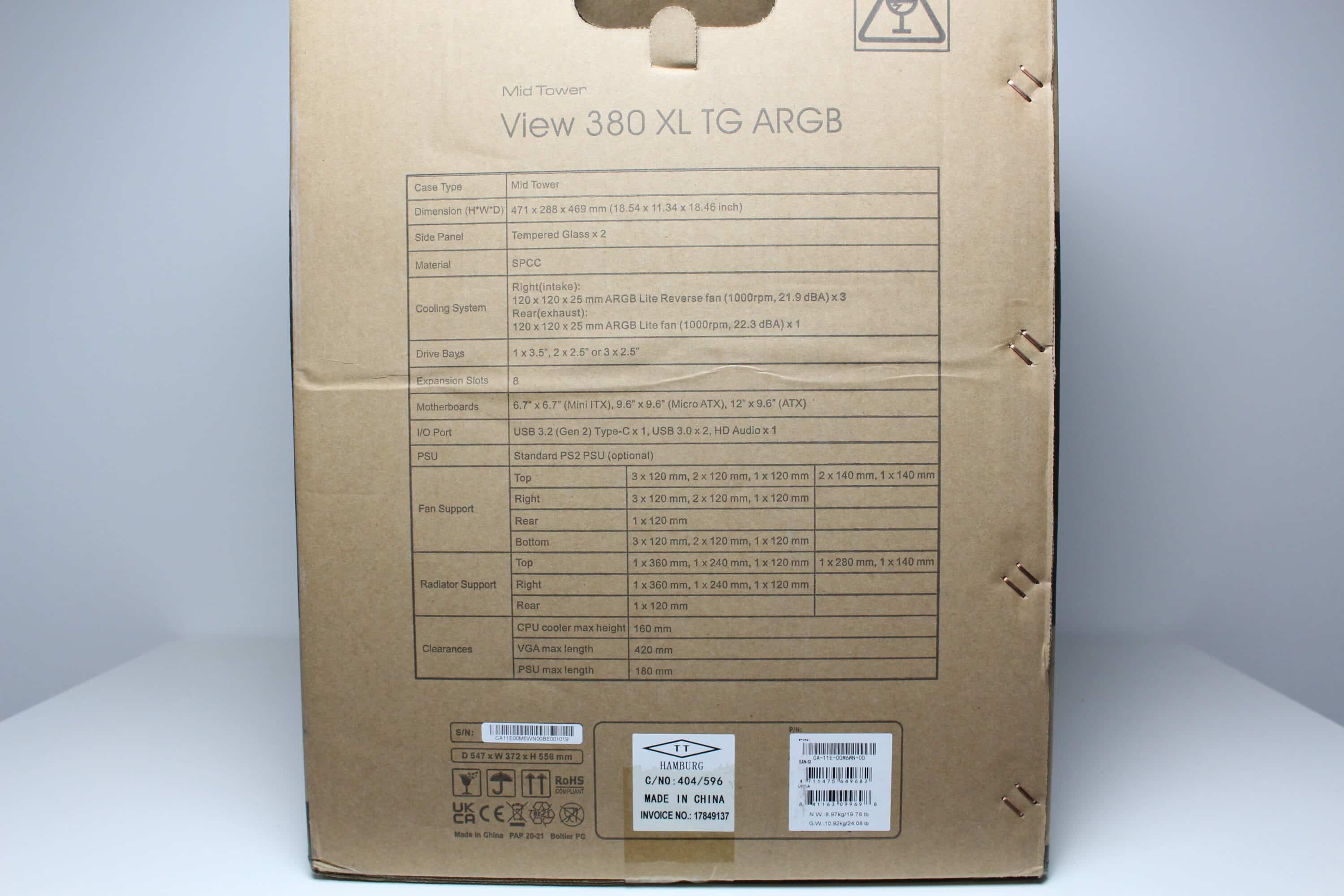
Thermaltake packs the View 380 XL TG ARGB in a simple brown cardboard box. On three sides of the packaging, the manufacturer places a picture of the case, which hopefully can be found inside. On the front, Thermaltake then sticks a small piece of information about ARGB support and a sticker that gives an indication of the color of the midi tower. Finally, of course, the table with all the technical information should not be missing.
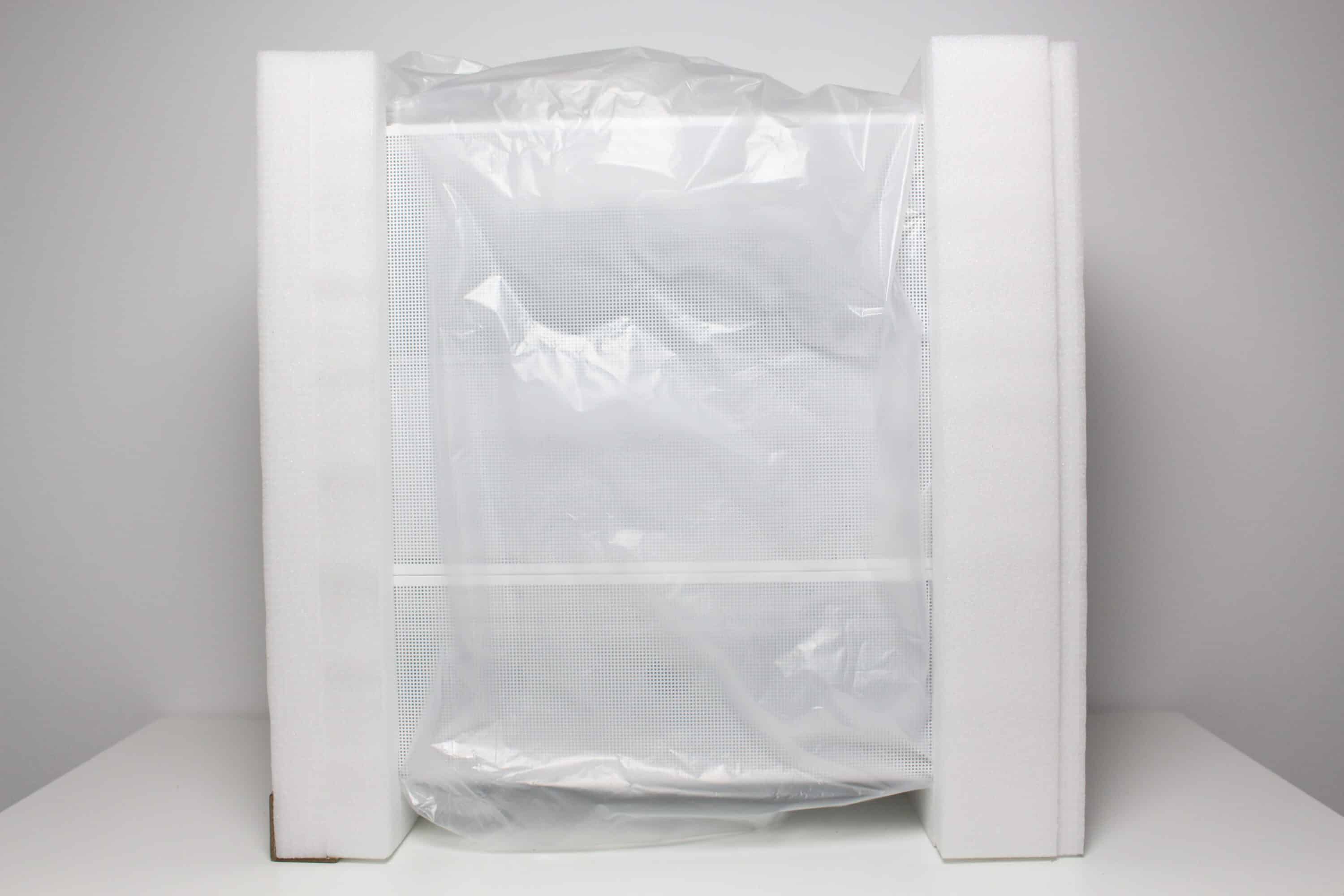
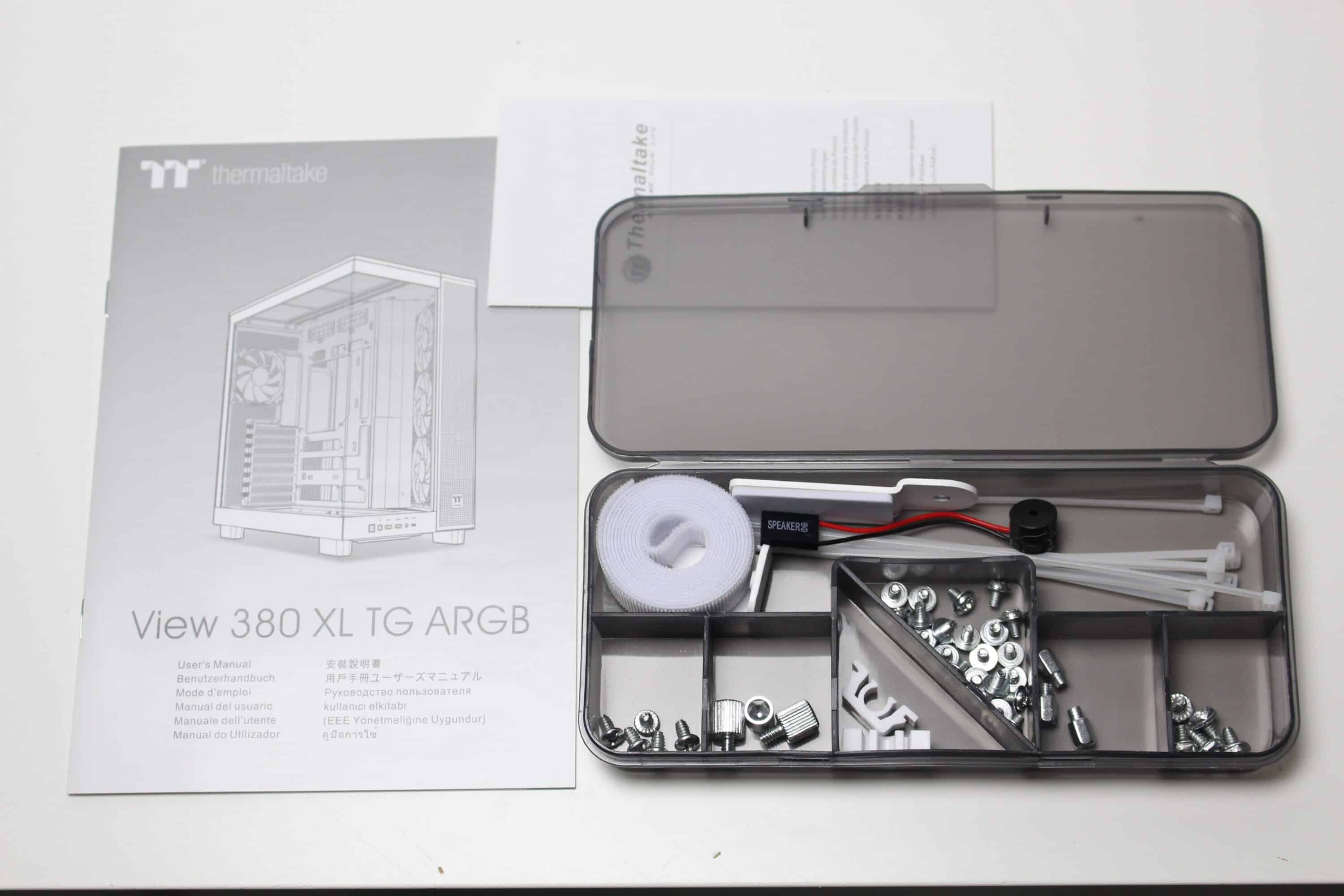
Inside the box, Thermaltake wraps the case with two blocks of soft foam and a plastic film. In addition, the foam has been stabilized in the front area with a strip of sturdy cardboard. Themaltake places the mounting accessories in a brown box, which in turn contains a practical accessory box. This contains all the necessary screws, Velcro strips, white cable ties, a motherboard speaker and a GPU bracket.
External impression
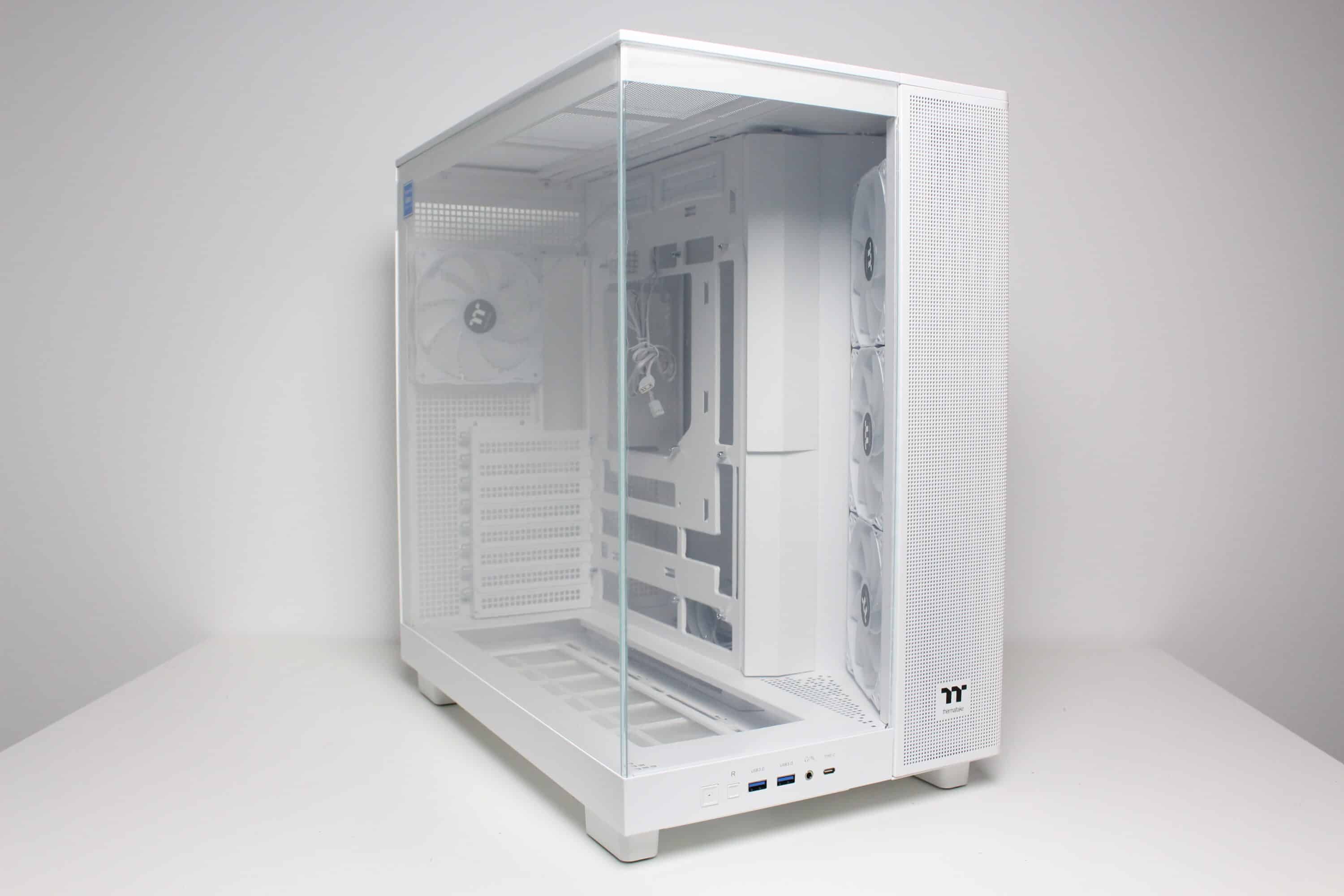
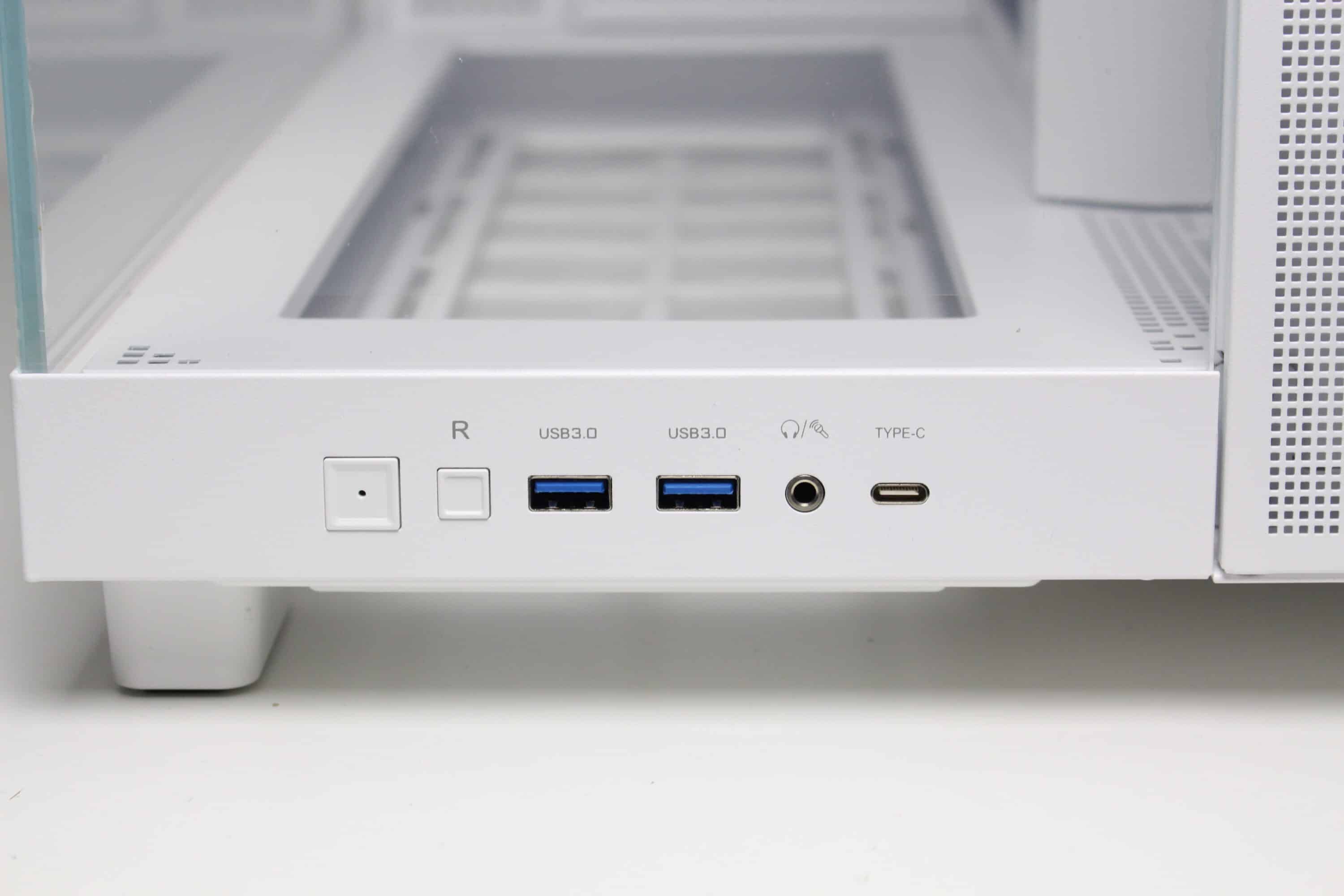
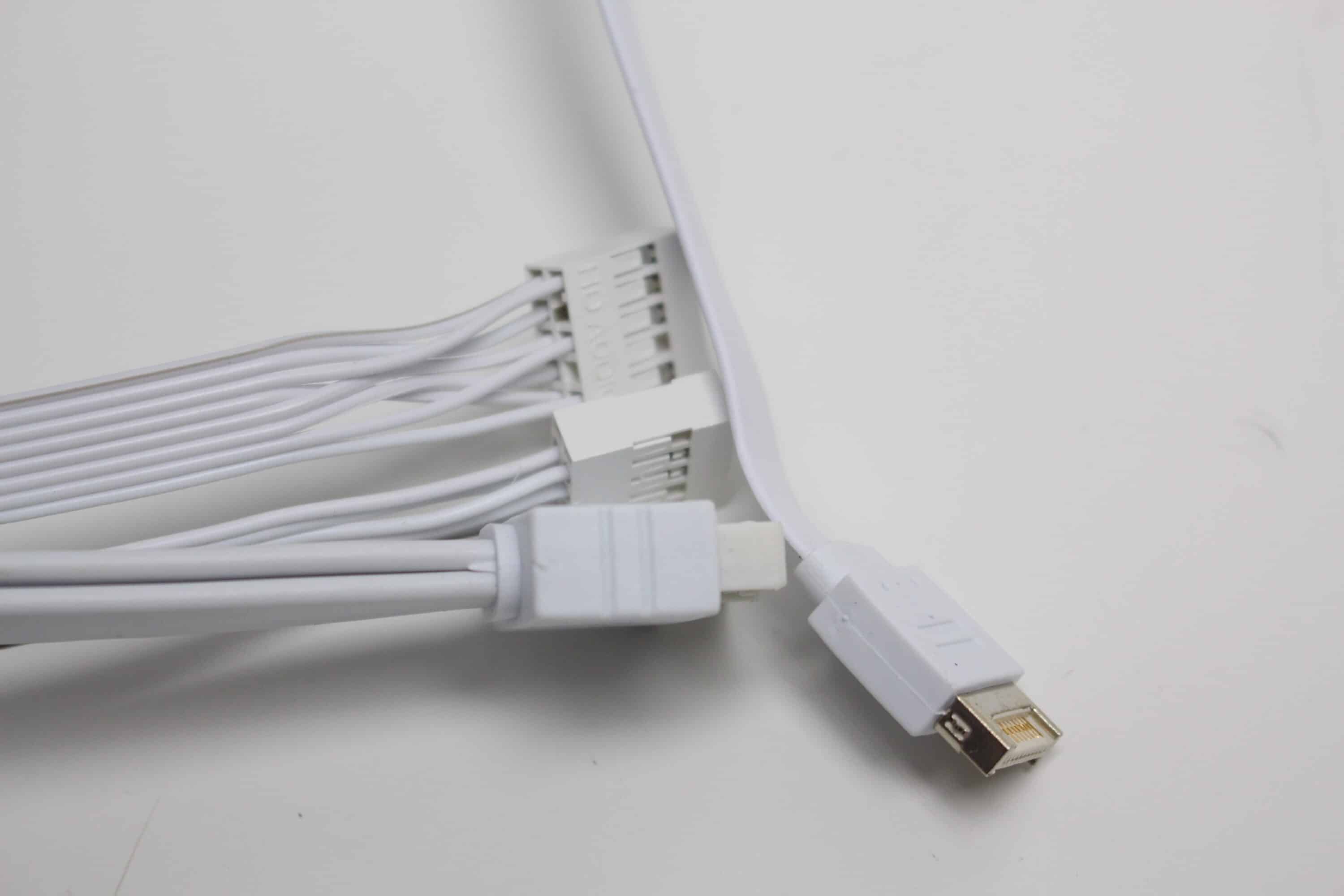
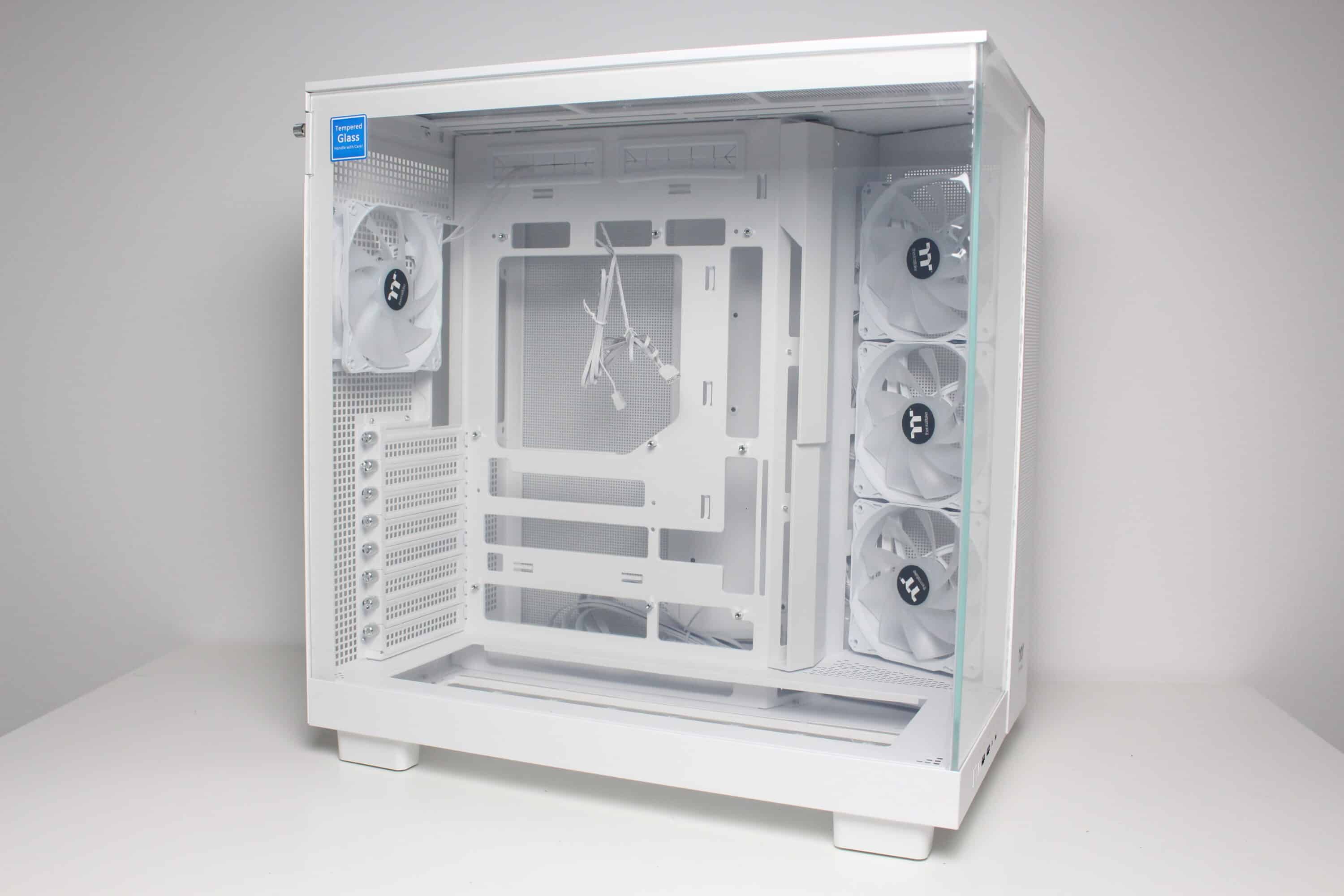
On the outside, the View 380 XL TG ARGB looks like its little brother, just a little bigger. Visually, this midi tower can be categorized as an “aquarium” case. The front is dominated by a pane of untinted tempered glass, which is covered with two protective films at the factory. Underneath, we find the I/O panel, which has one USB-C and two USB-A ports. It also has a 3.5 mm audio socket and two buttons for power and reset. All connection cables are commendably kept completely white.
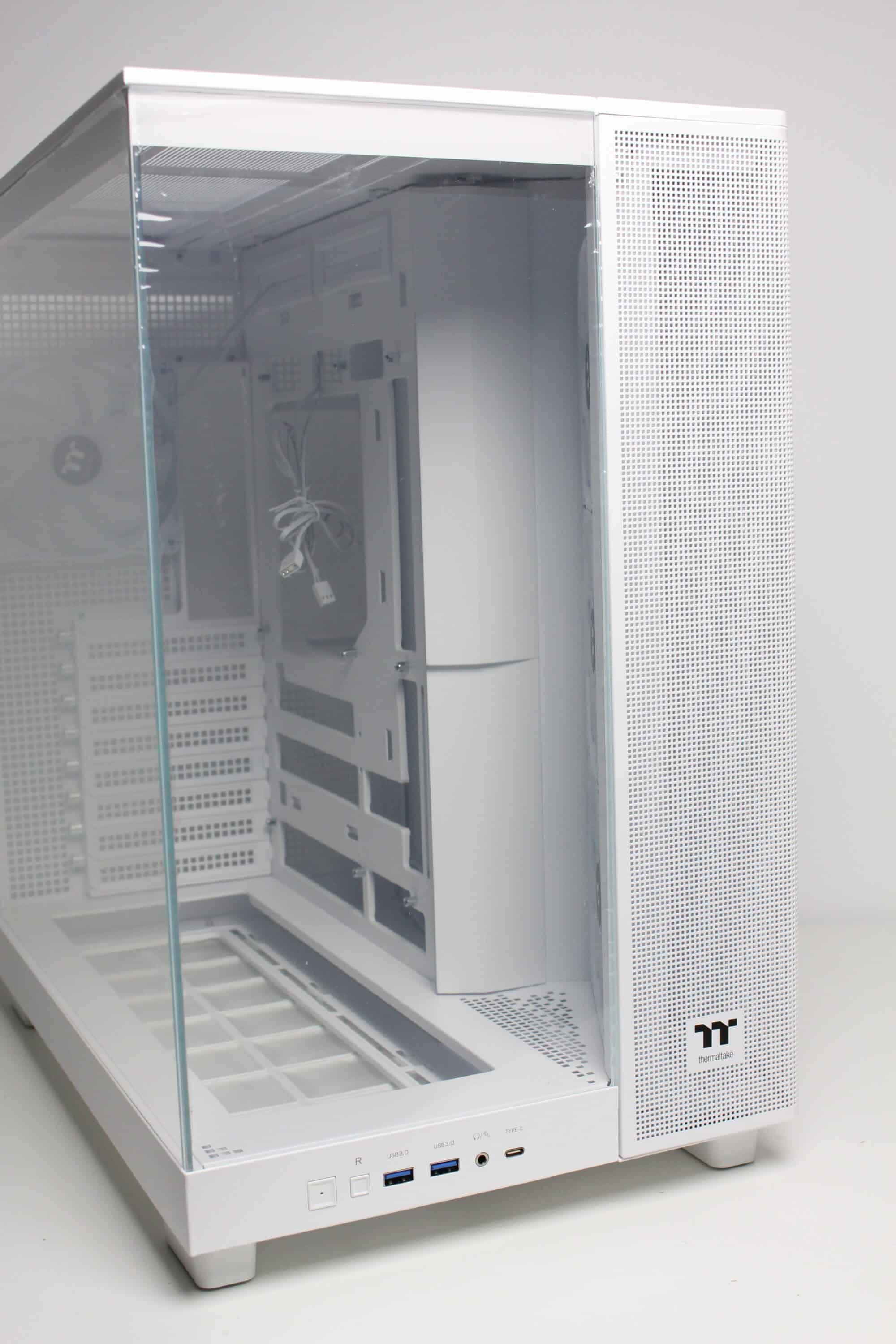
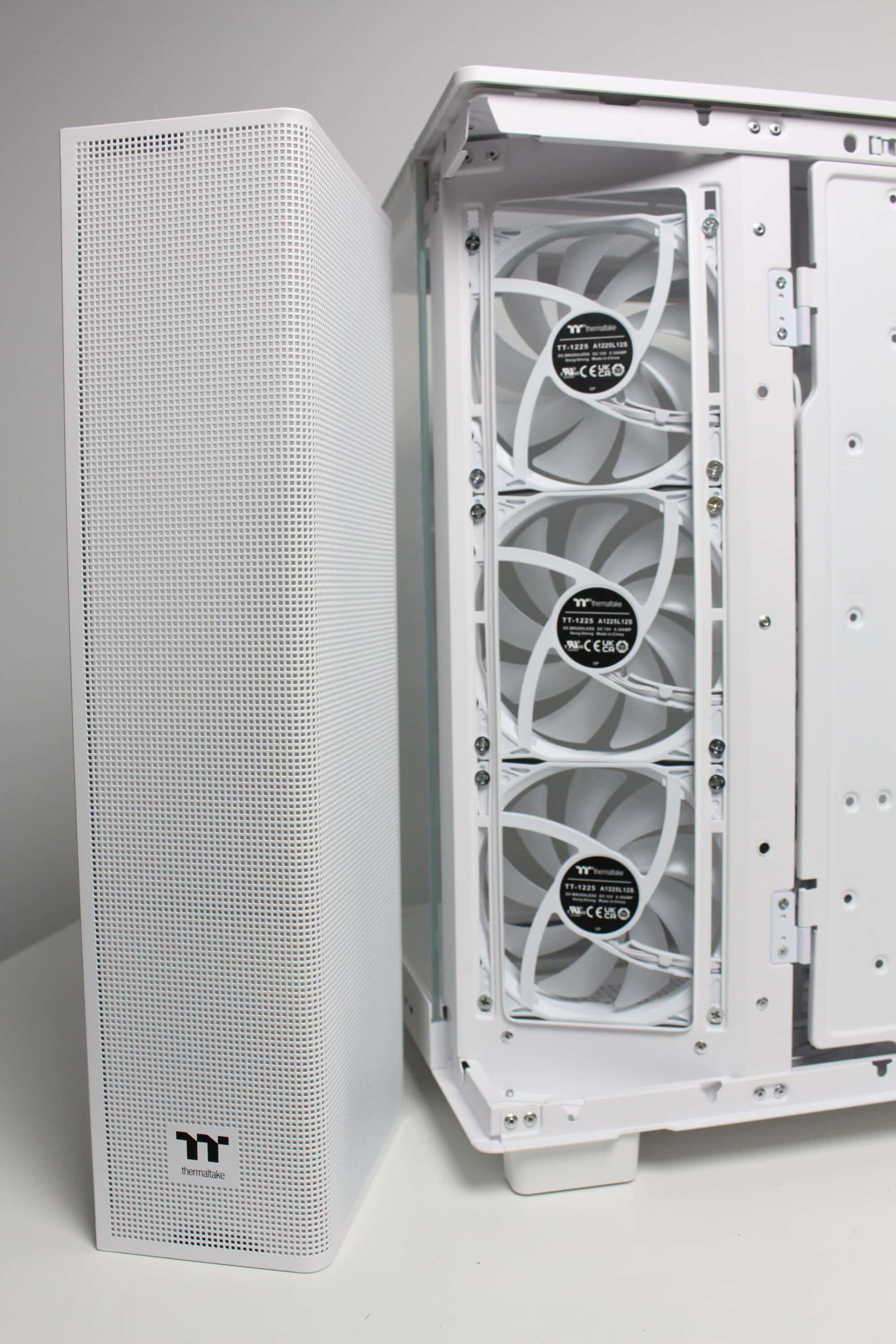
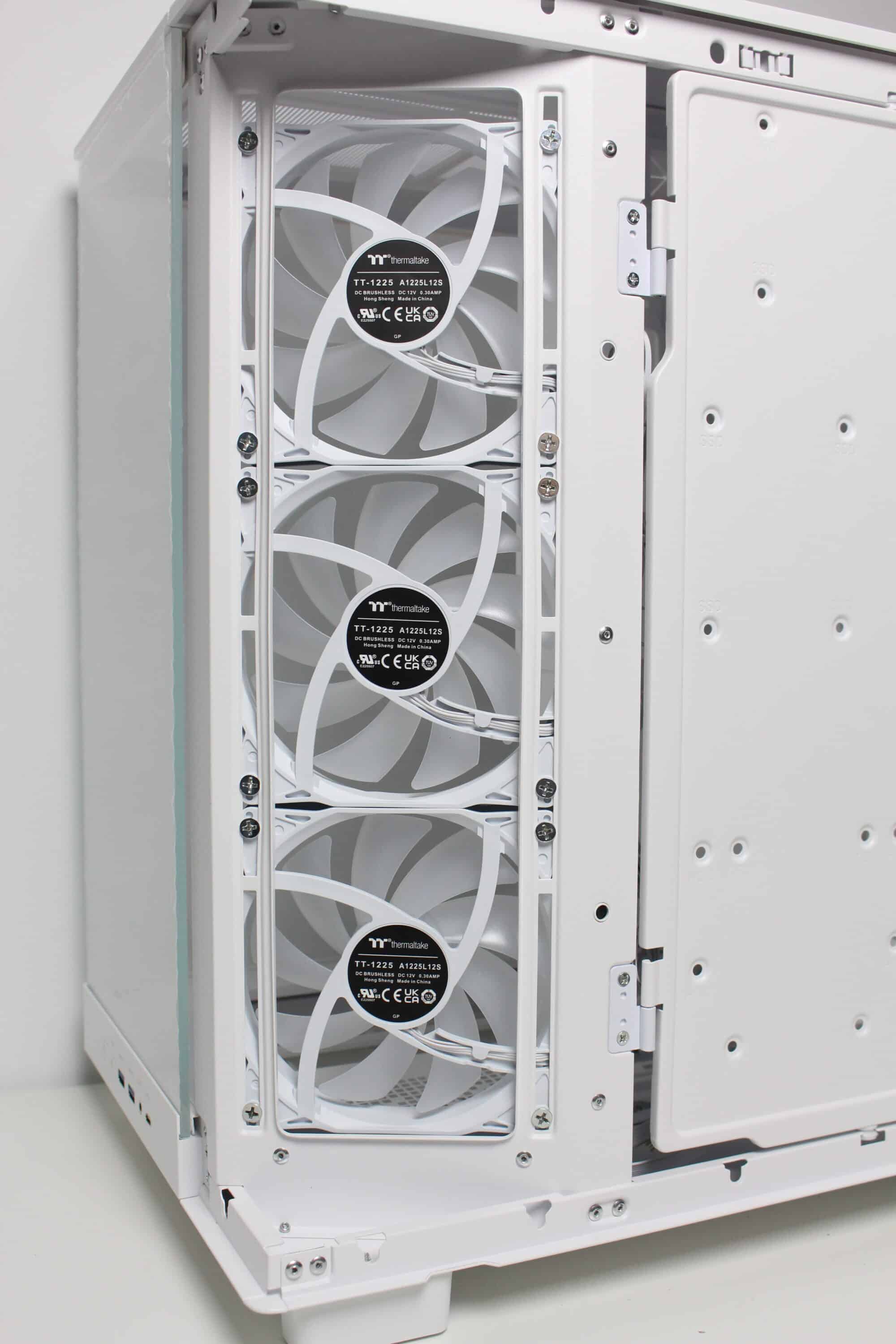
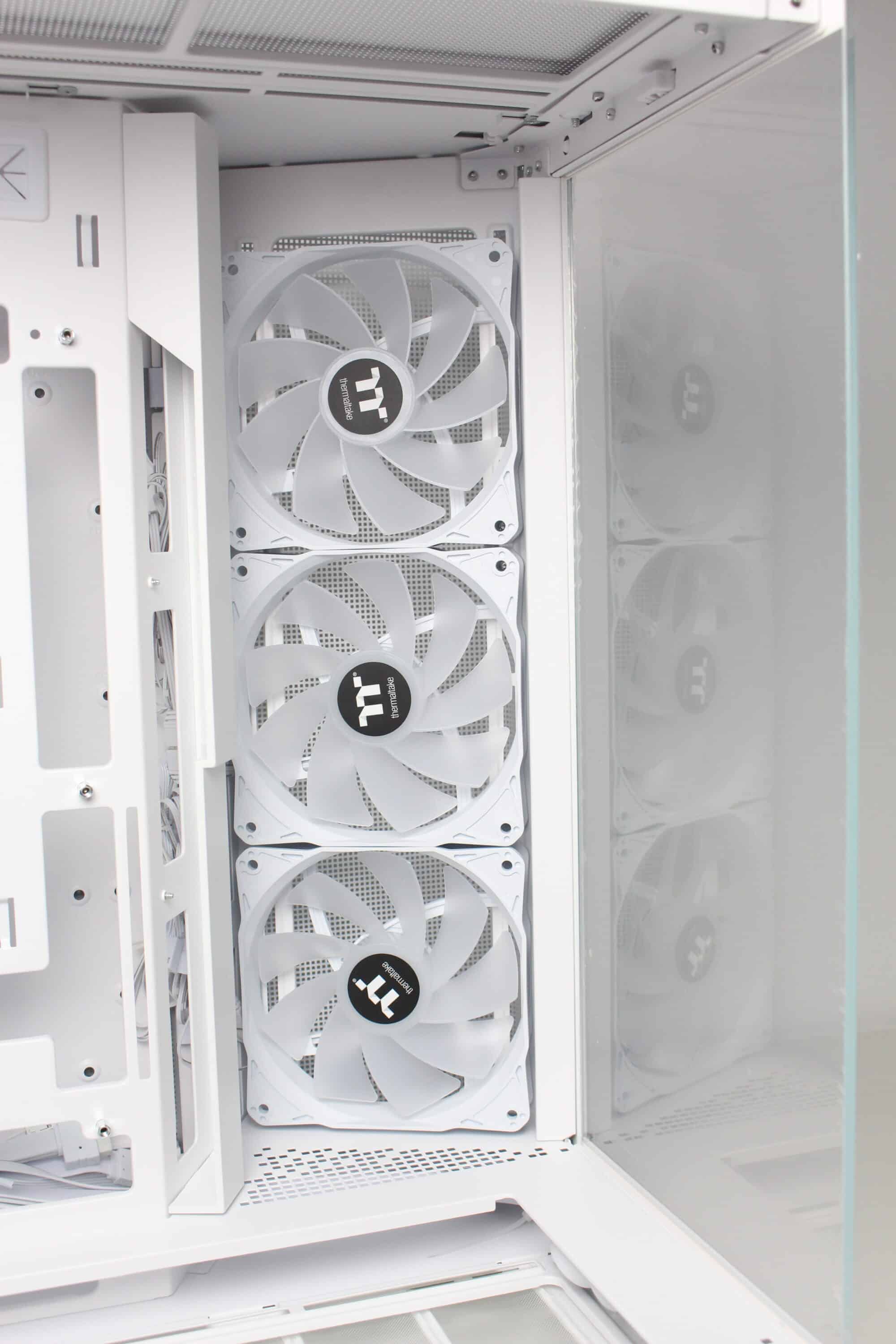
To ensure that sufficient air can be transported into the interior despite the glass front, Thermaltake installs a mounting frame for three 120 mm fans between the front and the right side and also equips all slots ex works. The angle of the frame is intended to ensure that the cold air reaches the components directly and does not first hit the other side of the case and is deflected by 90 degrees. A fan grille has been placed in front of the fans, which can be removed using screws, but has not been fitted with an additional dust filter.
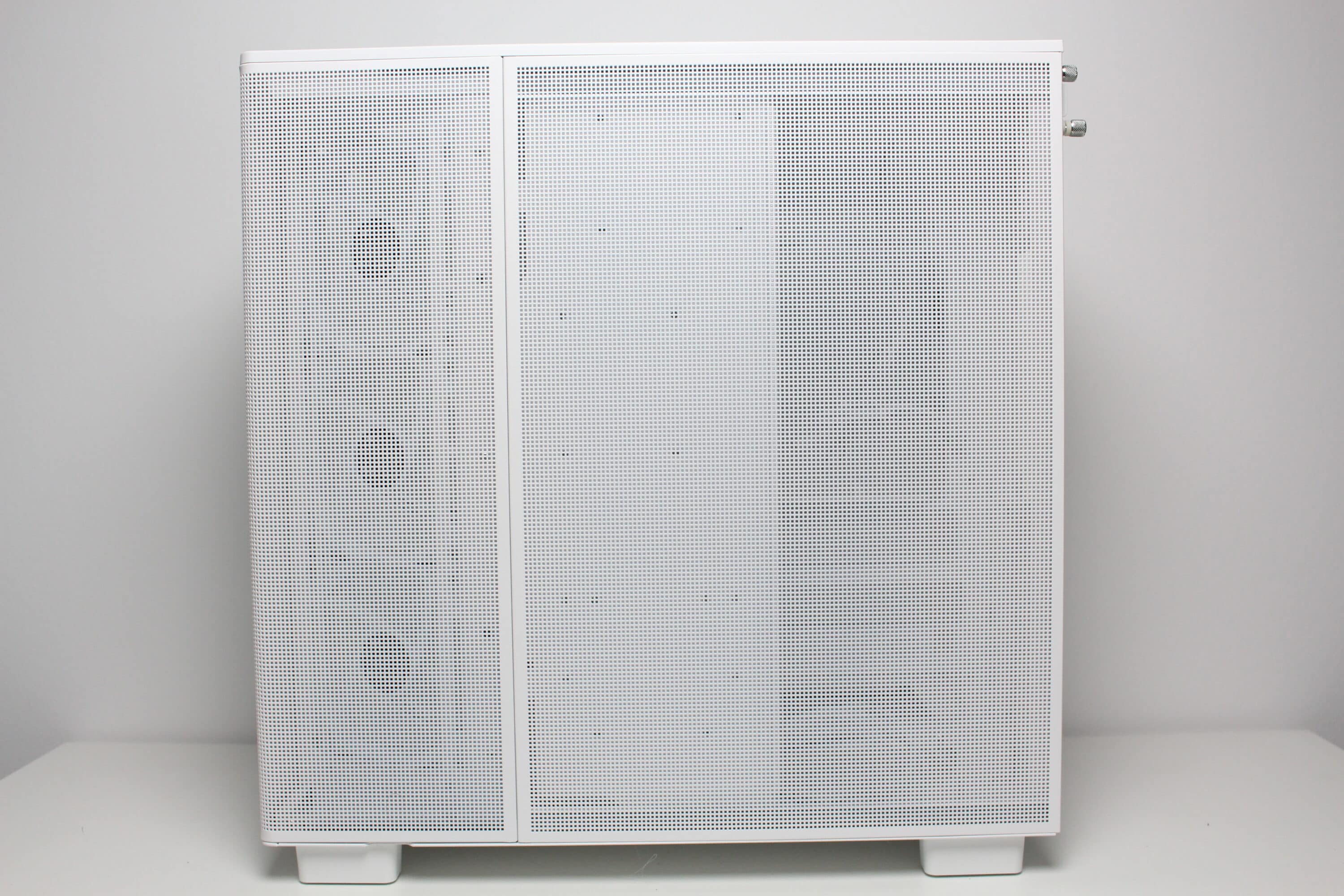
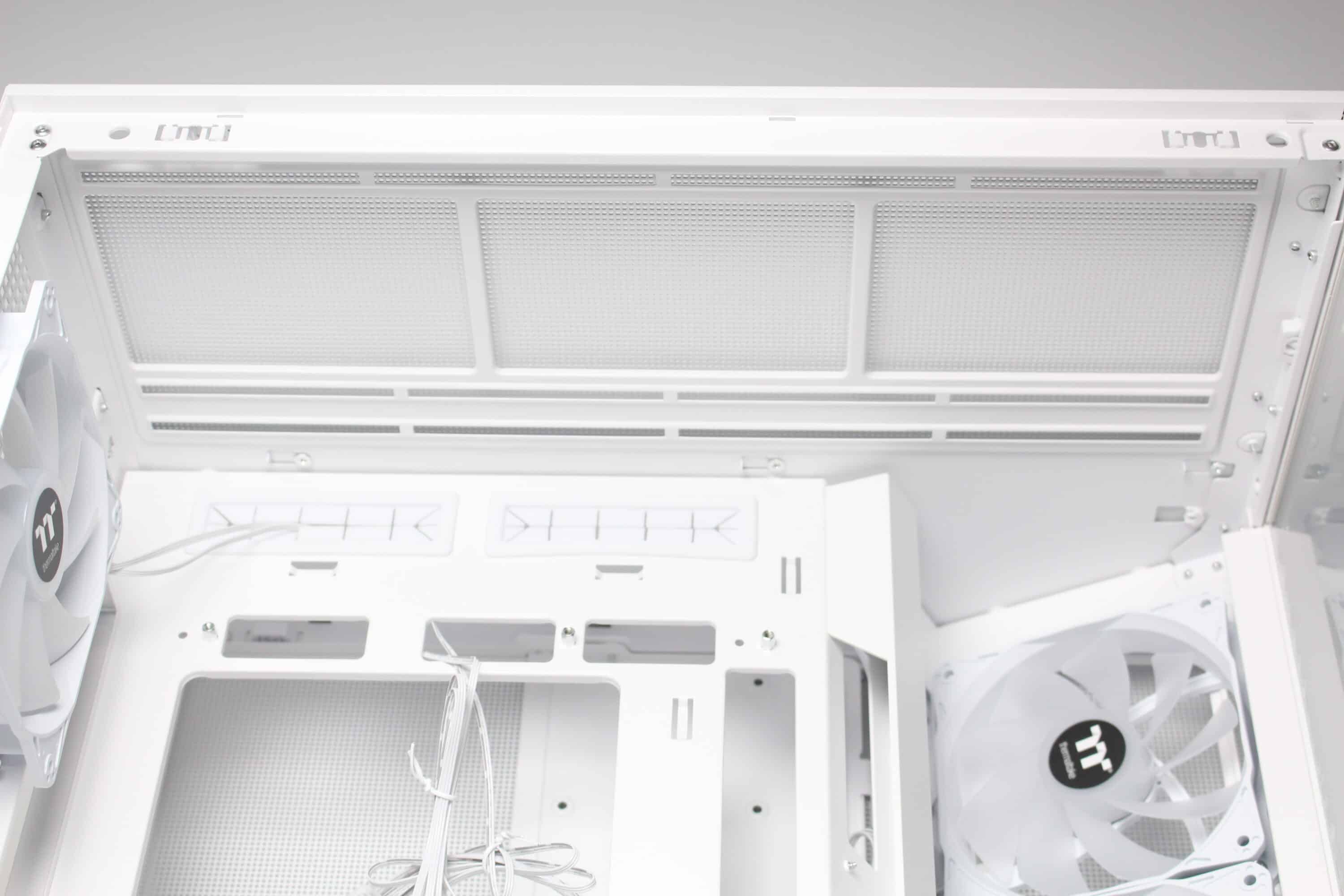
The top of the View 380 XL TG ARGB has a very airy design. A large fan grille can be seen here, which can be removed together with the second cover element without tools using knurled screws. The fan grille is made of steel, whereas the second element is only used as a cover and is made of plastic. There is a further mounting frame under the fan frame, which offers space for three 120 mm or two 140 mm fans. Alternatively, a correspondingly large radiator can of course also be installed here.
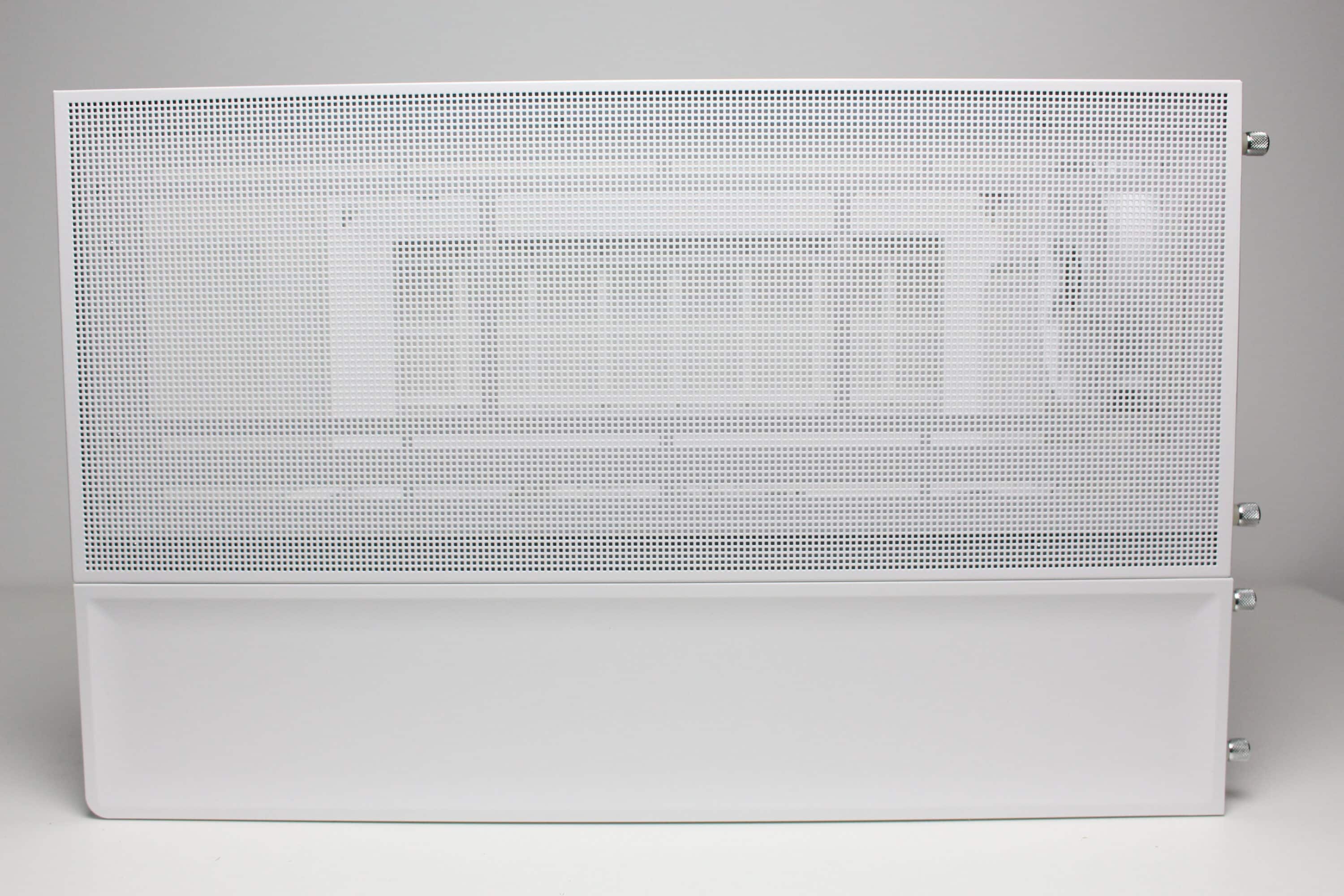
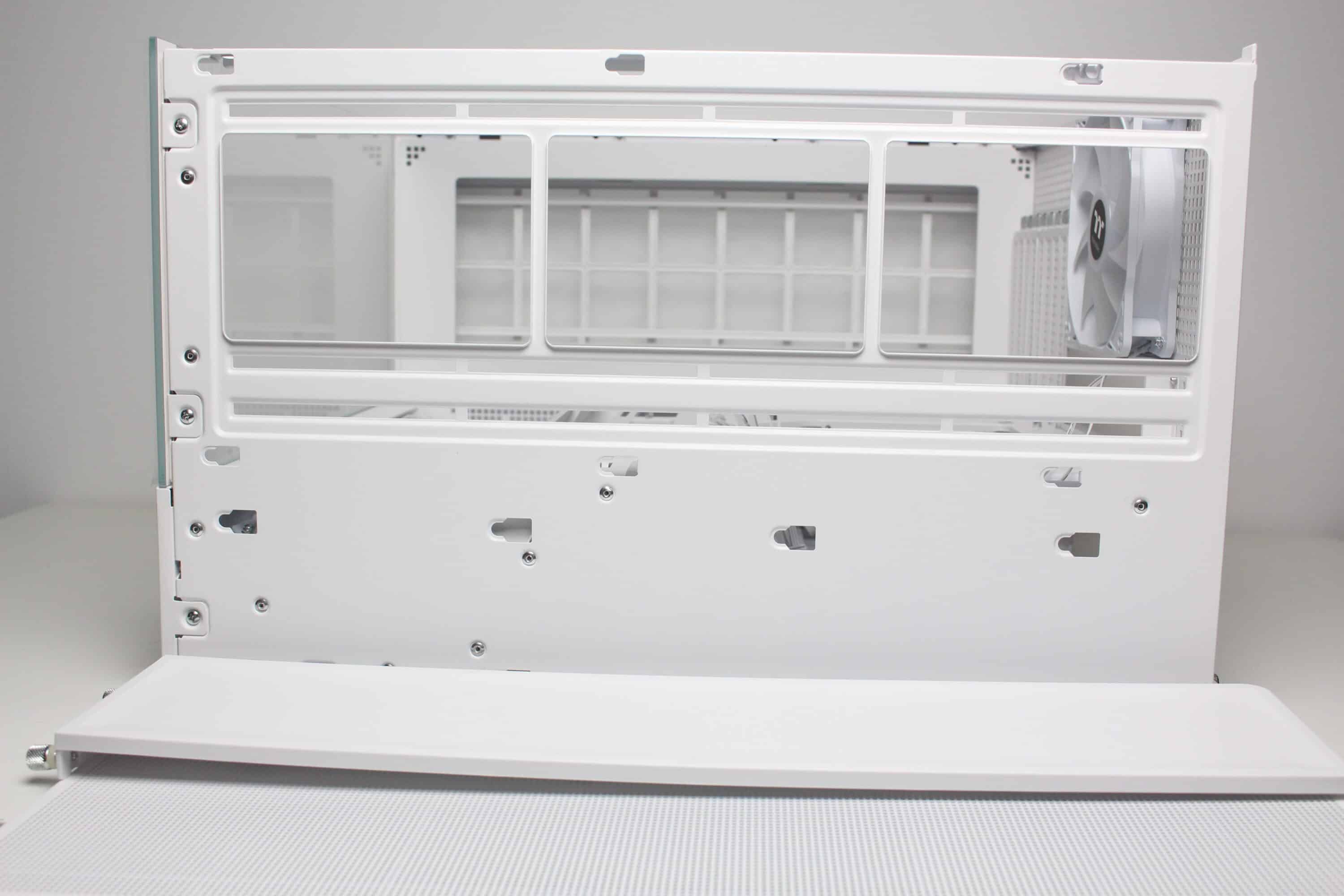
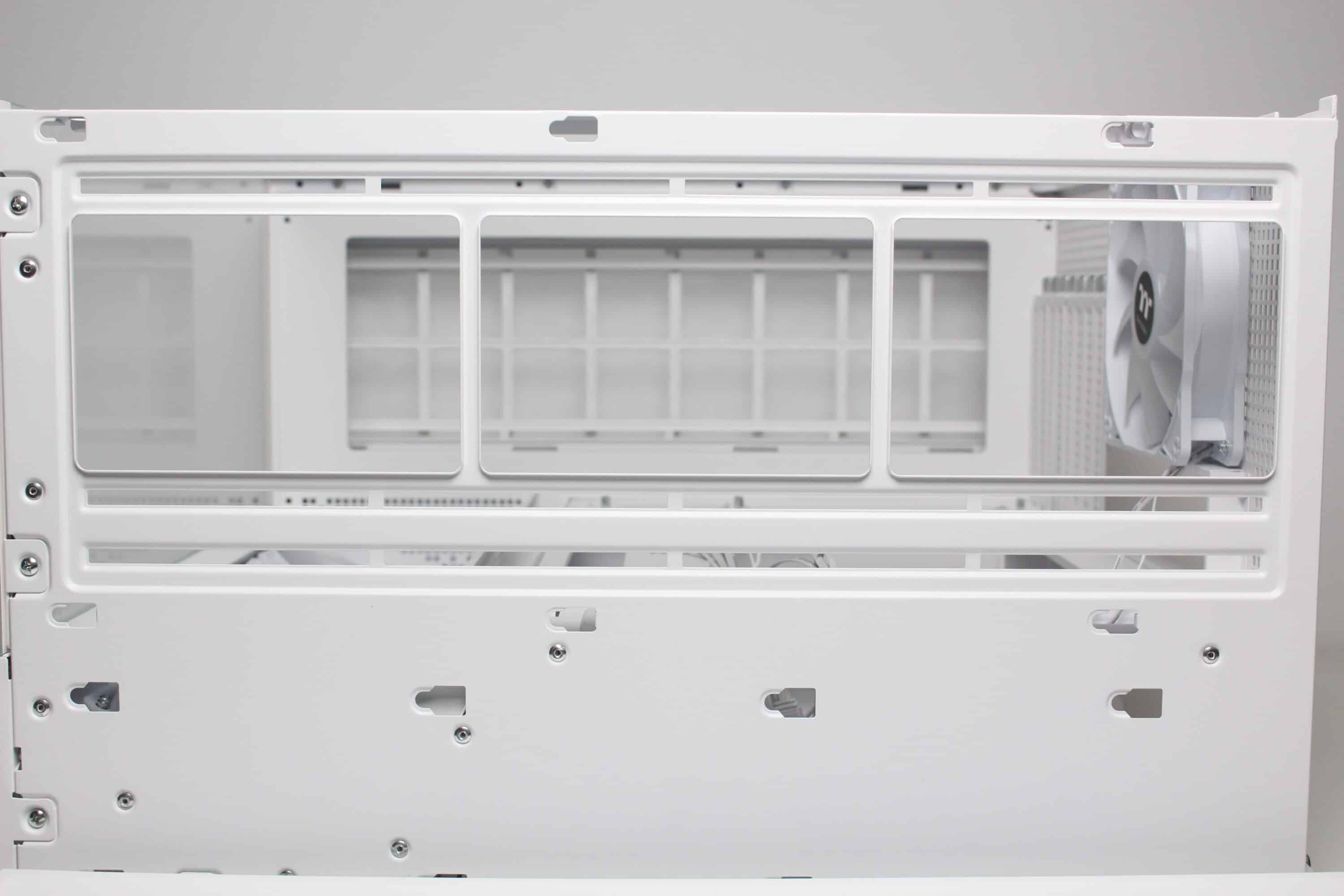
Like the front, the left side of the View 380 XL TG ARGB is made of tempered glass and is glued to a steel frame. It is mounted on the body using push pins. The same applies to the right-hand side panel, which is made of steel and is a huge ventilation grille. It also has the same look and structure as the grille in the lid and the curved element between the front and side panel. Both side panels each have a knurled screw at the rear as an additional fastening for transportation.
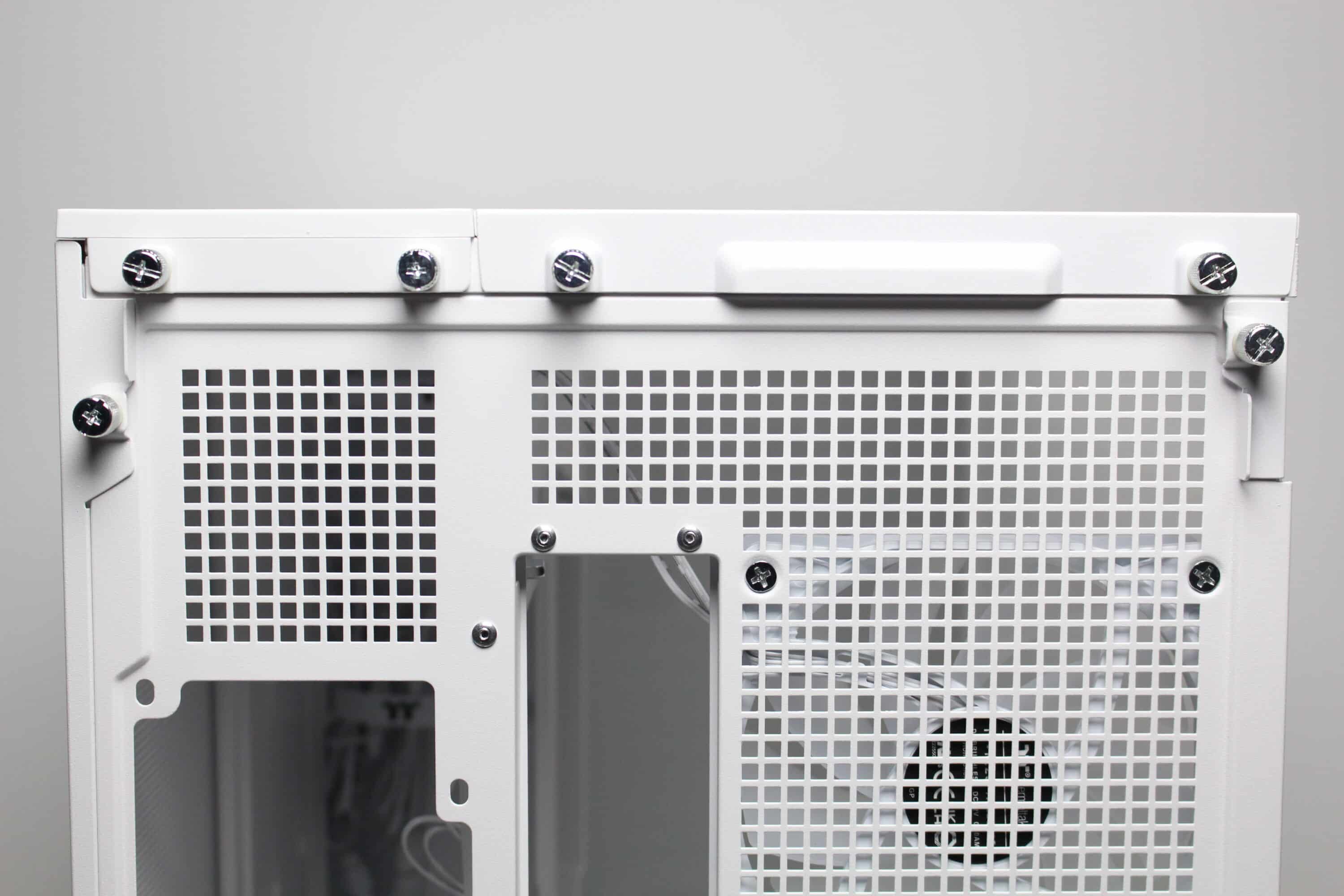
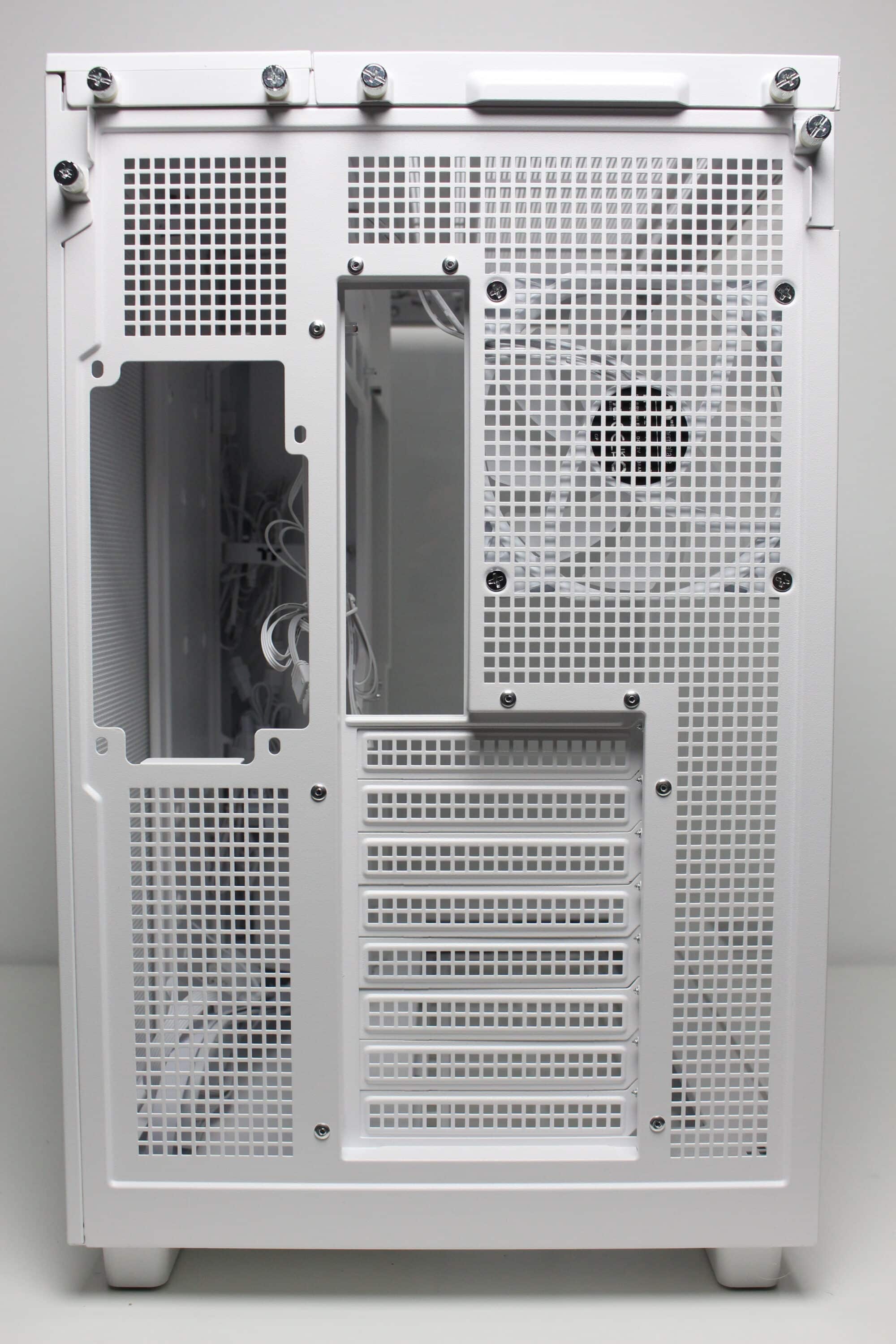
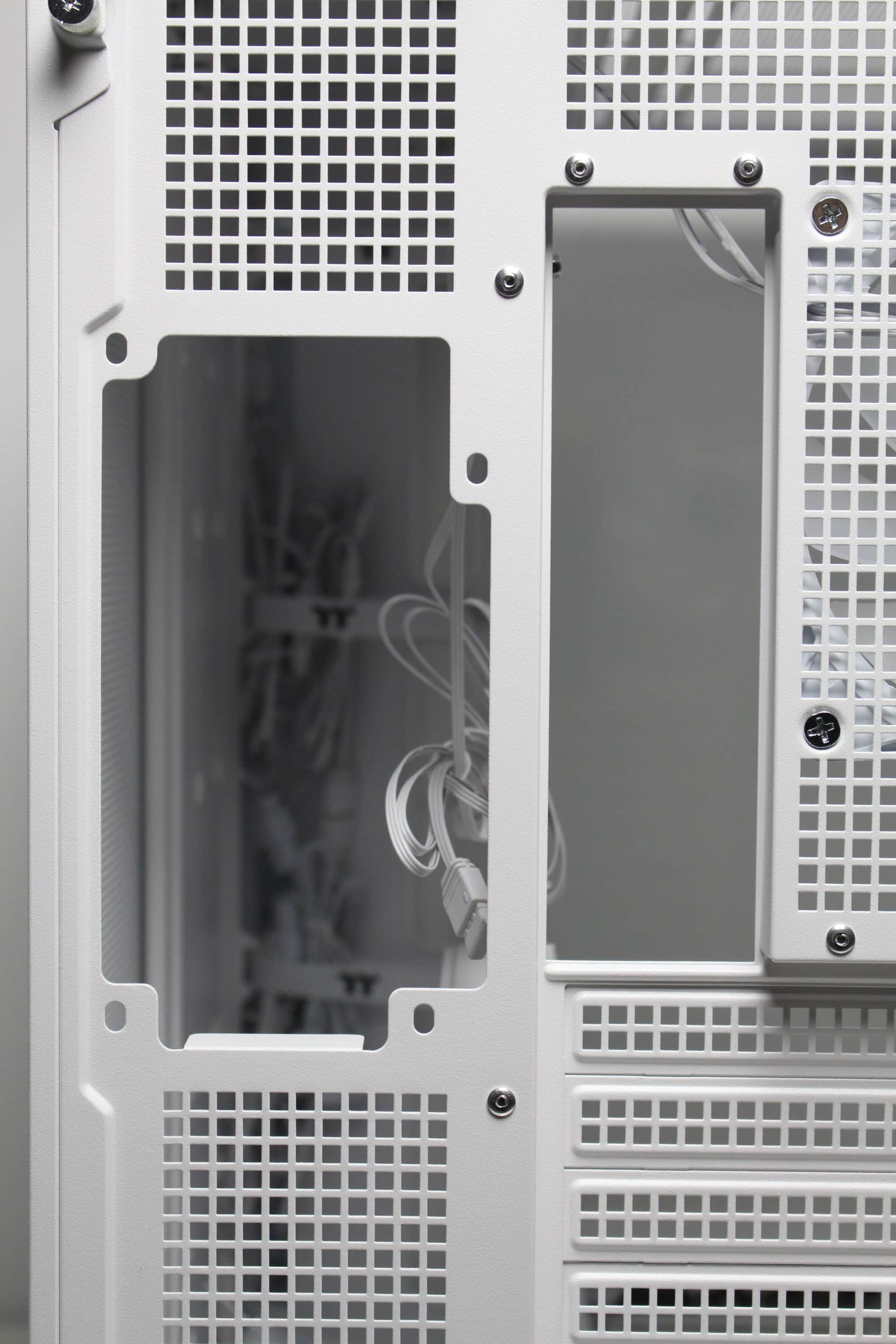
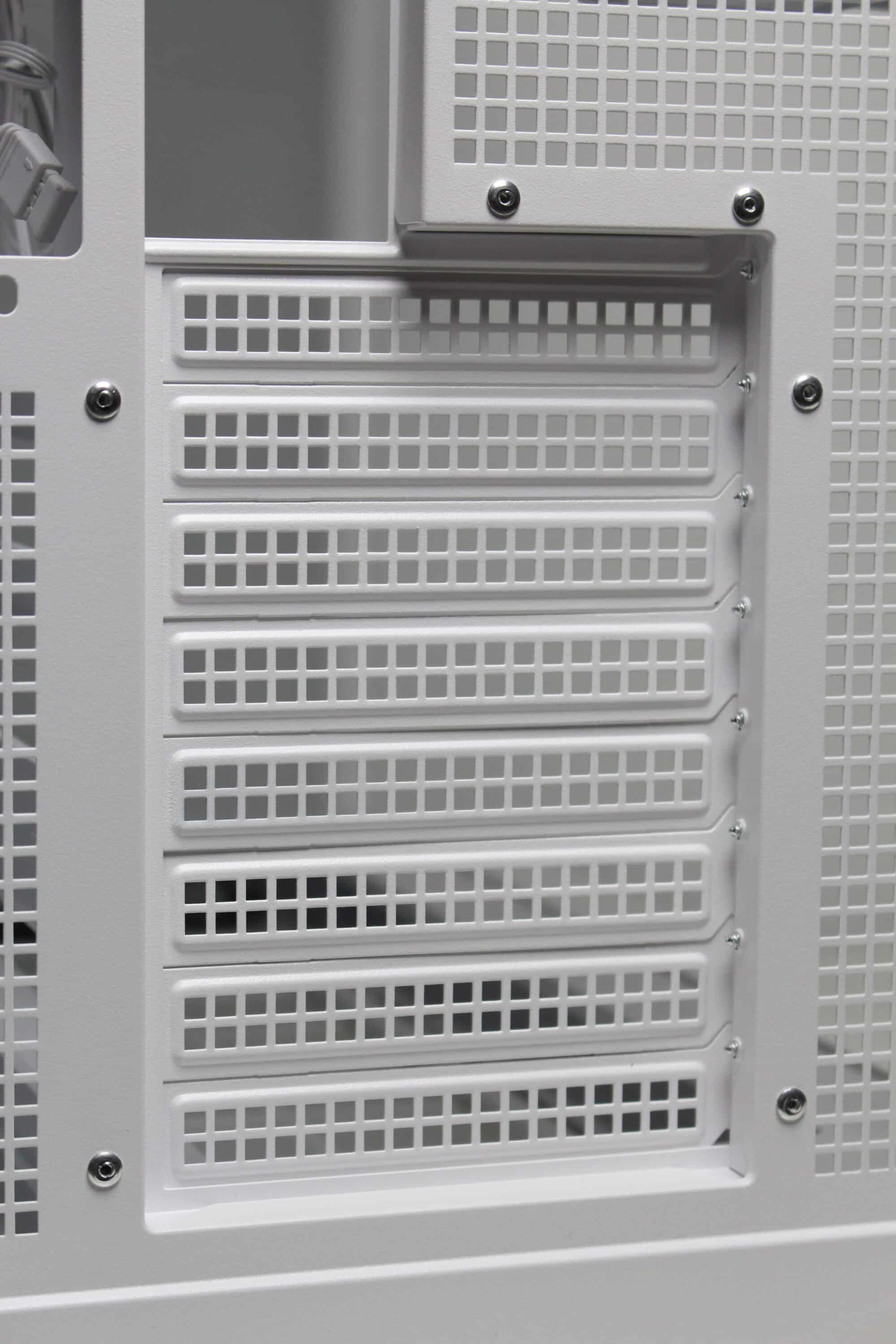
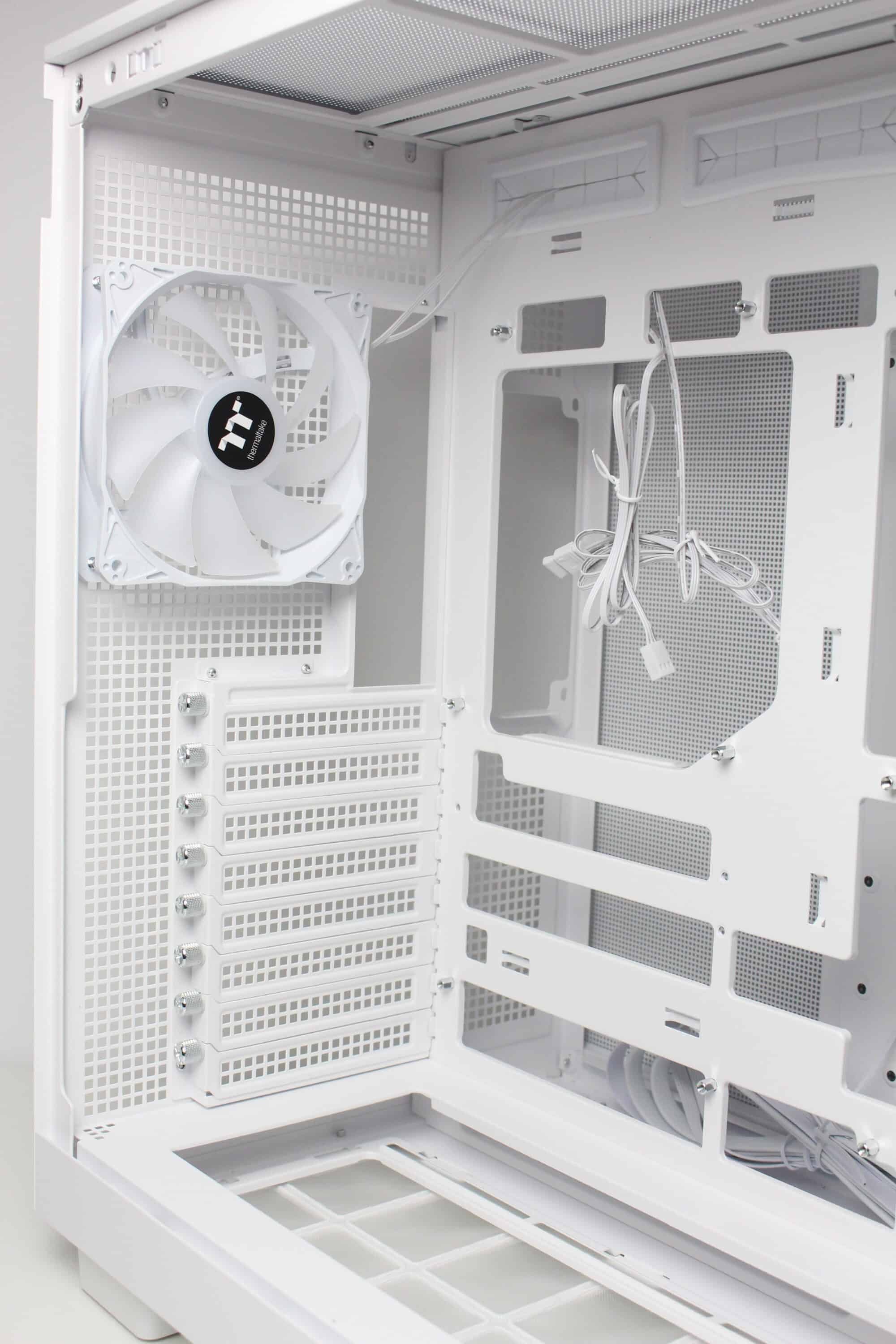
The design at the back looks familiar and is similar to that of many other “aquarium” cases, which have two vertical chambers. Numerous ventilation openings and the mounting position for the vertically oriented power supply unit can be seen on the left-hand side. On the right-hand side, Thermaltake has installed the fourth pre-installed case fan and eight slots for expansion cards, which are perforated and screwed into place with knurled screws. Thermaltake has also implemented additional ventilation openings above the fan and on the side.
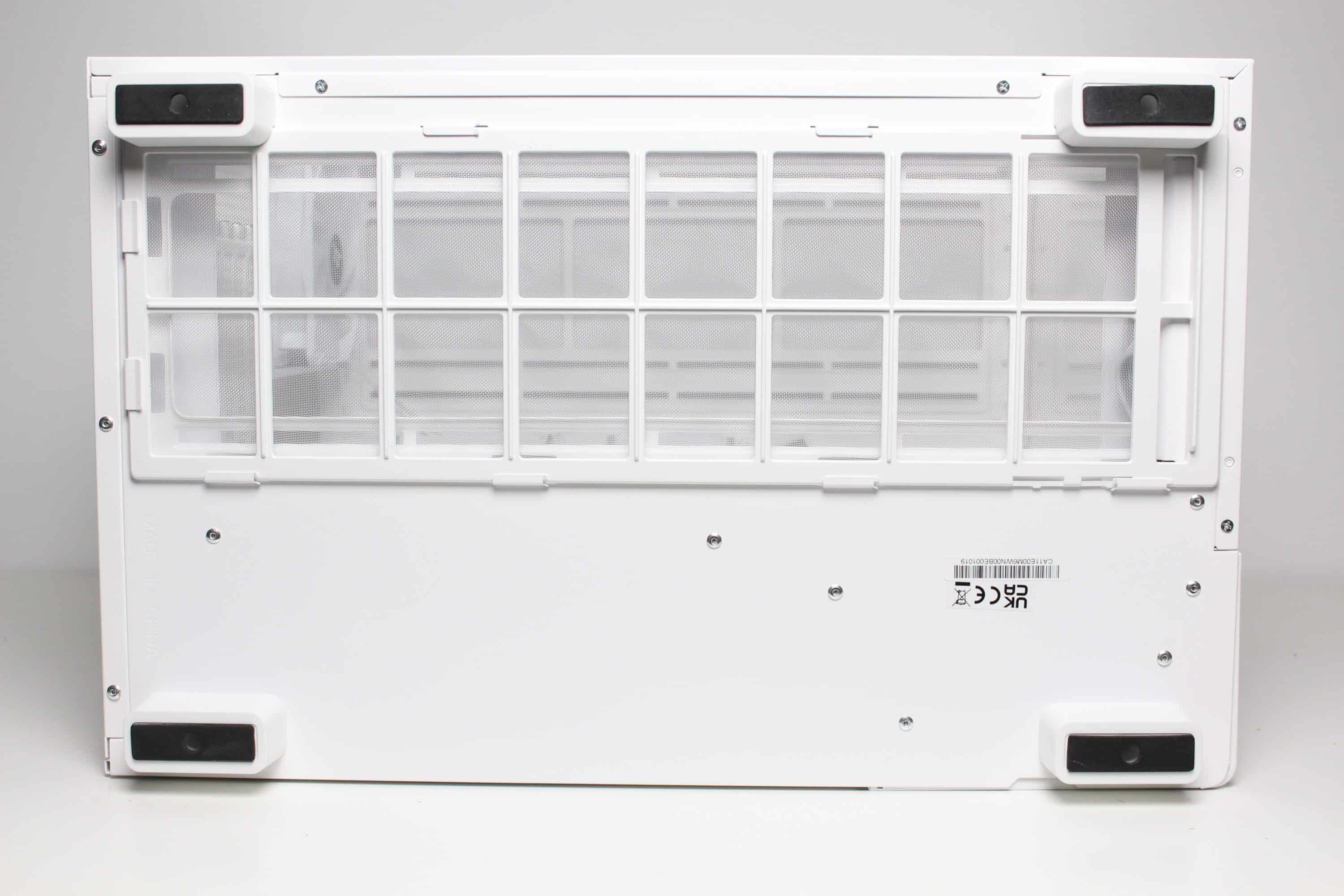
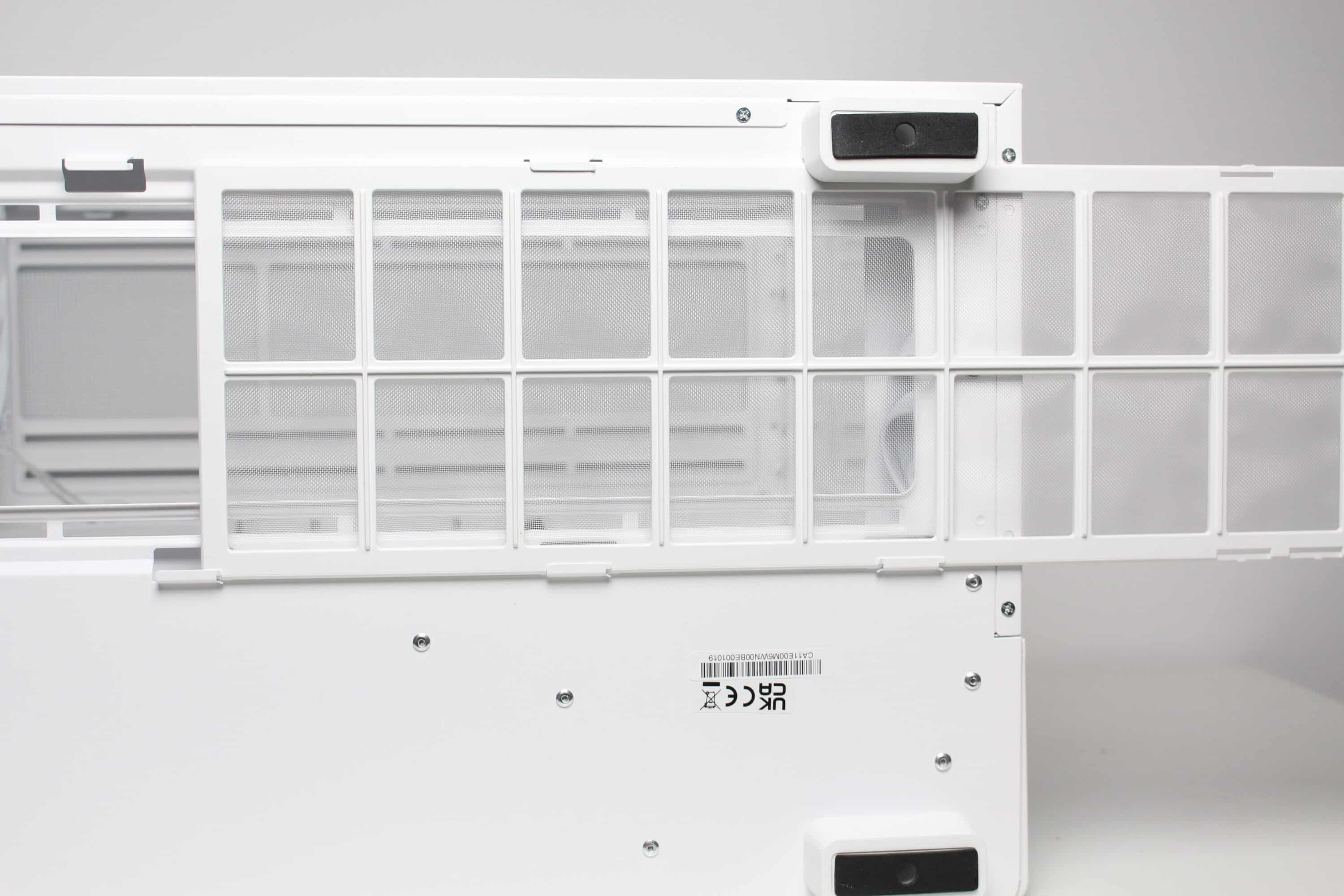
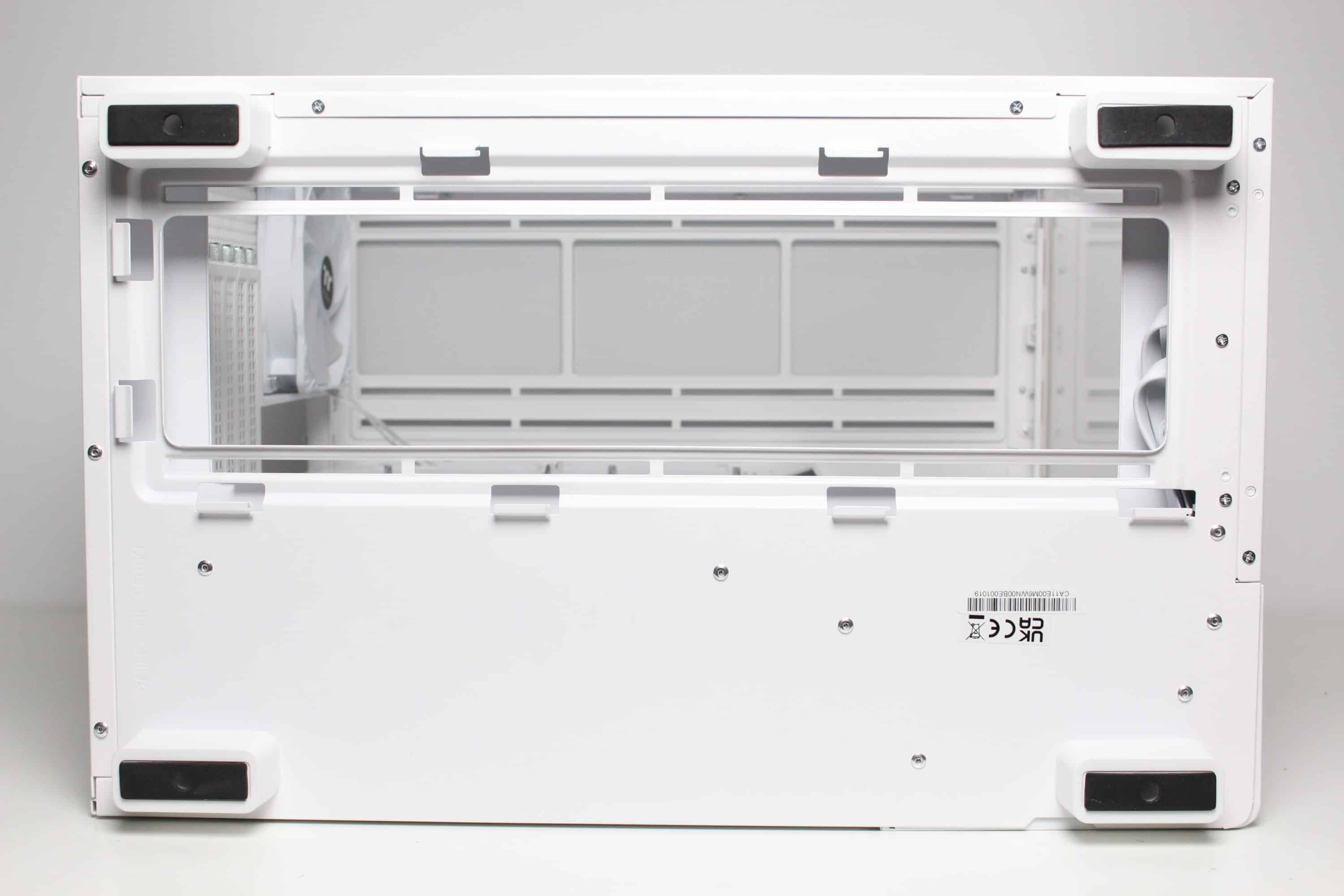
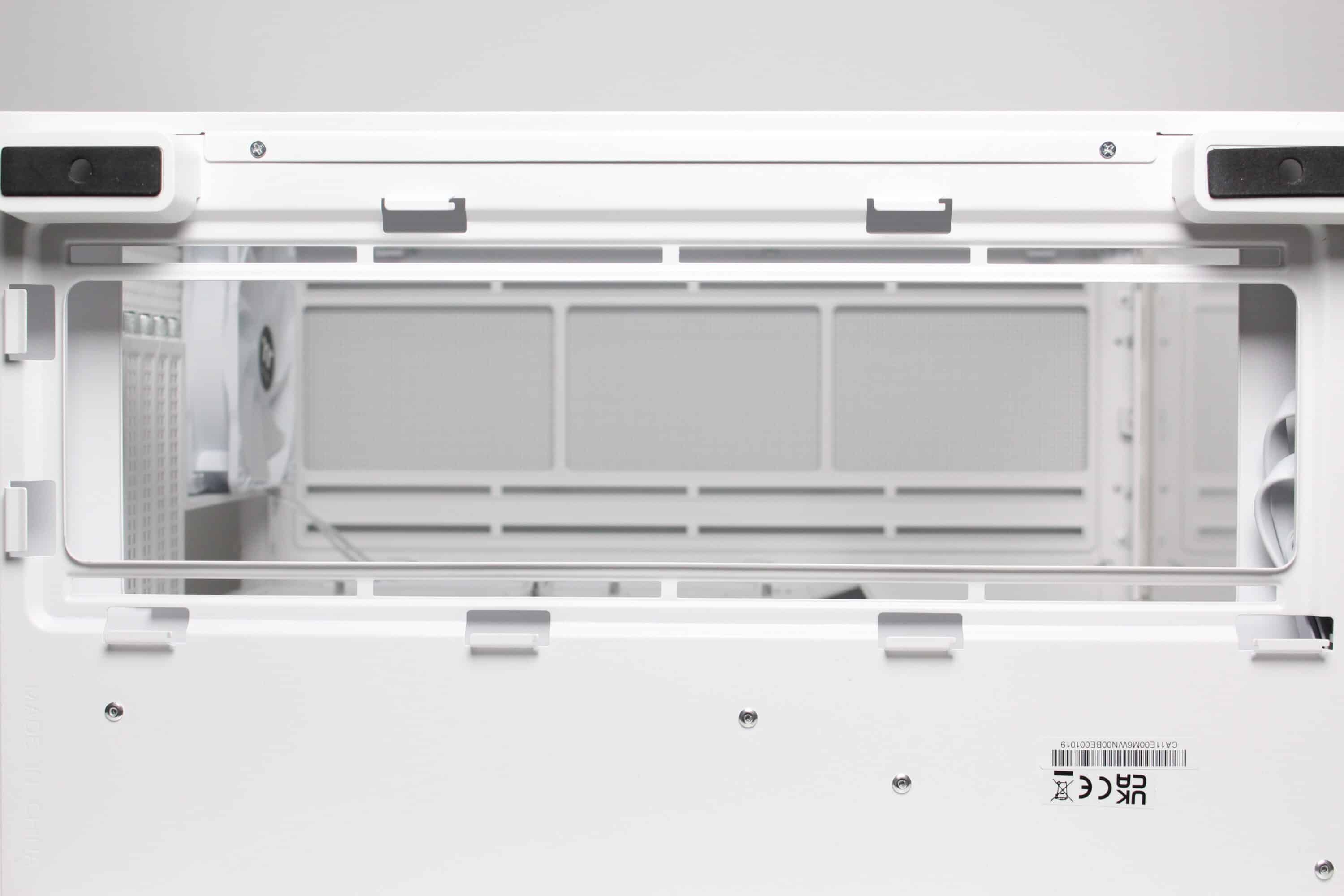
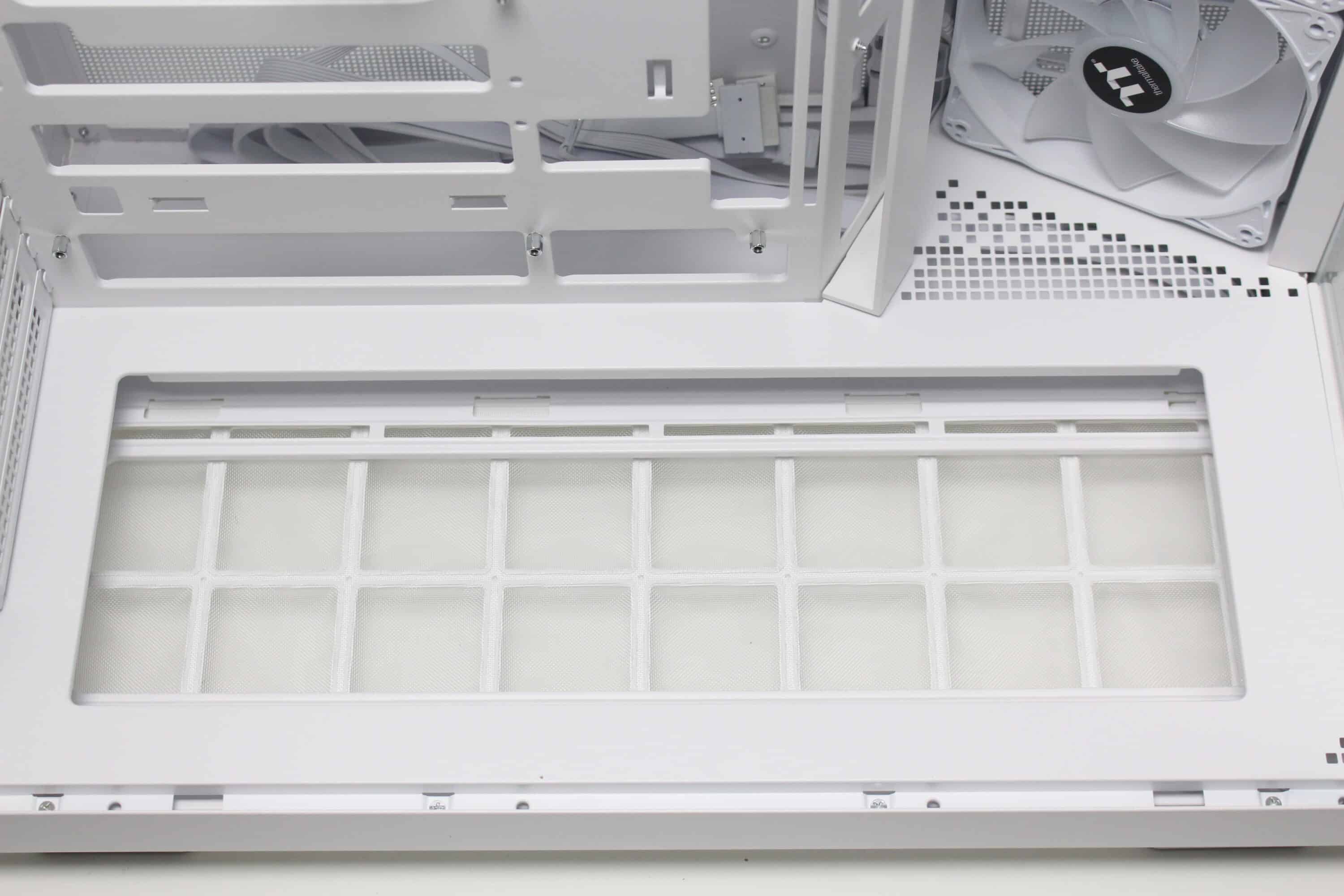
The Thermaltake View 380 XL TG ARGB has four stable plastic feet that have been covered with a layer of rubber to minimize vibrations and protect the surface. The manufacturer has also had a less restrictive ventilation opening with mounting points for up to three 120 mm fans cut into the underside. A fine-mesh dust filter has been placed above this, which can be easily removed to the front for cleaning.
Interior impression
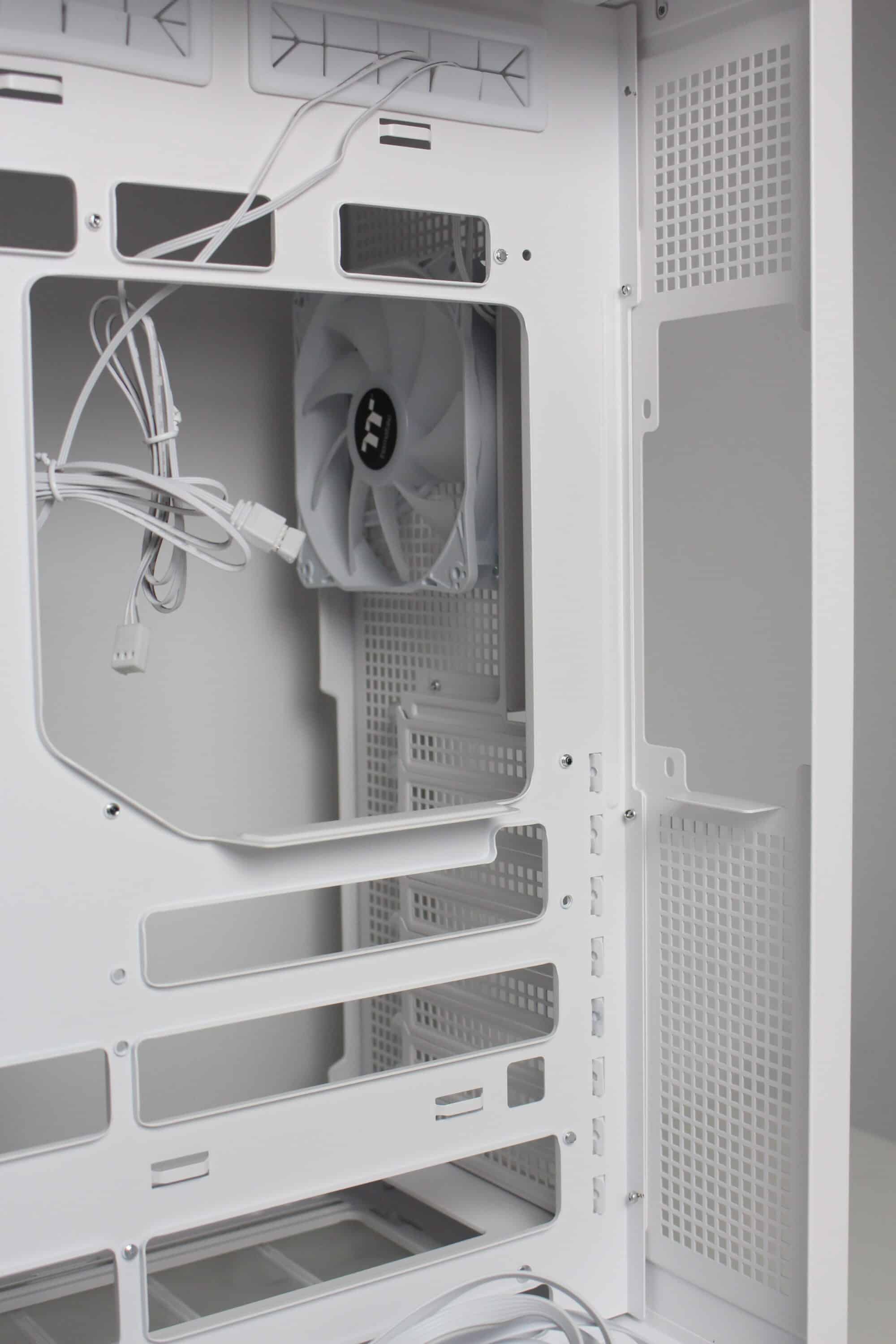
As already mentioned, Thermaltake divides the interior of the View 380 XL TG ARGB into two vertically separated chambers. The large main chamber offers space for up to ten fans, two radiators, an ATX mainboard, a long graphics card and a large CPU cooler. The mainboard tray has numerous cable feed-throughs, a cut-out for the backplate of a CPU cooler and openings for mainboards with rear connections. There is plenty of room to work above and below the mainboard tray.
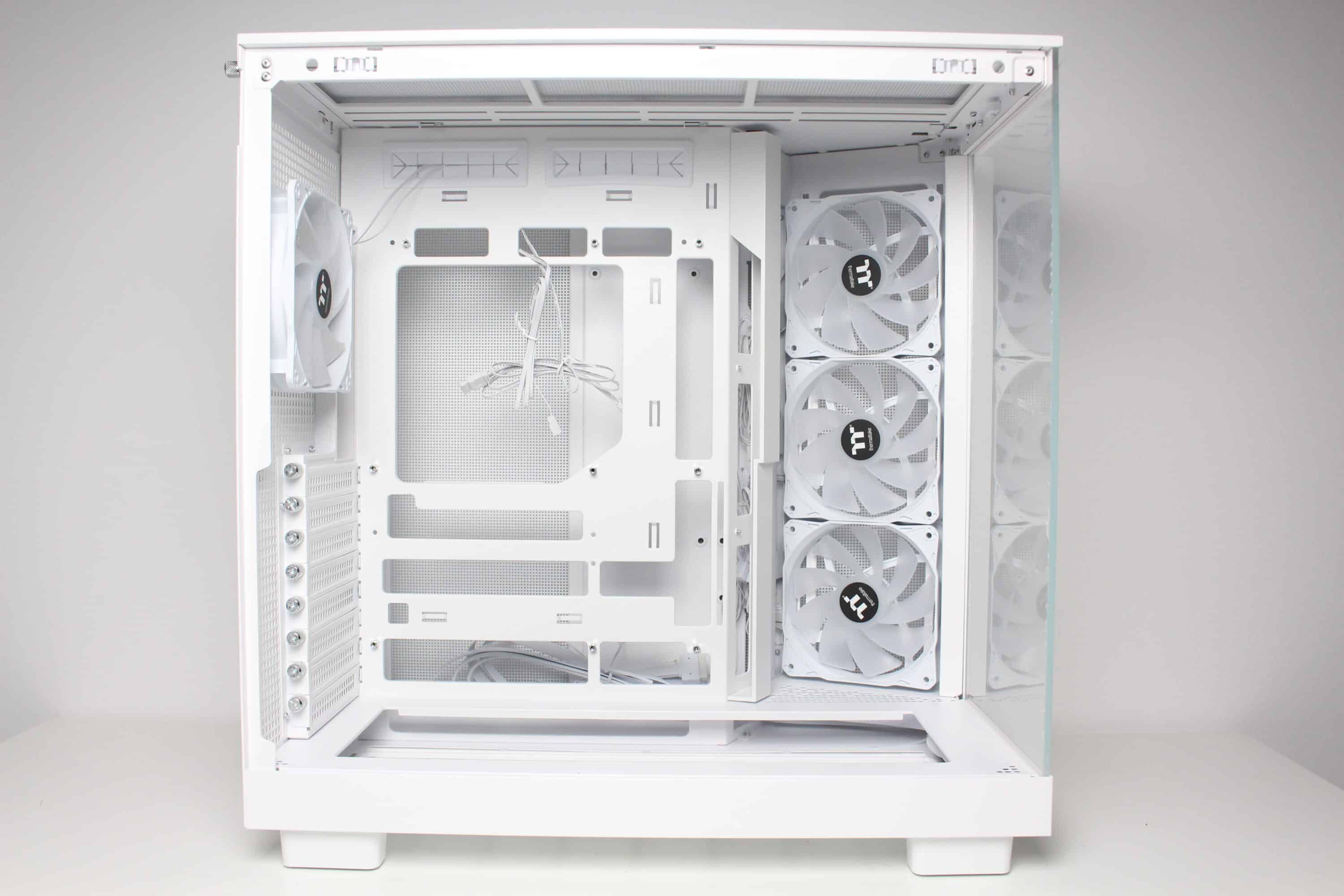
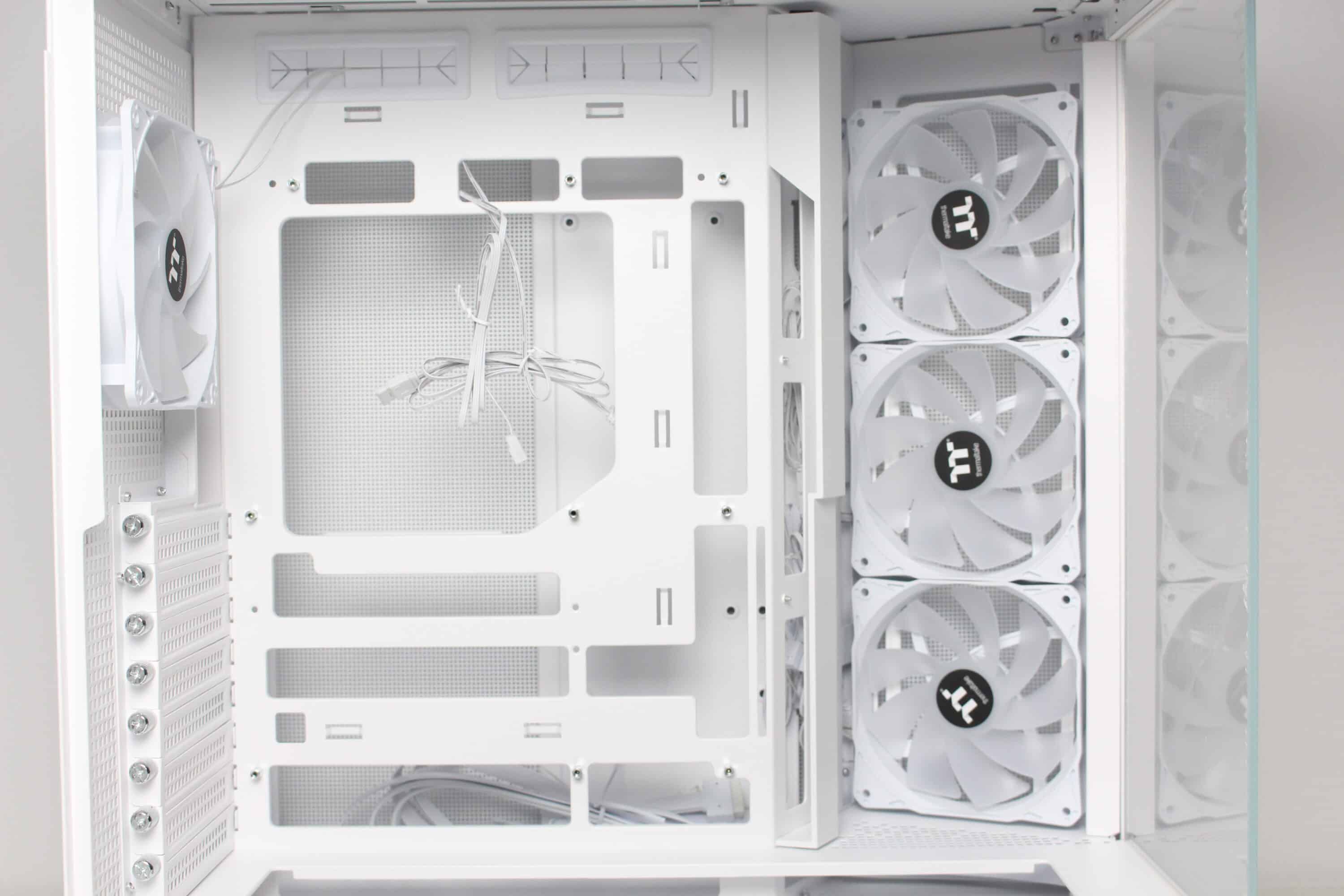
Due to their orientation, the three side fans transport cold air into the interior and also accentuate the lighting. The airflow is easily directed past the mainboard via a cable duct and hits the graphics card precisely. Apart from the modular GPU bracket in the lower area, there are no disruptive elements in the airflow. The fourth pre-installed 120 mm fan in the rear removes the heated air.
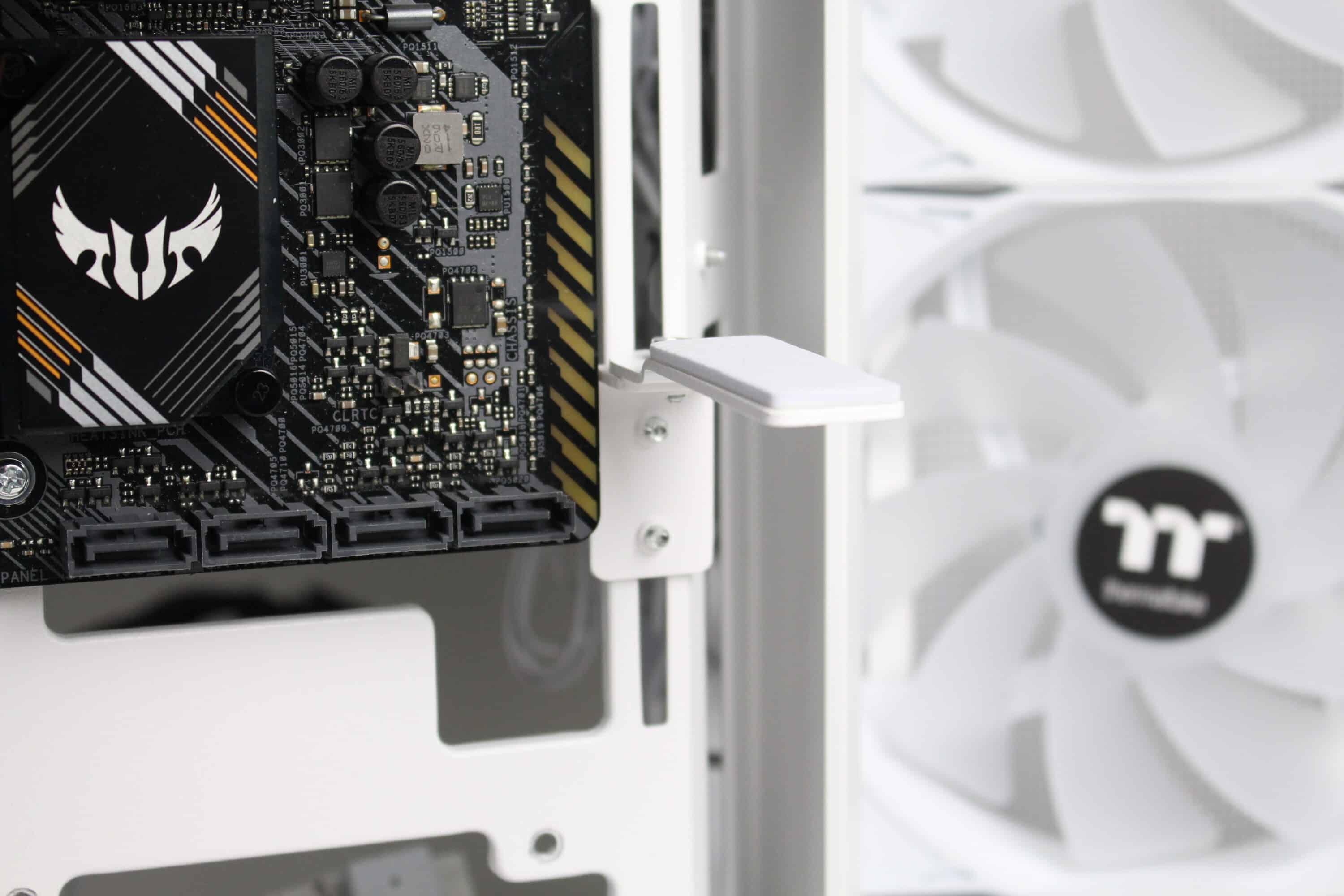
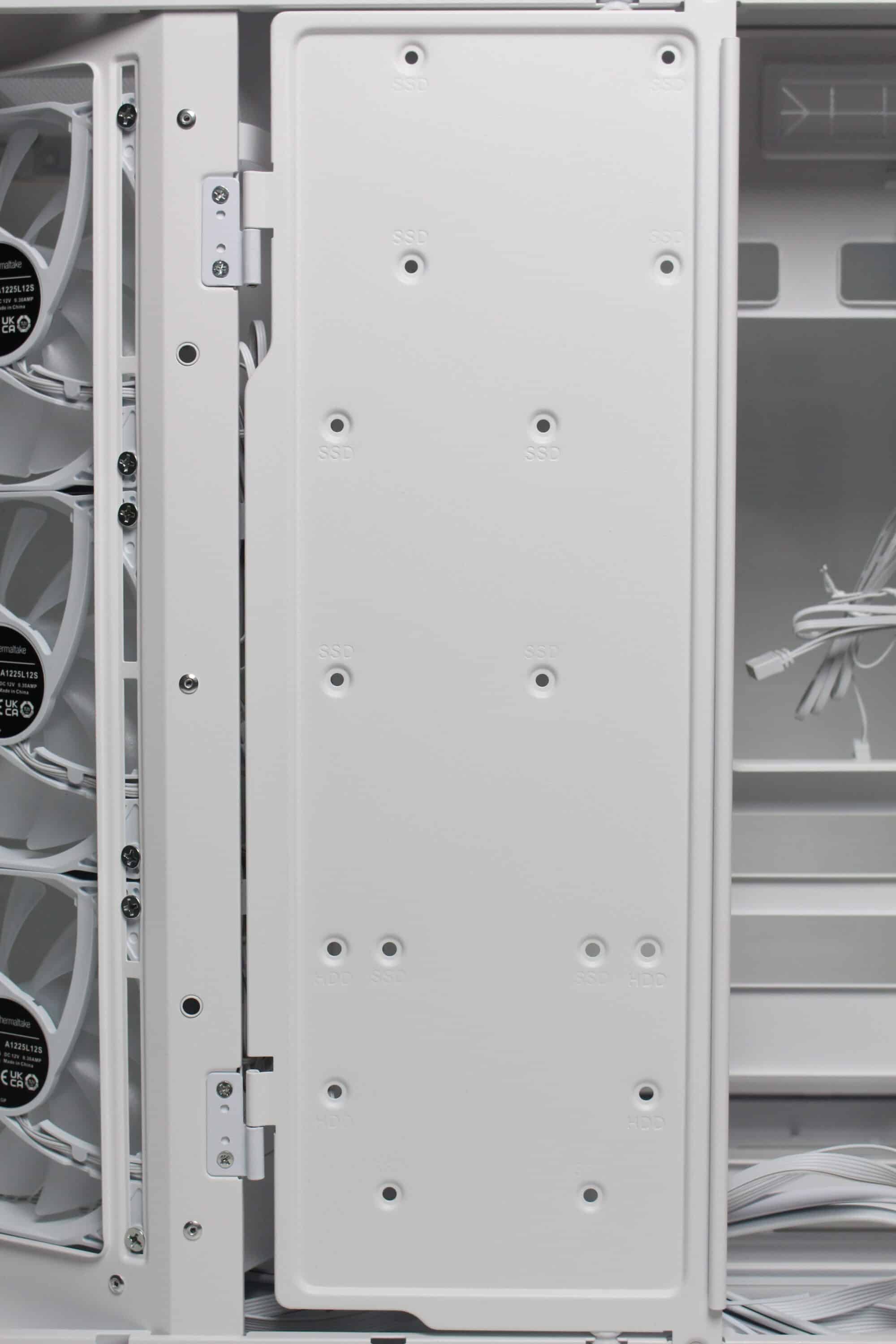
After we removed the right-hand side panel, the first thing we noticed was a large white surface that covers about half of the second chambers. The surface serves as a mounting point for several data carriers and can simply be opened after loosening two screws. The very spacious power supply compartment is then revealed behind it. In addition to the space for the power supply unit, Thermaltake has also equipped the rear with numerous eyelets for cable ties and three reusable Velcro strips. So there should be no cable management problems in the View 380 XL TG ARGB.
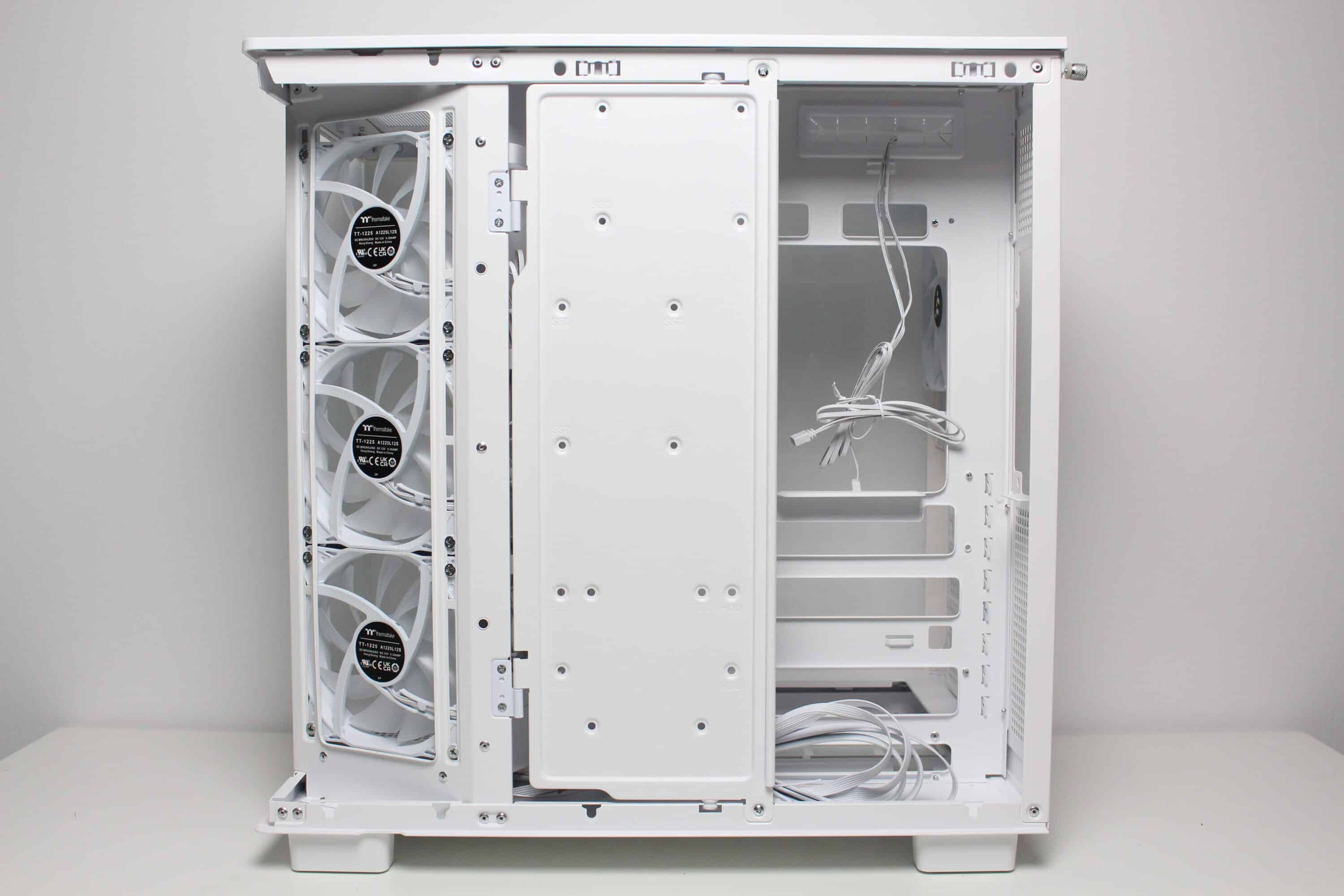
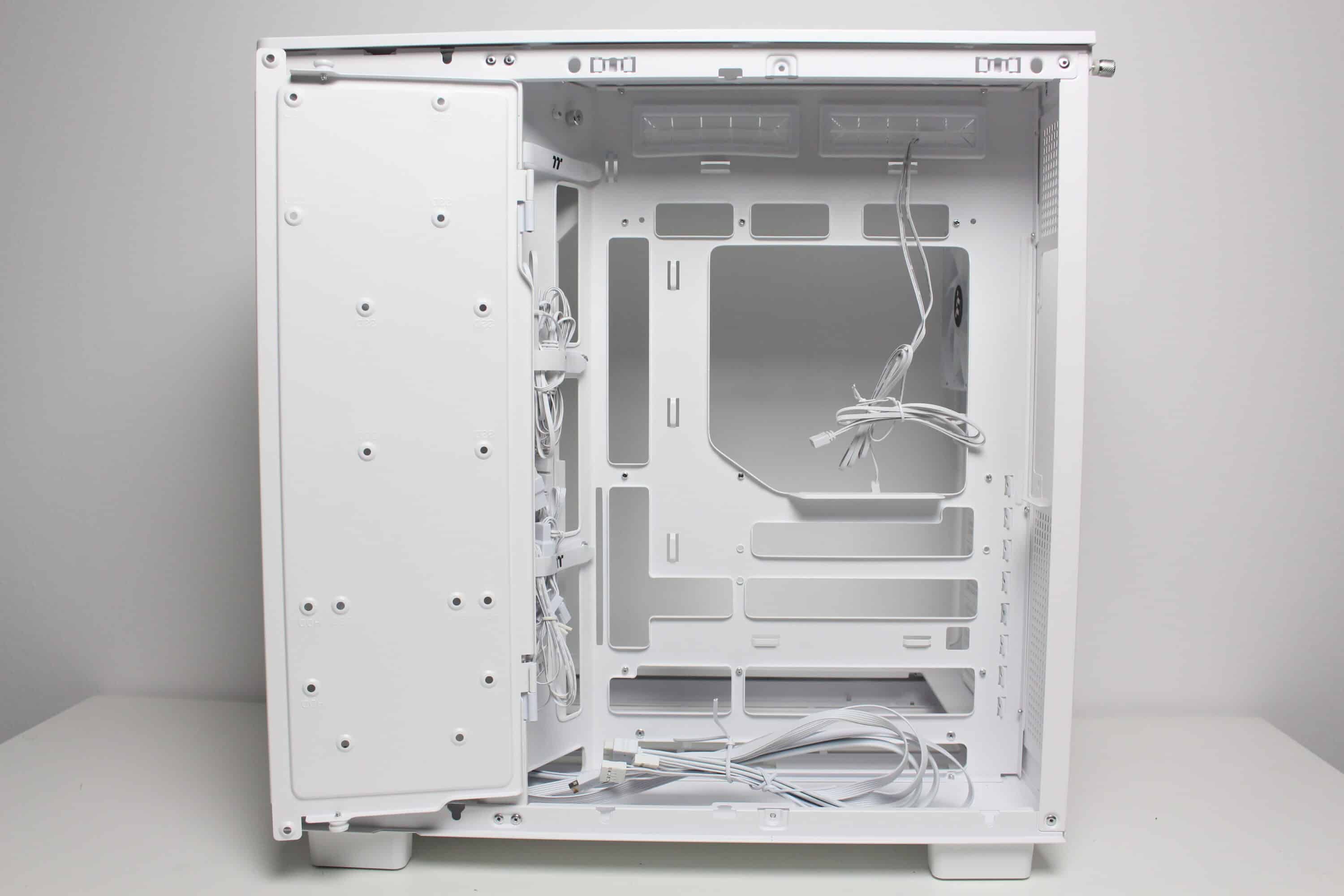
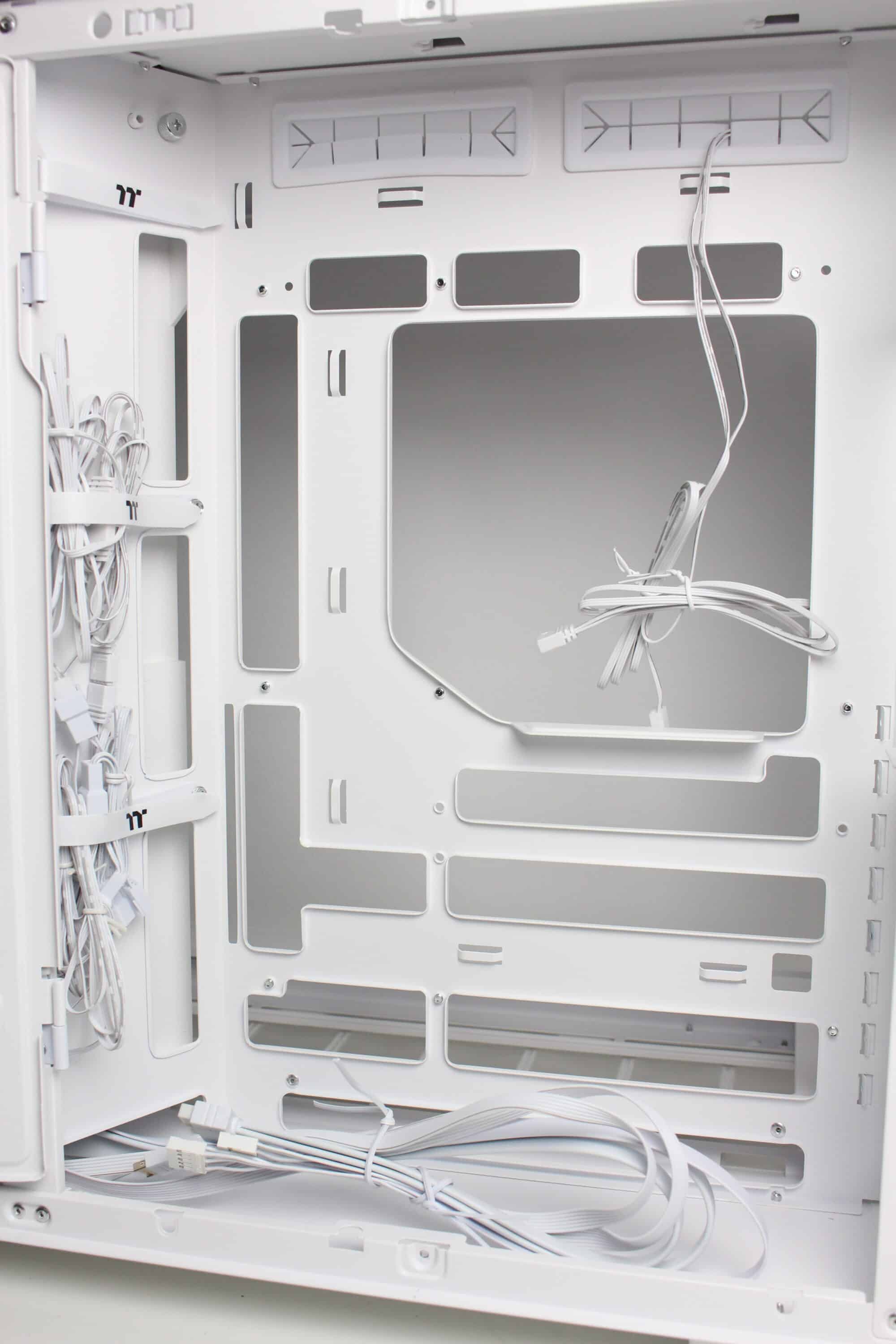
The last thing we’ll lose in this chapter is a word about the capacities for data carriers. Measured by its size and the space behind the mainboard tray, this is not a particularly presentable feature of this midi tower. Only one 3.5″ and 2.5″ or three 2.5″ data carriers can be installed on the hinged door at the same time, although there would theoretically be much more space under the power supply unit. In addition, there is no decoupling and installation is not tool-free.
Processing
Measured in terms of its internal volume and general size, this midi tower weighs around nine kilograms, so much so that you would initially expect the material to be sufficiently thick. This also largely applies to the areas of the View 380 XL TG ARGB. The mainboard tray and surrounding areas are very stable and torsion-resistant. However, the fan grille in the lid and the right-hand side panel are somewhat different. Due to the very open grid structure, both elements unfortunately lose some of their stability. Otherwise, however, the workmanship is very good. There are no sharp edges, scratches or dents and the paintwork also leaves a more than presentable impression.
Thermaltake View 380 XL TG ARGB test: Installing the components
Now we come to the system installation in the Thermaltake View 380 XL TG ARGB test. As hardware we use an AMD Ryzen 5 1400* on an ASUS TUF Gaming B550M-Plus* with 16GB Crucial Ballistix Sport LT gray DDR4-2666*. The Ryzen is cooled by an Alpenföhn Brocken 4* and is overclocked to 3.8 GHz (1.175 V). A Gigabyte AORUS GTX 1060 6GB is responsible for the image output. The power supply is provided by the fully modular LC-Power LC550 V2.31 Platinum*.
The installation and cabling of our test system was completed quickly and went off without a hitch. The basic space conditions are very generous and there is enough room to work everywhere. In addition, the pre-installed spacers, the knurled screws and the push-pin assembly of the side panels saved a considerable amount of time. Finally, the cable management system is also well thought out and there are useful cable feed-throughs and attachment points for cable ties everywhere. The overall result looks neat, but without radiators and a particularly long graphics card, there is a lot of yawning emptiness in the interior.
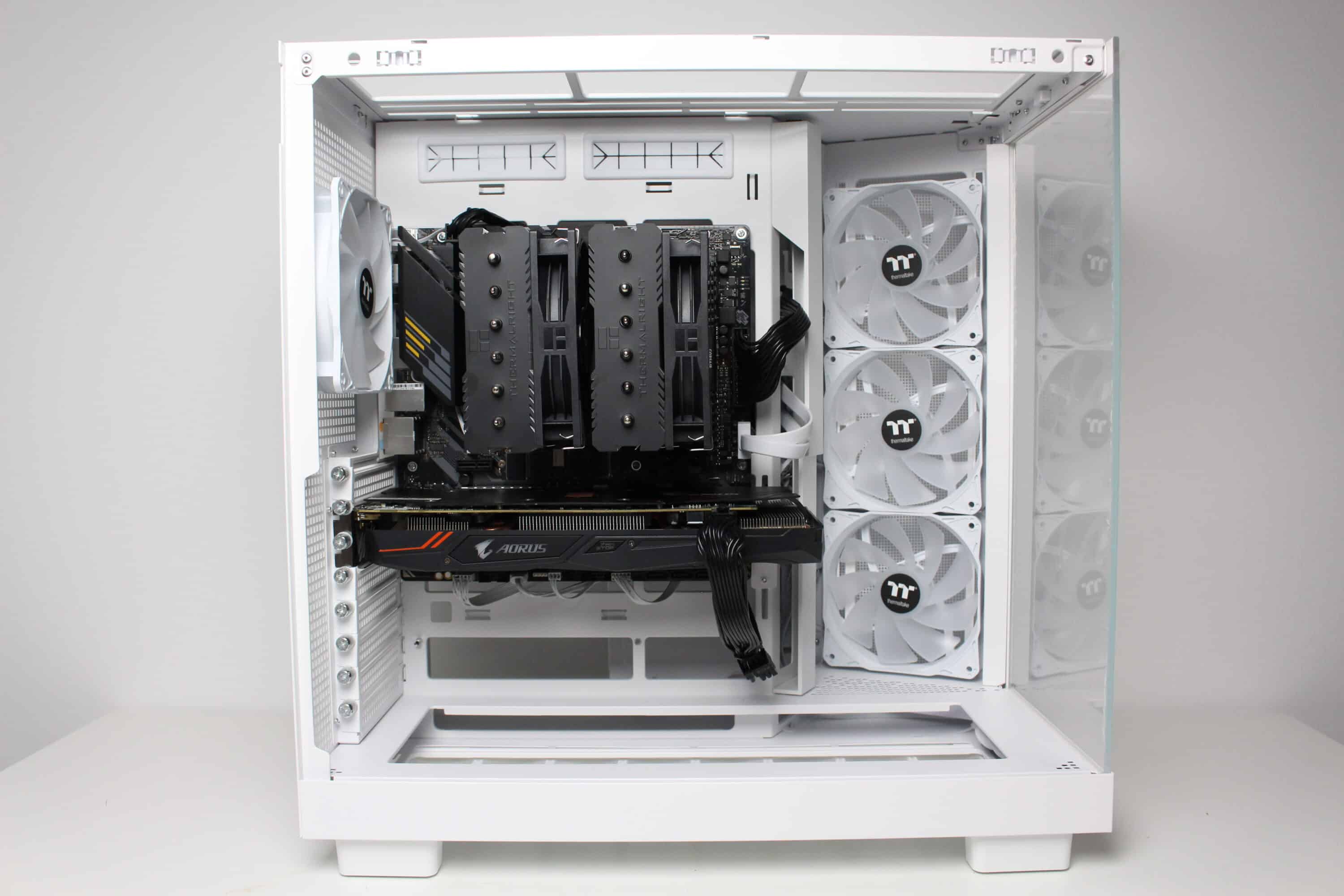
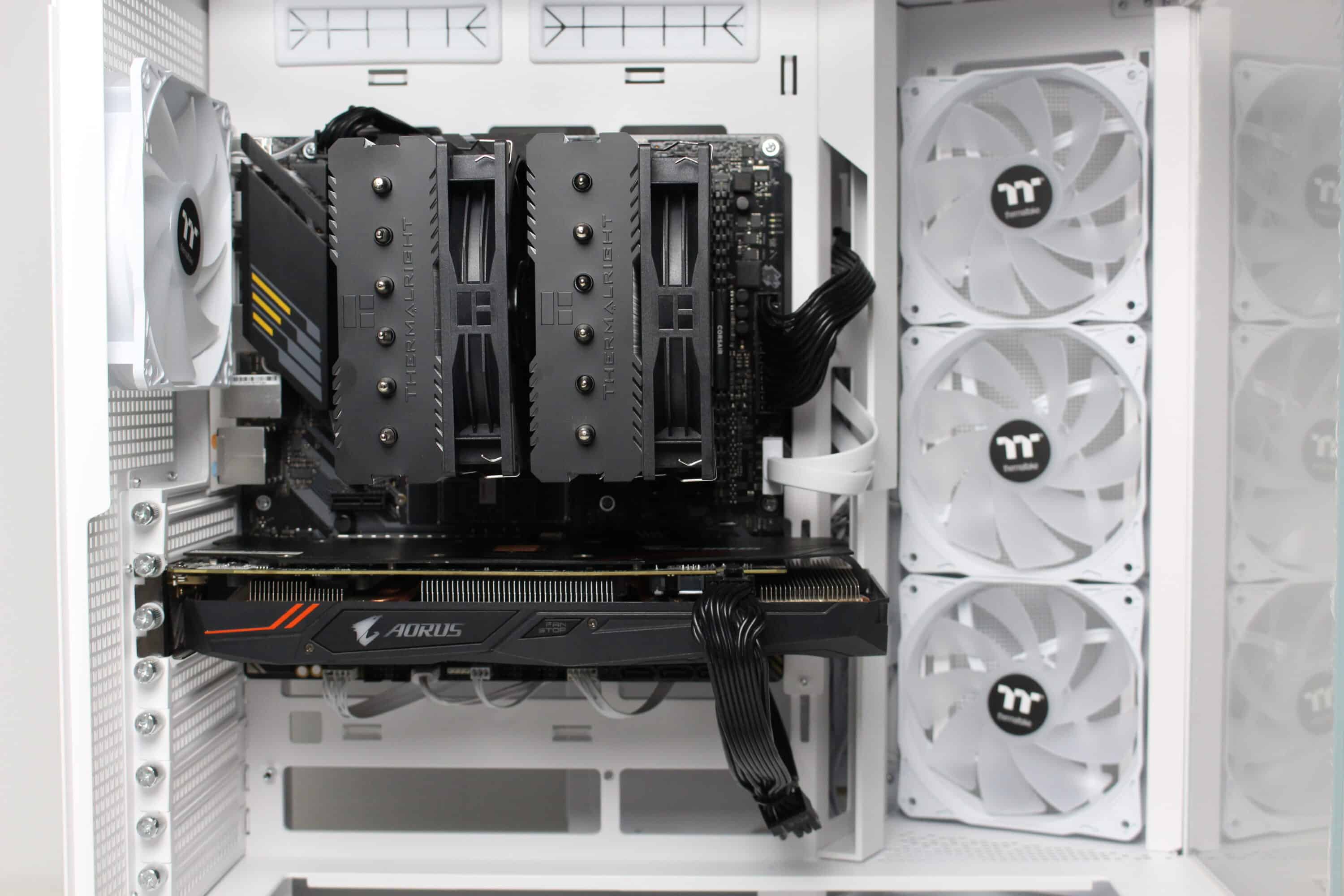
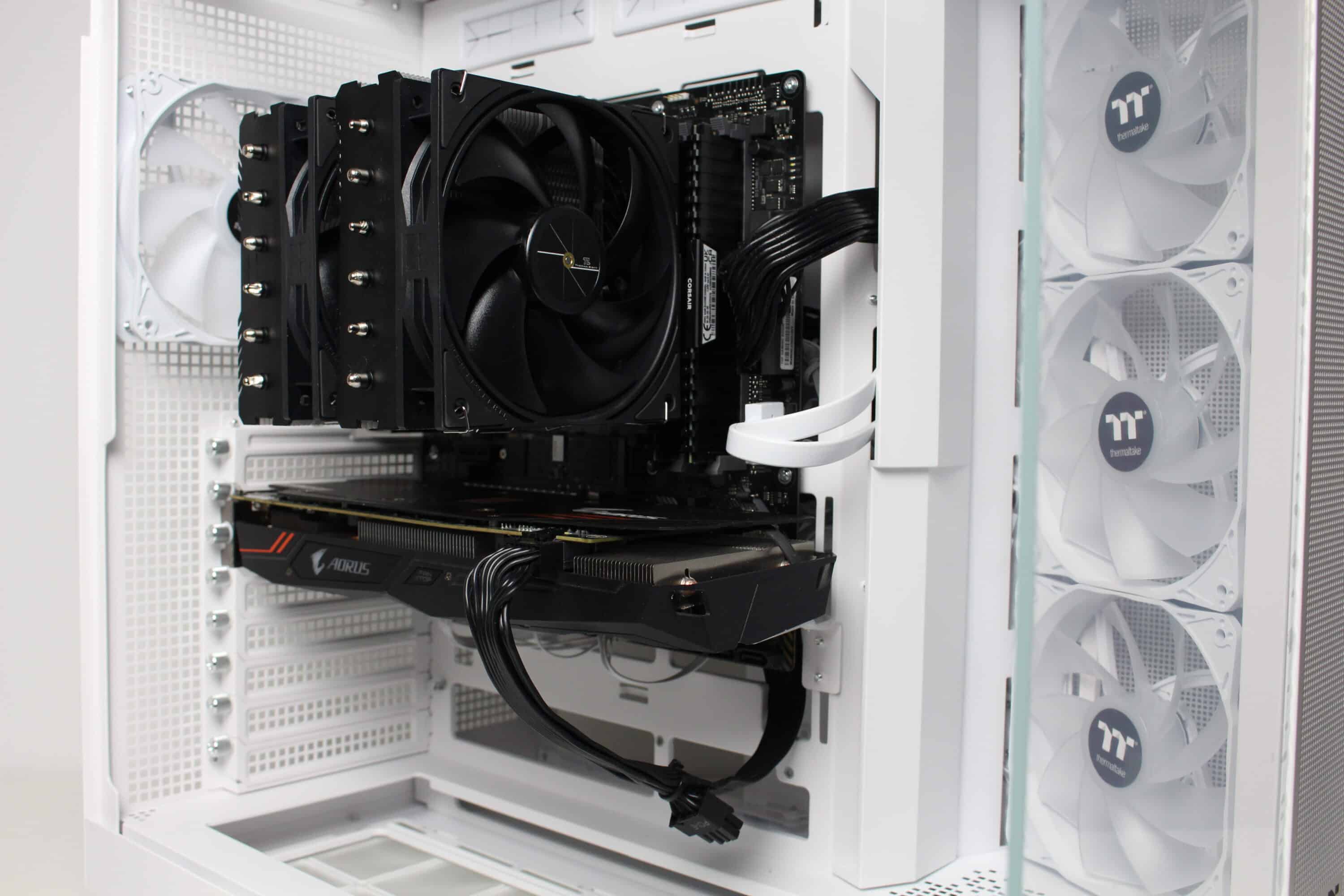
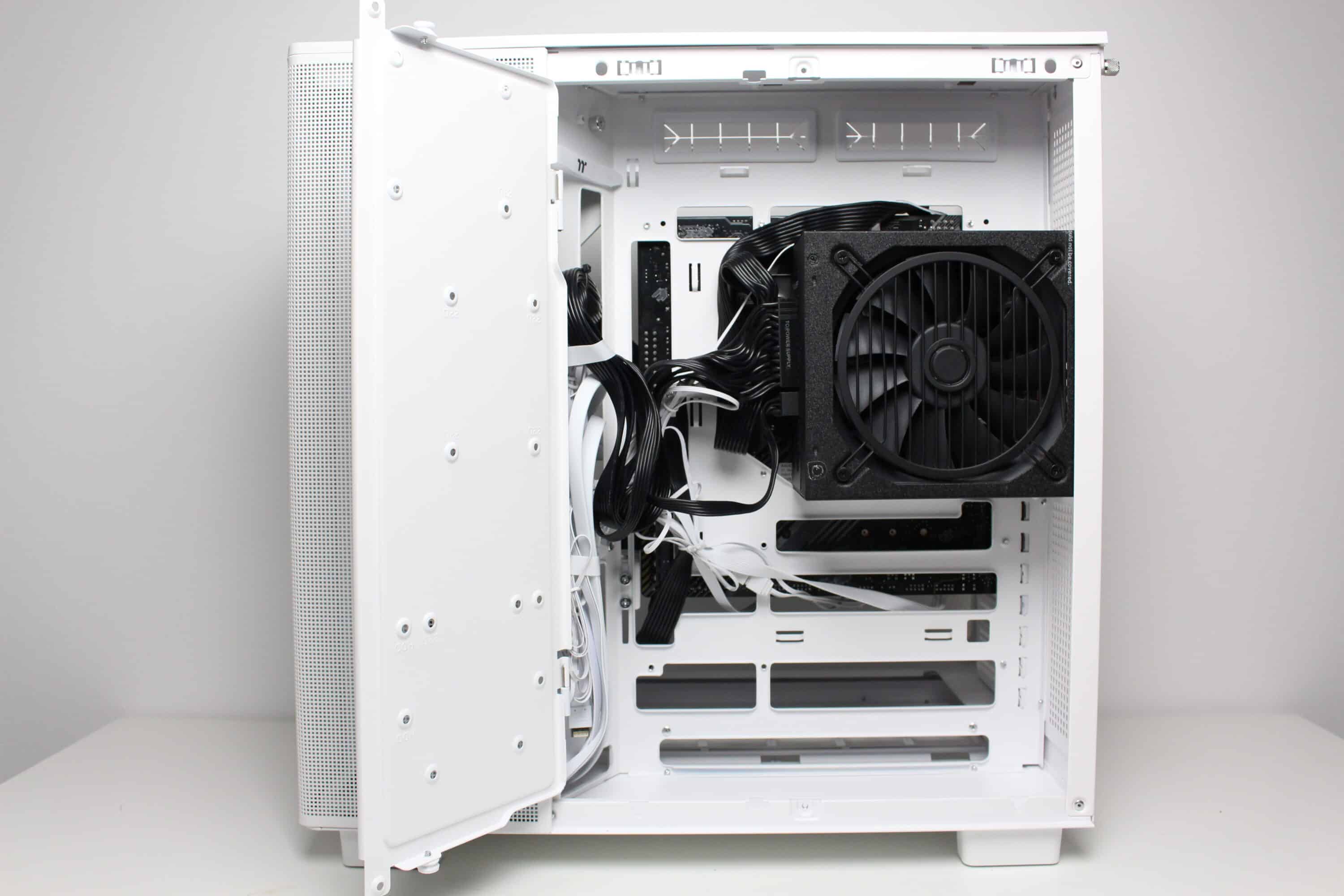
Thanks to its internal volume of almost 64 liters, the View 380 XL TG ARGB offers sufficient space for hardware. CPU coolers can be 160 millimeters high and graphics cards an impressive 420 millimeters long. Thermaltake specifies a maximum length of 180 millimeters for the power supply unit. If you want to install a water cooling system in the interior, two 360 mm radiators should theoretically fit on the side and in the lid at the same time.
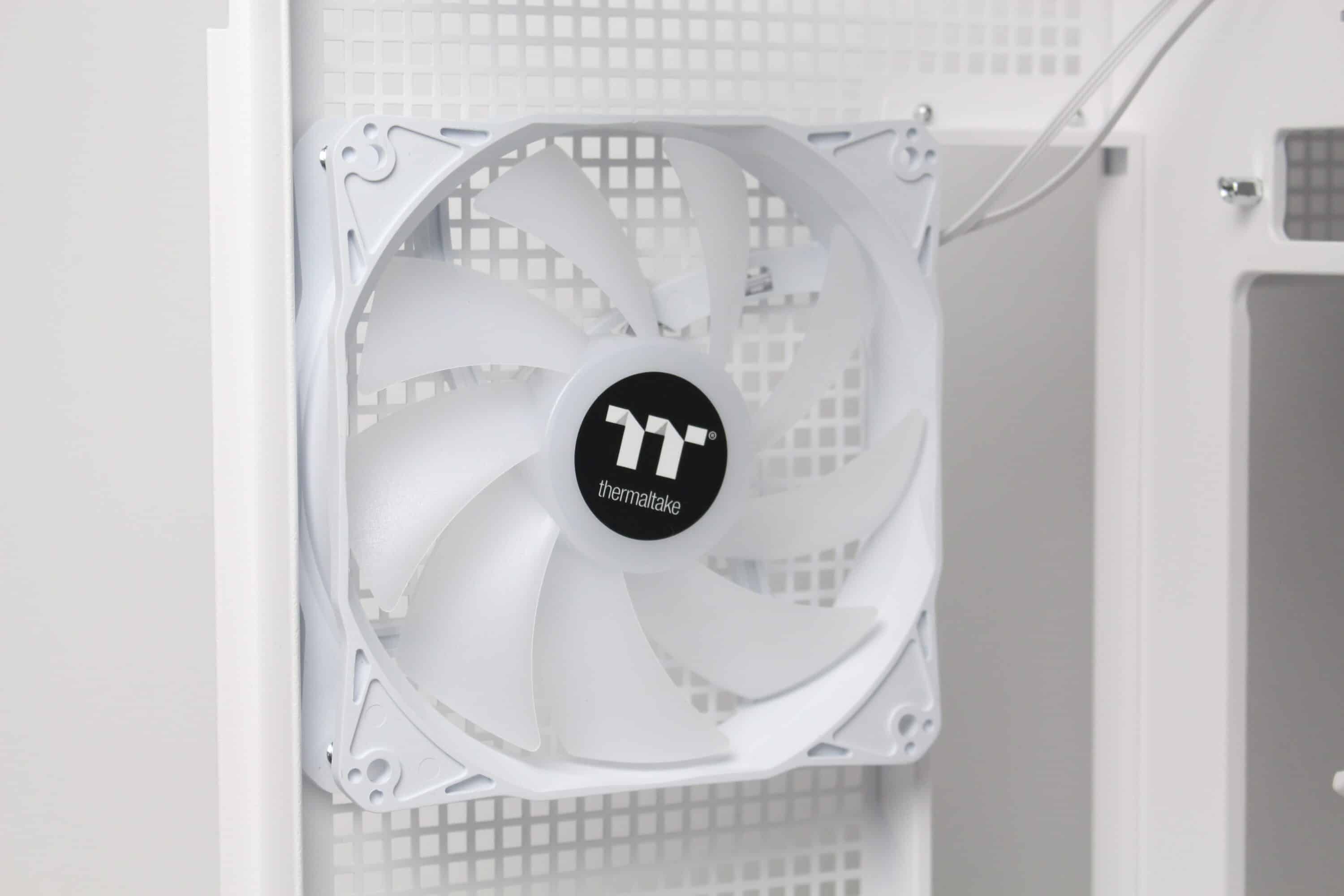
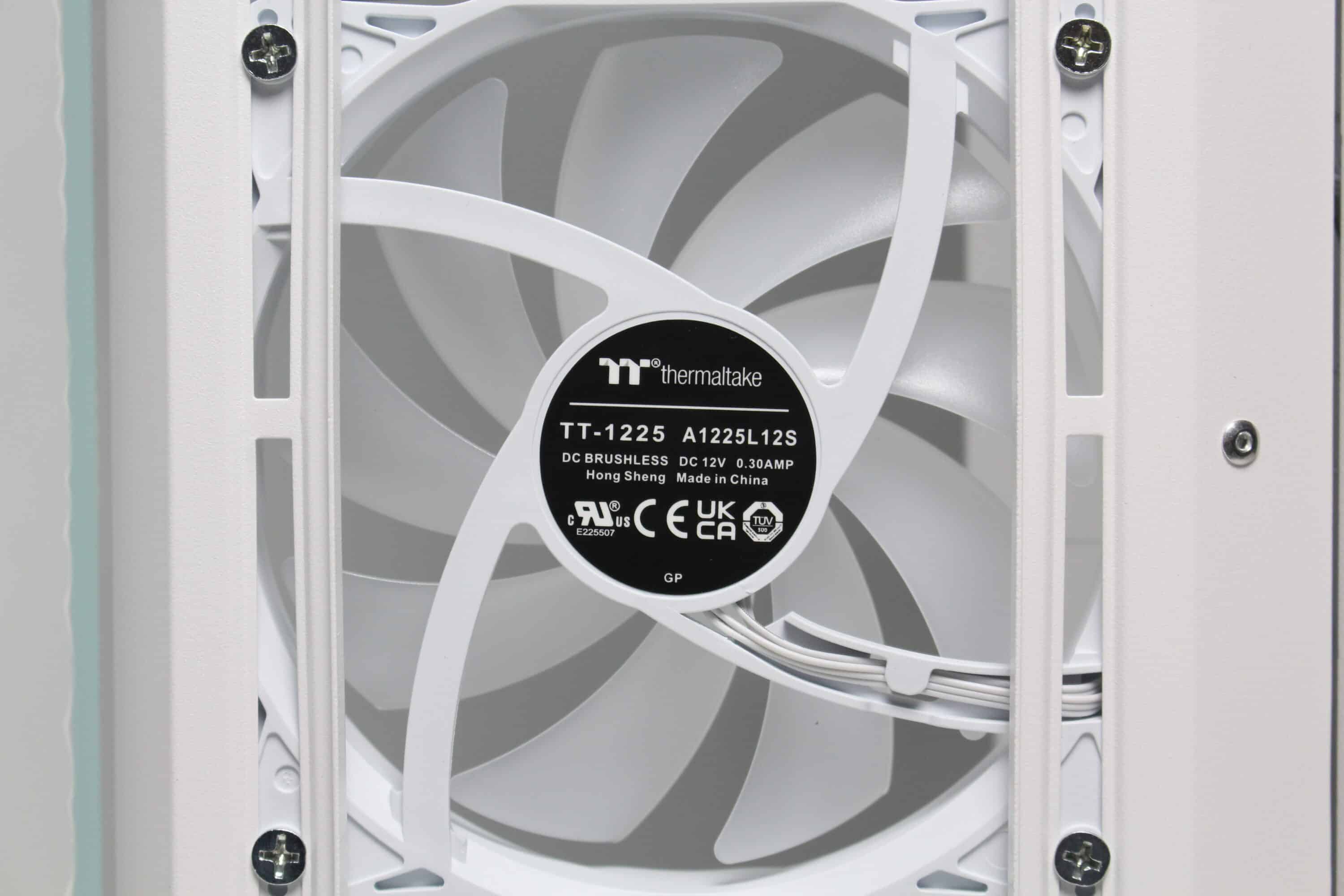
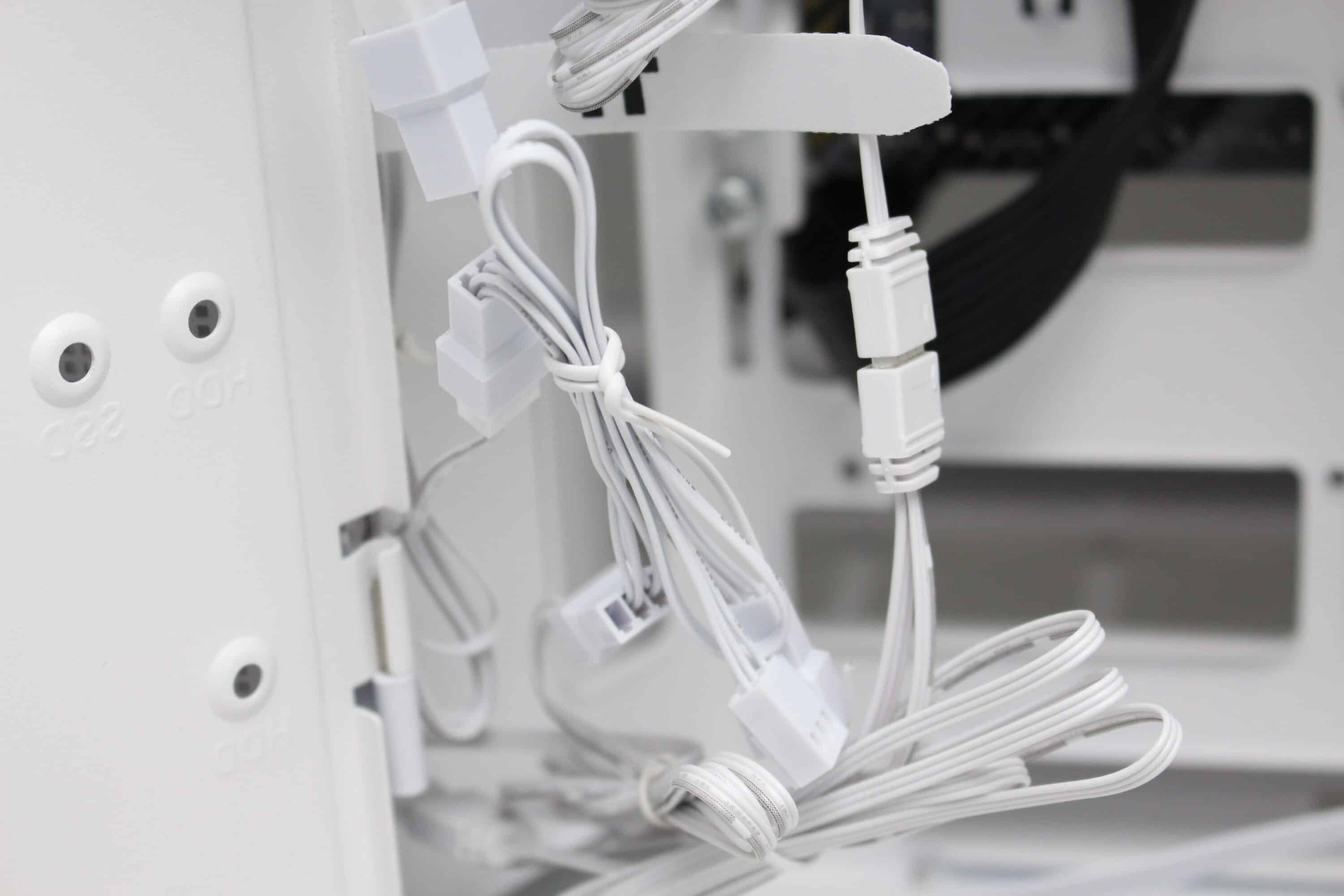
Thermaltake installs four fans in the View 380 XL TG ARGB ex works. These include three 120 mm fans with ARGB lighting on the side front, which have so-called “reverse blades”, as well as another 120 mm ARGB fan on the rear of the midi tower. Visually, all four fans are similar. The milky white rotor is surrounded by a white frame and each fan has a 3-pin 12V connection for the power supply and a 3-pin 5V connection for addressing the LEDs. The speed range in our test was between 390 and 930 revolutions per minute. There is no decoupling of the frame, e.g. via rubberized corners.
Load test
Finally, we come to the temperatures that were reached in the Thermaltake View 380 XL TG ARGB test. During the stress test, we ran Prime95 and FurMark at a room temperature of 20 °C for 30 minutes. We also performed the stress test in the standard fan configuration with three different speeds (minimum speed, 50% PWM and 100% PWM). The results are listed in the table below.
Scenario |
Temperature |
| CPU: 50% PWM (1100 rpm) GPU: 50% PWM (1650 rpm) Benchtable/ open setup |
CPU: 65.4 °C GPU: 62.8 °C |
| CPU: 50% PWM (1100 rpm) GPU: 50% PWM (1650 rpm) Front/side: 3x 120 mm 5V (390 rpm) Rear: 1x 120 mm 5V (390 rpm) |
CPU: 68.3 °C GPU: 74.9 °C |
| CPU: 50% PWM (1100 rpm) GPU: 50% PWM (1650 rpm) Front: 3x 120 mm 7V (570 rpm) Rear: 1x 120 mm 7V PWM (570 rpm) |
CPU: 67.1 °C GPU: 73.1 °C |
| CPU: 50% PWM (1100 rpm) GPU: 50% PWM (1650 rpm) Front: 3x 120 mm 12V (930 rpm) Rear: 1x 120 mm 12V (930 rpm) |
CPU: 65.3 °C GPU: 70.6 °C |
The results of the stress test show that the Thermaltake View 380 XL TG ARGB can cool our CPU very well. There is only a very small temperature difference between an open setup and the scenario with the lowest fan speed. Unfortunately, things look a little different with the graphics card. Here we had a difference of more than 12 degrees Celsius. So if you are installing a powerful GPU in this midi tower, you should consider placing the front fans in the base or buying additional fans for the base.
The case fans are barely audible at low and medium speed and are very discreet and not at all annoying. At full speed, a certain amount of air noise can be heard, which we would classify as audible but not disturbing compared to other case fans. Unfortunately, these fans are not free of background noise such as a quiet clacking noise.
Thermaltake View 380 XL TG ARGB test: The lighting options
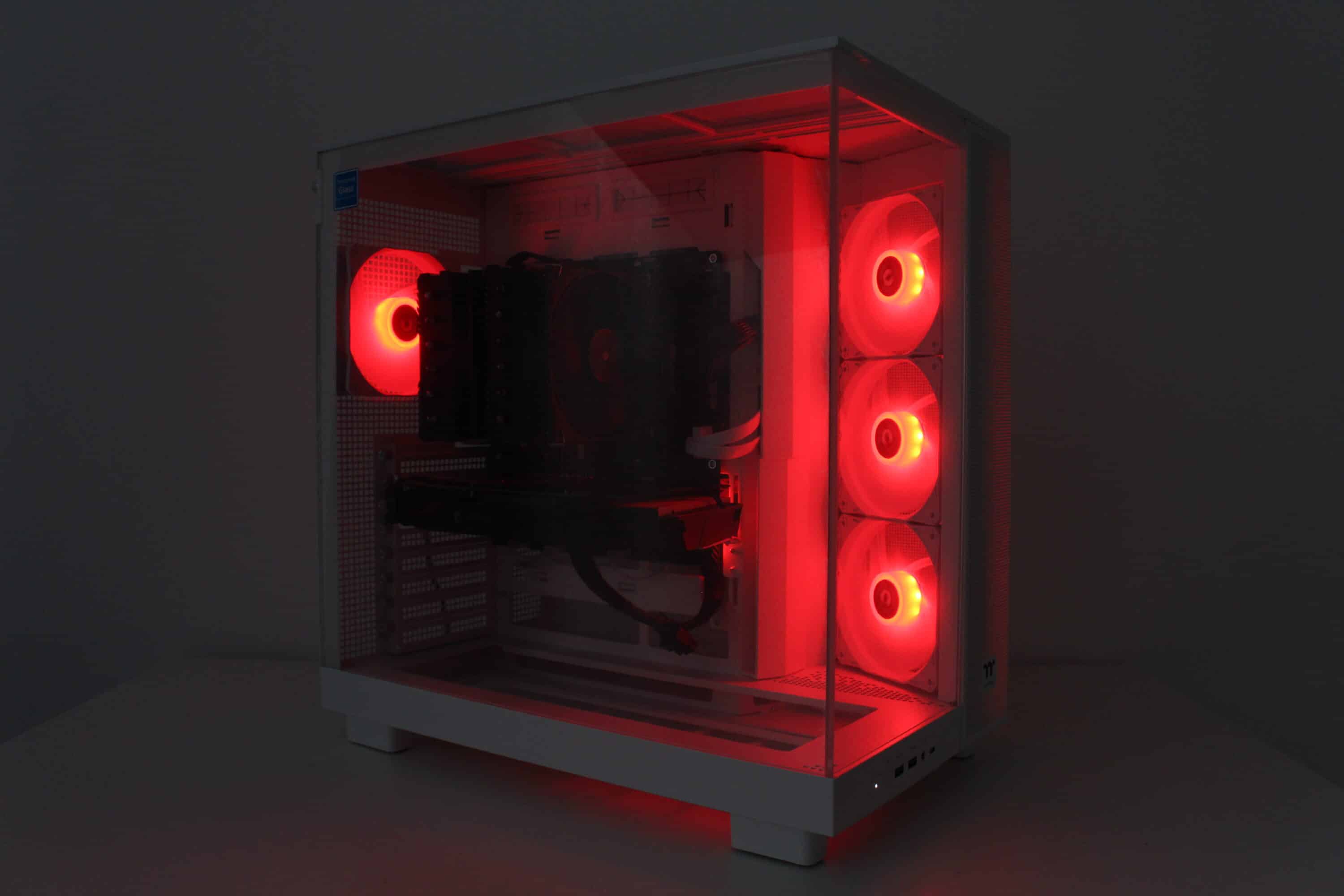
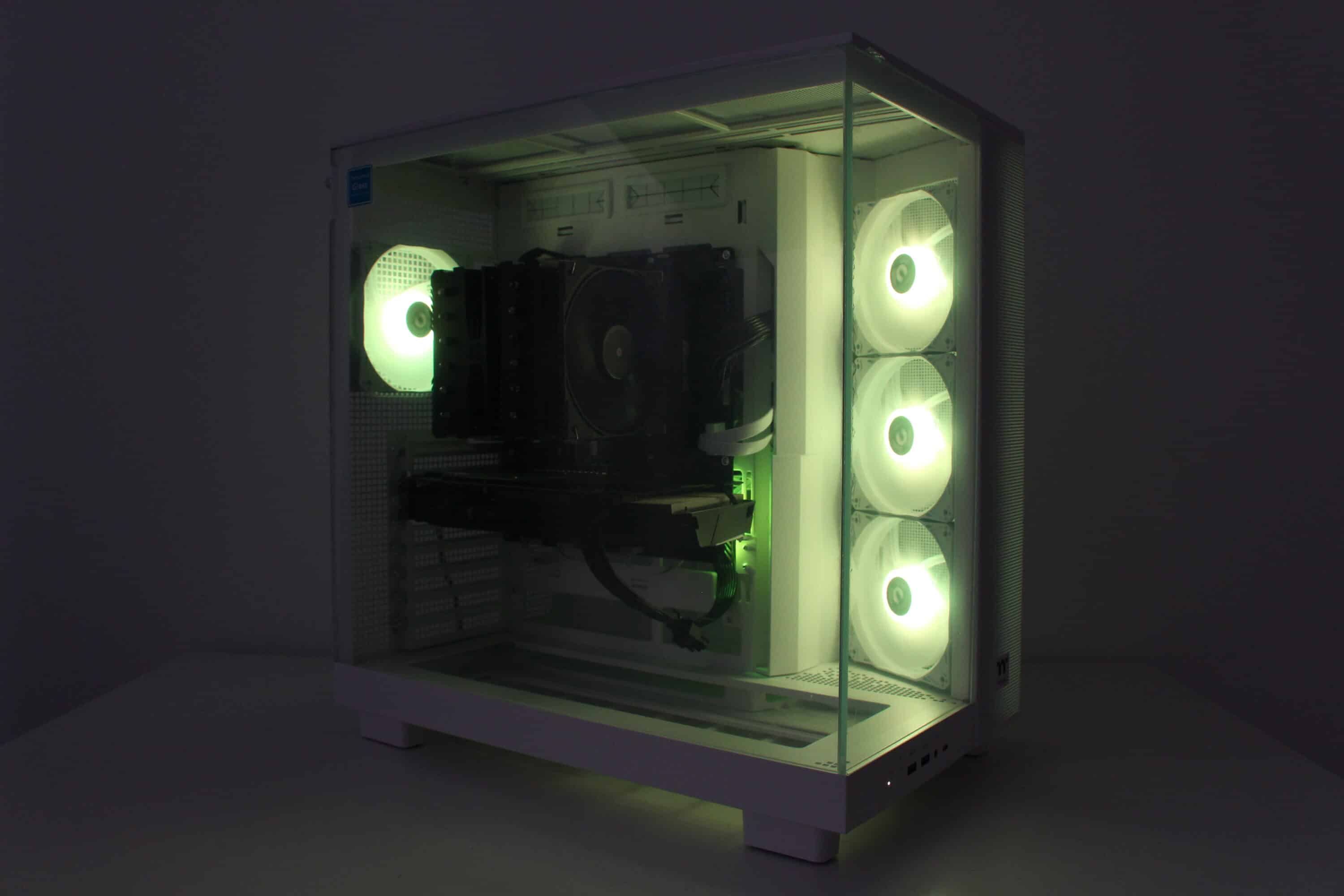
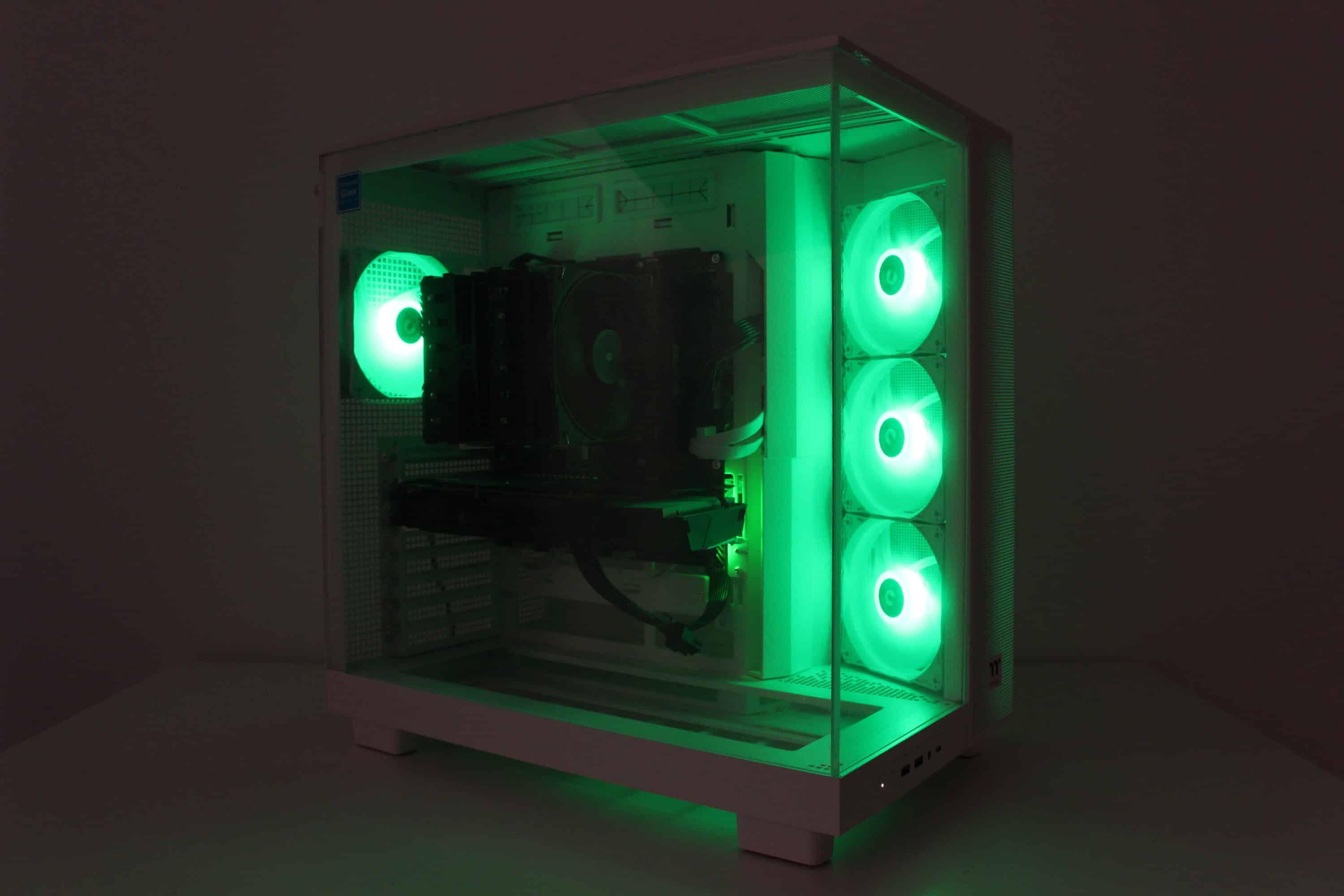
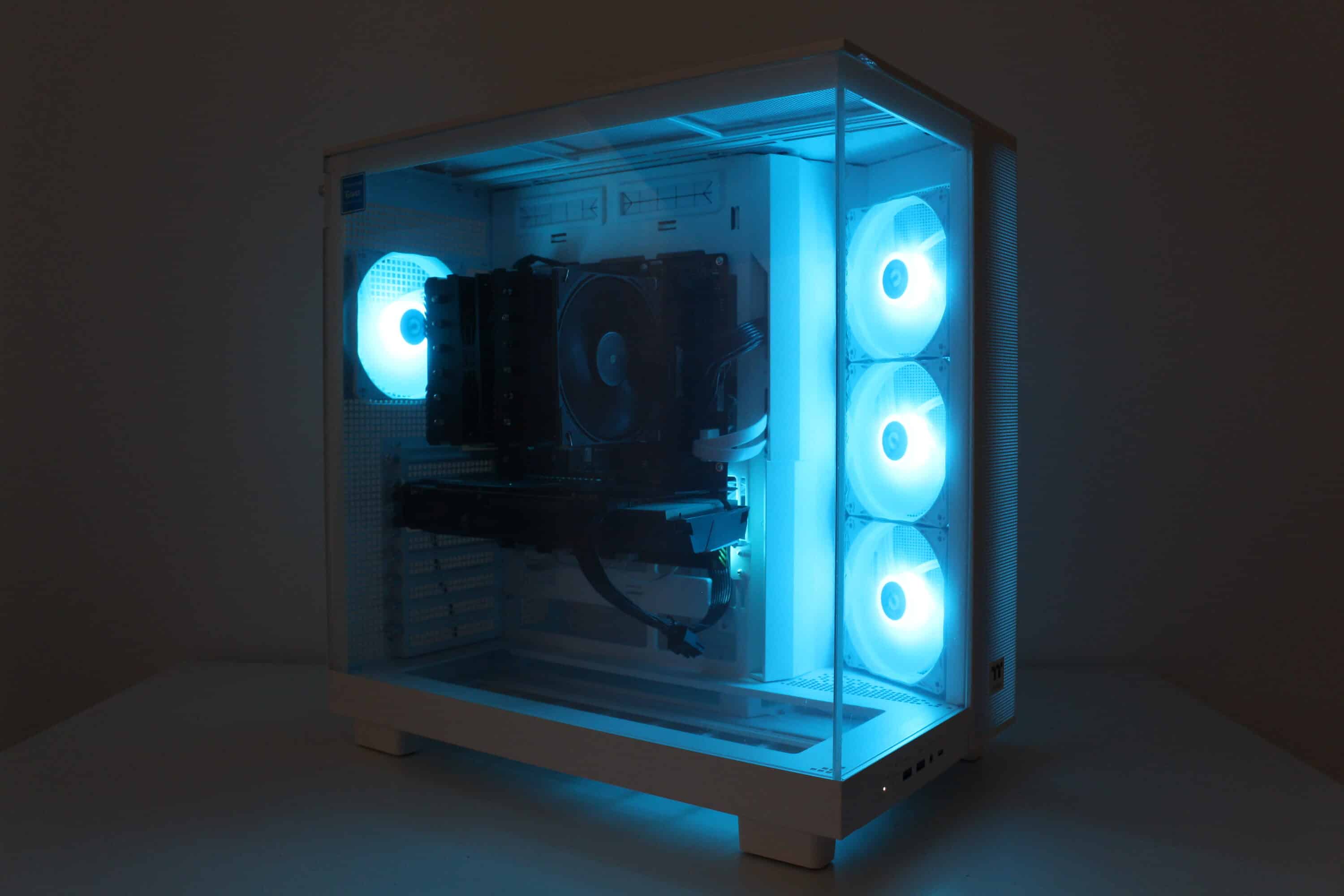
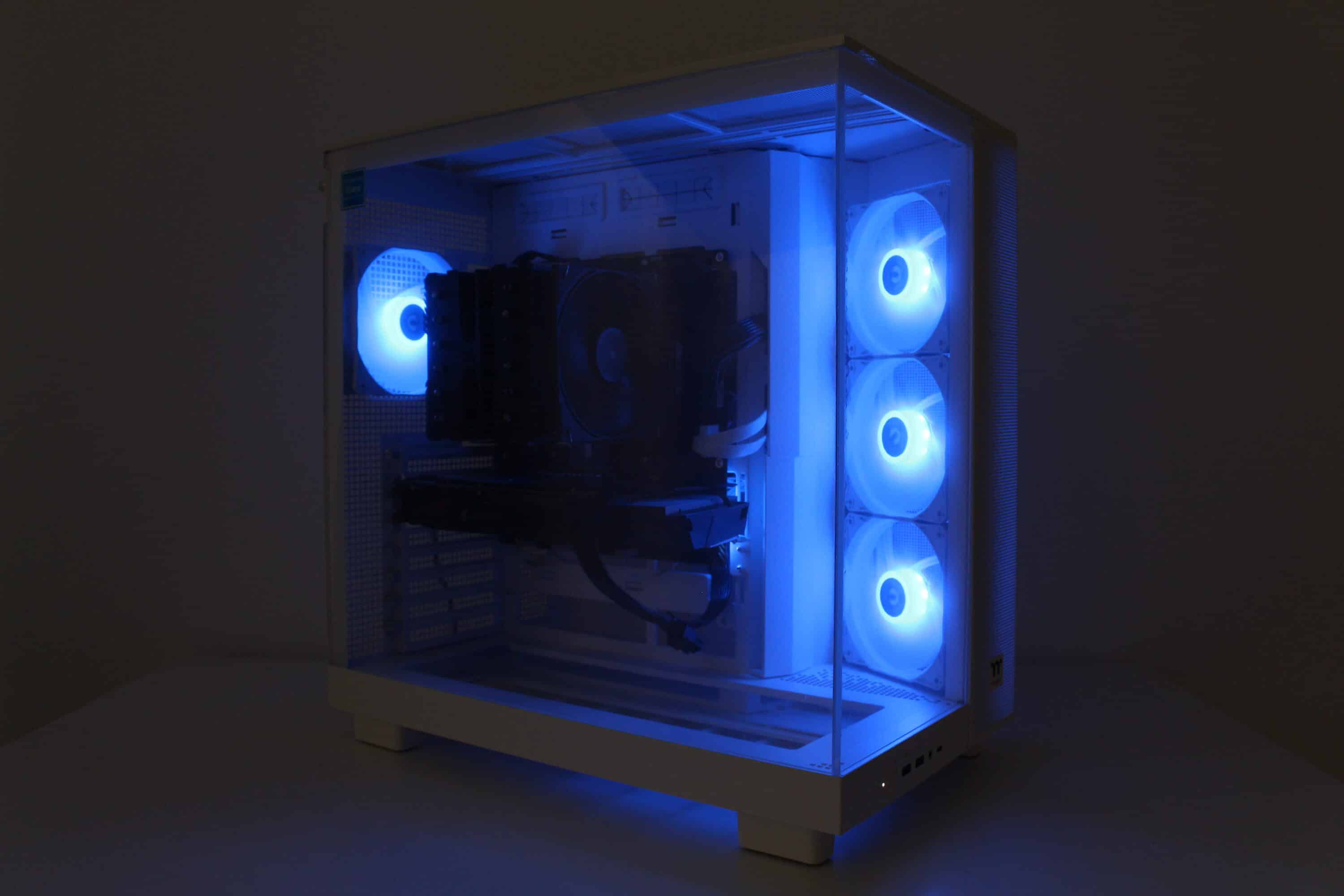
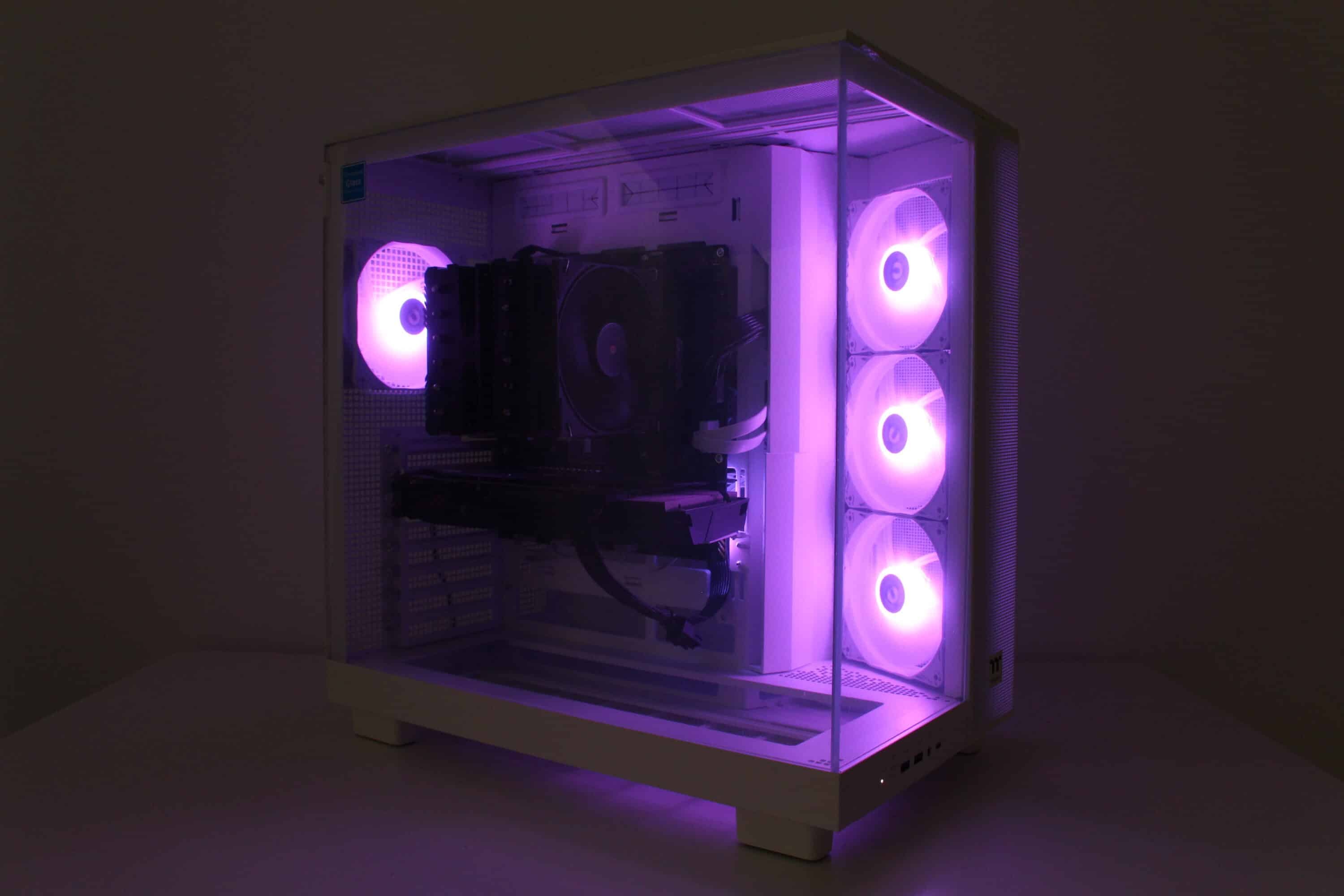
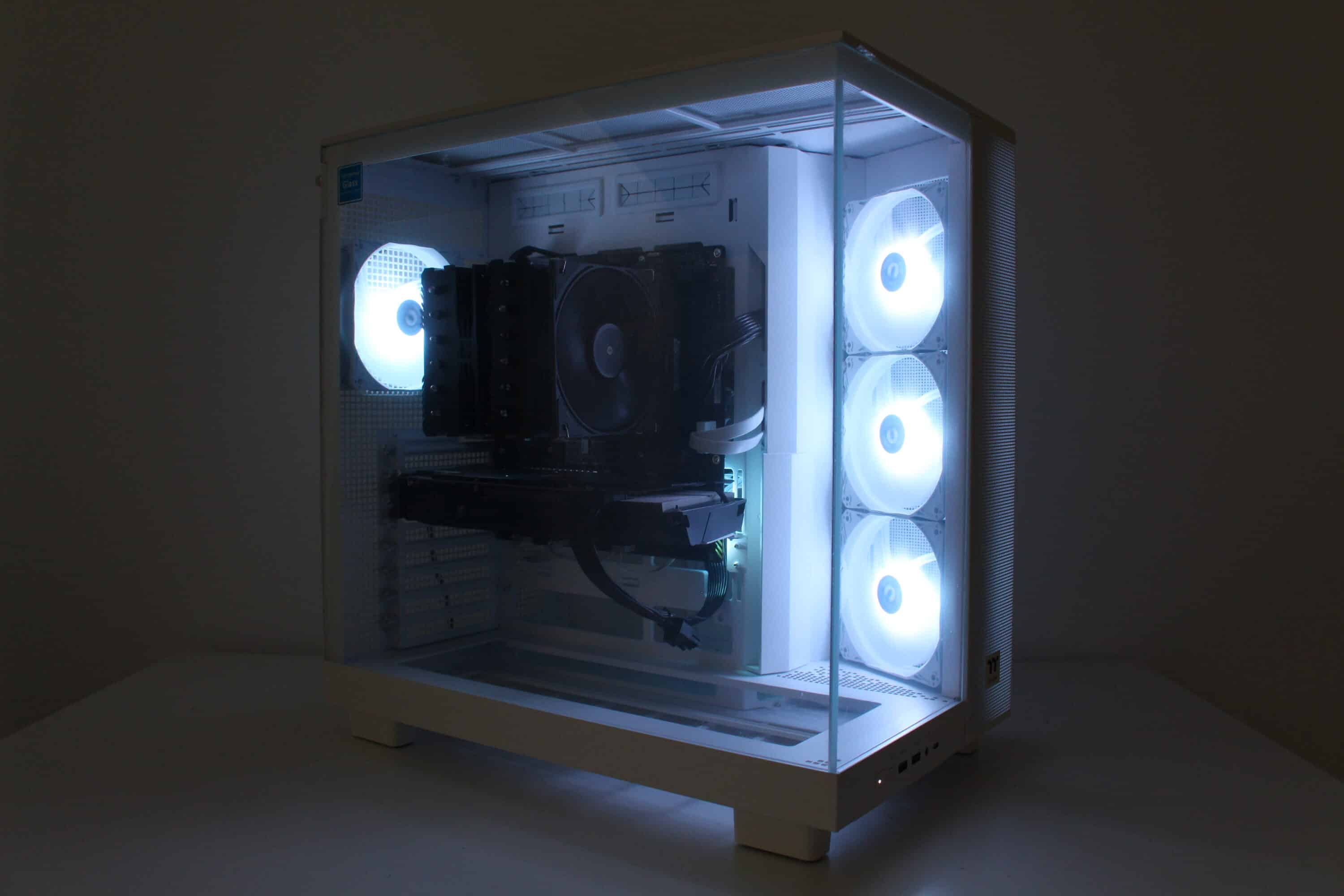
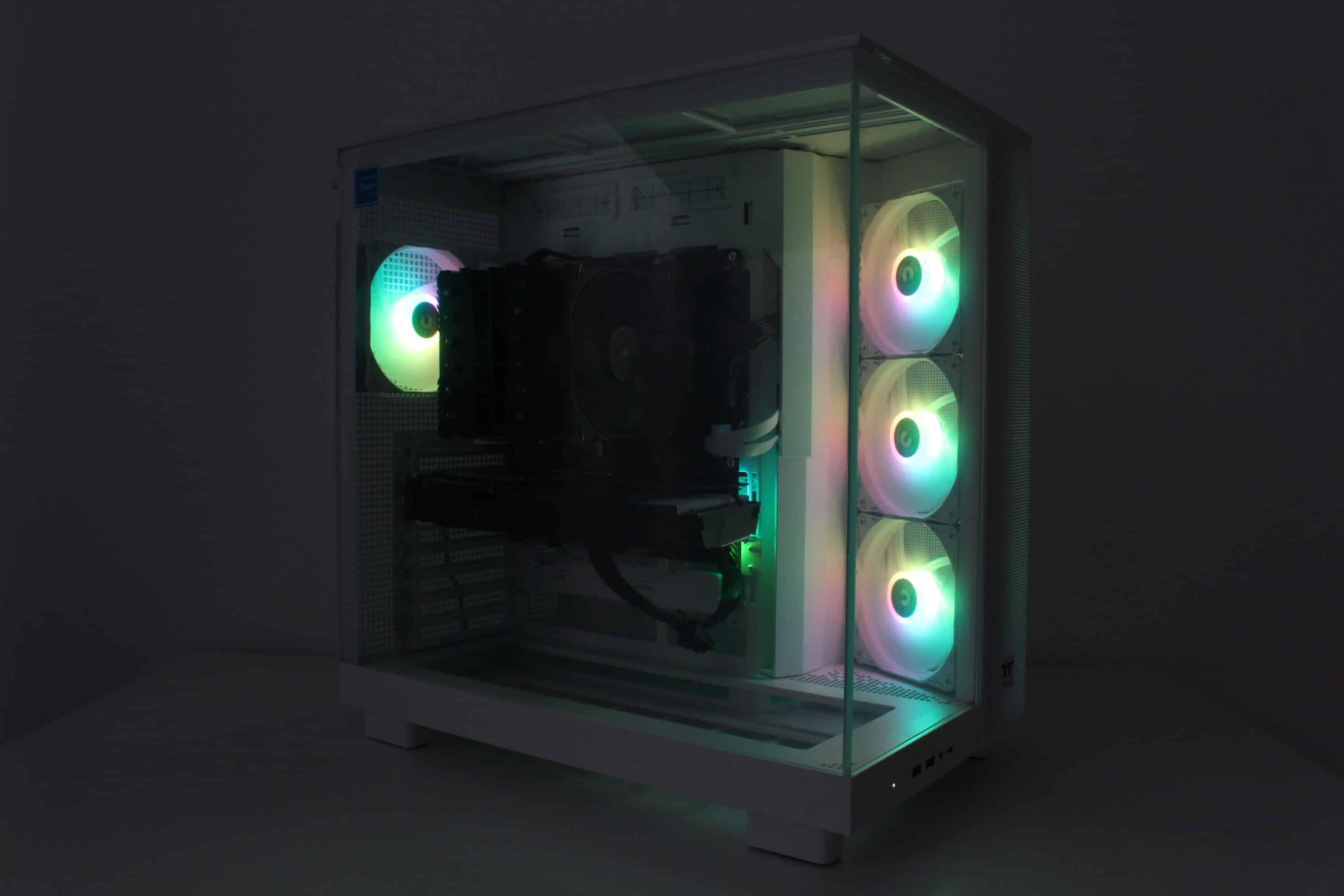
The Thermaltake View 380 XL TG ARGB comes with four pre-installed fans with ARGB lighting. We were able to determine ten LEDs per fan, which were installed in the fan hub. The connection is made via a daisy-chain connection on the 3-pin 5V ARGB header on the mainboard. Finally, a few impressions of the activated lighting.
Thermaltake View 380 XL TG ARGB Review: Conclusion
Now we come to the conclusion of this review of the Thermaltake View 380 XL TG ARGB. This midi tower impressed us with its spacious interior and good hardware compatibility. This is especially true for the installation of a water cooling system with two radiators. In addition, there is a fundamentally good finish, four pre-installed and fairly quiet fans and generally very good equipment. This overall package is rounded off by the tool-free installation of many elements with knurled screws or push pins.
However, the Thermaltake View 380 XL TG ARGB is not without its negative aspects. In terms of its size and layout, it only offers space for a few data carriers. Added to this are the rather thin ventilation grilles in the lid and on the right side panel. We would also have liked to see the use of PWM with the pre-installed fans and the cooling of the GPU could be significantly better, at least in the factory settings.
In our opinion, the Thermaltake View 380 XL TG ARGB is primarily aimed at buyers who are planning a case for the installation of a high-performance water cooling system with two large radiators and a massive graphics card. In a market comparison, the price of € 132.90 * seems quite reasonable for the overall package on offer if you can live with the deficits mentioned above and are specifically looking for a case with this layout. Then the Thermaltake View 380 XL TG ARGB is definitely worth a look.

VORTEILE
- Spacious interior
- Four pre-installed and quiet fans
- Good workmanship
- Many elements can be mounted without tools
- Extensive mounting accessories with storage box
- Generally very good equipment
- Modern I/O panel
NACHTEILE
- Fans do not have PWM
- Material thickness of the fan grilles
- GPU cooling performance in comparison
- Little space for data carriers
Fazit
The Thermaltake View 380 XL TG ARGB is a very well-equipped and spacious midi tower that is particularly suitable for the installation of water cooling. However, certain compromises have to be made in terms of cooling performance in factory settings and the number of data carriers that can be installed.