


The ProArt series from ASUS has established itself as a popular monitor series for image editing among creative professionals. The new ProArt Display PA27UCGE adds another model to this portfolio. Aimed at photographers, filmmakers and digital artists, the 27-inch monitor offers a compelling combination of high-quality features, professional color accuracy and practical improvements for everyday work – without taking up as much desk space or being as expensive as the flagship PA32UCDM model. Is the ASUS ProArt PA27UCGE convincing in the test?
Technical data
| The product | ProArt Display PA27UCGE |
| Display size | 27 inch |
| Display resolution | 4K (3,840 x 2,160 pixels) |
| Screen refresh rate | 4K / 160 Hz |
| Panel type | IPS |
| Screen surface | Non-glare |
| Aspect ratio | 16:9 |
| Brightness | 600 cd/m² |
| Contrast ratio | 1.000:1 |
| Screen colors | 16.7 million |
| Color space | 100 % sRGB 98 % DCI-P3 |
| Viewing angle | H: 178° / V: 178° |
| Curvature | none |
| Response time | 1 ms (GtG) |
| Connections |
|
| audio | 1x audio out (3.5mm jack) |
| Integrated speakers | 2x 2 Watt |
| color | Black color |
| VESA mount | 100 x 100 mm |
| weight | 6.4 kg with stand; 4.5 kg without stand |
| Power consumption | 27 watts |
| Standby consumption | 0,5 W |
| Price | € 799.90 * |
ASUS ProArt PA27UCGE review: Elegant 27-incher with practical features
- elegant design
- High-quality workmanship; quick assembly
- Screen cover looks rather cheap and wobbly
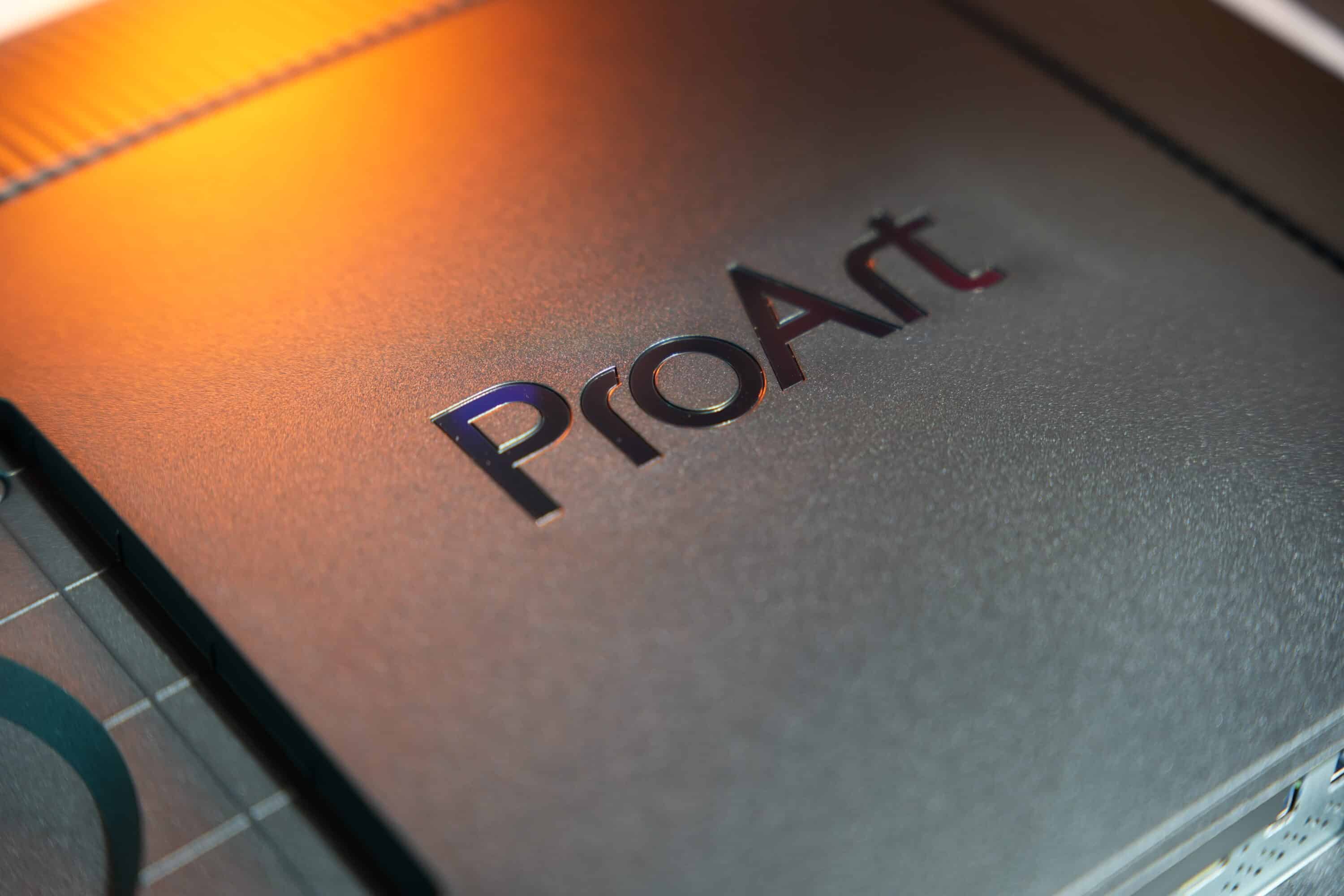
With the ProArt Display PA27UCGE, ASUS offers a simple and high-quality monitor that is primarily aimed at photographers and content creators. The 27-inch monitor has a black frame with gold lettering on the stand and base. An absolutely elegant and high-quality look.
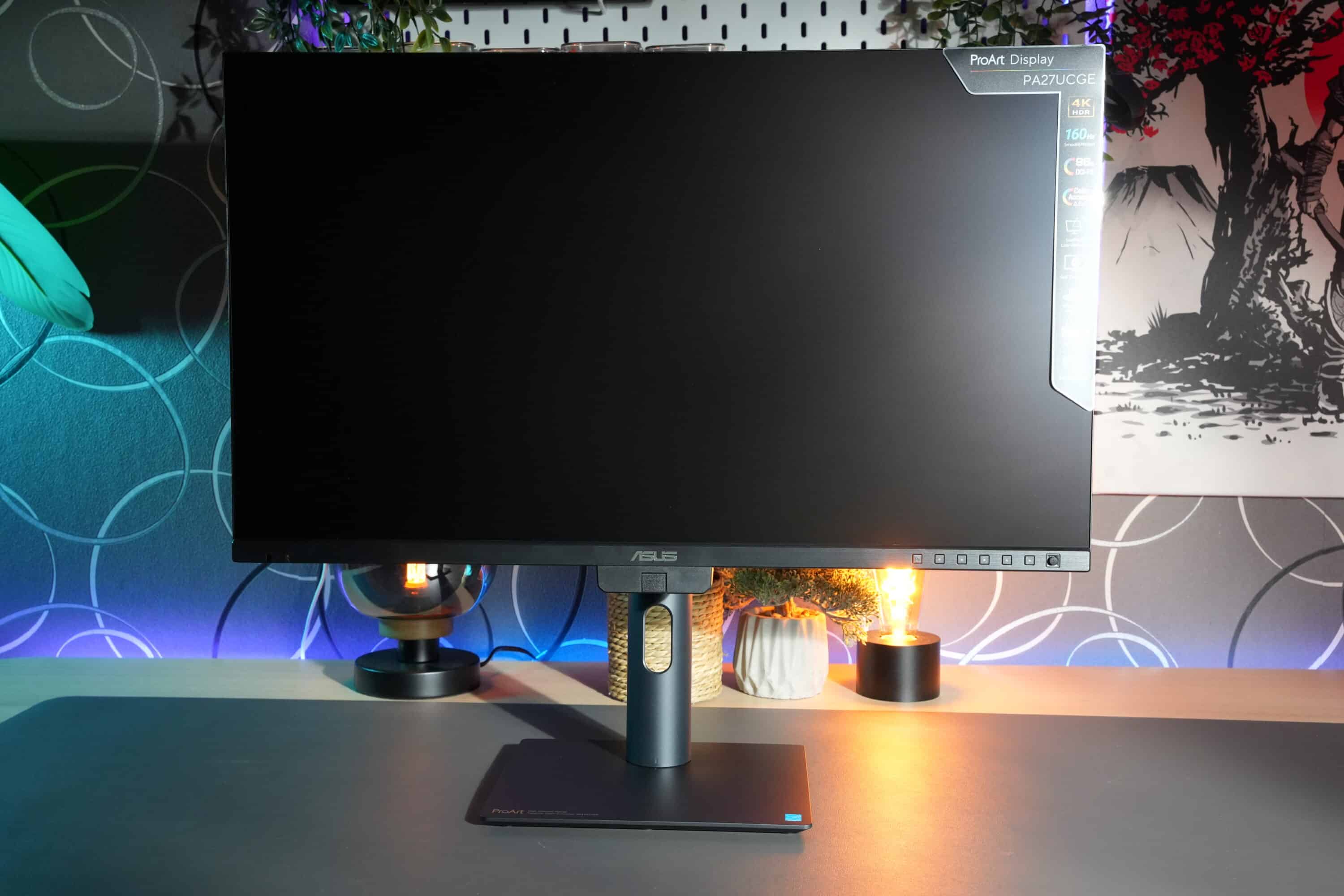
At 6.4 kg, the monitor weighs quite a bit, but only 4.5 kg without the stand, making it ideal for mounting on a monitor arm – also thanks to the VESA 100×100 hole.
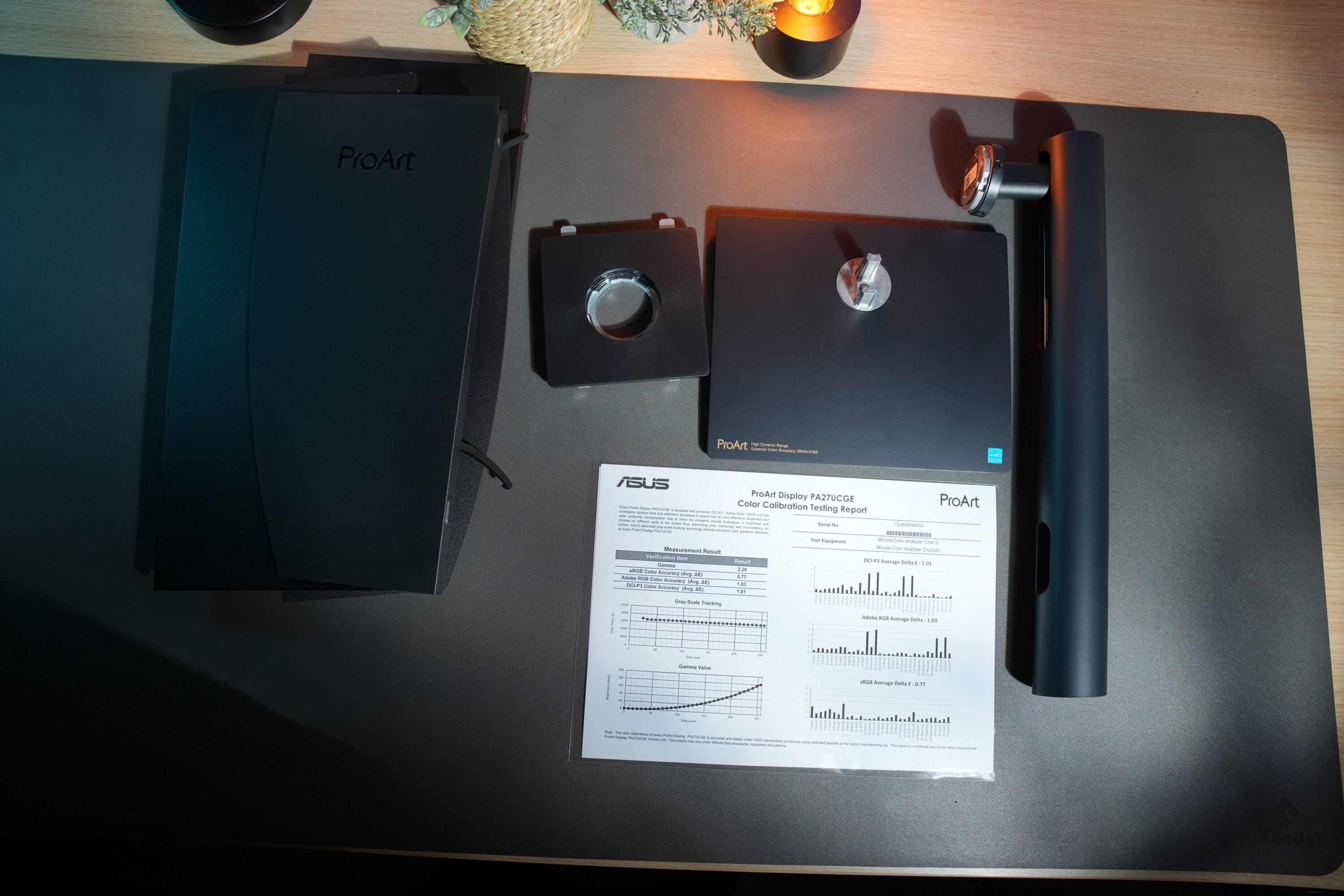
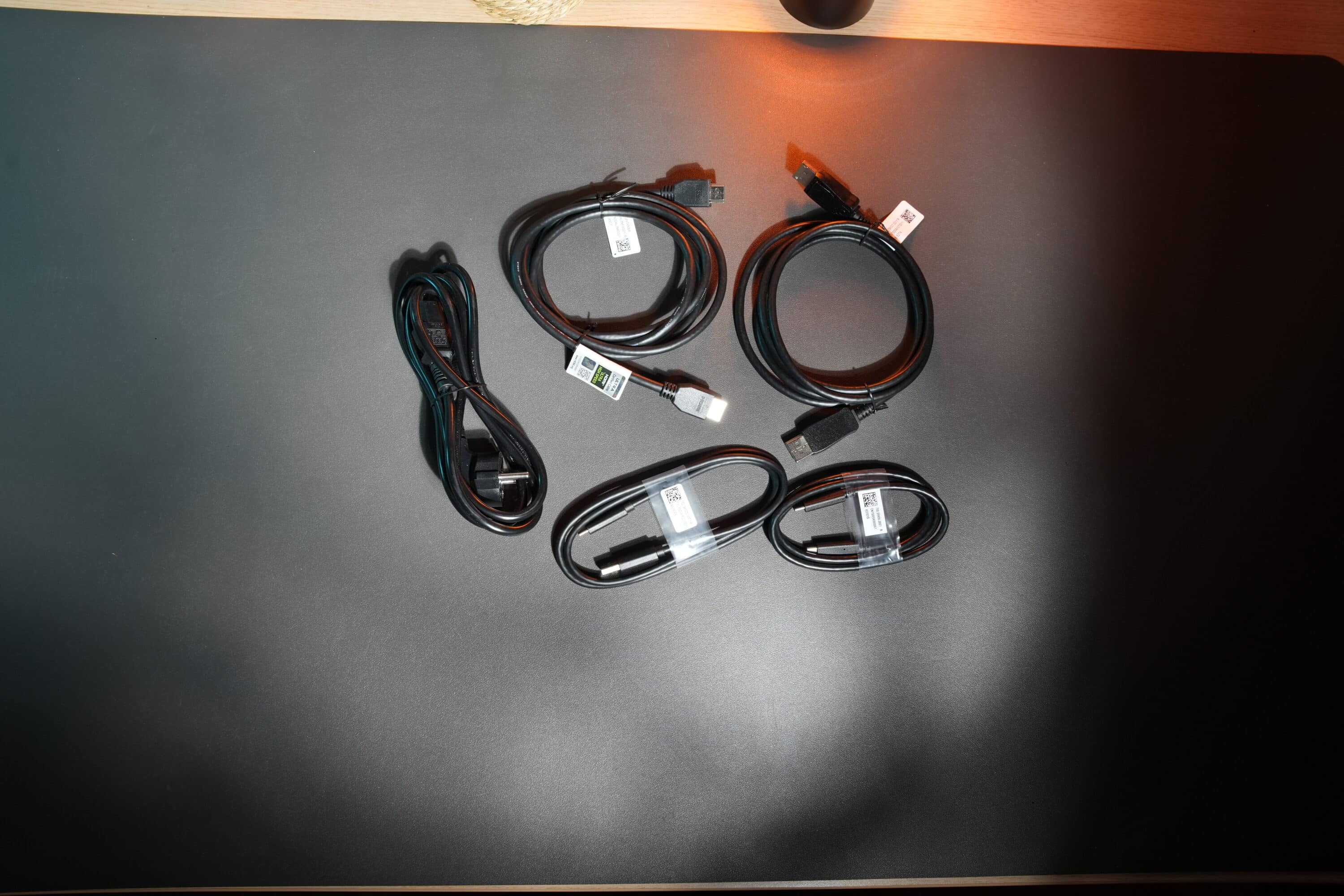
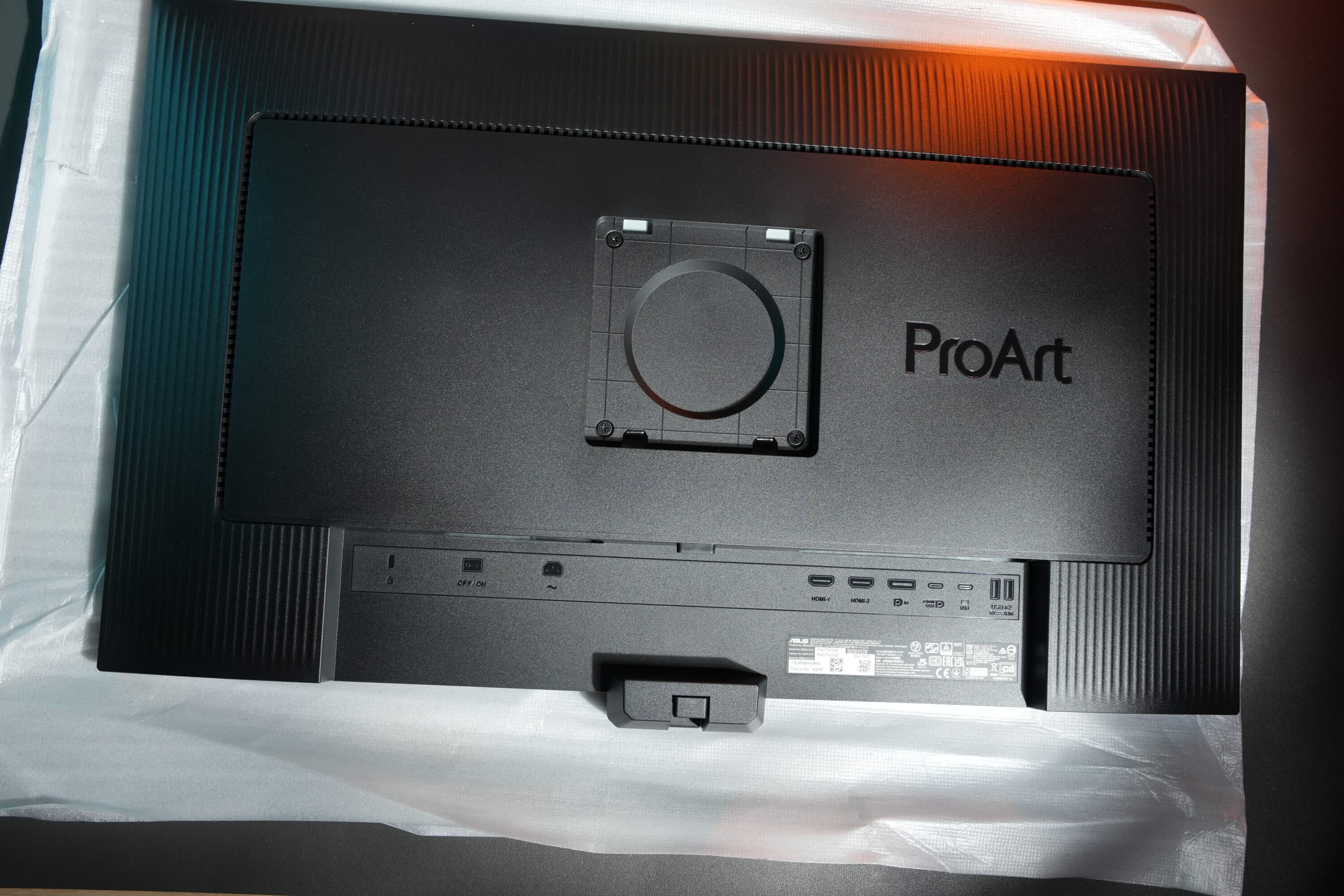
It can be mounted without tools in just a few simple steps, which is child’s play thanks to the clearly laid out scope of delivery. Very commendable: The ProArt Display PA27UCGE comes with all the necessary and possibly required cables, so you can get started right away.
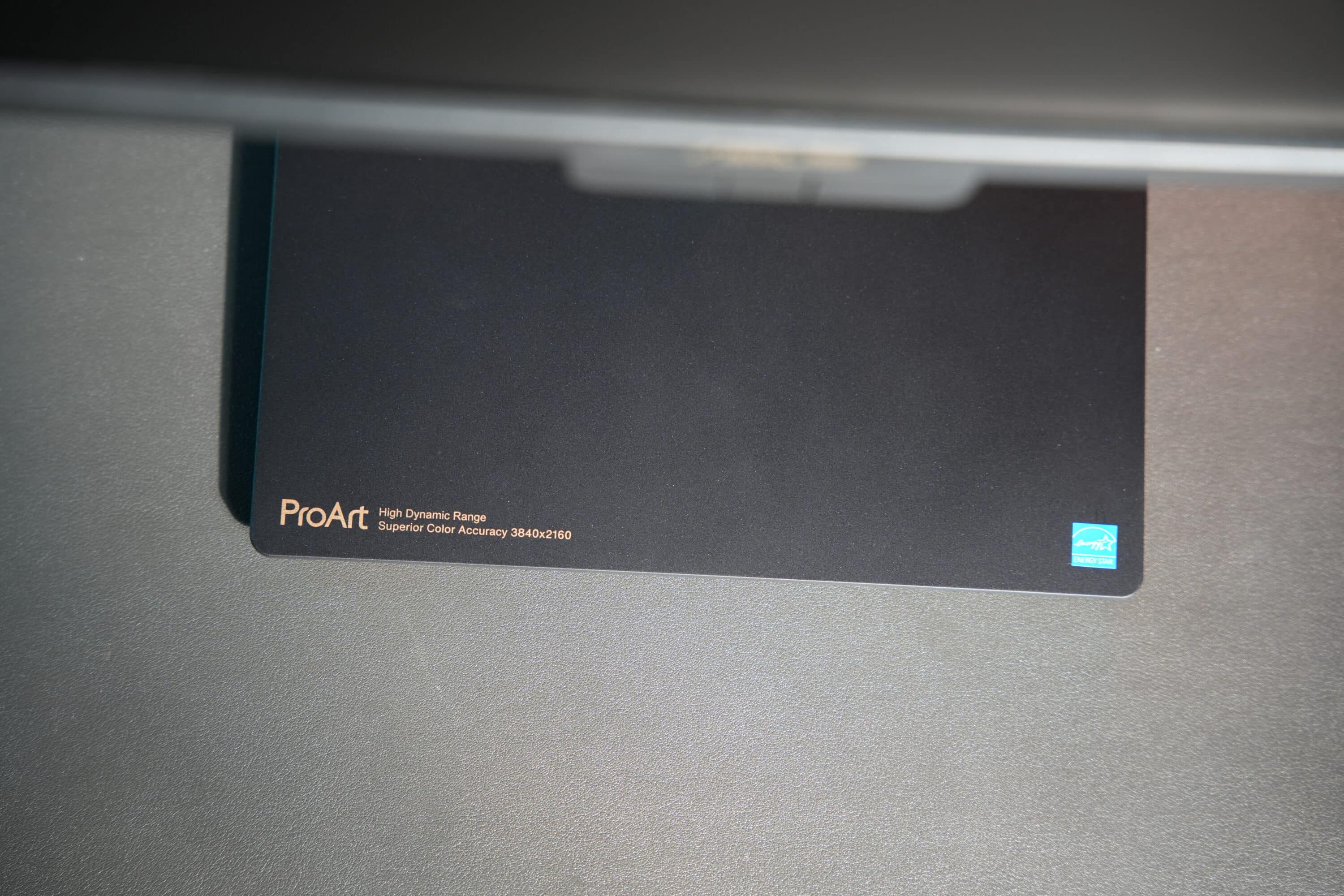
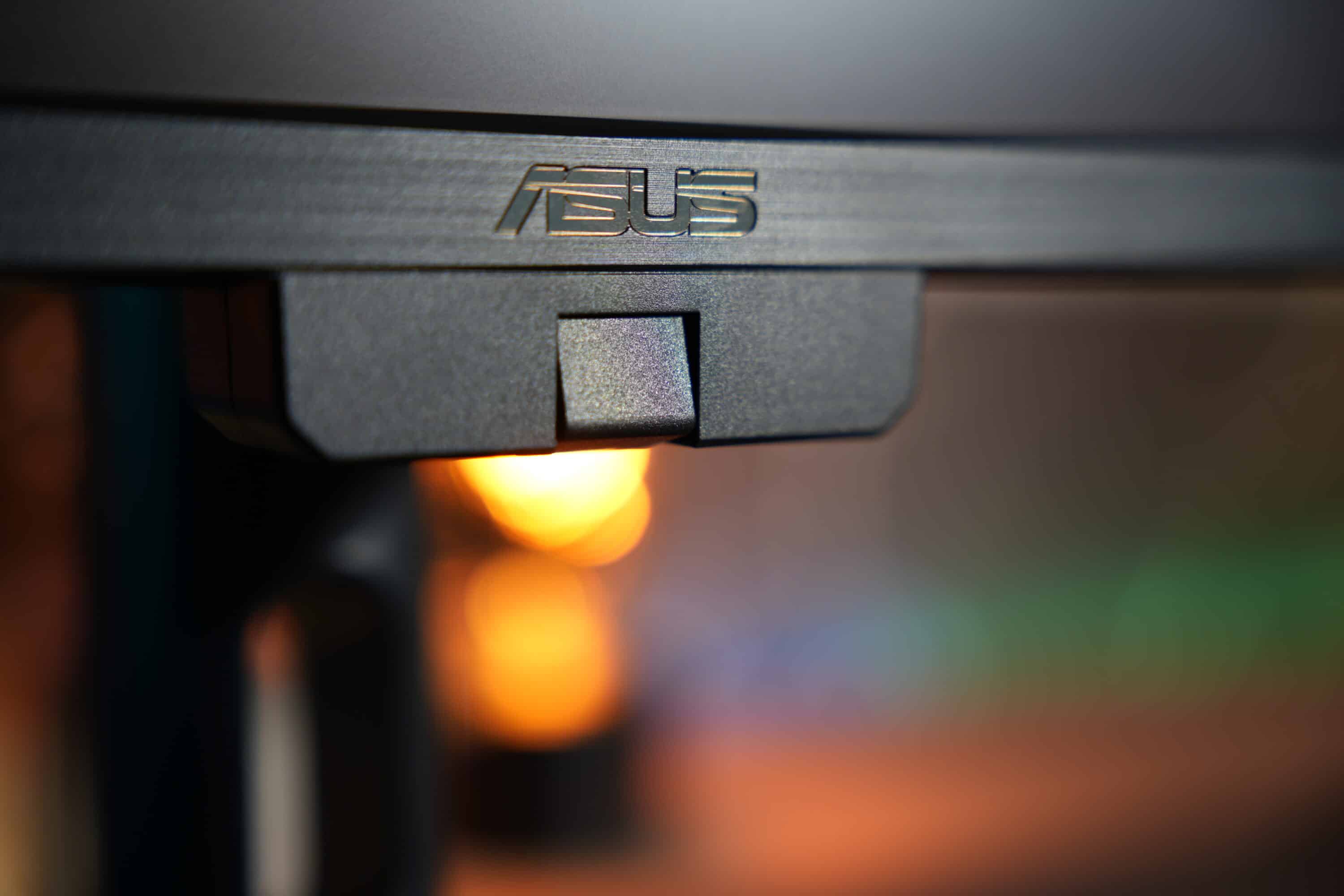
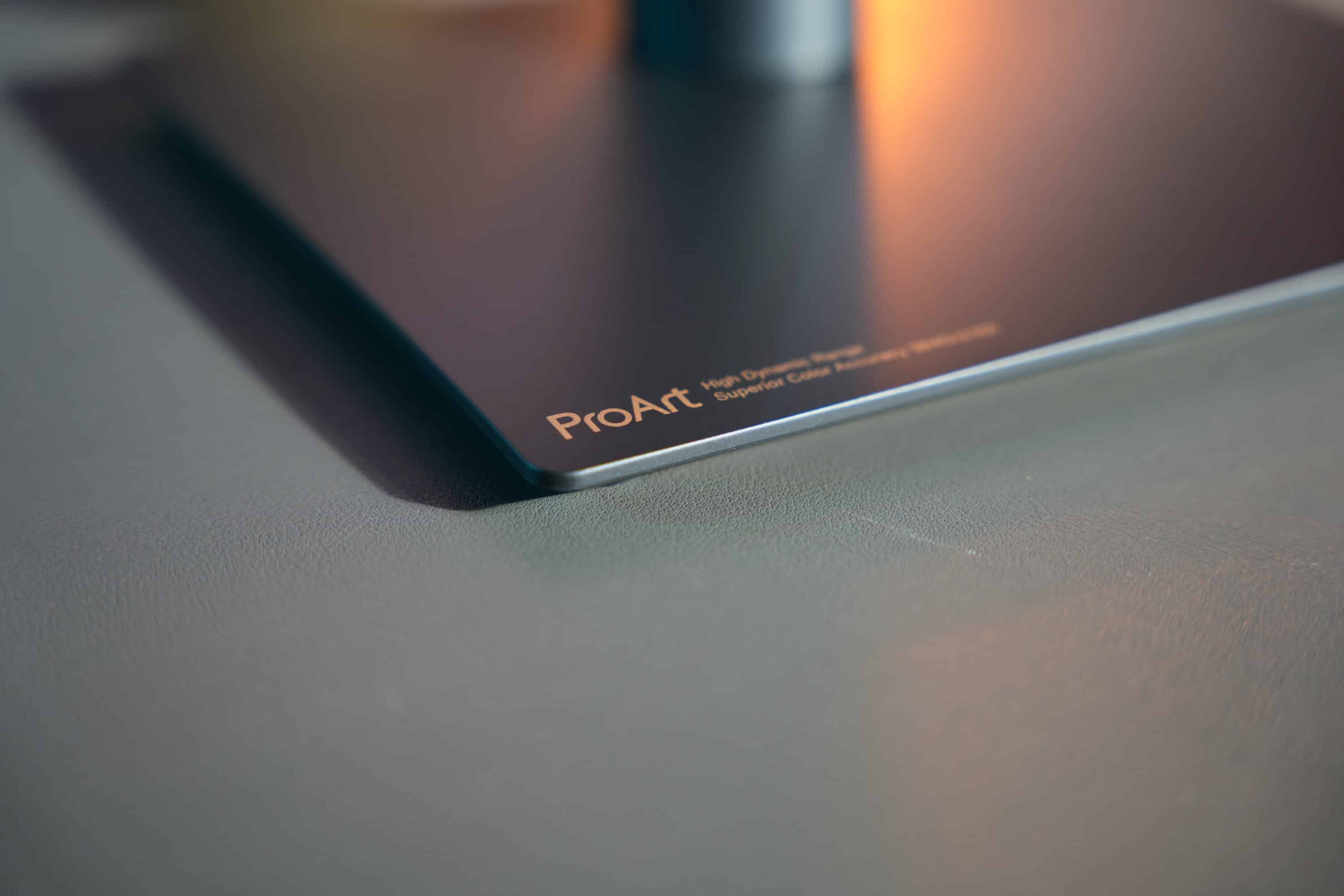
The use of the screen cover, which is made up of four individual elements, is optional. Unfortunately, ASUS uses very thin plastic here, which makes the cover feel not too robust. Especially as some of the anchors used to attach the components to each other fell off in the scope of delivery. This is not a tragedy, but I would have liked a more robust solution here.
ASUS ProArt Display PA27UCGE: Connections and features
- Coherent selection of connections
- USB-C PowerDelivery with 96 watts
- Colorimeter and practical functions
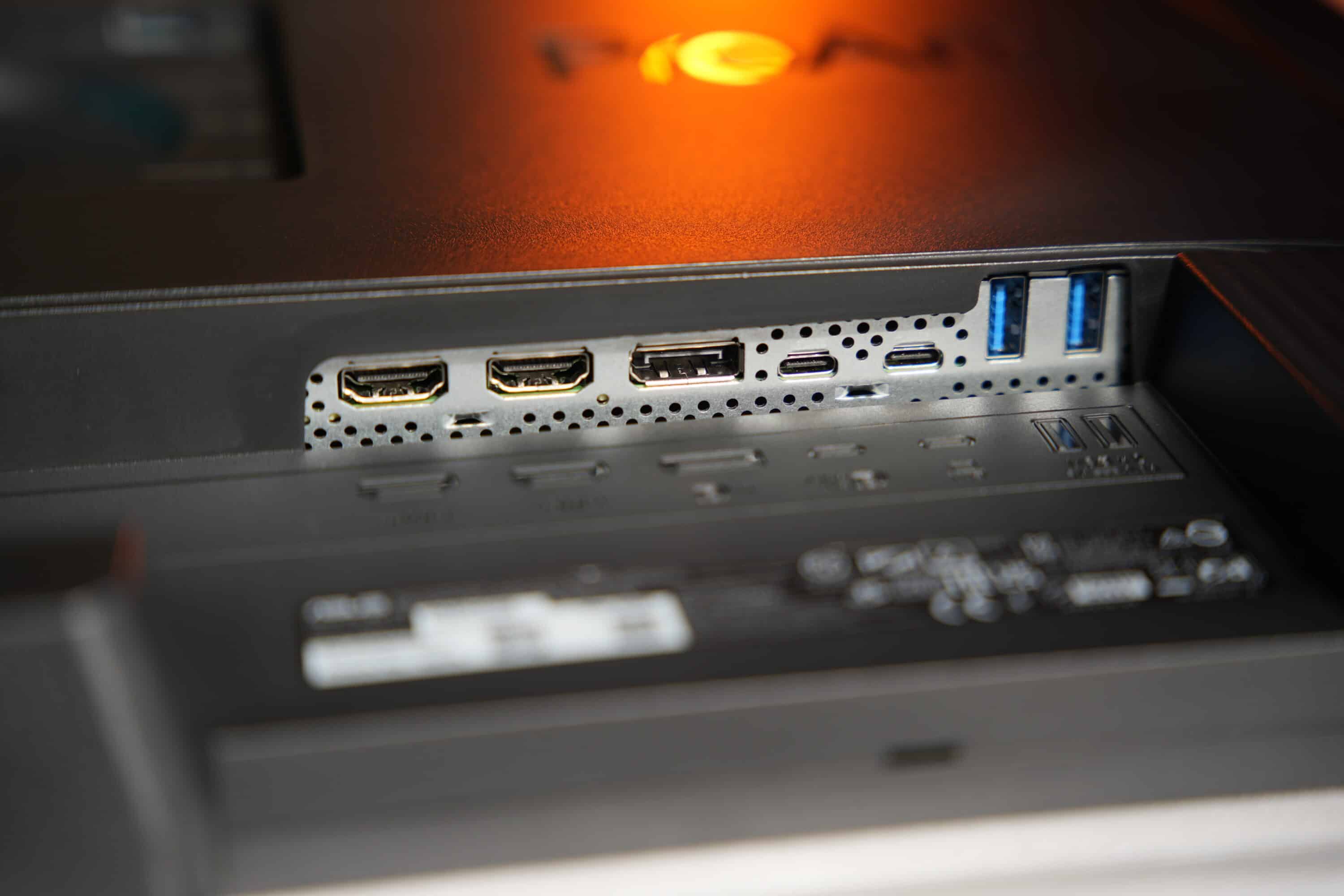
The port selection and features of the ASUS ProArt Display PA27UCGE are impressive. The ports are located at the rear and are easily accessible, with labeling making it easier to find the connections.
You will find the following connections in the main element:
- 1x DisplayPort 1.4
- 2x HDMI 2.1
- 2x USB-A 3.2 Gen 1
- 2x USB-C 3.2 Gen 1 (including 1 with DP-Alt mode and 96 W PD)
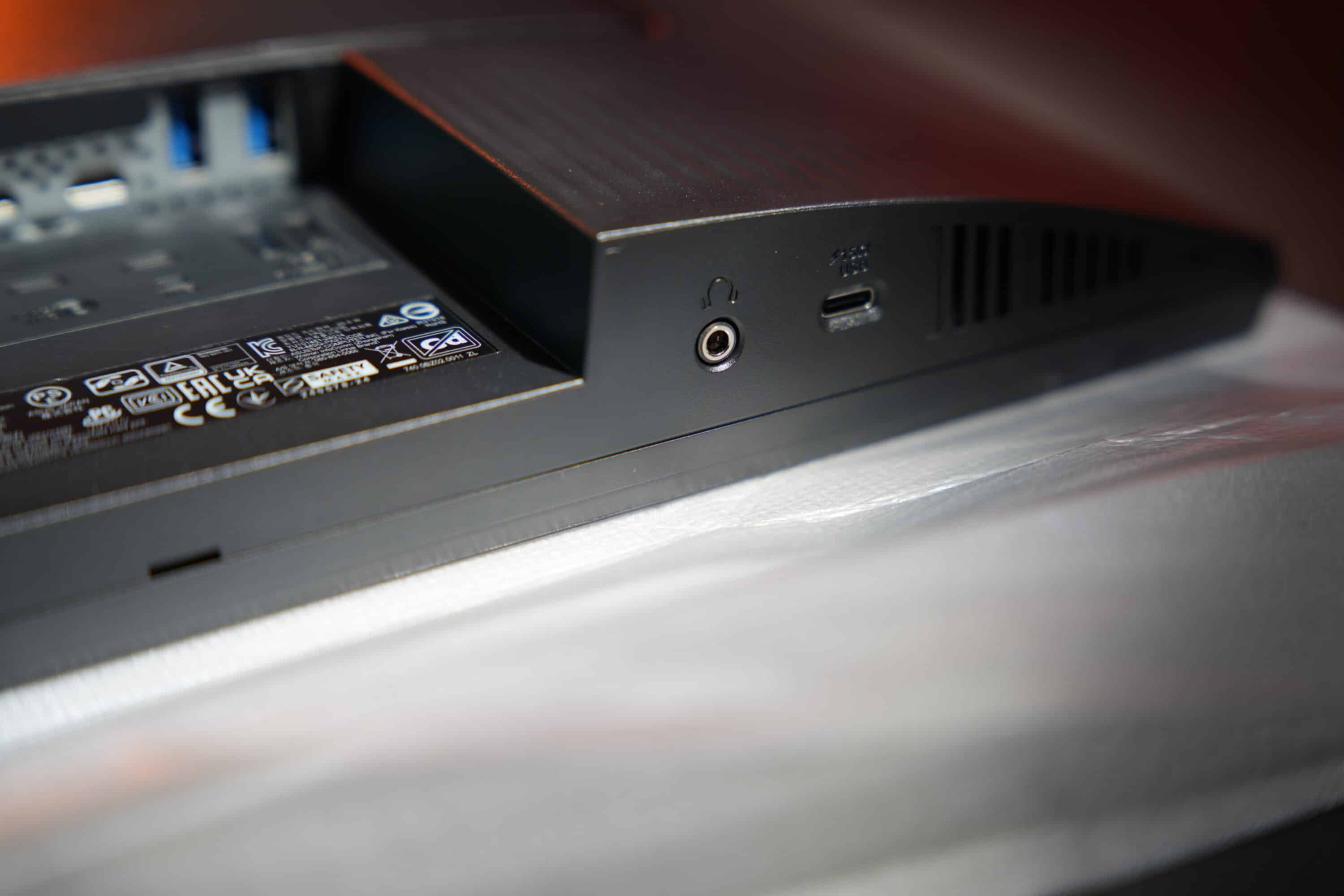
There is also an additional 3.5 mm jack and a USB-C port with PowerDelivery with up to 15 watts of power on the left on the underside, which is particularly easy to access.
The monitor combines the variety of connections with an impressive feature set. For example, an auto KVM switch is available, which allows connected peripherals to be used on multiple systems.
As the ASUS ProArt Display PA27UCGE is primarily aimed at creative minds who attach great importance to accurate color reproduction and convincing, consistent brightness, the manufacturer has equipped the monitor with a number of special functions.
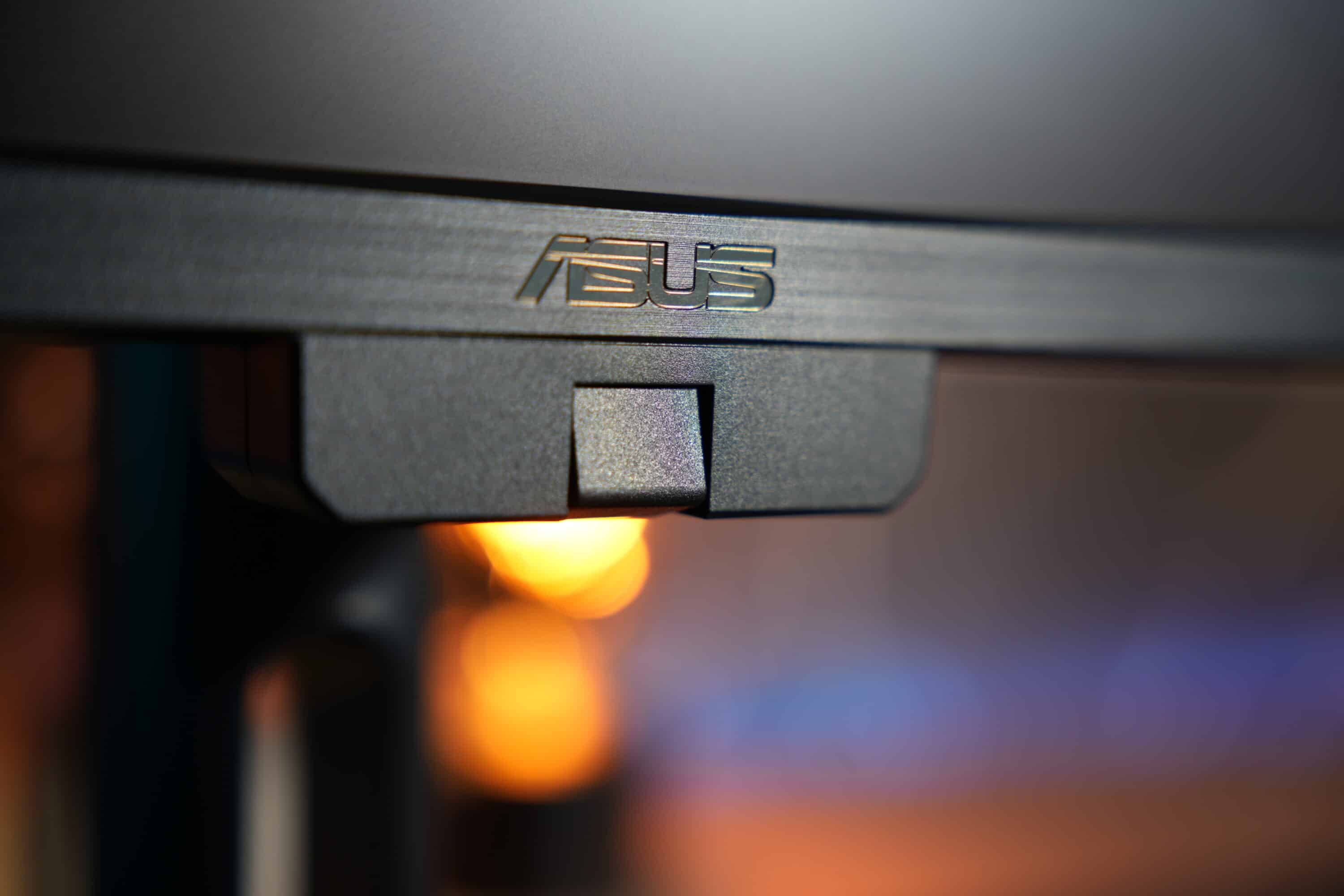
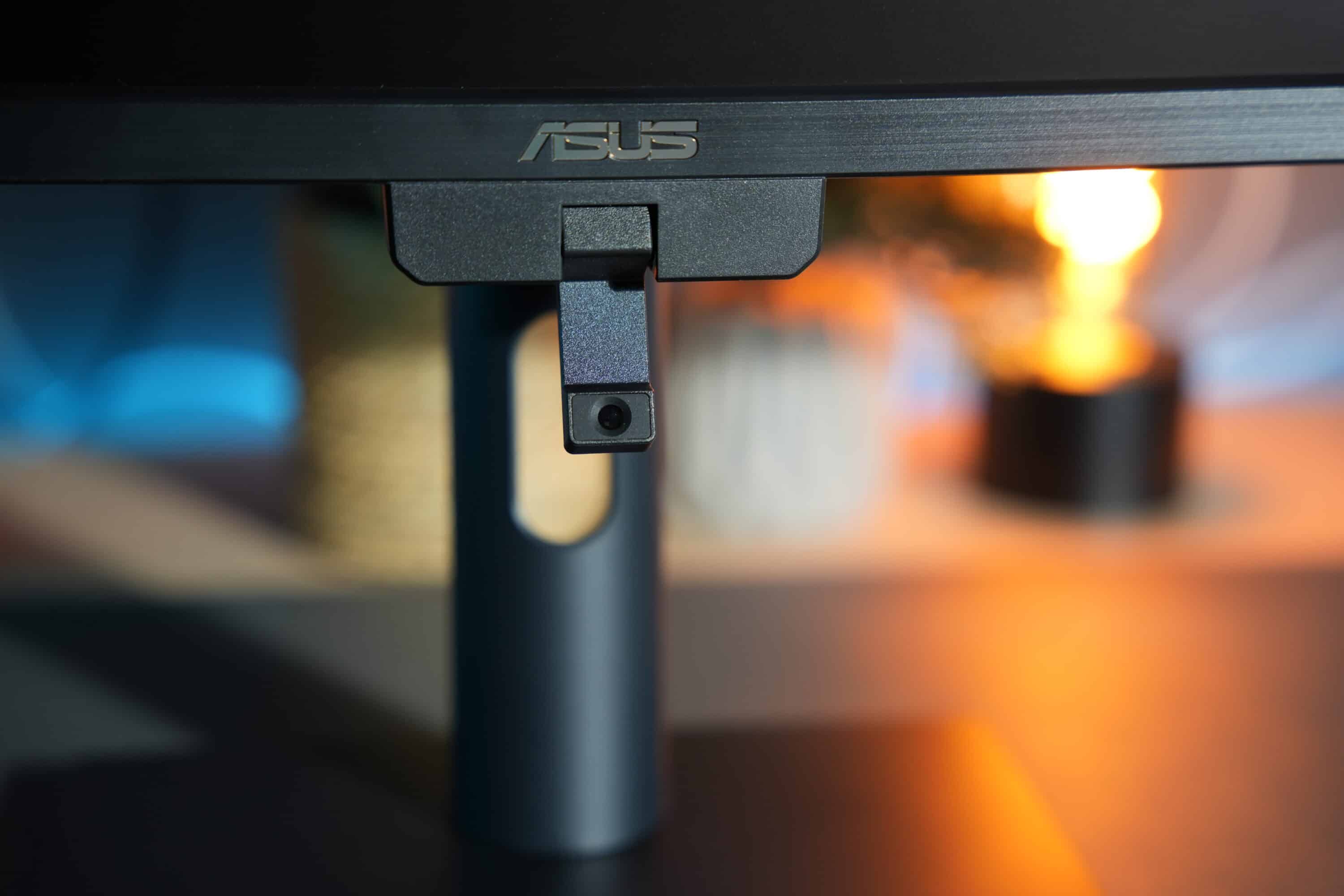
Features such as Light Sync, including ambient light and backlight sensors, ensure that the display intelligently adjusts the brightness to the conditions in the surroundings, ensuring that the color display always remains accurate.
A flip colorimeter is also integrated on the underside, which not only masters self/auto-calibration, but also works with professional calibration software such as Calman and Light Illusion ColourSpace CMS.
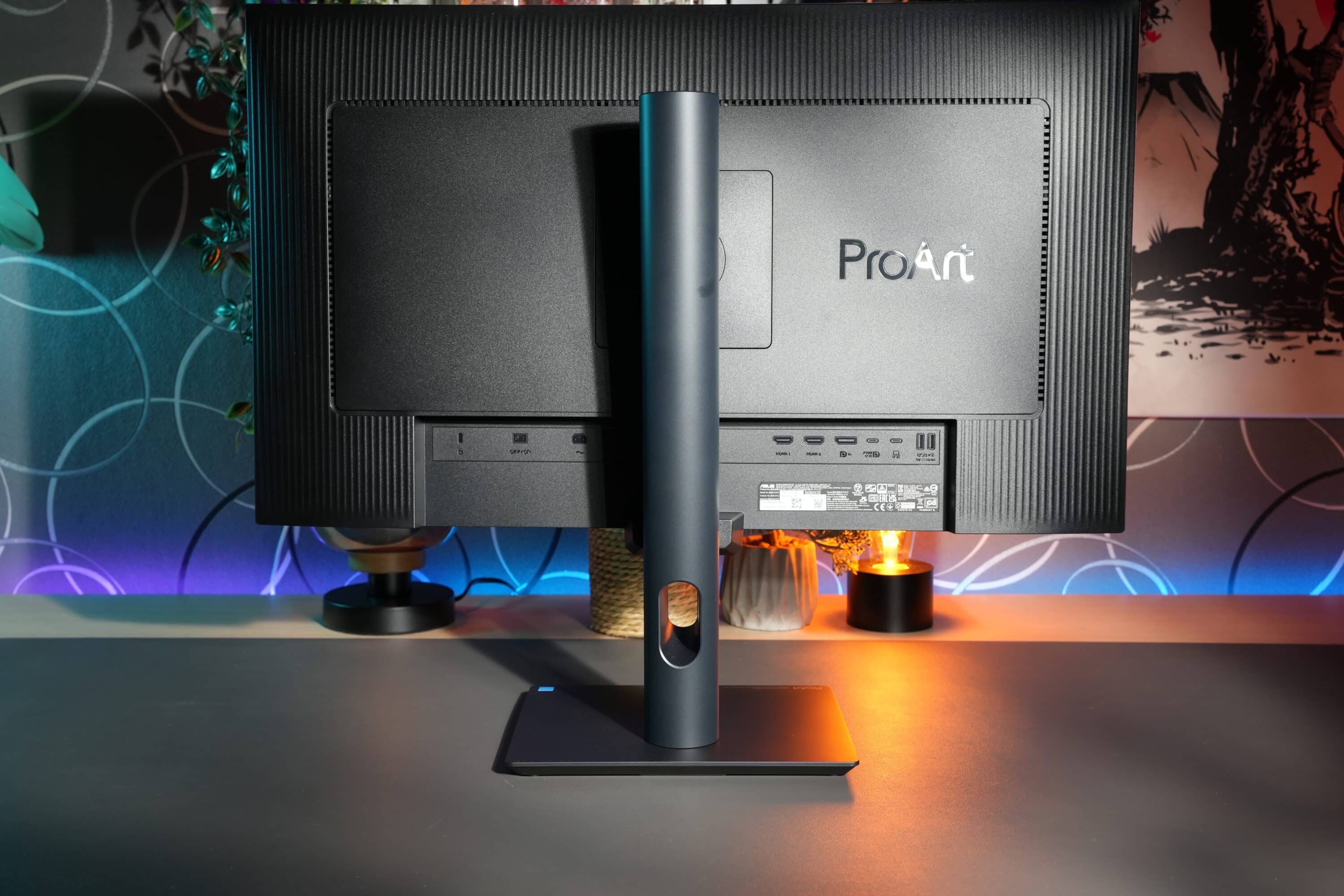
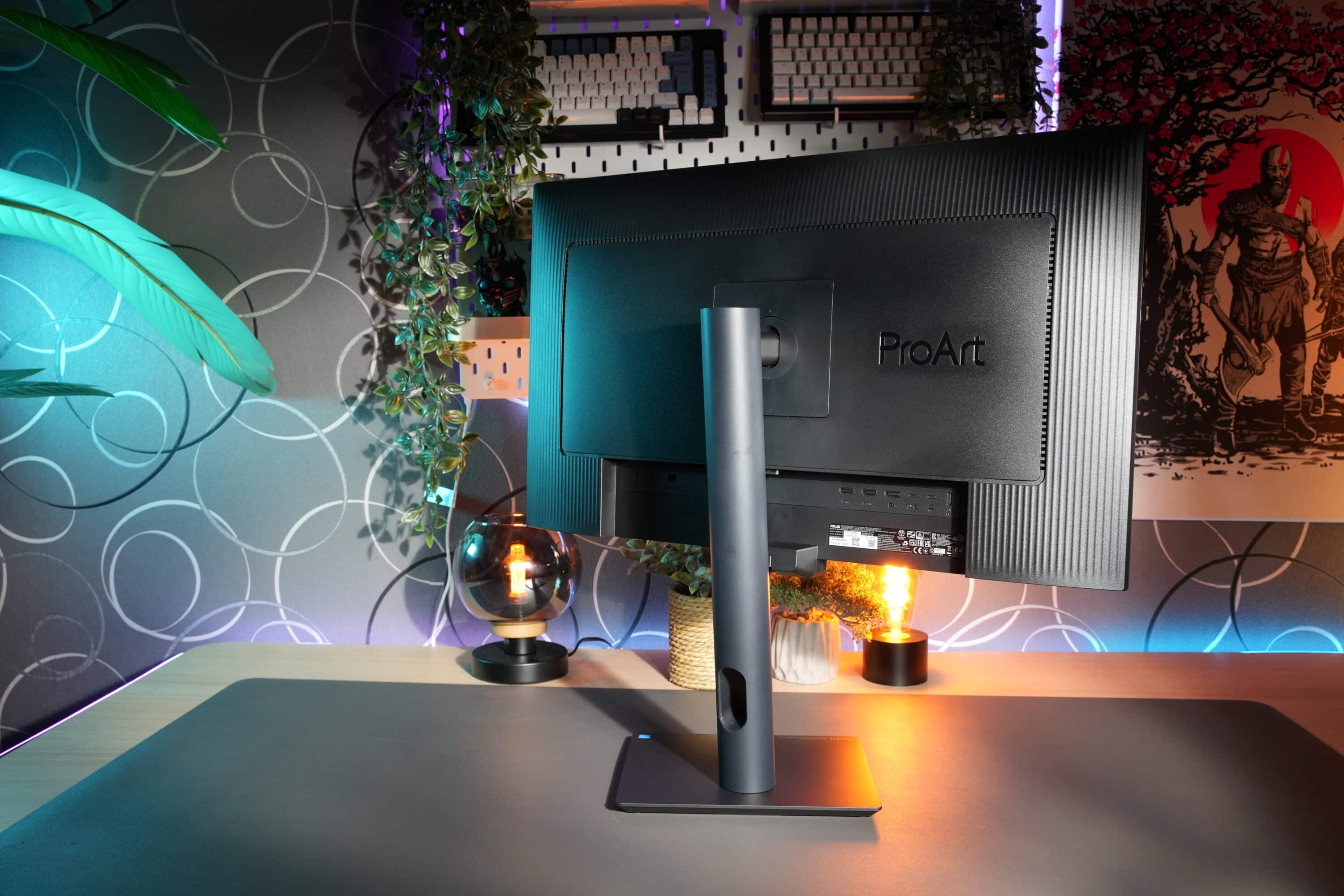
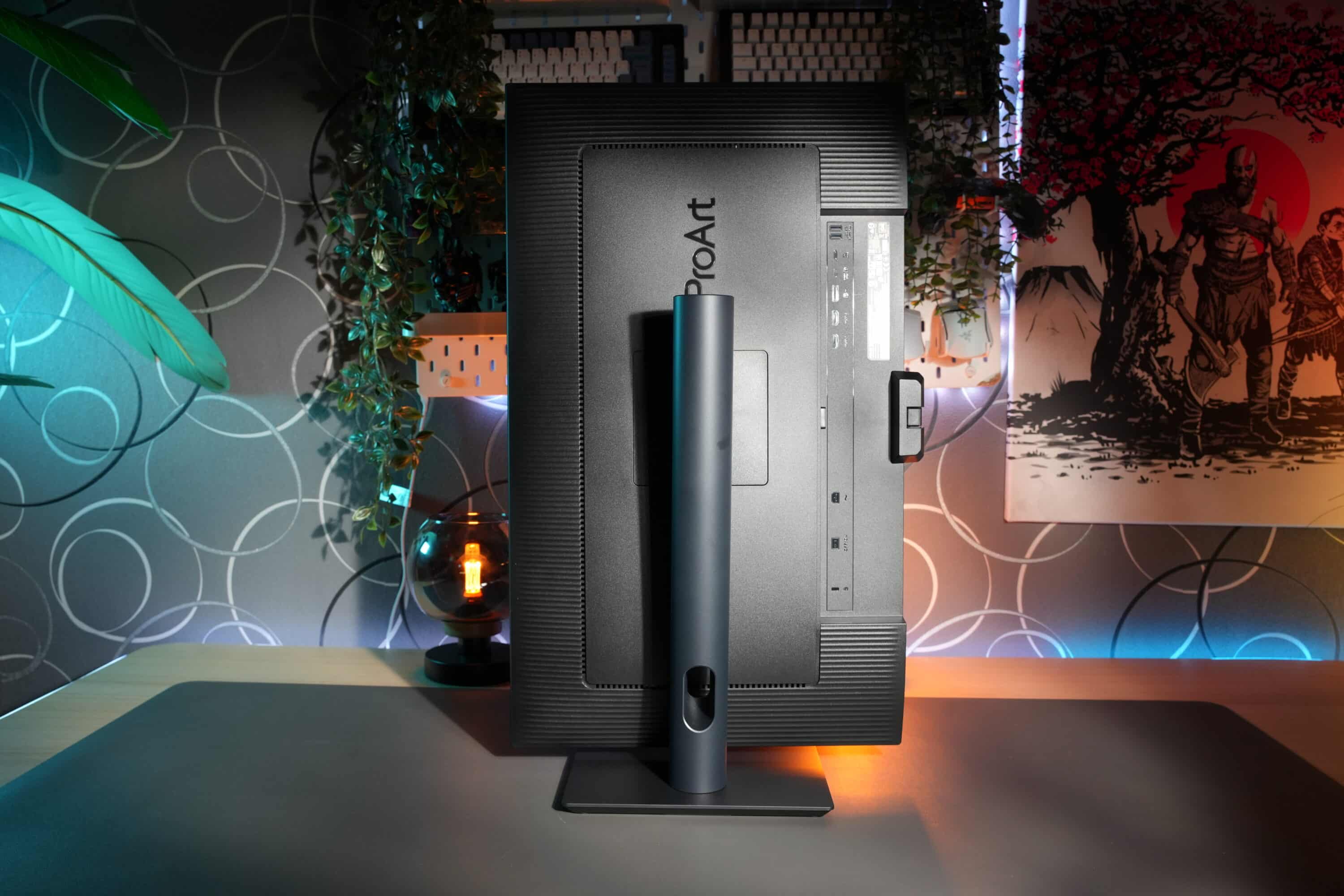
The ergonomic features of the ASUS ProArt Display PA27UCGE also leave nothing to be desired. The display is height-adjustable by 120 mm, can be tilted between 23 degrees and -5 degrees, rotated between 30 degrees and -30 degrees and offers a pivot function to rotate the screen 90 degrees vertically. The manufacturer also provides the monitor with two 2-watt speakers that deliver a decent sound.
Operation and OSD
- Practical operation via buttons and joystick
- Clear OSD
- Operating software available
The ASUS ProArt Display PA27UCGE is operated via six dedicated buttons and a joystick on the front right of the frame. The advantage of having the controls on the front is of course that you don’t have to fumble around blindly on the back to make settings.
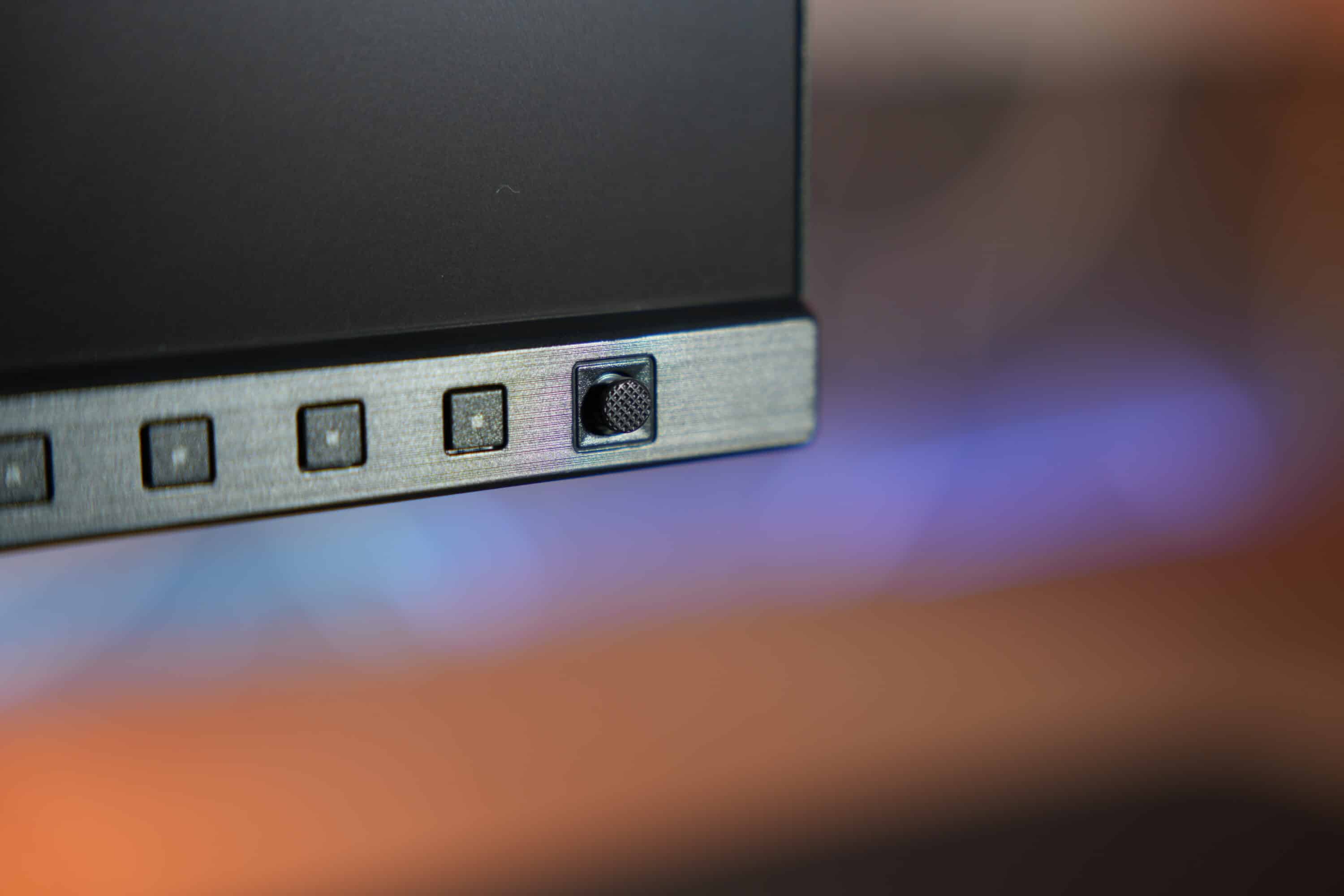
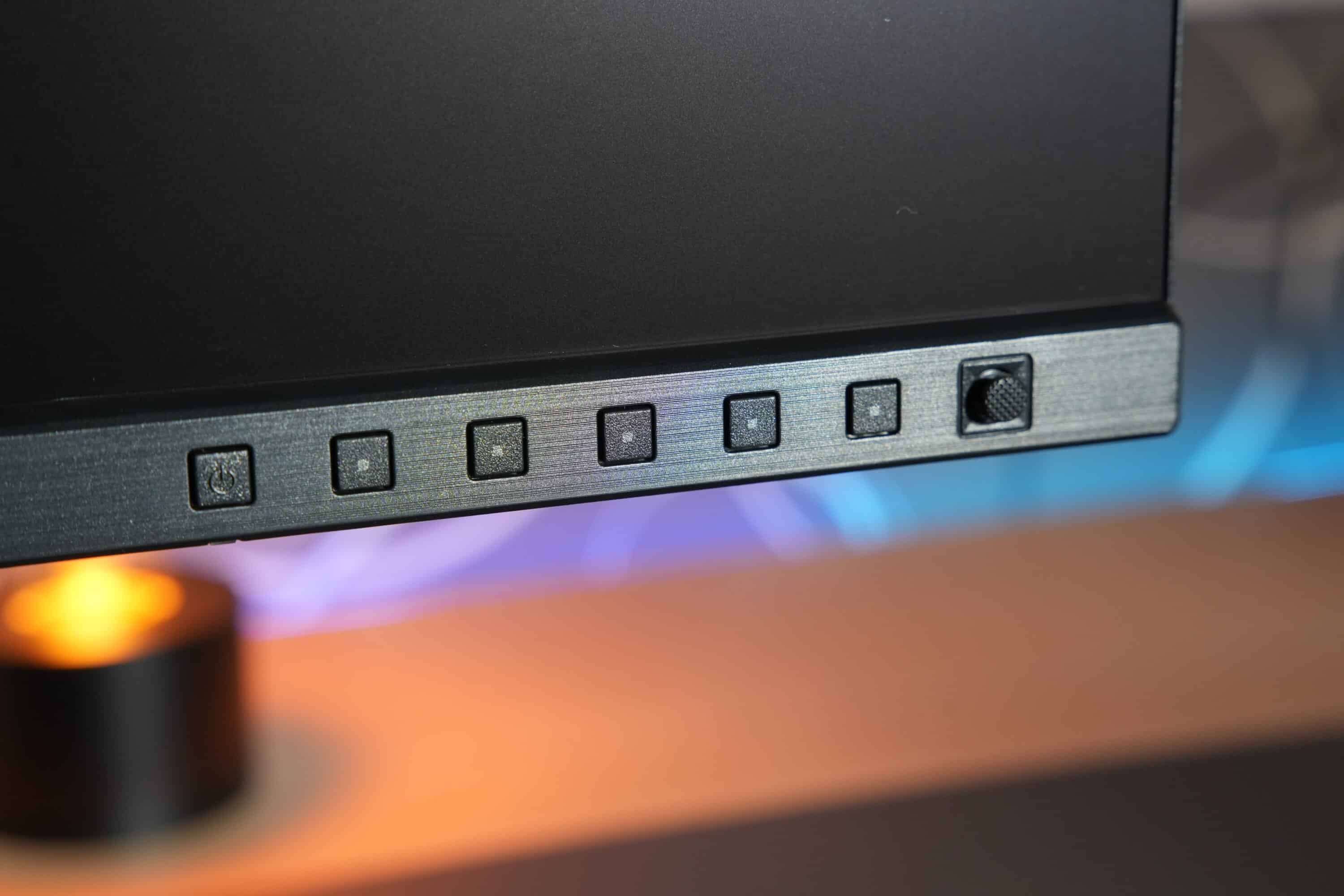
The operation is very precise and reliable. However, if you prefer to do the whole thing on the software side, you can also make the settings via the ASUS DisplayWidget Center app.
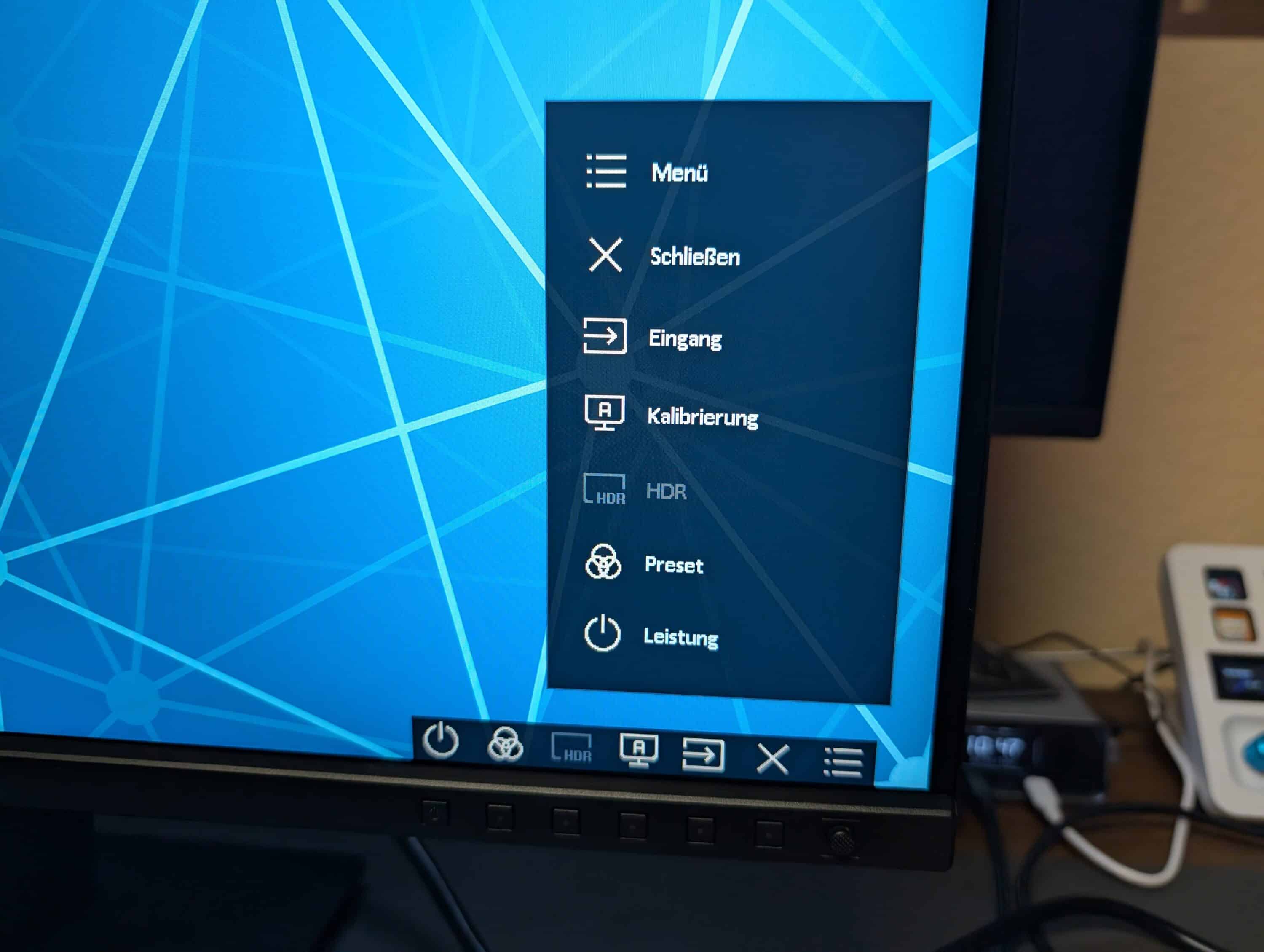
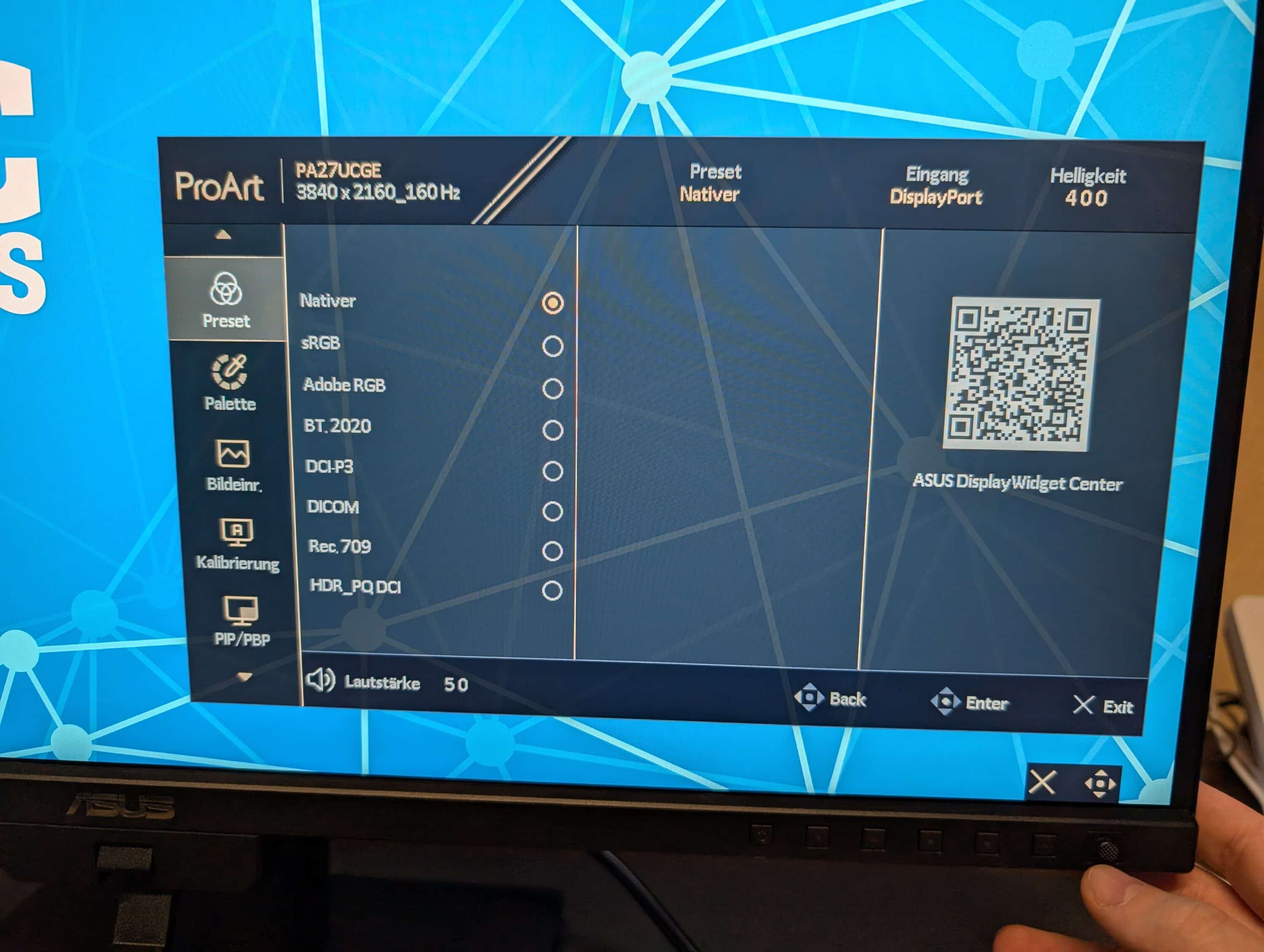
At the touch of a button, you can access the tidy on-screen display (OSD), where you can make various settings in a total of eight tabs. For example, you can use the quick selection menu to change the input, calibrate or change the preset for the picture.
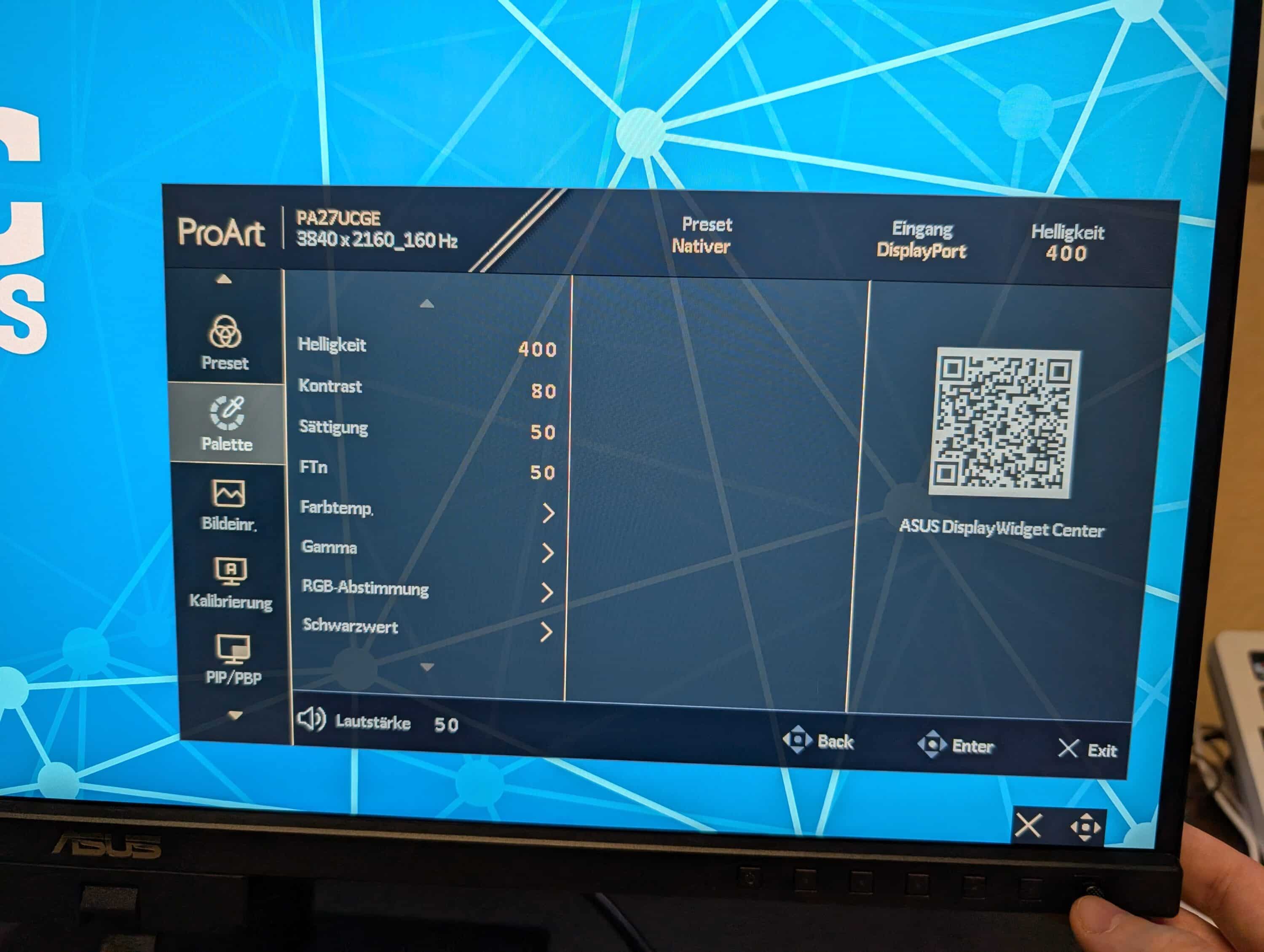
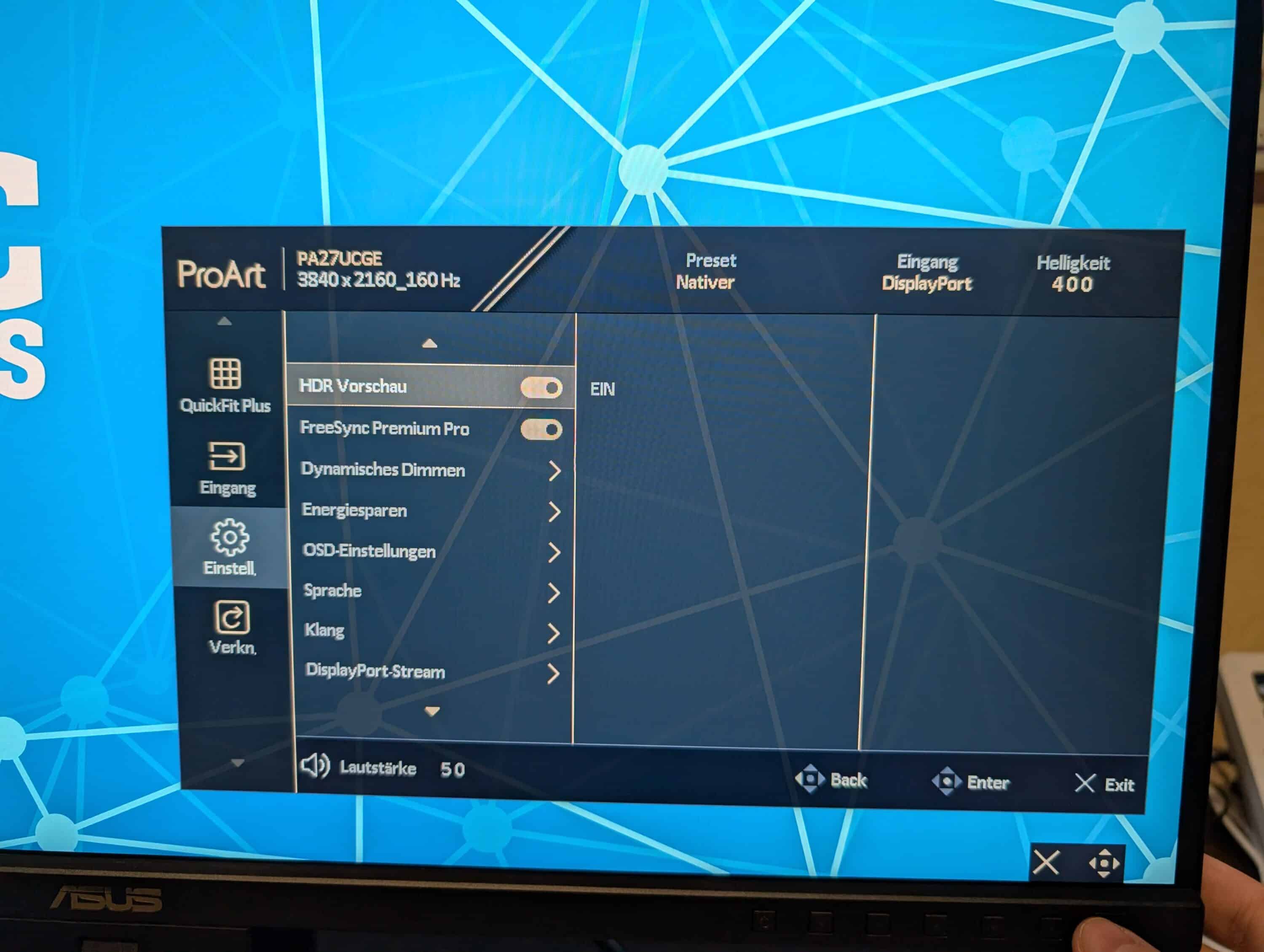
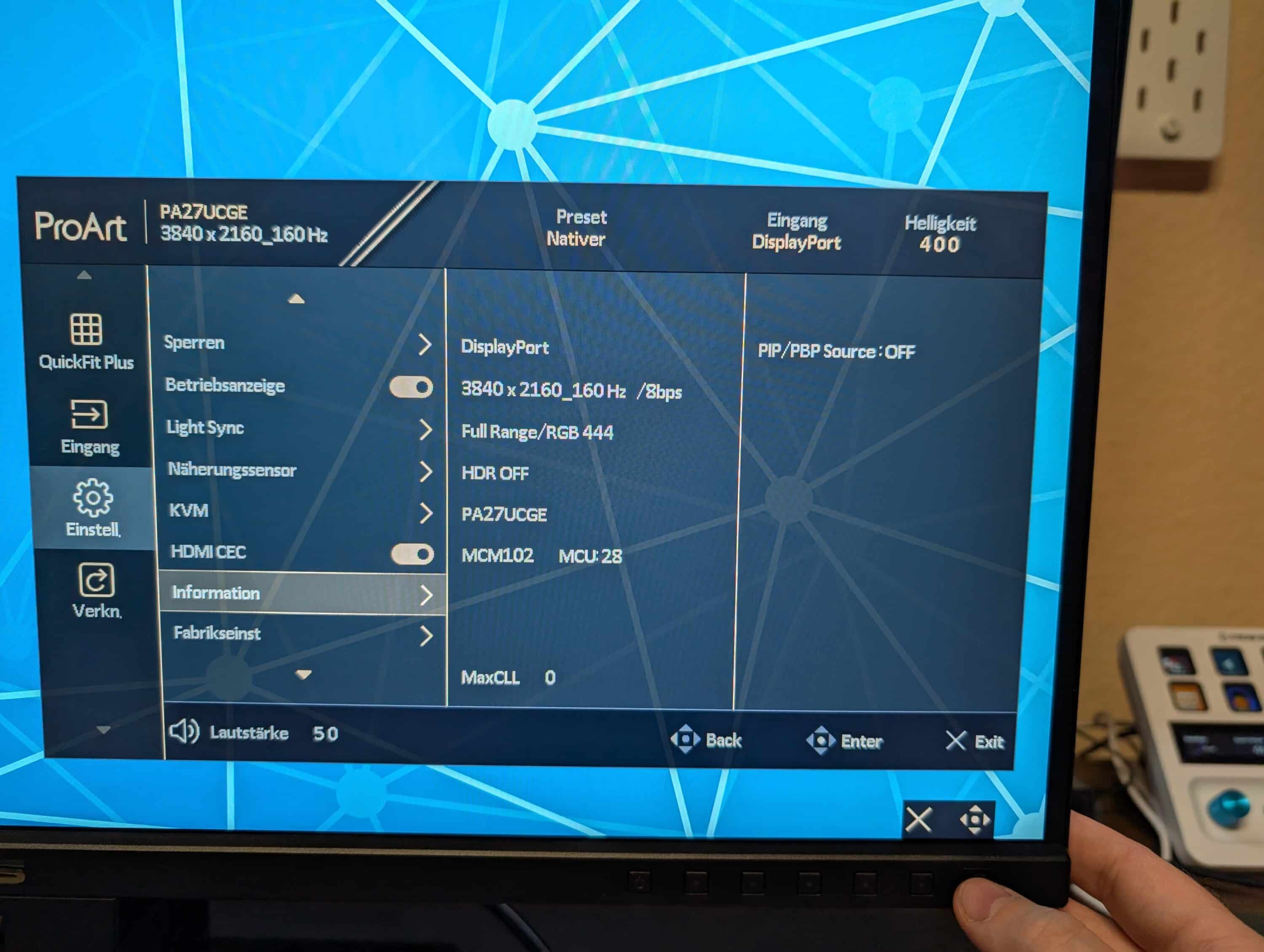
In addition to the obligatory settings for brightness, contrast or sharpness, you can adjust calibrations, set different modes for color spaces or activate HDR in the OSD. Nothing is left to be desired here.
Picture quality of the ASUS ProArt Display PA27UCGE
- 4K resolution
- 160 Hz
- 600 nits brightness; very good calibration
In terms of image display, the ASUS ProArt Display PA27UCGE has some exciting features. The monitor has a 4K UHD resolution of 3,840 x 2,160 pixels and combines this with a frame rate of 160 Hz – a value that is usually only found in gaming monitors.
There is a reason for this, as the manufacturer also advertises the screen for game development, where correspondingly high frame rates are required. Combined with the high color accuracy, the monitor is certainly an exciting choice for developers.
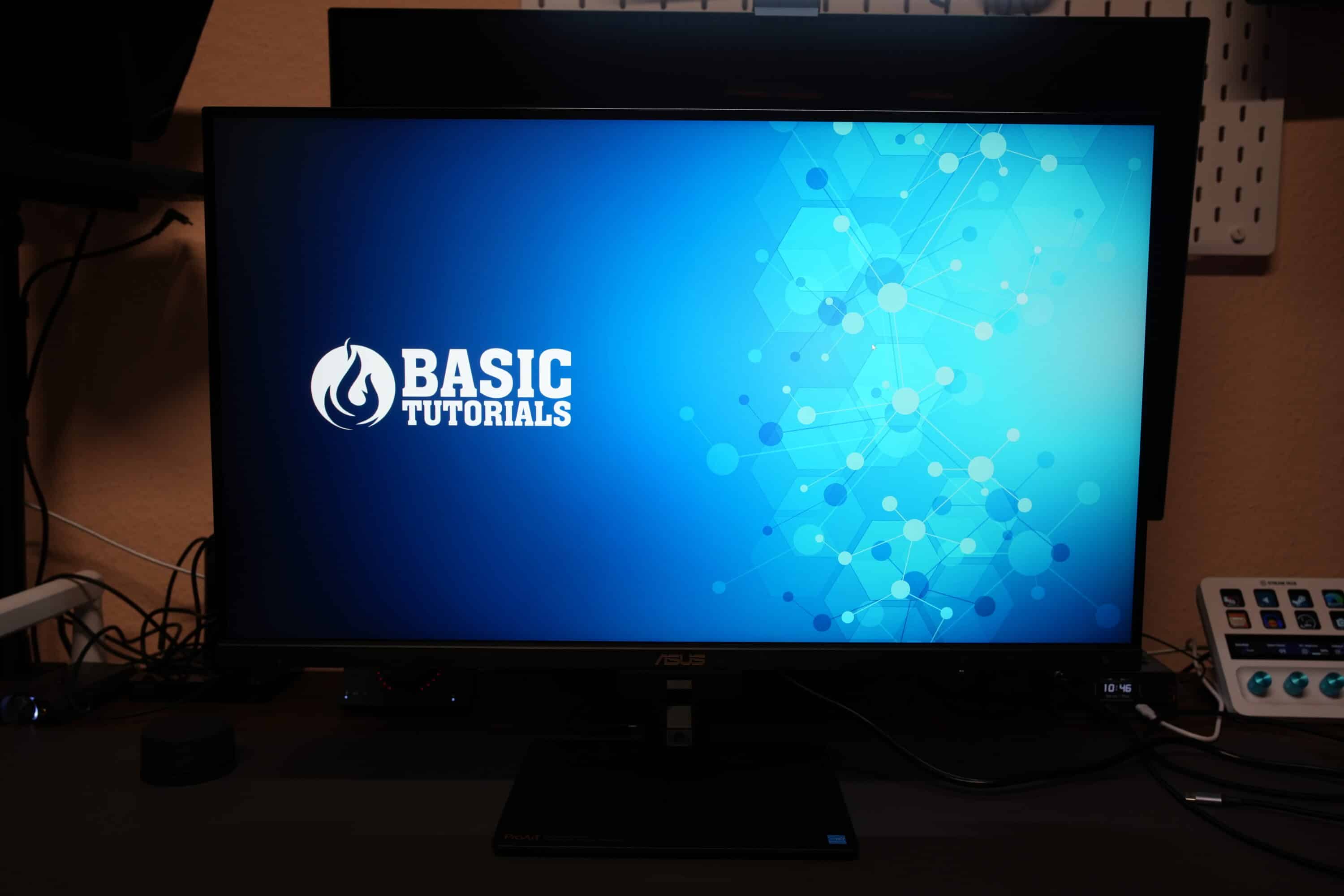
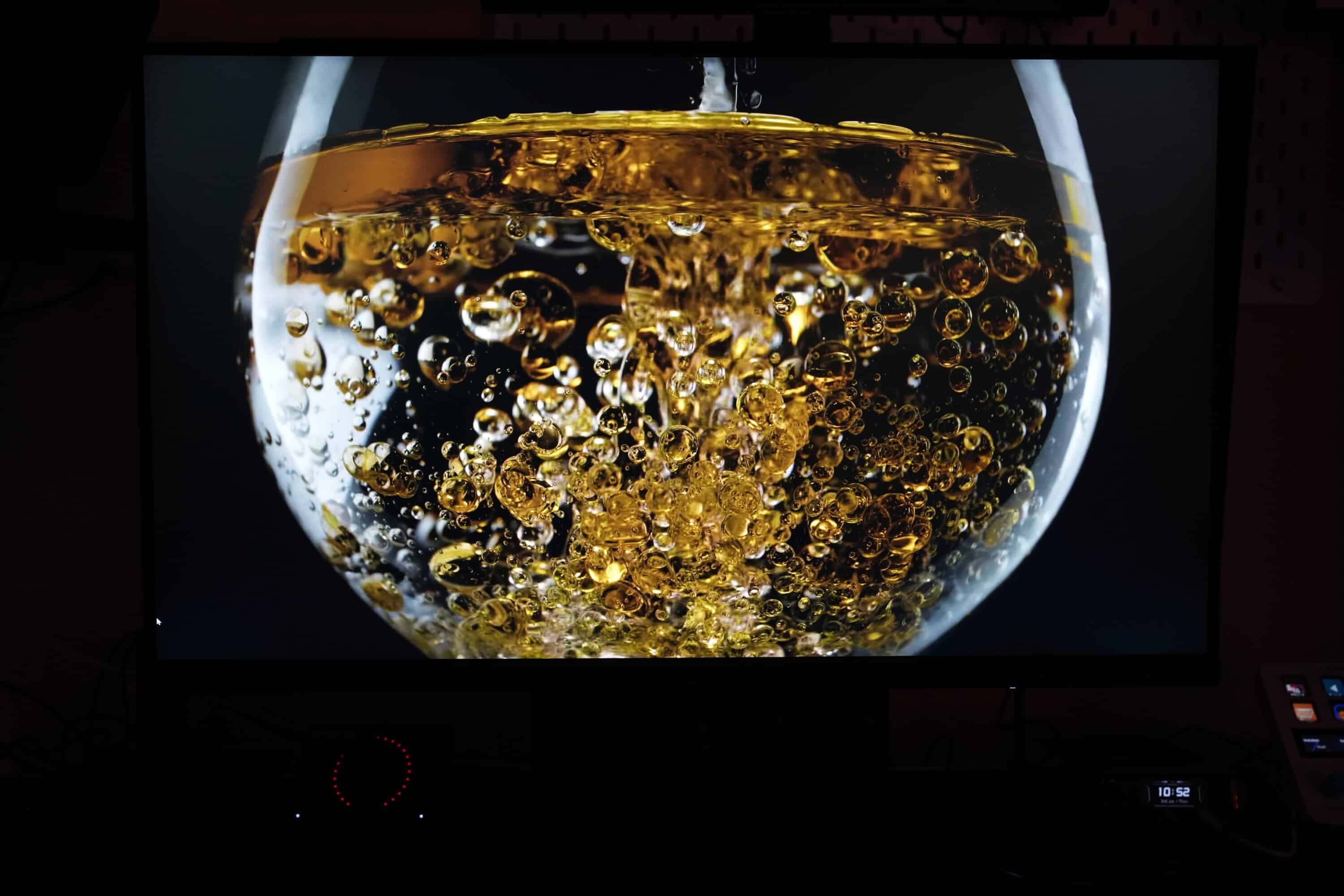
The matte IPS panel impresses with its great viewing angle stability and impressive brightness of up to 600 nits – an advantage over OLED displays, which are much dimmer in SDR mode. Especially those who work in brighter environments will quickly appreciate the higher peak brightness. Of course, the ASUS ProArt Display PA27UCGE also masters HDR: HDR-10 and HLG attest to the display’s good performance in high dynamic ranges.
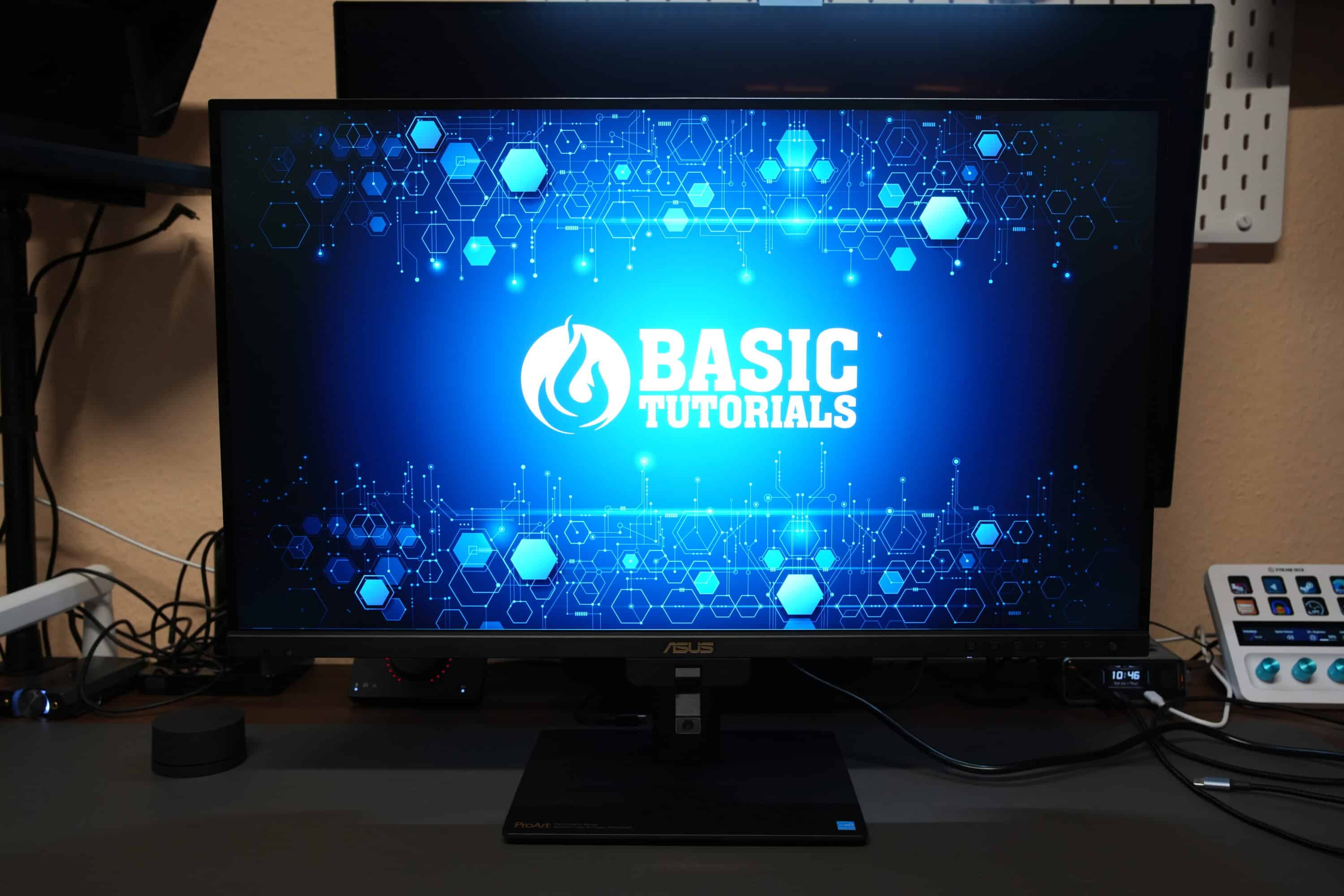
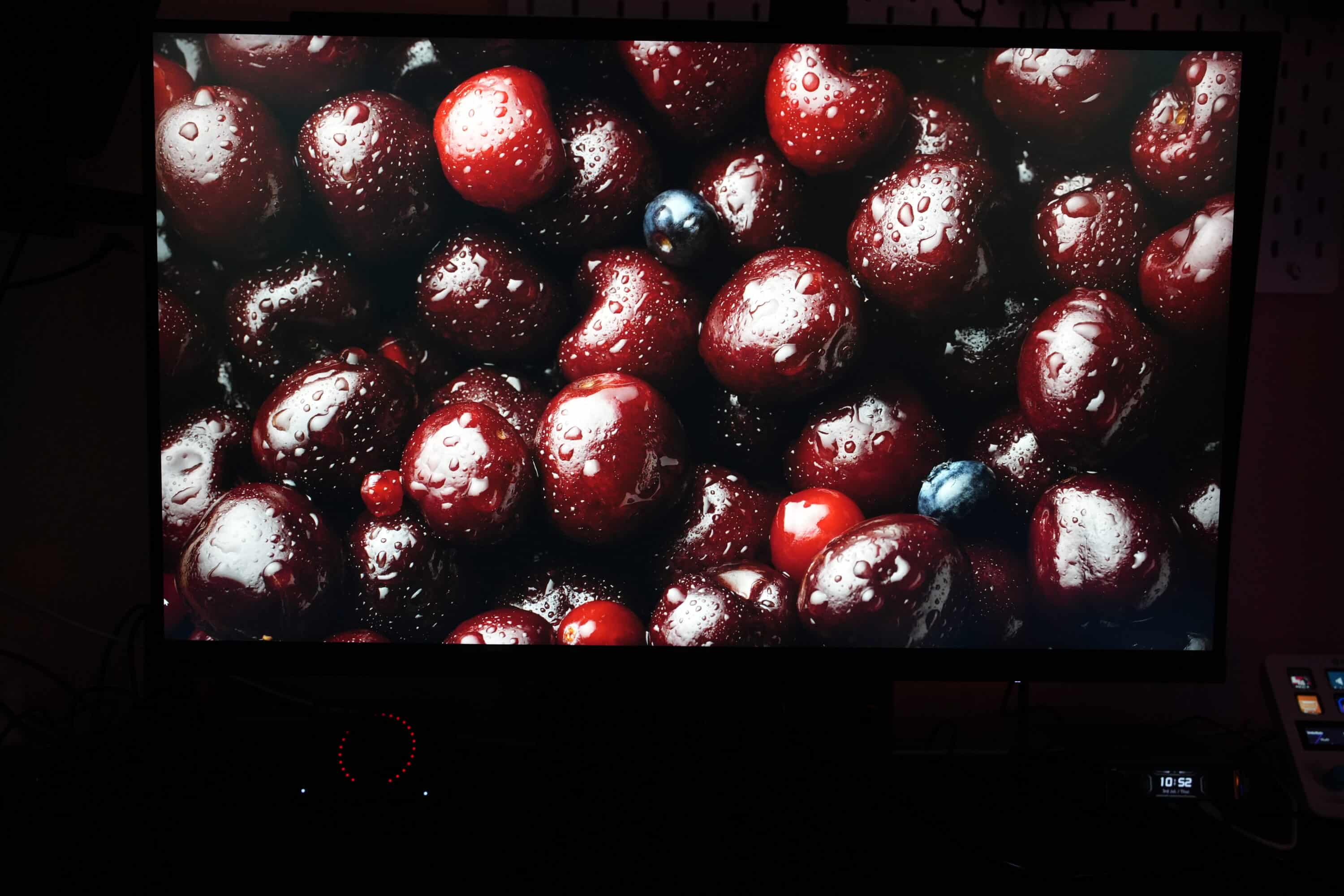
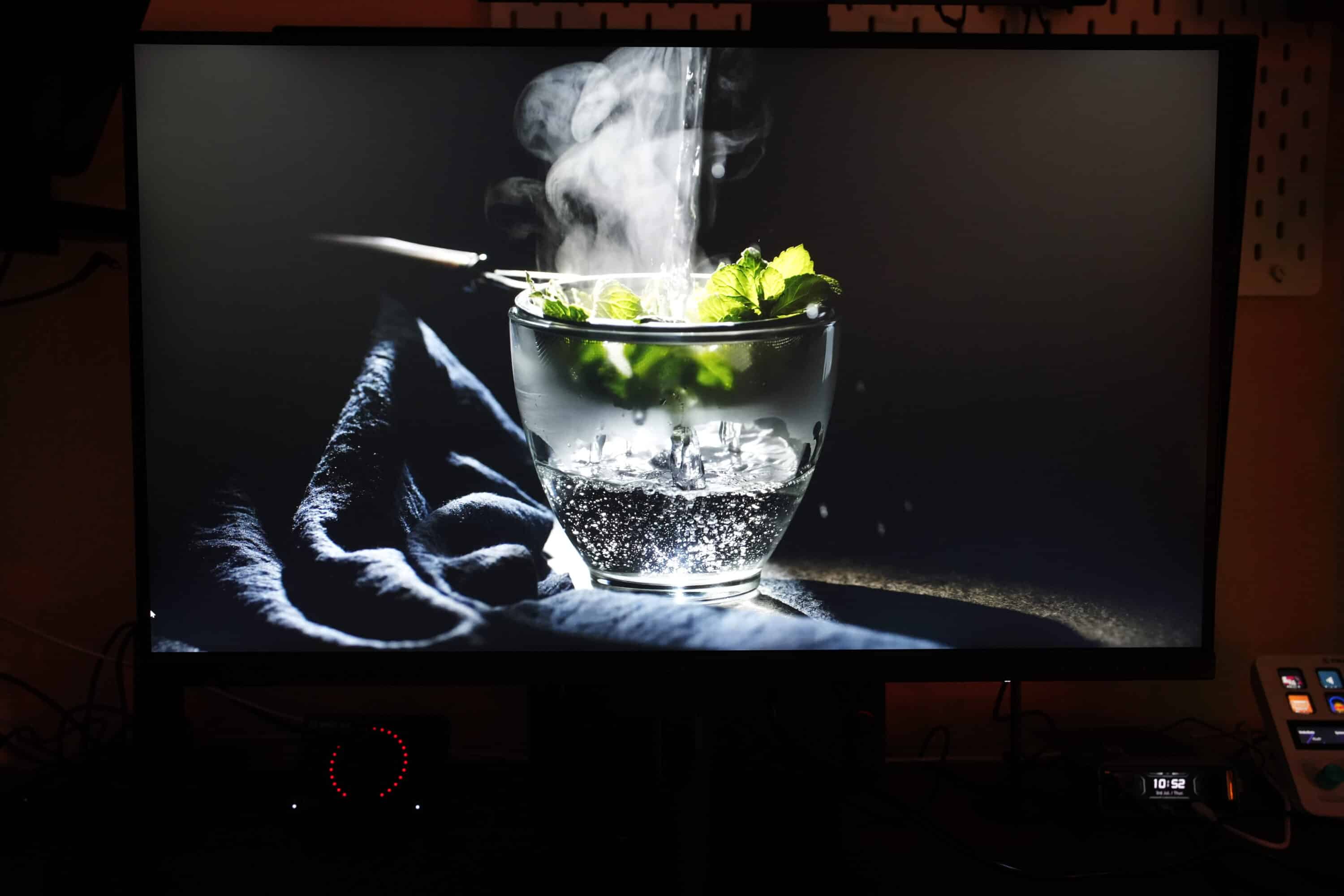
I particularly liked the impressive factory calibration. Colors, contrasts and general image presentation are already very well matched on delivery, so that hardly any fine-tuning would be necessary here.
Thanks to 4K with 160 Hz and FreeSync Premium Pro, the ASUS ProArt Display PA27UCGE is also very suitable for gaming if you want to switch off after work.
Lab test of the ASUS ProArt Display PA27UCGE
Of course, I also took a close look at the ASUS ProArt Display PA27UCGE in the lab. As always, I reset the monitor to its factory settings and took a measurement using the Datacolor SpyderX Elite, which checks the display for brightness, gamma values and color reproduction, among other things. The standard picture mode in SDR mode was used.

Let’s start with the color space coverage. The monitor fully covers the sRGB color space and 98% of the DCI-P3 color space. A good, but by no means outstanding value – even some of the best gaming monitors now achieve this.

The color fidelity, on the other hand, is really impressive. According to the manufacturer, this is Delta E<1, which promises very accurate colors. A promise that we can confirm in the lab test. With an average value of Delta E 0.48, the ASUS ProArt Display PA27UCGE displays colors very accurately. Only cyan shows slightly higher deviations.

The monitor also maintains the gamma curve excellently. With a set value of gamma 2.2, the display follows the curve very precisely. However, if you prefer, you can also set other values in the OSD.

The monitor really surprised me in terms of brightness, as the display even peaks at over 800 nits, making it noticeably brighter than the manufacturer promises. An image that is also very easy to see in practice. Unfortunately, the contrast ratio is somewhat below average. I measured a maximum value of 940:1 here, which puts the screen slightly below the typical IPS 1,000:1.
In terms of color homogeneity, which shows the balance of the color distribution, the screen delivers good, but by no means perfect results. Especially at maximum brightness, deviations of Delta E 4.0 and more can be seen in the lower third.
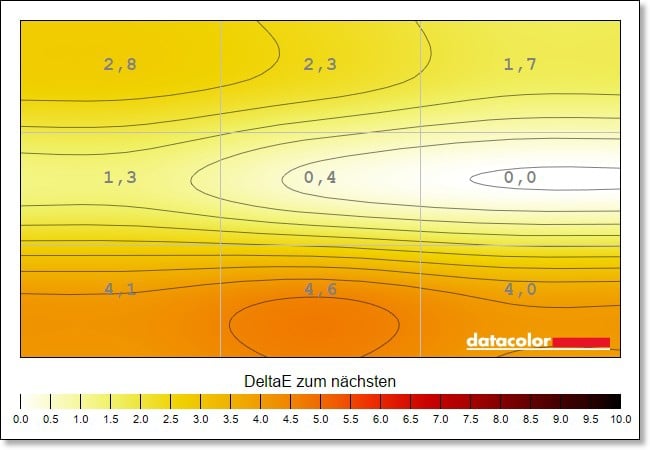
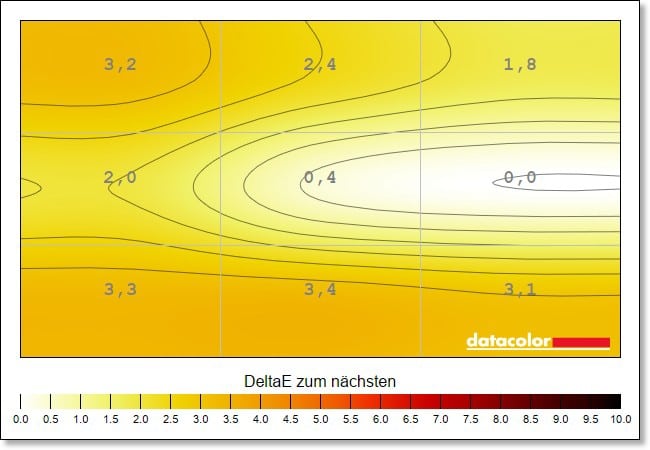
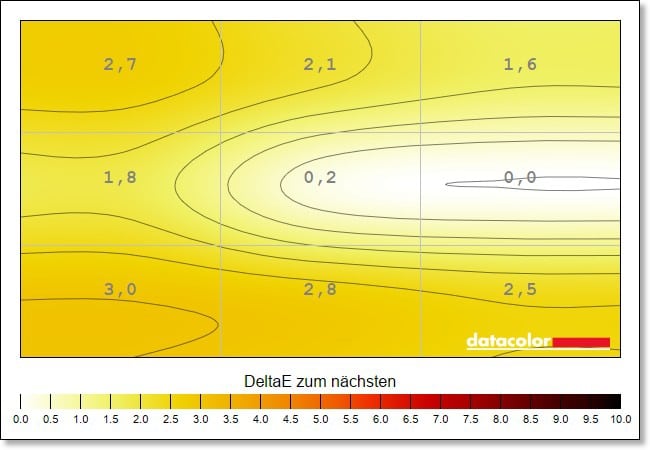
For comparison: The cheaper QD OLED monitor Philips Evnia 32M2N8900 (our test) shows a significantly lower deviation of maximum Delta E 2.4. In practice, this means that the colors at the lower edge do not fully correspond to those in the middle or at the upper edge.
Fortunately, you can counteract this somewhat with the help of calibration, which reduces the deviation to a maximum of Delta E 2.8.
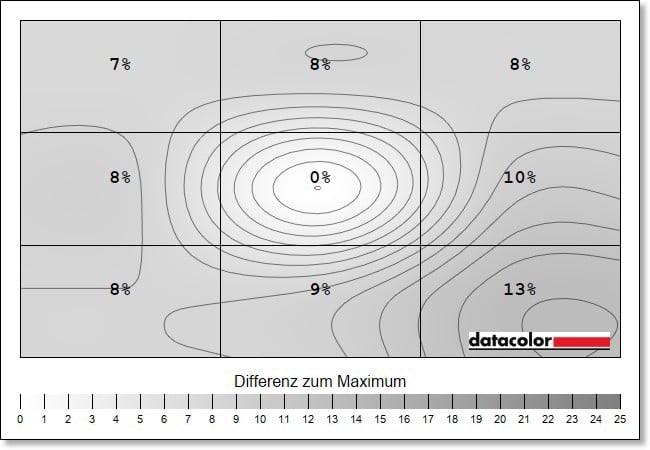
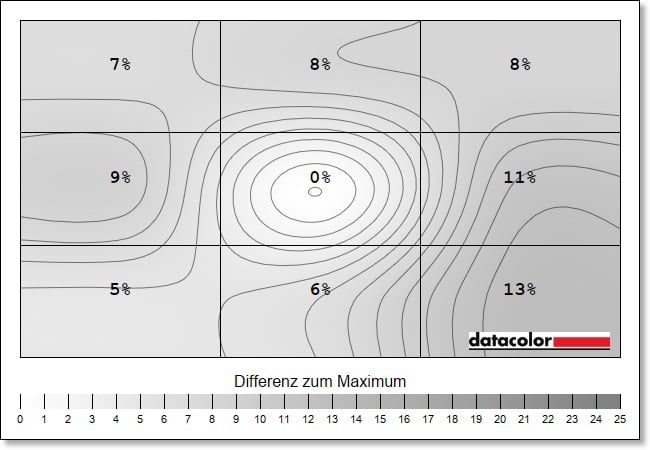
The situation is similar with the luminance homogeneity, i.e. the uniformity of the illumination. This is identical across all brightness settings and is too high: The maximum deviation I measure here is 13 percent in the lower right corner, which means that the picture appears over 100 nits darker here than in the center of the screen.
And that is just too much for a monitor that is particularly aimed at creative professionals who rely on high accuracy. This inevitably makes you wonder why you shouldn’t go for a convincing gaming monitor, such as the aforementioned Philips Evnia, for example, which delivers a much more balanced picture and has the same color accuracy and color space coverage.
ASUS ProArt Display PA27UCGE test: Conclusion
The ASUS ProArt Display PA27UCGE offers a lot for the money. A convincing IPS panel, 4K resolution and a frame rate of 160 Hz also make it interesting for those who want to play games on the side. For all creative professionals, there is also hardware calibration and practical additional functions such as an ambient light sensor, backlight sensor and HDR display with really impressive brightness.
Connectivity and ergonomics are also at an excellent level. However, the ProArt Display PA27UCGE has noticeable weaknesses when it comes to the balance of the display in terms of colors and brightness, which noticeably tarnish the overall impression.
Current OLED gaming monitors often deliver better results here. However, it should be noted that the IPS panel of the ASUS ProArt Display PA27UCGE is less problematic when displaying a lot of static content.

VORTEILE
- Elegant design
- Modern connections
- High peak brightness
- Good picture
- Hardware calibration
NACHTEILE
- Screen cover cheap & fragile
- Contrast below average
- Homogeneity disappoints
Fazit
Impressive 4K monitor for creative professionals that scores with very good picture quality, high frame rate and modern connections.


