


ASUS ROG improves perhaps its best ambidextrous gaming mouse: The recently introduced ASUS ROG Harpe II Ace comes with a new sensor, 8,000 Hz sampling rate and a few other improvements. Is it worth buying? Find out in our test.
Technical data
| The product | Harpe II Ace |
| Ergonomics | Symmetrical (for right-handers) |
| Sensor | ROG AimPoint Pro |
| Sensor type | Optical |
| DPI | 100 – 42.000 |
| IPS | 750 |
| Acceleration | 70G |
| Polling rate | 8,000 Hz (via cable); 8,000 Hz (wireless) |
| Hardware acceleration | None |
| Number of buttons | 7 (6 programmable) |
| Material | Organic nylon |
| Switch | ROG 100M Optical Micro Switch |
| Switch weight | 48 grams |
| Dimension | 126.1 mm x 63.9 mm x 39.7 mm |
| Cable length / material | 2 meters / fabric sheathing |
| Connection | USB type A to USB type C |
| Connectivity | Wireless (2.4 GHz receiver); wired; Bluetooth 5.1 |
| Battery life | Up to 10 hours (wireless) |
| Price | € 179.90 * |
ASUS ROG Harpe II Ace review: An incredible lightweight
- outstanding, symmetrical design
- only 48 grams light
- very good workmanship; but susceptible to fingerprints
The ASUS ROG Harpe II Ace is the successor to the popular Harpe Ace, which I personally have been using (and loving) for a year now in the white Aim Labs edition. At first glance, not much has changed visually. The new model is also based on an ambidextrous design and can also be used perfectly by left-handers (like me).
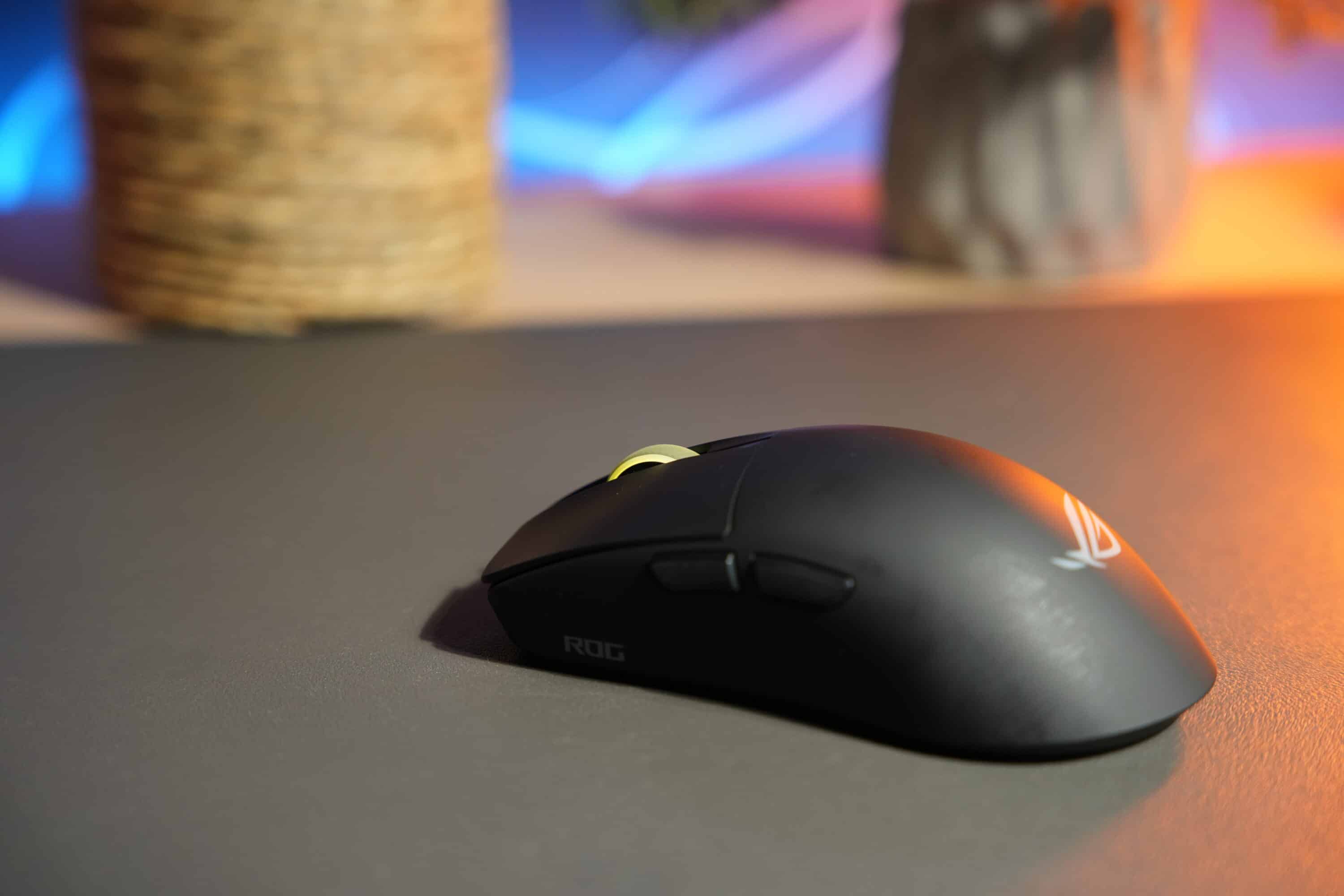
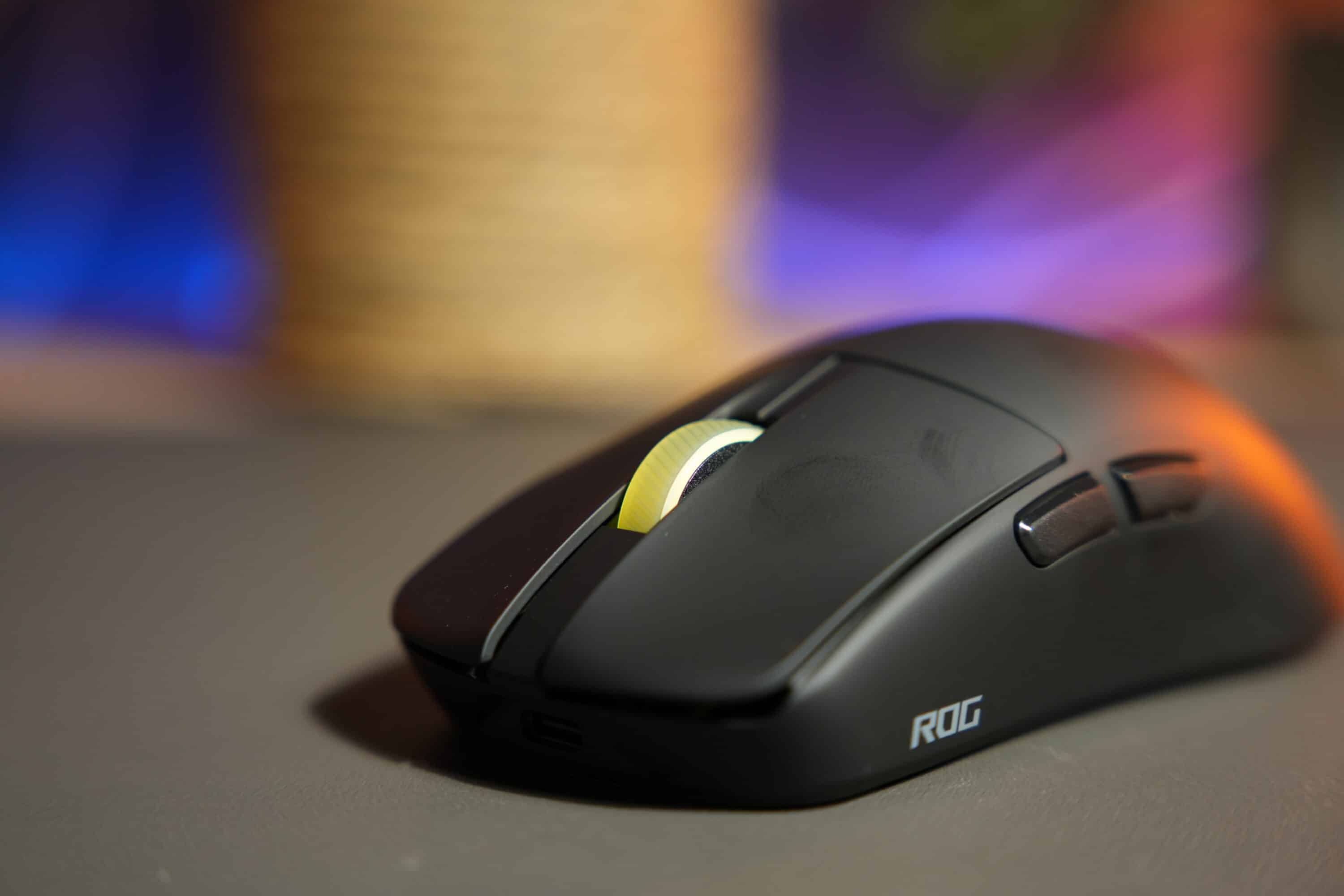
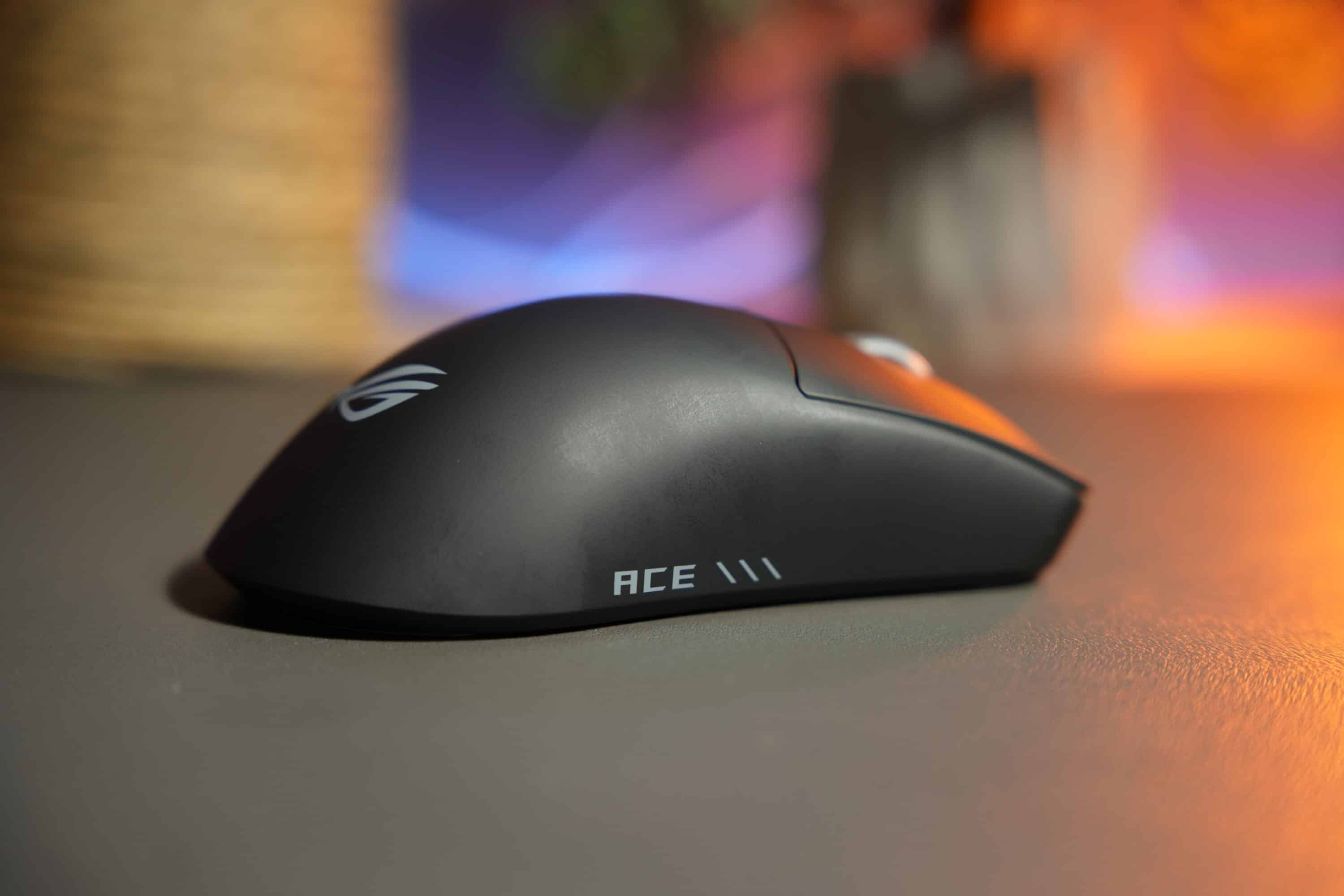
There are still two additional buttons on the side and a pleasantly rasterized and grained scroll wheel, to which the gaming division of ASUS has added RGB lighting. However, there are differences in terms of design:
This is because the Harpe II Ace is made from a new type of bio-based nylon material made from castor oil. This is not only good for the environment (70 percent less CO2 emissions), but also reduces the weight. The 2nd edition now weighs an incredibly low 48 grams – compared to 54 grams for its predecessor.
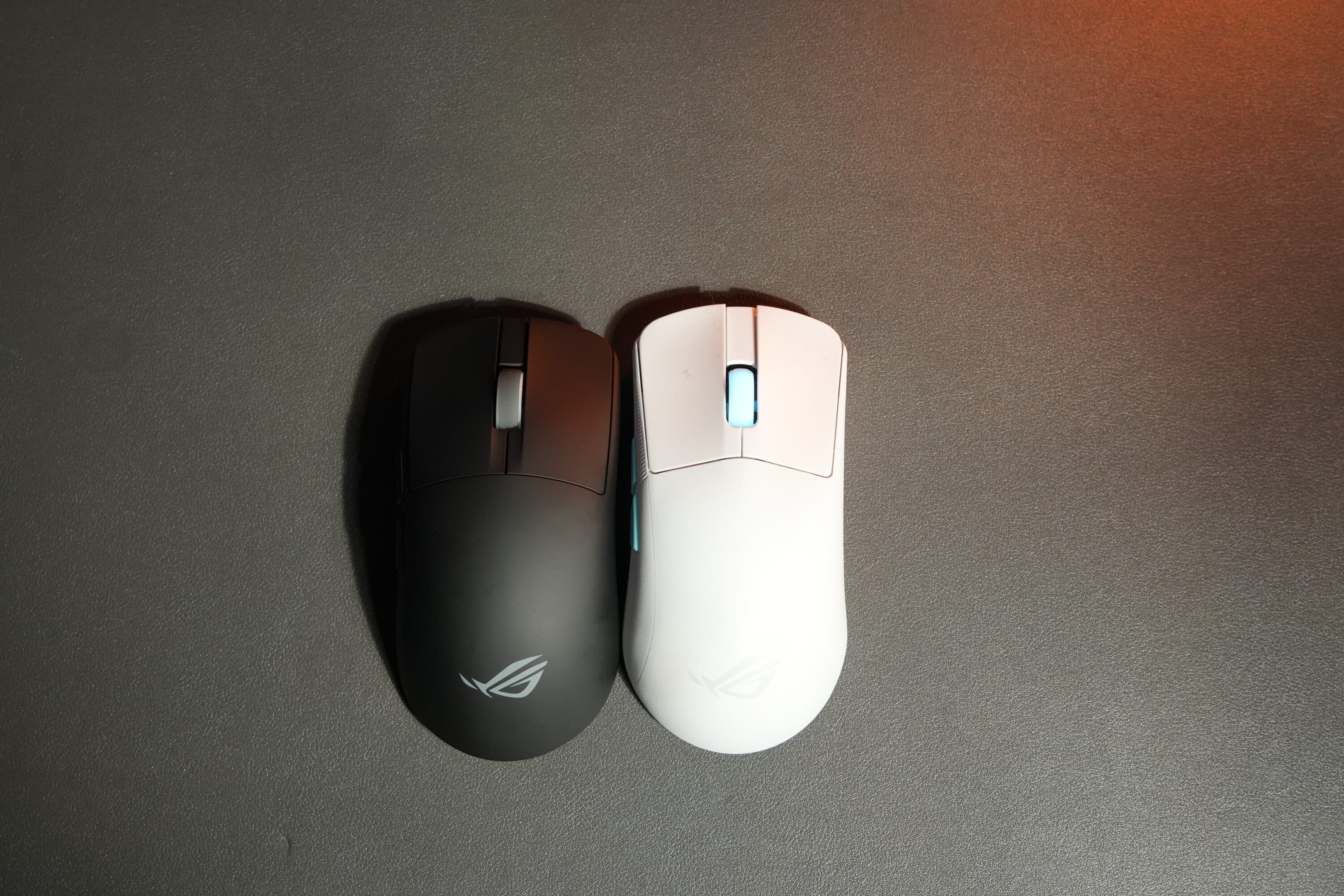
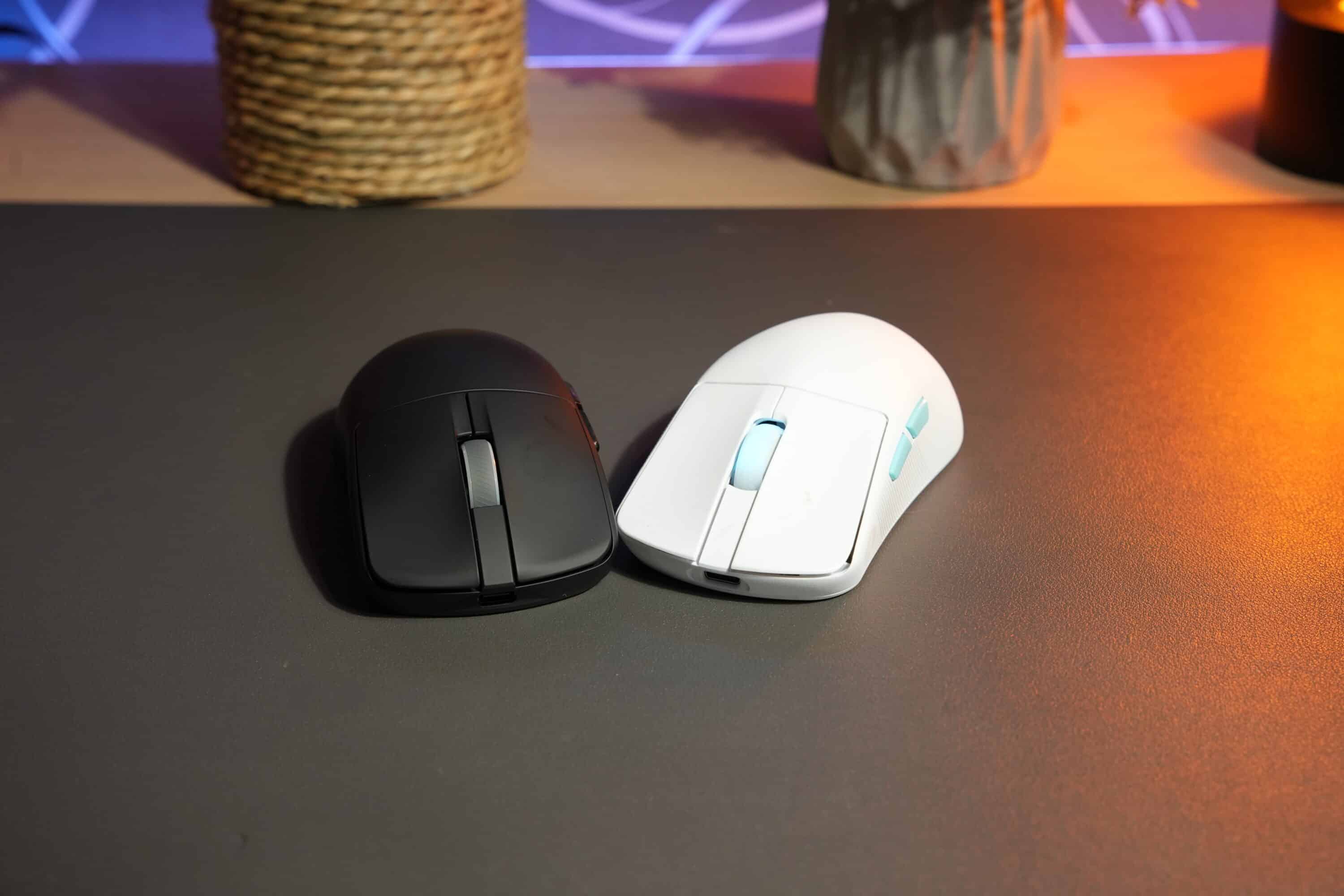
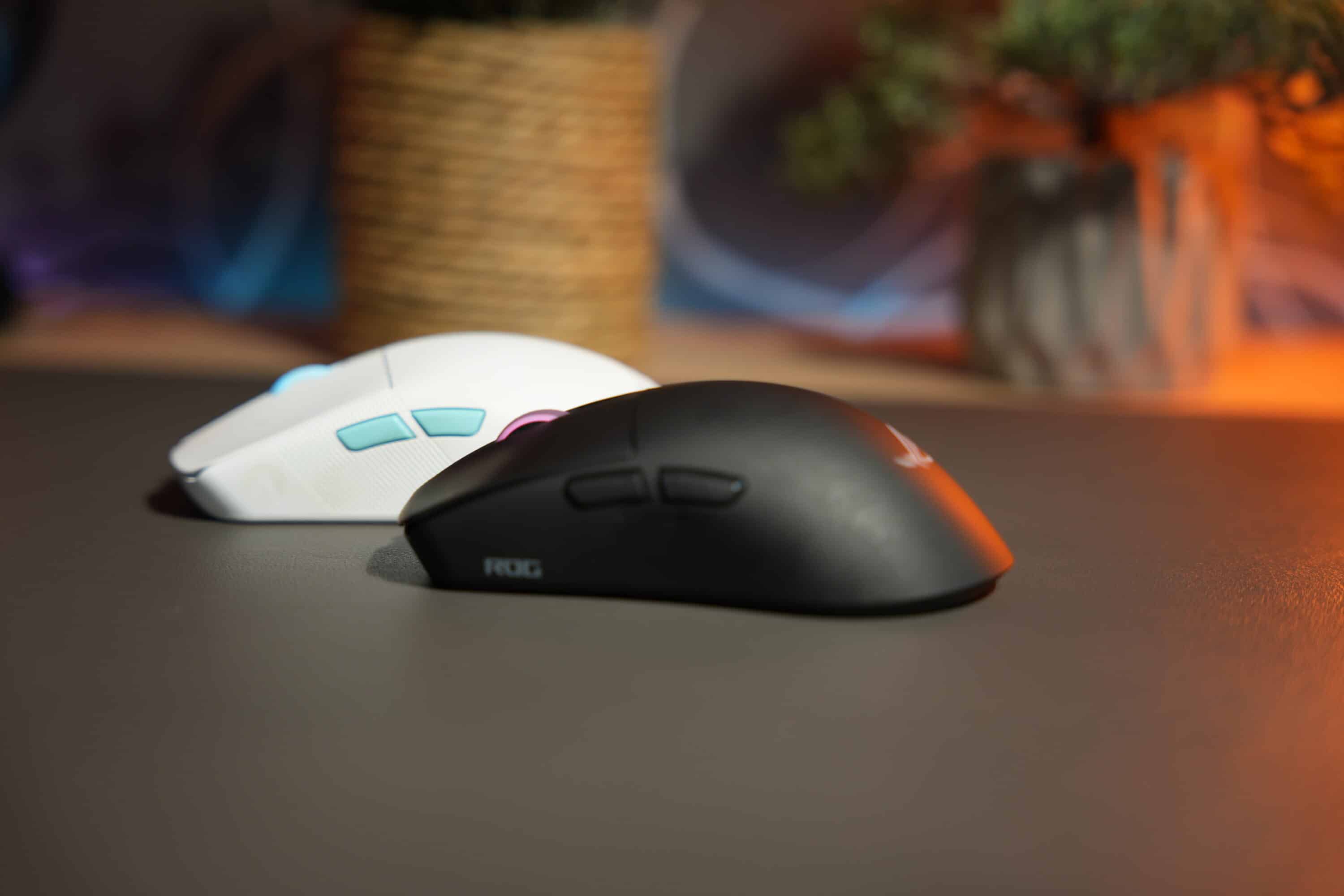
In direct comparison, the new edition has also become a little more compact, albeit only slightly: it is 126.1 mm long, 63.9 mm wide and 39.7 mm high, while the original edition measures 127.5 mm x 63.7 mm x 39.6 mm. However, this does not really make a difference in practice. The mouse feels particularly comfortable in the claw and fingertip grip.
But the material does: while the Harpe Ace Aim Lab Edition has a grippy, textured surface, the ASUS ROG Harpe II Ace’s casing is noticeably more slippery or smooth. Which one do you like better? A matter of taste. But the new material is probably more susceptible to fingerprints.

.
The underside of the rodent has been redesigned and now features two significantly larger PTFE gliding feet and a modified button layout. Practical: The USB dongle can be inserted here so that it doesn’t get lost during transportation.
The acoustics have also changed. The mouse clicks of the two primary buttons are slightly louder than on the predecessor, although still quieter and less hollow than, for example, the Razer DeathAdder V4 Pro (our test).
Features and battery life
- 42,000 DPI, 750 IPS, 50G
- 8,000 Hz
- Up to 101 hours battery life
The ASUS ROG Harpe II Ace makes a huge leap forward in terms of features and presents itself on a par with the significantly more expensive carbon fiber mouse ASUS ROG Harpe Ace Extreme (our test). Once again, the outstandingly precise AimPoint Pro sensor is used, which combines a resolution of 42,000 DPI with a speed of 750 IPS and an acceleration of 50G. Thanks to the so-called Track-on-Glass technology, the mouse also offers the highest possible precision on various surfaces.

A decisive advantage of the Harpe II Ace: the polling rate of a whopping 8,000 Hz can be realized wirelessly via the normal USB receiver, whereas with the Harpe Ace Extreme this was only possible with the help of the external polling rate booster.
For the primary buttons, the mouse uses the durable and extremely precise ROG 100M Optical Micro Switches, which are designed for 100 million clicks and trigger incredibly quickly and accurately thanks to optical technology. The same applies to the scroll wheel, which enables precise changes with a pleasant grid pattern.

The new model has inherited the triple connectivity, as the Harpe II Ace can also be paired with end devices via radio and cable as well as via Bluetooth 5.1.
One cool new feature is the so-called zone mode. This allows the ASUS ROG Harpe II Ace to be configured for both desktop use and gaming: For example, a lower polling rate and RGB lighting are used for daily tasks, while the mouse automatically maximizes the sampling rate, optimizes the sensors and switches off the lighting when starting a game thanks to Zone Mode.

The runtime of the integrated lithium-ion battery is even better than the Extreme version: up to 101 hours with deactivated lighting and 84 hours with RGB lighting are possible via wireless, and the gaming mouse lasts even longer via Bluetooth. If you increase the sampling rate, the runtime is naturally reduced, although the response here is significantly lower than that of many other gaming mice with 8,000 Hz. Chapeau, ASUS ROG.
Software connection? Nope. Web interface!
A big plus point of the ASUS ROG Harpe II Ace is the fact that it cannot be adjusted via the resource-hungry Armoury Crate software. Instead, the new gaming mouse uses the web interface called Gear Link and can be adjusted on the web without installing any software.

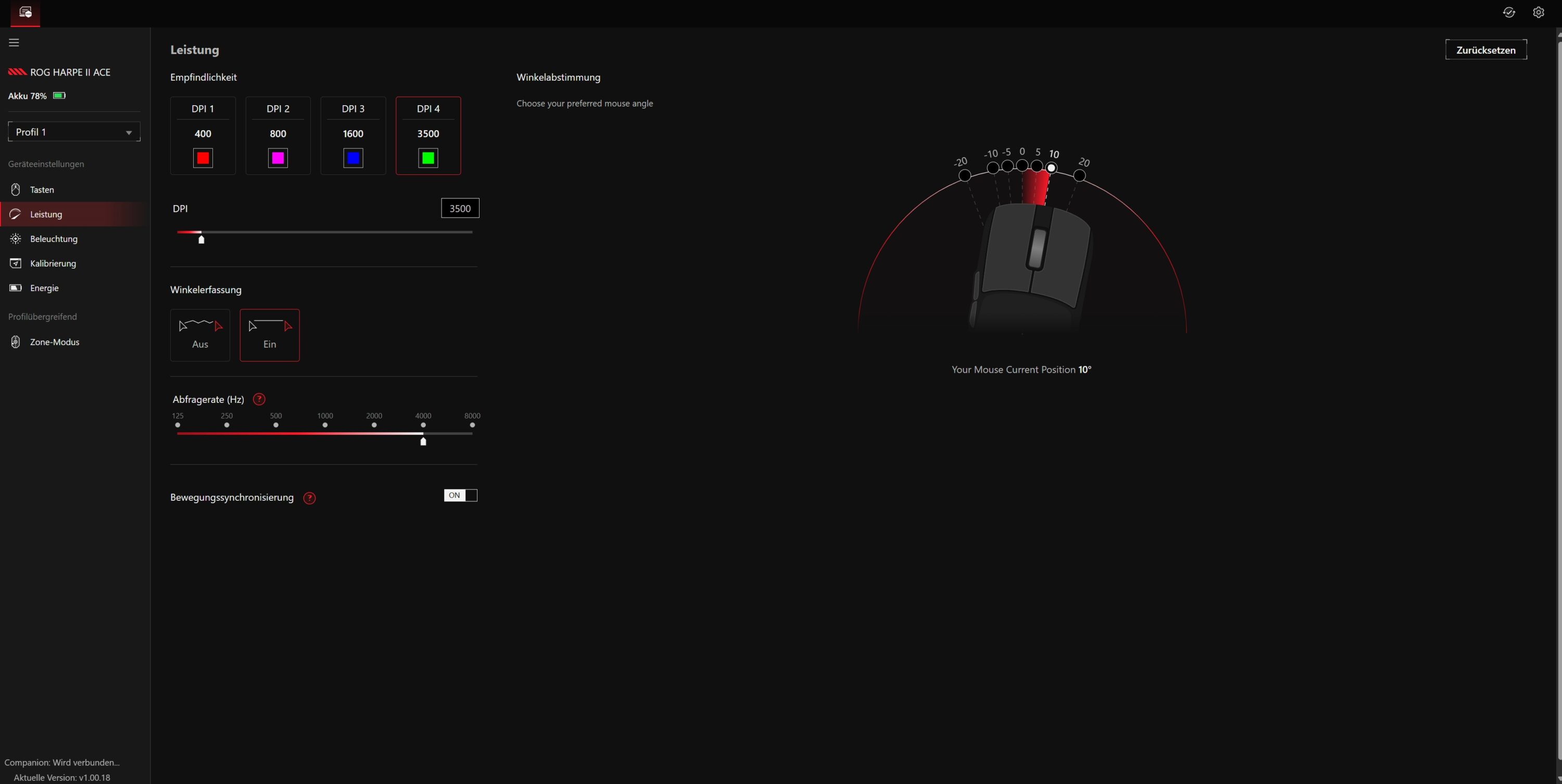
Almost every parameter of the mouse can be adjusted here. A total of six buttons can be freely assigned and a total of five profiles can be created and saved. The performance can be saved in four DPI presets, including angle detection and movement synchronization.



You can also adjust the lighting, calibrate the mouse for different surfaces or adjust the energy-saving settings. Intuitive, clear and resource-saving. That’s how it should be.
Sensor and practical test
- Blazingly fast, incredibly precise sensor
- Buttons with great feedback
As the size and weight are largely identical to the Harpe Ace Extreme and the technical inner workings of the ASUS ROG Harpe II Ace are also identical, the new gaming mouse also offers comparable and outstanding performance.
It tracks even the most minimal movements so quickly, reliably and precisely that it offers a real advantage over “normal” mice, especially in competitive shooters. The gliding properties are excellent and have been further improved in detail, as the manufacturer has rounded the edges of the mouse feet slightly, making movements even smoother.

The slightly lowered hump enables finer micro-adjustments for the fingertip grip, which I personally find very convenient. Both side buttons are also easy to feel and can be easily triggered with the thumb (or in my case, the ring finger).
In short, the ASUS ROG Harpe II Ace is right up there with the best gaming mice in the practical test. There is absolutely nothing to complain about here.
ASUS ROG Harpe II Ace test: Conclusion
The ASUS ROG Harpe II Ace is an outstanding gaming mouse that tops the successful features of its predecessor in all areas. It is noticeably lighter, significantly faster (and more precise) and is particularly impressive in gaming use.
There are also a few really practical new features such as the zone mode or the fact that configuration is now (finally) carried out via a web interface.
The Harpe II Ace is therefore technically on a par with the much more expensive Extreme model, but its cole fiber housing is less susceptible to fingerprints. With 8,000 Hz without an additional polling rate booster, the new edition also has a decisive advantage.
Ambitious gamers looking for a comfortable, fast and reliable mouse will be well served by the ASUS ROG Harpe II Ace.

VORTEILE
- Outstanding sensor
- 42,000 DPI
- 8,000 Hz
- Excellent ergonomics
- Web interface
NACHTEILE
- High price
- Fingerprint magnet
Fazit
Powerful, fast, precise and with ingenious additional functions: The ASUS ROG Harpe II Ace is one of the best gaming mice currently available.


Greetings from Estonia!
The mouse does look really interesting, and I’m considering getting it, but here in Tallinn the price ranges from €210 up to €300, which feels a bit too high.
For the past five years, I’ve been using the first generation Logitech Superlight — it’s been perfect in every way, except for the white shell slightly yellowing over time.
I’ve tried all the top mice recently, including the Razer Viper V3 Pro and ASUS ROG Harpe Ace Extreme, but none of them feel as natural in my hand as a Logitech. Still, I definitely want to give the Harpe II Ace a try.