Fans of flat keyboards have been presented with some highlights in recent months. After the impressive Razer BlackWidow V4 Low-Profile HyperSpeed and the outstanding Lofree Flow Lite, the gaming division of Cherry Xtrfy is now also launching a new model. The CHERRY XTRFY MX 10.1 Wireless comes in a full-size layout and aims to score points with a rotary knob, LC display and 8,000 Hz. Our test reveals more.
Technical data
| Product name | MX 10.1 Wireless |
| Switch type | Mechanical |
| Key switch type | Cherry MX LOW PROFILE 2.0 |
| Switch types offered | Linear |
| Switch interchangeable | No |
| Keycaps interchangeable | No |
| material | Aluminum |
| Material keycaps | PBT-Doubleshot |
| Dimensions (L x W x H) | 427 mm x 134 mm x 27 mm |
| Onboard memory | 3 profiles |
| Connectivity | USB Type-C, 2.4 GHz, Bluetooth 5.3 |
| Operating modes | Typing; Gaming |
| Sampling rates | 8,000 Hz (wired); 4,000 Hz (wireless) |
| Price | € 353.34 * |
CHERRY XTRFY MX 10.1 Wireless Test: Elegant aluminum flask
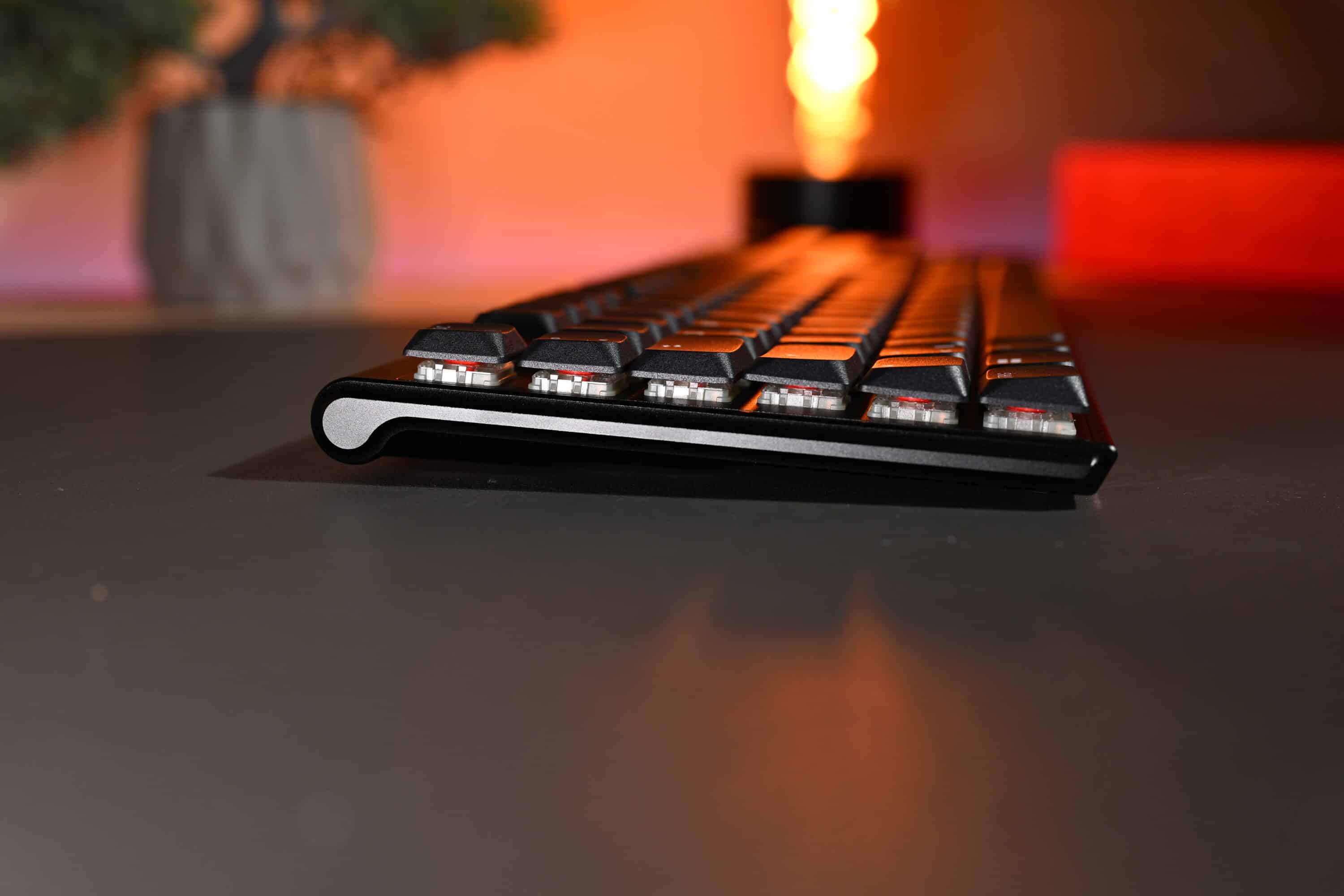
Due to the full-size layout, the CHERRY XTRFY MX 10.1 Wireless has a length of 427 mm, is 134 mm wide, 27 mm high and weighs just under 1,100 grams. We are undoubtedly dealing with an elegant and extremely high-quality low-profile keyboard, whose housing is largely made of aluminum and comes in either a black or white color scheme.
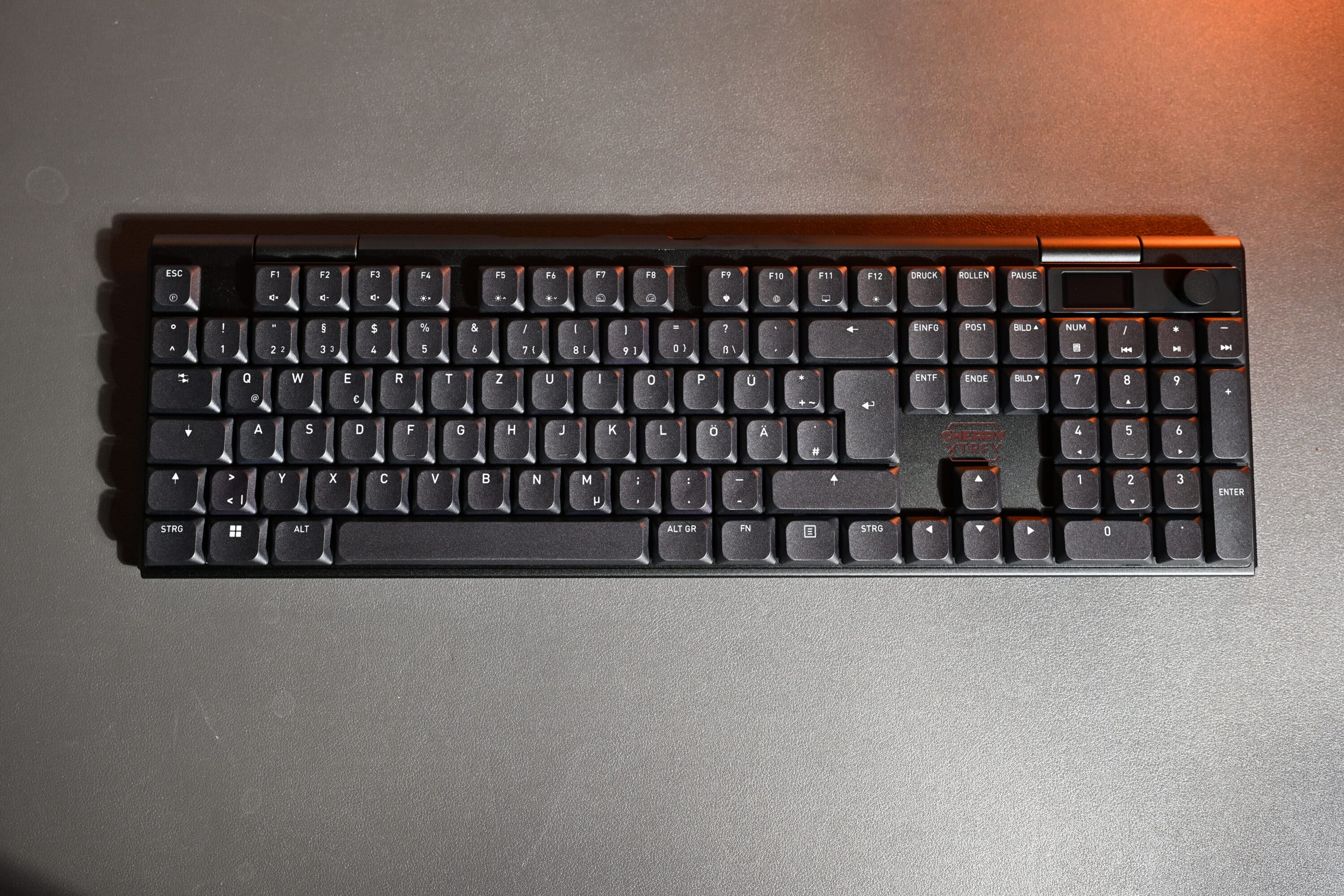
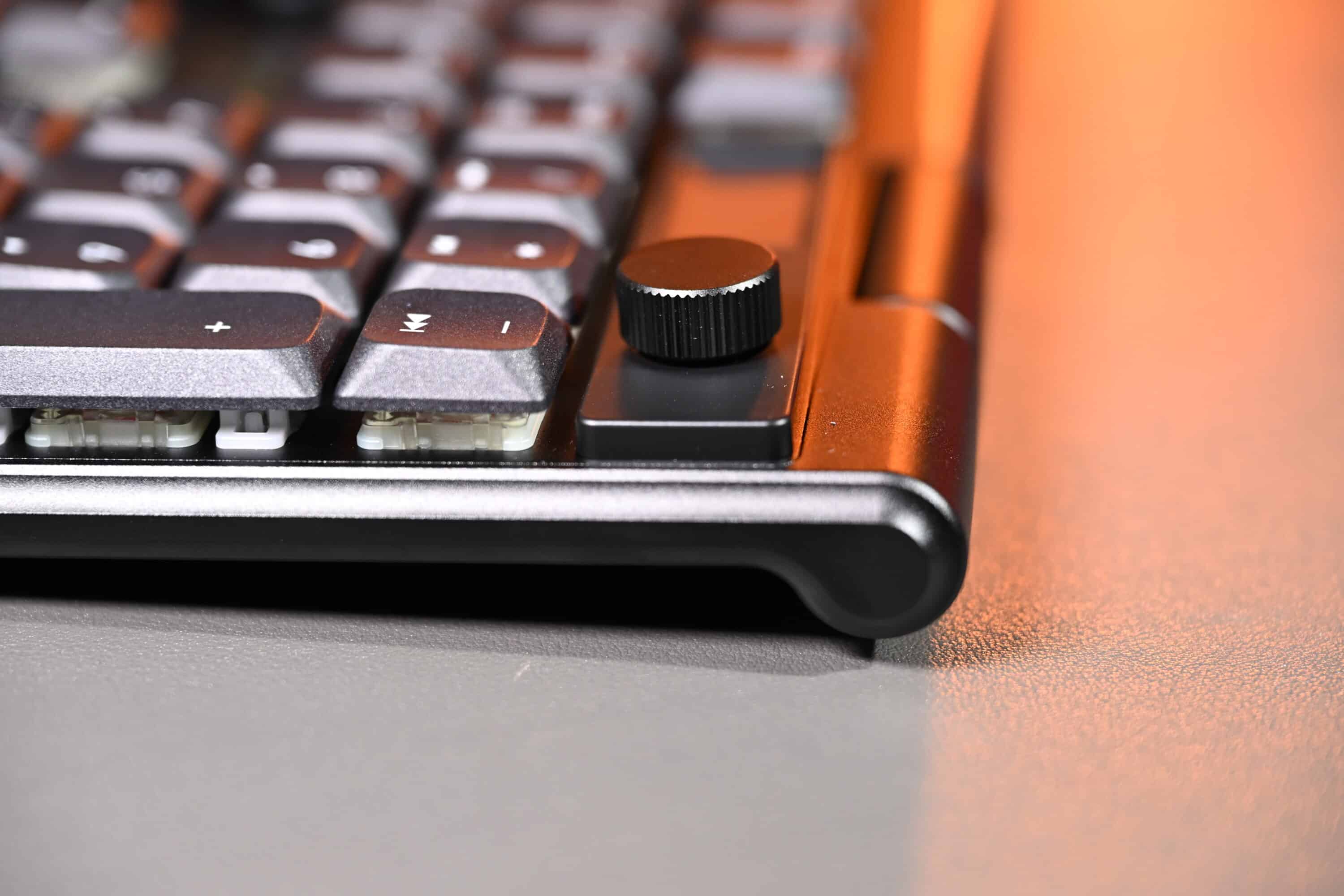
The most striking elements are the rotary wheel and display, which are located at the top right-hand edge of the keyboard. The display is slightly smaller than the CHERRY XTRFY MX 8.3 TKL (our test), but has the same structure and design.
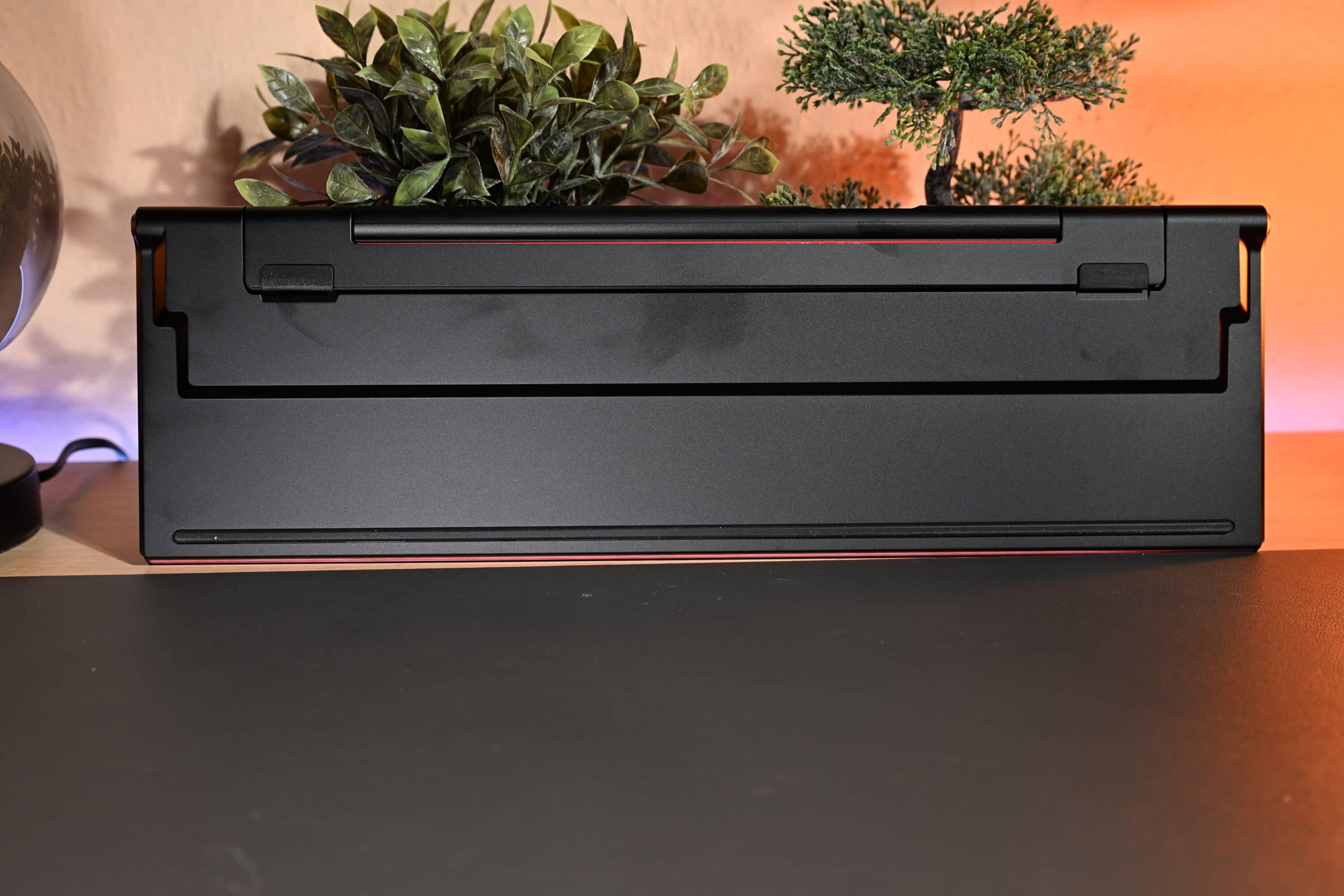
Another common feature of both models is the stand, which allows the keyboard to be set up at a slight angle. In the case of the CHERRY XTRFY MX 10.1 Wireless, this is also realized as a clever, fold-out bracket and allows adjustment in three heights.
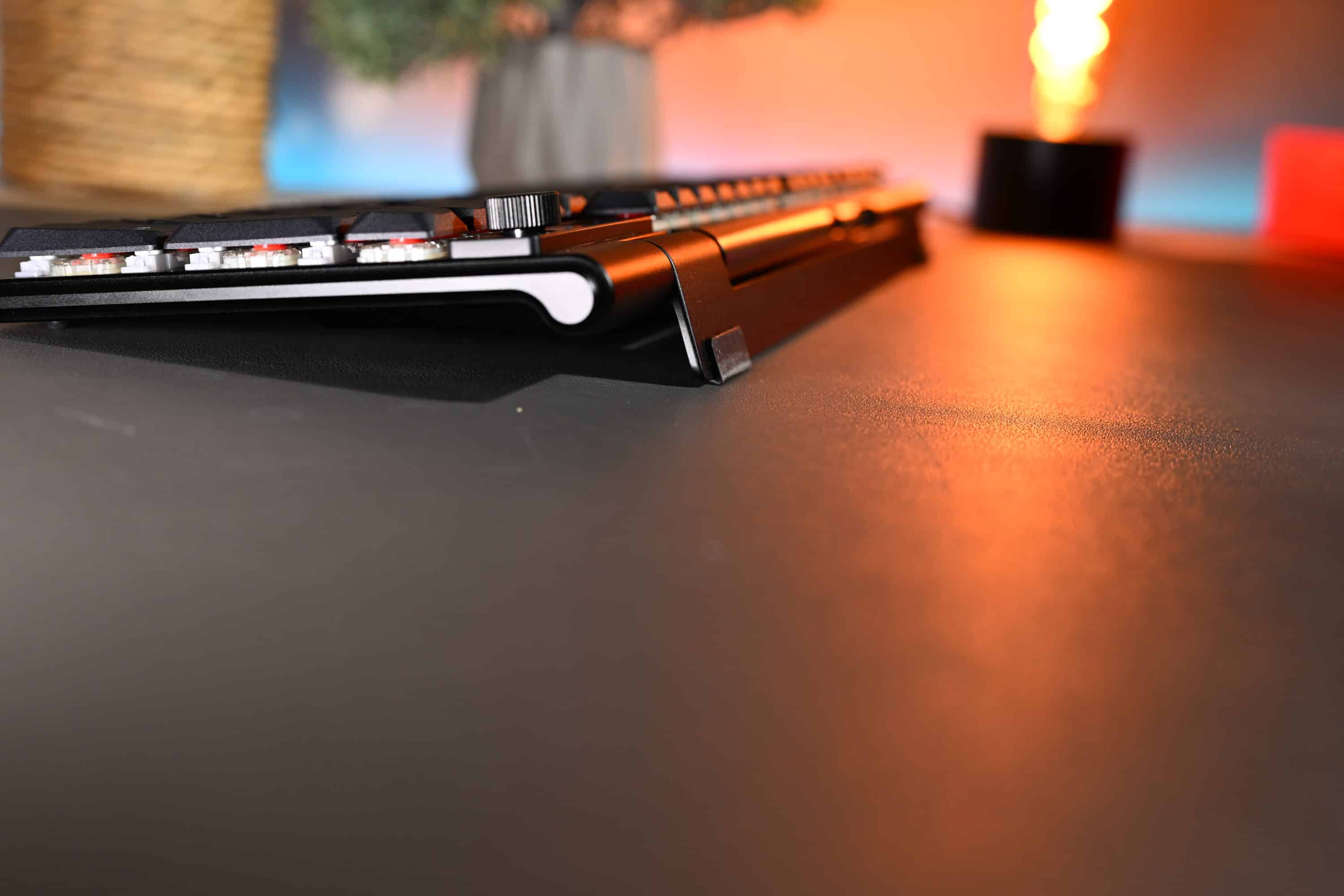
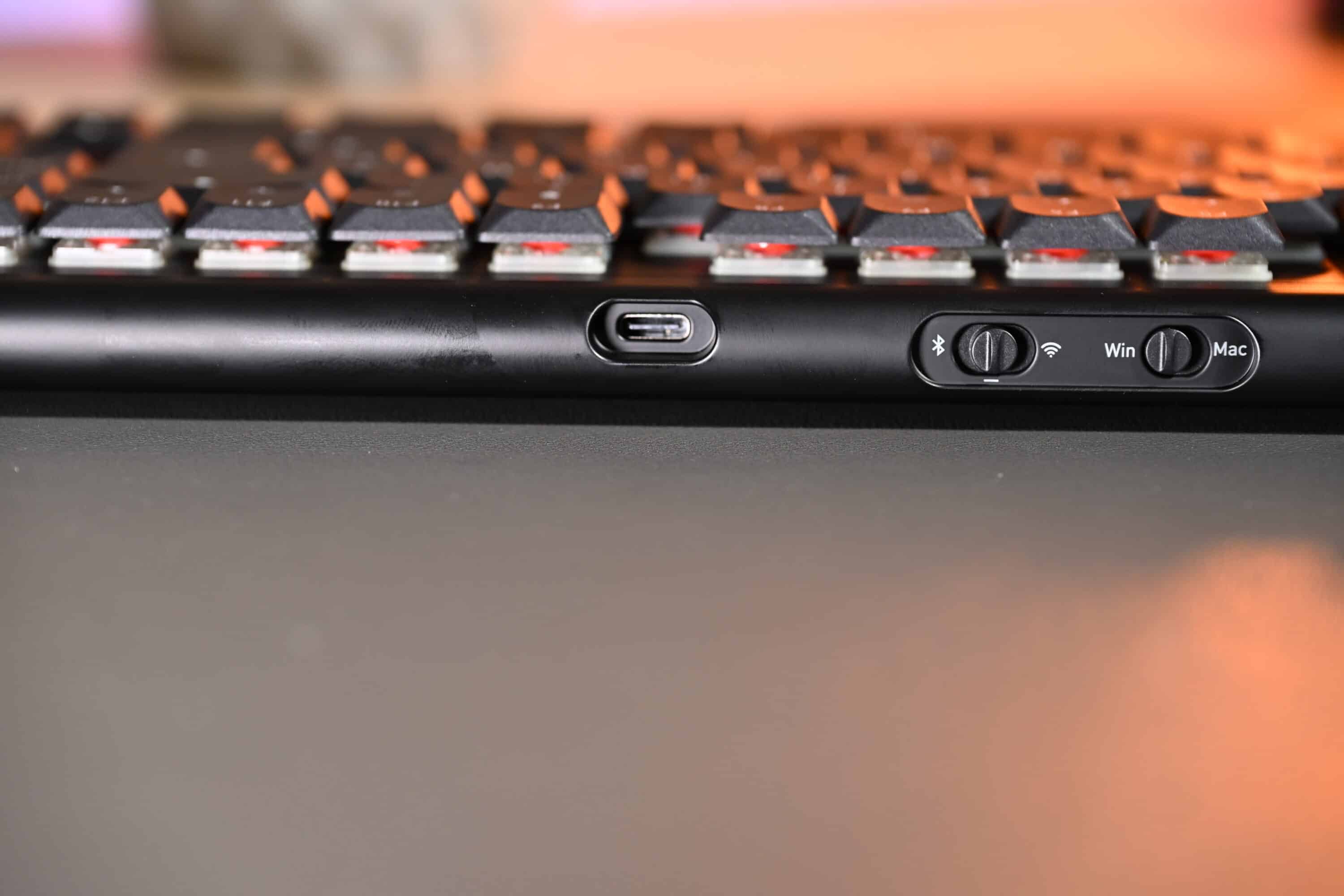
At the top of the keyboard, next to the USB-C port, we find a switch for switching between Mac and Windows mode, as well as one for switching between wireless and Bluetooth mode.
The features of the CHERRY XTRFY MX 10.1 Wireless
The features of the CHERRY XTRFY MX 10.1 Wireless are extremely modern. It offers triple connectivity, allowing connection via wireless, cable and Bluetooth. The wireless response time is 1 ms, with a sampling rate of 4,000 Hz in wireless mode and 8,000 Hz in wired mode – although this cannot be set or checked in any way.

Of course, RGB lighting is also a must. As the MX 10.1 Wireless relies on high-quality and durable PBT keycaps, the colorful lighting only shines between the keys. The lettering itself is not illuminated.
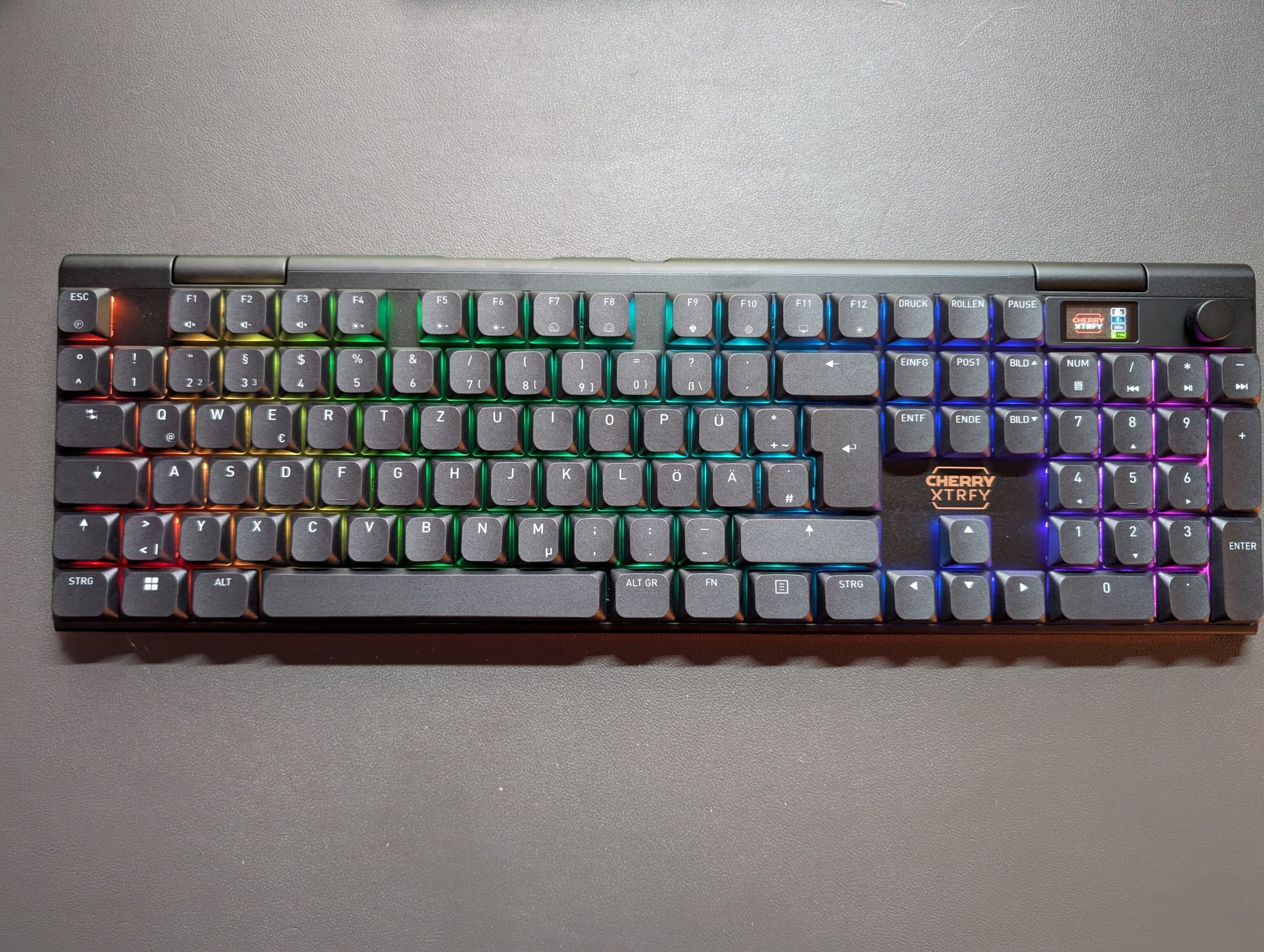
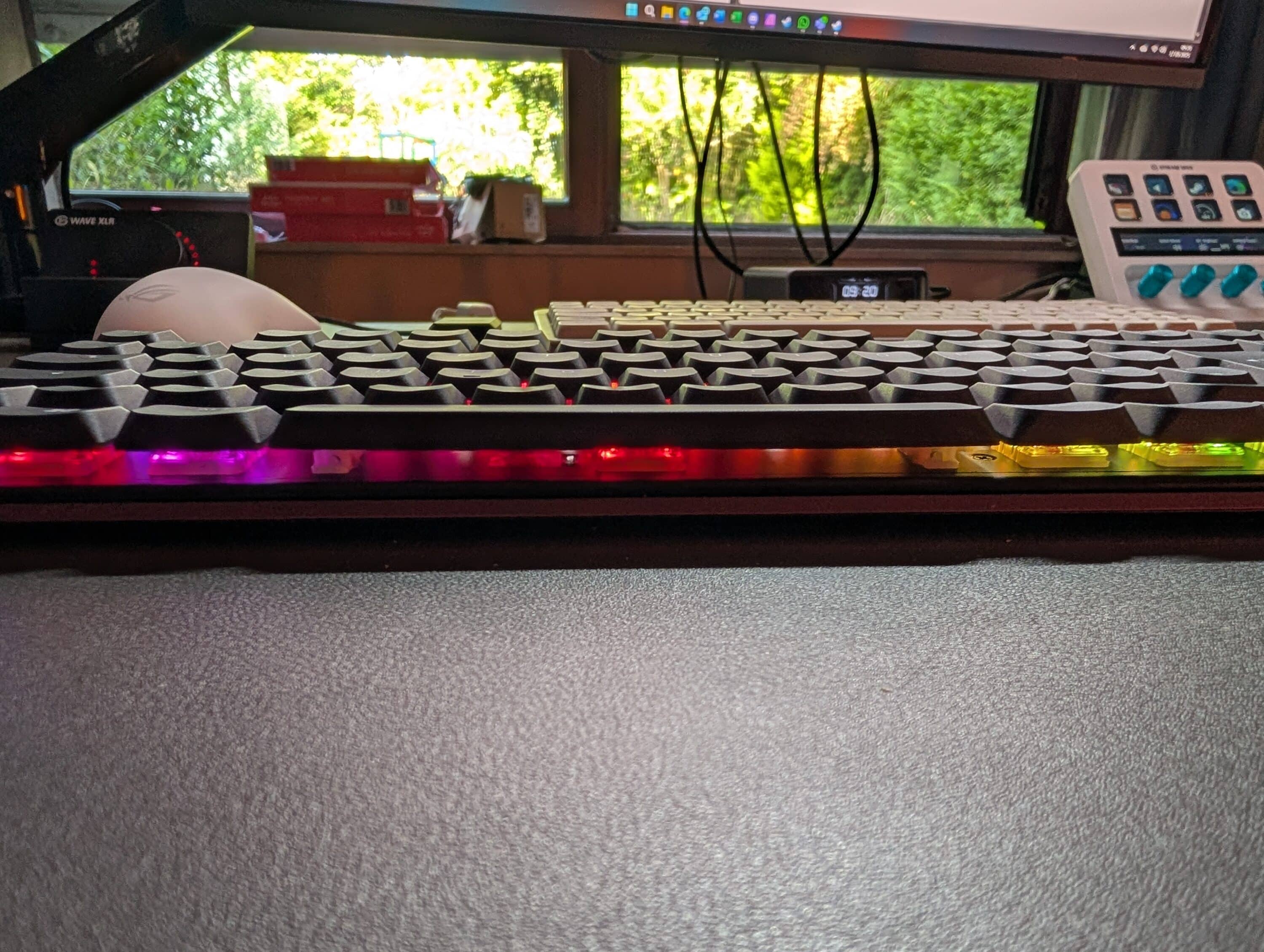
The equipment includes the new and improved mechanical CHERRY MX LOW PROFILE 2.0 switches, which are designed for 100 million actuations, support full N-key rollover and anti-ghosting and trigger with a pleasantly precise linear actuation force of 42 cN. Unfortunately, neither the keycaps nor the switches are replaceable.
Battery life and software
CHERRY XTRFY provides the keyboard with a 4,000 mAh battery, but does not provide any information on the battery life, which makes it difficult to test. Around 800-900 hours should be possible via Bluetooth, while the usage time is reduced to a good 50 hours via Fuk – depending on the set brightness, lighting and display usage.
The CHERRY XTRFY MX 10.1 Wireless is once again accompanied by Cherry Utility software, which is similarly feature-poor as in the case of other keyboards from the manufacturer.
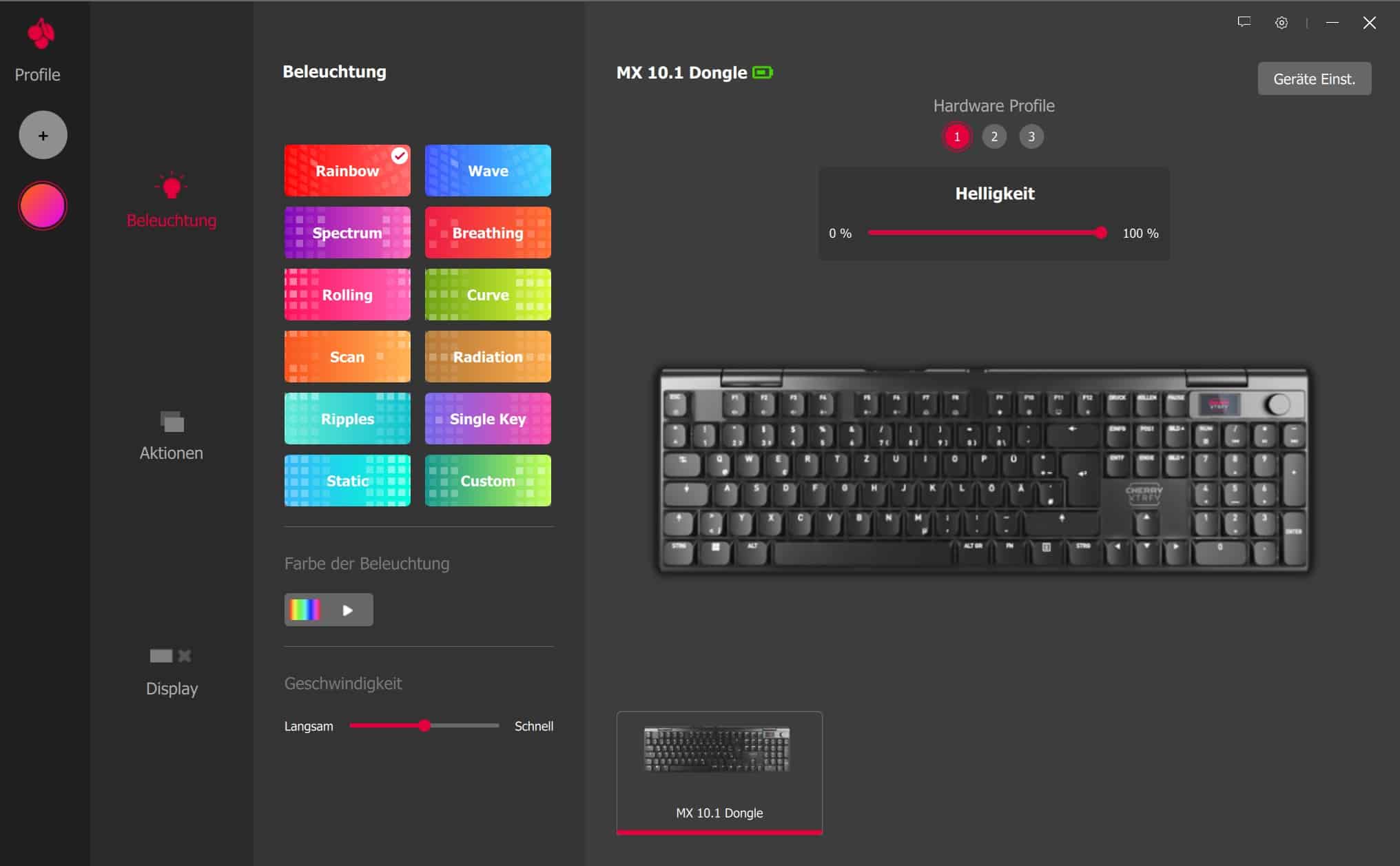
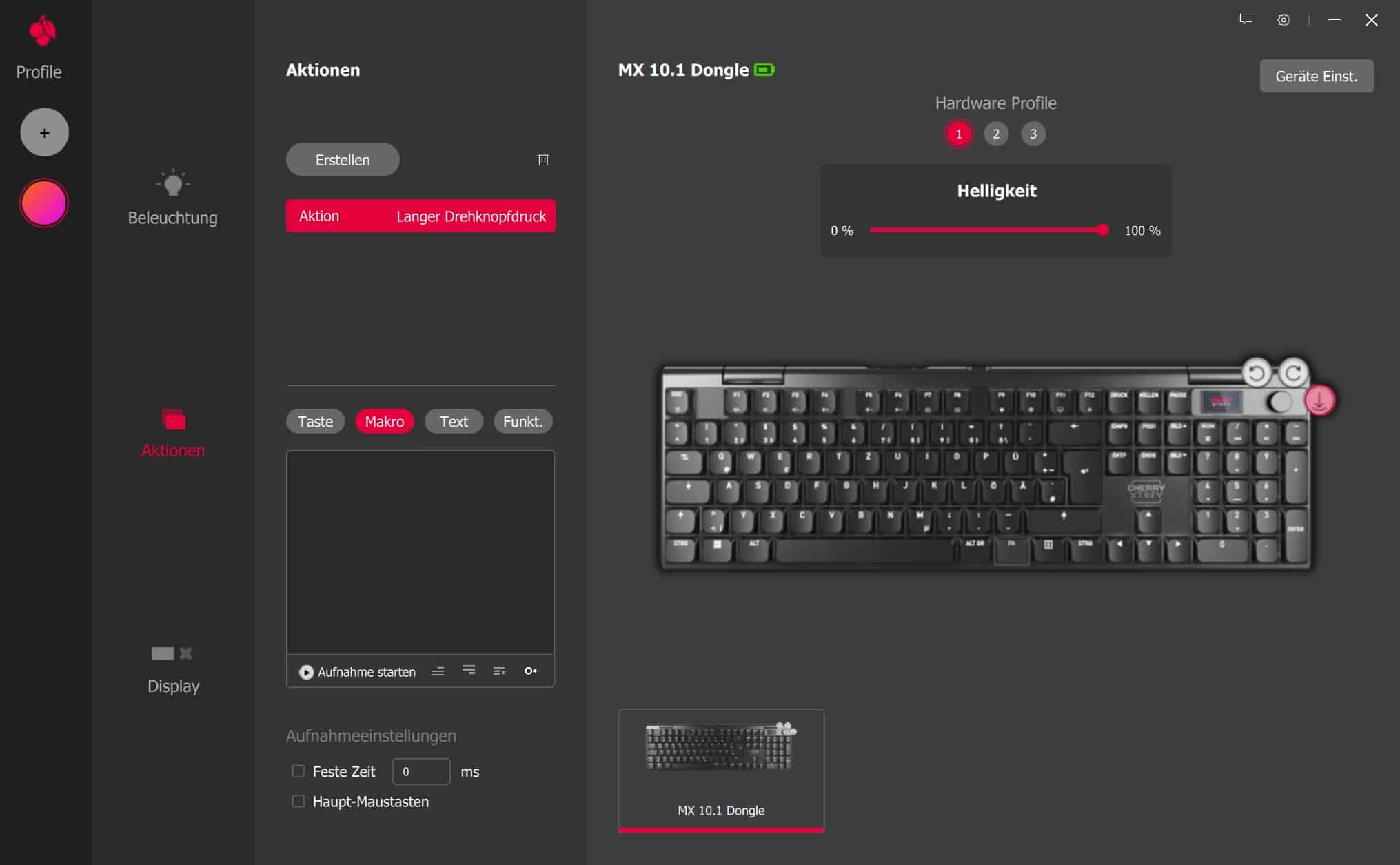
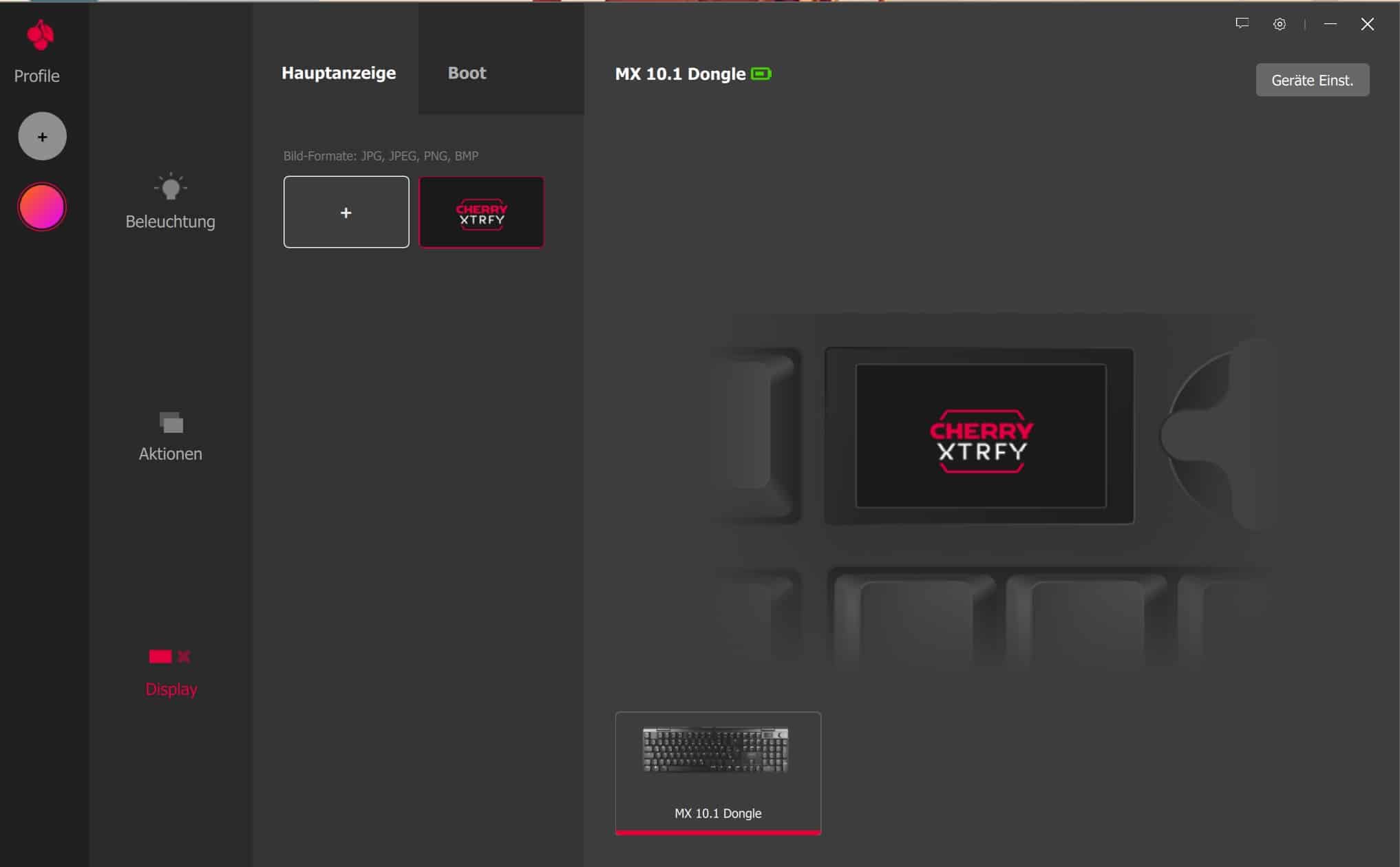
Here you can only adjust the RGB lighting and select an individual image for the display. You can also assign individual actions to all buttons and, for example, start macros, predefined texts or launch other apps.
CHERRY XTRFY MX 10.1 Wireless in a practical test
In practical use, I really like the CHERRY XTRFY MX 10.1 Wireless, although I first had to get used to the full-size layout, which is somewhat squashed here.

For example, the arrow keys and the additional blocks are directly adjacent to each other, with no gaps between them. In the first few hours, this led to a lot of unfamiliar typos, because I – blindly hoping for the right position – triggered the wrong keys. However, this quickly went away and the typing experience was very satisfying.
The CHERRY XTRFY MX 10.1 Wireless owes this above all to the excellent mechanical switches, which not only trigger very precisely, but also pleasantly quietly and almost silently. However, the required force of 42 cN is a little too high for my taste; I prefer the much creamier feel that the Lofree Flow Lite, for example, achieves.

Here, the keys trigger noticeably more easily without lacking precision. And they still sound extremely satisfying. Nevertheless, the MX 10.1 Wireless cannot be criticized here. Triggering is extremely fast, very accurate and reliable.
From an ergonomic point of view, I find the flat profile very pleasant. I have recently switched to low-profile keyboards anyway and have to say that the CHERRY XTRFY MX 10.1 Wireless is equally suitable for long typing tasks as it is for gaming.
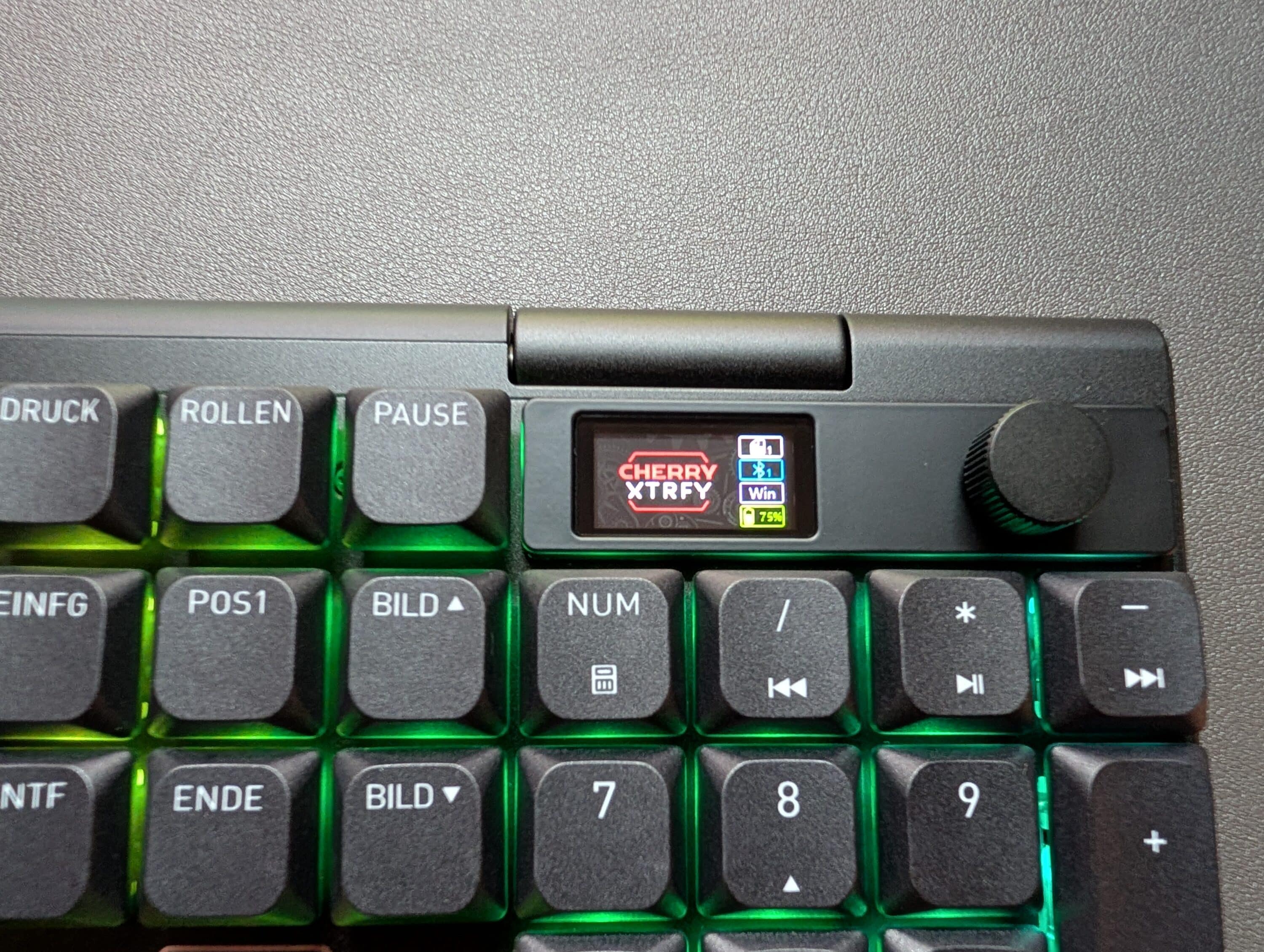
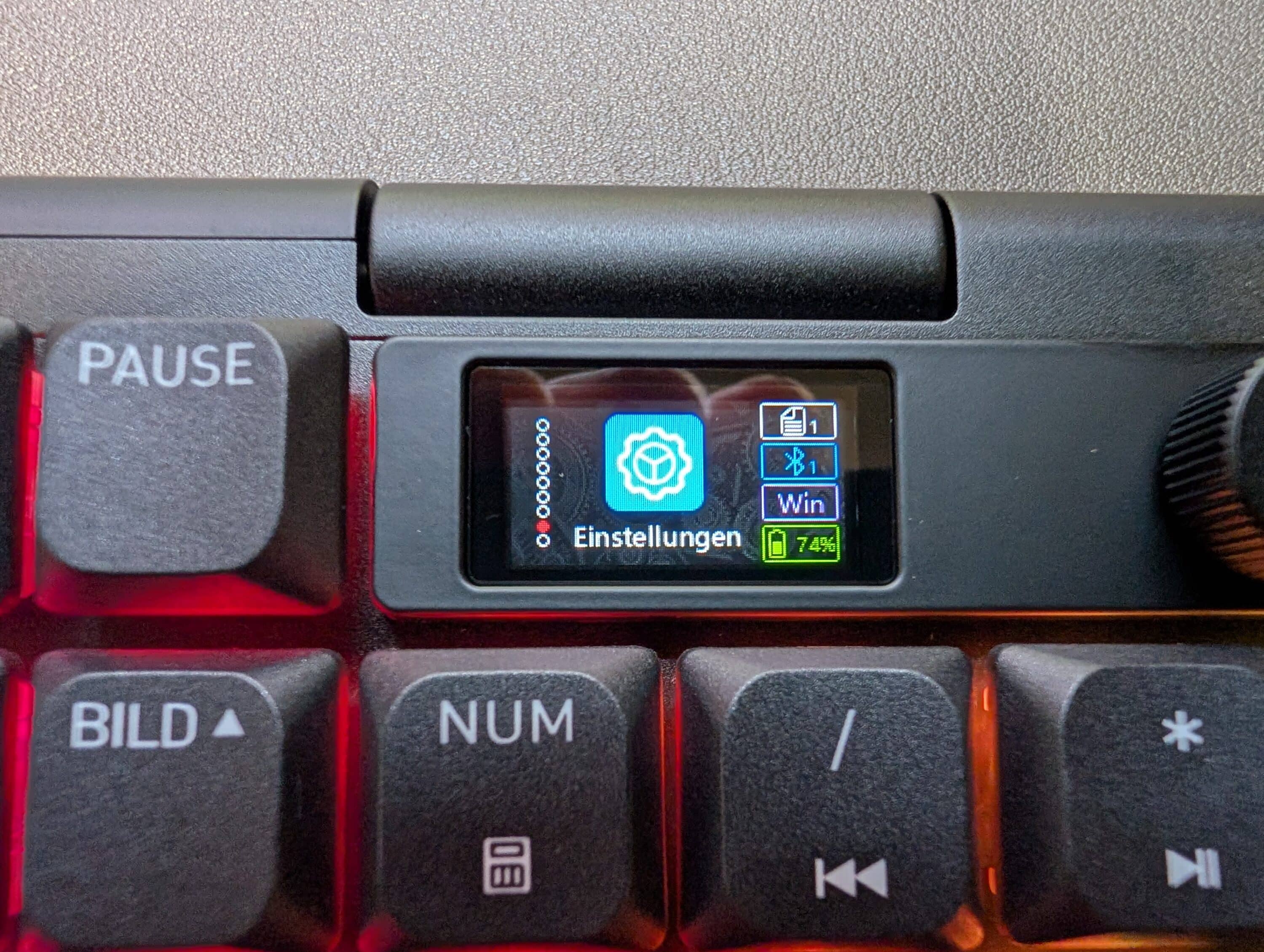
The LC display with rotary control proves to be very practical, as almost all settings can be made directly via the keyboard without having to go through the software. However, the options here are not as extensive as with some competitors.
CHERRY XTRFY MX 10.1 Wireless test: Conclusion
Essentially, the manufacturer delivers a really good mechanical low-profile keyboard with the CHERRY XTRFY MX 10.1 Wireless. It looks stylish, has an excellent finish, offers modern features and appealing RGB lighting.
The main problem, however, is the noticeably stronger competition, some of which offer a similar overall package at a lower price. This makes the CHERRY XTRFY MX 10.1 Wireless a good option for fans of the manufacturer, but everyone else will be better served by the competition.

VORTEILE
- Good typing feel
- Up to 8,000 Hz
- Triple connectivity
NACHTEILE
- Somewhat compressed layout
- Rudimentary software
- Too expensive
Fazit
High-quality and elegant low-profile keyboard with a good typing feel and good features, but clearly too expensive.