


Elgato has launched a new webcam that comes with 4K/60 resolution and promises DSLR-level image quality. The legitimate successor to the Facecam Pro (our test) is smaller, lighter and comes with some unique killer features. Find out what you can expect in our Elgato Facecam 4K test.
Technical specifications
| Model | Facecam 4K |
| Dimensions (without mount) | 104 mm x 54 mm x 52 mm |
| Weight (without mount) | 112 g |
| Connection port | USB type C |
| Max. Video resolution | 4K/60 frames per second; |
| Supported resolutions | 4K 60/30 1080p 60/30 720p 60/30 |
| HDR | Yes |
| Lens | 1/1.8 inch Sony Starvis CMOS 2; f/4.0 Field of view: 90 degrees |
| Software | Elgato Camera Hub |
| Compatibility | Windows 11 or higher; macOS 13.3 or higher |
| Microphones | not available |
| Mounting bracket | 1/4-inch thread |
| Price for | RRP: 199,99 Euro |
Elgato Facecam 4K Review: 4K/60 is this small
- Handy design
- plastic construction
- Large lens
The Facecam Pro was a big hulk. However, this should come as no surprise given the technology, as it contains a lot of technology to be able to handle 4K resolution with a smooth 60 frames per second.
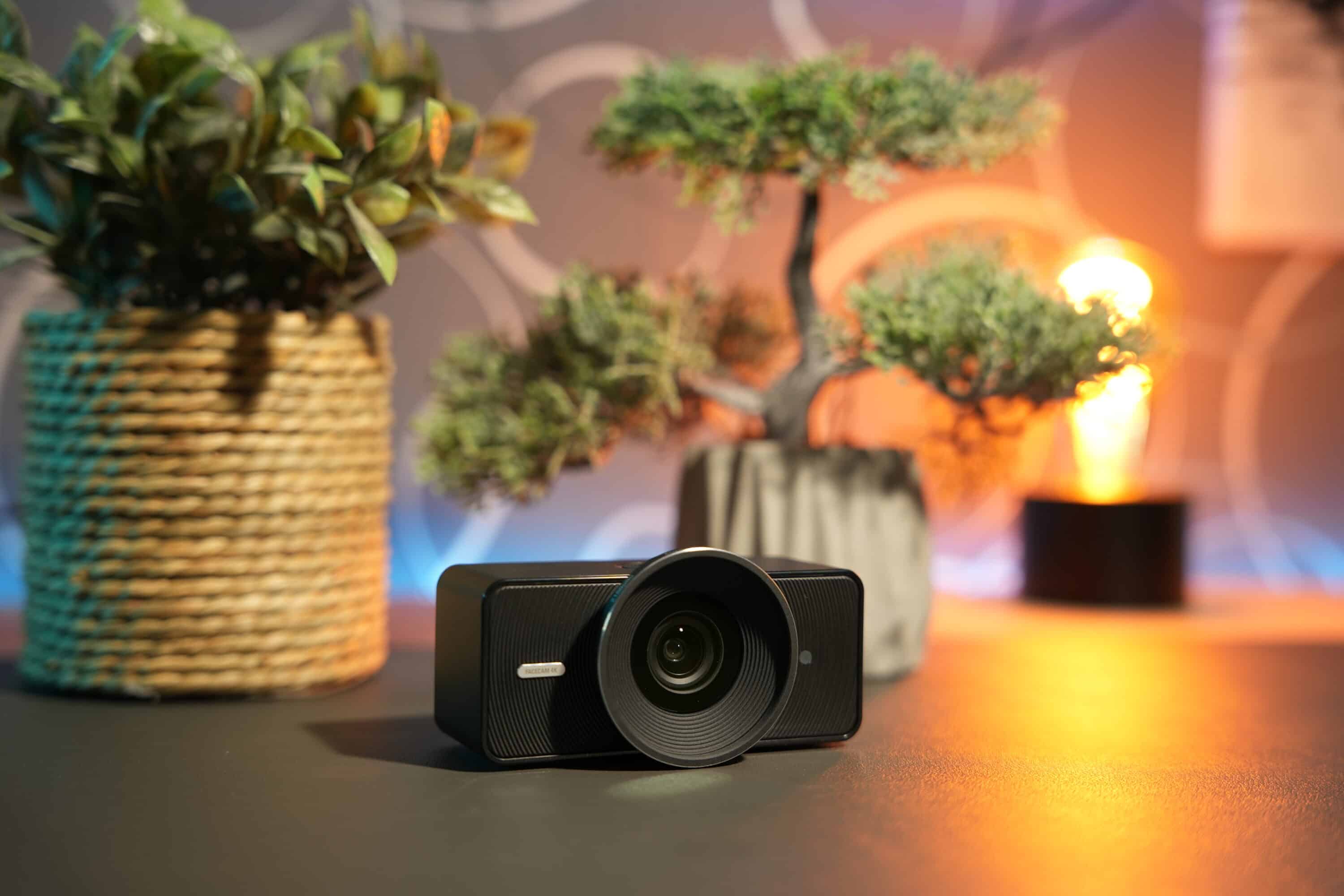
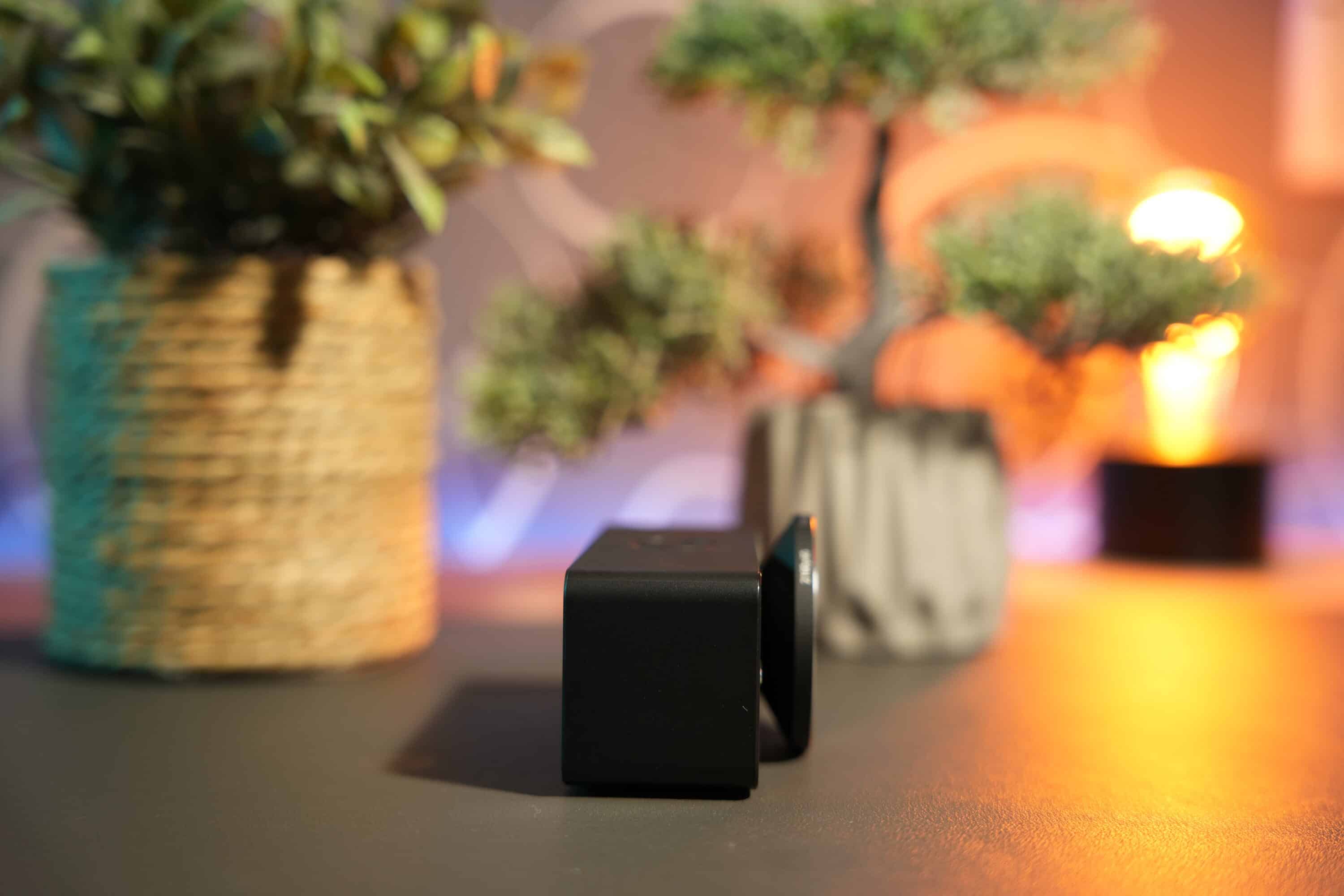
However, in the two years since the Pro model was released, the technology has evolved noticeably and this is reflected in the format of the Elgato Facecam 4K. With a width of 104 mm, a height of just 54 mm and a depth of 52 mm, the new 4K webcam is much more compact than its quasi-predecessor, which was slightly flatter but more than one and a half times as deep. The weight has also been halved: the Facecam 4K weighs 112 grams, whereas the Facecam Pro weighed a massive 240 grams.
The new edition takes up the typical Elgato design and uses a black plastic housing with a circular pattern that extends outwards from the central lens.
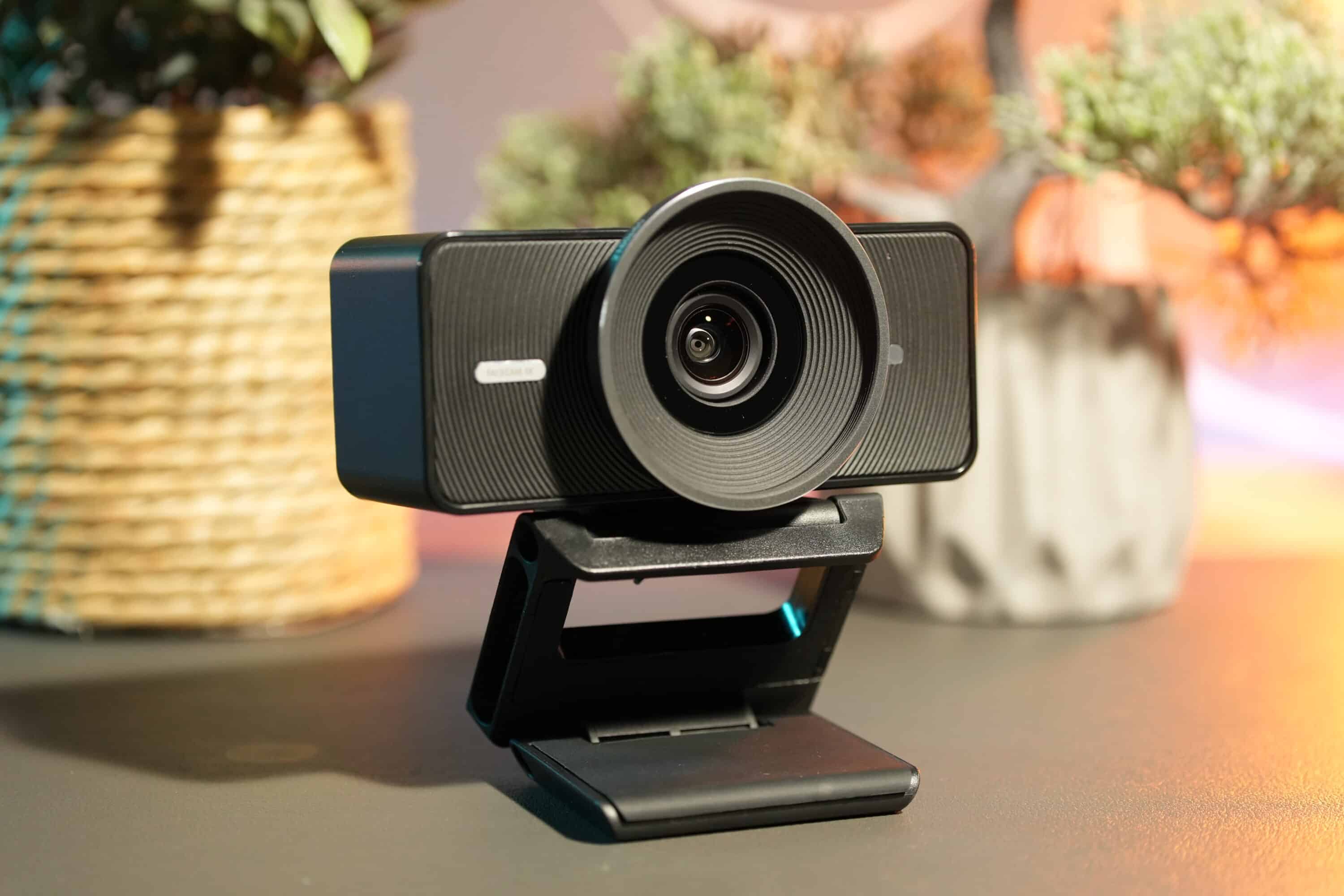
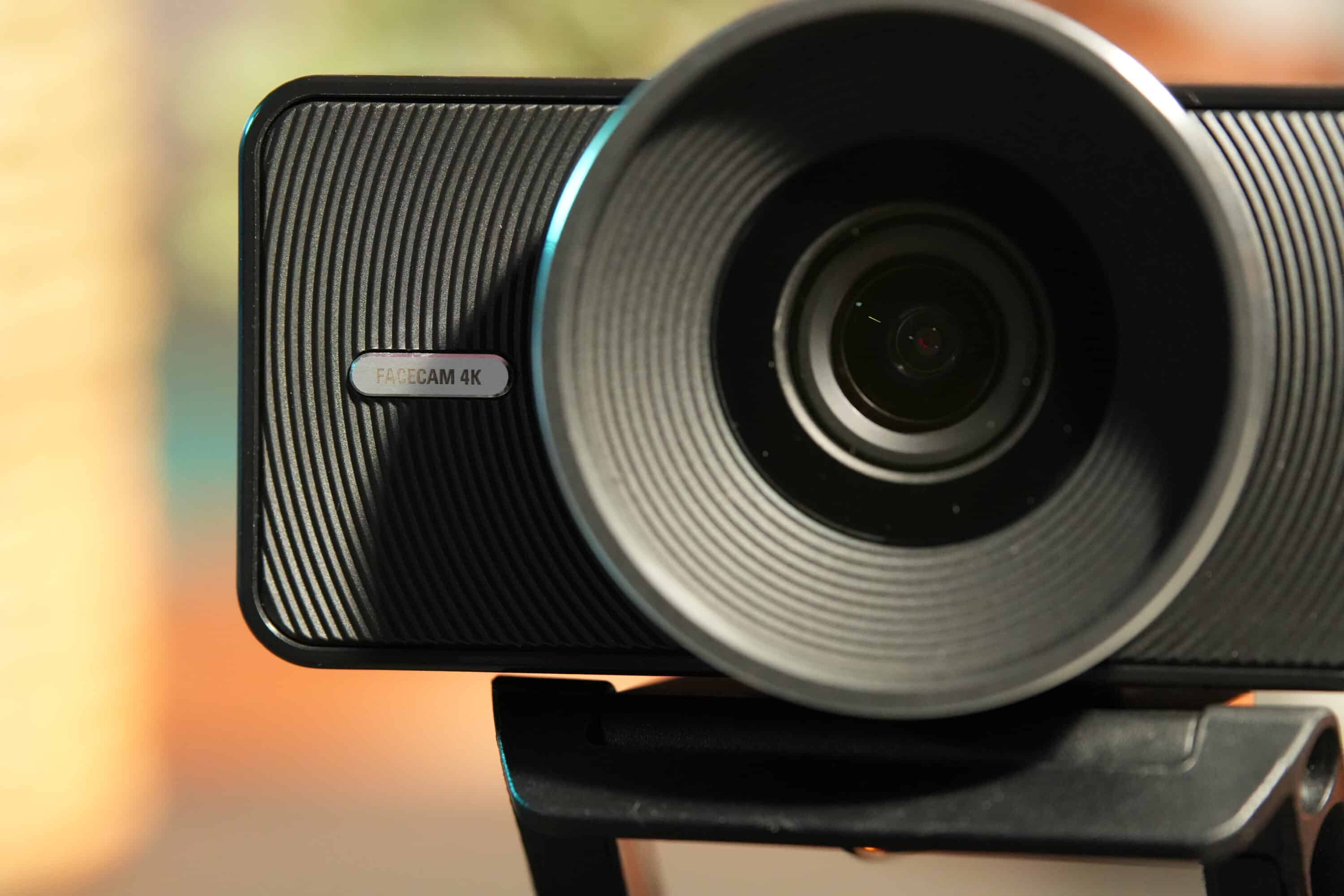
To the left of this, silver model lettering provides a pleasant accent, while a status LED on the right provides information about the operating status. The lens element clearly protrudes from the housing and for good reason. But more on that in a moment.

The Elgato Facecam 4K comes with a 2-meter USB-C cable and a monitor mount with a 1/4-inch thread to position the camera. Of course, the webcam can also be easily mounted on a tripod.
The first webcam with object filters
- Compatible with lens filters
- CPL filter free with purchase
For the first time, the Elgato Facecam 4K uses a filter thread, as known from professional mirrorless system cameras. The thread has a size of 49 mm and accepts different filters that you can use to influence the image quality.
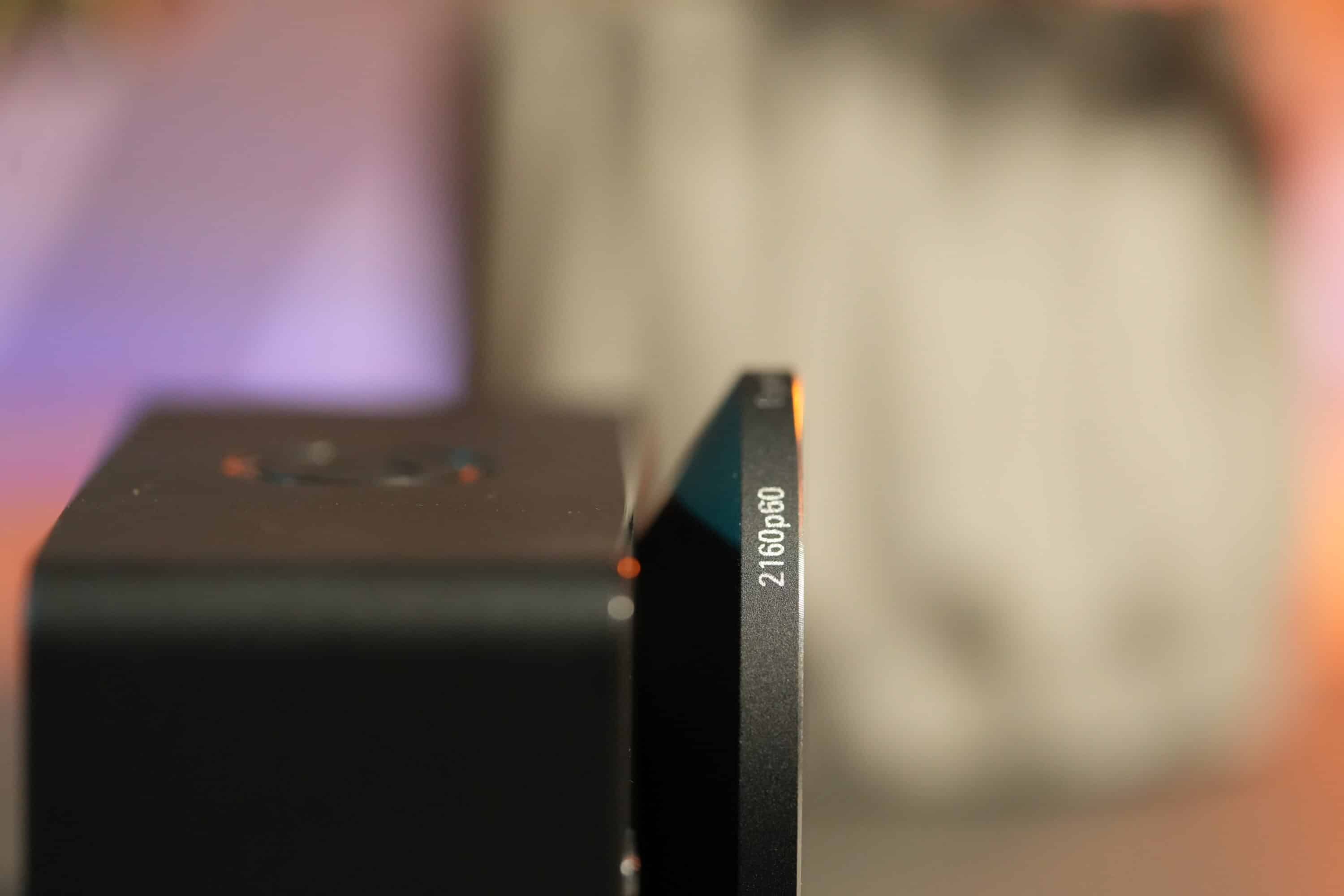
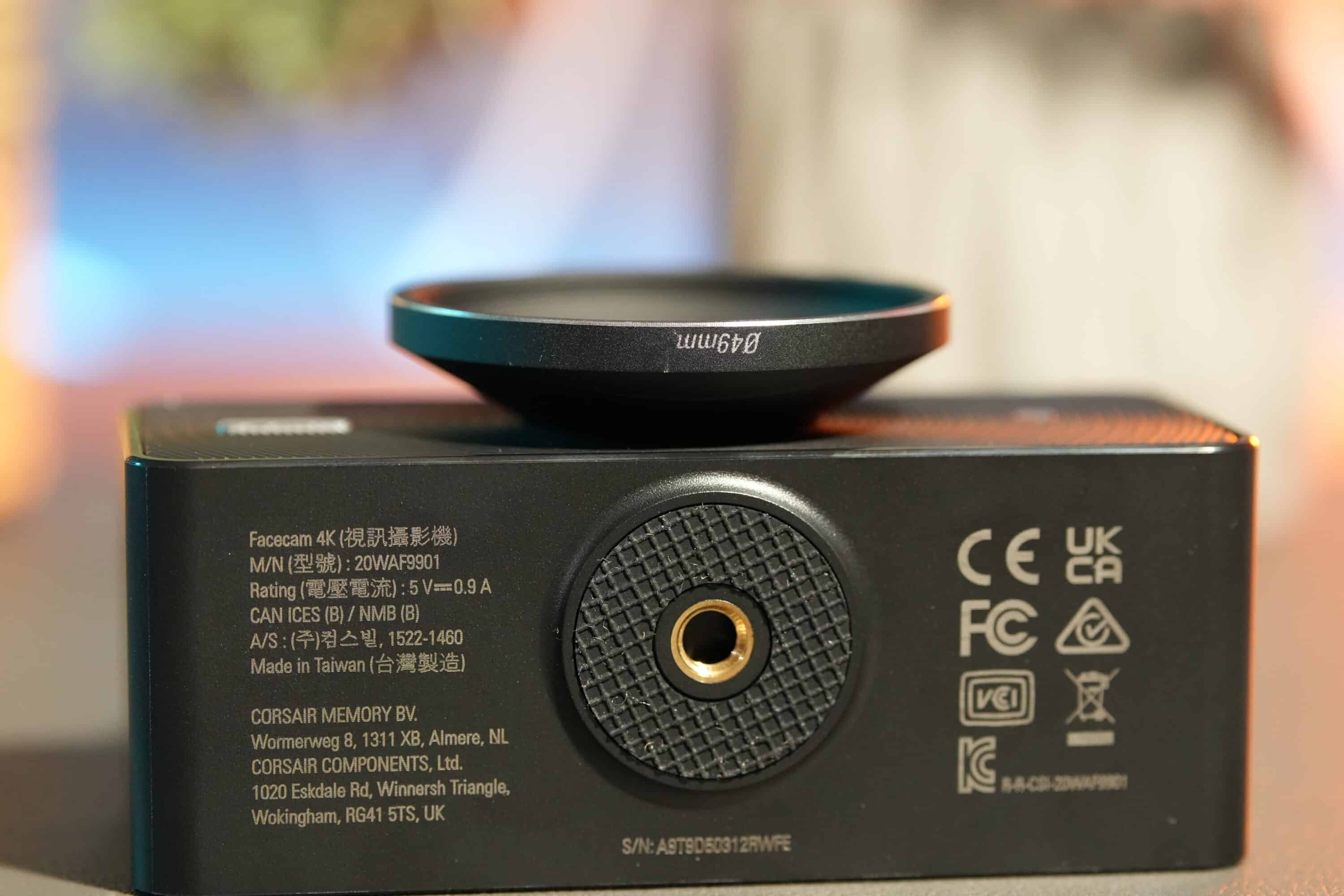
For example, Elgato itself is said to offer a CPL filter, which is provided free of charge when the webcam is ordered from the Elgato Store. CPL (Circular Polarizing Filter) or polarizing filters are used to remove reflections from a scene and enhance the contrasts of the image.
However, other filters can also be screwed onto the lens. These include macro filters, black mist filters, star filters and much more. This is of course an absolutely ingenious feature with which the manufacturer is primarily targeting professional users who may already be using a system camera with filters.

Unfortunately, the CPL filter was not available at the time of testing, but the advantages are of course obvious.
Commissioning and software connection
- Plug and play
- also compatible with Nintendo Switch 2
- Powerful software
Setting up the Elgato Facecam 4K is child’s play, because thanks to plug-and-play, the webcam is ready to go as soon as it is connected. In addition to macOS and Windows, the camera can also be connected to the new Nintendo Switch 2 and used for game chat.

The Elgato Camera Hub is once again used as the accompanying software, which scores with powerful functions in addition to a clear interface. In the “Camera” section, you can directly influence the image quality and values, adjust contrast and sharpness or adjust exposure and white balance. It is also possible to zoom into the image and adjust the position of the section.

A completely new feature is the noise reduction option, which can be used to reduce image noise in three stages. If you like, you can also adjust the smoke suppression for 2D and 3D objects separately in custom mode.

Under the “Effects” tab, you also have the option of further influencing the image. Be it through background effects such as bokeh or alternative images or through LUTs (look-up tables), in which creative looks can be realized in various presets.

However, it is important to know that if you use virtual backgrounds or blurring, the maximum image quality is limited to 1080p/60. For a 4K resolution, you have to manage without the AI backgrounds.
Image quality of the Elgato Facecam 4K
- 4K/60 image
- HDR; but then limited to 4K/30
- Strong autofocus; good low-light performance
Elgato speaks full-bodied of the “most powerful Facecam to date”. A look at the technical data does not necessarily suggest this at first. We already know the Elgato Prime Lens used from the Facecam Pro. It has a focal length of 21 mm and is therefore quite wide-angle, resulting in a field of view of 90 degrees.
It offers an aperture of f/4.0 and uses a 1/1.8 inch SONY STARVIS 2 CMOS. By comparison, the Facecam Pro offers an aperture of f/2.0 with the same sensor size. Nevertheless, the Elgato Facecam 4K has a much better grip on image noise than the Pro model, which is particularly evident in a direct comparison of low-light shots.


In general, I like the image quality of the Elgato Facecam 4K noticeably better. Also in terms of sharpness and level of detail. Image noise in the background is undoubtedly recognizable and somewhat stronger than with other 4K webcams, but objects and people are much clearer.


I was absolutely impressed by the new webcam’s autofocus, which is absolutely silent and inaudible and works so quickly that the transition between focused objects and things out of focus is absolutely seamless.
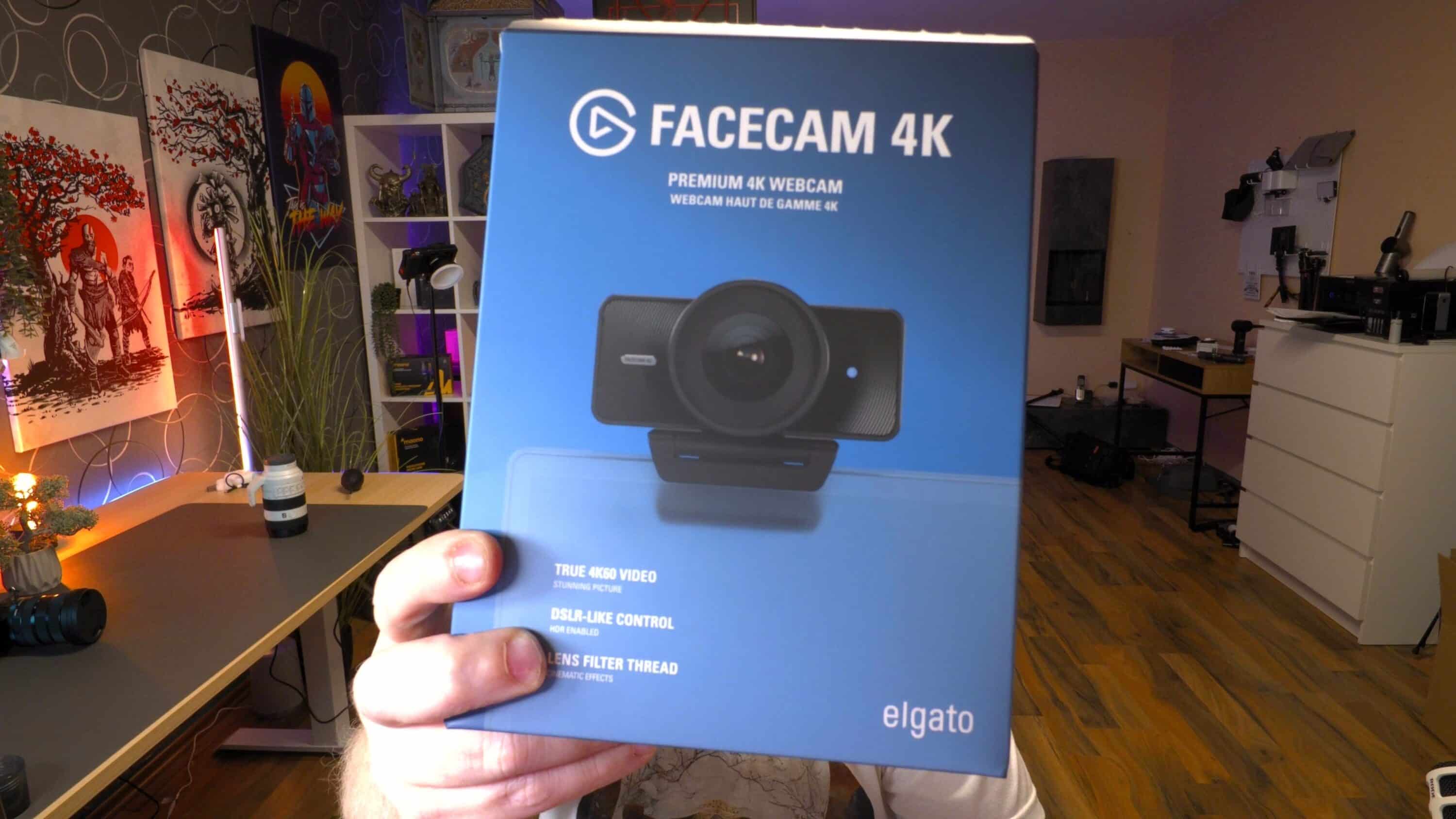


What’s more, the Elgato Facecam 4K is capable of displaying images with high contrast values (HDR). However, you will then have to live with a 4K resolution and 30 fps; a full 60 fps is only possible without HDR.
The webcam does not have built-in microphones or a lens cover. It would have been nice to have protection or a shutter function for the lens, but that’s not a problem.
Elgato Facecam 4K Review: Conclusion
Elgato has done it. With the brand new Elgato Facecam 4K, the manufacturer keeps its promise and delivers not only the best Facecam to date, but in my opinion the best 4K webcam currently on the market.
In terms of features, the camera delivers absolutely everything you could wish for. 4K, 60 frames per second, HDR and an ultra-fast and precise autofocus. The ability to influence the image quality via software and the ingenious LUTs for quick creative looks are outstanding.
The new 4K model also takes a noticeable step forward in terms of image noise, while the new option of using screw filters should particularly appeal to professionals. There is not much to criticize: a privacy shutter would have been nice, microphones would have topped the overall package.
But otherwise? The Elgato Facecam 4K is currently the best webcam on the market at an attractive price of around 200 euros. If you want an even better picture, you need a DSLM system camera.

VORTEILE
- Outstanding image quality
- 4K/60fps video
- HDR
- Powerful software
- Attractive price
- Filter thread
NACHTEILE
- No lens cover
- No microphones
Fazit
Compact dimensions, huge image quality, unique features: The Elgato Facecam 4K is currently the best webcam on the market.


