


EMEET has done it again. After the impressive and tiny Piko+ webcam, the manufacturer is now launching a major attack on the best 4K webcams on the market, such as the Insta360 Link 2 or OBSBOT Tiny 2, and at a significantly lower price. Our test clarifies whether the EMEET PIXY can also convince in terms of quality.
Technical data
| Model | PIXY |
| Dimensions (without holder) | 56 x 43 x 22 mm |
| weight | 120 g |
| Connection | USB type C |
| Max. Video resolution | 4K/30 frames per second |
| Supported resolutions | 4K 30 fps; 2K 30 fps 1080p 60/30fps; 720p 60/30fps |
| Lens | 1/2.55 inch Sony ; f/1.8 Field of view: 73 degrees |
| software | EMEET Studio |
| Compatibility | Windows 10 (64-bit) or higher, macOS 10.14 or higher; Nintendo Switch 2 |
| Microphones | 3x beamforming microphones with AI noise suppression |
| Mounting bracket | 1/4-inch thread |
| Special features | Autofocus, white balance, 2-axis gimbal, table mode, whiteboard mode gesture control |
| Price | 167,95 Euro |
EMEET PIXY Review: Lightweight 4K webcam with two lenses
- Compact and lightweight
- PTZ functions
- two cameras
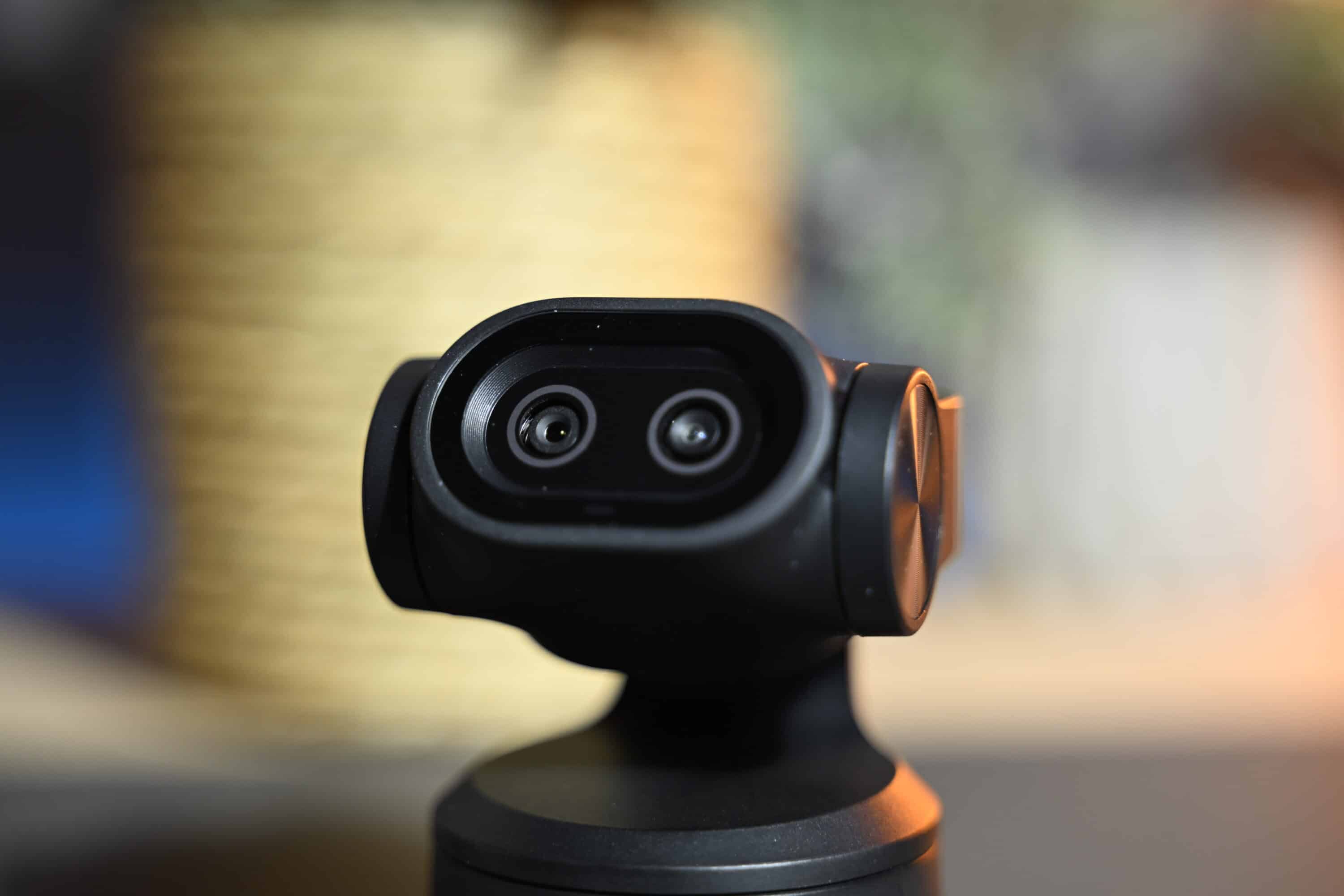
The design of the EMEET PIXY is very reminiscent of some of the best 4K webcams, as the manufacturer’s new camera also sits on a movable two-axis gimbal, which enables panning (pan) and tilting (tilt). In combination with the digital zoom function with a factor of 1.5x, this results in a PTZ camera (pan, tilt, zoom).
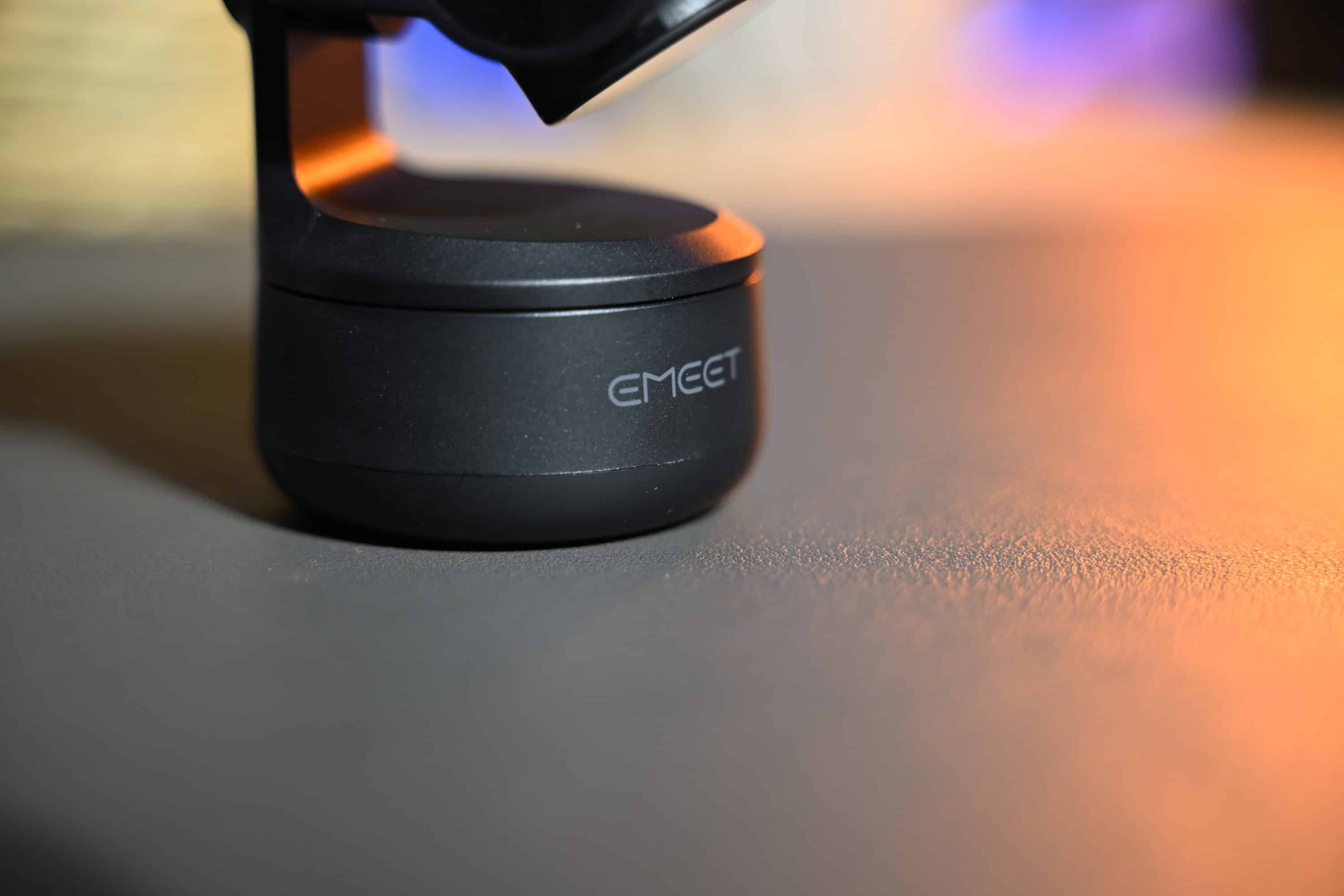
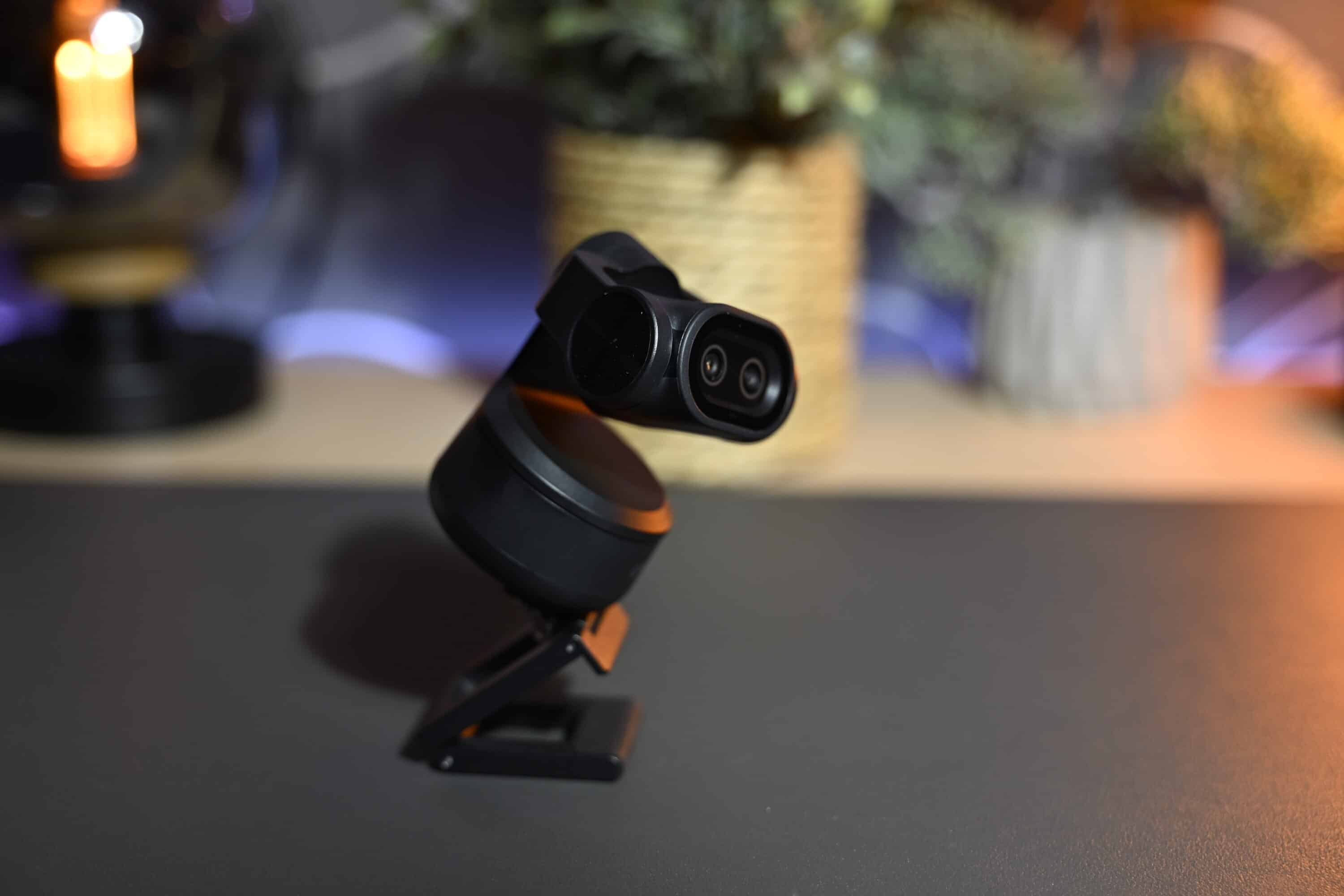
With dimensions of 56 mm x 43 mm x 22 mm, the PIXY is still pleasantly compact and weighs just 120 grams including the mount, making it significantly lighter than the Insta360 Link 2 (our test), for example.
This is made possible by the plastic housing, which is simply black in color. Although this does not feel as robust and high-quality as the competition, it allows for a significantly lower price. This is because comparable webcams can easily cost 60-100 euros more than what EMEET is charging here.
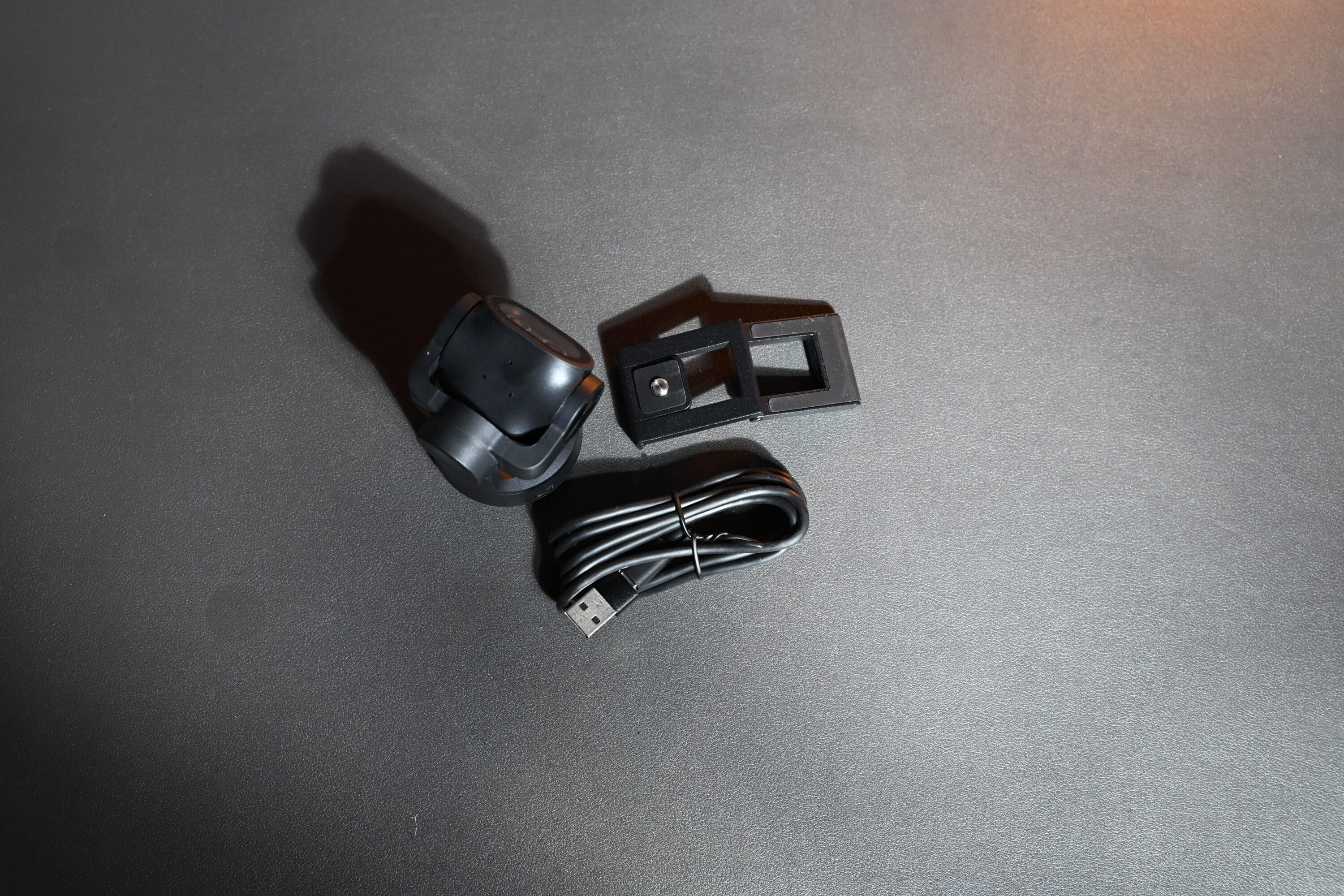
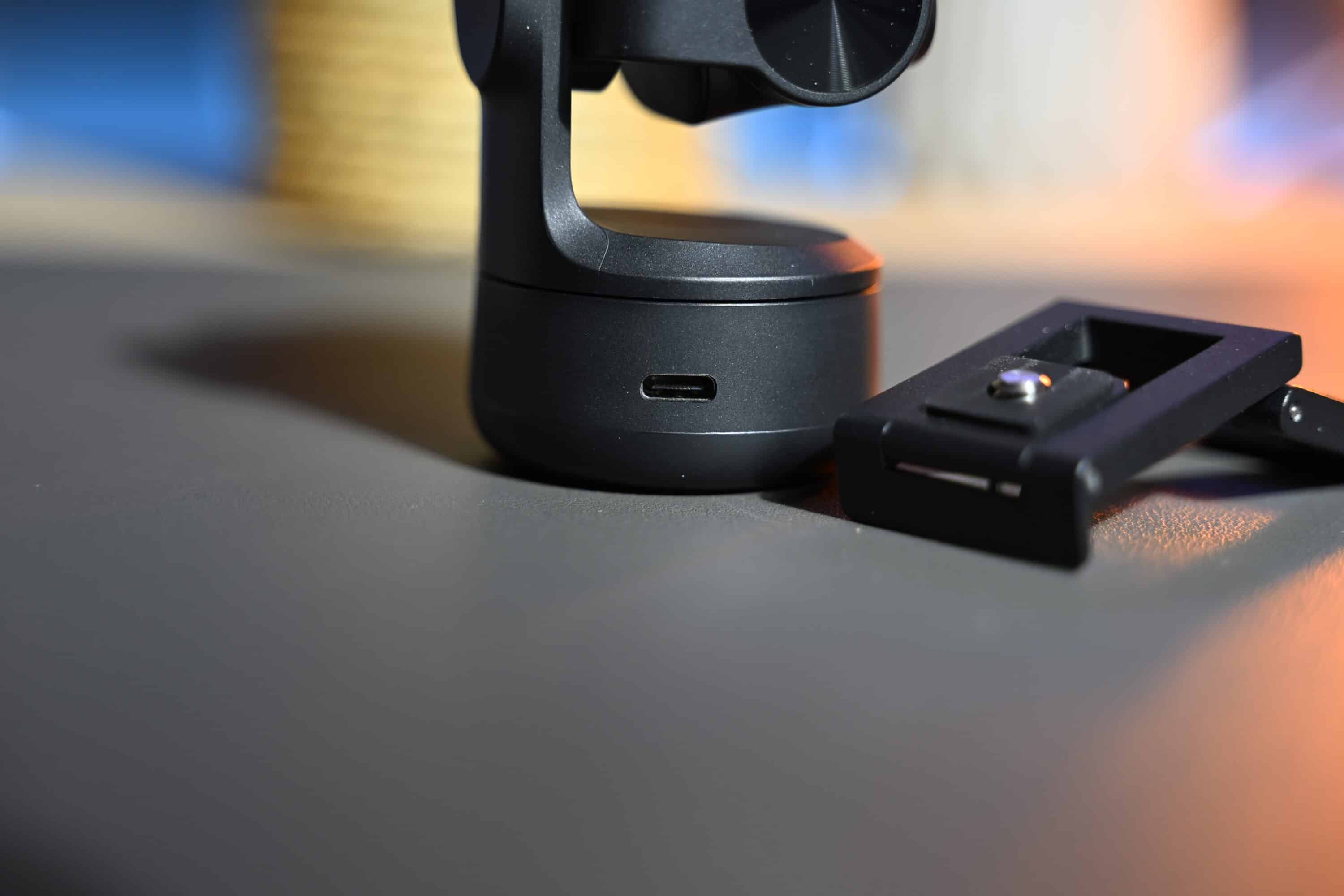
Nevertheless, the workmanship is absolutely fine. At the back of the EMEET PIXY you will find the USB-C port for the connection, whereby the webcam not only works with PCs and Macs, but can also be used with the new Nintendo Switch 2 console. A USB-C to USB-C cable is included in the scope of delivery, which the manufacturer also provides with a USB-A adapter – great.
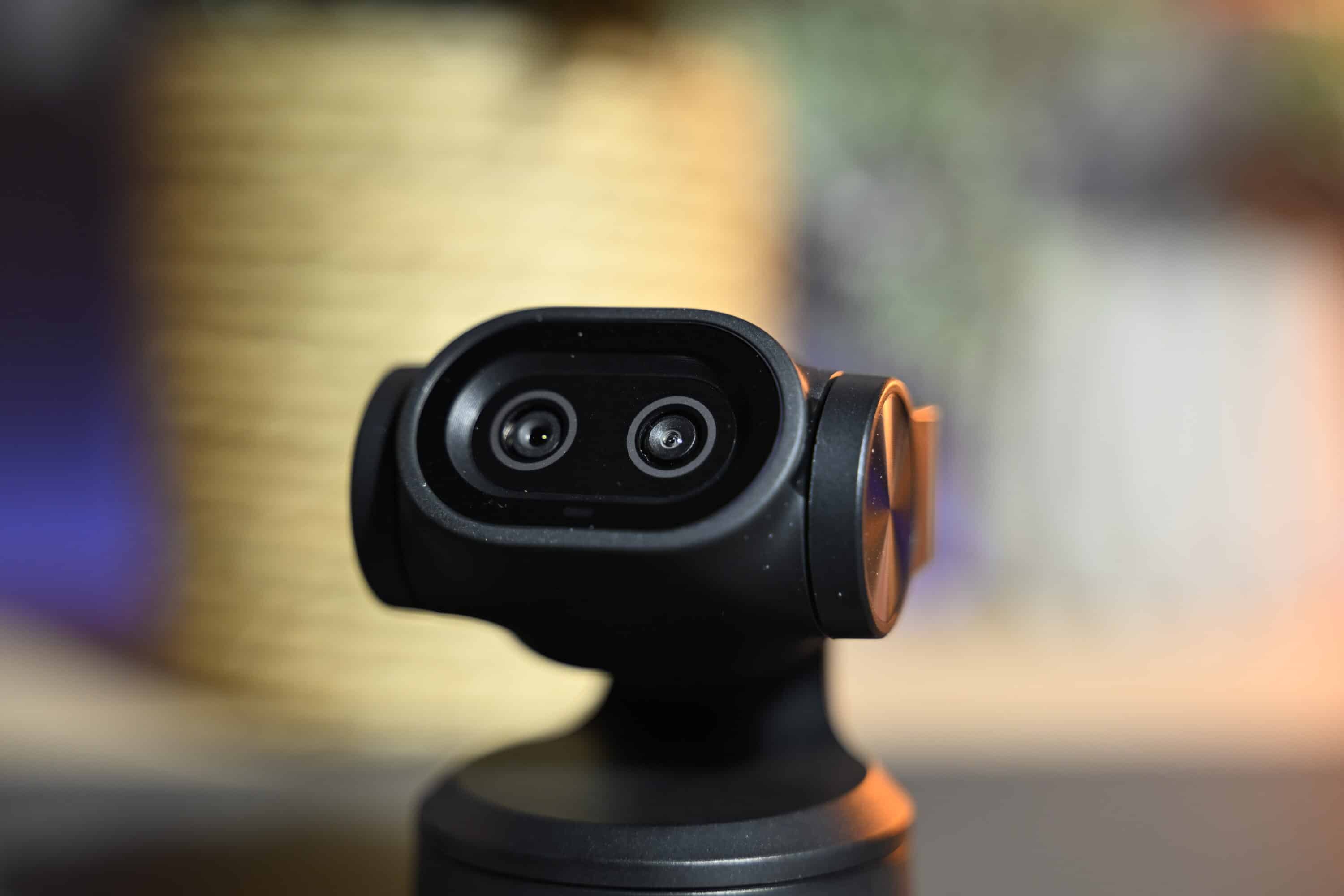
A special feature of the EMEET PIXY are the two built-in cameras: In addition to the main camera, the webcam has a second lens that is responsible for the AI functions and features improved face recognition and AI focus functions.
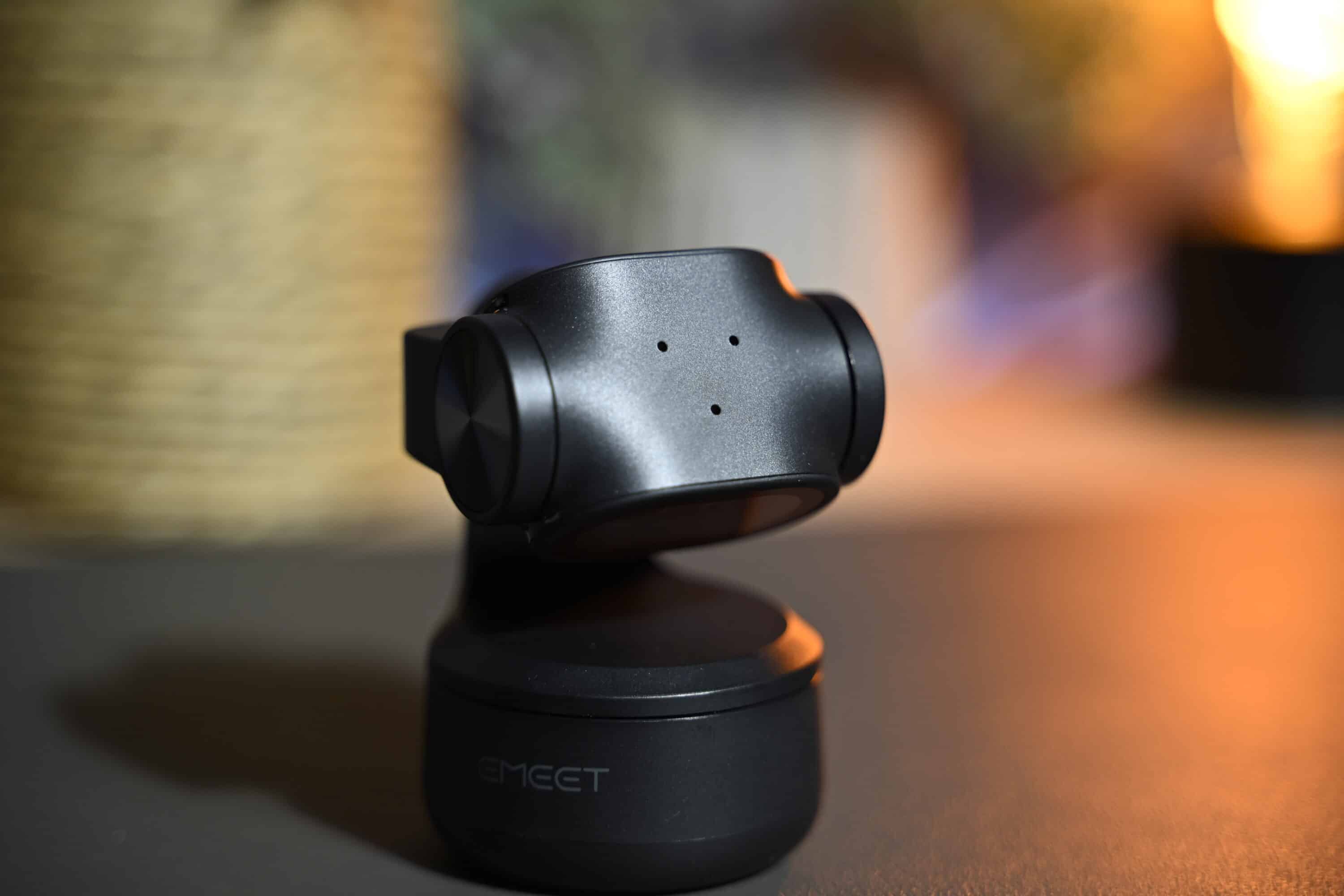
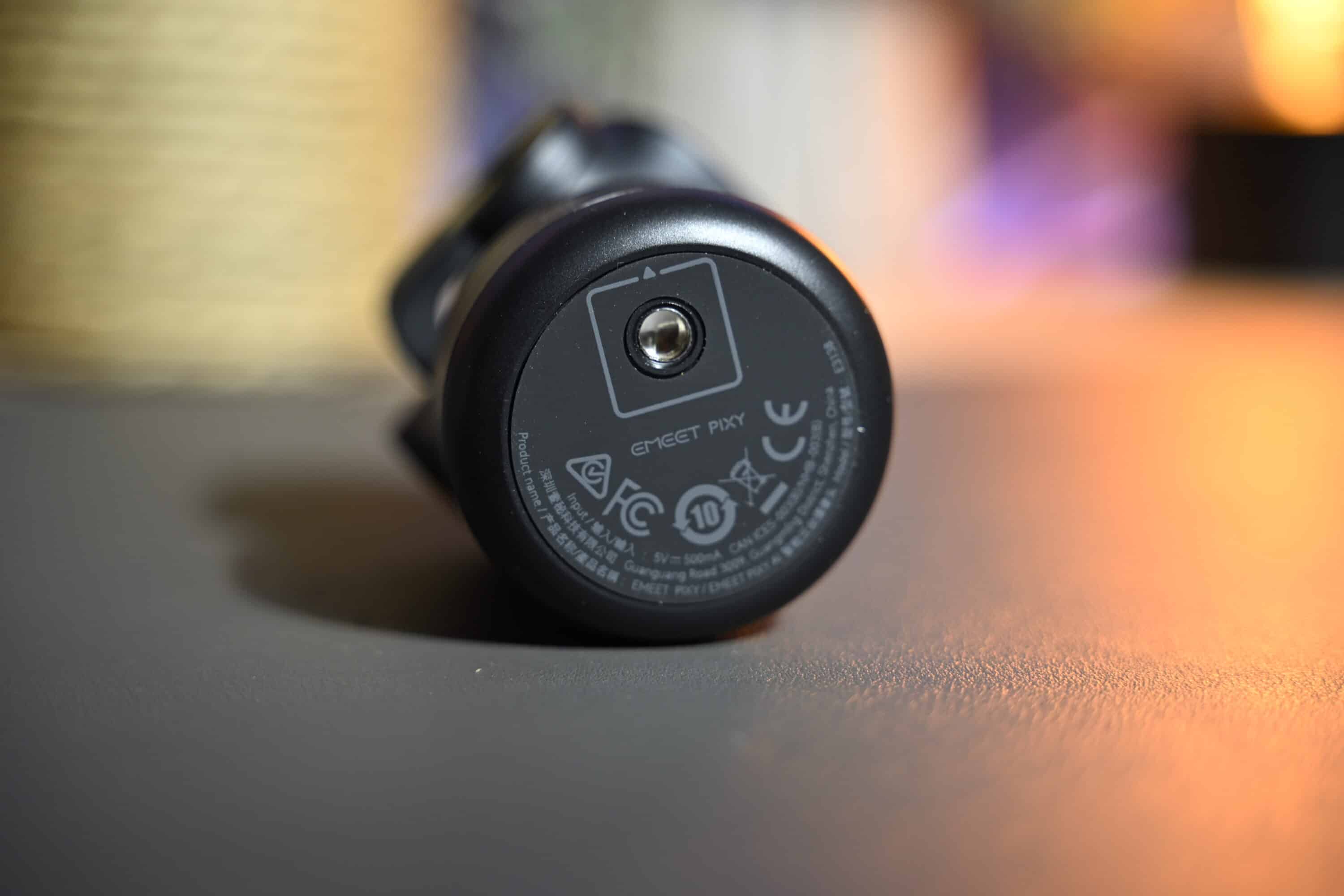
At the bottom, the PIXY also has a 1/4-inch thread to attach it to a tripod or the included monitor mount. At the top, on the other hand, the 4K webcam has three microphones that are designed to provide clear speech intelligibility.
Commissioning and software connection
- Plug and play
- Clear software
Thanks to plug-and-play connectivity, the EMEET PIXY is ready to use under Windows, macOS and on the Nintendo Switch 2 as soon as you connect it. You can quickly put the webcam in place using the included hinged monitor mount, although the mount is noticeably more wobbly than the more expensive competition.
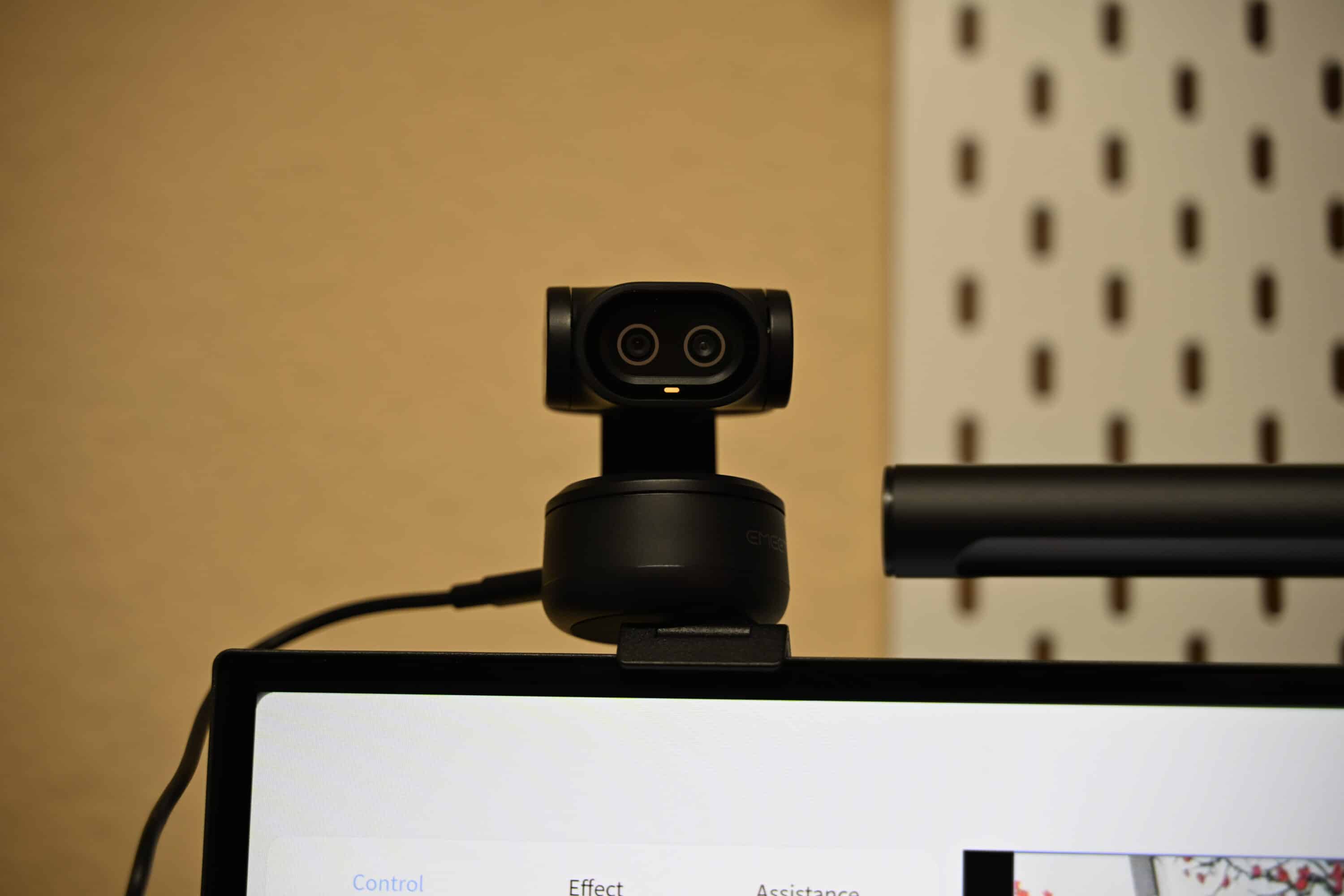
Installing the free accompanying software called EMEET Studio in English is definitely worthwhile, however, as you can make a number of settings and get the most out of the webcam. The interface is pleasantly tidy and clearly laid out.
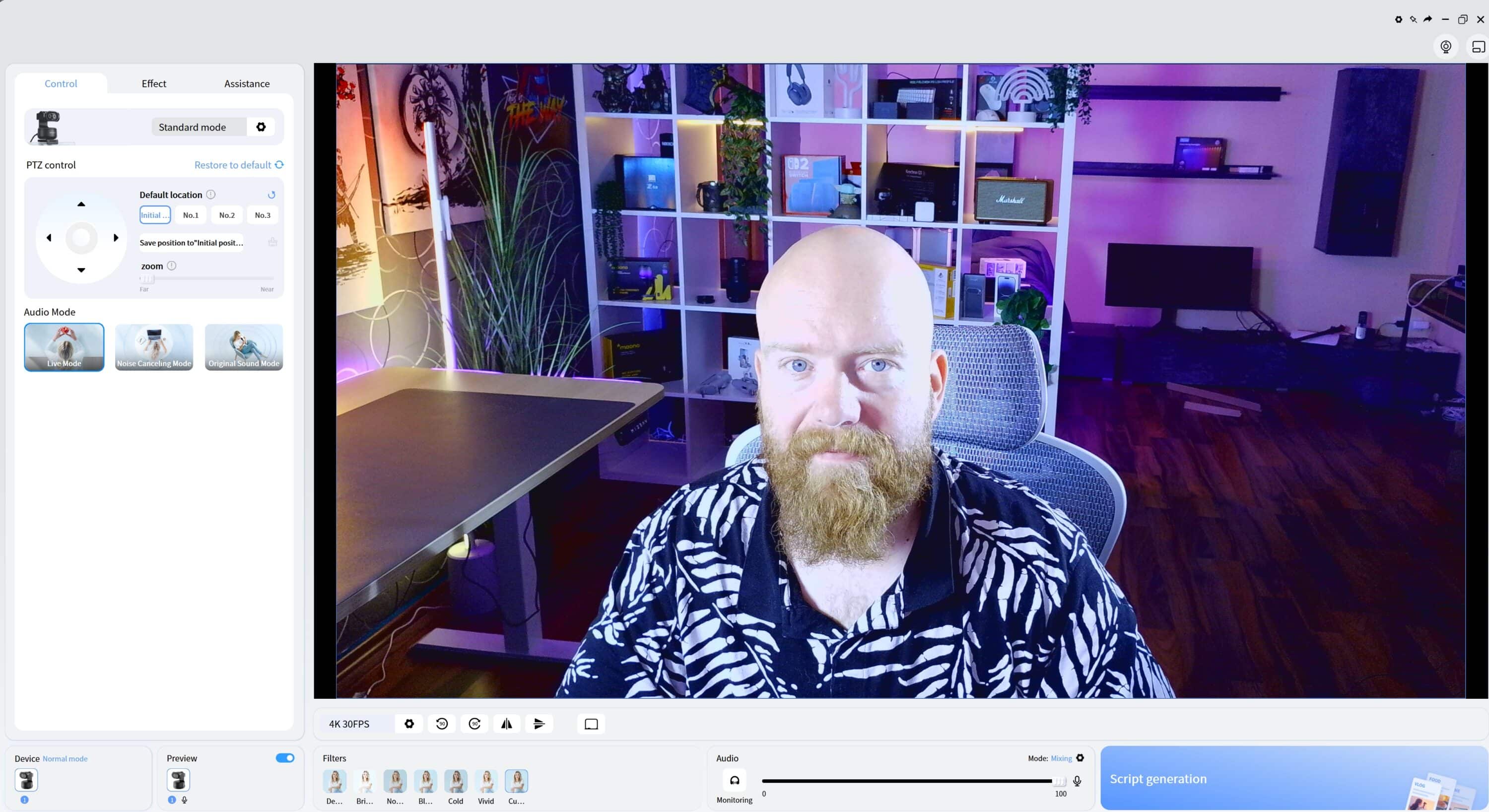
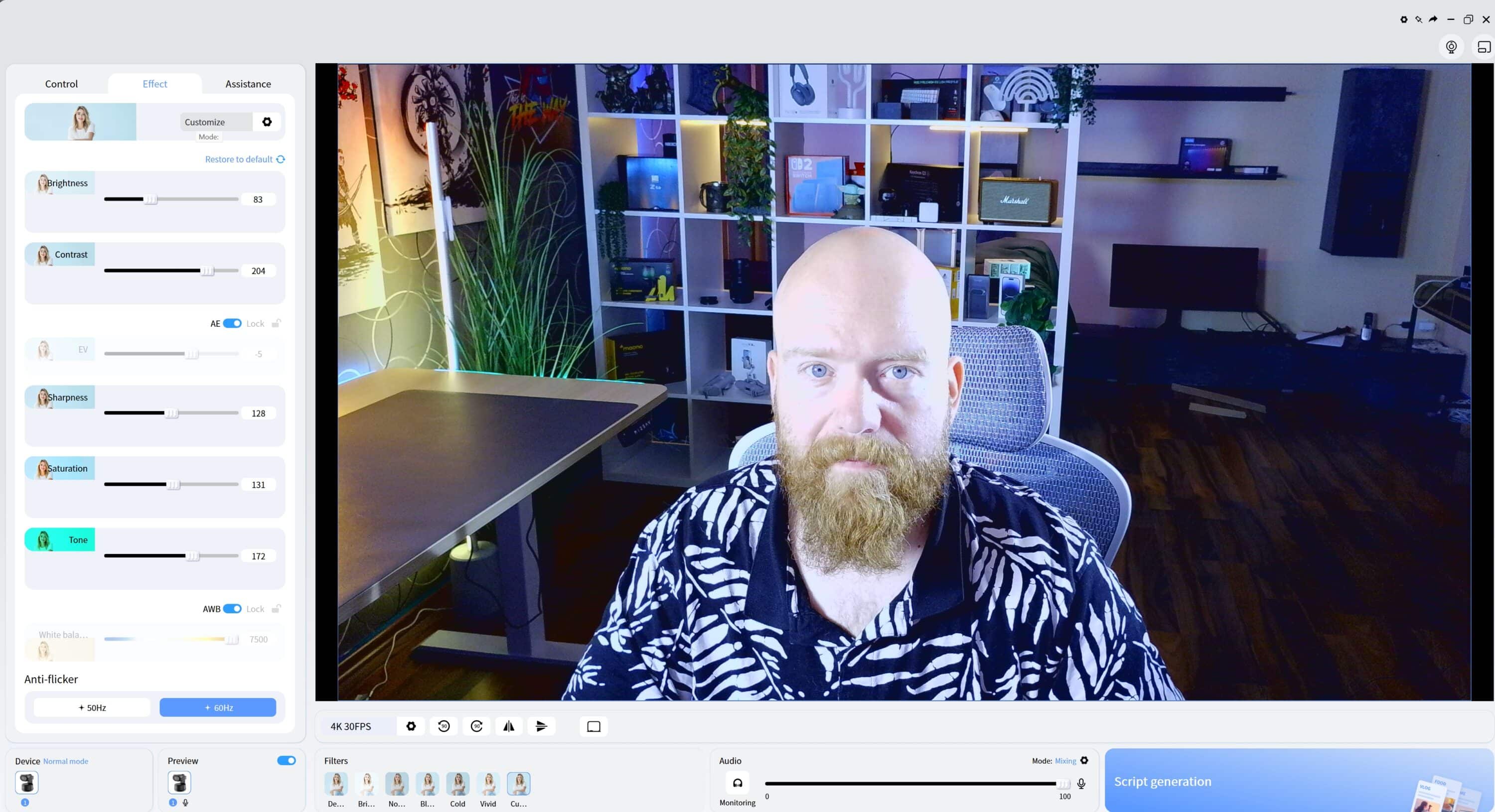
On the main page, “Control”, you will find the most important settings, including PTZ control, resolution settings and the option to use filters to influence the image. The second tab, “Effect”, allows you to view the filters in detail or customize the image yourself with your own filter.

In the third tab, “Assistance”, you can then adjust the focus and autofocus, as well as activate gesture control. One practical feature is the option to create scripts for videos directly from the software. To do this, select one of six scripts such as live recording, food sharing, game commentary, enter your prompt and select one of the AI tools such as Gemini or ChatGPT at the top.

At the touch of a button, the software then creates a script including compositions that you can use for a video. The software also recognizes German prompts and the finished scripts can be exported as a csv file. A nice gimmick, but the results are of mixed quality in terms of content, image design and dialog.
Picture and sound quality of the EMEET PIXY
- 1/2.55 inch sensor, 4K with 30 fps
- Fast autofocus
- Image noise, requires good lighting conditions
The EMEET PIXY uses a 1/2.55-inch image sensor from Sony, which has a resolution of up to 30 frames per second in 4K with an aperture of f/1.8. This is probably the same sensor that is used in the Piko+.
The fact that the sensors of the OBSBOT Tiny 2 (1/1.5 inch) and the Insta360 Link 2 (1/2.0 inch) are significantly larger is immediately apparent in the image quality. In practice, this results in clearly recognizable image noise in low light conditions.


However, if the lighting is right, the EMEET Pixy delivers really good image quality. The 4K image is razor-sharp and rich in detail and should be absolutely sufficient for most users. Nevertheless, the camera only has to hide behind the more expensive competition in terms of detail.
However, the webcam really needs a lot of light for this. For example, if I switch off my ceiling light and only use Keylight and Fill-Light, the noise is very noticeable. By default, the Pixy also tends to overexpose the image – details are displayed too bright and washed out. However, this can easily be remedied using the software.

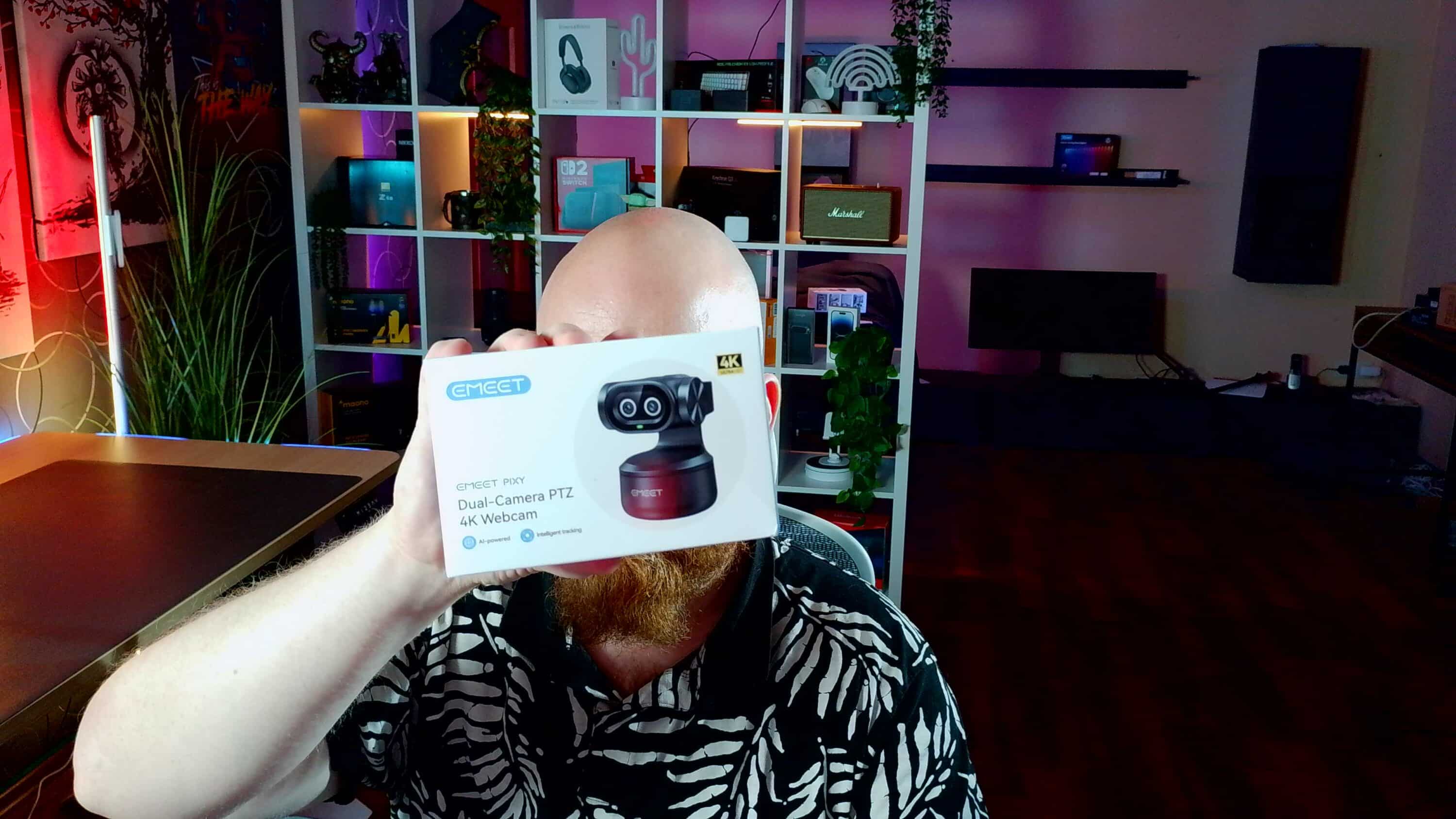
According to the manufacturer, the autofocus should focus in just 0.2 seconds thanks to the second camera, which is used exclusively for AI functions, and achieve an accuracy of 95 percent. The focus actually works very quickly and reliably, for example when you hold objects in front of the camera.

The AI tracking also works quite reliably, only the speed is comparatively slow and is significantly slower than that of the competition. A blue status LED below the camera indicates that tracking is active. If the LED lights up orange, tracking is inactive.
The PIXY also requires very good lighting conditions for tracking. The key light and fill light are not enough to reliably recognize and track me. The competition does this much better.
It’s also a shame that the 1.5x digital zoom is not available in 4K/30 resolution. If you want to zoom into the image, you have to
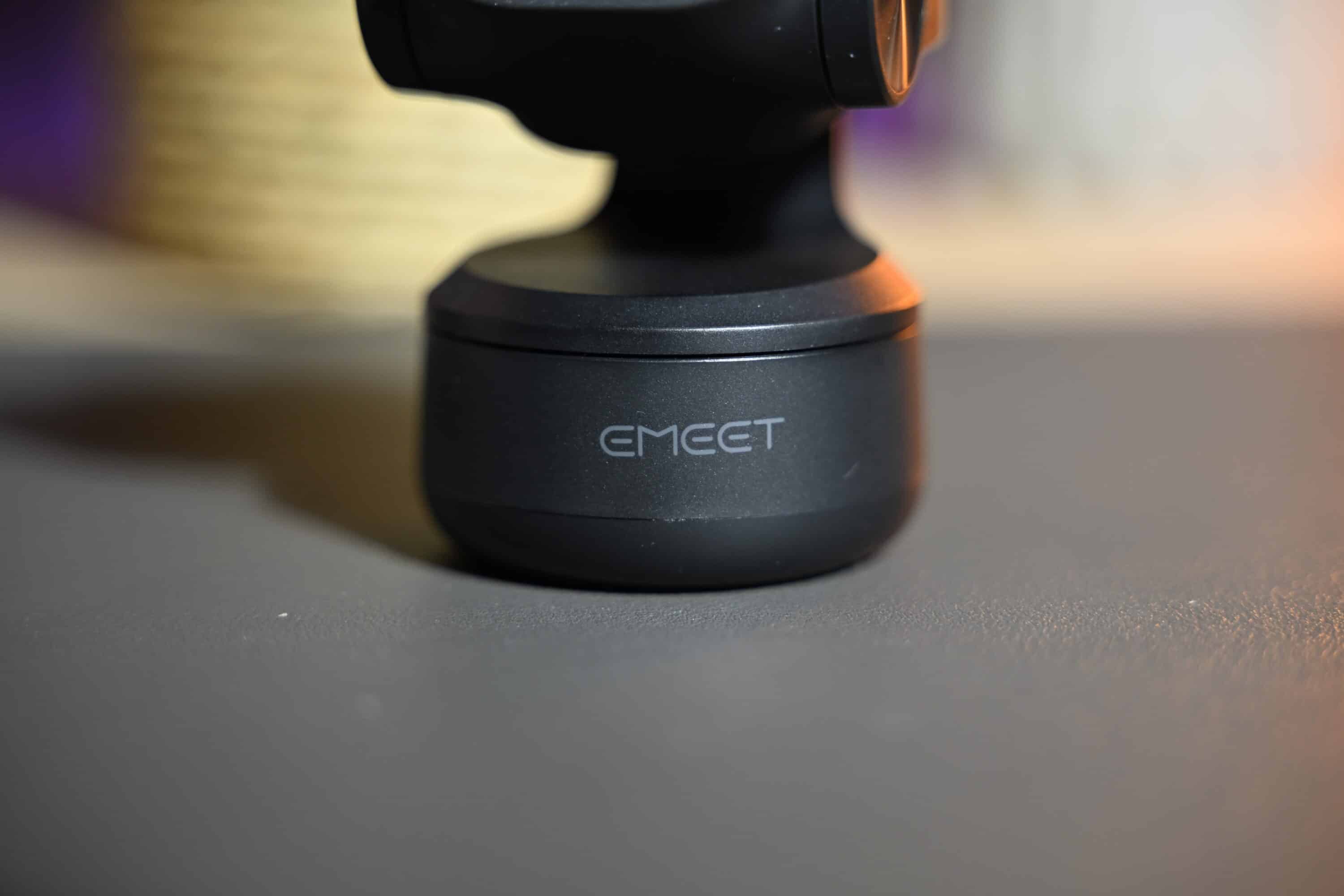
The sound quality of the three integrated microphones is fine and absolutely sufficient for video calls. Definitely better than the Piko+, but you shouldn’t expect too much.
EMEET PIXY Review: Conclusion
Anyone looking for a 4K webcam with pan, tilt and zoom function without having to pay a premium price will find what they are looking for with the EMEET PIXY. The webcam has a compact and lightweight design and offers good image quality and modern features. The AI tracking works very reliably in good light and keeps you very well in focus. The autofocus itself also works very quickly and precisely.
However, the PIXY tends to significantly overexpose the image ex works and in difficult lighting conditions, quite a lot of image noise is quickly noticeable. The microphone quality could also be better, but at this price you really can’t complain.
Although some of the best 4K webcams deliver even better image quality and the features and software are much more comprehensive, the EMEET PIXY still offers an attractive price-performance ratio.

VORTEILE
- 4K / 30
- PTZ functions
- AI tracking
- Fast autofocus
- Attractive price
NACHTEILE
- No HDR
- Tends to image noise
- Requires good lighting conditions
- Microphones only average
Fazit
Compact 4K webcam with good image quality, AI tracking and fast autofocus at an attractive price.


