


The Chinese manufacturer continues its series of gaming monitors with the KTC H27E6. Especially eSports fans and gamers with high Hertz requirements are likely to benefit from this monitor, as it supports 300 Hz ex works. Overclocking even makes 320 Hz possible while maintaining the 2K resolution. A Fast IPS panel with the tried and tested 16:9 aspect ratio is used. The response time is still 1 ms, while both AMD FreeSync and Nvidia G-Sync are also supported. Thanks to the two HDMI 2.1 connections, the gaming monitor is not only suitable for PCs, so console gamers should also get their money’s worth here.
Find out how the KTC H27E6 performs in the test and whether it is a real performance package at a low price in this review.
Technical data
| Model | H27E6 |
| color | White |
| Display size | 27 inch (68.58 cm) |
| resolution | WQHD (2,560 x 1,440 pixels) |
| Screen refresh rate | 300 Hz |
| Panel type | Fast IPS |
| Curvature | Flat |
| Backlighttype | ELED |
| Picture format | 16:9 |
| Brightness | 450 cd/m² (type) |
| Contrast ratio | 1.000:1 |
| Screen colors | 16.7 million |
| Color space | 102 % NTSC, 114 % Adobe RGB CIE1976, 106 % DCI-P3, 144 % sRGB |
| Viewing angle | ±89 (H), ±89 (V) (Typ.) |
| Response time | 1 ms (Typ.) |
| Adaptive synchronization | Nvidia G-Sync, AMD FreeSync |
| Connections | 2 x HDMI 2.1 (2560 x 1440 at 300 Hz) 2 x DP 1.4 (2560 x 1440 at 300 Hz) 1 x USB 2.0 1 x headphones |
| Adjustment options | Tilt angle: -5°-20°(±3°) Tilt angle: ±45° Rotation angle: ±90 Height adjustment: 130 mm(±5 mm) |
| VESA suspension | 100 x 100 mm |
| weight | 5.95 kg |
| Energy consumption | ≤ 54 W |
| Standby consumption | ≤ 0,5 W |
| Price of | 279,99 € (5% discount voucher for gaming monitors: 6EVGWFRN) |
Scope of delivery
- Securely packed in an elongated cardboard box
- Monitor stand consists of two individual parts
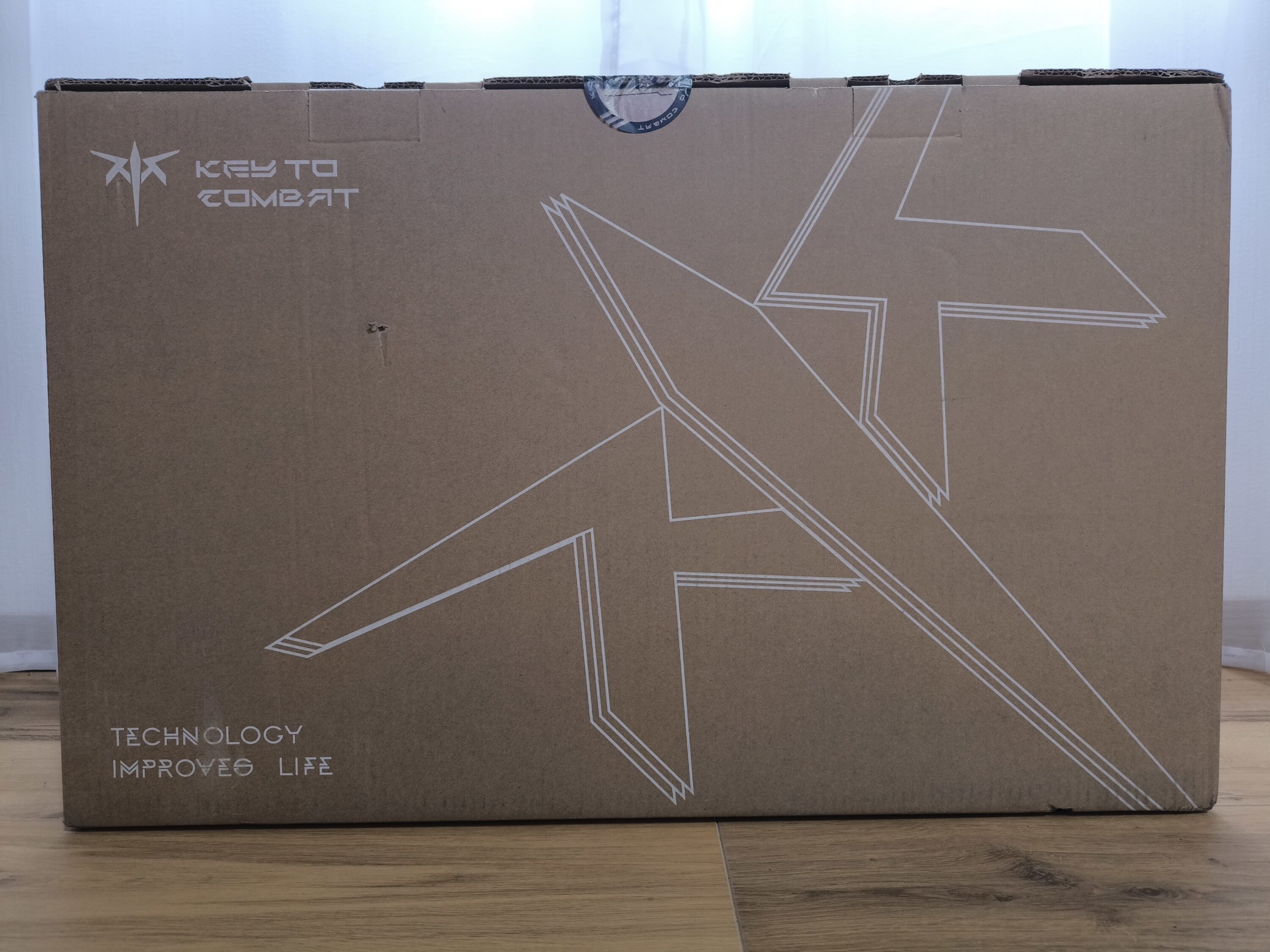
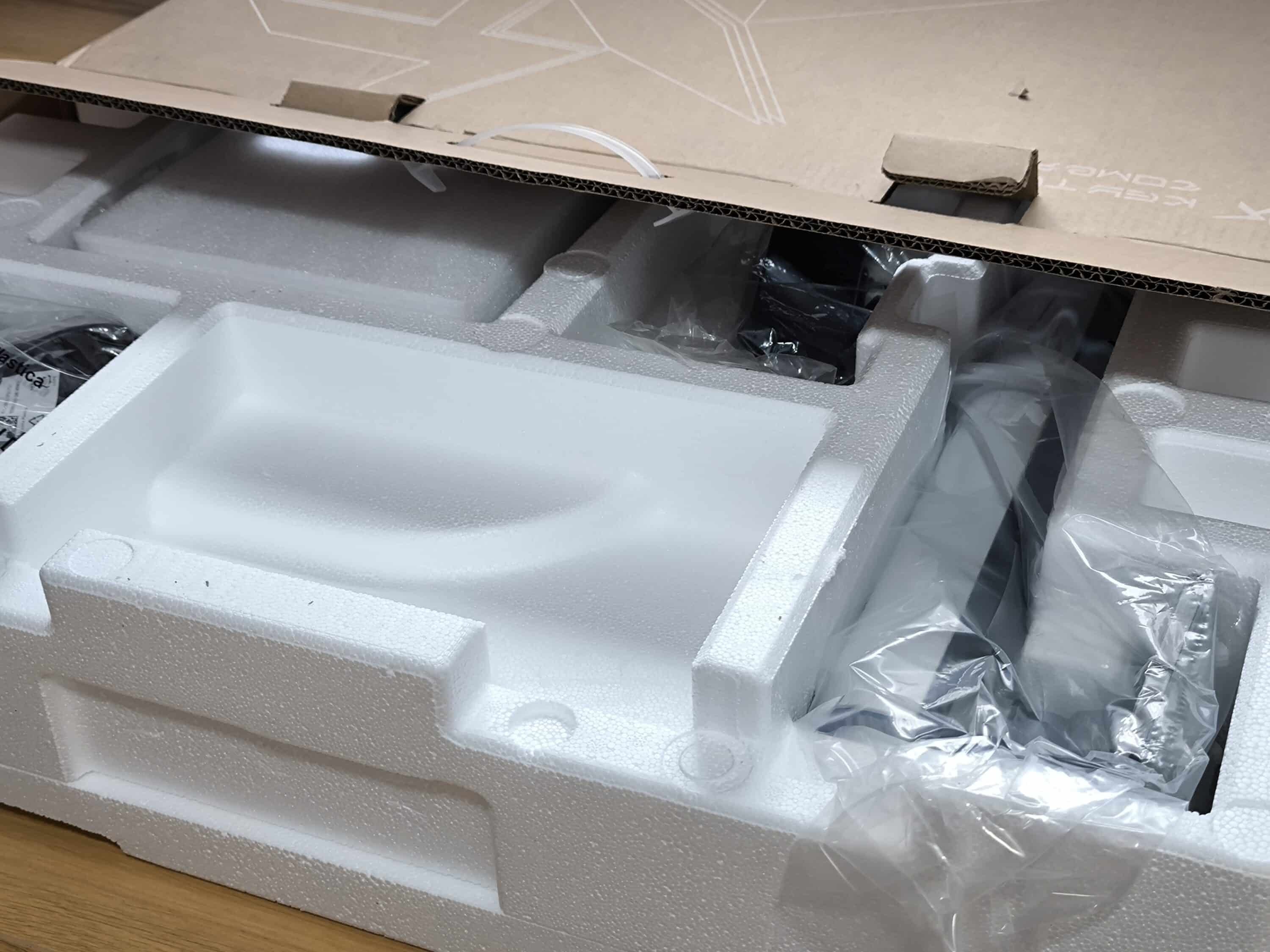
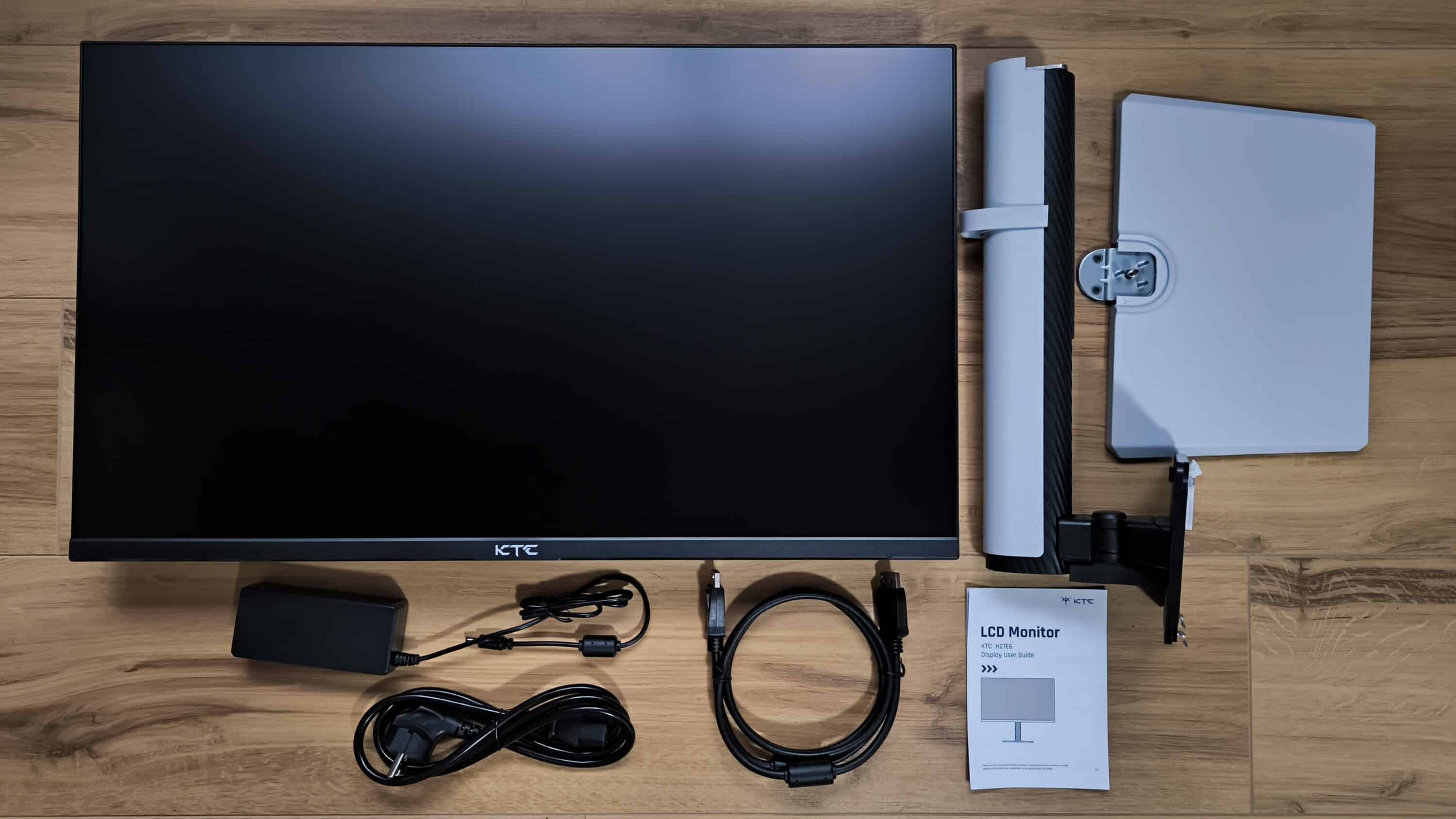
The KTC H27E6 reached us in an oblong cardboard box, well protected by plenty of polystyrene filling material. In addition to the 27-inch monitor, the scope of delivery also includes the monitor stand consisting of two individual parts, i.e. the stand and base. There is also a set of cables such as the mains cable with power supply unit and the Displayport cable. Last but not least, the package is rounded off with the operating instructions and warranty card.
Assembly
- Simple assembly, which is done in a few minutes
- Monitor stand takes up little space on the desk
- Optional wall mounting thanks to 100×100 VESA
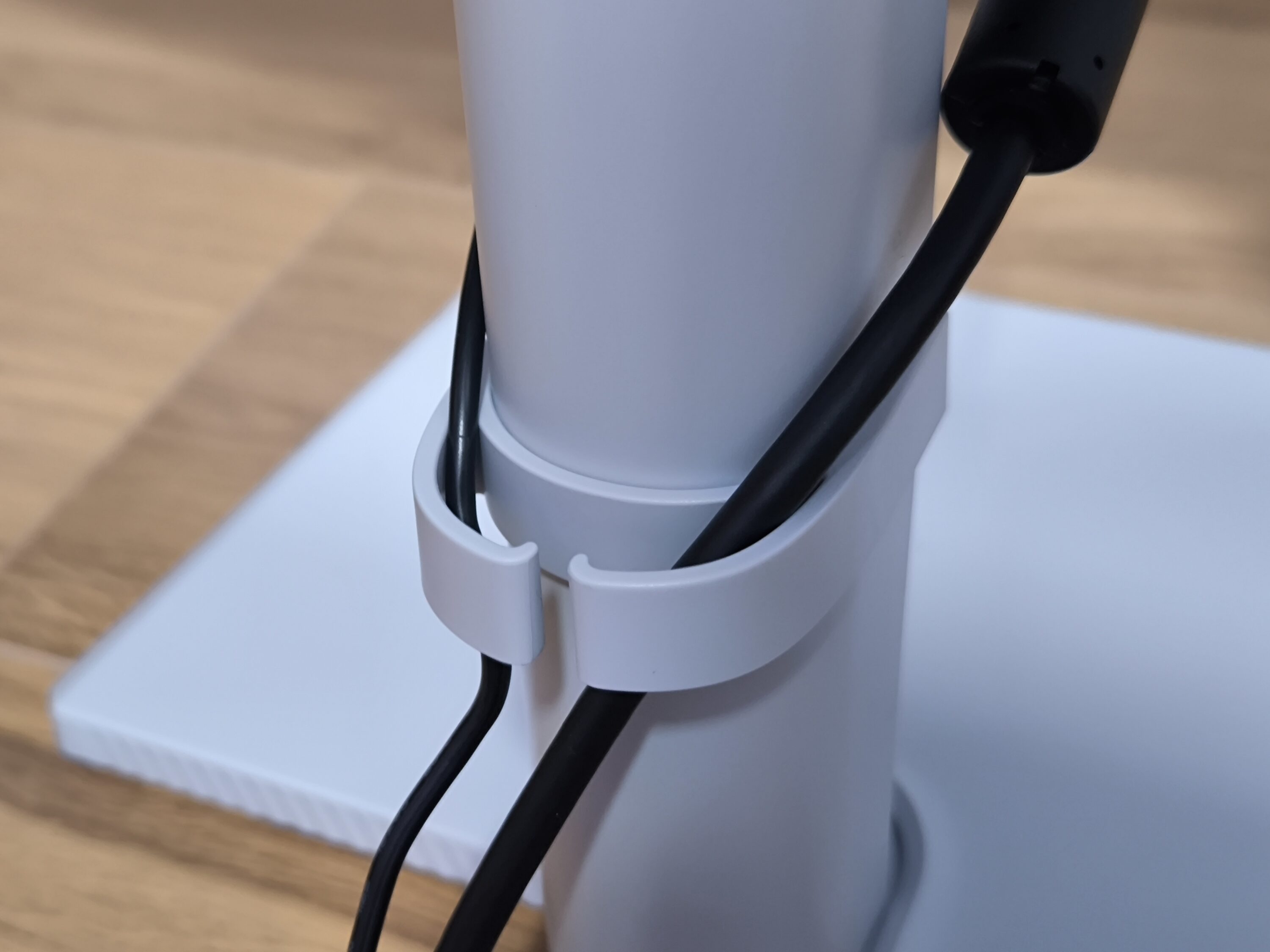
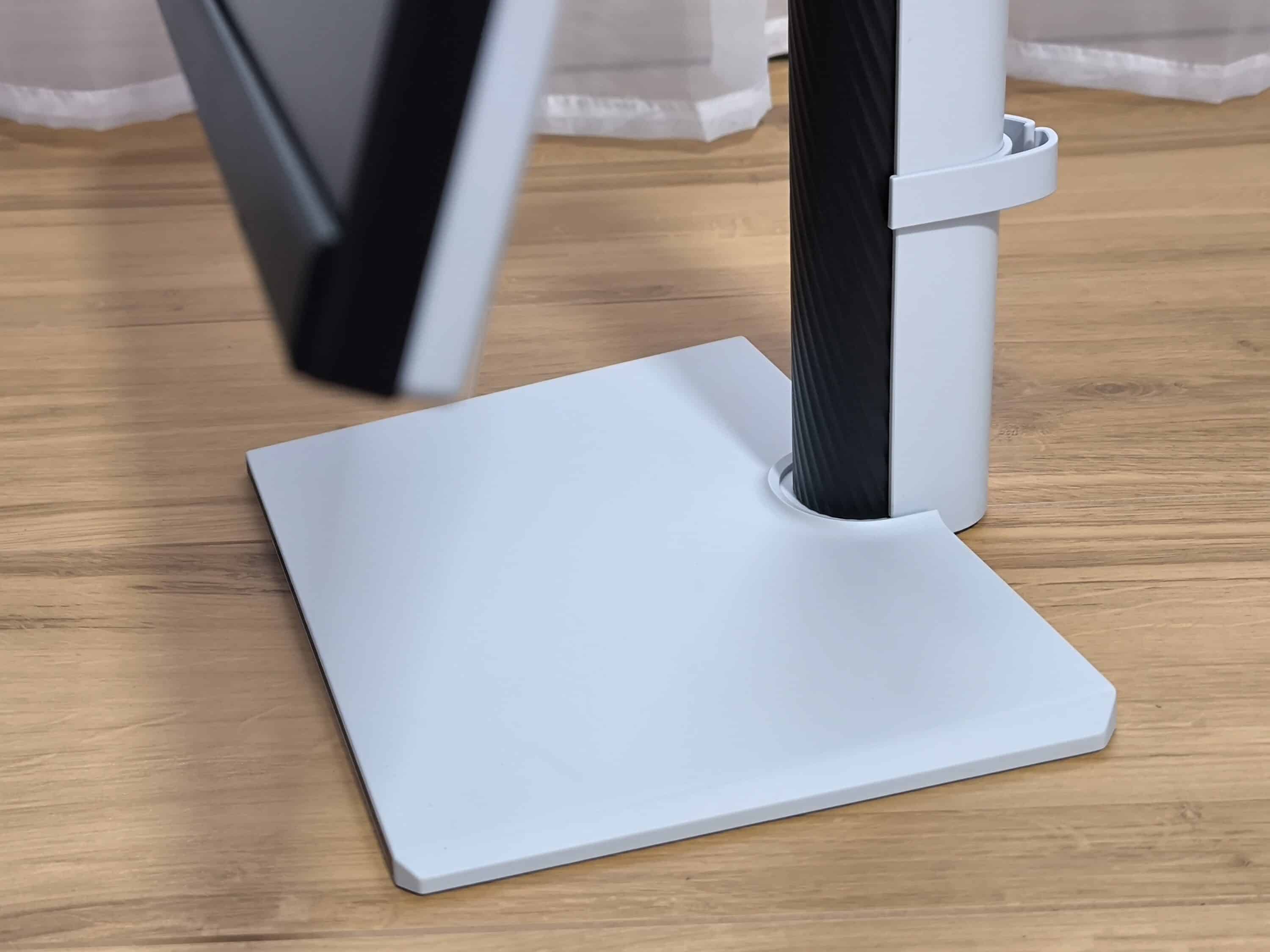
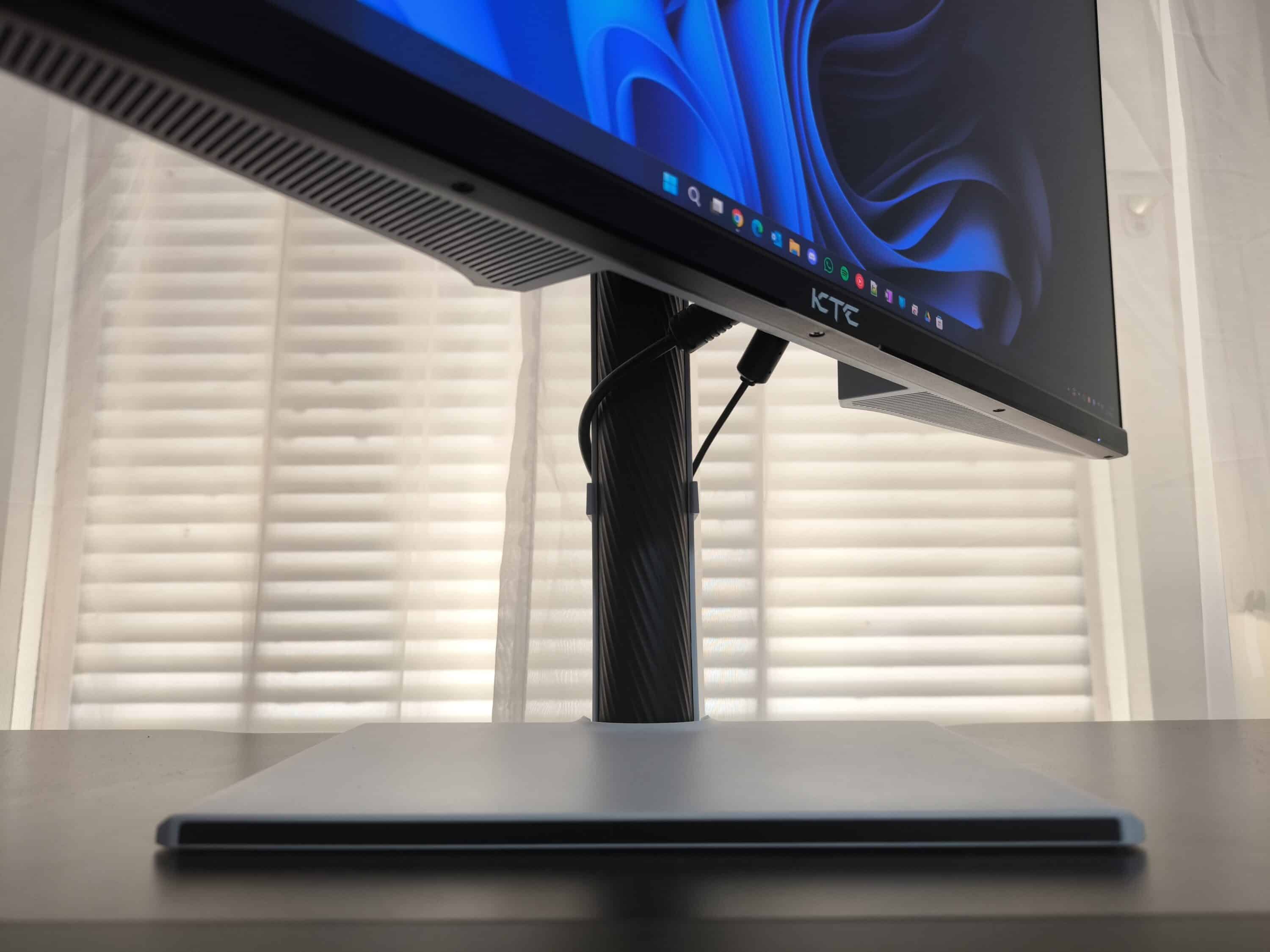
Assembling the KTC H27E6 is extremely straightforward and can be completed in just three steps. First, the protective cover on the top of the base is removed. The base is then inserted into the stand arm and secured using the integrated locking mechanism. While the base and stand arm are already connected in one piece, the mounting plate can simply be clipped into the back of the KTC H27E6. At this point, the gaming monitor would already be mounted so that only the cables need to be connected. A small clamp on the stand is used for this purpose, through which the power cable and DisplayPort cable can be routed.
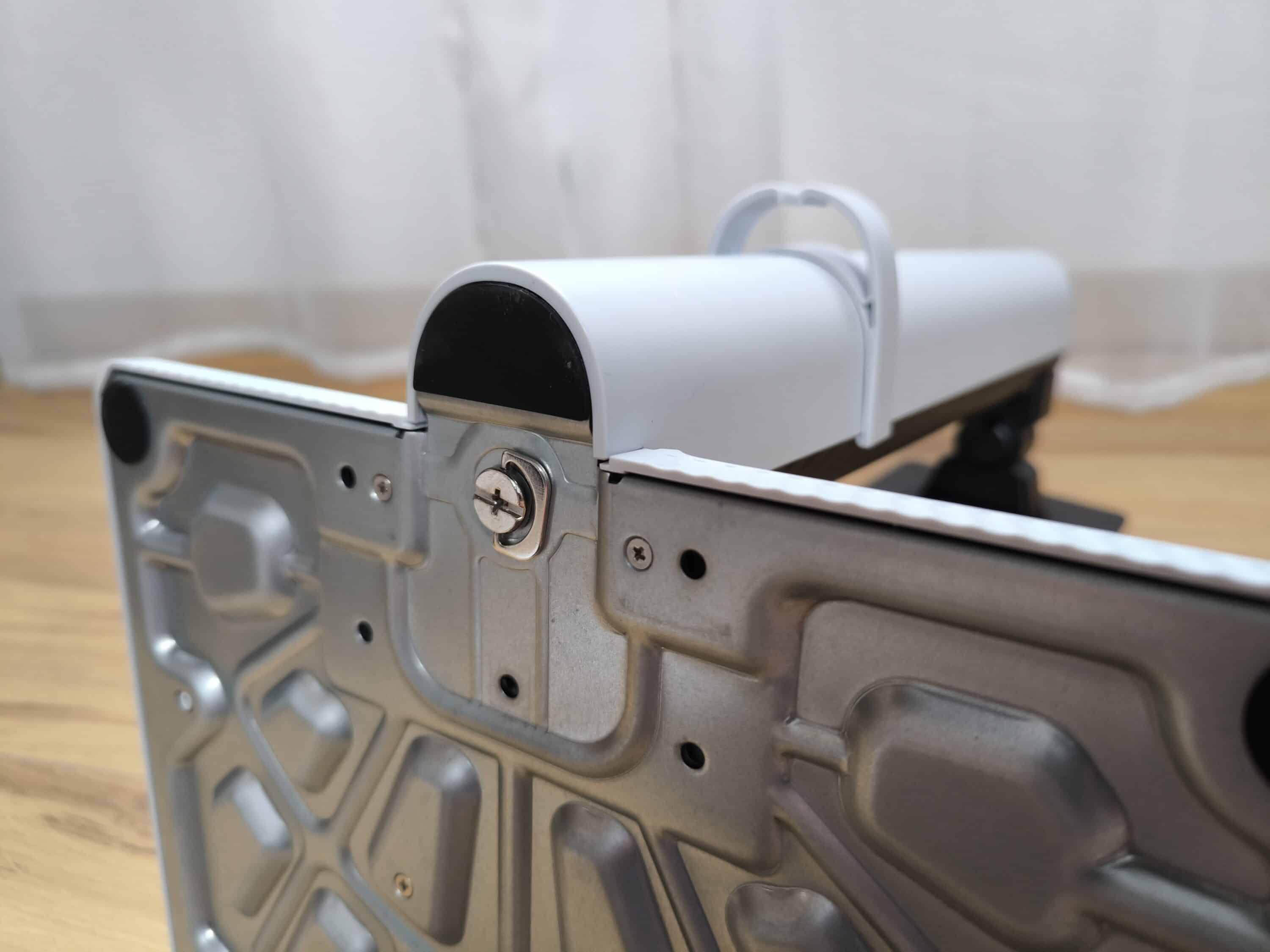
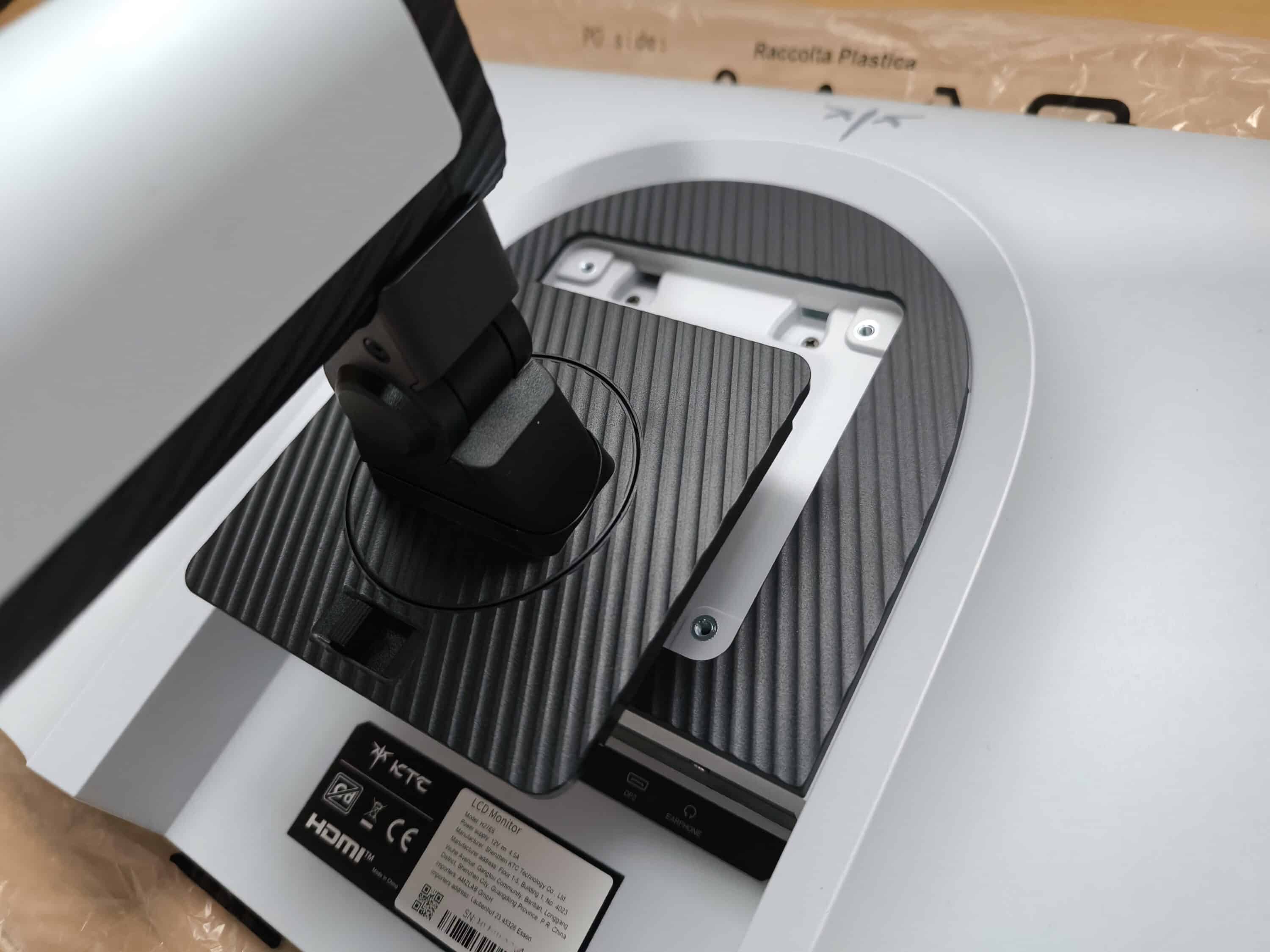
If you don’t want to use the supplied stand, you can mount the KTC H27E6 on the wall instead. The gaming monitor uses the standard 100×100 VESA dimensions for this. However, the bracket required for this is not included in the scope of delivery and must be purchased separately.
Optics & workmanship
- Simple design in black and white with a ribbed finish
- RGB lighting with breathing effect on the back
- Solid workmanship with sturdy stand
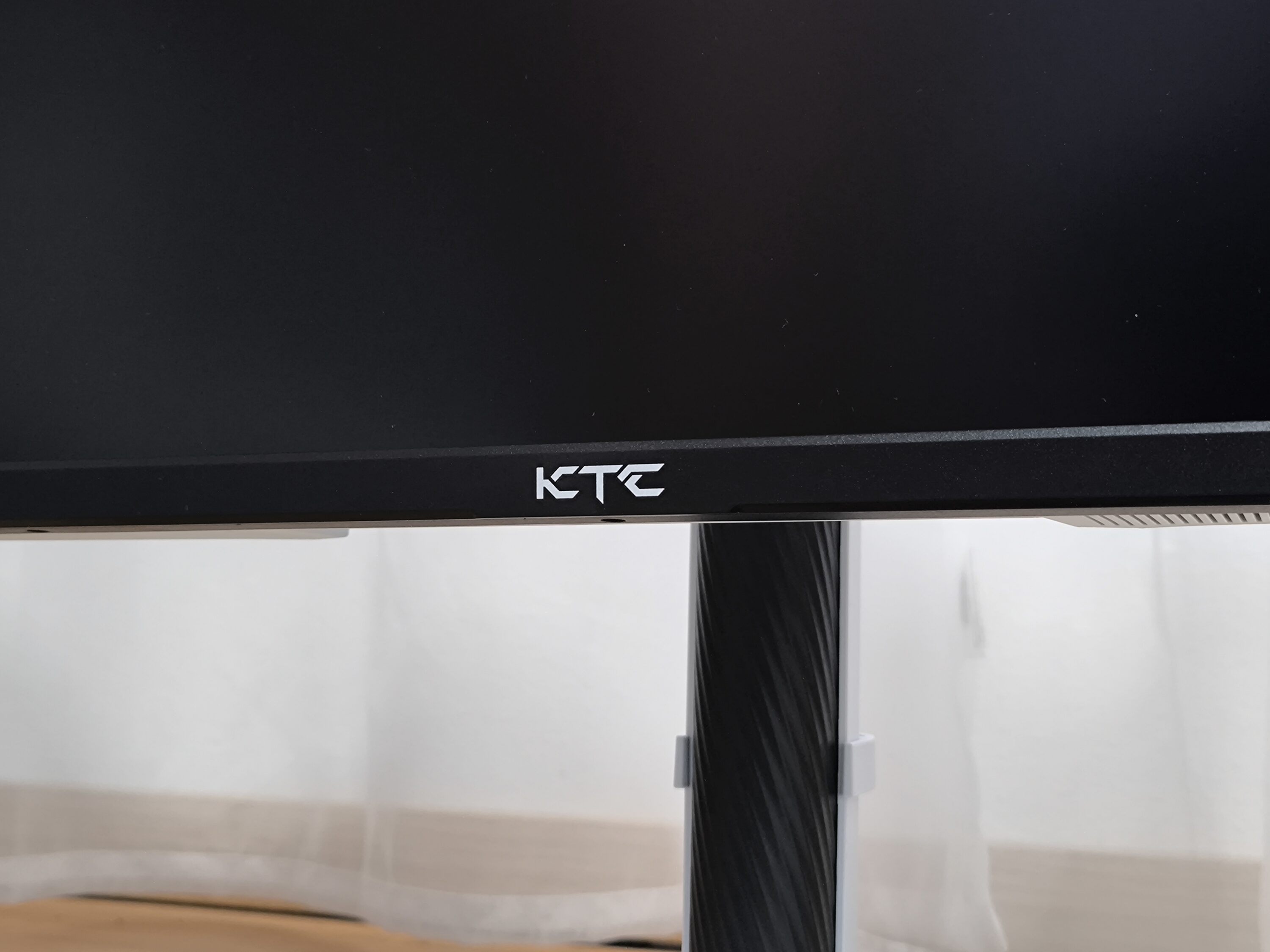
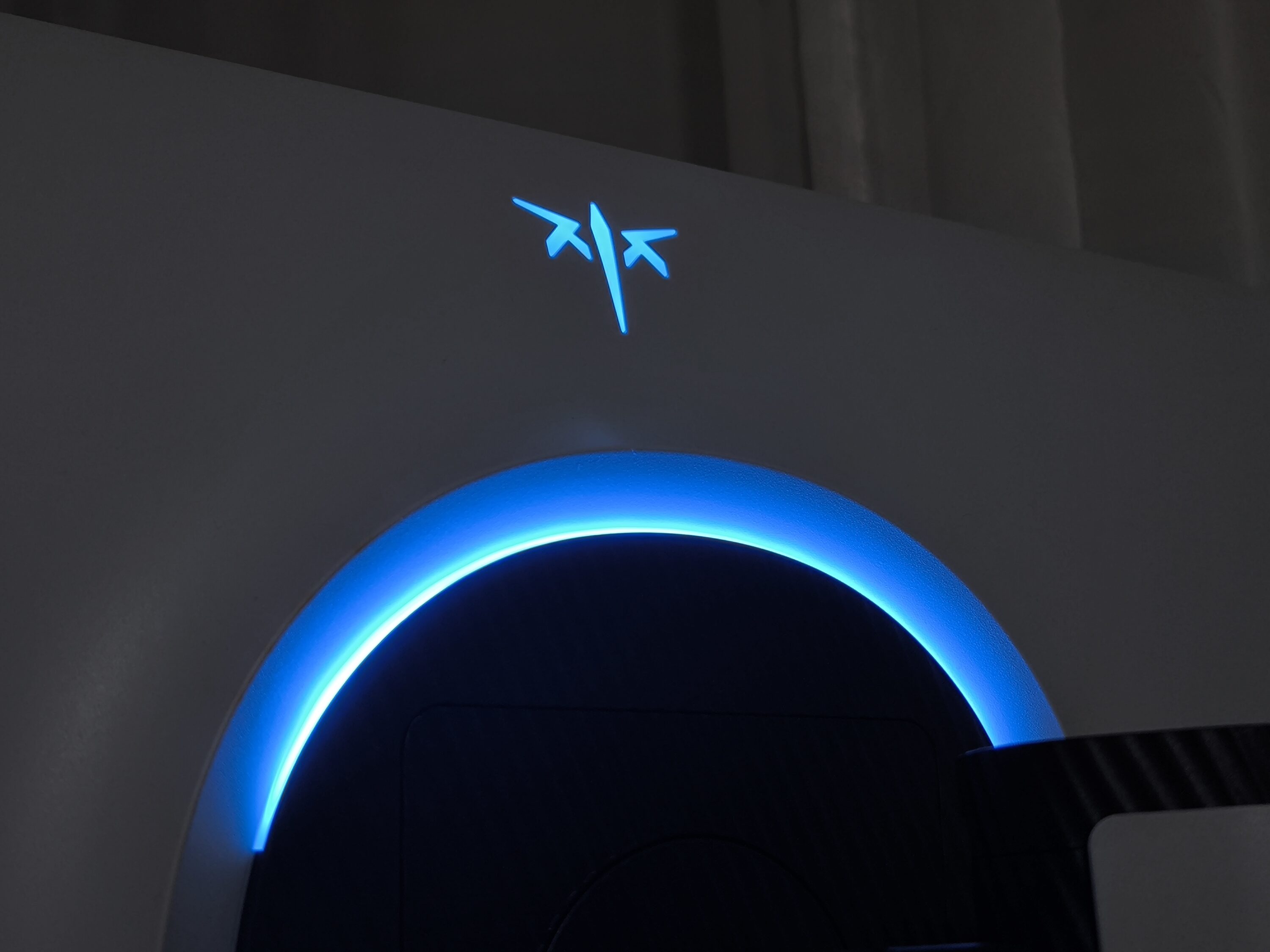
Visually, the KTC H27E6 is actually rather simple and relies on a black and white design. Colorful accents, as are typical in the gaming sector, are initially sought in vain. They only appear when the monitor is switched on. Finally, the 27-inch gaming monitor has an illuminated logo with a semi-circular RGB light on the back of the housing. The front looks quite simple – only the KTC lettering is emblazoned under the display and a small LED at the bottom right edge of the monitor provides information about the current operating status. At the same time, a ribbed finish extends along the entire monitor, from the white base to the black decorations on the stand and the dark mounting plate.
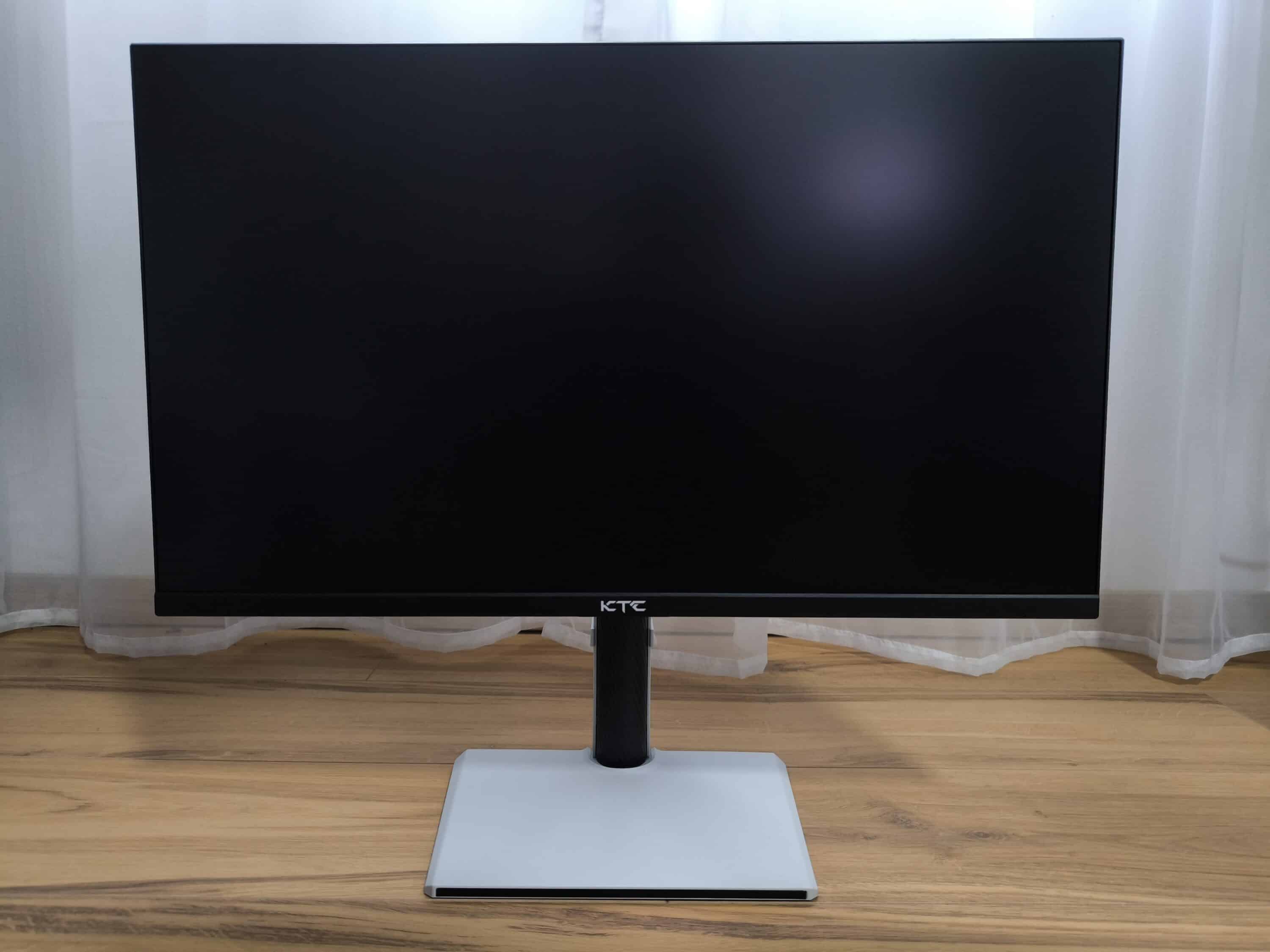
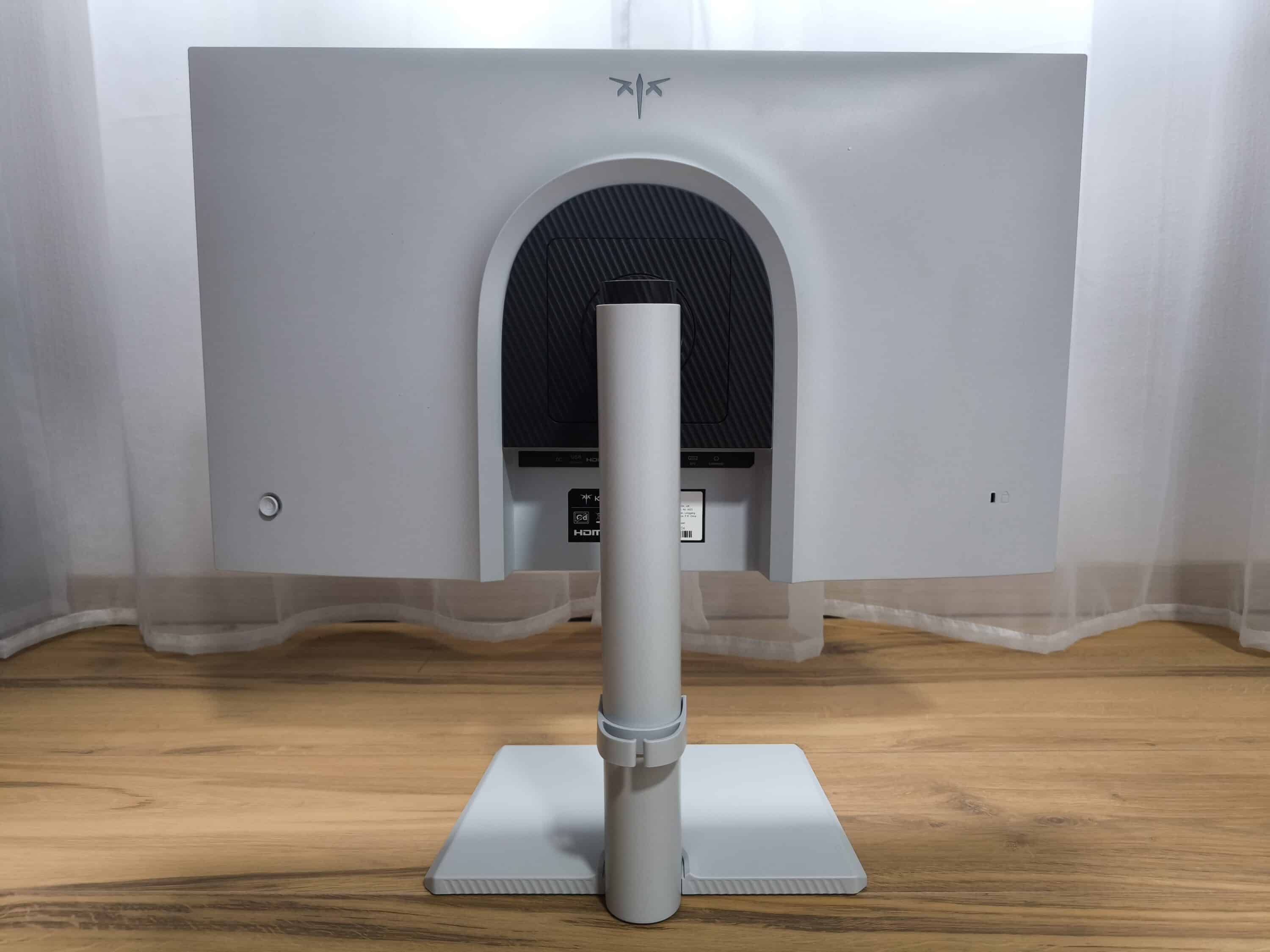
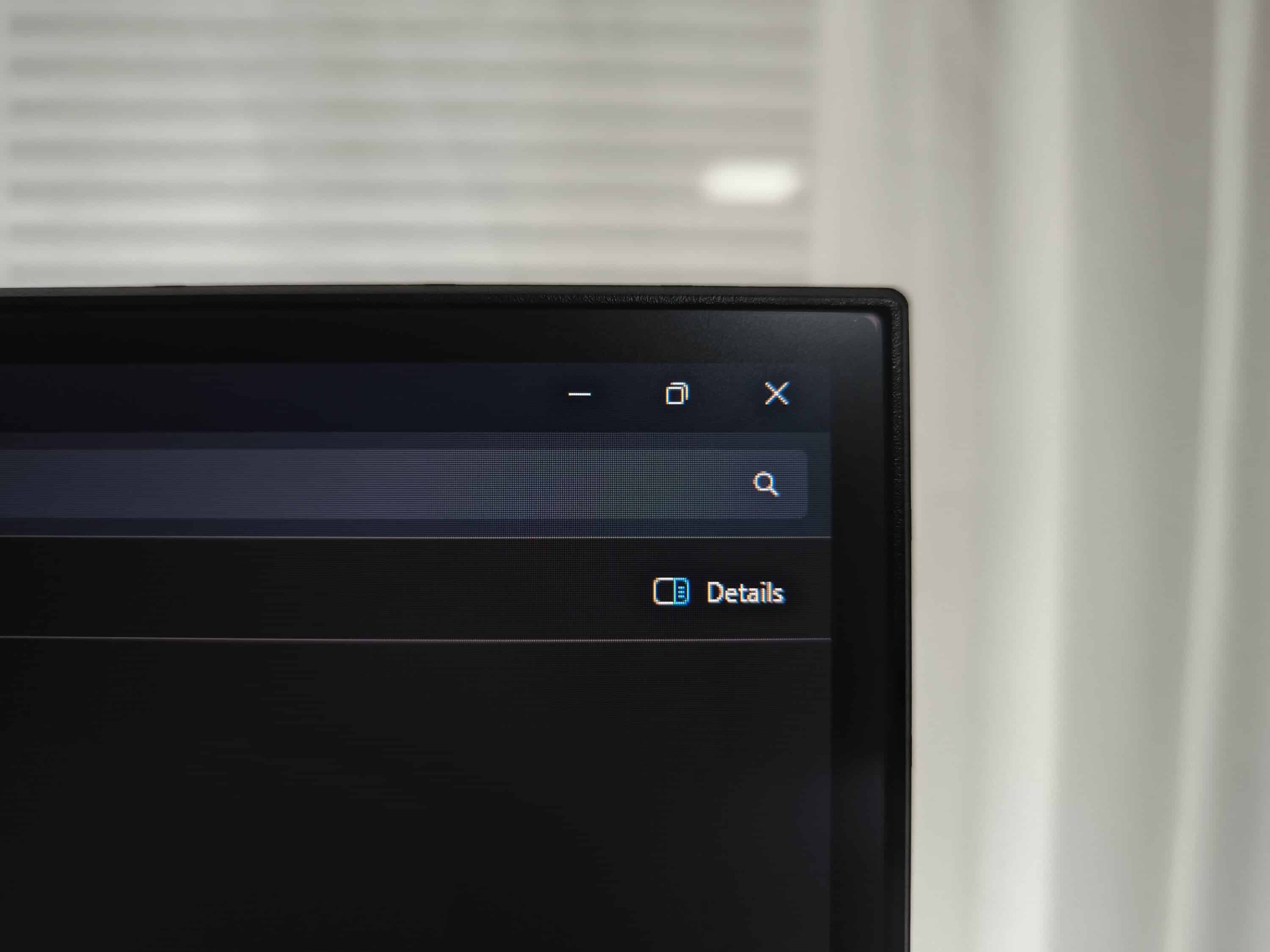
In terms of workmanship, the KTC H27E6 meets the expectations of such a price class and does not have any significant flaws. Although plastic is predominantly used, the quality is a touch better compared to the KTC H32S17 (our test), not least thanks to the more elegant design including wavy lines. In addition, the base stands securely, does not wobble and takes up comparatively little space on the desk. The subsequent visual inspection also revealed no sharp edges or irregularities in the gap dimensions. Deductions are only made for the slightly thicker edge of the display and the somewhat imprecise joystick for operating the OSD.
Operation and the OSD
- Convincing ergonomics with pivot, height and tilt function
- Various connections for multiple playback devices
- Well-structured OSD with gaming tools and HDR
The flexible adjustment options, which are often neglected on most gaming monitors in this price segment, are particularly impressive. For example, the stand allows the height to be adjusted by 13 cm and can be swiveled by up to 45 degrees in the lateral directions. Tilting movements are also part of the repertoire and are possible in a range of -5 to +20 degrees. At the same time, the KTC H27E6 supports pivot mode with a rotation angle of 90 degrees.
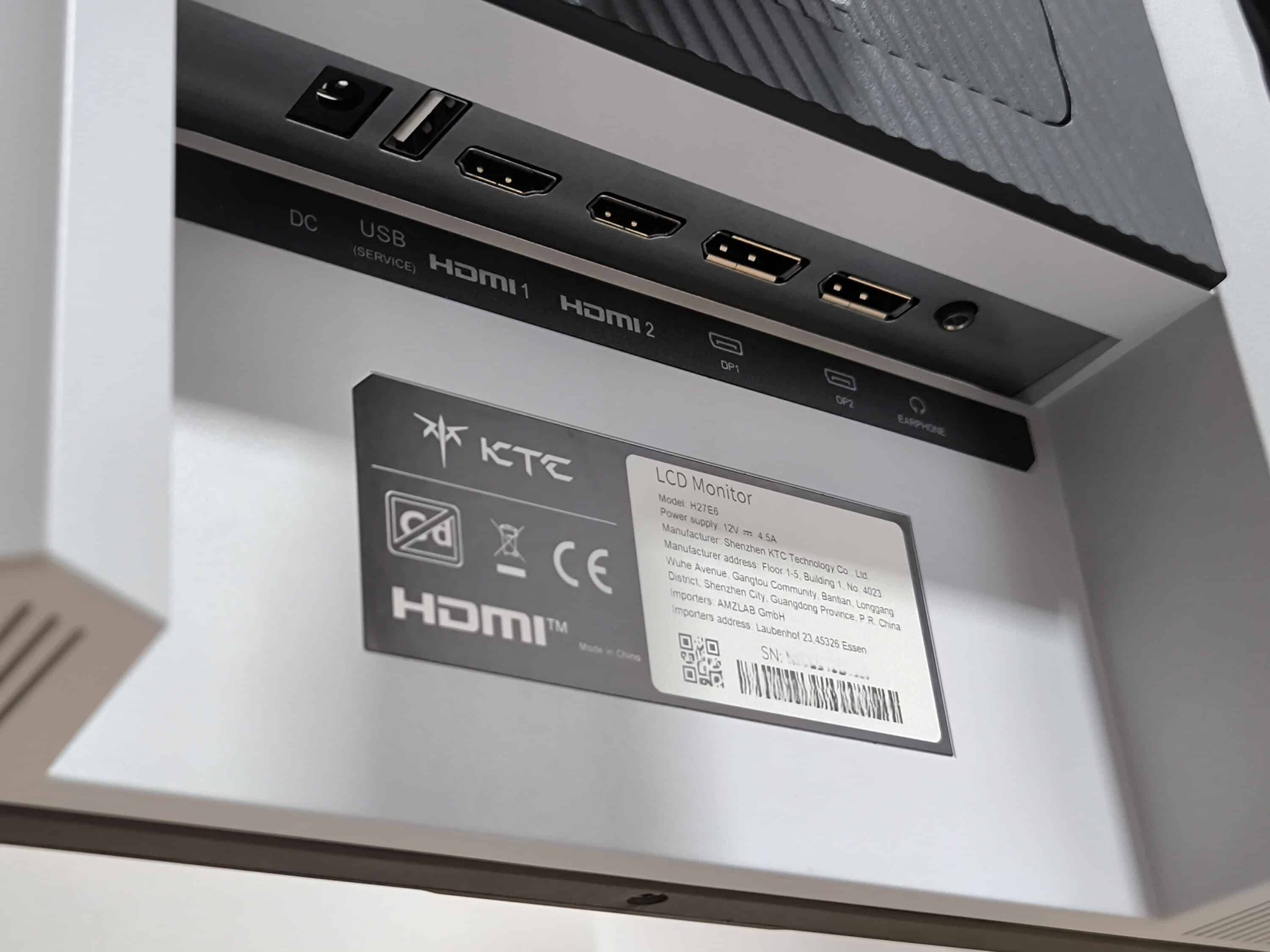
The connection options include two HDMI 2.1 and two DP 1.4 connections, which allow the full refresh rate of 300 Hz to be used. In addition to the four video signals, there is a headphone connection, a regular USB 2.0 connection and a classic DC input on the outside left. And thanks to the practical pivot function, all ports are much easier to access. Simply rotate the monitor and the respective cables can be plugged in from the side. Incidentally, the gaming monitor does not have an integrated speaker. It should also be mentioned that the USB 2.0 port is only intended for firmware upgrades.
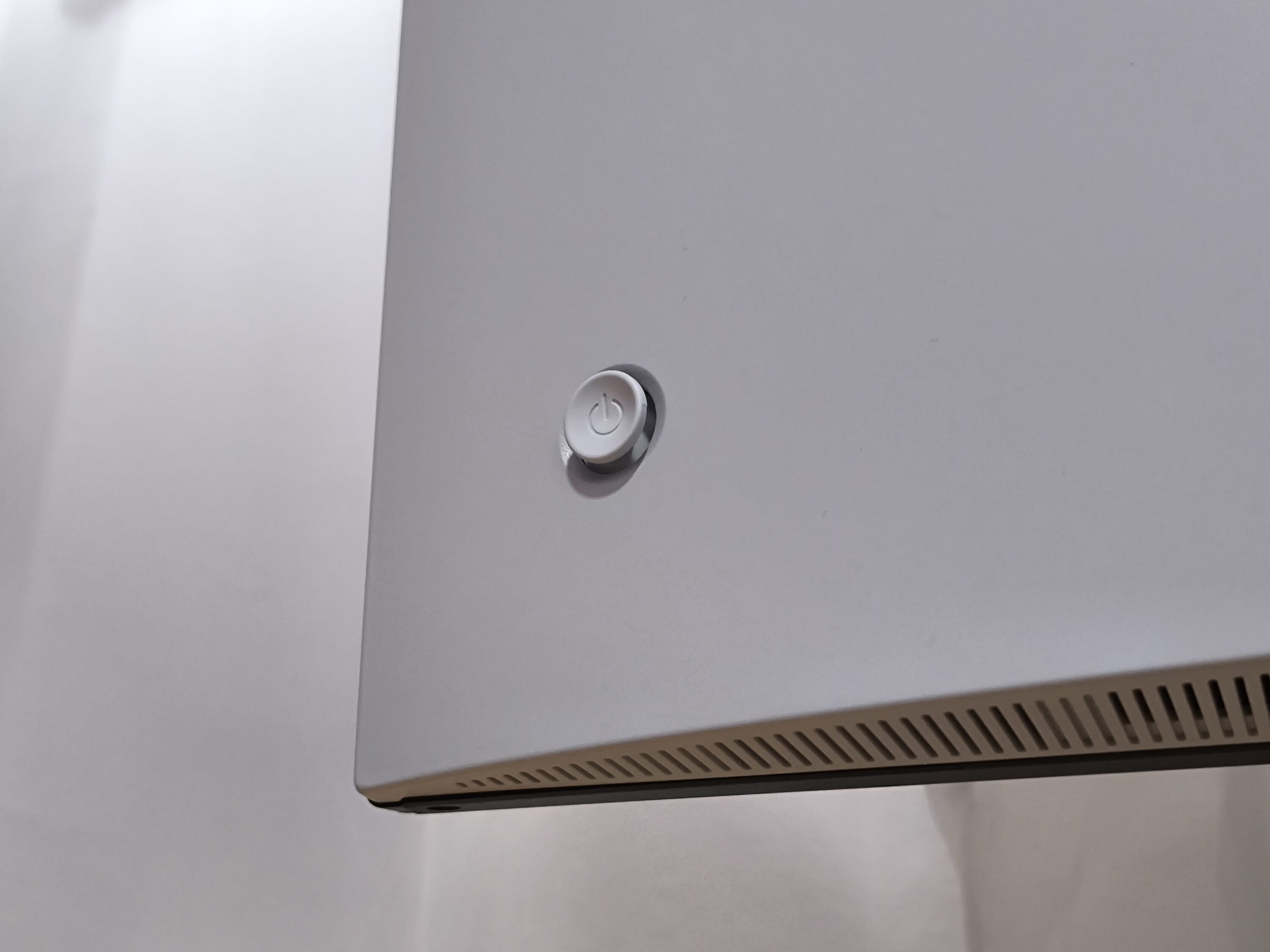
The KTC H27E6 is operated using the joystick on the back. No other buttons are available, which means that the joystick also functions as an on/off switch. The usual directions of movement (vertical and horizontal) make it easy to navigate through the OSD menus. Compared to individual haptic buttons, this definitely has its advantages.
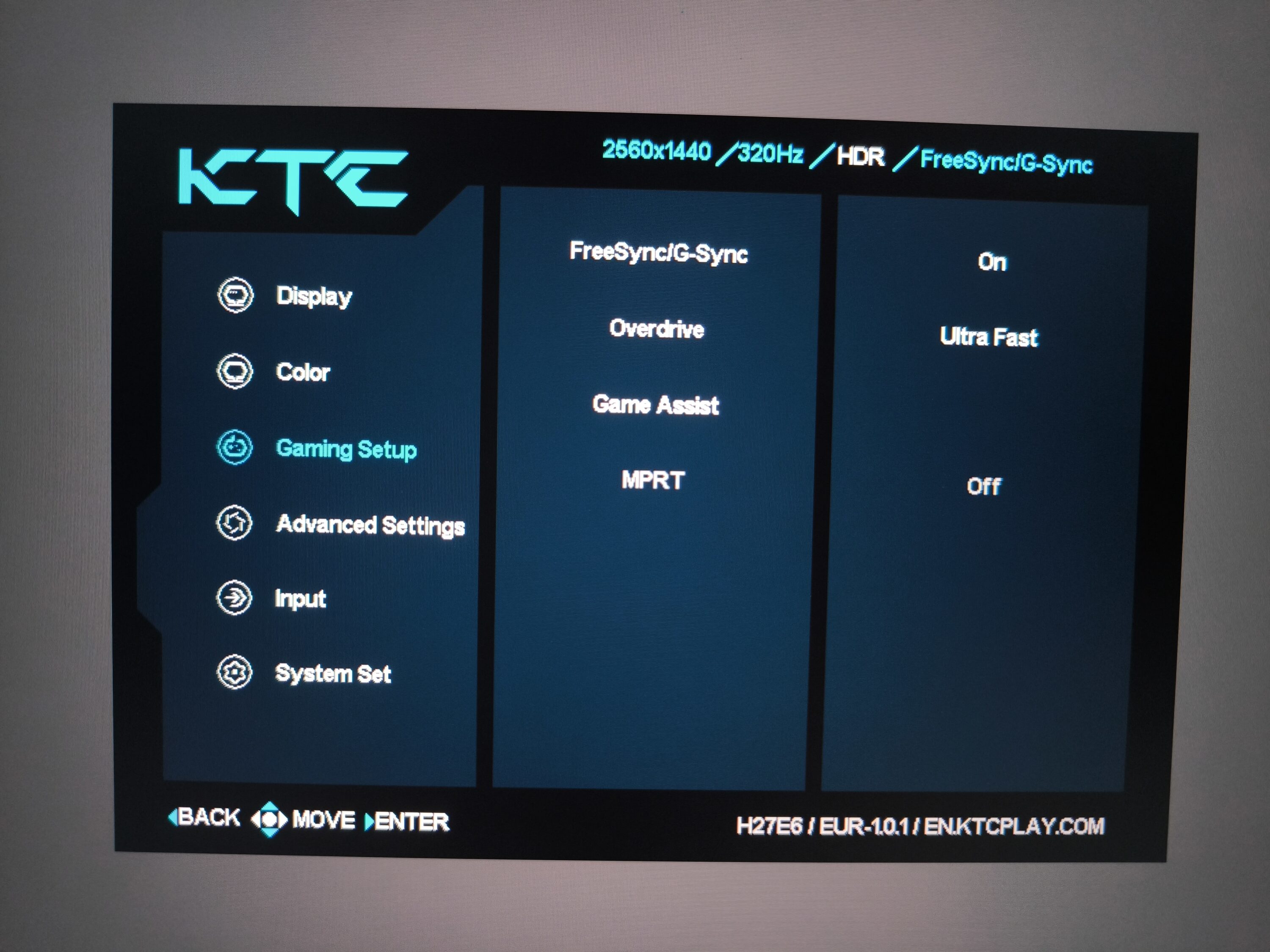
The OSD (On-Screen-Display) is equipped with the popular features to give you a head start on the virtual battlefield. The “Gaming Assistant” section includes a timer, an FPS display and a fade-in crosshair, the latter of which is particularly relevant for hardcore mode in games. There is also the option of activating FreeSync/G-Sync and MPRT (Moving Picture Response Time). In practice, this reduces motion blur, but at the expense of image brightness. The color options for the RGB lighting, on the other hand, are somewhat sparse: apart from a very limited selection of colors, there is only the factory-activated breath effect. One criticism is that not even the brightness can be controlled.
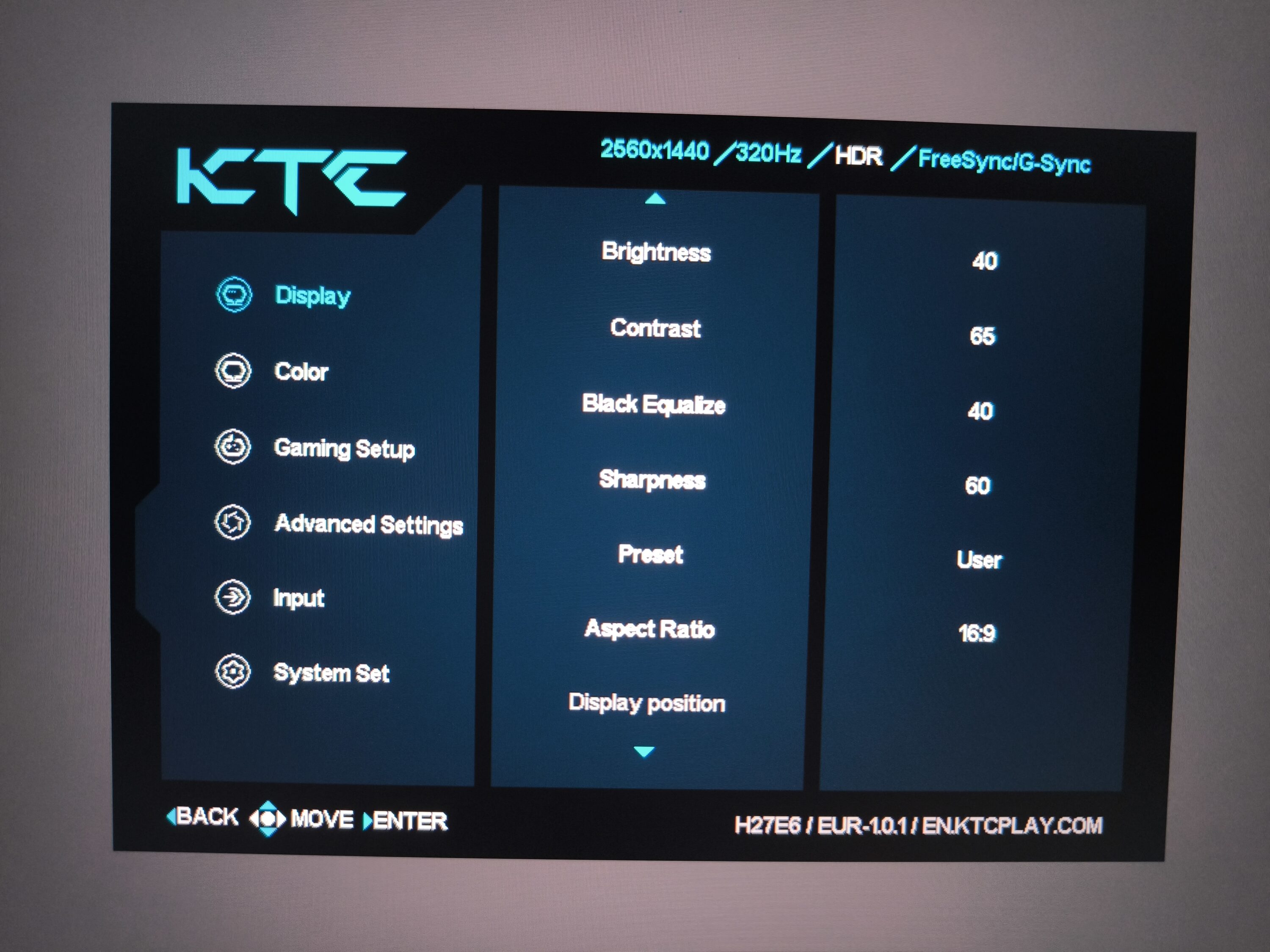
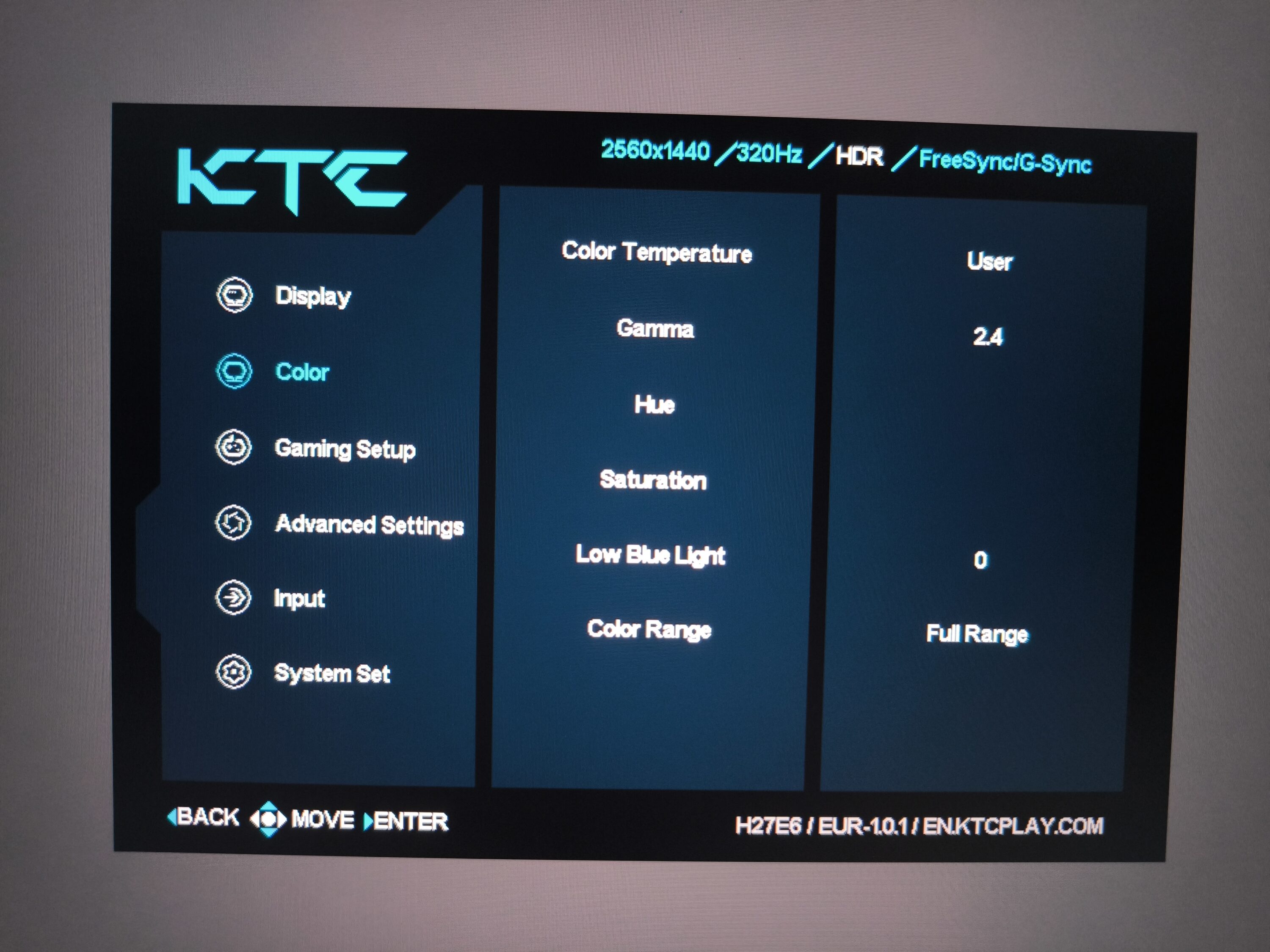
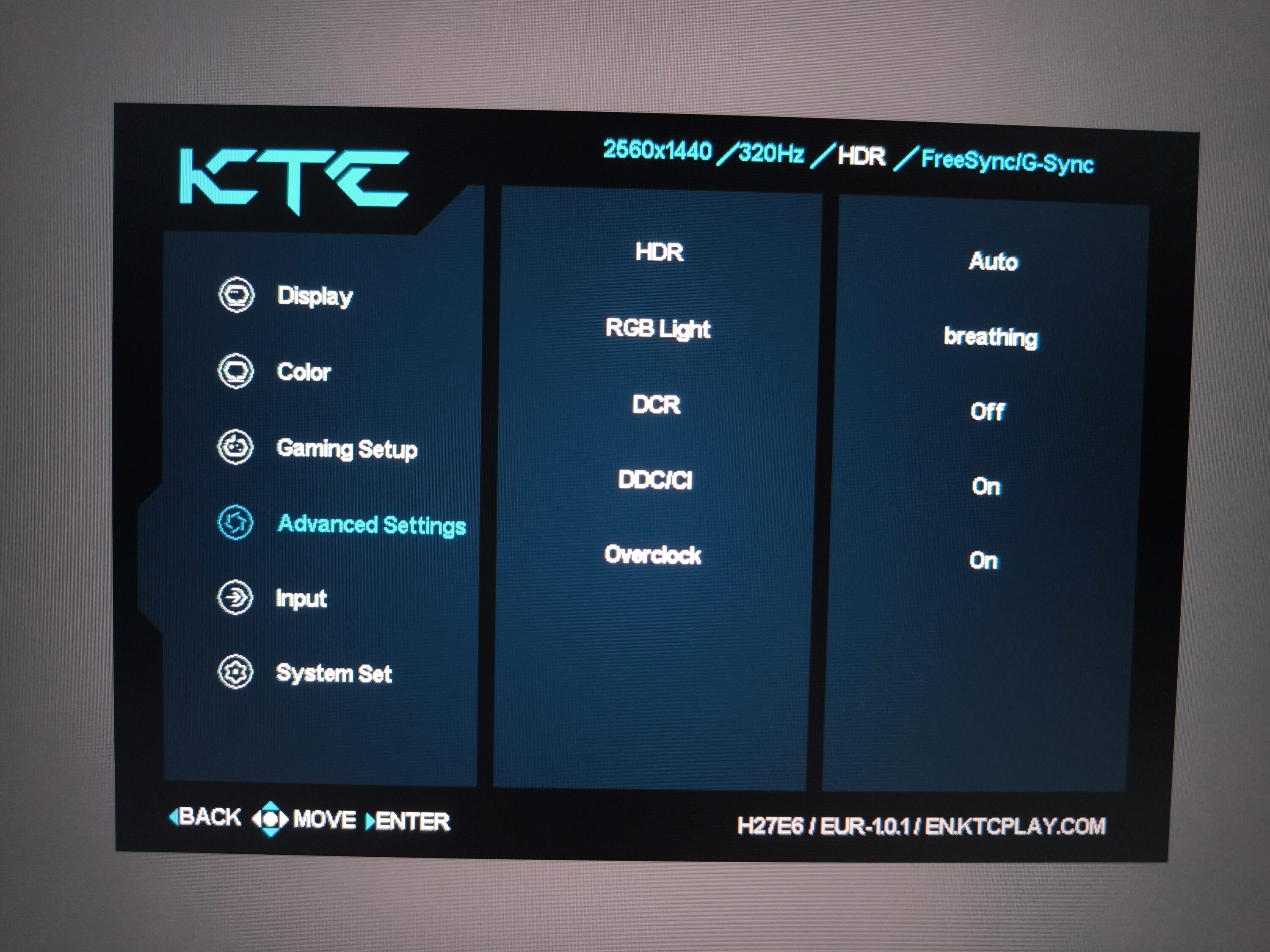
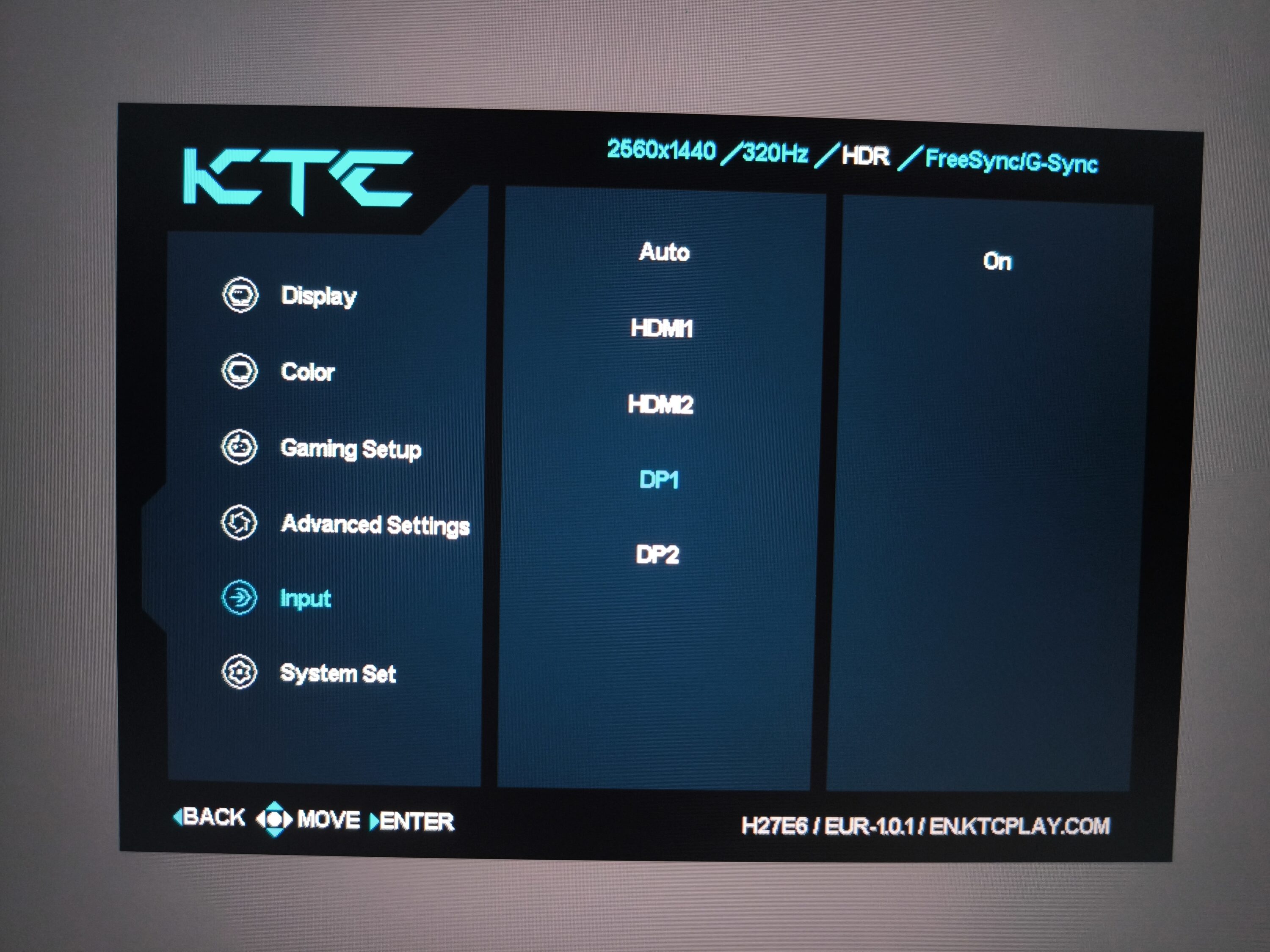
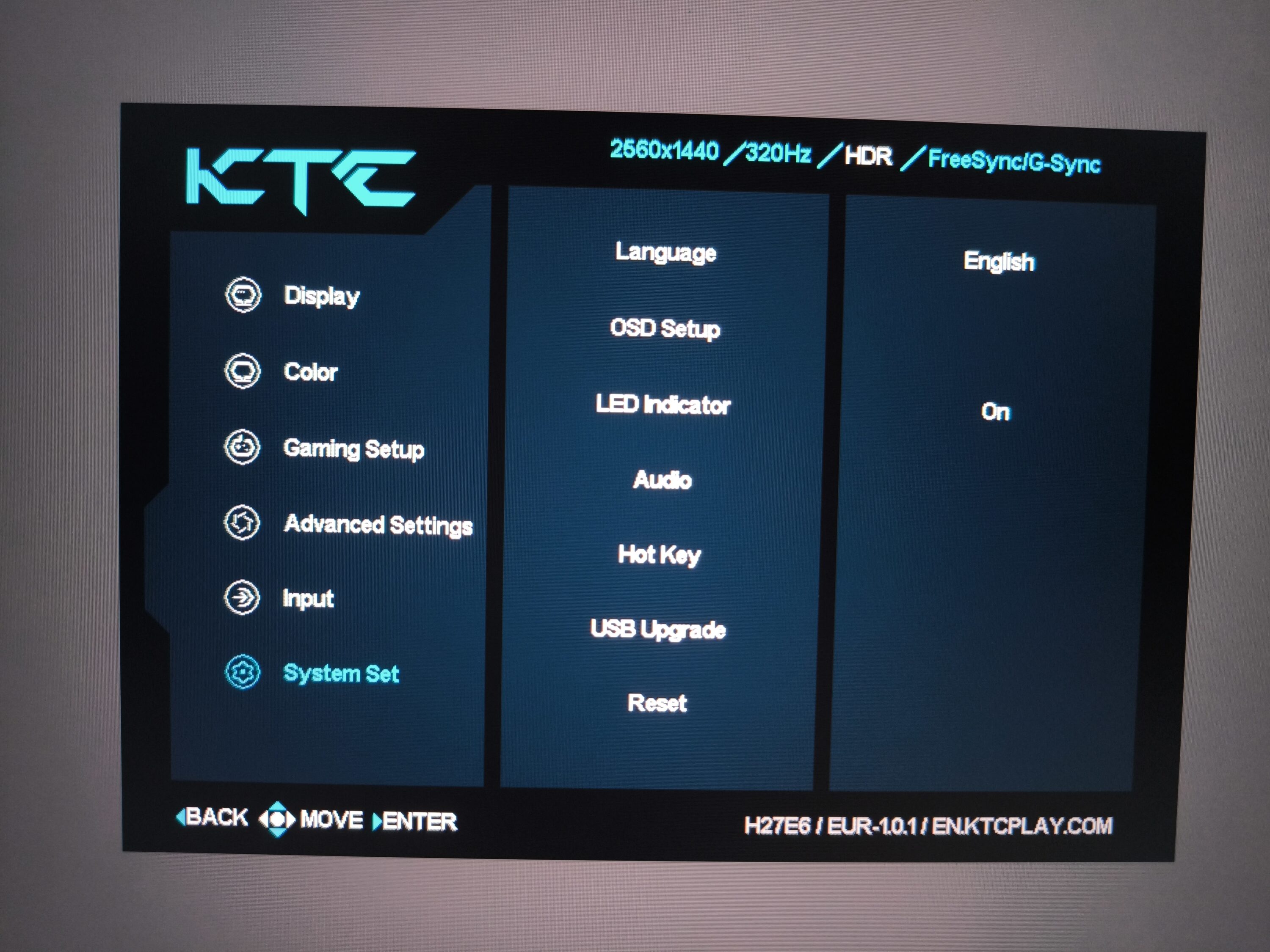
In comparison, the actual display and color settings perform better. As is usual with classic gaming monitors, there are several presets to choose from. There is also a professional mode, which takes into account all important color spaces from Native to sRGB, Display P3 and DCI P3. The other setting options range from general screen brightness, contrast, sharpness, saturation and gamma values to color enhancement. Finally, the advanced settings also include HDR, together with the overclocking function to 320 Hertz. In this respect, it’s worth taking a few minutes to explore the various options during the setup phase.
Quality of the display
- Thanks to the WQHD resolution at 27 inches, the pixel density is around 109 PPI
- Refresh rate up to 320 Hz in overclocking mode
- No support for PIP and PBP
In terms of the display itself, the KTC H27E6 has a resolution of 2560×1440 pixels, which is also known as WQHD. With an aspect ratio of 16:9, it remains in the tried-and-tested format, although 21:9 is becoming increasingly popular for games. With the latter, you have more visible area on the sides, i.e. a wider FOV. This format is also preferred in films. Regardless of this, the KTC H27E6 achieves a pixel density of 109 ppi with its 27 inches. Last but not least, a short display response time is also a decisive aspect for eSports fans and ambitious gamers. In this respect, the KTC H27E6 scores with an impressive 1 ms.
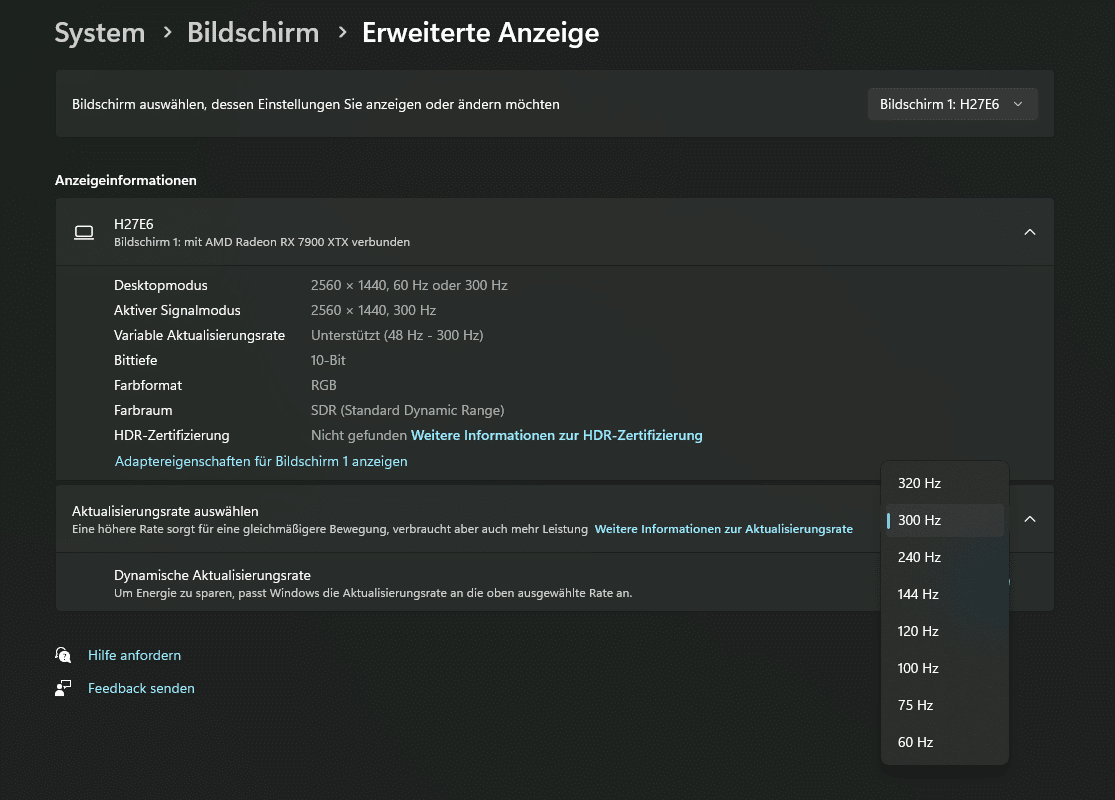
The refresh rate of the KTC H27E6, on the other hand, is impressive, which is the gaming monitor’s main selling point. Its 300 Hz or 320 Hz in OC mode are delivered to the screen with either HDMI 2.1 or DP 1.4. The respective intermediate steps of the refresh rate are divided into eight levels and range from 320 Hz with OC activated to 240, 144 and 60 Hz. HDR400 is also on board, which is activated via the OSD as already mentioned. This achieves improved image dynamics and higher color intensity with high-contrast displays. Other features of the KTC H27E6 include a blue light filter and a flicker-free anti-reflective panel. The PIP (Picture-in-Picture) and PBP (Picture-by-Picture) functions are not supported instead.
Practical test: Picture quality
- Extremely smooth gaming can be enjoyed thanks to 300 Hz ex works
- Subjectively less noticeable compared to the switch from 60 to 144 Hz
- Good color reproduction with limited options for HDR
Working with the monitor?
The 1440p resolution of the KTC H27E6 is definitely useful for the home office, as the display area of the windows and therefore the information content increases. In contrast to Full HD monitors, you also gain a lot of extra space, which is beneficial when viewing websites or applications such as Microsoft Office and other tools.
Admittedly, a resolution of 1440p is the rule rather than the exception for gaming monitors these days and is therefore no longer a novelty. Although 4K monitors offer more pixel units, the high Hertz number is usually used less here. As expected, the 300 Hz of the KTC H27E6 is not noticeable in normal office use, as this is not the actual usage scenario anyway. However, the mouse glides extremely smoothly across the screen.
An immersive gaming experience?
The 300 or 320 Hz in OC are of course definitely noticeable when gaming. Admittedly, the subjective difference between 144 Hz and 300 Hz is less than the former switch between 60 Hz and 144 Hz. Nevertheless, the difference is particularly noticeable in competitive games such as Counter-Strike 2, Valorant or Rocket League. Here in particular, every frame is more noticeable – exactly the target group of the KTC H27E6. The basic requirement is, of course, a powerful gaming PC that can easily produce refresh rates of up to 300 Hz. However, if we switch to games such as Dead Island 2 or Horizon Forbidden West with a strong focus on graphics, it is quite difficult to fully utilize the 300 Hz of the gaming monitor. And yet: even with FPS in the representative range of 120 to 180, the content on the KTC H27E6 is impressive.
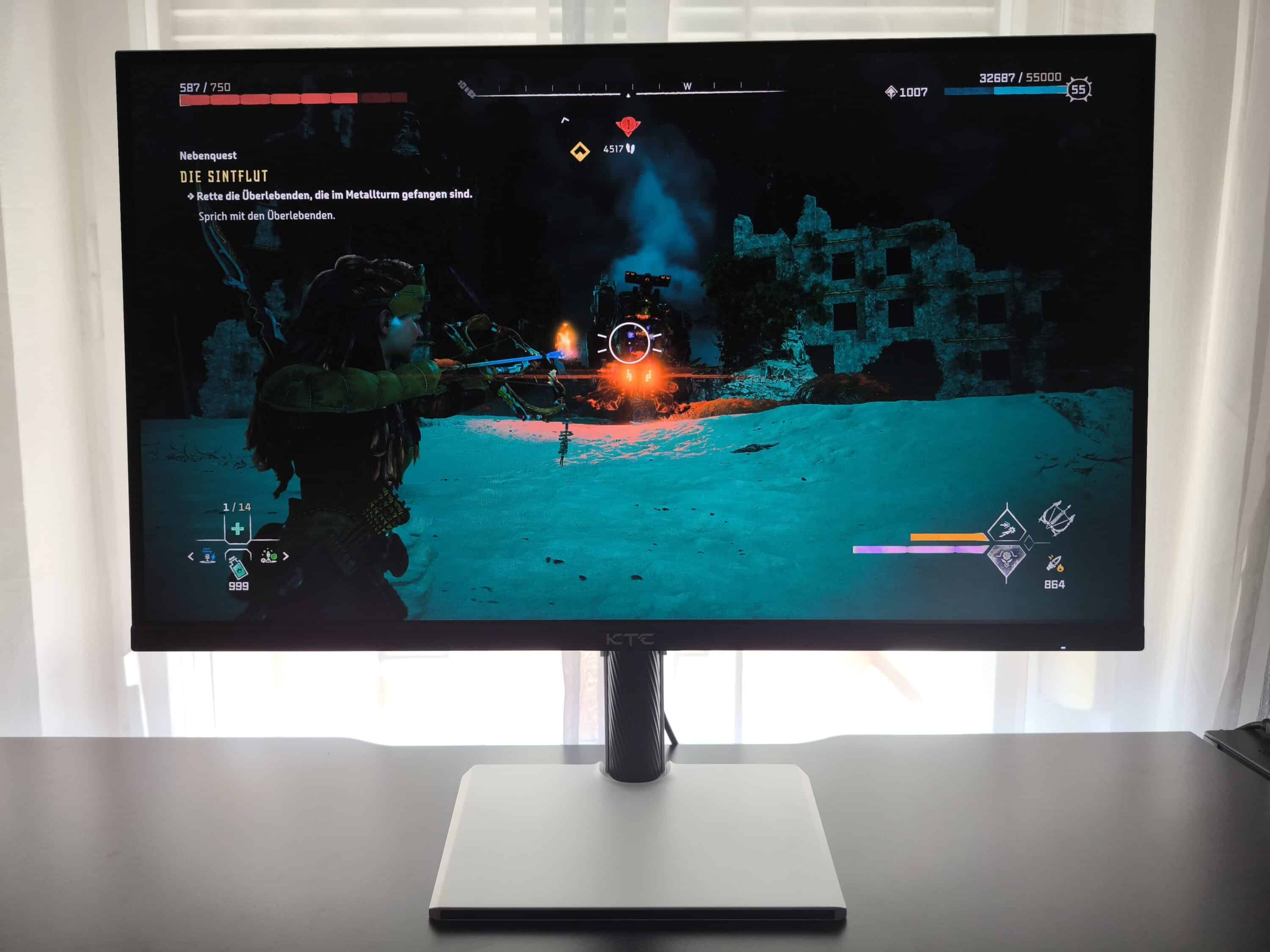
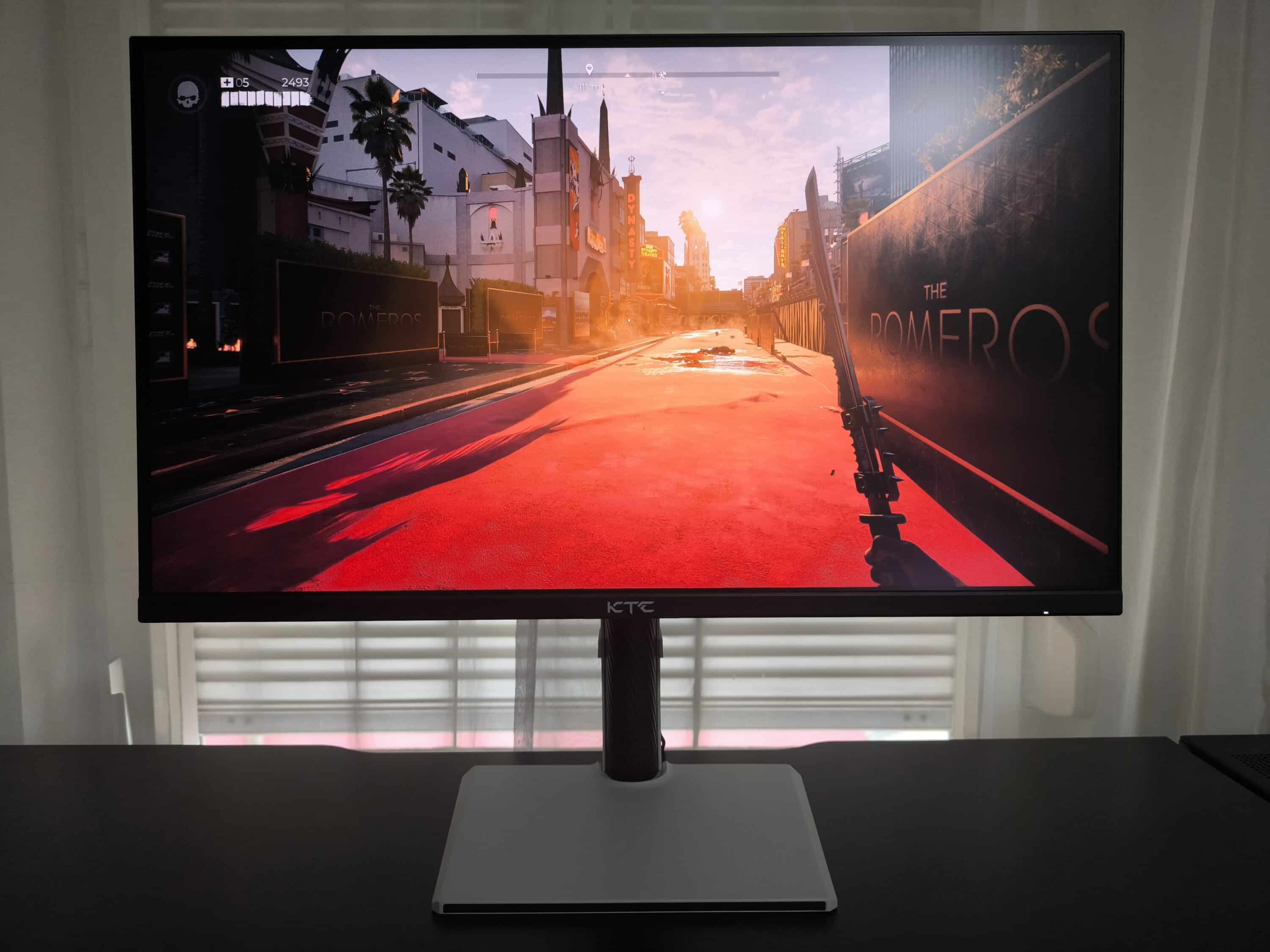
The core discipline of the KTC H27E6 remains competitive gaming. As expected, there is of course no tearing or other artifacts on the screen. The same applies to dead pixels, which we were also unable to detect on our test model. As far as the recommended settings are concerned, increasing the contrast and sharpness has proven to lead to a better overall picture. Especially for games with a dark atmosphere, it also pays to use the “Black Equalize” function, whereas ambitious gamers should tend to favour the “FPS” preset.
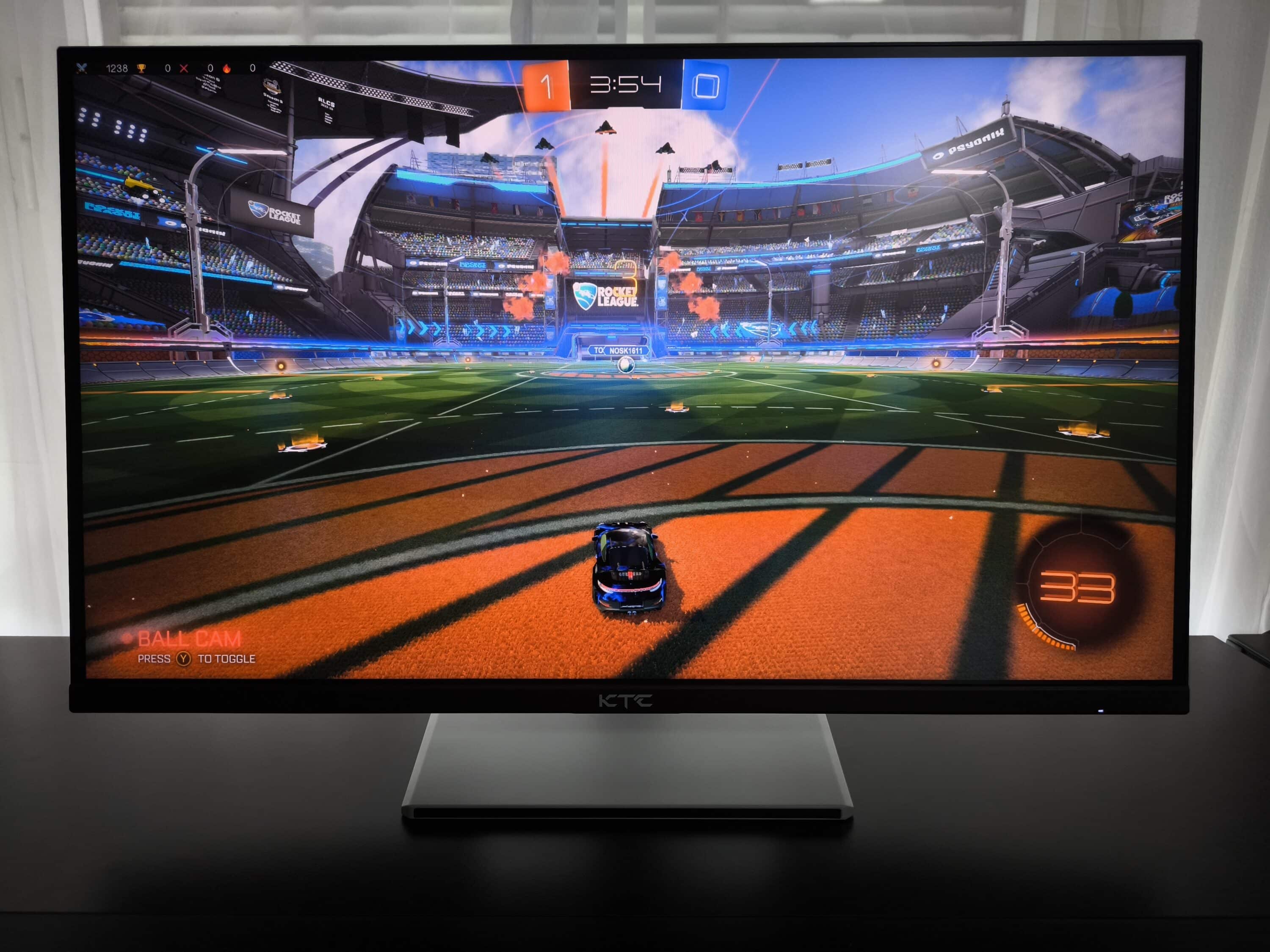
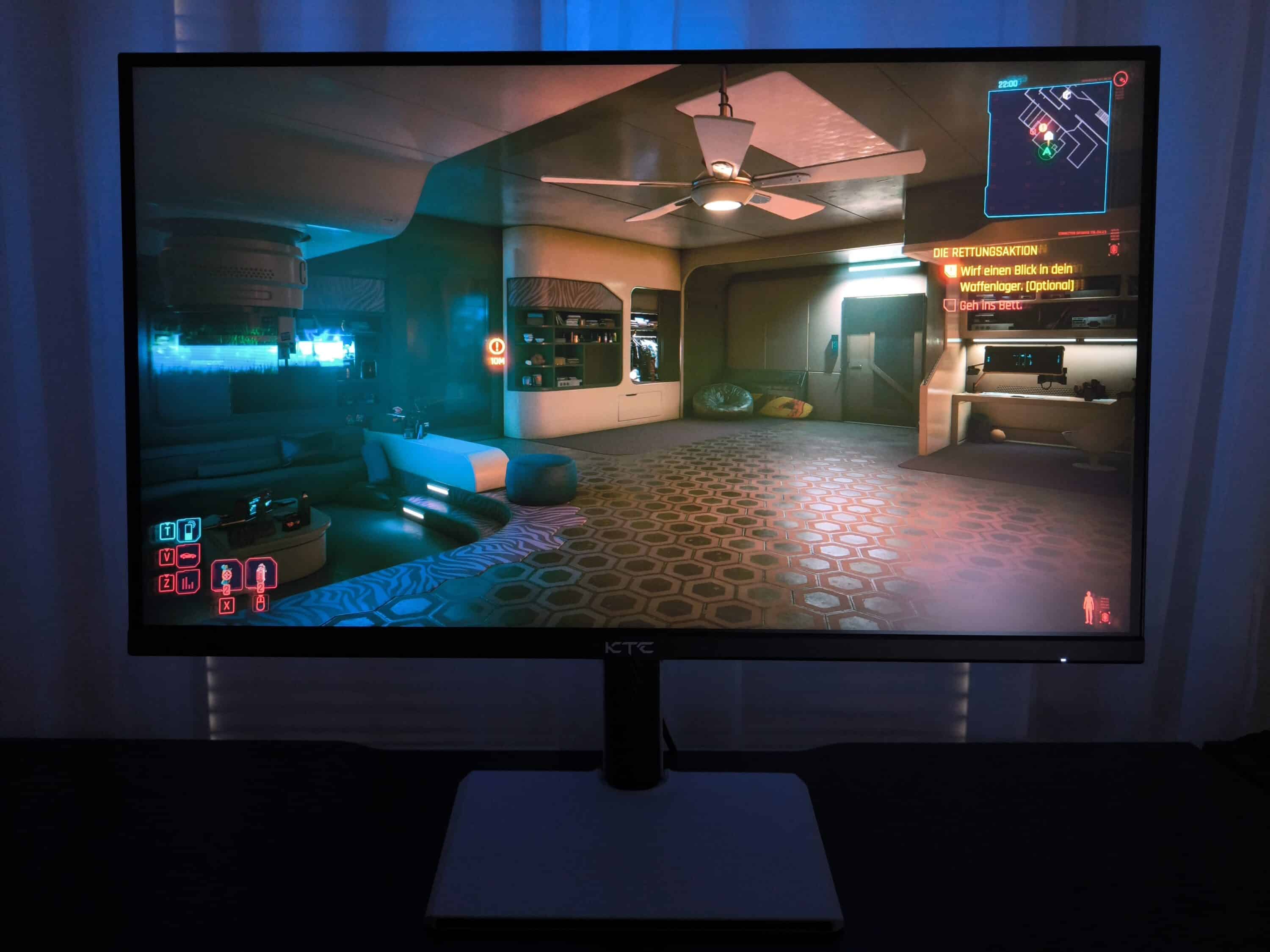
The Fast IPS panel does indeed display somewhat bland picture colors ex works and tends to be more subtle. The panel only reveals its full colorful splendor after configuration with your own preferences, for example with the help of presets and individual corrections in the OSD. The brightness, on the other hand, is decent. And the displayable color gamut is also impressive: Depending on the profile, it ranges from 102% NTSC, 114% Adobe RGB CIE1976, 106% DCI-P3 to 144% sRGB. The HDR experience remains in the mid-range, which is of course partly due to the maximum achievable nits. Breathtaking HDR only unfolds at 1000 nits, combined with a significant cost increase. In view of the comparatively affordable price of the KTC H27E6, the results are definitely coherent.
In this context, the backlight bleeding is hardly noticeable, although it is of course minimally present at the corners. In fact, this deficit can be found in a large number of fast IPS panels and only disappears completely with OLED displays. When viewing completely dark picture content, a slightly different brightness fluctuation can therefore be seen if you consciously observe the corners. In practice, this will almost never come into play when gaming. From a subjective point of view, the viewing angle stability remains in the good range: the colors retain their intensity when viewed from above, but naturally fade when viewed from the side.
KTC H27E6 test: Conclusion
All in all, the KTC H27E6 leaves a positive impression – especially for gamers. The high Hertz number in combination with the high resolution are decisive for this. In terms of price, such gaming monitors with WQHD and at least 300 Hertz can generally be found at a higher price. Based on the technical data alone, it is therefore a recommendation to buy such a monitor for just €280. Converted, you get around 1.07 Hertz per euro – without taking the overclocking mode into account. However, this factor alone does not make for a good monitor – after all, everything else has to be right. At the end of the day, the short answer to this is “Yes, it’s a good fit!”.
If you’re already considering the KTC gaming monitor, you can’t go wrong. After all, the model not only offers connection options with two HDMI 2.1 ports and the same number of DP 1.4 ports, but also a fast IPS panel with an extensive OSD. Only the backlight of the KTC H27E6 could be improved, as it can hardly be configured and the handling of the joystick is also somewhat imprecise. On the other hand, the generally good workmanship and the appealing white appearance make for a better rating.
However, gamers should also be aware of their preferred requirements before making a purchase. For example, to what extent your own PC can utilize the 300 Hertz of the KTC H27E6 and which games are suitable for this number of Hertz. Under certain circumstances, it may be more worthwhile for some people to opt directly for a 4K resolution, the wide 21:9 screen format or technologies such as OLED. Of course, taking into account the aspect of whether the wallet is “filled” accordingly.
VORTEILE
- Extremely high refresh rate
- Good color spectrum
- Ergonomic stand
NACHTEILE
- Slight backlight bleeding
- Imprecise joystick for menu control
Fazit
The KTC H27E6 is suitable as a 27" gaming monitor for competitive gamers or those who always want to make full use of the maximum possible frames of their PC. Below the price threshold of 300 euros, the model remains unrivaled for the time being.


