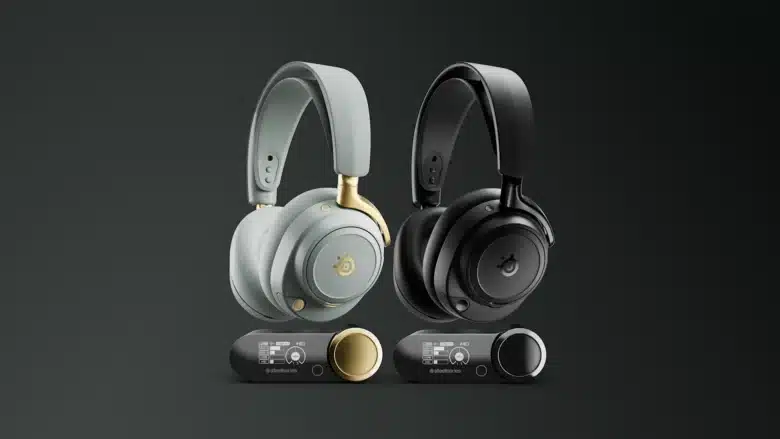
With its outstanding sound, high wearing comfort and powerful microphone, the Razer BlackShark V2 Pro is still one of the best wireless gaming headsets on the market today. Now the top model has finally been given a successor: The Razer BlackShark V3 Pro is visually very reminiscent of its predecessor, but has made significant improvements, especially from a technical point of view. Our test reveals more.
Technical data
| The product | BlackShark V3 Pro |
| Design | over-ear |
| Driver | Razer TriForce 50 mm driver Gen 2 made from bio-cellulose |
| Frequency range (headphones) | 12 – 28,000 Hz |
| Connectivity | Wireless (USB dongle / Bluetooth); Wired (USB-C) |
| Microphone type | Razer HyperClear full-band microphone (12 mm) |
| Frequency range (microphone) | 20 – 20,000 Hz |
| Range (wireless) | Approx. 10 meters |
| Battery life | Up to 70 hours (2.4 GHz) |
| Charging time | 1.5 hours (15 minutes for 6 hours of playtime) |
| Weight | 367 g |
| Compatibility | PC, Mac, PS4, PS5, Nintendo Switch, smartphone/tablet |
| Special functions | THX Spatial Audio with 7.1.4 surround sound; simultaneous connection; ANC; HyperSpeed Gen 2; interchangeable faceplates |
| Price | € 269.99 * |
Razer BlackShark V3 Pro review: Visually hardly changed
- Almost unchanged design, but…
- … a few detail improvements
- excellent wearing comfort; strange dongle construction
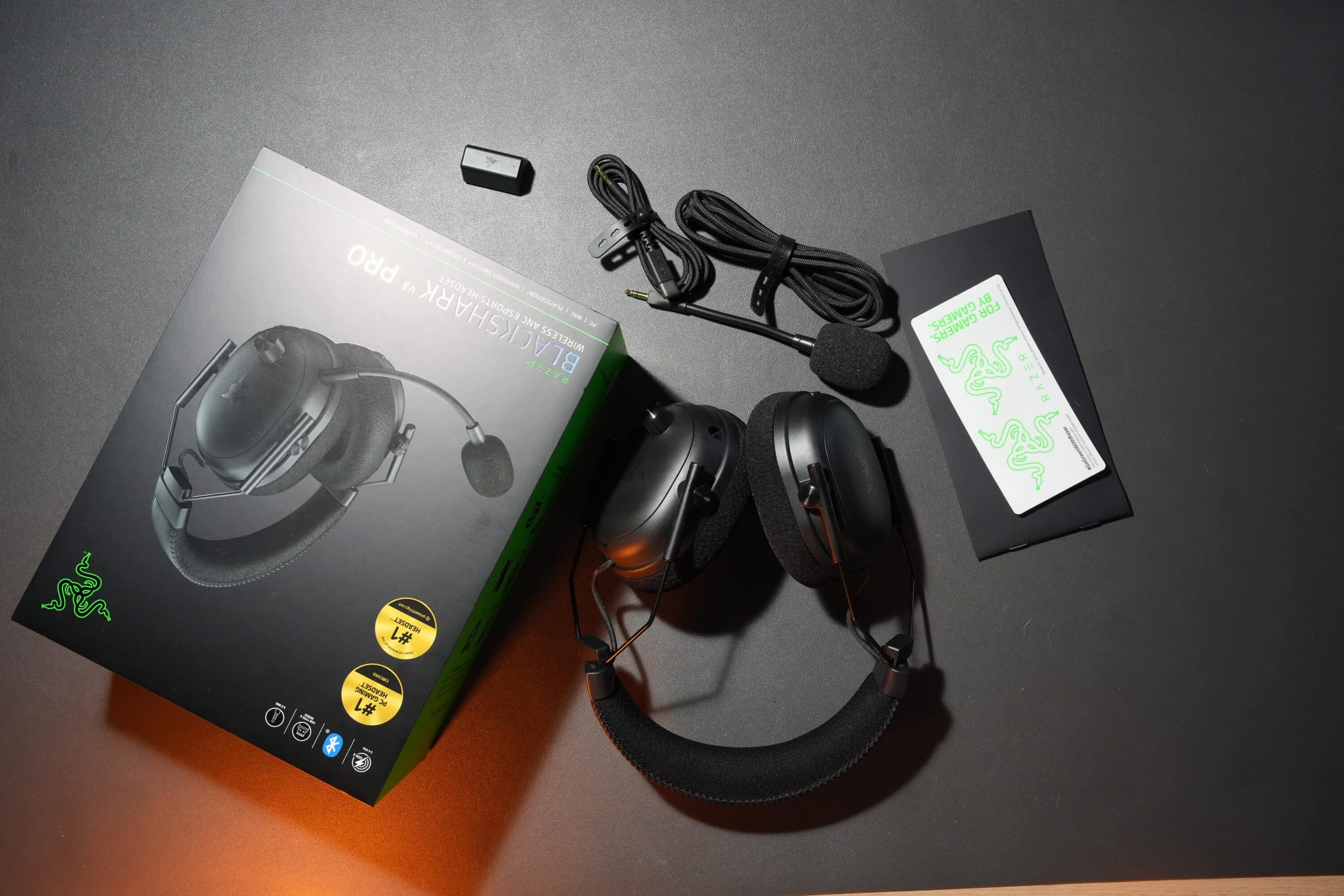
The Razer BlackShark V3 Pro picks up on the basic design of its direct predecessor. But let’s be honest: there was actually no reason to try something new here, as version 2 Pro already impressed with its simple, functional and convincing look.

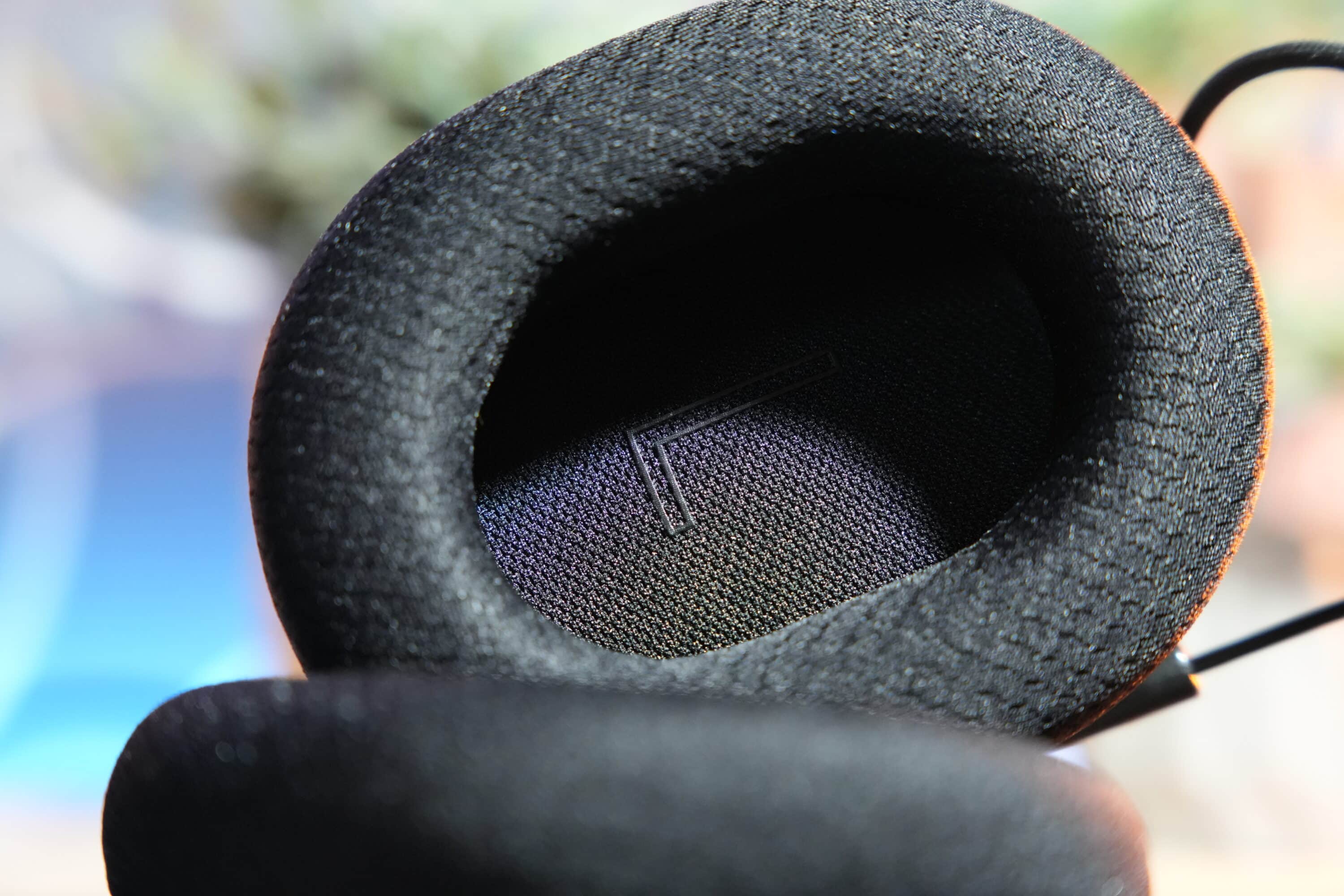
Accordingly, the V3 Pro also features generously sized oval ear cups that merge into the headband via thin metal brackets. The padding is once again very comfortable and generous: The pleasantly soft fabric padding of the ear cups is two cm thick, as is the headband, which ensures excellent wearing comfort even for hours on end.
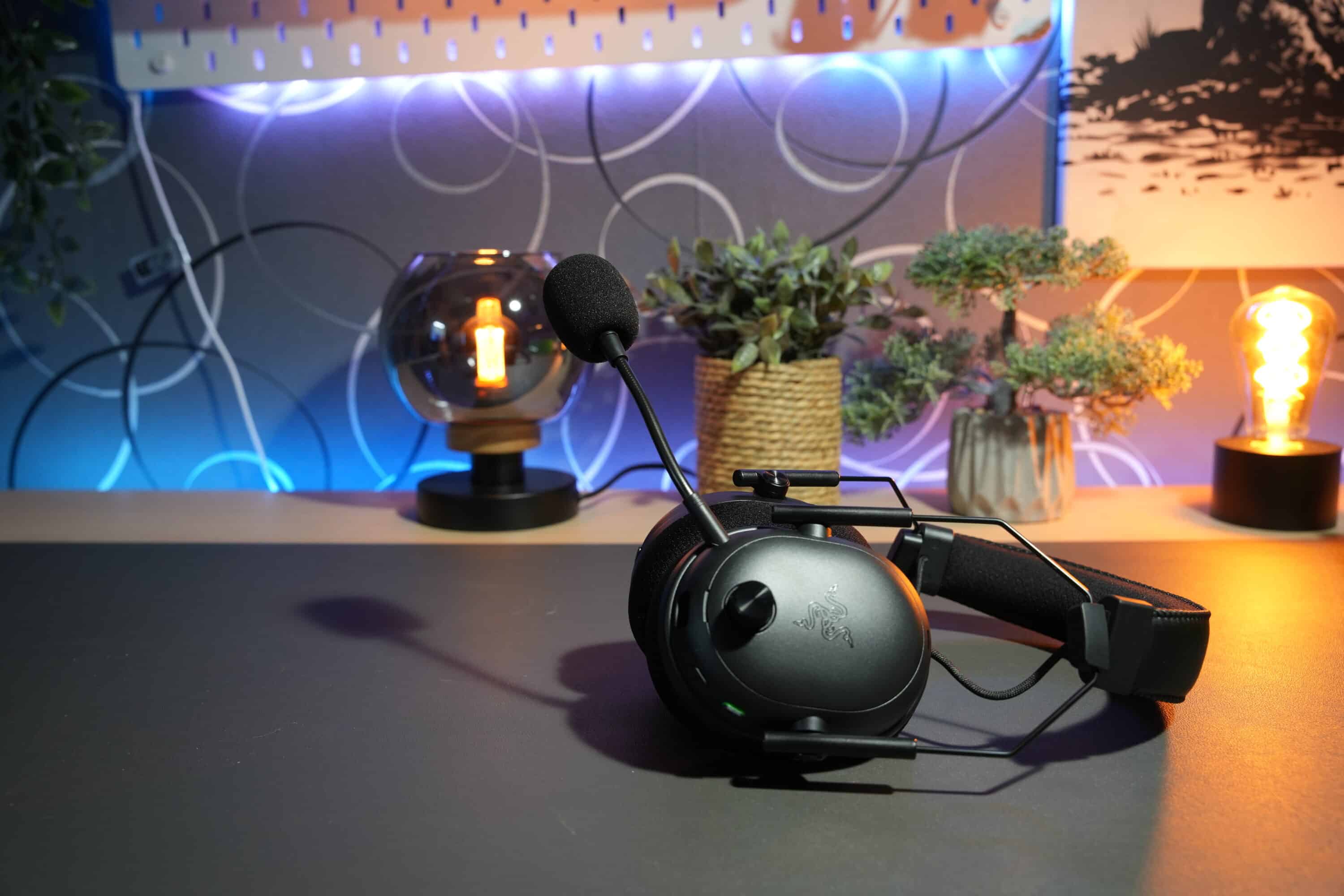
Nevertheless, the Razer BlackShark V3 Pro offers some improvements to the design. For example, the control dial on the outer left-hand side is now made of metal and has a pleasant ribbed surface, making it easier to feel. The on/off button now also has a grain.

However, the metal construction also increases the weight, because at 367 grams, the V3 Pro is noticeably heavier than the V2 Pro, which weighs 320 grams. Nevertheless, both headsets are equally comfortable to wear.
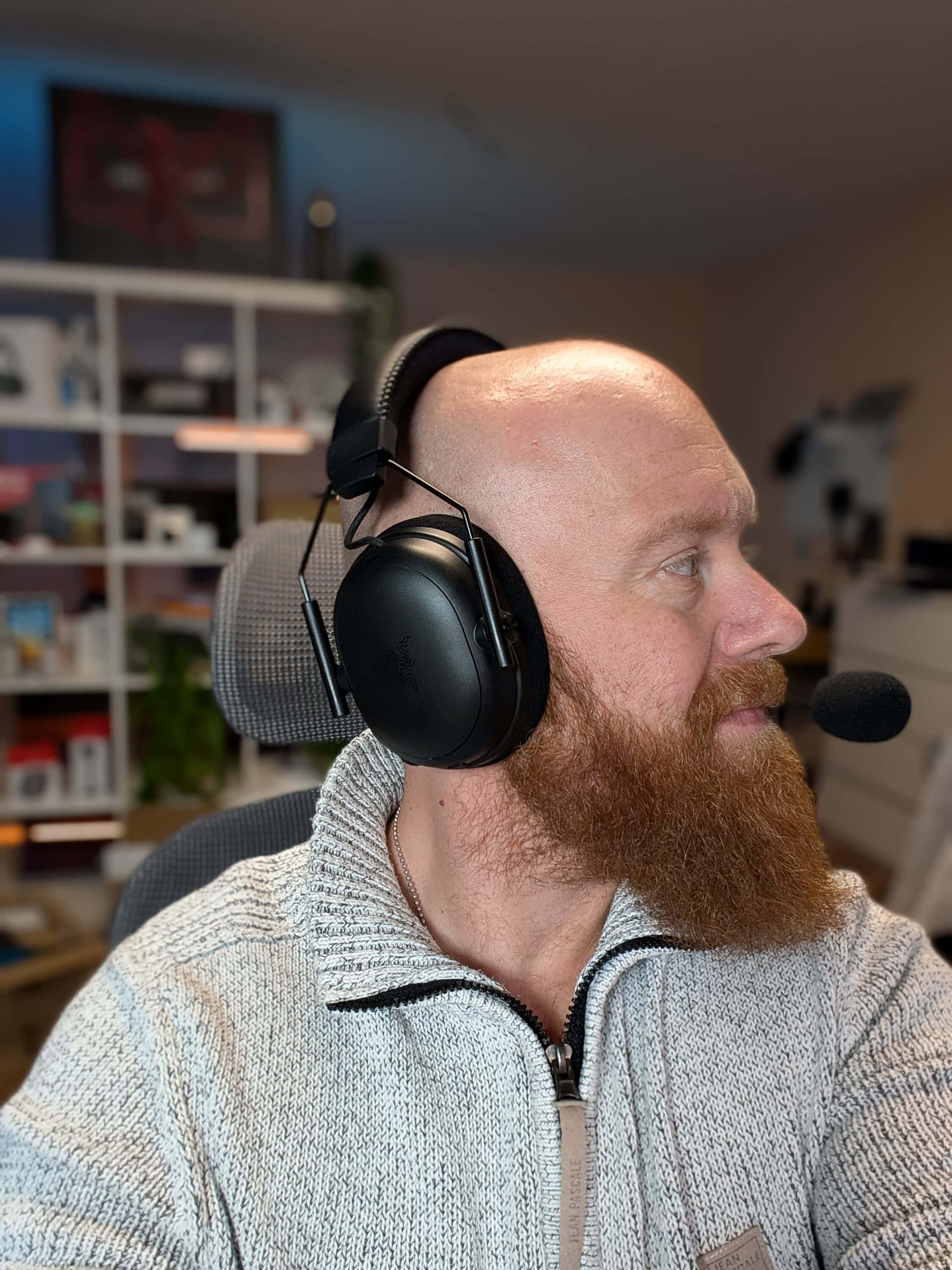
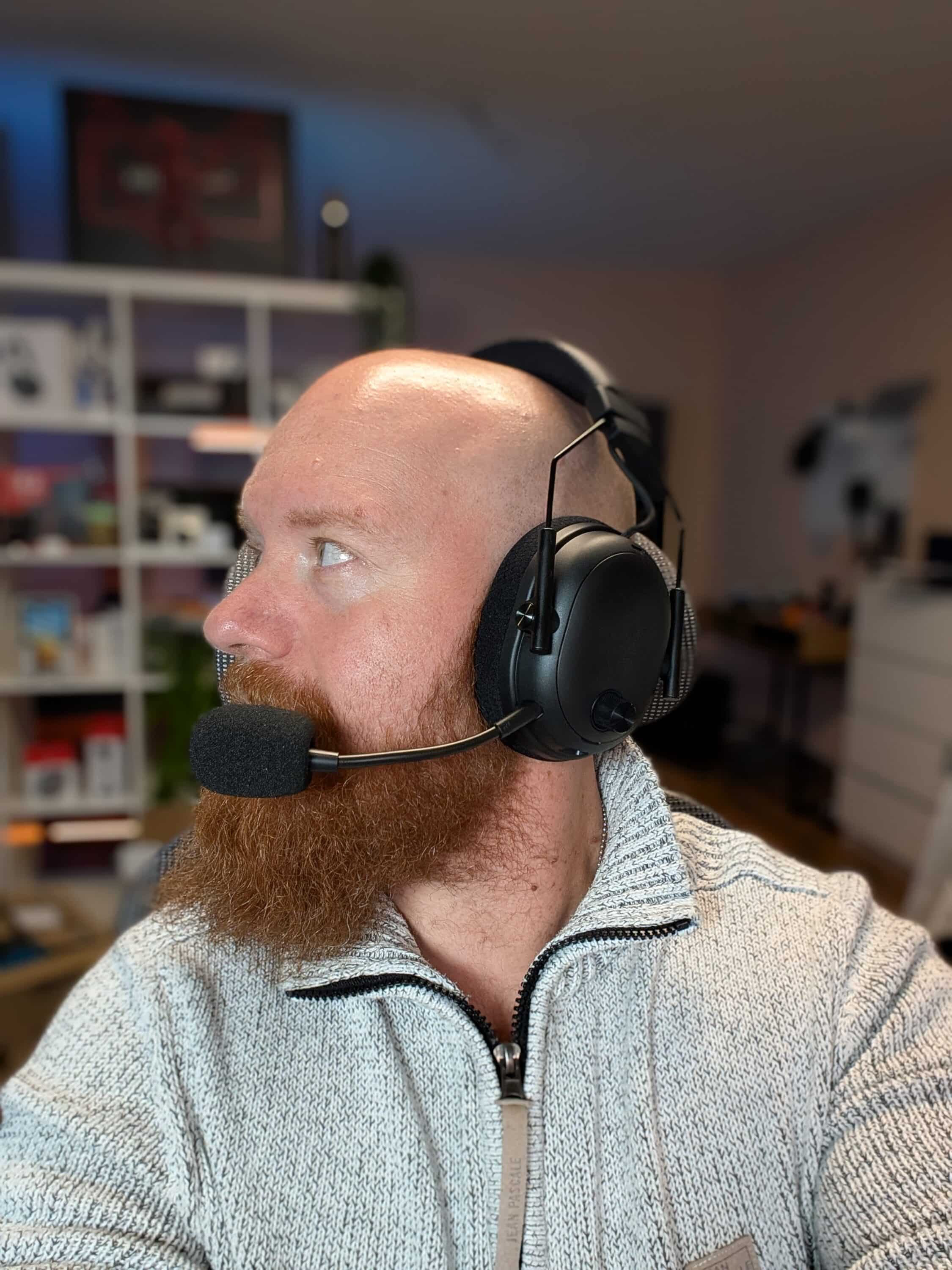
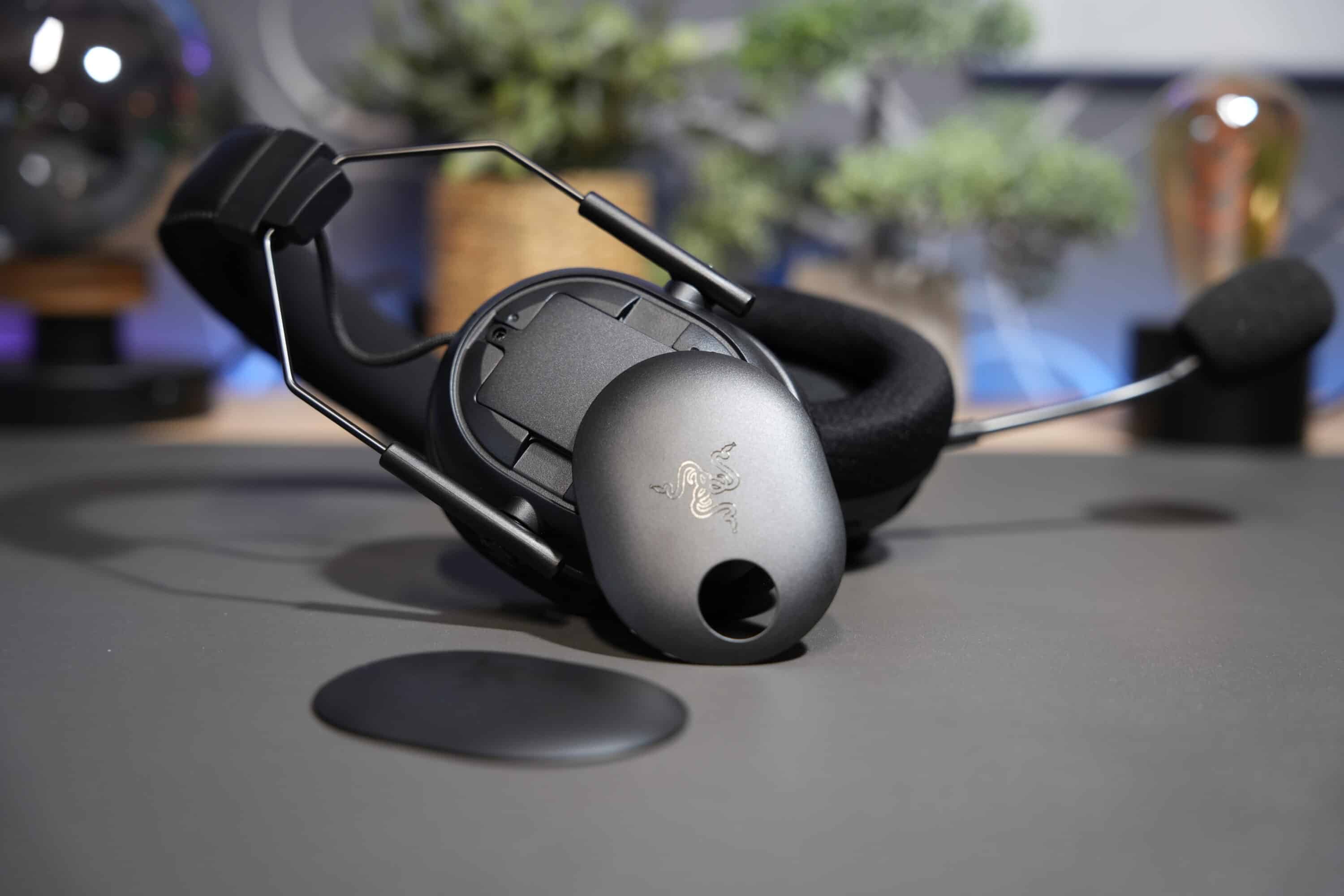
Another new feature: the outer plates of the ear cups (called faceplates) can now be removed. If you like, you can now use alternative designs. This also gives you access to the built-in battery, which can be easily removed with a screw – very practical if the battery needs to be replaced (at least if Razer then offers a replacement – as this is not yet available).
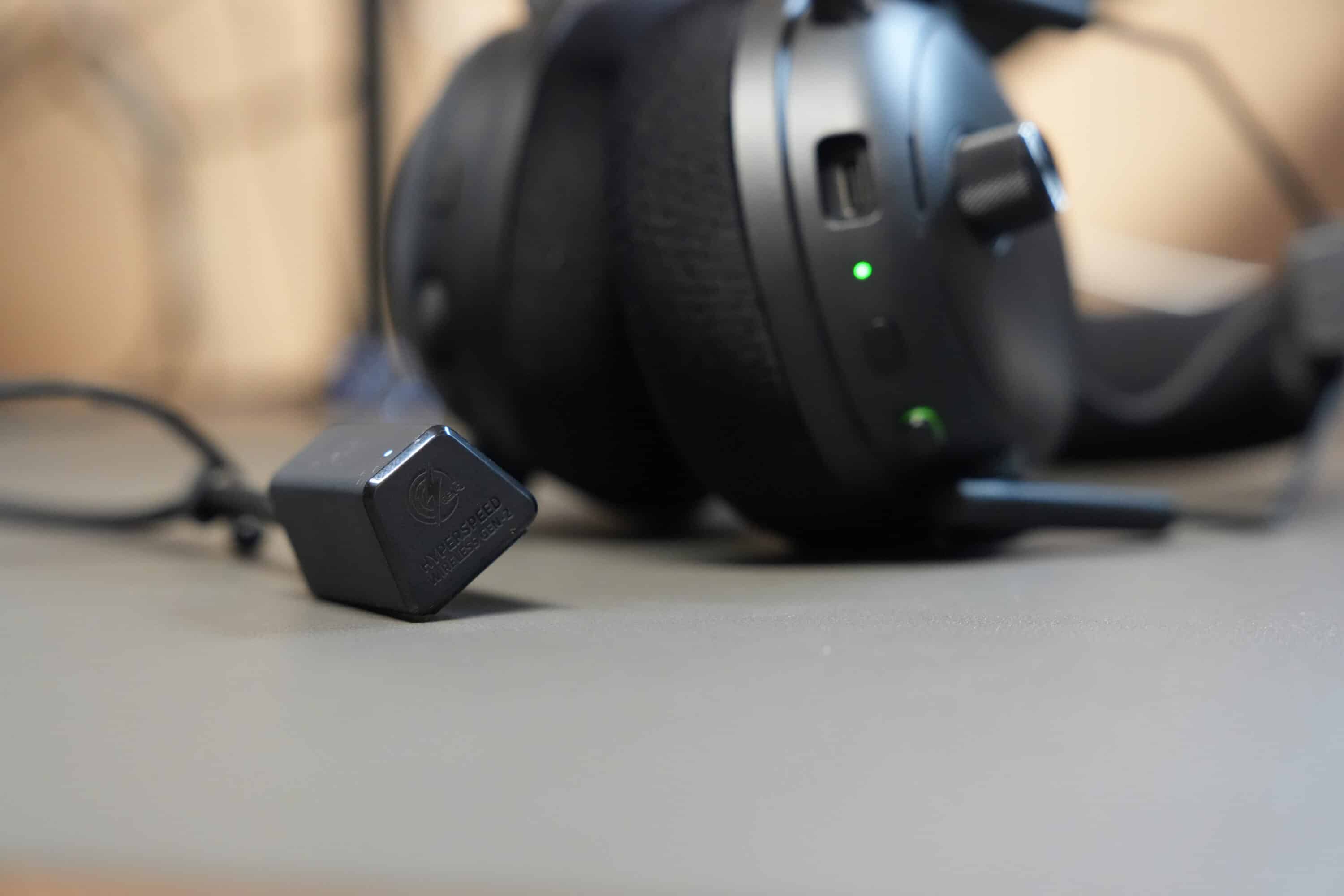
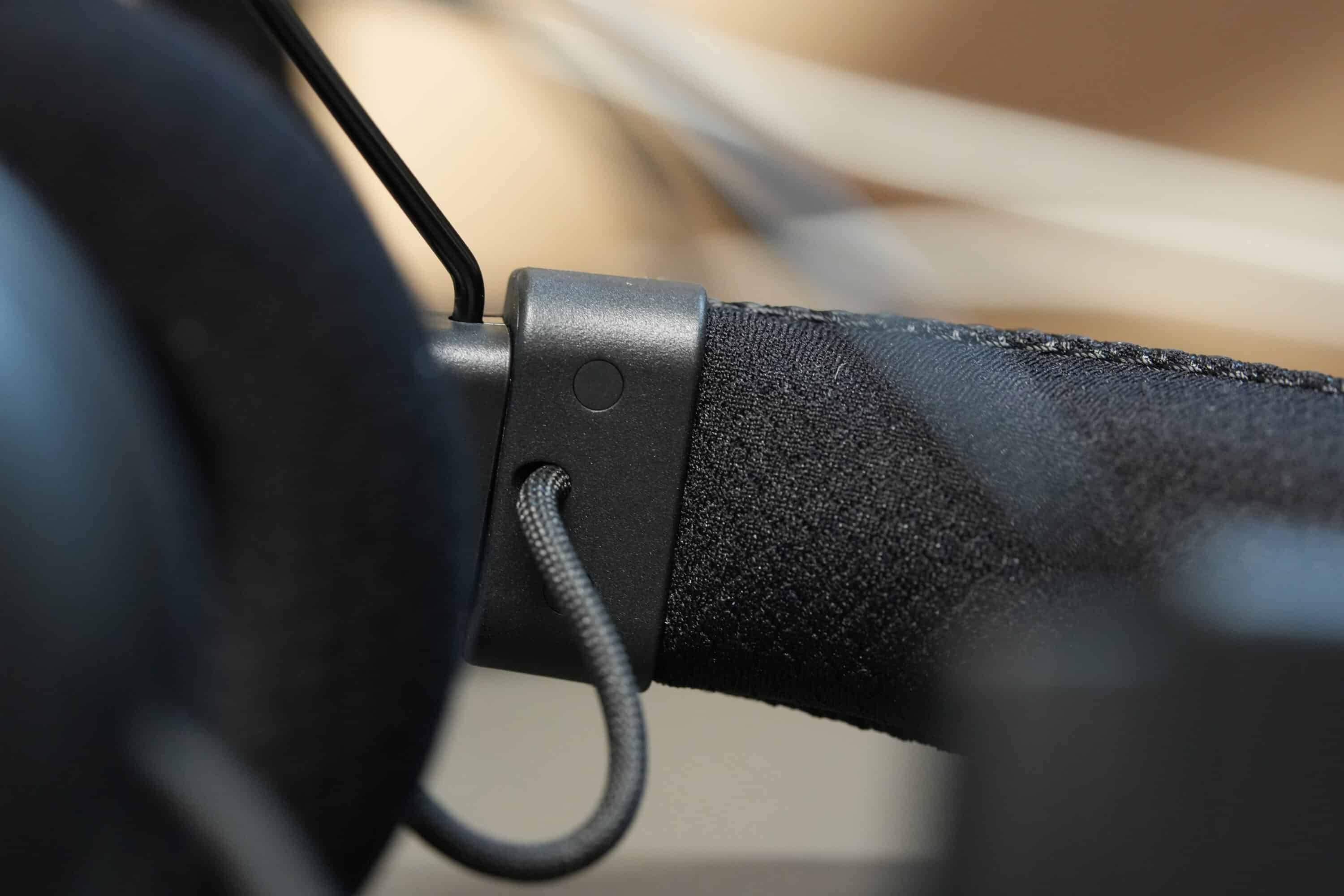
What I don’t like so much, however, is the new dongle design. Instead of a classic USB dongle, the V3 Pro now relies on a (fabric-covered) USB cable that is connected to the receiver. This in turn sits on the desk and tends to get twisted. Although this is supposed to enable lower latencies and ensure an interference-free signal, I find the solution rather impractical in practice. Well then.
Ingenious features, great operation
- Simultaneous connectivity
- incredibly low latency
- outstanding operation
The Razer BlackShark V3 Pro is particularly impressive when it comes to its feature set. Not only does the gaming headset work in the 2.4 GHz wireless standard with an extremely low latency of just 10 ms, it can also be paired with smartphones and other devices via Bluetooth.
The device has a special feature that only a few other headsets can offer: simultaneous connectivity. This makes it possible to simultaneously listen to the sound from a PC or console via radio and the Bluetooth sound from a smartphone. For example, game sound and music or calls. Using Synapse, you can determine how the sound of the wireless connection should behave when a call comes in on the smartphone. Razer has really put a lot of thought into this, especially as this function works flawlessly and quickly in practice.
Another new feature is active noise cancellation (ANC), which further enhances the already very good passive attenuation. Of course, the system, which can be adjusted in four stages, cannot keep up with real ANC headphones, but it does suppress ambient noise quite well.

In particular, the Razer BlackShark V3 Pro almost completely suppresses low, monotonous frequencies, while mid and high frequencies are still muted – typing on the keyboard, for example. This is of course a great additional function for increased immersion and less distraction, especially in competitive gaming. Nevertheless, I would have liked slightly better noise suppression here.
The counterpart in the form of ambient mode also works quite well and allows you to hold conversations while wearing the headset.

The headset is operated via buttons and dials directly on the headphones. It is self-explanatory and quickly internalized, while the individual buttons are very easy to reach. The function of being able to individually assign the rotary wheel on the right-hand side is particularly practical.

In the software, you can choose between a game/chat balance, microphone monitoring (sidetone) or – my favorite – step scaling. In conjunction with an esports preset, this allows you to increase or decrease the crotch noise with pinpoint accuracy. This also works very well in practice and represents real added value, especially in competitive shooters.
Customizable, even on the smartphone
- Successful smartphone app
- Wide range of settings
Which brings us to the topic of software and customization. The Razer BlackShark V3 Pro also deserves praise here, as it can not only be fine-tuned on the PC with the familiar Synapse 4 software – and this is absolutely comprehensive – but also via the Razer Audio app in Android or iOS.
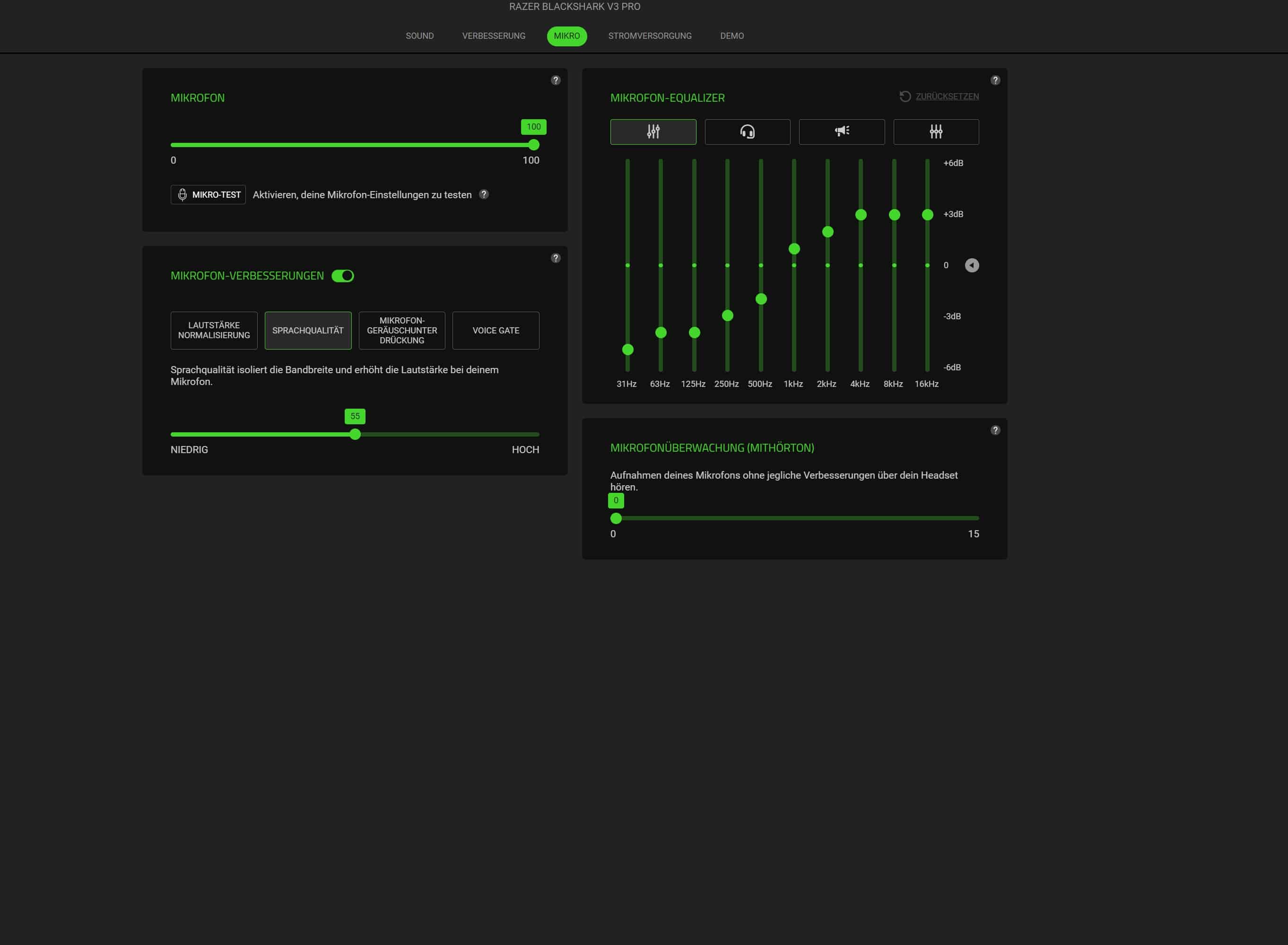

From the equalizer to the ANC to the sound of the microphone, you can adjust absolutely everything from the comfort of your smartphone.
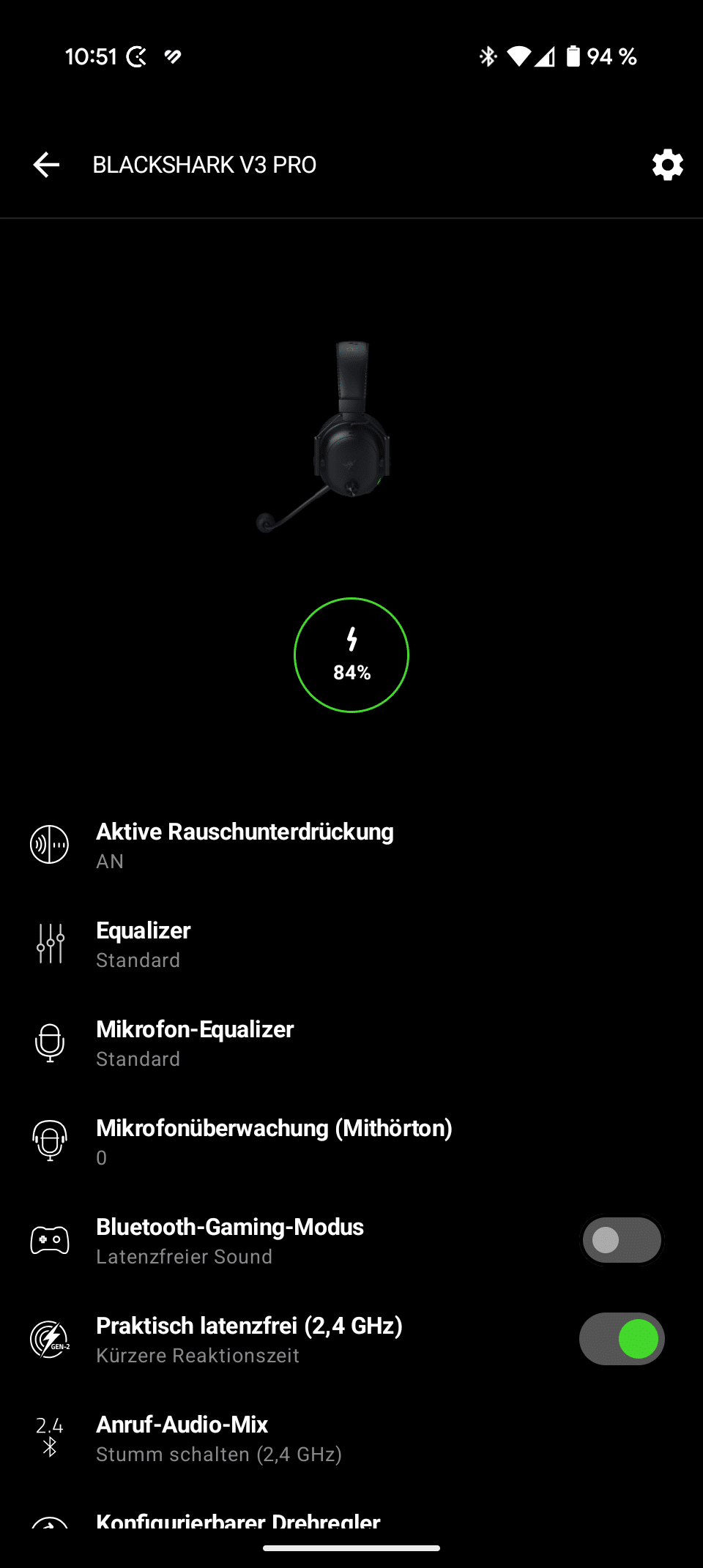
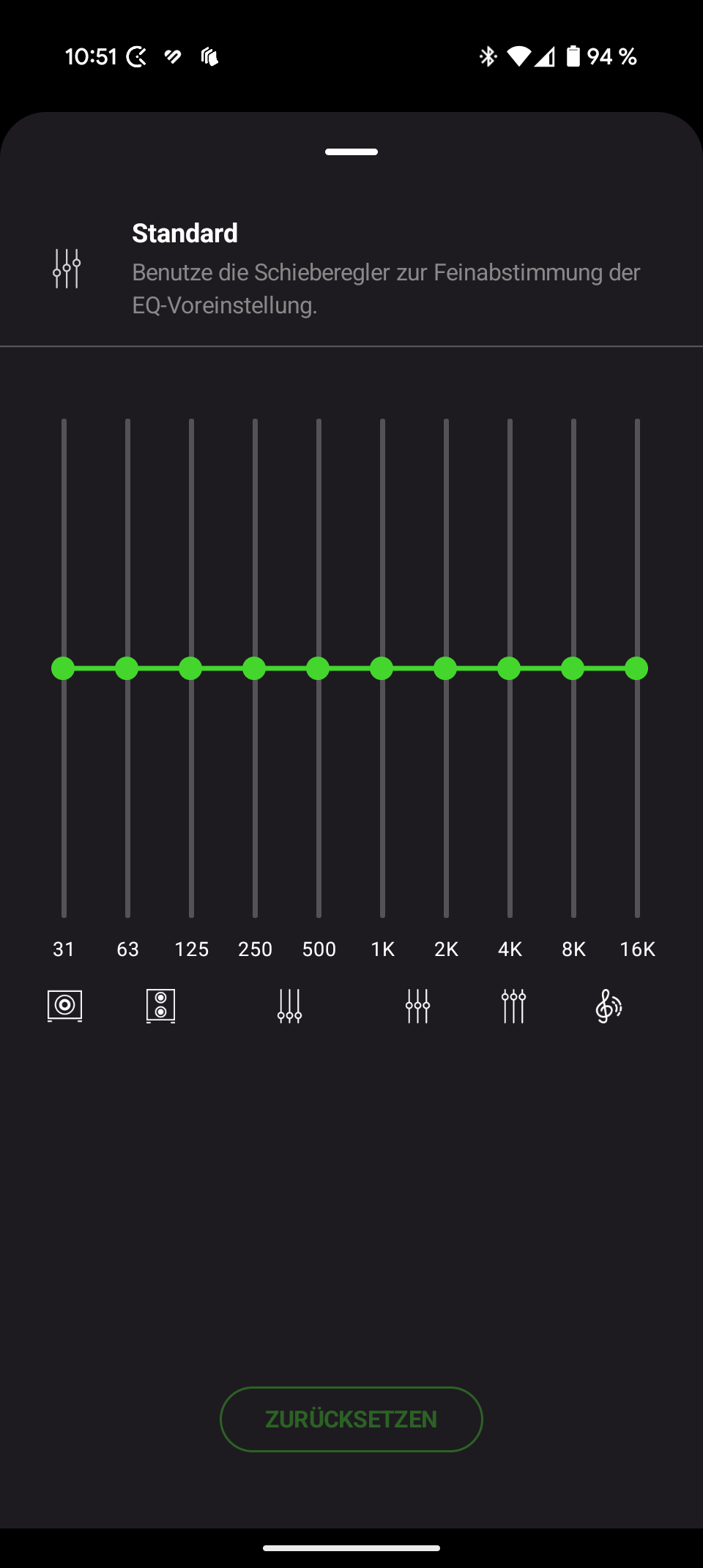
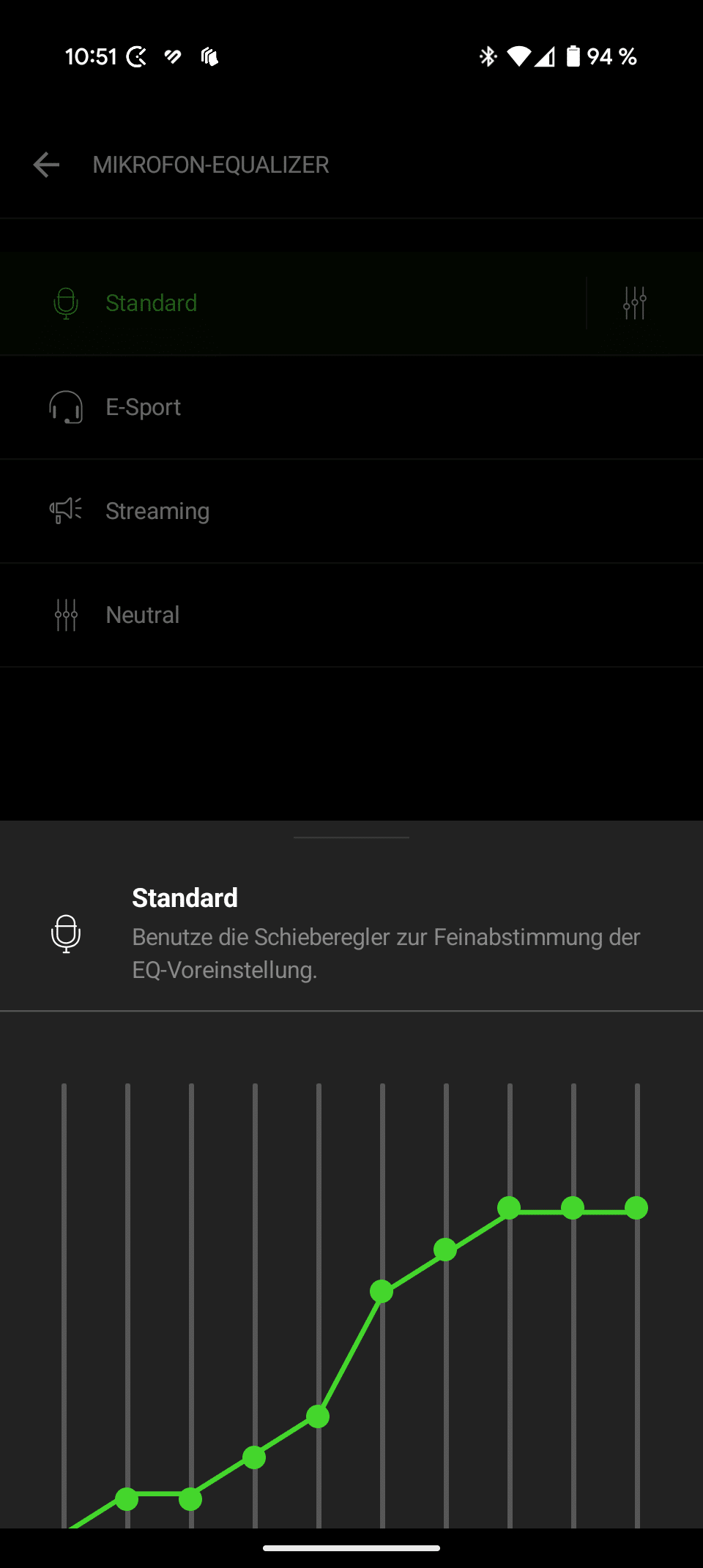
And all this with a beautifully clear, tidy interface and on-the-fly, so that changes can be seen directly on the PC or console. That’s how I like it.
Battery life of the Razer BlackShark V3 Pro
- 70h runtime on PC, 48h on consoles, but…
- … ANC and additional functions significantly reduce runtime
In terms of battery life, the Razer BlackShark V3 Pro is also well positioned. Up to 70 hours of use are possible on the PC, 48 hours on the consoles. However, it is not at all clear to me where these 22 hours of battery life come from. For console gamers, this is of course a drawback, as there are other gaming headsets that last noticeably longer.
Switching on the active noise suppression roughly halves the runtime on both systems, so you can realistically expect 30-35 hours on the PC and 20-24 hours on the consoles.
The ultra-low latency of 10 ms, which can be deactivated in the software if desired, also eats heavily into the battery, so you can deduct another five hours if you really want to use all the features of the V3 Pro. And compared to the competition, that’s a bit meagre.
Sound quality of the Razer BlackShark V3 Pro
- Lively, full and detailed sound
- somewhat sharp treble
- Excellent spatiality in stereo sound
What I really like, however, is the sound of the Razer BlackShark V3 Pro. Okay, we’ll leave out the spatial audio sound, as I think this is more of a marketing gimmick that improves the spatiality minimally, if at all. The spatiality of the stereo sound image is absolutely outstanding, so I personally don’t see any need to use the simulated spatial sound.
But the basic sound of the headset is absolutely convincing and is pleasantly balanced, so that the bass doesn’t push itself to the fore, but explosions and other sound effects are still pleasantly powerful and detailed.
Even in the standard EQ setting, the headset impresses with broad and detailed mids, but shows some noticeable distortion and sharpness in the higher frequencies, which can be easily eliminated by reducing these.
However, you can clearly tell that the Razer BlackShark V3 Pro is designed for competitive gaming. By accentuating the mids, important acoustic cues, such as footsteps or opponents’ movements, can be clearly perceived. The headset shines in CS2, Apex Legends or The Finals, but you can also expect a detailed, lively and airy sound in immersive single-player games.
I also quite liked the headset when listening to music, although real headphones sound noticeably more lively and high-resolution here. However, the sound simply lacks airiness when listening to music. Other headsets, such as the Fractal Design Scape, manage this much better.
Basically, the Razer BlackShark V3 Pro is one of the gaming headsets with the best sound, only the somewhat sharp highs could – depending on the genre – become a little more unpleasant in the long run.

The return of the 3.5 mm jack connection is also very practical, so you can also use the headset wired. Interestingly, the active noise cancellation has a noticeable effect on the sound. The slightly over-present bass is rounded off a little, which – with ANC – makes for a more coherent and better sound.
Strong microphone… with downgrade
- Very good microphone (for a headset), but…
- … V2 Pro sounded much better and more detailed
- too little gain
Let’s not kid ourselves: The Razer BlackShark V2 Pro had the best microphone in the gaming headset sector at the time (and still does). And even though Razer has made improvements in every nook and cranny with the V3 Pro, according to the marketing material… the mic of the new edition sounds worse. Huh?
Despite the new 12 mm capsule (at least 2.1 mm larger), the sound quality of the microphone is noticeably worse. The sound sounds less detailed, picks up more ambient noise and generally seems less high-resolution than its predecessor.

And the microphone also lacks punch (or gain). Although I turned the level all the way up, I personally felt it lacked a few decibels to produce a really good sound.
Razer BlackShark V3 Pro microphone test recording:
Microphone test recording Fractal Design Scape:
Microphone test recording Corsair VOID Wireless V2:
Don’t get me wrong: The V3 Pro’s microphone still sounds better than 80-90 percent of the competition. But compared to its predecessor, this is a significant downgrade. Even the microphone EQ settings or sound improvements don’t help. Especially as the mic is quite susceptible to noise and sound dropouts.
Razer BlackShark V3 Pro Review: Conclusion
Three steps forward, one big step back. That actually sums up my experience with the new Razer BlackShark V3 Pro very well. Here you get a very good gaming headset that not only impresses in terms of wearing comfort, but also has a really good sound.
There are also great features such as ANC, ultra-low latency and (absolutely brilliant) dual, simultaneous connectivity via wireless and Bluetooth. However, you also have to accept some compromises in terms of battery life.
However, the microphone is sobering for me. Hey, it still sounds better than most of the competition, but… the predecessor in the form of the V2 Pro already had a better microphone two years ago.
Nevertheless, this results in an absolutely well-rounded overall package that not only puts the Razer BlackShark V3 Pro ahead of its predecessor, but also ahead of many of its competitors.

VORTEILE
- Great sound
- High wearing comfort
- Simultaneous connectivity
- Ultra-low latency
- Successful operation
- Very good microphone
NACHTEILE
- Poor battery life
- Microphone of the predecessor was better
- High price
Fazit
Very comfortable gaming headset with great sound, simultaneous connectivity and successful operation.