


You don’t want your wireless gaming mouse to suddenly run out of juice while gaming or your freedom of movement to be restricted by connecting the charging cable? This is where the Razer HyperFlux V2, introduced in June, comes into play, as the mouse pad constantly supplies your (compatible) gaming mouse with power – and also serves as a receiver for the mouse and keyboard. We took a closer look at the HyperFlux V2 in our test.
Technical data
| The product | HyperFlux V2 |
| Dimensions (H x W x D) | 360 mm x 311 mm x 4.5 mm |
| weight | 576 grams |
| Material | ABS plastic |
| Underside | Silicone (non-slip) |
| Colors | black |
| Scope of delivery | Mouse pad; Charging puck; USB-A adapter |
| price | € 139.99 * |
Razer HyperFlux V2 review: More than just a mouse pad
- Broad compatibility with Razer peripherals
- inductive charging function
- integrated receiver for mouse & keyboard
Admittedly: The idea of a mouse pad with an integrated inductive charging function is not new. Logitech G has had something similar for several years with the PowerPlay, now also in a second version. Razer has also had such a system in its portfolio since 2018 with the first edition of the HyperFlux.
However, the new edition in the form of the Razer HyperFlux V2 has a whole host of advantages. For example, the first edition required special mice from the manufacturer with an integrated capacitor. This is no longer the case.

The V2 is compatible with the latest wireless gaming mice from Razer, including the Cobra Pro (our test), Basilisk V3 Pro, Naga V2 Pro or the brand new Cobra Hyperspeed.
Another special feature: the HyperFlux V2 has an integrated wireless receiver for Razer’s Hyperspeed connection and serves as a receiver for compatible gaming mice and keyboards. In practice, this means that you can pair your Razer mouse and keyboard with the mouse pad without the need for an additional dongle, which makes setup much easier.

In contrast to Logitech, with Razer you have to decide in advance whether you prefer a hard surface (particularly fluid and fast) or a soft fabric surface (more precise). This is because the surface can no longer simply be turned over.
The design of the Razer HyperFlux V2
- Pleasantly large and flat
- Integrated USB cable
- Status LED; non-slip underside
The mouse pad is currently only available in black and in size L, measuring 360 mm x 311 mm x 4.5 mm (with the rear section including the receiver being 13 mm high).
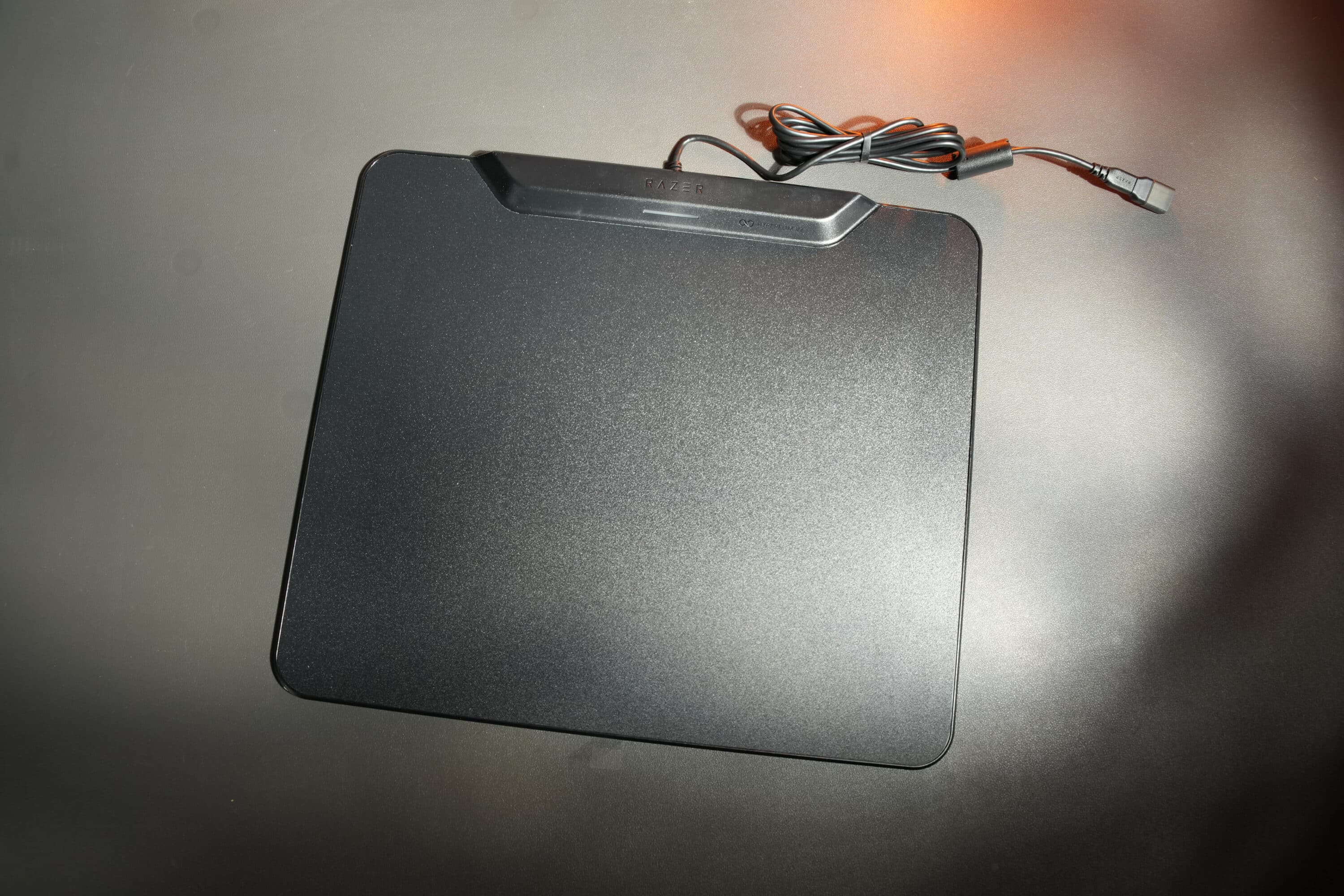
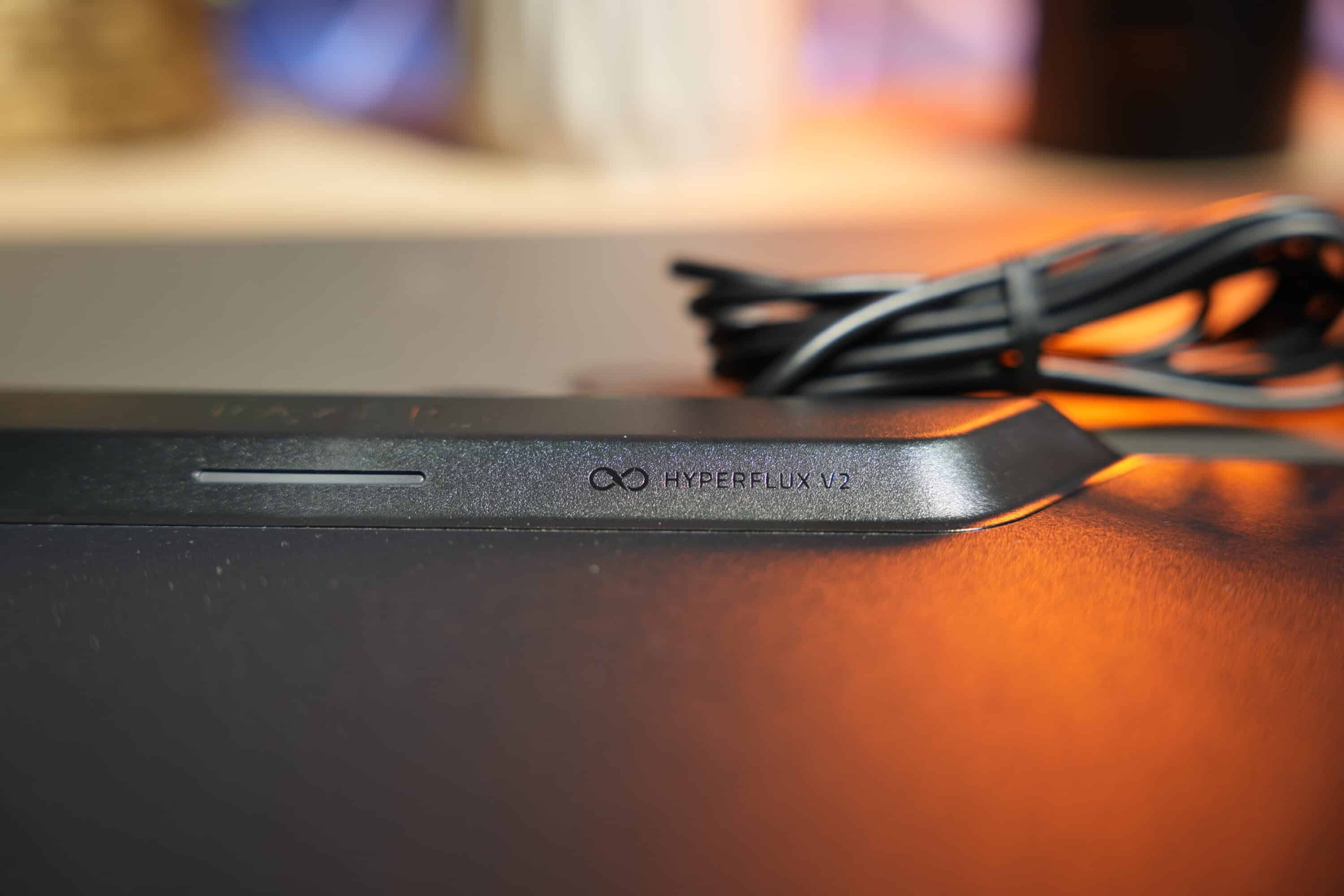
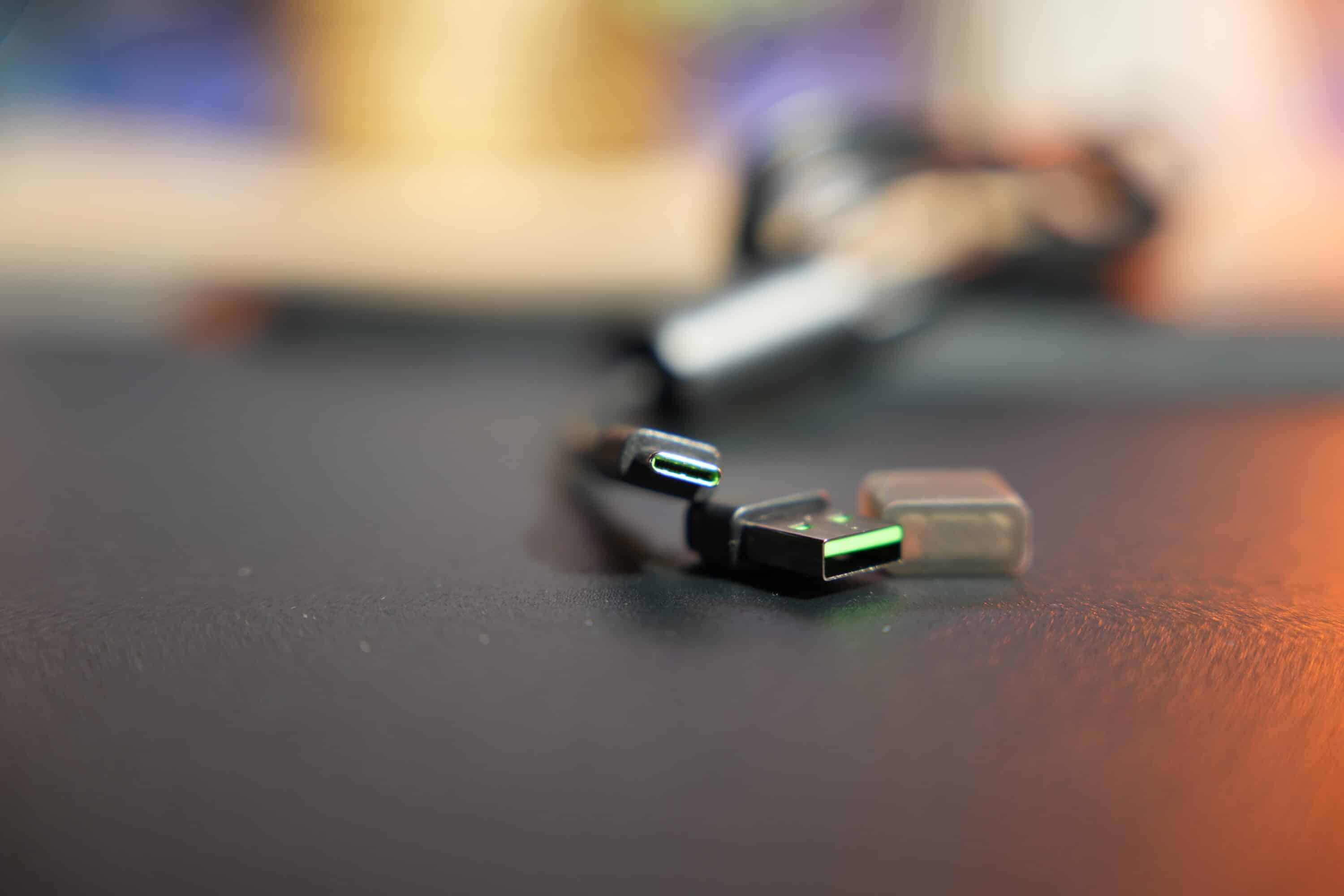
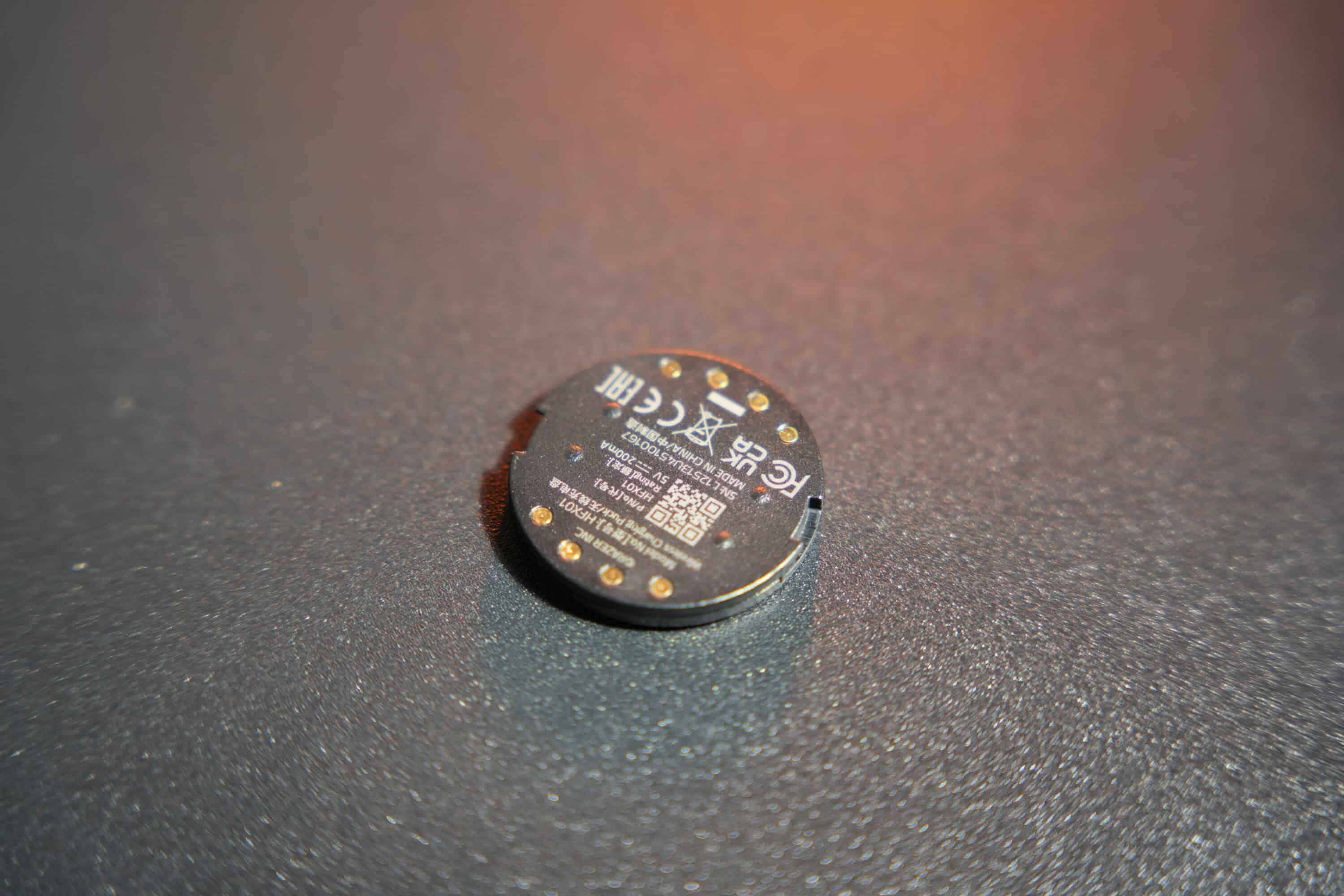
At a good 576 grams, the Razer HyperFlux V2 is also quite heavy. A USB cable is permanently integrated at the back and is connected via USB-C. Fortunately, you will also find a USB-A adapter in the scope of delivery, as well as the charging puck that connects the mouse to the mouse pad.
Razer has also integrated a status LED in the middle of the receiver unit on the top, which provides information in different colors about the charging status of the mouse in use. Not that this is absolutely necessary, as the mouse is continuously supplied with power via the mouse pad anyway.
However, the desired battery level can be limited within the Synapse software, which extends the life of the mouse – very commendable.
The underside of the mouse pad also has a non-slip rubber coating so that nothing can slip, even on smooth surfaces.
Puck and Play: Practical test of the HyperFlux V2
- Plug-and-play connectivity
- Reliable connection
- excellent gliding properties
Connect the mouse pad, insert the charging puck into the mouse and get started. That’s how easy it is to use the Razer HyperFlux V2 in practice. Well, at least almost. Because the Synapse software has to be installed first. The mouse pad must be connected to a USB port in the 3.0 standard in order to supply the mouse with power and serve as a receiver. However, the connection does not work with old USB 2.0 ports.

Depending on the connected mouse, a firmware update may be necessary. Either only for the HyperFlux V2 or also for the mouse. The new Razer Cobra Hyperspeed worked without updates in the test, whereas the older Cobra Pro needed to be updated first.
Once this is done, however, nothing stands in the way of permanent wireless gaming fun. And the practical impressions are simply outstanding. The mouse is reliably and continuously charged and supplied with power. I have also limited the charge level to 50 percent, which is also perfectly implemented by the mouse pad.
But what really impresses me are the gliding properties of the hard surface. The rodent virtually flies over the slippery surface. The resistance is pleasantly low, which has a positive effect on the gliding properties. At the same time, mouse movements hardly make any noise, which makes for a pleasantly quiet backdrop.

There is also nothing to complain about ergonomically. The low height and rounded edges are extremely pleasing and do not restrict movement. To summarize, the Razer HyperFlux V2 is simply a really good mouse pad – and so much more than that.
Razer HyperFlux V2 Review: Conclusion
With the Razer HyperFlux V2, the manufacturer delivers an outstanding wireless charging system, which offers an important advantage over the competition from Logitech G in particular: As the wireless receiver is directly integrated here, the mouse and keyboard can be connected without an additional dongle – which is of course a killer feature, especially on gaming notebooks with limited connectivity.
I was also impressed by the simple and intuitive use. Insert the charging puck into the mouse, place it on the mouse pad and you’re ready to go. OK, older models may need a firmware update, but that’s all there is to it.
In practice, the Razer HyperFlux V2 impresses with a reliable connection, power supply and excellent gliding properties. However, the mouse pad does have to put up with two points of criticism: On the one hand, there is no option to switch between the two surface variants. On the other hand, the price is quite high at around 140 euros.
And yet: The Razer HyperFlux V2 is currently the best mouse pad with inductive charging function on the market and is not only exciting for those who are already part of the manufacturer’s ecosystem.

VORTEILE
- Inductive charging function
- Integrated wireless receiver
- Very good ergonomics
- Excellent gliding properties
NACHTEILE
- Cable not detachable
- Mouse pad cannot be changed
- High price
Fazit
Outstanding mouse pad with inductive charging function and integrated wireless receiver. A must-have, not just for Razer fans.


