


Speedlink is a German brand for PC peripherals and gaming accessories that has been on the market since 1998. They place a particular focus on the price-performance ratio, so you can expect solid performance for the respective price range. The Speedlink Rait NX gaming controller, which we are testing here, is also in a very affordable price range. It stands out with a few special features; in particular the RGB lighting in a transparent housing and the Hall sensor technology, which is designed to prevent problems with the precision or drift of the sticks and triggers. But how does it perform in practical use?
Specifications
| Buttons | 10 + 2 Trigger, 2 Macro, D-Pad, Turbo, Home & Screen Shot |
| Connection options | USB (cable), Bluetooth 5.3, 2.4 Ghz (dongle) |
| Wireless range | up to 10 m |
| Cable range | 2 m included in delivery |
| Battery capacity | 600 mAh |
| Input types | DirectInput / XInput (like XBOX controller) |
| Hardware compatibility | PC, Playstation 3, Android, Nintendo Switch |
| Vibration | Available, two motors |
| Price | € 39.99 * |
Packaging and scope of delivery
- No plastic used in the packaging material
- Double cardboard ensures good protection
- Quick guide is helpful
- Dongle and USB cable are included.
The packaging of the Speedlink Rait NX is kept quite simple, as is to be expected and indeed desirable in the low price range. The box is dark and quite inconspicuously designed, but not strikingly conspicuous, with the controller even standing out slightly on a shiny reflective surface. Otherwise, the information is in English and German and the most important specifications are partly in a table and partly on the front as individual items. To be honest, I probably wouldn’t take a closer look at the controller based on the packaging if I saw it in a store.
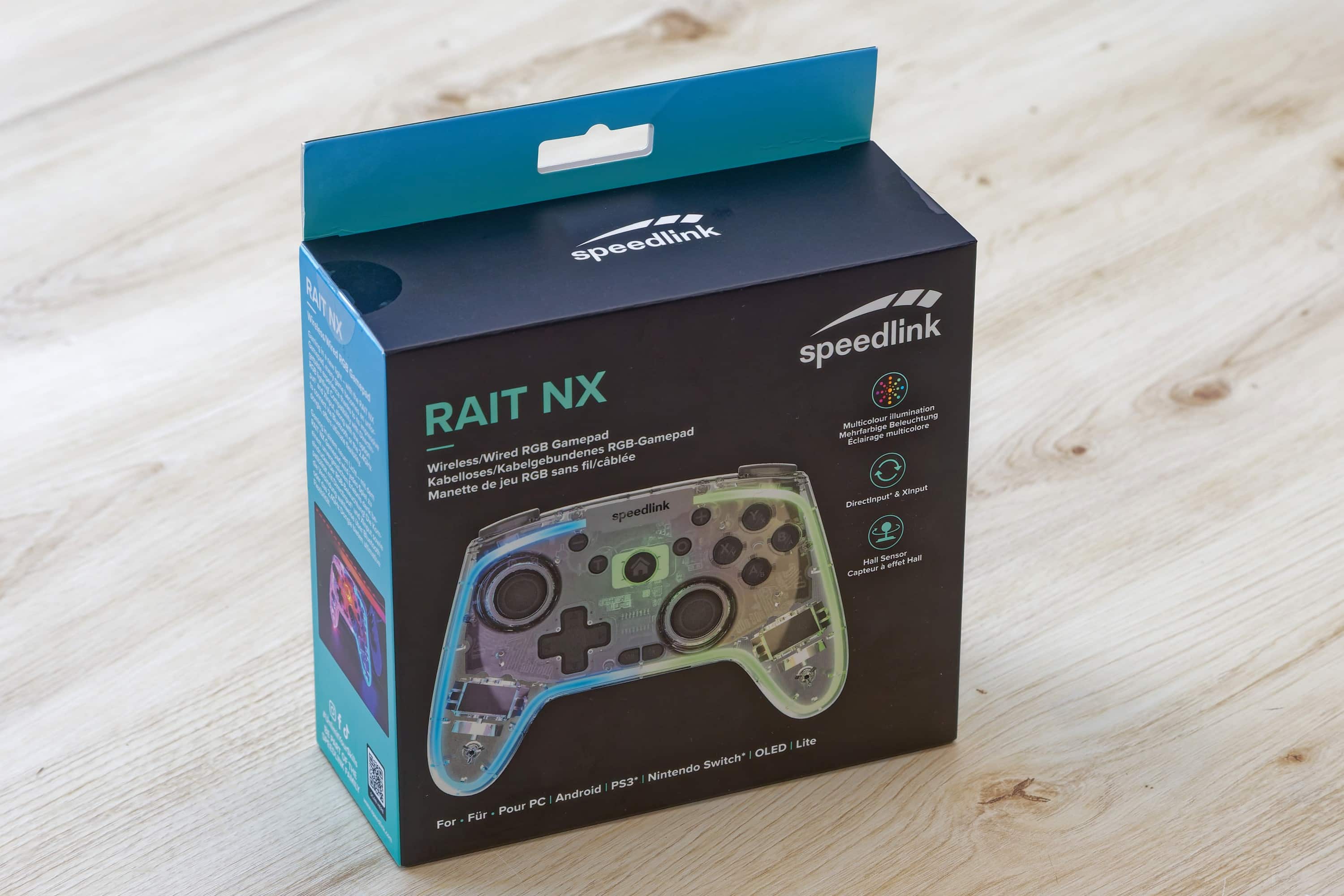
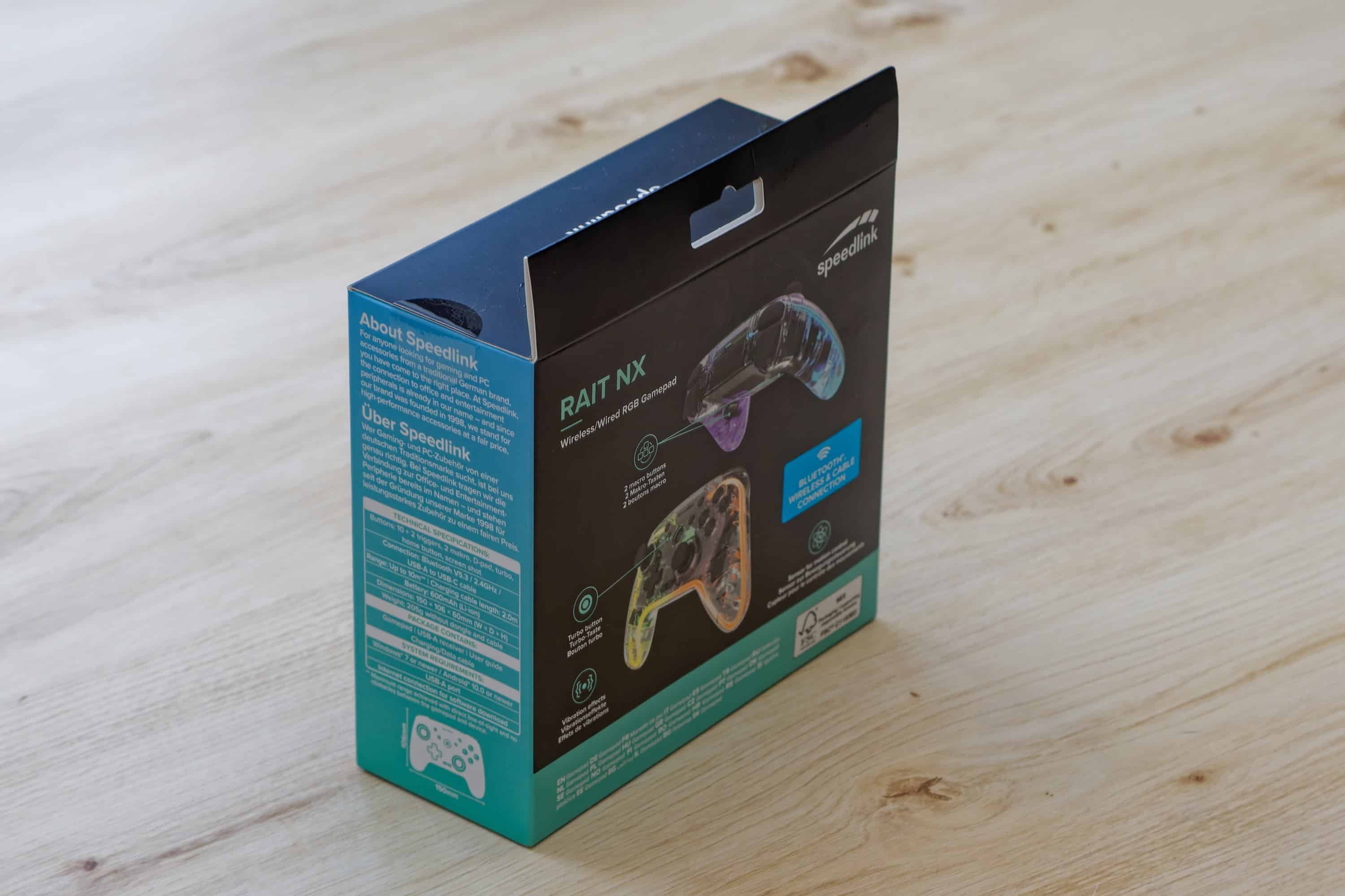
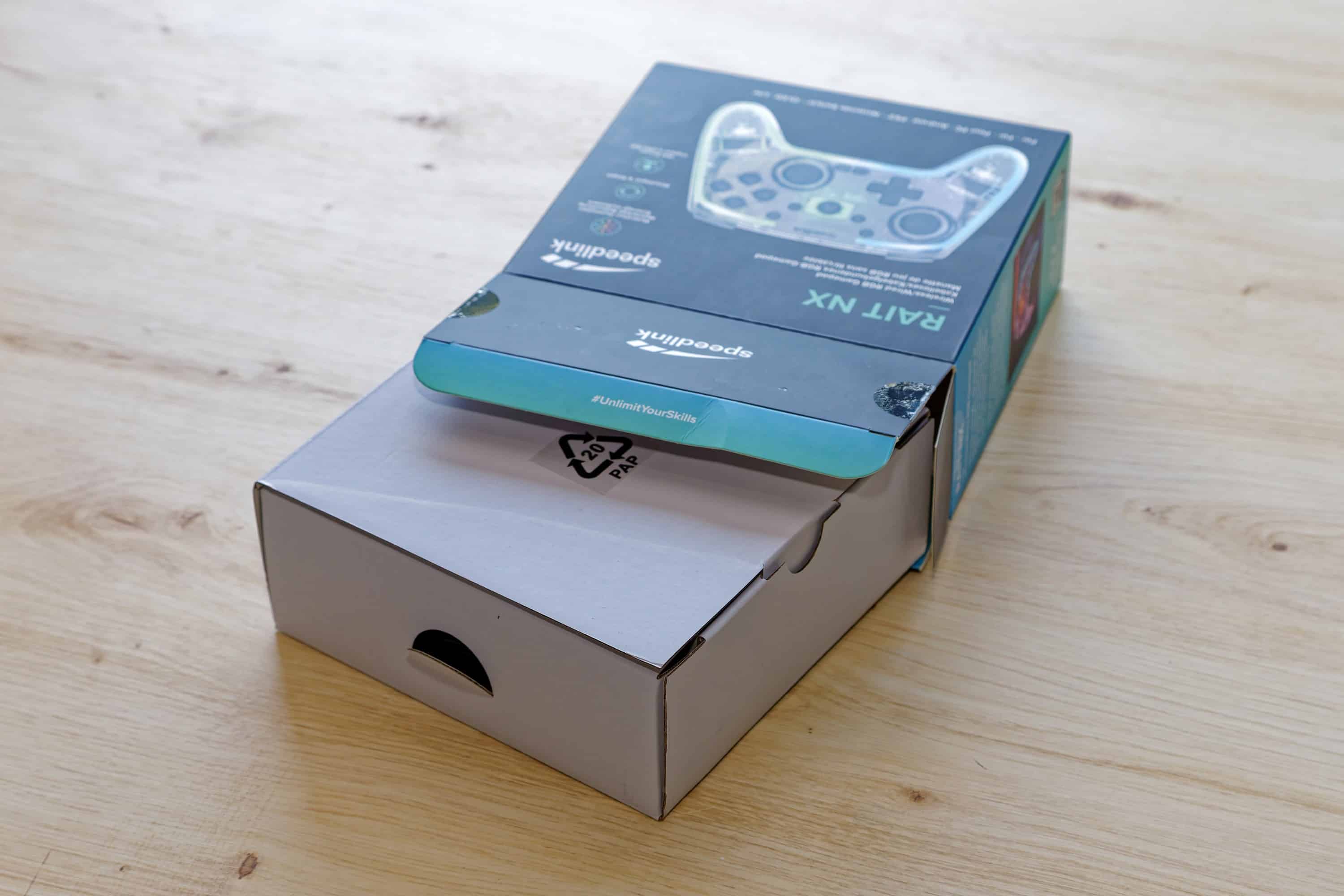
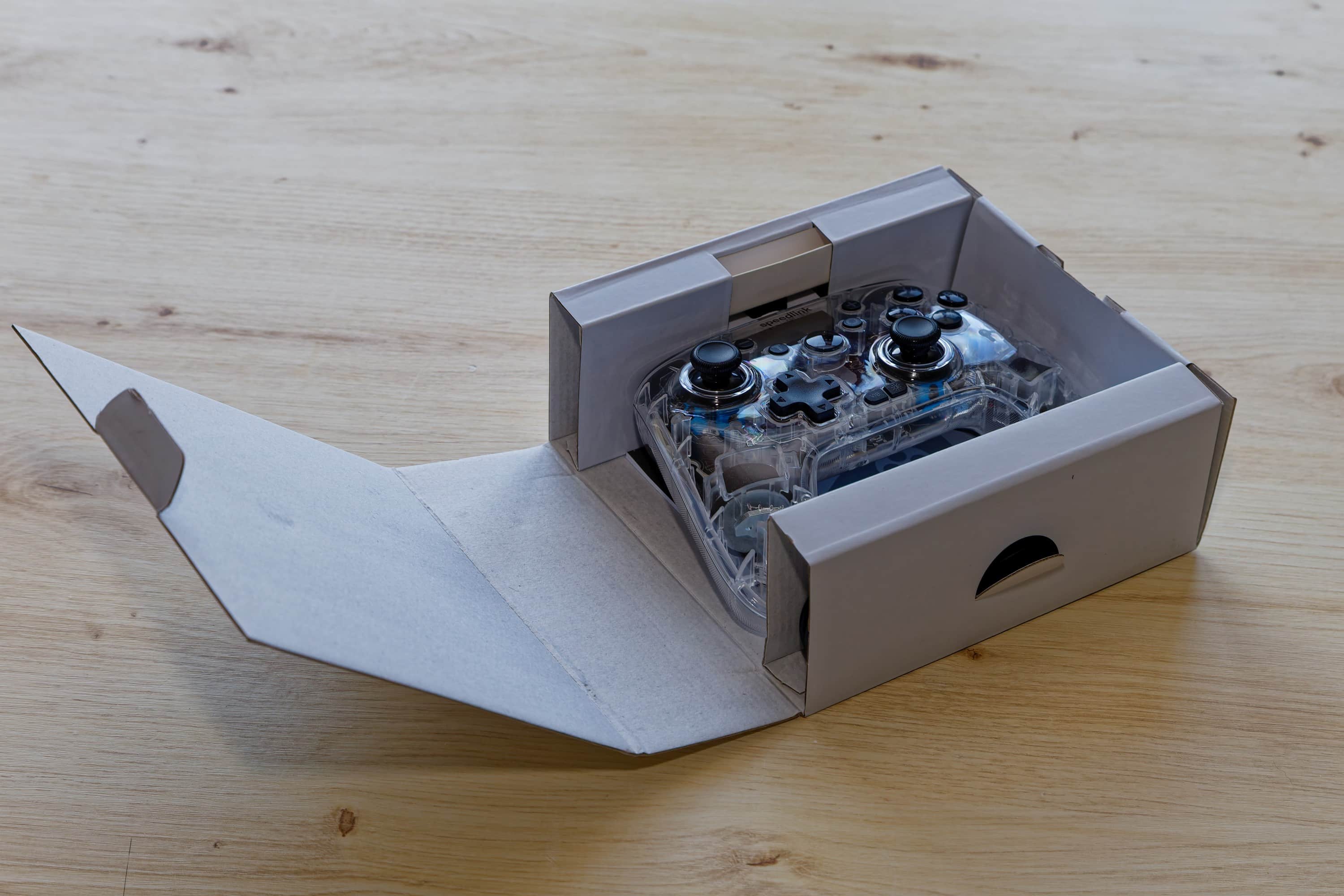
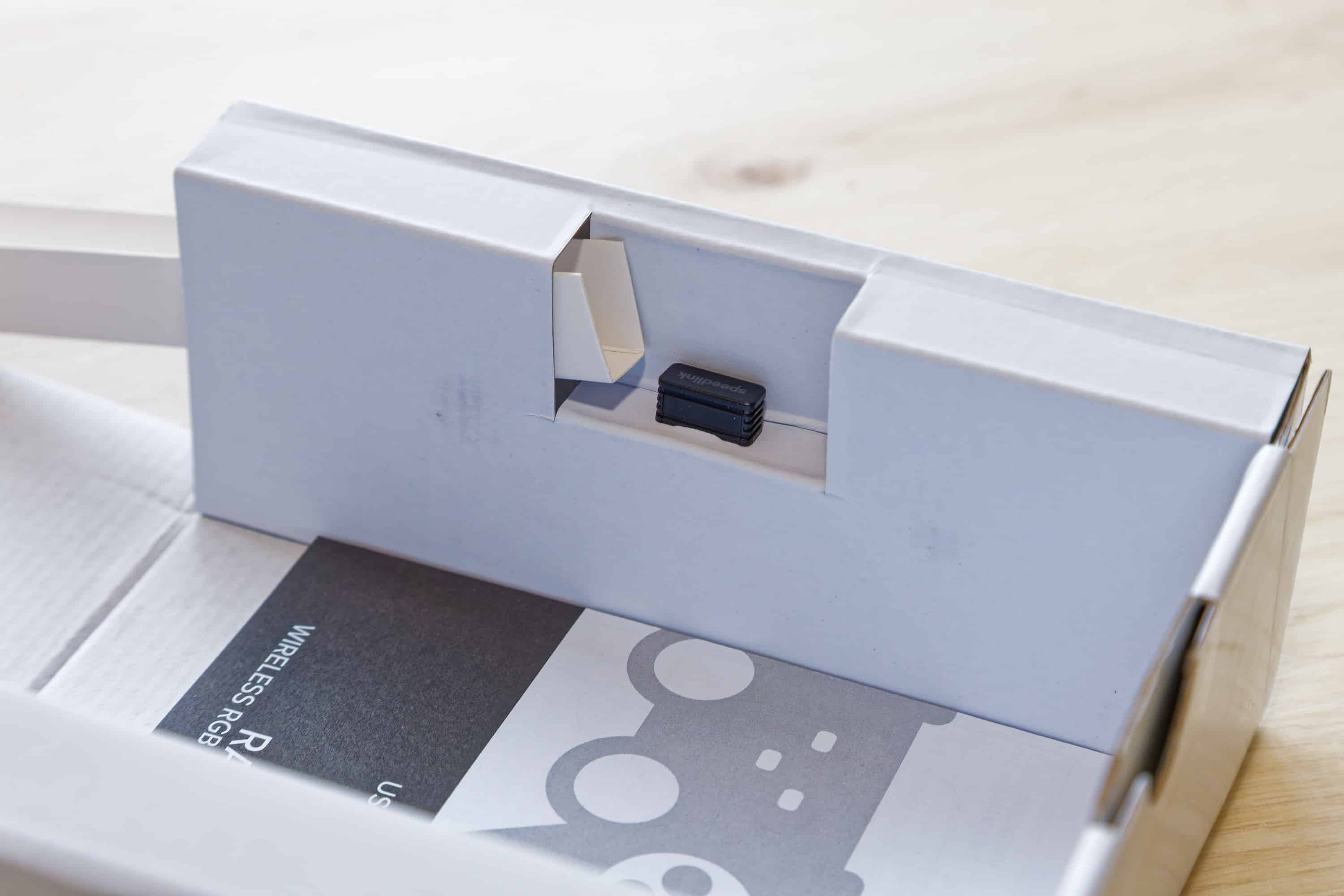
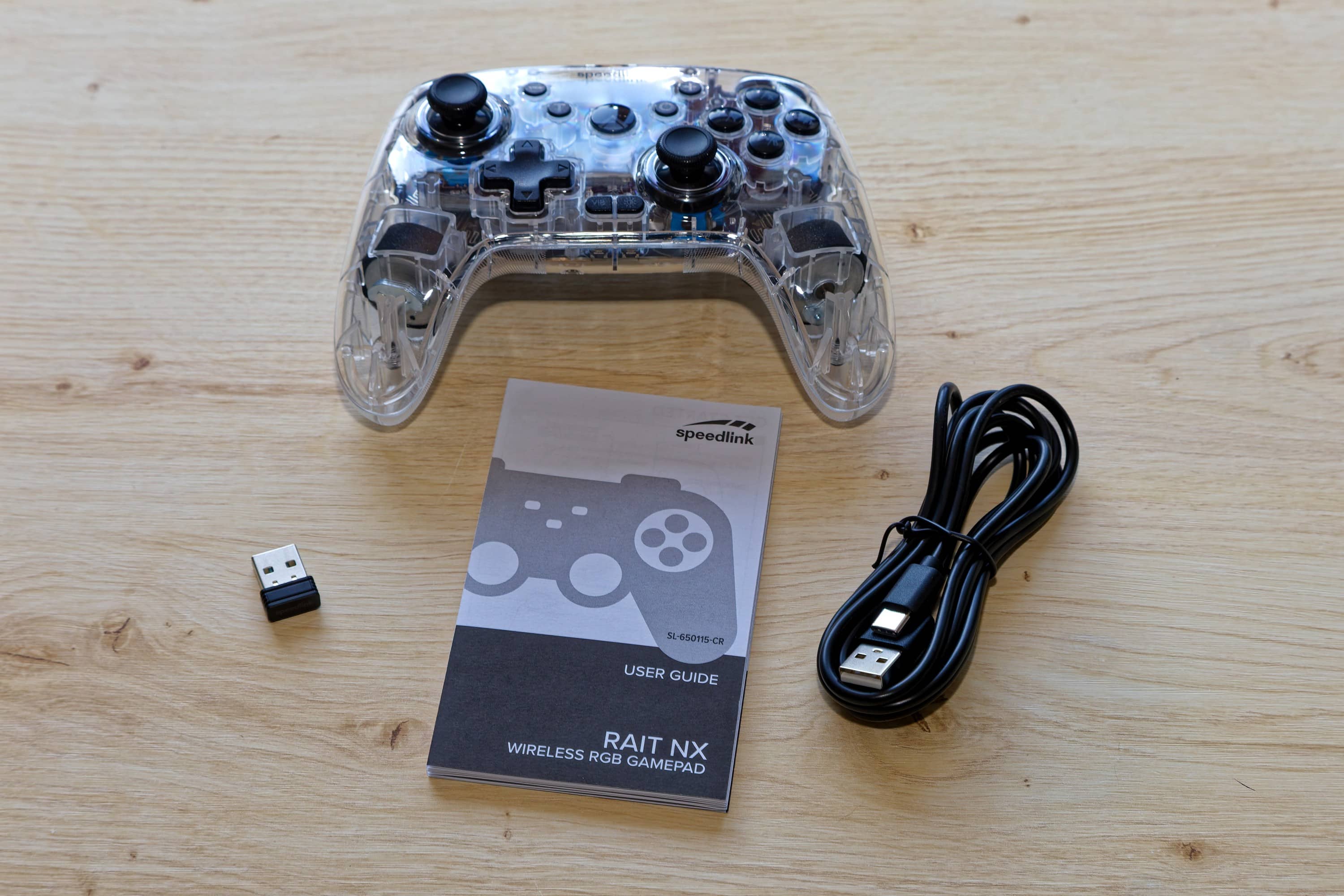
Apart from that, the packaging is good and doesn’t use any plastic. If you open the outer packaging, you can pull out a white cardboard box containing the controller, the USB-A dongle and the 1.8 m long USB-A to USB-C cable on the sides. Last but not least, a multilingual quick start guide is also included, which is very useful for finding the right operation for the lighting and vibration, as well as for setting the macro buttons and connecting to different systems. What is not included is a USB power adapter for charging, but you usually have enough of these lying around anyway and you usually use the controller with devices that have a USB port and can be used directly for charging.
All in all, it is compact yet practical and safe packaging that is based on cardboard and can therefore be recycled easily and in an environmentally friendly way. Very good.
Design
- Basic XBOX-style construction with additional buttons
- Transparent construction allows a view into the interior
- Lighting can be set and switched off at the touch of a button
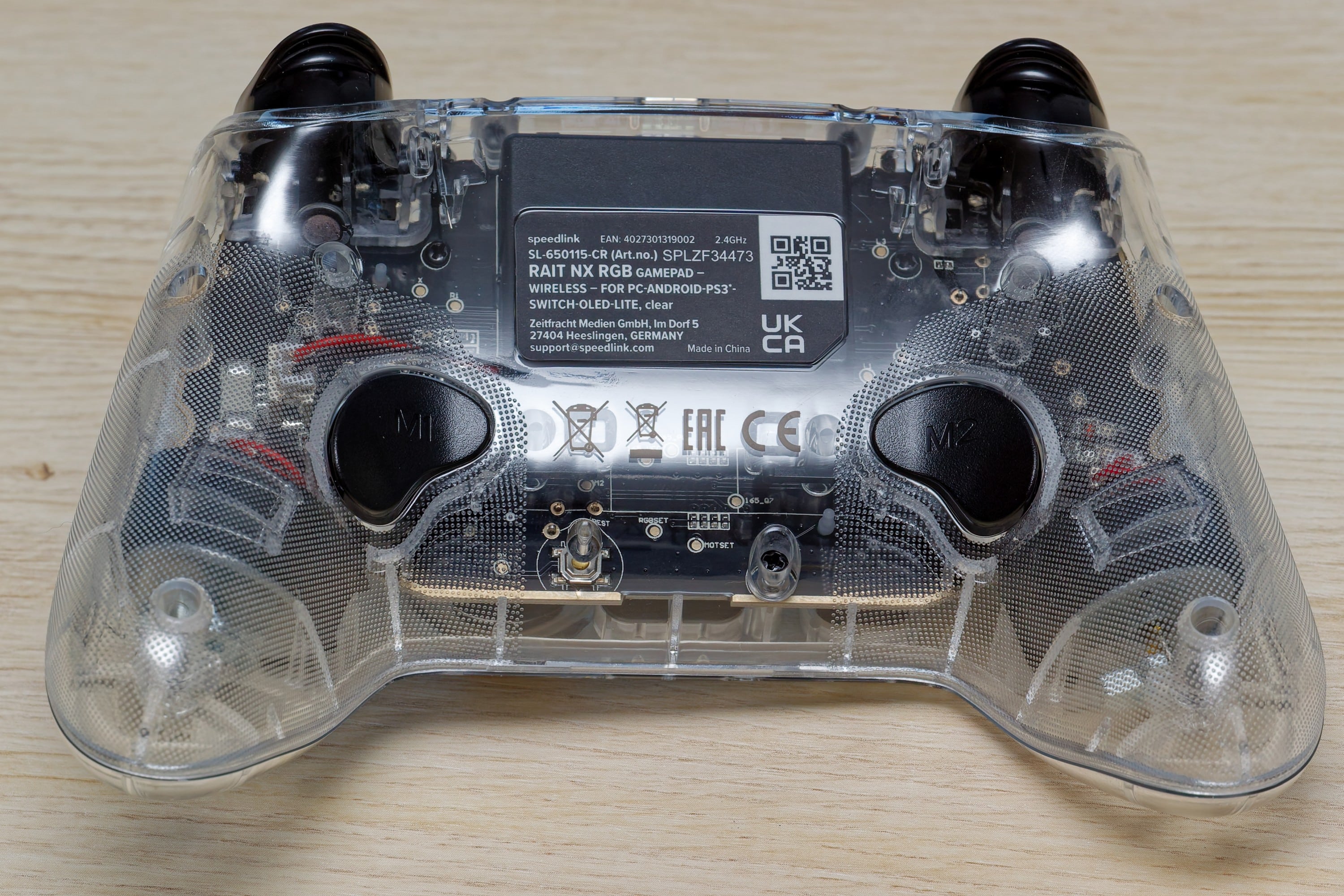
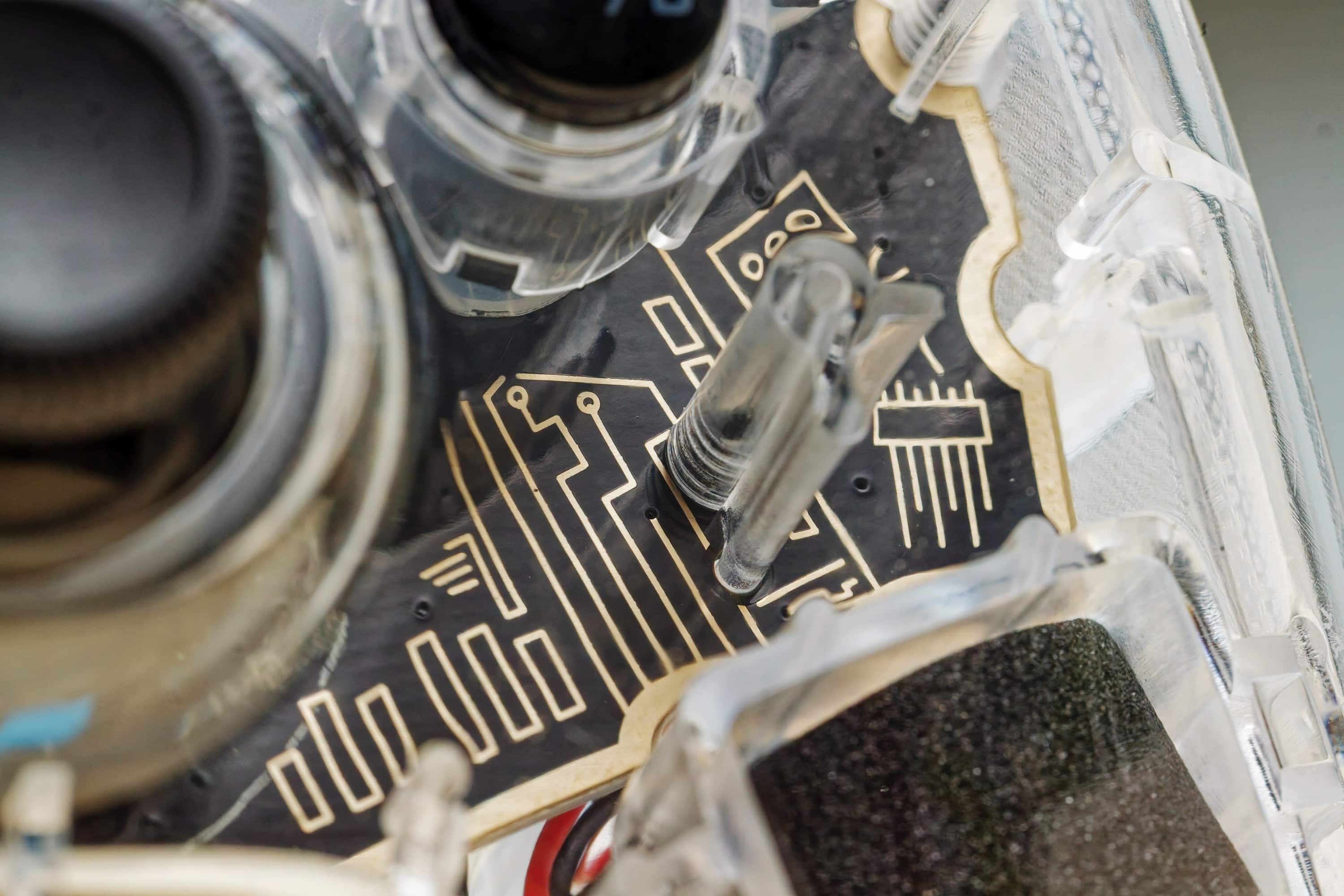
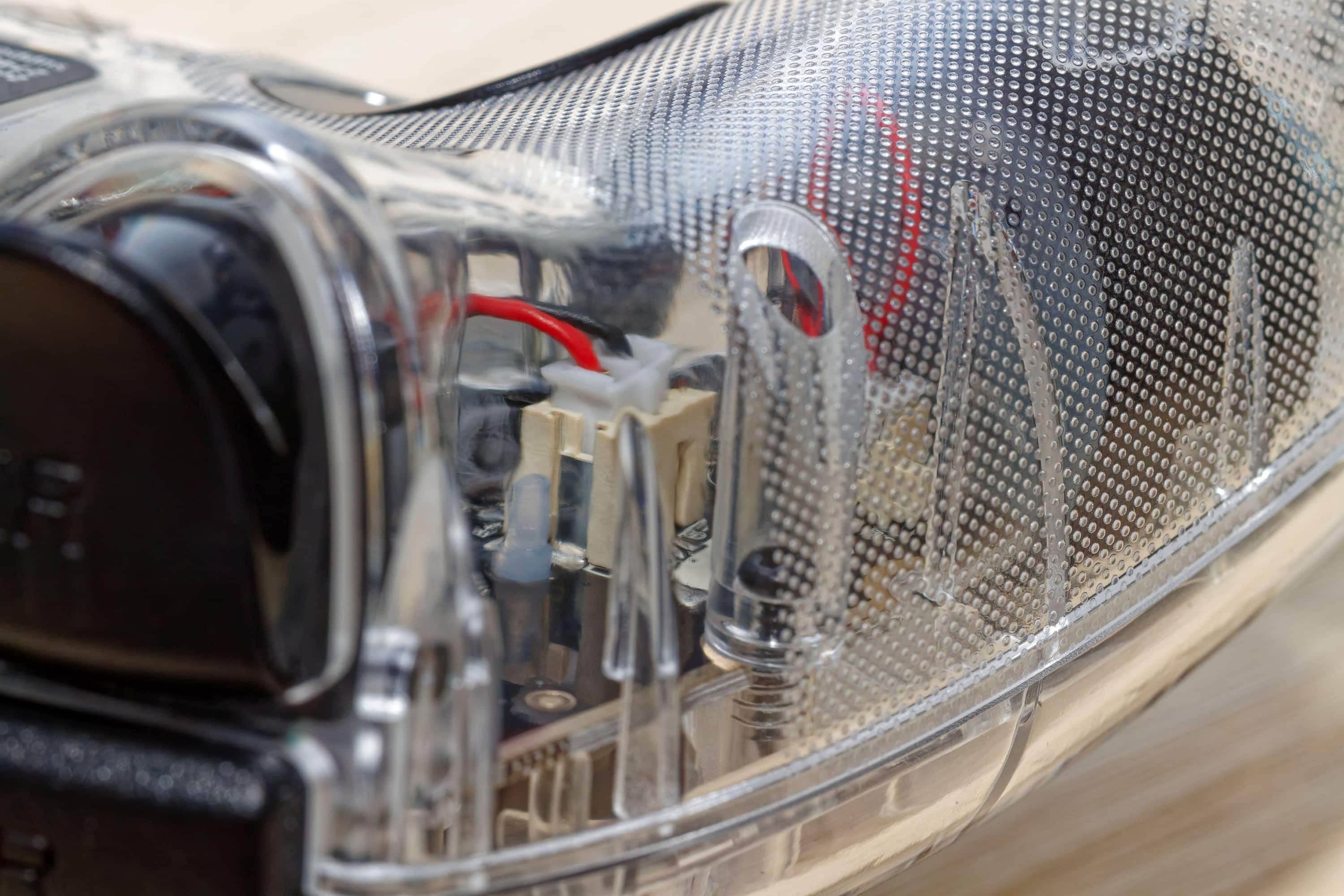
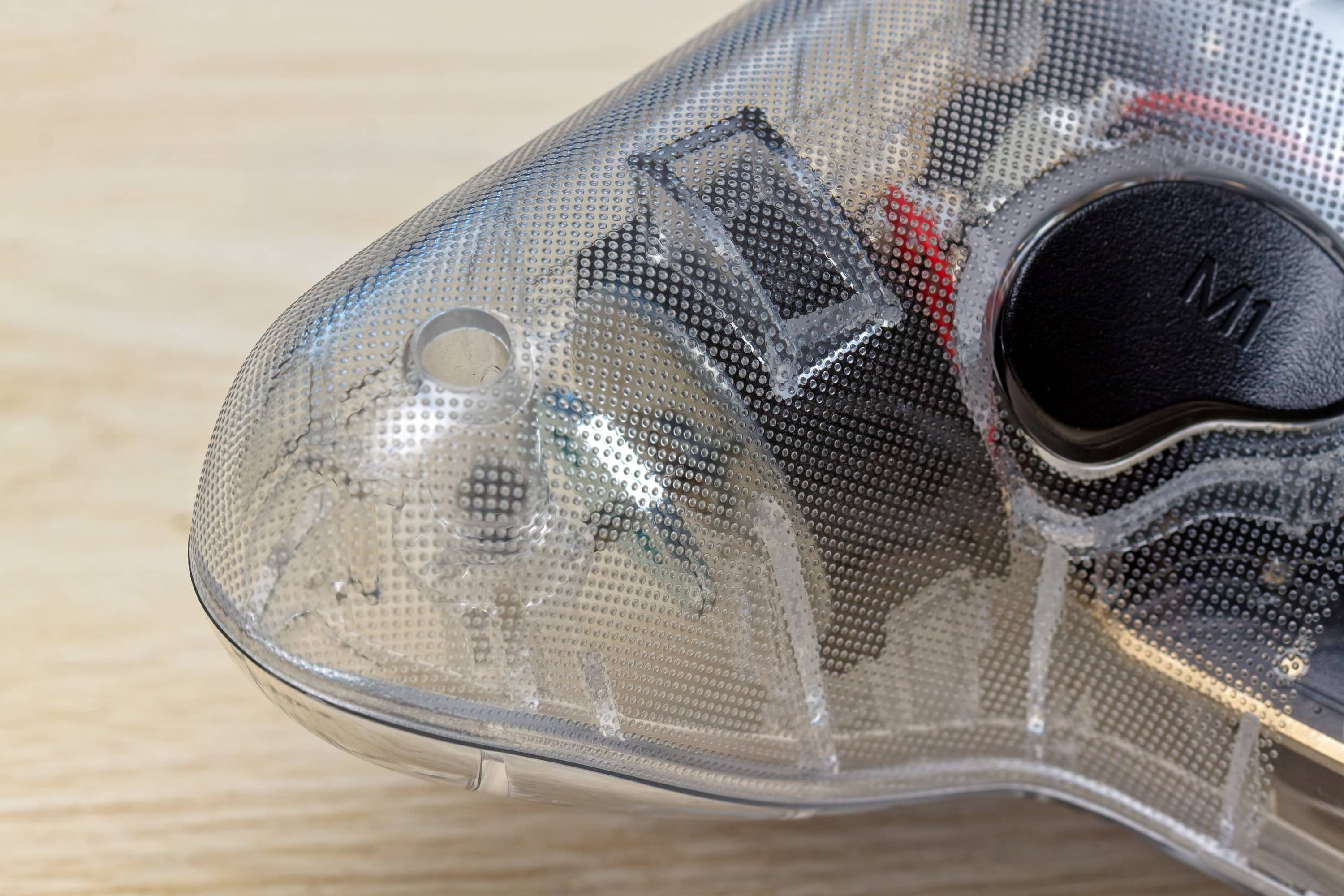
The special visual feature of the Speedlink Rait NX is definitely the use of transparent plastic. This gives you a perfect view of the internal components, from soldering points to connectors, the buttons and the vibration motors on both sides. Apart from that, the design is very similar to a typical XBOX controller, albeit with a few additional buttons, such as those for light and vibration control.
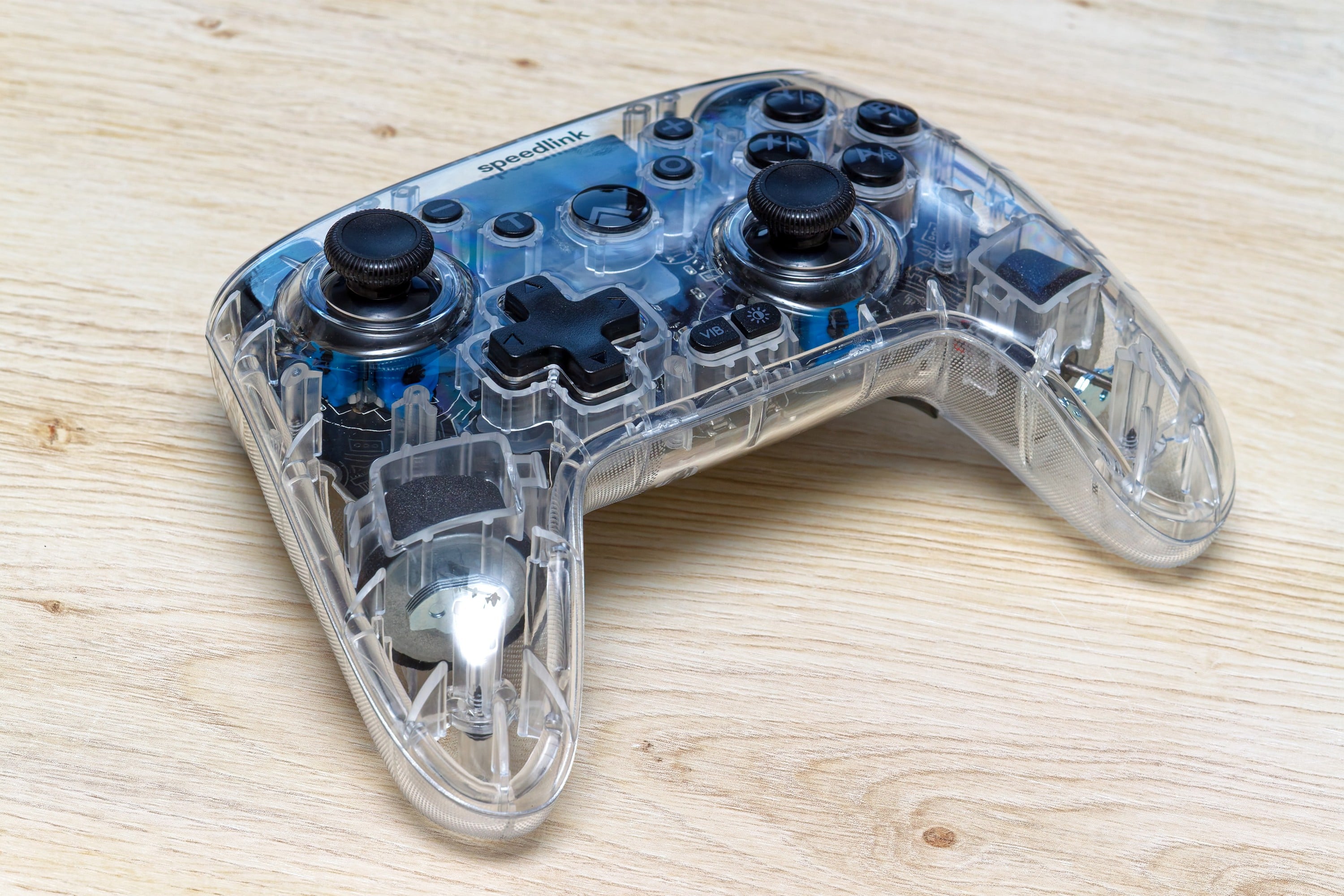
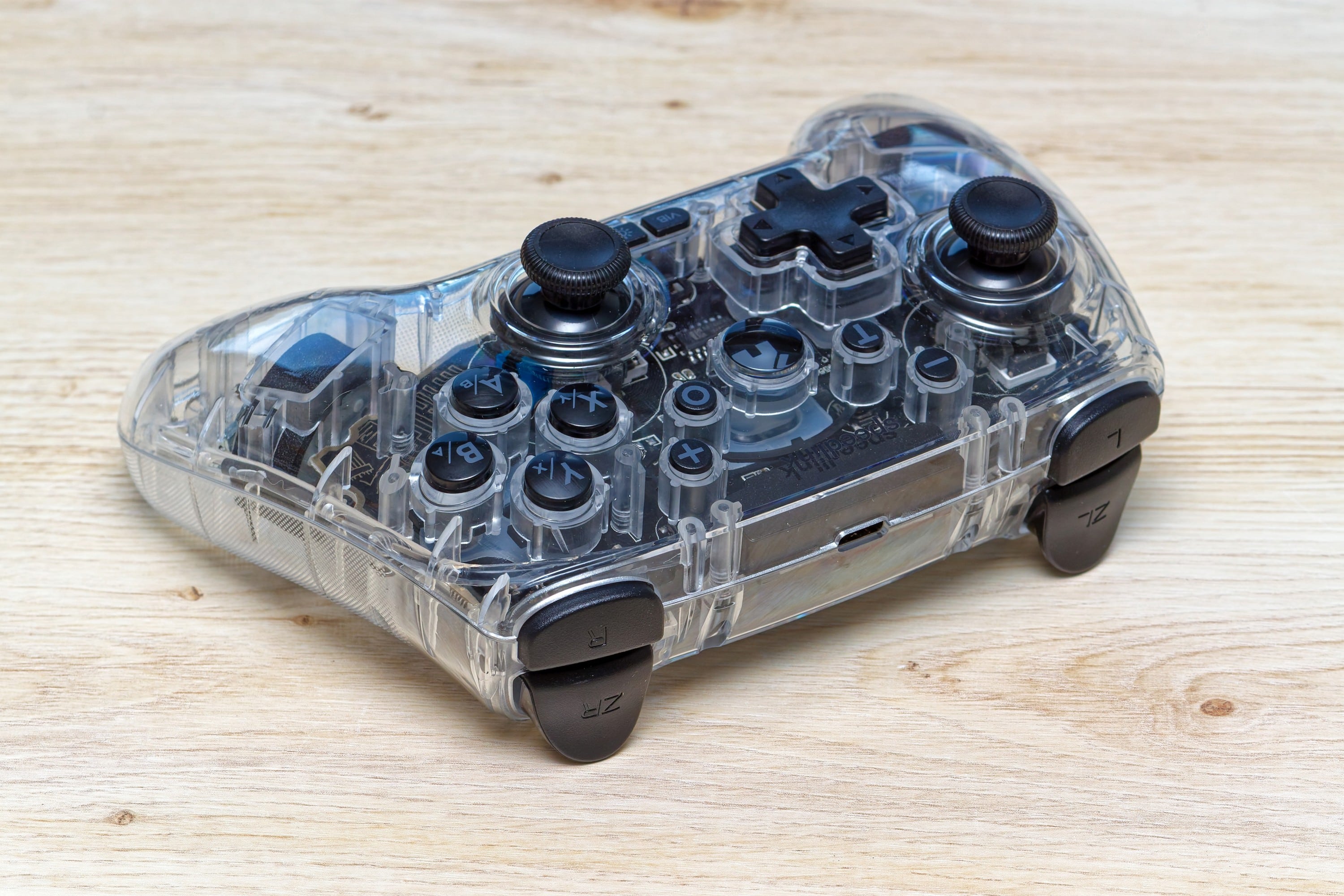
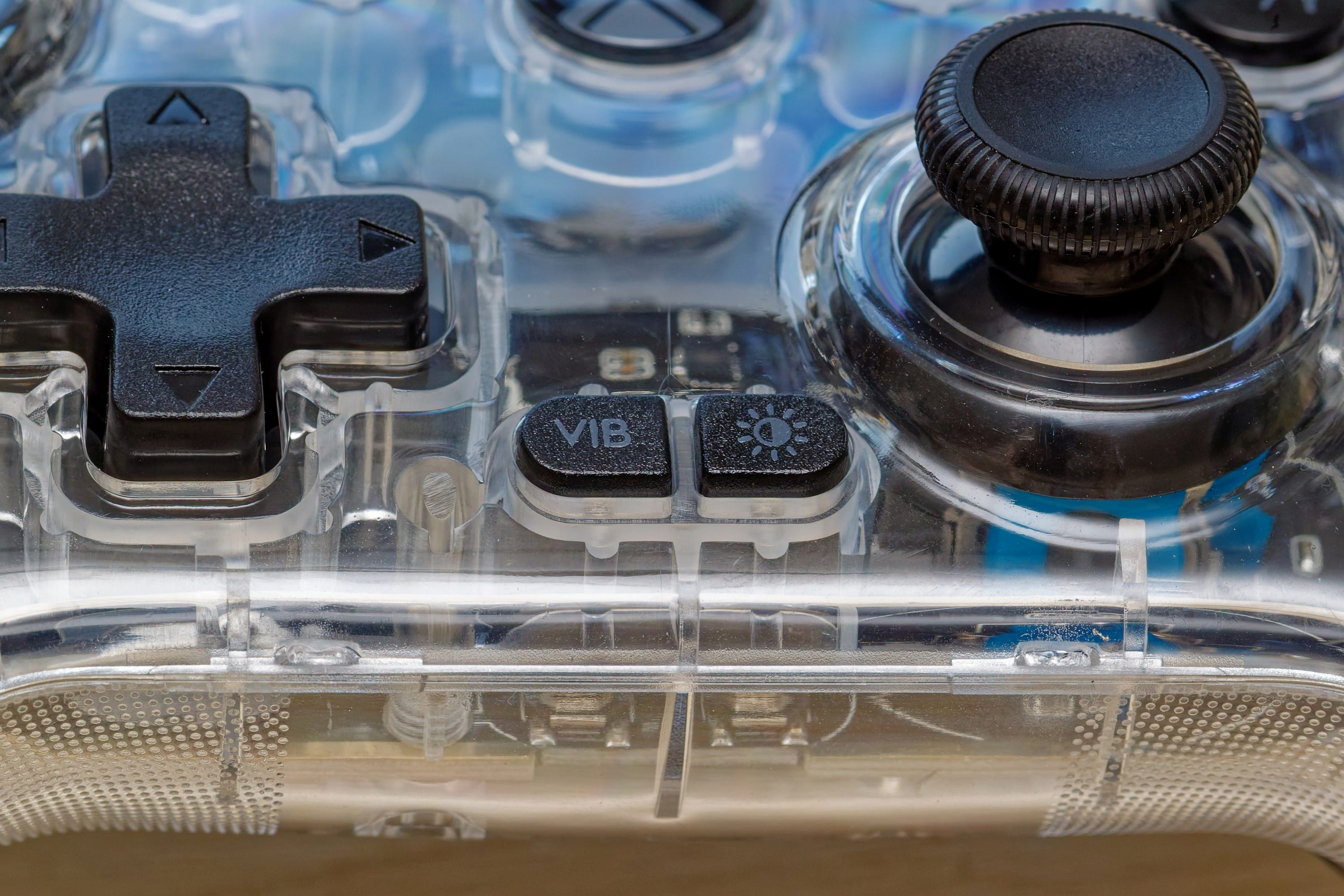
Yes, that’s where the second point that makes the controller stand out from a visual perspective comes into play: The lighting. This can largely be divided into the right side, the left side and the home button. With a double press, you can switch between different lighting modes: different colors on the right and left / one continuous color / continuous colors that change continuously / off. A single press on the button allows you to select a fixed color. Here you scroll through a few different colors: yellow-green, green, turquoise, blue, purple, red, yellow. Which mode you choose is a matter of taste. Personally, I prefer a constant continuous color that doesn’t change so that the controller doesn’t distract from the screen.

Setting up the Speedlink Rait NX
- Delivery in unloaded condition
- Versatile connection options
- Flashing around the home button indicates charging
First you have to charge the Speedlink Rait NX. When you connect it with the USB cable, it starts to light up and the LED around the home button flashes. What takes around two hours in normal operation when the controller is largely empty takes a little longer when charging for the first time. When charging is complete, the LED around the home button stops flashing.

The connection options of the Speedlink Rait NX are versatile and sometimes somewhat surprising. In particular, the specific use with the Playstation 3, but not the newer models of the console, seems almost out of place for a controller that was launched in mid-2025. But this is probably more of a side note that it just works.
Connection with the PC
- Operation with XInput requires the installation of a driver under Windows
- Connection possible via dongle and USB cable
- Function was also possible under Linux in the test
To do this, it is recommended that you first download the driver software from the official product page and then install it. There are now two connection options: Directly via USB cable, such as the supplied USB-A to USB-C cable, which is quite generously dimensioned at 1.8 m. Or with the USB dongle.
To connect the Speedlink Rait NX, you have to press and hold the home button until the LED around it flashes quickly. If you press it too briefly, it only flashes slowly and the controller switches off again. As soon as the connection is established, the central LED lights up permanently – yellow if it is in XInput mode and red if it is in DirectInput mode. If you hold down the + and – buttons simultaneously for a few seconds, you can switch between the two modes. This also worked without any problems in the test.

On another computer, I tested connecting the Speedlink Rait NX without installing the driver. This worked, but DirectInput was selected here and could not be changed. Incidentally, when connected via USB cable, the controller was directly on – no start/pairing via the home button was necessary here.

Oh – Linux: This is not mentioned anywhere in the specifications, but I also connected the controller here and it was possible to use it and switch modes – even without manually installing the driver. However, I didn’t use the full range of functions in this test.
XInput or DirectInput
- DirectInput is a freely programmable standard
- XInput is the newer input standard, which is usually more compatible and therefore preferable
- Vibration is supported via XInput
My focus in the Speedlink Rait NX test is on its use on a PC, so the first thing to clarify is which mode is “better”.
DirectInput is an older API (Application Programming Interface) from Microsoft that has been around since the early 90s. It was developed to support a wide range of input devices, including joysticks, gamepads, steering wheels, mice and keyboards. DirectInput provides low-level access to controller input, which gives developers a lot of flexibility, but is also more complex to implement.

XInput is a newer API that Microsoft introduced with the Xbox 360 in 2005. It was developed specifically for Xbox controllers and similar gamepads, such as this Speedlink Rait NX, and is the standard for modern PC games based on Windows. XInput offers a simplified interface and is easier for developers to implement as it requires a standardized button mapping and axis configuration for Xbox-like controllers.
On average, XInput is the better choice for most modern PC games. The vast majority of current PC games are designed for XInput and expect an XInput-compatible controller. This ensures a smooth “plug-and-play” experience, correct button mapping and full functionality including vibration, which is also available on this controller. DirectInput is more relevant for older games in particular. In short, XInput is usually the best choice. If the game does not support this mode, you can try to get the controller to work via DirectInput.
Connection with the Playstation 3
- Connection works similarly to the PC
- Speedlink Rait NX costs similar to a used DualShock 3 despite newer technology
Well – the possibility exists and my Playstation 3 is a bit dusty, but why not test it? In principle, pairing with the receiver works in the same way as with the PC. The USB dongle is connected, the controller is started by a long press on the home button and should be held down until the home LED flashes. The Speedlink Rait NX now establishes the connection. The process is complete when the flashing has stopped.
It feels a bit strange to use an XBOX-style controller on the Playstation, but it works – so why not? It’s also a way of keeping the older console alive even if you can no longer get official replacement controllers. The DualShock 3 is now only available second-hand and you pay the same for the older technology as for the new Speedlink Rait NX.
Connection with Android
- Connection via Bluetooth
- However, many mobile games are designed for tilt and touchscreen control
The connection to Android runs via Bluetooth and at least Android 10 is required. The Speedlink Rait NX must be switched off for this. Now you have to open the Bluetooth pairing on your smartphone or tablet. The controller must now be started by pressing the home button and X button simultaneously until the LED around the home button flashes quickly. “Gamepad” should now appear as a Bluetooth device to which you can now establish a connection. Swoosh – done.

Now you just have to find games that allow you to control them with a controller and are not completely based on moving the Android device or tapping the touchscreen.
Processing quality
- Plastic has a cheap feel to it
- But no creaking or squeaking in use
- No flaws or imperfections
Hmmm… yes, you can feel that it’s a cheaper controller. The high-gloss plastic doesn’t feel quite as high-quality as matt-textured controller housings. But that’s what makes it possible to see through the case in the first place, which would be blurred with a textured surface. It is therefore a compromise that is necessary for the look. The buttons themselves feel quite high-quality, but are not really quiet – especially when you let go of them. There is also no rubber coating for the grip, but the handles get a better grip and a more valuable feel because they are a bit textured.
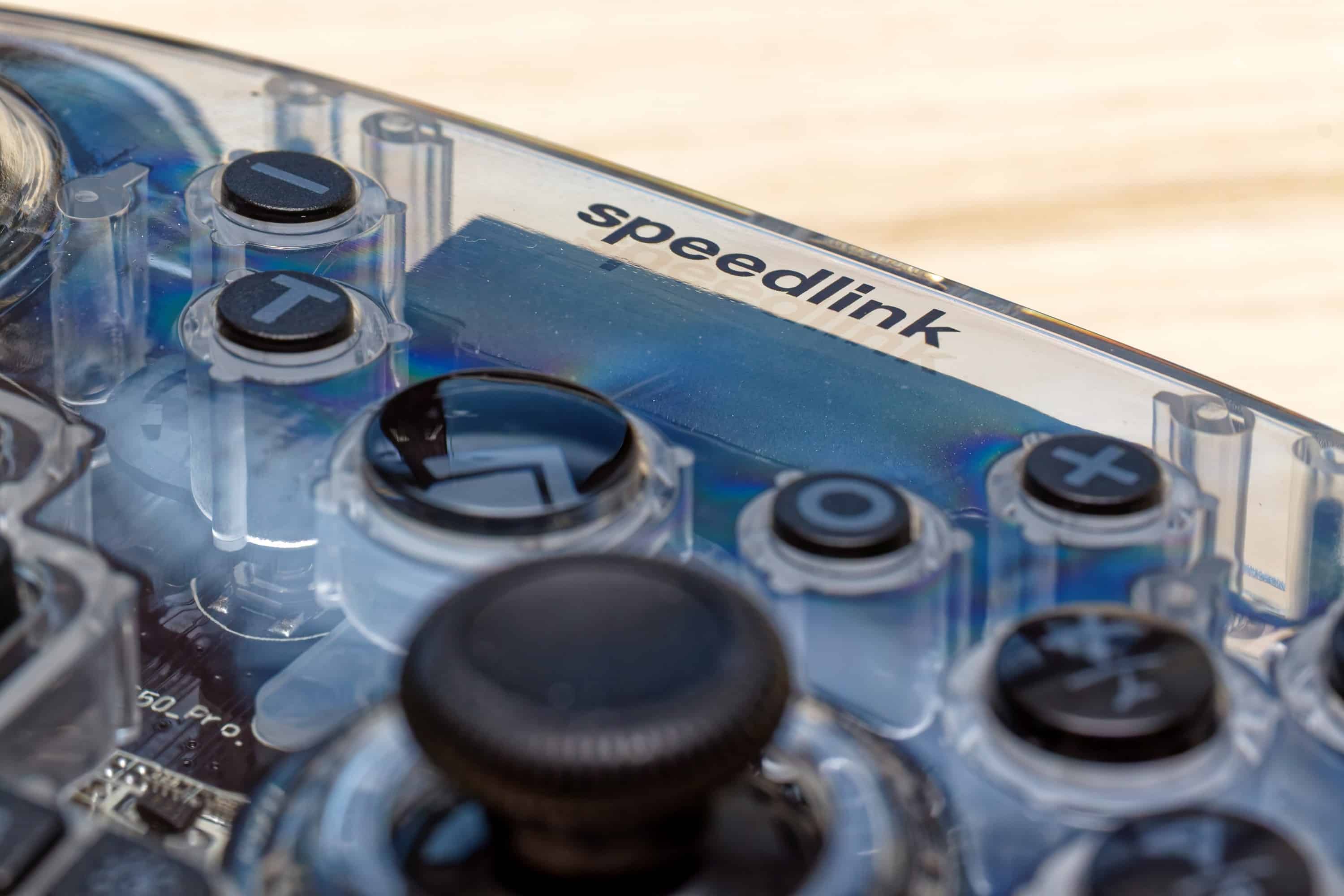

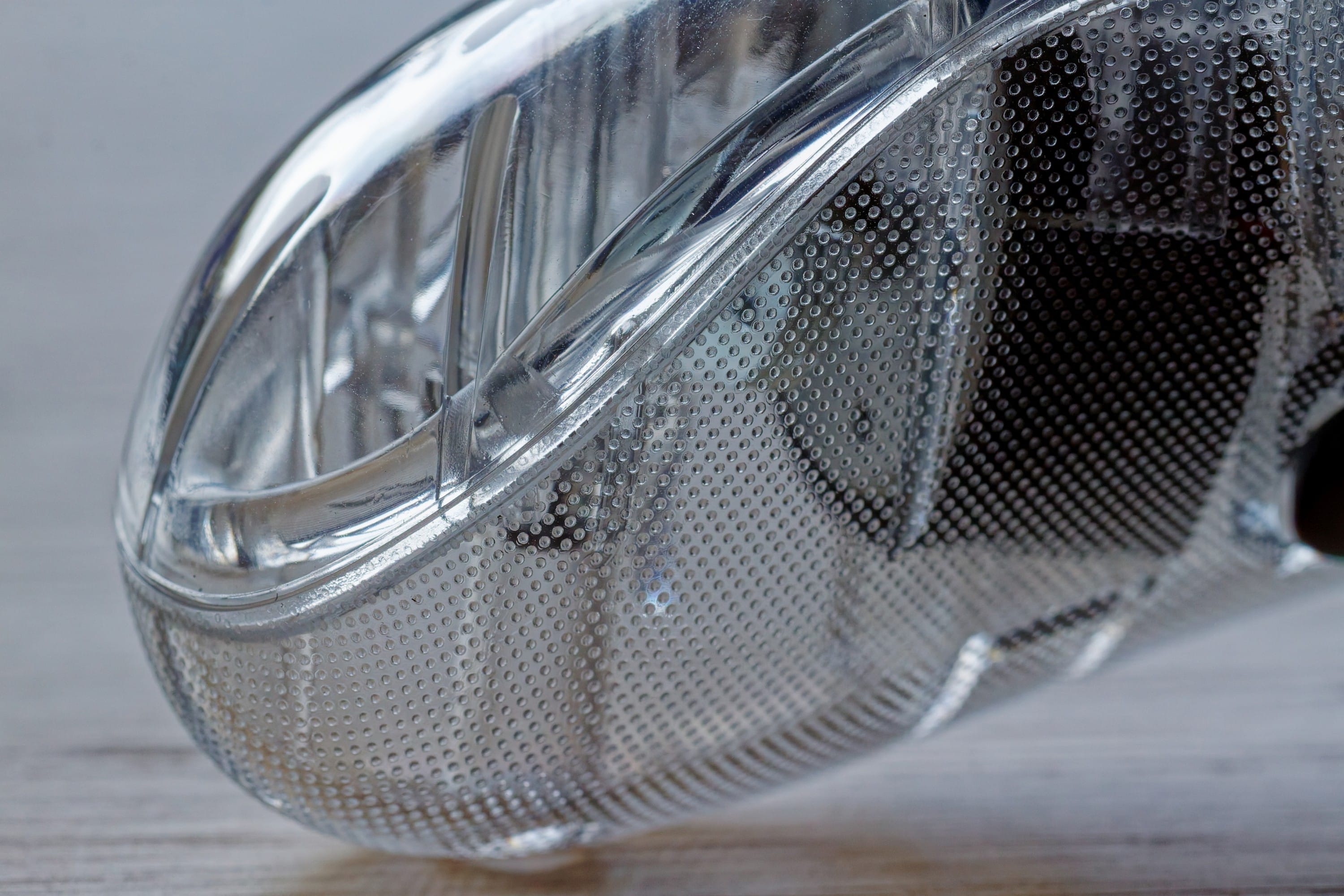
Other than that, there’s not much of an attack surface. The Speedlink Rait NX from this review doesn’t creak, as has been the case with other cheaper controllers, and everything works as it should. Good.
The quality of the parts and their assembly also make a good impression: there are no flaws, no imperfections – and this continues through to the inside – which is also necessary with a transparent housing.
Hall sensor technology
- Less wear and tear and better durability than mechanical analog sticks
- Hardly any drift to be expected, but higher precision
Unusual for the price range in which the Speedlink Rait NX is located is the use of Hall sensor technology for the sticks. This is a significant innovation that aims to eliminate the biggest weaknesses of conventional analog sticks: stick drift and wear.
Conventional analog sticks work via mechanical contacts that wear out with every movement. Over time, these contacts wear out, leading to inaccurate measurements and the infamous “stick drift” – the controller registers inputs even though the stick is in the neutral position.

Hall sensors, on the other hand, use the Hall effect, a physical phenomenon in which a voltage is created when a current flows through a conductor and is simultaneously influenced by a magnetic field. Gaming controllers with Hall sensors have a magnet near the sensor. When the stick is moved, the position of the magnet changes and with it the magnetic field that reaches the sensor. This change generates a measurable voltage that is converted into precise position information.
Magnetic measurement is generally more precise and consistent than mechanical measurement, resulting in more accurate in-game control, and without wearing parts, controllers with Hall sensors last significantly longer.
This technology originally comes from the expensive high-end sector but, as with the Speedlink Rait NX, is no longer necessarily associated with an extreme price. But how does the technology perform in practice?
Gaming feel
- Housing does not feel particularly high-quality
- Controller is quite large, as XBOX-style models tend to be
- Good button feel and reliable Hall sensor sticks
Of course, every controller is slightly different when it comes to the details of the shape, so it takes a while to get used to the feel. This is no different here, especially as the Speedlink Rait NX is not really a small controller, but has the rather voluminous shape of an XBOX controller. This makes it more voluminous than a Playstation controller. The smooth plastic of the controller housing provides a good grip with dry hands and as soon as you start to sweat a little – say hello to the hot summer – you’ll be pleased with the texture of the underside of the grips.
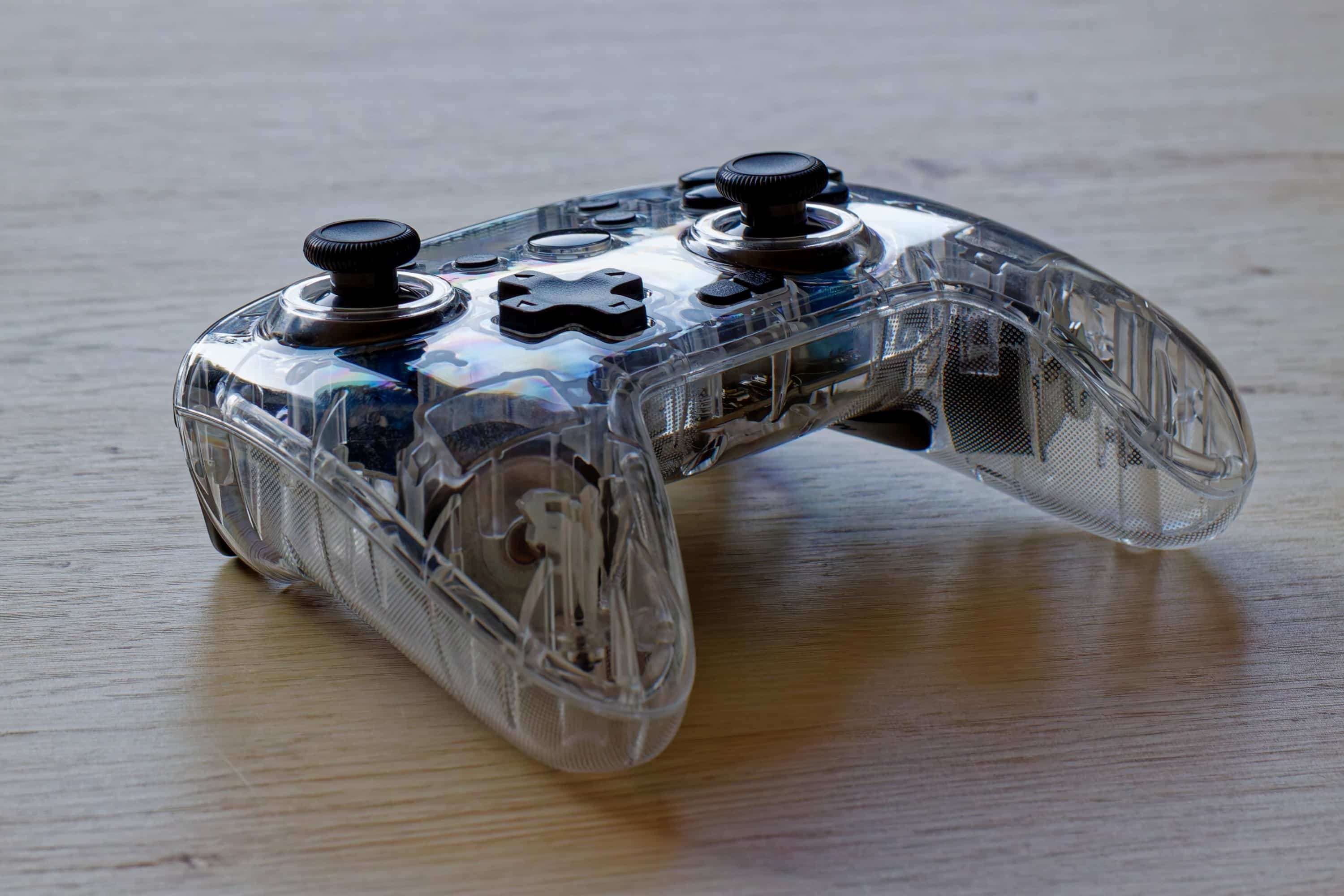
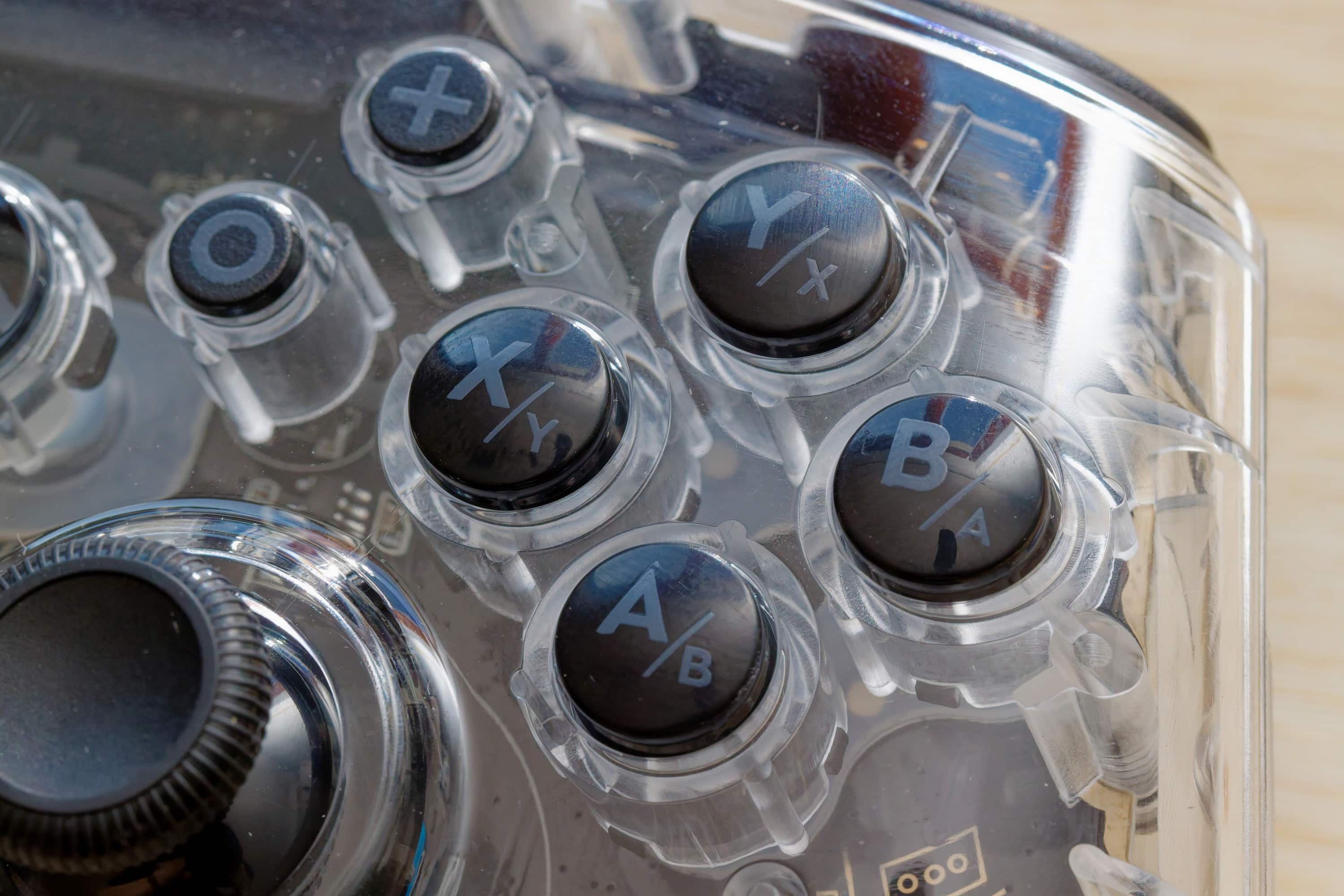
Otherwise, you get used to the controller quite quickly. Of course, the buttons are not quite as sensitive as on expensive top models, but overall the buttons press very firmly and the sticks are sensitive and make a very precise impression. The Hall sensor technology really comes into its own here.
So while I don’t like the in-hand feel quite as much as with completely textured controllers, which at best still have rubberized surfaces, on the other hand you can say that the weight is low and the controller feels good enough that you never get the feeling of being hindered by it. And that is meant more positively than it might sound – especially for a controller in this relatively low price range.

Conclusion
Considering the price range and the optical gimmicks, I have to admit that my expectations were not particularly high before I started testing and I am all the more amazed at the quality the Speedlink Rait NX offers. Good keys (albeit not entirely quiet), high-quality Hall sensor technology for particularly good precision and durability and an outstanding look make for a convincing result. What’s more, the price is quite low and the connection options remain flexible.
Would I also use the controller outside of the test? Definitely! All in all, I think the Speedlink Rait NX controller is definitely worth recommending if you don’t want to enter the upper price range or are looking for certain features.

VORTEILE
- Hall sensor sticks
- Low price
- Outstanding appearance
- Flexible, easy connection
NACHTEILE
- Not the highest quality feel
- No rubberized grip
Fazit
The Speedlink Rait NX is a highly recommended controller with good connection options, an outstanding look and high-quality Hall sensor technology.


