


UGREEN is currently setting itself up particularly broadly. The Shenzhen-based company now even offers power stations like the PowerRoam 1200 (test). However, UGREEN’s roots are undoubtedly in the production of PC accessories. And here the manufacturer is still active. We were recently able to take a closer look at the powerful Nexode 200W power supply (test), which can supply six devices with power at the same time. Our test object today is in a very similar vein. In the UGREEN Docking Station Triple Display test, we want to take a closer look at an enrichment for every desk. Is the cuboid-shaped control center for desk users worth its high price? We’ll tell you.
Questionable naming
Before we take a closer look at the practical accessory, we first have to get one important question out of the way. Manufacturer UGREEN clearly didn’t do itself any favors by naming the docking station. After all, this creates quite a bit of confusion. While the product is called “UGREEN USB-C Triple Display Docking Station (12-in-1)” on Amazon, the packaging says “USB-C Multifunction Docking Station PRO”. So before the search on the World Wide Web confuses you too much, you should rather visit the official product page right away.
Technical Specifications
| Inputs | 1x USB-C |
| Outputs | 1x USB-C, 3x USB-A, 1x 3.5mm jack, 1x SD card slot, 1x TF card slot, 1x DisplayPort, 2x HDMI, 1x RJ45 |
| USB ports | 1x USB-A (up to 10 Gbps), 2x USB-A (up to 5 Gbps), 1x USB-C (up to 10 Gbps) |
| Audio | 3.5mm jack connector (audio + microphone) |
| Card reader | SD card slot and TF card slot |
| Video | DisplayPort (max. 4K/60Hz), HDMI 1 (max. 4K/60Hz), HDMI 2 (max. 8K/30Hz) |
| Ethernet | RJ45 (10/100/1000 Mbps) |
| Power supply | USB-C |
| Compatibility | Windows/macOS |
| Price | € 223.62 * |
Scope of delivery
The view into the rather small packaging turns out without major surprise. Thus, besides the docking station itself, there is only a matching USB-C cable here. Some might think that you don’t need more for a docking station anyway. That is not quite true. It is questionable why UGREEN does not include a power supply.

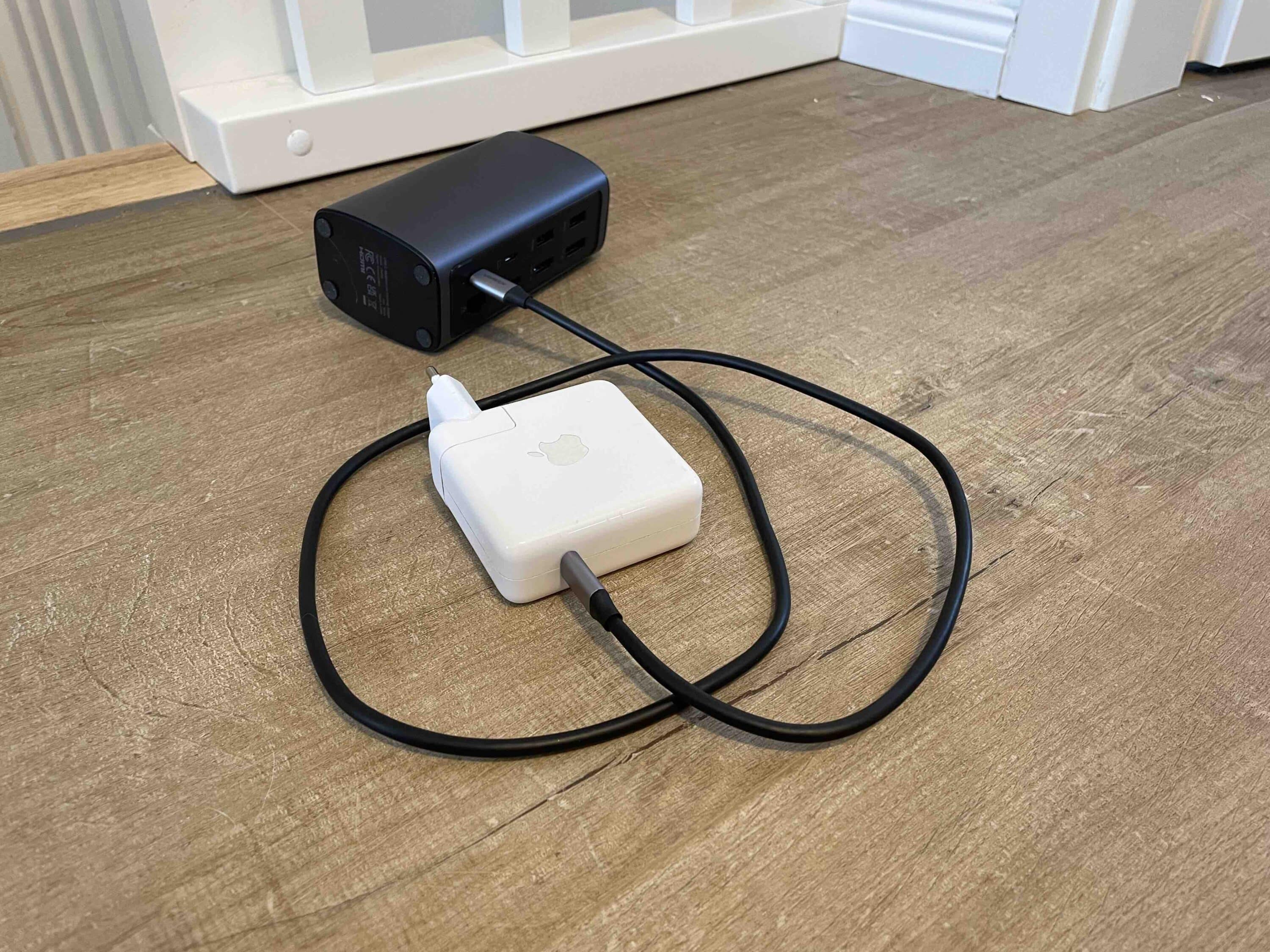
We would have definitely wished for that considering the price. If you want to get the maximum output power of 100 watts, you have to reckon with a hefty surcharge for a separate power supply. Fortunately, I was able to use the powerful power supply of my MacBook Pro as energy supplier for the docking station for the test.
UGREEN Docking Station Triple Display Review: Design and Workmanship
- Mix of dark gray and black
- Very high build quality
- Case made of aluminum and high-quality plastic
The look of the docking station reminds me a lot of the Nexode 200W power supply we recently reviewed. Thus, UGREEN also relies here on a combination of black and gray. The gray tone, which is reminiscent of the MacBook-typical color “Spacegrey”, obviously dominates the device. The On/Off button is located on the matte black upper side. On the black underside, we find four rubber feet that are supposed to prevent slipping.
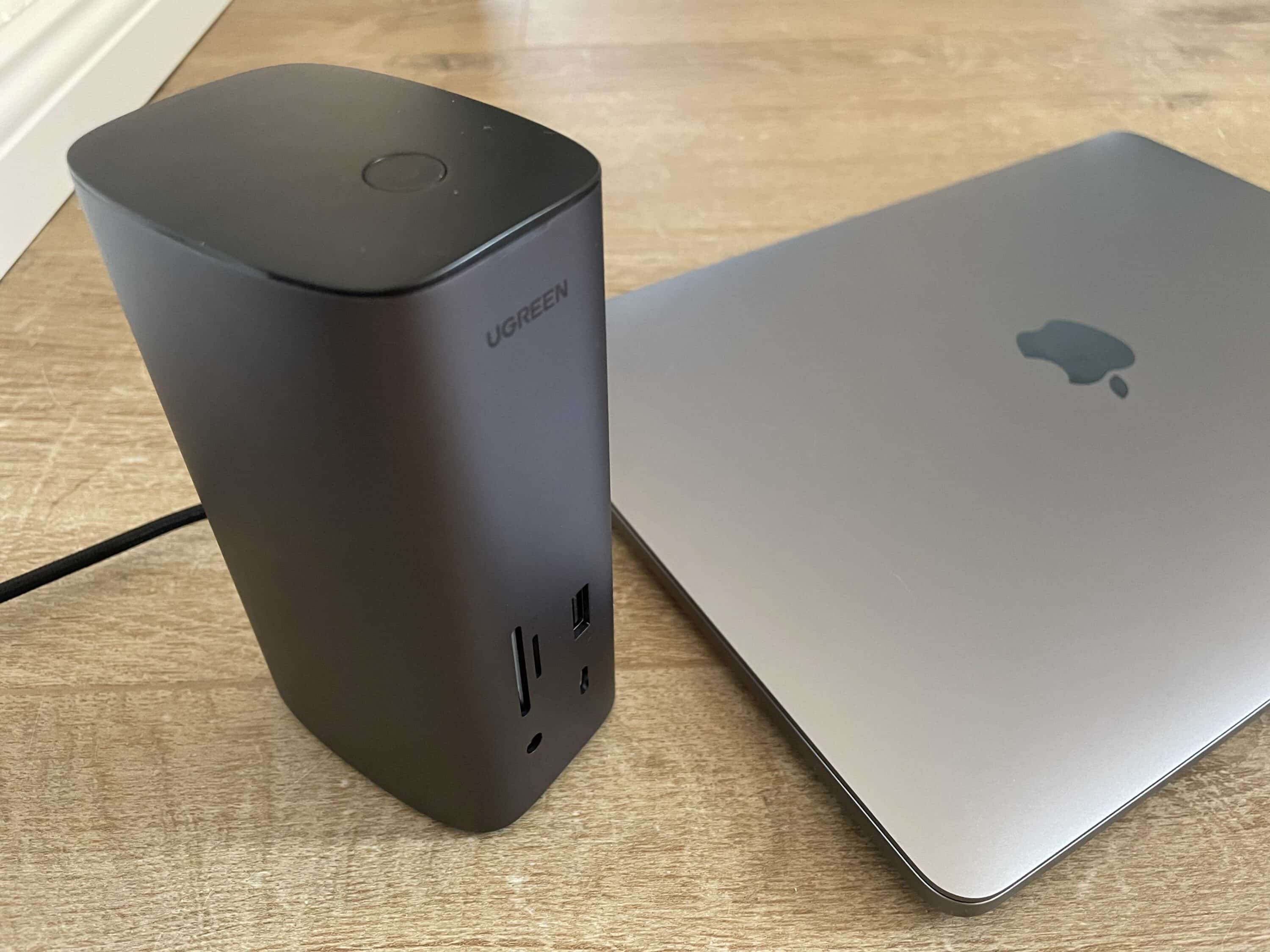
The four feet could have been a bit bigger to my taste. After all, the device tends to tilt and slip in practice. Generally, I would have preferred a horizontal use, as is the case with the UGREEN CM615 (test), for example. Although this would put a damper on the quite stylish looks, it would certainly provide for a more stable stand. Here, everyone has to decide for themselves what is more important. The docking station’s ports are located on the front and the back.
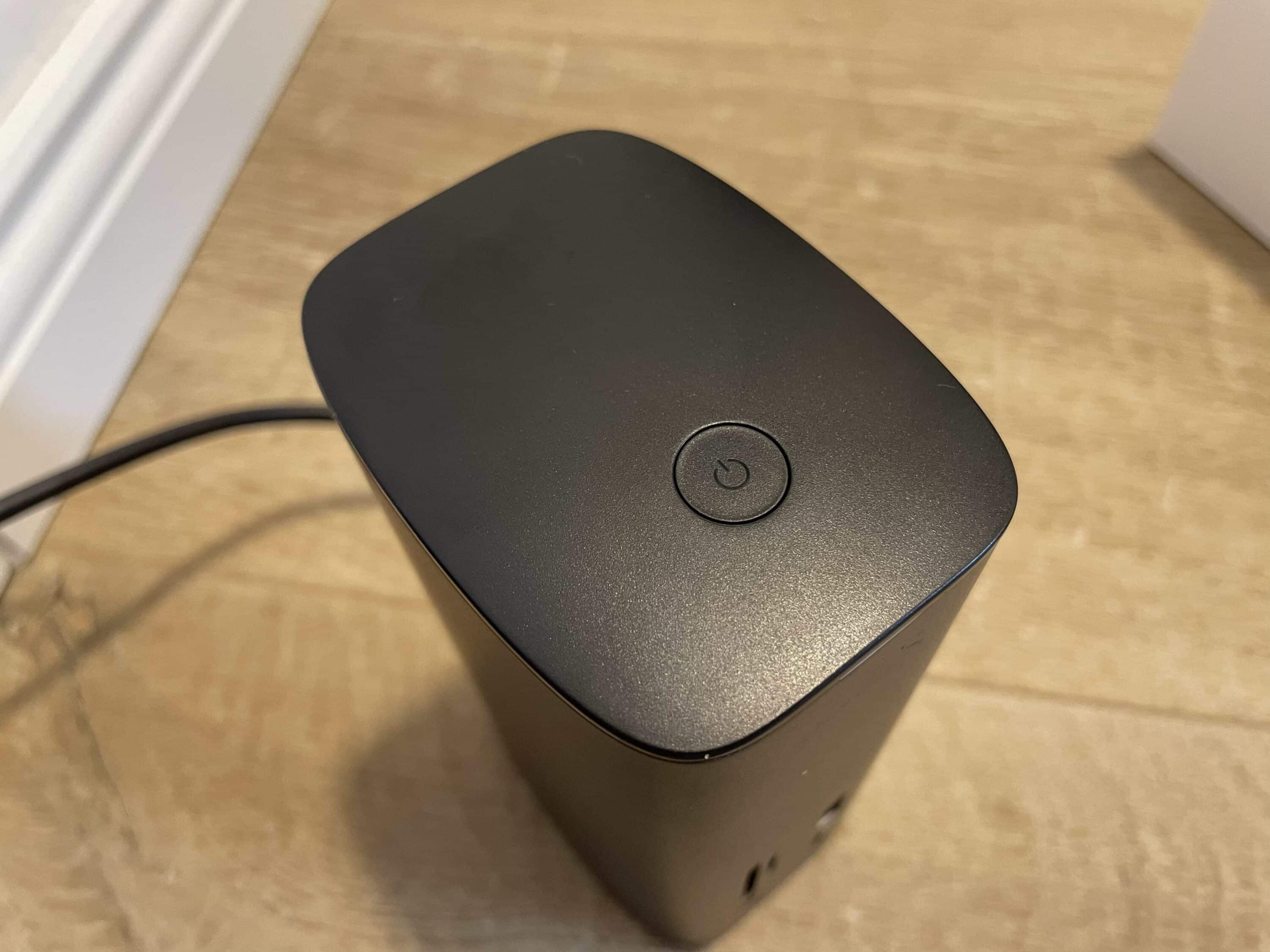
This area, just like the sides of the cuboid-shaped gadget, is kept in the aforementioned spacegrey, which also comes along matte. Both the black and the gray parts skillfully absorb fingerprints. Since you have to touch the device quite often, this is very positive. I cannot say conclusively after my test phase how the resistance is. At least I could not cause scratches or the like by connecting my devices.
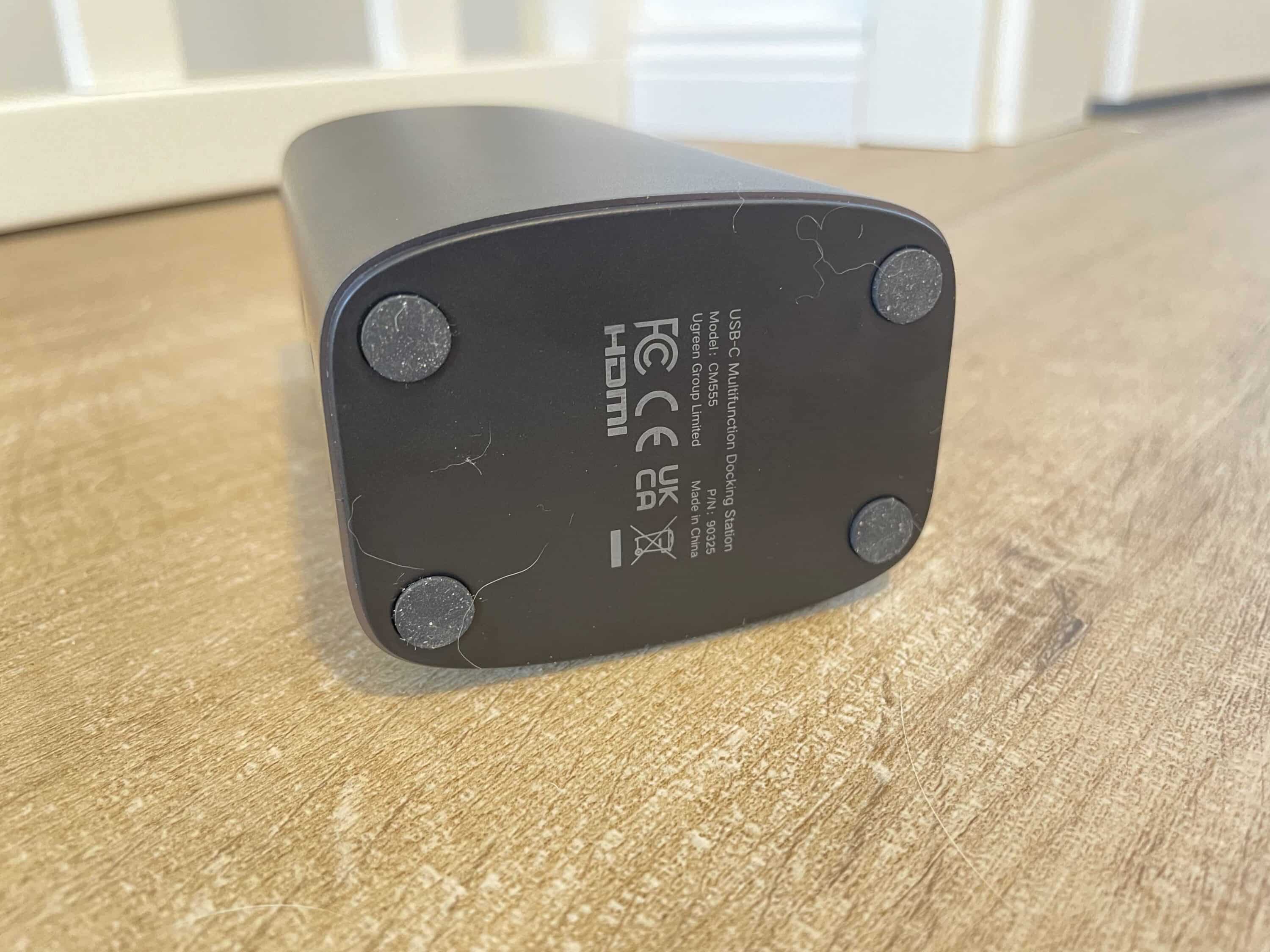
Otherwise, the docking station scores with a really great workmanship. It doesn’t crack or creak at any point. The manufacturer relies on a combination of aluminum and high-quality plastic. Furthermore, the pleasingly compact size has to be emphasized. With 54 x 130 x 73 mm (WxHxD) and a weight of just 438 g, you can easily take this gadget to the workplace or on trips. However, you’ll still need to keep the right power adapter in mind here if you want to get the maximum performance out of the docking station.
UGREEN Docking Station Triple Display Review: Connections
- Up to three displays possible (max 4K at 60 Hz
- Maximum resolution 8K at 30 Hz
- Refresh rate of 144 Hz at 1,440p possible
- Fitting power supply unfortunately not included
The usefulness of a docking station naturally stands and falls with the connectivity. In this regard, UGREEN really comes up trumps despite the quite compact dimensions. On the front, there are 1x USB-C (10 Gbps Max), 1x 3.5mm jack (combo micro/audio), 1x USB-A (10 Gbps Max), 1x SD slot and 1x TF slot (104 MB/s Max each).

On the back again, UGREEN places 1x USB-A (5 Gbps Max), 1x HDMI (4K@60Hz Max), 1x HDMI (8K @30Hz Max), 1x PD Port (100W Max), 1x DP (4K@60Hz Max) and 1x Ethernet Port (1000 Mbps Max). Thus, the docking station comes with plenty of ports. Especially the three connection options for monitors are pleasing.

Finally, you can play a total of three monitors here with image content in 4K resolution at a refresh rate of a proud 60 Hz. What I don’t like so much here, however, is the lack of HDR. In the test, my HDR-capable TV unfortunately could not play the contrast-enhancing mode because the docking station apparently does not support it.
On the other hand, the stronger of the two HDMI ports is future-proof in terms of resolution. This even supports up to 8K. However, you have to accept a limitation to 30 Hz. According to UGREEN, a refresh rate of 144 Hz can probably be tickled out of the powerful HDMI port at a resolution of 1440p. This is good news for gamers.
UGREEN Docking Station Triple Display Test: Driver is mandatory
In order for UGREEN’s docking station to score in practice, you cannot avoid installing a suitable driver. This might be a bit unsettling at first glance, since the manufacturer does not offer the download independently, but via a third-party provider. The so-called DisplayLink driver (download) ensures that you do not have to put up with stutters when connecting multiple screens. In practice, the docking station scores with reliable performance in most cases. However, it sometimes reached its limits in the test. Particularly with three connected screens, which each have a 4K resolution, minor stutters can occur from time to time. However, that is also a query of the maximum performance. You have to ask yourself how often you would actually do this in practice.
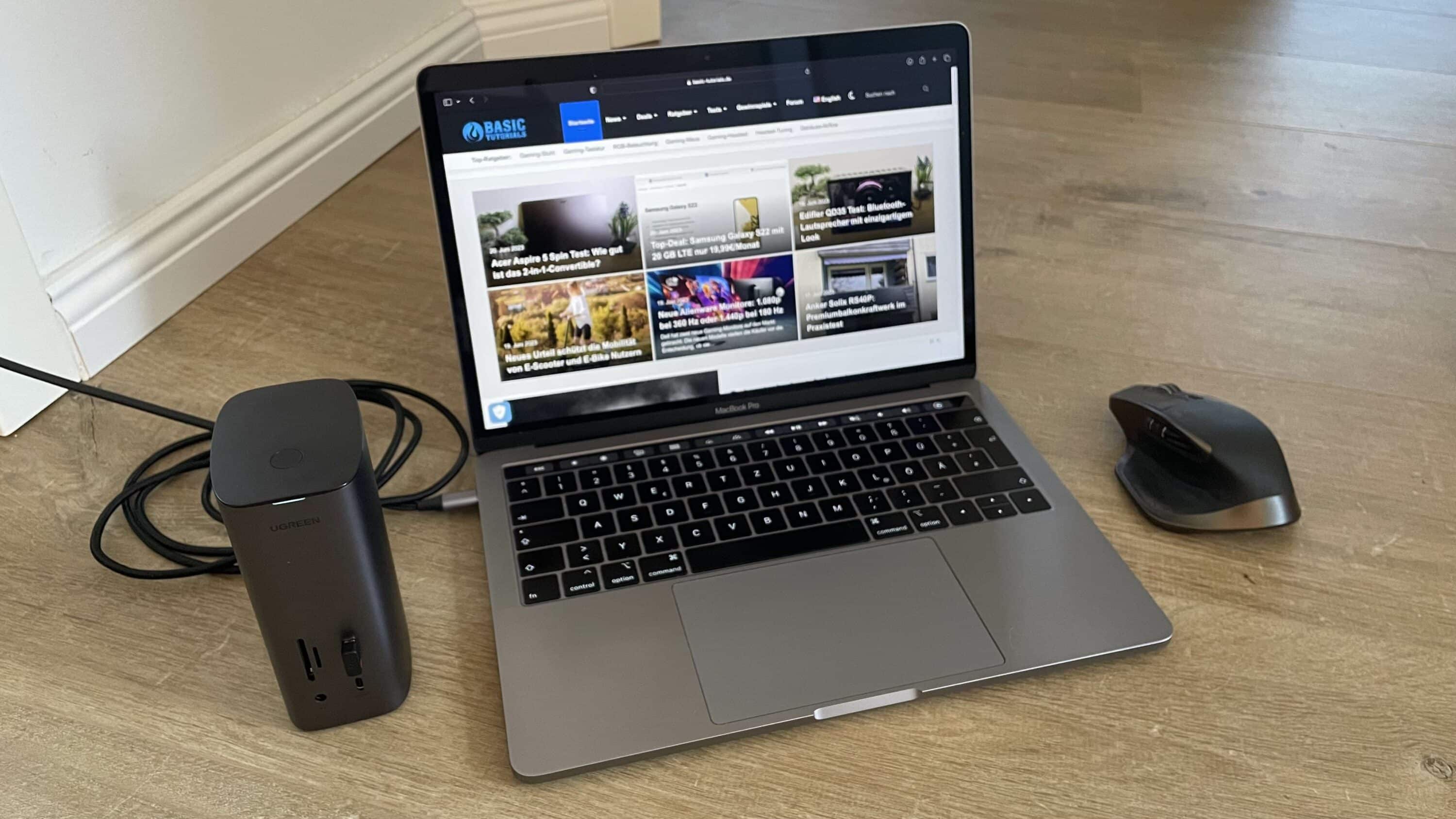
I can only say positive things about the other ports. Of course, you shouldn’t expect top performance here. But the 10 Gbps USB-C connection with a maximum output power of 100 watts is quite something. Especially when you charge your notebook, connect it to your screen via the docking station at the same time and connect a keyboard on top of that, UGREEN’s gadget absolutely pays off. However, you should not overestimate the performance of the other USB ports. USB-A provides 3.7 W each. The USB-C port, on the other hand, offers 7.8 W. Patient users can easily charge their smartphone via these ports. However, a fast charging function would have been quite appropriate.
Conclusion
The UGREEN USB-C Triple Display Docking Station is a product with rough edges. It can score points at first glance with its chic design, which should flatter every desk. On top of that, it lives up to its name by simultaneously connecting three displays with a maximum resolution of 4K each. Provided you install the appropriate driver! On top of that, the docking station has a high port variety and is thus suitable as an optimal interface for the nowadays rather poorly equipped notebooks.
But unfortunately I also have to complain. Despite the high price, you don’t get a separate power supply. You have to organize this yourself. Furthermore, I would have wished for a bit more power in the USB ports. However, since these are primarily intended for connecting peripherals like mouse and keyboard, this should not be too negative. If you can put up with these minor quirks, you’ll get a solid and, above all, chic docking station here.

Fazit
The UGREEN Triple Display docking station is a gadget with some rough edges. If you can get over the minor flaws, you will get a solid docking station here.


